Canon Pixma Printers
If you're looking for a reliable and efficient printer to meet your home or office needs, this selection of high-quality printers offers a range of features to make printing tasks a breeze. Whether you're looking for crisp text documents, vibrant photos, or fast printing speeds, this collection of printers has something for everyone. With sleek designs and advanced technology, these printers are sure to enhance your printing experience.
Sort
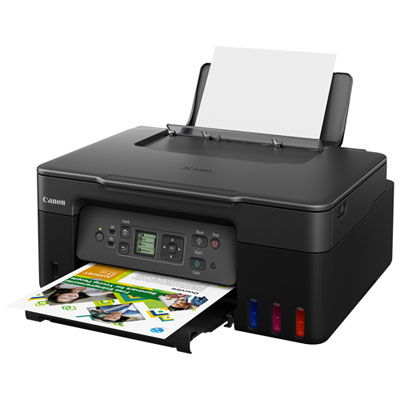
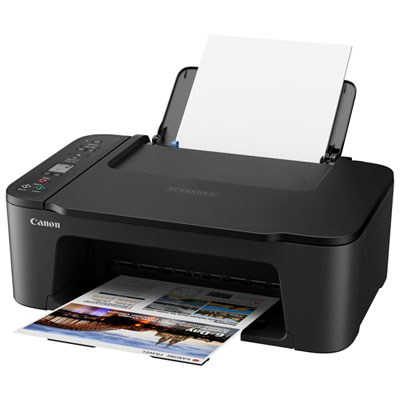
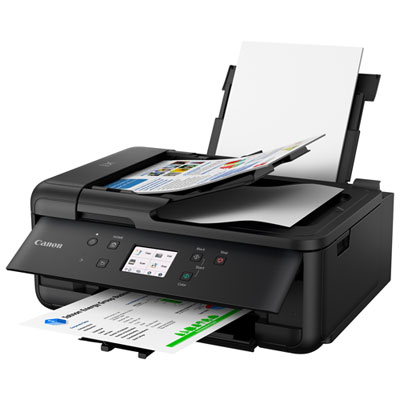
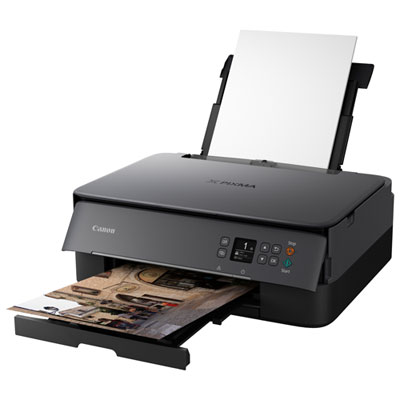
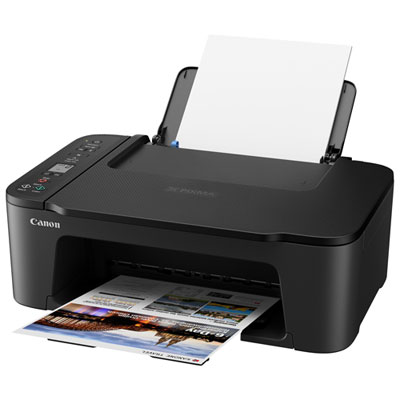
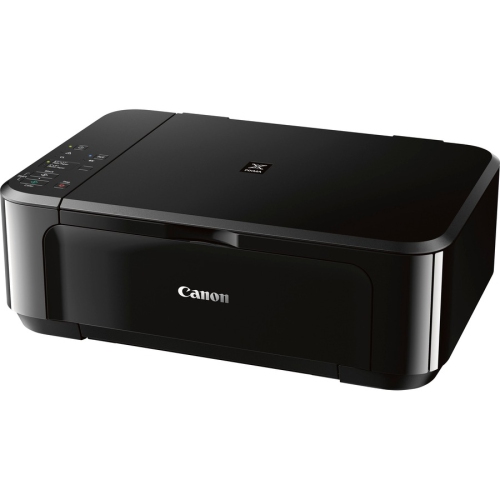

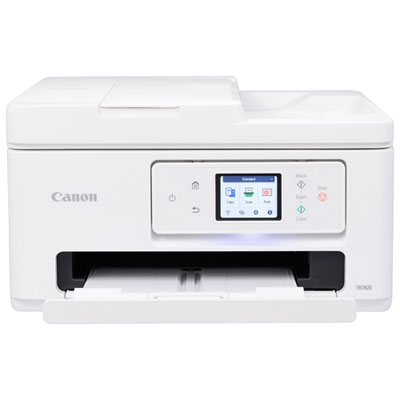
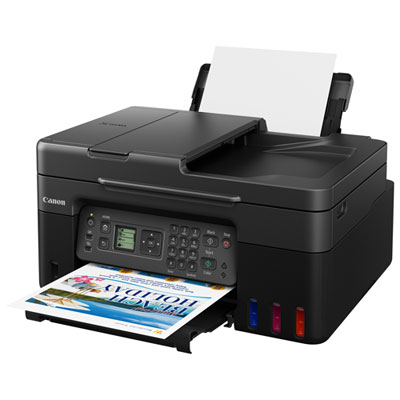
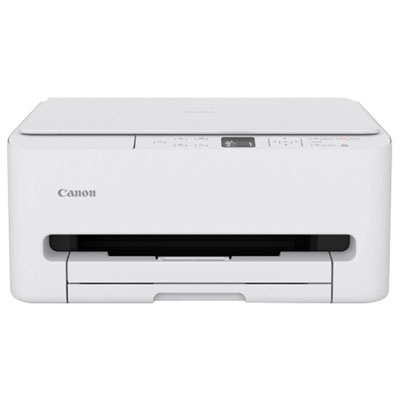
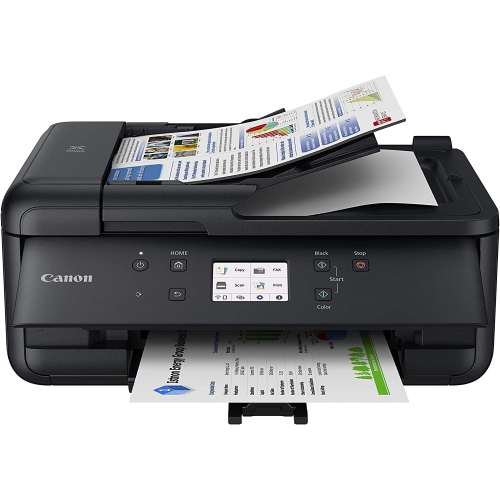
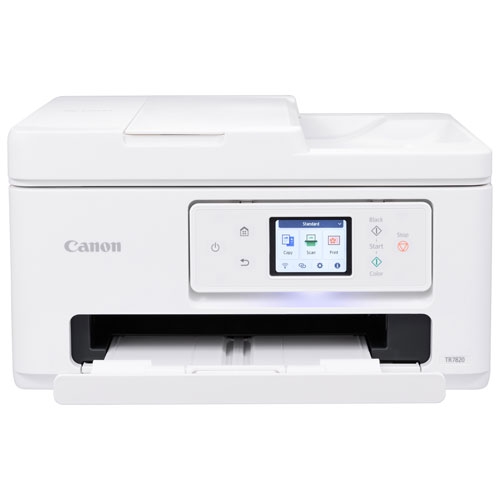
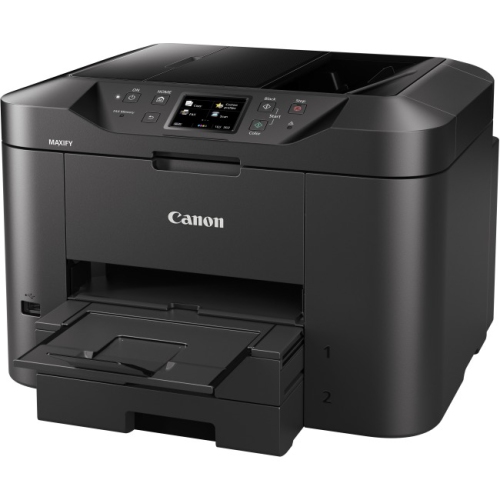
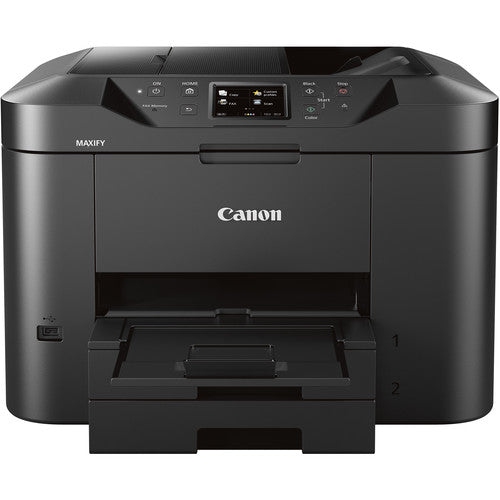
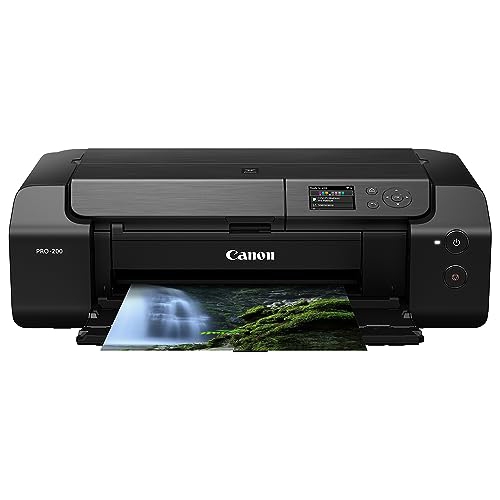
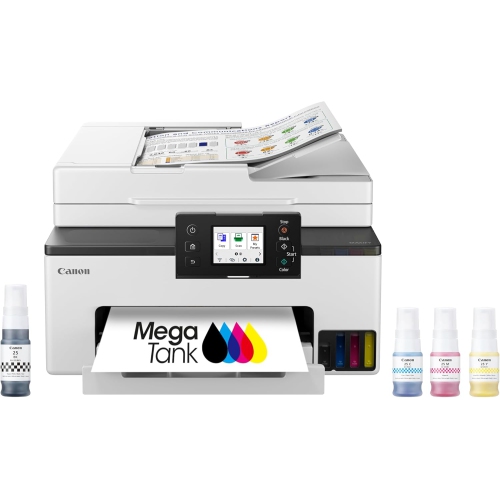
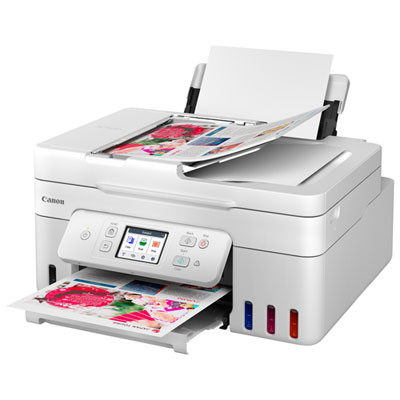
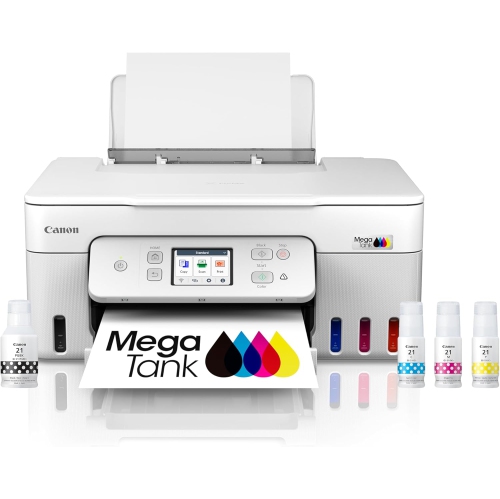
Flexible printing for schoolwork, photos, and home offices
Canon PIXMA printers are designed for a broad range of home, school, creative, and work-from-home needs, making this collection useful for anyone who wants dependable printing in a familiar household format. Some models focus on straightforward black-and-white documents, while others are built for colour pages, borderless photos, craft projects, and more detailed creative work. Depending on the printer, functions may include printing, scanning, copying, and faxing, so one compact device can handle everything from a signed form and a school worksheet to a recipe card or a framed family photograph. Wireless connectivity is common across the range, allowing you to send files from a computer, tablet, or smartphone without setting up a dedicated workstation beside the printer. Features such as automatic two-sided printing can help simplify longer documents, while an automatic document feeder is useful when scanning or copying several pages at a time. Touchscreen controls, mobile printing support, and straightforward setup can make a meaningful difference in a busy household, particularly when different people need to use the printer for different tasks. Basic models are often a practical choice for occasional paperwork and school assignments, with prices that may begin around $60, while midrange options around $120 may add faster performance, more convenient controls, and stronger colour-printing capability. More advanced photo-focused printers can cost several hundred dollars and may offer additional ink colours, wider paper handling, or support for larger print sizes. Since features vary, it is worth matching the printer to the kind of work you expect to do rather than choosing based on appearance alone.
For schoolwork and everyday household administration, consider how often you will print, whether documents are mostly text or colour, and how much space is available near a desk or shared family area. A student may need crisp handouts, worksheets, book reports, and occasional images, while a parent working remotely may rely on the same printer for invoices, shipping labels, meeting notes, and signed forms. A compact all-in-one printer can be especially convenient in a small office, apartment, dorm room, or multipurpose room where a separate scanner would take up valuable space. Families may appreciate easy wireless access, since one person can print from a laptop while another sends a homework page from a phone. If you regularly work with multi-page contracts, applications, or school forms, an automatic document feeder can save the repetitive work of placing each sheet on the scanner glass. Two-sided printing is another useful consideration for reports and reference material, while a printer with a separate colour ink system may offer more flexibility when printing photographs or colourful presentations. Check the paper sizes and media types supported before purchasing, especially if you plan to print envelopes, labels, heavier card stock, glossy photo paper, or borderless images. It is also helpful to consider the physical controls and software experience. A clear display can make everyday tasks easier for several members of a household, and mobile compatibility lets you print a document while standing in another room rather than transferring files between devices. For users who print frequently, high-capacity ink systems may reduce the need for repeated refills. The Canon Megatank Printers collection is another option to explore when a larger ink supply and longer intervals between refills are important parts of the buying decision.
Photo printing brings different priorities. A printer intended for occasional snapshots may be all a family needs for greeting cards, travel memories, school projects, or small pictures for a refrigerator or scrapbook. Someone who enjoys photography, illustration, handmade stationery, or other creative work may place greater value on colour depth, fine detail, accurate skin tones, and compatibility with glossy, matte, or fine-art paper. More advanced Canon PIXMA printers may use several separate ink tanks to produce smoother tonal transitions and richer colour in photographs, artwork, and detailed graphics. Larger-format support can also be valuable for posters, portfolio pieces, classroom displays, or decorative prints, although these printers generally need more desk or shelf space and may have higher operating costs. Before choosing, look at the maximum paper size, borderless-printing options, connection methods, print speed, and the availability and cost of replacement ink. Print speed is useful for busy offices and families, but image quality and paper compatibility may matter more when the printer will be used for photographs. Think about the people who will use the printer and the moments it needs to support: a child printing a last-minute presentation, a remote worker preparing documents before a meeting, or a photography enthusiast adjusting a picture and watching it emerge with fine detail across the page. These printers can also make thoughtful gifts for students, new homeowners, remote workers, hobby artists, and relatives who enjoy preserving memories in physical form. During the cooler months, a home printer can be especially handy for indoor projects, study materials, craft activities, and organizing household paperwork. Choosing a model with the right balance of size, functions, connectivity, paper support, print quality, and ink capacity helps ensure that the printer feels useful long after it has been unpacked.
For schoolwork and everyday household administration, consider how often you will print, whether documents are mostly text or colour, and how much space is available near a desk or shared family area. A student may need crisp handouts, worksheets, book reports, and occasional images, while a parent working remotely may rely on the same printer for invoices, shipping labels, meeting notes, and signed forms. A compact all-in-one printer can be especially convenient in a small office, apartment, dorm room, or multipurpose room where a separate scanner would take up valuable space. Families may appreciate easy wireless access, since one person can print from a laptop while another sends a homework page from a phone. If you regularly work with multi-page contracts, applications, or school forms, an automatic document feeder can save the repetitive work of placing each sheet on the scanner glass. Two-sided printing is another useful consideration for reports and reference material, while a printer with a separate colour ink system may offer more flexibility when printing photographs or colourful presentations. Check the paper sizes and media types supported before purchasing, especially if you plan to print envelopes, labels, heavier card stock, glossy photo paper, or borderless images. It is also helpful to consider the physical controls and software experience. A clear display can make everyday tasks easier for several members of a household, and mobile compatibility lets you print a document while standing in another room rather than transferring files between devices. For users who print frequently, high-capacity ink systems may reduce the need for repeated refills. The Canon Megatank Printers collection is another option to explore when a larger ink supply and longer intervals between refills are important parts of the buying decision.
Photo printing brings different priorities. A printer intended for occasional snapshots may be all a family needs for greeting cards, travel memories, school projects, or small pictures for a refrigerator or scrapbook. Someone who enjoys photography, illustration, handmade stationery, or other creative work may place greater value on colour depth, fine detail, accurate skin tones, and compatibility with glossy, matte, or fine-art paper. More advanced Canon PIXMA printers may use several separate ink tanks to produce smoother tonal transitions and richer colour in photographs, artwork, and detailed graphics. Larger-format support can also be valuable for posters, portfolio pieces, classroom displays, or decorative prints, although these printers generally need more desk or shelf space and may have higher operating costs. Before choosing, look at the maximum paper size, borderless-printing options, connection methods, print speed, and the availability and cost of replacement ink. Print speed is useful for busy offices and families, but image quality and paper compatibility may matter more when the printer will be used for photographs. Think about the people who will use the printer and the moments it needs to support: a child printing a last-minute presentation, a remote worker preparing documents before a meeting, or a photography enthusiast adjusting a picture and watching it emerge with fine detail across the page. These printers can also make thoughtful gifts for students, new homeowners, remote workers, hobby artists, and relatives who enjoy preserving memories in physical form. During the cooler months, a home printer can be especially handy for indoor projects, study materials, craft activities, and organizing household paperwork. Choosing a model with the right balance of size, functions, connectivity, paper support, print quality, and ink capacity helps ensure that the printer feels useful long after it has been unpacked.
Top selling and popular products
-
 Your price for this item is $249.99
 -
 Your price for this item is $173.68
 -
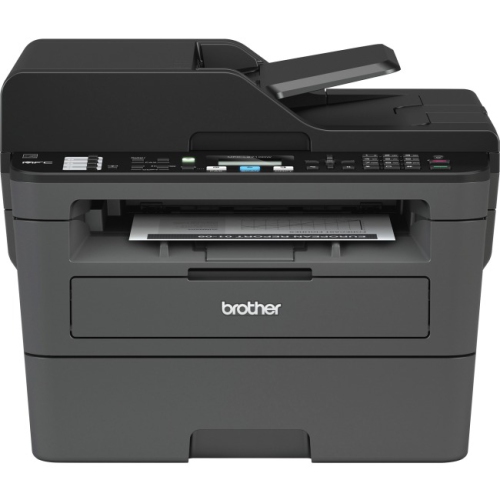 Your price for this item is $309.47
 -
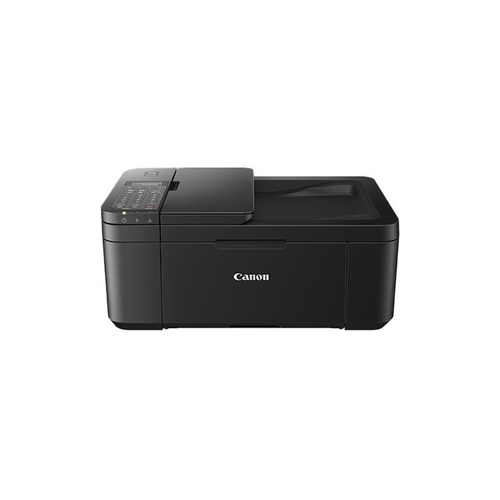 Your price for this item is $247.92
 -
 Your price for this item is $79.99
 -
 Your price for this item is $214.99
 -
 Your price for this item is $199.99
 -
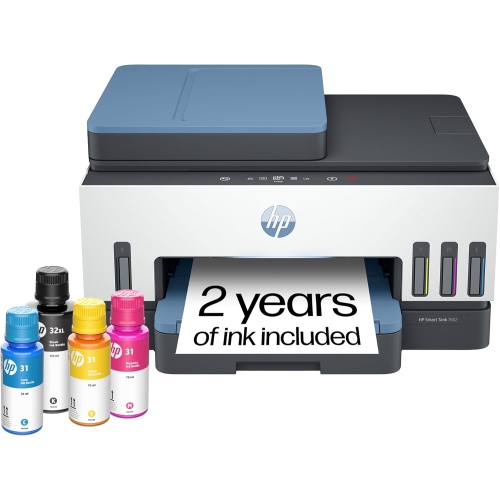 Your price for this item is $569.89
Discover more categories related to Canon Pixma Printers
Top Collections:
Pokemon Centers, Kindle Devices, Best Budget Office Chairs, Apple iPhones 16, Best Laptops for Writers, iPhone 15 Apple, Canon G7X Cameras, Refurbished Apple Laptops, Alarm Clock, Motorola Razr Phones
Some products may be subject to Environmental Handling Fees
(EHF) depending on your province.
Learn more about EHFs.