Canon All-In-One Printers
Discover the convenience and efficiency of all-in-one printers, designed to streamline your home or office tasks with ease. These versatile devices combine printing, scanning, copying, and faxing capabilities into a single, compact unit, saving you valuable space and time. Whether you're handling important documents for work or creating vibrant photo prints for personal projects, an all-in-one printer offers seamless functionality to meet your diverse needs. Explore the range of options available to find the perfect match that delivers high-quality performance while fitting seamlessly into your workflow.
Sort
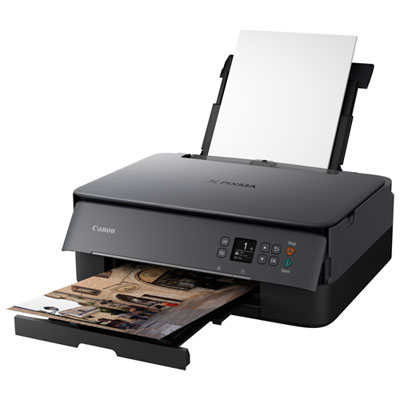
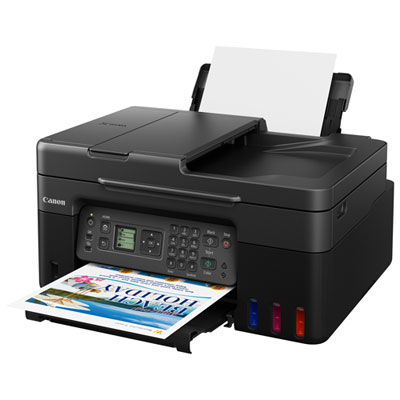
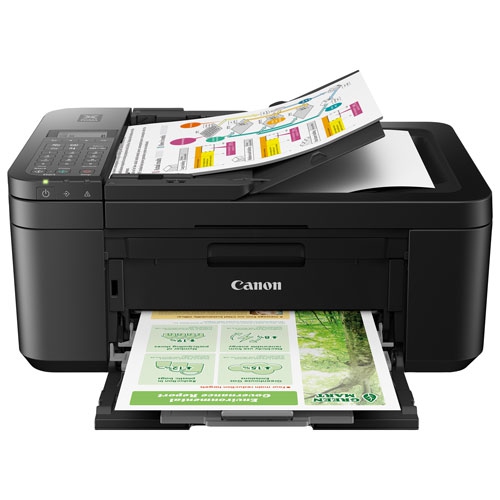

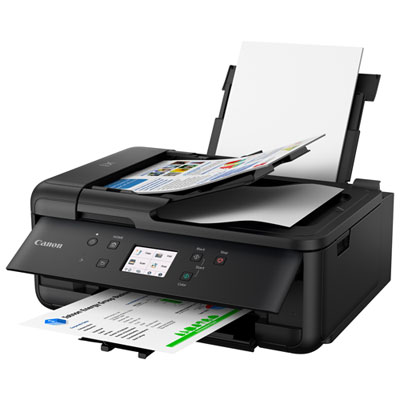
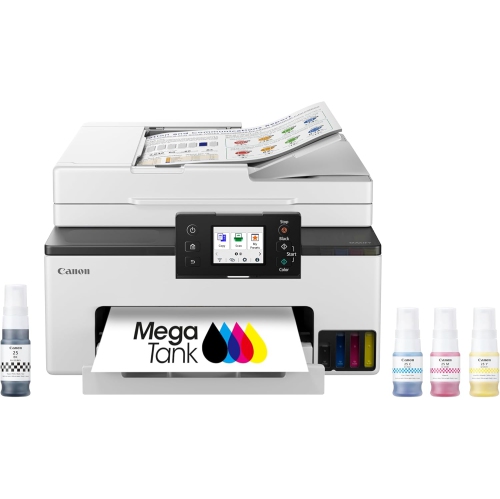
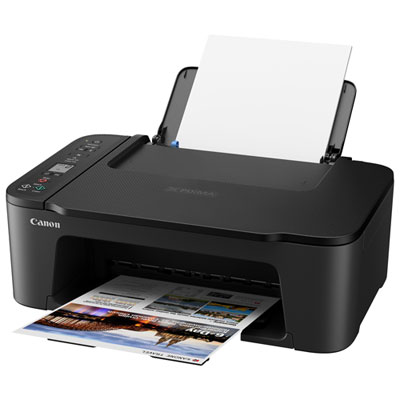
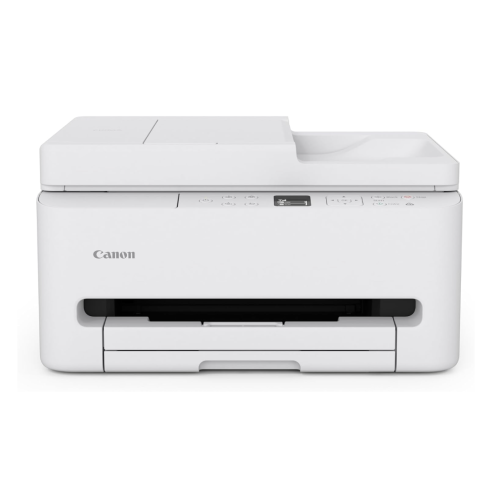
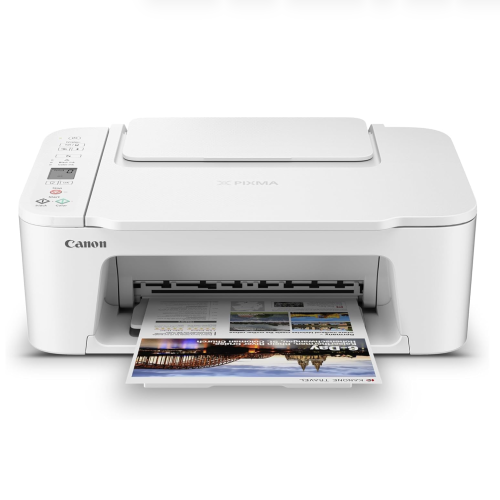
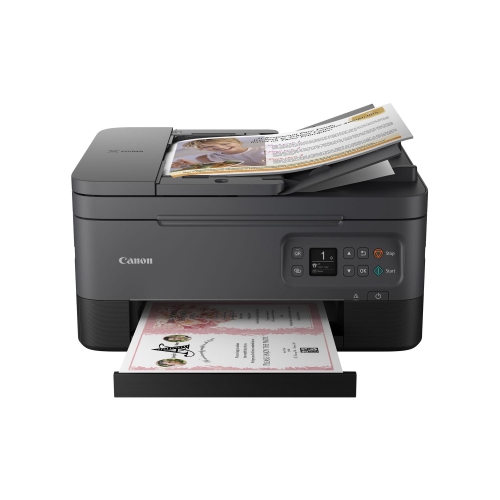
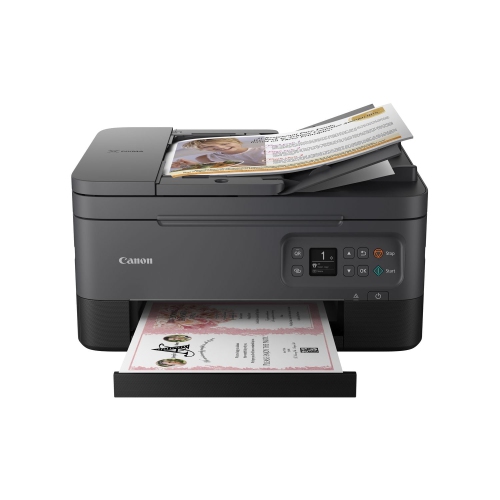
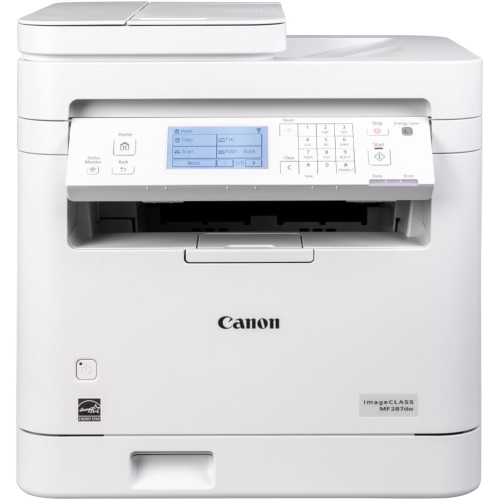
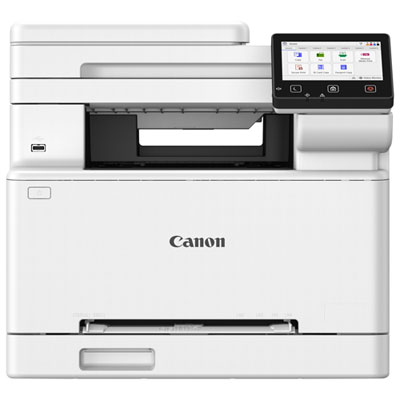
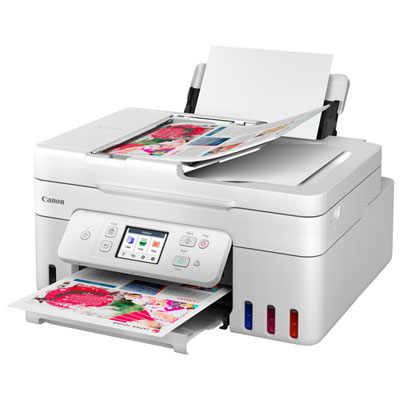
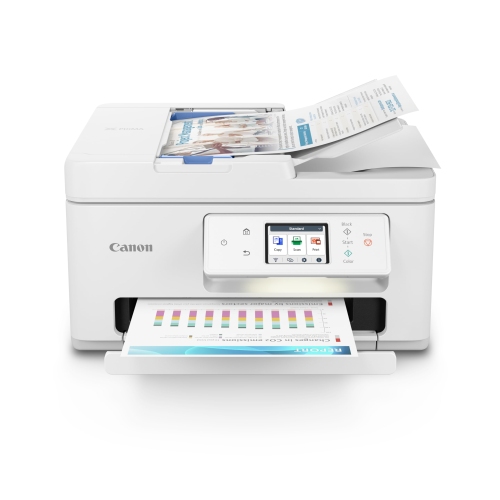
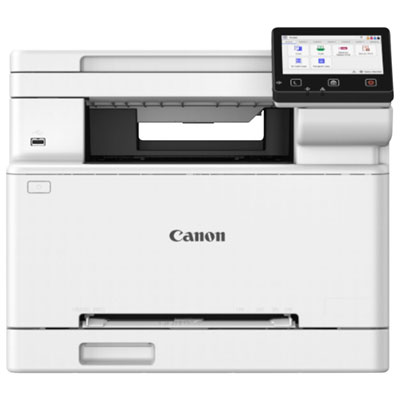
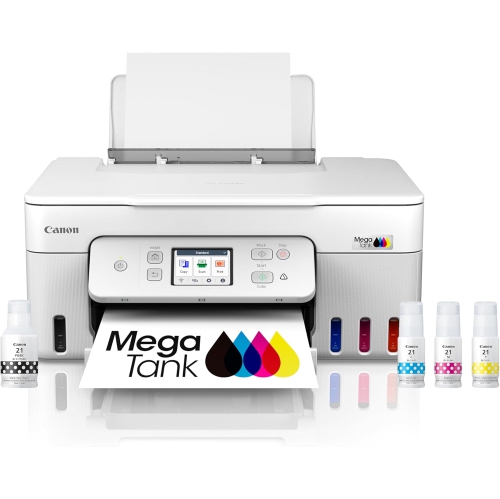
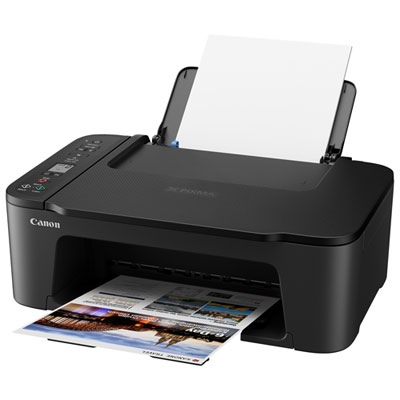
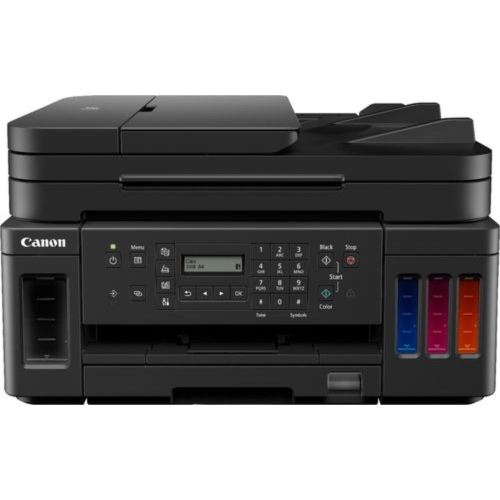
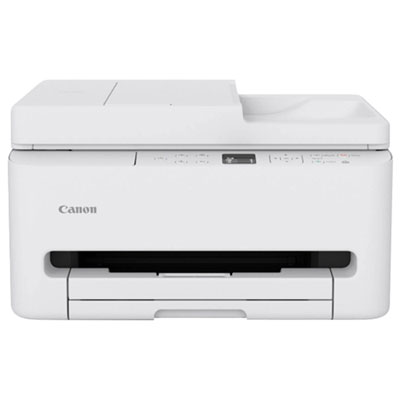
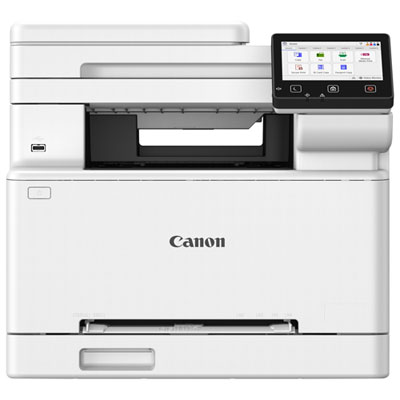
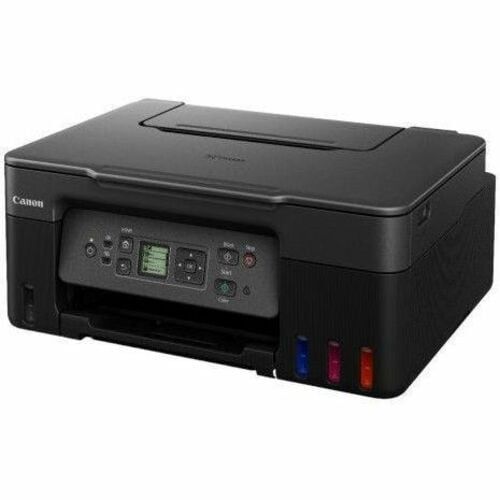
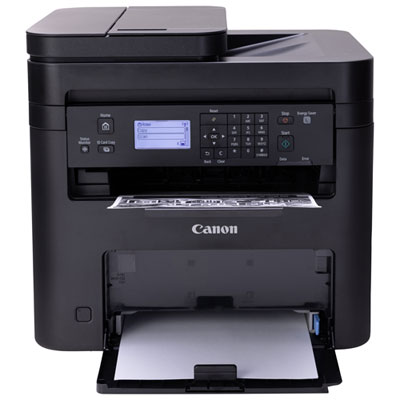
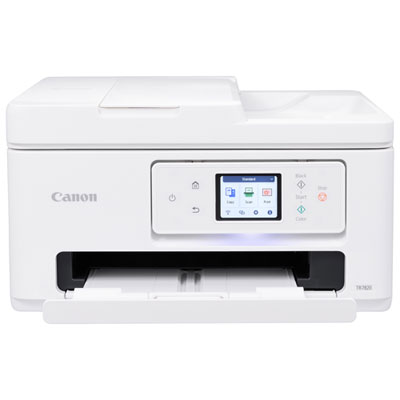
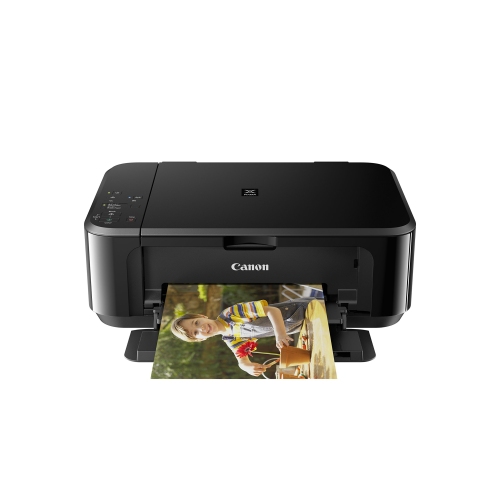
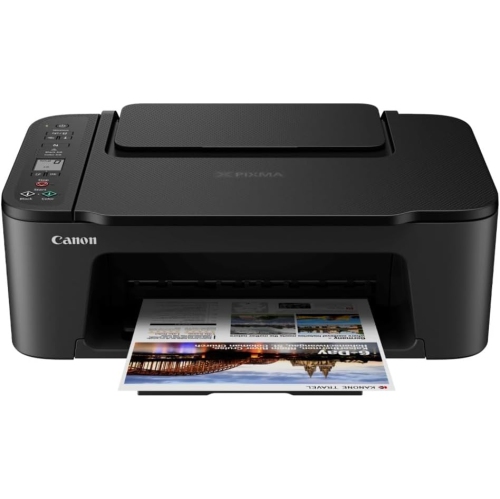
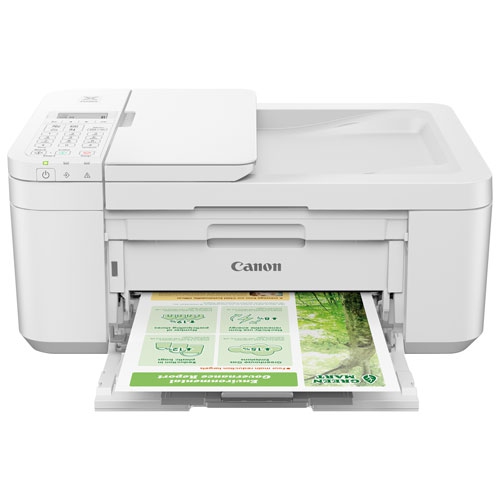
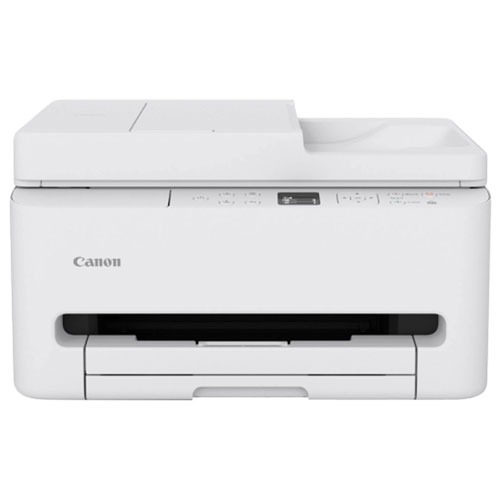

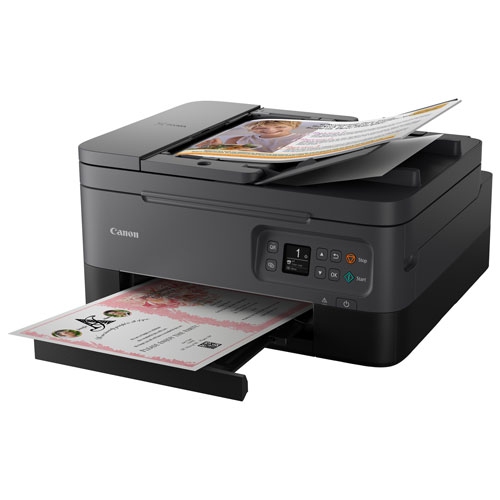
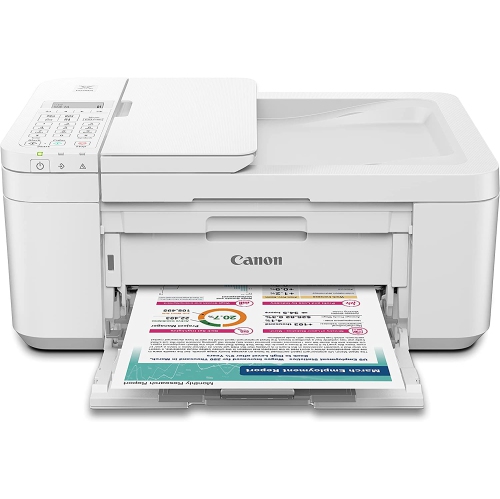
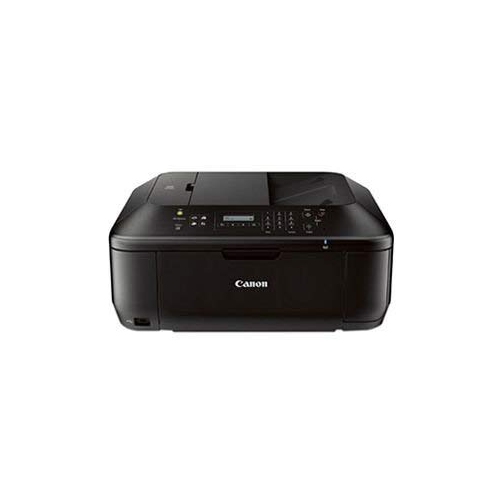
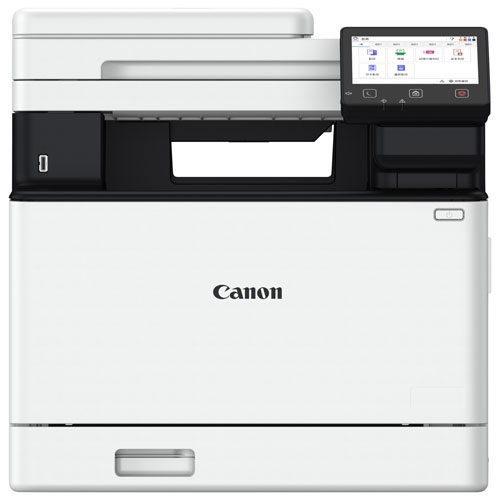
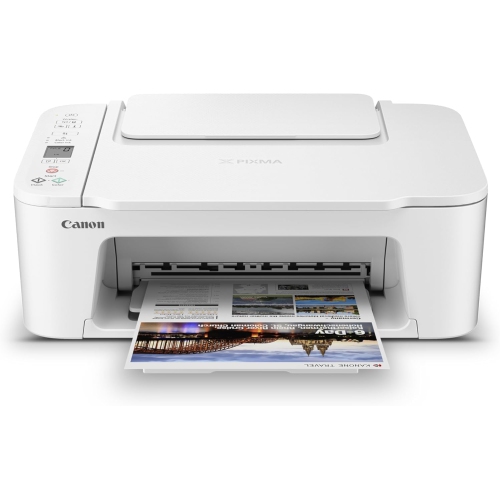
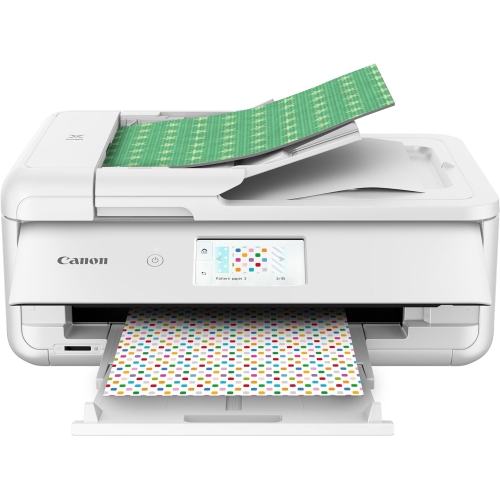
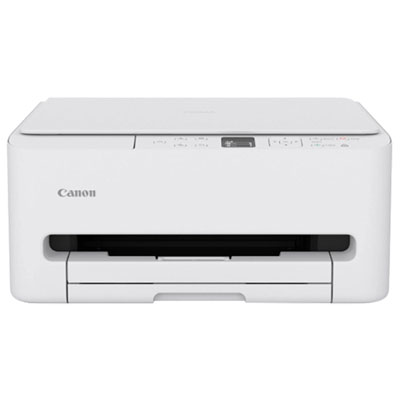
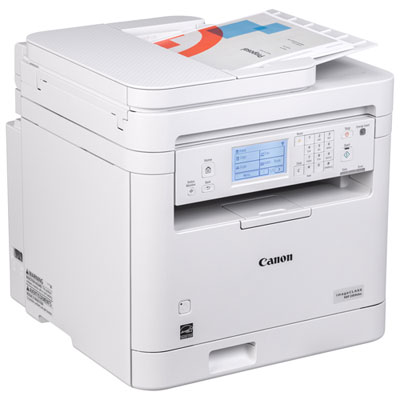
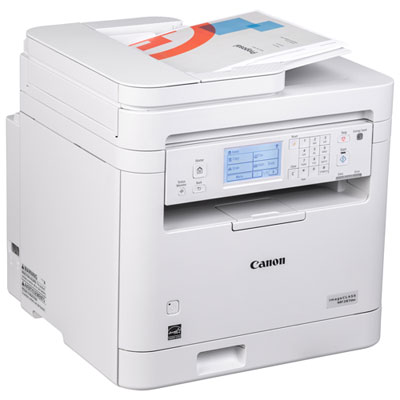
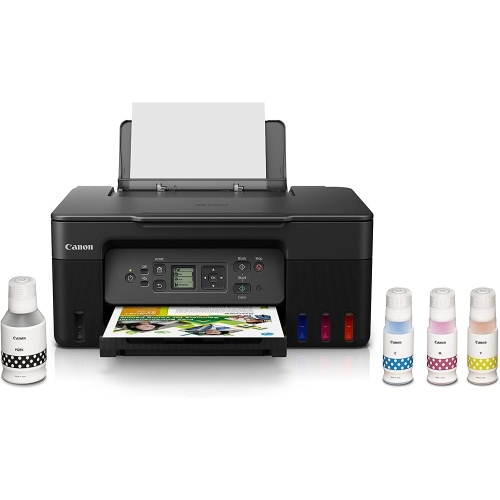
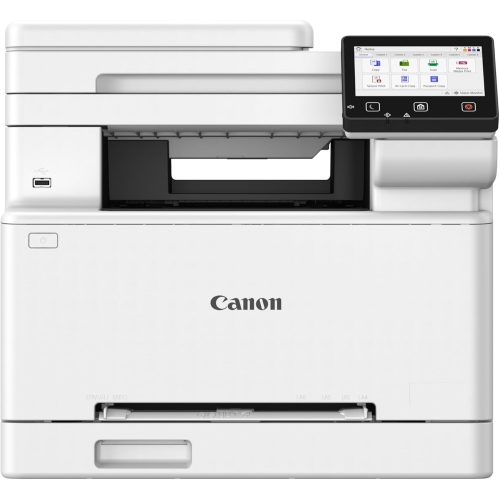
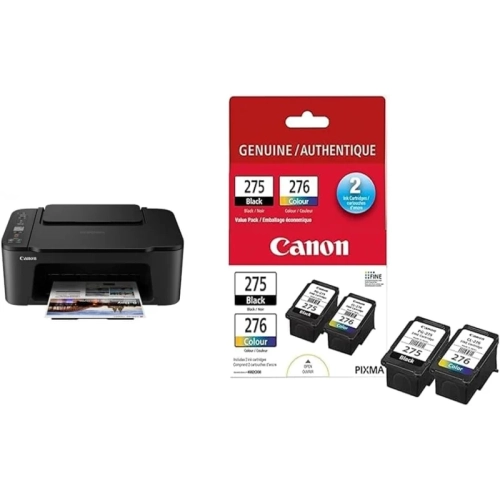
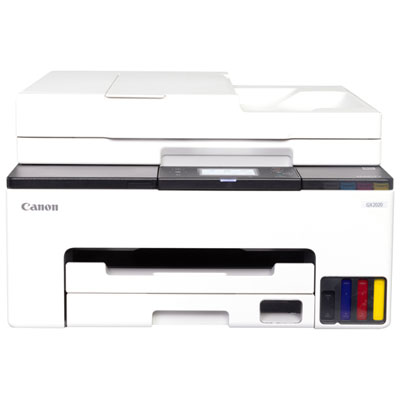
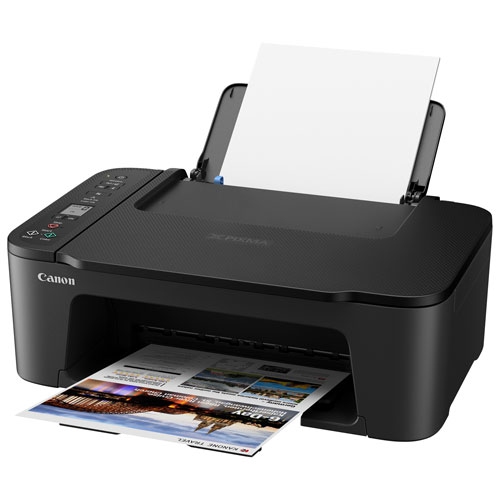
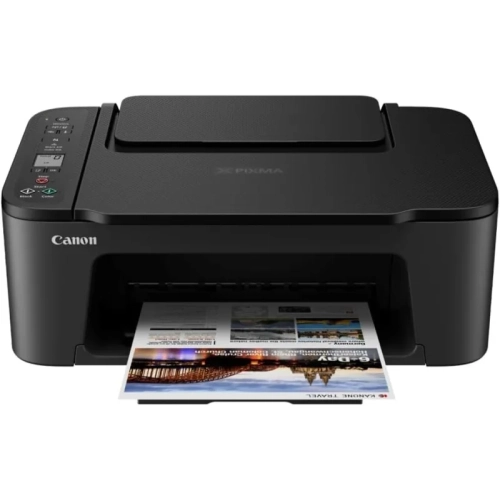
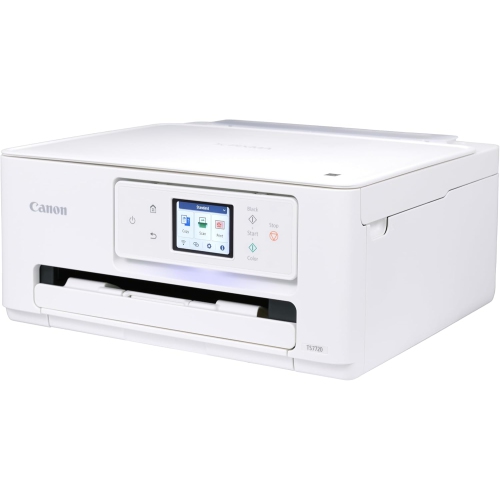
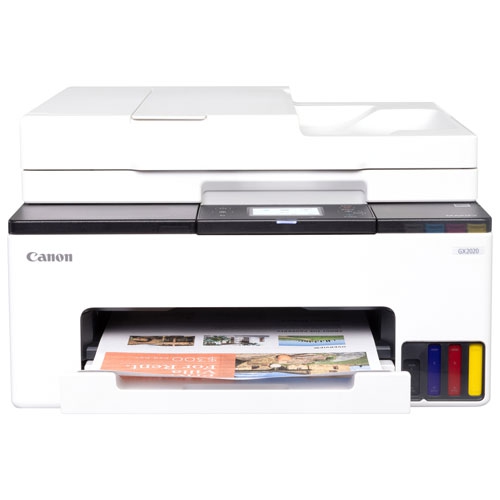
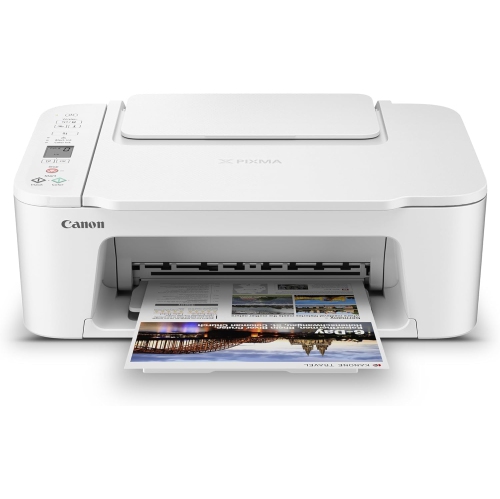
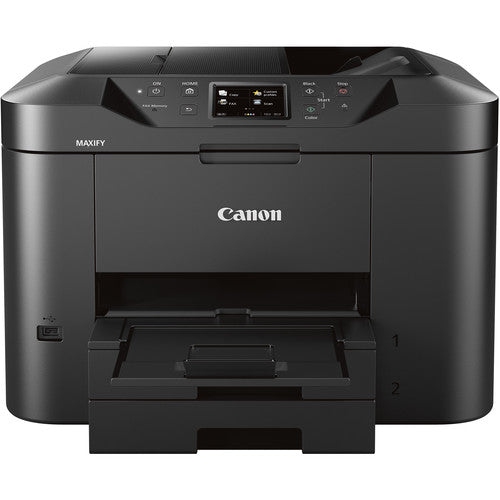
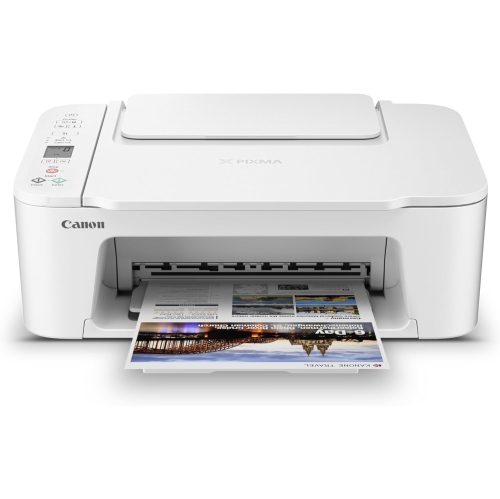
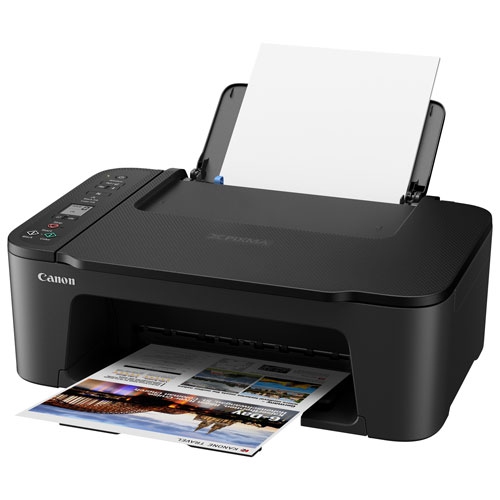
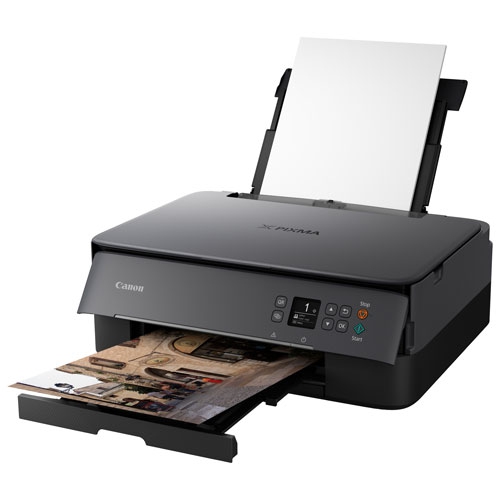
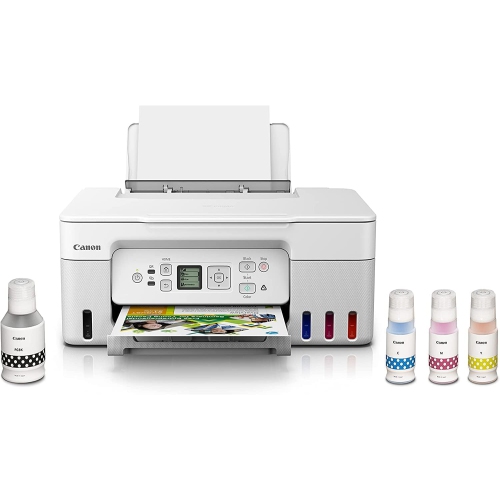
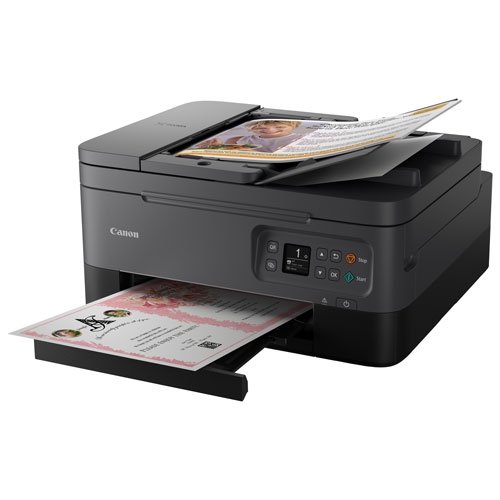
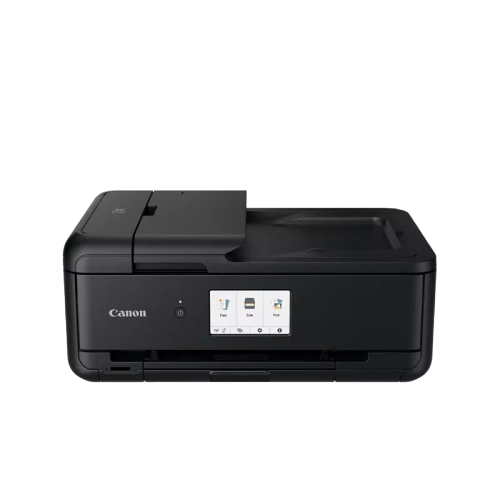

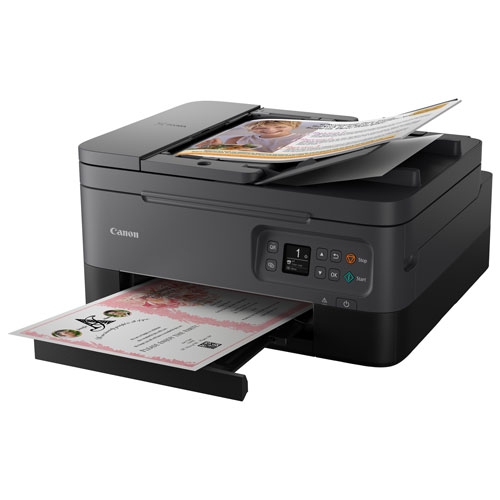

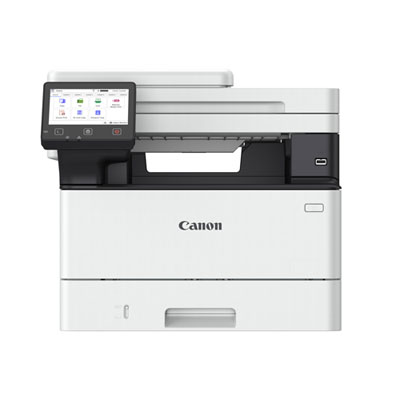
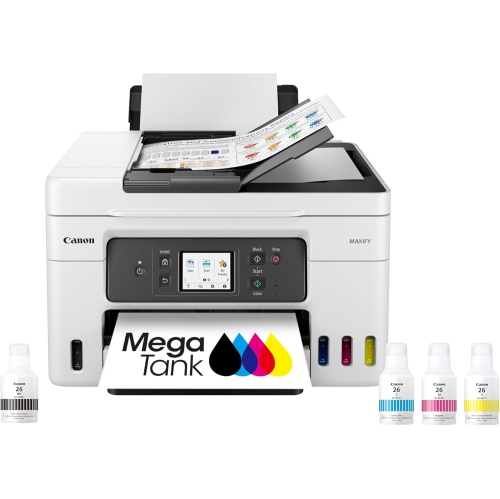
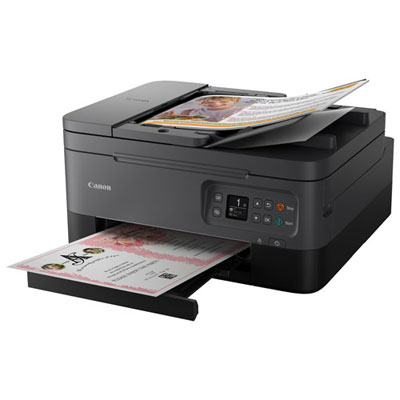
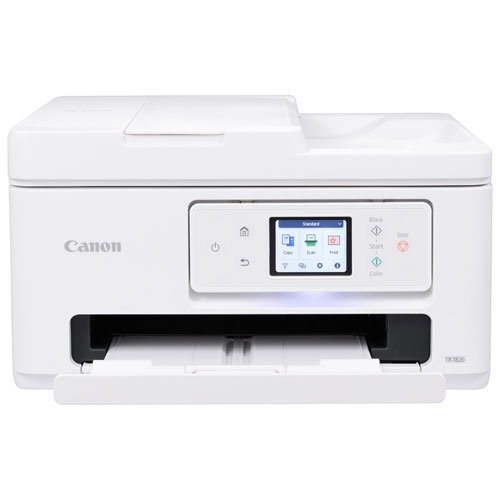
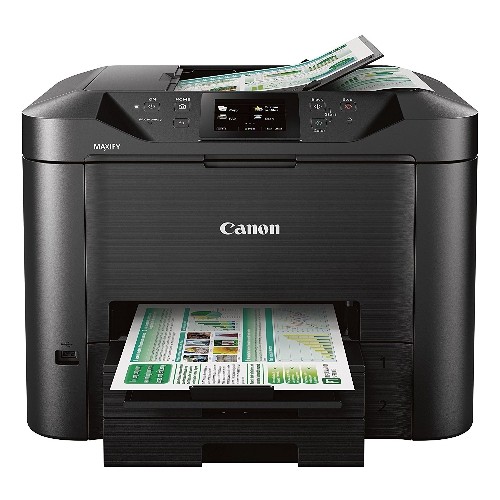
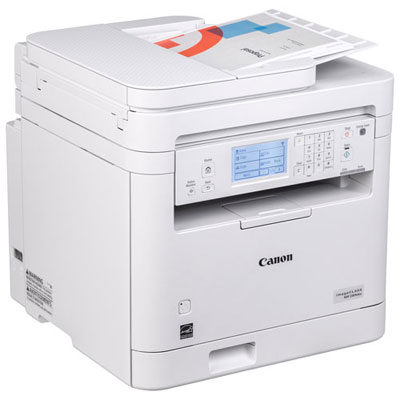
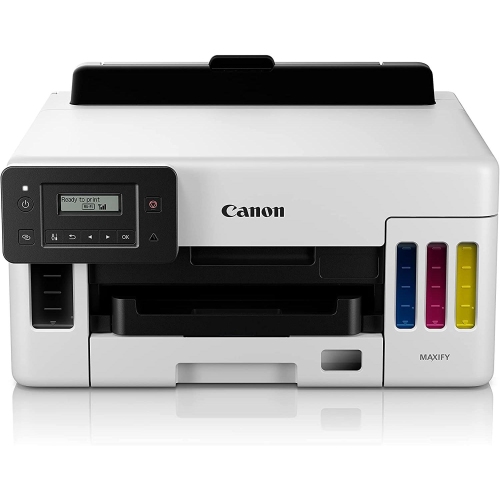
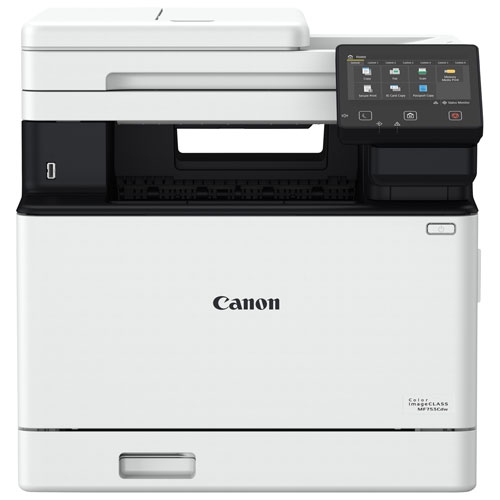
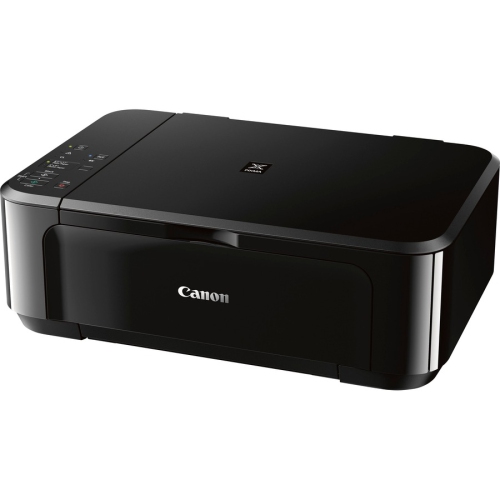
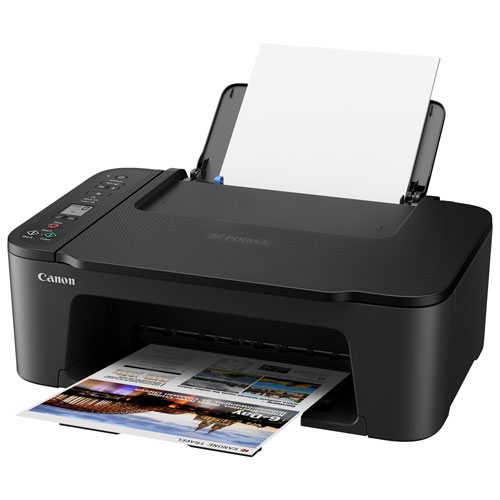

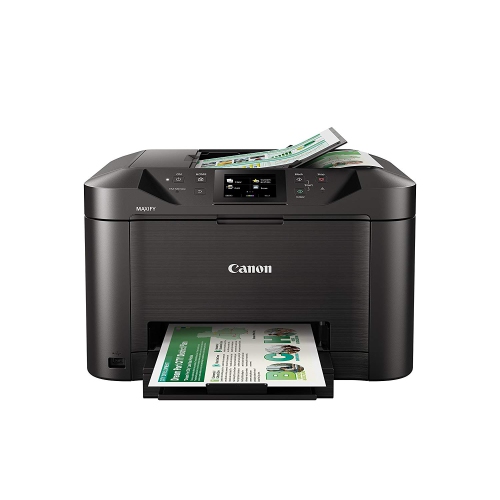
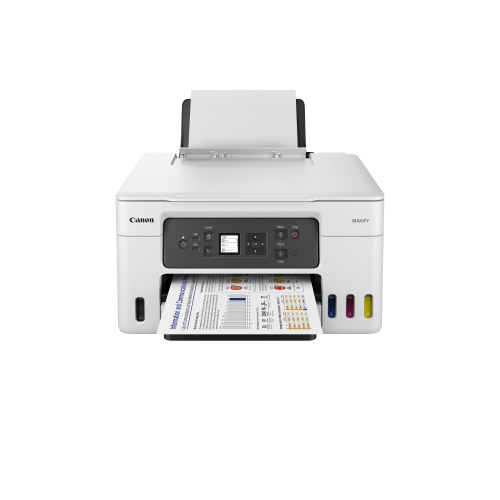
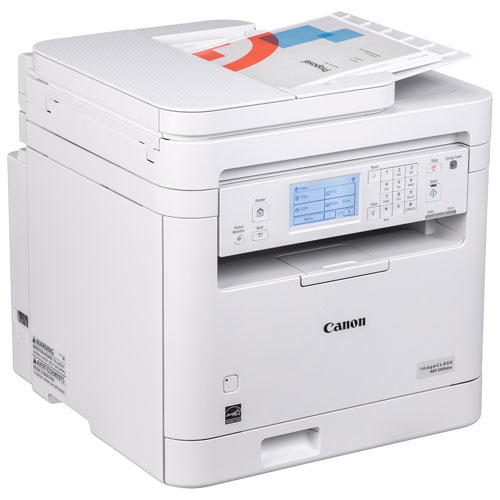
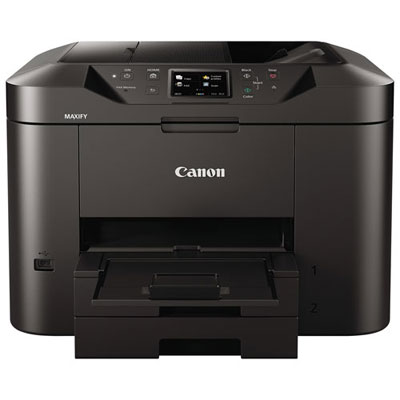
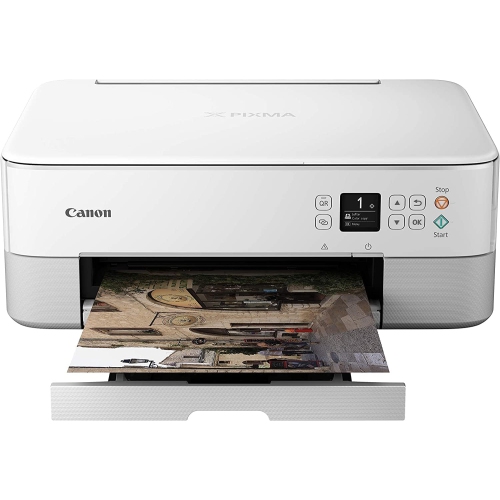
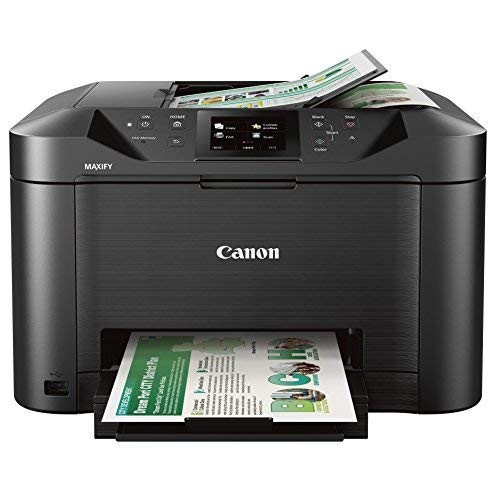
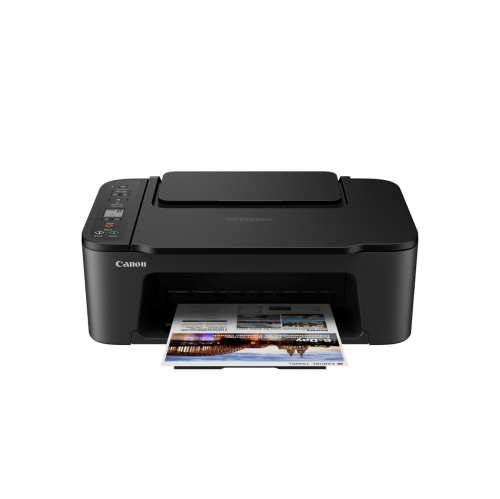
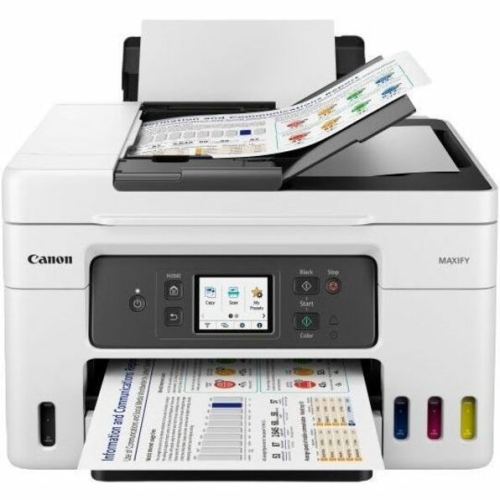
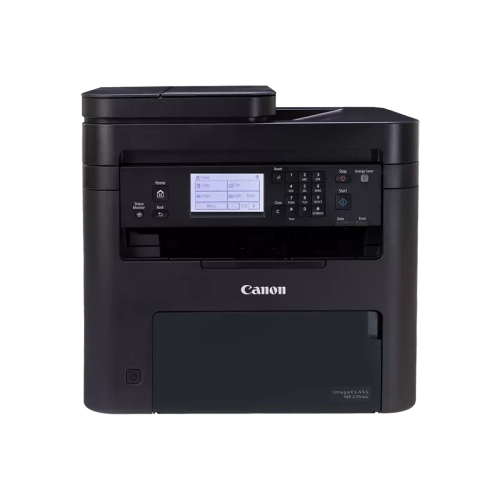
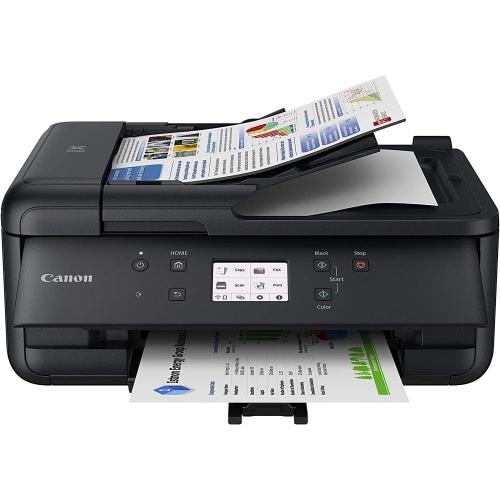
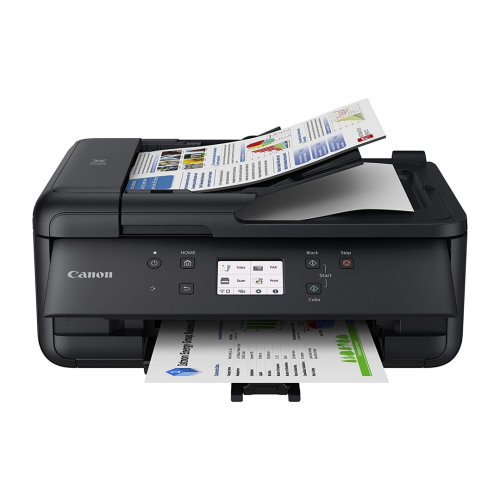
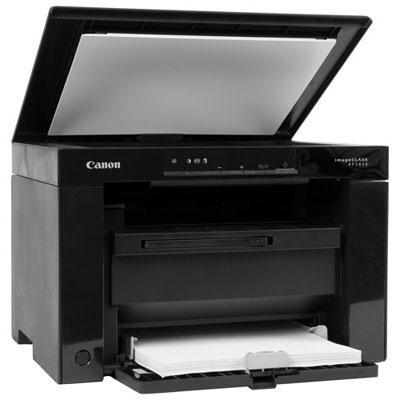
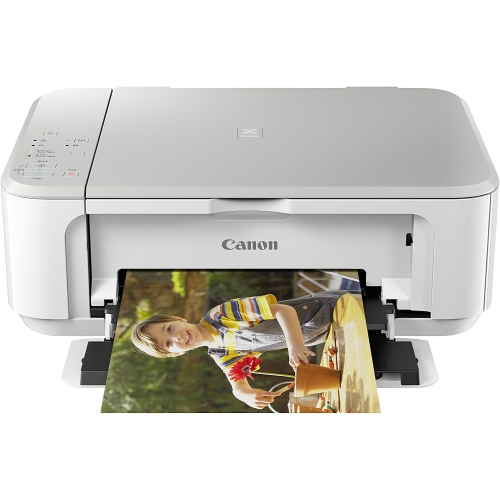
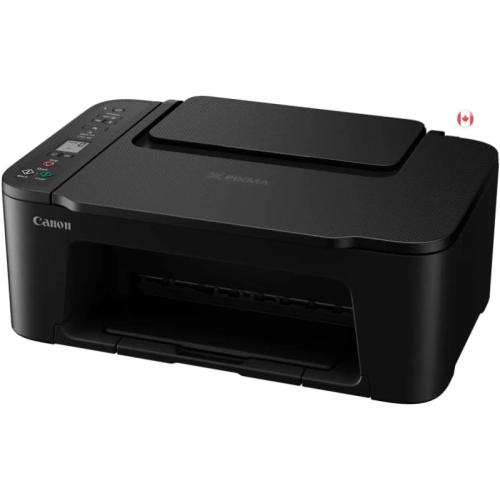
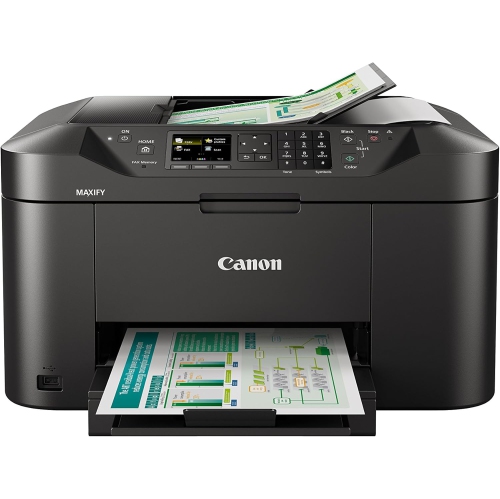
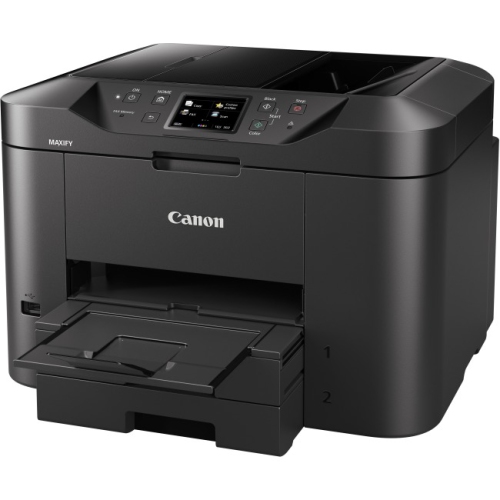
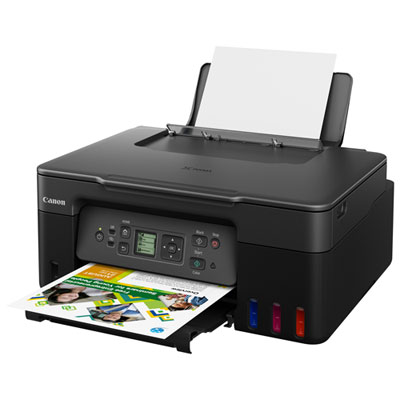
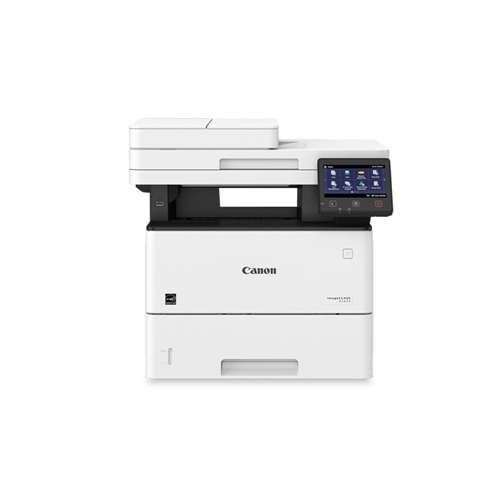
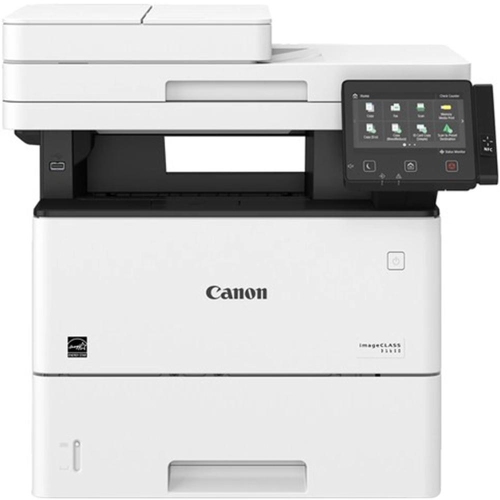
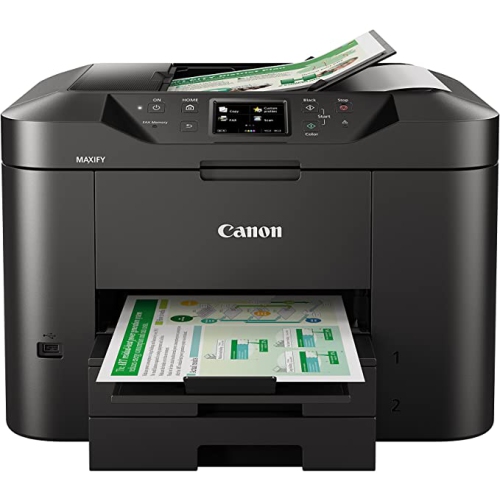
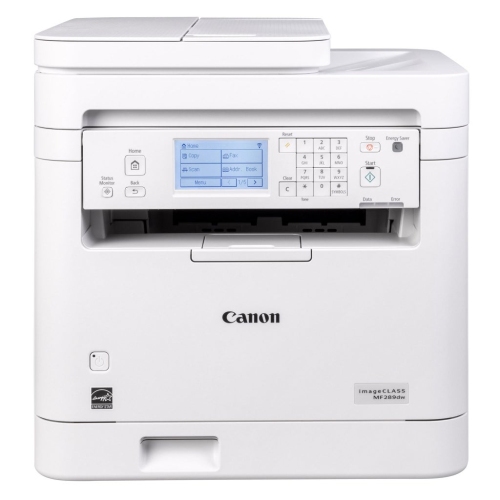

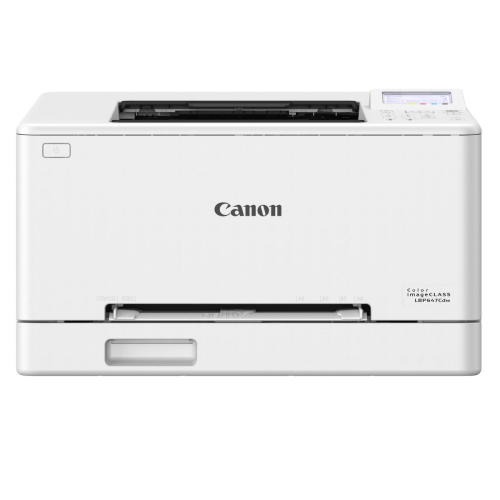
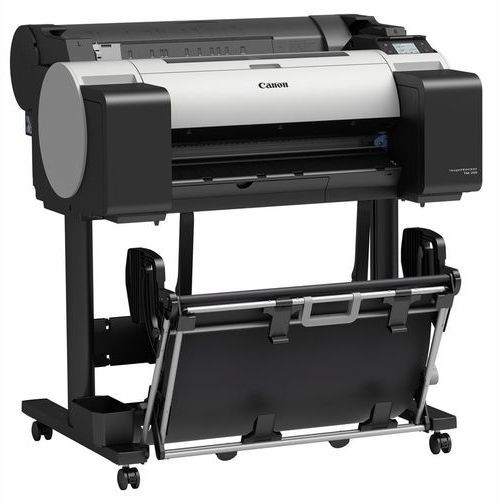
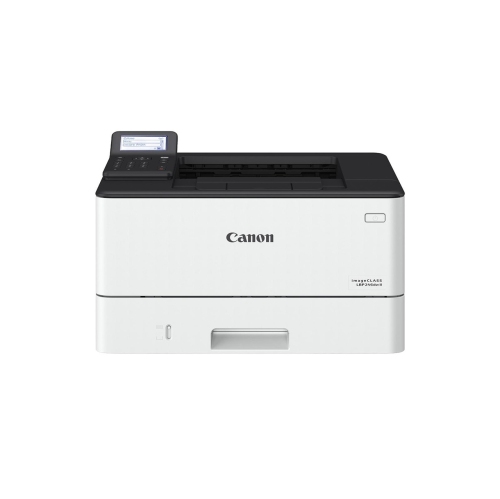
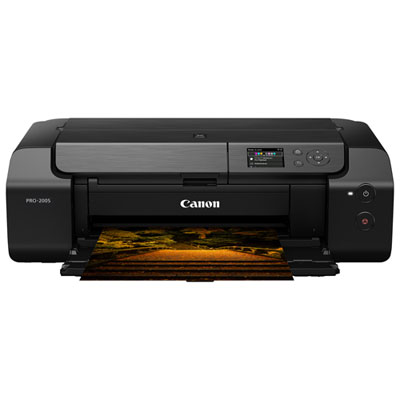
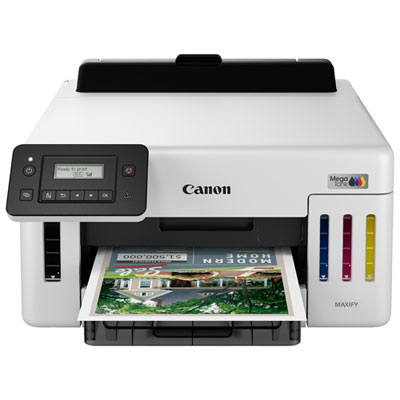
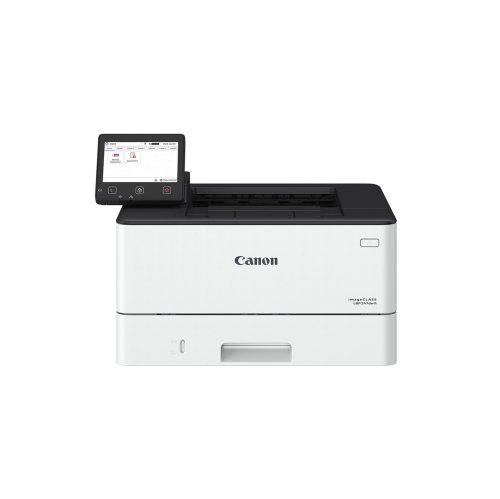
One printer for everyday paperwork and colourful projects
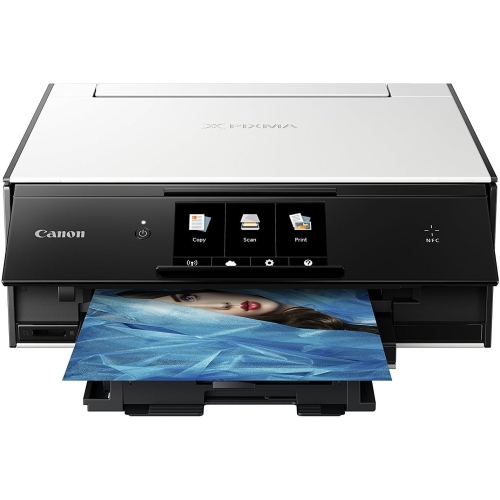
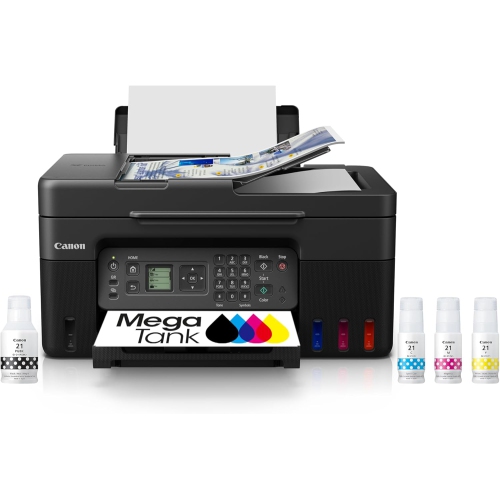
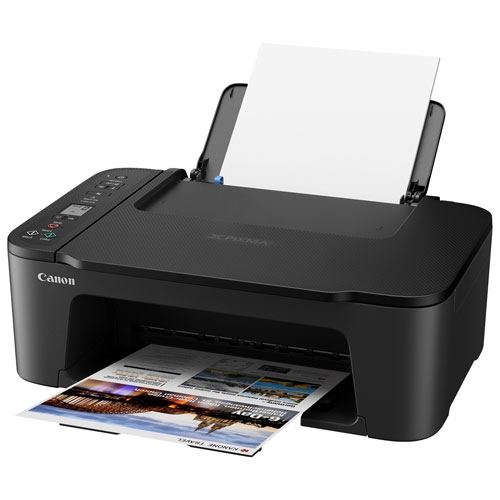
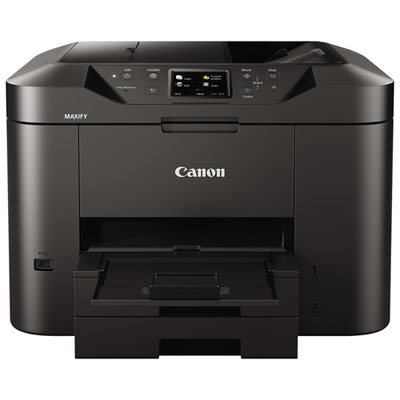
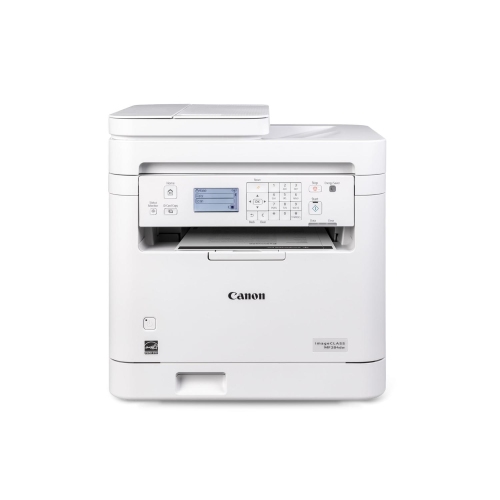
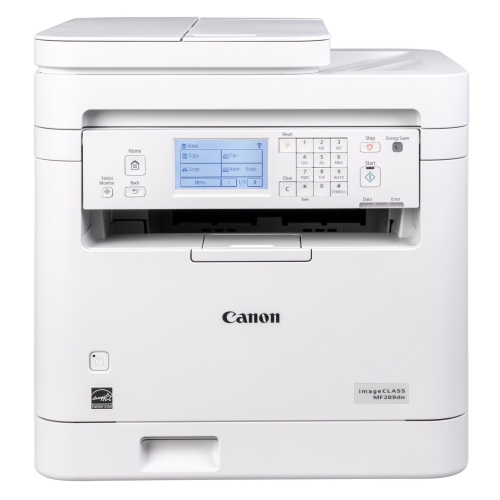
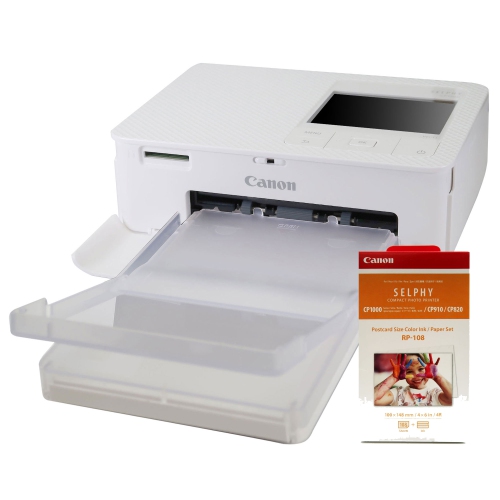
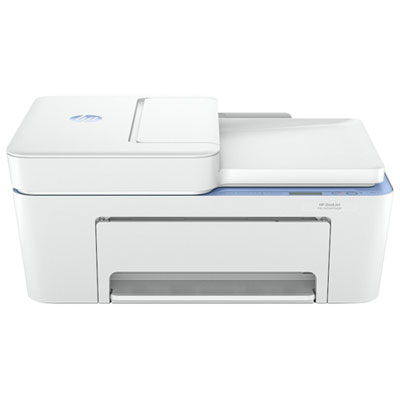
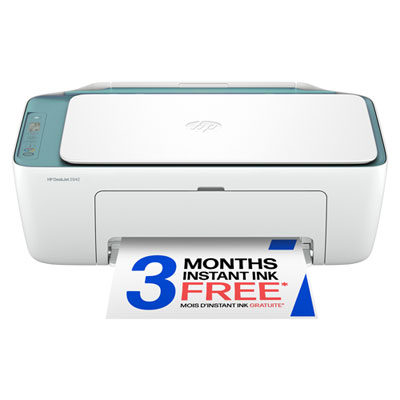
All-in-one printers combine printing, scanning, and copying in a single machine, making them a practical addition to a home workspace, shared study area, or small office. Some configurations also include fax capabilities for workplaces that still exchange documents that way. Having these functions together means a signed form can be scanned, a worksheet copied, and a shipping label printed without setting up separate devices. The right fit depends on what passes through the paper tray most often. Text-heavy documents, colourful school assignments, family photographs, and client presentations place different demands on a printer. Inkjet all-in-one printers are versatile options for mixed household tasks, with supported paper types and ink configurations determining how well they handle photographs and detailed colour graphics. Photo-oriented features can be useful for printing portraits, scrapbook images, or creative projects, particularly when paired with compatible photo paper. Laser all-in-one printers are well suited to regular document work, producing crisp text for reports, correspondence, and forms. Monochrome laser configurations print in black and white, while colour laser configurations add colour output for charts, presentations, and other business materials. A household that prints a few pages at a time has different needs from a home business preparing lengthy documents every day. Print speed, paper capacity, and recommended monthly print volume help distinguish occasional-use machines from those designed for a steadier workload. Rated speeds may also differ between black-and-white and colour printing, and photo output typically takes longer than a basic text page. Resolution contributes to detail, but the ink or toner, paper surface, and selected print settings also affect the finished result. For everyday use, readable small text, clean lines, and consistent colour can matter more than a single headline specification. A compact multifunction printer can serve a student submitting assignments, a family managing paperwork, or someone who needs a dependable place to print, copy, and scan without dedicating an entire room to office equipment.
Scanning and copying features shape how an all-in-one printer feels to use just as much as its printing capabilities. A flatbed scanner provides a glass surface for individual pages, photographs, and other suitable originals, while an automatic document feeder moves a stack of supported sheets through the scanner. That distinction becomes noticeable when digitizing a multi-page agreement or copying a package of forms: a feeder reduces the need to place each page on the glass separately. Feeder capacity varies, and not every document feeder scans both sides of a sheet automatically. Single-pass duplex scanning captures both sides during one pass, whereas other arrangements may require the paper to travel through twice or be turned manually. Automatic two-sided printing is a separate feature, useful for reports and handouts that need printing on both sides without manually reloading each sheet. These details are especially relevant in shared workspaces where several people need to finish different tasks throughout the day. The Canon Printers for Office collection offers a related focus for document-centred workspaces. Connectivity also affects everyday convenience. Wi-Fi can let compatible computers and mobile devices send print jobs without a direct cable connection, while Ethernet provides a wired network connection on supported machines. A USB connection can suit a single-computer setup, although supported functions and cable requirements vary. Mobile printing, scanning to a computer, and cloud-connected functions depend on the printer, software, and network configuration; not every feature works with every device or service. A clear touchscreen or straightforward control panel can make routine tasks easier, particularly when copying identification documents, changing paper settings, or selecting a scan destination. For documents that need editable text, optical character recognition may be available through compatible scanning software rather than the printer itself. Households and offices handling personal paperwork may also value supported security settings and controlled access to network functions. Compatibility with the intended operating system remains important, especially when several people share one printer across different computers and mobile devices.
The physical fit of an all-in-one printer involves more than the dimensions of its outer casing. Paper trays may extend beyond the body, a scanner lid needs room to open, and an automatic document feeder requires clearance above the machine. A printer that fits neatly on a shelf when closed may need considerably more working space during use. A stable desk or cabinet, accessible power connection, and convenient access to paper trays and ink or toner compartments make everyday operation simpler. Many printers use moulded plastic housings with internal rollers and mechanical assemblies; careful handling of trays, hinges, and adjustable paper guides helps keep these frequently used parts working properly. Paper handling deserves attention as well. Letter-size documents are common in Canadian homes and offices, but legal-size forms, envelopes, labels, and photographs require support for the appropriate dimensions and media type. A printer that accepts a particular size for printing may not accommodate that same size on its scanner glass. Specialty materials need to match the printing technology, since unsuitable labels or coated sheets can cause feeding problems or damage. Paper stored flat and protected from moisture is less likely to curl or stick together, helping sheets feed consistently. Ink and toner arrangements also influence routine upkeep. Cartridge-based, refillable-tank, and toner-based systems have different replacement procedures, and each requires supplies specified for the machine. Separate colour supplies can allow individual colours to be replenished as needed, depending on the configuration. Inkjet printers may need occasional nozzle checks or printhead cleaning, especially after extended periods without use, while laser printers may have additional maintenance components identified in their documentation. Following the supplied care directions and removing paper jams carefully can help protect rollers and other moving parts. For a student, remote worker, or household sharing one device, the most useful combination is often straightforward: the right printing technology, dependable document handling, compatible connections, and a footprint that suits the space. Together, those details make an all-in-one printer a useful part of everyday work, study, and personal projects.
Top selling and popular products
-
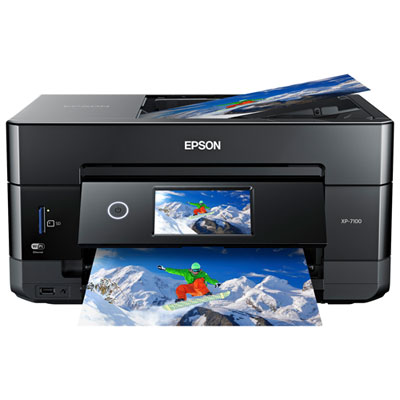 Your price for this item is $249.99
-
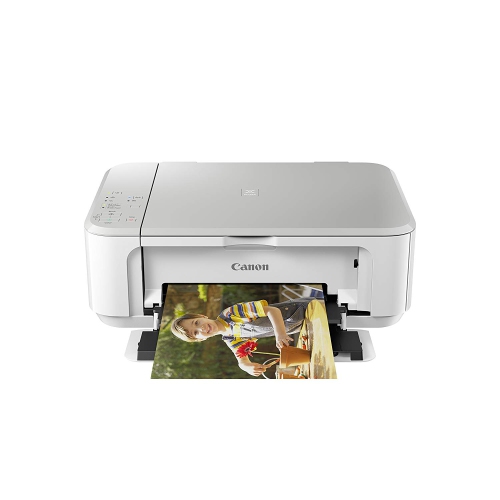 Your price for this item is $69.95
-
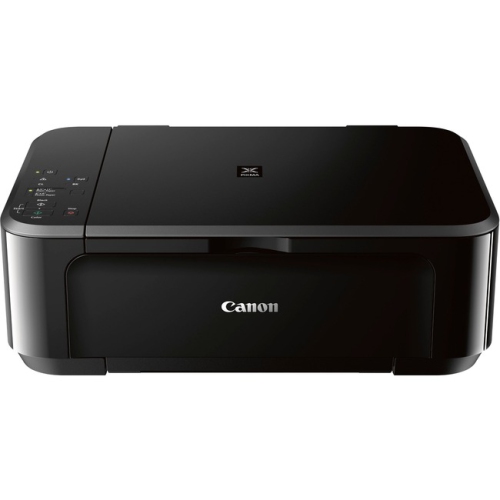 Your price for this item is $67.5
-
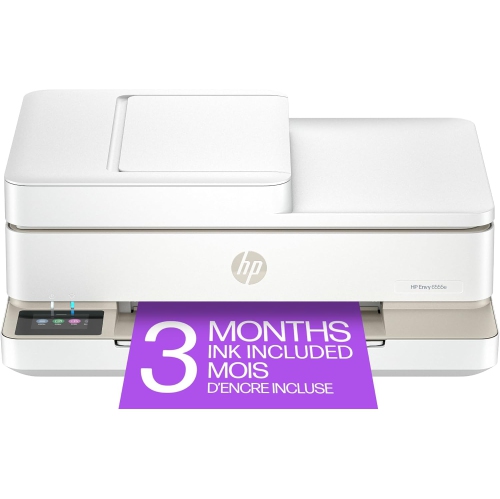 Your price for this item is $214.79
-
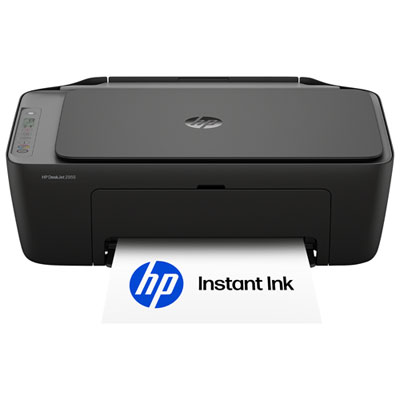 Your price for this item is $99.99
-
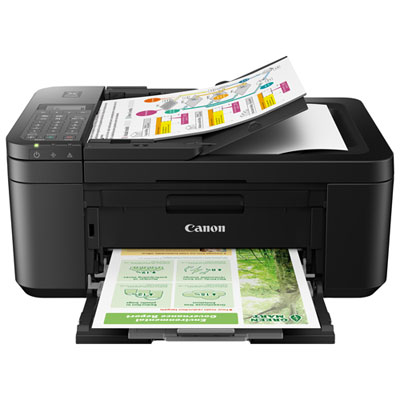 Your price for this item is $149.99
-
 Your price for this item is $49.99
-
 Your price for this item is $49.99
Discover more categories related to Canon All-In-One Printers
Top Collections:
Best Black Friday Deals This Year, Best Black Friday Deals On Electronics, Kindle Devices, Pokemon Centers, Best Black Friday Deals On Apple Products, Best Cameras for Sports Photography, Dyson Airwrap, Pokémon 30th Celebration Cards, Apple iPhone 17 Pro, Canon G7X Cameras
Some products may be subject to Environmental Handling Fees
(EHF) depending on your province.
Learn more about EHFs.