Carpal Tunnel Mice
Carpal Tunnel Mouse options are designed to help make your computing experience more comfortable during long hours at your desk. Whether you're working, gaming, or browsing, finding the right mouse can help support your hand and wrist posture. Explore a variety of Carpal Tunnel Mouse choices that suit different preferences and setups, so you can stay productive and focused throughout your day. Discover models that cater to both left- and right-handed users as well as various grip styles, making it easy to select the perfect addition to your workspace.
Sort


How mouse shape affects hand position and comfort
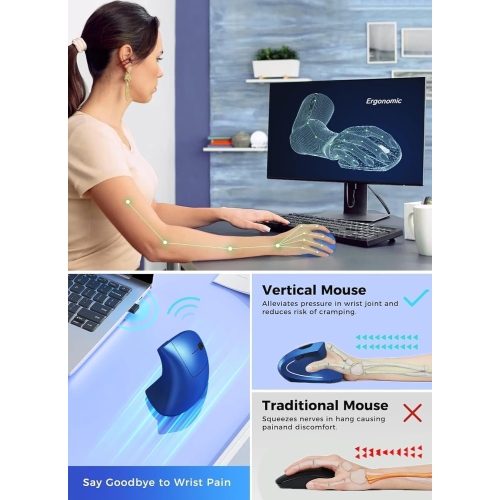
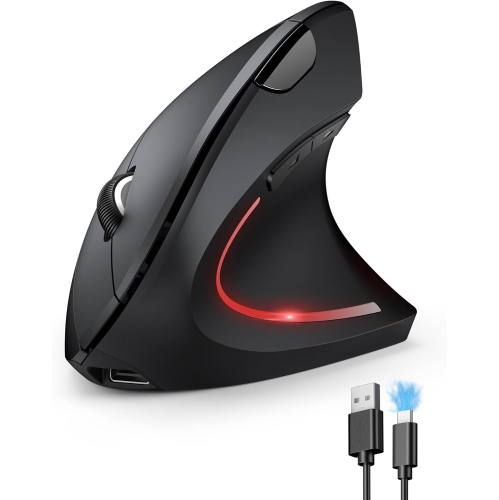
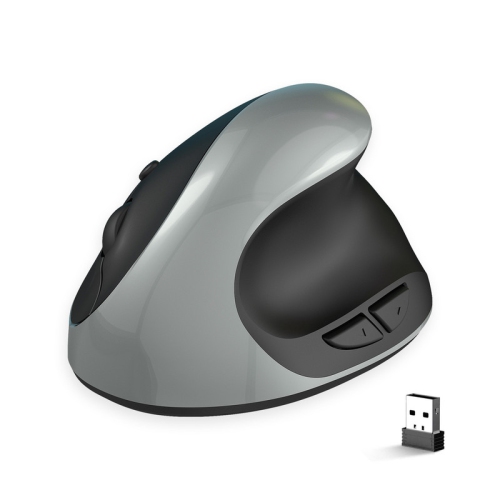
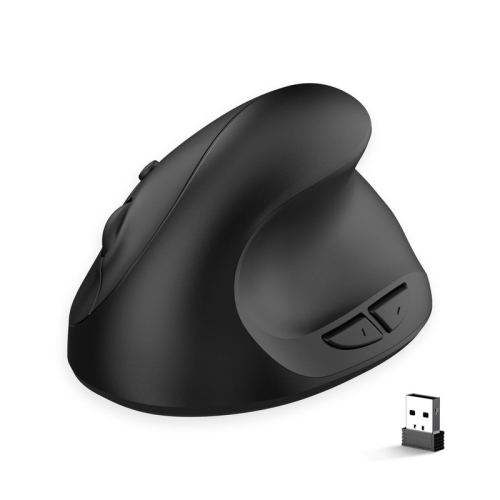
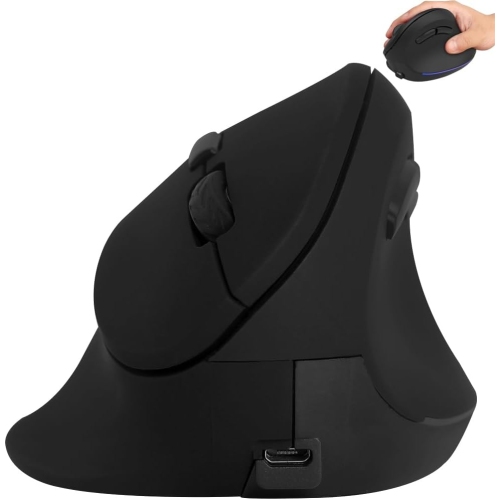
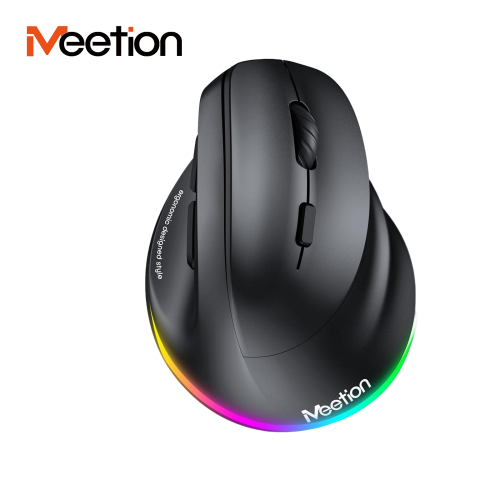
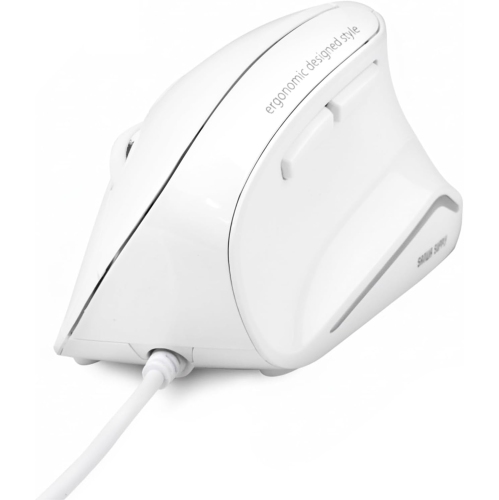
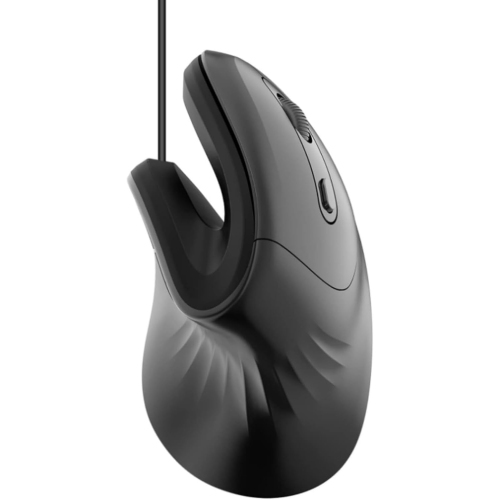
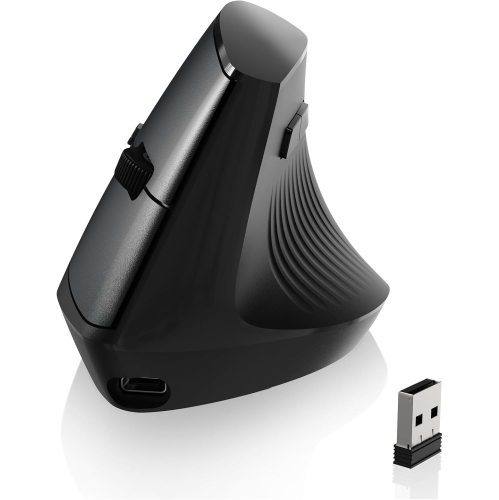
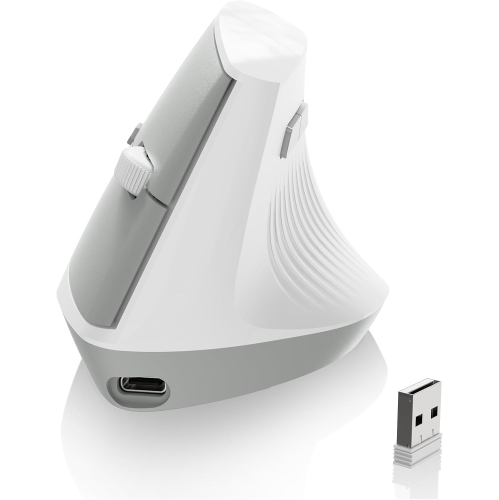
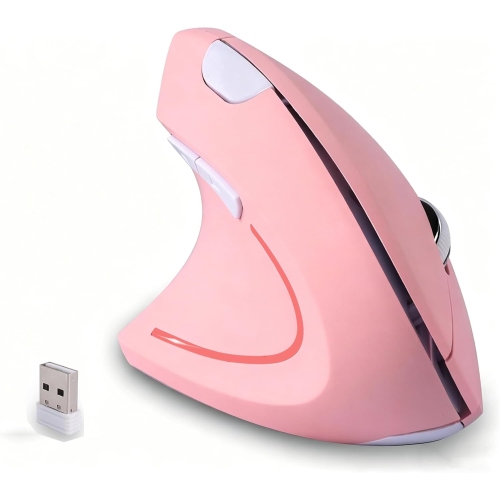
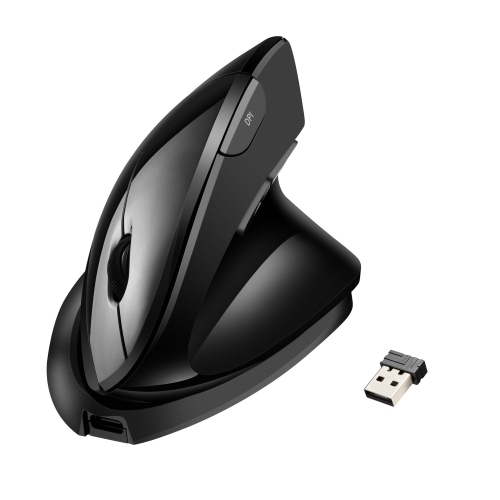
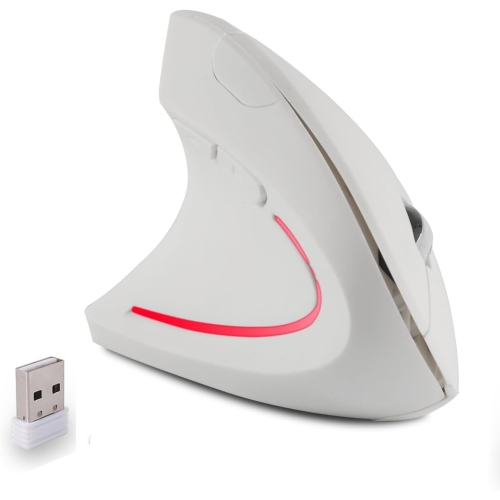
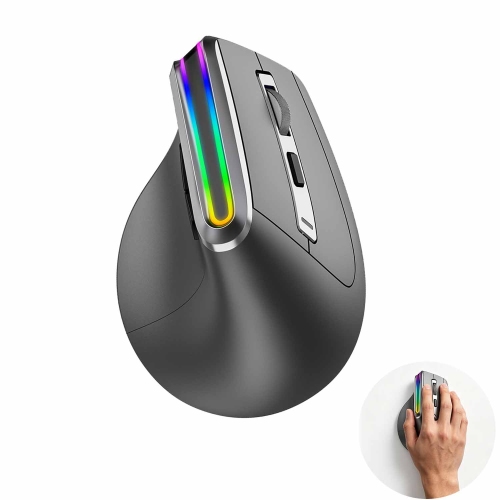
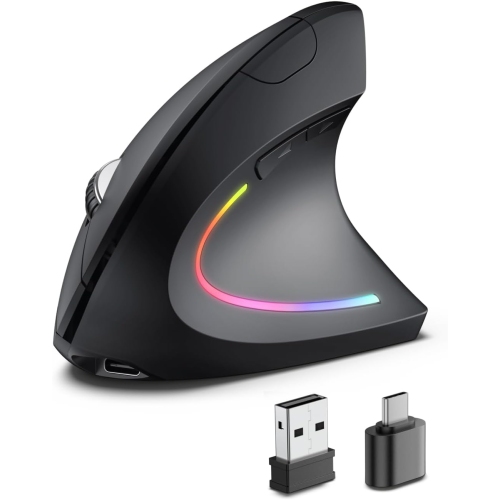
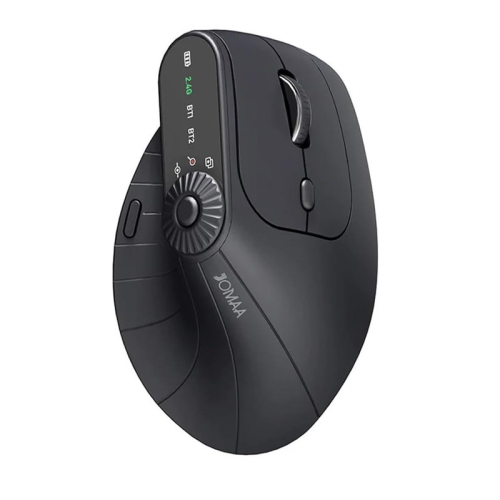
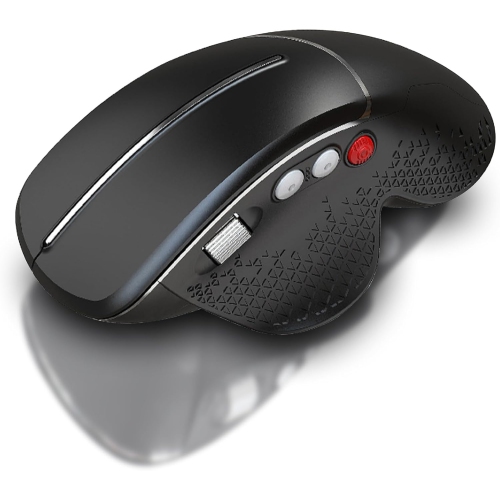
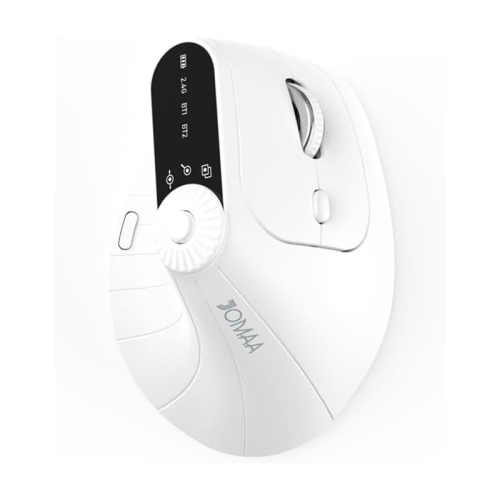
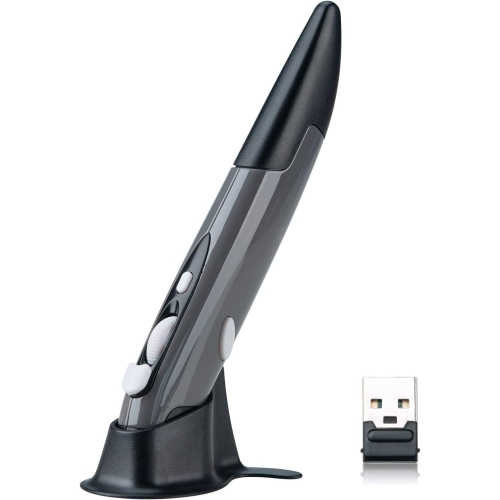
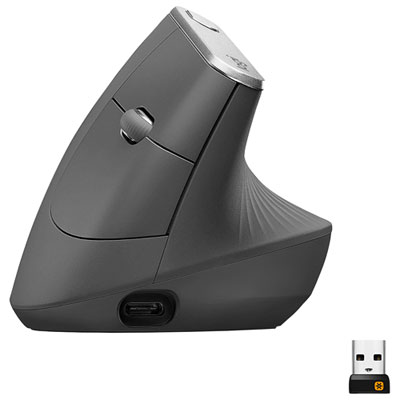
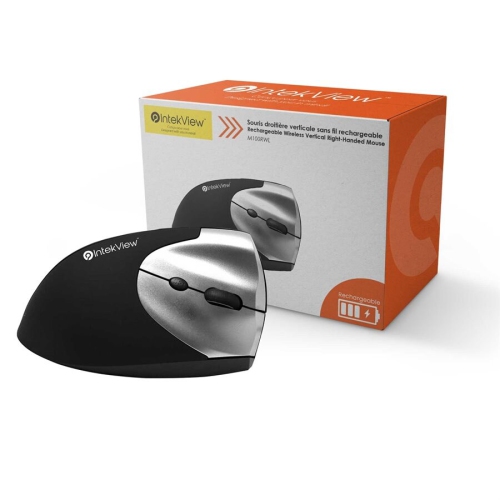
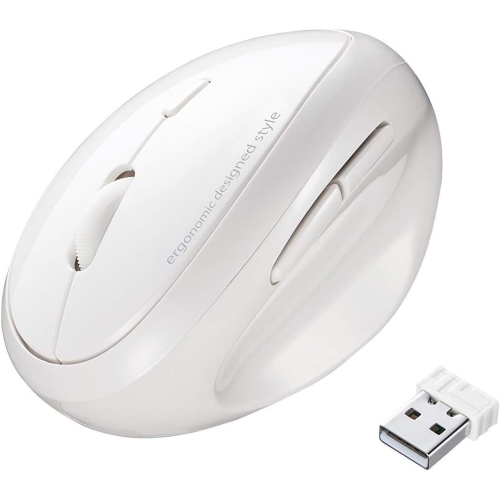
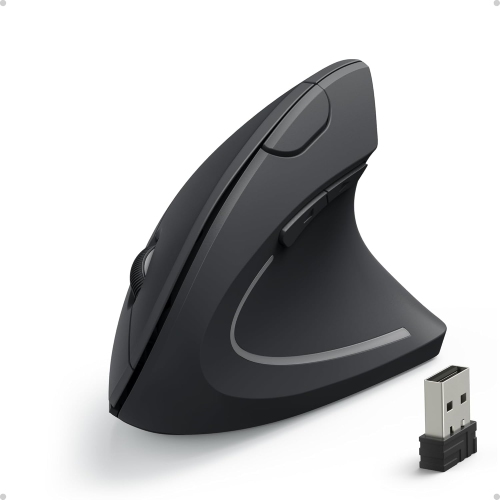
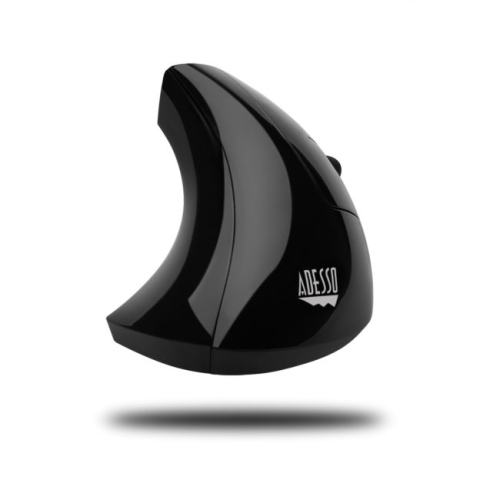
Carpal tunnel mice generally refers to ergonomic computer mice considered by people seeking a more comfortable hand position while using a computer. Rather than describing a medical treatment, the term covers pointing devices with different shapes, grip angles and methods of cursor control. A vertical mouse places the hand in a more upright, handshake-like position, reducing the amount of forearm rotation compared with a conventional flat mouse. Other ergonomic shapes use a gentler slope, a contoured palm area or a thumb rest to support a relaxed grip. These designs may improve comfort for some users, but they do not guarantee lower pressure within the carpal tunnel or relief from carpal tunnel syndrome. The distinction matters when choosing something for hours of spreadsheet work, detailed photo editing or everyday browsing: a comfortable shape should fit the person and the task, not simply look different from a standard mouse. Trackballs offer another approach. Because the device stays in one place while a ball controls the pointer, less movement across the desktop is needed. Thumb-operated designs concentrate that movement in the thumb, while finger-operated designs distribute control differently; neither style is automatically the better choice for every hand. A trackball can also be useful on a compact work surface where there is little room to move a conventional mouse. Switching between these control styles can take practice, particularly for precise selections, dragging files or navigating small on-screen controls. Short periods of ordinary use can reveal more about suitability than gripping a mouse briefly. An unfamiliar shape may require adjustment, but pain is not something to push through. Persistent tingling, numbness, weakness or wrist pain deserves assessment by a healthcare professional, especially when symptoms affect sleep, grip strength or daily activities. The mouse is only one part of a workstation, alongside keyboard placement, chair height, forearm support and opportunities to change position.
Hand size and handedness are central to finding a suitable fit. When comparing Computer Mice for Carpal Tunnel, the relationship between the palm, buttons and thumb support matters more than a tall profile or pronounced curve on its own. Measuring from the wrist crease to the tip of the middle finger, along with palm width, provides useful context for a manufacturer's hand-size recommendations. Those measurements should be considered alongside the mouse's dimensions rather than treated as a direct size match. A shell that is too large can leave the fingers reaching for the main buttons; one that is too small may encourage a pinched grip or leave the hand feeling crowded. Ideally, the fingers can rest near the controls without stretching, and the thumb can settle naturally without being pressed against an edge. Sculpted mice are often shaped specifically for the right or left hand, so a symmetrical appearance should not be taken as proof of suitability for either. Button placement is equally important during repeated actions. Someone who spends the day moving between documents may value accessible back and forward controls, while detailed creative work may benefit from adjustable pointer sensitivity. Sensitivity settings change how far the cursor travels in response to movement, allowing a balance between broad navigation and fine control. More sensitivity is not necessarily more comfortable if it makes the pointer difficult to position. Click resistance and scroll-wheel feel also influence the experience during repetitive tasks. A light, predictable click may feel easier to manage than a stiff button, but accidental activation can be frustrating. Even a well-fitting mouse can feel awkward when placed beyond easy reach or on a desk that holds the wrist at an angle. Keeping it close to the keyboard helps limit reaching, while enough clear space allows the forearm to move without catching on clutter.
Materials, construction and connection options affect how an ergonomic mouse fits into daily routines. Rigid plastic shells provide structure, while textured surfaces or soft-touch sections can add grip where the fingers and thumb rest. A surface that feels secure without requiring a tight hold is useful during long stretches of navigation, though preferences vary with hand size and grip style. Raised contours, seams and button edges should feel unobtrusive against the hand. For a mouse that travels between home, an office and shared workspaces, overall size, weight and protection during transport also matter. A tall vertical shape may need more room in a laptop bag than a low-profile mouse, and a loose cable or exposed receiver can be easy to misplace. Wired connections avoid battery charging, while wireless designs reduce cable drag and make it easier to reposition the device. Bluetooth compatibility, receiver requirements, operating-system support and charging connections are worth checking against the intended computer setup. Programmable controls may depend on software, particularly for custom shortcuts or settings used across more than one computer. Durability depends partly on the components used most often: the main buttons, scroll wheel, charging port and sliding feet. Routine care helps maintain consistent operation. Dust around the sensor, debris beneath a trackball and residue on gripping surfaces can affect tracking or feel. Cleaning should follow the manufacturer's directions, with liquids kept out of openings and removable parts handled only as instructed. Students, office workers, designers and people who alternate between several computers may all have different priorities, from compact dimensions to precise cursor control. Gaming introduces additional considerations, including responsiveness and easy access to frequently used buttons; an office-focused ergonomic shape will not necessarily suit every game. As a practical gift, an ergonomic mouse is most thoughtful when the recipient's preferred hand, computer connections and comfort preferences are already known. Personal fit remains more useful than assuming one shape suits everyone.
Top selling and popular products
-
 Your price for this item is $29.99
-
 Your price for this item is $50.44
-
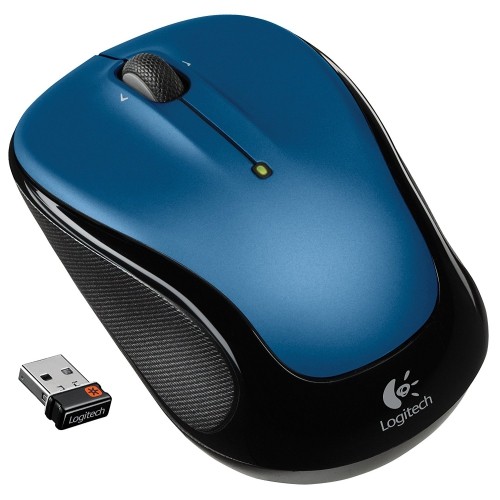 Your price for this item is $39.99
-
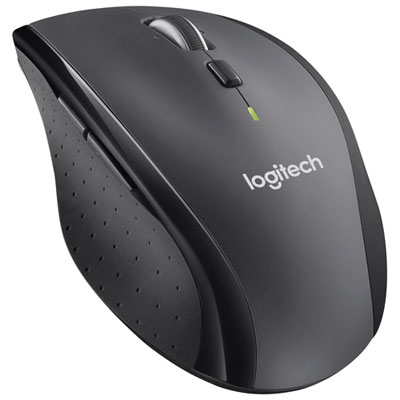 Your price for this item is $39.99
-
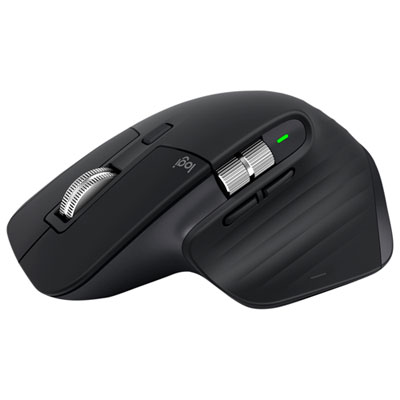 Your price for this item is $159.97
-
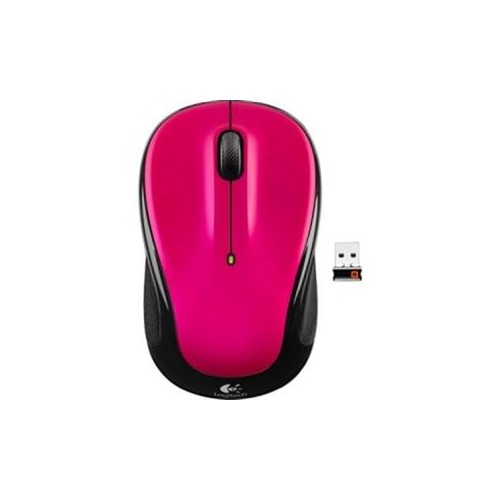 Your price for this item is $64.68
-
 Your price for this item is $48.68
-
 Your price for this item is $31
Discover more categories related to Carpal Tunnel Mice
Top Collections:
Best Black Friday Deals This Year, Best Black Friday Deals On Electronics, Kindle Devices, Dyson Airwrap, Best Cameras for Sports Photography, Best Budget Office Chairs, Canon G7X Cameras, PS5 Pro Consoles, Best Black Friday Deals On Apple Products, XBOX One S Consoles
Some products may be subject to Environmental Handling Fees
(EHF) depending on your province.
Learn more about EHFs.