Carpal Tunnel Keyboard and Mice
Carpal Tunnel Keyboard and Mouse options are designed to provide comfort and support during long hours at your desk. Whether you're working, gaming, or browsing, the right keyboard and mouse can make a noticeable difference in your daily routine. Explore a wide selection of designs that help you stay productive while prioritizing ease of use. Find the Carpal Tunnel Keyboard and Mouse that best fits your workspace and enjoy a smoother, more comfortable experience every day.
Sort

Why keyboard layout and mouse fit matter for comfort
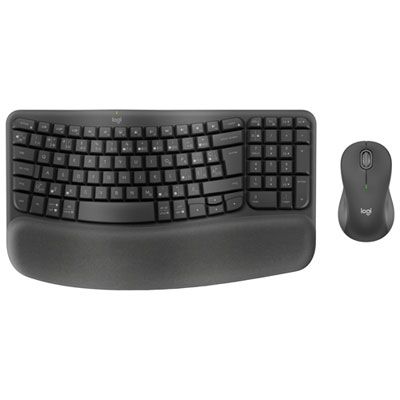
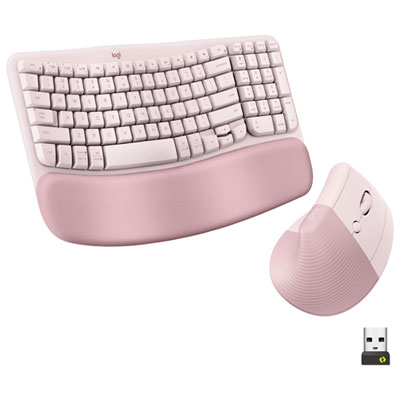
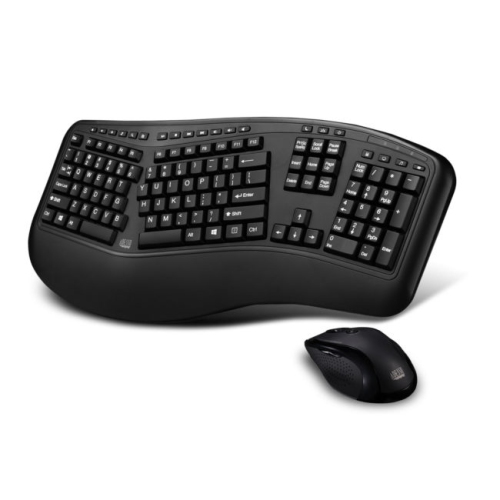
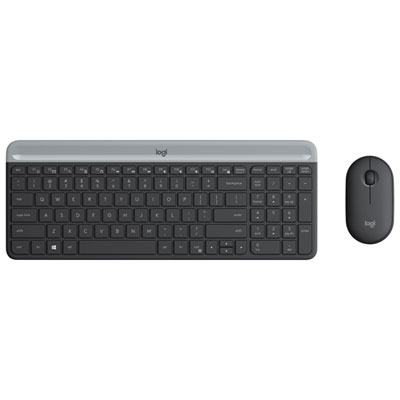
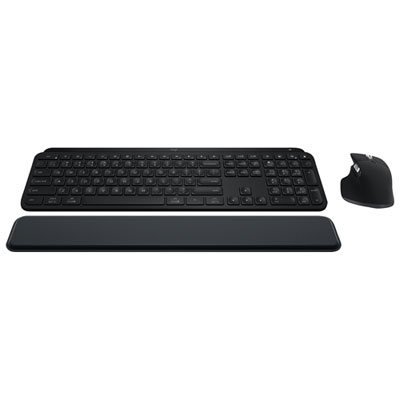
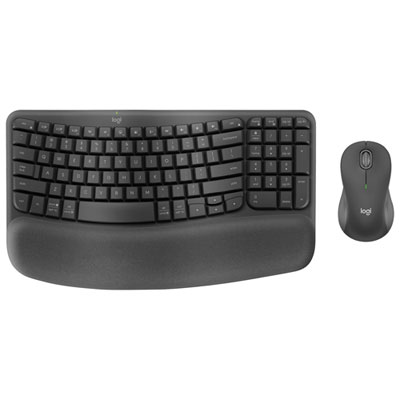
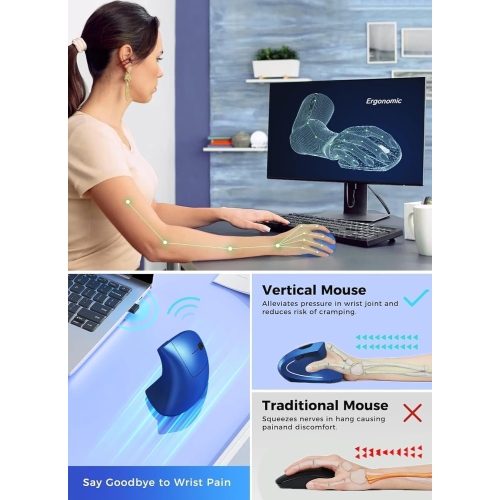
Carpal tunnel keyboards and mice are ergonomic computer accessories designed to support more neutral hand, wrist, and forearm positions during everyday computer use. Rather than asking the hands to adapt to a flat keyboard or a conventional mouse, these designs change the angle, spacing, or shape of the controls. Split keyboards can reduce the need to bend the wrists sideways while typing, while vertical mice place the hand in a more upright, handshake-like position. These features may improve comfort for some people, but they do not treat carpal tunnel syndrome or guarantee that symptoms or injuries will be prevented. Persistent tingling, numbness, weakness, or pain warrants advice from a qualified healthcare professional. Within the Ergonomic Keyboard and Mice category, differences in layout matter as much as the overall shape. A keyboard with two separate halves allows the distance and angle between the hands to be adjusted; a one-piece split layout provides a set separation without requiring two independently positioned sections. Tenting raises the inner edges of the keyboard so the palms do not have to lie as flat, while a low front edge can help limit upward wrist bending. An attached palm support provides a resting surface between typing sessions, but it should not press into the underside of the wrists. Compact layouts leave more space for a mouse beside the keyboard, which can help reduce sideways reaching on a small work surface. Full-size layouts retain a dedicated number pad for frequent data entry, although their extra width may place the mouse farther from the body. For someone moving between spreadsheets, email, and lengthy documents, a suitable layout balances familiar key placement with a comfortable reach. Key resistance and travel also influence the feel: a light touch may suit frequent typing, while clearly defined feedback can make key presses easier to recognize. A different layout can take practice, particularly when the letter keys are separated or frequently used shortcuts move.
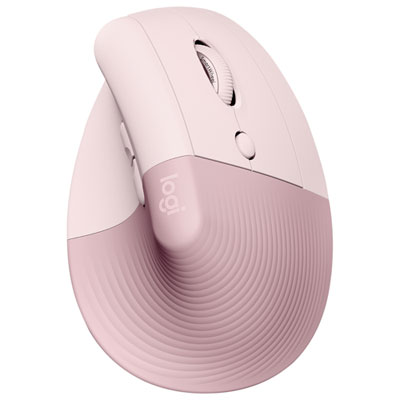
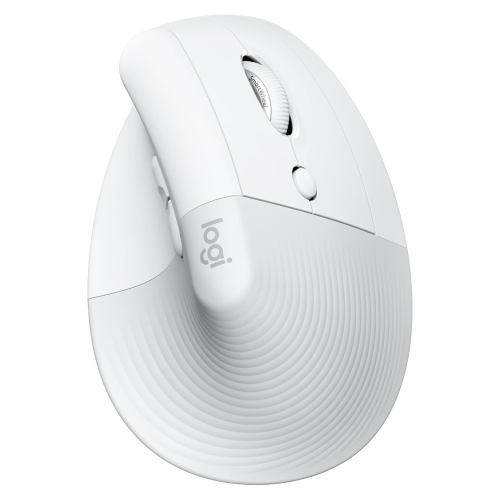
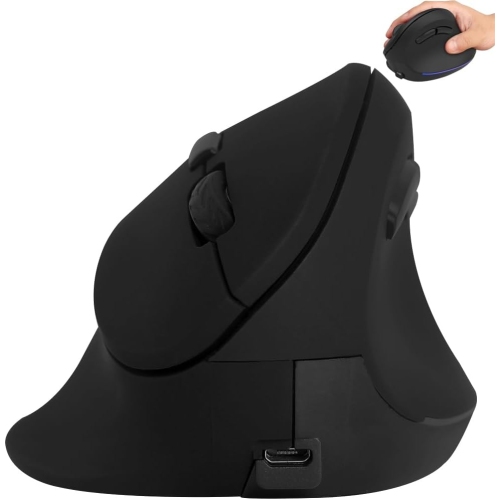
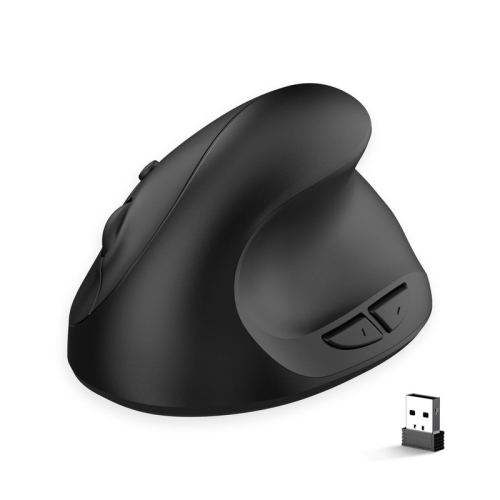
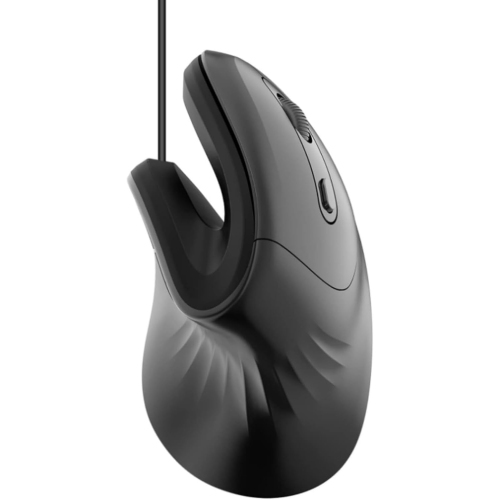
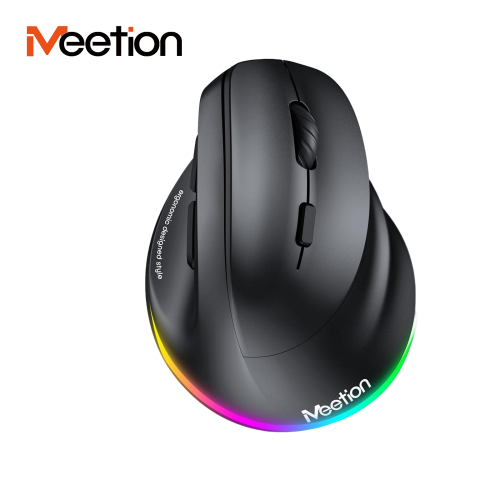
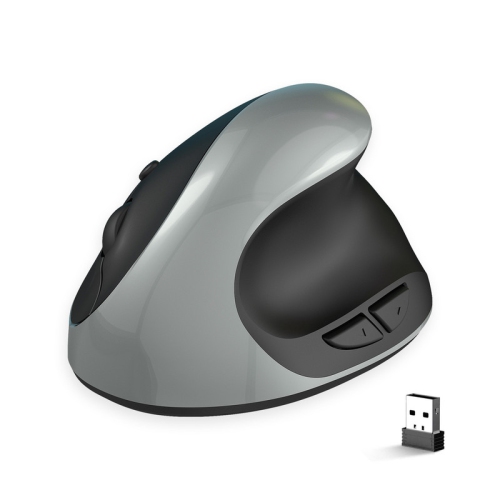
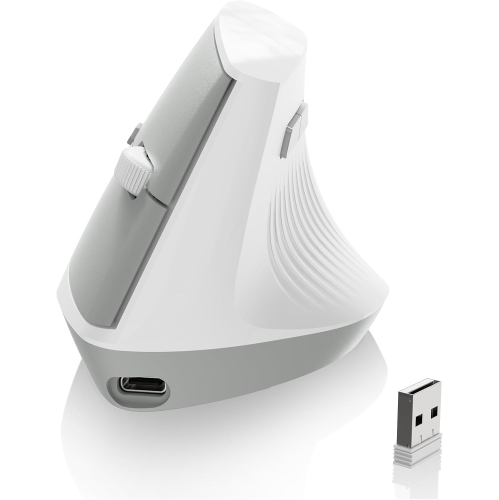
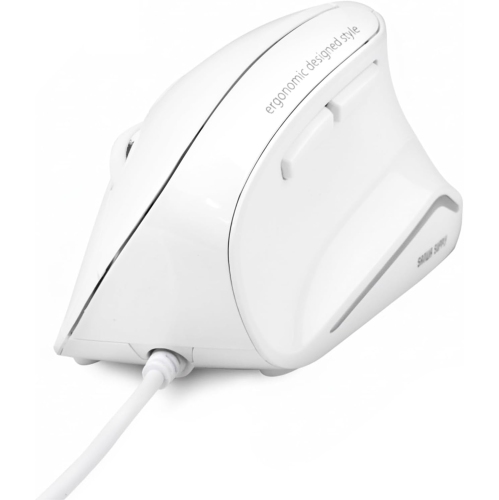
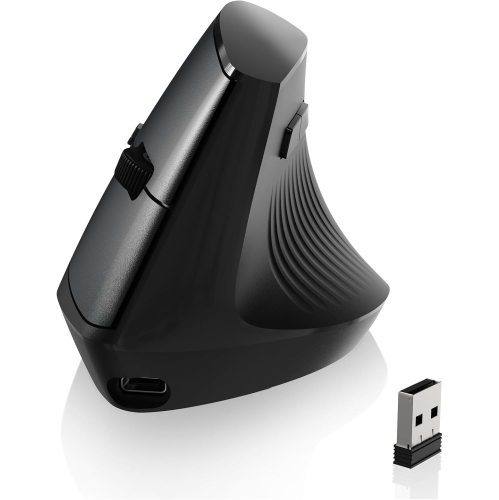
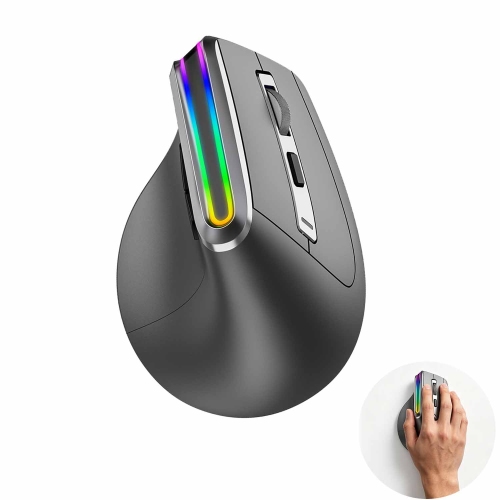
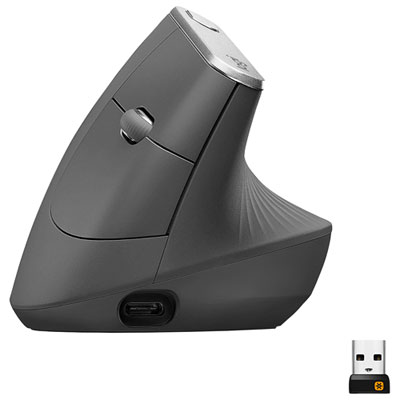
An ergonomic mouse needs to fit the hand as well as the task. A vertical mouse changes the angle of the forearm compared with a conventional palm-down design, but the degree of tilt, body height, and button placement vary. A shape that supports a larger hand may leave someone with smaller hands stretching to reach the scroll wheel or gripping too tightly to maintain control. Conversely, a mouse that is too small can encourage a cramped grip. The fingers should reach the main buttons comfortably without the thumb having to squeeze the body throughout each movement. Handedness is especially important because many contoured shapes are designed specifically for either the right or left hand; an ambidextrous shape does not necessarily offer the same support as a dedicated left-handed design. Trackballs provide another approach by keeping the device stationary while the thumb or fingers move the pointer. This can be useful where desk space is limited, although shifting movement to the thumb or fingers will not suit everyone. A person navigating large spreadsheets may value smooth scrolling and easily reached navigation buttons, while someone doing detailed design work may prefer adjustable pointer sensitivity for controlled movements. Programmable controls can reduce repeated trips between the mouse and keyboard by placing common actions within reach, provided those controls are comfortable to operate. Quiet clicks may be welcome in a shared office, and a pronounced scroll-wheel step can make moving through long documents feel more deliberate. Overall weight matters too: a heavier mouse can feel steady, whereas a lighter design may require less effort to move. Even a well-shaped mouse can feel awkward when positioned beyond easy reach. Keeping it close to the keyboard, with the upper arm relaxed beside the body, makes the fit of the whole workstation more relevant than the mouse shape alone. A supportive chair, suitable desk height, and opportunities to change position remain important alongside the accessories.
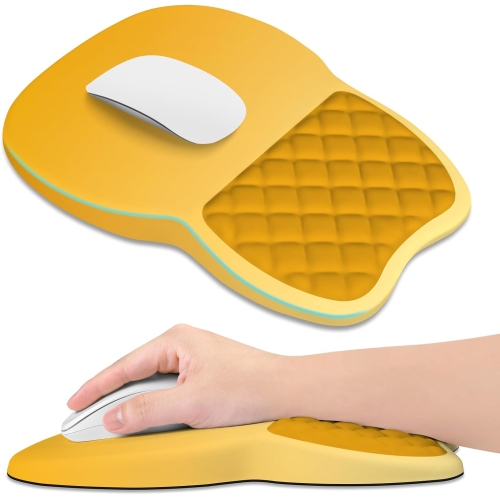
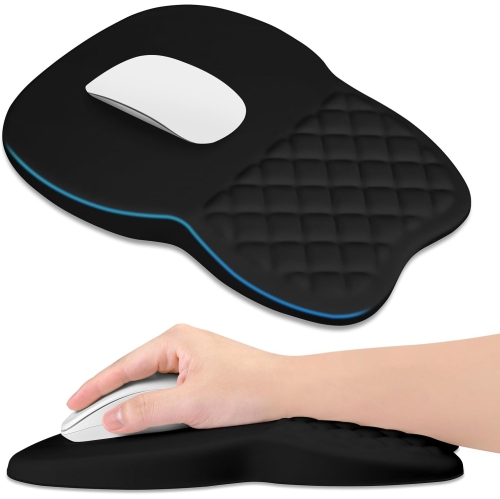
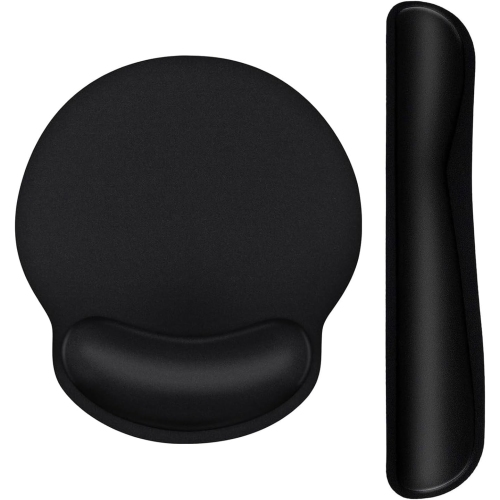
Materials, construction, and connection options affect how ergonomic keyboards and mice hold up to daily use. Textured plastic can provide grip without a soft coating, while rubberized contact areas offer a different feel under the fingers and palm. Soft-touch finishes may wear or become sticky over time, depending on use and cleaning products. Palm supports may use fabric, foam, gel, or a wipeable covering; the covering and firmness influence both comfort and upkeep. Fabric can feel pleasant against the skin but may need more careful spot cleaning, while smooth surfaces are generally easier to wipe down according to the manufacturer’s directions. Removable supports and clearly accessible seams can make routine care simpler. On adjustable keyboards, stable feet, secure hinges, and settings that stay in place are useful durability details, particularly when the keyboard is moved between workspaces. A wired connection avoids battery management, though the cable needs enough slack to preserve the intended position. Wireless designs reduce cable clutter, but compatibility, charging arrangements, and the need for a USB receiver still matter. Bluetooth connectivity can be convenient for switching between compatible computers, while a receiver requires an appropriate port or adapter. Operating-system support also deserves attention because basic typing and clicking may work even when customization software or certain shortcut keys do not. For a shared workstation, adjustable spacing and tilt can accommodate different users more easily than a fixed shape. For a laptop setup, a separate keyboard and mouse allow the screen to be raised without pulling the hands upward with it. Portable designs are easier to carry, although a compact shape should still provide enough room for comfortable use. Students, office workers, writers, and people managing household paperwork may all value these accessories, but fit remains personal rather than universal. As a practical gift, an ergonomic keyboard or mouse is most useful when the recipient’s preferred hand, computer connections, workspace dimensions, and layout preferences are already known. Everyday comfort comes from the relationship between the accessories, the person using them, and the way the workspace is arranged.
Top selling and popular products
-
 Your price for this item is $29.99
-
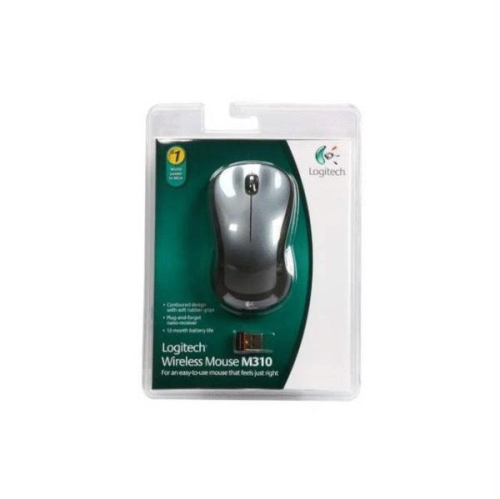 Your price for this item is $50.44
-
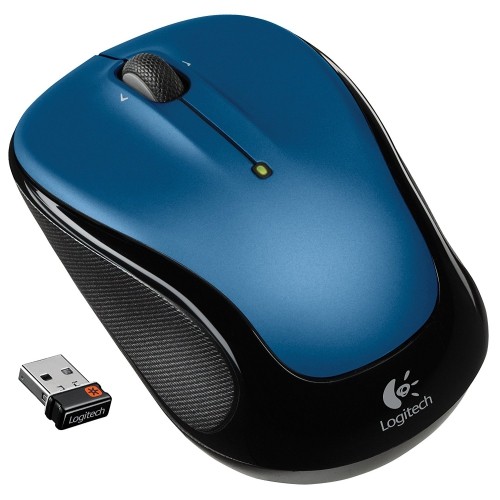 Your price for this item is $39.99
-
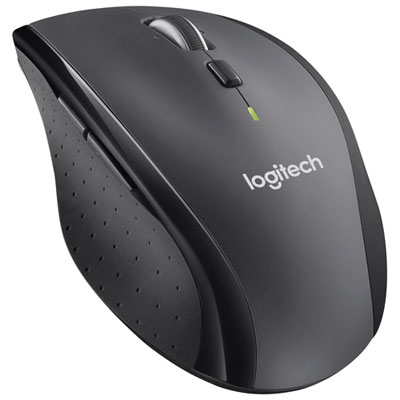 Your price for this item is $39.99
-
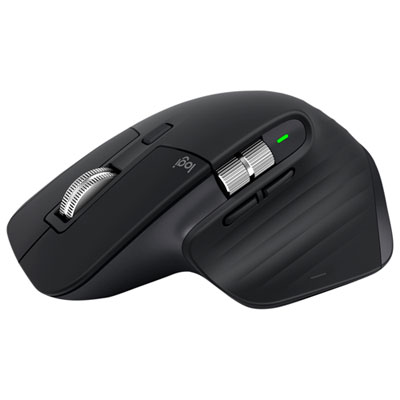 Your price for this item is $159.97
-
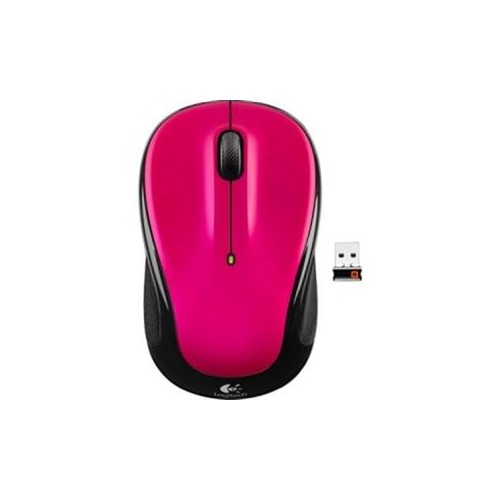 Your price for this item is $64.68
-
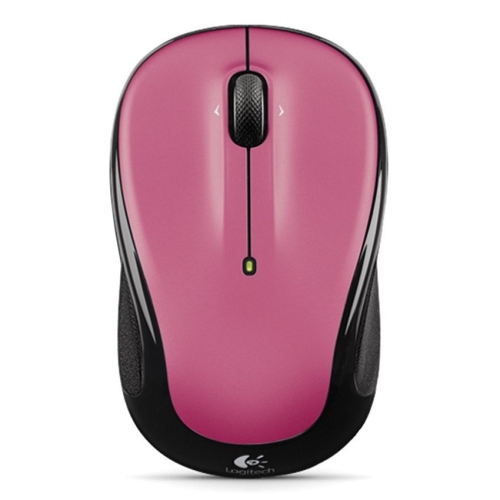 Your price for this item is $48.68
-
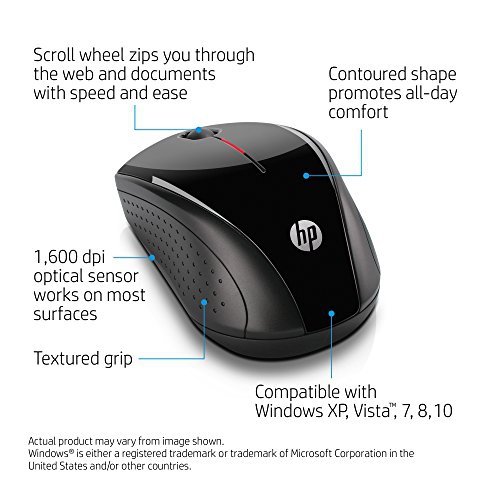 Your price for this item is $31
Discover more categories related to Carpal Tunnel Keyboard and Mice
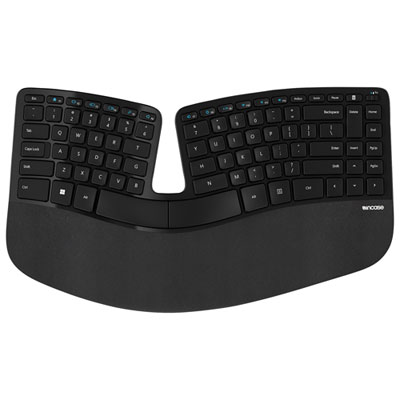
Top Collections:
Best Black Friday Deals This Year, Best Black Friday Deals On Electronics, Kindle Devices, Dyson Airwrap, Best Cameras for Sports Photography, Best Budget Office Chairs, Canon G7X Cameras, PS5 Pro Consoles, Best Black Friday Deals On Apple Products, XBOX One S Consoles
Some products may be subject to Environmental Handling Fees
(EHF) depending on your province.
Learn more about EHFs.