Ergonomic Mice for Carpal Tunnel
If you're looking for a mouse that will help prevent or reduce the symptoms of carpal tunnel syndrome, ergonomic mice are worth considering. Ergonomic mice are designed to reduce the stress on your hand and wrist by making them more comfortable to use. Here are some of the best ergonomic mice for carpal tunnel.
Sort


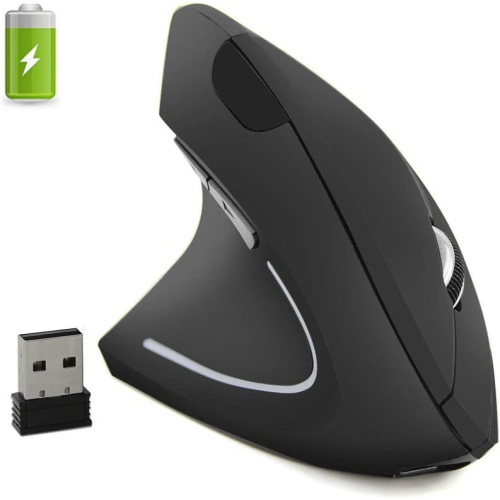
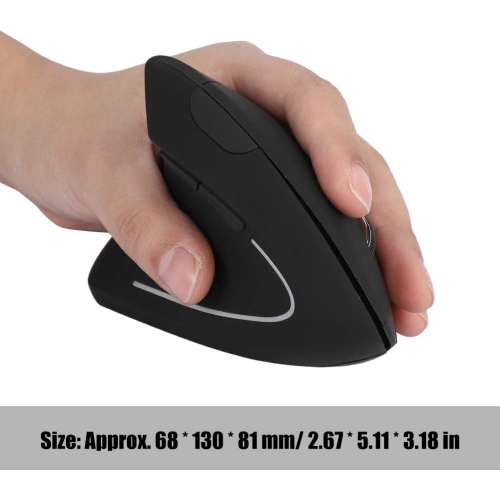
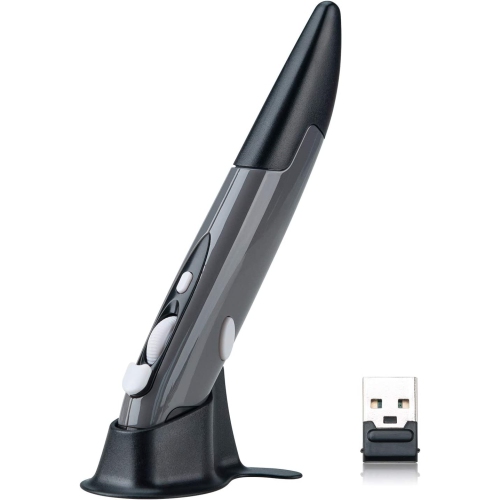
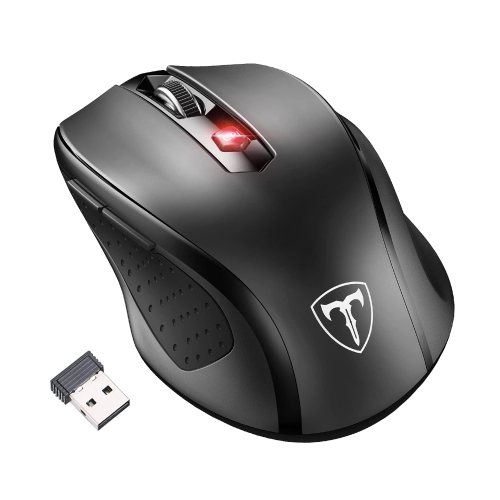

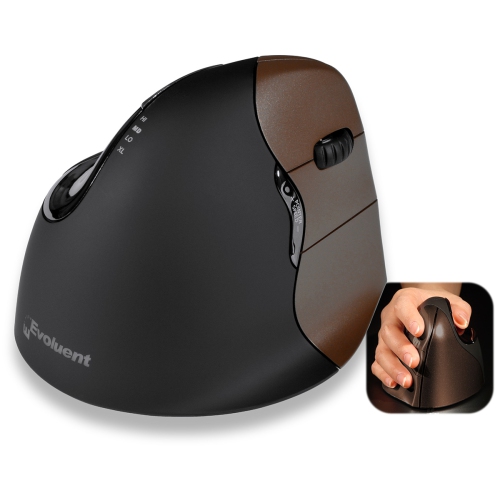

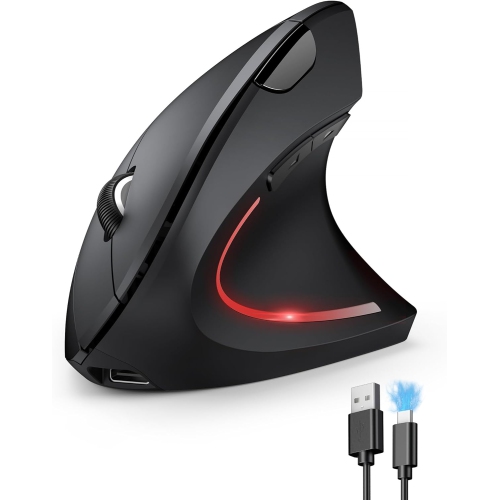
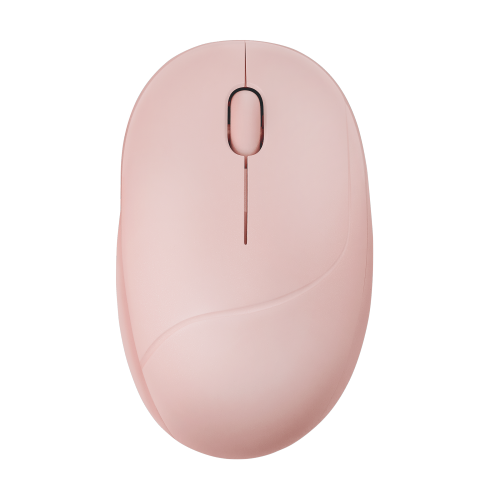
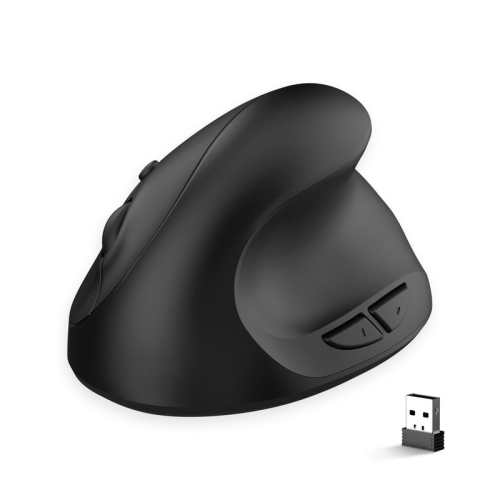
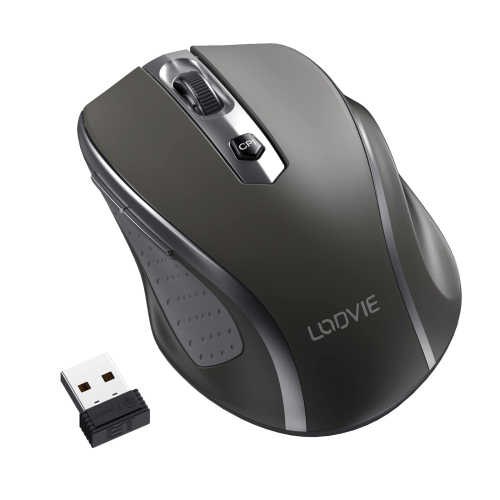
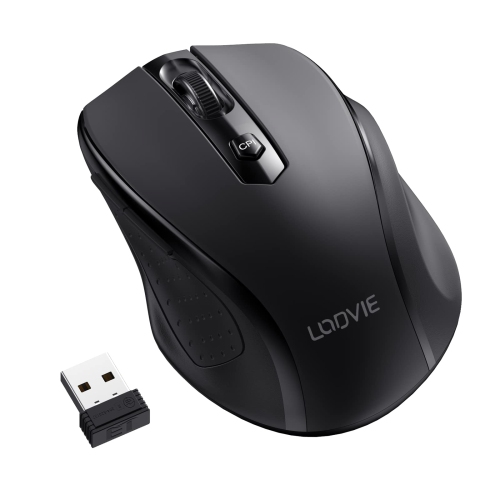
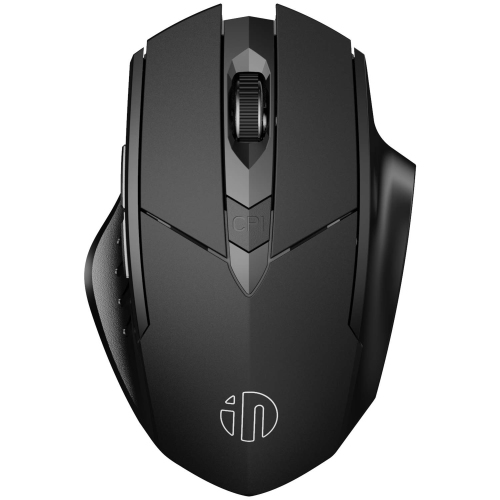

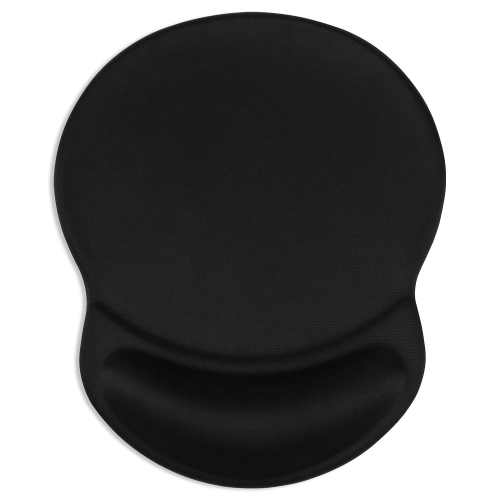
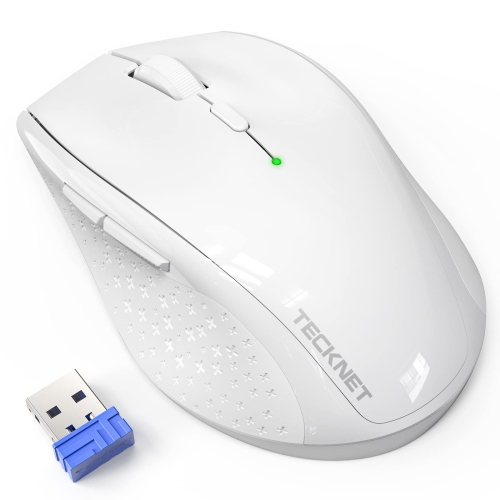
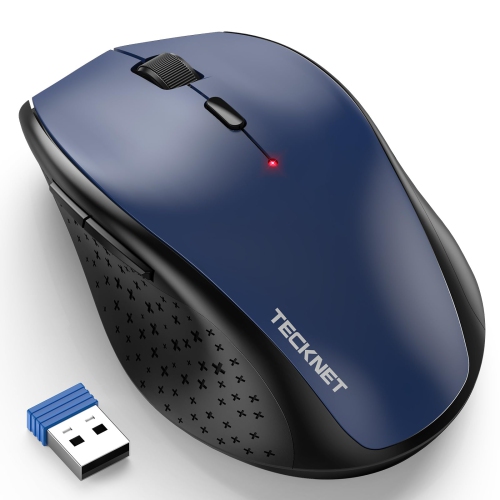
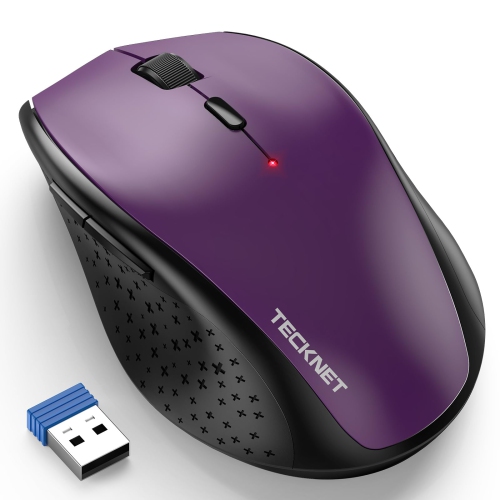
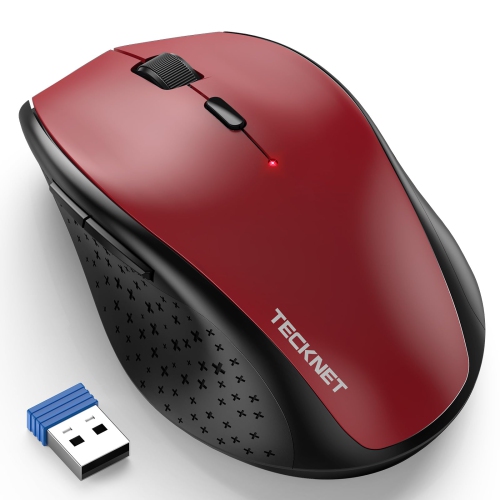
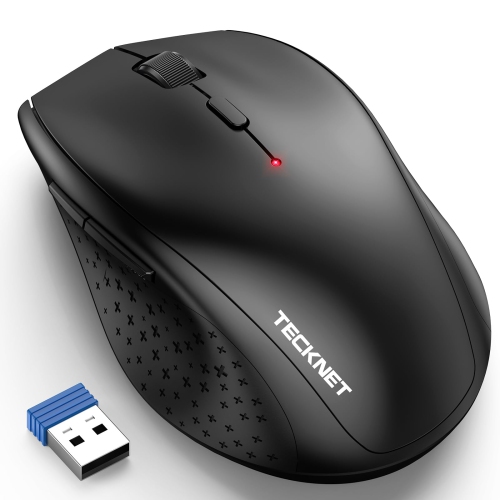
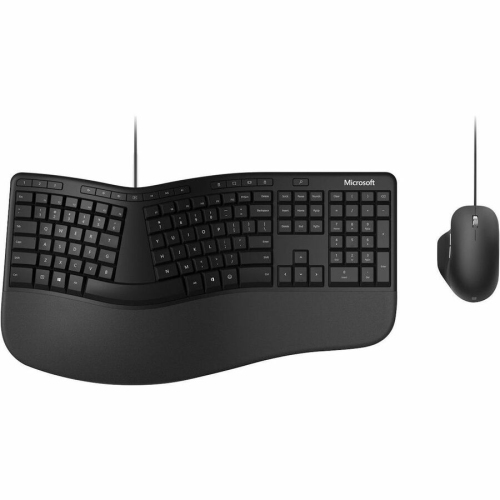
Ergonomic shapes and features for more comfortable computer use
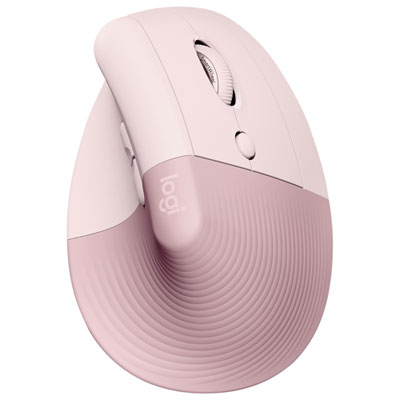
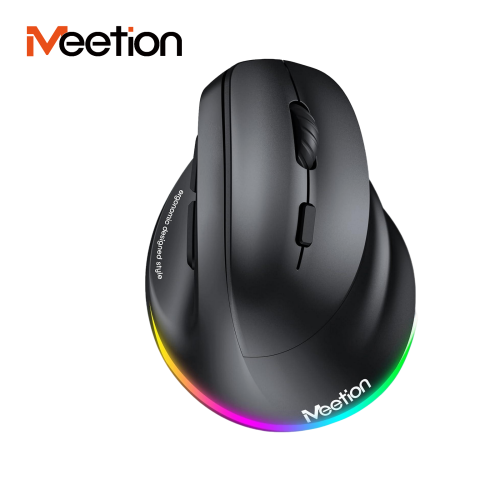
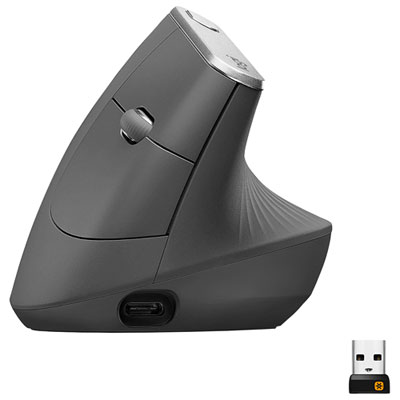
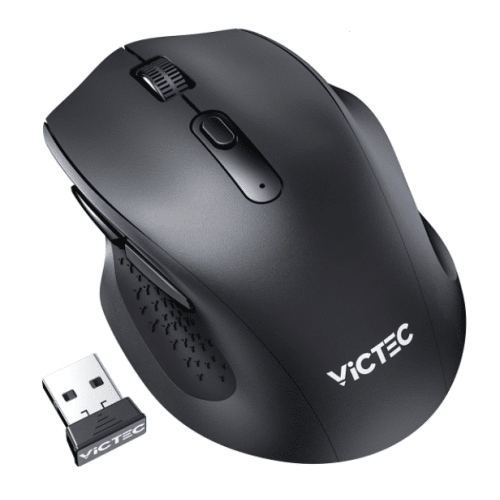
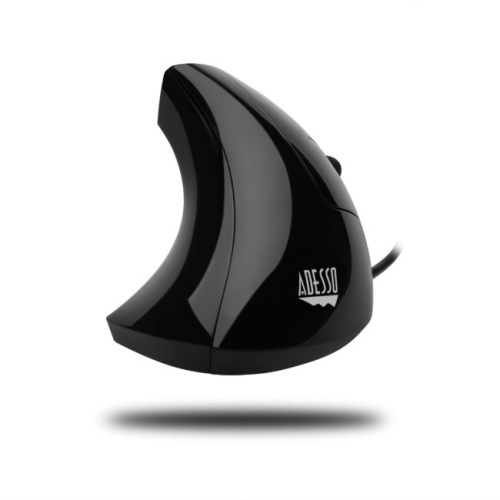
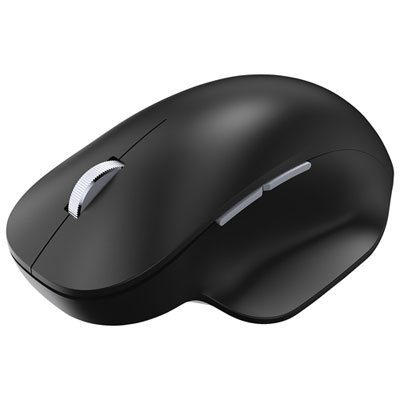
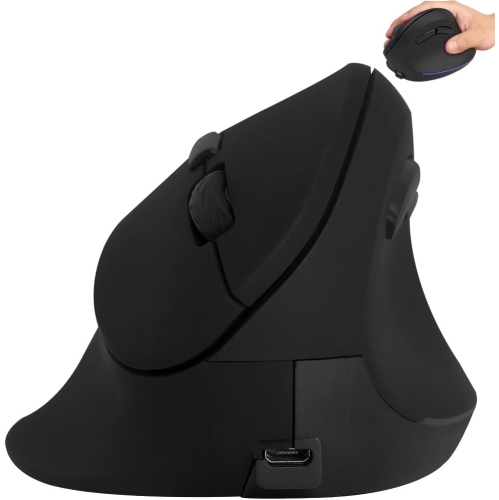
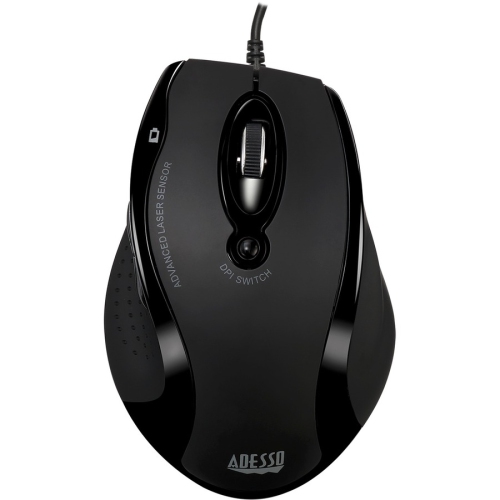
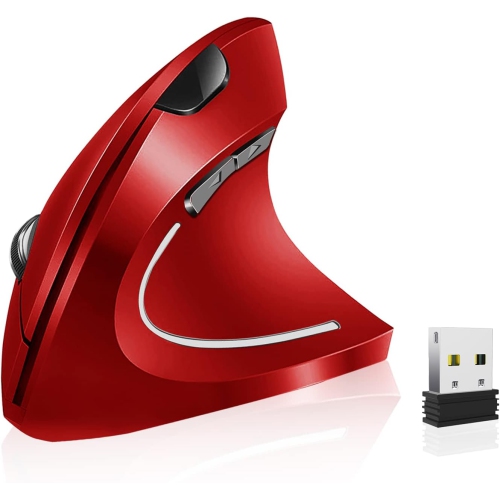
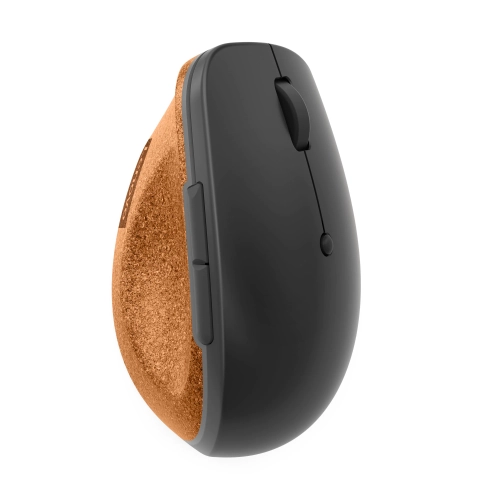
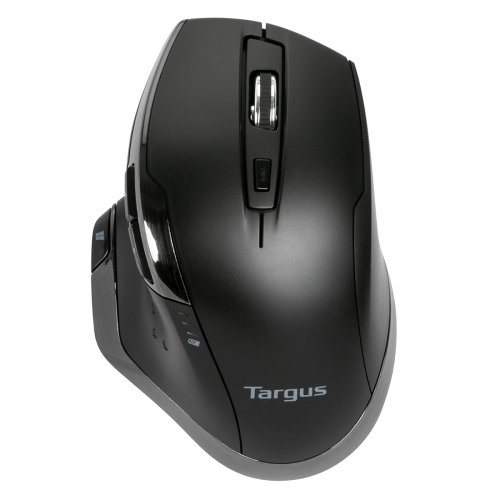
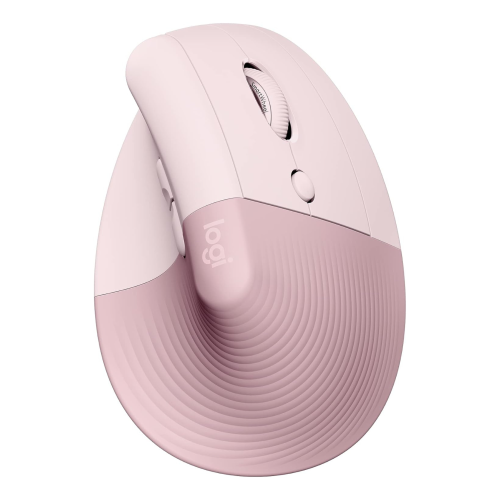
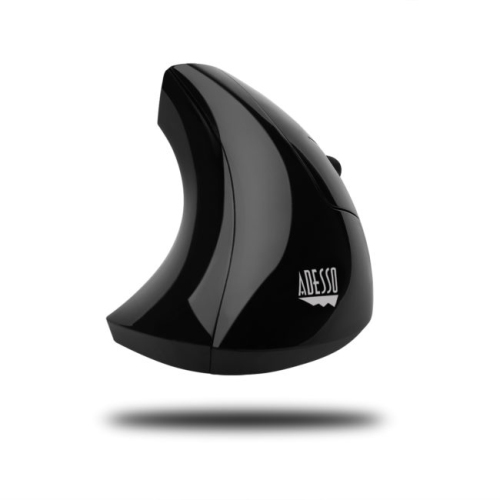
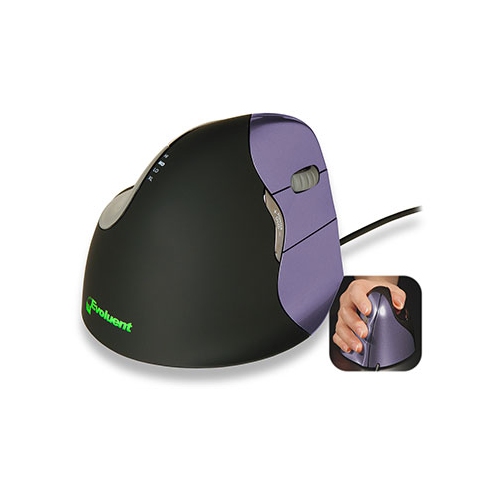
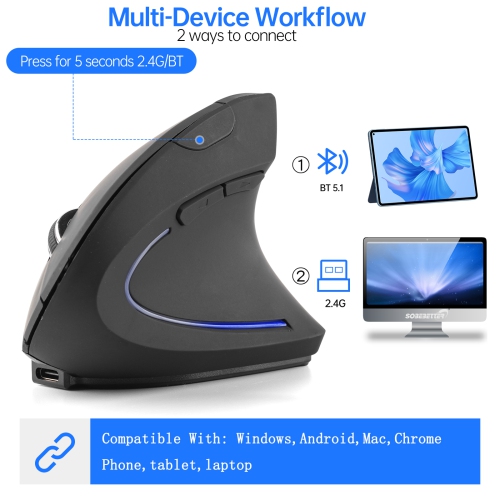
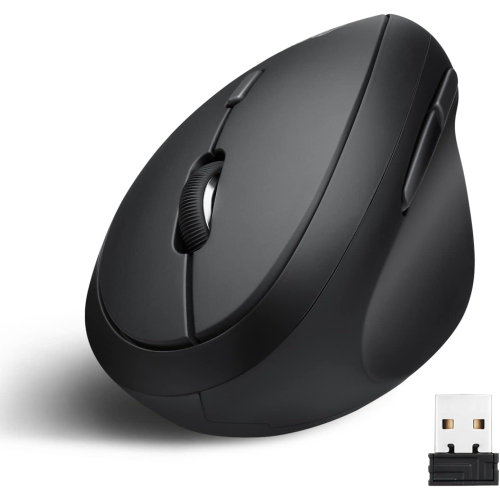
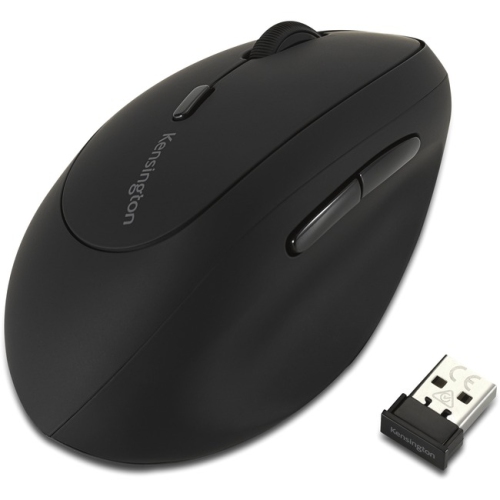
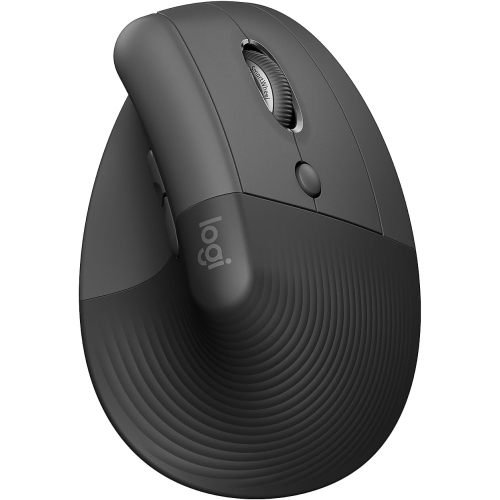
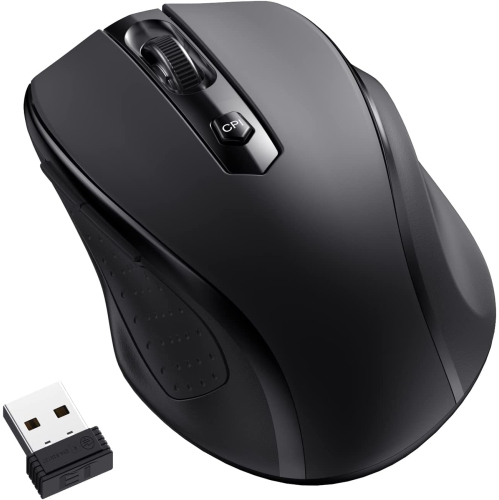
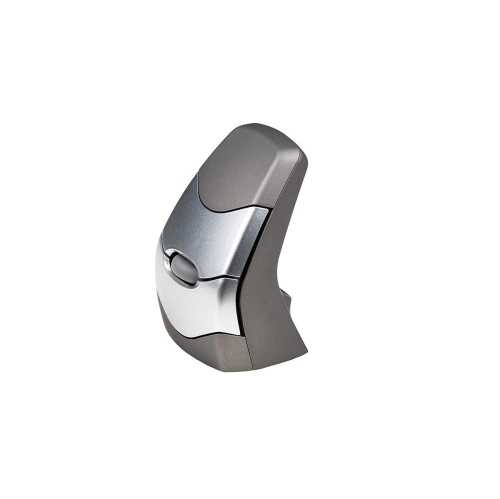
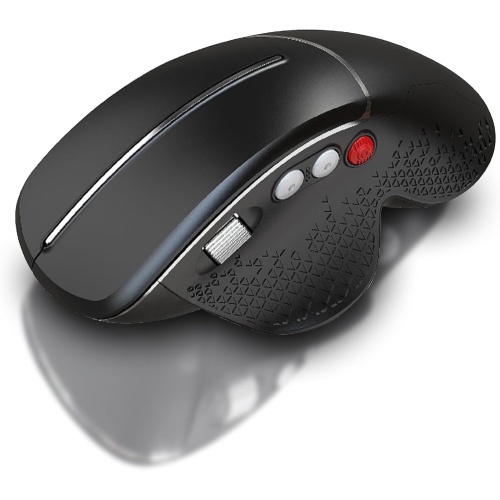
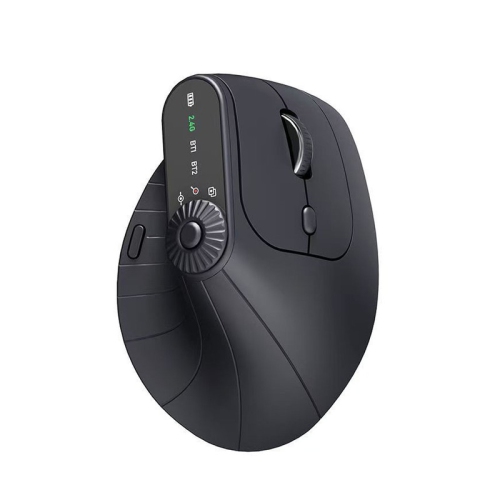
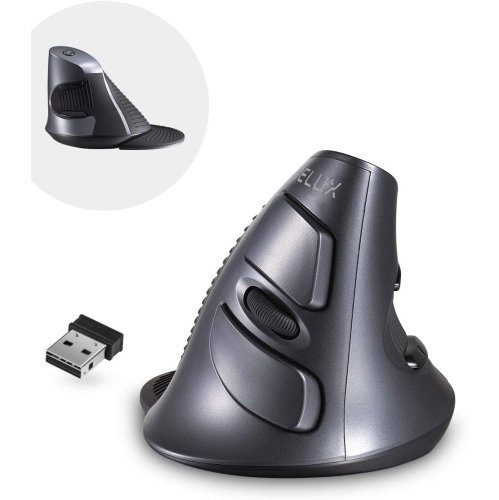
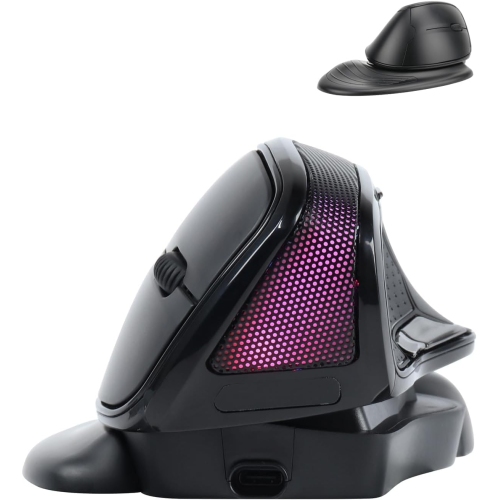
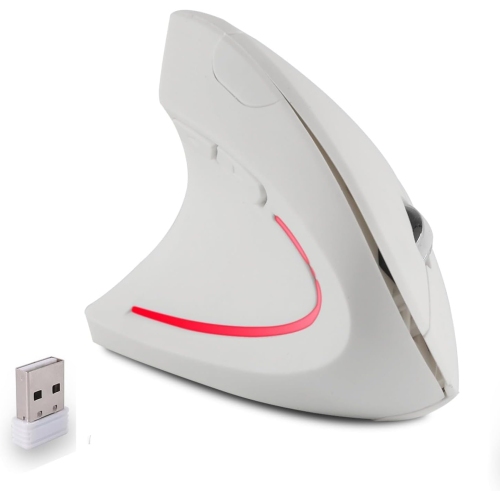
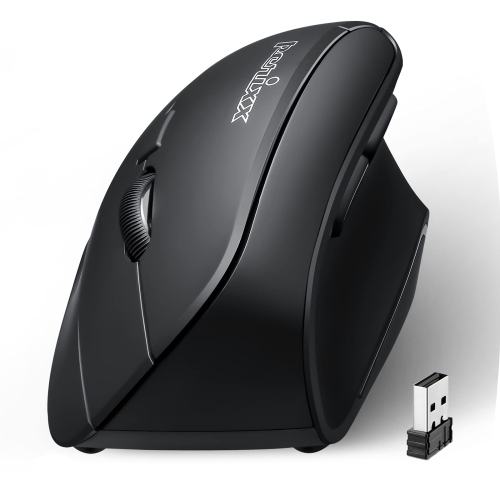
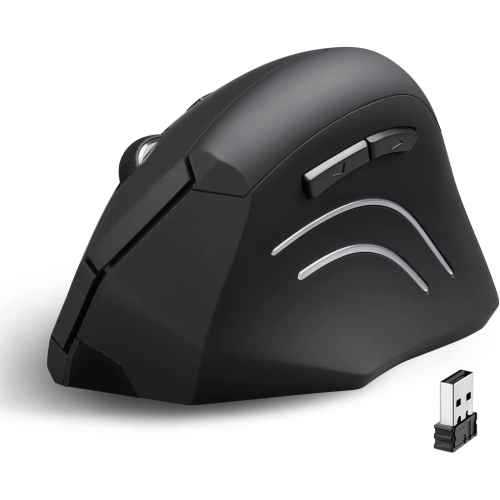
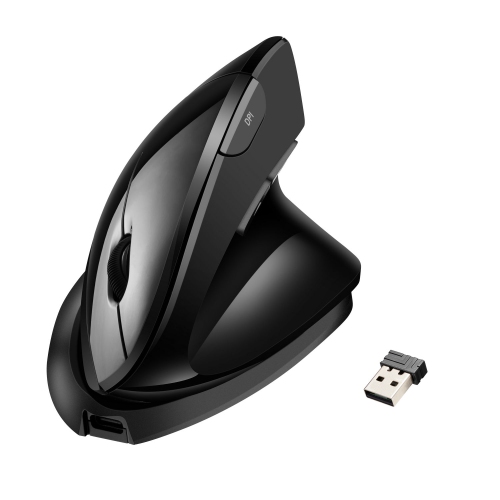
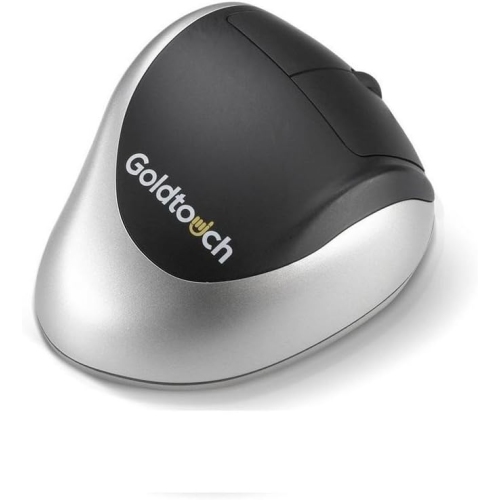
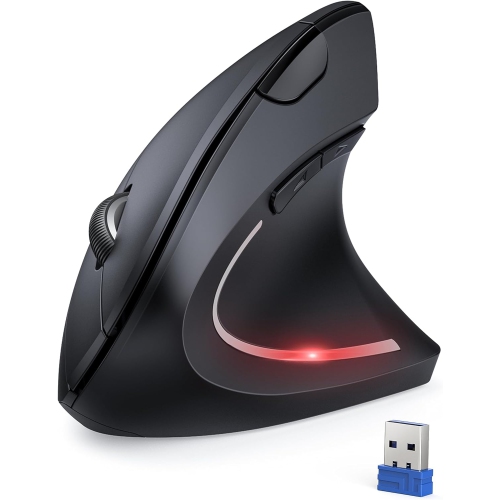
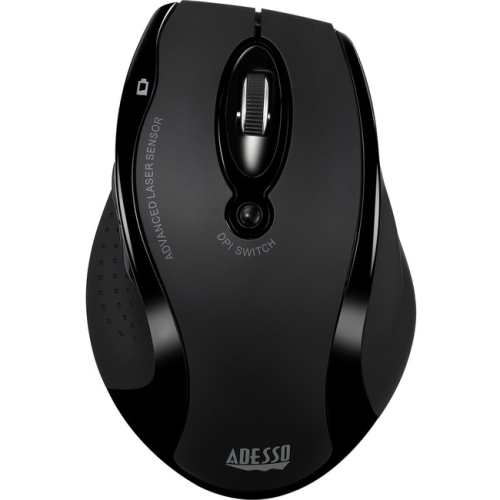
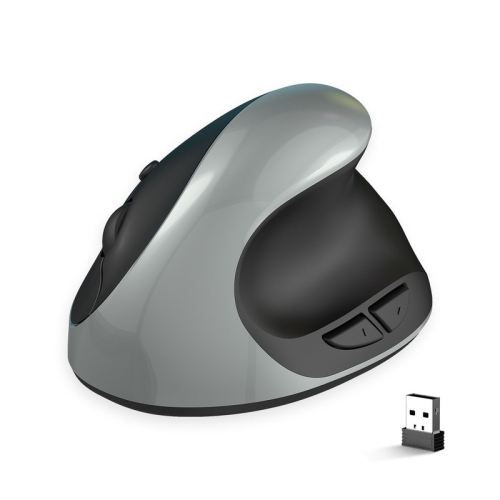
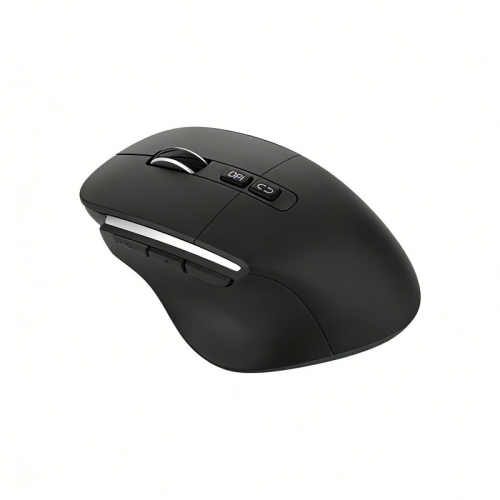
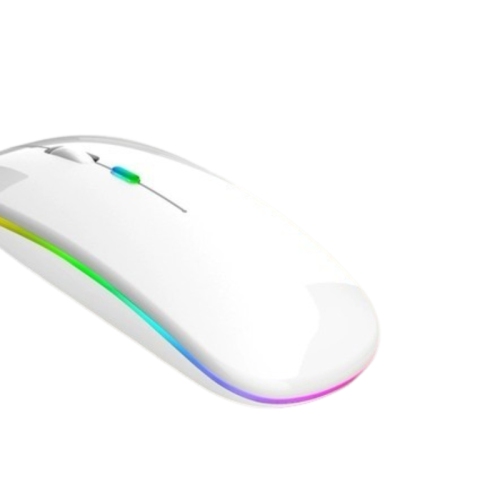
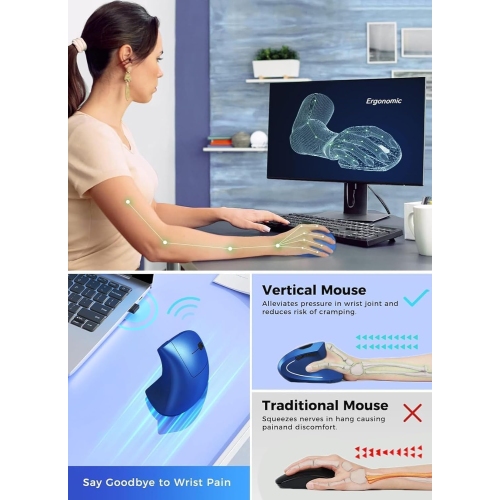
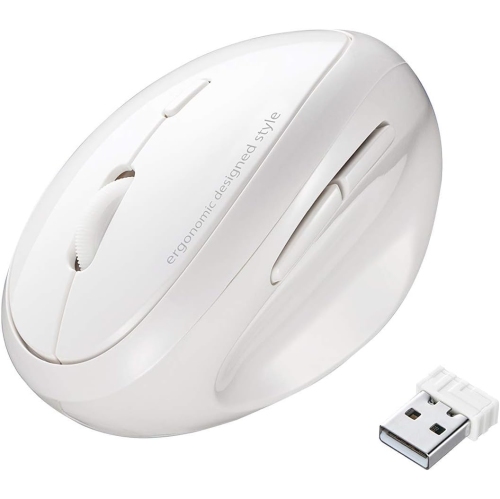
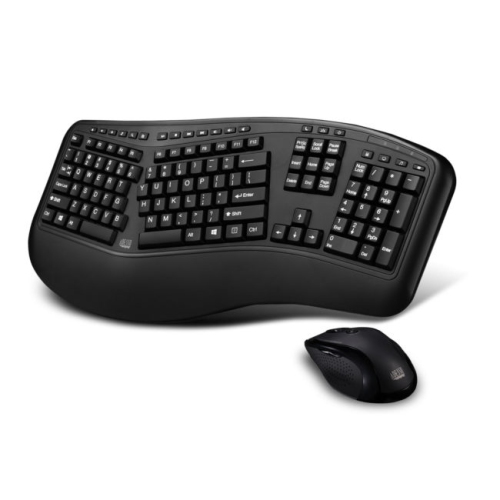
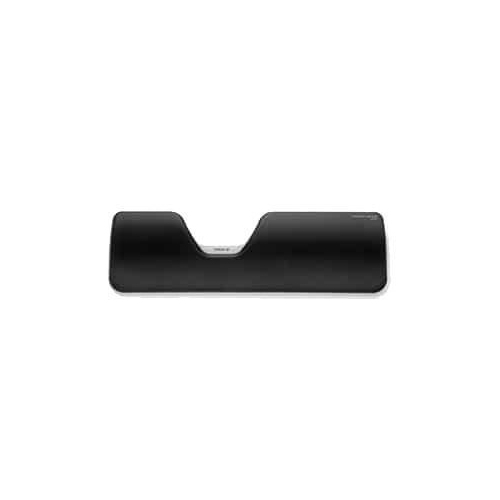
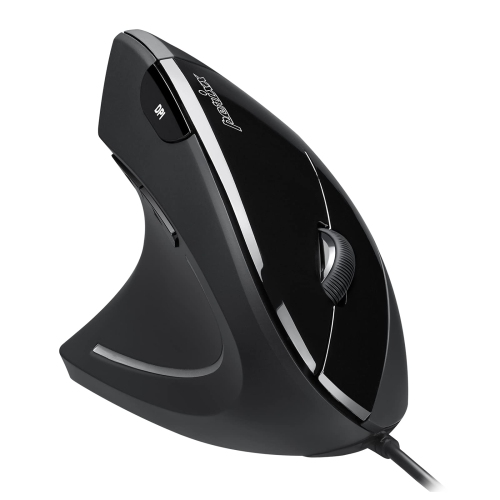
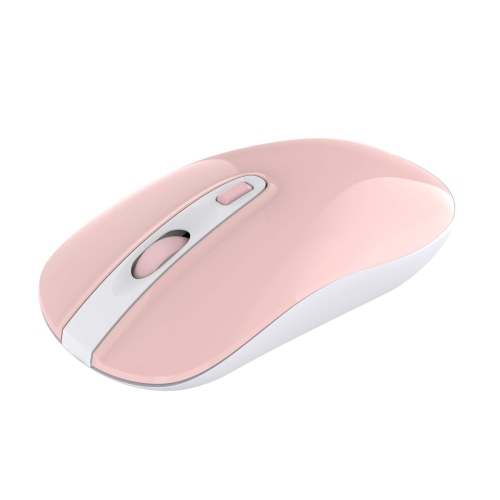
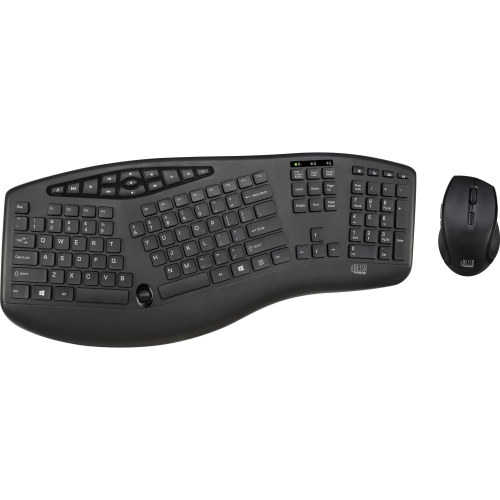
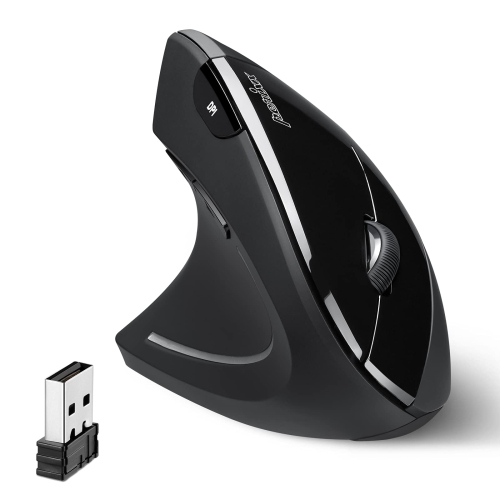
Choosing an ergonomic mouse for carpal tunnel concerns starts with finding a shape that supports a more natural hand and forearm position during everyday computer use. Traditional flat mice can encourage the palm to face down, which may contribute to forearm rotation and wrist tension for some people. Vertical mice are designed to place the hand in a handshake-like position, often with the thumb resting on one side and the fingers wrapping around the other. This upright posture may help reduce the amount of twisting required from the forearm, while a contoured body can provide support without forcing the wrist to bend sharply. Designs vary considerably, so comfort depends on hand size, grip style, desk setup, and the amount of time spent navigating a screen. A smaller vertical mouse may feel easier to control for smaller hands, while a larger body can provide more room for medium or large hands and longer fingers. Look for a shape that allows your fingers to rest naturally on the buttons rather than stretching or curling tightly. Some models include a thumb rest, textured sides, quiet-click buttons, or programmable controls that can reduce unnecessary reaching. Wireless connectivity can help keep a workspace clear, while Bluetooth is useful for laptops and tablets that have limited USB ports. A USB receiver may be preferable for a desktop setup or for users who want a simple, dedicated connection. Rechargeable batteries can be convenient for regular use, whereas replaceable AA or AAA batteries can be practical when you want to keep a spare ready. Compatibility with Windows, macOS, ChromeOS, and other systems is also worth checking, particularly when the mouse will move between a home computer, office workstation, and portable device. For a broader selection of shapes and features, browse Ergonomic Mice and compare the details that matter most to your routine.
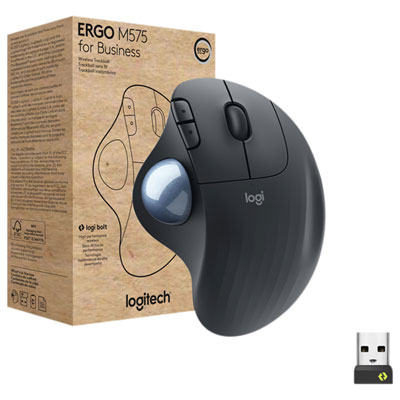
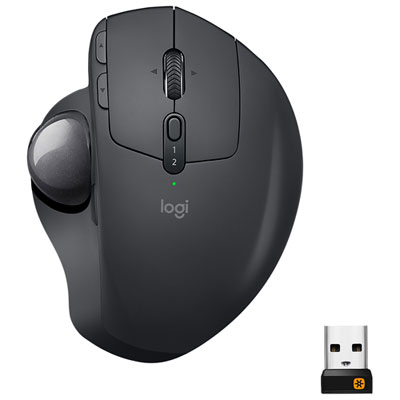
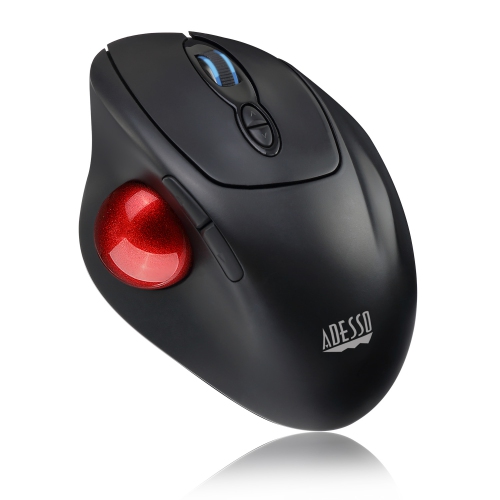
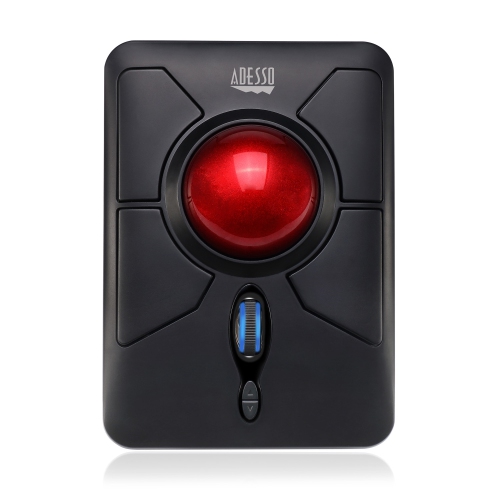
A trackball mouse is another option for people who want to reduce wrist movement while navigating. Instead of sliding the entire mouse across a desk, you control an integrated ball with your thumb or fingers, keeping the main body in one position. This can be useful on a compact desk, beside a laptop, or in a workspace where a conventional mouse has limited room to move. Thumb-operated trackballs may feel intuitive for some users, while finger-operated designs can suit people who prefer not to use the thumb for extended periods. As with vertical mice, the best choice is personal: a shape that feels supportive to one person may feel restrictive to another. Consider how much precision your work requires, too. Adjustable cursor sensitivity or DPI settings let you control how far the pointer travels with a smaller physical movement, which may be helpful when working across multiple monitors or large displays. Extra buttons can be assigned to common commands such as copy, paste, back, forward, or application switching, reducing repeated trips across the screen. A smooth sensor and reliable tracking surface are important for detailed tasks such as spreadsheets, photo organization, design work, and online study. Whichever style you choose, try to keep the wrist relatively straight and allow the hand to float rather than pressing firmly against the desk edge. Move from the elbow and shoulder when possible instead of making quick, repeated flicks from the wrist. Keep the mouse close enough that your elbow remains near your side, and adjust chair height, keyboard placement, and monitor position so you are not reaching forward for long stretches. Short breaks, gentle movement, and changing position throughout the day can also make a long computer session feel less demanding. An ergonomic mouse is intended to support a more comfortable setup, but it is not a treatment for carpal tunnel syndrome or other wrist conditions. Persistent pain, numbness, tingling, weakness, or symptoms that interfere with sleep or daily activities should be discussed with a qualified health professional.
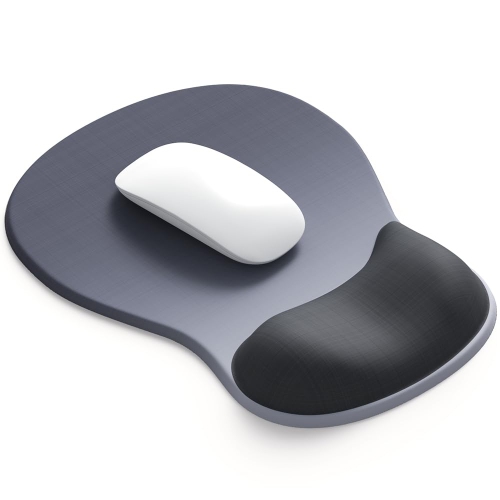
These mice can be useful for office professionals, students, remote workers, gamers, creators, and anyone who spends several hours each day using a computer. They may also be a thoughtful gift for someone setting up a home office, returning to school, working through a busy season, or upgrading a family computer area. A person who has recently changed from a laptop trackpad to a desktop monitor may appreciate the added control and a shape that feels easier to hold, while someone with a compact workstation may prefer a wireless or trackball design that leaves more room beside the keyboard. When choosing a gift, discreetly check the recipient’s hand size, operating system, preferred connection type, and whether they use their right or left hand. Button placement is especially important for left-handed users, as many ergonomic designs are made for the right hand. Think about the surrounding setup as well: a mouse pad with a smooth tracking surface, a monitor stand, or a compact keyboard may complement the change without taking over the desk. During the warmer part of the year and through the cooler months, a comfortable mouse can make a difference in a home office, study nook, or shared workspace where people settle in for long periods. Give a new shape time to feel familiar; switching from a flat mouse to a vertical model or trackball can require a brief adjustment period while the hand learns new movements. Begin with ordinary tasks, keep sensitivity at a manageable level, and make small changes to grip and desk position rather than forcing the hand into an unfamiliar posture. The right choice should feel stable, easy to control, and natural enough that you can focus on your work instead of the device in your hand.
A trackball mouse is another option for people who want to reduce wrist movement while navigating. Instead of sliding the entire mouse across a desk, you control an integrated ball with your thumb or fingers, keeping the main body in one position. This can be useful on a compact desk, beside a laptop, or in a workspace where a conventional mouse has limited room to move. Thumb-operated trackballs may feel intuitive for some users, while finger-operated designs can suit people who prefer not to use the thumb for extended periods. As with vertical mice, the best choice is personal: a shape that feels supportive to one person may feel restrictive to another. Consider how much precision your work requires, too. Adjustable cursor sensitivity or DPI settings let you control how far the pointer travels with a smaller physical movement, which may be helpful when working across multiple monitors or large displays. Extra buttons can be assigned to common commands such as copy, paste, back, forward, or application switching, reducing repeated trips across the screen. A smooth sensor and reliable tracking surface are important for detailed tasks such as spreadsheets, photo organization, design work, and online study. Whichever style you choose, try to keep the wrist relatively straight and allow the hand to float rather than pressing firmly against the desk edge. Move from the elbow and shoulder when possible instead of making quick, repeated flicks from the wrist. Keep the mouse close enough that your elbow remains near your side, and adjust chair height, keyboard placement, and monitor position so you are not reaching forward for long stretches. Short breaks, gentle movement, and changing position throughout the day can also make a long computer session feel less demanding. An ergonomic mouse is intended to support a more comfortable setup, but it is not a treatment for carpal tunnel syndrome or other wrist conditions. Persistent pain, numbness, tingling, weakness, or symptoms that interfere with sleep or daily activities should be discussed with a qualified health professional.
These mice can be useful for office professionals, students, remote workers, gamers, creators, and anyone who spends several hours each day using a computer. They may also be a thoughtful gift for someone setting up a home office, returning to school, working through a busy season, or upgrading a family computer area. A person who has recently changed from a laptop trackpad to a desktop monitor may appreciate the added control and a shape that feels easier to hold, while someone with a compact workstation may prefer a wireless or trackball design that leaves more room beside the keyboard. When choosing a gift, discreetly check the recipient’s hand size, operating system, preferred connection type, and whether they use their right or left hand. Button placement is especially important for left-handed users, as many ergonomic designs are made for the right hand. Think about the surrounding setup as well: a mouse pad with a smooth tracking surface, a monitor stand, or a compact keyboard may complement the change without taking over the desk. During the warmer part of the year and through the cooler months, a comfortable mouse can make a difference in a home office, study nook, or shared workspace where people settle in for long periods. Give a new shape time to feel familiar; switching from a flat mouse to a vertical model or trackball can require a brief adjustment period while the hand learns new movements. Begin with ordinary tasks, keep sensitivity at a manageable level, and make small changes to grip and desk position rather than forcing the hand into an unfamiliar posture. The right choice should feel stable, easy to control, and natural enough that you can focus on your work instead of the device in your hand.
Top selling and popular products
-
 Your price for this item is $29.99
 -
 Your price for this item is $50.44
 -
 Your price for this item is $39.99
 -
 Your price for this item is $49.99
 -
 Your price for this item is $159.95
 -
 Your price for this item is $44.68
 -
 Your price for this item is $44.68
 -
 Your price for this item is $31
Discover more categories related to Ergonomic Mice for Carpal Tunnel
Top Collections:
Pokemon Centers, Budget 4K TVs, Best Budget Office Chairs, Kindle Devices, Canon G7X Cameras, Apple iPhones 16, iPhone 15 Apple, Laptops for Business Work, Xiaomi Phones, Flip Phones
Some products may be subject to Environmental Handling Fees
(EHF) depending on your province.
Learn more about EHFs.