Cat8 Ethernet Cables
Upgrade your home or office network with the latest in high-speed connectivity technology – Cat8 Ethernet cables. Designed to deliver blazing-fast data transfer speeds and reliable connections, Cat8 cables are the perfect solution for demanding networking needs. Whether you're a hardcore gamer, a remote worker, or simply looking to future-proof your network setup, Cat8 Ethernet cables offer unparalleled performance and stability. Explore our selection of Cat8 Ethernet cables to experience lightning-fast internet speeds and seamless connectivity for all your devices.
Sort
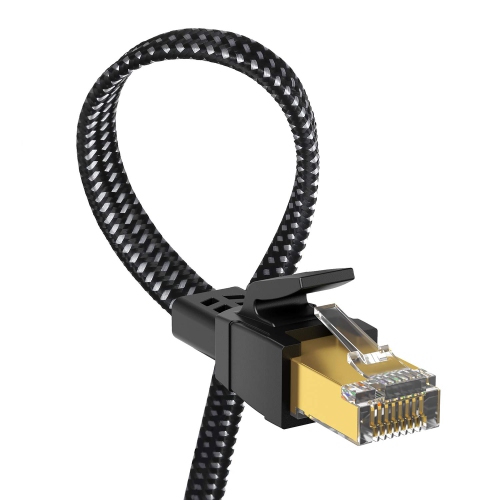
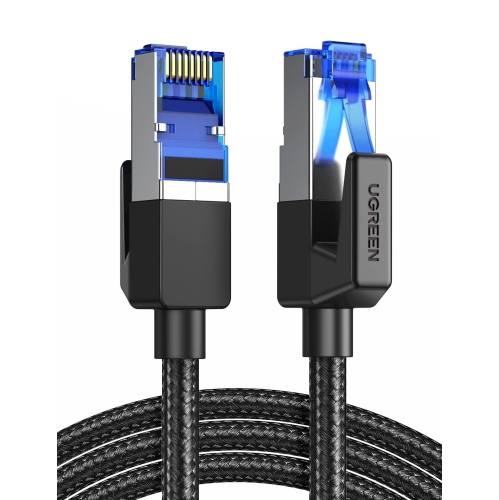
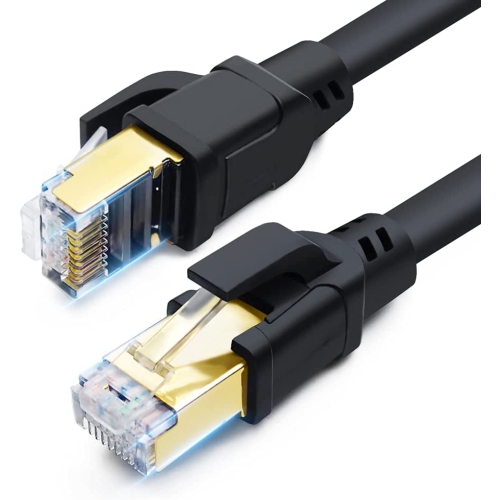
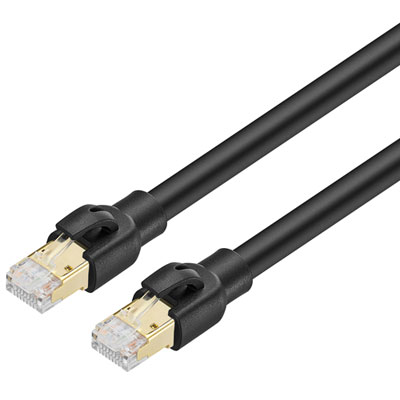
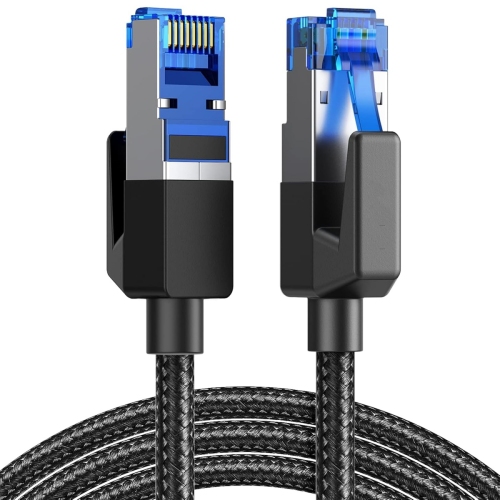
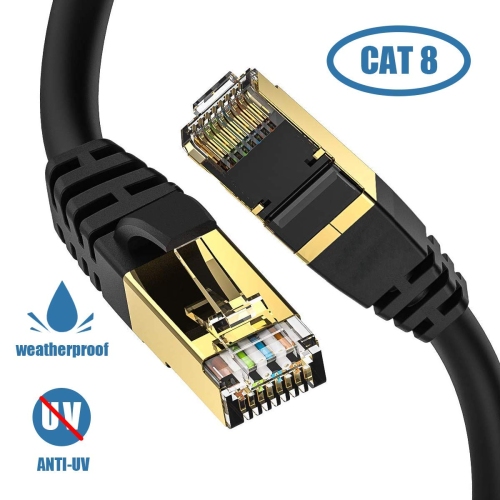
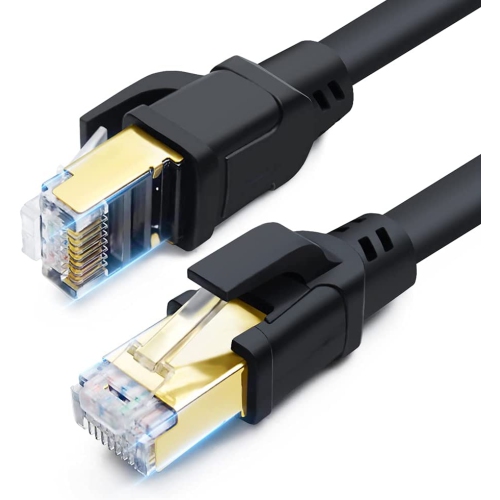
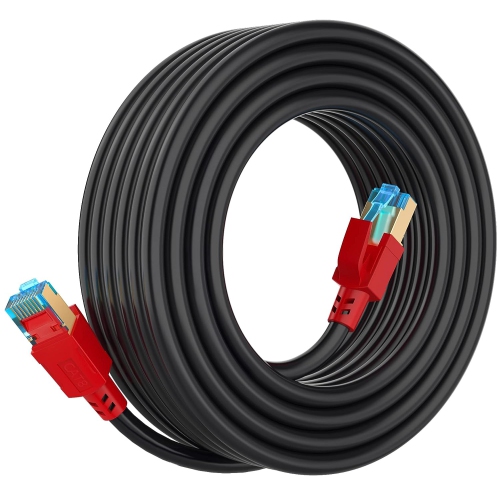
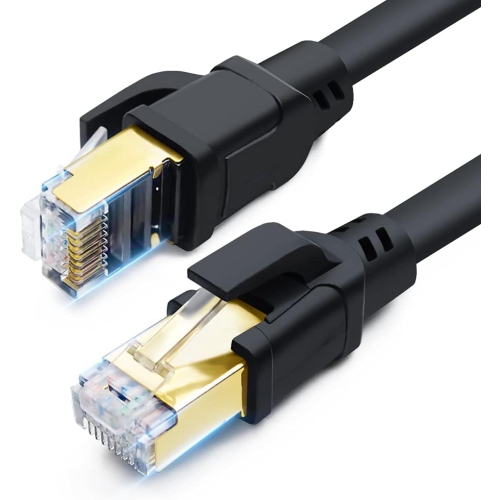
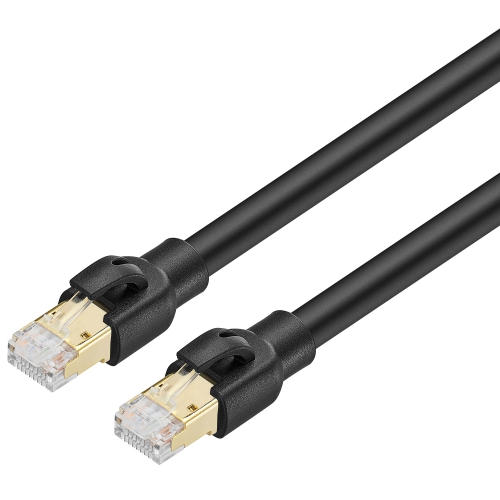
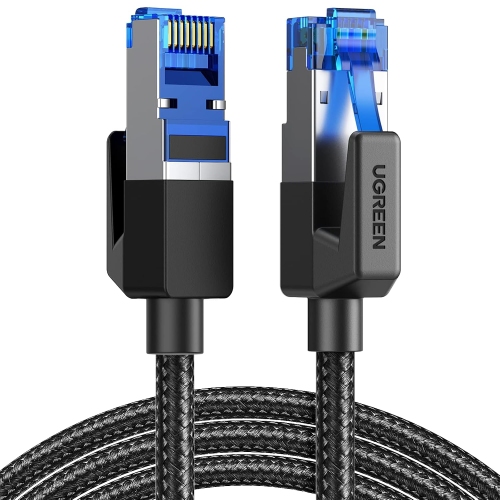
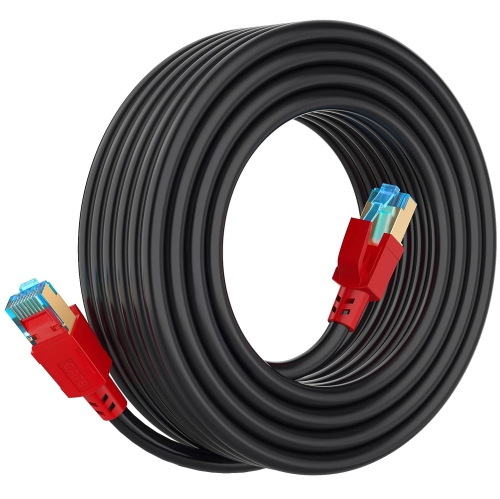
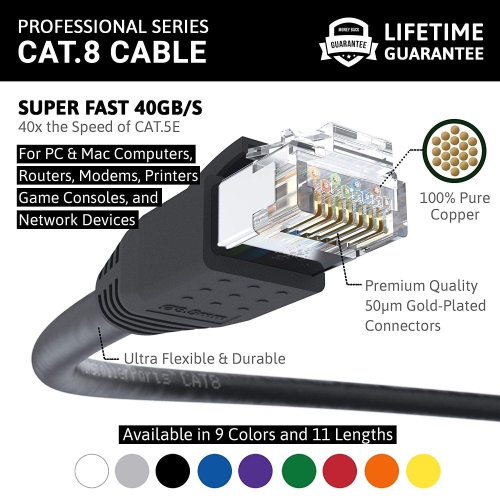
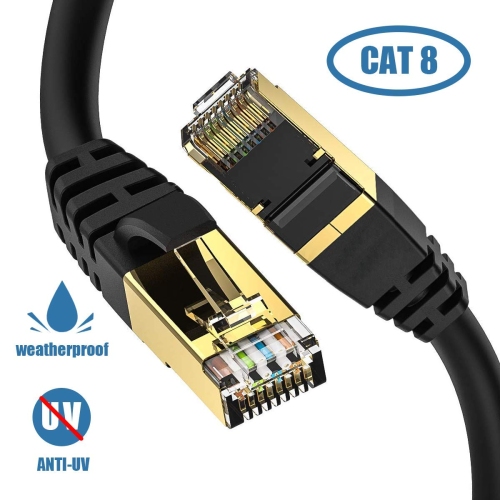
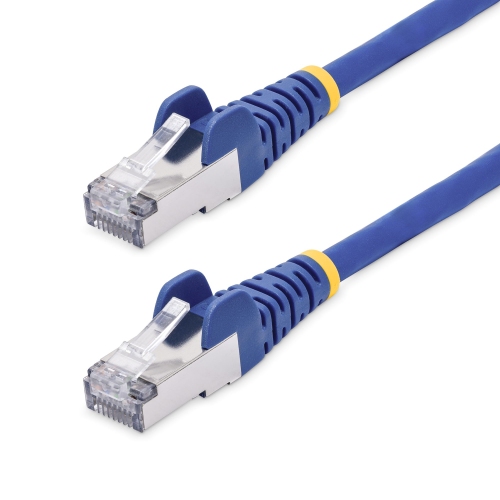
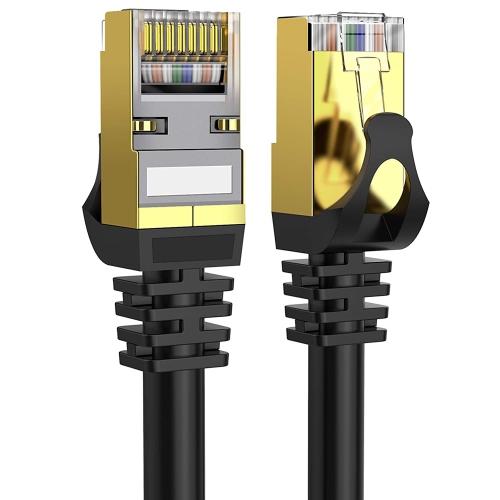
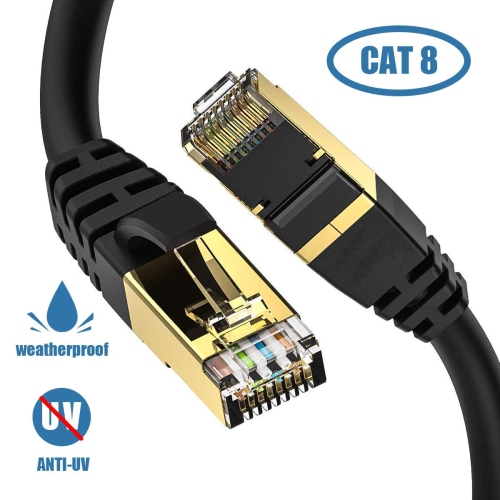
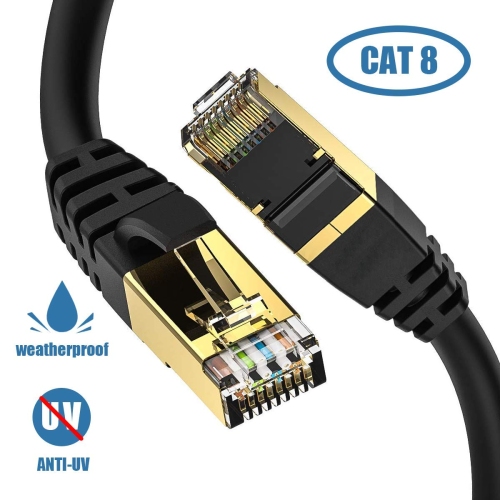
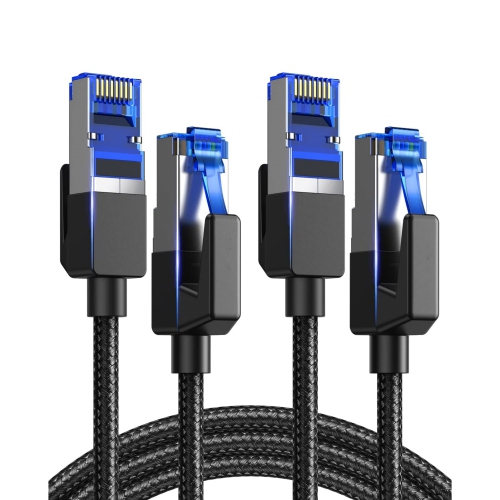
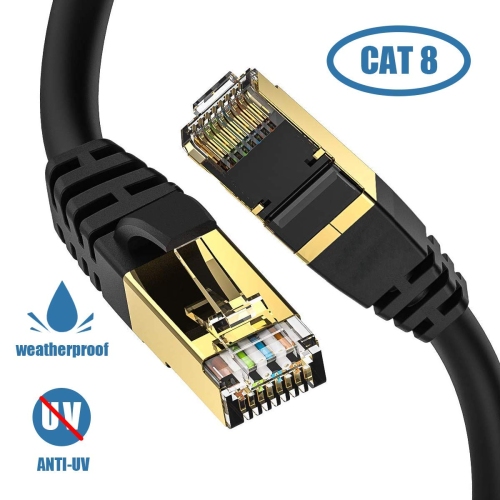
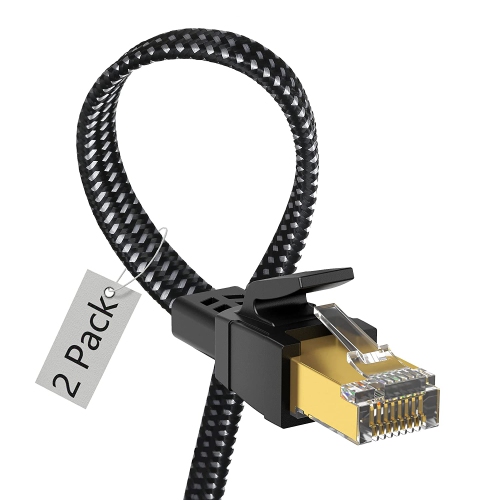
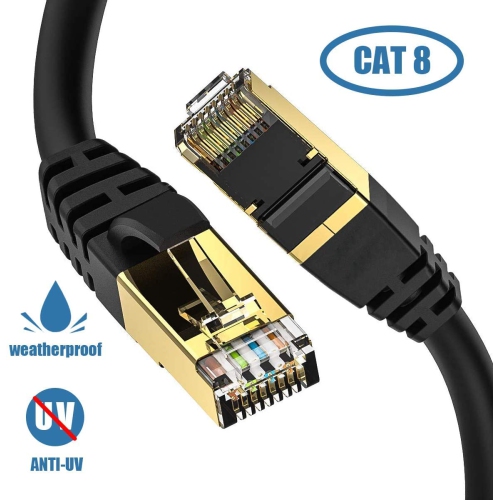
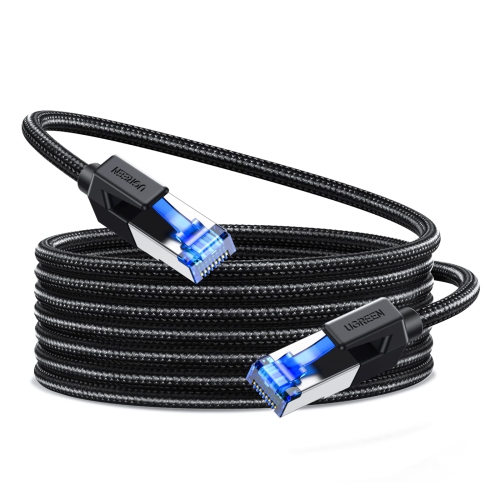
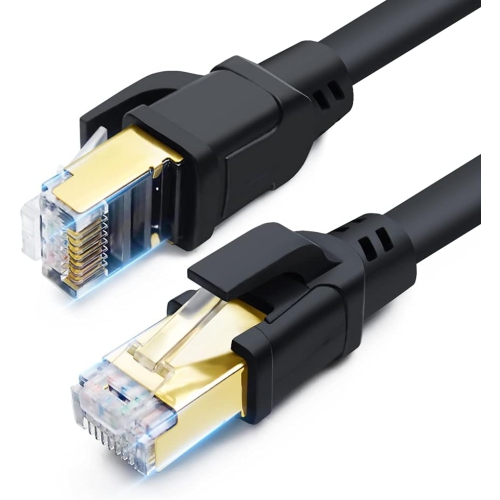
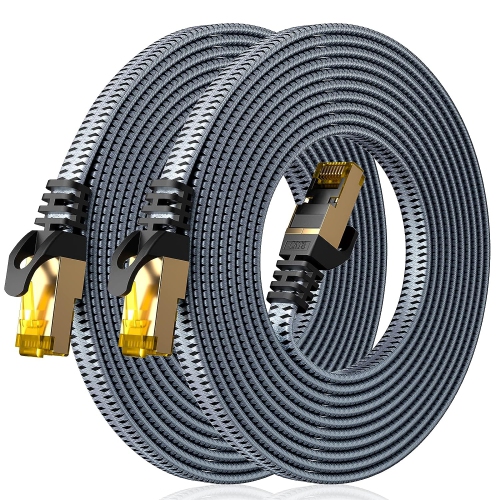
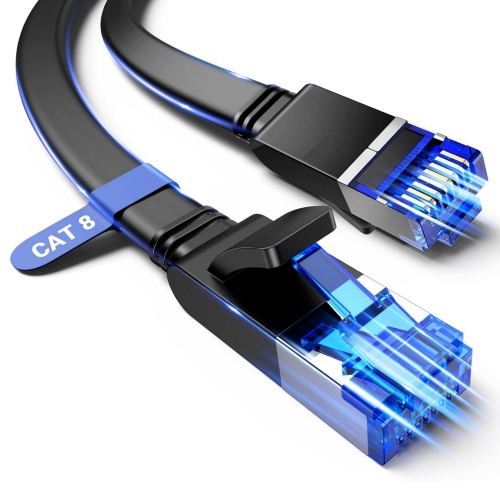
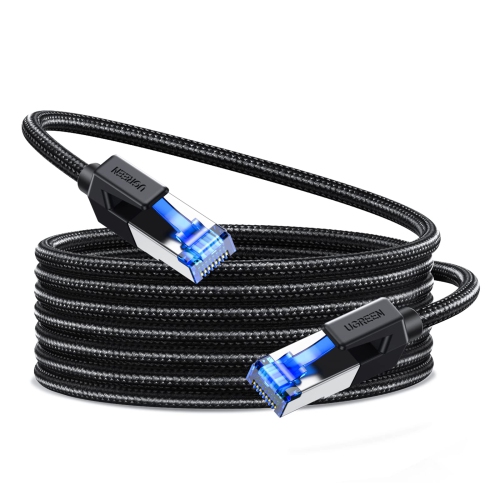
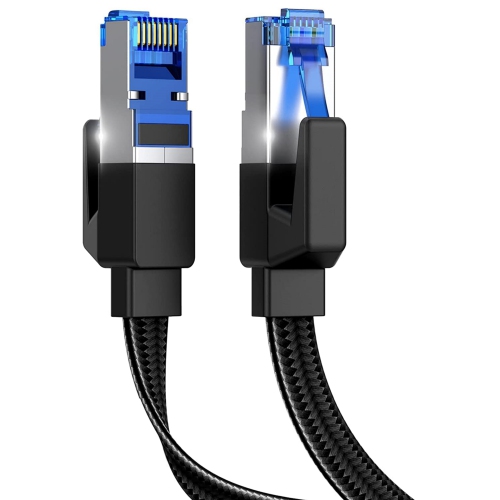

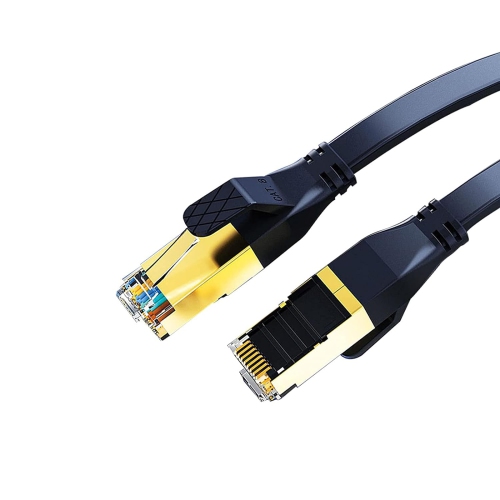
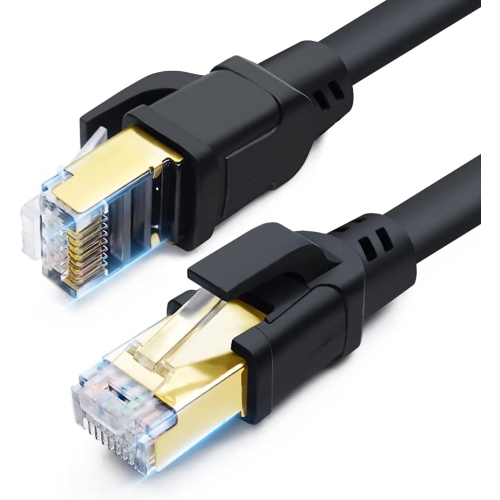
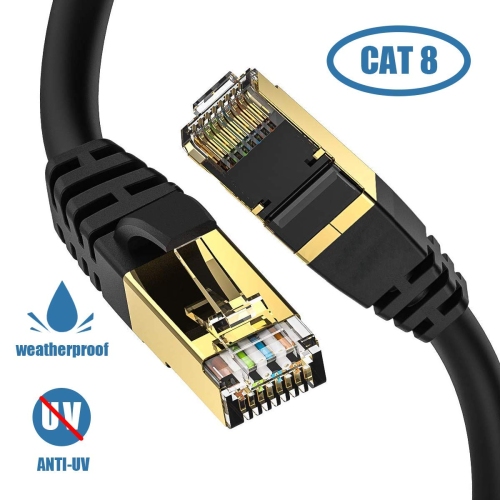
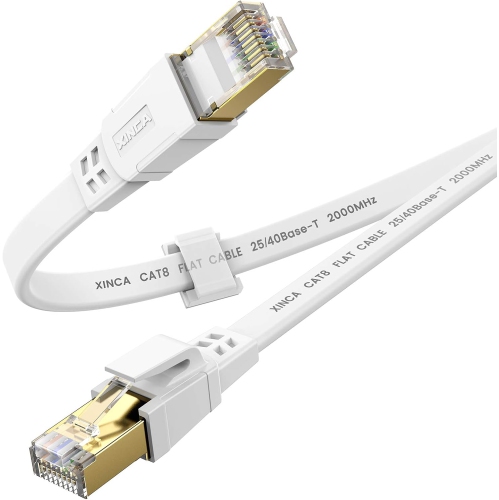
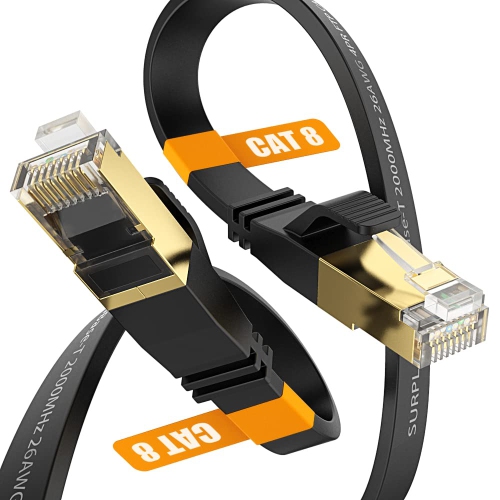
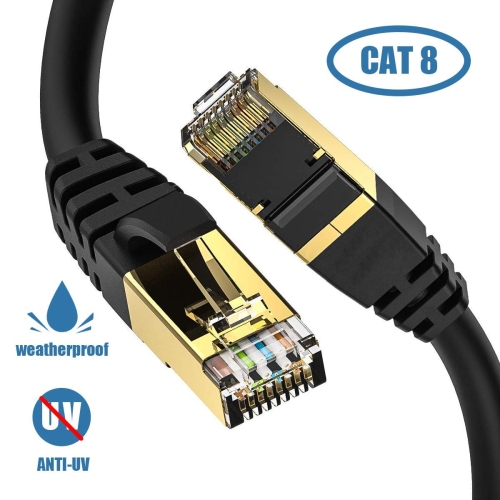
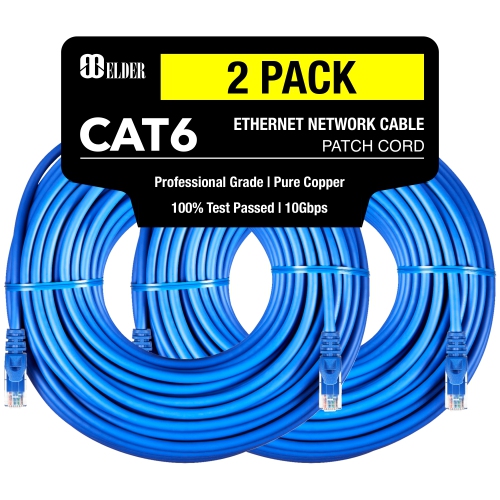
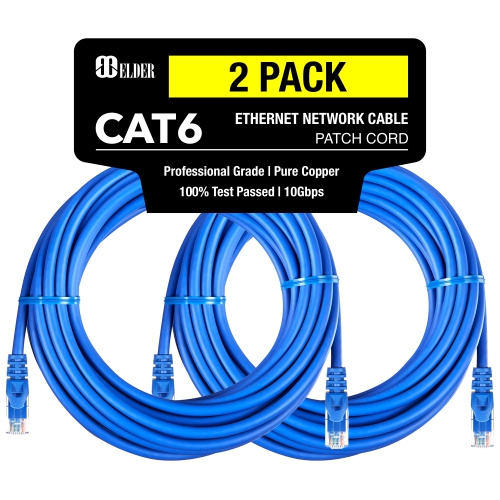
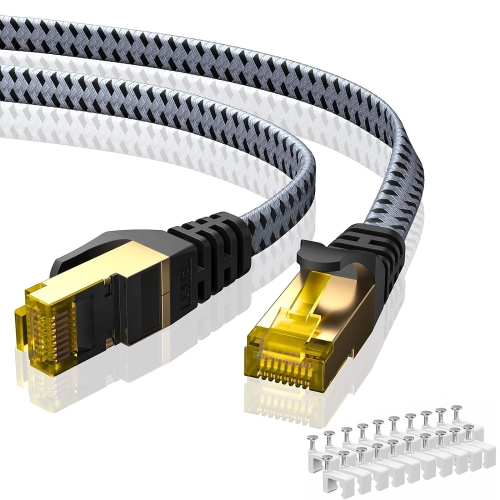
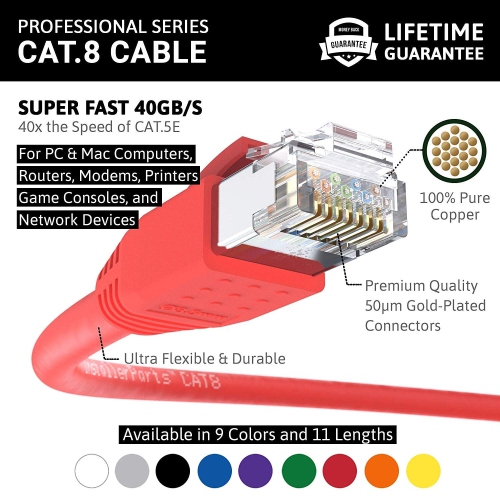
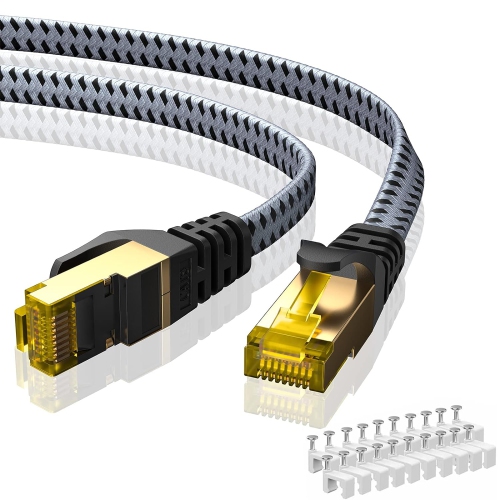
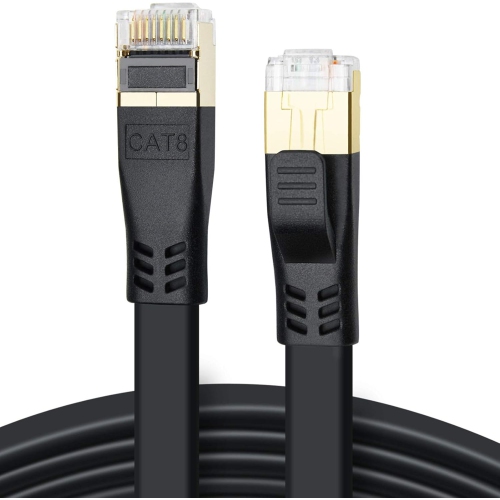
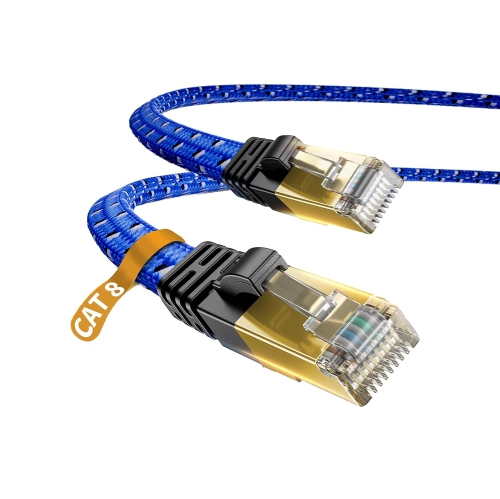
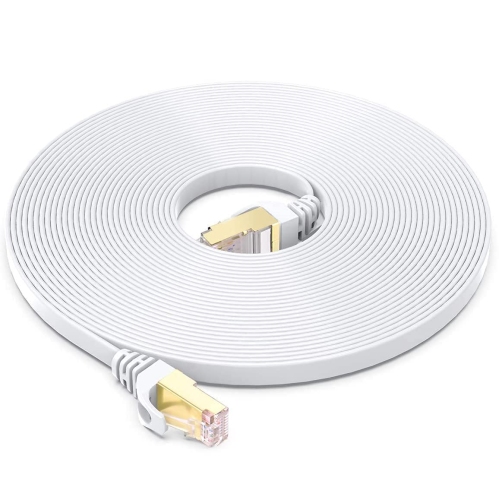

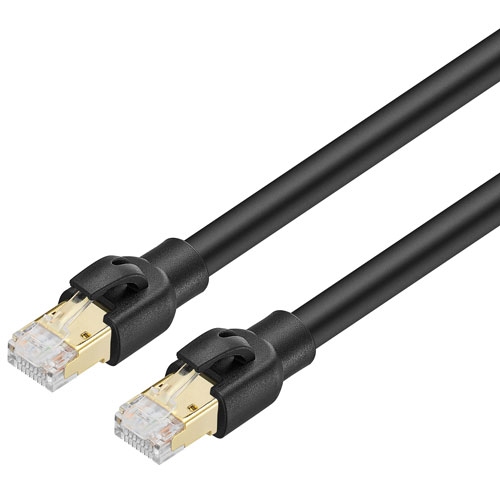
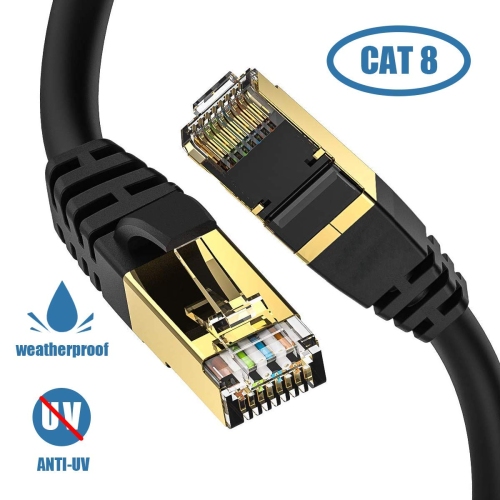
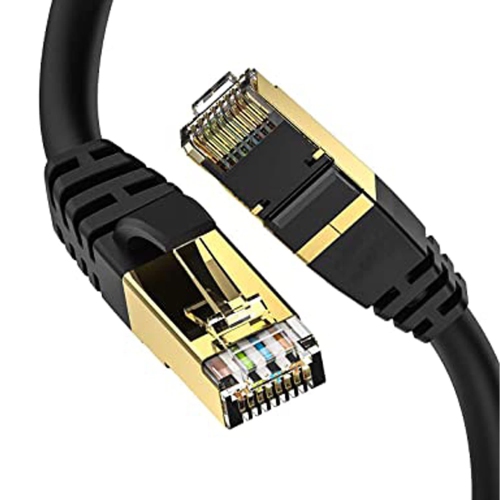
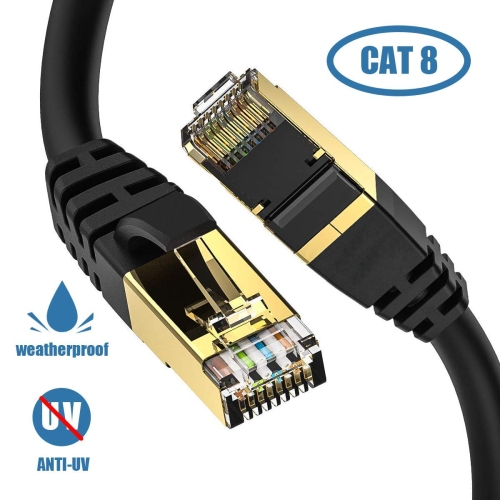
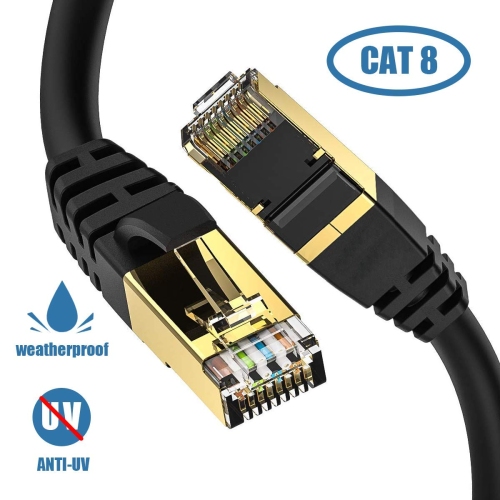
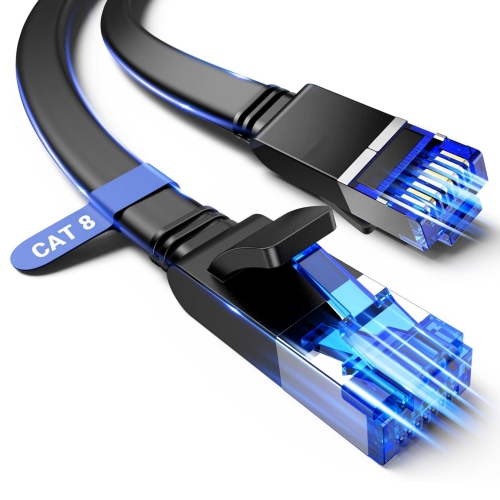
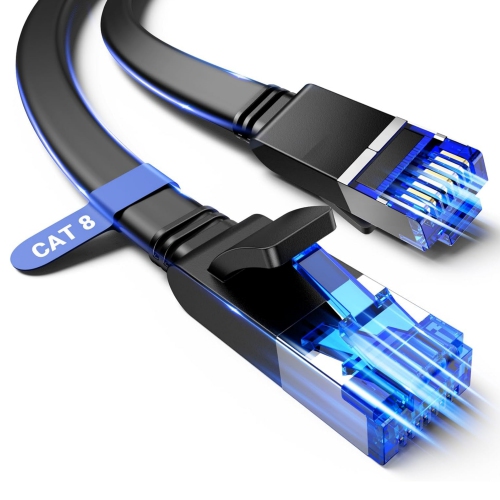
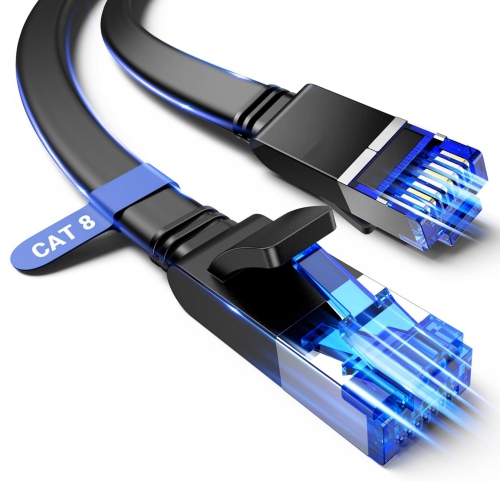
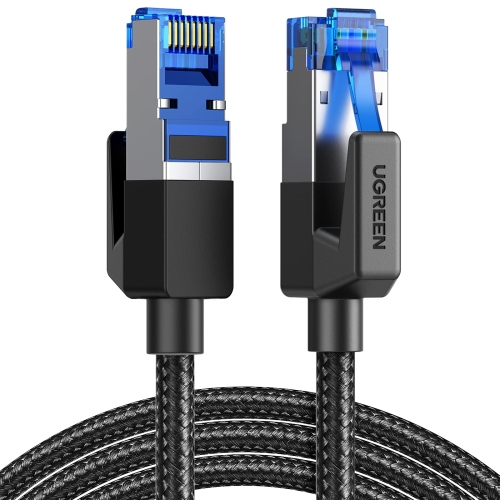
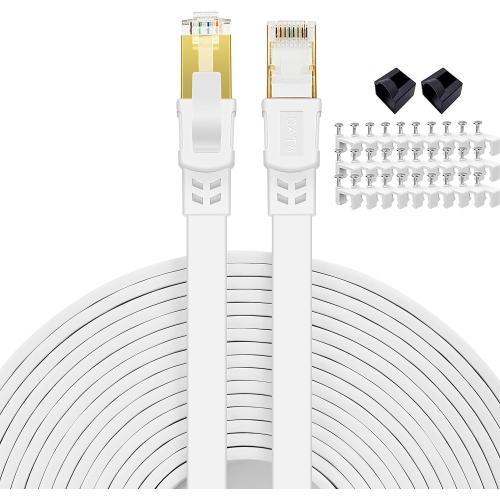
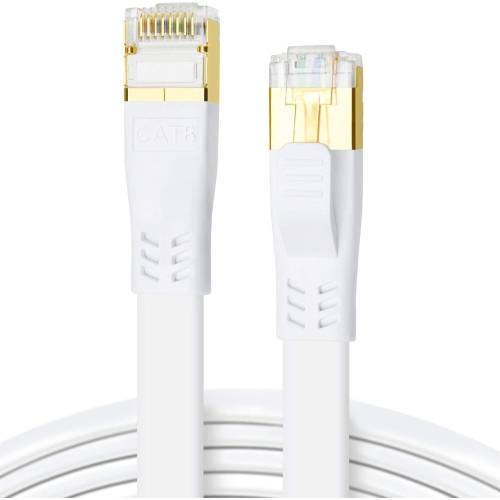
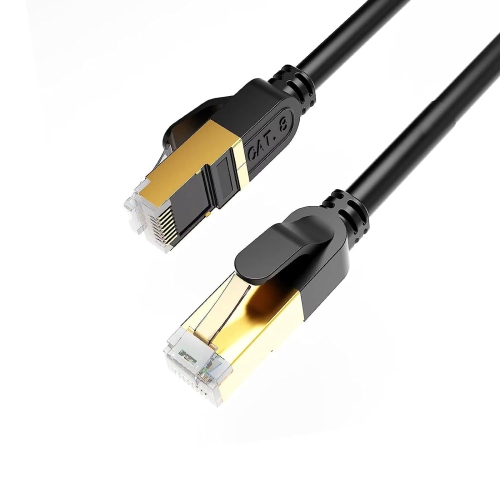
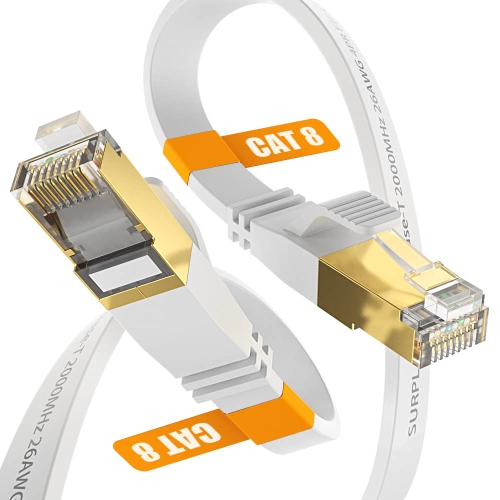

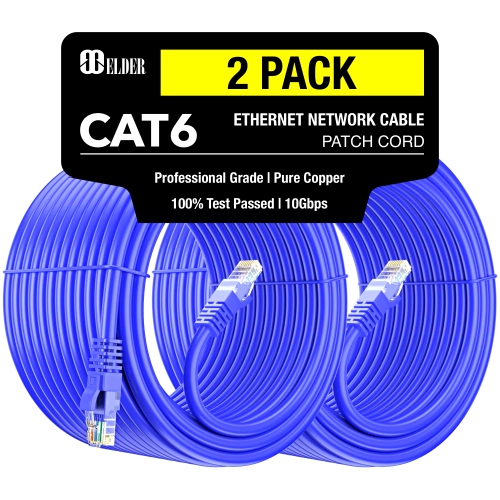
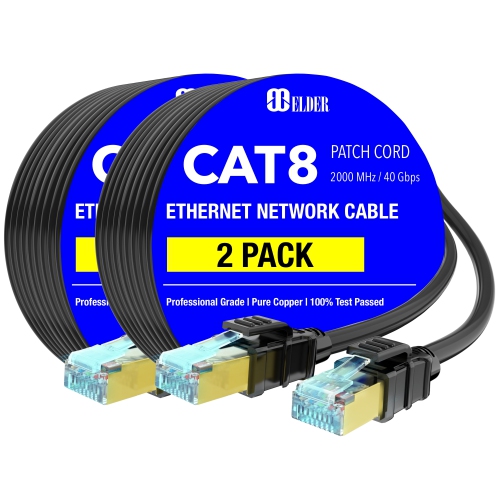
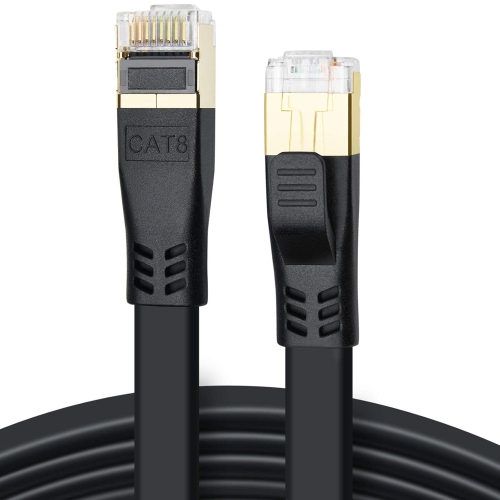
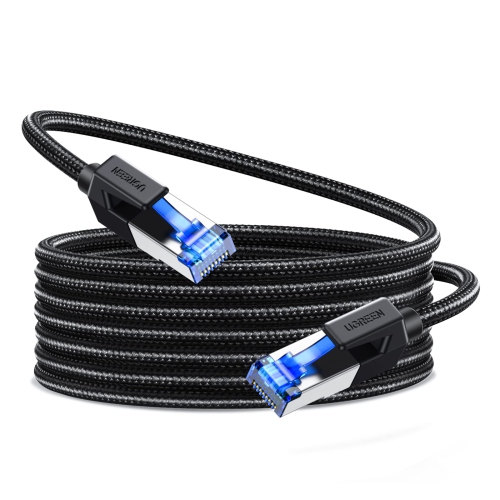
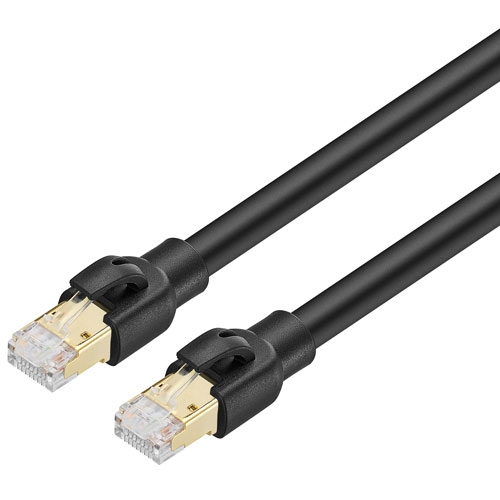
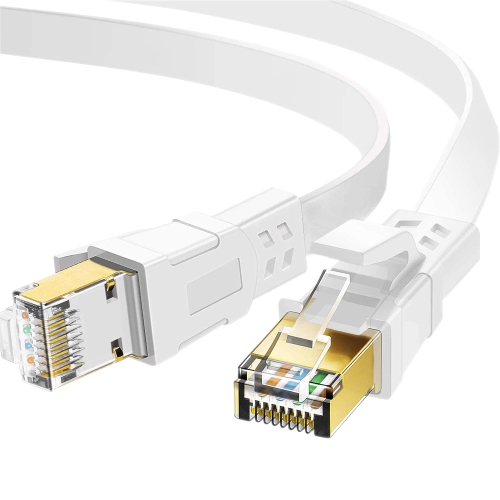
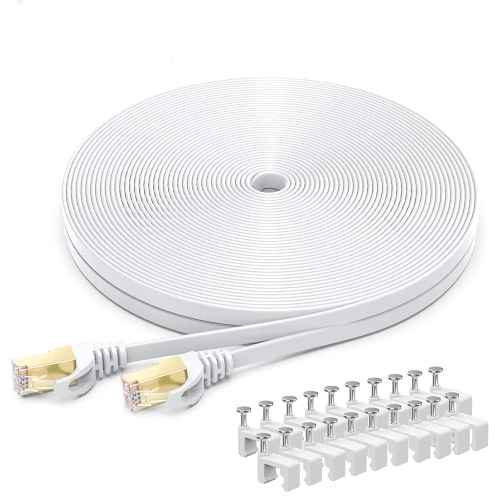
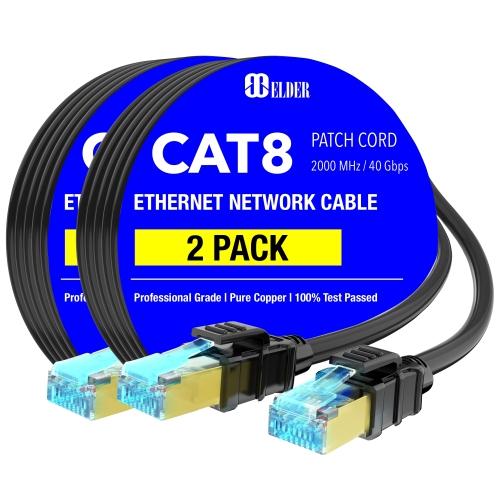
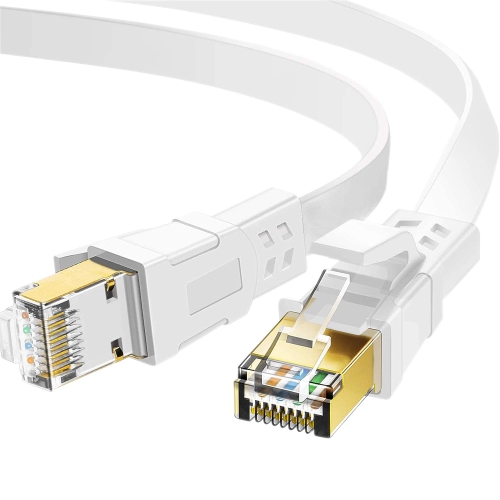
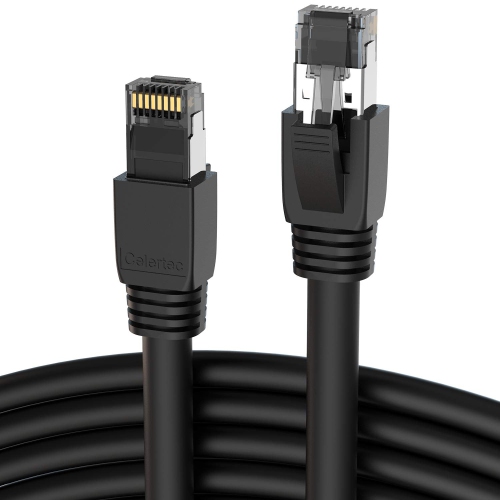
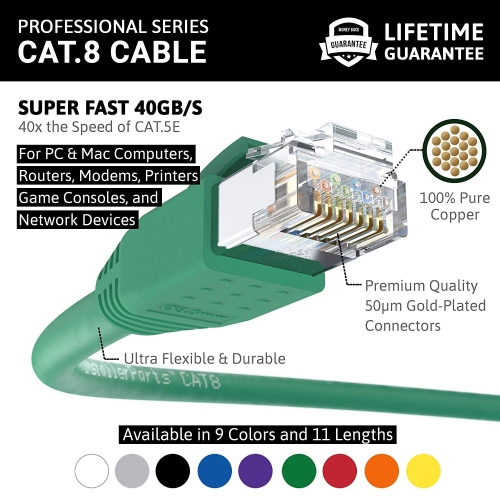
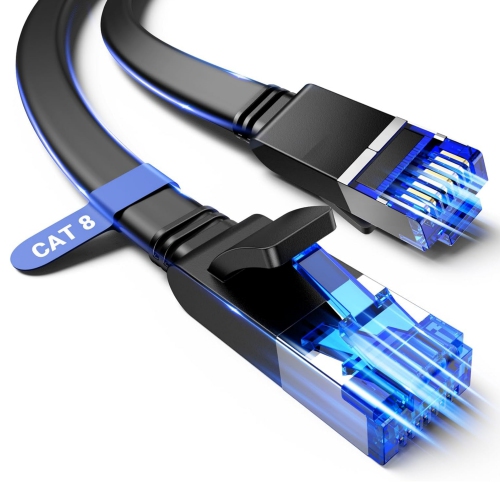
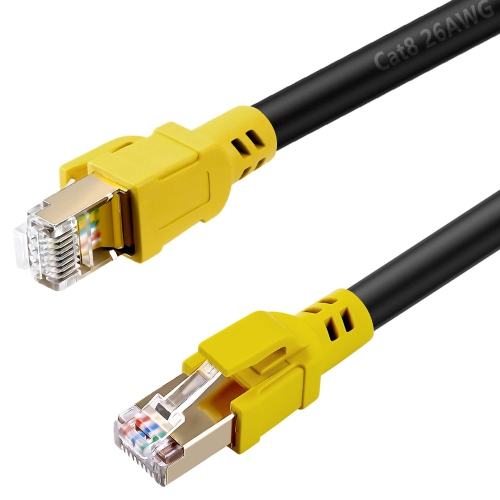
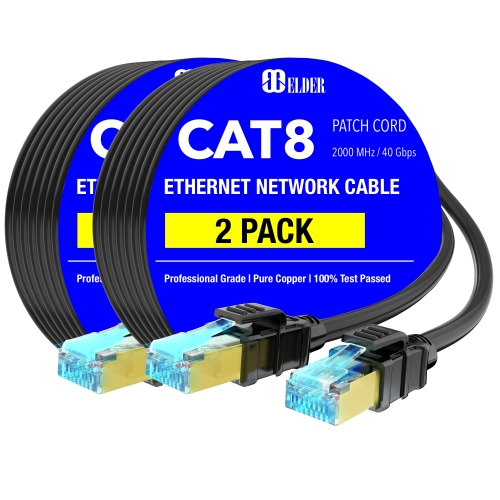
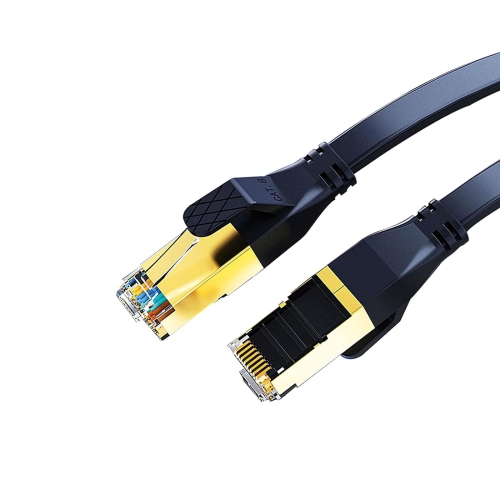
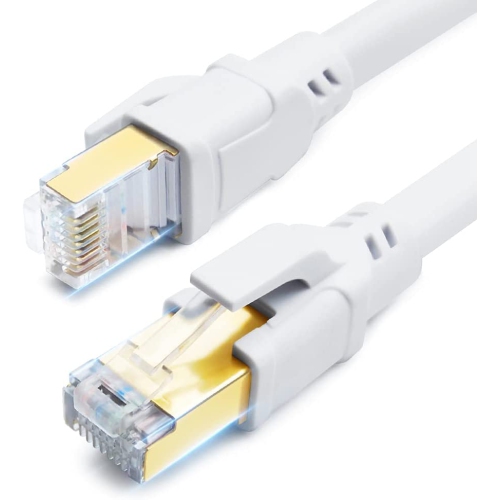
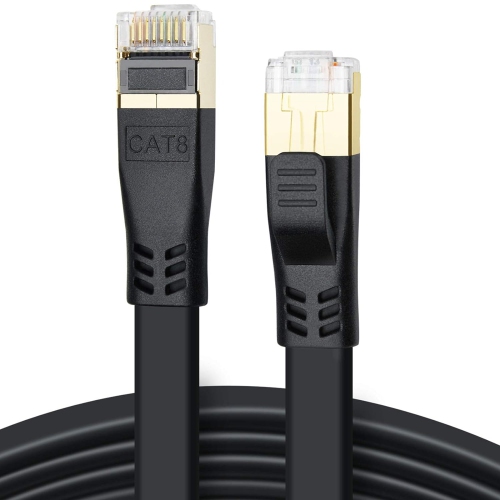
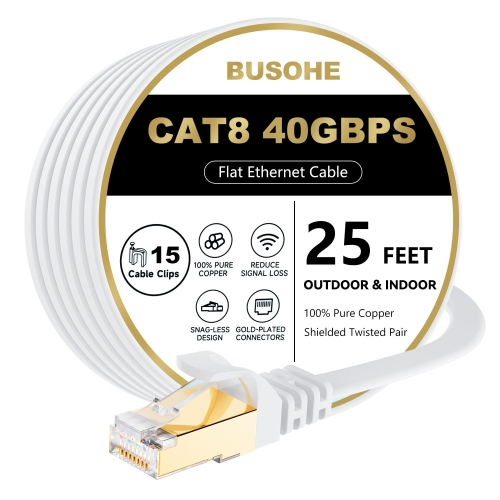
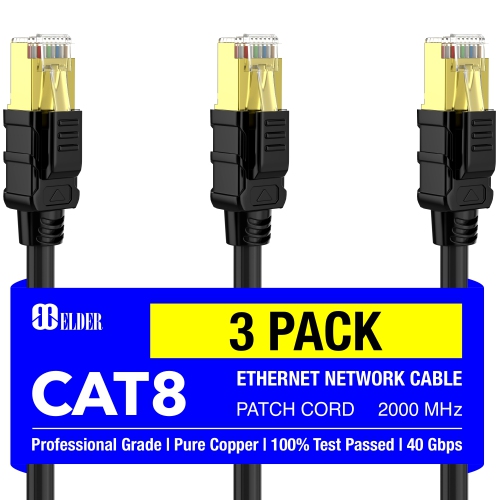
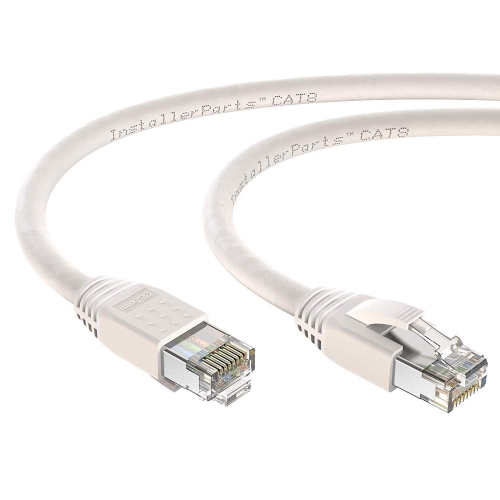
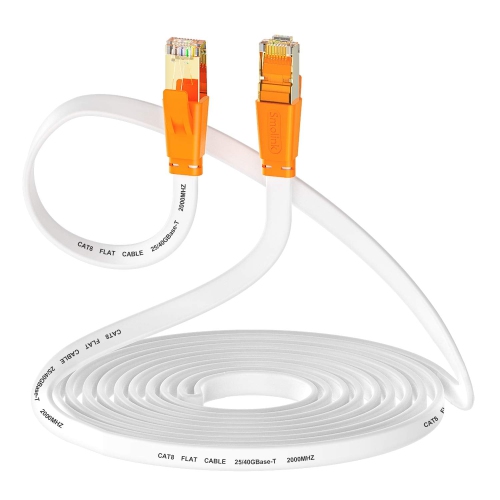
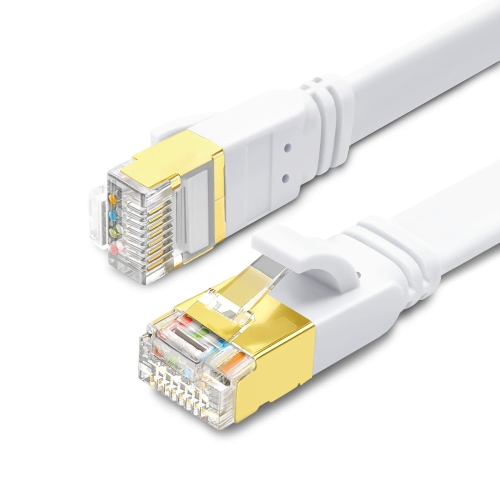
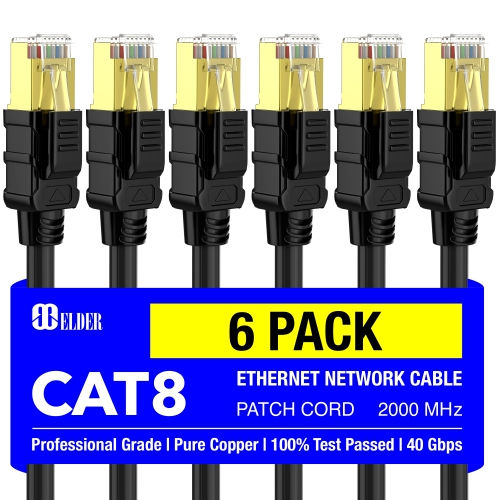
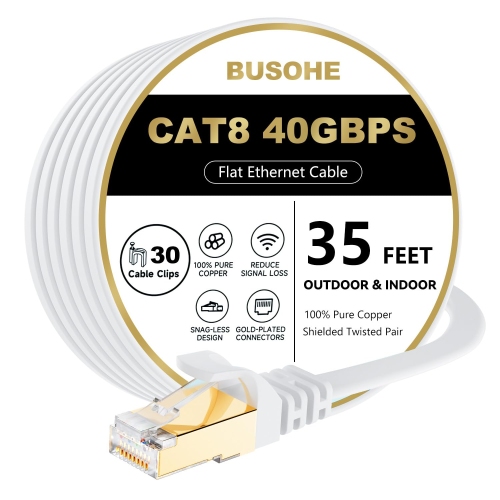
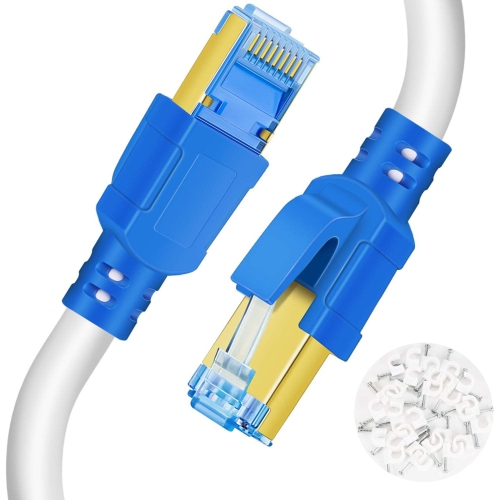
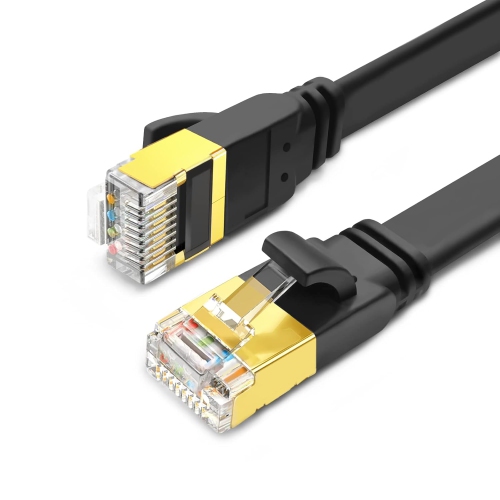
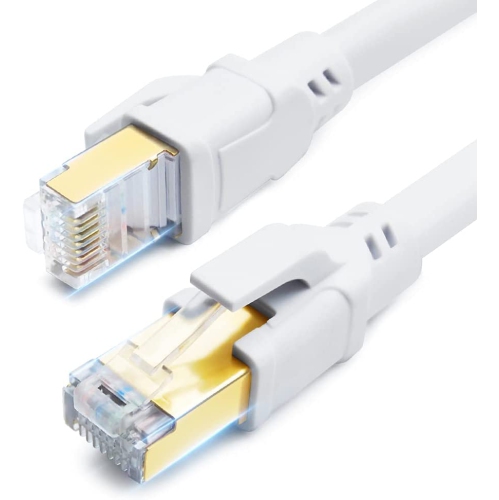
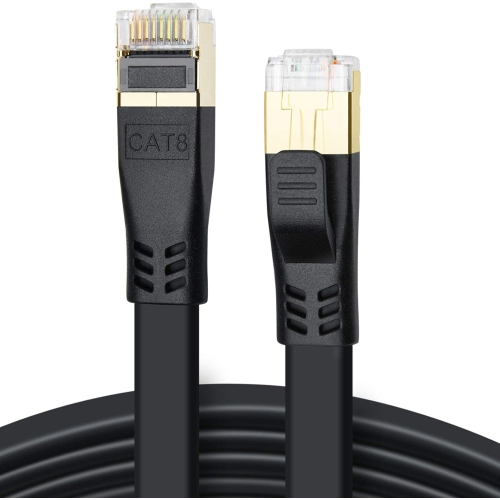
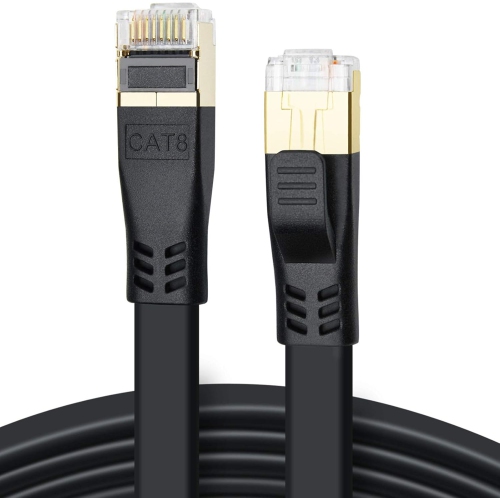
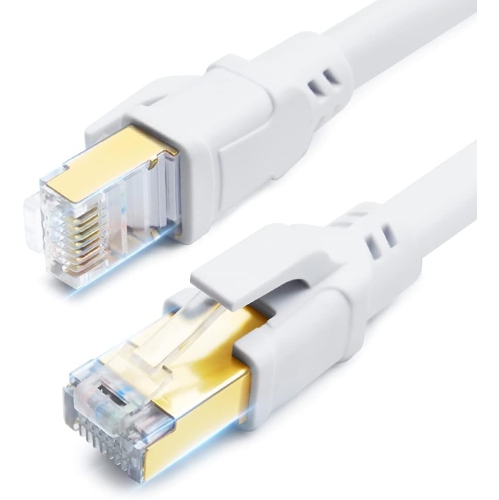
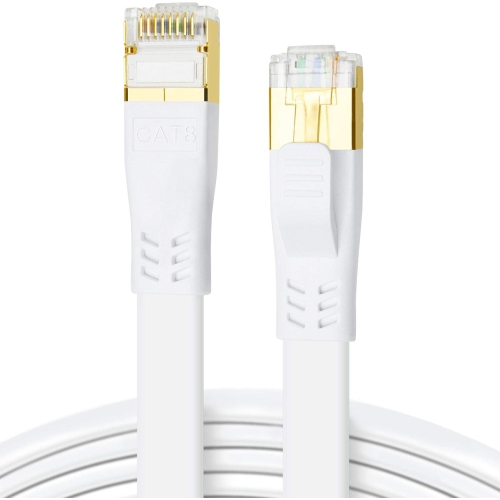
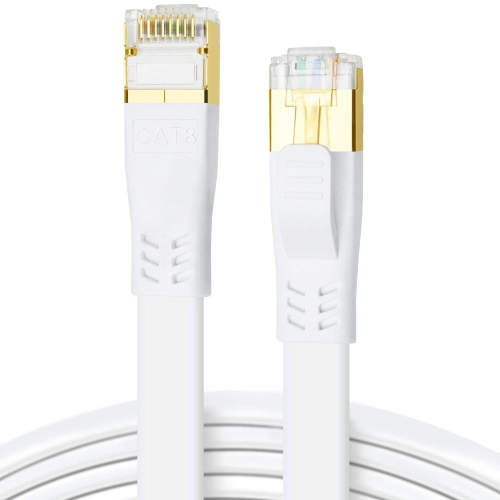
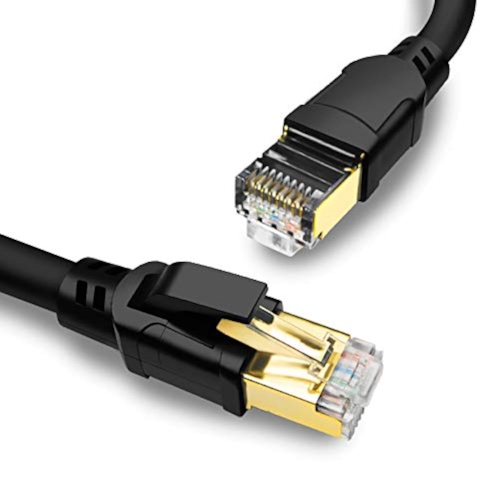
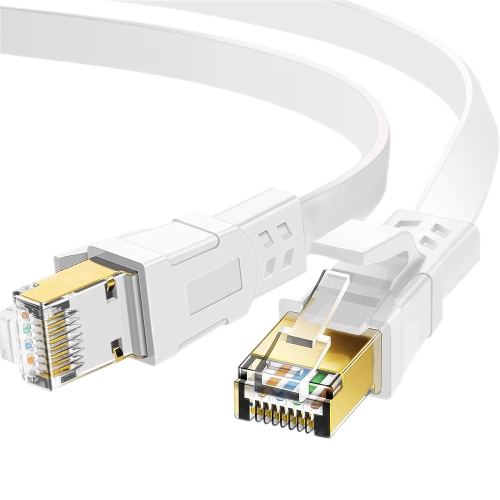
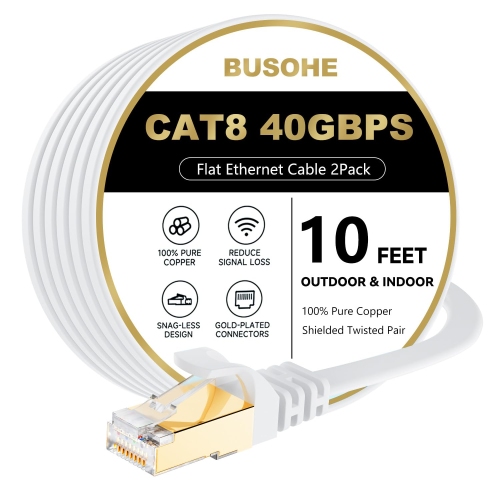
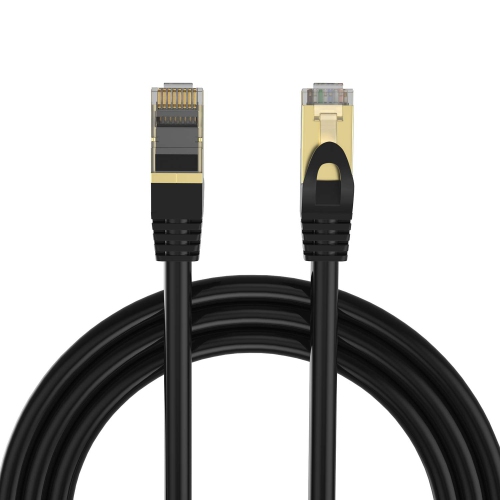
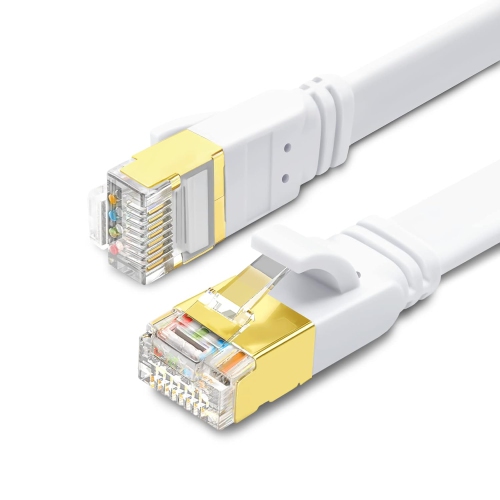
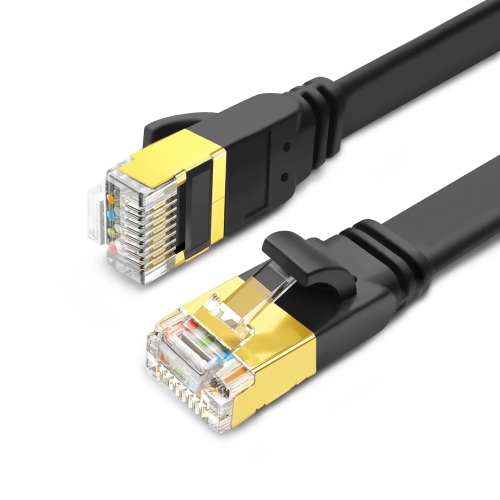
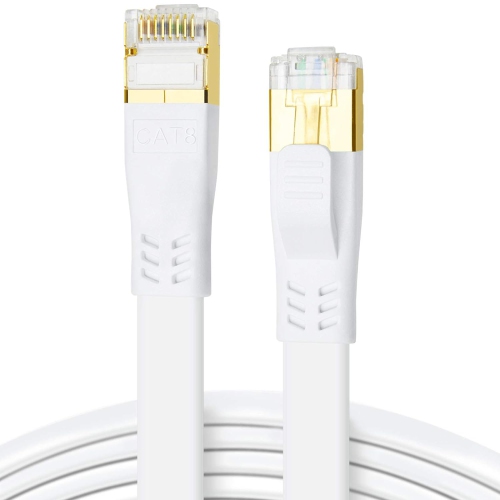
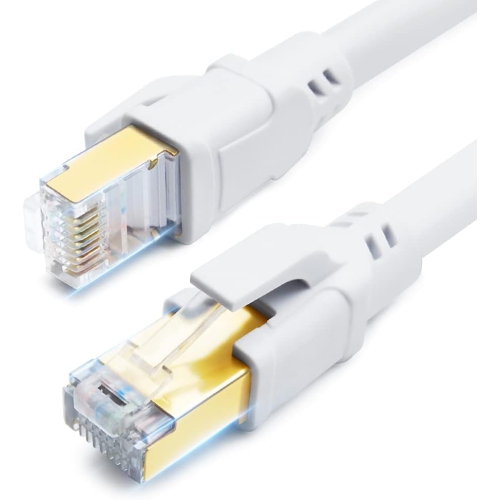
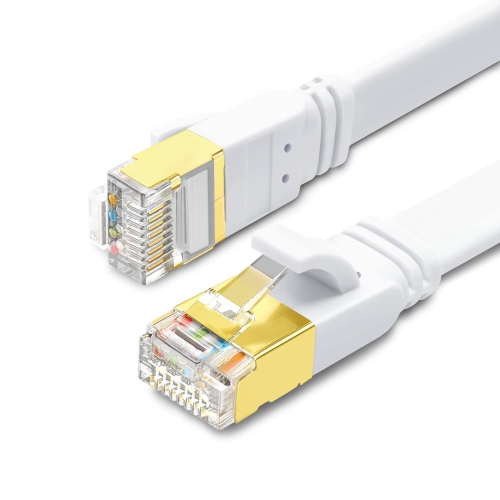
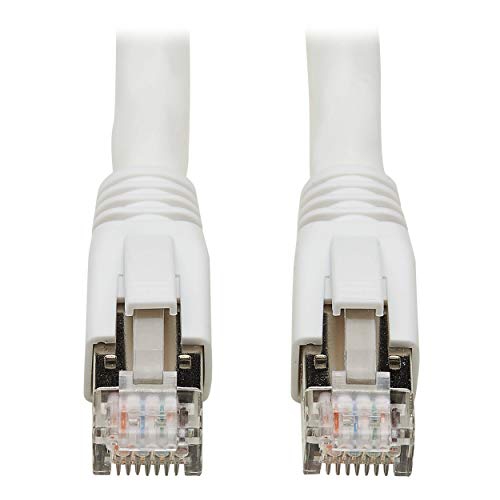
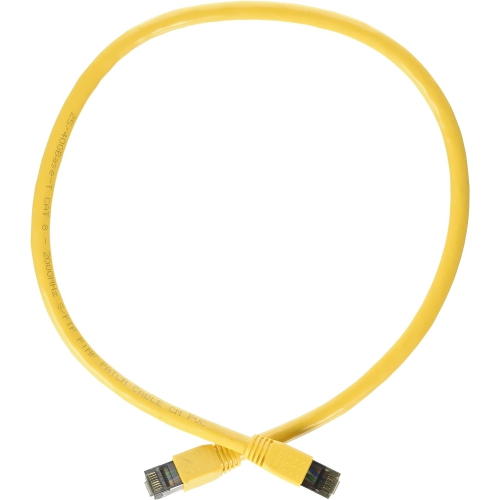
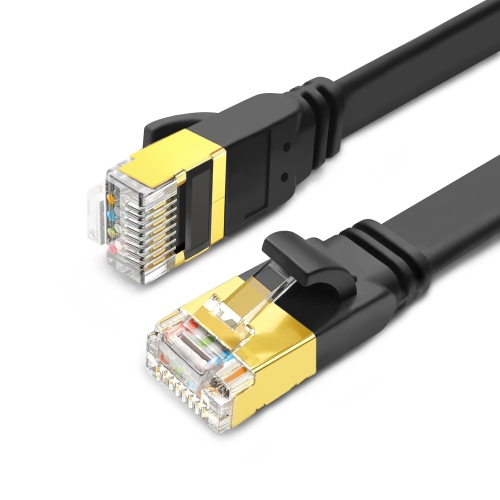
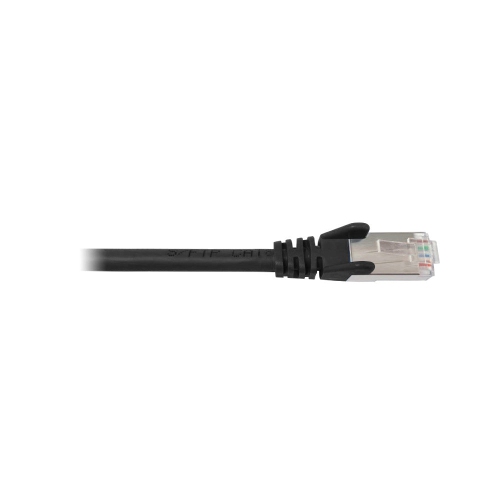
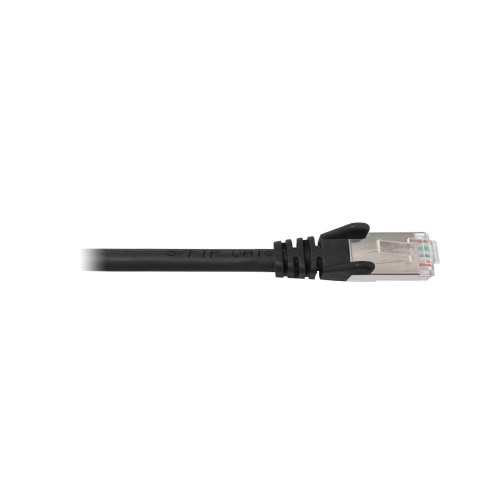
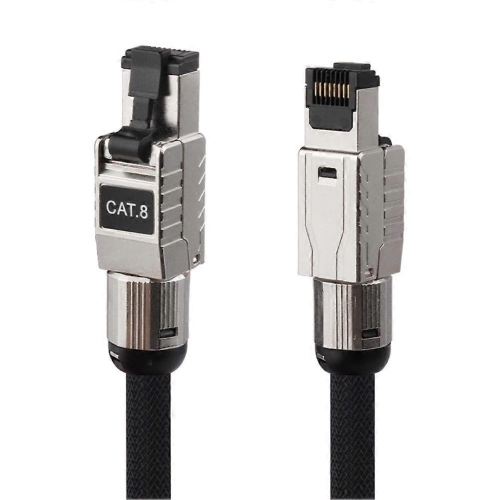
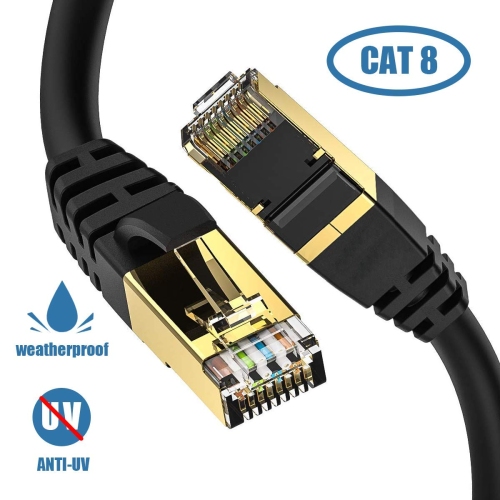
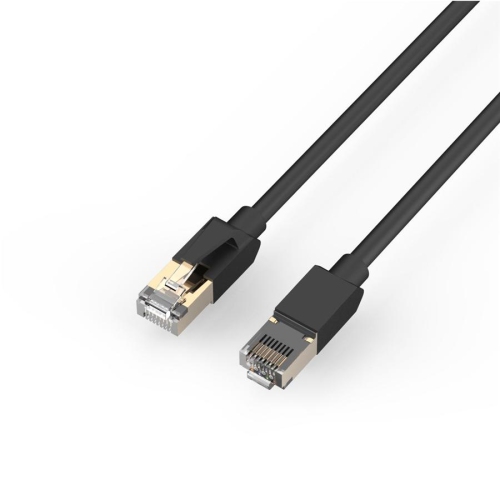
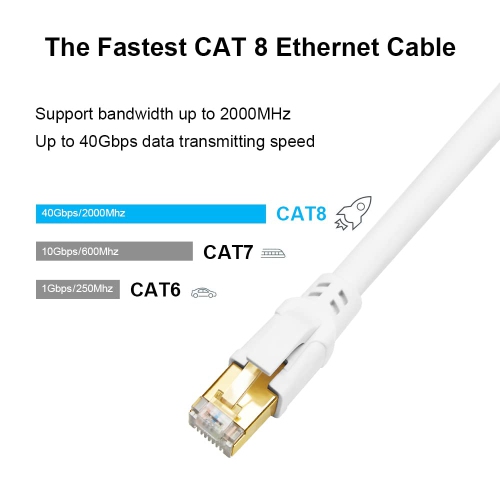
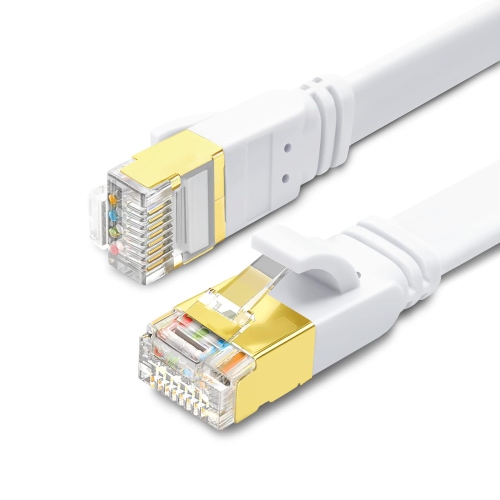
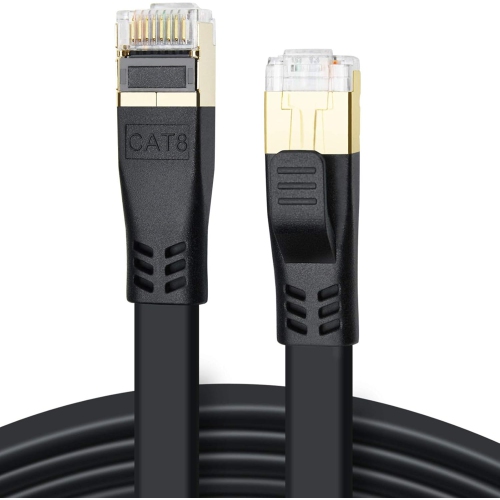
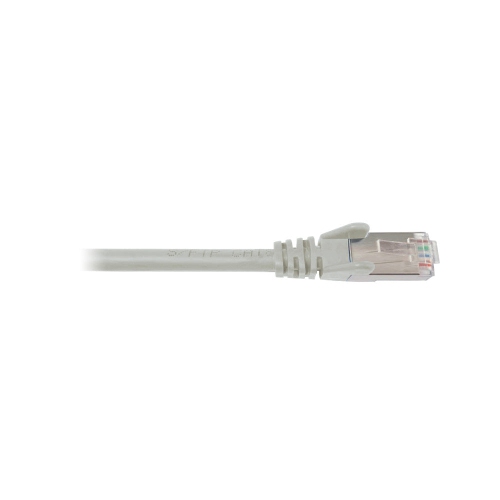
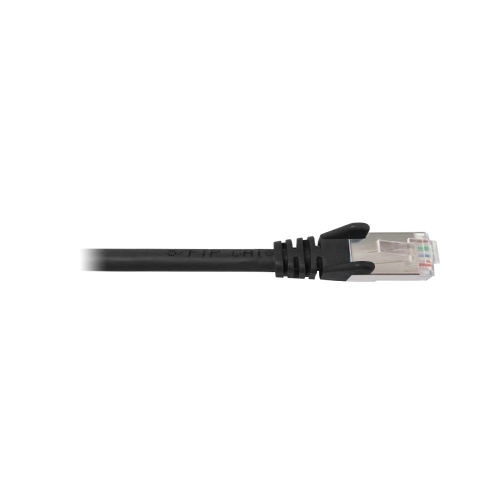
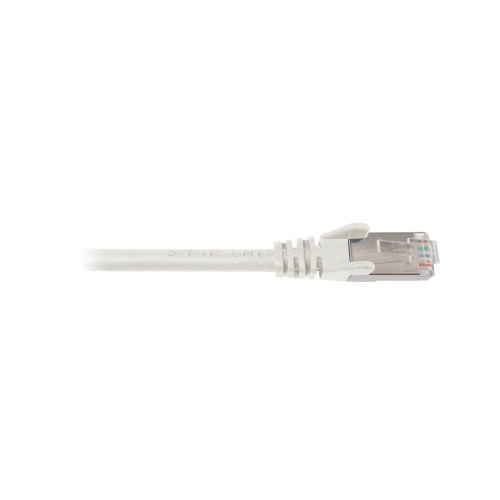
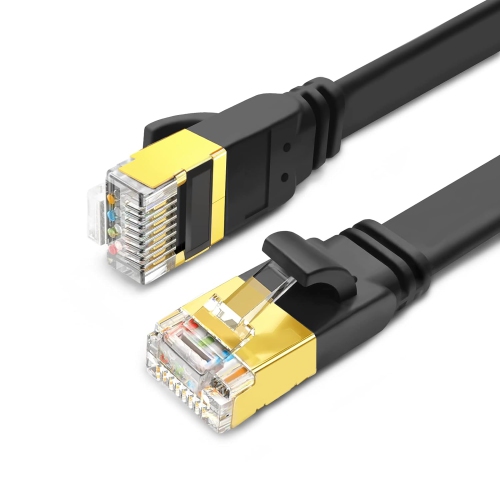
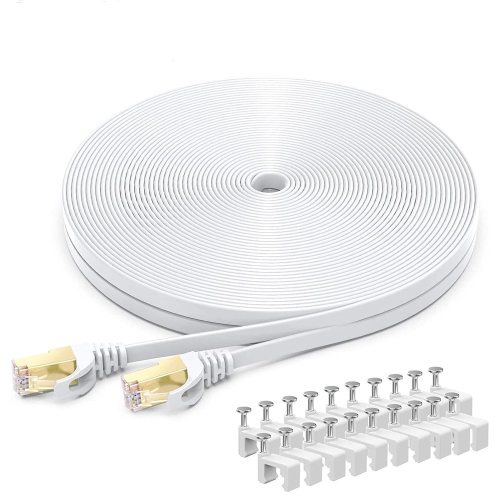
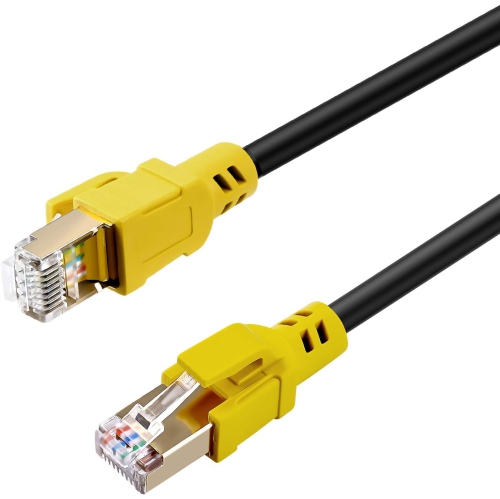
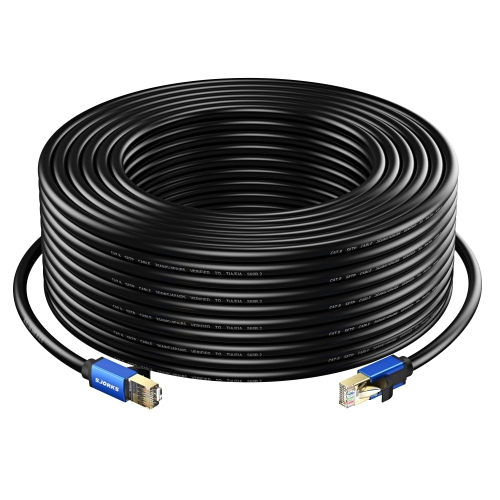
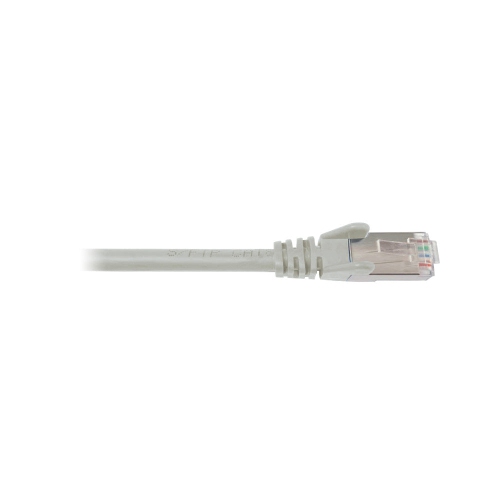
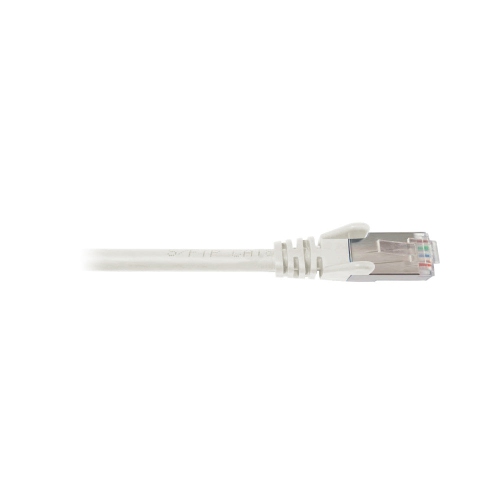
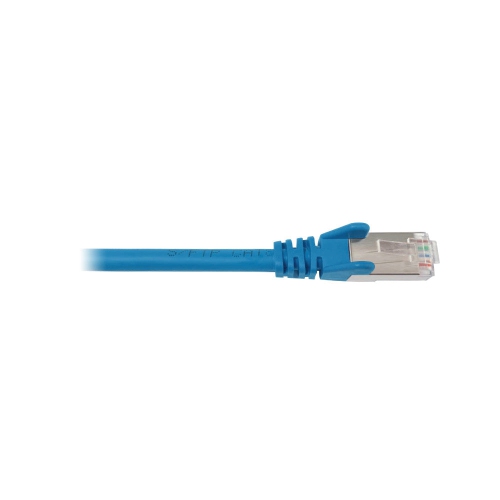
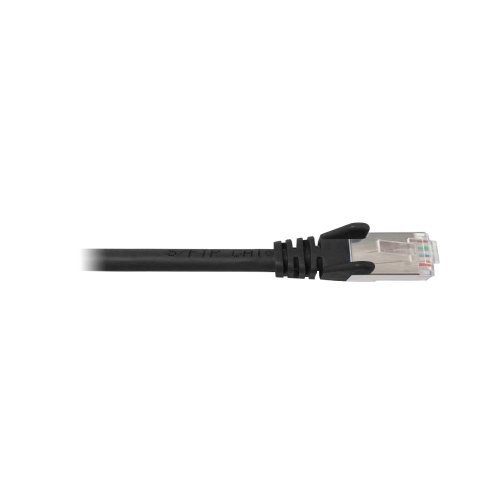
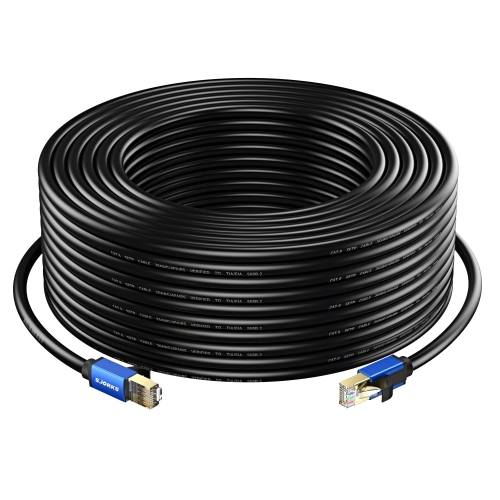
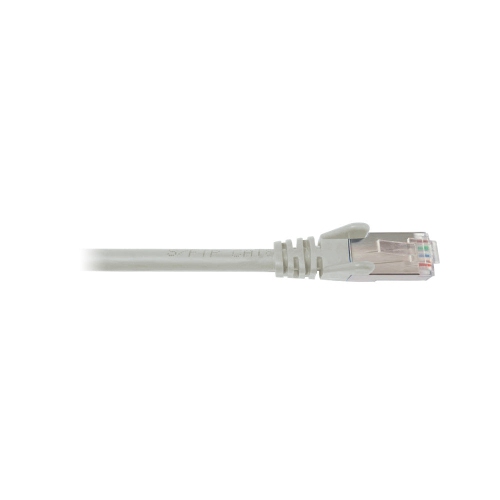
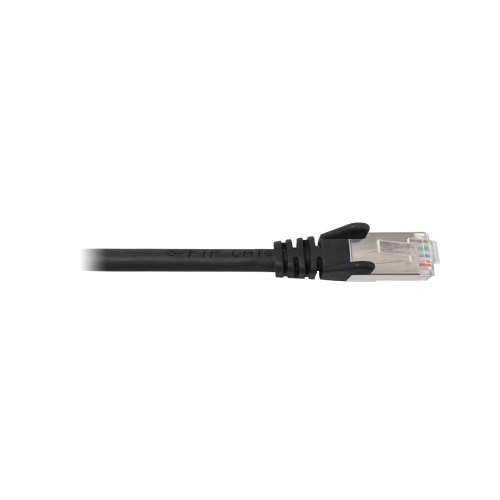
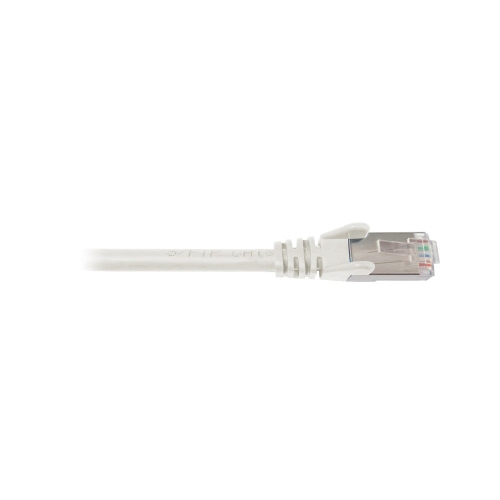
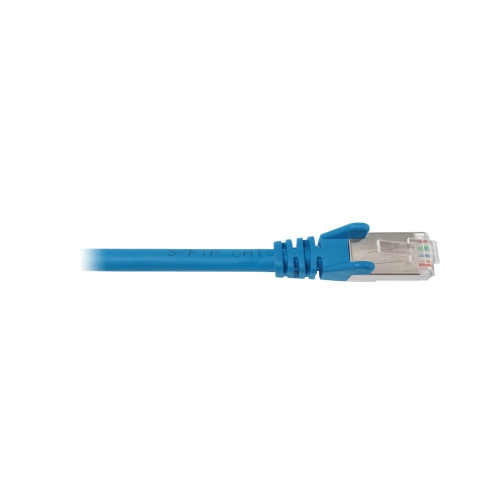
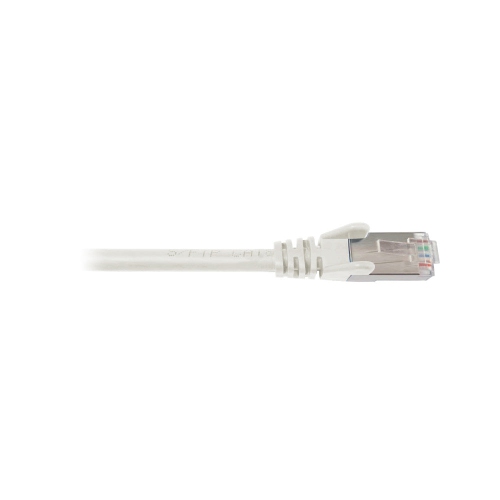
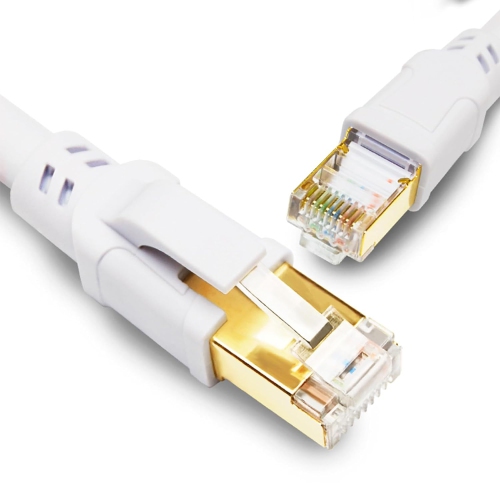
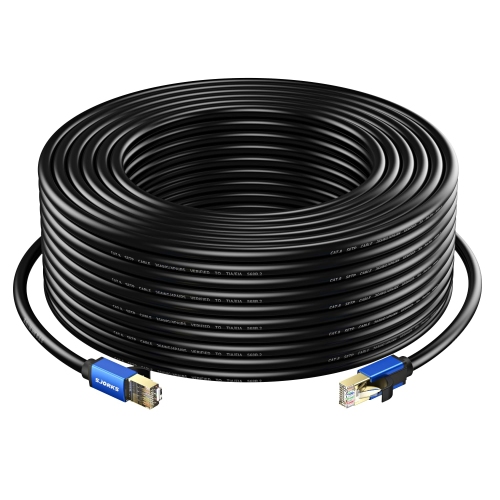
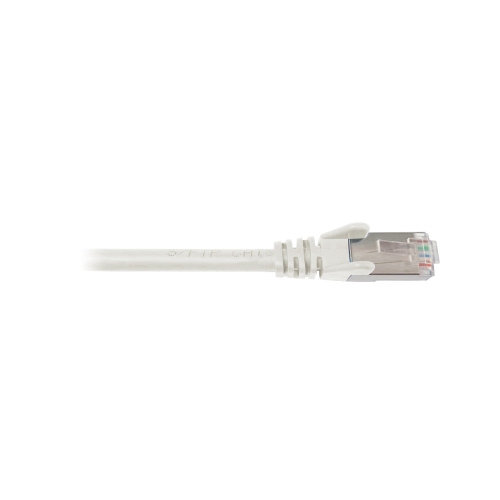
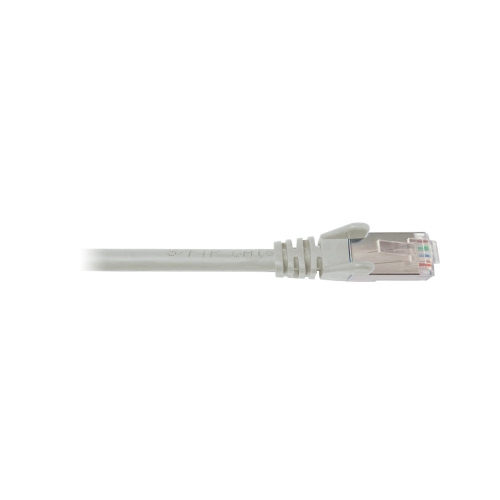
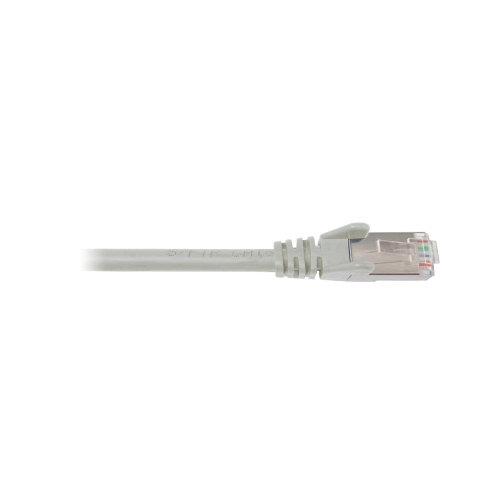
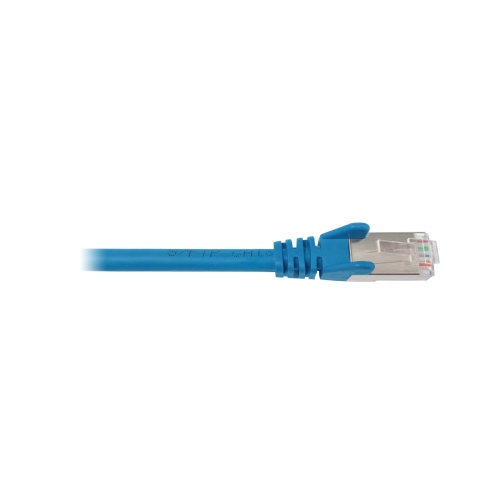
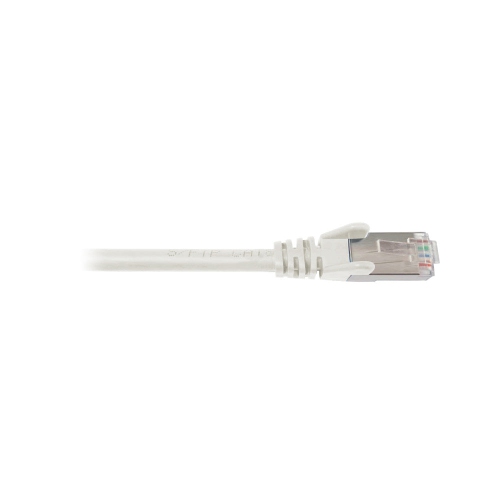
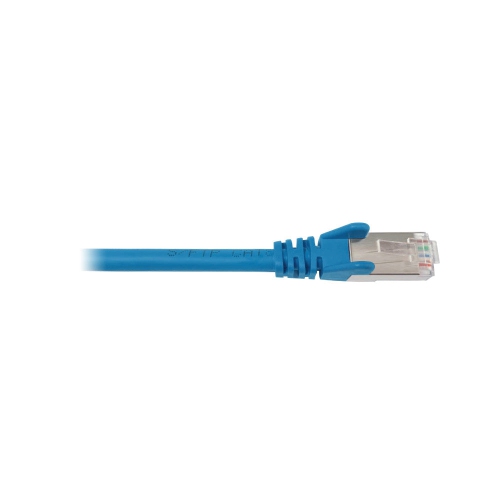
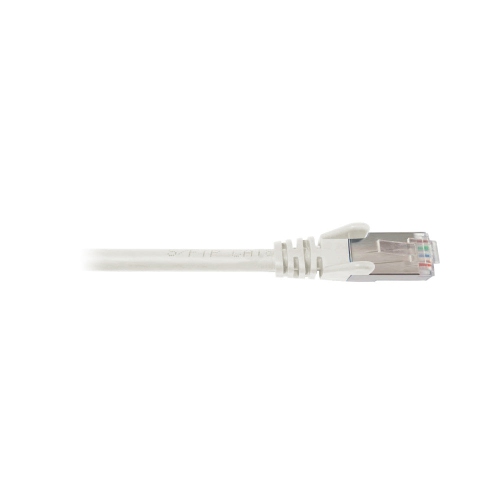
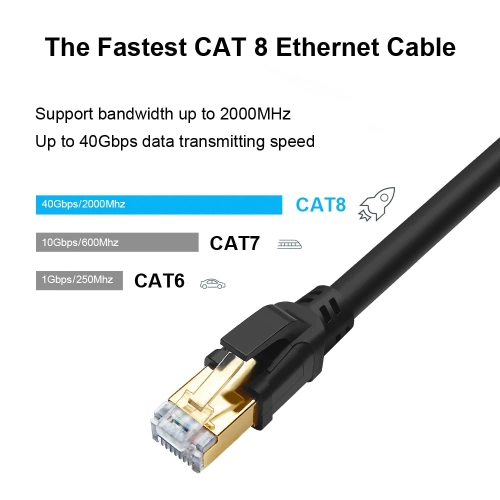
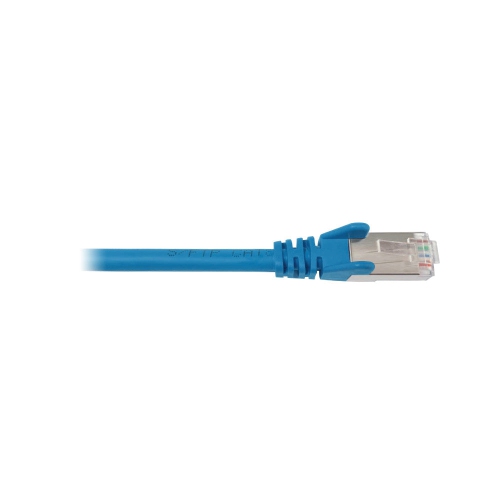
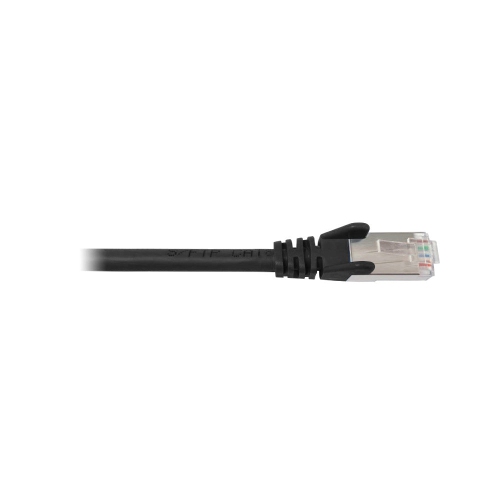
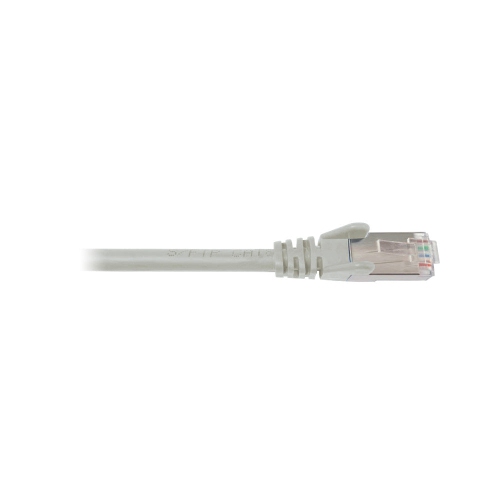
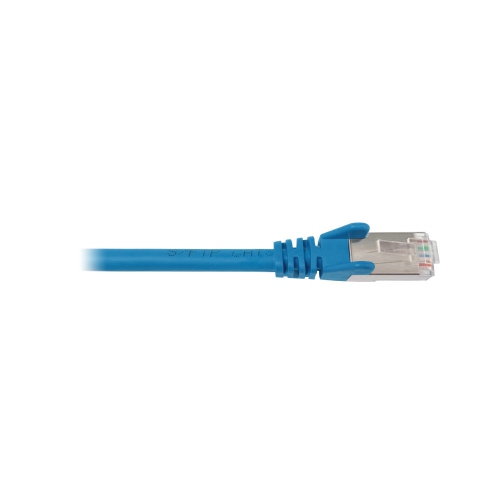
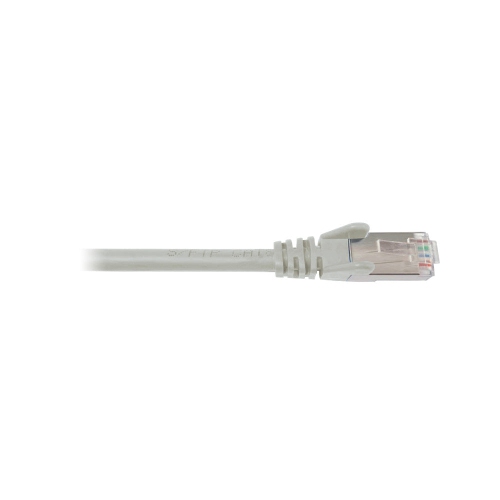
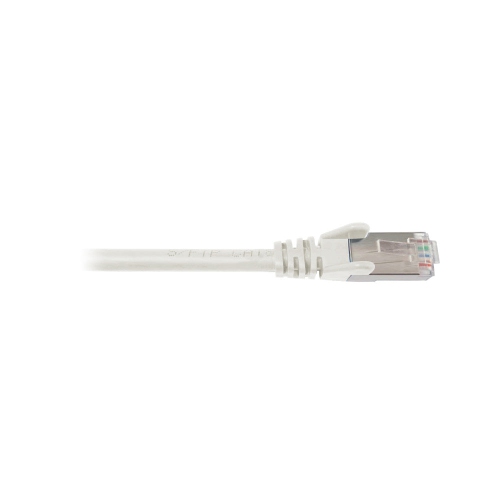
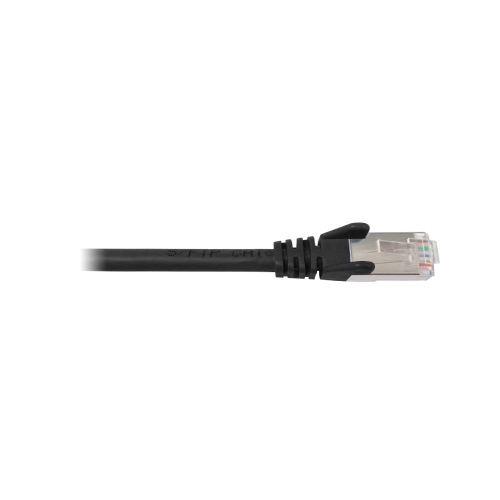
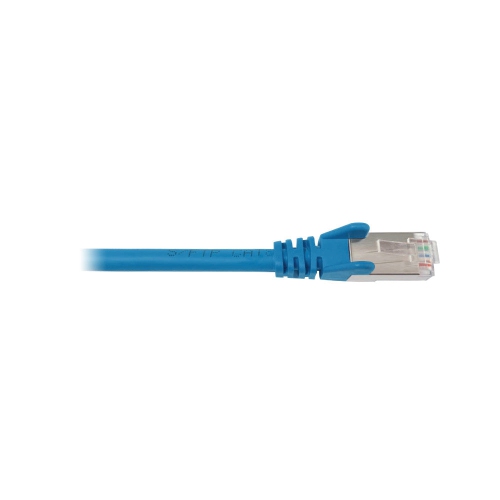
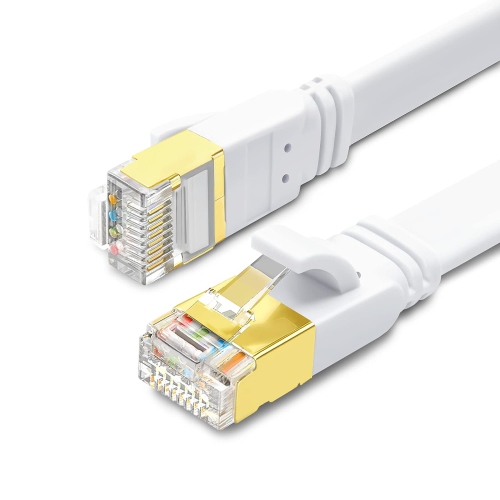
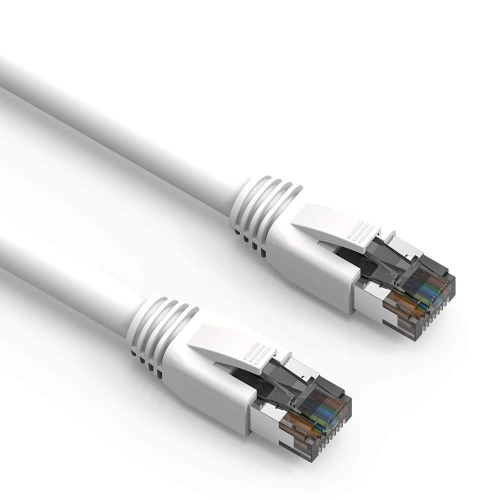
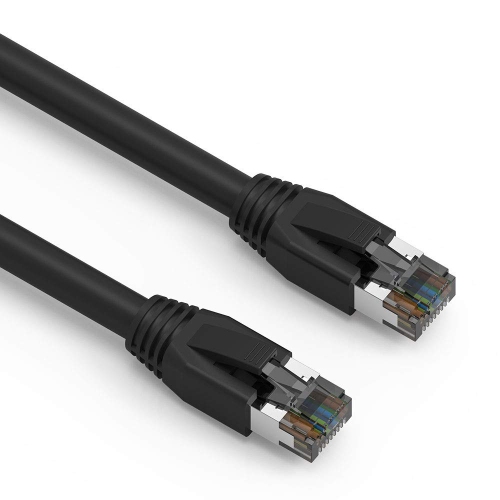
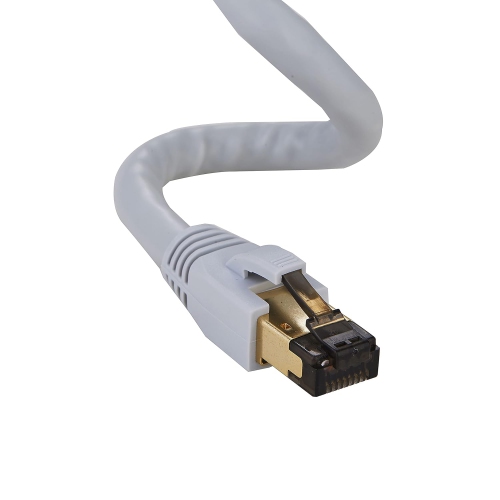
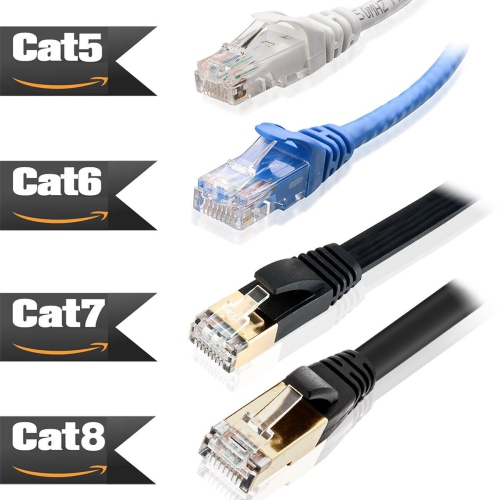


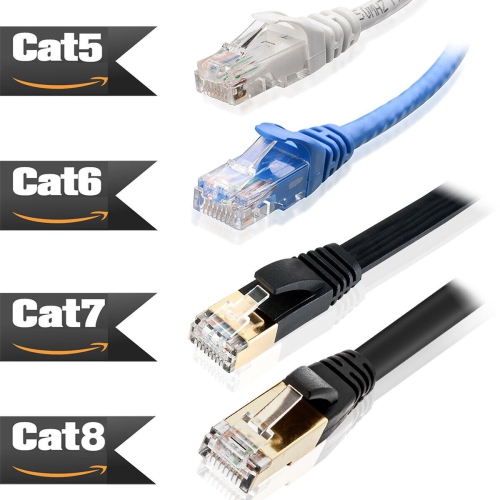
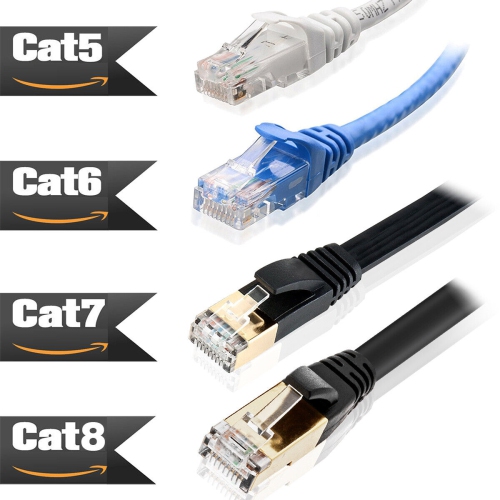
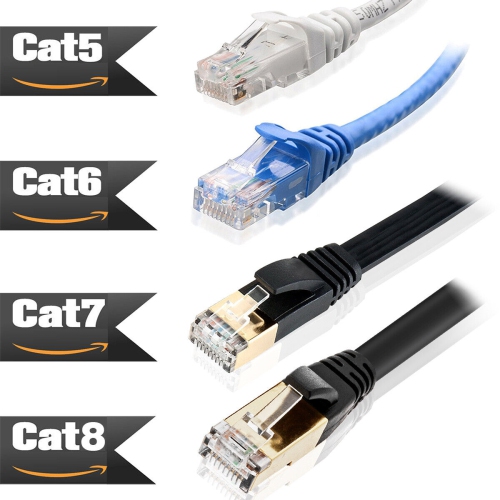
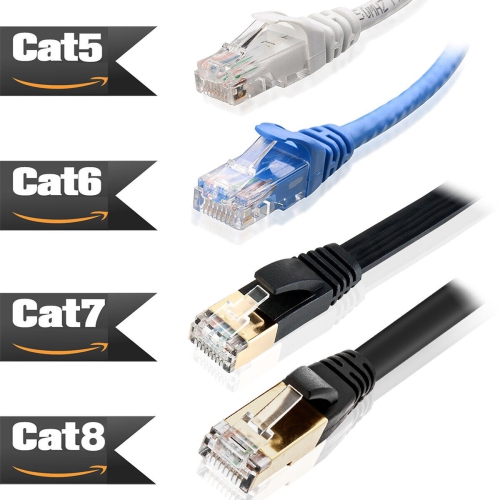
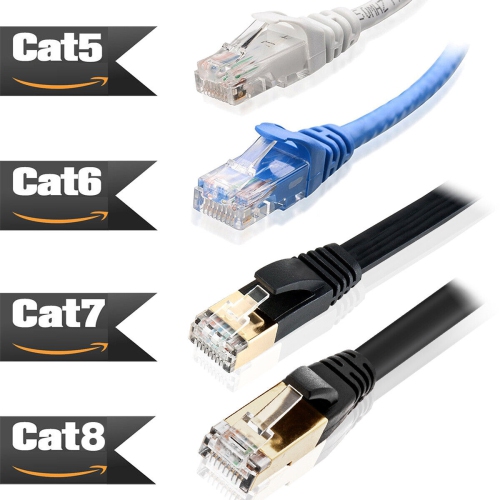
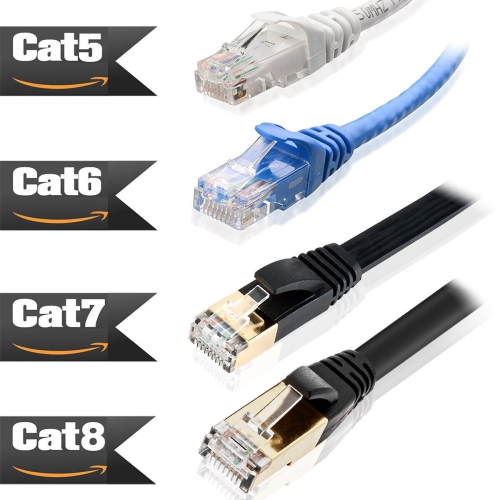

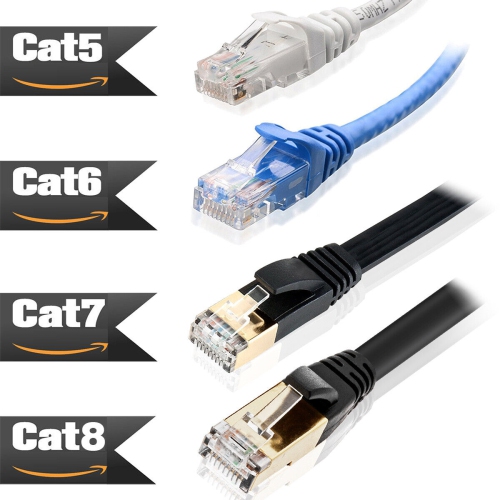
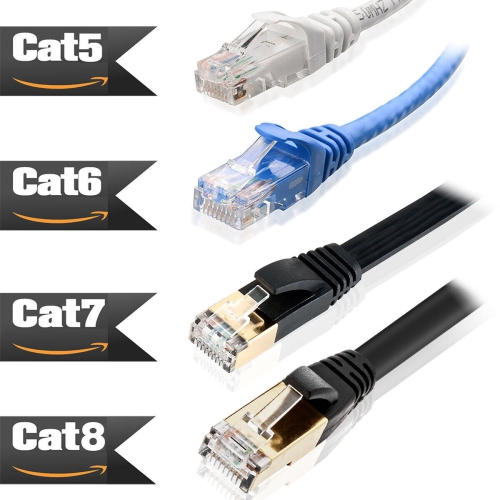
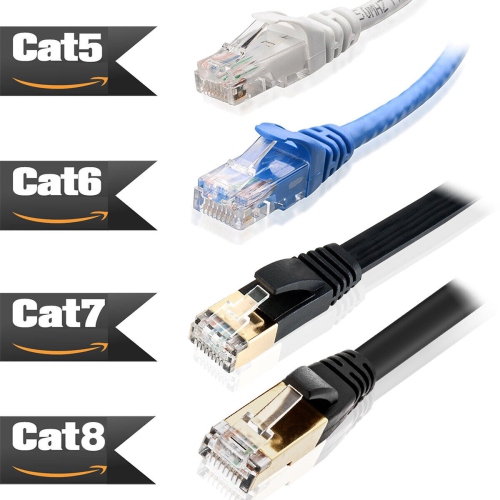
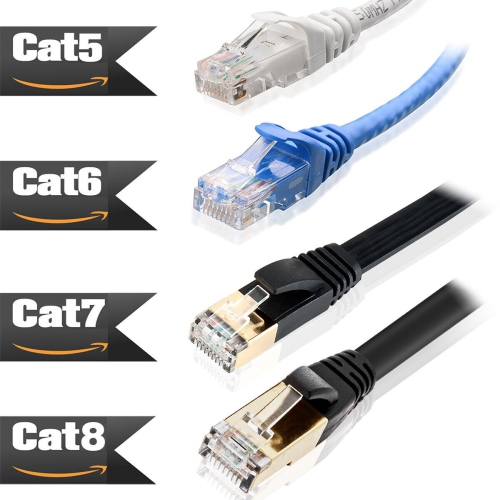
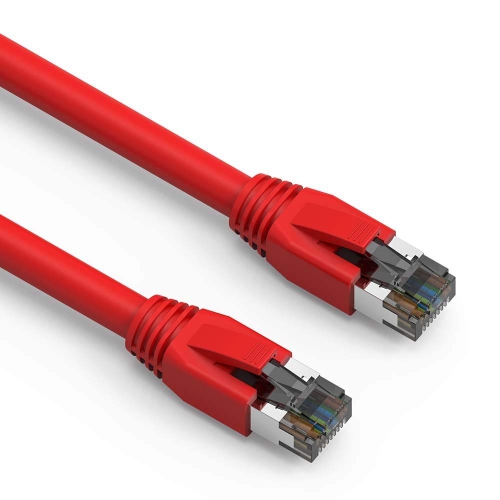
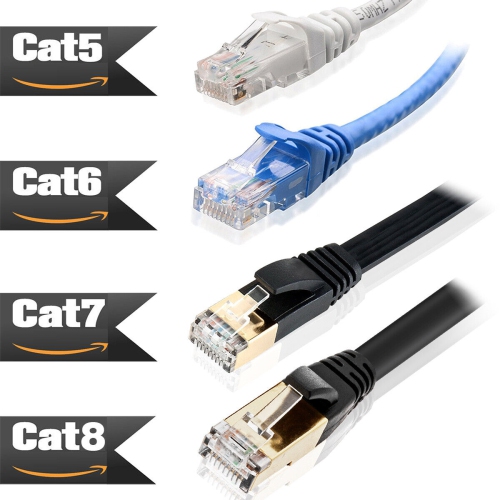
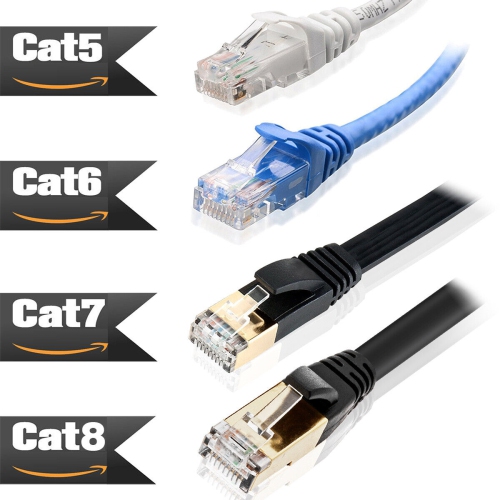
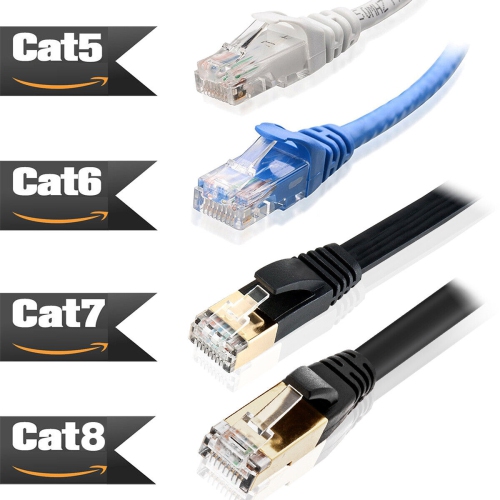
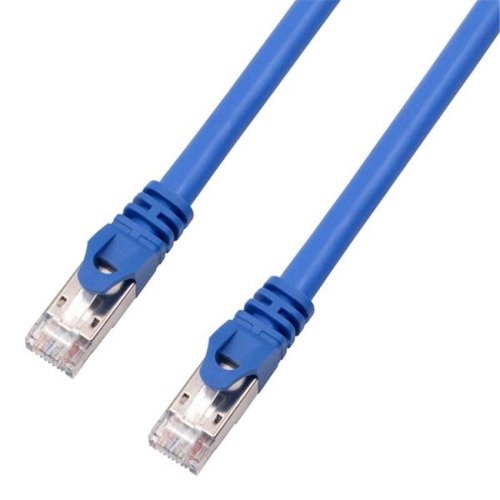
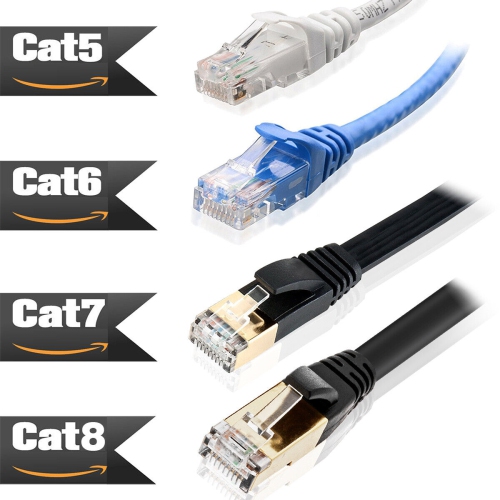
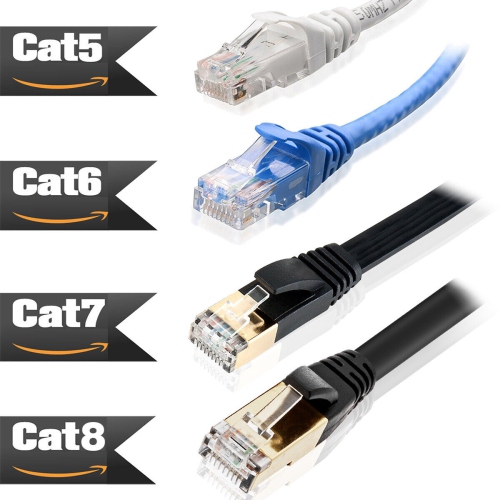
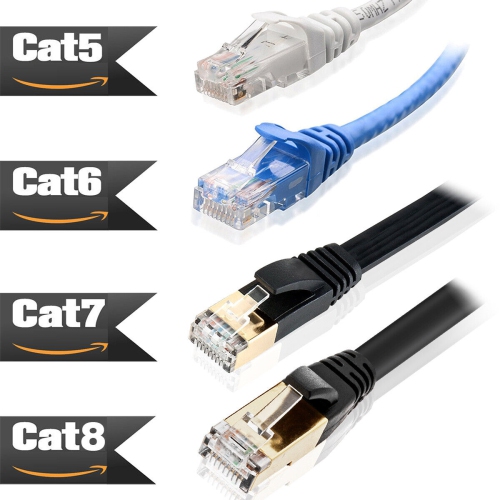
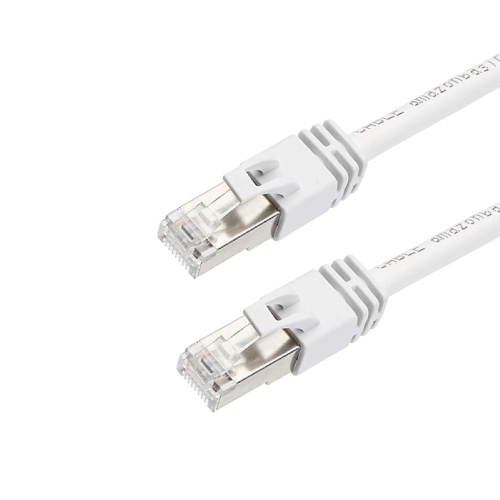
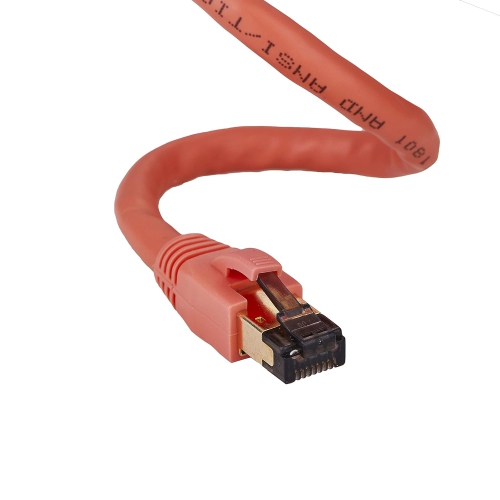
High-speed connections for demanding wired network setups
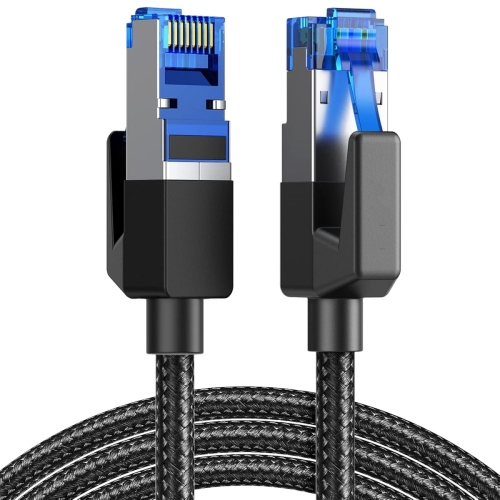
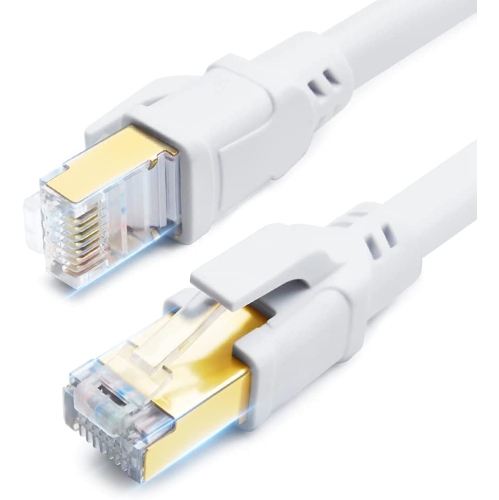
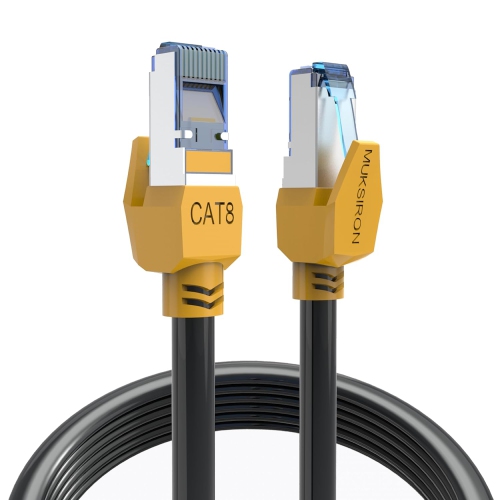
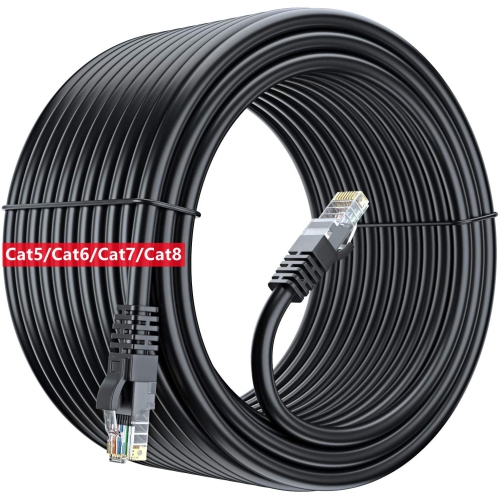
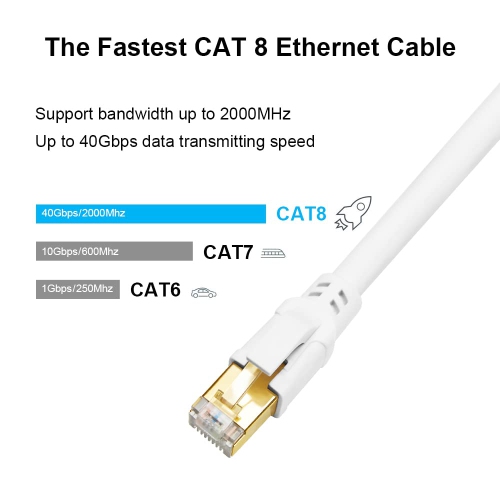
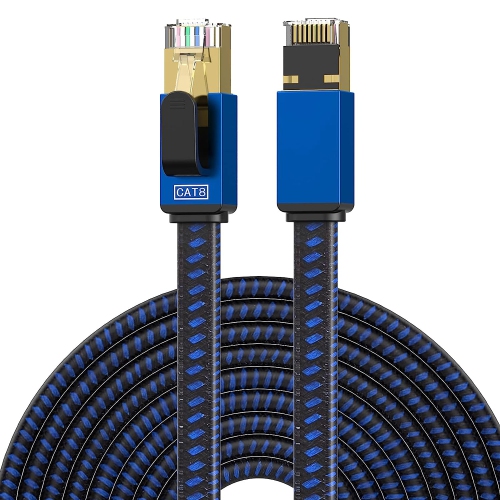
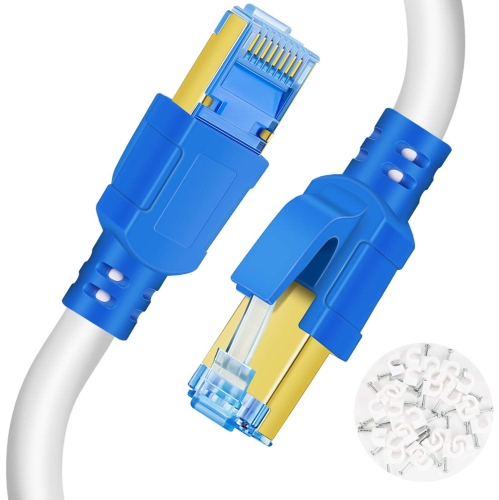
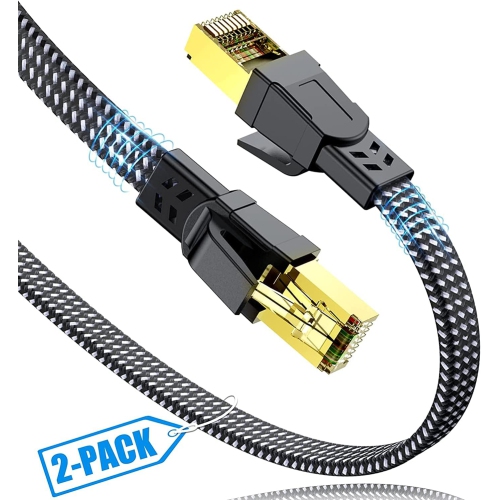
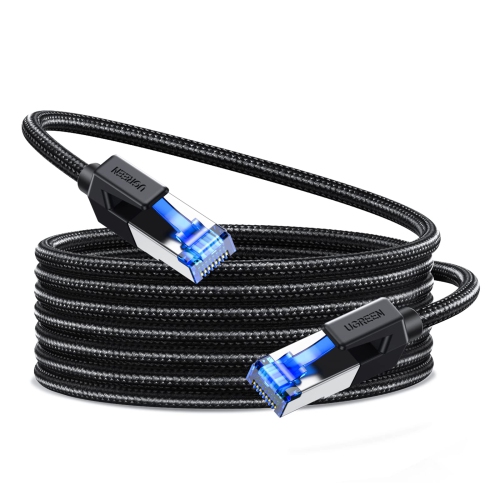
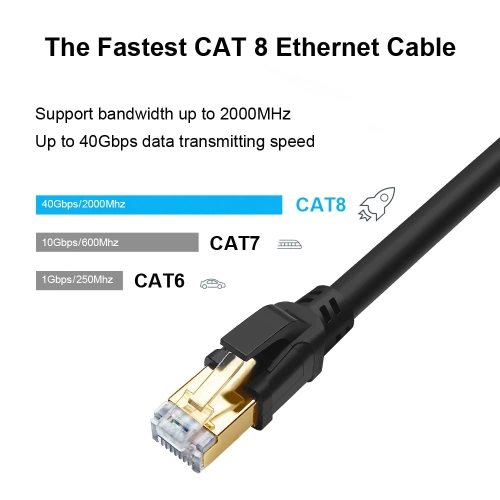
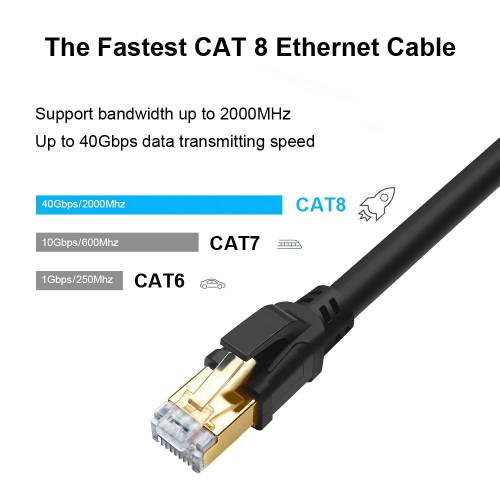
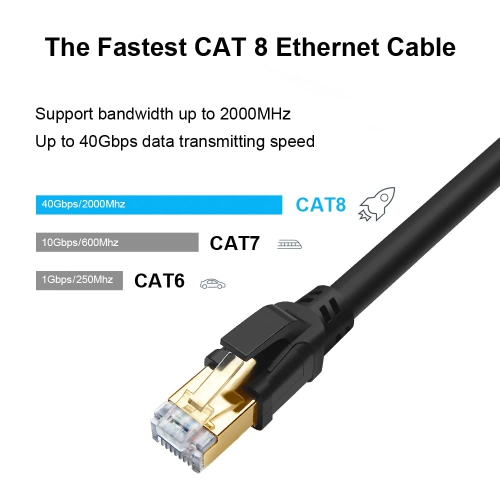
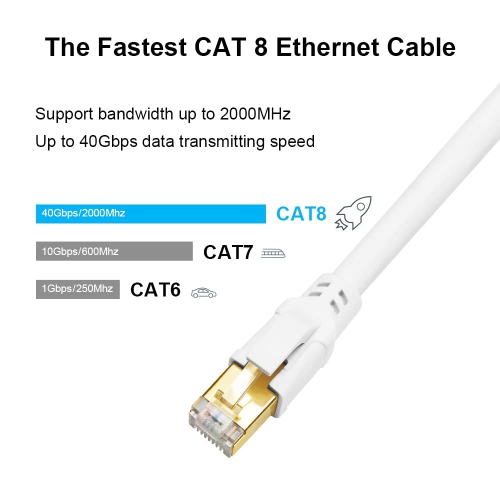
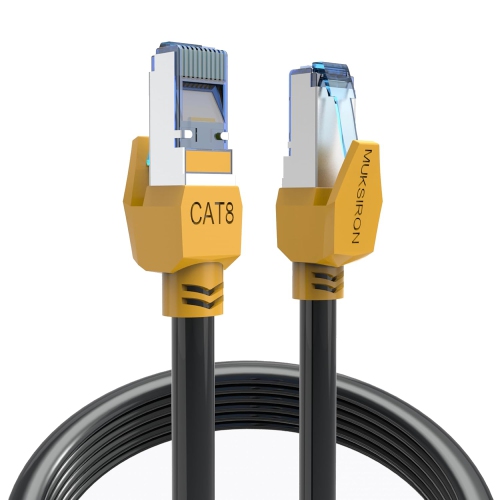
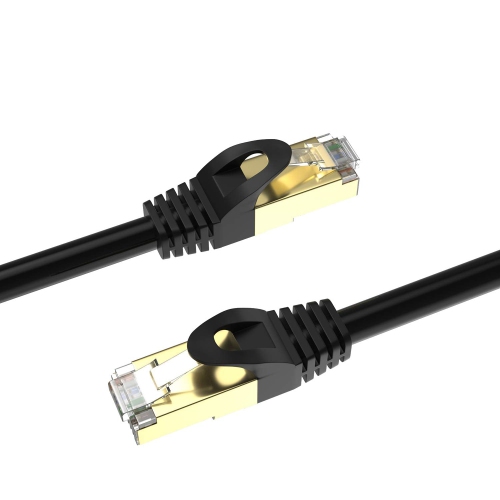
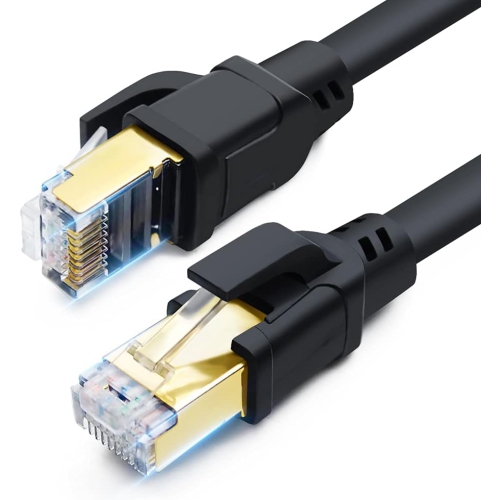
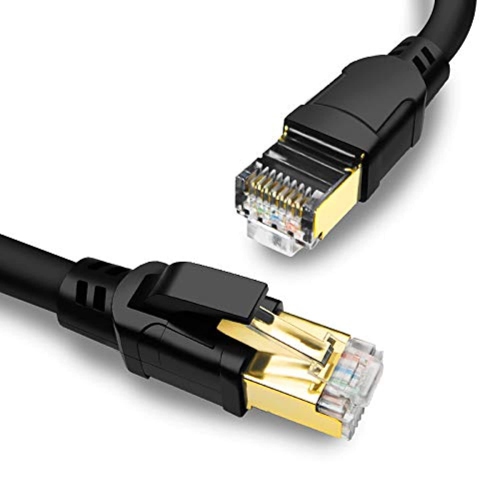
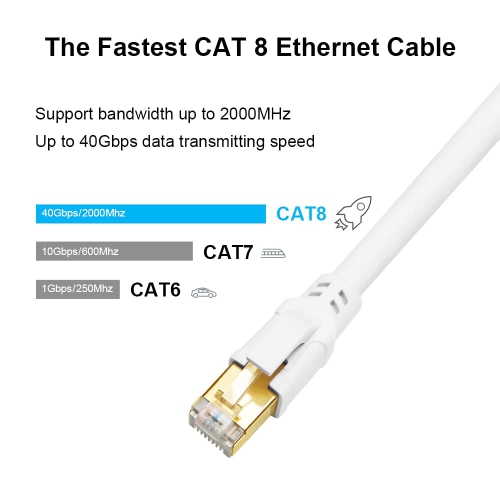
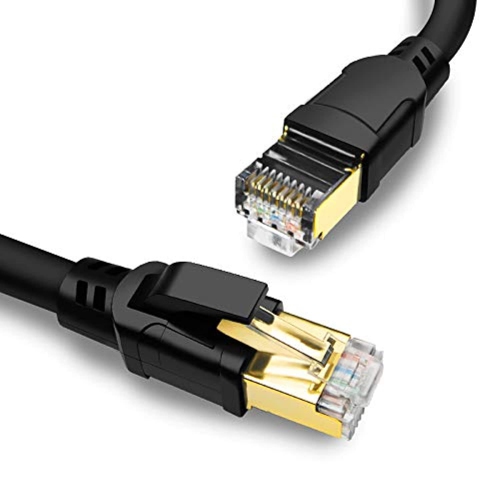
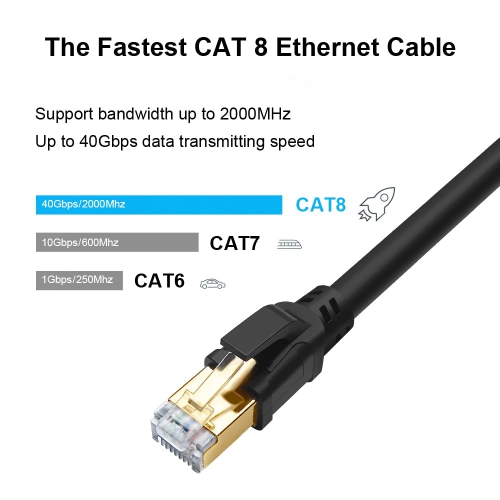
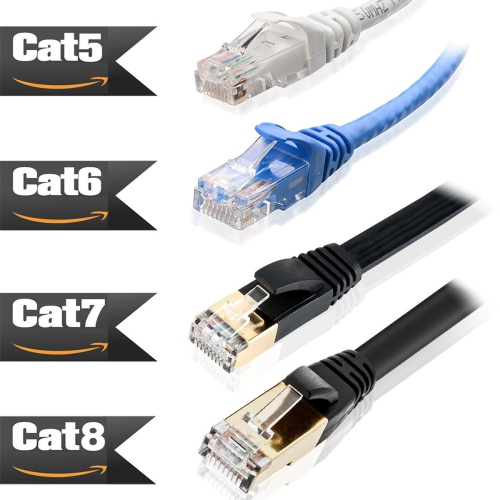
Cat8 Ethernet Cables are designed for high-bandwidth wired networking where speed, signal integrity, and resistance to interference are important. Built to support data rates of up to 40 Gbps and frequencies of up to 2,000 MHz, Cat8 is the fastest commonly available copper Ethernet category for short network connections. It is particularly well suited to switch-to-server links, high-performance workstations, storage systems, and other demanding setups that move large amounts of data between devices. Cat8 cables generally use shielded construction, often with individually shielded twisted pairs and an overall braided shield, to help reduce electromagnetic interference and crosstalk. This can be useful in server rooms, offices with dense cable runs, media production spaces, or areas where Ethernet cables are installed near power cables and other sources of electrical noise. The maximum Cat8 performance is intended for short runs of up to 30 metres, or approximately 98 to 100 feet. Cable length, connector quality, network hardware, installation conditions, and the capabilities of the connected devices all affect real-world results. A Cat8 cable connected to a standard gigabit router will not make that router deliver 40 Gbps, but it can provide a robust, high-spec connection for compatible equipment and leave room for future network upgrades. Shoppers comparing options in this category can explore Cat8 Network Cables for different lengths and connection needs.
Choosing the right Cat8 Ethernet Cable starts with identifying the devices at each end and measuring the route between them. These cables are commonly used to connect network switches, routers, servers, desktop computers, network-attached storage, gaming PCs, and other wired devices with RJ45 Ethernet ports. A short cable can keep a home office, gaming station, or media area tidy, while a longer cable may be useful for routing between a networking cabinet and another room. Avoid choosing a cable that is only just long enough; allowing a little extra length makes it easier to position equipment, manage slack, and avoid putting strain on the connectors. At the same time, excessive unused cable can create loops that are difficult to organize, so a close measurement is helpful. Cat8 cables are backward compatible with older RJ45 Ethernet standards, including Cat5e, Cat6, Cat6a, and Cat7 connections. They can therefore be used with existing network equipment, although the network will operate at the highest speed supported by the connected hardware rather than automatically reaching Cat8’s maximum rating. For many homes, Cat5e or Cat6 already meets the needs of internet browsing, streaming, online gaming, video calls, and typical smart-home traffic. Cat8 may be more than necessary for a basic residential network, particularly when the router, switch, or internet service is limited to 1 Gbps or 2.5 Gbps. Its extra bandwidth and shielding are most meaningful in specialized environments, such as a home lab with several high-speed devices, a content-creation workstation transferring large files, or a business network handling heavy local traffic. Checking port specifications before buying helps ensure the cable’s capabilities match the rest of the setup.
Installation details also matter when working with Cat8 Ethernet Cables. Shielded cables can be thicker and less flexible than lower-category Ethernet cables, so measure around furniture, baseboards, desks, and equipment racks before selecting a length. Keep the cable free from sharp bends, crushing, tight staples, and heavy pressure beneath furniture. A smooth curve is generally preferable to folding the cable at a corner, and retaining the recommended bend radius helps protect the internal twisted pairs. When routing near electrical wiring, fluorescent fixtures, motors, or other equipment that may create interference, shielded construction can provide an added layer of protection, though neat routing and proper network installation remain important. In professional environments, shield continuity and compatible jacks, patch panels, and switches should also be considered; the entire connection should be appropriate for shielded cabling if maximum interference protection is required. At home, Cat8 can be a thoughtful gift for someone building a network rack, upgrading a gaming area, setting up a home server, or creating a dedicated office with multiple wired devices. It may also suit a technology enthusiast who enjoys preparing a network for future hardware, provided the cable’s size and stiffness work with the intended space. During the cooler months, when people often spend more time working, gaming, streaming, or organizing indoor spaces, a well-planned wired connection can help keep key devices stable and uncluttered. Before completing a purchase, consider the required length, the number of cables needed, the available Ethernet ports, the expected data load, and whether the installation calls for shielded construction. These details make it easier to choose a Cat8 cable that fits both the network today and the way the setup may develop over time.
Choosing the right Cat8 Ethernet Cable starts with identifying the devices at each end and measuring the route between them. These cables are commonly used to connect network switches, routers, servers, desktop computers, network-attached storage, gaming PCs, and other wired devices with RJ45 Ethernet ports. A short cable can keep a home office, gaming station, or media area tidy, while a longer cable may be useful for routing between a networking cabinet and another room. Avoid choosing a cable that is only just long enough; allowing a little extra length makes it easier to position equipment, manage slack, and avoid putting strain on the connectors. At the same time, excessive unused cable can create loops that are difficult to organize, so a close measurement is helpful. Cat8 cables are backward compatible with older RJ45 Ethernet standards, including Cat5e, Cat6, Cat6a, and Cat7 connections. They can therefore be used with existing network equipment, although the network will operate at the highest speed supported by the connected hardware rather than automatically reaching Cat8’s maximum rating. For many homes, Cat5e or Cat6 already meets the needs of internet browsing, streaming, online gaming, video calls, and typical smart-home traffic. Cat8 may be more than necessary for a basic residential network, particularly when the router, switch, or internet service is limited to 1 Gbps or 2.5 Gbps. Its extra bandwidth and shielding are most meaningful in specialized environments, such as a home lab with several high-speed devices, a content-creation workstation transferring large files, or a business network handling heavy local traffic. Checking port specifications before buying helps ensure the cable’s capabilities match the rest of the setup.
Installation details also matter when working with Cat8 Ethernet Cables. Shielded cables can be thicker and less flexible than lower-category Ethernet cables, so measure around furniture, baseboards, desks, and equipment racks before selecting a length. Keep the cable free from sharp bends, crushing, tight staples, and heavy pressure beneath furniture. A smooth curve is generally preferable to folding the cable at a corner, and retaining the recommended bend radius helps protect the internal twisted pairs. When routing near electrical wiring, fluorescent fixtures, motors, or other equipment that may create interference, shielded construction can provide an added layer of protection, though neat routing and proper network installation remain important. In professional environments, shield continuity and compatible jacks, patch panels, and switches should also be considered; the entire connection should be appropriate for shielded cabling if maximum interference protection is required. At home, Cat8 can be a thoughtful gift for someone building a network rack, upgrading a gaming area, setting up a home server, or creating a dedicated office with multiple wired devices. It may also suit a technology enthusiast who enjoys preparing a network for future hardware, provided the cable’s size and stiffness work with the intended space. During the cooler months, when people often spend more time working, gaming, streaming, or organizing indoor spaces, a well-planned wired connection can help keep key devices stable and uncluttered. Before completing a purchase, consider the required length, the number of cables needed, the available Ethernet ports, the expected data load, and whether the installation calls for shielded construction. These details make it easier to choose a Cat8 cable that fits both the network today and the way the setup may develop over time.
Top selling and popular products
-
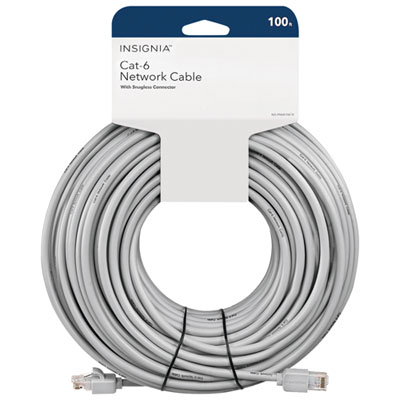 Your price for this item is $49.95
 -
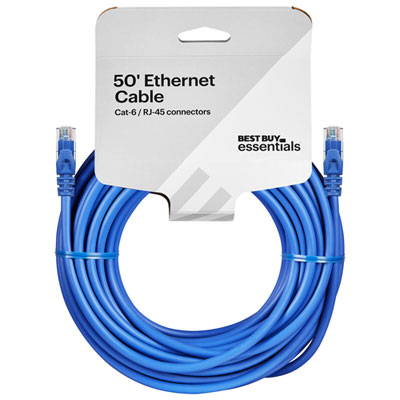 Your price for this item is $24.99
 -
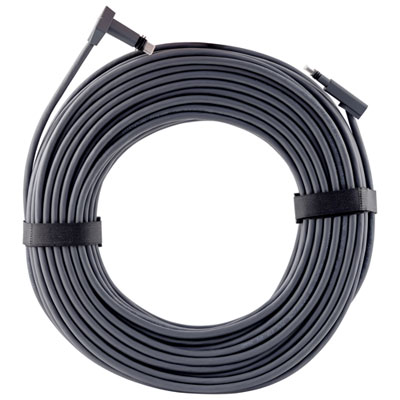 Your price for this item is $164.99
 -
 Your price for this item is $31.37
 -
 Your price for this item is $79.68
 -
 Your price for this item is $57.68
 -
 Your price for this item is $50.99
 -
 Your price for this item is $57.68
Discover more categories related to Cat8 Ethernet Cables
Top Collections:
Pokemon Centers, Best Cameras for Sports Photography, Kindle Devices, Samsung Galaxy Phones, Canon G7X Cameras, Pokémon 30th Celebration Cards, Refurbished Apple Laptops, iPhone 15 Apple, Laptops for Students, Budget Smartphones
Some products may be subject to Environmental Handling Fees
(EHF) depending on your province.
Learn more about EHFs.