Clear Keyboards
Discover the perfect blend of style and functionality with a Clear Keyboard. Designed to complement any workspace, these keyboards offer a sleek and modern look that enhances your desktop setup. Whether you're upgrading your home office or looking for a unique addition to your gaming station, a Clear Keyboard delivers both visual appeal and reliable performance. Explore a variety of options to find the ideal fit for your needs and elevate your typing experience today.
Sort
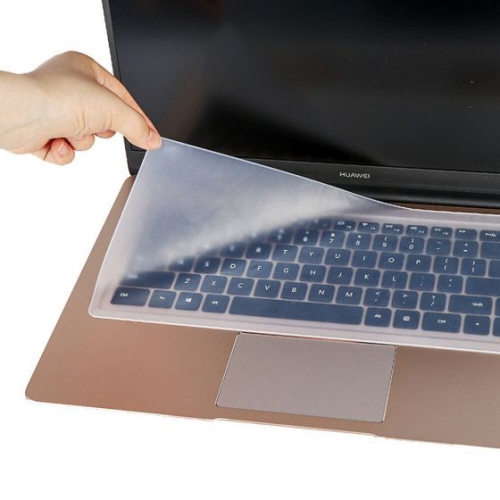
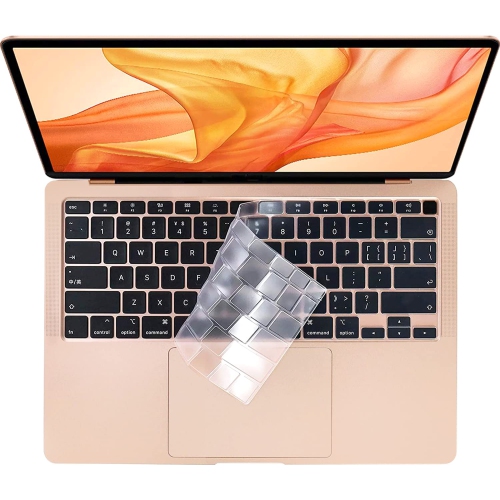
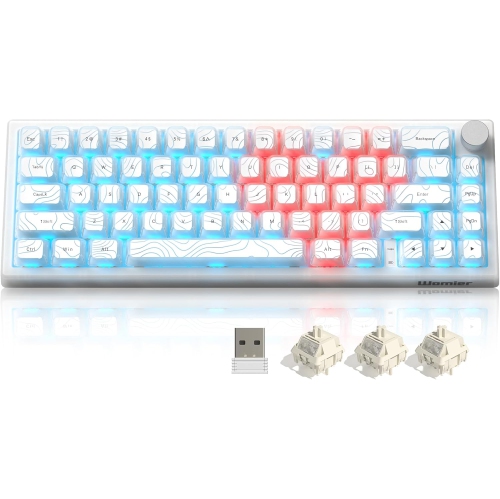
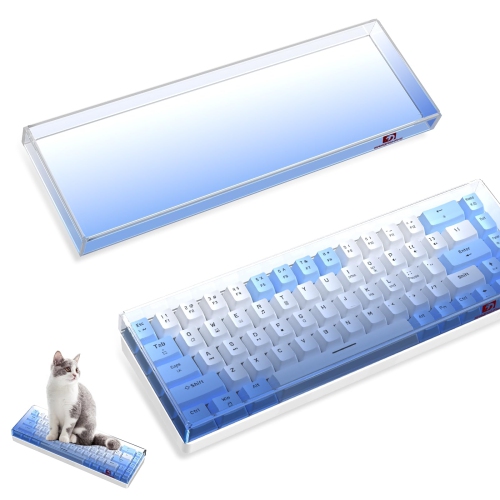
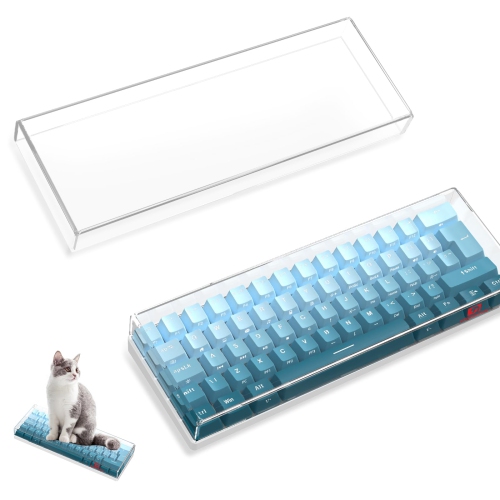

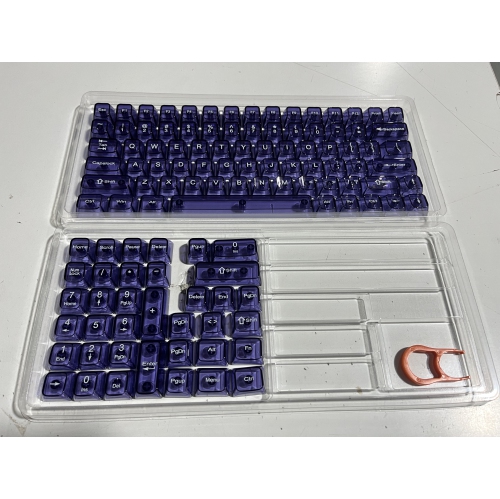
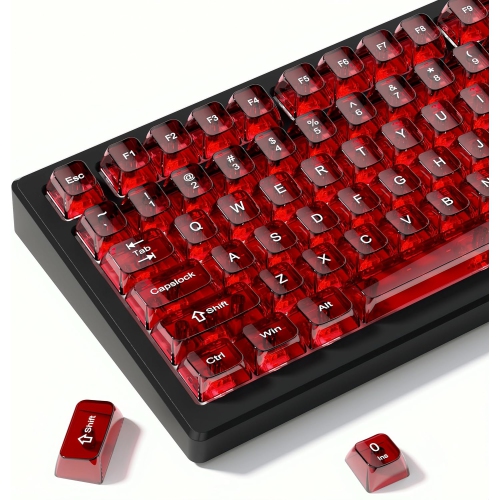
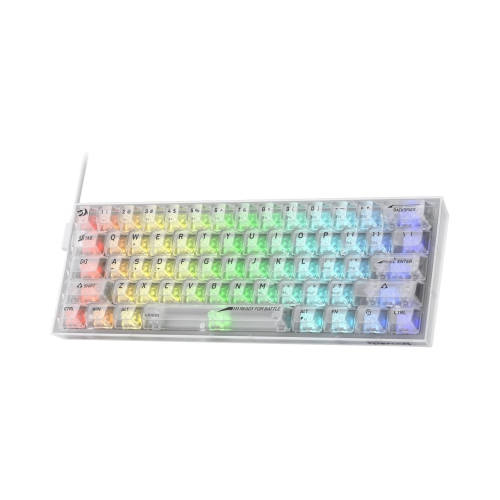
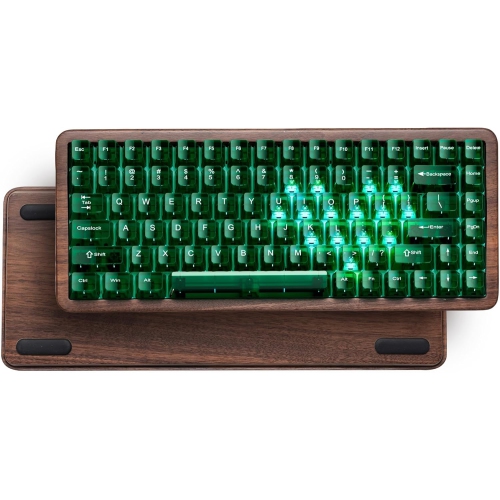
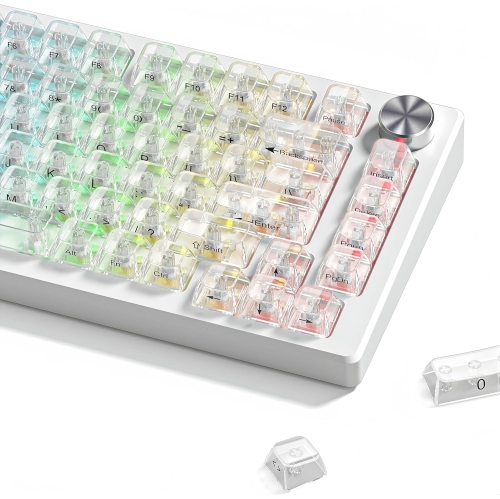
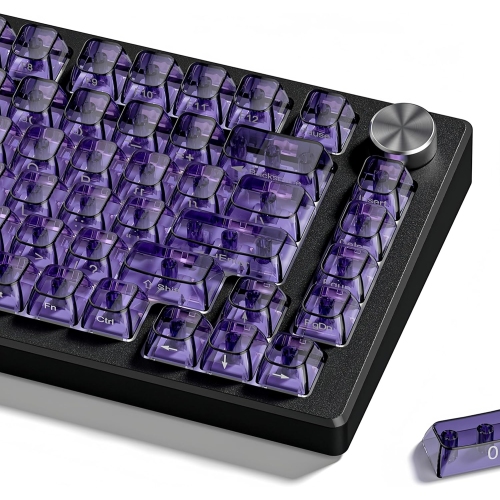
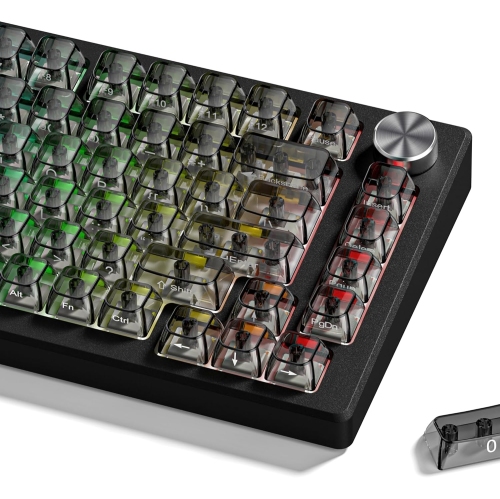
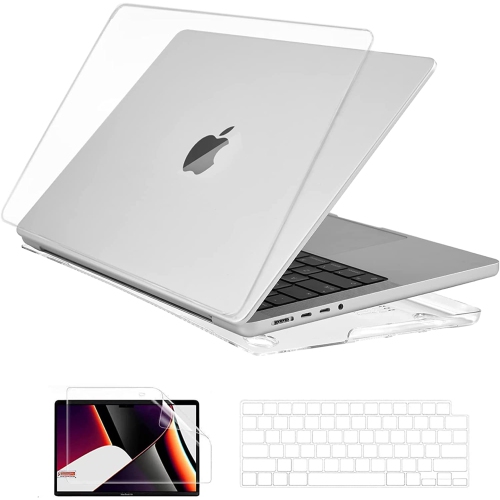
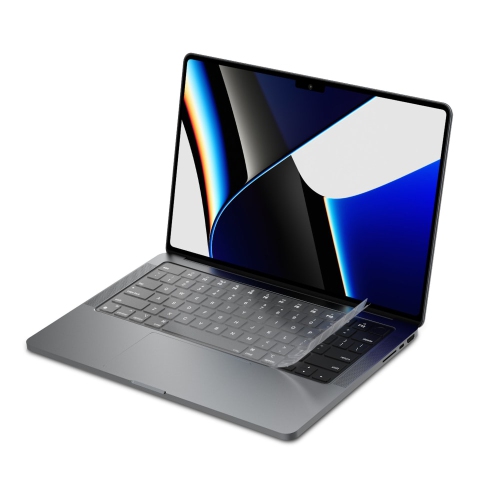
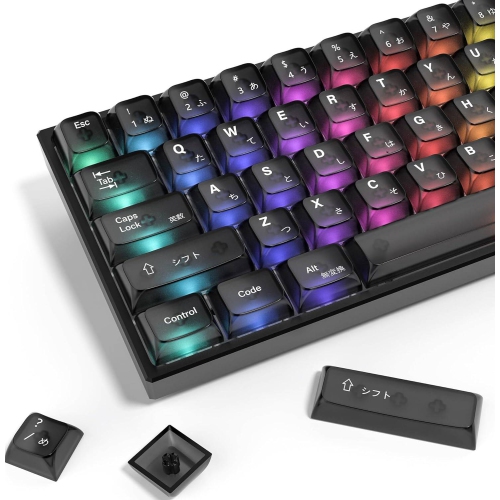
How transparent finishes shape your keyboard’s look and glow
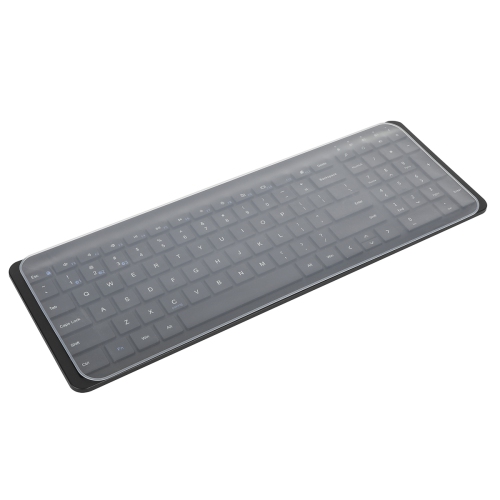
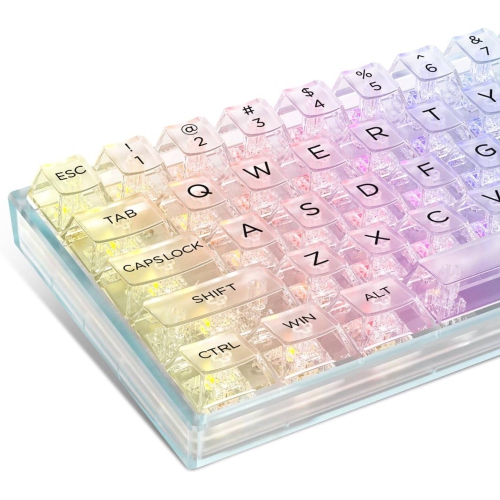
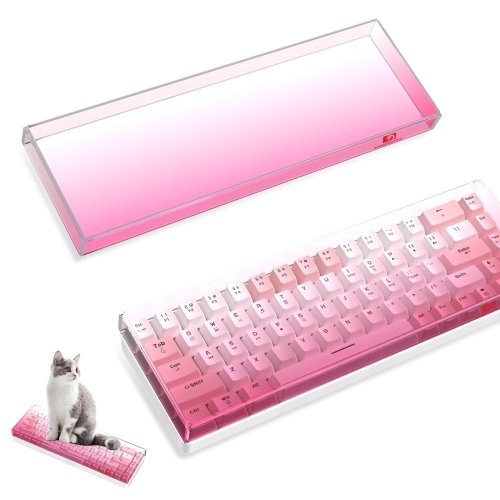
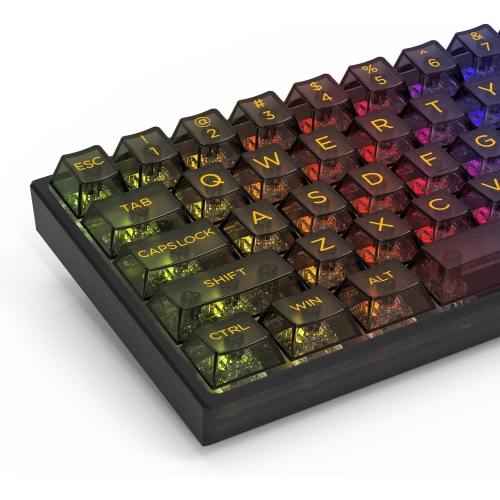
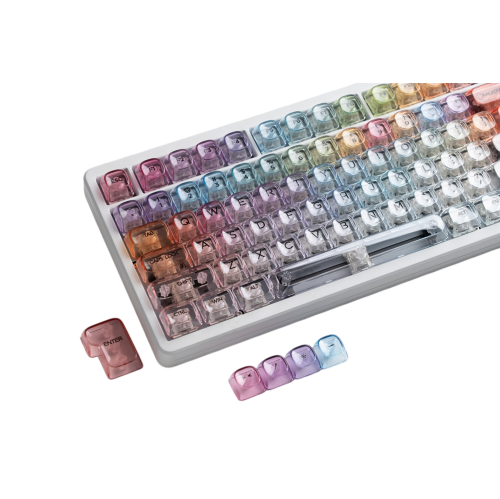
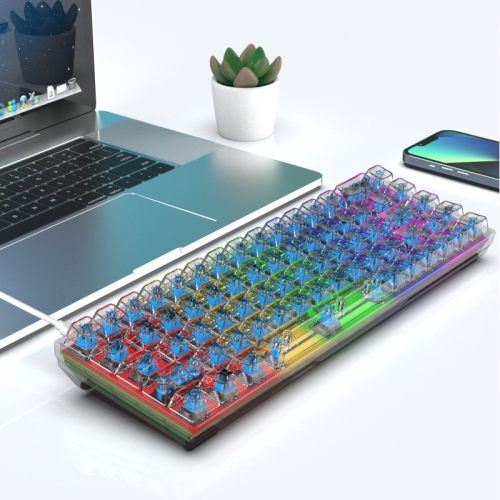
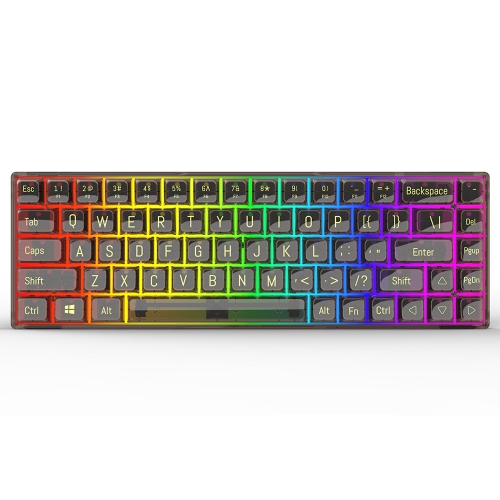
Clear keyboards have transparent or translucent cases, keycaps, or both, giving a familiar desktop accessory a distinctly visible inner structure. Depending on the design, the switches, mounting plate, screws, and circuit board become part of the appearance rather than staying hidden beneath an opaque shell. Fully transparent surfaces offer a crisp view of those details, while frosted or tinted finishes soften the view and diffuse light. For a desk with RGB lighting, that difference can shape the entire look: polished clear keycaps may produce bright points of colour, while a frosted housing can create a gentler glow around the edges. Lighting coverage varies, however, and a transparent case does not necessarily mean every key is illuminated or that the lettering lights up. Clear keyboards also suit setups without colourful effects, where the appeal comes from the exposed construction and the way the keyboard sits alongside a glass desktop, neutral desk mat, or matching mouse. Acrylic and polycarbonate are common materials for transparent housings, although their appearance and performance depend on the thickness, finish, and construction. Acrylic can offer a glass-like look but may chip or crack under impact; polycarbonate generally tolerates impact better, though it can still scratch. Neither material alone determines how solid a keyboard feels. Case assembly, internal support, feet, and overall weight all contribute to stability during typing. Transparent keycaps likewise differ in texture, shape, and lettering, with some feeling smooth and glossy and others offering a lightly textured surface. Legibility deserves attention alongside appearance: letters that look sharp in a photograph may be harder to distinguish against visible switches, strong lighting, or a busy desktop. For students, home office users, gamers, and keyboard enthusiasts, the appeal is a balance between visual character and everyday usefulness. A clear keyboard can be a thoughtful gift for someone who enjoys arranging a personalized workspace, especially when its layout and connection options match the equipment they already use.
The size and arrangement of a transparent keyboard matter as much as its finish. A full-size layout includes a number pad, making it useful for spreadsheets, bookkeeping, or frequent numeric entry. A compact layout with a number pad can preserve that function while reducing gaps between key groups, although closer spacing may take some adjustment. Tenkeyless keyboards remove the number pad but retain the function row and navigation keys, leaving more room for a mouse without stripping away familiar controls. A 75% layout usually brings those controls closer together, while a 65% design typically retains dedicated arrow keys but moves the function row to secondary commands. Many 60% layouts also place arrow and navigation functions on a secondary layer. For someone editing documents all day, dedicated Home, End, and arrow keys may matter more than the smallest possible footprint. For someone making broad mouse movements during games, a narrower keyboard can free up useful desk space. Typing feel is a separate consideration from transparency. Mechanical clear keyboards use individual switches beneath the keys, with linear switches providing a smooth press, tactile switches adding a noticeable bump, and clicky switches producing a distinct audible response. A transparent finish does not guarantee mechanical construction, and switch type alone does not determine volume. Keycaps, the case, mounting style, internal damping, and the surface beneath the keyboard all influence sound. Gasket mounting can provide a more cushioned feel, but the amount of movement varies by design. Hot-swappable switch sockets, where supported, allow compatible switches to be replaced without soldering; compatibility still depends on the socket and switch format. For shared offices or late-night study sessions, quieter switches and controlled keypresses may be more practical than a pronounced click. Key height, keycap contours, and front-edge height also affect comfort during longer sessions. A wrist rest may help some users maintain a comfortable position between typing, while a stable base helps keep the keyboard from shifting during repeated shortcuts or quick changes in direction.
Connection options determine how easily a clear keyboard fits into a working setup. Wired USB provides a direct connection without a keyboard battery to charge, making it straightforward for a stationary desk. Bluetooth can be useful when switching between compatible computers and mobile devices, while a dedicated 2.4 GHz wireless receiver offers another cable-free option. Some keyboards support all three methods, but multi-device pairing, switching controls, and receiver storage differ by design. Wireless response depends on the hardware and connection, so transparency itself says nothing about gaming performance. Backlighting also affects battery life, with brighter effects generally requiring more frequent charging than dimmed or disabled lighting. Operating system compatibility, shortcut behaviour, and customization software deserve equal attention, particularly for anyone moving between different computers. Programmable keys, remapping, and a volume knob can simplify repeated tasks when those features are supported. Language layout matters too: English and French typing preferences may call for different key arrangements or legends, even when the operating system can change the input language. Daily care helps preserve the finish that makes these keyboards distinctive. Clear surfaces readily show dust, fingerprints, and debris between keys, while fine scratches can become more noticeable under illumination. Routine cleaning is best done with the keyboard disconnected and powered off, using a soft, lint-free cloth and the cleaning method specified by the manufacturer. If a lightly dampened cloth is permitted, moisture should stay away from openings, and the keyboard should dry fully before reconnection. Harsh solvents and abrasive cleaners can damage transparent plastics or printed legends. Removable keycaps can make cleaning easier, but removal should be limited to designs that support it, using a suitable puller and extra care around larger stabilized keys. A transparent housing is not evidence of spill resistance, and a rigid clear keyboard is not designed to fold or roll for travel. For a different approach to portability, Flexible Keyboards offer an alternative construction, with typing feel and protective features that vary by design. Matching appearance with readable keys, comfortable proportions, and practical care requirements makes a clear keyboard more than a display piece: it becomes a distinctive part of a desk that works well every day.
The size and arrangement of a transparent keyboard matter as much as its finish. A full-size layout includes a number pad, making it useful for spreadsheets, bookkeeping, or frequent numeric entry. A compact layout with a number pad can preserve that function while reducing gaps between key groups, although closer spacing may take some adjustment. Tenkeyless keyboards remove the number pad but retain the function row and navigation keys, leaving more room for a mouse without stripping away familiar controls. A 75% layout usually brings those controls closer together, while a 65% design typically retains dedicated arrow keys but moves the function row to secondary commands. Many 60% layouts also place arrow and navigation functions on a secondary layer. For someone editing documents all day, dedicated Home, End, and arrow keys may matter more than the smallest possible footprint. For someone making broad mouse movements during games, a narrower keyboard can free up useful desk space. Typing feel is a separate consideration from transparency. Mechanical clear keyboards use individual switches beneath the keys, with linear switches providing a smooth press, tactile switches adding a noticeable bump, and clicky switches producing a distinct audible response. A transparent finish does not guarantee mechanical construction, and switch type alone does not determine volume. Keycaps, the case, mounting style, internal damping, and the surface beneath the keyboard all influence sound. Gasket mounting can provide a more cushioned feel, but the amount of movement varies by design. Hot-swappable switch sockets, where supported, allow compatible switches to be replaced without soldering; compatibility still depends on the socket and switch format. For shared offices or late-night study sessions, quieter switches and controlled keypresses may be more practical than a pronounced click. Key height, keycap contours, and front-edge height also affect comfort during longer sessions. A wrist rest may help some users maintain a comfortable position between typing, while a stable base helps keep the keyboard from shifting during repeated shortcuts or quick changes in direction.
Connection options determine how easily a clear keyboard fits into a working setup. Wired USB provides a direct connection without a keyboard battery to charge, making it straightforward for a stationary desk. Bluetooth can be useful when switching between compatible computers and mobile devices, while a dedicated 2.4 GHz wireless receiver offers another cable-free option. Some keyboards support all three methods, but multi-device pairing, switching controls, and receiver storage differ by design. Wireless response depends on the hardware and connection, so transparency itself says nothing about gaming performance. Backlighting also affects battery life, with brighter effects generally requiring more frequent charging than dimmed or disabled lighting. Operating system compatibility, shortcut behaviour, and customization software deserve equal attention, particularly for anyone moving between different computers. Programmable keys, remapping, and a volume knob can simplify repeated tasks when those features are supported. Language layout matters too: English and French typing preferences may call for different key arrangements or legends, even when the operating system can change the input language. Daily care helps preserve the finish that makes these keyboards distinctive. Clear surfaces readily show dust, fingerprints, and debris between keys, while fine scratches can become more noticeable under illumination. Routine cleaning is best done with the keyboard disconnected and powered off, using a soft, lint-free cloth and the cleaning method specified by the manufacturer. If a lightly dampened cloth is permitted, moisture should stay away from openings, and the keyboard should dry fully before reconnection. Harsh solvents and abrasive cleaners can damage transparent plastics or printed legends. Removable keycaps can make cleaning easier, but removal should be limited to designs that support it, using a suitable puller and extra care around larger stabilized keys. A transparent housing is not evidence of spill resistance, and a rigid clear keyboard is not designed to fold or roll for travel. For a different approach to portability, Flexible Keyboards offer an alternative construction, with typing feel and protective features that vary by design. Matching appearance with readable keys, comfortable proportions, and practical care requirements makes a clear keyboard more than a display piece: it becomes a distinctive part of a desk that works well every day.
Top selling and popular products
-
 Your price for this item is $39.98
 -
 Your price for this item is $49.72
 -
 Your price for this item is $159
 -
 Your price for this item is $219.99
 -
 Your price for this item is $199.99
 -
 Your price for this item is $44.69
 -
 Your price for this item is $29.99
 -
 Your price for this item is $169.99
Discover more categories related to Clear Keyboards

Top Collections:
Pokemon Centers, Kindle Devices, Best Budget Office Chairs, Apple iPhones 16, Canon G7X Cameras, iPhone 15 Apple, Alarm Clock, Refurbished Apple Laptops, Flip Phones, Best Laptops for Writers
Some products may be subject to Environmental Handling Fees
(EHF) depending on your province.
Learn more about EHFs.