Coding Projects
Dive into the world of creativity and innovation with our exciting range of coding projects designed to inspire and educate. Whether you're a seasoned programmer or just starting on your coding journey, you'll find an array of options to suit your interests and skill level. From interactive games to practical applications, these projects offer endless opportunities to enhance your coding skills while having fun. Discover the perfect project to challenge your mind and unleash your inner tech enthusiast today!
Sort

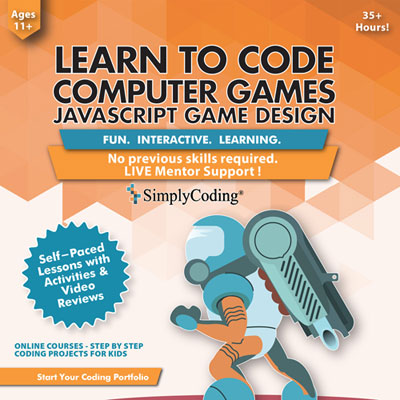

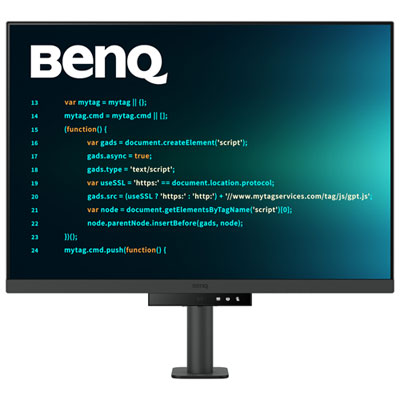
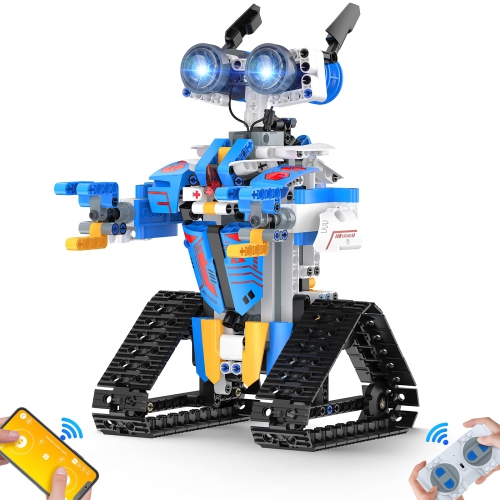
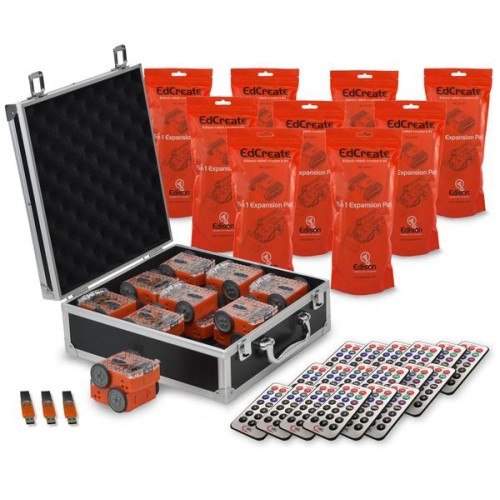

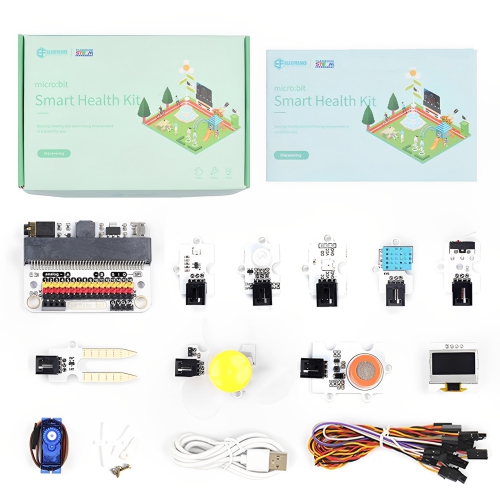
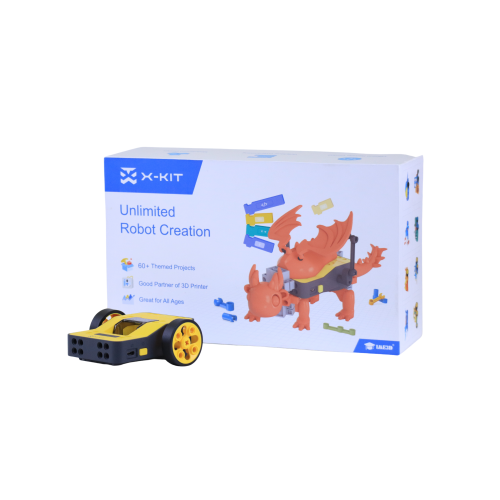
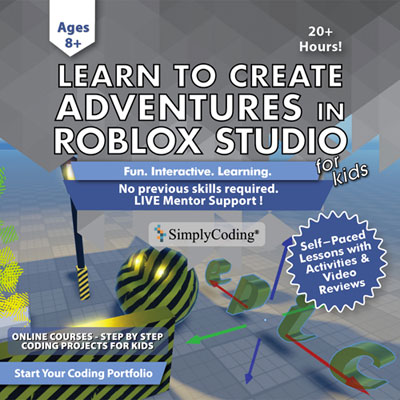
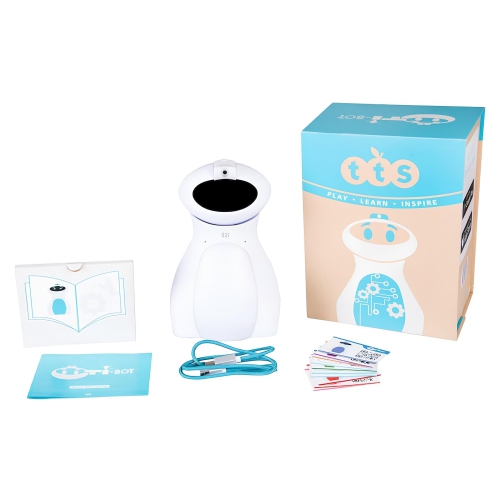
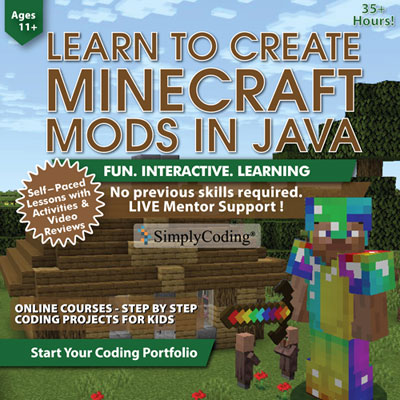
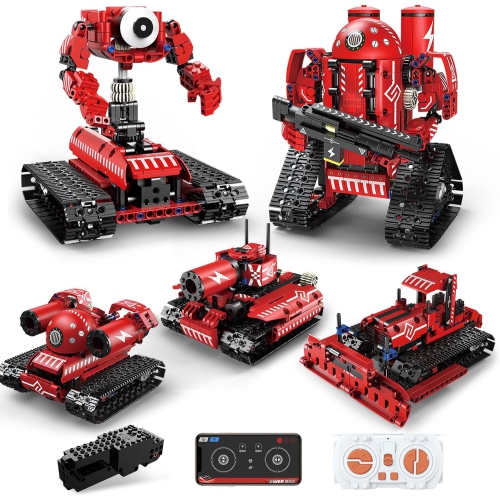
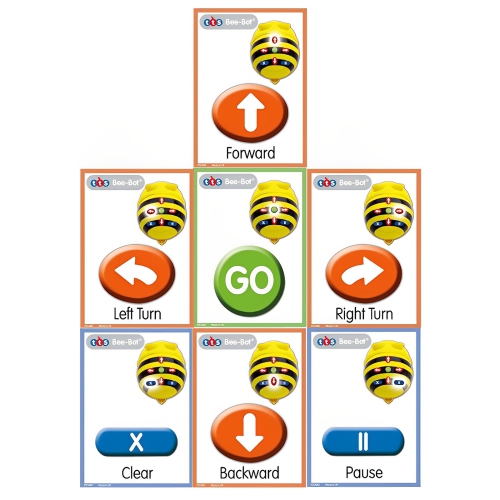
From first scripts to ambitious builds that work
Coding projects turn abstract programming ideas into something visible, testable, and personal. Instead of stopping at a lesson about variables or loops, learners can use project-focused tools to create a game, automate a small task, build an interactive story, control a physical device, or develop a simple application that responds to real input. The products collected on this page can support that hands-on process by giving beginners and experienced makers a practical place to write code, test instructions, troubleshoot errors, and see cause and effect unfold. For someone new to programming, a well-chosen project setup can make the first steps feel less intimidating: a clear display, comfortable input device, dependable storage, and suitable accessories all help keep attention on the challenge rather than on technical distractions. A learner might begin with a simple calculator or a digital to-do list, then move towards projects that involve user accounts, saved information, sensors, graphics, or multiple parts working together. These activities introduce core programming concepts such as variables, conditional statements, loops, functions, event handling, data structures, debugging, and basic user-interface design. They also encourage habits that matter beyond a single project, including breaking a large idea into smaller tasks, naming files clearly, testing one change at a time, and keeping notes when something behaves unexpectedly. A project that refuses to run can be frustrating, but it can also become a memorable lesson in patience and problem-solving. Many experienced developers remember spending an evening tracking down a missing bracket or a misplaced line, only to feel a genuine sense of accomplishment when the result finally worked.
When choosing products for coding projects, consider the learner’s experience, the type of work they want to explore, and how much room they need to grow. A beginner may benefit from a straightforward setup that is easy to start, while an advanced learner may place greater importance on processing performance, memory, storage capacity, display quality, connectivity, and the ability to work with several applications at once. Portability can be useful for students moving between a desk, classroom, library, and shared family spaces, while a larger workspace may be preferable for extended sessions involving multiple windows, reference materials, diagrams, and testing tools. Comfort matters as well, especially when a project takes several afternoons to complete. Look for features that support an organised workspace, clear viewing, responsive controls, and easy access to files or connected components. If the project involves physical computing, check that the selected setup is compatible with the intended connections, operating requirements, programming languages, and learning resources. If the goal is web development, a dependable browser, convenient file management, and enough capacity for development software can make the process smoother. Those exploring data, game design, automation, or app creation may need a setup that can handle larger files and more demanding software. It is also worth considering the learner’s preferred way of working: some people enjoy visual, drag-and-drop programming, while others are eager to type code line by line and understand how each instruction works. Parents, relatives, educators, and mentors can use these considerations when choosing a thoughtful gift for a curious child, a student building confidence, or an adult returning to a long-standing interest. For younger learners, explore Coding for Kids for age-appropriate ways to make programming feel playful and approachable.
Coding projects are especially rewarding because they can be adapted to nearly any interest. A music enthusiast might experiment with a program that sorts songs or reacts to sound; a sports fan could create a score tracker; a creative learner may design an animated story, digital artwork, or a small game with characters and levels. Someone interested in everyday efficiency might build a task manager that lets users create, update, and delete items, then add local storage so information remains available after the application closes. That single project can introduce CRUD operations, interface events, data persistence, and the discipline of checking what happens when information is edited or removed. A dynamic calculator can reinforce input handling and logical operations, while a simple quiz can teach conditional outcomes, scorekeeping, and feedback. As confidence grows, projects can include navigation, forms, search functions, file handling, APIs, databases, or hardware responses. The best setup is one that leaves space for experimentation rather than limiting the learner to a single outcome. It should be comfortable enough for regular practice, capable enough to support increasingly ambitious ideas, and easy to fit into the learner’s routine during the cooler months or throughout the school year. Whether the finished result is shared with classmates, added to a portfolio, demonstrated to family, or kept as a private learning milestone, each project offers evidence of progress. Over time, a collection of small builds can show more than memorised syntax: it can reveal planning, persistence, creativity, troubleshooting, and the ability to turn an idea into something that works.
When choosing products for coding projects, consider the learner’s experience, the type of work they want to explore, and how much room they need to grow. A beginner may benefit from a straightforward setup that is easy to start, while an advanced learner may place greater importance on processing performance, memory, storage capacity, display quality, connectivity, and the ability to work with several applications at once. Portability can be useful for students moving between a desk, classroom, library, and shared family spaces, while a larger workspace may be preferable for extended sessions involving multiple windows, reference materials, diagrams, and testing tools. Comfort matters as well, especially when a project takes several afternoons to complete. Look for features that support an organised workspace, clear viewing, responsive controls, and easy access to files or connected components. If the project involves physical computing, check that the selected setup is compatible with the intended connections, operating requirements, programming languages, and learning resources. If the goal is web development, a dependable browser, convenient file management, and enough capacity for development software can make the process smoother. Those exploring data, game design, automation, or app creation may need a setup that can handle larger files and more demanding software. It is also worth considering the learner’s preferred way of working: some people enjoy visual, drag-and-drop programming, while others are eager to type code line by line and understand how each instruction works. Parents, relatives, educators, and mentors can use these considerations when choosing a thoughtful gift for a curious child, a student building confidence, or an adult returning to a long-standing interest. For younger learners, explore Coding for Kids for age-appropriate ways to make programming feel playful and approachable.
Coding projects are especially rewarding because they can be adapted to nearly any interest. A music enthusiast might experiment with a program that sorts songs or reacts to sound; a sports fan could create a score tracker; a creative learner may design an animated story, digital artwork, or a small game with characters and levels. Someone interested in everyday efficiency might build a task manager that lets users create, update, and delete items, then add local storage so information remains available after the application closes. That single project can introduce CRUD operations, interface events, data persistence, and the discipline of checking what happens when information is edited or removed. A dynamic calculator can reinforce input handling and logical operations, while a simple quiz can teach conditional outcomes, scorekeeping, and feedback. As confidence grows, projects can include navigation, forms, search functions, file handling, APIs, databases, or hardware responses. The best setup is one that leaves space for experimentation rather than limiting the learner to a single outcome. It should be comfortable enough for regular practice, capable enough to support increasingly ambitious ideas, and easy to fit into the learner’s routine during the cooler months or throughout the school year. Whether the finished result is shared with classmates, added to a portfolio, demonstrated to family, or kept as a private learning milestone, each project offers evidence of progress. Over time, a collection of small builds can show more than memorised syntax: it can reveal planning, persistence, creativity, troubleshooting, and the ability to turn an idea into something that works.
Top selling and popular products
-
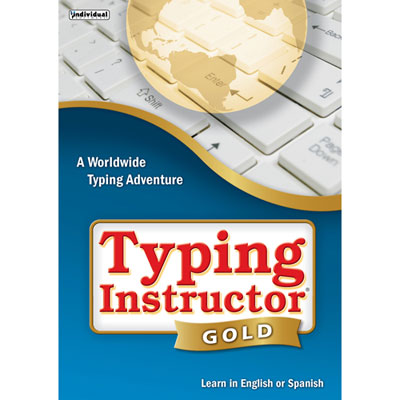 Your price for this item is $34.78
 -
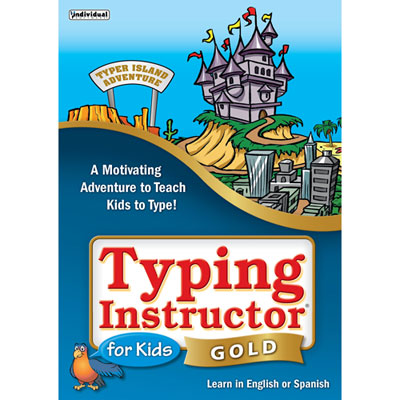 Your price for this item is $37.98
 -
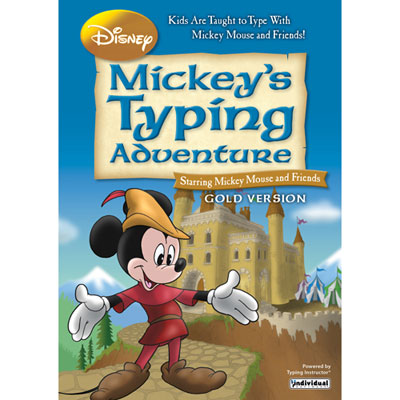 Your price for this item is $37.98
 -
 Your price for this item is $39.99
 -
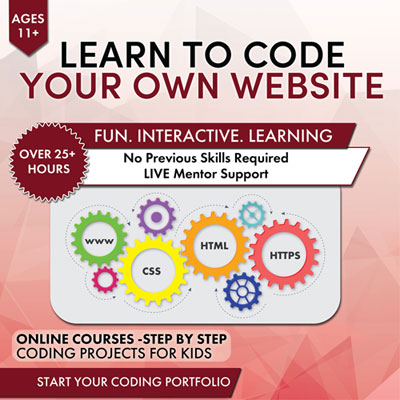 Your price for this item is $29.99
 -
 Your price for this item is $54.99
 -
 Your price for this item is $34.78
 -
 Your price for this item is $53.43
Discover more categories related to Coding Projects
Top Collections:
Pokemon Centers, Budget 4K TVs, Best Budget Office Chairs, Kindle Devices, Canon G7X Cameras, Apple iPhones 16, iPhone 15 Apple, Laptops for Business Work, Xiaomi Phones, Flip Phones
Some products may be subject to Environmental Handling Fees
(EHF) depending on your province.
Learn more about EHFs.