Coding Tools
Unlock the potential of your creativity and boost productivity with a diverse range of coding tools designed to meet the needs of beginners and seasoned developers alike. Whether you're crafting a simple website, developing complex applications, or diving into data science, having the right tools at your fingertips can make all the difference. Explore our selection of intuitive software, powerful hardware, and essential accessories that streamline your workflow and enhance your coding experience. Discover how these innovative solutions can help you code smarter and more efficiently, transforming your ideas into reality with ease.
Sort




From first lines of code to advanced workflows
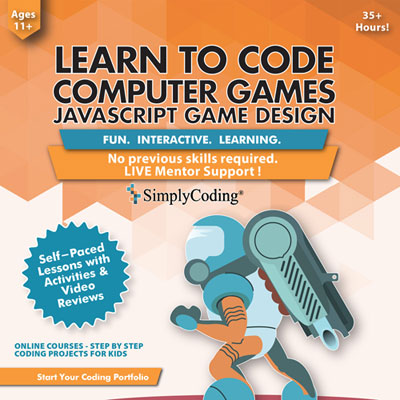
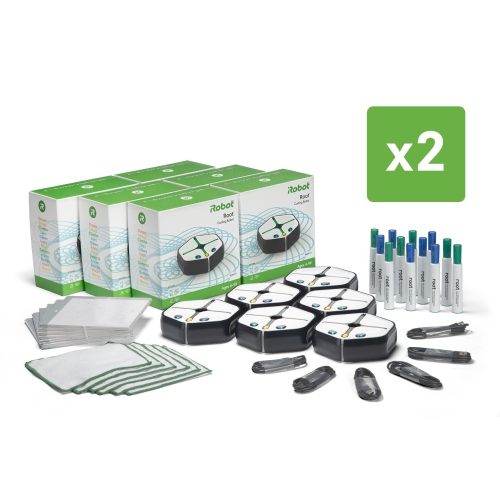
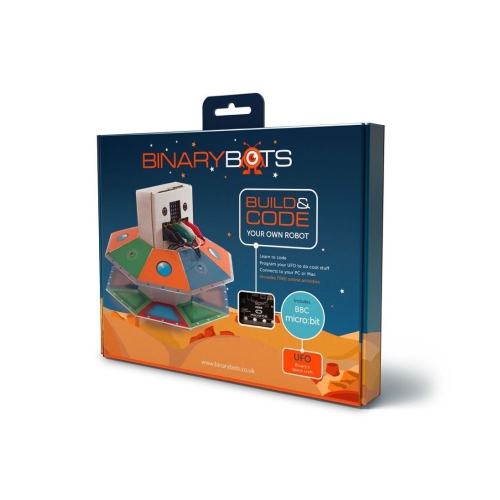
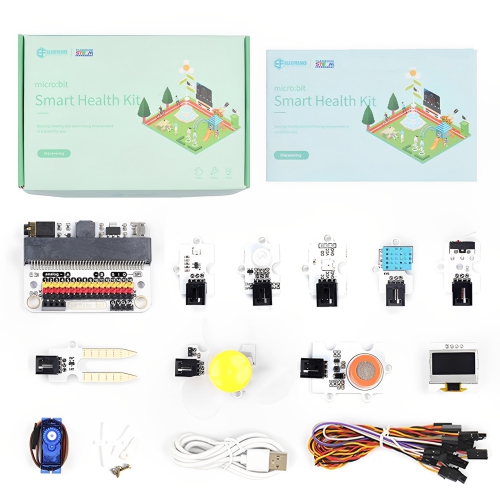
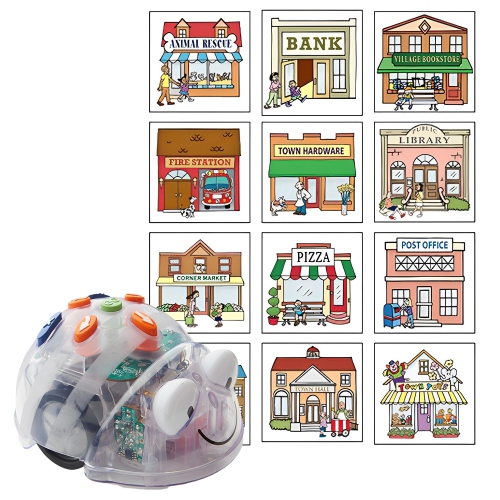
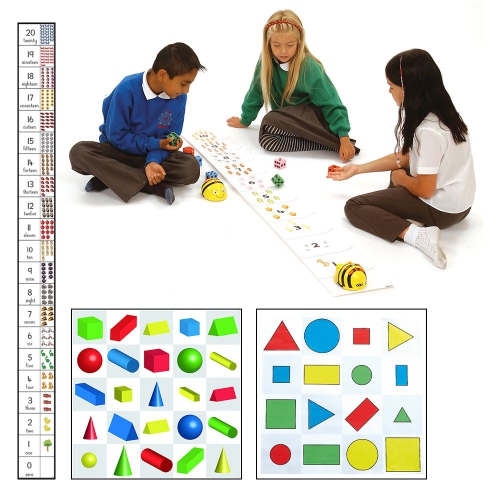
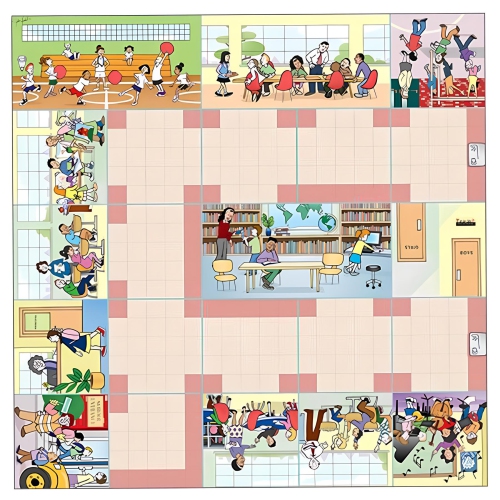
Coding tools bring together the equipment, accessories, and learning aids that make programming more comfortable, practical, and engaging. They can support a first introduction to code, help students complete assignments, or give experienced developers a more efficient setup for building websites, applications, games, automations, and connected devices. A well-chosen coding workspace often begins with a capable computer, a clear display, a responsive keyboard, and a mouse that feels comfortable through long sessions. For anyone working with code, the right screen size and resolution can make a noticeable difference when several files, documentation pages, terminals, and preview windows need to remain visible at once. Portable computers suit learners who move between home, school, libraries, and shared workspaces, while desktop setups can offer a larger display area and a more permanent station for demanding projects. Pay attention to processing power, memory, storage, battery life, operating system compatibility, and the ports needed for development boards or external accessories. A solid-state drive can help applications and project files open quickly, while ample memory is useful when running an editor, browser, local server, emulator, and testing tools together. For programming on the go, a comfortable keyboard, dependable wireless connection, and a battery that can handle a full study session may matter just as much as raw performance. Families choosing a gift for a curious child or teenager may want to look for beginner-friendly coding kits, programmable electronics, robotics sets, or visual programming tools that turn abstract instructions into movement, light, sound, or a game on screen. These options can make the first steps feel tangible: a few lines of code change what a small device does, and a mistake becomes an invitation to test, adjust, and try again.
Coding tools also include the software-focused resources that shape how projects are written, tested, organized, and shared. Text editors and integrated development environments provide spaces for writing code, highlighting syntax, navigating folders, and catching common errors before they become difficult to track down. Version-control tools help users record changes, compare earlier work, and collaborate without losing a working file, while command-line utilities provide direct control over scripts, packages, servers, and development environments. Cloud-based coding platforms can be useful for beginners, classrooms, and teams that need to work from different computers, since projects and previews can be accessed through a browser rather than tied to one machine. AI-assisted coding features are increasingly used for autocomplete, code explanations, test suggestions, debugging support, documentation, and routine edits. Some tools work like a pair programmer inside an editor, while others can review several files, propose changes across a project, or help plan a larger task before code is written. When comparing these options, consider the programming languages and frameworks supported, how well the tool works with an existing editor, whether files are processed locally or through an online service, and what privacy or account requirements apply. It is also helpful to check limits on project size, collaboration, extensions, cloud storage, and access to advanced features. Beginners may appreciate guided examples, visual feedback, and plain-language explanations, whereas experienced users may prioritize keyboard shortcuts, custom workflows, debugging controls, terminal integration, and support for multiple repositories. A quiet keyboard with distinct key travel can make an evening of practice feel less tiring, and a second display can provide a place for documentation while the main screen stays focused on the project. Cable management, a stable desk, comfortable lighting, and an adjustable chair can complete the setup; shoppers looking for additional hands-on equipment for a workspace can also explore Hardware Tools.
The best coding tools depend on the person using them and the kind of work they hope to do. A student learning the fundamentals may need a straightforward computer, beginner coding software, headphones for lessons, and a small project kit that provides an immediate result. A hobbyist building a personal website may value a comfortable monitor, reliable keyboard, fast storage, and browser-based development tools that make it easy to preview changes. Someone exploring game development, data analysis, or mobile applications may need stronger processing performance, more memory, and room to install development environments, design applications, emulators, or local databases. For a child, look for age-appropriate instructions, durable components, clear safety information, and activities that can grow in complexity as confidence develops. For a teen or adult receiving coding tools as a gift, accessories that improve an existing setup can be especially useful, including a mechanical or ergonomic keyboard, precision mouse, webcam, headset, laptop stand, monitor arm, or external storage. Teachers, parents, and mentors can use coding kits to encourage problem-solving without making the experience feel like another worksheet, while families can work together on small projects during the cooler months, when indoor time naturally creates space for tinkering. Before purchasing, check compatibility with the user’s computer and preferred operating system, confirm the required cables or adapters, and consider whether the recipient prefers a portable or dedicated setup. It is wise to leave room for growth as well: a beginner may start with block-based lessons and move toward text-based programming, while an experienced developer may eventually need tools that support larger codebases, collaborative workflows, automated testing, deployment, or more than one programming language. Whether the goal is to learn the basics, make a first interactive project, improve productivity, or create a more comfortable development station, coding tools can turn curiosity into a repeatable creative practice—one small experiment, working prototype, and solved error at a time.
Coding tools also include the software-focused resources that shape how projects are written, tested, organized, and shared. Text editors and integrated development environments provide spaces for writing code, highlighting syntax, navigating folders, and catching common errors before they become difficult to track down. Version-control tools help users record changes, compare earlier work, and collaborate without losing a working file, while command-line utilities provide direct control over scripts, packages, servers, and development environments. Cloud-based coding platforms can be useful for beginners, classrooms, and teams that need to work from different computers, since projects and previews can be accessed through a browser rather than tied to one machine. AI-assisted coding features are increasingly used for autocomplete, code explanations, test suggestions, debugging support, documentation, and routine edits. Some tools work like a pair programmer inside an editor, while others can review several files, propose changes across a project, or help plan a larger task before code is written. When comparing these options, consider the programming languages and frameworks supported, how well the tool works with an existing editor, whether files are processed locally or through an online service, and what privacy or account requirements apply. It is also helpful to check limits on project size, collaboration, extensions, cloud storage, and access to advanced features. Beginners may appreciate guided examples, visual feedback, and plain-language explanations, whereas experienced users may prioritize keyboard shortcuts, custom workflows, debugging controls, terminal integration, and support for multiple repositories. A quiet keyboard with distinct key travel can make an evening of practice feel less tiring, and a second display can provide a place for documentation while the main screen stays focused on the project. Cable management, a stable desk, comfortable lighting, and an adjustable chair can complete the setup; shoppers looking for additional hands-on equipment for a workspace can also explore Hardware Tools.
The best coding tools depend on the person using them and the kind of work they hope to do. A student learning the fundamentals may need a straightforward computer, beginner coding software, headphones for lessons, and a small project kit that provides an immediate result. A hobbyist building a personal website may value a comfortable monitor, reliable keyboard, fast storage, and browser-based development tools that make it easy to preview changes. Someone exploring game development, data analysis, or mobile applications may need stronger processing performance, more memory, and room to install development environments, design applications, emulators, or local databases. For a child, look for age-appropriate instructions, durable components, clear safety information, and activities that can grow in complexity as confidence develops. For a teen or adult receiving coding tools as a gift, accessories that improve an existing setup can be especially useful, including a mechanical or ergonomic keyboard, precision mouse, webcam, headset, laptop stand, monitor arm, or external storage. Teachers, parents, and mentors can use coding kits to encourage problem-solving without making the experience feel like another worksheet, while families can work together on small projects during the cooler months, when indoor time naturally creates space for tinkering. Before purchasing, check compatibility with the user’s computer and preferred operating system, confirm the required cables or adapters, and consider whether the recipient prefers a portable or dedicated setup. It is wise to leave room for growth as well: a beginner may start with block-based lessons and move toward text-based programming, while an experienced developer may eventually need tools that support larger codebases, collaborative workflows, automated testing, deployment, or more than one programming language. Whether the goal is to learn the basics, make a first interactive project, improve productivity, or create a more comfortable development station, coding tools can turn curiosity into a repeatable creative practice—one small experiment, working prototype, and solved error at a time.
Top selling and popular products
-
 Your price for this item is $34.78
 -
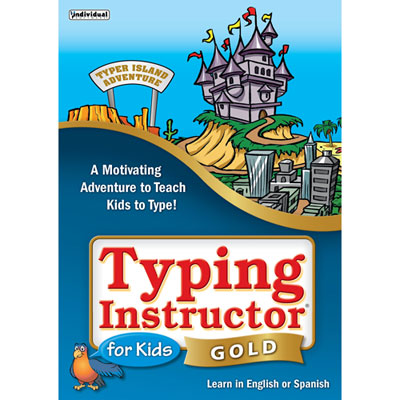 Your price for this item is $37.98
 -
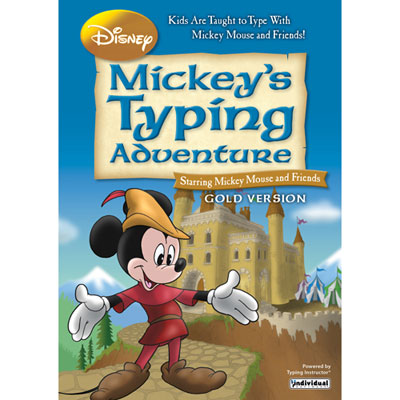 Your price for this item is $37.98
 -
 Your price for this item is $39.99
 -
 Your price for this item is $54.99
 -
 Your price for this item is $29.99
 -
 Your price for this item is $34.78
 -
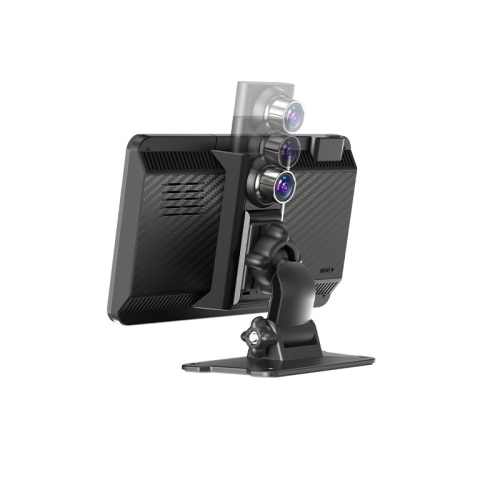 Your price for this item is $152.99
Discover more categories related to Coding Tools
Top Collections:
Pokemon Centers, Budget 4K TVs, Best Budget Office Chairs, Kindle Devices, Canon G7X Cameras, Apple iPhones 16, iPhone 15 Apple, Laptops for Business Work, Xiaomi Phones, Flip Phones
Some products may be subject to Environmental Handling Fees
(EHF) depending on your province.
Learn more about EHFs.