Computer Keyboards That Light Up
Computer Keyboards That Light Up are a popular choice for those who want to enhance their workspace or gaming setup with a touch of style and visibility. These keyboards offer an eye-catching design that makes typing in low-light environments more enjoyable and convenient. Whether you're working late, gaming into the night, or simply want to add some flair to your desk, Computer Keyboards That Light Up provide a unique blend of functionality and visual appeal. Explore a wide selection to find the perfect fit for your needs and preferences.
Sort

Why a brighter keyboard isn’t always easier to read
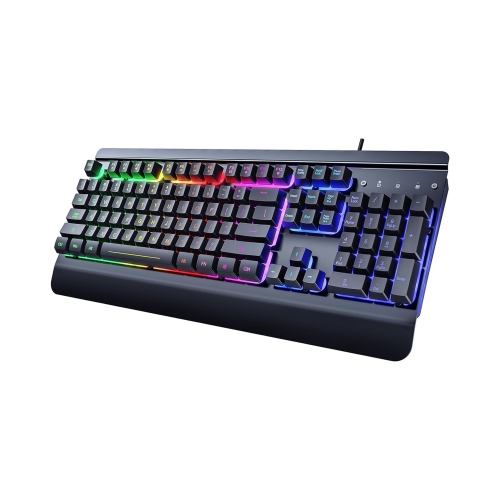
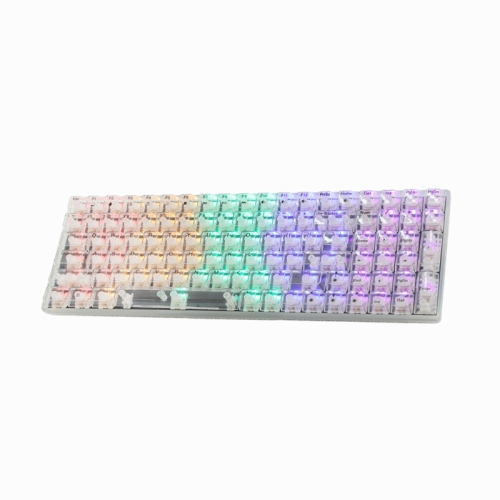
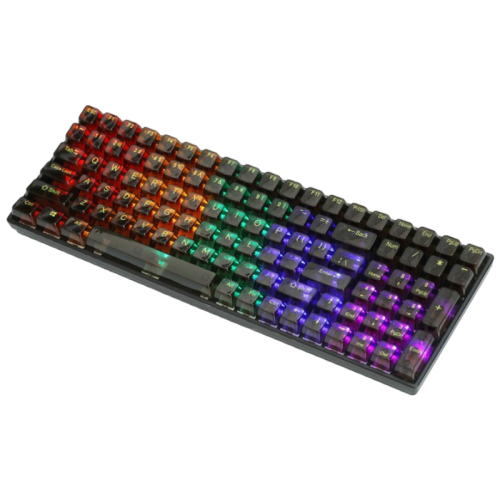
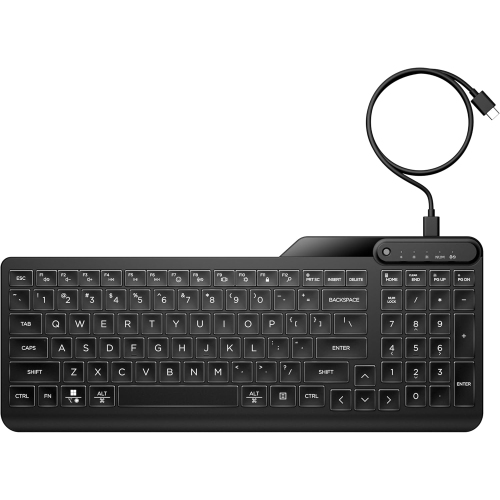
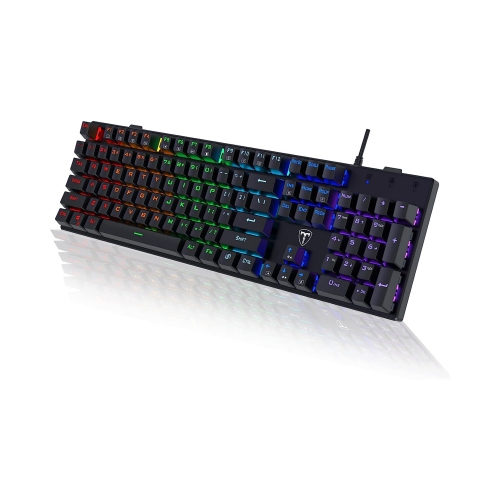
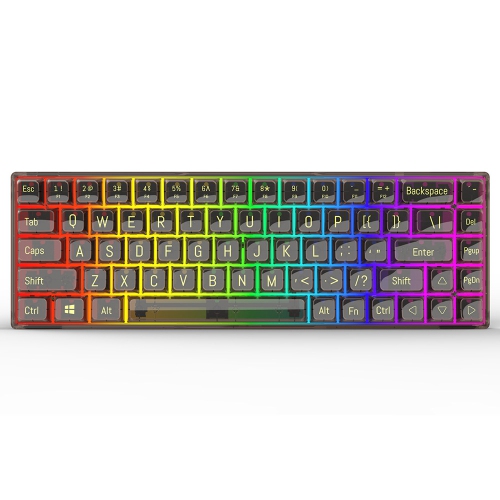
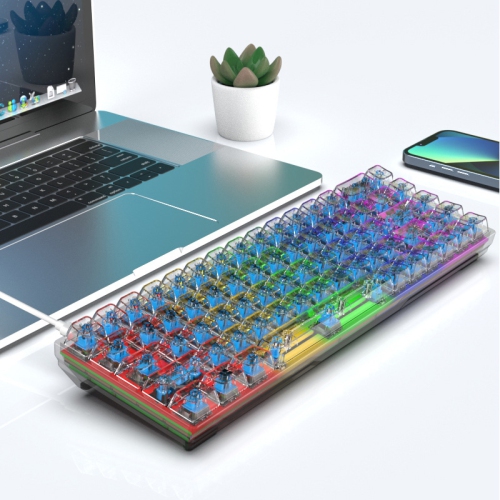
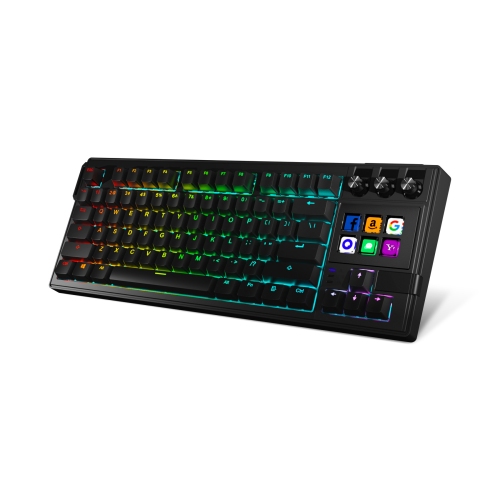
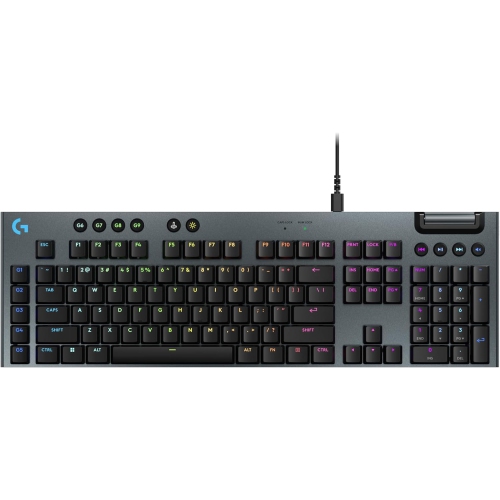
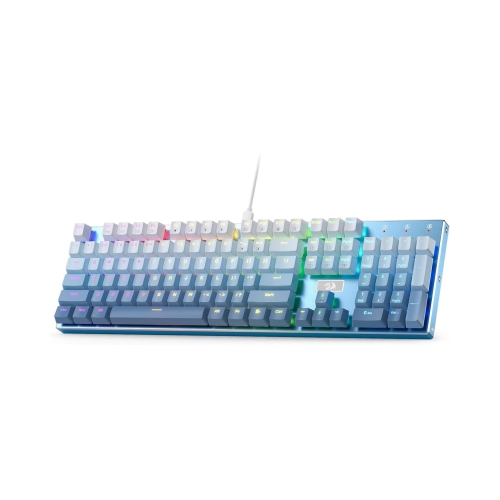
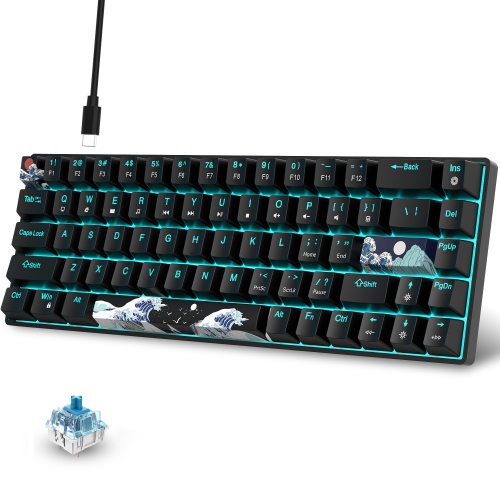
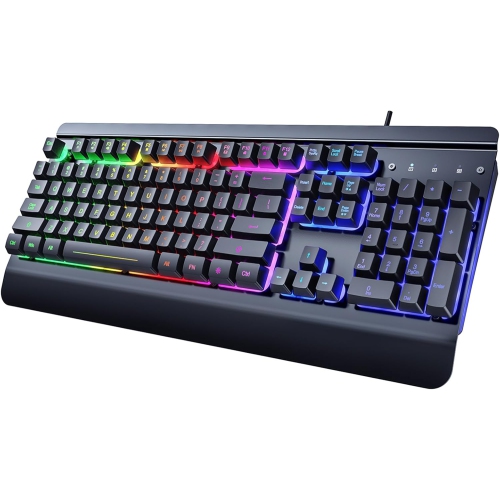
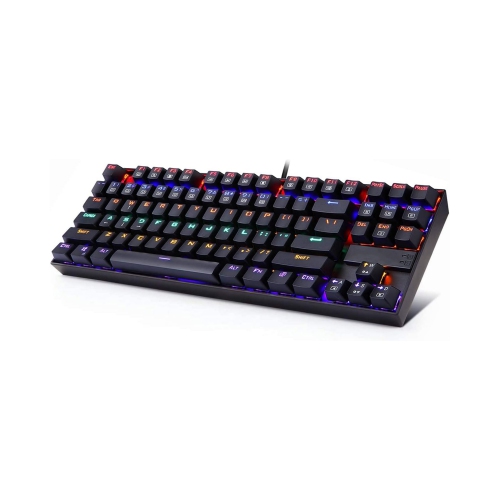
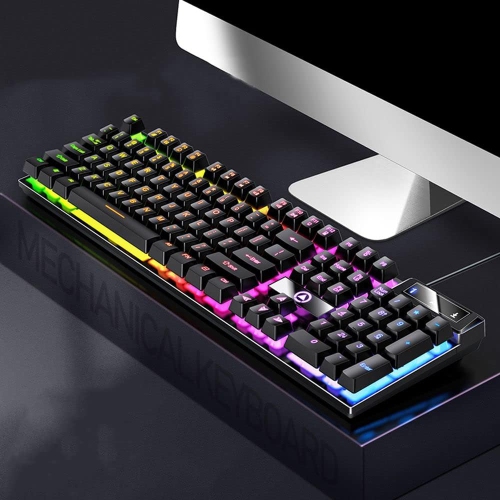
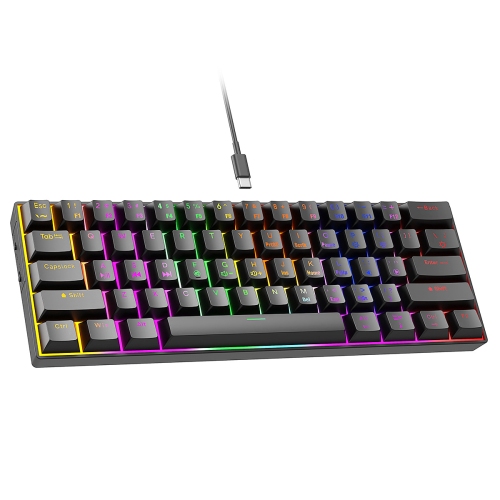
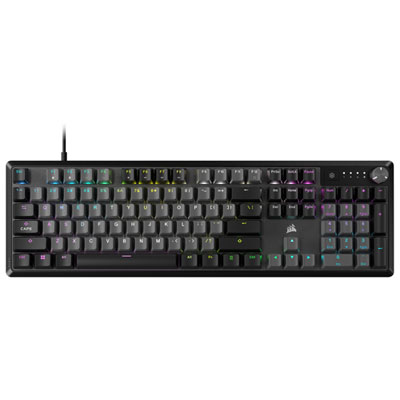
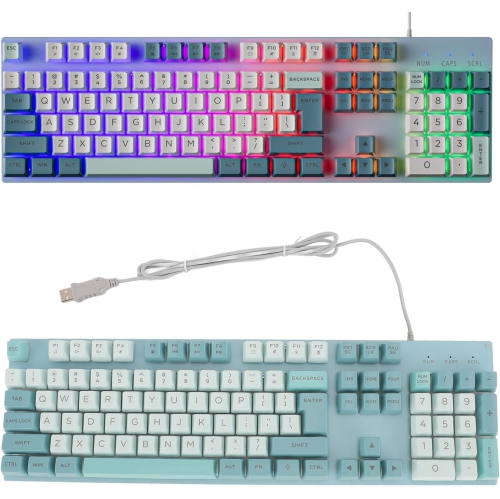
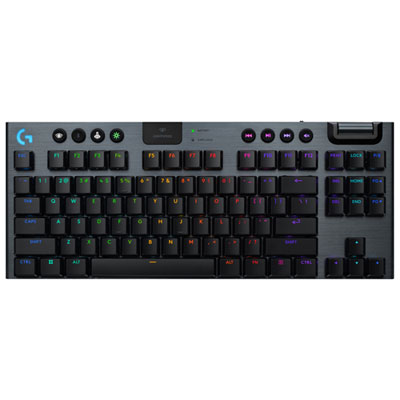
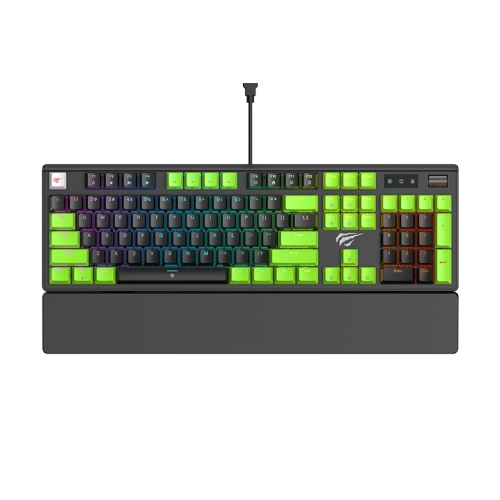
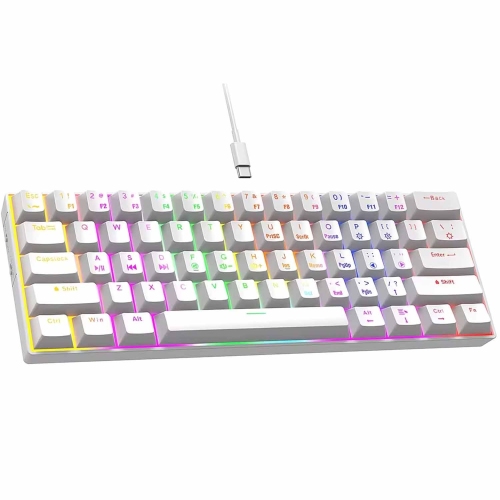
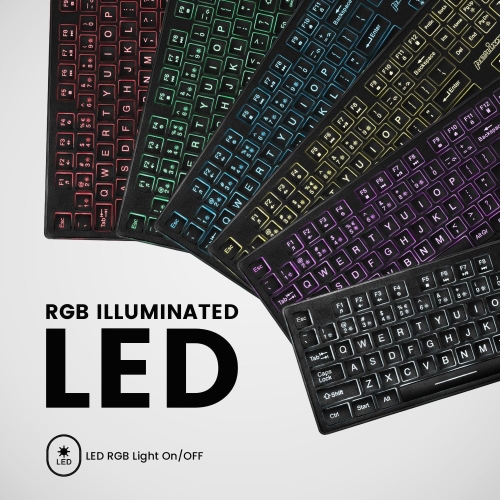
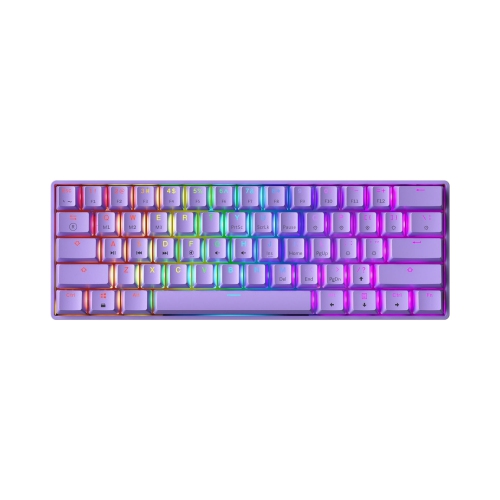
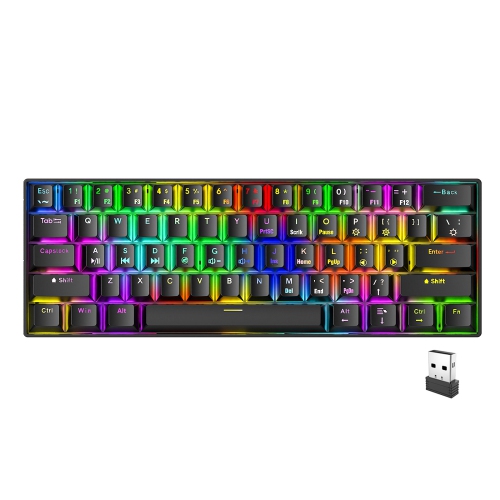
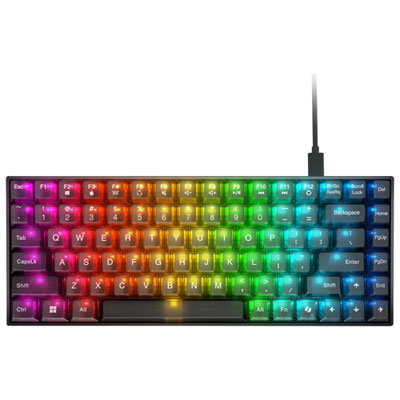
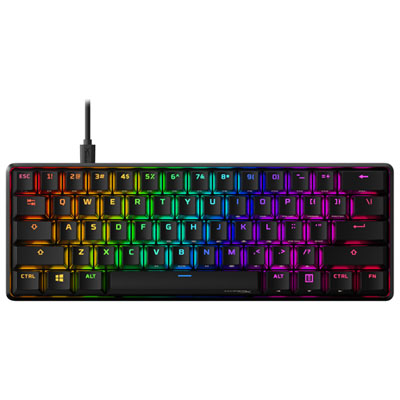
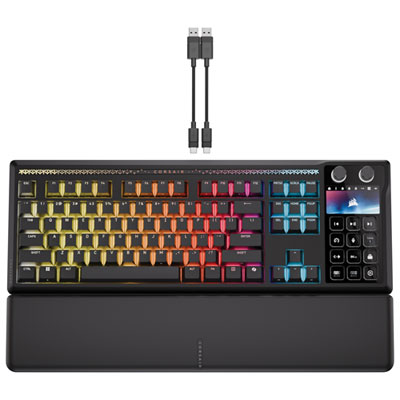
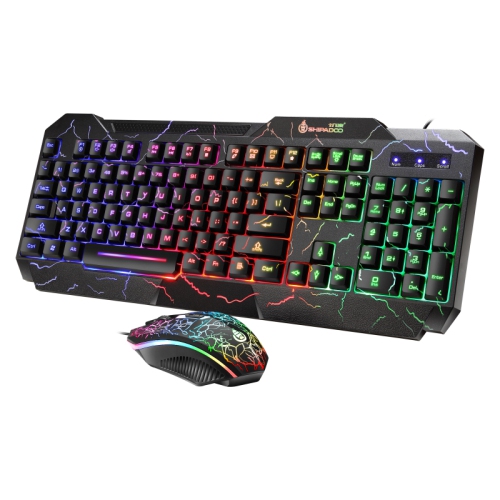
Computer keyboards that light up use built-in illumination to make keys easier to identify or to add colour to a desktop setup. Often called backlit keyboards, they range from understated designs with a single lighting colour to RGB keyboards with adjustable colours and effects. The most useful distinction is where the light appears: shine-through key legends illuminate the letters and symbols themselves, while lighting around or beneath the keys may be mainly decorative. For someone typing notes beside a softly lit monitor, clear illuminated lettering can be more helpful than a bright glow between otherwise opaque keys. Adjustable brightness makes it easier to match the lighting to the room, and a dedicated lighting shortcut allows quick changes without interrupting a document or game. Some designs illuminate the whole keyboard in one colour, others divide it into lighting zones, and models with per-key RGB control can assign different colours to individual keys. These settings may help separate movement keys, shortcuts, or frequently used controls at a glance, although the available options depend on the keyboard and its software. A steady white backlight suits a simple work surface, while coordinated colours can complement a gaming setup or add a personal touch to a shared home computer. For a consistent red glow rather than changing colour effects, Red Backlit Keyboards offer a more focused lighting style. Lighting controls also vary: onboard buttons can handle basic brightness changes on some designs, while advanced effects may require a compatible application. Features such as saved lighting profiles, an automatic shut-off timer, or the ability to turn illumination off entirely can make the keyboard more comfortable to use across different tasks. Backlighting helps identify keys, but it does not replace suitable room lighting or guarantee that every symbol is equally visible. Legend contrast, brightness range, and even illumination all contribute to everyday readability.
The layout and typing feel of a light-up computer keyboard matter just as much as its appearance. A full-size layout includes a number pad, which can be useful for spreadsheets, bookkeeping, and repeated numerical entry. A tenkeyless keyboard removes that section while retaining a separate group of navigation keys, leaving more space for a mouse. Smaller layouts reduce the footprint further, although some functions move onto key combinations rather than having dedicated buttons. On a narrow desktop, a compact keyboard can bring the mouse closer to the body; for someone who enters figures throughout the day, keeping a number pad within reach may be the better fit. Key spacing, the height of the front edge, and the position of frequently used controls all affect how naturally hands settle onto the keyboard. Low-profile keys have a shorter, flatter shape that may feel familiar to laptop users, while taller keys often provide a more pronounced sense of travel. Mechanical keyboards use individual switches beneath the keys and can have a smooth linear action, a tactile bump, or an audible click, depending on the switch design. Membrane and scissor-switch keyboards offer different typing sensations and are often found in slimmer or quieter layouts, though sound levels vary with construction and typing style. A quieter action may suit a shared office or a room where someone else is on a video call. Gamers may value support for simultaneous keypresses and responsive inputs, while writers and students may place greater importance on consistent key feel and readable legends. Materials influence the experience, too. Plastic cases keep many designs light, while metal top plates or frames can add weight and rigidity. Keycaps are commonly made from ABS or PBT plastic; texture, thickness, and the method used to form the legends influence how they feel and wear. For bilingual typing, the physical layout and printed characters deserve attention, since a computer’s language settings do not change the symbols printed on the keys.
Connection options, care requirements, and compatibility help determine how comfortably an illuminated keyboard fits into everyday use. A wired USB connection supplies both power and data, making it a practical option for a stationary computer setup without the need to recharge a keyboard battery. Wireless designs reduce cable clutter and may connect through a USB receiver or another supported wireless method. Some can pair with multiple devices, making it easier to move between a work computer and a personal laptop, but device switching and lighting features differ by model. Backlighting draws power, so wireless battery life depends partly on brightness, effects, and how long the lights remain active. Rechargeable designs also vary in whether they can be used while charging. Operating system support matters beyond basic typing: media controls, shortcut labels, programmable keys, and lighting software may not behave identically across computers. Shared workspaces or managed office computers may restrict software installation, making built-in lighting controls particularly useful. For long-term care, crumbs and dust are easier to manage before they collect around the keys. Disconnecting or switching off the keyboard before cleaning, using a soft brush where appropriate, and wiping surfaces with a lightly dampened cloth can help maintain its finish when permitted by the manufacturer’s care directions. Liquids should not be sprayed directly onto the keyboard, and keycaps should only be removed if the design supports removal. Spill resistance, where specified, is not the same as waterproofing. Cables, connectors, and adjustable feet also benefit from gentle handling, especially when a keyboard moves frequently between desks. As a gift, a light-up keyboard can suit a student building a study space, a frequent typist refreshing a desktop setup, or a gamer who enjoys customized controls and colour. The recipient’s preferred layout, tolerance for typing noise, computer connections, and need for illuminated lettering are more useful starting points than lighting effects alone. A well-matched keyboard combines a clear, comfortable typing surface with lighting that serves the way it will actually be used.
Top selling and popular products
-
 Your price for this item is $44.99
-
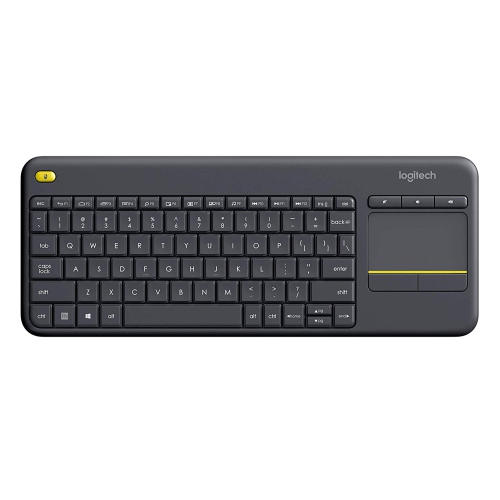 Your price for this item is $49.72
-
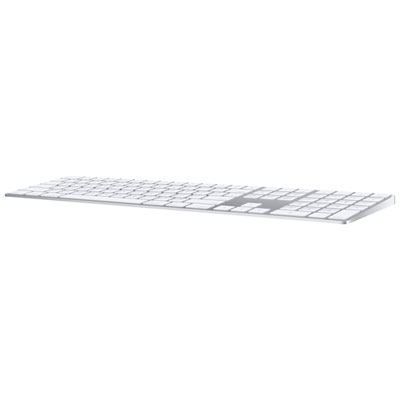 Your price for this item is $159
-
 Your price for this item is $219.99
-
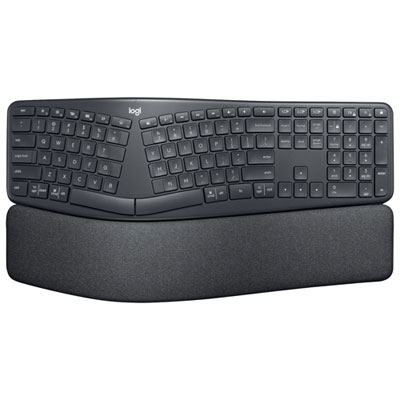 Your price for this item is $199.99
-
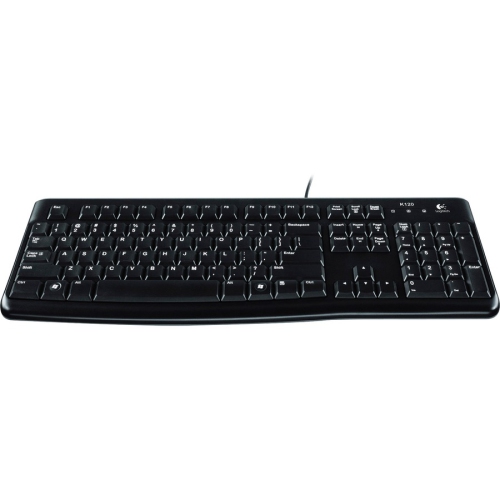 Your price for this item is $44.99
-
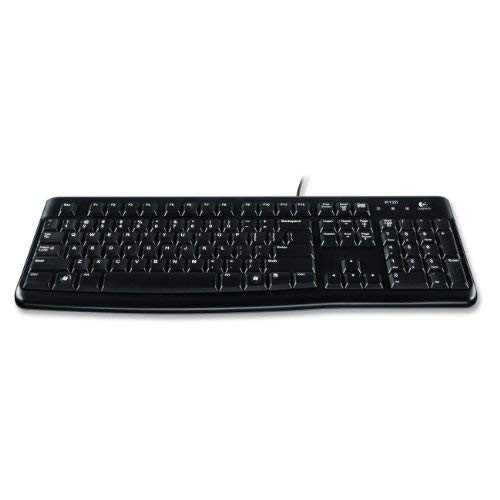 Your price for this item is $29.99
-
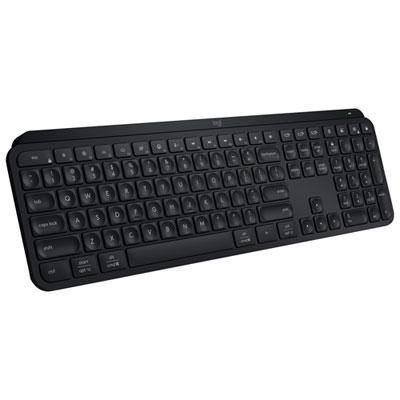 Your price for this item is $169.99
Discover more categories related to Computer Keyboards That Light Up
Top Collections:
Best Black Friday Deals This Year, Best Black Friday Deals On Electronics, Kindle Devices, Pokemon Centers, Best Black Friday Deals On Apple Products, Best Cameras for Sports Photography, Dyson Airwrap, Pokémon 30th Celebration Cards, Apple iPhone 17 Pro, Canon G7X Cameras
Some products may be subject to Environmental Handling Fees
(EHF) depending on your province.
Learn more about EHFs.