Computer Monitor Accessories
Enhance your computer monitor setup with a wide range of accessories designed to optimize your viewing experience. From ergonomic monitor stands to glare-reducing screen filters, our collection of computer monitor accessories has everything you need to create a comfortable and productive workspace. Whether you're looking to improve ergonomics, enhance visual clarity, or simply add a touch of style to your desk, we have the perfect accessories to meet your needs. Explore our diverse selection and take your computer monitor setup to the next level.
Sort



Small upgrades for a more comfortable, organised workstation
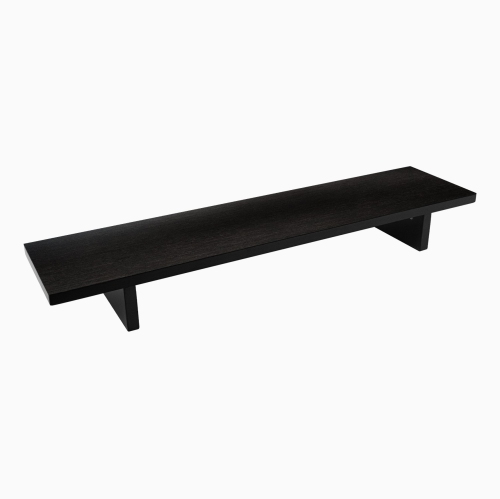
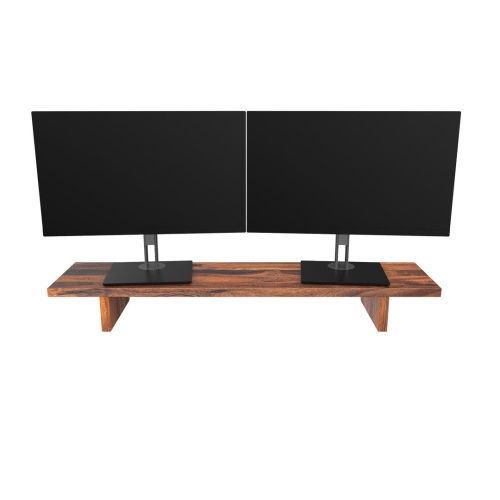
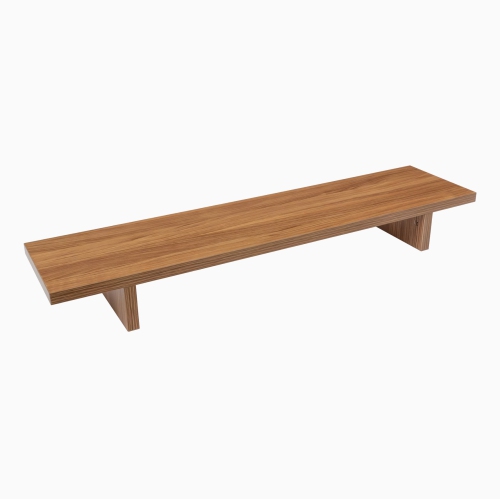
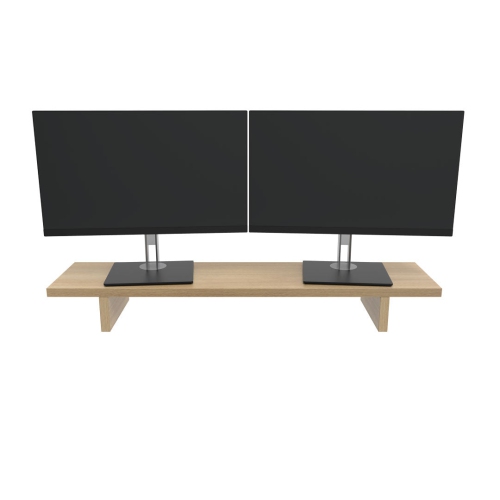
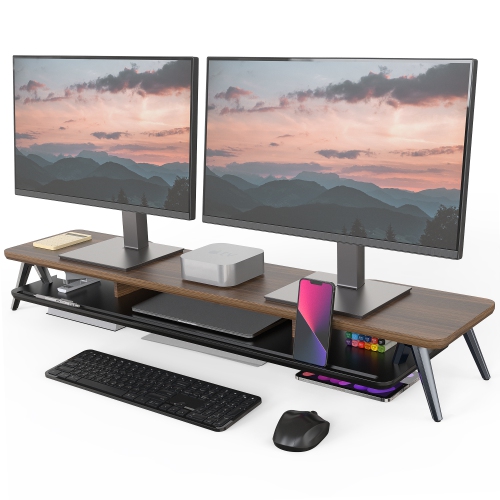
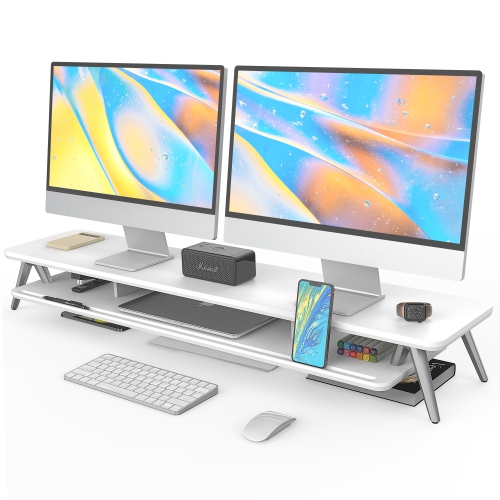
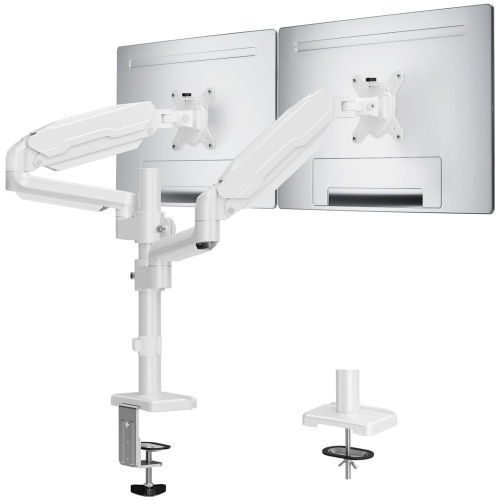
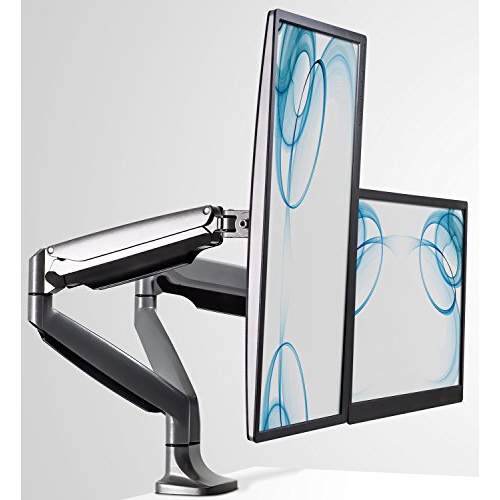
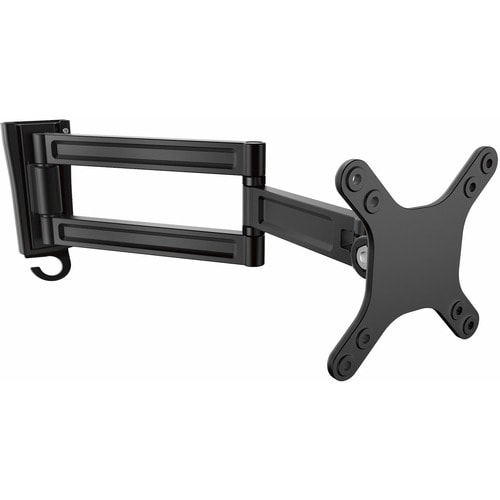
Computer monitor accessories can make a noticeable difference to the way a workspace looks, feels, and functions. A monitor may be the centre of a desk, but the right supporting accessories help create a setup that is more comfortable, organised, and suited to the way you work, study, play, or create. Monitor stands and risers can lift a screen closer to eye level, helping you find a more natural viewing position while opening up useful space beneath the display for notebooks, a keyboard, or other everyday essentials. Monitor arms offer another flexible option, particularly for desks shared by family members or used for several activities throughout the day. They can make it easier to adjust the height, tilt, or angle of a screen, while multi-monitor setups can benefit from arms designed to keep displays aligned and neatly positioned. Screen privacy filters are useful in open offices, libraries, cafés, and other shared spaces, limiting side-angle visibility when sensitive information is on display. Cable management accessories can guide power and display cables along the back or underside of a desk, reducing tangles and keeping frequently used areas looking tidy. Even small additions, such as a webcam mount, monitor light, or cleaning accessory, can improve the daily experience by helping with video calls, reducing glare, or keeping the screen clear of fingerprints and dust. Together, these accessories can turn a basic monitor into a more personal and practical part of a complete workstation.
When choosing monitor accessories, start by considering the size, weight, and mounting compatibility of the display. Some stands and arms support a range of screen sizes, while others are designed for specific weight limits or mounting patterns, so checking the monitor’s specifications before purchasing is important. If a monitor has a compatible VESA mounting pattern, an arm or wall-mount solution may provide more adjustment than a fixed stand; if it does not, a riser or universal stand may be the simpler choice. Desk space and construction also matter. A clamp-style arm needs a sturdy, accessible edge, while a freestanding base may suit a desk that cannot accommodate a clamp. Measure the available surface before choosing a riser, dual-monitor stand, or under-screen shelf, and allow room for cables, speakers, and other equipment. For a more comfortable viewing area, look for accessories that support height adjustment, tilt, swivel, or rotation, especially if the monitor is used for long stretches. A screen light can be helpful in a dim workspace, while a privacy filter may be a practical addition for remote workers who handle personal or workplace information. Cable sleeves, clips, and trays are worth considering when multiple screens, chargers, and peripherals share one power source. They can make it easier to identify a cable, move equipment, or clean the desk without unplugging everything. Those building a broader workstation can also explore PC Setup Accessories to coordinate the monitor area with the rest of their desk.
Monitor accessories suit a wide range of people and can be especially useful when setting up a home office, refreshing a student study area, or improving a gaming and entertainment space. A remote worker may appreciate an adjustable arm that clears room for paperwork and allows the display to shift between focused work and video meetings. A student moving between online classes, assignments, and creative projects may benefit from a riser that provides storage for stationery without taking over the desk. Someone who edits photos, designs graphics, streams content, or manages several applications at once may prefer accessories that support a wider multi-monitor arrangement and make screen placement easier to fine-tune. They can also be thoughtful gifts for a new graduate, a family member working from home, or anyone settling into a new apartment or office, particularly when the recipient already has a monitor but has not yet built a comfortable setup around it. During the warmer months and into the cooler months, many people spend more time at home balancing work, school, hobbies, and entertainment, making practical desk upgrades useful well beyond a single occasion. The best choice depends on the recipient’s monitor, desk, habits, and available space, but a well-matched accessory can provide an immediate sense of order: the screen sits at a comfortable height, cables stay under control, and the desk feels ready for the next task.
When choosing monitor accessories, start by considering the size, weight, and mounting compatibility of the display. Some stands and arms support a range of screen sizes, while others are designed for specific weight limits or mounting patterns, so checking the monitor’s specifications before purchasing is important. If a monitor has a compatible VESA mounting pattern, an arm or wall-mount solution may provide more adjustment than a fixed stand; if it does not, a riser or universal stand may be the simpler choice. Desk space and construction also matter. A clamp-style arm needs a sturdy, accessible edge, while a freestanding base may suit a desk that cannot accommodate a clamp. Measure the available surface before choosing a riser, dual-monitor stand, or under-screen shelf, and allow room for cables, speakers, and other equipment. For a more comfortable viewing area, look for accessories that support height adjustment, tilt, swivel, or rotation, especially if the monitor is used for long stretches. A screen light can be helpful in a dim workspace, while a privacy filter may be a practical addition for remote workers who handle personal or workplace information. Cable sleeves, clips, and trays are worth considering when multiple screens, chargers, and peripherals share one power source. They can make it easier to identify a cable, move equipment, or clean the desk without unplugging everything. Those building a broader workstation can also explore PC Setup Accessories to coordinate the monitor area with the rest of their desk.
Monitor accessories suit a wide range of people and can be especially useful when setting up a home office, refreshing a student study area, or improving a gaming and entertainment space. A remote worker may appreciate an adjustable arm that clears room for paperwork and allows the display to shift between focused work and video meetings. A student moving between online classes, assignments, and creative projects may benefit from a riser that provides storage for stationery without taking over the desk. Someone who edits photos, designs graphics, streams content, or manages several applications at once may prefer accessories that support a wider multi-monitor arrangement and make screen placement easier to fine-tune. They can also be thoughtful gifts for a new graduate, a family member working from home, or anyone settling into a new apartment or office, particularly when the recipient already has a monitor but has not yet built a comfortable setup around it. During the warmer months and into the cooler months, many people spend more time at home balancing work, school, hobbies, and entertainment, making practical desk upgrades useful well beyond a single occasion. The best choice depends on the recipient’s monitor, desk, habits, and available space, but a well-matched accessory can provide an immediate sense of order: the screen sits at a comfortable height, cables stay under control, and the desk feels ready for the next task.
Top selling and popular products
-
 Your price for this item is $34.95
 -
 Your price for this item is $129.99
 -
 Your price for this item is $69.99
 -
 Your price for this item is $69.99
 -
 Your price for this item is $99.99
 -
 Your price for this item is $124
 -
 Your price for this item is $256.68
 -
 Your price for this item is $300
Discover more categories related to Computer Monitor Accessories


Top Collections:
Pokemon Centers, Kindle Devices, Best Budget Office Chairs, Apple iPhones 16, Best Laptops for Writers, iPhone 15 Apple, Canon G7X Cameras, Refurbished Apple Laptops, Alarm Clock, Motorola Razr Phones
Some products may be subject to Environmental Handling Fees
(EHF) depending on your province.
Learn more about EHFs.