Computers for Drawing
Computers for Drawing offer creative professionals and aspiring artists the tools needed to bring digital artwork to life. Explore a wide selection designed to support graphic design, illustration, animation, and other visual arts. Whether setting up a home studio or upgrading your current workspace, find options that cater to different skill levels and creative needs. Discover the right fit among Computers for Drawing and take your artistic projects to the next level.
Sort
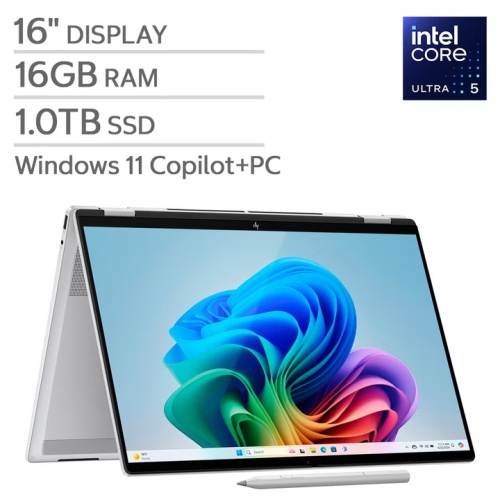
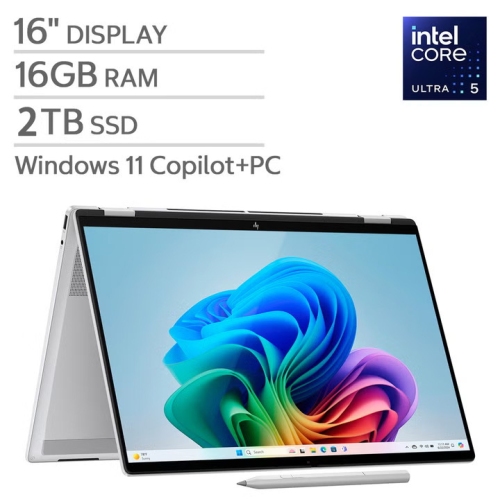
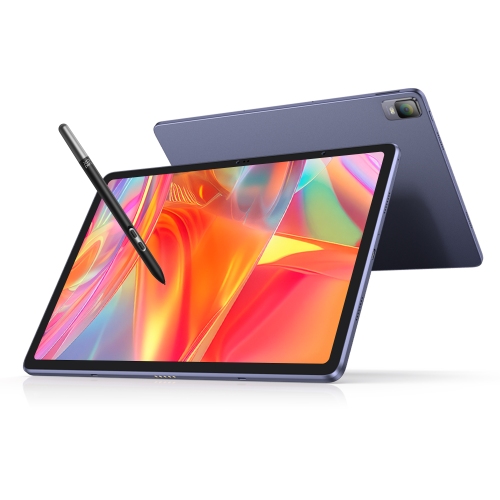
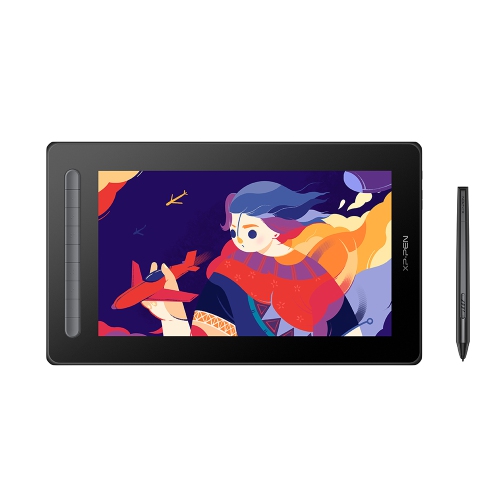
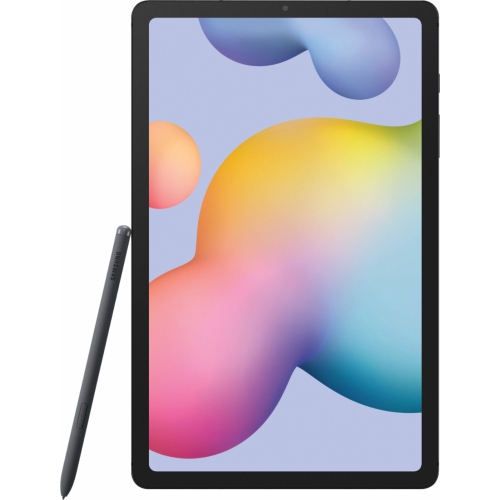
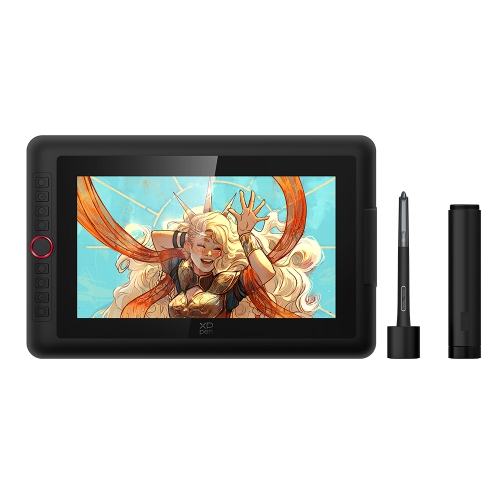
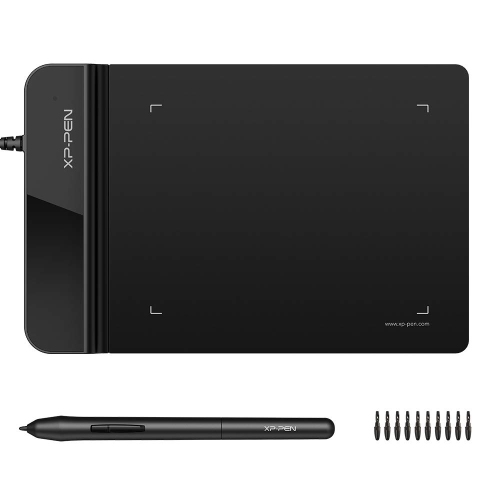
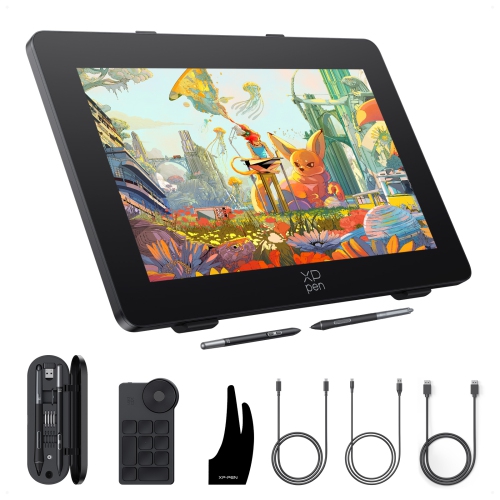
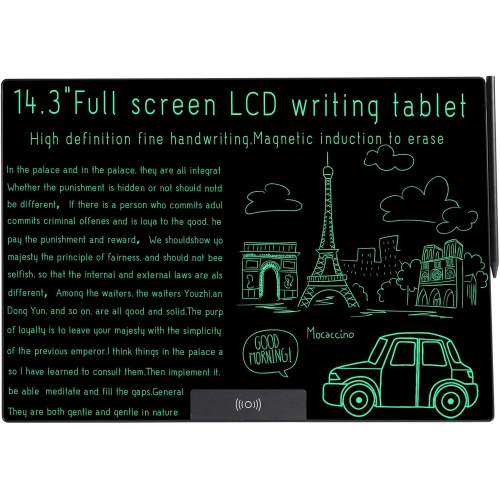
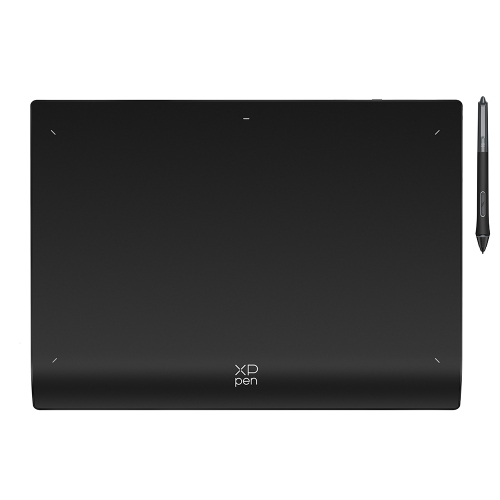
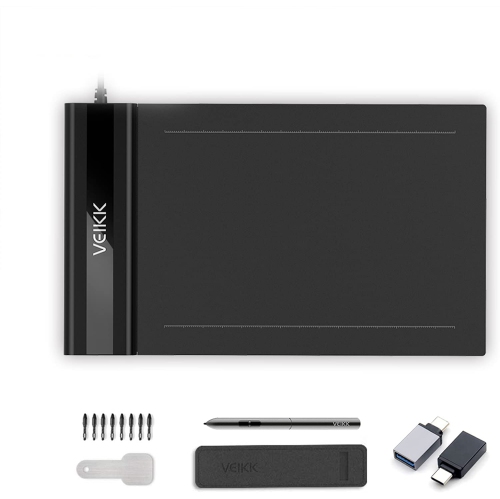
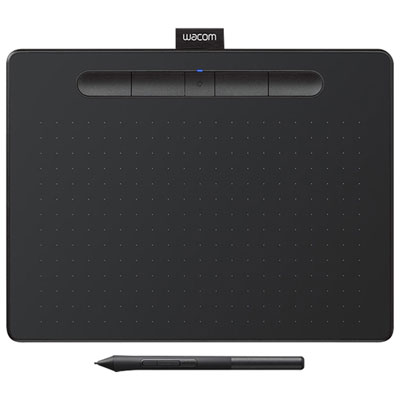


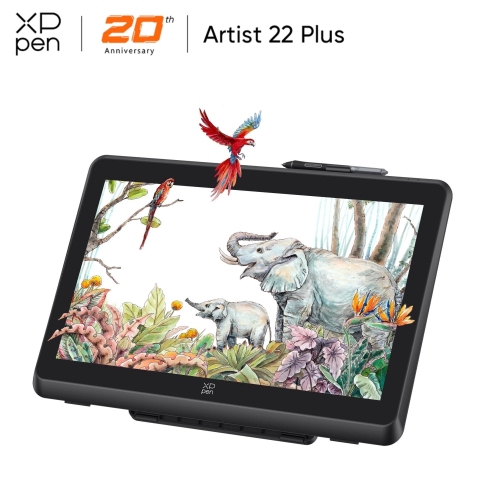
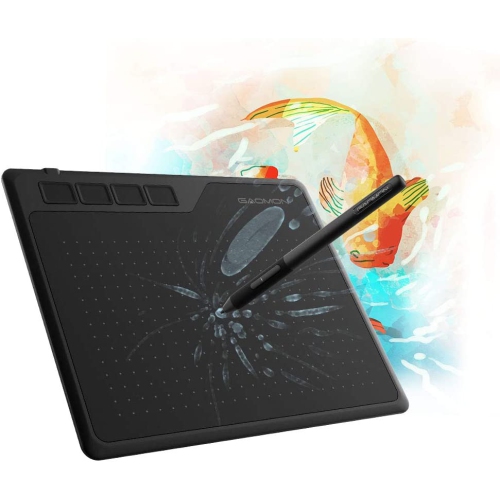
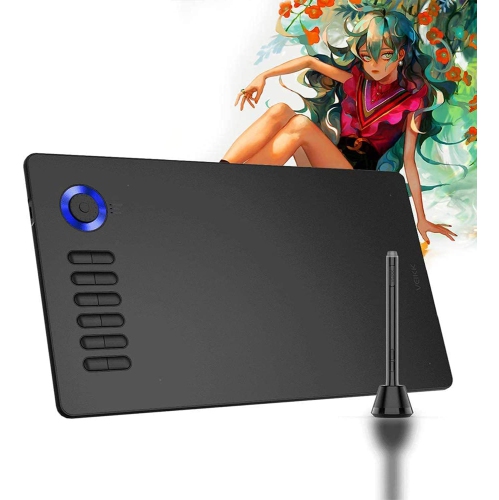
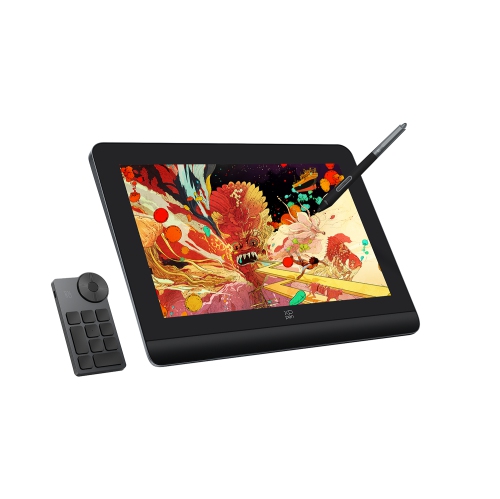
How pen support and screen quality shape every stroke
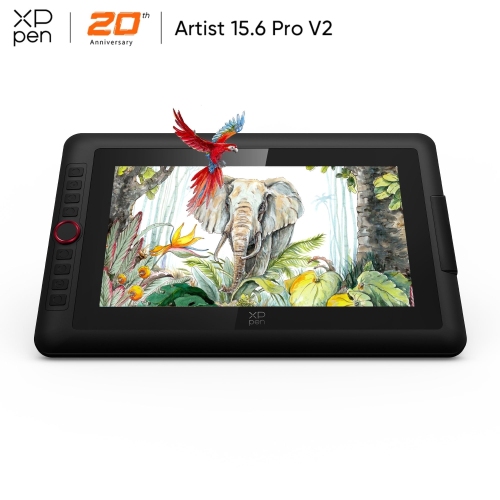
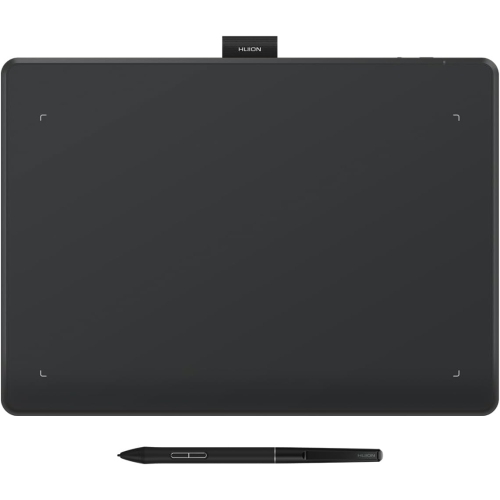
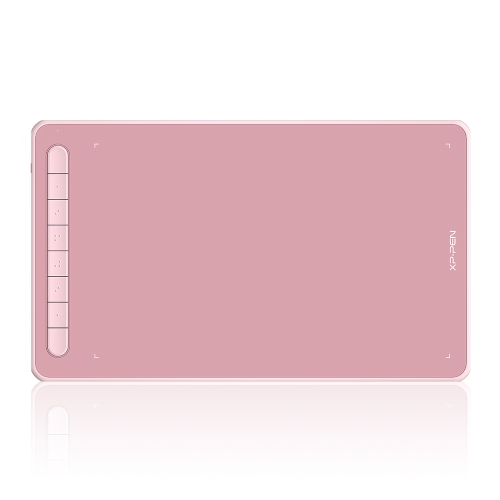
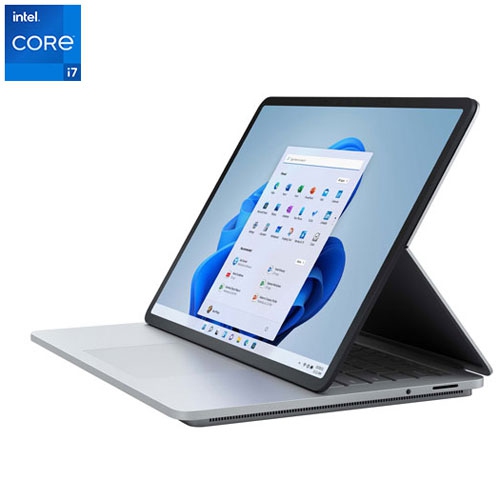
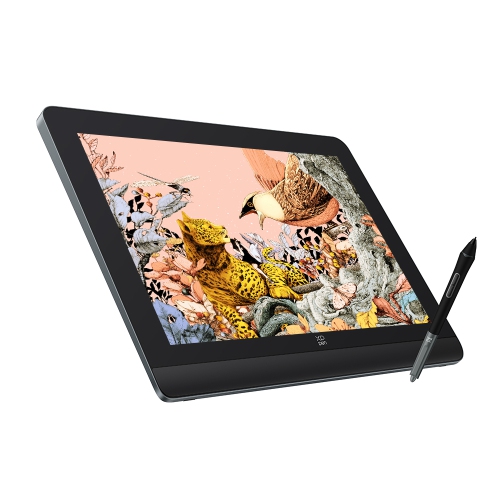
Computers for drawing bring sketching, illustration and visual planning into the same space as editing, research and everyday work. They suit a wide range of creative habits, from a student building a portfolio to an illustrator refining a character or a designer marking up a floor plan. The right format depends on where drawing happens and how the artist prefers to work. A laptop can move between a desk, classroom and studio, while a desktop offers a dedicated setup with room for a larger display and separate input devices. Convertible laptops with compatible pen support allow drawing directly on the screen, but a touchscreen alone does not guarantee support for a pressure-sensitive stylus. Pen compatibility, supported pressure levels, tilt recognition and palm rejection all influence how naturally a light pencil stroke becomes a heavier line. For artists who already enjoy drawing on paper, a screen-based setup can feel familiar; others prefer a separate graphics tablet that leaves the computer display unobstructed. These accessories serve different working styles rather than replacing the computer itself. A stable hinge or supported drawing angle also matters during longer sessions, especially when adding fine details near the edge of the screen. Screen size affects both the available drawing area and how comfortably toolbars, reference images and the canvas fit together. A compact laptop is easier to carry, while a larger screen can reduce the need to hide panels or repeatedly zoom into small sections. Surface finish changes the experience too: glossy screens can give artwork a crisp appearance but show reflections, while matte finishes can soften glare. Compatible textured screen protectors may add resistance under the pen, although they can also affect image clarity and nib wear. Together, these details shape the everyday experience of laying down a clean curve, shading a face or adjusting a selection without interrupting the flow of an idea.
Drawing software places different demands on a computer depending on the size and complexity of the work. Simple line art and modest canvases are less demanding than high-resolution illustrations filled with layers, masks, textured brushes and embedded reference images. Processor performance helps keep brushwork and editing responsive, while sufficient memory gives large files and several open programs more room to work comfortably. Someone sketching with a reference window beside the canvas has different needs from an artist switching among illustration, animation and three-dimensional modelling programs throughout the day. Graphics hardware can accelerate certain effects, display tasks and rendering processes, but its importance depends on the software and features involved. Compatibility with the preferred drawing program, operating system and pen drivers is just as important as individual hardware specifications. Solid-state storage helps with opening programs and accessing files, and generous capacity leaves space for layered project files, exported versions and reference libraries. For a permanent creative workspace, Desktop Computers for Artists can support a setup centred on a separate monitor, drawing tablet and comfortable keyboard arrangement. Display quality deserves particular attention because it affects decisions made at every stage of a piece. Resolution influences the clarity of small details, while colour accuracy and colour gamut coverage affect how faithfully subtle shades appear. A bright screen is useful in a well-lit room, but maximum brightness alone is not a measure of accurate colour. Consistent viewing conditions and suitable display calibration help when preparing work for another screen or for print, although paper, ink and printing methods also influence the final result. Ports complete the picture: an external pen display may need both video and data connections, and a single cable does not necessarily carry every signal or provide enough power. A compatible connection arrangement keeps the working area simpler and leaves room for external storage, a mouse or another display.
Comfort and durability become especially noticeable when a quick sketch turns into an afternoon of revisions. A drawing computer should fit the physical workspace as well as the artwork: the display needs to sit at a useful viewing distance, and the keyboard, pen and pointing device need enough space for relaxed movement. With a separate graphics tablet, positioning the tablet close to the body can help avoid a long reach, while an adjustable display stand can bring direct-on-screen drawing to a more comfortable angle. Programmable pen buttons and keyboard shortcuts can make repeated actions, such as undoing a stroke or changing brush size, easier to reach. For portable computers, chassis construction, hinge stability and the feel of the palm rest all contribute to everyday usability. Metal and well-made plastic housings have different weights and surface finishes, but build quality, secure joints and careful handling matter more than material alone. A padded sleeve helps protect a laptop during travel, and a dedicated place for the stylus reduces the chance of a missing pen interrupting a project. Pen tips are wear parts; replacing a worn nib according to the accessory maker’s guidance helps maintain a consistent drawing feel. Screens and input surfaces also benefit from gentle care using cleaning methods approved for their coatings, rather than harsh cleaners or abrasive cloths. Keeping ventilation openings clear supports normal cooling during demanding work, and regular backups help protect original artwork from accidental deletion or drive failure. Battery life is another practical consideration for mobile drawing, with demanding software, high screen brightness and connected accessories affecting time between charges. As a gift, a drawing computer is most useful when it matches the recipient’s existing software, preferred pen setup and usual place of work. A beginner exploring digital painting may value an approachable, portable setup, while an experienced artist may need more space for complex files and multiple displays. The strongest fit supports both the creative process and the ordinary tasks surrounding it, from organizing references to delivering finished artwork.
Top selling and popular products
-
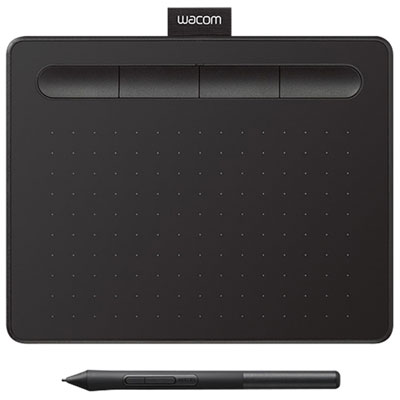 Your price for this item is $49.99
-
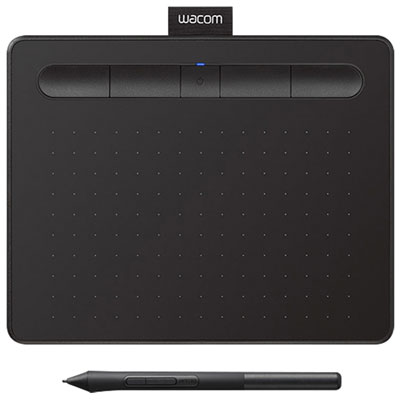 Your price for this item is $104.99
-
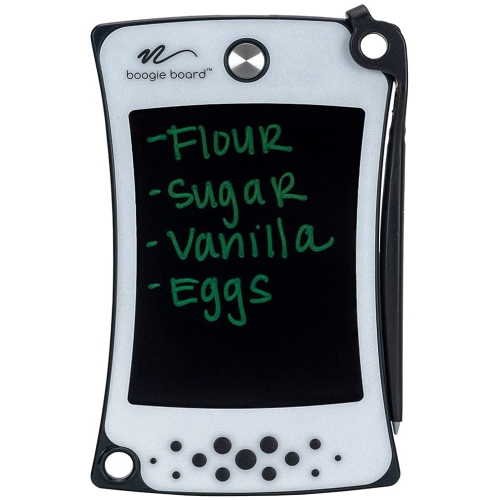 Your price for this item is $21.97
-
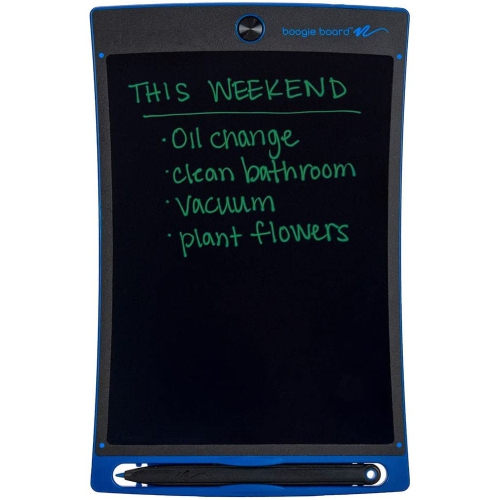 Your price for this item is $39.97
-
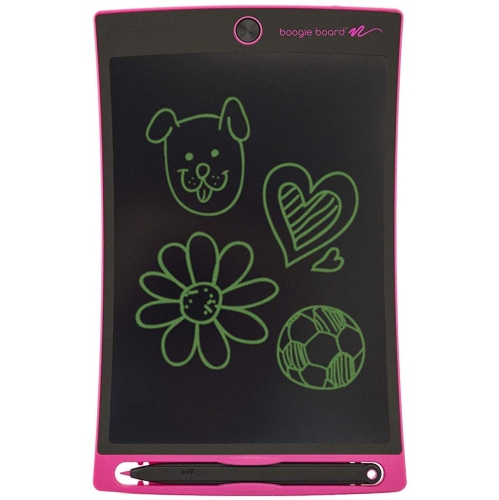 Your price for this item is $39.97
-
 Your price for this item is $319.99
-
 Your price for this item is $699.99
-
 Your price for this item is $2118.68
Discover more categories related to Computers for Drawing
Top Collections:
Best Black Friday Deals This Year, Best Black Friday Deals On Electronics, Kindle Devices, Dyson Airwrap, Best Cameras for Sports Photography, Best Budget Office Chairs, Canon G7X Cameras, PS5 Pro Consoles, Best Black Friday Deals On Apple Products, XBOX One S Consoles
Some products may be subject to Environmental Handling Fees
(EHF) depending on your province.
Learn more about EHFs.