Touchscreen Laptops for Drawing
Touchscreen Laptops for Drawing offer a dynamic and intuitive way to bring your creative ideas to life. Whether you’re a digital artist, student, or hobbyist, these versatile devices make sketching, designing, and note-taking more interactive and enjoyable. With responsive touchscreens and sleek designs, Touchscreen Laptops for Drawing provide the flexibility you need for both work and play. Explore a wide selection to find the perfect match for your artistic journey.
Sort







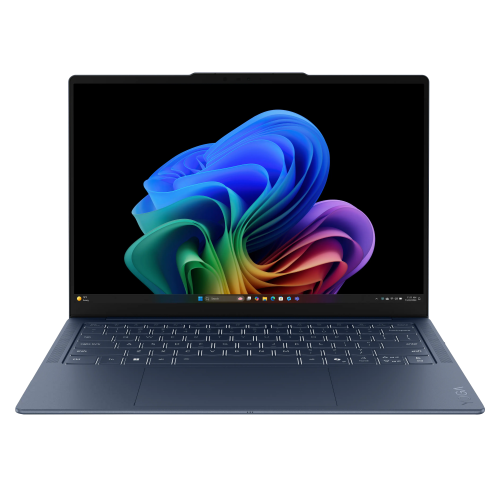
Why pen support matters as much as the screen
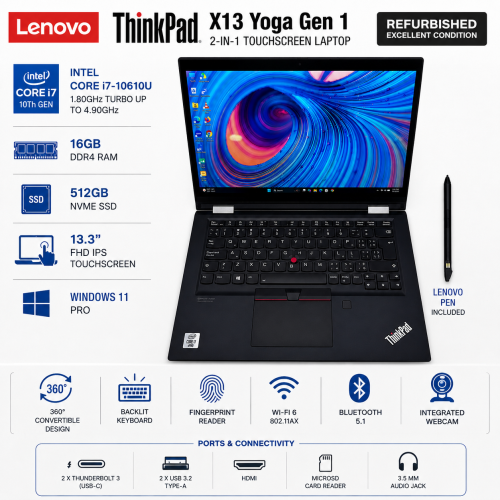
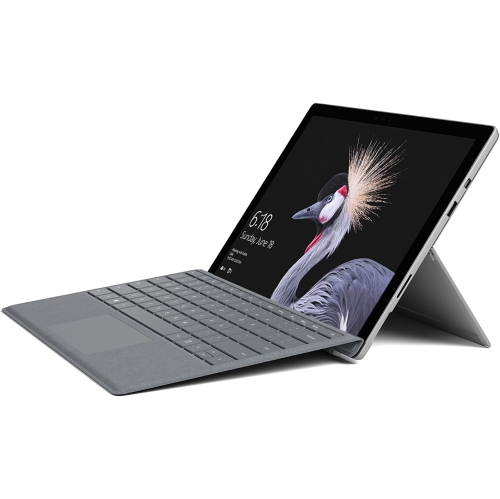
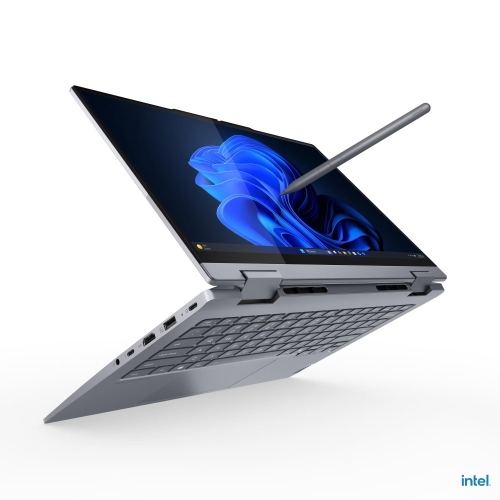
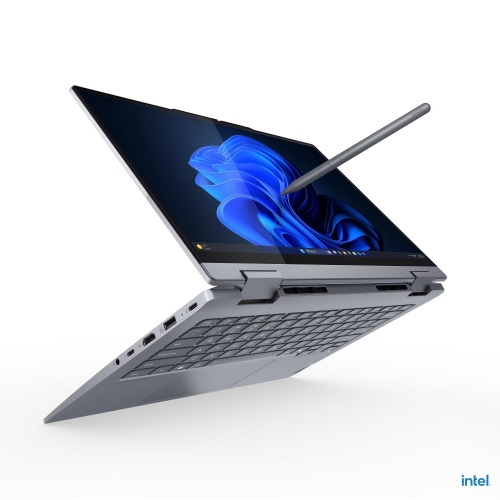
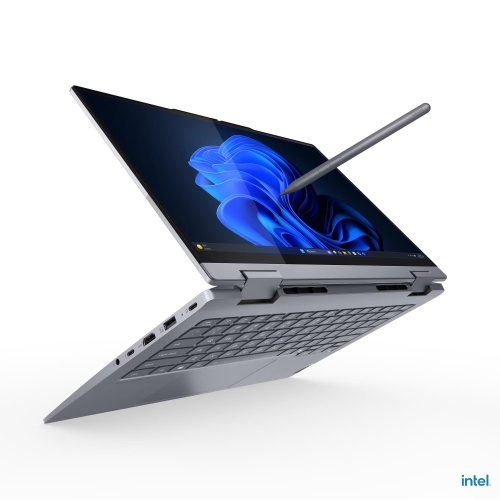
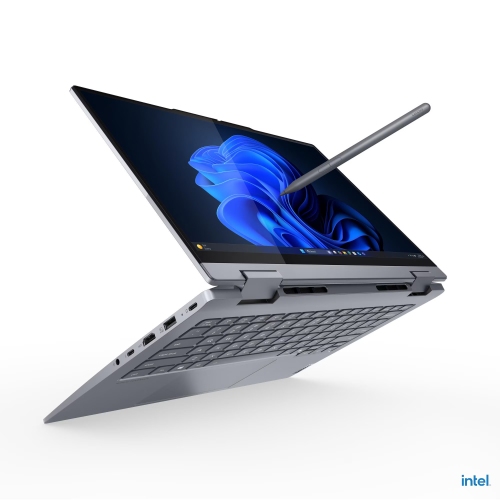
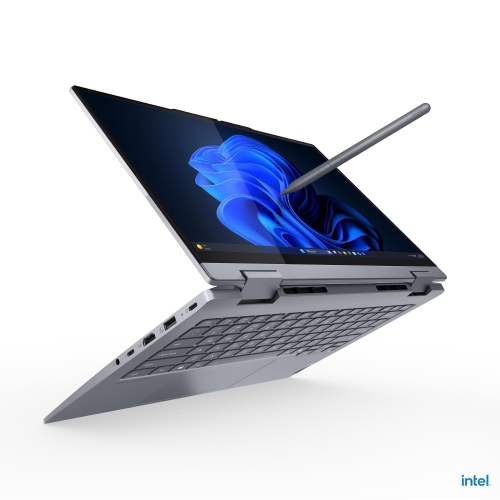
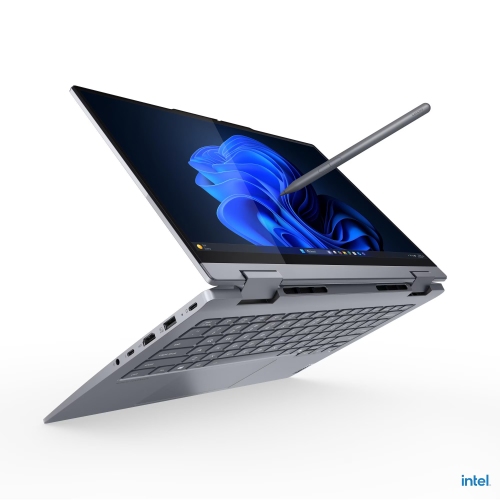
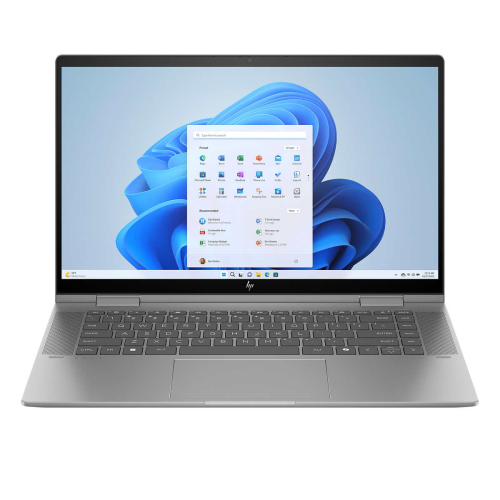
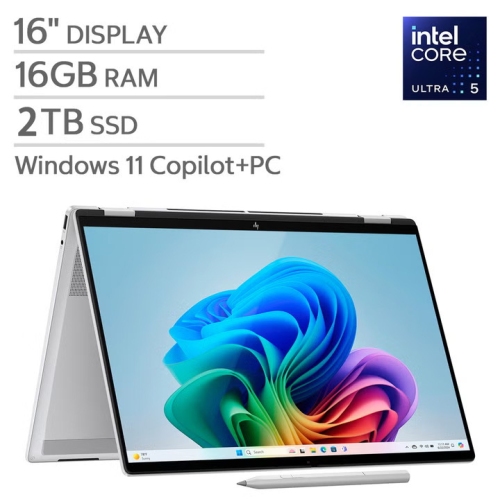
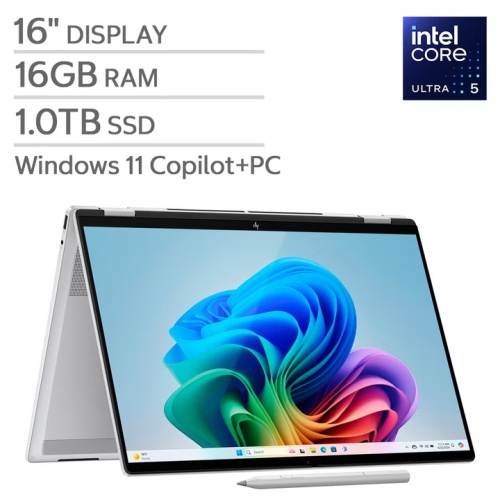
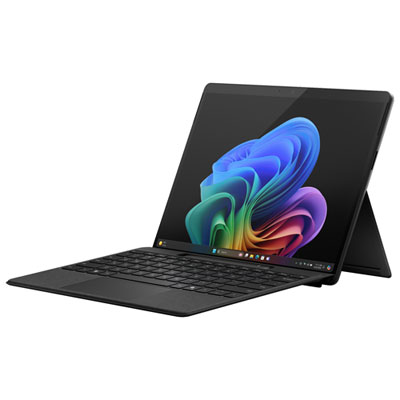
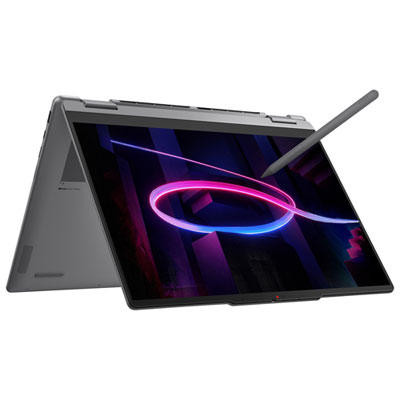
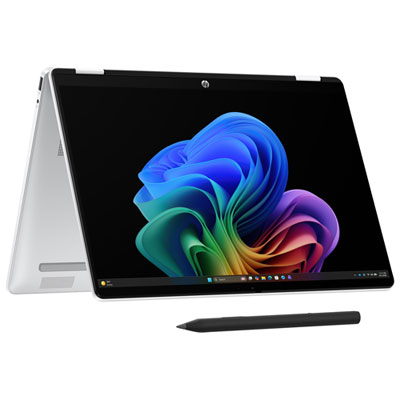
Touchscreen laptops for drawing bring sketching, illustration and everyday computing together on a single device, with direct pen input that lets artists work on the image rather than on a separate drawing surface. Models with compatible active-stylus support, accurate colour reproduction and flexible hinges are especially well suited to this kind of work. Touch capability alone does not guarantee a satisfying drawing experience: a screen that responds to fingertips may not support the pressure-sensitive pen input used for expressive linework. With a compatible laptop, stylus and application, pressure sensitivity allows a light touch to create a delicate contour and a firmer stroke to produce a broader mark. Tilt support can add another dimension, allowing certain digital brushes to shade more like a pencil held at an angle. Palm rejection helps distinguish the drawing hand from intentional pen input, making it easier to rest a hand against the screen while refining a face, lettering a poster or filling a page with thumbnail sketches. These features depend on the hardware and software working together, so pen compatibility matters as much as the touchscreen itself. A responsive display and low input delay help the line stay close to the pen tip, while accurate tracking near the edges supports detailed work across the canvas. The feel of the stylus also contributes to longer sessions. Its weight, grip, balance and button placement can affect comfort, particularly when switching repeatedly between drawing, erasing and moving around a canvas. Replaceable nibs provide a way to address wear, while secure pen storage helps keep a small but important accessory close at hand. For students developing a portfolio, hobbyists building a regular sketching practice or illustrators moving between rough concepts and finished artwork, these details can make a touchscreen laptop feel less like a compromise between tools and more like a practical place to create. Keyboard access remains useful for naming layers, entering text and using shortcuts alongside pen-based work.
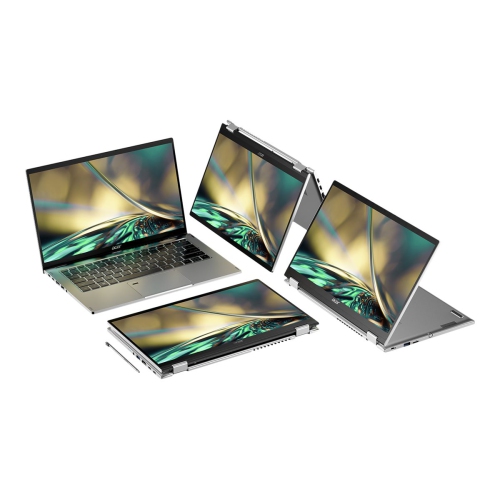
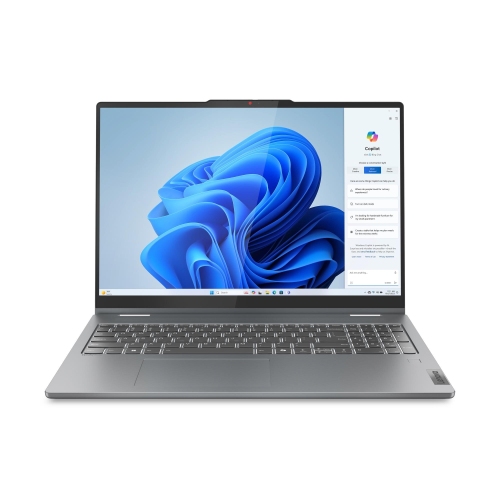
The display shapes both the appearance of artwork and the space available to make it. A higher-resolution screen can show fine detail clearly, although comfortable scaling and readable menus matter alongside pixel count. Colour coverage and accuracy are particularly relevant when a drawing moves from the laptop to a printed piece, another screen or a shared portfolio. Broad colour coverage is not the same as accuracy, and a calibrated workflow can help reduce unexpected differences between devices. Displays with strong contrast can make dark shading and bright highlights easier to distinguish, while reflections may interfere with judging subtle tones. A glossy finish can look crisp but reflect nearby lamps; a textured screen accessory may change the pen feel, image clarity or touch response and needs to be compatible with the device. Screen proportions matter, too. A taller canvas can leave useful room for a portrait sketch or a page layout, while a wider work area can accommodate tool palettes beside an illustration. Compact laptops are easier to carry between a classroom, studio and shared workspace, whereas larger screens offer more room for detailed marks without frequent zooming. Convertible designs with rotating hinges can fold the keyboard away for drawing, then return to a familiar laptop position for writing and editing. Other laptop designs offer supported screen positions that bring the canvas closer to the hand. Hinge stability is important because a display that shifts under normal pen pressure can interrupt careful linework. On a work surface, a stable, compatible stand can help create a comfortable drawing angle, provided it leaves ventilation clear. When the laptop is held rather than supported, its weight and balance become more noticeable. Smooth metal or plastic casings, rounded edges and a solidly fitted chassis all contribute to handling, but no material alone guarantees durability. The most comfortable fit depends on whether the laptop spends its time on a desktop, travels in a bag or moves between both throughout the day.
Performance needs vary with the artwork. Loose sketches and modest illustrations place different demands on a laptop than large, layered paintings, high-resolution comics or projects that combine drawing with animation and three-dimensional work. The processor affects many everyday operations, while sufficient memory helps keep multiple layers, reference images and applications accessible without constant slowdowns. Graphics hardware becomes more important for software features that use graphics acceleration, particularly in demanding visual workflows; dedicated graphics are not necessary for every drawing application. Storage capacity matters as project files, brush libraries and exported versions accumulate, and a fast solid-state drive helps with opening and saving substantial files. Practical connections can be just as valuable as processing power. Ports for an external display, storage drive or other compatible accessories help a laptop settle into a studio setup, while wireless connectivity supports sharing files and accessing online resources. Battery life varies with brightness, software, pen use and workload, so an advertised runtime may not reflect a long session with a detailed canvas open. A laptop that combines drawing with photo editing, layout and presentation work also fits naturally within the broader range of Touchscreen Laptops for Creative Work. For a gift recipient, compatibility with familiar software and a comfortable screen size can be more useful than an unfamiliar feature set. Everyday care helps protect the drawing experience: a clean, soft microfibre cloth removes fingerprints, and cleaning methods should follow the device maker’s directions rather than involve spraying liquid directly onto the screen. Keeping grit away from the display and checking a worn pen nib can help prevent marks. A correctly sized padded sleeve protects the laptop during transport, while a separate pen compartment keeps the stylus from pressing against the screen. With the right combination of pen response, screen quality, comfortable handling and capable hardware, a touchscreen laptop can support everything from a quick character study to carefully finished artwork without giving up the versatility of a full computer.
The display shapes both the appearance of artwork and the space available to make it. A higher-resolution screen can show fine detail clearly, although comfortable scaling and readable menus matter alongside pixel count. Colour coverage and accuracy are particularly relevant when a drawing moves from the laptop to a printed piece, another screen or a shared portfolio. Broad colour coverage is not the same as accuracy, and a calibrated workflow can help reduce unexpected differences between devices. Displays with strong contrast can make dark shading and bright highlights easier to distinguish, while reflections may interfere with judging subtle tones. A glossy finish can look crisp but reflect nearby lamps; a textured screen accessory may change the pen feel, image clarity or touch response and needs to be compatible with the device. Screen proportions matter, too. A taller canvas can leave useful room for a portrait sketch or a page layout, while a wider work area can accommodate tool palettes beside an illustration. Compact laptops are easier to carry between a classroom, studio and shared workspace, whereas larger screens offer more room for detailed marks without frequent zooming. Convertible designs with rotating hinges can fold the keyboard away for drawing, then return to a familiar laptop position for writing and editing. Other laptop designs offer supported screen positions that bring the canvas closer to the hand. Hinge stability is important because a display that shifts under normal pen pressure can interrupt careful linework. On a work surface, a stable, compatible stand can help create a comfortable drawing angle, provided it leaves ventilation clear. When the laptop is held rather than supported, its weight and balance become more noticeable. Smooth metal or plastic casings, rounded edges and a solidly fitted chassis all contribute to handling, but no material alone guarantees durability. The most comfortable fit depends on whether the laptop spends its time on a desktop, travels in a bag or moves between both throughout the day.
Performance needs vary with the artwork. Loose sketches and modest illustrations place different demands on a laptop than large, layered paintings, high-resolution comics or projects that combine drawing with animation and three-dimensional work. The processor affects many everyday operations, while sufficient memory helps keep multiple layers, reference images and applications accessible without constant slowdowns. Graphics hardware becomes more important for software features that use graphics acceleration, particularly in demanding visual workflows; dedicated graphics are not necessary for every drawing application. Storage capacity matters as project files, brush libraries and exported versions accumulate, and a fast solid-state drive helps with opening and saving substantial files. Practical connections can be just as valuable as processing power. Ports for an external display, storage drive or other compatible accessories help a laptop settle into a studio setup, while wireless connectivity supports sharing files and accessing online resources. Battery life varies with brightness, software, pen use and workload, so an advertised runtime may not reflect a long session with a detailed canvas open. A laptop that combines drawing with photo editing, layout and presentation work also fits naturally within the broader range of Touchscreen Laptops for Creative Work. For a gift recipient, compatibility with familiar software and a comfortable screen size can be more useful than an unfamiliar feature set. Everyday care helps protect the drawing experience: a clean, soft microfibre cloth removes fingerprints, and cleaning methods should follow the device maker’s directions rather than involve spraying liquid directly onto the screen. Keeping grit away from the display and checking a worn pen nib can help prevent marks. A correctly sized padded sleeve protects the laptop during transport, while a separate pen compartment keeps the stylus from pressing against the screen. With the right combination of pen response, screen quality, comfortable handling and capable hardware, a touchscreen laptop can support everything from a quick character study to carefully finished artwork without giving up the versatility of a full computer.
Top selling and popular products
-
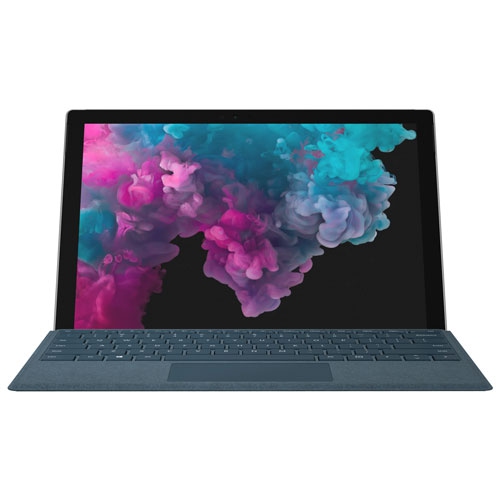 Your price for this item is $380
-
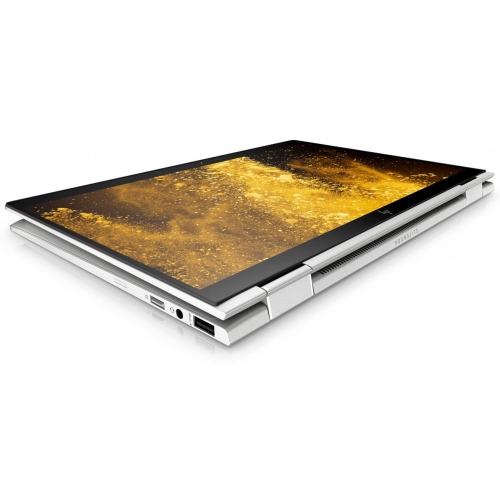 Your price for this item is $1099
-
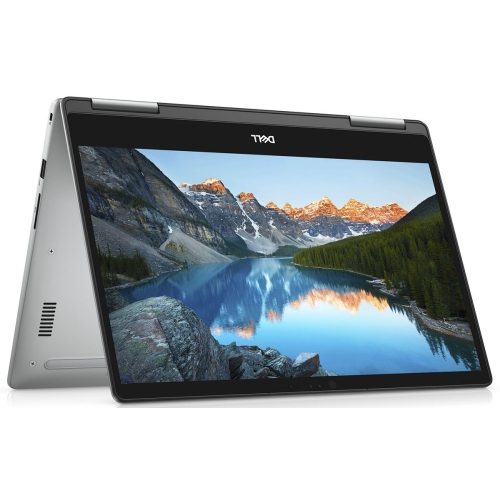 Your price for this item is $629.95
-
 Your price for this item is $1849.99
-
 Your price for this item is $1999.99
-
 Your price for this item is $1249.95
-
 Your price for this item is $1799.99
-
 Your price for this item is $1451.99
Discover more categories related to Touchscreen Laptops for Drawing
Top Collections:
Pokemon Centers, Pokémon 30th Celebration Cards, Best Budget Office Chairs, Kindle Devices, Best Cameras for Sports Photography, Canon G7X Cameras, Best Black Friday Deals On Electronics, Best Laptops for Writers, iPhone 15 Apple, Jackery Power Stations
Some products may be subject to Environmental Handling Fees
(EHF) depending on your province.
Learn more about EHFs.