Corsair Desktops
Explore the impressive selection of Corsair Desktop options designed to deliver reliable performance for work, play, and everything in between. Whether you're upgrading your current setup or building a new workstation, you'll find a variety of configurations to suit your needs. From gaming enthusiasts to creative professionals, Corsair Desktop models offer the flexibility and power to keep up with your demands. Find the perfect fit for your home or office and take your computing experience to the next level.
Sort
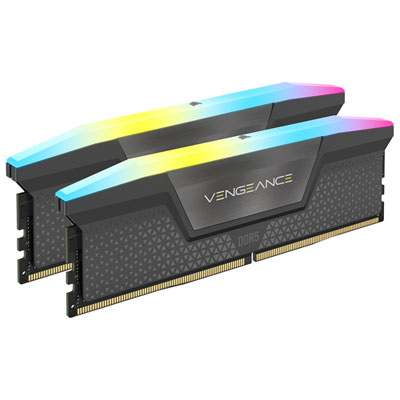
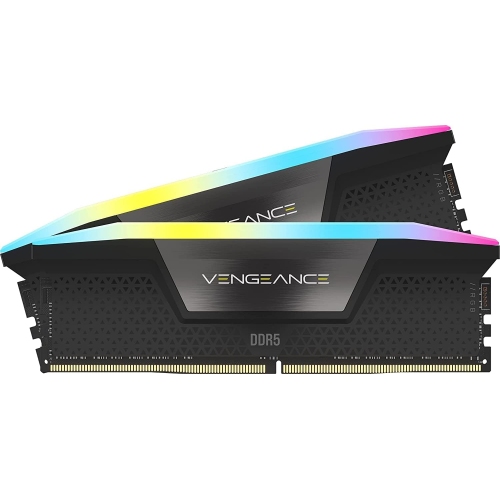
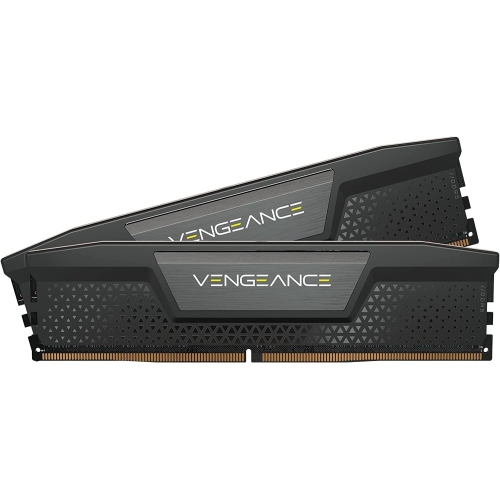
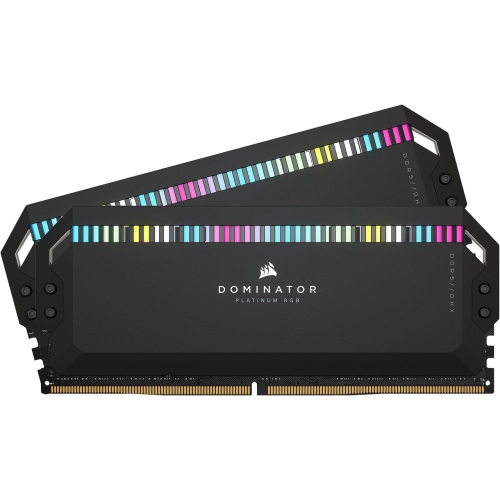


How desktop components shape gaming and creative performance
Pre-built gaming desktops and creator workstations bring the main components of a powerful computer together in an assembled system, making them a practical choice for gaming, streaming, creative projects, and demanding everyday work. Unlike a laptop, a desktop is designed around a separate display and peripherals, with a chassis that can accommodate dedicated graphics, substantial storage, and cooling hardware suited to its configuration. The right combination depends on what happens on screen. Competitive gaming often benefits from consistently high frame rates and a processor that can keep pace with fast-moving action, while detailed games at higher resolutions place greater demands on the graphics card. A player using a 1440p monitor has different requirements from someone aiming for detailed 4K visuals, so the computer and display work best when their capabilities are matched. For content creators, performance has a different rhythm: importing a folder of photographs, scrubbing through a video timeline, rendering a scene, or exporting a finished project can each draw on different components. Processor performance, graphics acceleration, memory capacity, and storage speed all contribute, but their importance varies by application. System memory gives active programs room to work, while the graphics card’s dedicated memory supports tasks involving textures, complex visual assets, and certain AI workloads. Neither should be confused with storage capacity, which determines how much space is available for installed software, games, and files. A solid-state drive can make starting the computer, opening applications, and loading projects feel more responsive, although it does not replace the need for a capable processor or graphics card. Local AI tools may have specific hardware and software requirements, making application compatibility particularly important for anyone experimenting with image generation or machine-learning projects. For students, remote workers, and households sharing one computer, a desktop can also provide a consistent place for research, video calls, documents, and entertainment. The most useful configuration is one that supports those regular activities without leaving a key task dependent on an undersized component.
A desktop’s physical design matters just as much once it becomes part of a room. Full-size towers, mid-size systems, and compact designs occupy different amounts of space, and exterior dimensions do not tell the whole story. The surrounding area also needs room for ventilation, power connections, display cables, and access to frequently used ports. A tower tucked into a tightly enclosed cabinet may have less breathing room than the same computer positioned beside a desk with its vents unobstructed. Larger chassis can offer room for additional hardware and cooling, while compact systems can suit a smaller workspace; neither size alone guarantees stronger performance or quieter operation. Chassis construction may combine steel or aluminium panels with mesh sections, plastic trim, or tempered glass, depending on the design. Metal panels provide structure, mesh can support airflow, and glass offers a view of internal components and lighting. These materials also affect everyday handling: glass panels need careful removal, and ventilation openings need to stay clear of dust and nearby objects. Cooling arrangements vary between air-cooled and liquid-cooled configurations, with fan design, airflow paths, and workload all influencing sound levels. A computer used for recording voiceovers or joining frequent calls may benefit from particular attention to its acoustic characteristics. Connections are another part of daily convenience. Front or top USB ports make it easier to connect a controller or external drive, while rear ports can keep regularly connected accessories out of the way. Display outputs need to match the intended monitor setup, including the resolution and refresh rate being used. On systems with a dedicated graphics card, gaming displays generally connect to that card’s outputs rather than the motherboard’s ports. Ethernet can provide a wired network connection, while Wi-Fi and Bluetooth are useful where supported by the configuration. Checking the included wireless features, antenna requirements, audio connections, and peripheral compatibility helps the desktop fit the workspace without unexpected adapters or awkward cable runs.
Long-term usefulness comes from a combination of suitable specifications, accessible construction, and straightforward care. Some desktops offer room for additional memory or storage, while others use tightly arranged interiors or specialized parts that limit changes. An empty slot is only one part of compatibility: supported memory types, physical clearances, power supply capacity, motherboard connections, and firmware support can all affect an upgrade. A larger graphics card, for example, needs enough space inside the case as well as appropriate power connections and cooling. For shoppers considering a separate custom build or a compatible enclosure change, Corsair Cases provide a related starting point for exploring chassis layouts, component clearances, and storage arrangements. A complete desktop, however, should first suit its intended workload as configured, rather than relying on uncertain future changes. Routine care helps preserve reliable operation: accessible dust filters can be cleaned according to the manufacturer’s directions, vents should remain unobstructed, and the system should be shut down and unplugged before appropriate exterior cleaning. Liquids and cleaning sprays belong away from open ports and internal components. Software maintenance matters too, including operating system updates, suitable graphics drivers, and backups of important files to a separate location. Those habits are especially valuable when one computer holds coursework, family photographs, saved projects, and a growing game library. As a gift, a desktop is most successful when it matches the recipient’s preferred games, creative applications, available space, and existing monitor. A student editing video may need different capabilities from a player focused on fast-paced multiplayer matches, even if both appreciate a distinctive case and customizable lighting. Included accessories and software can differ between configurations, so the complete setup may also involve a keyboard, mouse, display, headset, or application licences. Warranty coverage and service options are worth considering alongside performance, particularly for someone who depends on the computer every day. Taken together, these details help distinguish a desktop that simply looks impressive from one that feels comfortable, capable, and dependable through regular use.
Top selling and popular products
-
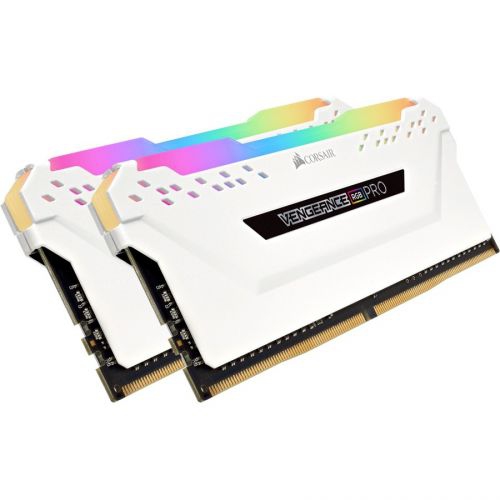 Your price for this item is $307.68
-
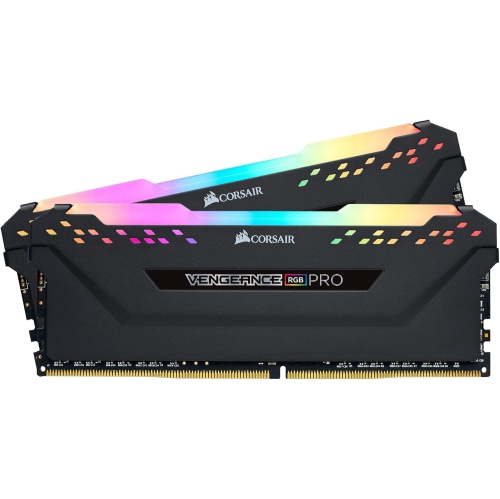 Your price for this item is $389.99
-
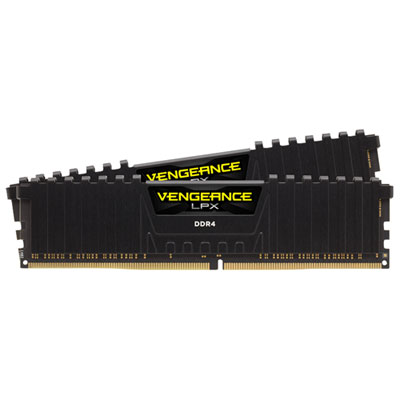 Your price for this item is $431.98
-
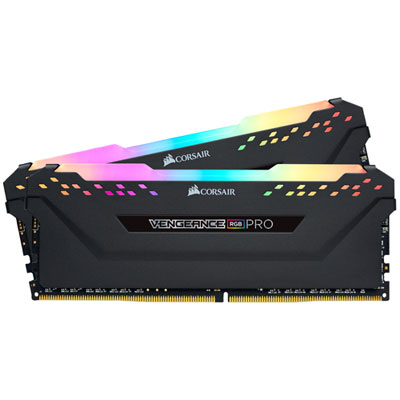 Your price for this item is $450.98
-
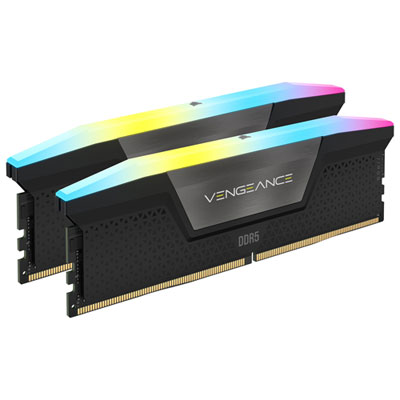 Your price for this item is $844.99
-
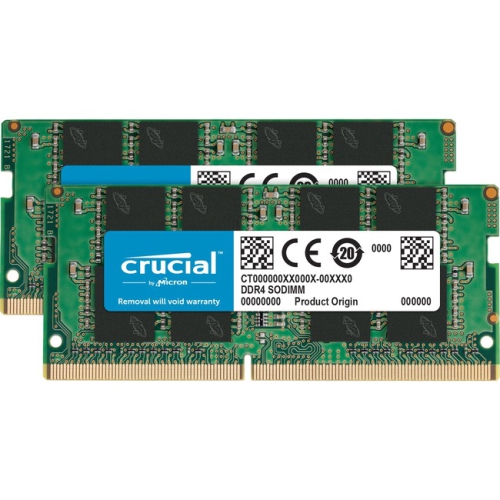 Your price for this item is $388.88
-
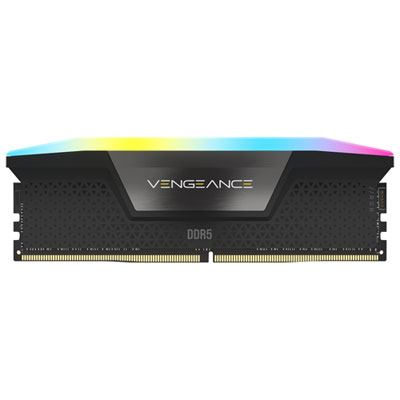 Your price for this item is $1853.99
-
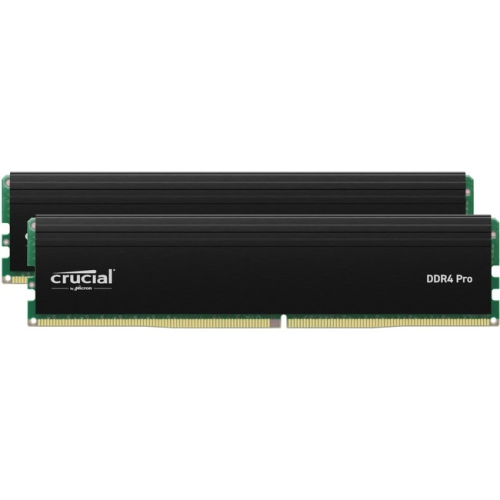 Your price for this item is $975.68
Discover more categories related to Corsair Desktops
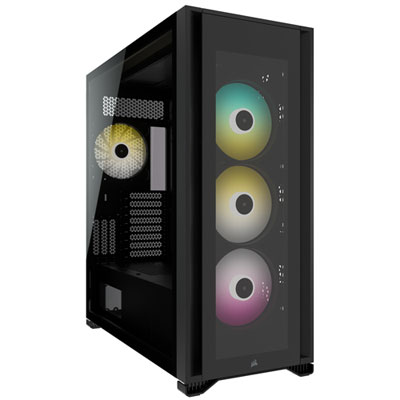
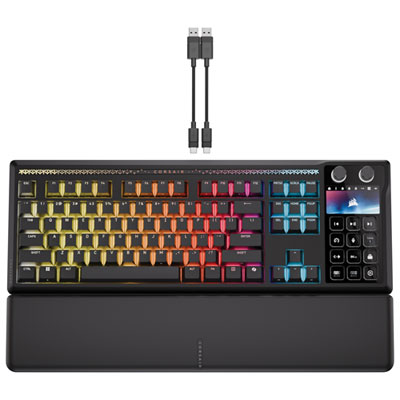

Top Collections:
Best Black Friday Deals This Year, Best Black Friday Deals On Electronics, Kindle Devices, Pokemon Centers, Best Black Friday Deals On Apple Products, Best Cameras for Sports Photography, Dyson Airwrap, Pokémon 30th Celebration Cards, Apple iPhone 17 Pro, Canon G7X Cameras
Some products may be subject to Environmental Handling Fees
(EHF) depending on your province.
Learn more about EHFs.