Corsair SSDs
Upgrade your storage and boost your system’s performance with a Corsair SSD. Whether you’re building a new PC or looking to enhance your current setup, Corsair SSDs offer reliable and efficient solutions for all your data needs. Discover a range of capacities and form factors to suit any desktop or laptop, making it easy to find the perfect fit for your computing requirements. Explore the selection of Corsair SSD options available and experience faster load times and smoother multitasking.
Sort

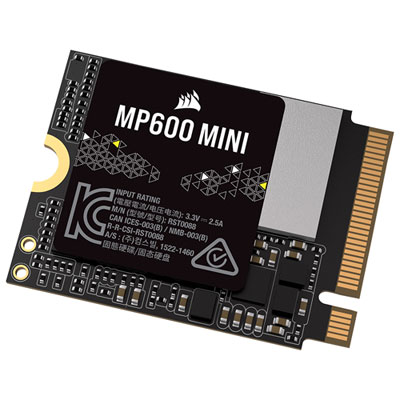
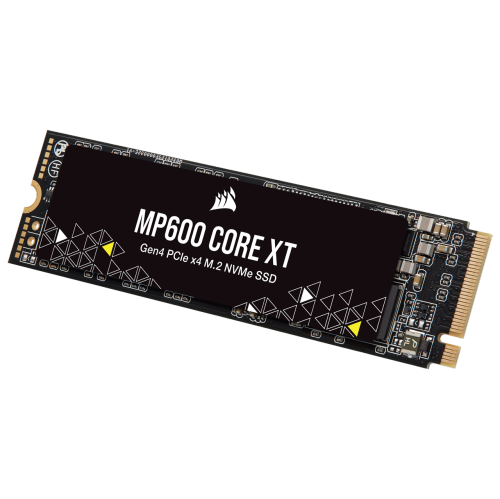
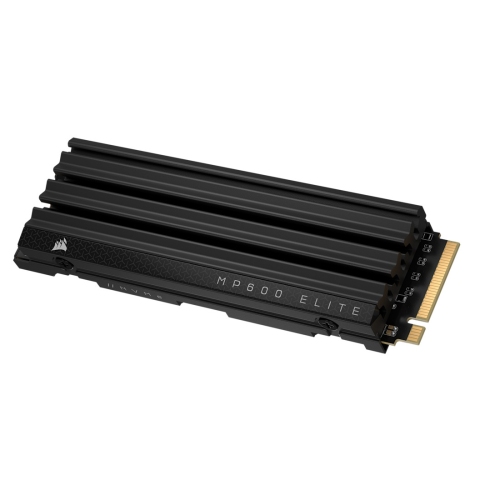
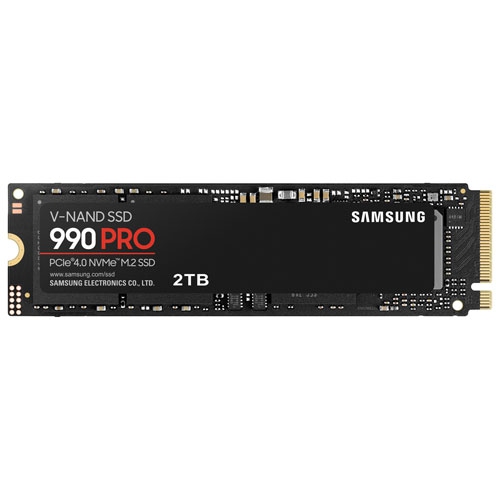


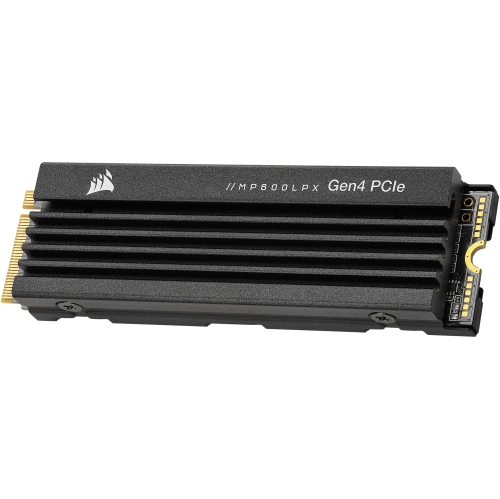
What to know before upgrading your computer’s storage
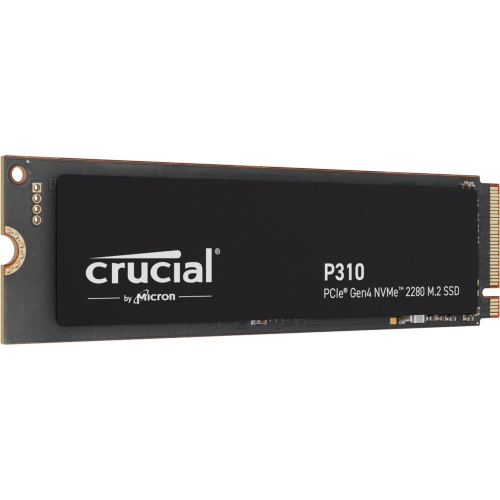
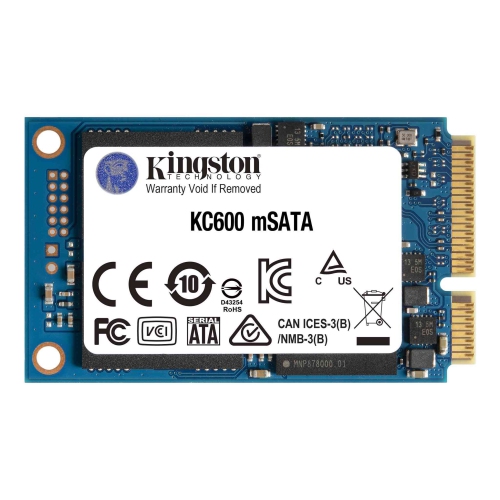
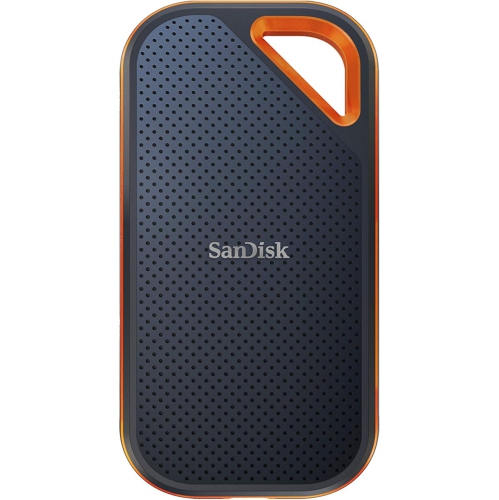
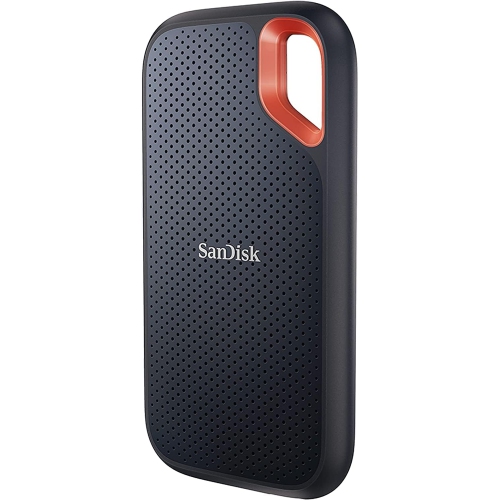
Solid-state drives (SSDs) can make a noticeable difference in the way a computer feels from the moment it starts up. Instead of waiting through long loading screens or listening to a hard disk work through a large file, an SSD helps bring your operating system, applications, games, photos, and videos within reach more quickly. This makes SSDs a practical upgrade for desktop computers and compatible laptops, whether you are building a new system or refreshing one that has started to feel sluggish. A faster drive can make everyday tasks feel more fluid: a design program opens without a lengthy pause, a photo library is easier to browse, and a game can move from the menu to the action with less waiting. SSDs are also well suited to people who regularly work with large files. Video editors, photographers, music producers, students handling extensive research projects, and home users with years of family photos can all benefit from responsive storage. For gamers, an SSD can help reduce loading times and make large game libraries easier to manage, particularly when several demanding titles are installed at once. When choosing from available options, begin by considering capacity. A smaller drive may be suitable for an operating system and a handful of essential applications, while a larger capacity can provide room for games, creative projects, downloaded media, and future updates without constantly moving files to another location. It is worth leaving some free space as well, since a drive that is filled to the edge can be harder to manage and may not perform as smoothly as one with room available.
Compatibility is the next important consideration. Many modern SSDs use an NVMe connection through an M.2 slot, offering fast data transfer in a compact format. Other SSDs use the familiar 2.5-inch SATA design, which remains a useful choice for desktops, older laptops, and systems that do not have an available M.2 slot. Before making a purchase, check the computer’s manual or manufacturer specifications to confirm the supported drive type, physical dimensions, interface, and maximum capacity. Desktop upgrades may also require a mounting bracket, compatible cable, or an available power connection, while laptop installations can involve a more specific size requirement and a careful look at internal clearance. Installation is usually straightforward for someone comfortable working inside a computer, but it is sensible to back up important files first and keep any operating system licence or recovery information close at hand. A fresh installation can provide the cleanest result, while cloning an existing drive may save time by preserving applications, settings, and files. If your computer supports more than one drive, an SSD can be used as the primary drive for the operating system and frequently used programs, with additional storage reserved for larger files and archives. For systems that rely on the SATA interface, comparing options in Best SATA SSDs can help clarify the differences between capacity, speed, form factor, and intended use. Also consider the drive’s endurance rating, warranty coverage, controller design, and included software when those details are provided. These specifications may seem technical at first, but they offer useful clues about how well a drive suits frequent file transfers, long gaming sessions, or demanding creative workloads.
An SSD can be a thoughtful gift for a gamer, student, remote worker, or family member whose computer needs a little more breathing room. It is especially useful for someone who has started deleting old files simply to make room for new ones, or who spends enough time watching loading screens to notice every extra second. A student heading into a busy term might use one to keep lecture recordings, design files, and software in one responsive location, while a photographer could use a high-capacity drive to organise images from family gatherings, road trips, and weekend events. For a home office, an SSD can help keep frequently used documents and productivity tools close at hand, making the transition from the first morning coffee to a full day of work feel less interrupted. During the cooler months, when indoor evenings often invite gaming, movie editing, and photo organisation, faster storage can make these hobbies more enjoyable without changing the rest of the computer setup. The right choice ultimately depends on the system it will be installed in, the types of files it will hold, and the way it will be used from one day to the next. By matching the interface and form factor first, then selecting a comfortable capacity and suitable performance level, you can choose an SSD that provides dependable storage for everyday computing, demanding projects, and the digital memories that continue to accumulate over time.
Compatibility is the next important consideration. Many modern SSDs use an NVMe connection through an M.2 slot, offering fast data transfer in a compact format. Other SSDs use the familiar 2.5-inch SATA design, which remains a useful choice for desktops, older laptops, and systems that do not have an available M.2 slot. Before making a purchase, check the computer’s manual or manufacturer specifications to confirm the supported drive type, physical dimensions, interface, and maximum capacity. Desktop upgrades may also require a mounting bracket, compatible cable, or an available power connection, while laptop installations can involve a more specific size requirement and a careful look at internal clearance. Installation is usually straightforward for someone comfortable working inside a computer, but it is sensible to back up important files first and keep any operating system licence or recovery information close at hand. A fresh installation can provide the cleanest result, while cloning an existing drive may save time by preserving applications, settings, and files. If your computer supports more than one drive, an SSD can be used as the primary drive for the operating system and frequently used programs, with additional storage reserved for larger files and archives. For systems that rely on the SATA interface, comparing options in Best SATA SSDs can help clarify the differences between capacity, speed, form factor, and intended use. Also consider the drive’s endurance rating, warranty coverage, controller design, and included software when those details are provided. These specifications may seem technical at first, but they offer useful clues about how well a drive suits frequent file transfers, long gaming sessions, or demanding creative workloads.
An SSD can be a thoughtful gift for a gamer, student, remote worker, or family member whose computer needs a little more breathing room. It is especially useful for someone who has started deleting old files simply to make room for new ones, or who spends enough time watching loading screens to notice every extra second. A student heading into a busy term might use one to keep lecture recordings, design files, and software in one responsive location, while a photographer could use a high-capacity drive to organise images from family gatherings, road trips, and weekend events. For a home office, an SSD can help keep frequently used documents and productivity tools close at hand, making the transition from the first morning coffee to a full day of work feel less interrupted. During the cooler months, when indoor evenings often invite gaming, movie editing, and photo organisation, faster storage can make these hobbies more enjoyable without changing the rest of the computer setup. The right choice ultimately depends on the system it will be installed in, the types of files it will hold, and the way it will be used from one day to the next. By matching the interface and form factor first, then selecting a comfortable capacity and suitable performance level, you can choose an SSD that provides dependable storage for everyday computing, demanding projects, and the digital memories that continue to accumulate over time.
Top selling and popular products
-
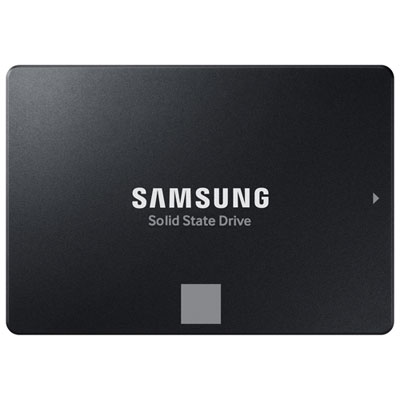 Your price for this item is $554.99
 -
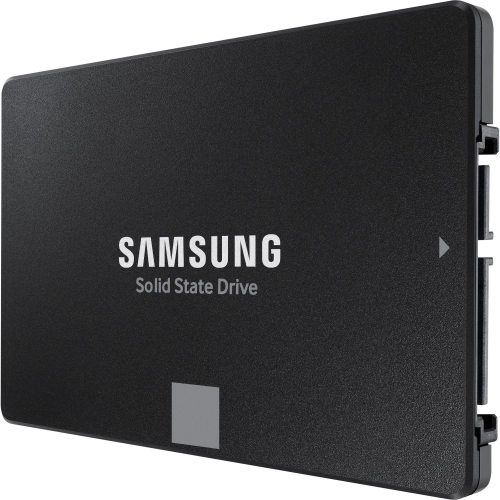 Your price for this item is $649.99
 -
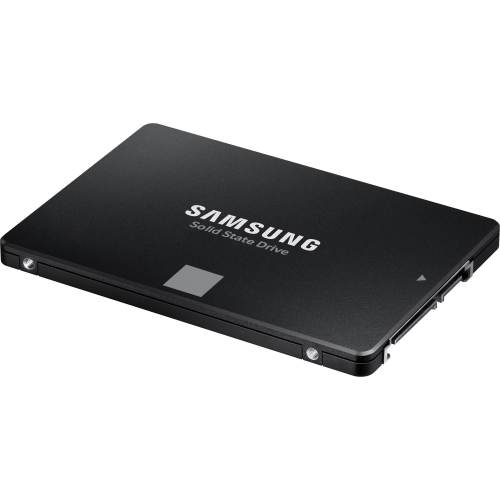 Your price for this item is $394.99
 -
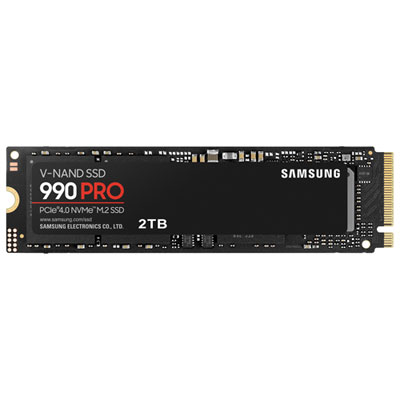 Your price for this item is $649.99
 -
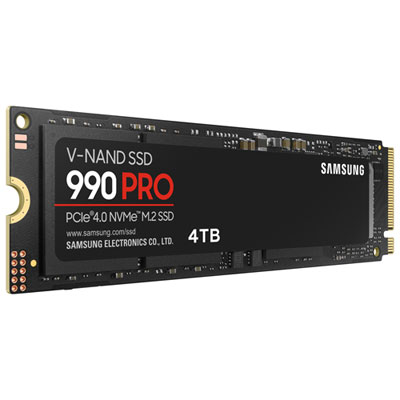 Your price for this item is $1199.97
 -
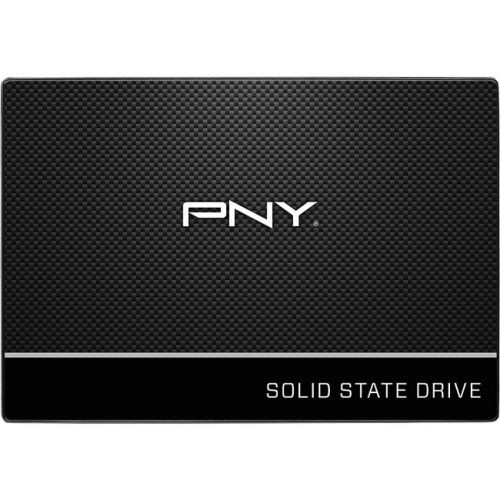 Your price for this item is $106.93
 -
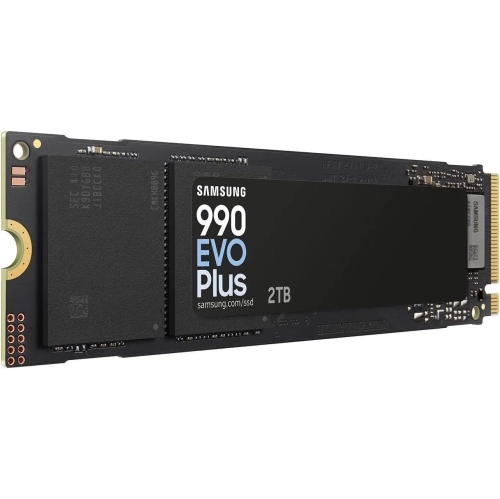 Your price for this item is $639.99
 -
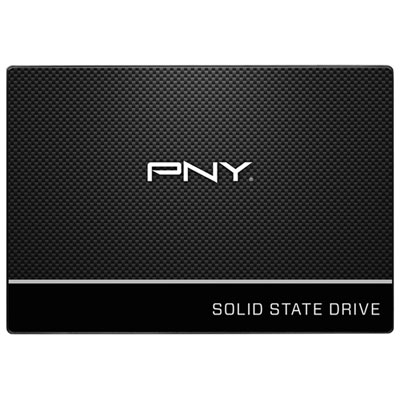 Your price for this item is $124.99
Discover more categories related to Corsair SSDs
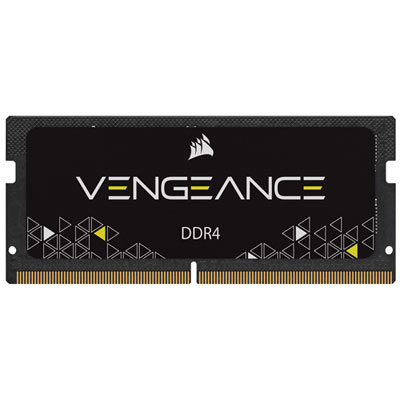
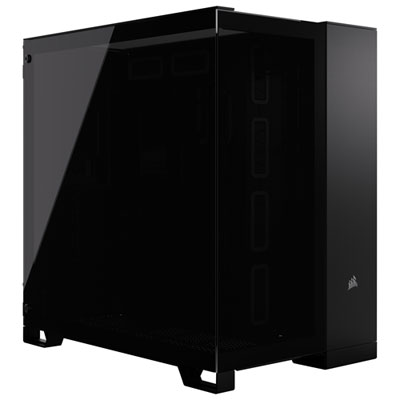
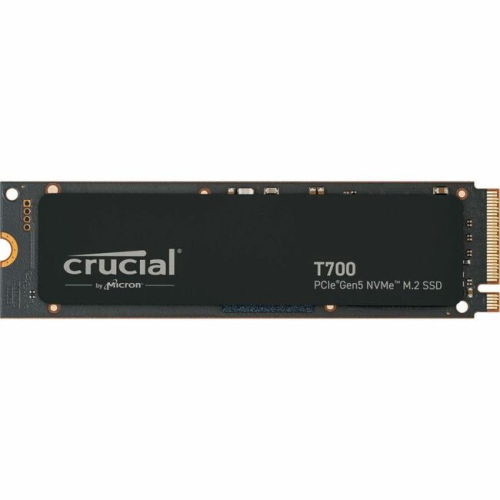
Top Collections:
Pokemon Centers, Kindle Devices, Best Budget Office Chairs, Apple iPhones 16, Best Laptops for Writers, iPhone 15 Apple, Canon G7X Cameras, Refurbished Apple Laptops, Alarm Clock, Motorola Razr Phones
Some products may be subject to Environmental Handling Fees
(EHF) depending on your province.
Learn more about EHFs.