D-Link Desktop Switches
Looking to expand your network and enhance connectivity? Look no further than our collection of desktop switches. These versatile devices are designed to optimize your network performance, allowing for seamless data transfer and reliable connections. Whether you need to connect multiple devices in your home or office, our range of desktop switches offers a variety of options to suit your specific networking needs. With advanced features and easy installation, these switches are sure to elevate your networking experience to the next level.
Sort
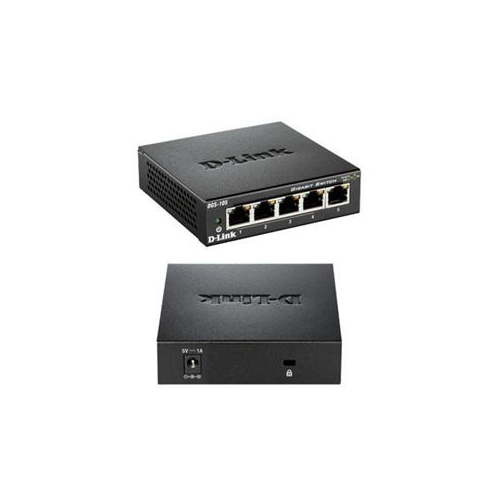
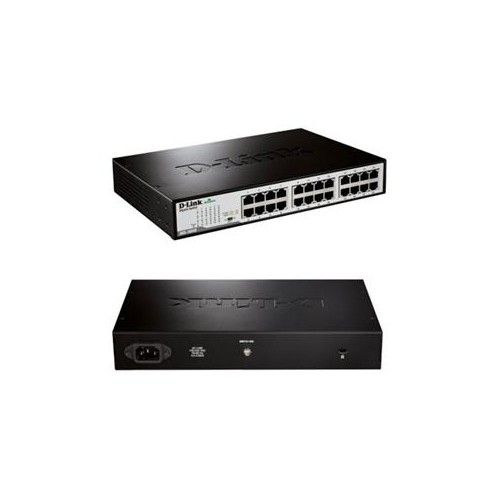
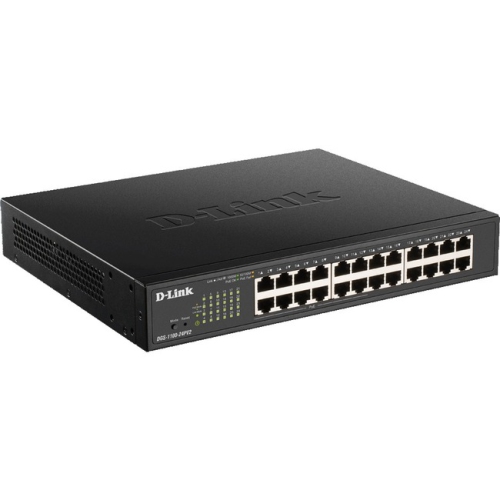
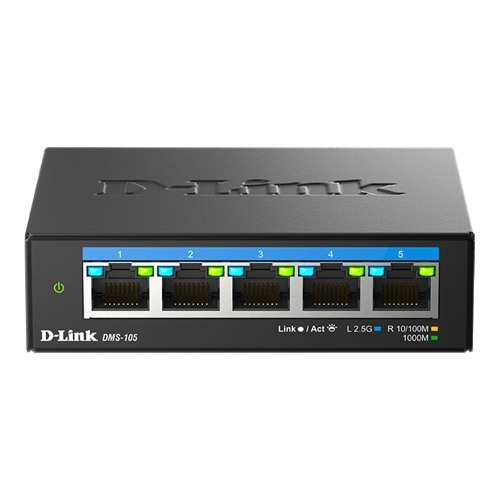
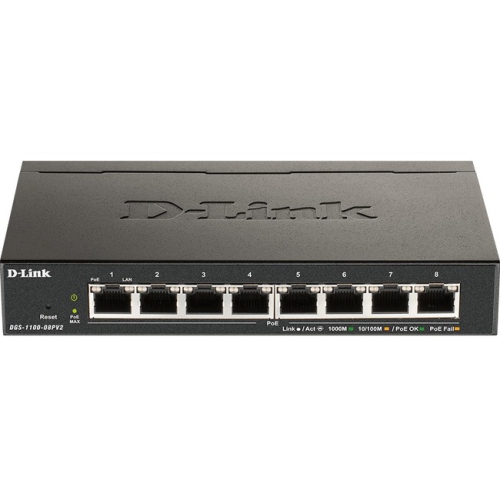
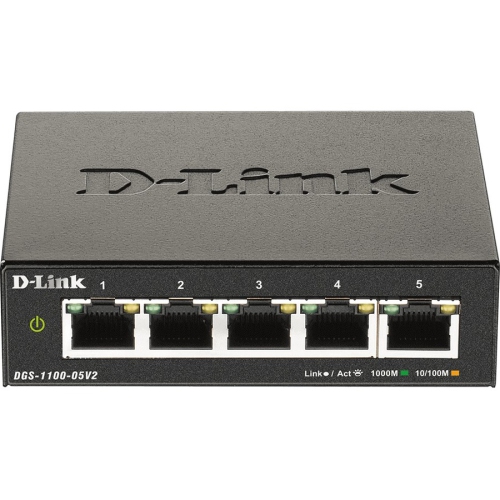

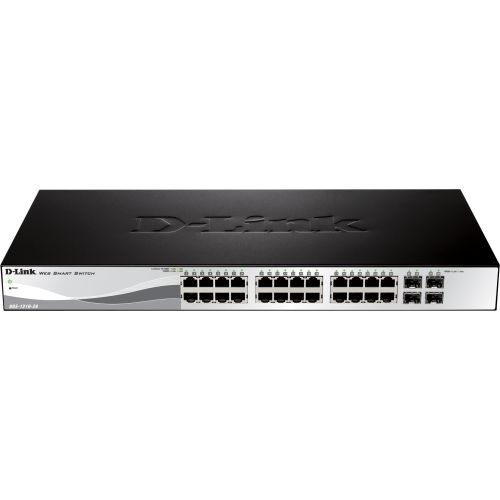
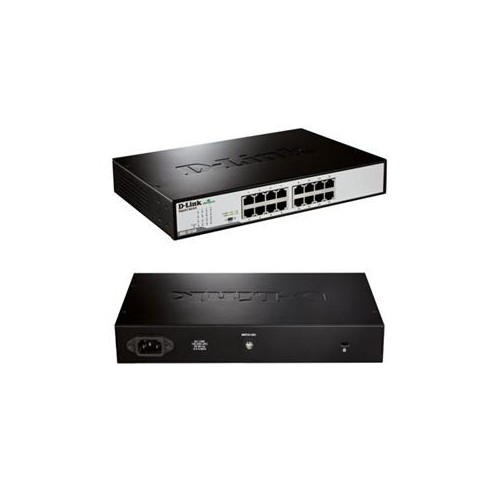
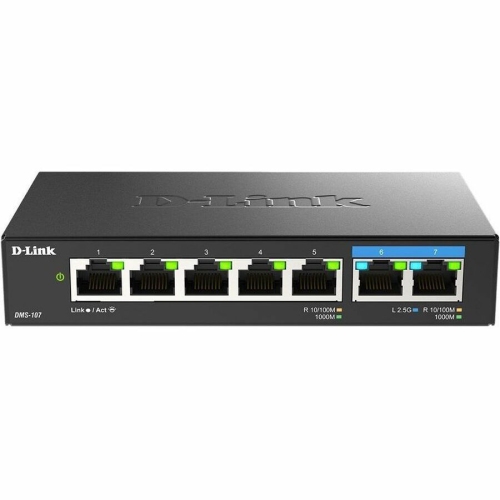
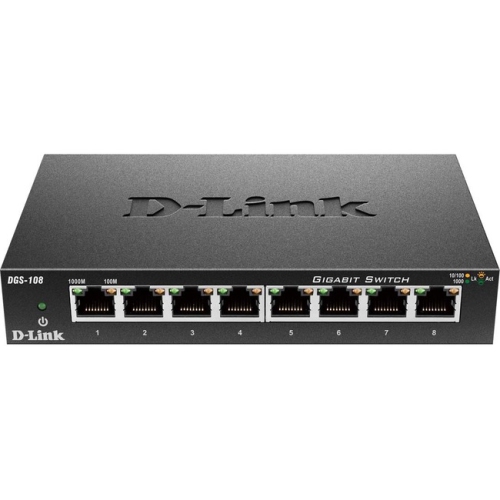
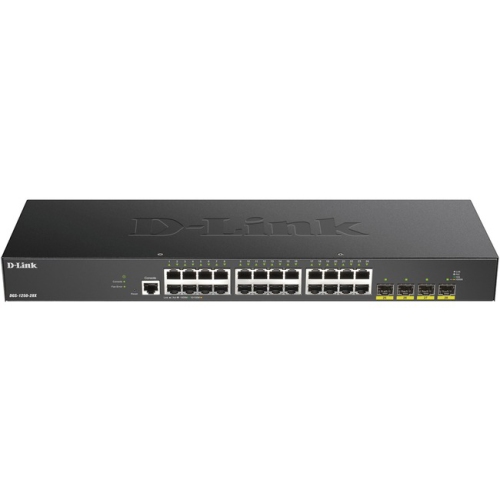
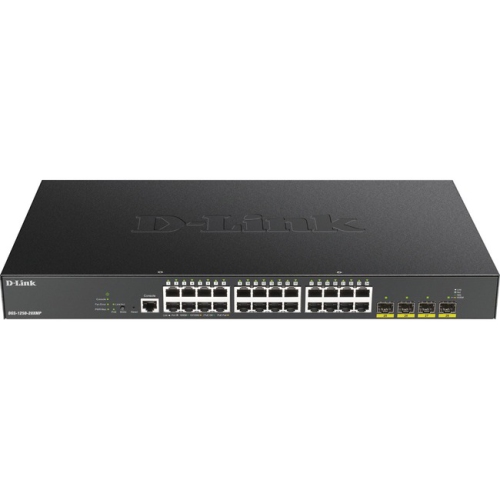
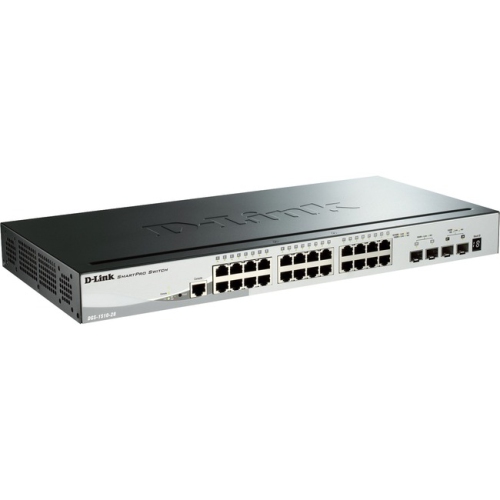
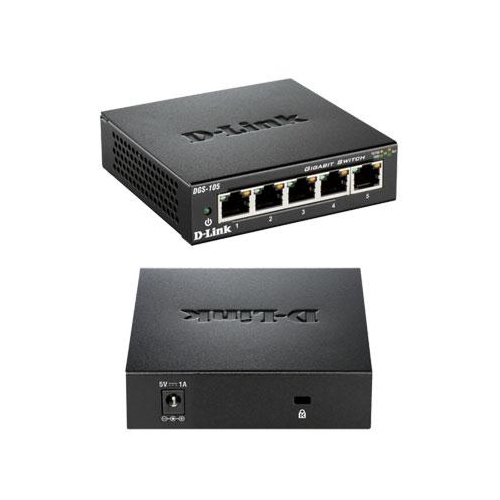
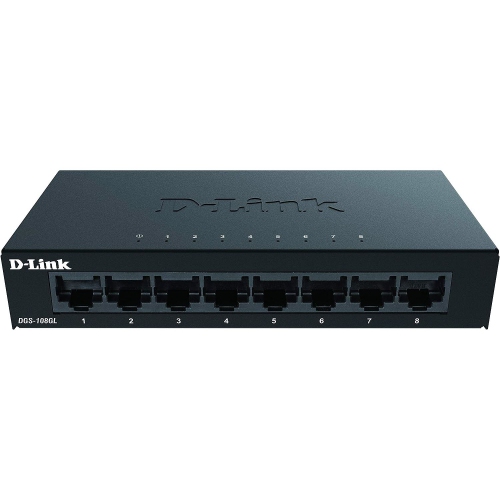
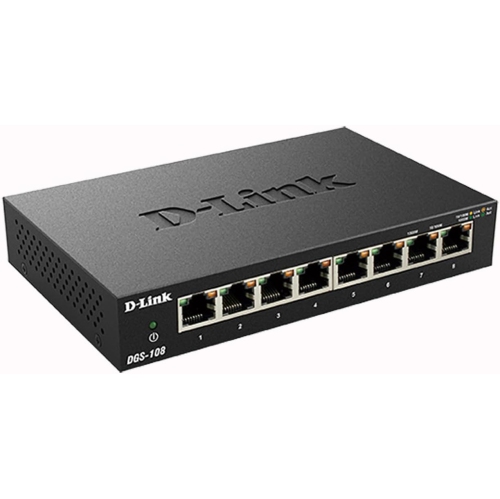
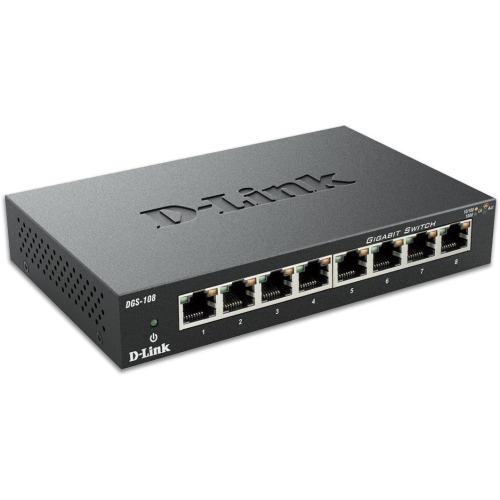
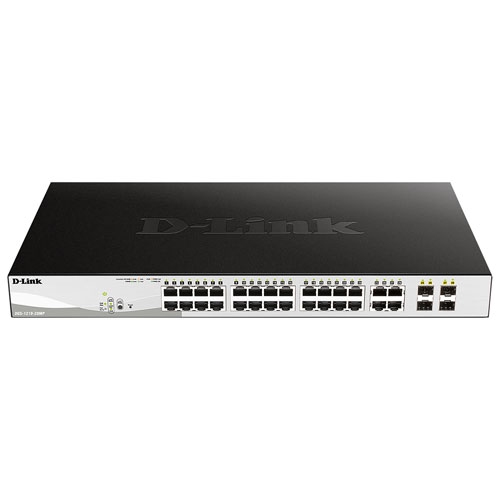
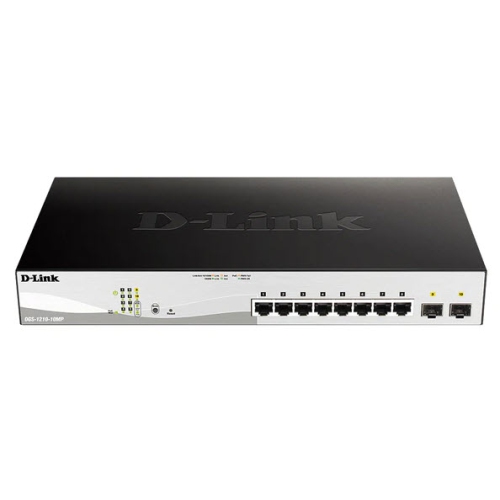
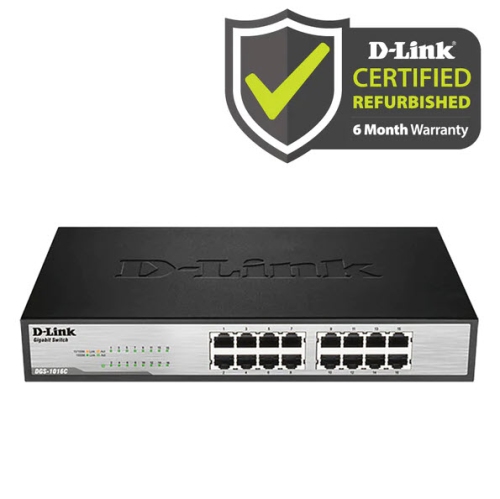

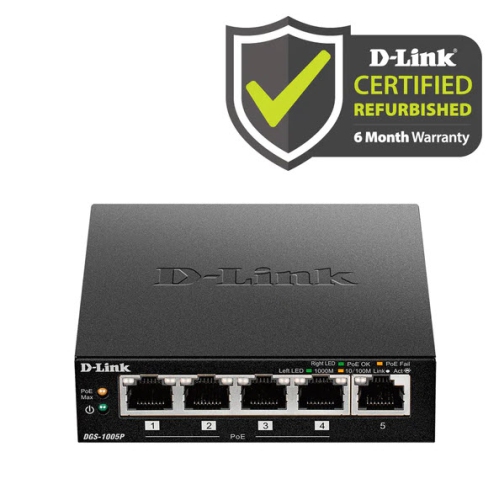
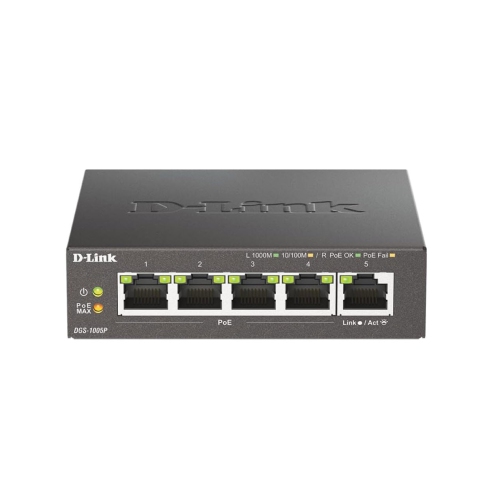
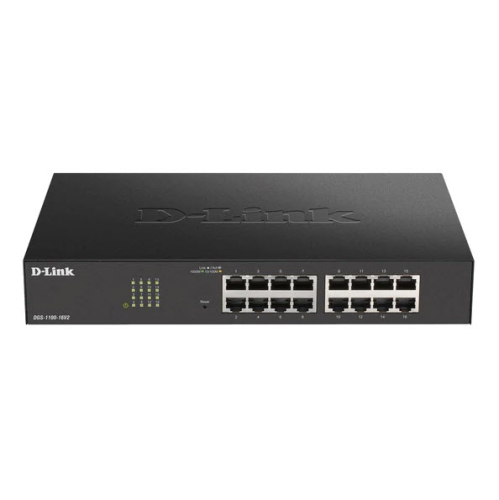
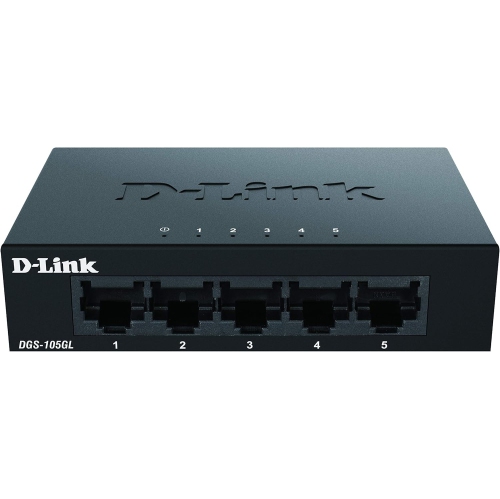
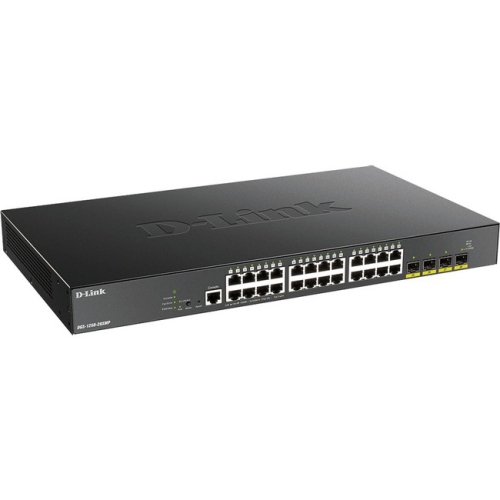
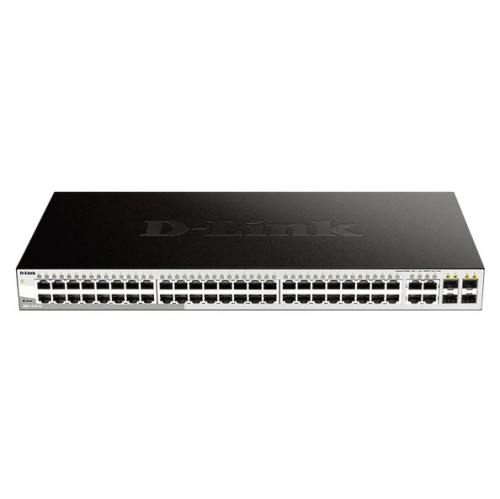
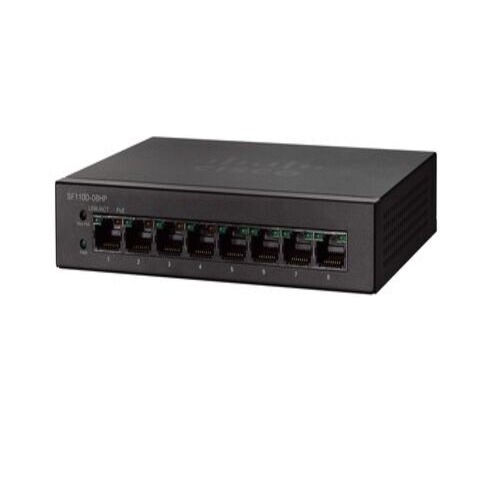
More wired connections without swapping cables throughout the day
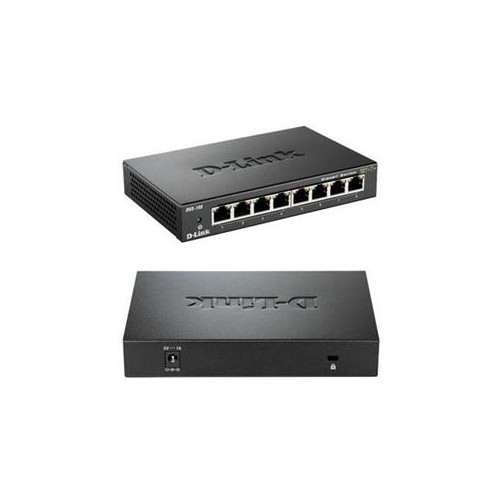
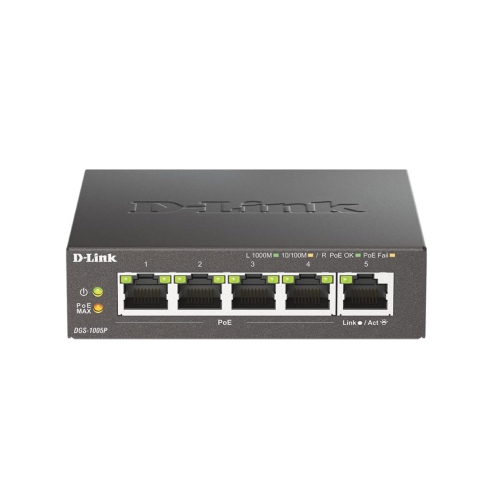
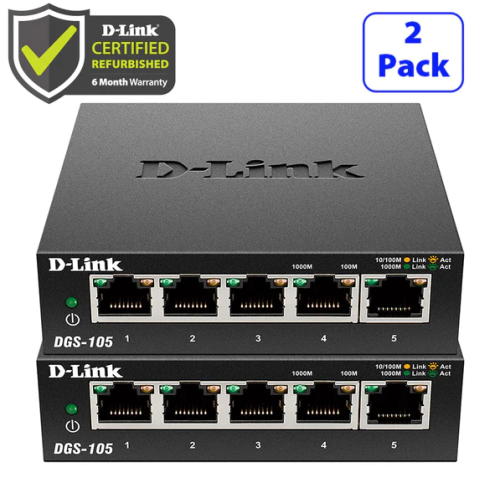
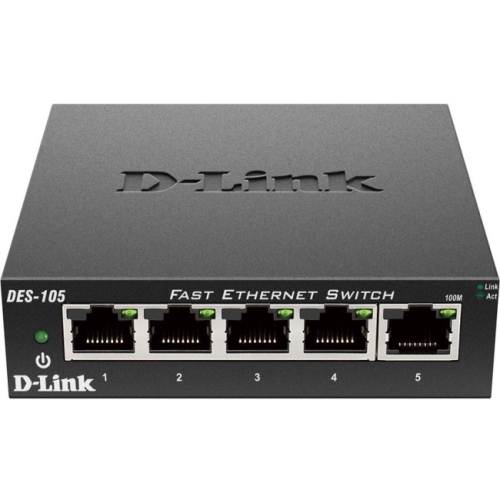
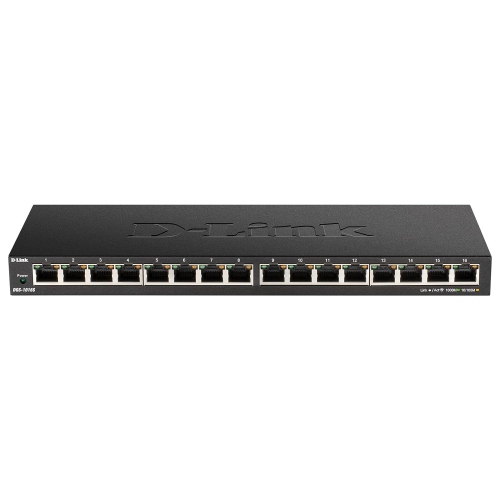
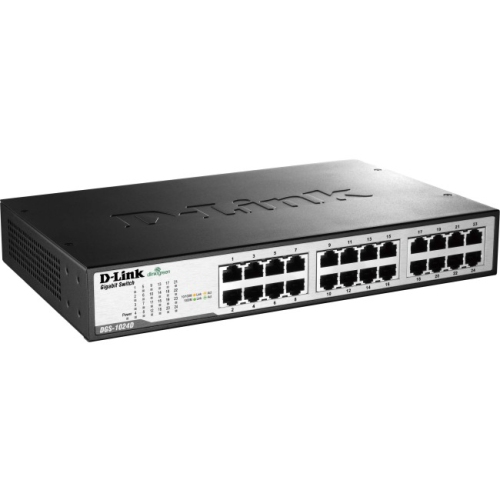
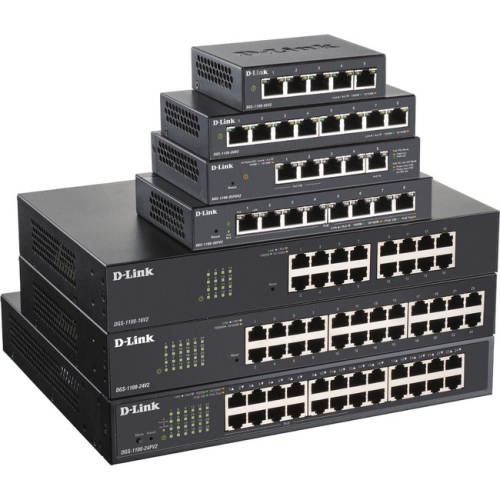
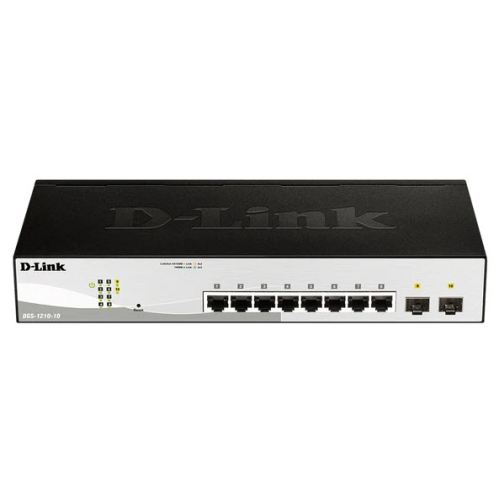
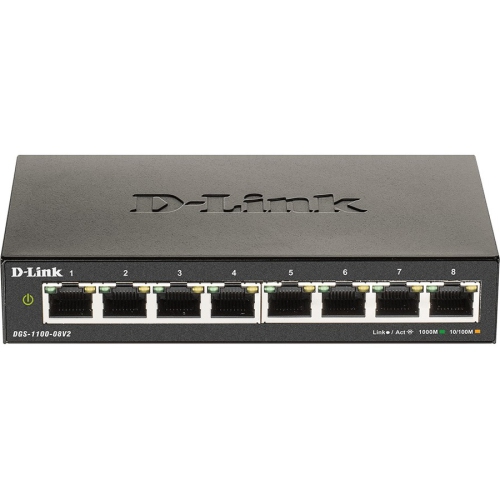
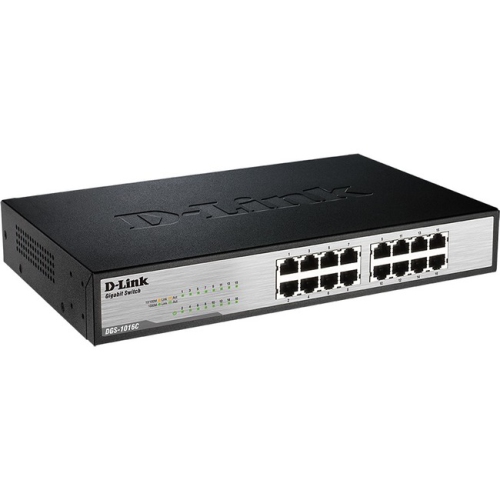
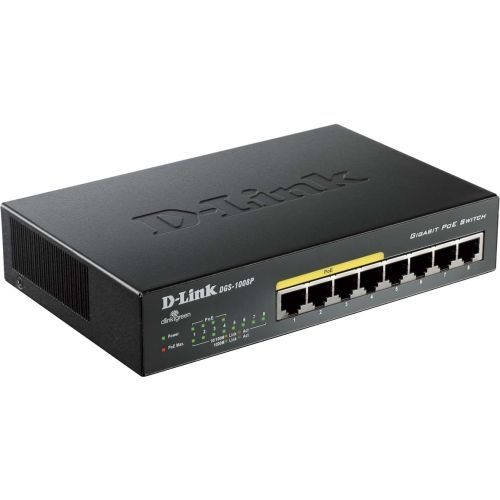
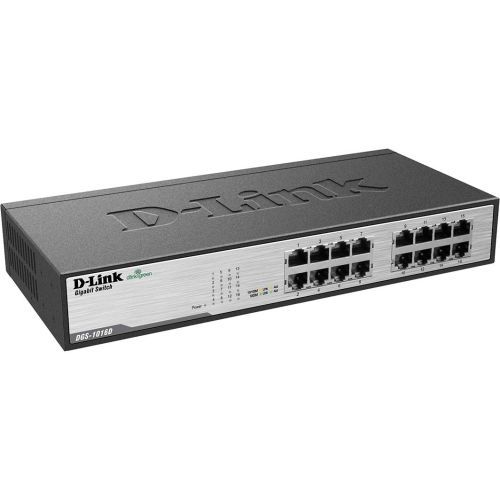
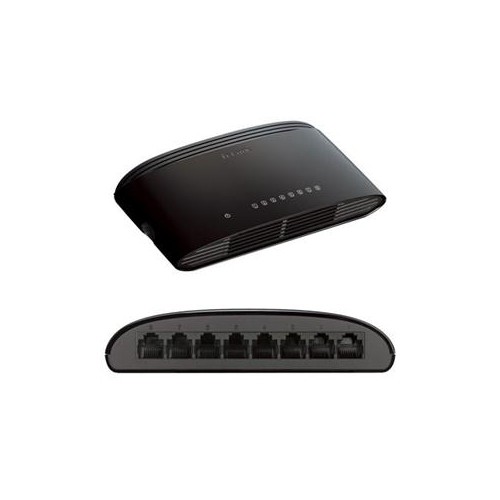
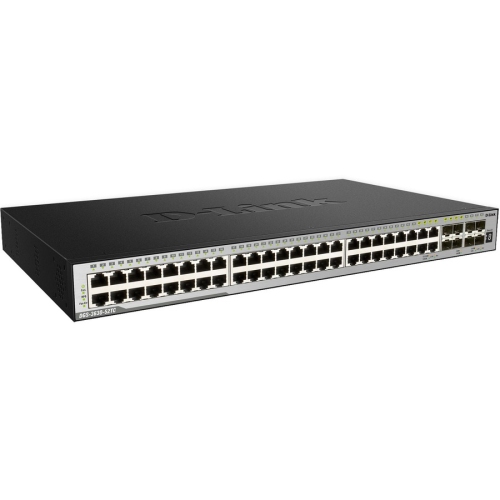
Desktop Ethernet switches expand the number of wired connections on a home or small-office network, giving computers, printers, network storage, and other compatible devices a central place to connect. They are particularly useful when a router has only a few Ethernet ports but several devices would benefit from a cable connection. In a home office, that might mean connecting a desktop computer, a work laptop through an Ethernet adapter, and a shared printer without swapping cables throughout the day. Beside a television, a compact switch can connect a game console, streaming device, and other network-capable equipment through a single cable running back to the router. A switch forwards data between connected devices; it does not replace the modem or router that provides internet access and manages the broader home network. Unmanaged desktop switches are designed for straightforward expansion, typically requiring little more than power and Ethernet connections to begin working. There is generally no management dashboard to configure, making this type well suited to households, students, and small businesses that want additional ports without taking on network administration. Wired connections can provide consistent performance for video calls, large file transfers, and online play, although the experience still depends on the internet service, router, cabling, and connected hardware. Adding a switch does not increase the speed of an internet plan, and devices using the same connection back to the router share that link’s capacity. Local traffic, such as copying files from a computer to network storage, can travel through the switch without relying on the internet connection when both devices are on the same local network. This distinction makes desktop switches useful for more than simply getting extra devices online: they can also support a practical shared workspace where files, printing, and other everyday tasks move across wired connections. Their compact format suits desks, shelves, and media cabinets where a full-size rack-mounted installation would be unnecessary or difficult to accommodate.
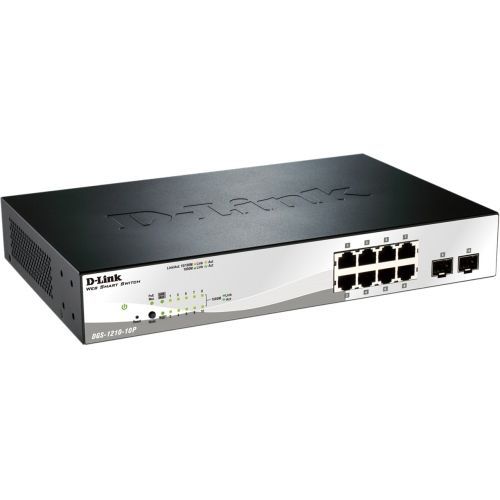
Port count and supported connection speeds are the main considerations when comparing desktop switches. Each wired device needs a port, and a typical setup also uses one port for the connection back to the router or another switch. An eight-port switch, for example, generally leaves seven ports for local devices once that connection is in place. Leaving a little room for another computer, a network printer, or a future access point can help avoid an awkward chain of small switches later. Gigabit Ethernet supports a nominal link rate of up to 1 Gbps per compatible port and is a practical match for many everyday home and office tasks. Multi-gigabit connections may be worth considering for demanding local file transfers, but the switch, connected devices, adapters, and cables must all support the intended speed. Actual transfer rates are lower than nominal link rates and can also be limited by storage performance or other hardware. A faster switch alone will not make an older Ethernet adapter operate beyond its own capability. Standard RJ45 Ethernet ports work with suitable twisted-pair network cables, and correctly installed Cat 5e or Cat 6 cabling commonly supports Gigabit Ethernet. Cable length, condition, and routing matter, particularly when a connection runs from a router in one room to a workstation in another. For most straightforward setups, an unmanaged switch keeps the experience simple. Where supported, managed or smart-managed features offer more control, including options to separate traffic with VLANs, monitor connections, or prioritize certain types of traffic. These features require compatible equipment and appropriate configuration rather than delivering benefits automatically. Power over Ethernet, or PoE, is another model-dependent feature that can supply data and electrical power to compatible access points, cameras, or phones through one cable. A PoE setup requires matching the device’s power standard and requirements to both the individual port limit and the switch’s total power budget. Ordinary Ethernet ports should not be assumed to provide power, and not every desktop switch includes PoE or management features.
Physical design matters when a switch will sit within arm’s reach every day. Desktop housings may be plastic or metal, with differences in weight, finish, and how firmly the unit stays in place when several cables are attached. A metal enclosure can feel sturdy in a busy workspace, while a lightweight plastic housing may be easy to position on a small shelf; enclosure material alone does not establish overall durability or performance. Dimensions should account for more than the chassis itself, since cable plugs and the power connector need clearance. Port placement can determine whether cables trail neatly behind a desk or face outward for frequent changes, and visible link indicators make it easier to check whether a connection is active. Fanless designs operate without fan noise, a useful quality beside a microphone, in a study area, or near a television, though cooling arrangements vary by model. Ventilation openings should remain clear, and equipment should not be buried under papers or enclosed in a tightly packed cabinet. For routine care, disconnect power before cleaning, follow the manufacturer’s instructions, and use a soft, dry cloth on the exterior rather than spraying liquids near the ports. Avoid sharp cable bends and tension on connectors, especially where a laptop dock is moved regularly or a desk is raised and lowered. Small details such as labelled cables and enough slack for repositioning can make a shared office easier to maintain. Wall-mounting slots, where included, may free up desk space, but mounting hardware and orientation should follow the unit’s documentation. For households adding a few wired devices, simplicity and a convenient footprint may matter most; for a small business, room to grow and the right network controls may carry more weight. Shoppers comparing other networking options can also explore Unifi Switches with those same connection, power, and placement needs in mind. A well-matched desktop switch fits quietly into the setup, keeping everyday equipment connected without making the workspace harder to use.
Port count and supported connection speeds are the main considerations when comparing desktop switches. Each wired device needs a port, and a typical setup also uses one port for the connection back to the router or another switch. An eight-port switch, for example, generally leaves seven ports for local devices once that connection is in place. Leaving a little room for another computer, a network printer, or a future access point can help avoid an awkward chain of small switches later. Gigabit Ethernet supports a nominal link rate of up to 1 Gbps per compatible port and is a practical match for many everyday home and office tasks. Multi-gigabit connections may be worth considering for demanding local file transfers, but the switch, connected devices, adapters, and cables must all support the intended speed. Actual transfer rates are lower than nominal link rates and can also be limited by storage performance or other hardware. A faster switch alone will not make an older Ethernet adapter operate beyond its own capability. Standard RJ45 Ethernet ports work with suitable twisted-pair network cables, and correctly installed Cat 5e or Cat 6 cabling commonly supports Gigabit Ethernet. Cable length, condition, and routing matter, particularly when a connection runs from a router in one room to a workstation in another. For most straightforward setups, an unmanaged switch keeps the experience simple. Where supported, managed or smart-managed features offer more control, including options to separate traffic with VLANs, monitor connections, or prioritize certain types of traffic. These features require compatible equipment and appropriate configuration rather than delivering benefits automatically. Power over Ethernet, or PoE, is another model-dependent feature that can supply data and electrical power to compatible access points, cameras, or phones through one cable. A PoE setup requires matching the device’s power standard and requirements to both the individual port limit and the switch’s total power budget. Ordinary Ethernet ports should not be assumed to provide power, and not every desktop switch includes PoE or management features.
Physical design matters when a switch will sit within arm’s reach every day. Desktop housings may be plastic or metal, with differences in weight, finish, and how firmly the unit stays in place when several cables are attached. A metal enclosure can feel sturdy in a busy workspace, while a lightweight plastic housing may be easy to position on a small shelf; enclosure material alone does not establish overall durability or performance. Dimensions should account for more than the chassis itself, since cable plugs and the power connector need clearance. Port placement can determine whether cables trail neatly behind a desk or face outward for frequent changes, and visible link indicators make it easier to check whether a connection is active. Fanless designs operate without fan noise, a useful quality beside a microphone, in a study area, or near a television, though cooling arrangements vary by model. Ventilation openings should remain clear, and equipment should not be buried under papers or enclosed in a tightly packed cabinet. For routine care, disconnect power before cleaning, follow the manufacturer’s instructions, and use a soft, dry cloth on the exterior rather than spraying liquids near the ports. Avoid sharp cable bends and tension on connectors, especially where a laptop dock is moved regularly or a desk is raised and lowered. Small details such as labelled cables and enough slack for repositioning can make a shared office easier to maintain. Wall-mounting slots, where included, may free up desk space, but mounting hardware and orientation should follow the unit’s documentation. For households adding a few wired devices, simplicity and a convenient footprint may matter most; for a small business, room to grow and the right network controls may carry more weight. Shoppers comparing other networking options can also explore Unifi Switches with those same connection, power, and placement needs in mind. A well-matched desktop switch fits quietly into the setup, keeping everyday equipment connected without making the workspace harder to use.
Top selling and popular products
-
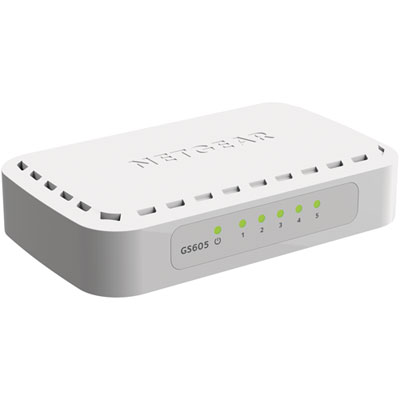 Your price for this item is $34.99
 -
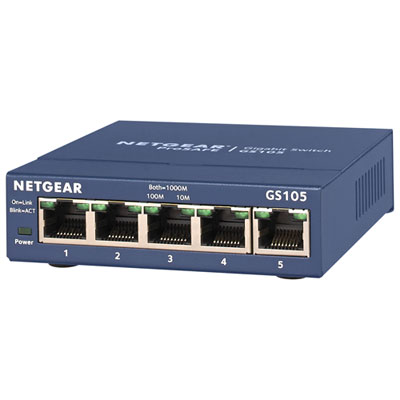 Your price for this item is $44.99
 -
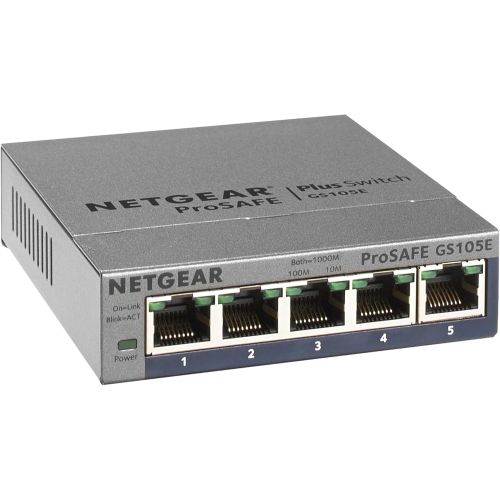 Your price for this item is $73.37
 -
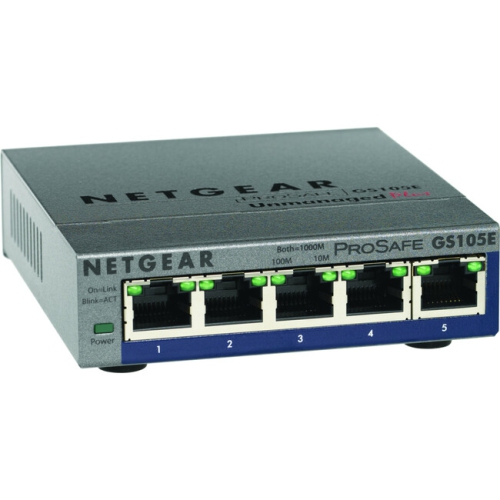 Your price for this item is $76.99
 -
 Your price for this item is $51.65
 -
 Your price for this item is $63.68
 -
 Your price for this item is $29.99
 -
 Your price for this item is $49.99
Discover more categories related to D-Link Desktop Switches
Top Collections:
Pokemon Centers, Budget 4K TVs, Best Budget Office Chairs, Kindle Devices, Canon G7X Cameras, Apple iPhones 16, iPhone 15 Apple, Laptops for Business Work, Xiaomi Phones, Flip Phones
Some products may be subject to Environmental Handling Fees
(EHF) depending on your province.
Learn more about EHFs.