Unifi Switches
Upgrade your network with high-performance switches that deliver fast and reliable connectivity. Our selection of Unifi switches offers advanced features and cutting-edge technology to enhance your network performance. Whether you're a small business owner, a tech enthusiast, or a home user looking to optimize your network, these switches are designed to meet your specific needs. With their sleek design, easy installation, and robust capabilities, Unifi switches provide the perfect solution for seamless networking across multiple devices. Explore our range of Unifi switches today and take your network to the next level.
Sort
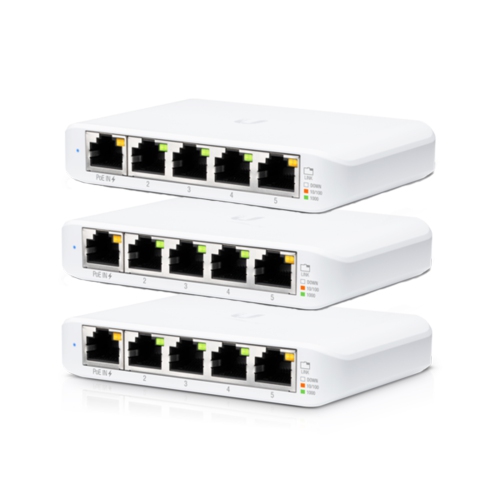
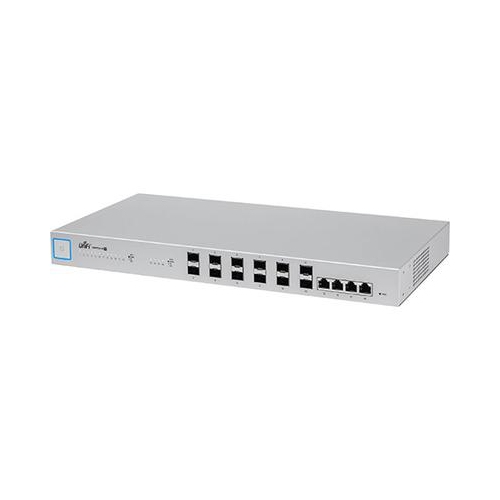
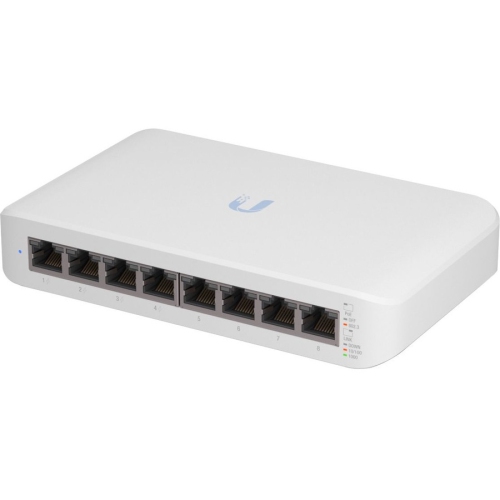
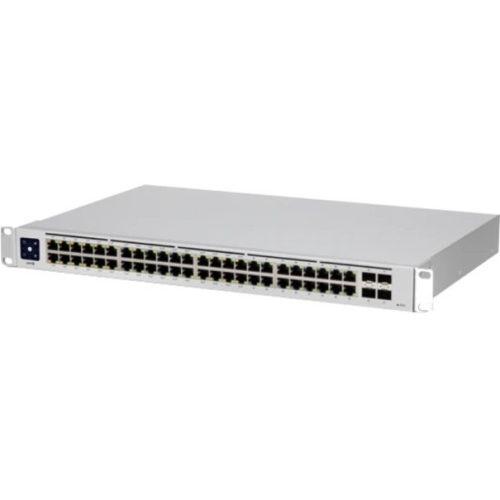
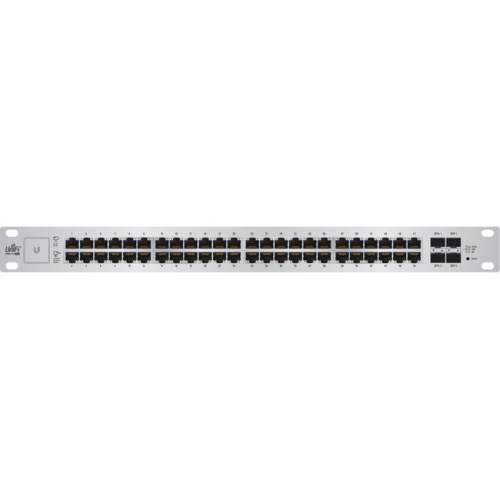

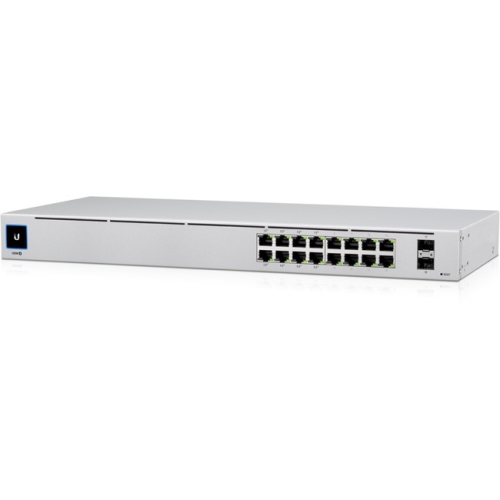

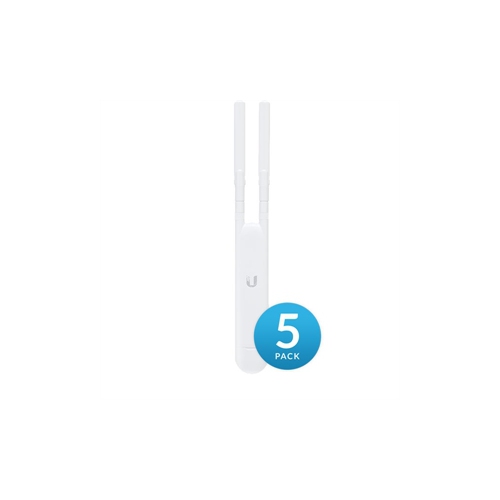
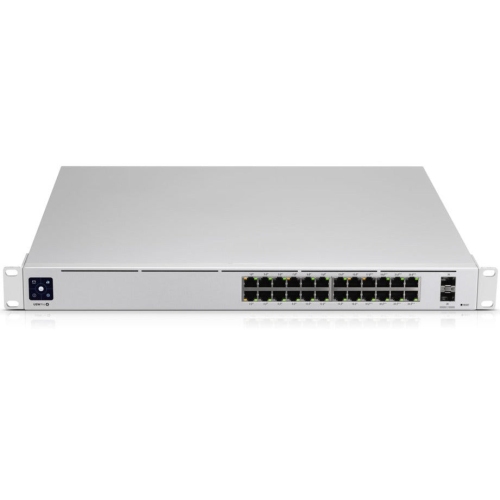
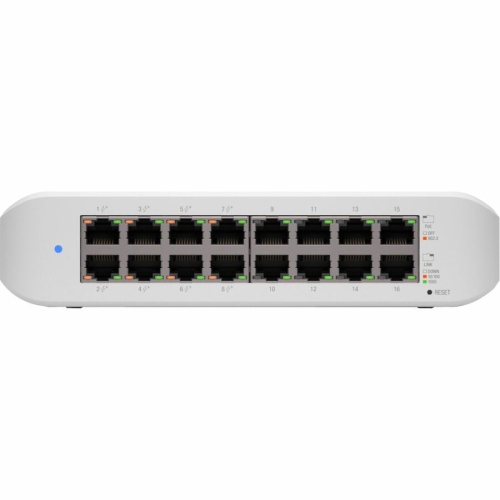
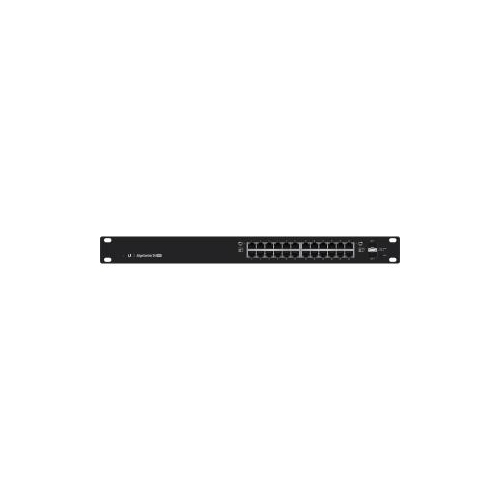
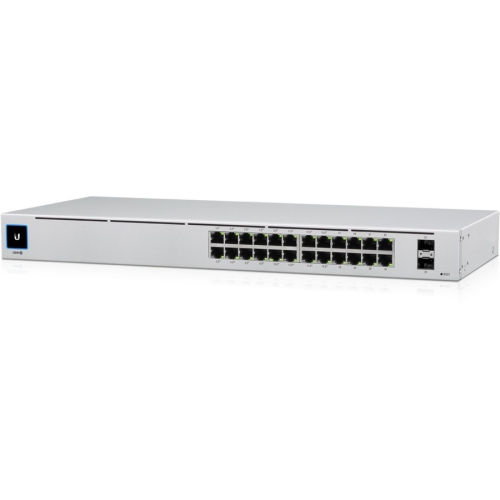
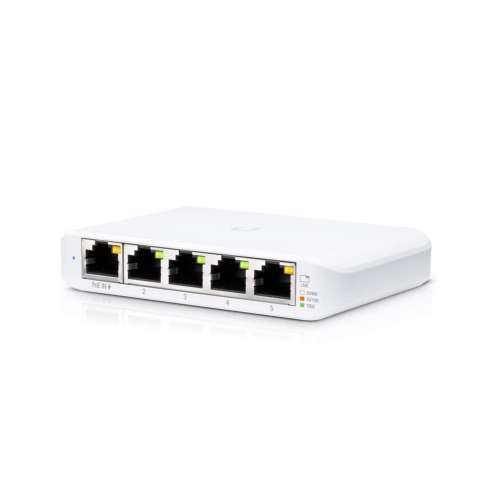
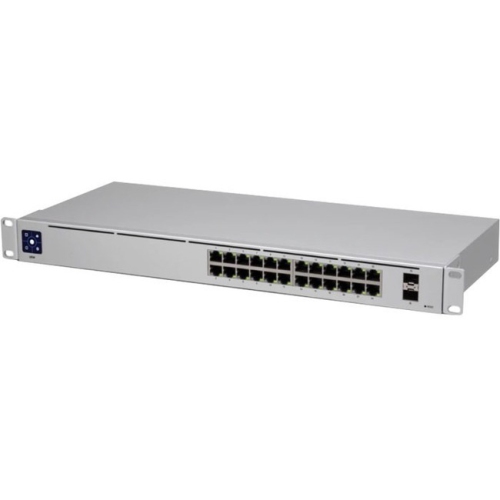
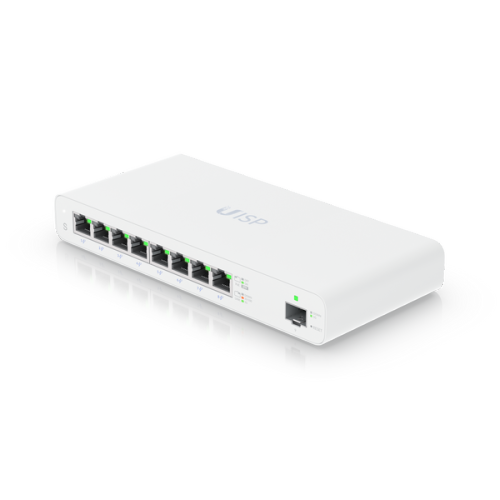

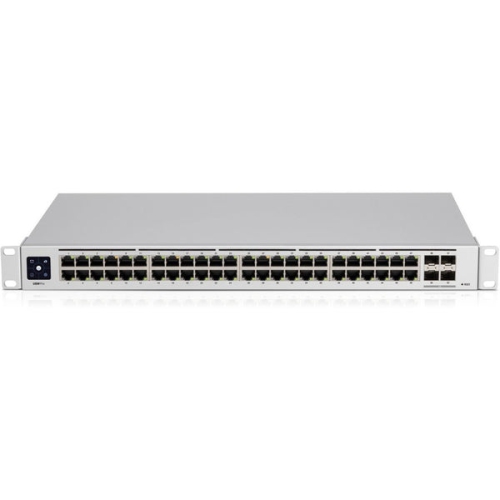
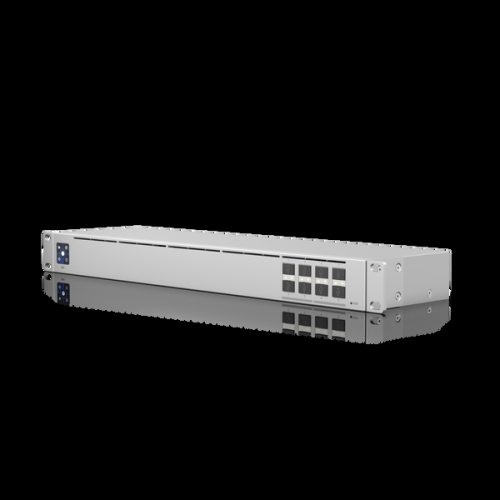
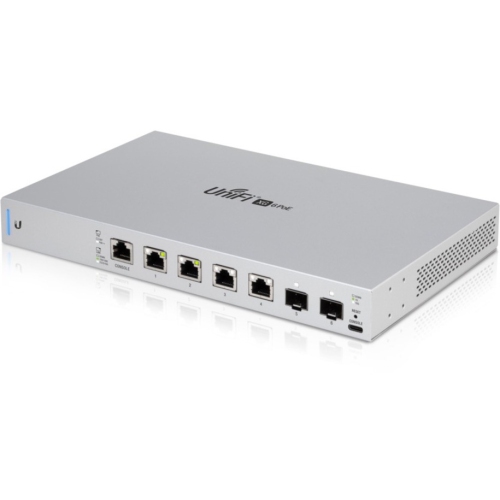
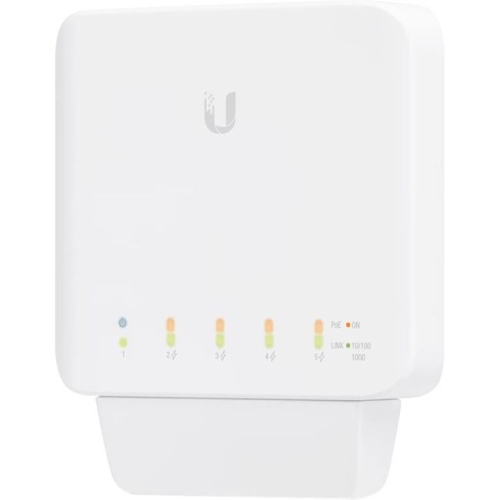
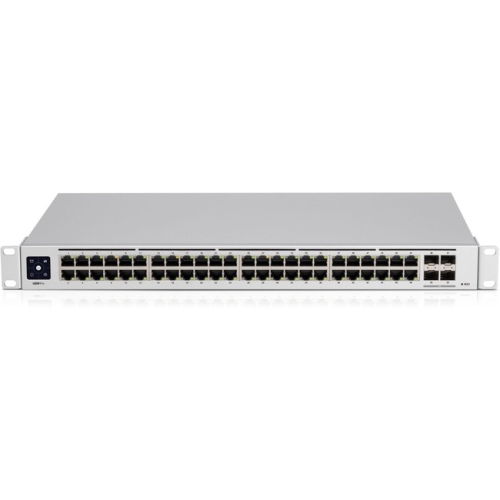
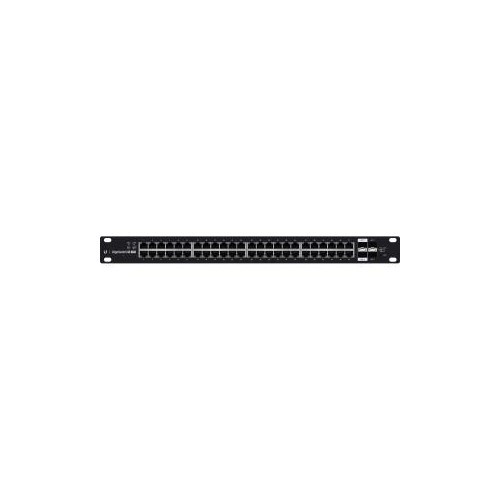
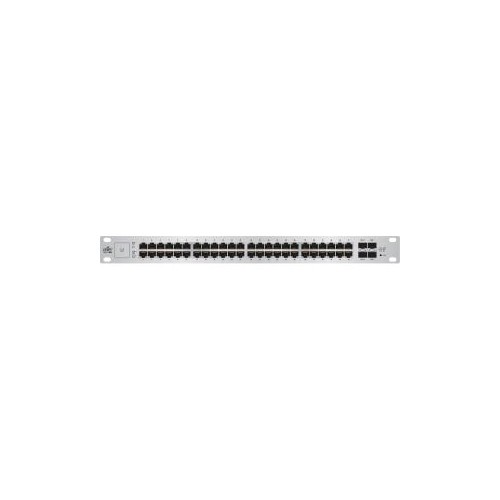
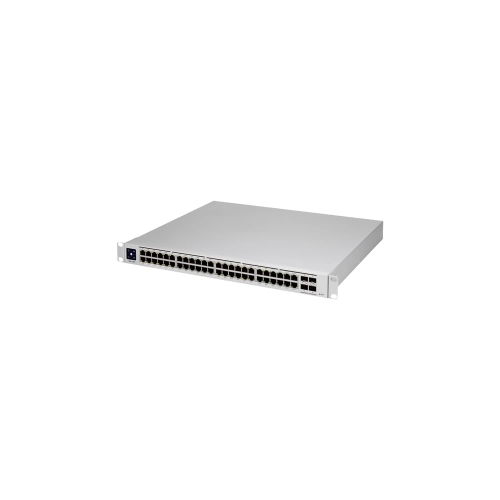
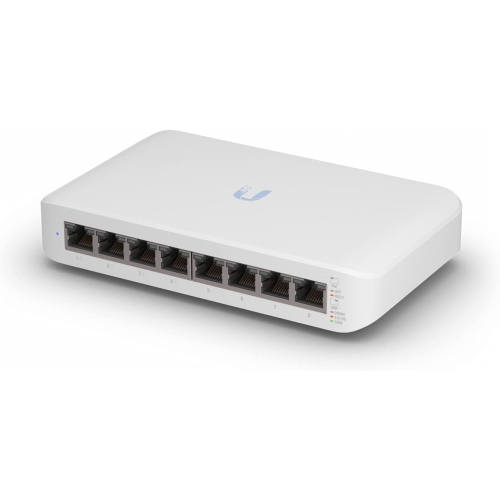
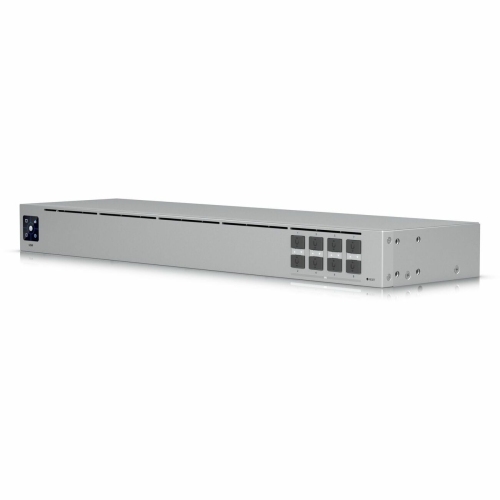
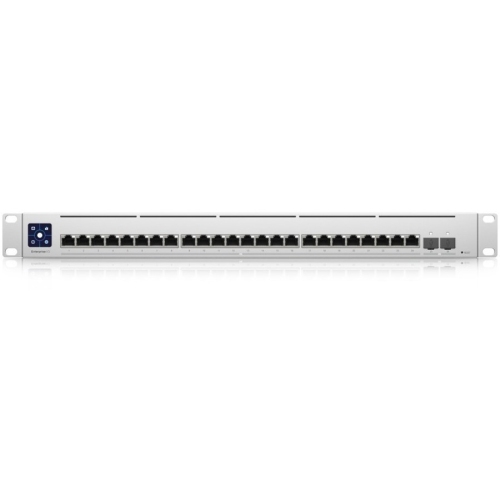
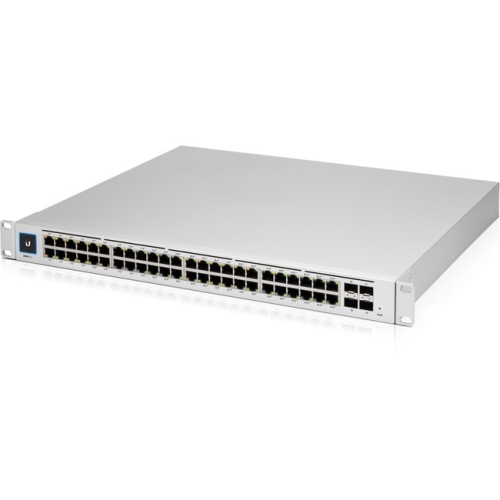
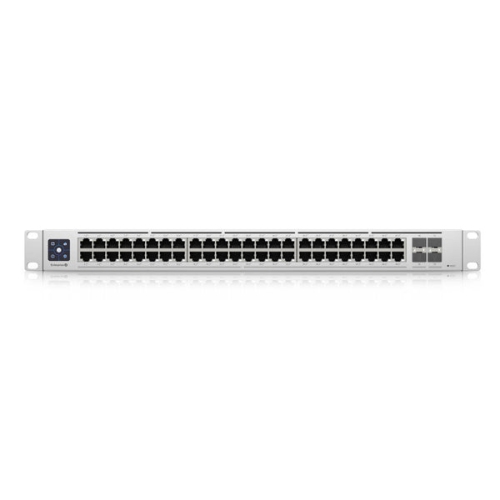
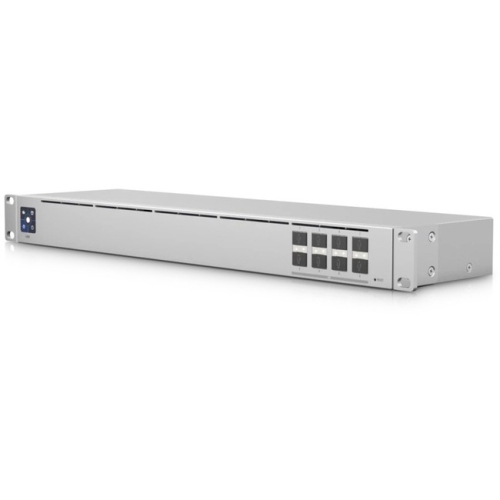
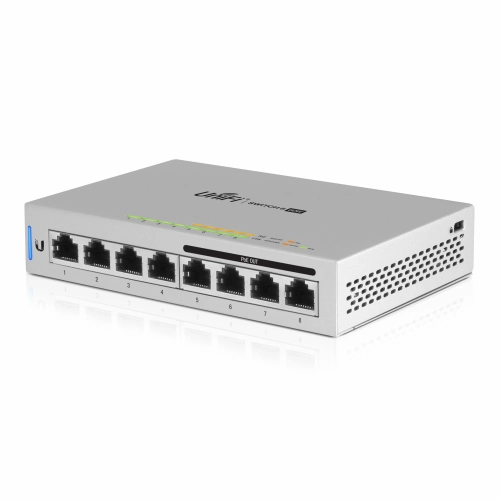
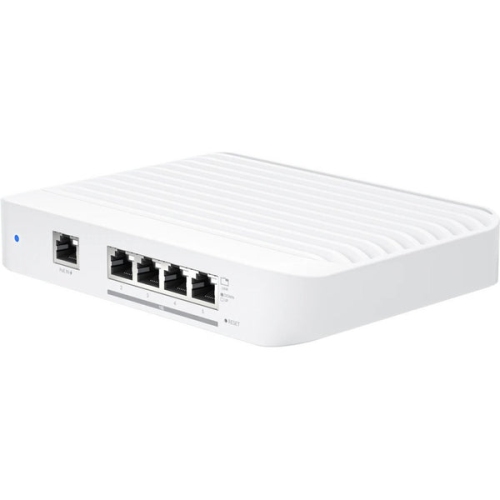
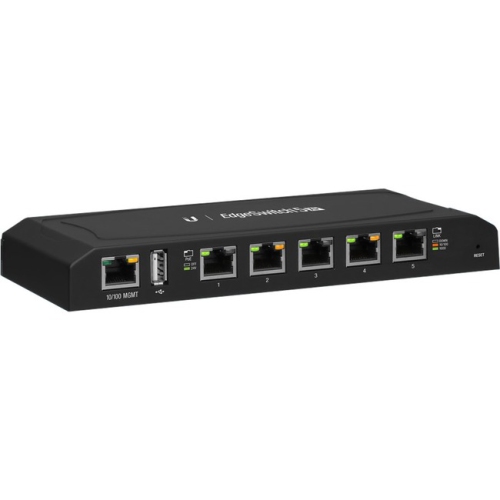
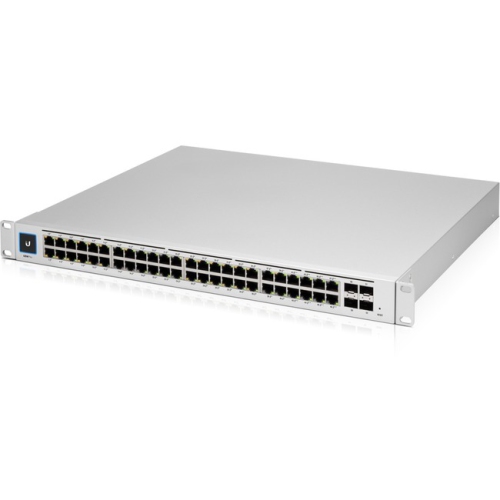
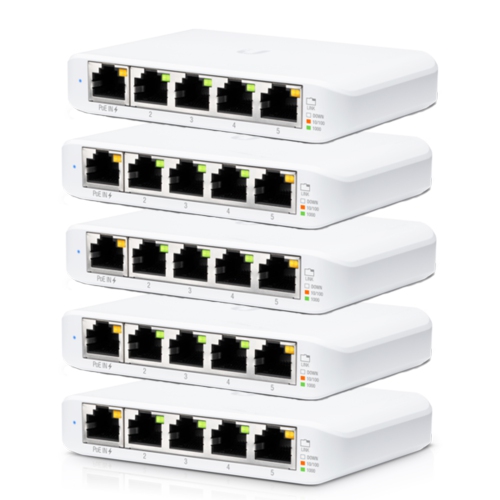
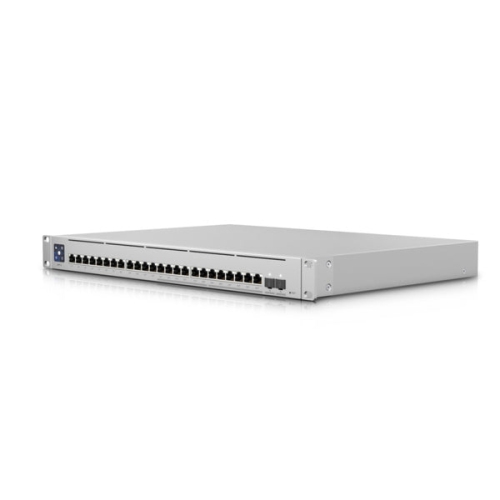
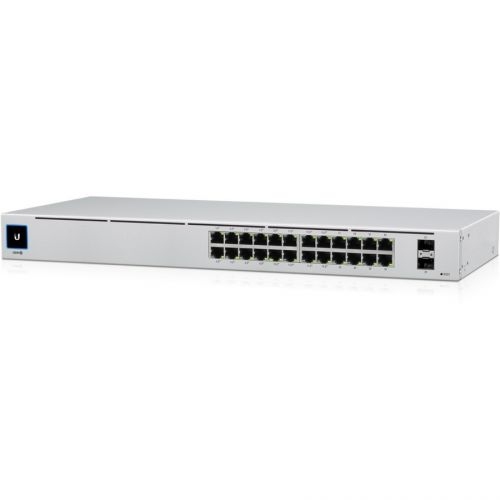
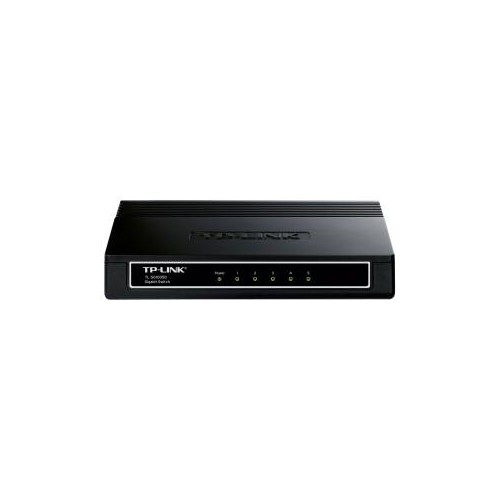
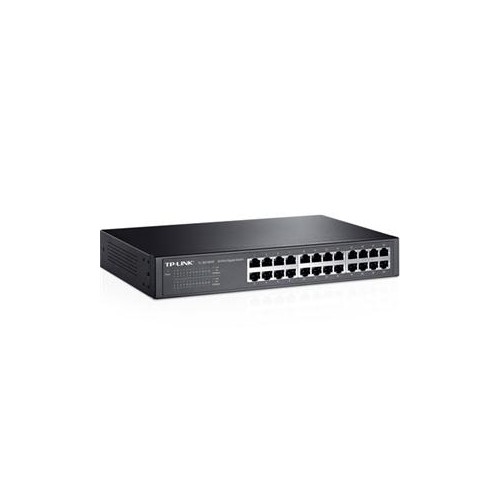

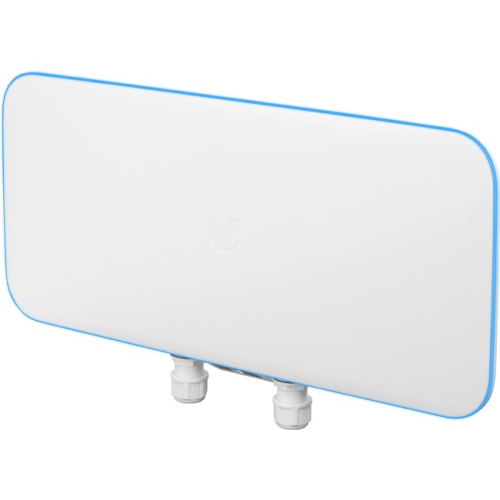
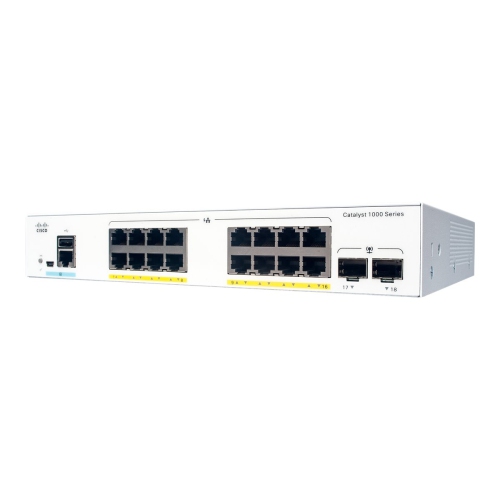
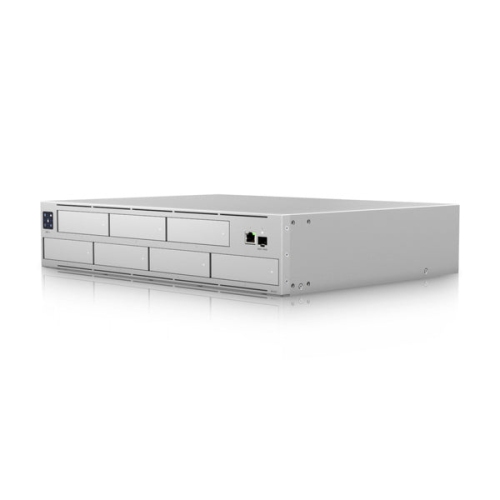
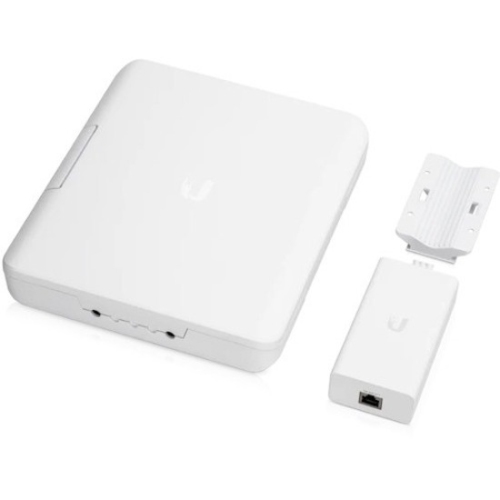

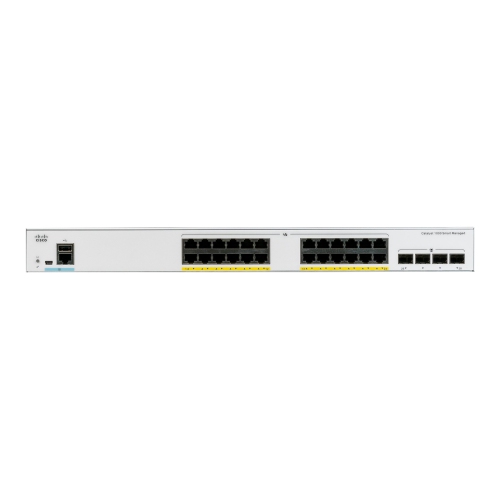
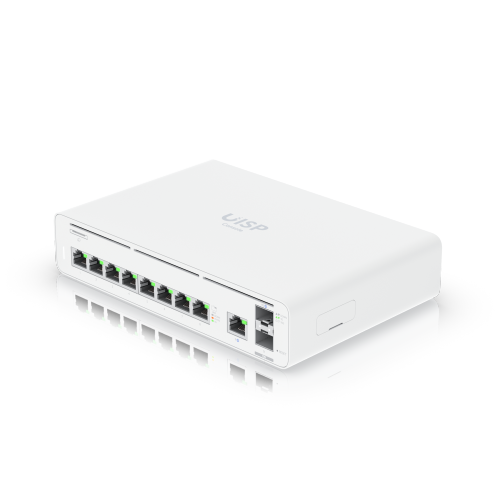
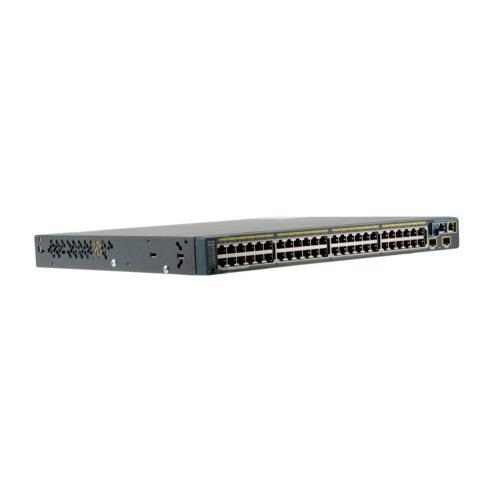
Wired connections with room to grow and manage
Network switches provide the wired foundation for a dependable home, office, studio, classroom, retail space, or small business network. While a router connects your local network to the internet, a switch expands the number of wired devices that can communicate with one another, helping distribute a stable connection to computers, wireless access points, printers, security cameras, smart home hubs, network storage, televisions, and other Ethernet-equipped devices. A switch can be especially useful in spaces where Wi-Fi has to travel through thick walls, multiple floors, busy areas, or rooms filled with interference. Running Ethernet to a desk, access point, media cabinet, or workbench can make a noticeable difference when smooth video calls, large file transfers, online gaming, streaming, or dependable access to shared files matters. These products are also a practical choice for anyone building a network from the ground up or replacing a basic switch with equipment that offers more control and room to grow. Before choosing one, consider how many wired devices you need to connect today and how many you may add later. Counting every computer, access point, camera, printer, game console, network drive, and other device can help you avoid filling every port immediately. Leaving a few open ports provides useful flexibility as your household, workspace, or connected equipment expands.
Port speed and power delivery are two of the most important specifications to review. Standard Gigabit Ethernet is suitable for many everyday connections, including office computers, printers, televisions, and general internet access, while faster ports can be valuable for workstations, network-attached storage, video production, gaming setups, and frequent transfers of large files. Some switches include higher-speed uplink ports that connect the switch to a router or another switch, helping prevent that central connection from becoming a bottleneck when many devices are active together. Power over Ethernet, commonly called PoE, can send electrical power and data through one Ethernet cable to compatible devices such as wireless access points, cameras, intercoms, and voice phones. This can simplify installation by reducing the need for separate power adapters and nearby outlets, particularly when a device is mounted on a ceiling, wall, exterior structure, or hard-to-reach location. Check the switch’s PoE standard, the amount of power available across all ports, and the requirements of each connected device before purchasing. A switch may support PoE while still having a limited total power budget, so confirming those details helps prevent interruptions and makes planning more straightforward. Physical design matters as well. A compact, fanless model can suit a desk, shelf, media console, or home office where quiet operation is important, while a rack-mountable model may be better for a server cabinet or organized equipment room. Pay attention to ventilation, cable placement, mounting hardware, and the length of the power cord so the installation feels tidy rather than improvised.
Network switches range from simple plug-and-play equipment to configurable devices designed for more detailed network management. Basic models can be a good fit for a household or small workspace where the main goal is adding wired ports with minimal setup. More advanced equipment may support features such as VLANs, traffic prioritization, link aggregation, monitoring, port profiles, and centralized configuration. VLAN support can help separate traffic between groups, such as work computers, guest devices, cameras, smart home products, and personal equipment, which is useful for organization and access control. Traffic prioritization can help give voice calls, video meetings, or other time-sensitive activities the attention they need when a network is busy. Centralized management can be valuable when several switches and access points are installed across a home, office, workshop, or multi-room property, allowing settings and performance information to be viewed from one interface instead of adjusted one device at a time. It is worth confirming compatibility with your existing router, access points, Ethernet cabling, and management software before making a decision. A carefully planned setup can make daily technology feel almost invisible: a work laptop connects quickly in the morning, a camera continues recording, a printer is available from another room, and a family member can stream without disrupting a video call. Whether you are improving a home network, preparing a small business for additional staff, or giving a tech-minded friend equipment for a new workspace, choose a switch that matches the network’s scale, speed, power, and management needs. For networks that require more control over traffic and connected devices, explore Managed Switches to compare options suited to a more structured installation.
Port speed and power delivery are two of the most important specifications to review. Standard Gigabit Ethernet is suitable for many everyday connections, including office computers, printers, televisions, and general internet access, while faster ports can be valuable for workstations, network-attached storage, video production, gaming setups, and frequent transfers of large files. Some switches include higher-speed uplink ports that connect the switch to a router or another switch, helping prevent that central connection from becoming a bottleneck when many devices are active together. Power over Ethernet, commonly called PoE, can send electrical power and data through one Ethernet cable to compatible devices such as wireless access points, cameras, intercoms, and voice phones. This can simplify installation by reducing the need for separate power adapters and nearby outlets, particularly when a device is mounted on a ceiling, wall, exterior structure, or hard-to-reach location. Check the switch’s PoE standard, the amount of power available across all ports, and the requirements of each connected device before purchasing. A switch may support PoE while still having a limited total power budget, so confirming those details helps prevent interruptions and makes planning more straightforward. Physical design matters as well. A compact, fanless model can suit a desk, shelf, media console, or home office where quiet operation is important, while a rack-mountable model may be better for a server cabinet or organized equipment room. Pay attention to ventilation, cable placement, mounting hardware, and the length of the power cord so the installation feels tidy rather than improvised.
Network switches range from simple plug-and-play equipment to configurable devices designed for more detailed network management. Basic models can be a good fit for a household or small workspace where the main goal is adding wired ports with minimal setup. More advanced equipment may support features such as VLANs, traffic prioritization, link aggregation, monitoring, port profiles, and centralized configuration. VLAN support can help separate traffic between groups, such as work computers, guest devices, cameras, smart home products, and personal equipment, which is useful for organization and access control. Traffic prioritization can help give voice calls, video meetings, or other time-sensitive activities the attention they need when a network is busy. Centralized management can be valuable when several switches and access points are installed across a home, office, workshop, or multi-room property, allowing settings and performance information to be viewed from one interface instead of adjusted one device at a time. It is worth confirming compatibility with your existing router, access points, Ethernet cabling, and management software before making a decision. A carefully planned setup can make daily technology feel almost invisible: a work laptop connects quickly in the morning, a camera continues recording, a printer is available from another room, and a family member can stream without disrupting a video call. Whether you are improving a home network, preparing a small business for additional staff, or giving a tech-minded friend equipment for a new workspace, choose a switch that matches the network’s scale, speed, power, and management needs. For networks that require more control over traffic and connected devices, explore Managed Switches to compare options suited to a more structured installation.
Top selling and popular products
-
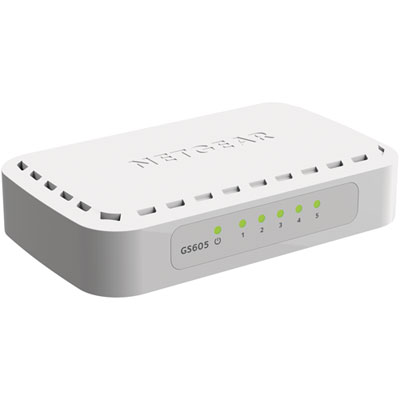 Your price for this item is $34.99
 -
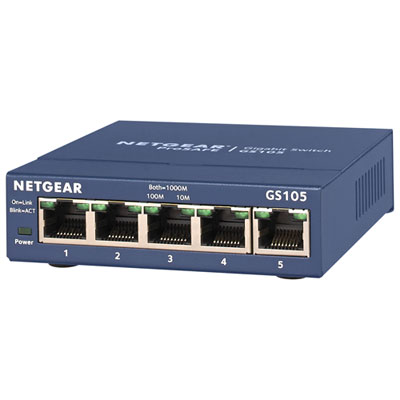 Your price for this item is $44.99
 -
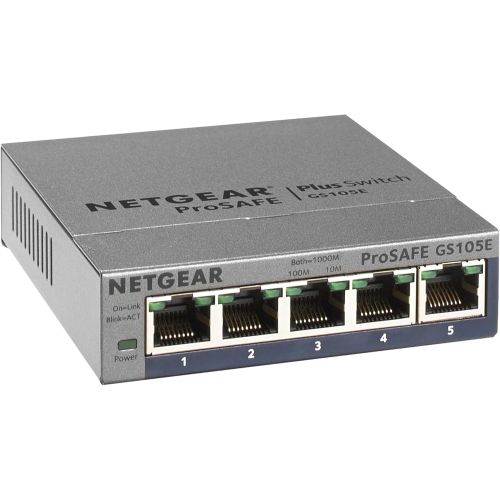 Your price for this item is $73.37
 -
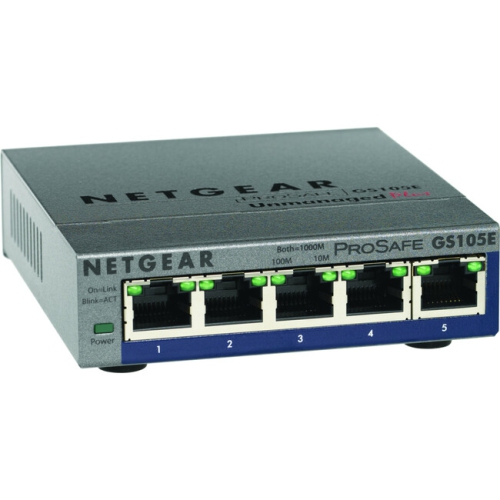 Your price for this item is $76.99
 -
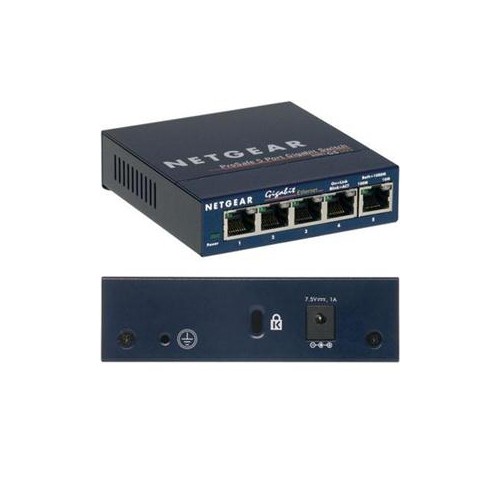 Your price for this item is $51.65
 -
 Your price for this item is $63.68
 -
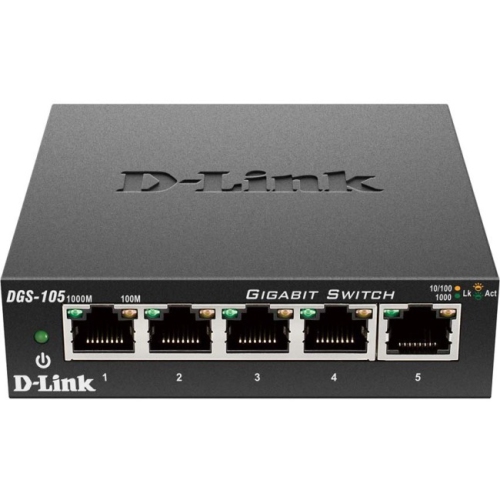 Your price for this item is $29.99
 -
 Your price for this item is $49.99
Discover more categories related to Unifi Switches
Top Collections:
Pokemon Centers, Budget 4K TVs, Best Budget Office Chairs, Kindle Devices, Canon G7X Cameras, Apple iPhones 16, iPhone 15 Apple, Laptops for Business Work, Xiaomi Phones, Flip Phones
Some products may be subject to Environmental Handling Fees
(EHF) depending on your province.
Learn more about EHFs.