DDR4 2x8GB
DDR4 2x8GB memory kits are a popular choice for those looking to boost their computer’s multitasking capabilities and overall performance. Whether you’re upgrading your desktop for gaming, creative projects, or everyday use, these dual-channel RAM kits provide an efficient solution for smoother operation. Explore a wide selection of DDR4 2x8GB options to find the right fit for your system and experience improved responsiveness during your most demanding tasks.
Sort
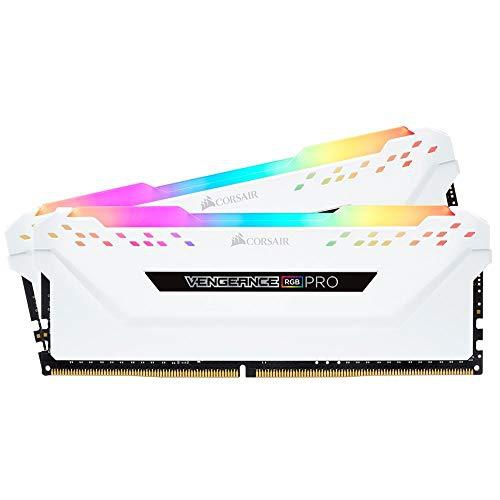
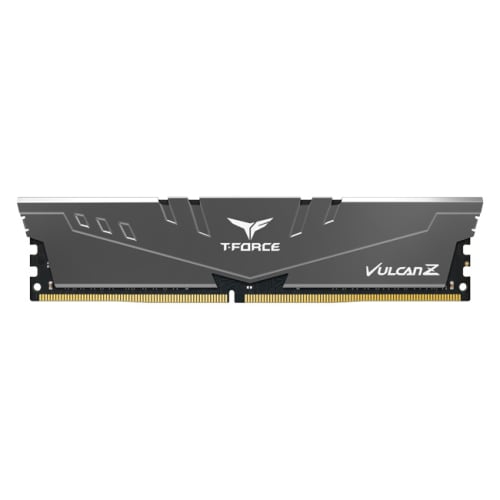
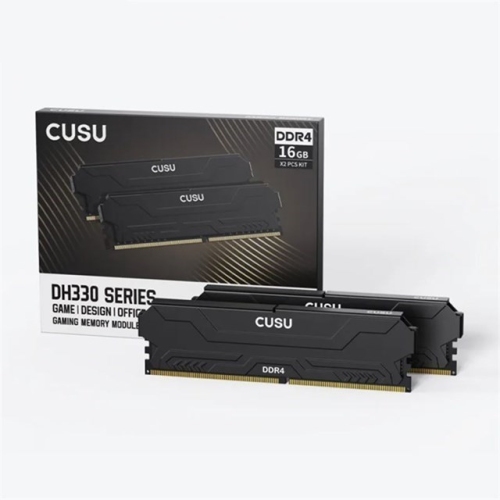
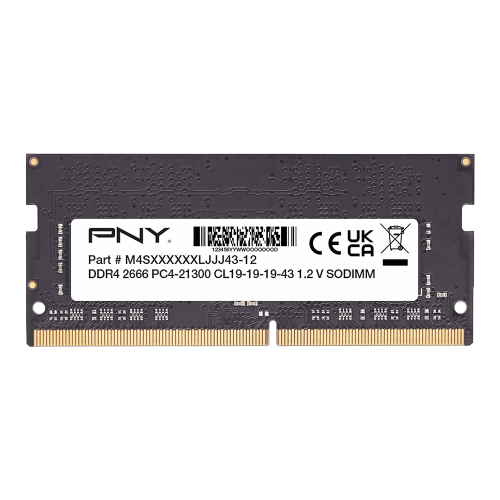
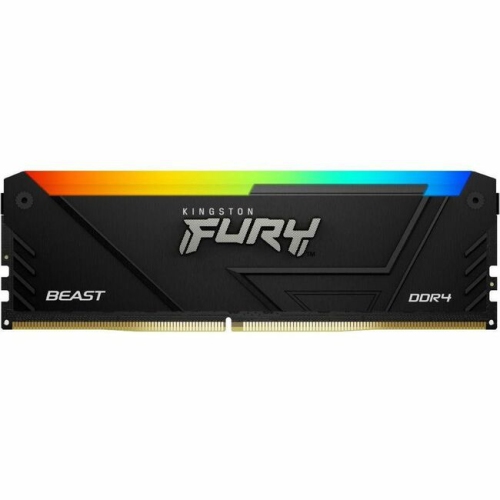
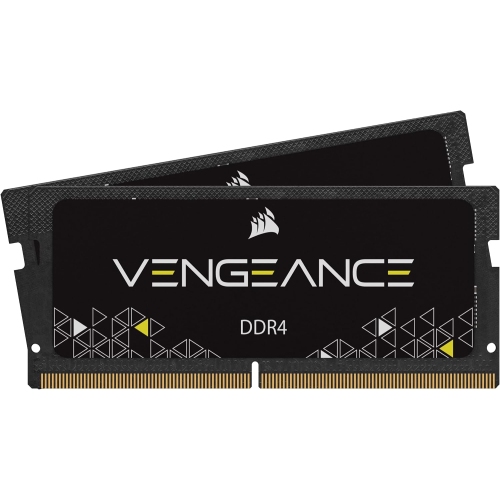
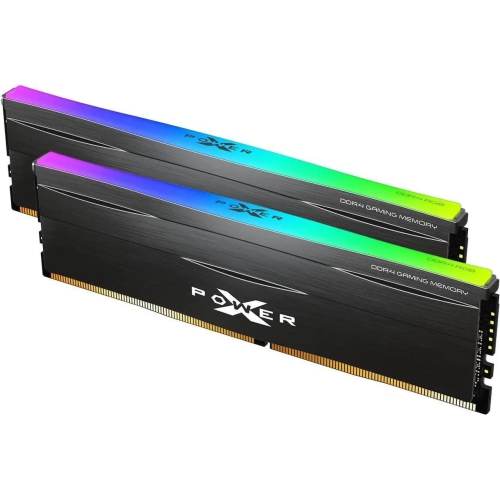

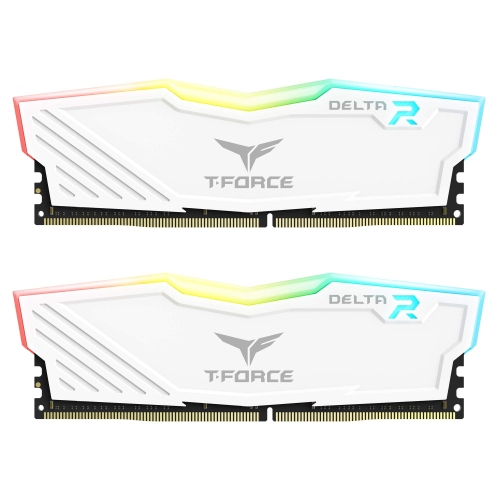
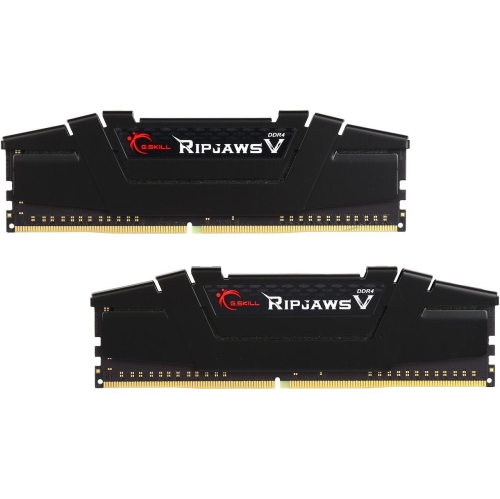
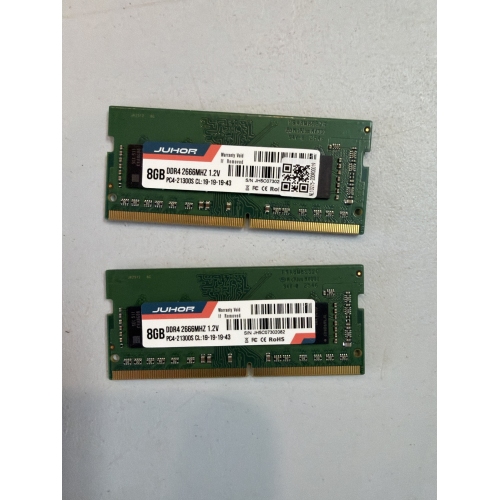
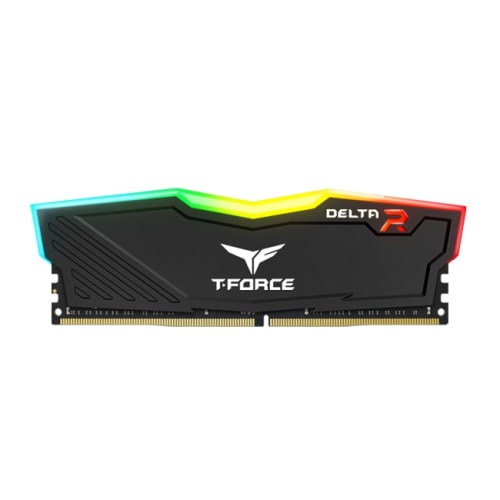

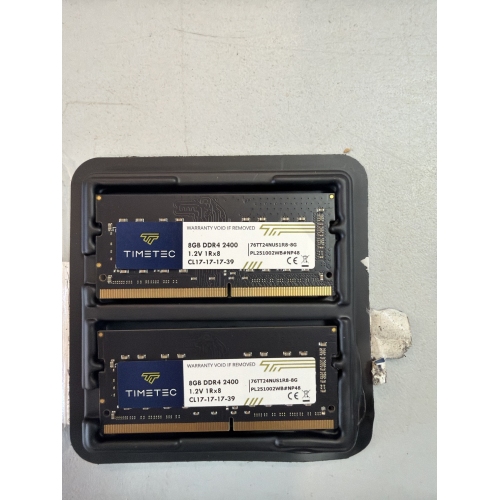
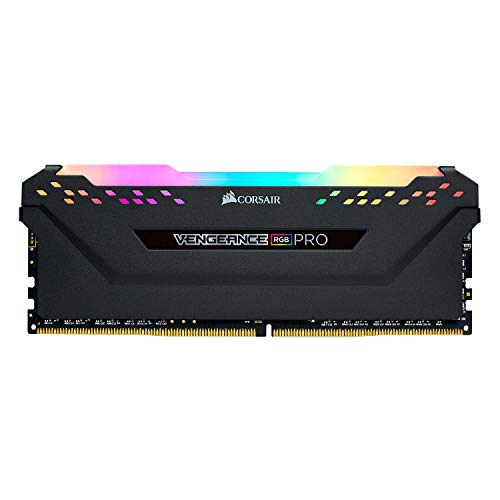
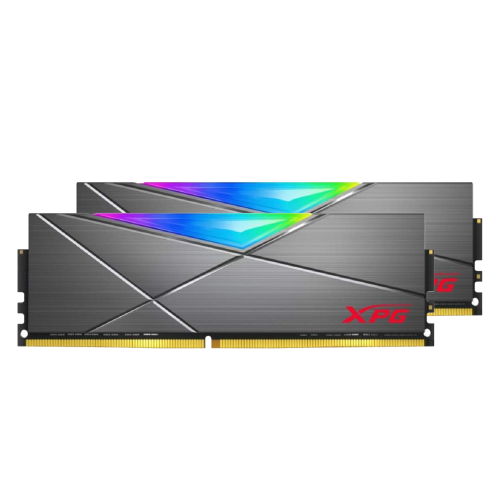
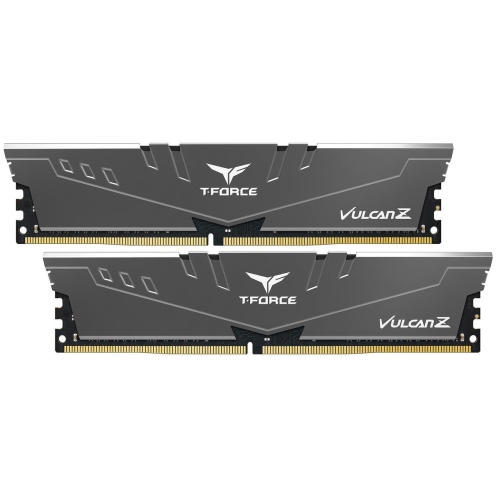
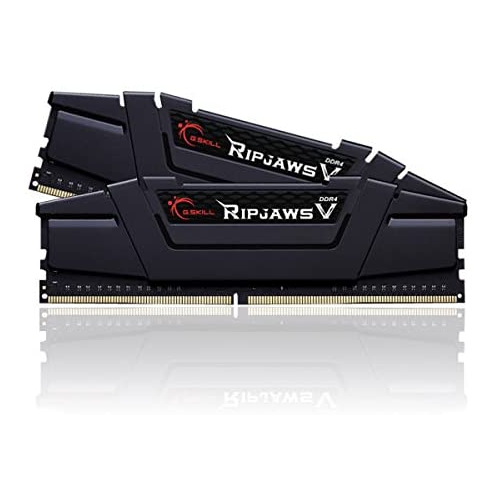
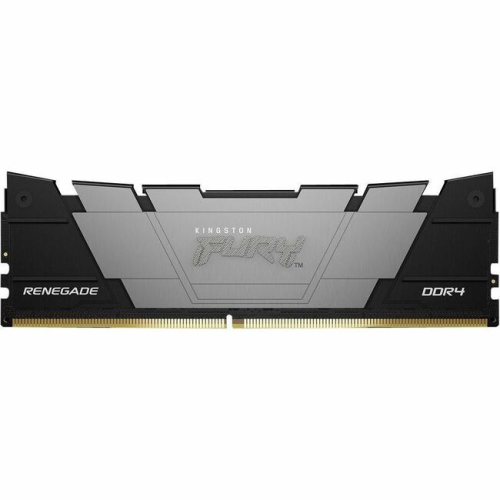
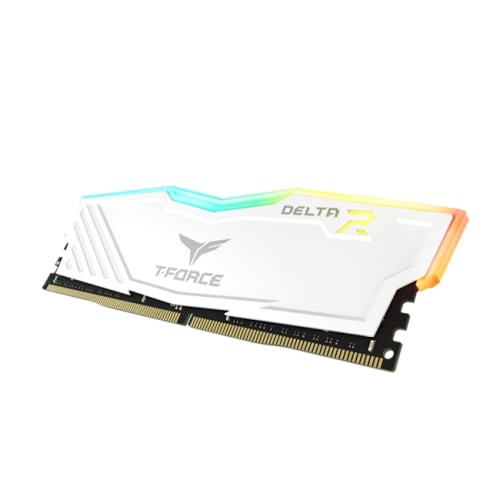
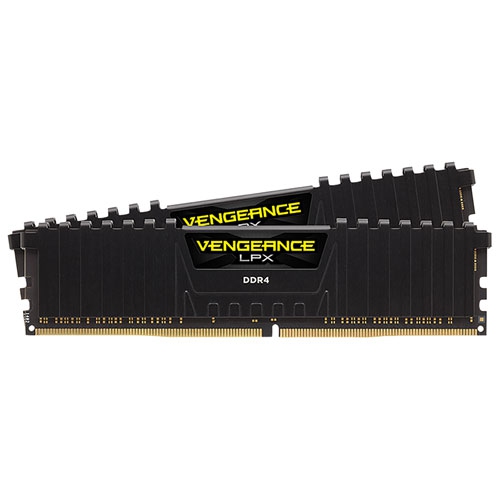
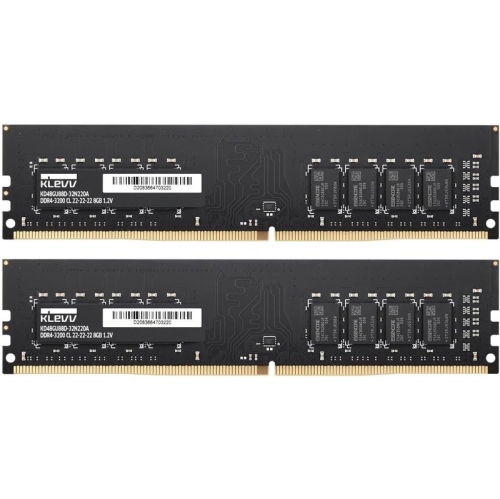

What 16GB of dual-channel memory means for everyday computing
A DDR4 2x8GB memory kit contains two 8GB RAM modules, providing 16GB of total system memory. When installed in the appropriate slots on a compatible motherboard, the pair can operate in dual-channel mode, allowing the processor to access memory across two channels rather than one. This increases available memory bandwidth, although the effect on everyday performance depends on the computer and the software being used. For many desktop and laptop users, 16GB is a practical capacity for browsing, schoolwork, office applications, video calls, and a range of games. It gives a computer room to keep several tasks active, such as a research document, a spreadsheet, a music player, and multiple browser tabs. RAM is temporary working memory rather than permanent storage: it holds information that applications need while running, but it does not replace a solid-state drive or preserve files when power is switched off. Moving from a smaller memory capacity to 16GB can reduce slowdowns caused by the system repeatedly moving data between RAM and storage. The difference is most noticeable when insufficient memory was already limiting performance; additional RAM will not fix every slow application or compensate for an underpowered processor or graphics card. For gaming, a 2x8GB configuration can suit many titles while leaving some room for voice chat and other background applications, though demanding games and heavily modified installations may need more. Computers with integrated graphics also use a portion of system memory for graphics tasks, making both capacity and bandwidth relevant. Students, home office users, casual creators, and people refreshing a compatible older computer may all find this configuration useful. The key distinction is between having enough memory for a typical session and having spare capacity for larger workloads. A computer used mainly for documents and streaming has different requirements from one handling complex video projects, large photo libraries, virtual machines, or several demanding applications at once.
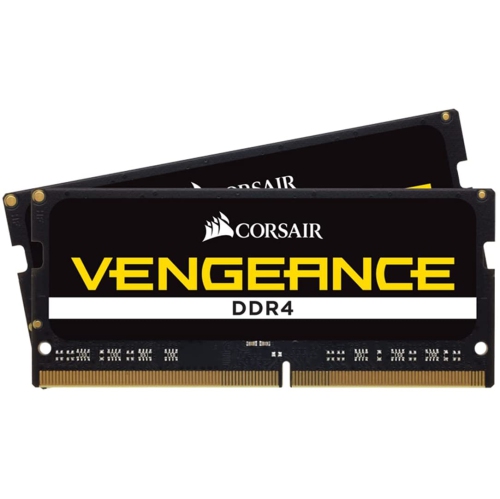
Compatibility starts with the memory generation and physical module format. DDR4 memory is not interchangeable with DDR3 or DDR5, even when the modules look similar, because the electrical requirements and connector layouts differ. Desktop computers generally use full-size DIMMs, while many laptops and compact computers use shorter SO-DIMMs. A desktop DDR4 2x8GB kit therefore cannot be assumed to fit a laptop that also supports DDR4. Some laptops have soldered memory, a single accessible slot, or limits on the capacity each slot can accept. Checking the computer or motherboard documentation helps establish the supported format, maximum capacity, and number of usable slots before choosing a kit. Most mainstream consumer systems require unbuffered, non-ECC memory, while workstations and servers may have different requirements. Memory speed also needs to match what the processor and motherboard can support. DDR4-3200, for example, describes an effective transfer rate of 3200 megatransfers per second, often presented in retail specifications as 3200MHz. A kit’s advertised speed may require enabling a supported memory profile in the system firmware; otherwise, it may run at a lower default setting. Some computers do not provide those settings, so a higher-rated kit does not guarantee operation at its advertised rate. Timings matter too, but they should be compared alongside transfer rate rather than in isolation. At the same data rate, a lower CAS latency generally indicates a shorter initial access delay, not an automatic improvement in every application. A matched two-module kit is intended to work together at its stated specifications, making it a more predictable starting point than combining separately purchased modules. On motherboards with four memory slots, the correct pair for two modules is often not adjacent, so the slot arrangement in the manual matters. A motherboard’s tested-memory list can provide additional reassurance, although absence from that list does not necessarily mean a kit is incompatible. These details help distinguish a suitable replacement from memory that merely shares the same capacity.
Physical design becomes important once the basic specifications line up. RAM modules use semiconductor memory chips mounted on a circuit board, and some desktop versions add aluminium heat spreaders over the chips. These coverings can help distribute heat, but their height also affects fit. A tall heat spreader or light bar may sit too close to a large processor cooler, particularly in a compact build where clearances are tight. Low-profile modules can leave more room beneath an overhanging cooler, while decorative lighting may appeal to someone building a computer with a windowed case. Colour and lighting are appearance choices rather than measures of memory performance, so capacity, compatibility, and clearance remain the more useful starting points. Durability depends partly on careful handling and correct installation: modules should be held by their edges, with the gold contacts and exposed components left untouched. Installation should follow the computer’s service instructions, with power disconnected and suitable precautions taken against static discharge. The notch in the connector must align with the slot, and a module should never be forced into an incompatible socket. Once installed, memory generally needs little direct care; keeping the computer’s ventilation clear and avoiding unnecessary handling are more useful than trying to clean the modules themselves. Expansion plans also affect the choice between capacities. A 2x8GB kit fills both slots on a two-slot motherboard, meaning a later move beyond 16GB usually requires replacing the pair. A four-slot board may allow additional modules, but combining kits can introduce compatibility issues or require reduced operating speeds, even when their labels appear similar. For workloads that regularly exceed 16GB, the Kit 2X16GB DDR4 category covers 32GB configurations built around two 16GB modules. Memory can also make a thoughtful gift for someone upgrading a computer, provided the exact system requirements are known. For a compatible machine with modest multitasking needs, a well-matched 16GB DDR4 kit keeps the focus on useful capacity, dependable operation, and a straightforward fit.
Top selling and popular products
-
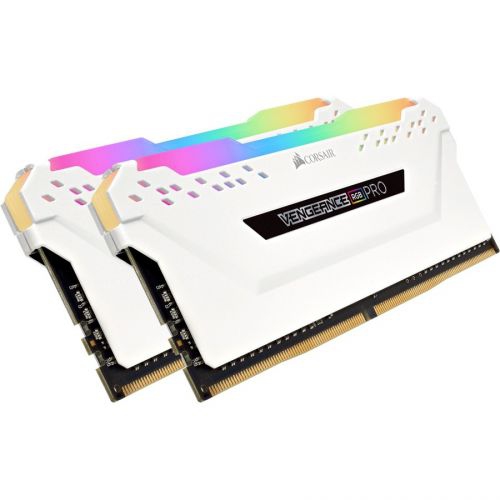 Your price for this item is $307.68
-
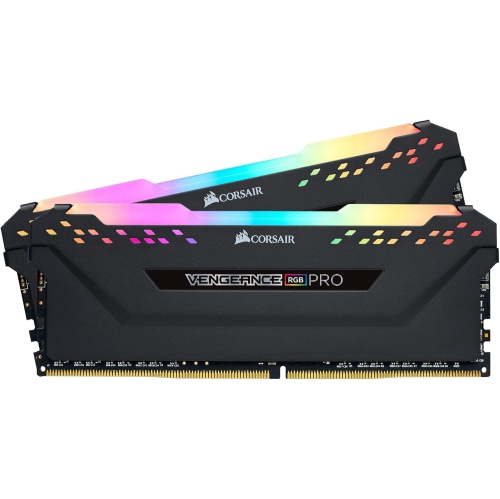 Your price for this item is $389.99
-
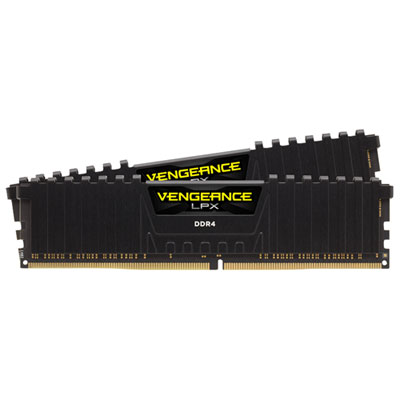 Your price for this item is $431.98
-
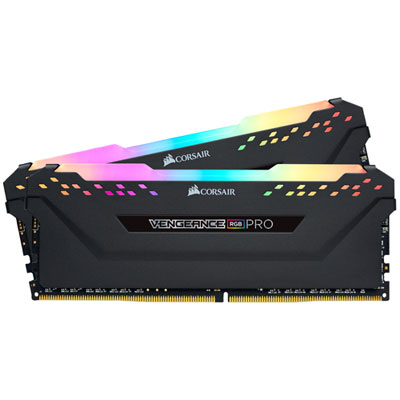 Your price for this item is $450.98
-
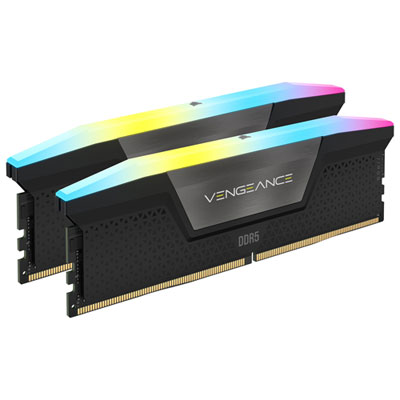 Your price for this item is $844.99
-
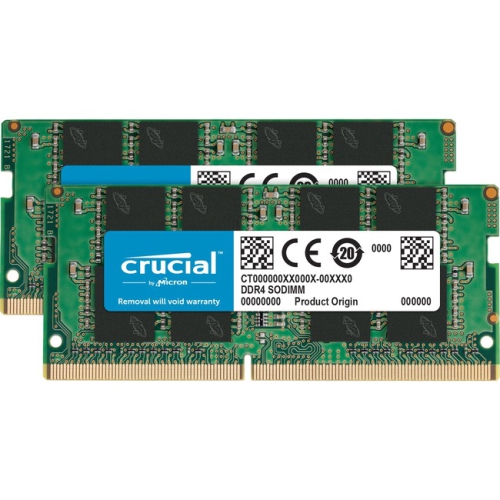 Your price for this item is $388.88
-
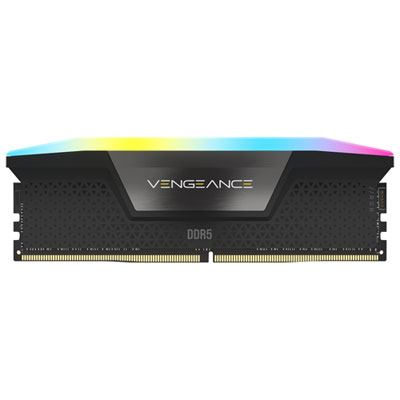 Your price for this item is $1853.99
-
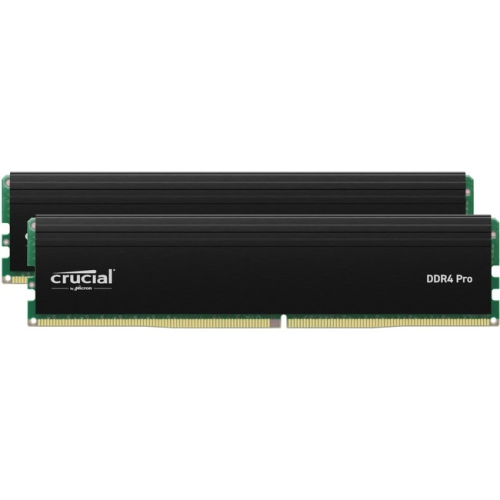 Your price for this item is $975.68
Discover more categories related to DDR4 2x8GB

Top Collections:
Best Black Friday Deals This Year, Best Black Friday Deals On Electronics, Kindle Devices, Pokemon Centers, Best Black Friday Deals On Apple Products, Best Cameras for Sports Photography, Dyson Airwrap, Pokémon 30th Celebration Cards, Apple iPhone 17 Pro, Canon G7X Cameras
Some products may be subject to Environmental Handling Fees
(EHF) depending on your province.
Learn more about EHFs.