Kit 2X16GB DDR4
Upgrade your computer’s memory performance with a Kit 2X16GB DDR4, designed to meet the demands of modern multitasking and data-intensive applications. Ideal for gamers, creative professionals, and anyone seeking smoother operation, these kits offer a reliable way to boost speed and efficiency. Explore a variety of options to find the perfect Kit 2X16GB DDR4 that fits your system’s requirements and enhances your overall computing experience.
Sort
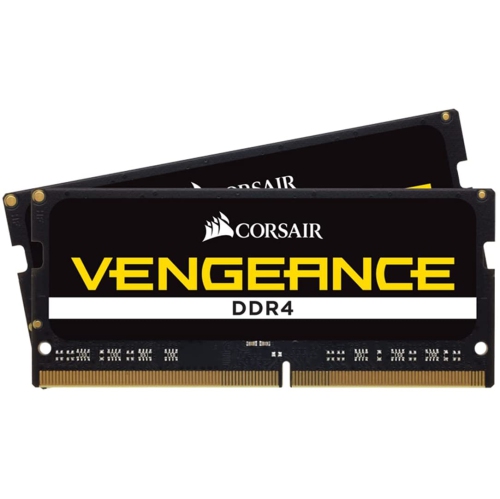
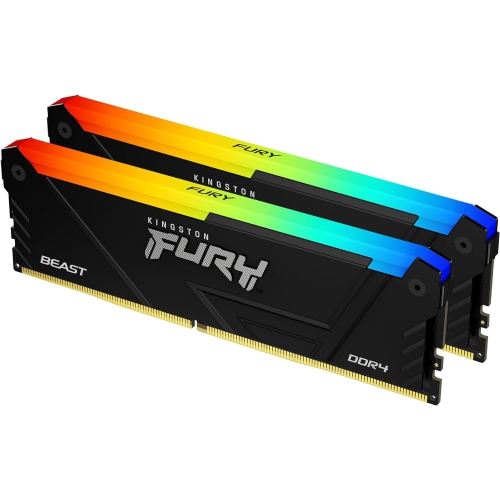
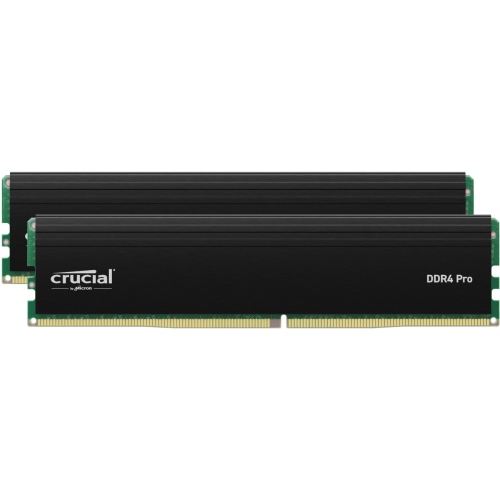
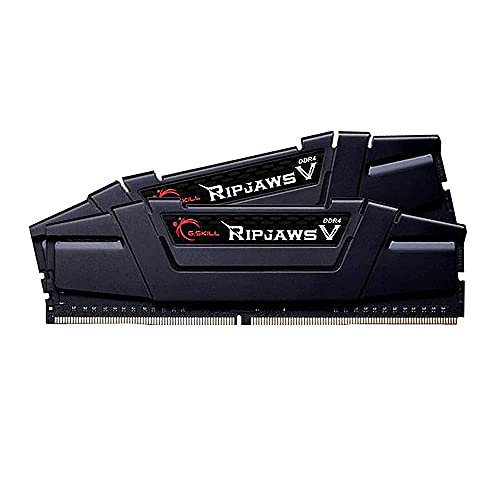
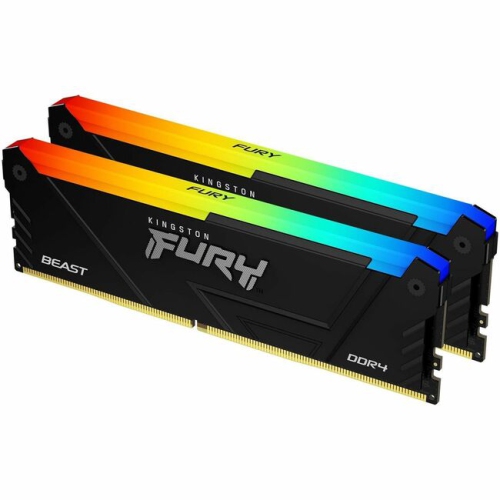
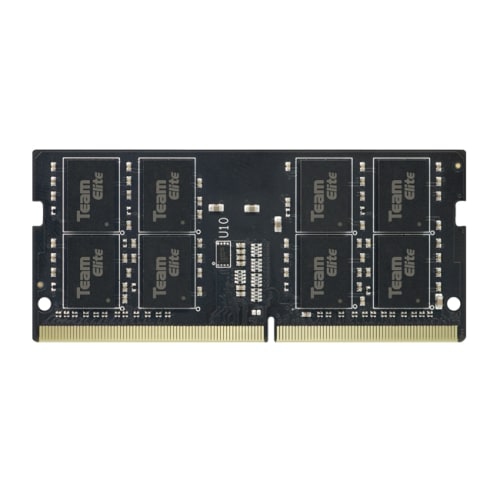
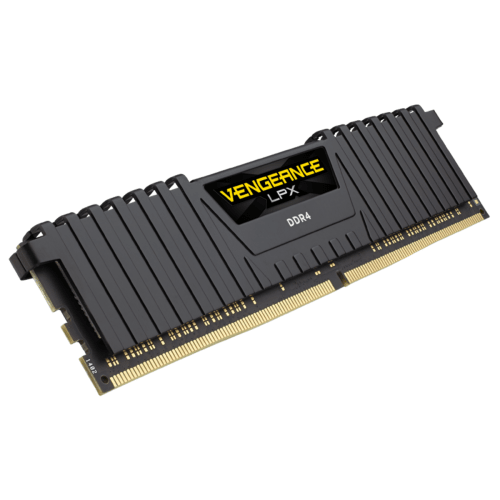

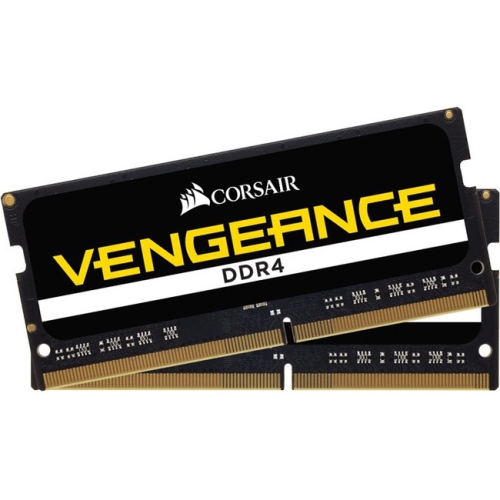

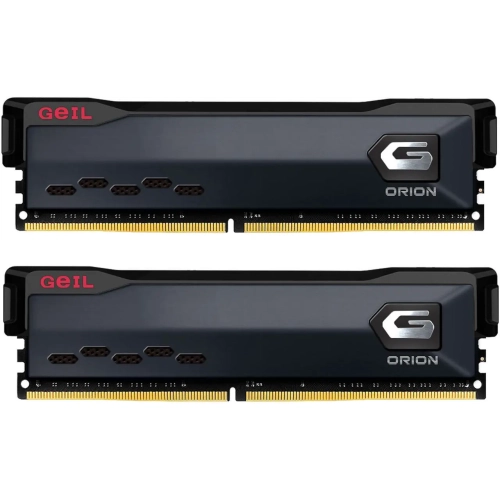
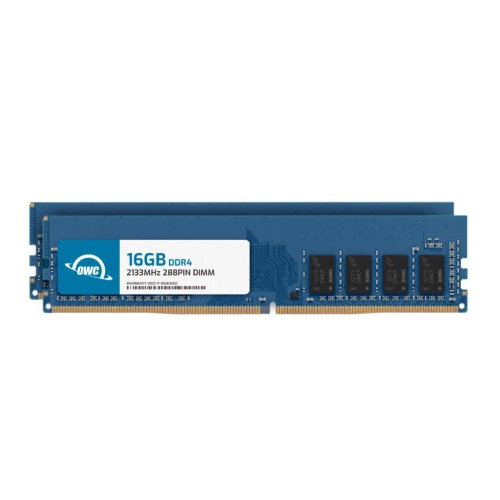
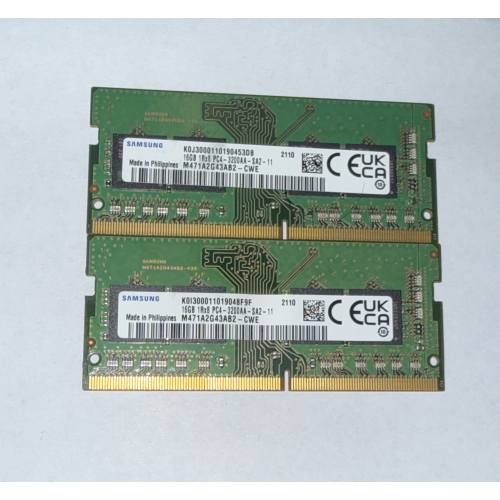
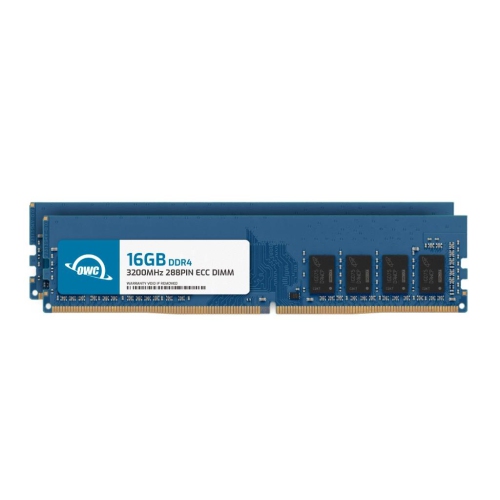
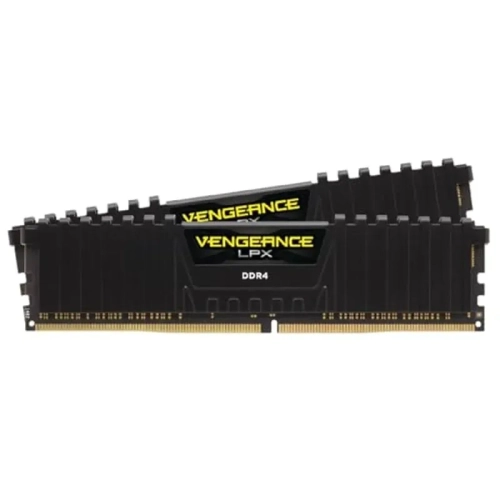
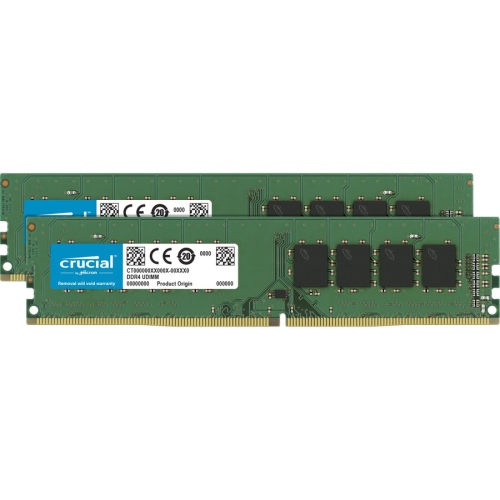
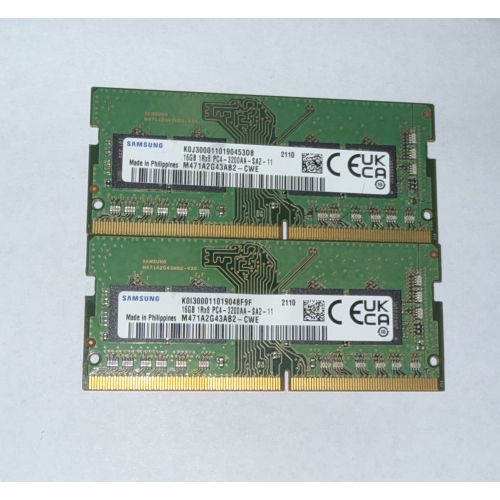
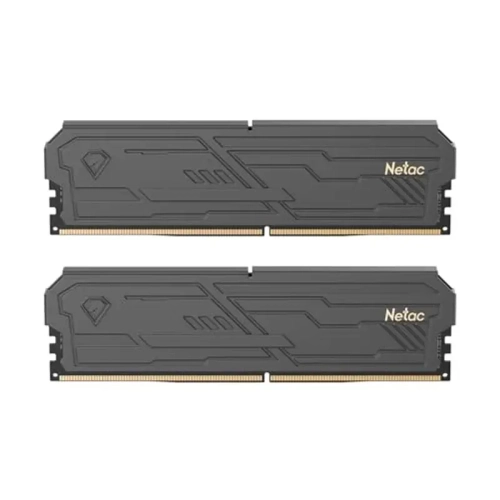
How 32GB of RAM supports demanding desktop workloads
A 2 x 16GB DDR4 RAM kit contains two 16GB memory modules, providing 32GB of total system memory. This configuration suits compatible desktop computers used for gaming, multitasking, creative projects, and work that involves several demanding applications at once. RAM holds the information a computer needs while programs are running; it is separate from the storage on an SSD or hard drive. Having sufficient memory helps keep active tasks accessible without relying as heavily on slower storage when memory fills up. A typical workload might include a game running alongside voice chat and a browser, or a photo editor open with a large image library and several reference documents. For those uses, 32GB can provide useful headroom, although the benefit depends on the applications, file sizes, and memory already installed. More capacity does not automatically increase frame rates or make every program faster, particularly when the existing memory is not a limiting factor. The two-module format also supports dual-channel operation on compatible systems when the modules occupy the appropriate slots, giving the processor access to greater memory bandwidth than a comparable single-channel configuration. Capacity and channel configuration are separate considerations: two 16GB modules provide 32GB in total, while the motherboard and processor determine how those modules operate together. This makes a matched kit a practical choice for a new build or a planned upgrade where predictable compatibility between the two modules matters. For everyday browsing, streaming, and lighter office tasks, a smaller capacity may be sufficient; RAM 16GB 2x8GB represents a two-module configuration with 16GB total rather than 32GB. The right capacity reflects the work the computer actually handles, including the applications that tend to stay open in the background.
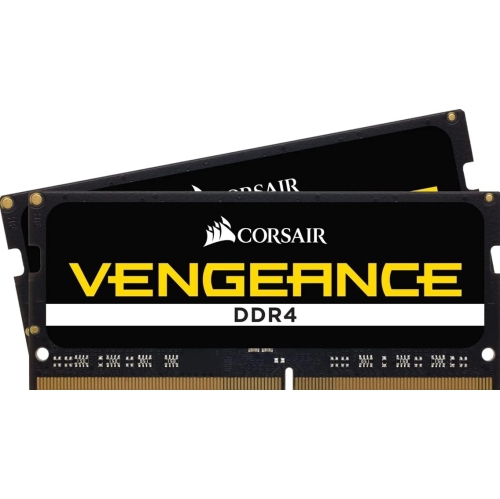
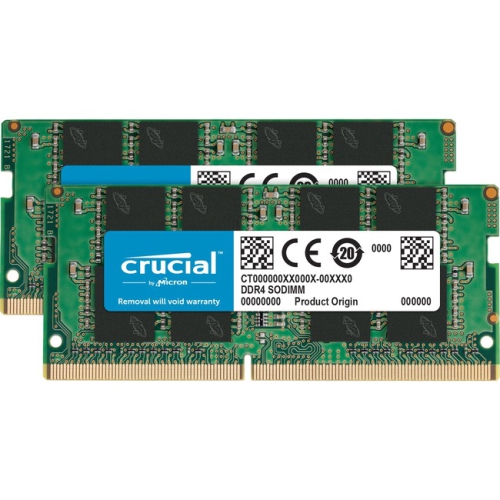
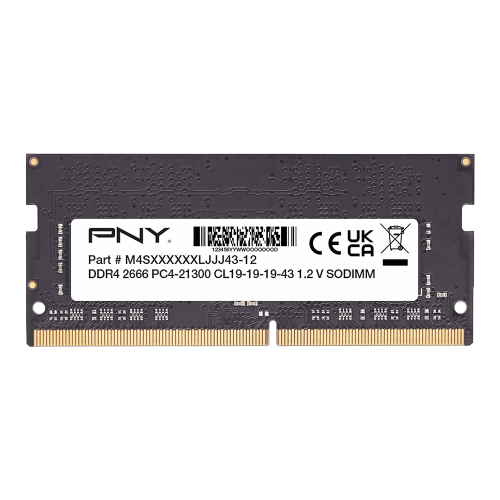
Compatibility is the most important distinction between DDR4 kits that otherwise appear similar. A desktop 2 x 16GB DDR4 kit generally uses full-size DIMMs, while laptops and some compact computers require shorter SO-DIMMs. Standard DDR4 desktop DIMMs have 288 pins, and DDR4 SO-DIMMs have 260 pins; the two formats are not interchangeable. DDR4 also cannot be substituted for DDR3 or DDR5, because the generations use different physical and electrical designs. A system needs the correct memory generation, module format, supported capacity per slot, and overall capacity limit. Some computers have soldered memory rather than replaceable modules, and others combine soldered memory with an expansion slot, so two removable modules are not suitable for every machine. On a desktop motherboard with four memory slots, a two-module kit may leave room for a later expansion, subject to the board’s capacity limits and memory support. Slot placement matters for dual-channel operation, and the recommended pair is identified in the motherboard documentation rather than by assuming that neighbouring slots belong together. Speed ratings are another useful comparison point. DDR4 memory is commonly described by data rates such as 2666 MT/s or 3200 MT/s, with MT/s referring to millions of transfers per second. The rated speed of a kit is not a guarantee that every compatible computer will run it at that setting. Processor support, motherboard specifications, firmware, and memory profile settings all influence the operating speed. Some kits require a supported performance profile to reach their advertised rating, while otherwise operating at a standard default setting. Timings and voltage also form part of the specification, so a higher data-rate number alone does not describe every aspect of performance. Standard unbuffered, non-ECC desktop memory should not be confused with registered or ECC memory intended for particular supported systems. Matching these requirements helps distinguish an appropriate desktop upgrade from a kit that shares the same capacity but serves a different type of computer.
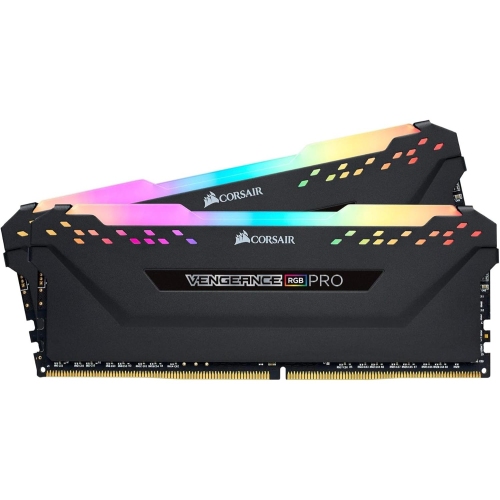
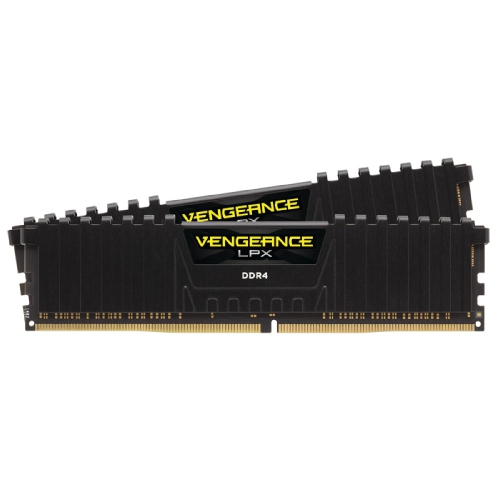
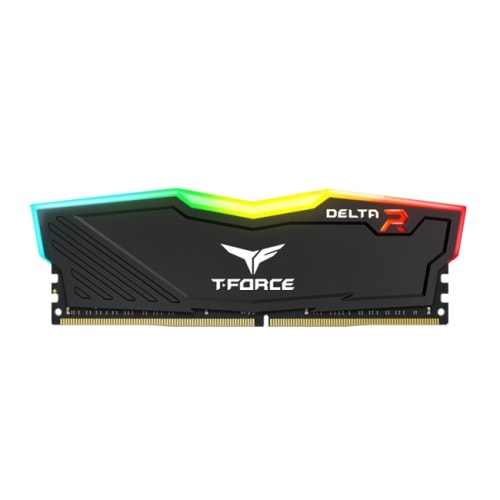
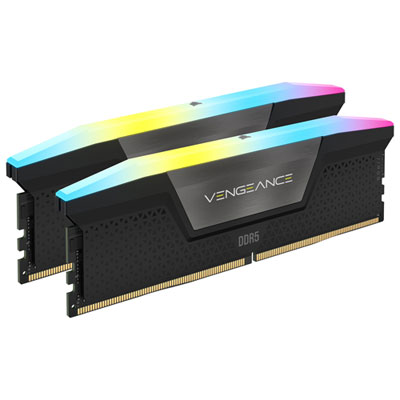
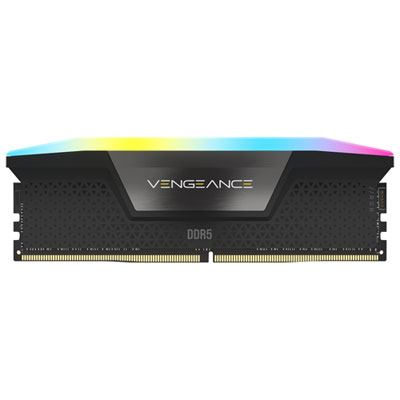
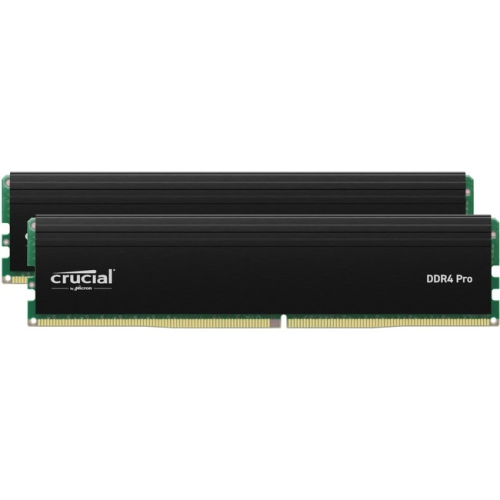
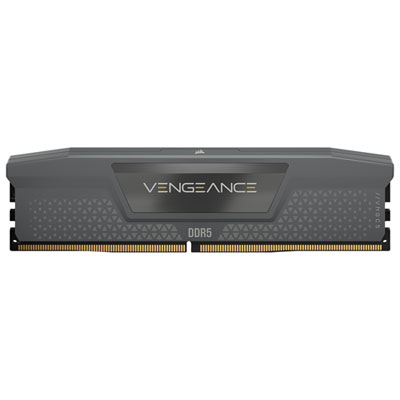
Physical design can matter just as much as the specification sheet in a tightly arranged desktop build. DDR4 modules use circuit boards populated with memory chips, and many desktop kits add metal heat spreaders around those components. Heat spreaders vary in shape and height, which can affect clearance beneath a large processor cooler or beside other closely fitted components. Low-profile modules can be easier to accommodate where space above the memory slots is limited, while taller designs may suit builds with more clearance. Lighting and colour are appearance choices rather than indications of greater capacity or guaranteed performance. For a computer with a windowed case, coordinated lighting can complement the rest of the build, but any lighting controls depend on the kit and supported software. For a workstation tucked beneath a desk, unobtrusive modules may be just as suitable. RAM requires little routine care once correctly installed; careful handling matters more than frequent attention. Contact edges and exposed components are best left untouched, and modules should be protected from static discharge, bending, and unnecessary handling. Keeping the computer’s ventilation clear supports the system as a whole, while removing or reseating memory repeatedly is not part of normal upkeep. A matched two-module kit is designed and tested to operate together at its stated specifications, whereas combining separate kits can introduce differences even when their capacity and advertised speed look alike. Adding more modules later may also change the settings a system can run reliably. For students working with large projects, creators editing layered files, or players keeping several applications open alongside a game, a compatible 32GB kit can be a useful part of a balanced computer. It can also be a thoughtful gift for someone planning a build, provided the exact system requirements are known. The strongest fit comes from matching capacity, module type, supported settings, and physical clearance to the computer rather than choosing by appearance or speed rating alone.
Top selling and popular products
-
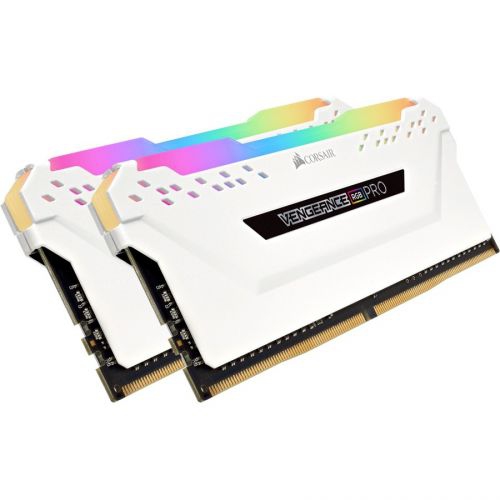 Your price for this item is $307.68
-
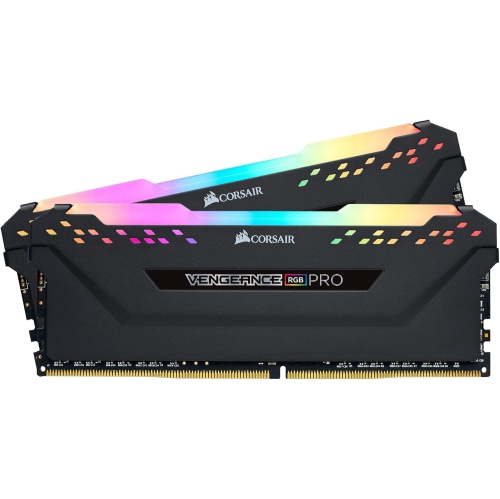 Your price for this item is $389.99
-
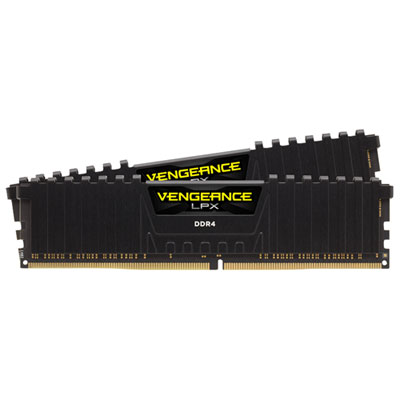 Your price for this item is $431.98
-
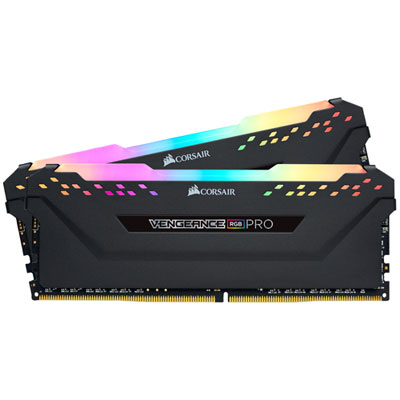 Your price for this item is $450.98
-
 Your price for this item is $844.99
-
 Your price for this item is $388.88
-
 Your price for this item is $1853.99
-
 Your price for this item is $975.68
Discover more categories related to Kit 2X16GB DDR4
Top Collections:
Best Black Friday Deals This Year, Best Black Friday Deals On Electronics, Kindle Devices, Pokemon Centers, Best Black Friday Deals On Apple Products, Best Cameras for Sports Photography, Dyson Airwrap, Pokémon 30th Celebration Cards, Apple iPhone 17 Pro, Canon G7X Cameras
Some products may be subject to Environmental Handling Fees
(EHF) depending on your province.
Learn more about EHFs.