Dell 240W Adapters
Upgrade your workspace or home office with the reliable power of the Dell 240W Adapter. Perfect for keeping your compatible devices charged and ready, this adapter is designed to deliver efficient performance wherever you need it most. Whether you're working, studying, or enjoying entertainment, the Dell 240W Adapter provides a dependable solution for powering up your equipment. Explore options that fit your needs and keep your devices running smoothly.
Sort

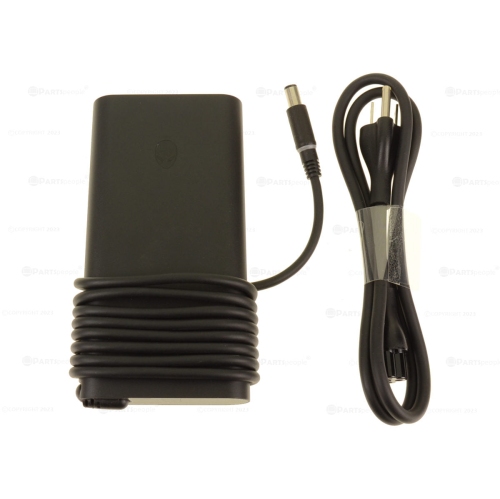


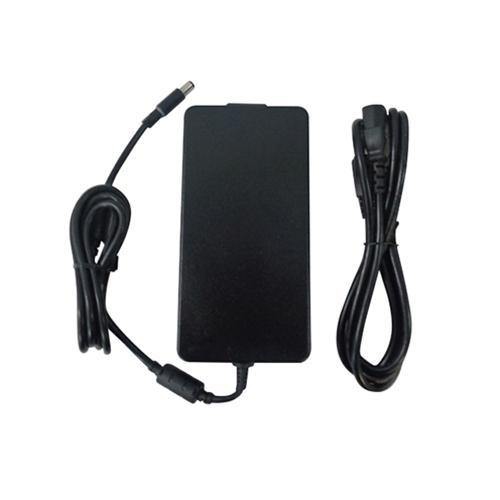
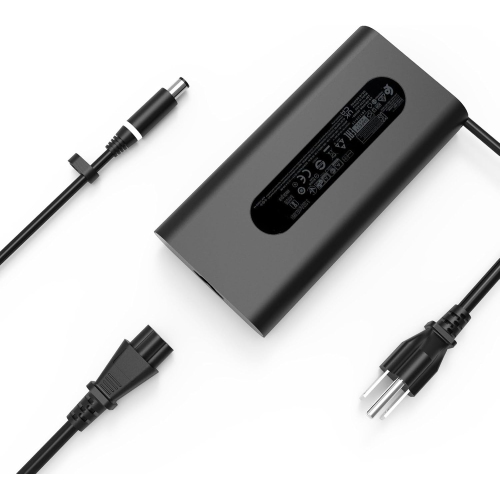


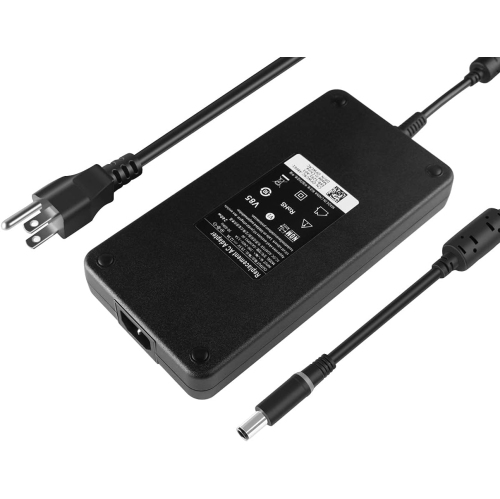


Why laptop adapter compatibility goes beyond wattage
240W power adapters supply external power to compatible laptops that need more capacity than a compact everyday charger can provide. They are commonly associated with performance-focused systems used for gaming, design, engineering, video editing, and other demanding work. The adapter converts power from a wall outlet into the direct-current output specified for the computer, supporting operation and battery charging through a single connection. Its 240W rating describes its rated output capacity, not an amount of electricity that the laptop draws continuously. Actual demand varies with the computer’s activity, battery charge level, and power settings. A laptop rendering a detailed animation or running a graphics-heavy game may need considerably more power than the same machine displaying a document. For a replacement adapter, however, wattage is only part of the match. Output voltage, connector dimensions, polarity, and any identification requirements must also agree with the laptop manufacturer’s specifications. A plug that fits into the charging socket does not, by itself, establish compatibility. Some laptops use an identification contact to recognize the adapter, and an unrecognized or unsuitable unit may trigger a warning, limit performance, or fail to charge the battery properly. A 240W adapter is therefore best understood as a model-specific power accessory rather than a universal upgrade for any laptop. The computer’s model information and the electrical details printed on its original adapter provide useful reference points when comparing replacement options. Manufacturer documentation can help establish whether a particular power rating and connector are approved for that system. Even within a familiar laptop family, different configurations may have different requirements. A carefully matched adapter supports the intended balance of running power and charging capability, whether the computer spends its day connected to a large monitor at a desk or moves between a workspace and a gaming setup. The important distinction is compatibility with the exact computer, rather than a matching appearance or a higher number on the label.
The physical design of a 240W adapter matters in everyday use because the power brick, cable, and connector all become part of the workspace. Higher-output adapters are often larger and heavier than lower-wattage laptop chargers, so dimensions and weight can affect how comfortably they fit in a laptop bag or sit beside a desk. A sturdy outer housing helps protect the internal components during normal handling, while flexible cable insulation and well-formed strain relief help manage repeated movement near the brick and plug. These details are especially relevant when a cable is packed away frequently or routed around the back of a desk. The connector should sit securely without needing to be held at an angle, and the cable should reach the laptop without pulling sideways on its charging socket. Barrel-style connectors can look similar while differing in outer diameter, inner diameter, or centre-contact design, making precise specifications more useful than photographs alone. A USB-C connector is a different connection type and should not be treated as an interchangeable substitute simply because an adapter carries the same wattage rating. The wall-side power cord also deserves attention: some adapters use a detachable cord, and the included plug, cord rating, and connection to the brick need to suit the intended use in Canada. Input ratings are separate from output ratings; support for different wall supplies does not establish compatibility with a particular laptop. Clear electrical labelling and appropriate Canadian electrical safety certification are useful considerations for any mains-powered accessory. During use, the adapter belongs on an open, stable surface with space around it, rather than beneath bedding, inside a closed bag, or under a pile of papers. Cable routing can keep it away from chair wheels, tight bends, and foot traffic. For routine care, disconnecting the adapter before wiping its exterior with a dry cloth helps keep maintenance simple. Cracked insulation, exposed wiring, a damaged housing, or an intermittent connection are reasons to stop using an adapter rather than attempting a makeshift repair.
A dedicated 240W replacement or spare can make a noticeable difference to how a compatible laptop fits into daily life. For someone who works at a fixed desk but takes the computer elsewhere regularly, leaving a correctly matched adapter at each location reduces the need to crawl behind furniture and unplug the same cable repeatedly. Students using performance laptops for architecture, animation, or engineering projects may value a dependable desk connection while working with demanding software. Gamers may prefer to keep a full-output adapter with their main setup, where the laptop is connected to a monitor, keyboard, and mouse. For mobile professionals, a separate travel adapter can keep the primary workspace intact, provided the extra size and weight make sense for the bag. These uses depend on the laptop accepting that exact adapter; a spare is most useful when it meets the same compatibility requirements as the primary unit. Broader replacement needs can also be explored through Power Adapters for Dell, with the computer’s model and required electrical specifications remaining the basis for comparison. Details such as whether the wall cord is included, how long each cable section is, and whether the connector is straight or angled can influence the fit of the complete setup. An angled plug may route neatly beside one laptop but interfere with a neighbouring port on another, while a long cable can add reach at the expense of extra bulk when packed. Keeping the adapter loosely bundled, avoiding tight wraps around the brick, and gripping the plug rather than tugging the cable can reduce unnecessary strain over time. A replacement adapter will not resolve every charging problem, since battery condition, the laptop’s charging port, and system settings can also affect charging behaviour. When the original adapter is missing or damaged, though, a properly specified 240W unit restores an essential connection between a compatible computer and its everyday workspace.
The physical design of a 240W adapter matters in everyday use because the power brick, cable, and connector all become part of the workspace. Higher-output adapters are often larger and heavier than lower-wattage laptop chargers, so dimensions and weight can affect how comfortably they fit in a laptop bag or sit beside a desk. A sturdy outer housing helps protect the internal components during normal handling, while flexible cable insulation and well-formed strain relief help manage repeated movement near the brick and plug. These details are especially relevant when a cable is packed away frequently or routed around the back of a desk. The connector should sit securely without needing to be held at an angle, and the cable should reach the laptop without pulling sideways on its charging socket. Barrel-style connectors can look similar while differing in outer diameter, inner diameter, or centre-contact design, making precise specifications more useful than photographs alone. A USB-C connector is a different connection type and should not be treated as an interchangeable substitute simply because an adapter carries the same wattage rating. The wall-side power cord also deserves attention: some adapters use a detachable cord, and the included plug, cord rating, and connection to the brick need to suit the intended use in Canada. Input ratings are separate from output ratings; support for different wall supplies does not establish compatibility with a particular laptop. Clear electrical labelling and appropriate Canadian electrical safety certification are useful considerations for any mains-powered accessory. During use, the adapter belongs on an open, stable surface with space around it, rather than beneath bedding, inside a closed bag, or under a pile of papers. Cable routing can keep it away from chair wheels, tight bends, and foot traffic. For routine care, disconnecting the adapter before wiping its exterior with a dry cloth helps keep maintenance simple. Cracked insulation, exposed wiring, a damaged housing, or an intermittent connection are reasons to stop using an adapter rather than attempting a makeshift repair.
A dedicated 240W replacement or spare can make a noticeable difference to how a compatible laptop fits into daily life. For someone who works at a fixed desk but takes the computer elsewhere regularly, leaving a correctly matched adapter at each location reduces the need to crawl behind furniture and unplug the same cable repeatedly. Students using performance laptops for architecture, animation, or engineering projects may value a dependable desk connection while working with demanding software. Gamers may prefer to keep a full-output adapter with their main setup, where the laptop is connected to a monitor, keyboard, and mouse. For mobile professionals, a separate travel adapter can keep the primary workspace intact, provided the extra size and weight make sense for the bag. These uses depend on the laptop accepting that exact adapter; a spare is most useful when it meets the same compatibility requirements as the primary unit. Broader replacement needs can also be explored through Power Adapters for Dell, with the computer’s model and required electrical specifications remaining the basis for comparison. Details such as whether the wall cord is included, how long each cable section is, and whether the connector is straight or angled can influence the fit of the complete setup. An angled plug may route neatly beside one laptop but interfere with a neighbouring port on another, while a long cable can add reach at the expense of extra bulk when packed. Keeping the adapter loosely bundled, avoiding tight wraps around the brick, and gripping the plug rather than tugging the cable can reduce unnecessary strain over time. A replacement adapter will not resolve every charging problem, since battery condition, the laptop’s charging port, and system settings can also affect charging behaviour. When the original adapter is missing or damaged, though, a properly specified 240W unit restores an essential connection between a compatible computer and its everyday workspace.
Top selling and popular products
-
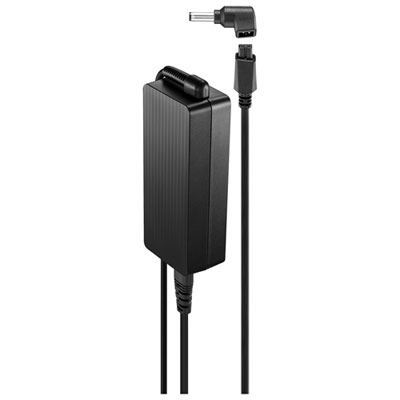 Your price for this item is $69.99
-
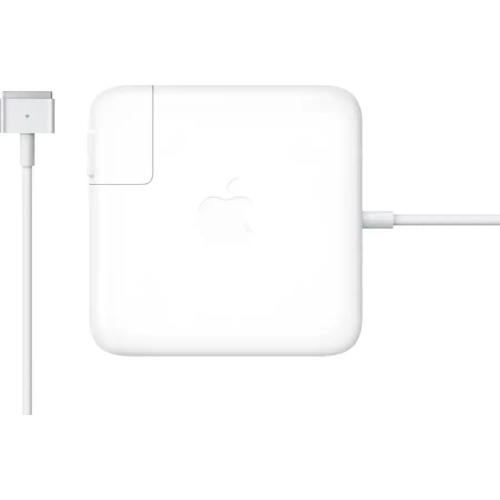 Your price for this item is $117.37
-
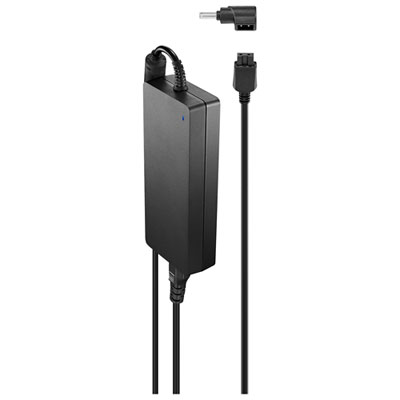 Your price for this item is $109.99
-
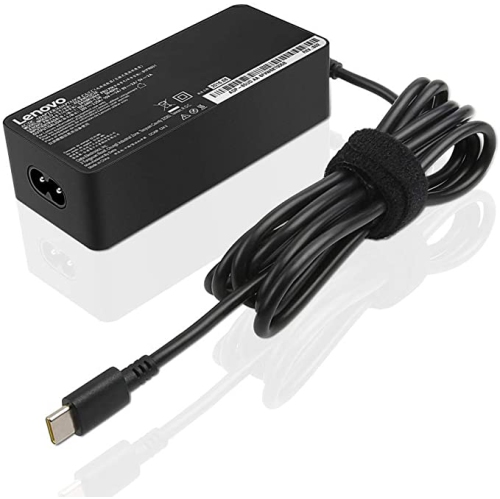 Your price for this item is $67
-
 Your price for this item is $49.99
-
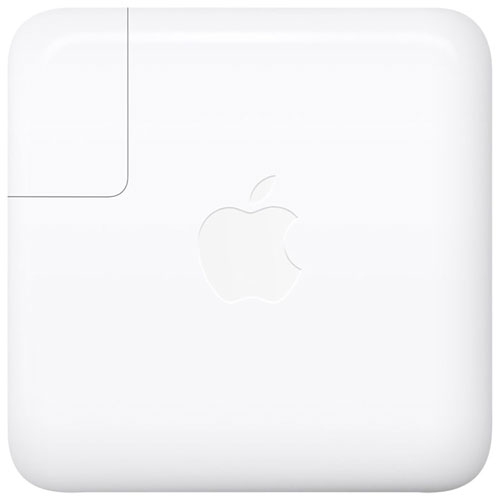 Your price for this item is $71
-
 Your price for this item is $46.68
-
 Your price for this item is $68.68
Discover more categories related to Dell 240W Adapters


Top Collections:
Pokemon Centers, Pokémon 30th Celebration Cards, Best Budget Office Chairs, Kindle Devices, Best Cameras for Sports Photography, Canon G7X Cameras, Best Black Friday Deals On Electronics, Best Laptops for Writers, iPhone 15 Apple, Jackery Power Stations
Some products may be subject to Environmental Handling Fees
(EHF) depending on your province.
Learn more about EHFs.