Dell Laptop Sleeves
Protect your device in style with a Dell laptop sleeve, designed to offer a convenient way to carry and safeguard your laptop wherever you go. Whether you're commuting to work, heading to class, or traveling, a reliable sleeve helps keep your laptop secure from everyday bumps and scratches. Explore a variety of sizes and designs to find the perfect fit for your Dell laptop, combining practicality with modern aesthetics for a seamless addition to your tech essentials.
Sort

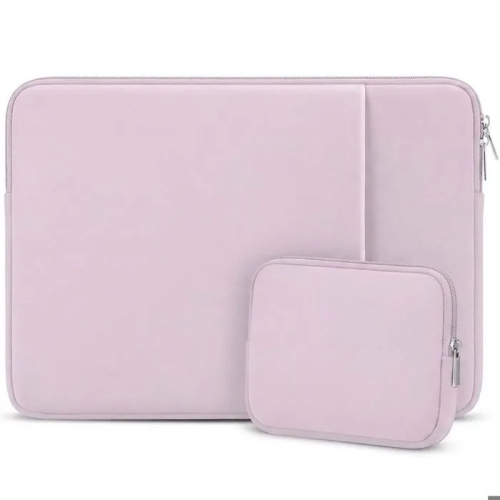
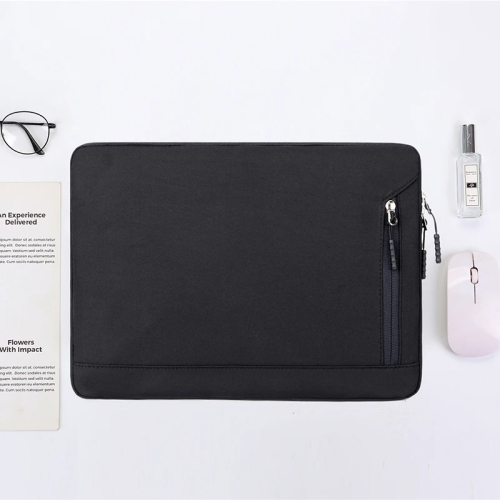
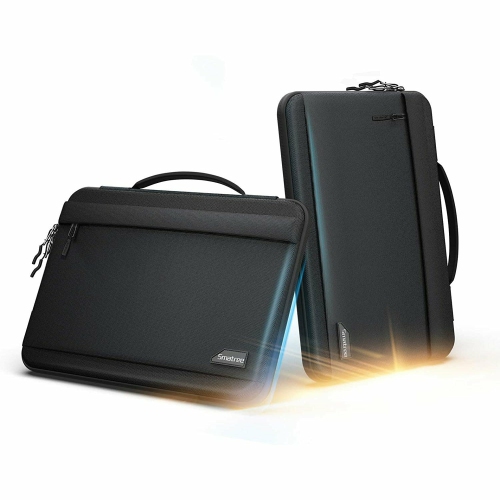
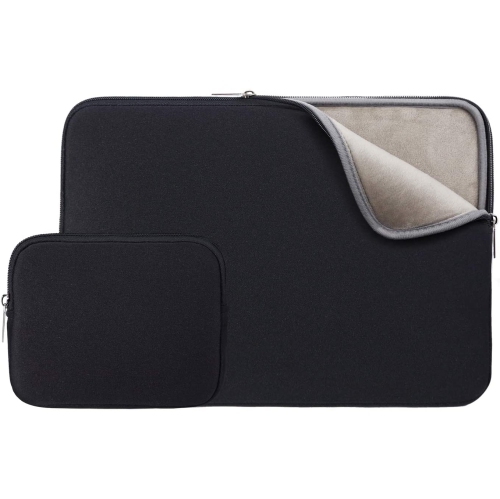


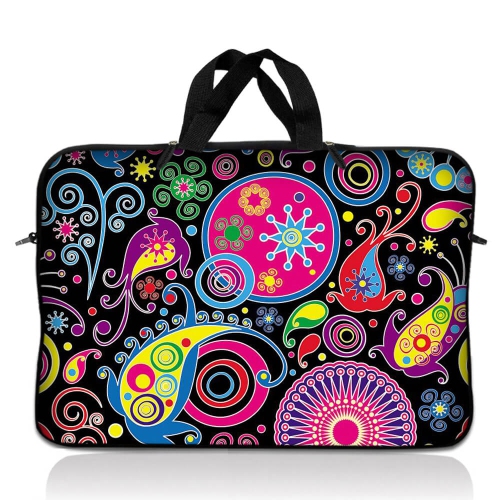
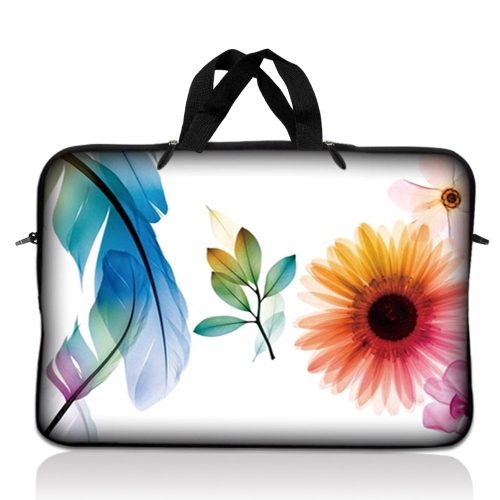
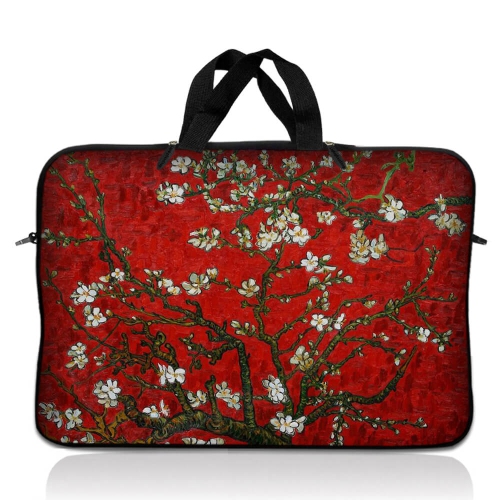

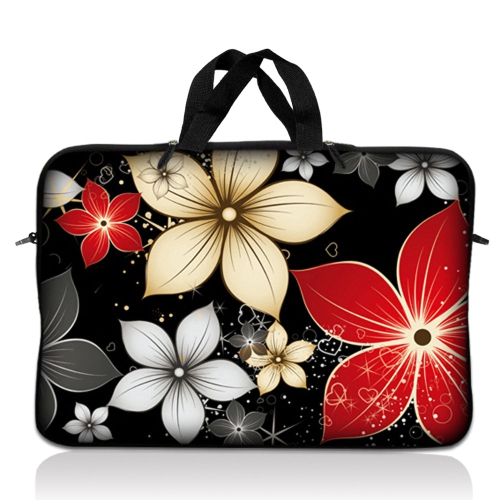

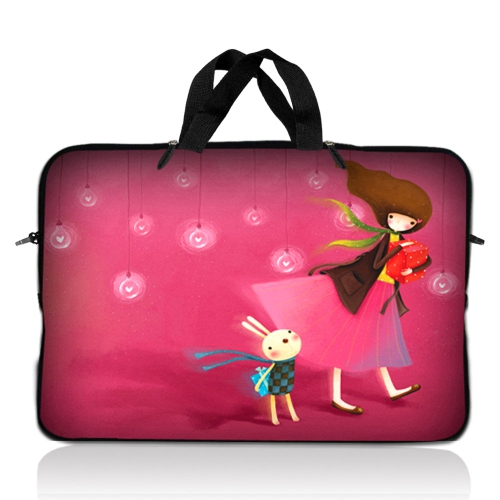

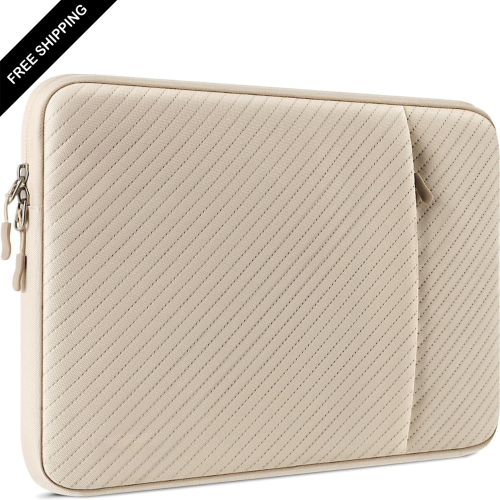
Why sleeve fit goes beyond your laptop’s screen size
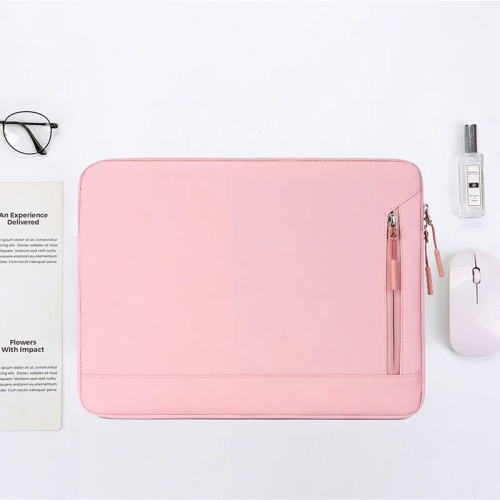
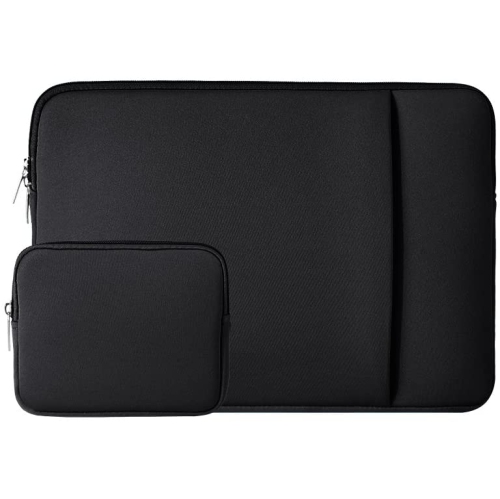
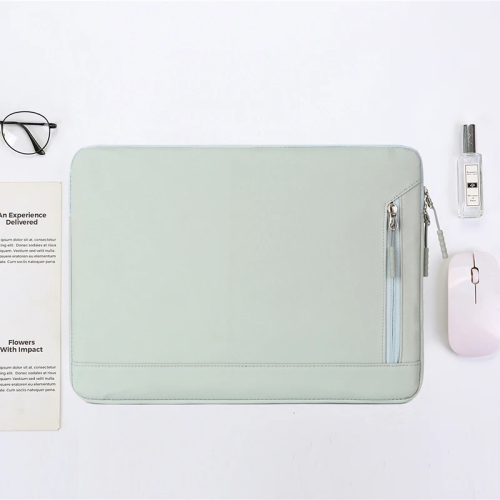
Laptop sleeves add a close-fitting layer of protection between a computer and the other things carried through the day. Slipped inside a backpack, briefcase, or tote, a sleeve helps keep the laptop’s exterior away from keys, notebook spirals, and other surfaces that could leave scratches. It also provides a convenient way to carry a computer between meeting rooms or from a desk to a study space without bringing a full bag. Fit matters more than the size label alone: a laptop’s advertised screen measurement is taken diagonally across the display, while a sleeve needs to accommodate the width, depth, and thickness of the entire closed computer. Two laptops with the same screen size can have different footprints because of their display borders, hinges, and chassis designs. A sleeve labelled for a 15-inch laptop, for example, is not automatically suitable for every computer in that general size range. The most useful comparison is between the laptop’s exterior dimensions and the sleeve’s stated internal dimensions, including any manufacturer guidance about compatible models. A fitted protective shell already attached to the computer can also affect the space required. The ideal fit allows the laptop to slide in without forcing the closure, while avoiding so much extra room that it shifts freely during transport. Thicker computers may need additional depth even when their length and width appear suitable. Closure placement deserves attention, too: a zippered opening along the top offers a different loading experience from an opening that extends around two or three sides. For someone who removes a laptop frequently during a commute or a day of classes, an accessible opening can make everyday handling easier. The sleeve should still allow a secure grip when lifting the computer out, rather than requiring a tug at the screen or pressure against the zipper.
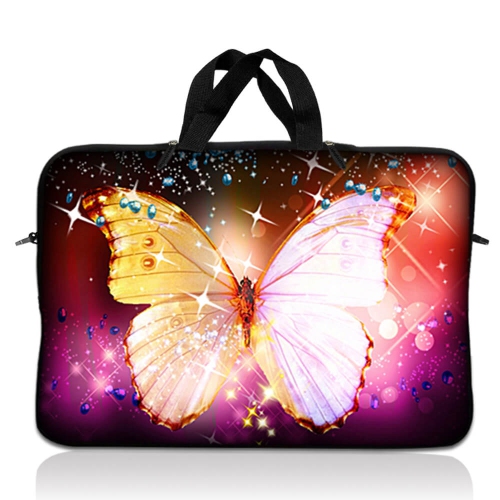
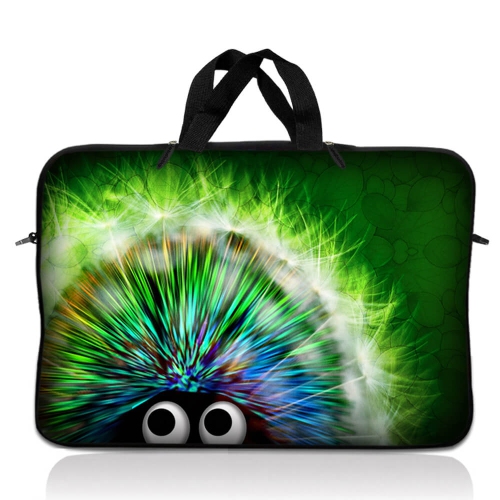
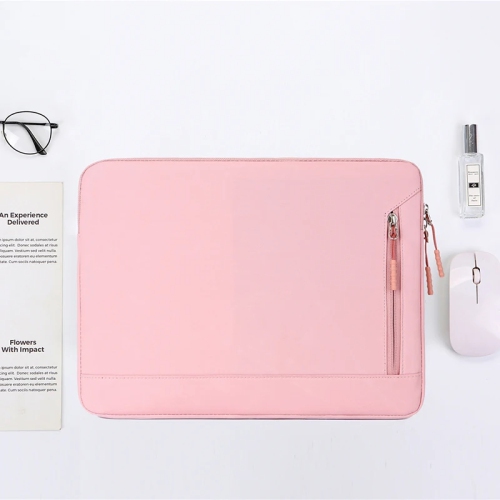
Materials and construction influence how a laptop sleeve feels in the hand, how easily it slips into another bag, and how much cushioning it provides. Neoprene has a flexible, slightly springy feel that can suit a snug profile, while woven polyester and nylon exteriors can provide a smooth or textured finish over a padded interior. Felt offers a softer, structured appearance, though its resistance to moisture and marking depends on the material and construction. Leather and synthetic leather bring another range of finishes, with differences in flexibility, surface care, and how they show everyday wear. None of these material names alone establishes the level of protection; padding thickness, corner coverage, lining, and closure design all contribute. A soft interior can help reduce rubbing against the laptop’s finish, particularly when the sleeve is kept free of grit. Padding around the edges is useful where the computer is more likely to meet the base or side of a bag. Reinforced seams and neatly finished corners can support repeated use, while a zipper guard helps separate the closure from the computer’s surface. A sleeve can soften minor knocks, but it should not be treated as a substitute for a protective carrying case where heavier impacts are a concern. Likewise, a water-resistant exterior does not necessarily mean the seams and closure will keep liquid out. Carrying a drink bottle in a separate compartment remains sensible. Design details can make just as much difference as the outer fabric. A flat accessory pocket may suit a cable or a few papers, but filling it with a bulky power adapter can create pressure against the laptop and make the sleeve harder to pack. A slim design keeps the overall load compact, whereas extra padding takes up more room inside a backpack. Colour and texture also play a practical role: darker or patterned surfaces may make small marks less noticeable, while a distinctive finish can make a sleeve easier to spot among similar belongings.
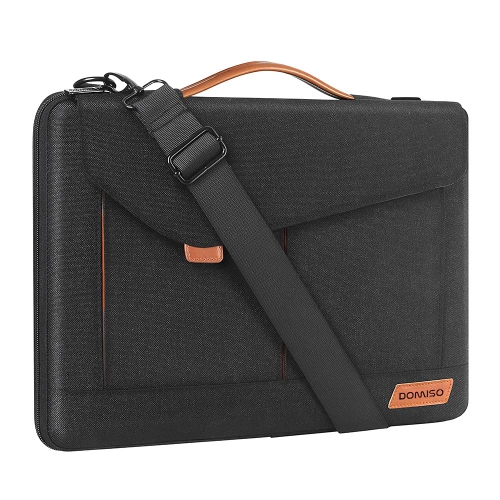
The intended use helps determine which balance of size, cushioning, and storage feels right. A student moving between classrooms may appreciate a lightweight sleeve that fits alongside textbooks without adding much bulk. Someone taking a laptop between home and the office may prefer a tidy profile that slides easily into a work tote, with the charger stored separately. For travel, the sleeve’s opening should remain easy to reach inside the larger bag so the computer can be removed without unpacking everything around it. A sleeve is generally a compact protective layer rather than a complete carrying solution, especially when there are cables, a mouse, headphones, and documents to bring along. For a separate carrying option, Dell Laptop Bags may be worth considering when handles, shoulder straps, or additional compartments are priorities. Everyday care also affects how well a sleeve continues to perform. Loose crumbs and grit inside the lining can rub against the computer, so periodically emptying the sleeve and gently removing debris helps keep the contact surfaces clean. Cleaning methods should follow the care label, since a fabric sleeve, a felt design, and a leather finish may require different treatment. Spot cleaning may be appropriate for some materials, but soaking, machine washing, or applying a household cleaner without checking the instructions can damage padding, coatings, or finishes. Any sleeve that becomes damp should dry fully before the laptop goes back inside. The computer should also be closed and allowed to cool after demanding use before being packed away; it should not be operated or charged inside an enclosed sleeve. Regular attention to stitching and zipper movement can reveal wear before the closure becomes unreliable. As a gift for a student, graduate, or someone starting a new role, a laptop sleeve combines personal style with everyday usefulness. Knowing the recipient’s laptop dimensions and preferred carrying bag makes that choice more practical than relying on screen size or appearance alone.
Top selling and popular products
-
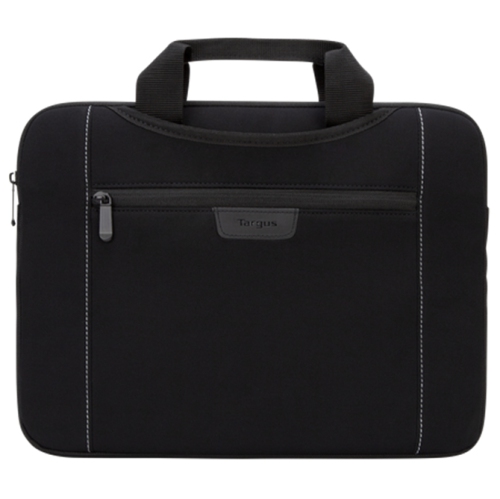 Your price for this item is $58.68
-
 Your price for this item is $15.99
-
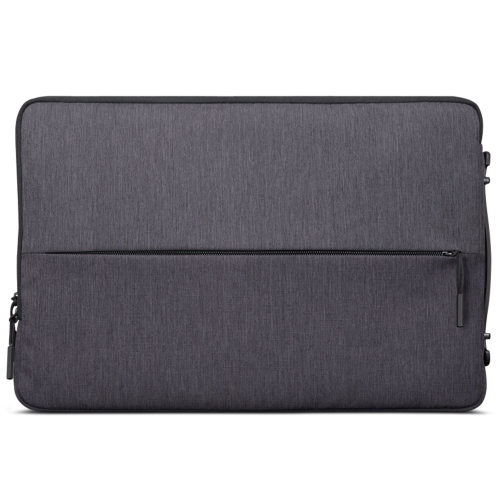 Your price for this item is $16.99
-
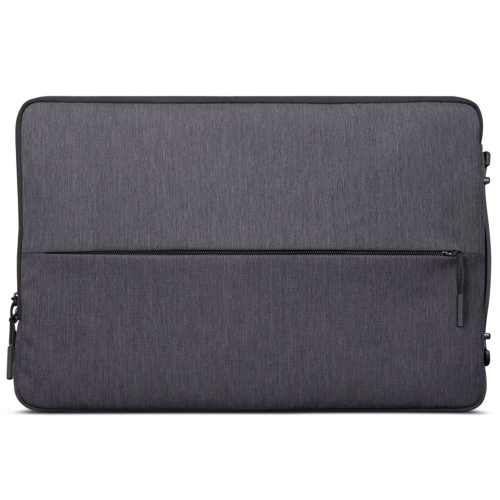 Your price for this item is $19.99
-
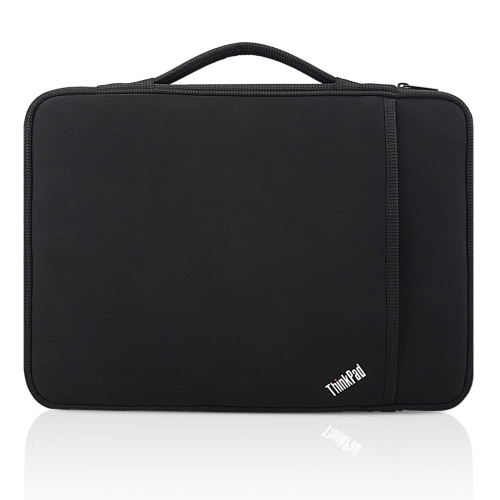 Your price for this item is $28.99
-
 Your price for this item is $47.99
-
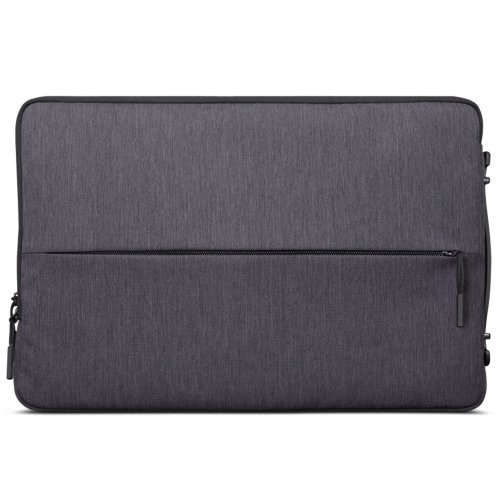 Your price for this item is $15.99
-
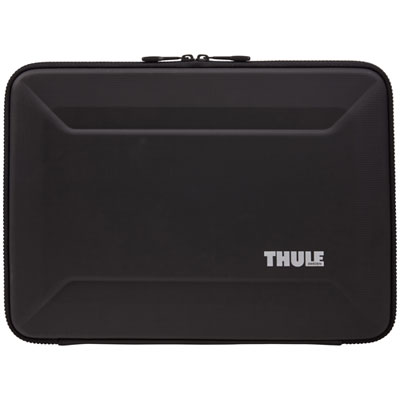 Your price for this item is $64.99
Discover more categories related to Dell Laptop Sleeves
Top Collections:
Best Black Friday Deals This Year, Best Black Friday Deals On Electronics, Kindle Devices, Best Black Friday Deals On Apple Products, Best Budget Office Chairs, Best Cameras for Sports Photography, Dyson Airwrap, Canon G7X Cameras, Best Laptops for Writers, Samsung Galaxy Phones
Some products may be subject to Environmental Handling Fees
(EHF) depending on your province.
Learn more about EHFs.