DIMM DDR5 16GB
Upgrade your system’s memory and experience enhanced computing performance with DIMM DDR5 16GB. Perfect for gaming, content creation, or everyday multitasking, this advanced memory solution is designed to support the latest devices and applications. Discover a range of DIMM DDR5 16GB options to help boost speed, responsiveness, and overall efficiency in your desktop setup. Find the right memory upgrade to match your needs and take your PC experience to the next level.
Sort
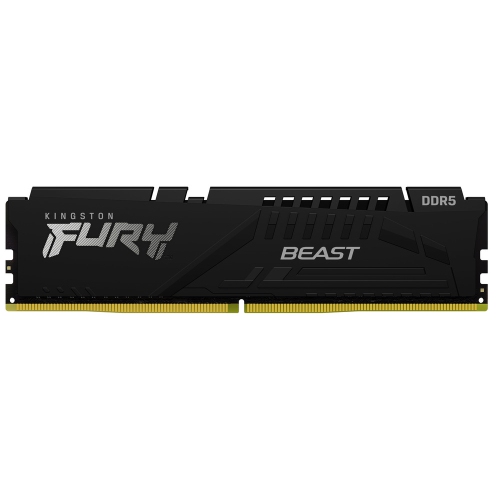
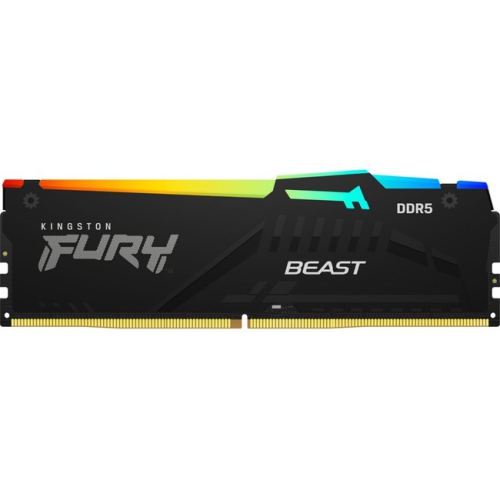
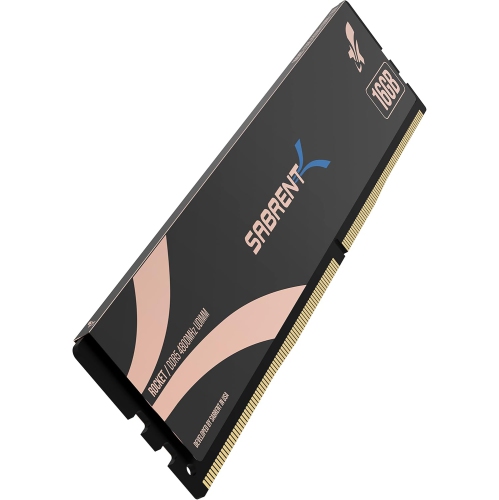
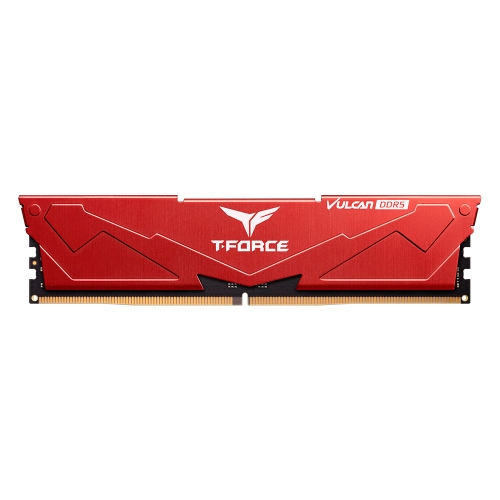
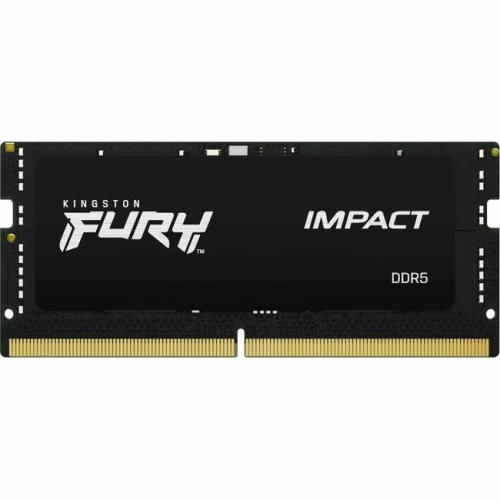
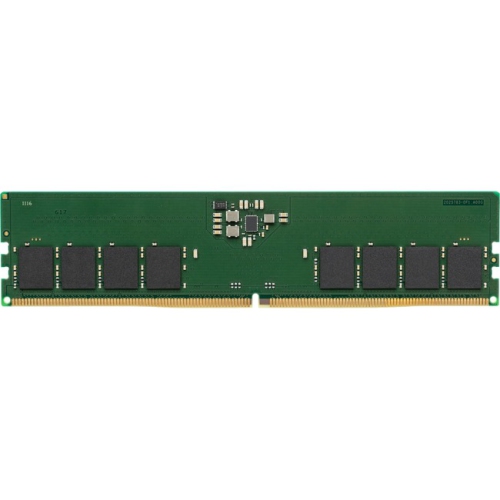
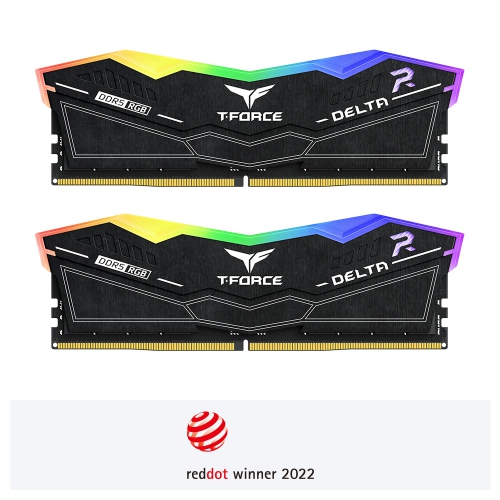
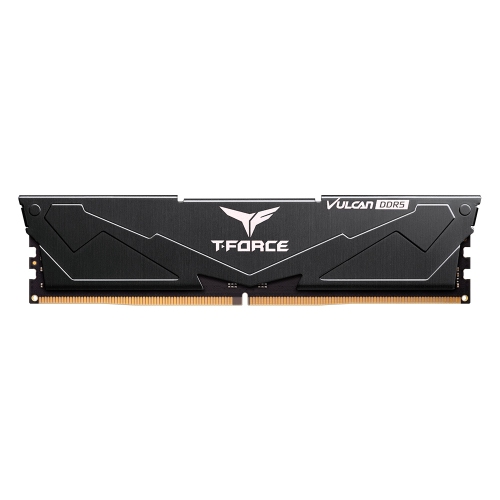
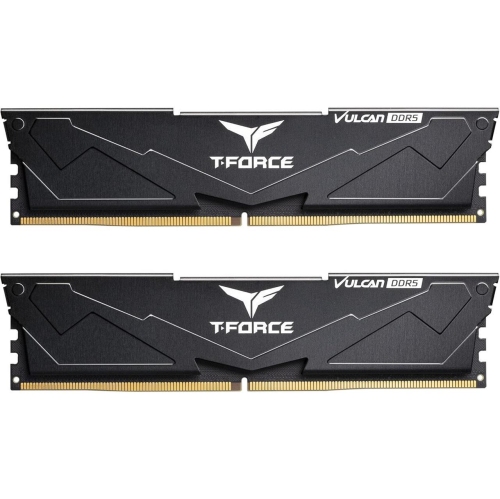

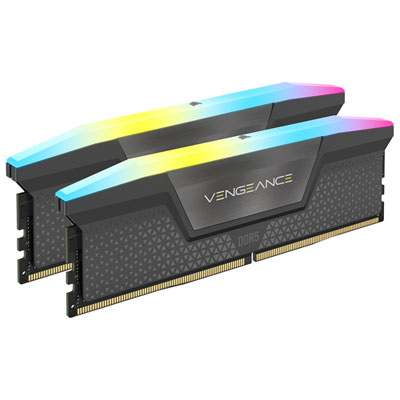
What 16GB of desktop memory means for multitasking
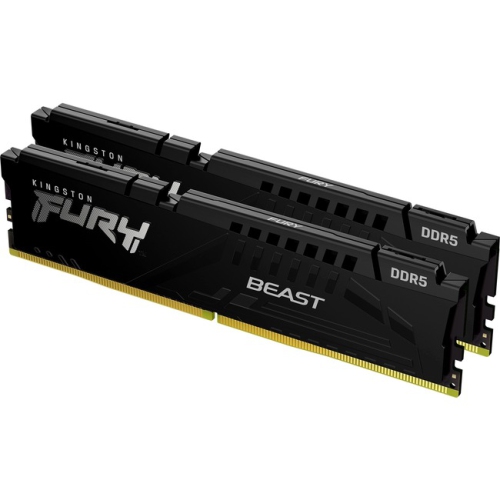
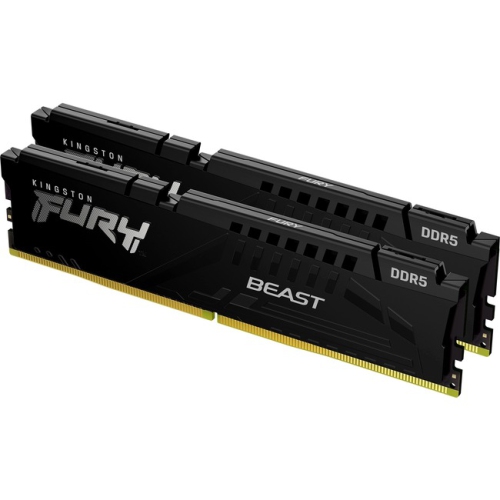
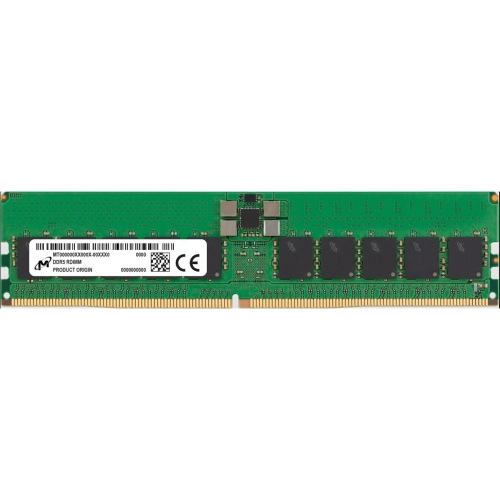
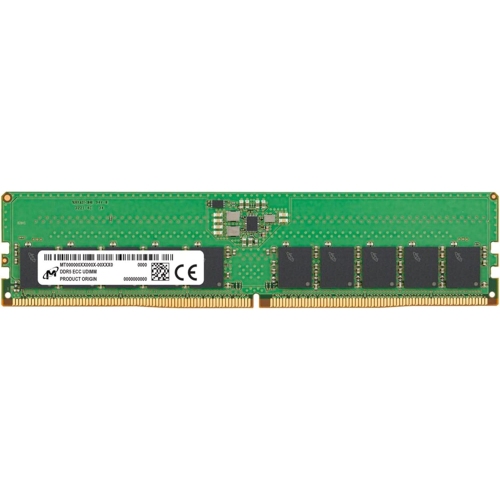
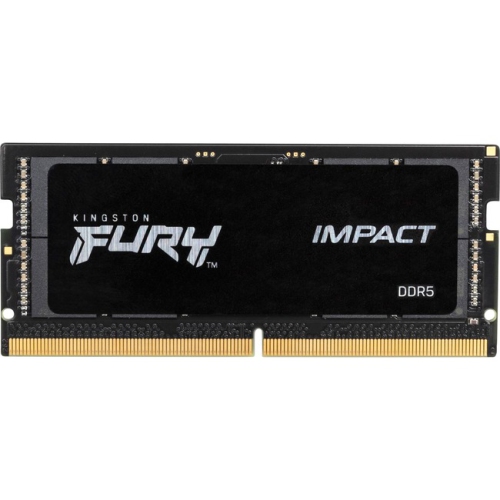
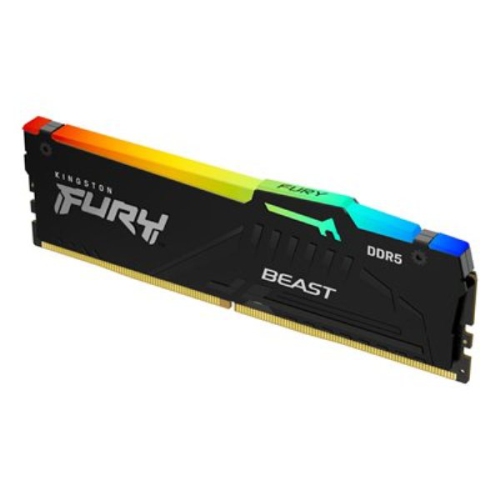
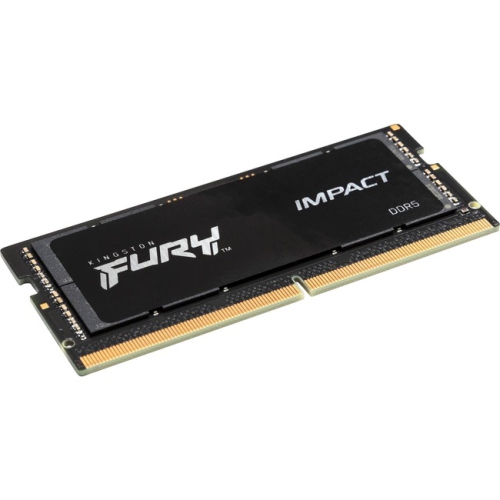
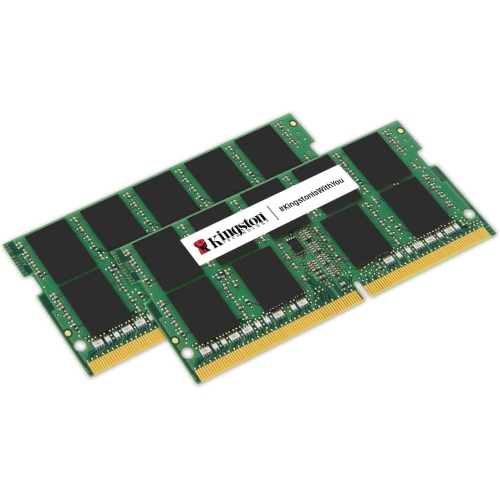
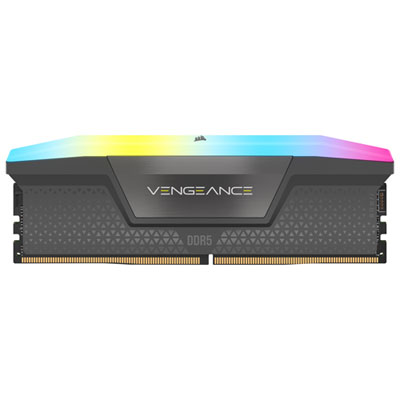
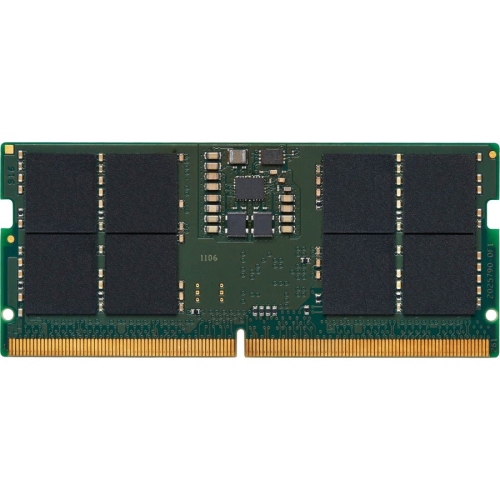
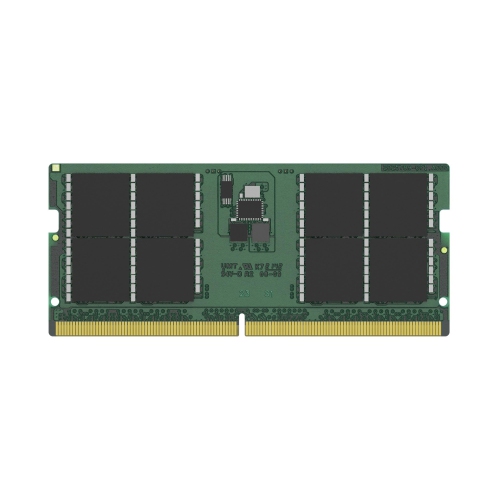
A 16GB DDR5 DIMM is a desktop memory module that provides 16 gigabytes of temporary working space for active applications, operating system tasks, and files in use. DDR5 describes the memory generation, while DIMM refers to the module format fitted into a compatible motherboard’s memory slots. For most consumer desktop builds, the relevant format is an unbuffered DIMM, often labelled UDIMM. This differs from the shorter SO-DIMM format used in many laptops and compact computers, so desktop and laptop memory should not be treated as interchangeable. A 16GB DDR5 configuration can suit everyday computing, school assignments, office applications, streaming, and many gaming workloads. Its usefulness depends on what runs together: a browser with numerous tabs, a video call, and a large spreadsheet place different demands on memory than a single document. More memory is especially helpful when an existing system frequently runs short and moves working data to storage, which can make switching between applications feel less responsive. RAM does not replace an SSD, add permanent file storage, or preserve open work when power is lost. It also cannot compensate for every limitation elsewhere in a computer; gaming performance, for example, still depends heavily on the processor, graphics hardware, and game settings. Capacity descriptions deserve attention because 16GB may refer to one 16GB module or a kit containing two 8GB modules. Those configurations provide the same total capacity but occupy different numbers of slots and can use the processor’s memory channels differently. A single 16GB module can leave room for a later expansion, while a matched two-module kit can support a dual-channel configuration on a compatible desktop platform. Although DDR5 divides each module into independent subchannels, one module is not equivalent to populating both of a processor’s memory channels. For a family desktop, study computer, or first gaming build, the practical fit comes from balancing sufficient working memory with the system’s supported configuration and the applications used most often.
Compatibility is the first distinction between a useful memory upgrade and a module that cannot be installed. DDR5 memory requires a motherboard and processor platform designed to support DDR5; it will not work in a DDR4 slot, even where the modules look similar. The slot key and electrical requirements differ, and a module should never need to be forced into place. A desktop’s documentation can identify the supported memory generation, module type, maximum capacity, and preferred slots for one or two modules. System-specific restrictions matter as well, particularly in prebuilt desktops with limited firmware settings. Standard consumer UDIMMs, registered server DIMMs, and specialised workstation memory are not automatically interchangeable. DDR5 also includes on-die error correction within its memory chips, but that feature is not the same as the broader error protection provided by a fully supported ECC memory configuration. Speed is another part of compatibility rather than a standalone promise of performance. DDR5 transfer rates are most accurately expressed in megatransfers per second, or MT/s, although shopping labels may use MHz. A higher rated transfer rate can provide greater memory bandwidth, but the speed a computer actually uses depends on its processor, motherboard, firmware, and installed memory arrangement. Some performance ratings require a supported memory profile to be enabled rather than taking effect at the default settings. Latency figures also need context: a lower CAS latency number indicates fewer clock cycles, but comparing responsiveness across different transfer rates requires considering both values together. For routine browsing and document work, capacity and reliable compatibility may matter more than small differences between performance specifications. Games, large spreadsheets, and creative applications can respond differently to memory bandwidth and latency, so there is no universal improvement attached to a single specification. Matched kits simplify pairing because their modules are supplied for operation together. Adding another module later can be practical, but matching the capacity and advertised speed alone does not guarantee identical components or stable operation at the original settings.
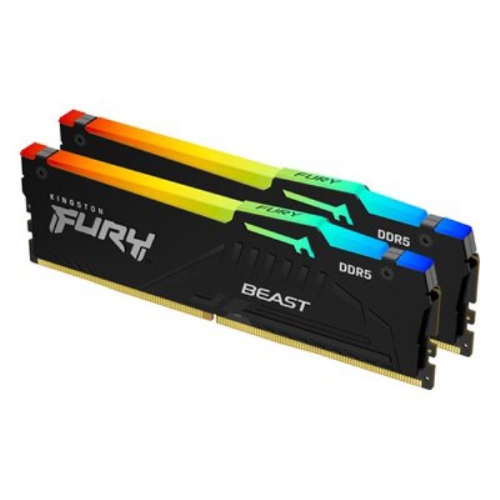
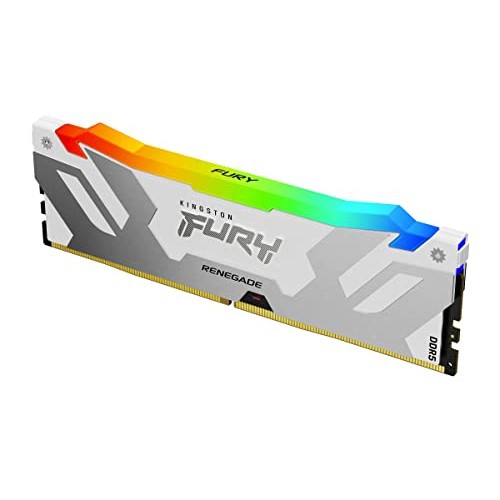
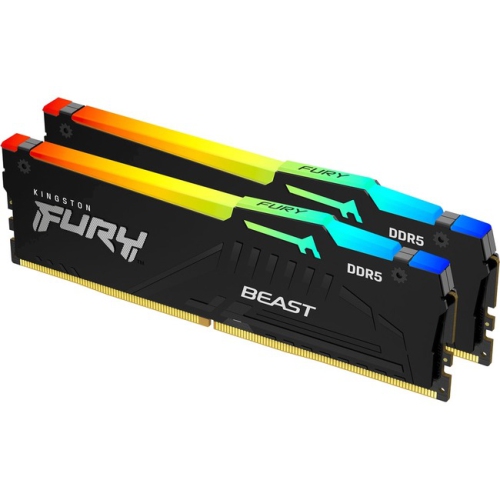
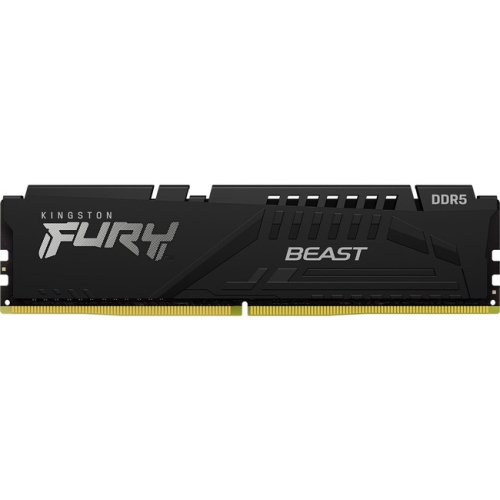
Physical design matters inside a desktop case, even though memory modules spend most of their working life out of sight. A DDR5 DIMM combines memory chips, a circuit board, electrical contacts, and onboard power-management components. Some designs leave more of the board visible, while others add metal heat spreaders, often made from aluminium, to help distribute heat. A taller heat spreader or lighting assembly can affect clearance beneath a large processor cooler, making module height a more useful fit detail than appearance alone. Low-profile memory can be particularly practical in compact builds or systems where the cooler extends over the memory slots. Lighting and colour are primarily aesthetic choices; neither establishes compatibility or guarantees better performance. For long-term reliability, correct installation, stable settings, and unobstructed case airflow matter more than an elaborate exterior. Memory has no moving parts and generally needs little direct maintenance once fitted. Sensible handling protects the circuit board and contacts: modules are held by their edges, kept away from liquids, and protected against static discharge during installation or storage. Dust removal is usually part of broader computer maintenance rather than a reason to repeatedly remove the memory. After an upgrade, the operating system should report the expected capacity, and a memory test can help identify seating or configuration problems before important work depends on the computer. Planning for future use also helps put 16GB in perspective. Someone editing high-resolution media, running virtual machines, or keeping several demanding applications open may benefit from additional capacity. For those workloads, 32GB 6000MHz DDR5 memory provides more working space than a 16GB configuration, with achievable speed still dependent on system support and settings. Memory can also be a thoughtful gift for a desktop builder or student upgrading a compatible computer, provided the recipient’s exact requirements are known. The most useful choice is the configuration that fits the machine and supports how it is actually used.
Top selling and popular products
-
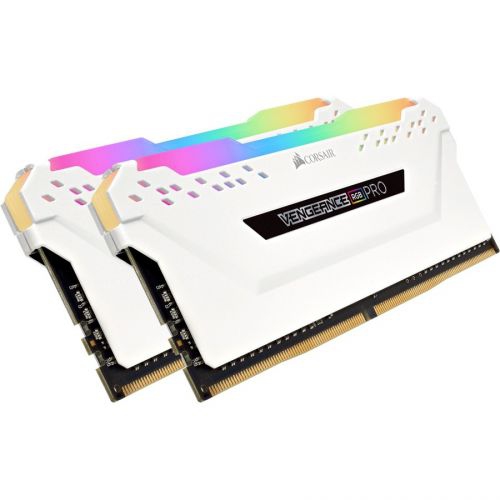 Your price for this item is $307.68
-
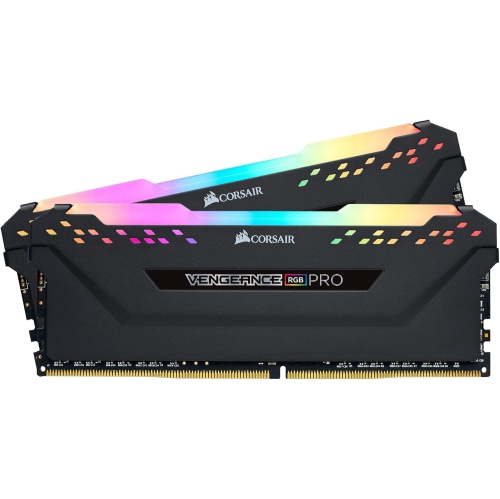 Your price for this item is $389.99
-
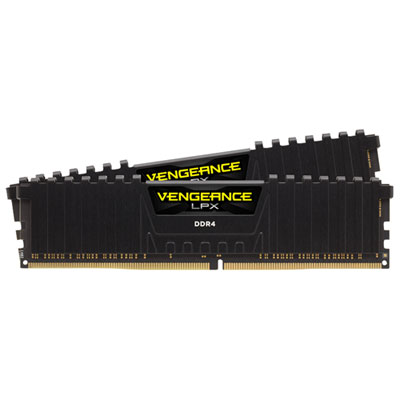 Your price for this item is $431.98
-
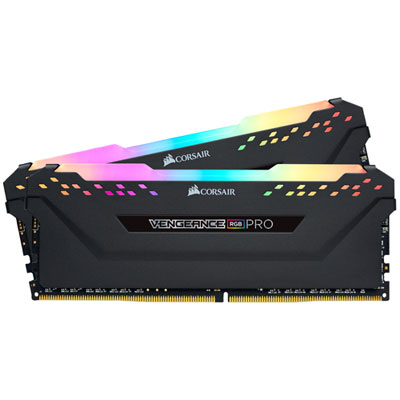 Your price for this item is $450.98
-
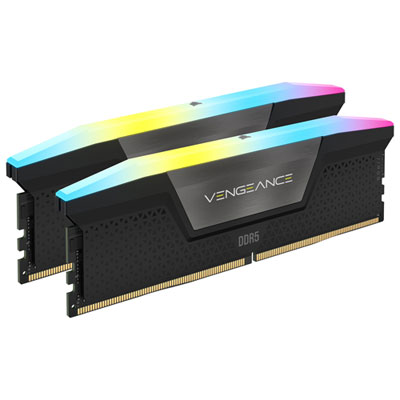 Your price for this item is $844.99
-
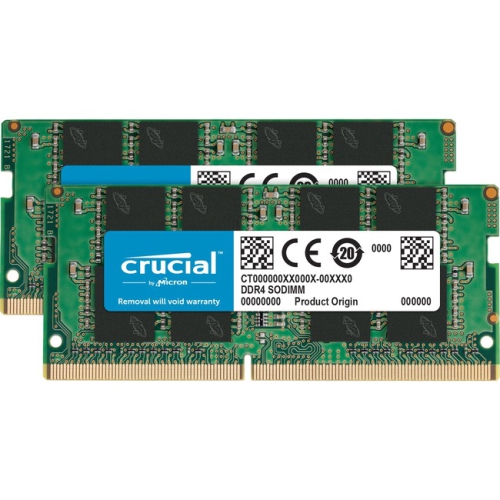 Your price for this item is $388.88
-
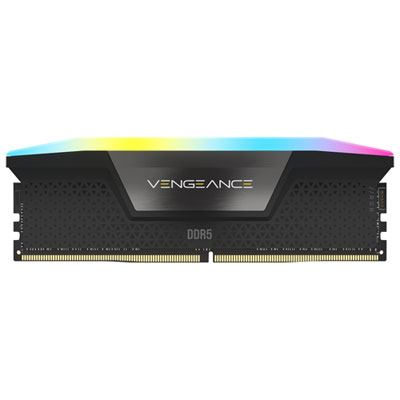 Your price for this item is $1853.99
-
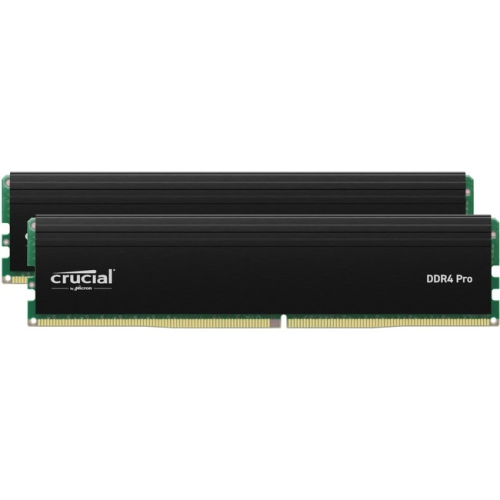 Your price for this item is $975.68
Discover more categories related to DIMM DDR5 16GB
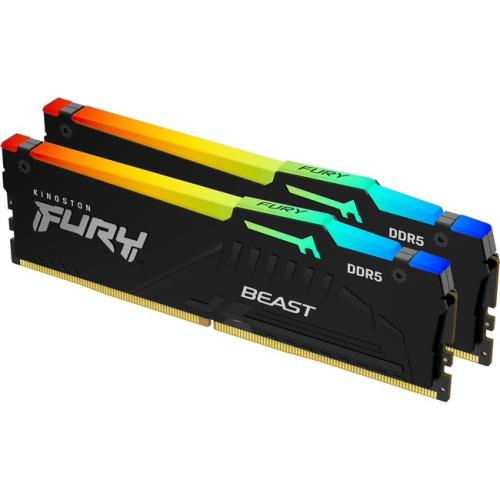
Top Collections:
Best Black Friday Deals This Year, Best Black Friday Deals On Electronics, Kindle Devices, Pokemon Centers, Best Black Friday Deals On Apple Products, Best Cameras for Sports Photography, Dyson Airwrap, Pokémon 30th Celebration Cards, Apple iPhone 17 Pro, Canon G7X Cameras
Some products may be subject to Environmental Handling Fees
(EHF) depending on your province.
Learn more about EHFs.