DisplayPort Cables for Computers
DisplayPort Cables for Computers offer a reliable solution for connecting monitors, desktops, and laptops with high-quality video and audio transmission. Whether setting up a home office, enhancing a gaming setup, or expanding your workstation, these cables provide the connectivity needed for seamless performance. Browse a wide selection of DisplayPort Cables for Computers to find the right length and specifications to match your devices and workspace requirements.
Sort




Why your monitor connection depends on more than resolution
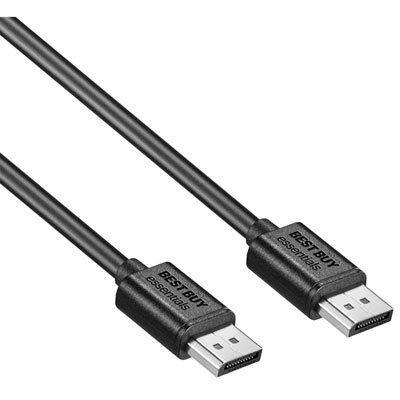
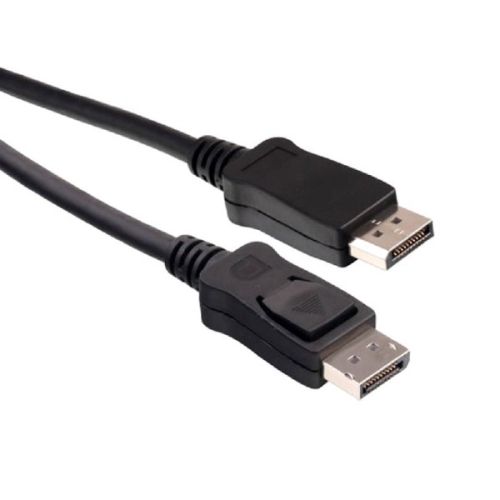
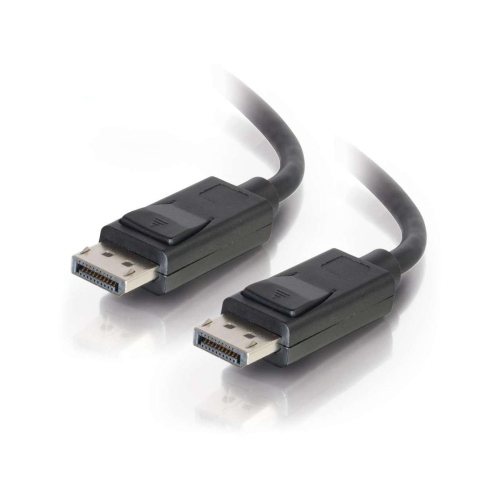
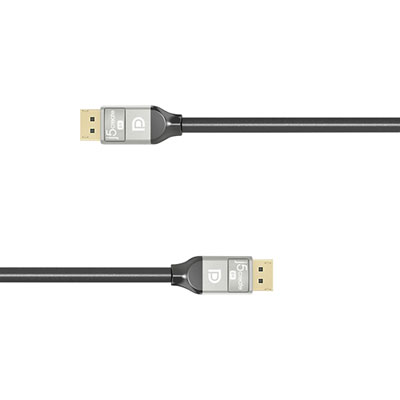
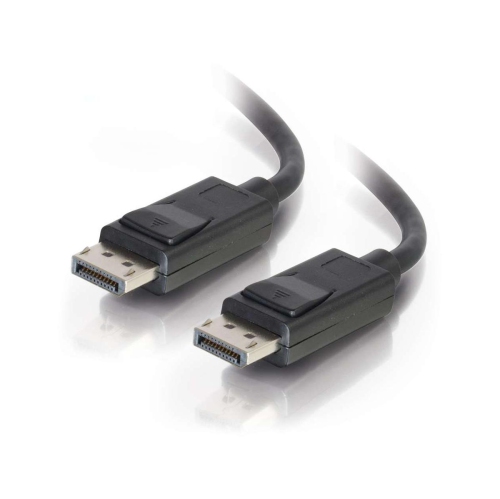
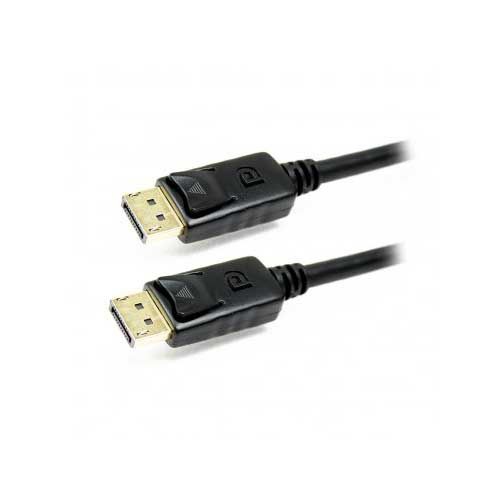
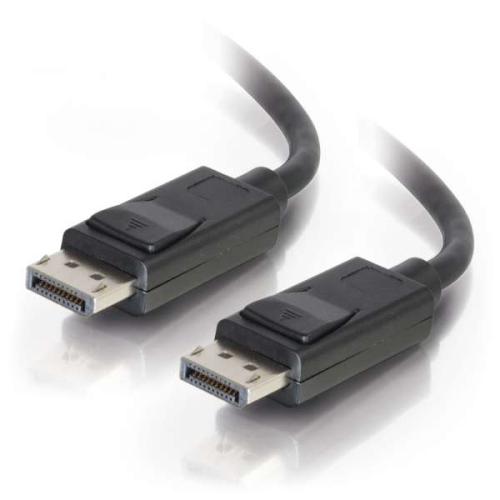
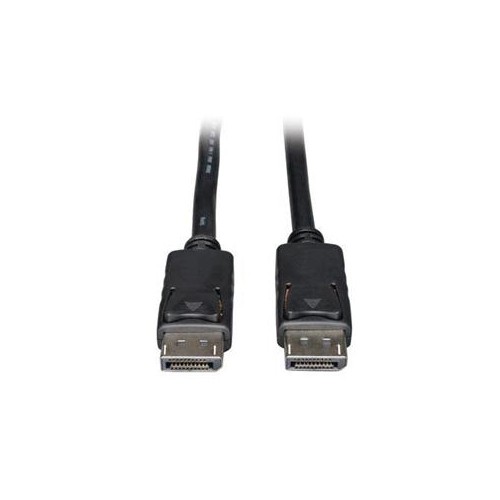
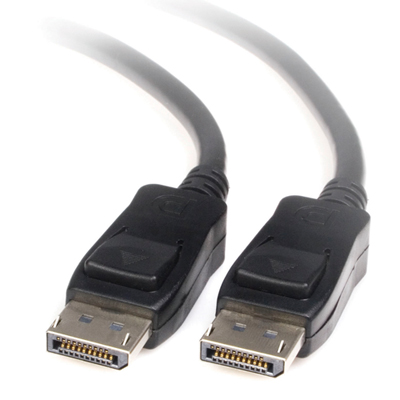
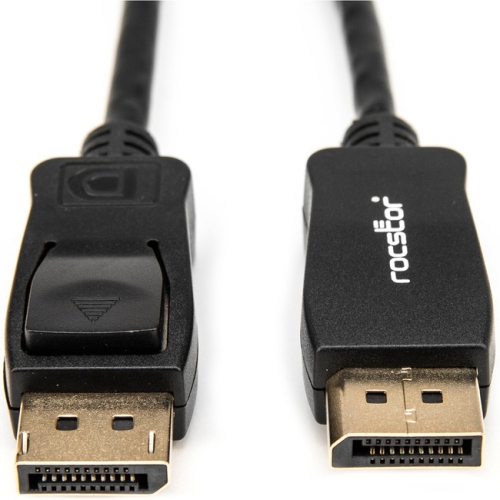
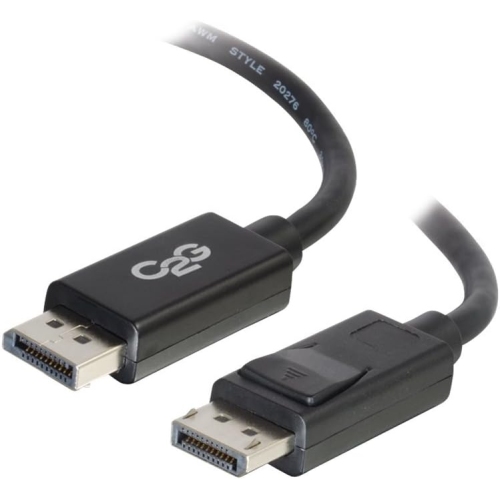
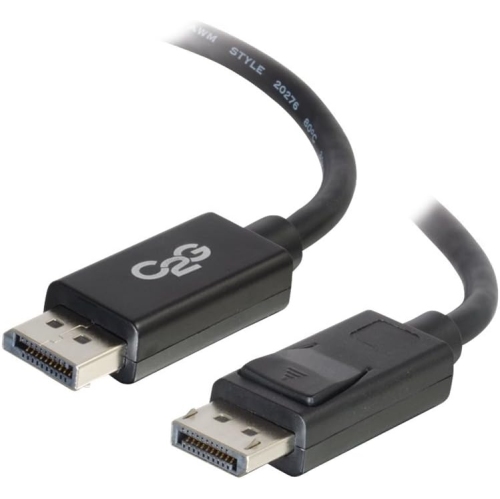
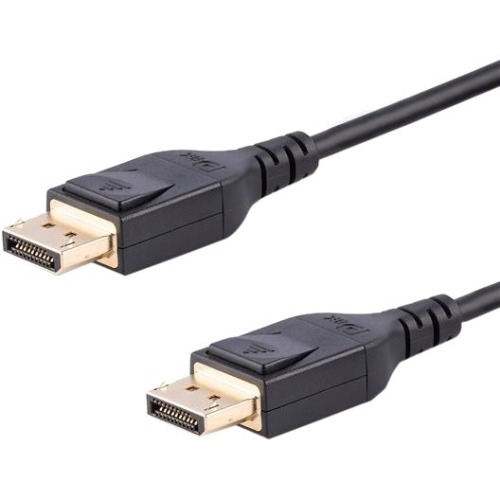
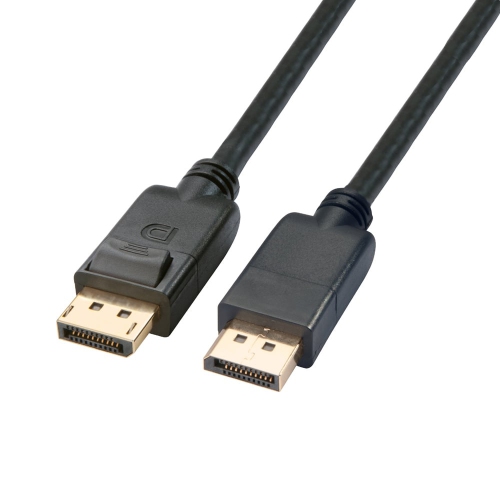
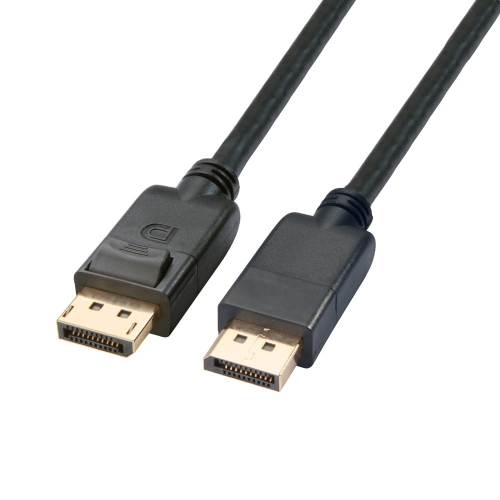
DisplayPort cables for computers carry digital video and audio from a compatible desktop, graphics card, laptop, or docking station to a monitor. They provide a wired connection for everything from everyday office work to high-resolution gaming and detailed creative projects. At a desk with a large monitor, a DisplayPort connection can make room for a spreadsheet beside a browser window, keep small text clear, or deliver the refresh rate needed for smoother movement in fast-paced games. The right cable depends on the capabilities of both connected devices and the signal being carried, rather than screen size alone. Resolution, refresh rate, colour depth, and features such as HDR all affect the bandwidth a connection needs. A cable suitable for a 4K display at 60 Hz may not support that same resolution at a much higher refresh rate with identical colour settings. Supported combinations should therefore match the specifications of the computer’s video output, the monitor’s input, and the cable itself. Some higher-resolution or higher-refresh-rate modes also depend on Display Stream Compression, which requires support from the connected hardware. A cable cannot add a resolution, refresh rate, or display feature that the computer or monitor does not support. For photographers and designers, a dependable connection supports a workspace where fine detail and colour matter, although colour accuracy also depends on the display, its settings, and calibration. For students and home office users, the benefit may be as straightforward as connecting a laptop to a larger screen for research, writing, and video calls. DisplayPort can also carry sound to a compatible monitor with speakers or an audio output, reducing the need for a separate audio cable in some setups. The presence of a DisplayPort connection does not mean that a monitor includes speakers, and the appropriate playback device may need to be selected in the computer’s sound settings. These distinctions make cable compatibility more useful than broad claims about picture quality.
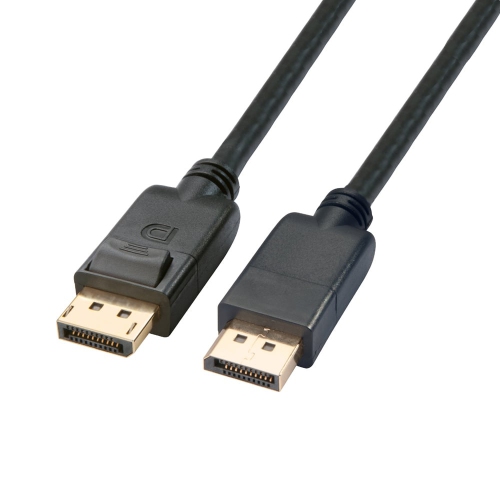
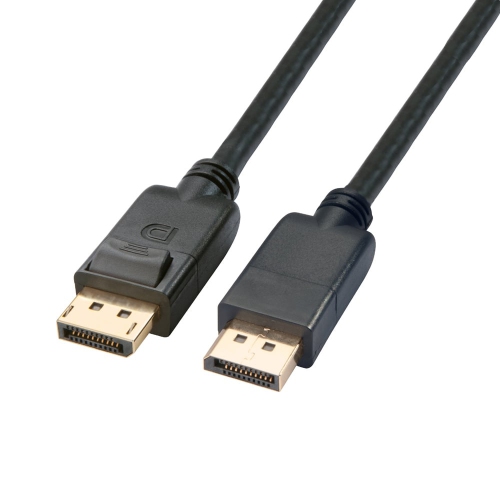
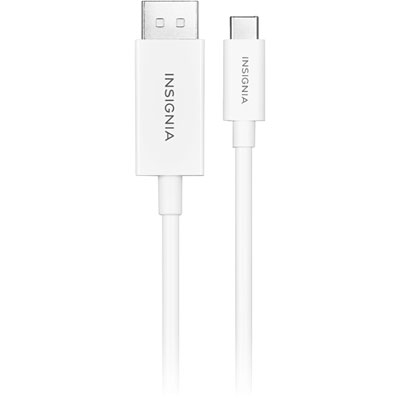
Connector shape, cable length, and construction all influence how comfortably a DisplayPort cable fits into a computer setup. Standard DisplayPort and Mini DisplayPort connectors are different sizes, so a cable needs ends that match the available ports. A laptop with only USB-C ports requires a compatible connection solution rather than a standard DisplayPort cable alone; the USB-C port must also support video output through an appropriate display capability, such as DisplayPort Alt Mode. On a desktop with a dedicated graphics card, the monitor will generally connect to that card’s video outputs rather than the motherboard’s display ports. Physical clearance matters as well. A connector that fits easily behind a freestanding monitor may be awkward against a wall mount or inside a tightly arranged desk nook. Cable length should account for the actual route from the computer to the display, including a monitor arm, cable tray, or sit-stand desk, with enough slack for normal movement. Excess cable can become a bulky coil under the desk, while a cable stretched taut can pull against ports and strain the connector housing. Longer runs require particular attention to the cable’s supported bandwidth and operating limits; active or optical designs may be suitable for some extended connections, but their compatibility and direction requirements vary. Clear specifications and relevant certification are more informative than a jacket’s thickness or a connector’s decorative finish. Copper conductors, shielding, and well-made terminations contribute to signal integrity, while the outer jacket protects the cable during everyday handling. Braided coverings can resist surface wear, although they may feel stiffer than smooth jackets when routed through a narrow opening. Flexible strain relief near each connector helps manage repeated movement at a common stress point. Some full-size DisplayPort connectors include a locking latch, which helps keep the connection seated but must be released before removal. For a monitor arm that moves throughout the day, flexibility and a relaxed cable path can matter just as much as the connector style.
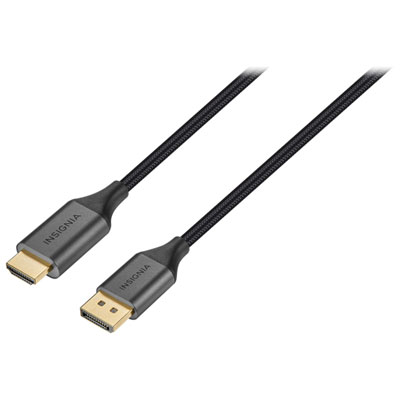
DisplayPort cables also suit workstations with more than one screen, whether the goal is keeping reference material beside a main document or separating a game from chat and streaming controls. Each display still needs a supported connection path, and the number of monitors a computer can run depends on its graphics hardware, ports, docking station, and operating system. Some setups support DisplayPort Multi-Stream Transport, allowing compatible displays to share a connection through a suitable hub or a monitor with a DisplayPort output. This capability is not universal, and the available bandwidth is shared across the connected screens. A pair of high-resolution displays can place different demands on a connection than two lower-resolution office monitors. When the computer and display have different ports, DisplayPort To HDMI Cables offer a related connection option for compatible setups. Direction matters: a cable designed to carry a signal from a DisplayPort computer output to an HDMI monitor input generally cannot be reversed to connect an HDMI computer output to a DisplayPort monitor. Passive conversion depends on support from the source device, while some connections require active conversion. Maximum resolution, refresh rate, audio support, and other display features can also differ from a direct DisplayPort connection, making the complete signal path important. For shared desks, school workspaces, and home gaming areas, a clearly routed cable is easier to manage and less likely to be pulled accidentally when equipment moves. Gentle bends are preferable to sharp folds, especially near the connector ends, and reusable straps can hold spare length without crushing the jacket. Dust can be removed from the exterior with a dry, soft cloth while the cable is disconnected; liquid cleaners should be kept away from the contacts. When moving equipment, disconnecting the cable by its housing rather than tugging the cord helps protect both the cable and the port. A well-matched DisplayPort cable becomes an unobtrusive part of the desk: long enough to reach neatly, flexible enough for the space, and specified for the display performance the computer and monitor can deliver.
Top selling and popular products
-
 Your price for this item is $39.95
-
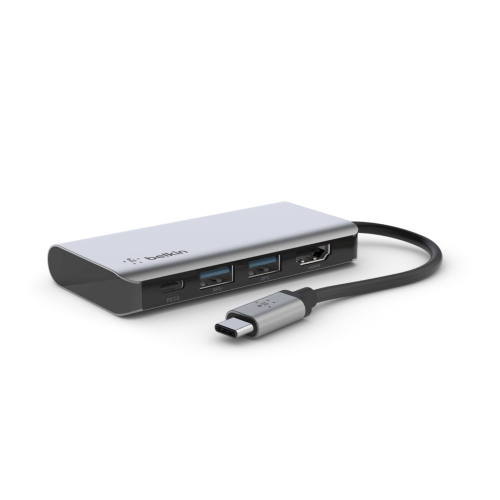 Your price for this item is $63.99
-
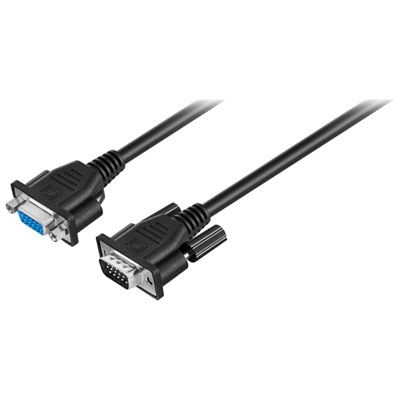 Your price for this item is $29.95
-
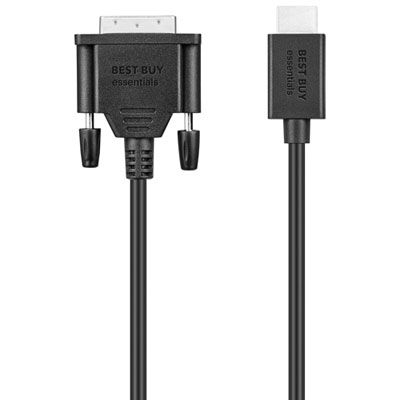 Your price for this item is $14.99
-
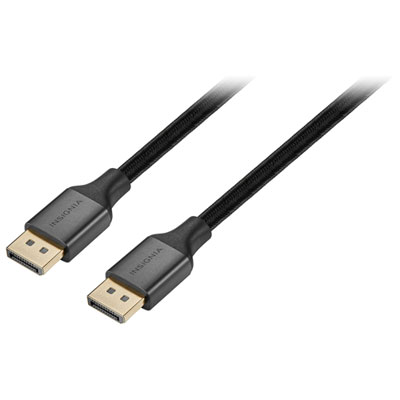 Your price for this item is $29.99
-
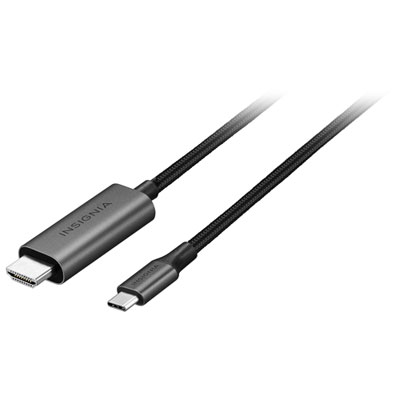 Your price for this item is $39.99
-
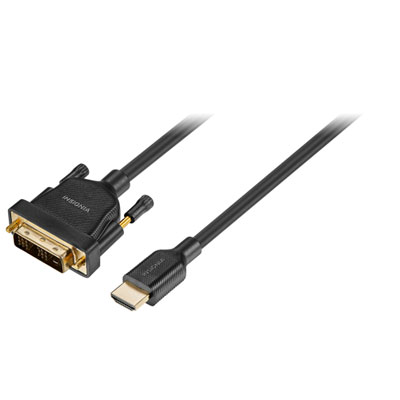 Your price for this item is $29.99
-
 Your price for this item is $29.99
Discover more categories related to DisplayPort Cables for Computers

Top Collections:
Best Black Friday Deals This Year, Best Black Friday Deals On Electronics, Kindle Devices, Pokemon Centers, Best Black Friday Deals On Apple Products, Best Cameras for Sports Photography, Dyson Airwrap, Pokémon 30th Celebration Cards, Apple iPhone 17 Pro, Canon G7X Cameras
Some products may be subject to Environmental Handling Fees
(EHF) depending on your province.
Learn more about EHFs.