Docking Stations for 3 Monitors
Docking Station for 3 Monitors solutions are designed to help you maximize productivity and streamline your workspace. Perfect for multitasking professionals, gamers, and creators, these docking stations make it easy to connect multiple monitors to your laptop or desktop computer. Whether you're looking to expand your view for work or entertainment, explore a wide selection of options that offer reliable connectivity and support for various display setups. Find the right Docking Station for 3 Monitors to enhance your workflow and enjoy a more immersive computing experience.
Sort
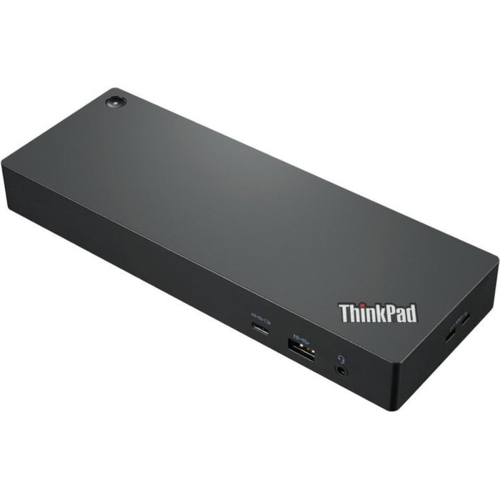

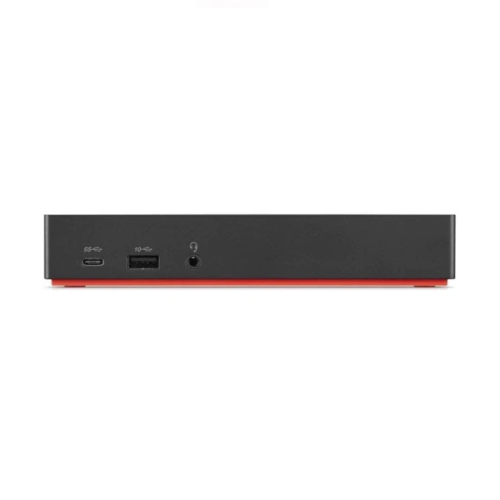
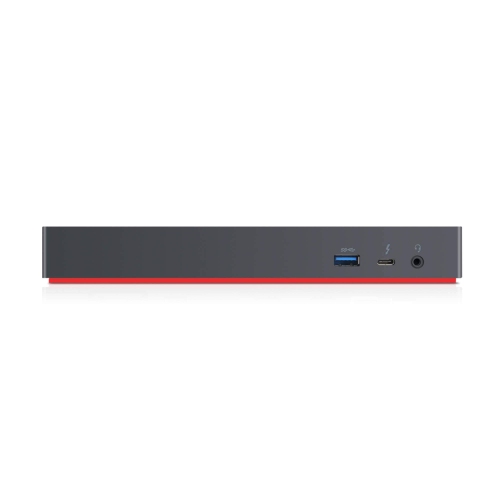
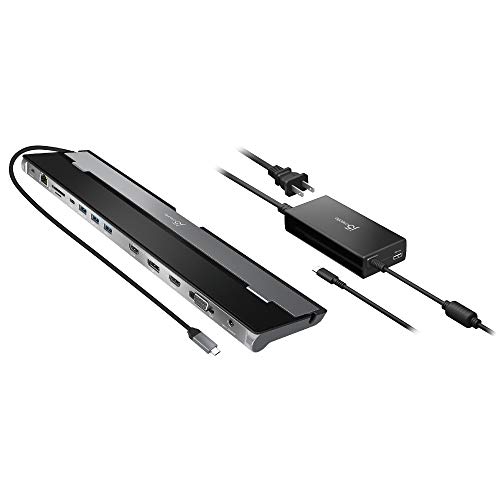
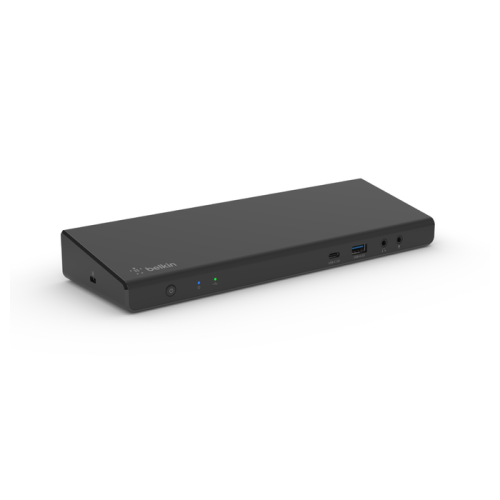
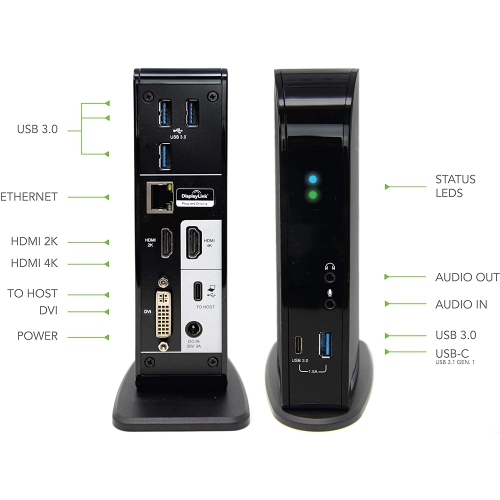
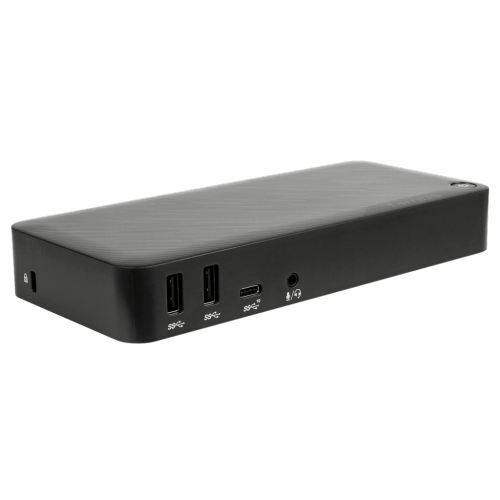
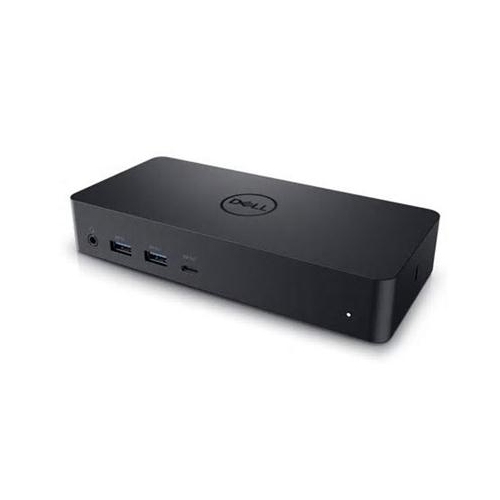
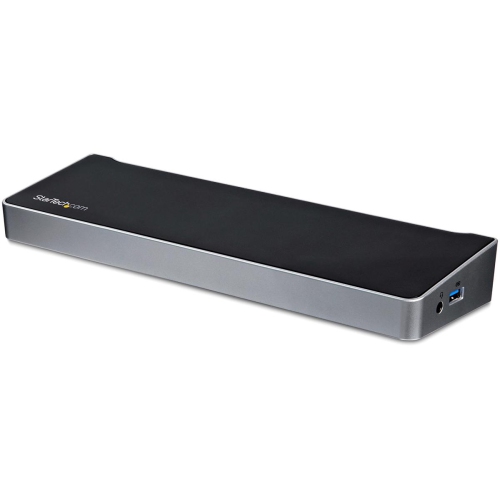
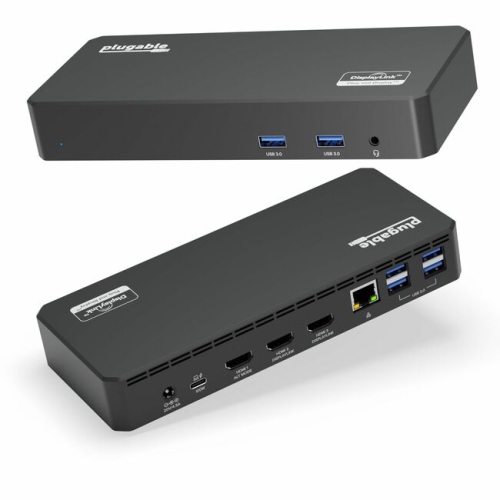
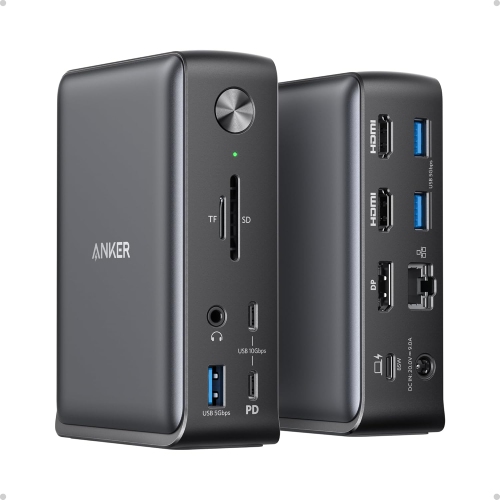

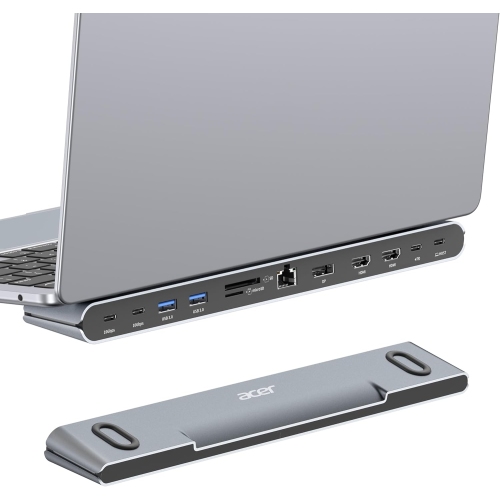
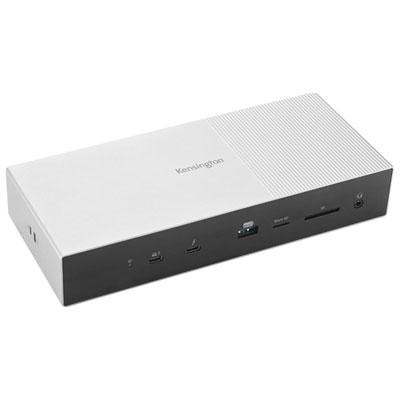
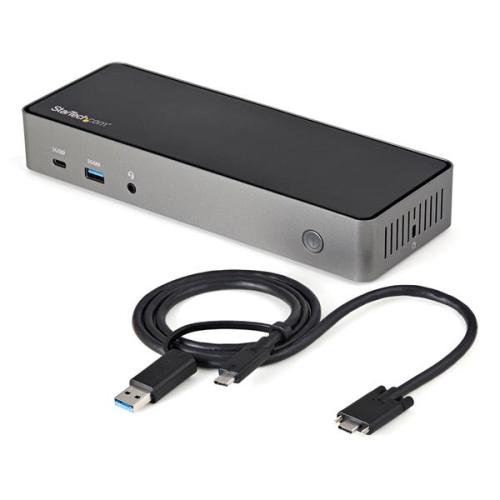
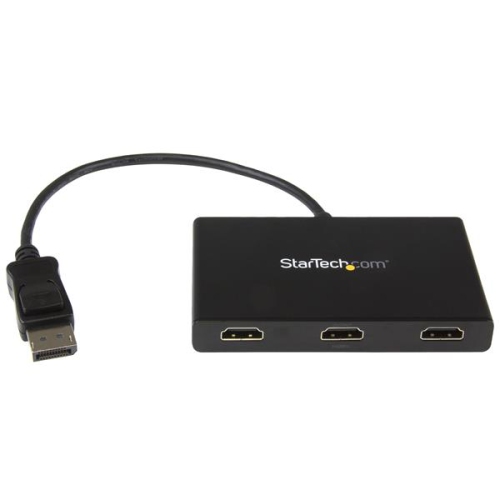
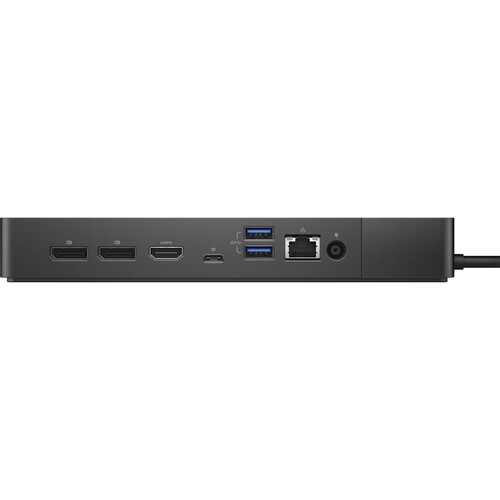
Seamless multi-monitor setups for work, study, and play
As workspaces continue to evolve, both at home and in the office, the demand for seamless multitasking and expansive digital real estate has never been greater. Docking stations for 3 monitors are designed to transform your desk into a powerhouse of productivity, enabling you to connect multiple displays, peripherals, and accessories with ease. Whether you are a creative professional editing high-resolution video, a financial analyst monitoring real-time data across several screens, or a gamer seeking an immersive panoramic setup, a 3 monitor docking station can make a dramatic difference in your workflow. These docking stations are particularly popular among remote workers and students who need to transition between work and study environments, as they provide a simple way to plug in a laptop and instantly access a full multi-monitor setup. As the weather warms and routines shift with the season, having a dedicated, organized workspace can help maintain focus and efficiency, whether you’re working from a sunlit home office or a bustling downtown studio.
When selecting a 3 display docking station, there are several considerations to keep in mind to ensure compatibility and performance. The type of connectivity your devices support is crucial—many modern laptops and tablets rely on USB-C for charging and data transfer, so a usb-c triple display docking station can provide both power and connectivity through a single cable. This not only reduces desk clutter but also streamlines your setup, allowing for quick transitions between workstations or meeting rooms. Display resolution and refresh rates are also important, especially for those working with detailed graphics or fast-paced applications. Some docking stations support 4K or even higher resolutions, ensuring crisp, clear visuals across all monitors. Additionally, the number and type of ports—such as HDMI, DisplayPort, USB-A, Ethernet, and audio jacks—can affect how many and what kind of devices you can connect, from external hard drives to wired networks and audio equipment. For those who like to personalize their workspace, features like integrated charging, cable management, and compact designs can make a big difference in both aesthetics and functionality.
Docking stations for 3 monitors also make thoughtful gifts for students heading off to university, professionals setting up a home office, or anyone who enjoys a streamlined tech experience. The flexibility of a multi-monitor setup is ideal for multitaskers—think of a parent balancing remote work with virtual school sessions, or a hobbyist managing photo libraries while chatting with friends and keeping an eye on tutorials. During the cooler months, as routines settle into a steady rhythm, a reliable docking station can help keep workspaces tidy and efficient, making it easier to transition between tasks or share a workstation with family members. If you’re interested in exploring more options or want expert recommendations for expanding your display setup, visit our Best Docking Stations for Multiple Monitors page for detailed insights and curated selections tailored to a variety of needs and budgets. With the right docking station, your workspace can adapt to any season, supporting productivity, creativity, and convenience every step of the way.
When selecting a 3 display docking station, there are several considerations to keep in mind to ensure compatibility and performance. The type of connectivity your devices support is crucial—many modern laptops and tablets rely on USB-C for charging and data transfer, so a usb-c triple display docking station can provide both power and connectivity through a single cable. This not only reduces desk clutter but also streamlines your setup, allowing for quick transitions between workstations or meeting rooms. Display resolution and refresh rates are also important, especially for those working with detailed graphics or fast-paced applications. Some docking stations support 4K or even higher resolutions, ensuring crisp, clear visuals across all monitors. Additionally, the number and type of ports—such as HDMI, DisplayPort, USB-A, Ethernet, and audio jacks—can affect how many and what kind of devices you can connect, from external hard drives to wired networks and audio equipment. For those who like to personalize their workspace, features like integrated charging, cable management, and compact designs can make a big difference in both aesthetics and functionality.
Docking stations for 3 monitors also make thoughtful gifts for students heading off to university, professionals setting up a home office, or anyone who enjoys a streamlined tech experience. The flexibility of a multi-monitor setup is ideal for multitaskers—think of a parent balancing remote work with virtual school sessions, or a hobbyist managing photo libraries while chatting with friends and keeping an eye on tutorials. During the cooler months, as routines settle into a steady rhythm, a reliable docking station can help keep workspaces tidy and efficient, making it easier to transition between tasks or share a workstation with family members. If you’re interested in exploring more options or want expert recommendations for expanding your display setup, visit our Best Docking Stations for Multiple Monitors page for detailed insights and curated selections tailored to a variety of needs and budgets. With the right docking station, your workspace can adapt to any season, supporting productivity, creativity, and convenience every step of the way.
Top selling and popular products
-
 Your price for this item is $149.99
 -
 Your price for this item is $69.99
 -
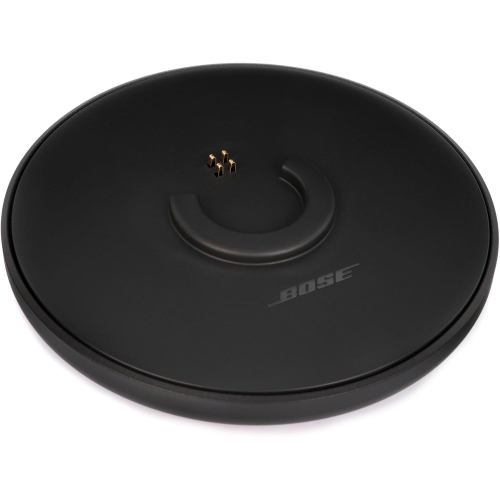 Your price for this item is $35
 -
 Your price for this item is $59.99
 -
 Your price for this item is $179.99
 -
 Your price for this item is $209.99
 -
 Your price for this item is $89.99
 -
 Your price for this item is $154.99
Discover more categories related to Docking Stations for 3 Monitors
Top Collections:
Pokemon Centers, Kindle Devices, Best Budget Office Chairs, Apple iPhones 16, Best Laptops for Writers, iPhone 15 Apple, Canon G7X Cameras, Refurbished Apple Laptops, Alarm Clock, Motorola Razr Phones
Some products may be subject to Environmental Handling Fees
(EHF) depending on your province.
Learn more about EHFs.