Mac Docking Stations for 3 Monitors
Mac Docking Station for 3 Monitors offers an efficient way to expand your workspace and boost productivity. Ideal for multitaskers and professionals, these docking stations provide seamless connectivity options for your Mac, making it easy to manage multiple displays at once. Whether you’re editing videos, analyzing data, or simply want more screen real estate, a Mac Docking Station for 3 Monitors helps create a streamlined desktop setup. Explore a range of options designed to fit your needs and take your workflow to the next level.
Sort

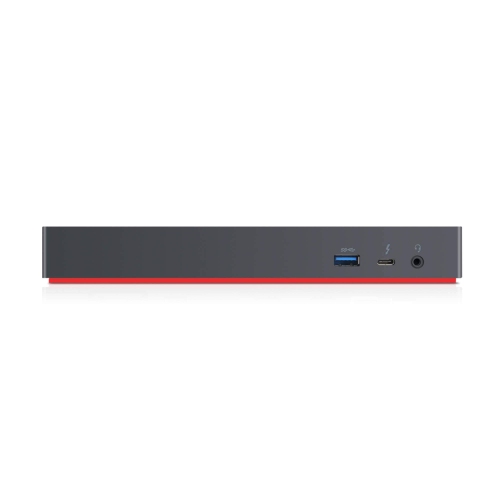
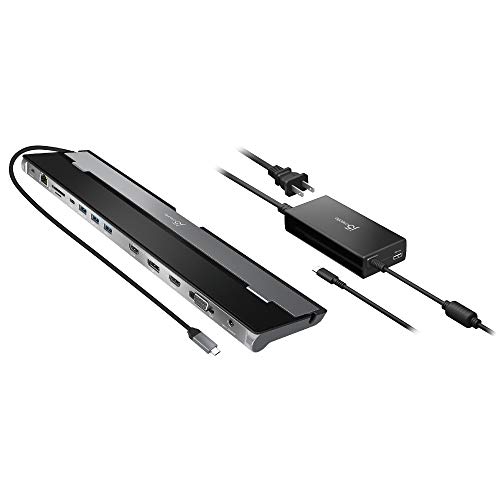
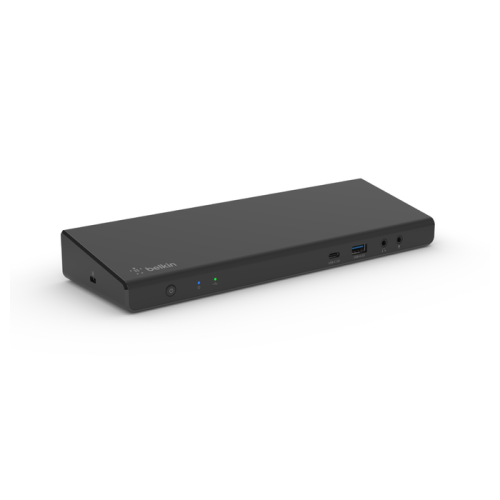
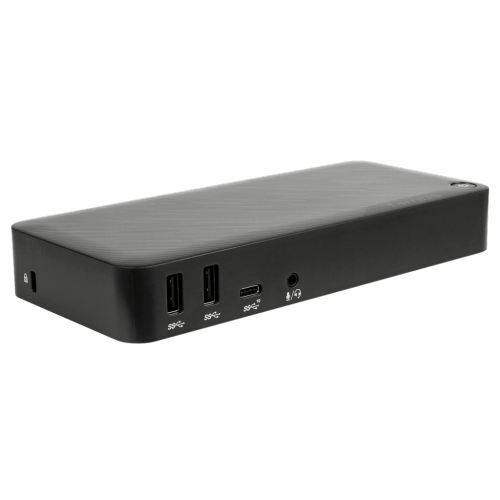
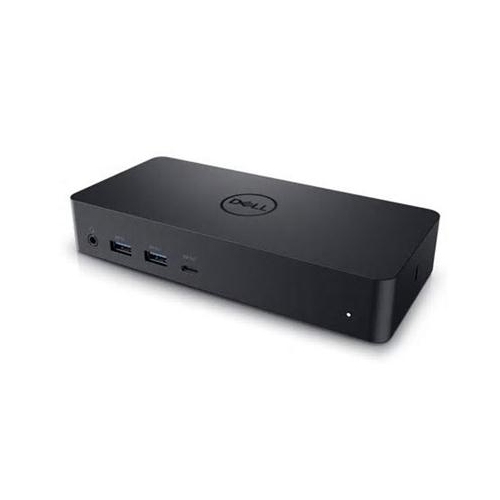
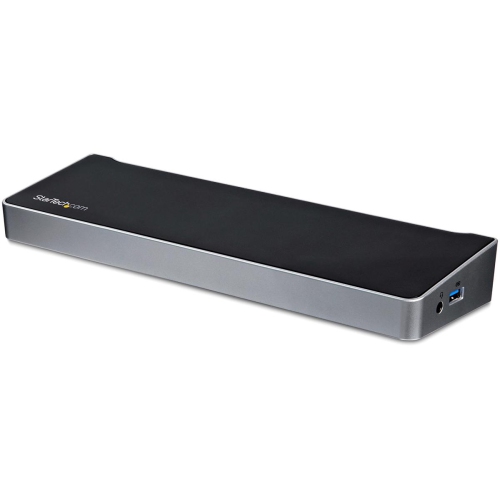
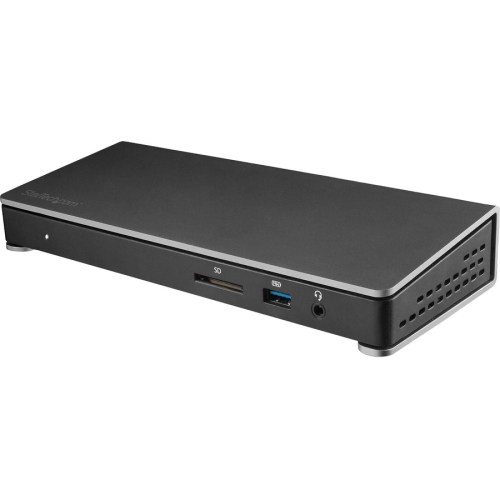
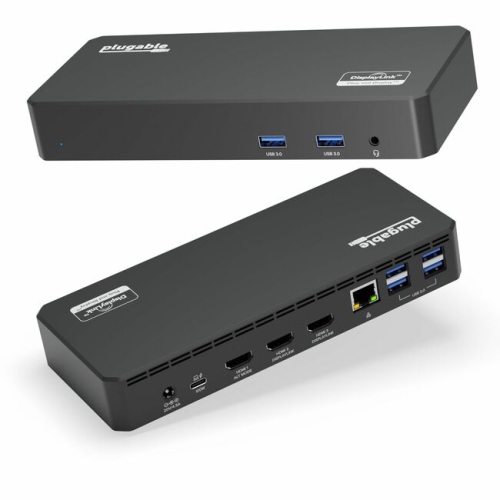
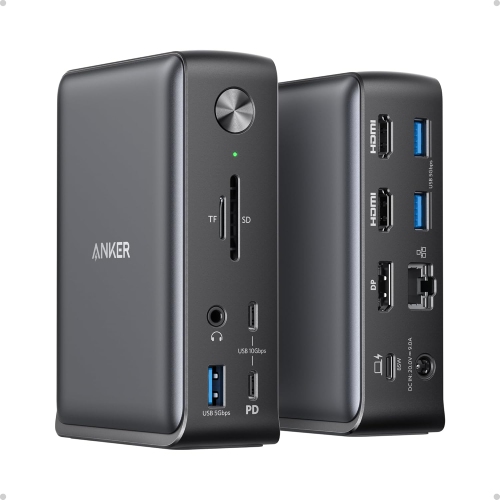

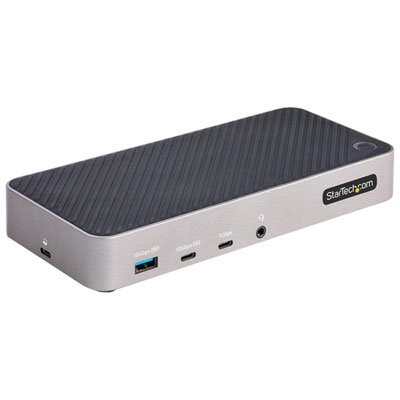
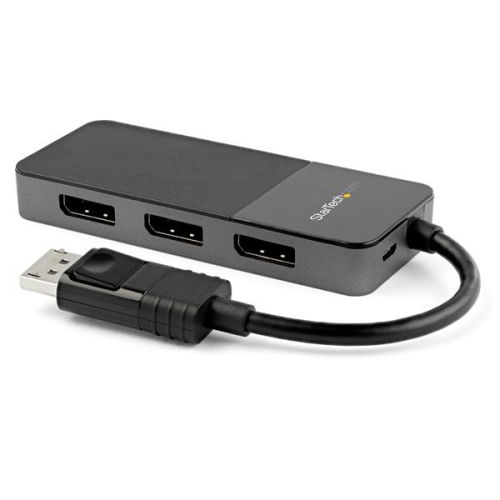
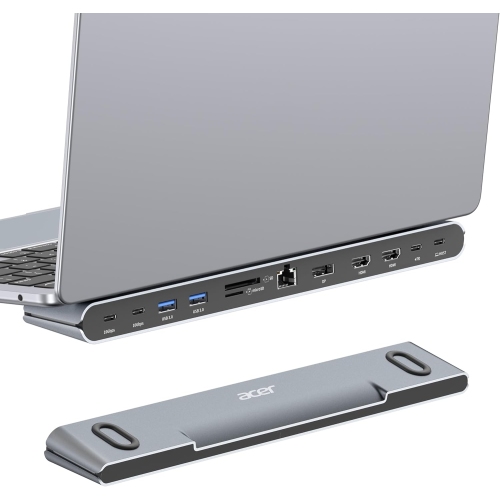
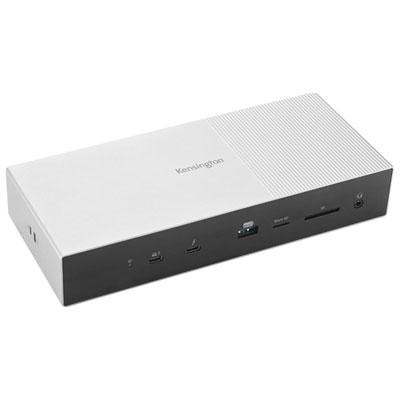
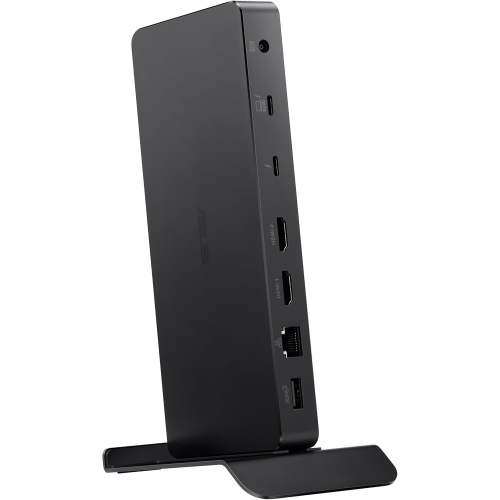
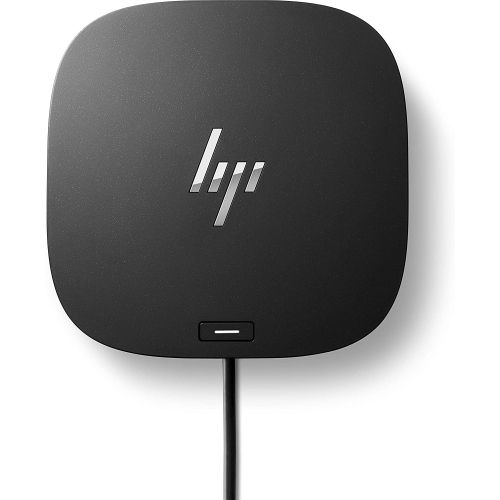
Expand your Mac workspace for smoother, more focused multitasking
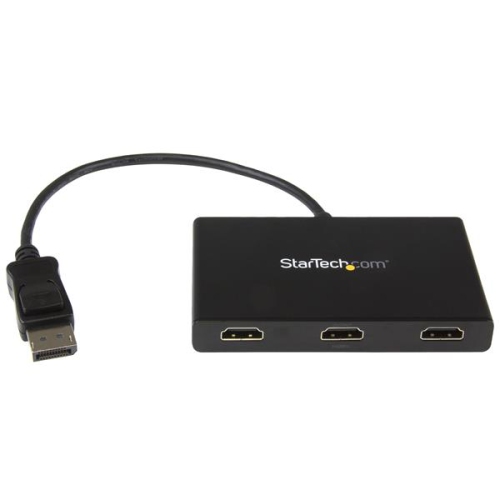
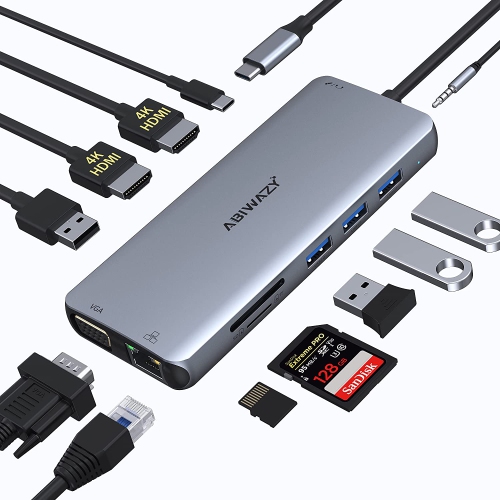
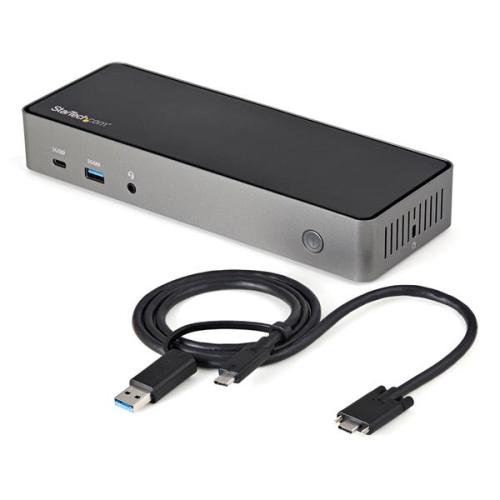
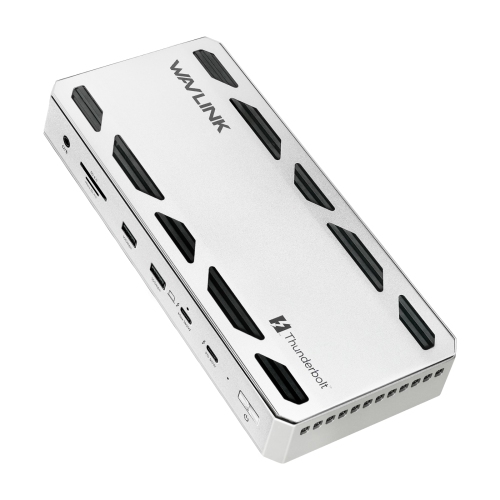
When it comes to elevating your Mac workspace, few upgrades make as dramatic a difference as choosing the right docking station designed to support three monitors. Whether you’re working from a home office as the weather warms and natural light fills your space, or you’re setting up a creative studio for use throughout the cooler months, a multi-monitor Mac docking station can completely transform your productivity and workflow. These solutions are particularly valuable for professionals in graphic design, video editing, software development, and financial analysis—anyone who needs to manage multiple applications, data streams, or creative assets at once. Students diving into research projects, remote workers attending virtual meetings, and content creators streaming or editing videos all benefit from the expanded digital real estate that three connected monitors provide. For those using a macbook pro 15 dock, the ability to seamlessly connect a trio of external displays can turn a portable laptop into a powerful desktop workstation in seconds, making it easier to transition between work, study, and entertainment.
Selecting the right Mac docking station for three monitors involves considering a few key factors to ensure compatibility and performance. It’s important to check the connection options—Thunderbolt, USB-C, and HDMI are commonly used—and to verify that the dock supports the resolution and refresh rate you need for each monitor. Power delivery is another crucial aspect, especially if you want to keep your MacBook charged while connected to all your peripherals. Many users appreciate docks that offer additional USB ports, Ethernet connectivity, and SD card readers, making it simple to connect everything from external drives to cameras and audio equipment. If you’re shopping for a gift, a Mac docking station is a thoughtful and practical choice for graduates, professionals, or anyone setting up a new workspace. The flexibility to expand a laptop’s capabilities with a single plug-in solution is something many users don’t realize they’re missing until they experience it firsthand. For even more tips, details, and top picks, you can explore the Best Docking Stations for Multiple Monitors to find the perfect fit for your needs.
As you plan your workspace for the season ahead—whether you’re maximizing productivity during long summer days or gearing up for a busy fall—investing in a Mac docking station that supports three monitors ensures you’re ready for any project or task. Imagine editing high-resolution photos on one screen, referencing research on another, and keeping your communication tools open on the third, all without the hassle of constantly switching windows. With the right docking station, your Mac becomes the hub of a powerful, flexible, and efficient setup that adapts to your changing needs, whether you’re working, learning, or unwinding at the end of the day.
Selecting the right Mac docking station for three monitors involves considering a few key factors to ensure compatibility and performance. It’s important to check the connection options—Thunderbolt, USB-C, and HDMI are commonly used—and to verify that the dock supports the resolution and refresh rate you need for each monitor. Power delivery is another crucial aspect, especially if you want to keep your MacBook charged while connected to all your peripherals. Many users appreciate docks that offer additional USB ports, Ethernet connectivity, and SD card readers, making it simple to connect everything from external drives to cameras and audio equipment. If you’re shopping for a gift, a Mac docking station is a thoughtful and practical choice for graduates, professionals, or anyone setting up a new workspace. The flexibility to expand a laptop’s capabilities with a single plug-in solution is something many users don’t realize they’re missing until they experience it firsthand. For even more tips, details, and top picks, you can explore the Best Docking Stations for Multiple Monitors to find the perfect fit for your needs.
As you plan your workspace for the season ahead—whether you’re maximizing productivity during long summer days or gearing up for a busy fall—investing in a Mac docking station that supports three monitors ensures you’re ready for any project or task. Imagine editing high-resolution photos on one screen, referencing research on another, and keeping your communication tools open on the third, all without the hassle of constantly switching windows. With the right docking station, your Mac becomes the hub of a powerful, flexible, and efficient setup that adapts to your changing needs, whether you’re working, learning, or unwinding at the end of the day.
Top selling and popular products
-
 Your price for this item is $149.99
 -
 Your price for this item is $69.99
 -
 Your price for this item is $35
 -
 Your price for this item is $59.99
 -
 Your price for this item is $179.99
 -
 Your price for this item is $209.99
 -
 Your price for this item is $89.99
 -
 Your price for this item is $154.99
Discover more categories related to Mac Docking Stations for 3 Monitors

Top Collections:
Pokemon Centers, Kindle Devices, Best Budget Office Chairs, Apple iPhones 16, Best Laptops for Writers, iPhone 15 Apple, Canon G7X Cameras, Refurbished Apple Laptops, Alarm Clock, Motorola Razr Phones
Some products may be subject to Environmental Handling Fees
(EHF) depending on your province.
Learn more about EHFs.