Docking Station Dual Monitors
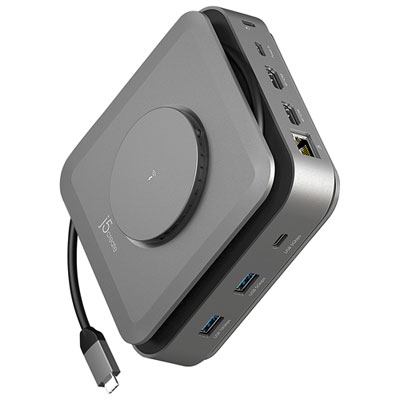
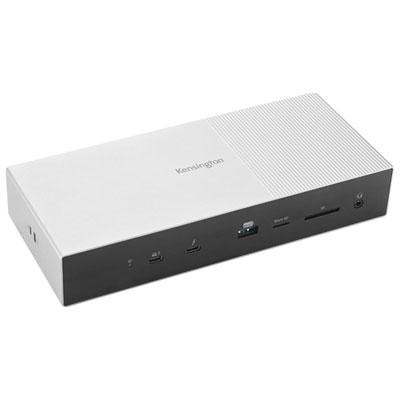
Docking Station Dual Monitors solutions offer an easy way to expand your workspace and boost productivity. Whether you're working from home, managing multiple projects, or looking for a seamless setup at the office, these docking stations are designed to support dual monitor configurations with ease. Explore a wide selection of options that help streamline connectivity and keep your devices organized. Find the perfect Docking Station Dual Monitors setup to enhance your workflow and create an efficient, clutter-free environment.
Sort
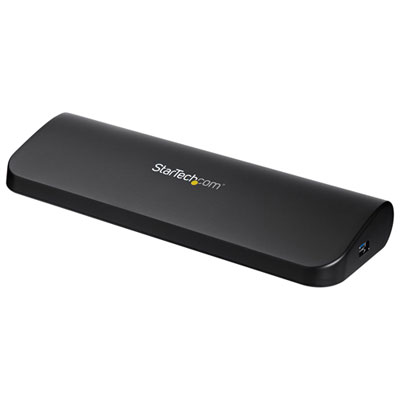
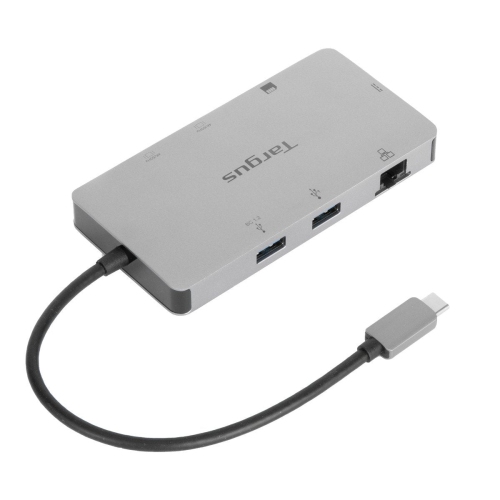
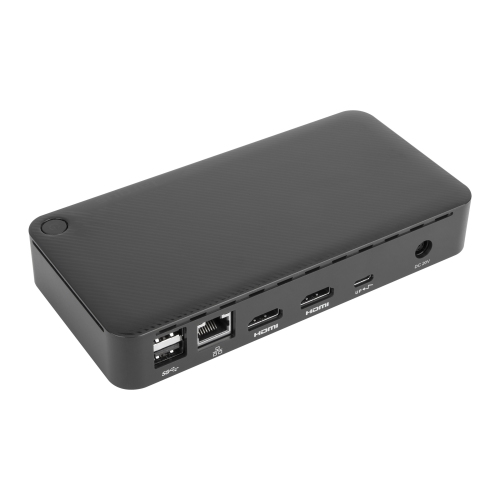
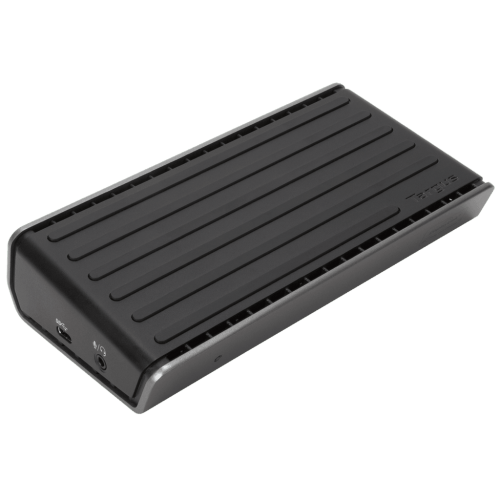
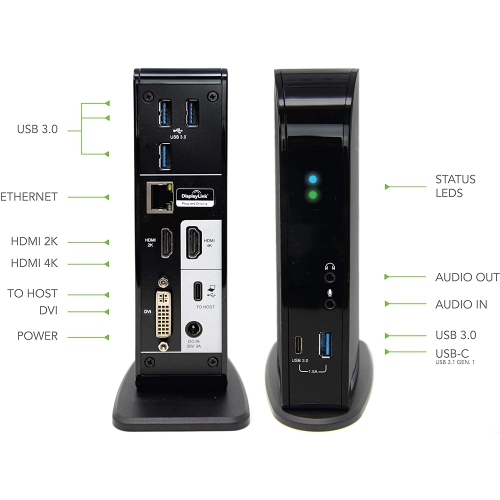
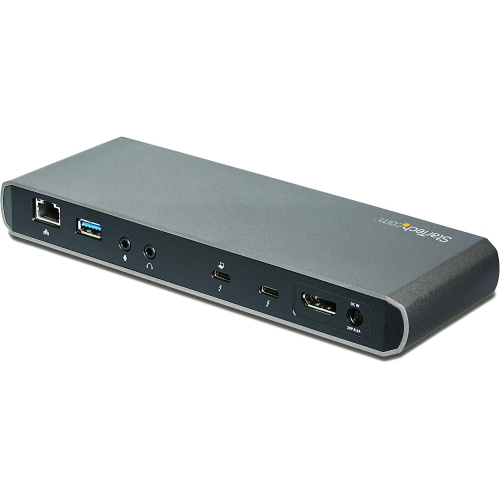
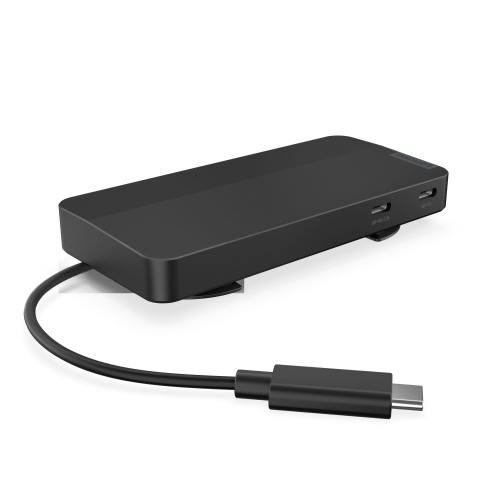
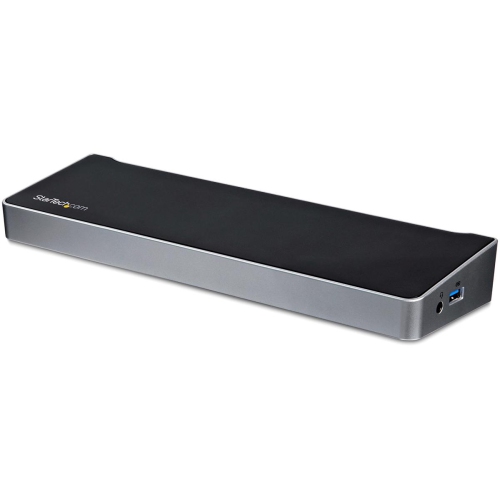
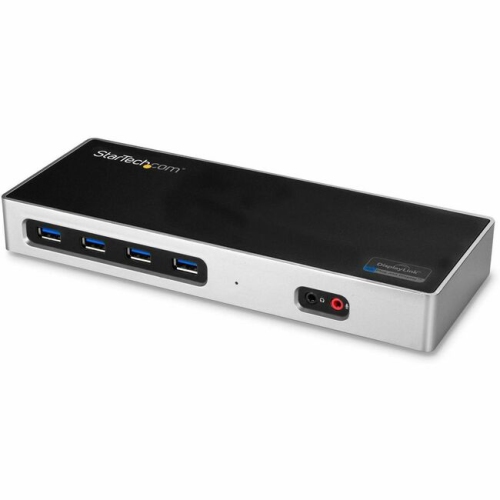
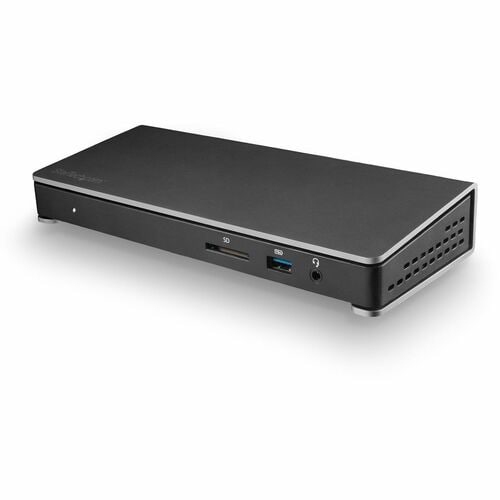
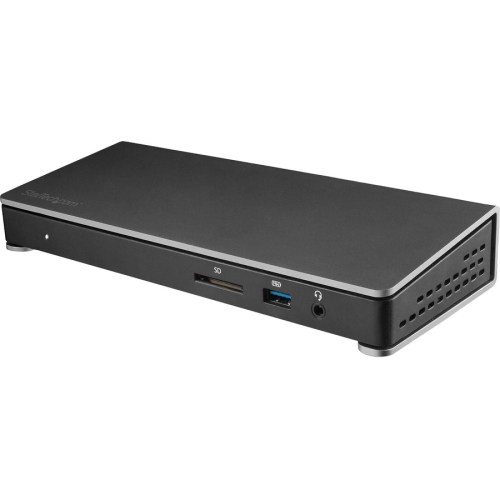
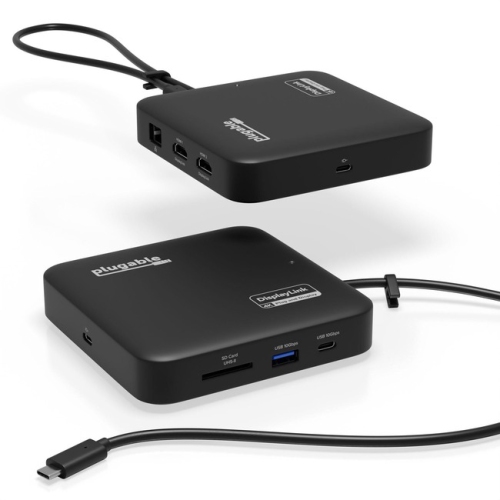
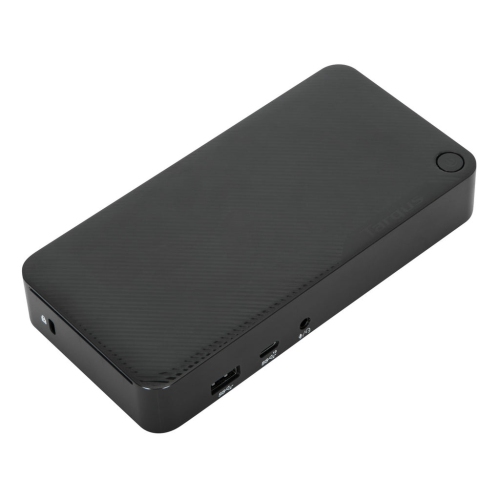
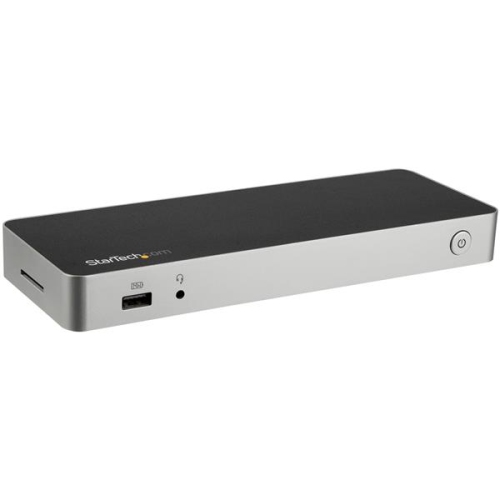
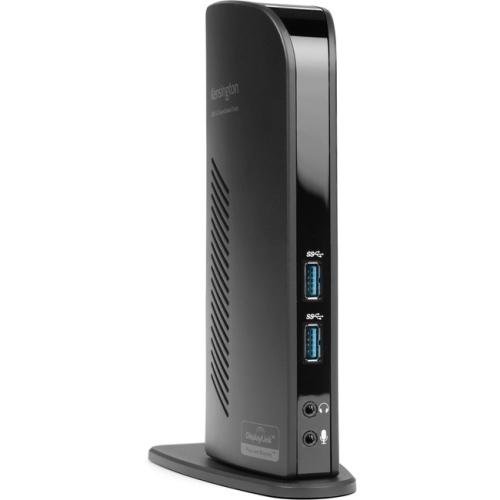
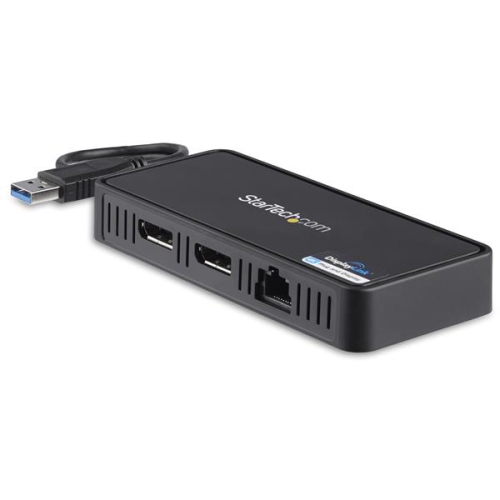
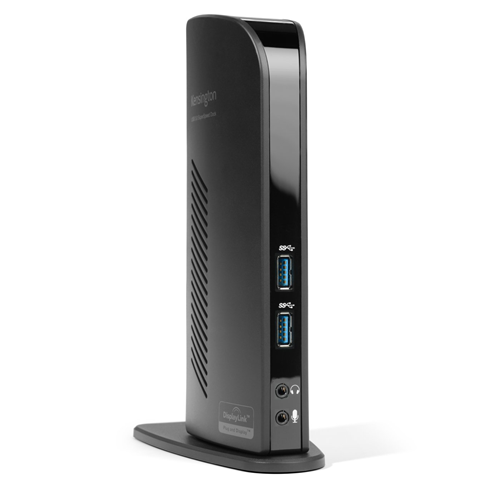
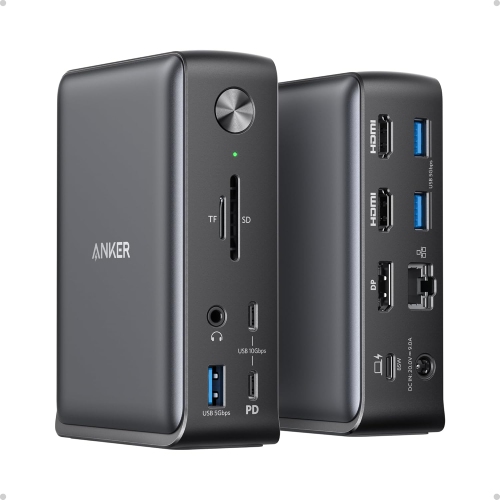
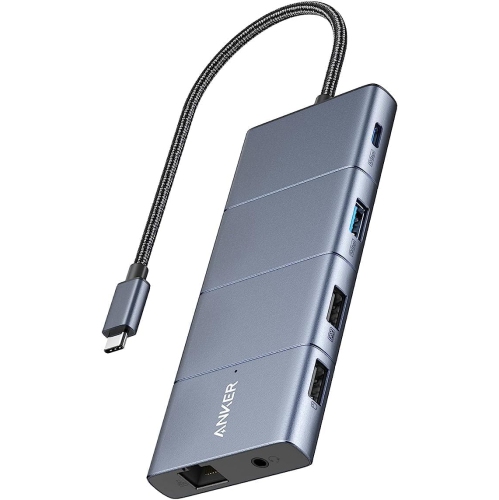
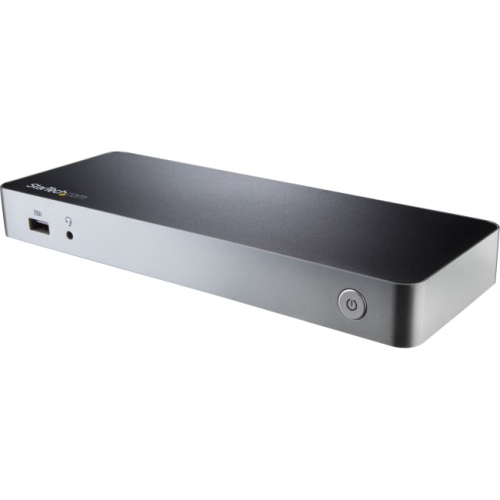
A more organized, adaptable multi-monitor workspace starts with one hub
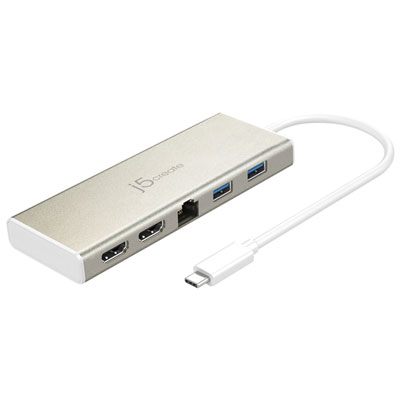
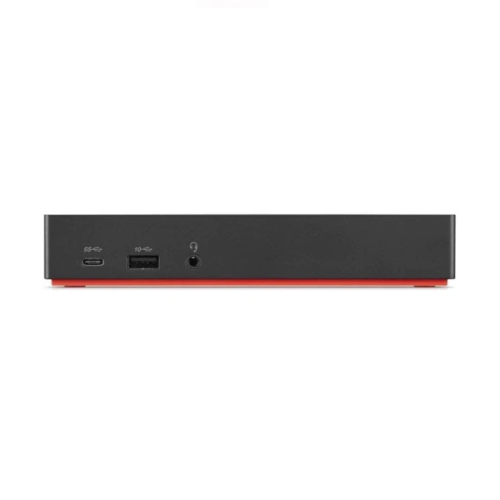
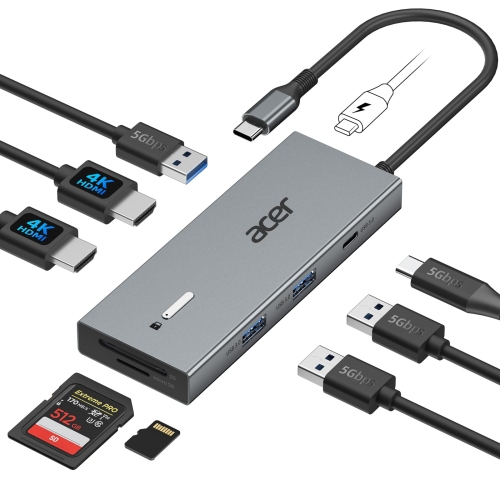
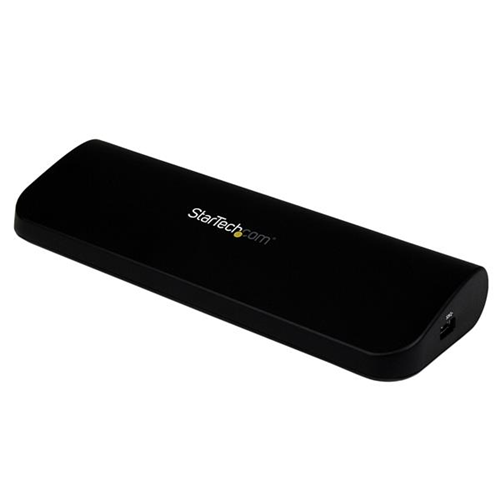
Setting up a workspace that truly supports your productivity often comes down to the right tools, and a docking station for dual monitors can make all the difference, especially during the busy start to the year when organization and efficiency are top of mind. Whether you’re working from home, setting up a dedicated office, or creating a flexible workstation for hybrid work, a dual monitor docking station allows you to connect multiple displays to your laptop or desktop with a single cable. This means less clutter and a seamless transition between devices, making it easier to switch from spreadsheets to video calls or creative projects without missing a beat. In January, when winter weather keeps many indoors, having a comfortable and efficient workstation is more important than ever. With a docking station, you can expand your screen real estate, keep all your essential devices plugged in, and even charge your laptop at the same time, all from one hub. It’s a smart solution for students returning to class, professionals looking to boost their workflow, or anyone who wants to enjoy streaming, gaming, or multitasking with ease.
Choosing the right docking station for dual monitors comes down to a few key considerations. Start by checking the ports on your laptop—many modern models use USB-C or Thunderbolt connections, which support high-speed data transfer and video output. Look for docking stations that offer the right combination of HDMI and DisplayPort options to match your monitors, and consider whether you need features like 4K resolution support or high power delivery (up to 100W) to keep your laptop charged during intensive tasks. Additional ports such as USB-A, USB-C, Ethernet, SD card readers, and audio jacks can make a docking station even more versatile, letting you connect everything from external hard drives to wired internet and headphones. This flexibility is ideal for those working in creative fields, IT professionals who need to test multiple devices, or anyone managing a busy home office. Docking stations also make thoughtful gifts for university students, remote workers, or tech enthusiasts who appreciate a tidy, efficient setup—especially as the new year inspires fresh starts and home office upgrades.
As you browse the selection of dual monitor docking stations, think about your daily routine and the devices you use most. Maybe you’re juggling conference calls, editing large files, or simply want to enjoy a more immersive entertainment experience during the long winter evenings. With the right docking station, you can keep your workspace organized and adaptable, whether you’re plugging in for a marathon work session or unwinding with your favourite shows. Compatibility is key, so always double-check that your operating system and hardware are supported. If you’re looking for more in-depth recommendations or want to explore the top options available, visit the Best Docking Station For Multiple Monitors page for expert advice and curated picks to help you build the perfect multi-monitor setup.
Choosing the right docking station for dual monitors comes down to a few key considerations. Start by checking the ports on your laptop—many modern models use USB-C or Thunderbolt connections, which support high-speed data transfer and video output. Look for docking stations that offer the right combination of HDMI and DisplayPort options to match your monitors, and consider whether you need features like 4K resolution support or high power delivery (up to 100W) to keep your laptop charged during intensive tasks. Additional ports such as USB-A, USB-C, Ethernet, SD card readers, and audio jacks can make a docking station even more versatile, letting you connect everything from external hard drives to wired internet and headphones. This flexibility is ideal for those working in creative fields, IT professionals who need to test multiple devices, or anyone managing a busy home office. Docking stations also make thoughtful gifts for university students, remote workers, or tech enthusiasts who appreciate a tidy, efficient setup—especially as the new year inspires fresh starts and home office upgrades.
As you browse the selection of dual monitor docking stations, think about your daily routine and the devices you use most. Maybe you’re juggling conference calls, editing large files, or simply want to enjoy a more immersive entertainment experience during the long winter evenings. With the right docking station, you can keep your workspace organized and adaptable, whether you’re plugging in for a marathon work session or unwinding with your favourite shows. Compatibility is key, so always double-check that your operating system and hardware are supported. If you’re looking for more in-depth recommendations or want to explore the top options available, visit the Best Docking Station For Multiple Monitors page for expert advice and curated picks to help you build the perfect multi-monitor setup.
Top selling and popular products
-
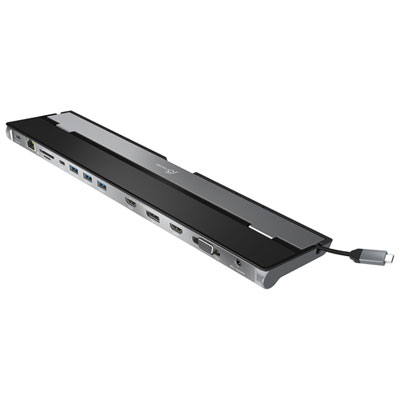 Your price for this item is $149.99
 -
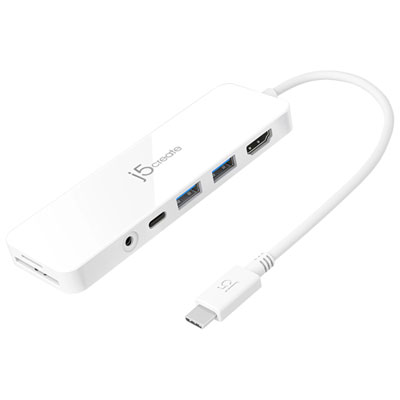 Your price for this item is $69.99
 -
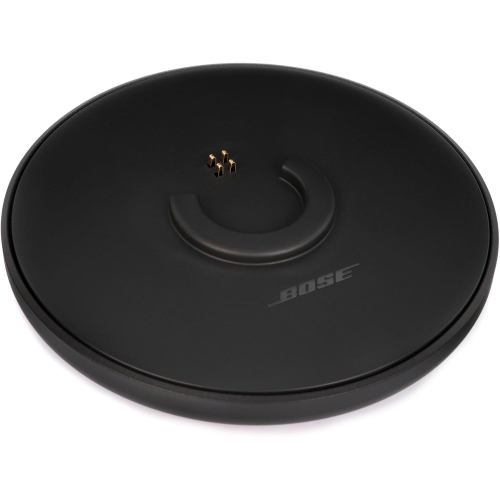 Your price for this item is $35
 -
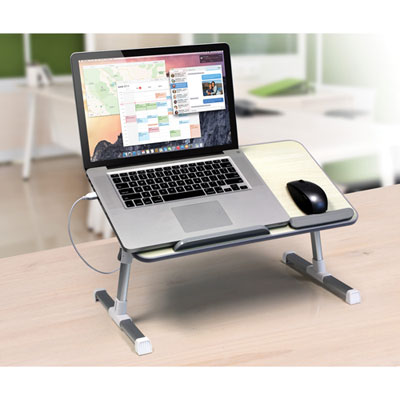 Your price for this item is $59.99
 -
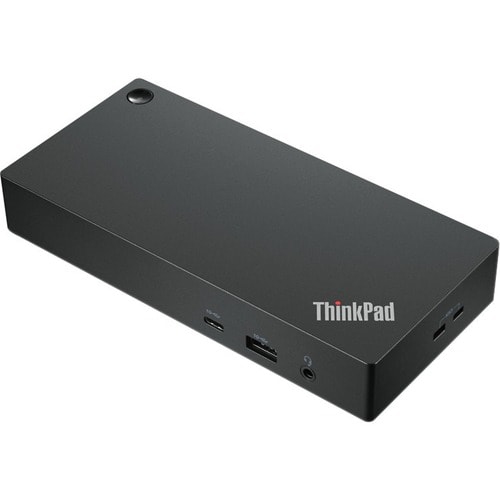 Your price for this item is $179.99
 -
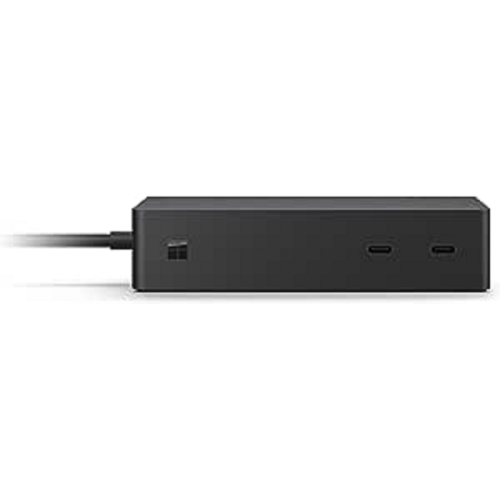 Your price for this item is $209.99
 -
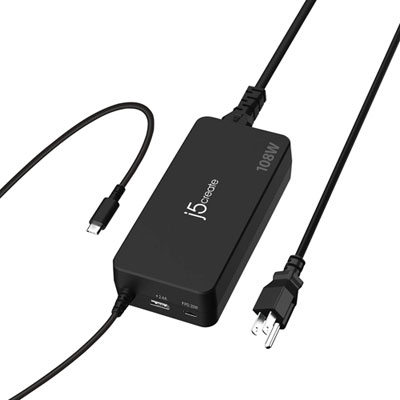 Your price for this item is $89.99
 -
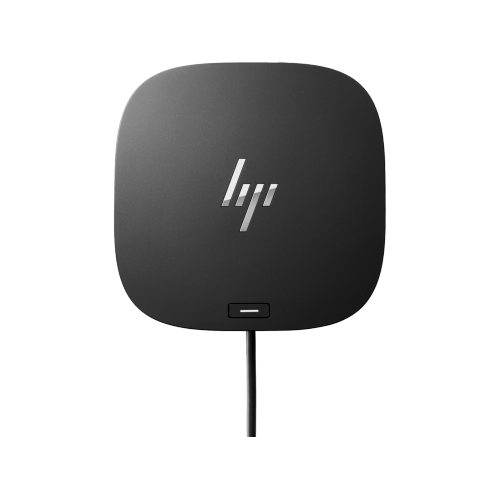 Your price for this item is $154.99
Discover more categories related to Docking Station Dual Monitors
Top Collections:
Pokemon Centers, Kindle Devices, Best Budget Office Chairs, Apple iPhones 16, Best Laptops for Writers, iPhone 15 Apple, Canon G7X Cameras, Refurbished Apple Laptops, Alarm Clock, Motorola Razr Phones
Some products may be subject to Environmental Handling Fees
(EHF) depending on your province.
Learn more about EHFs.