Docking Stations for Student Workstation
Enhance productivity and organization in any study space with a docking station for student workstation setups. These versatile solutions help streamline connections between laptops, monitors, keyboards, and other essential devices, making it easier to transition between classes, homework, and group projects. Whether setting up in a dorm room or a home office, a docking station for student workstation environments provides the flexibility and convenience needed to support academic success. Explore options designed to simplify your tech setup and keep all your devices powered and connected throughout the school year.
Sort

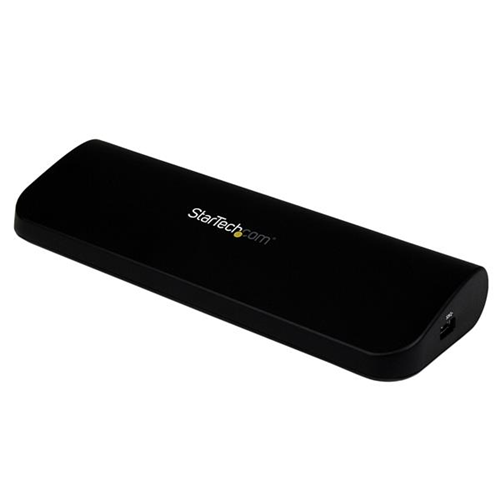
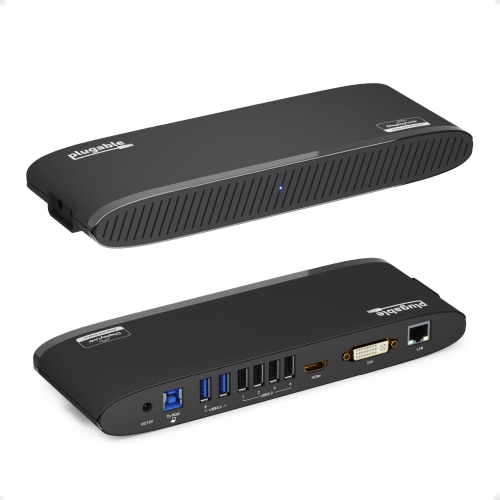
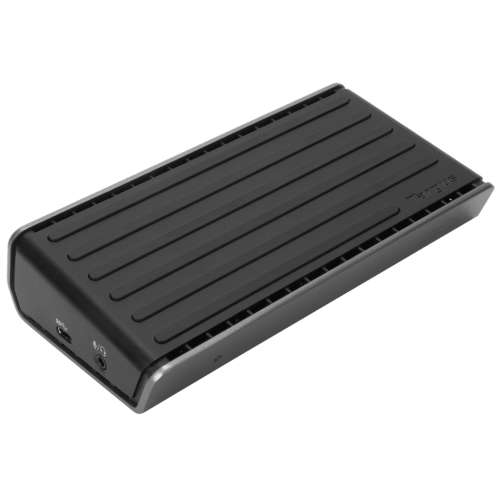
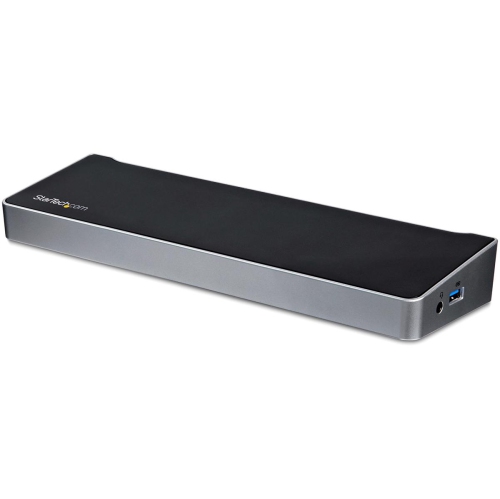
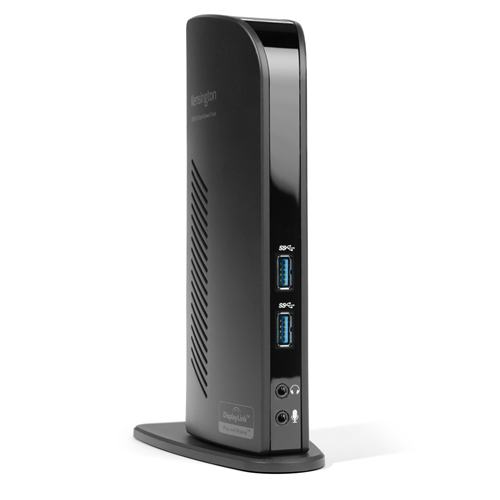
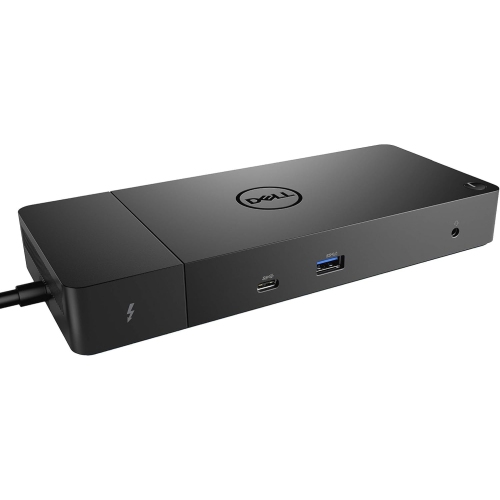
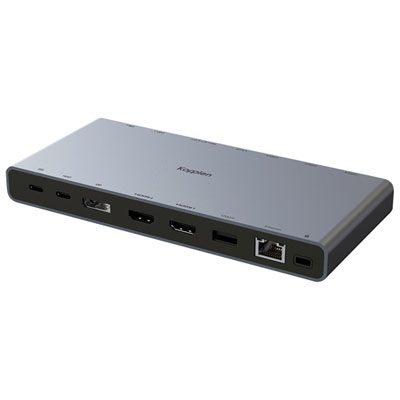
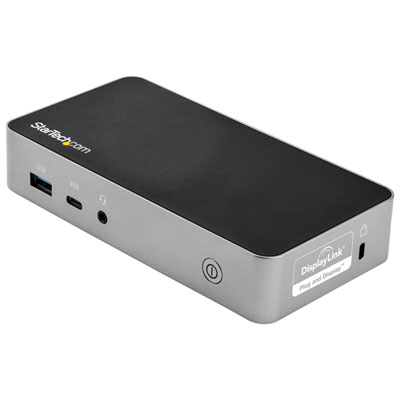
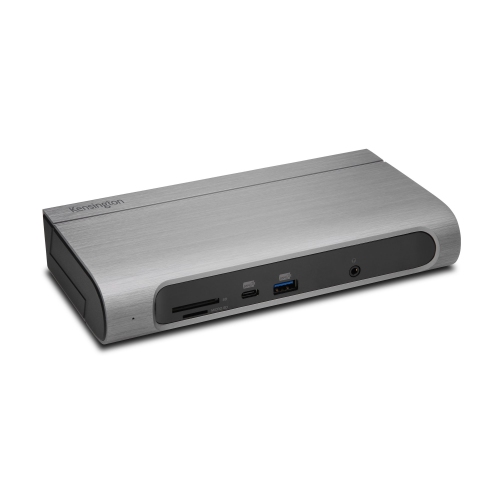
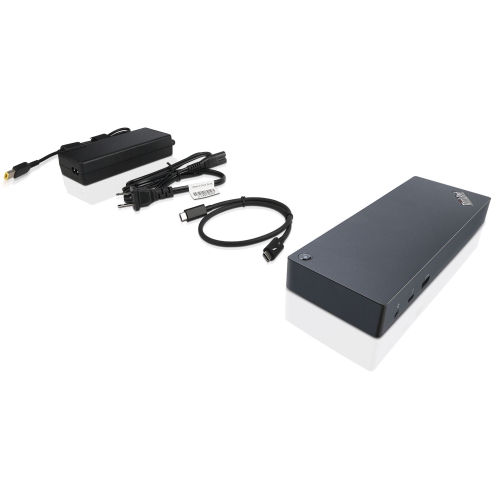
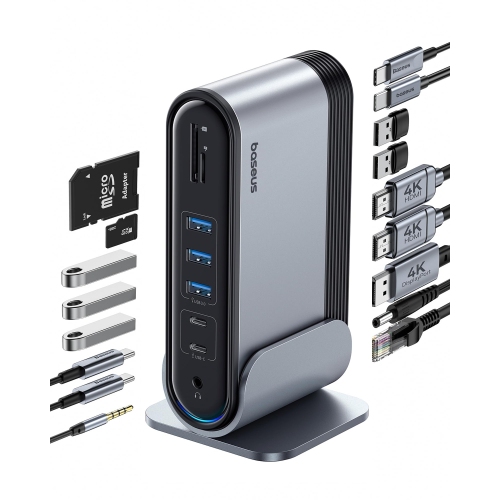
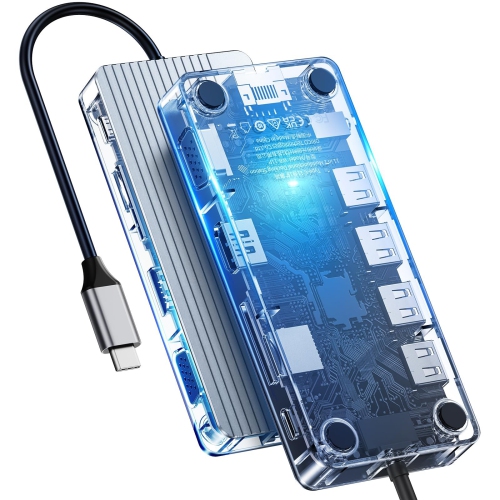
Less cable juggling between classes and study sessions
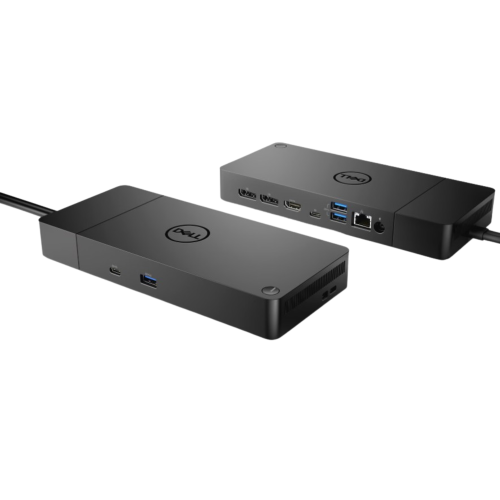
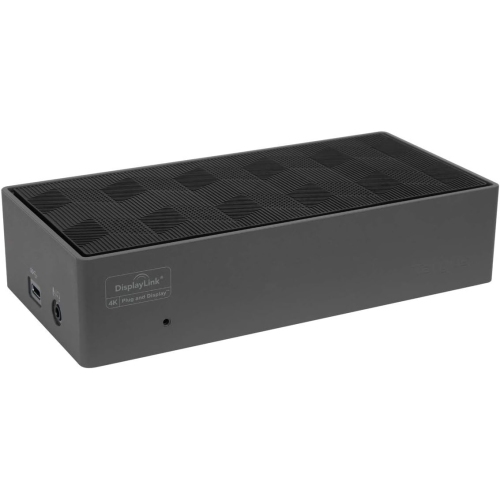
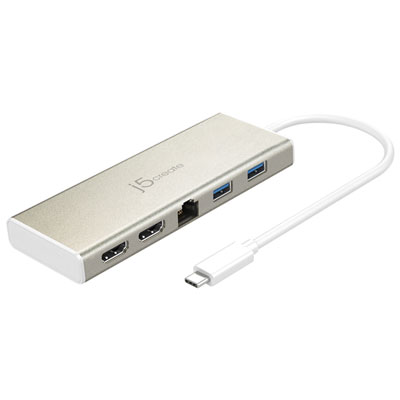
Docking stations for student workstations bring laptop charging, external displays, and everyday accessories together through a single connection to a compatible laptop. Depending on their connections and capabilities, they can support a monitor, keyboard, mouse, Ethernet cable, external drive, and memory cards while leaving fewer cables to reconnect between classes and study sessions. At a small residence desk, that can mean opening a laptop, plugging in one cable, and settling into an assignment with a full-size keyboard and a larger screen already connected. For students who move between campus and home, a dock can keep the main study space ready without requiring a separate desktop computer. The important distinction is compatibility: a USB-C connector describes the shape of the port, not every function it supports. Video output, charging, and data transfer depend on the laptop port, docking station, and connecting cable working together. Some docks require a laptop connection that supports video through DisplayPort Alternate Mode, while others use Thunderbolt or a USB graphics solution that may require software. A physically matching plug alone does not guarantee the intended display setup. Charging also deserves attention because the dock’s total power rating may differ from the power delivered to the laptop. Part of the incoming power can be reserved for the dock and attached accessories, and some models require a separate compatible power adapter. A lightweight laptop used for notes and research may have different charging needs from a higher-performance machine running design or engineering software. When the delivered power is below the laptop’s requirements, charging may be slower, or the battery may still drain during demanding work. Clear specifications for host compatibility, laptop power delivery, and supported display configurations make the difference between a convenient desk connection and a setup that needs extra cables.
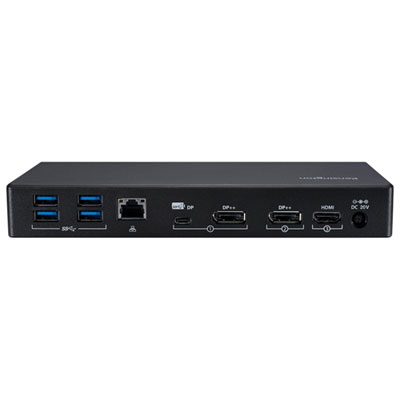
Display connections shape how a student workstation feels during a long assignment. One external monitor provides room for a document beside lecture notes, while two can separate a research library from a working draft or keep a coding window apart from reference material. HDMI and DisplayPort are common connections, but the number of display sockets does not necessarily equal the number of independent screens a laptop can run. The laptop’s graphics capabilities, operating system, and the dock’s display technology determine whether screens can show separate content or mirror the same image. Maximum resolution and refresh rate matter together, too: support for a single 4K display does not automatically mean the dock can run two 4K displays at the same refresh rate. A 60Hz refresh rate generally provides smoother scrolling and pointer movement than 30Hz, which can be noticeable when reading dense articles or moving between spreadsheets. Students working with video, animation, or interactive design may need to pay closer attention to display limits than those mainly writing essays. Beyond monitors, the port assortment should reflect what actually sits on the desk. USB-A connections remain useful for many keyboards, mice, printers, and receivers, while USB-C data ports can accommodate compatible newer accessories and storage. Not every USB-C socket on a dock carries video or supplies laptop charging, so each port’s stated function matters. Built-in SD or microSD card readers can simplify moving photography or media coursework from a camera, and a headset connection can keep a wired microphone and headphones close at hand. Ethernet offers a wired network option where a suitable connection is provided, although performance still depends on the network, cabling, and service. Students relying on Wi-Fi can leave that port unused without losing the dock’s other functions. Data-transfer speeds also depend on the complete connection path; several attached devices may share bandwidth rather than each receiving the dock’s advertised maximum. For everyday coursework, a useful balance of ports is often more practical than a large assortment of connections that never get used.
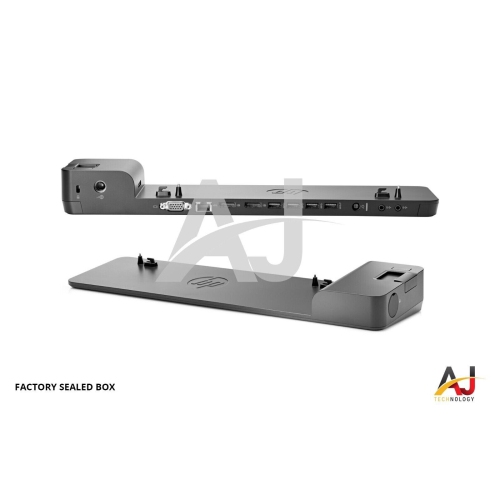
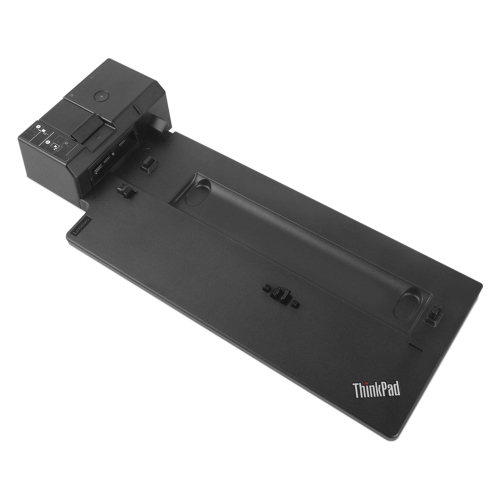
The physical design of a docking station matters on a desk shared with textbooks, a lamp, and a notebook opened flat. Compact horizontal designs can tuck beside a laptop stand, while upright formats use a smaller footprint but need a stable position where cables will not pull them over. Port placement affects daily convenience: an accessible front or side connection is helpful for a frequently used flash drive or memory card, while monitor and network cables can remain routed towards the back. An attached host cable reduces the number of loose pieces to carry, but its length needs to suit the distance between the laptop port and the dock. A detachable cable offers more placement flexibility when replaced with one that meets the required power, video, and data specifications. Aluminium housings can help distribute heat, while plastic housings may keep weight down for travel between study spaces; neither material alone establishes durability or performance. Secure connectors, strain relief, a stable base, and enough room around the casing all contribute to everyday usability. Some warmth during operation is normal, but the dock should remain uncovered, with any ventilation openings clear and drinks kept away from its ports. Routine care is straightforward: disconnect power before cleaning, use a soft, dry cloth, and avoid forcing plugs or bending cables sharply at their connectors. A docking station can also make a useful gift for a student setting up a first dedicated study area, provided the laptop’s exact connection and charging requirements are known. A portable format suits someone who carries accessories between locations, while a desk-focused design makes sense when monitors and peripherals stay in one place. The collection of back-to-school laptop docking stations for student workstations offers a related place to explore these setups. The strongest fit is a dock that supports the student’s actual laptop, essential accessories, and available desk space without adding unnecessary complexity to the daily routine.
Top selling and popular products
-
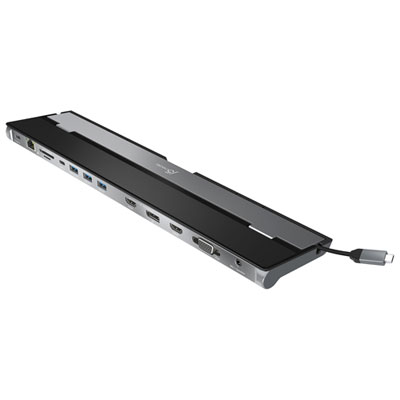 Your price for this item is $129.99
-
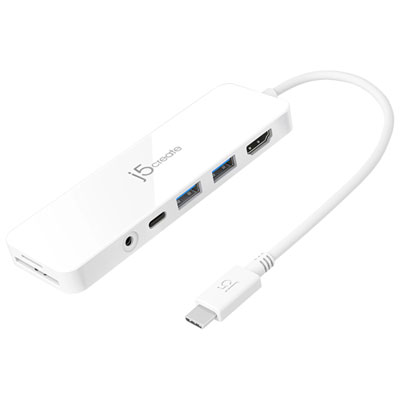 Your price for this item is $59.99
-
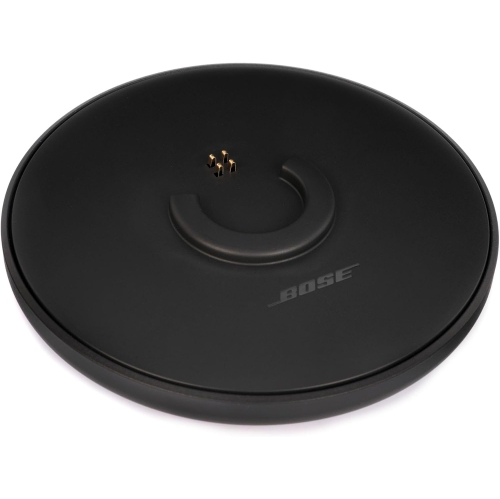 Your price for this item is $44.99
-
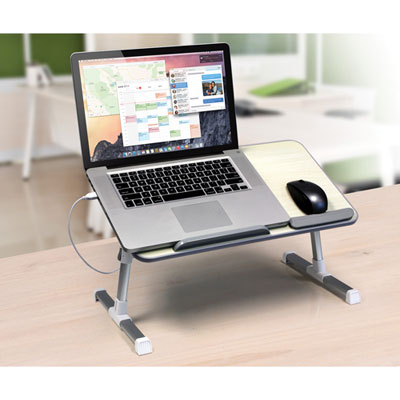 Your price for this item is $59.99
-
 Your price for this item is $96.61
-
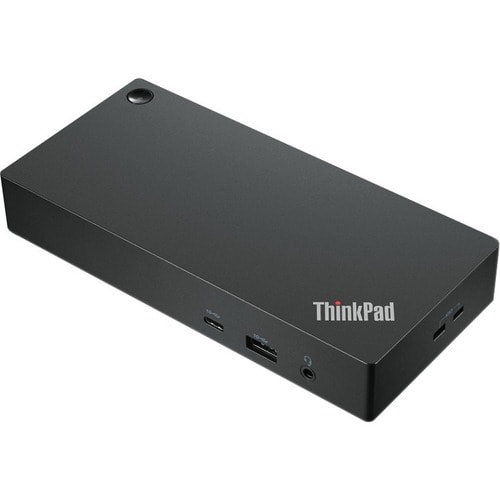 Your price for this item is $179.99
-
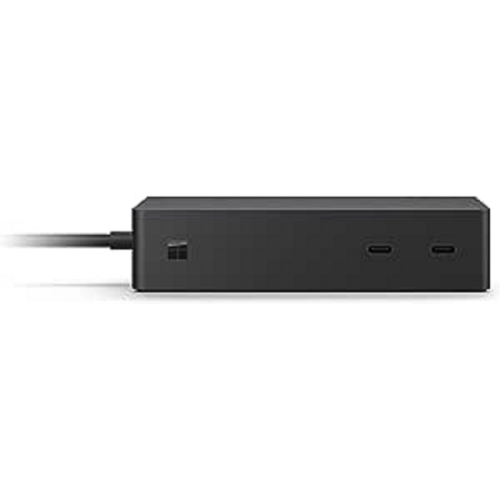 Your price for this item is $209.99
-
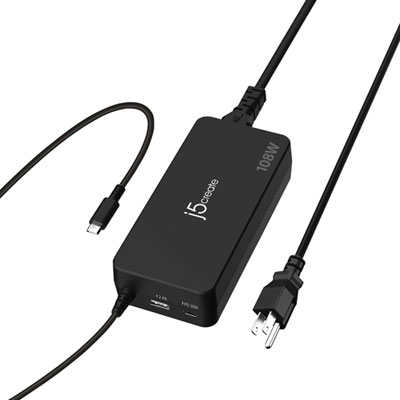 Your price for this item is $59.99
Discover more categories related to Docking Stations for Student Workstation

Top Collections:
Best Black Friday Deals This Year, Best Black Friday Deals On Electronics, Kindle Devices, Dyson Airwrap, Best Cameras for Sports Photography, Best Budget Office Chairs, Canon G7X Cameras, PS5 Pro Consoles, Best Black Friday Deals On Apple Products, XBOX One S Consoles
Some products may be subject to Environmental Handling Fees
(EHF) depending on your province.
Learn more about EHFs.