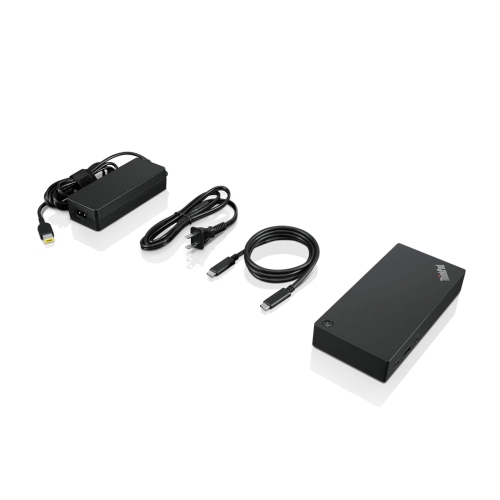
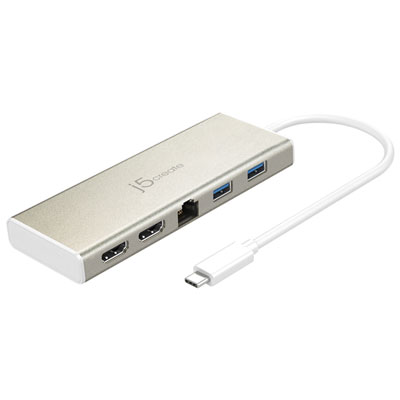
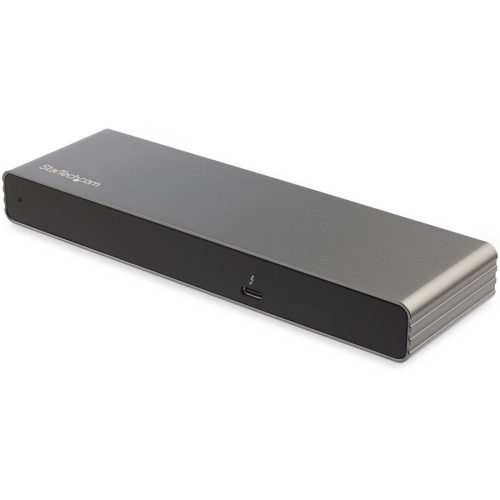
Student Laptop Docking Stations
Student Laptop Docking Stations are designed to help students create efficient and organized workspaces, whether at home, in a dorm, or on the go. With these docking stations, connecting your laptop to essential peripherals like monitors, keyboards, and printers becomes simple and streamlined. Explore options that make it easy to transition between study sessions and collaborative projects, all while keeping devices powered and connected. Find the right Student Laptop Docking Stations to support your academic needs and enhance productivity.
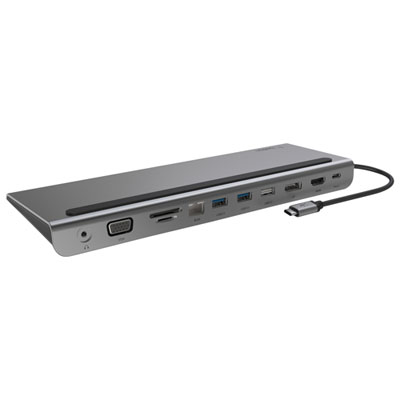
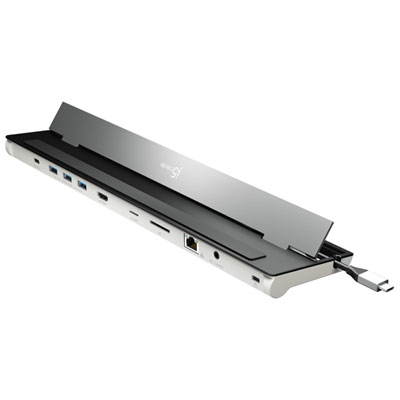
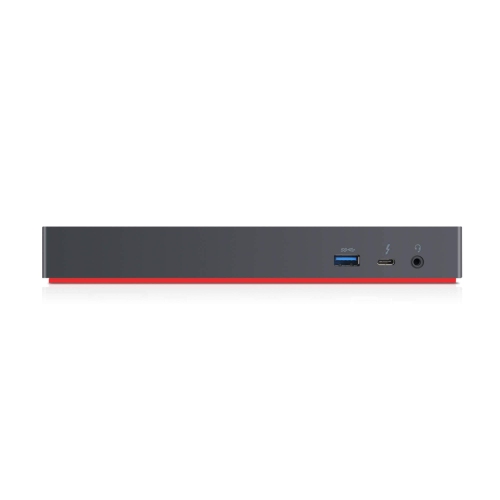

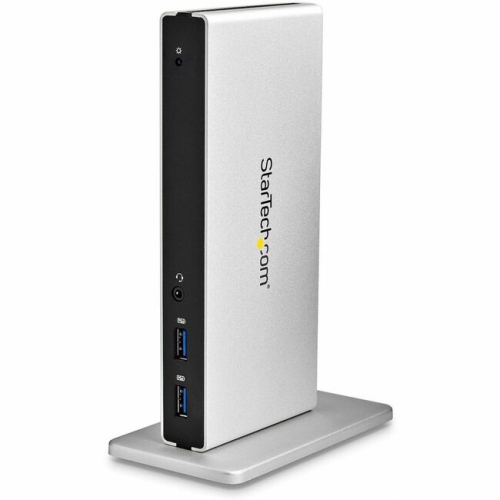
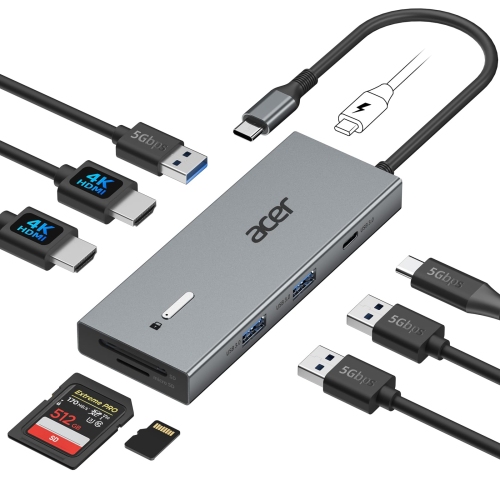
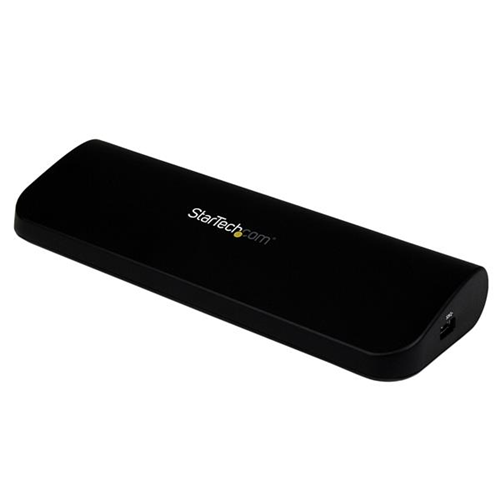
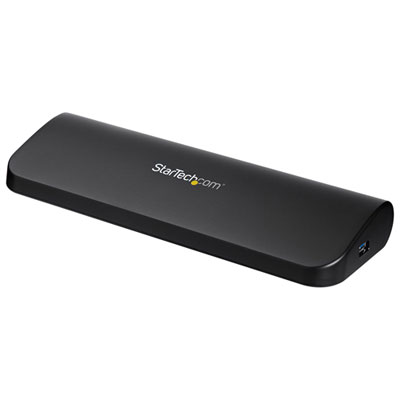
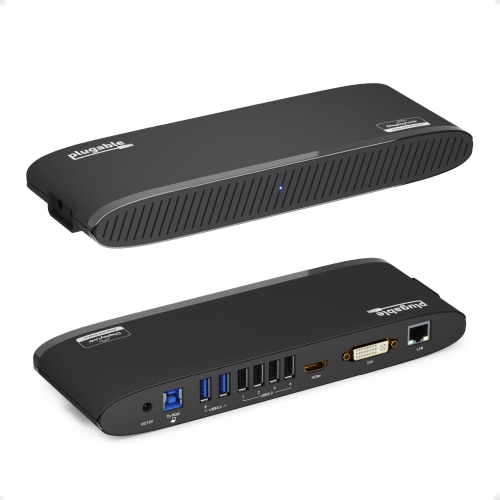
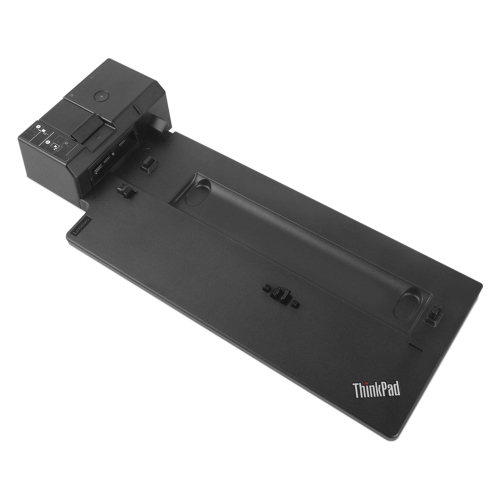
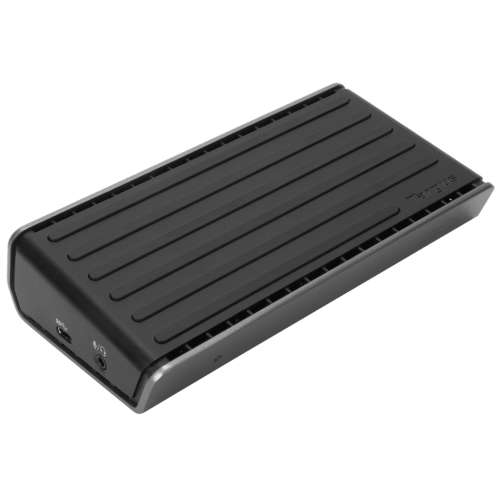
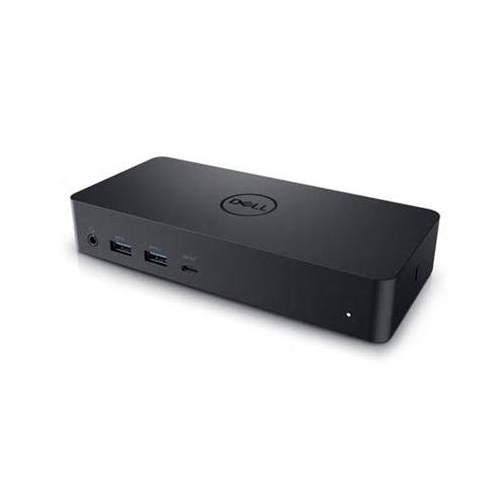
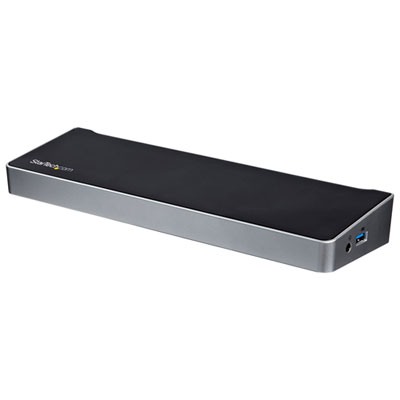
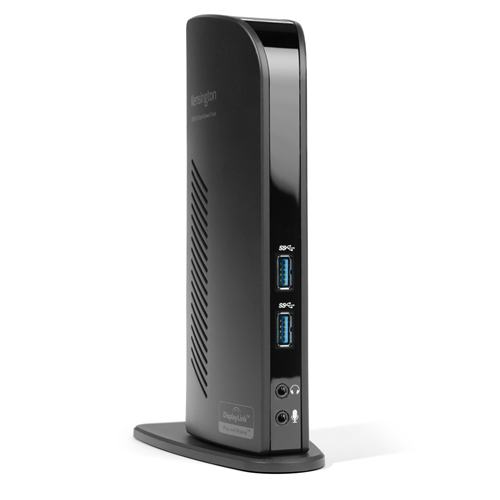
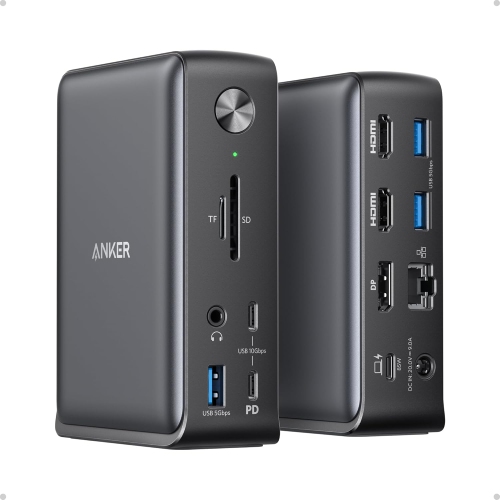
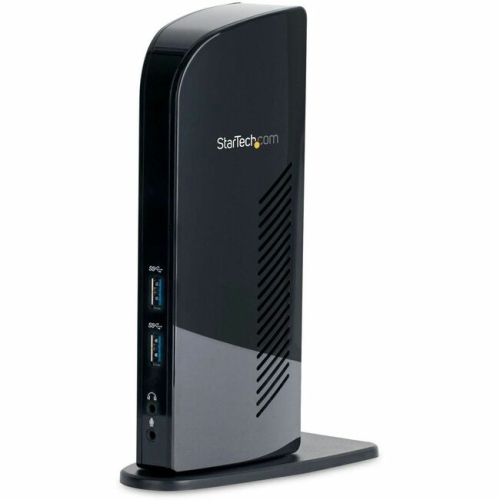
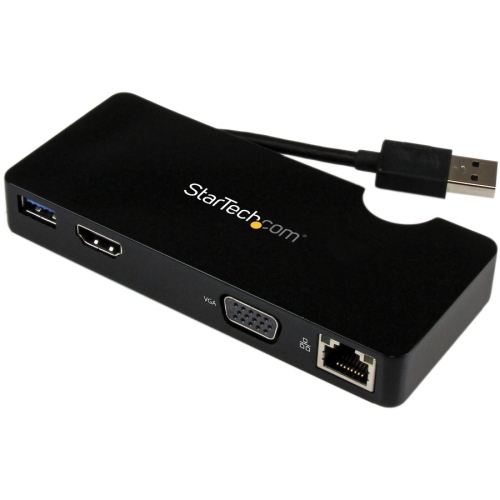
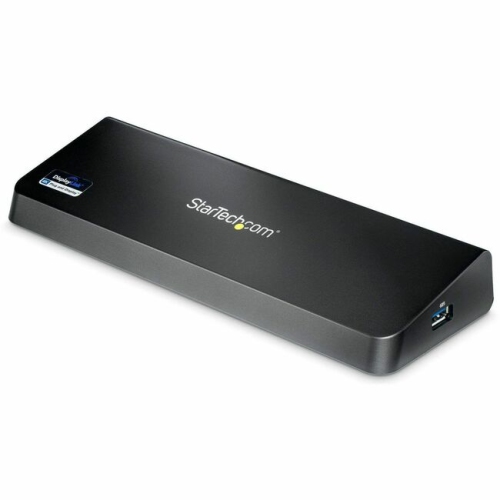
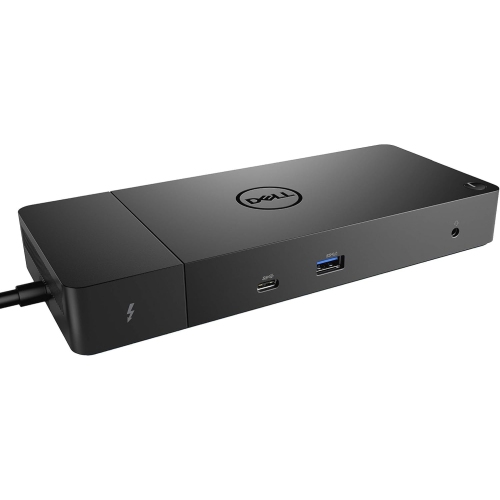
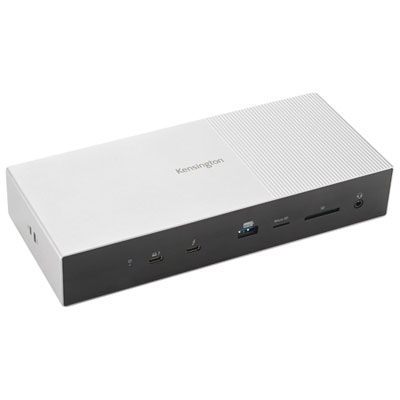
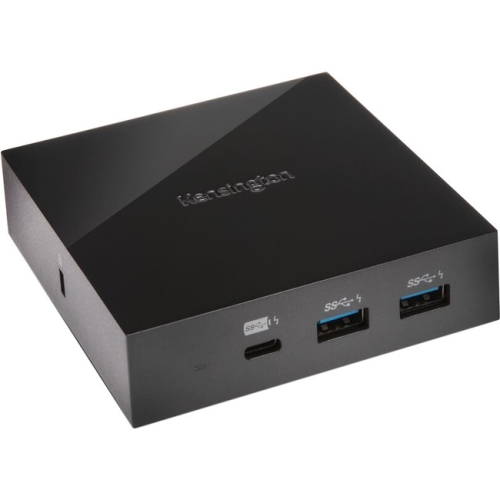
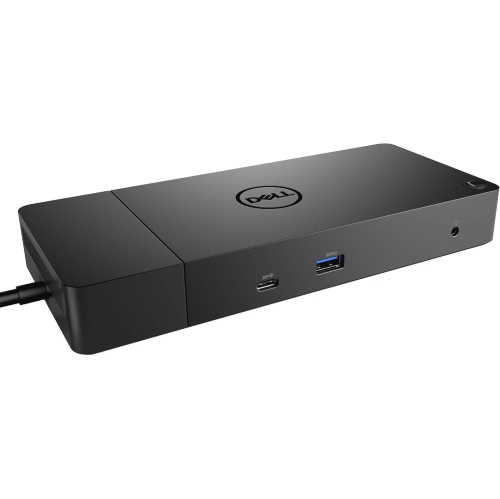
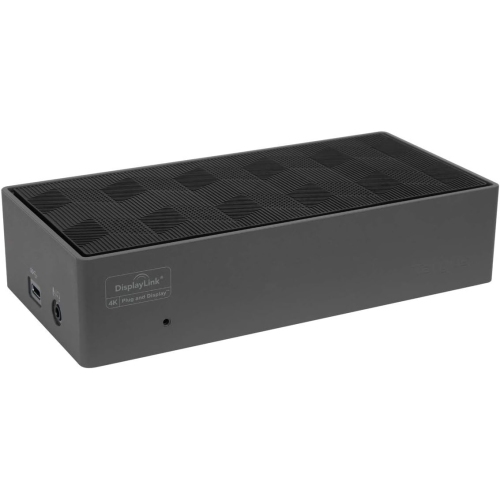
One cable connects laptops to productive study workspaces
Choosing the right student laptop docking station involves considering both present needs and future flexibility. Some students may prioritize portability, looking for lightweight, compact options that slip easily into a backpack for on-the-go use between classes or at a local café. Others might value extra connectivity, such as multiple USB ports for transferring files from lab equipment, HDMI outputs for dual-monitor setups, or Ethernet connections for stable video calls with professors and classmates. For creative students in graphic design, engineering, or media studies, support for high-resolution displays and fast data transfer speeds can be essential when working with large files or editing projects. Meanwhile, those in shared living situations might appreciate a docking station that helps keep cables organized and clutter to a minimum, making it easier to create a tidy, focused workspace. With so many options available, it’s helpful to think about how a docking station will fit into daily routines—whether it’s for streaming lectures, collaborating on group assignments, or unwinding with a favourite show after a long day of classes. For those looking to explore more options designed specifically for student needs, the Back To School Laptop Docking Stations for Student Workstations page offers a curated selection tailored to help students make the most of their laptop setups throughout the school year.
FAQ
What features should students look for in a laptop docking station?
Students should consider docking stations with multiple USB ports, HDMI or DisplayPort outputs for external monitors, Ethernet connectivity for stable internet, and compatibility with their laptop's operating system and charging requirements.
Can a docking station help organize a student’s workspace?
Yes, a docking station can help reduce cable clutter by connecting all peripherals—such as monitors, keyboards, mice, and printers—through a single hub, making it easier to keep a tidy and efficient study area.
Are laptop docking stations compatible with both Windows and Mac laptops?
Many modern docking stations are designed to be compatible with both Windows and Mac laptops, but it's important to check the product specifications to ensure proper support for your device’s operating system and connection ports.
How do docking stations benefit students who use multiple devices?
Docking stations allow students to quickly connect and disconnect their laptops from various peripherals, making it easy to switch between devices or take their laptop on the go without unplugging multiple cables each time.
Do docking stations support dual monitor setups for student productivity?
Many docking stations offer support for dual or even triple monitor setups, which can enhance multitasking and productivity by providing more screen space for research, assignments, and virtual classes.
Top selling and popular products
-
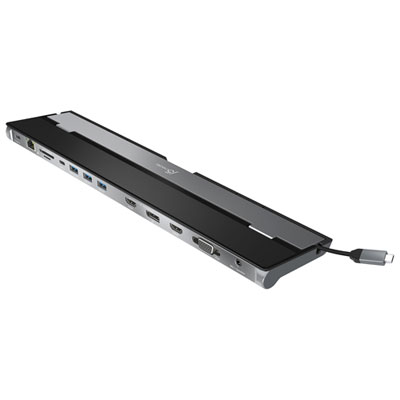 Your price for this item is $129.99
-
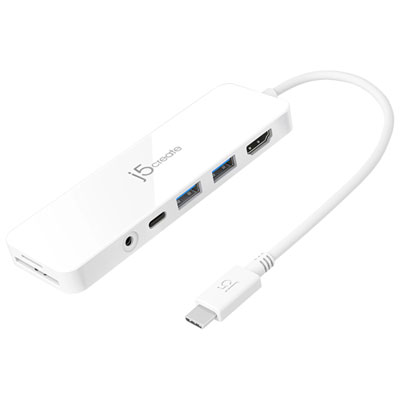 Your price for this item is $59.99
-
 Your price for this item is $44.99
-
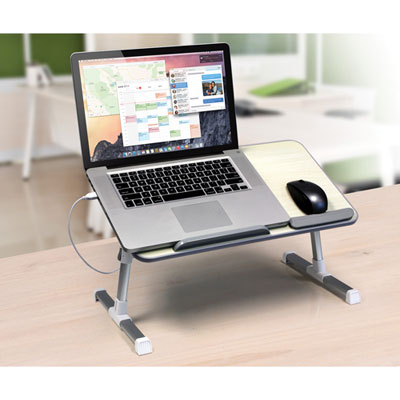 Your price for this item is $59.99
-
 Your price for this item is $96.61
-
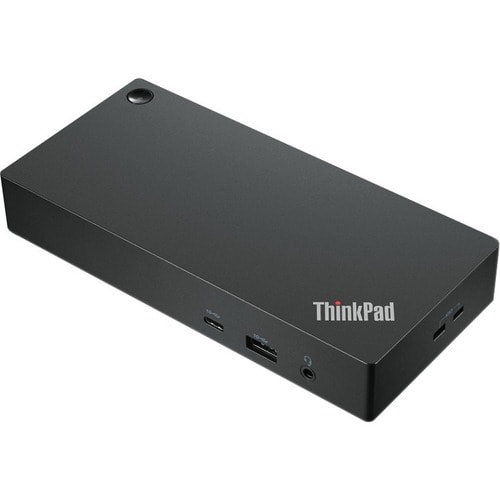 Your price for this item is $179.99
-
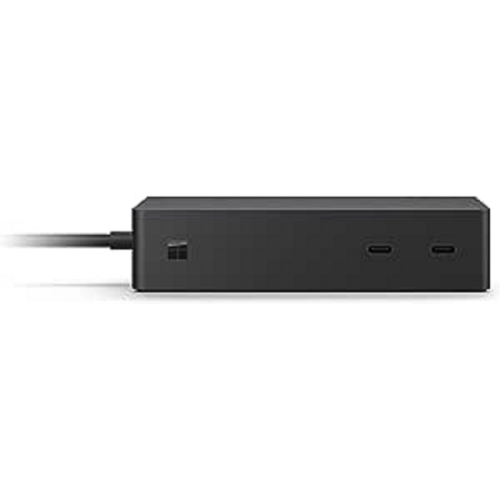 Your price for this item is $209.99
-
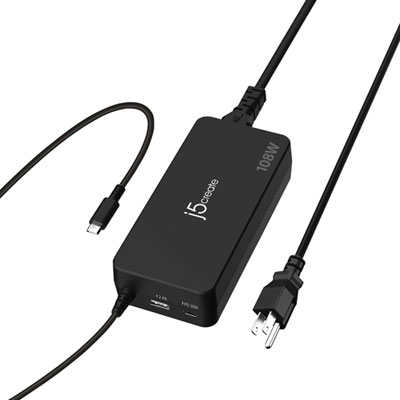 Your price for this item is $59.99