Docking Stations for Home Office Setups
Docking stations for home office setups make it easy to connect your essential devices and streamline your workspace. Whether you're looking to expand your screen space or keep your most-used accessories within reach, these versatile solutions help you stay organized and productive. Explore a wide range of docking stations for home office setups designed to support multiple monitors, keyboards, and other peripherals, all while maintaining a tidy and efficient setup.
Sort
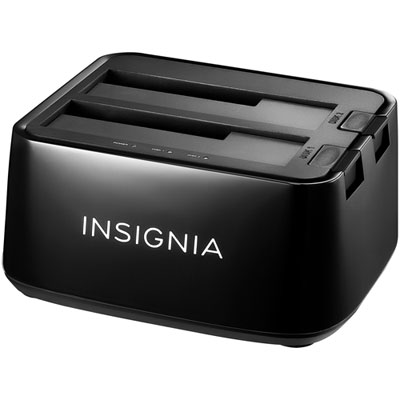

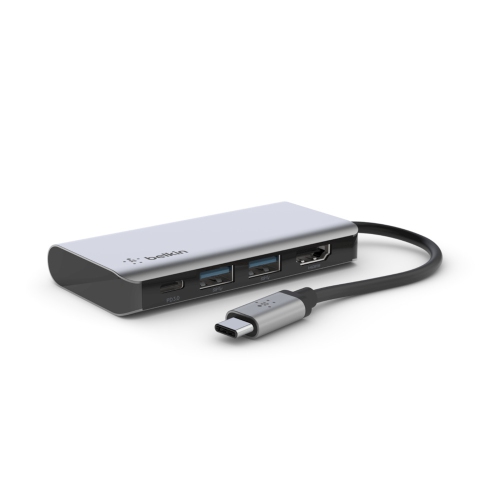
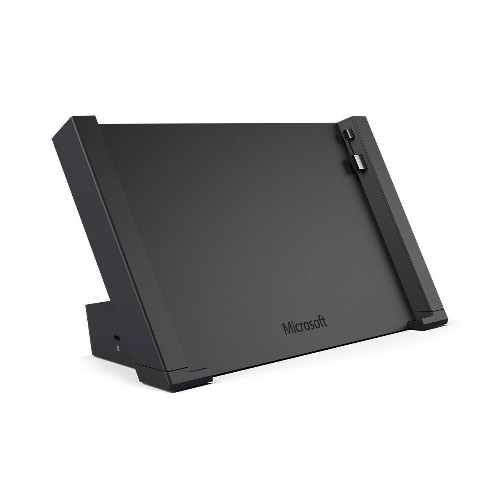
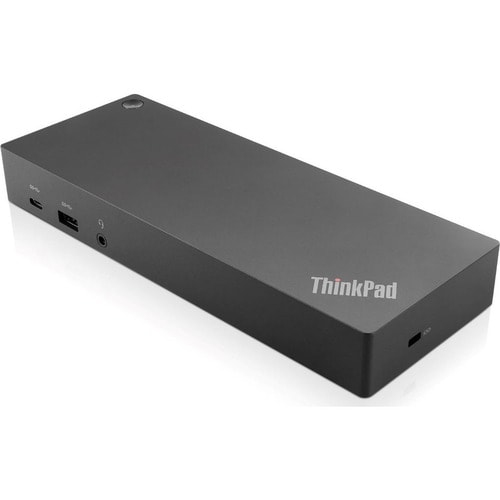
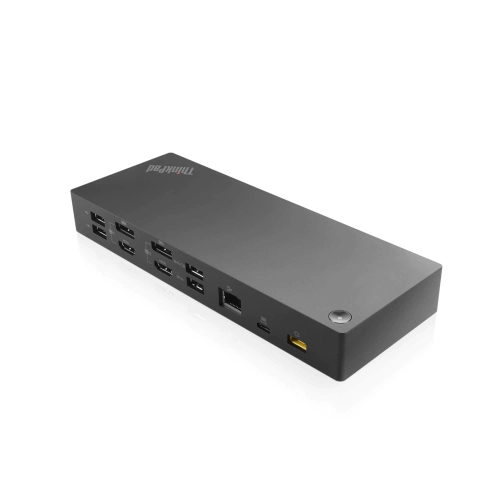
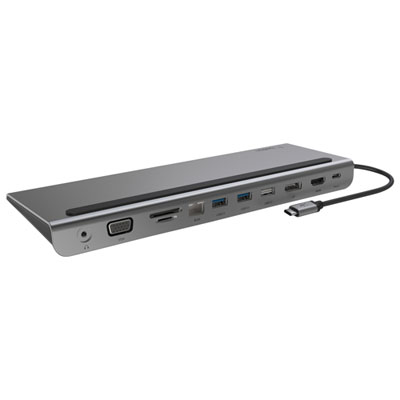
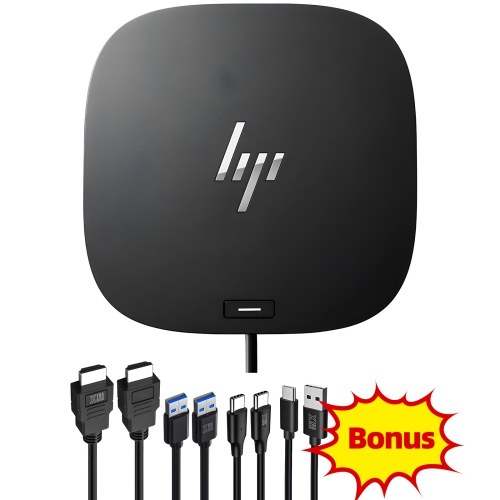
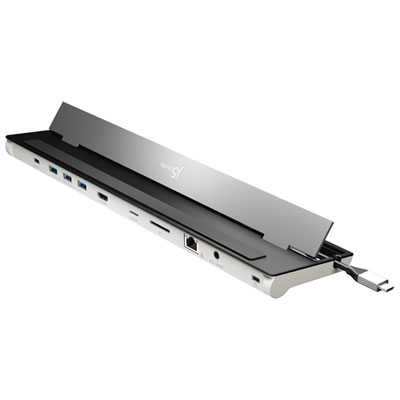
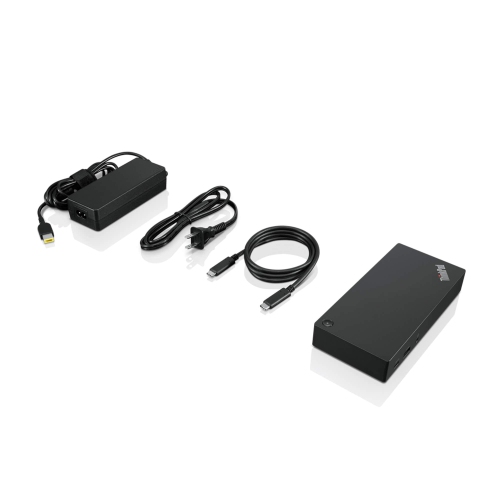
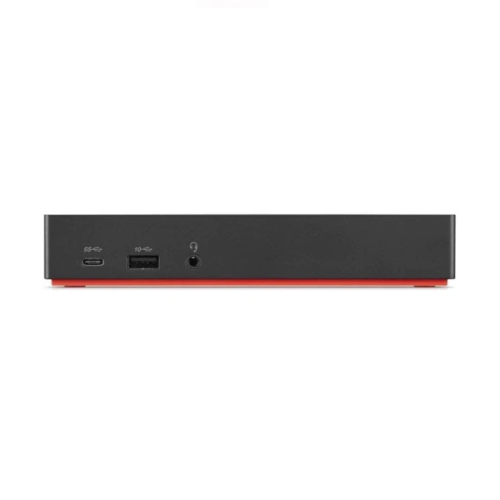
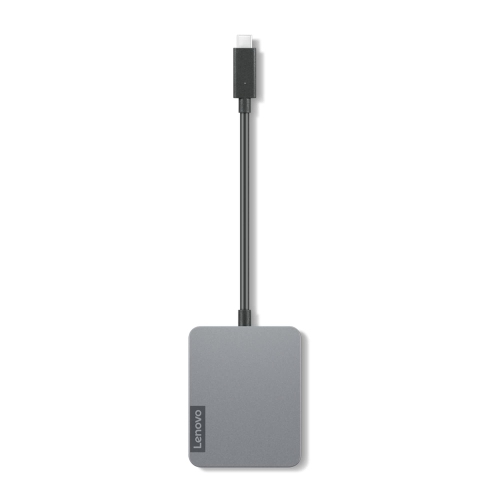
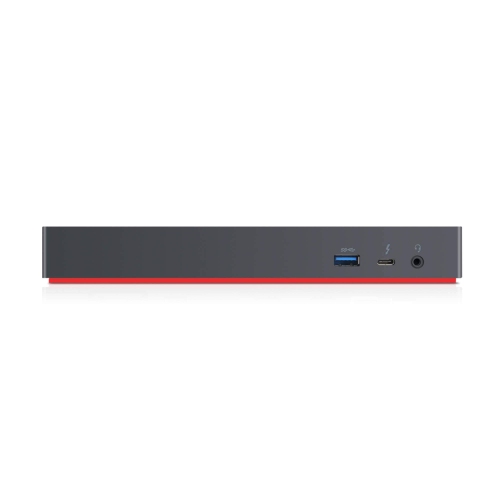
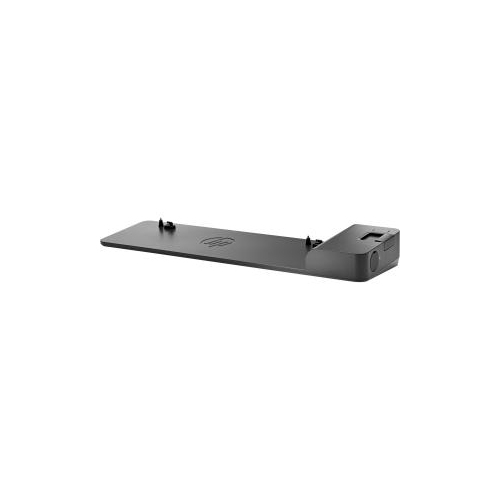

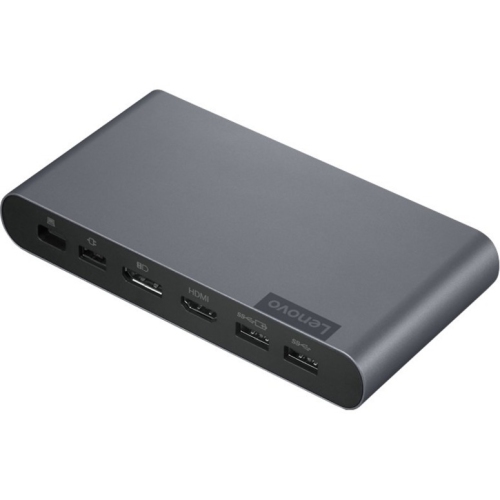
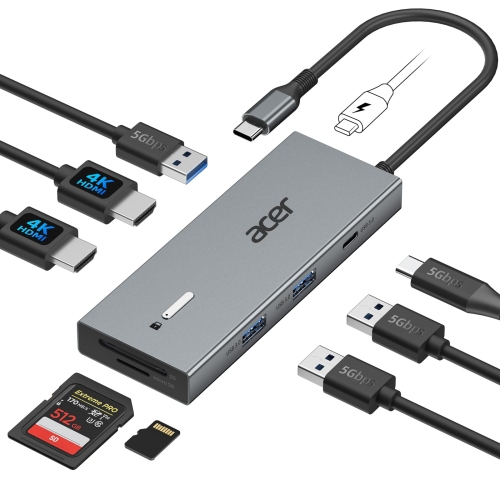
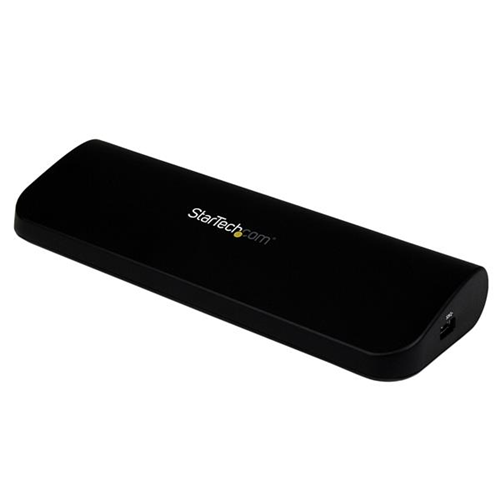
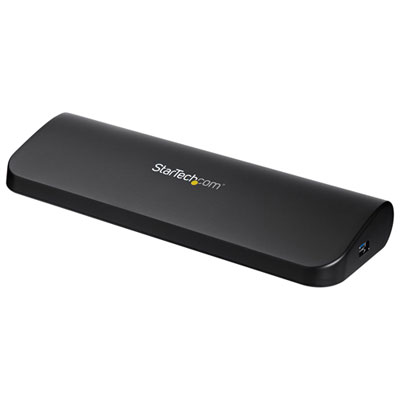
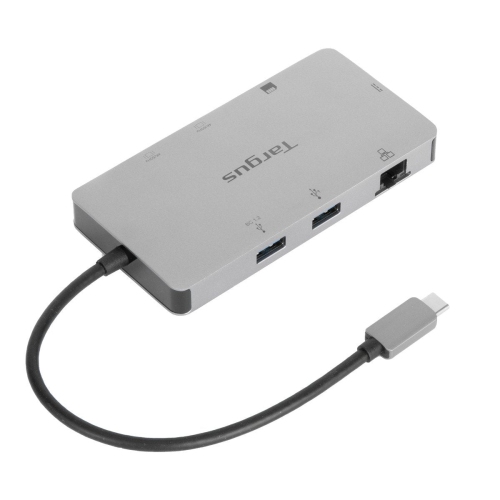
Streamlined connections for a tidier, more productive workspace
As more Canadians embrace flexible work arrangements and remote offices, the importance of a well-organized and efficient home workspace continues to grow. Docking stations have become an essential part of home office setups, offering a streamlined way to connect laptops, monitors, keyboards, and other peripherals with minimal hassle. Whether you’re transforming a spare bedroom into a productivity hub or carving out a dedicated corner in your living room, a docking station can help reduce cable clutter and make it easy to switch between work and leisure. Many professionals rely on docking stations to quickly connect multiple devices, ensuring that their workspace remains tidy and functional throughout the day. The convenience of plugging in a single cable to access all your essential tools can make a significant difference, especially during busy periods or when working on complex projects that demand a multi-monitor setup.
Docking stations are also a thoughtful gift idea for students heading off to university, recent graduates starting their first job, or anyone upgrading their home office as the weather warms and routines shift. They’re particularly useful for couples sharing a workspace, since the best docking station for couples often features multiple ports and broad compatibility, making it simple for both people to connect their devices without swapping cables or adapters. With summer and fall bringing new opportunities for remote collaboration, video calls, and creative projects, a reliable docking station can help keep everyone connected and organized. Features like integrated charging, support for high-resolution displays, and compatibility with both Windows and Mac devices are key considerations when choosing the right model. For those who need to power an advanced setup, such as a graphic designer or a software developer working with several screens, there are specialized options like Docking Stations for 3 Monitors that make it easy to expand your workspace and boost productivity.
When selecting a docking station for your home office, think about your daily workflow and the devices you use most often. Do you need to connect external hard drives, printers, or a webcam for frequent video meetings? Are you looking to reduce clutter with a single connection, or do you need a model that supports charging and data transfer for multiple devices at once? Adjustable stands, compact designs, and built-in cable management can all make a difference in how your workspace feels and functions, especially during the transition from summer to fall when routines are in flux. Investing in the right docking station can transform your home office into a more efficient, comfortable, and inviting place to work, study, or create—helping you stay organized and focused no matter how your schedule changes throughout the season.
Docking stations are also a thoughtful gift idea for students heading off to university, recent graduates starting their first job, or anyone upgrading their home office as the weather warms and routines shift. They’re particularly useful for couples sharing a workspace, since the best docking station for couples often features multiple ports and broad compatibility, making it simple for both people to connect their devices without swapping cables or adapters. With summer and fall bringing new opportunities for remote collaboration, video calls, and creative projects, a reliable docking station can help keep everyone connected and organized. Features like integrated charging, support for high-resolution displays, and compatibility with both Windows and Mac devices are key considerations when choosing the right model. For those who need to power an advanced setup, such as a graphic designer or a software developer working with several screens, there are specialized options like Docking Stations for 3 Monitors that make it easy to expand your workspace and boost productivity.
When selecting a docking station for your home office, think about your daily workflow and the devices you use most often. Do you need to connect external hard drives, printers, or a webcam for frequent video meetings? Are you looking to reduce clutter with a single connection, or do you need a model that supports charging and data transfer for multiple devices at once? Adjustable stands, compact designs, and built-in cable management can all make a difference in how your workspace feels and functions, especially during the transition from summer to fall when routines are in flux. Investing in the right docking station can transform your home office into a more efficient, comfortable, and inviting place to work, study, or create—helping you stay organized and focused no matter how your schedule changes throughout the season.
Top selling and popular products
-
 Your price for this item is $149.99
 -
 Your price for this item is $69.99
 -
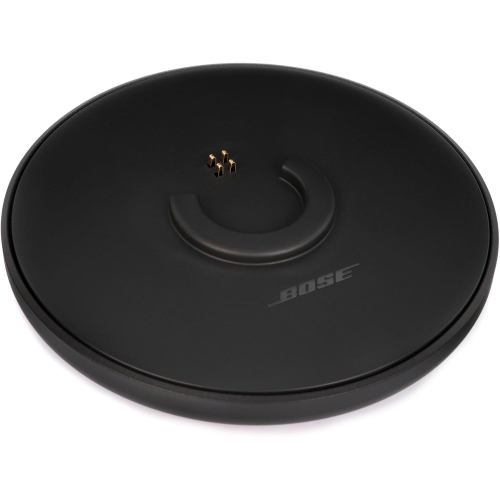 Your price for this item is $35
 -
 Your price for this item is $59.99
 -
 Your price for this item is $179.99
 -
 Your price for this item is $209.99
 -
 Your price for this item is $89.99
 -
 Your price for this item is $154.99
Discover more categories related to Docking Stations for Home Office Setups
Top Collections:
Pokemon Centers, Kindle Devices, Best Budget Office Chairs, Apple iPhones 16, Best Laptops for Writers, iPhone 15 Apple, Canon G7X Cameras, Refurbished Apple Laptops, Alarm Clock, Motorola Razr Phones
Some products may be subject to Environmental Handling Fees
(EHF) depending on your province.
Learn more about EHFs.