Docking Stations
If you're looking for a convenient solution to keep all your devices charged and organized in one place, this selection of docking stations offers a sleek and efficient way to power up your smartphones, tablets, laptops, and more. With multiple ports and fast charging capabilities, these docking stations are designed to streamline your workspace or bedside table while ensuring all your gadgets are ready to go when you are. Explore this range of docking stations to find the perfect one to meet your charging needs.
Sort
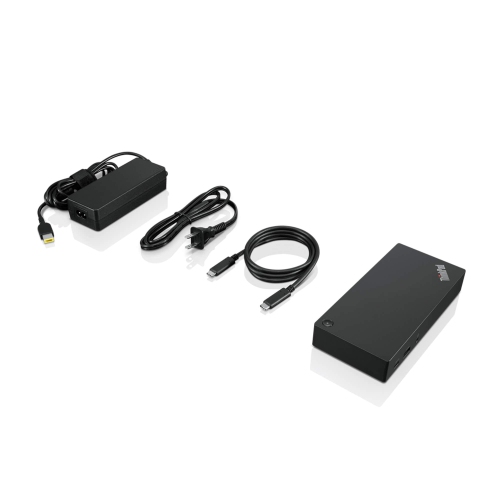
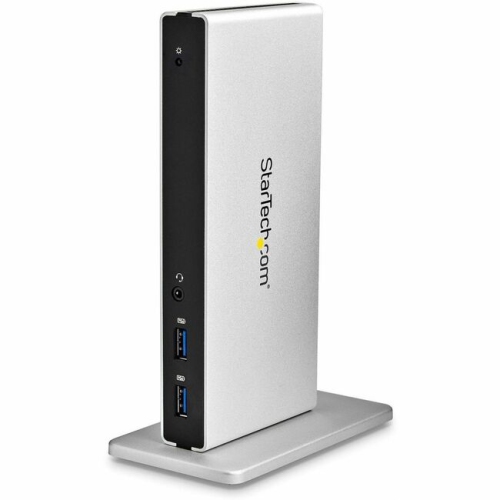
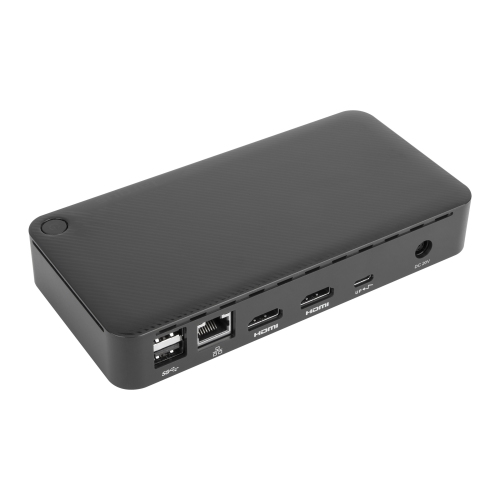
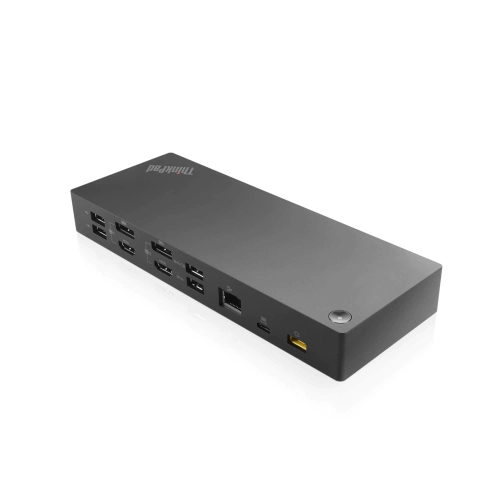
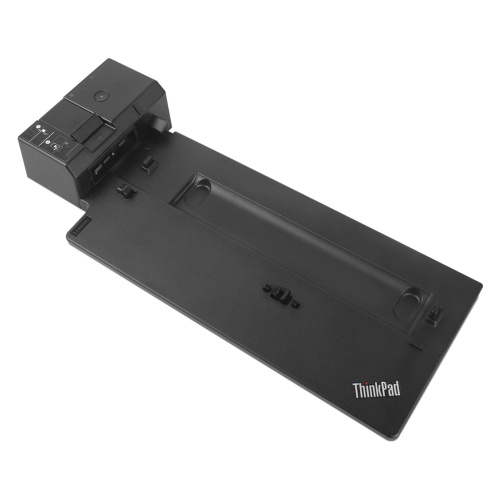
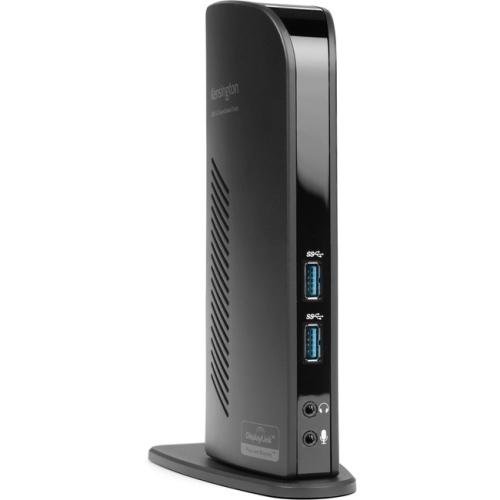
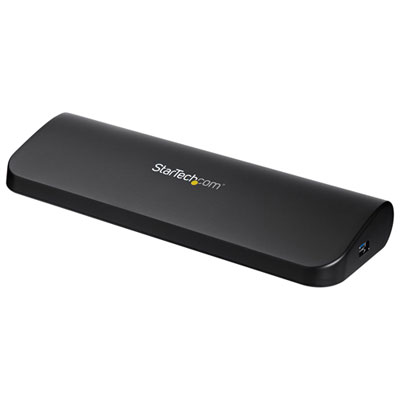
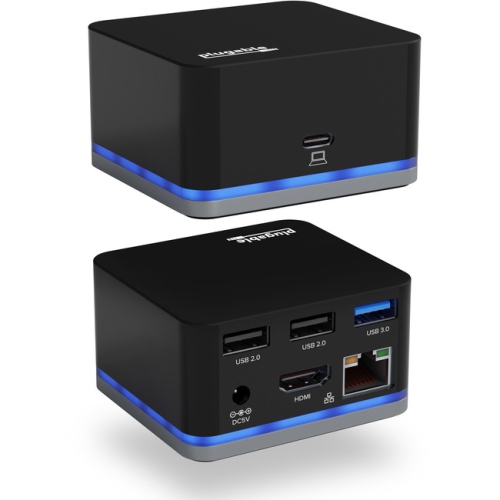

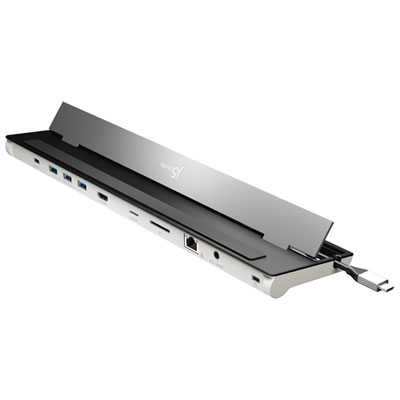
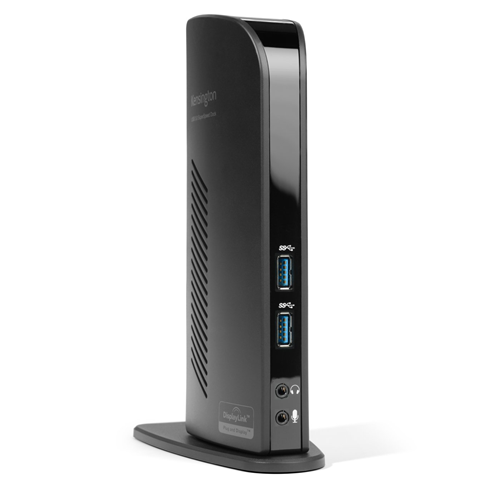
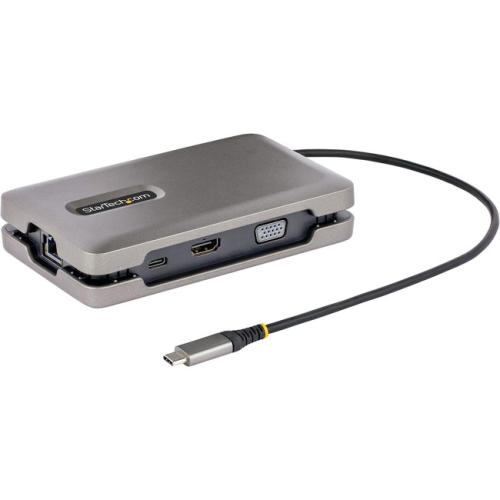

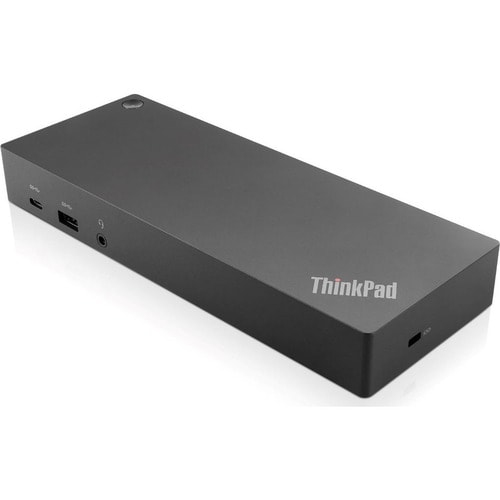
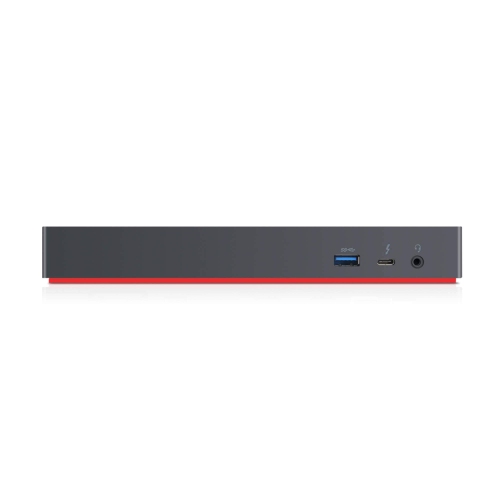
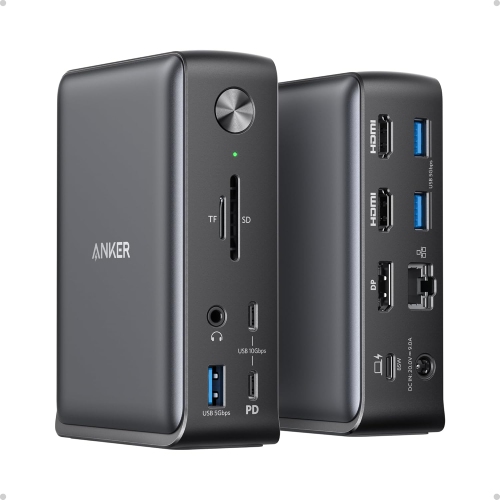
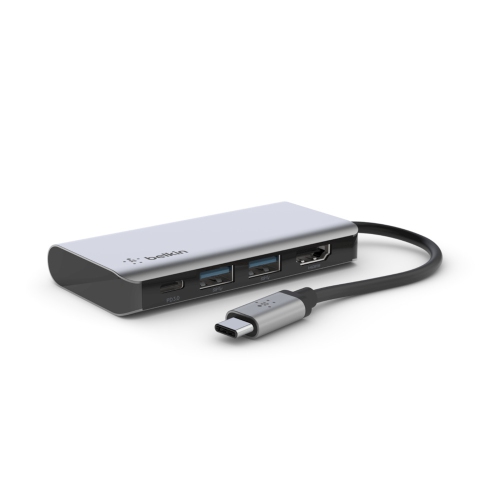
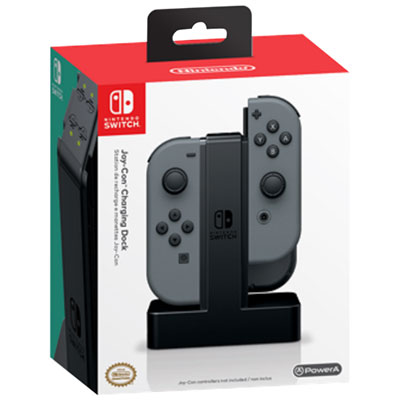
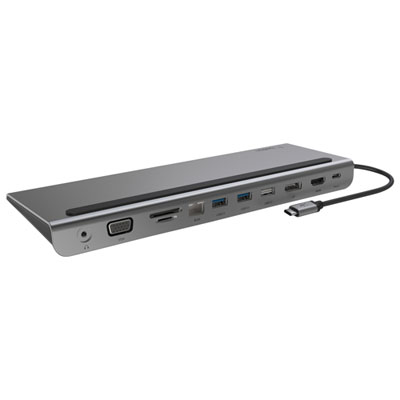

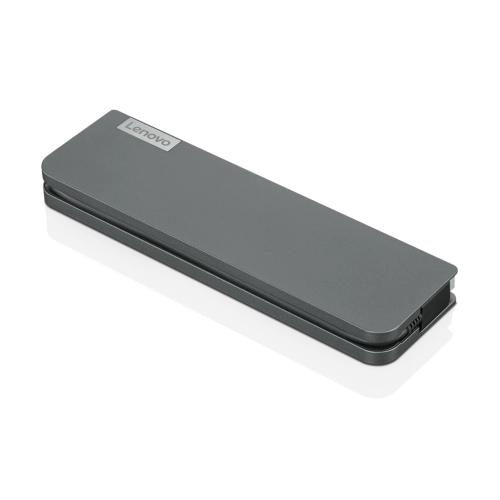
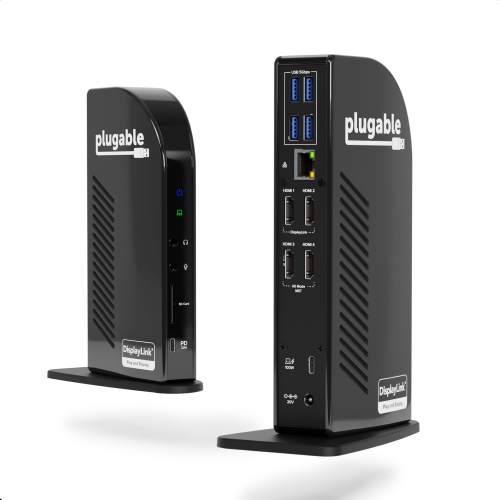
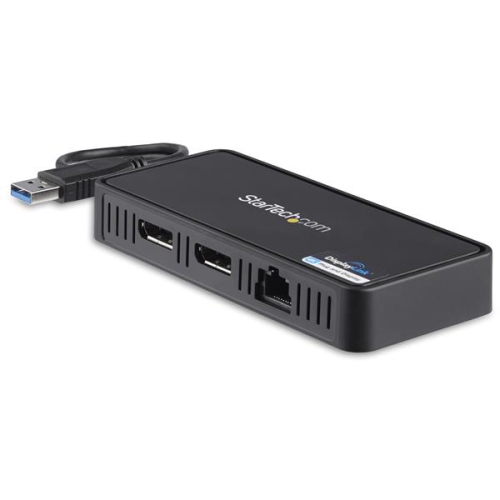
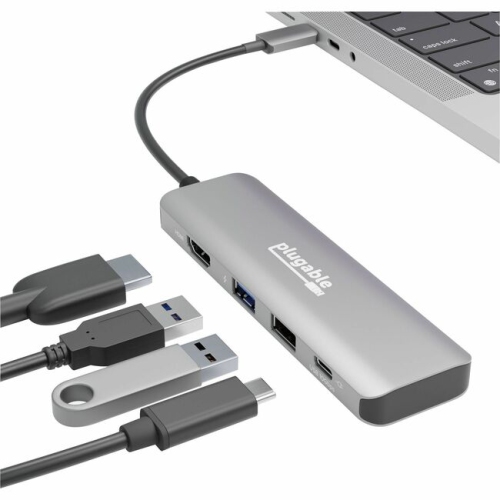
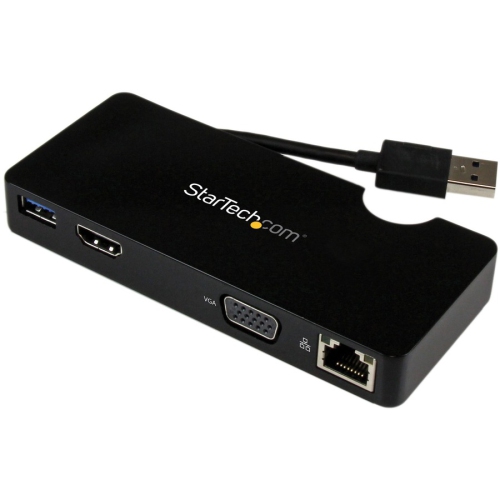
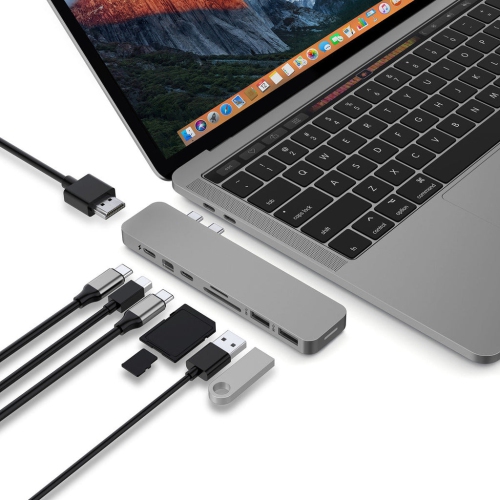
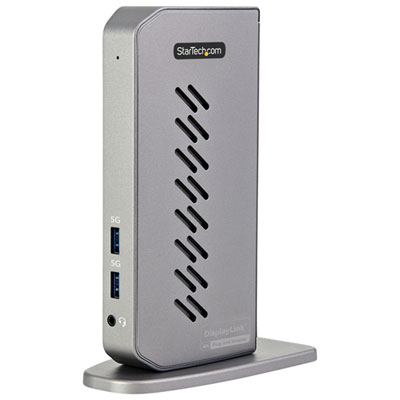
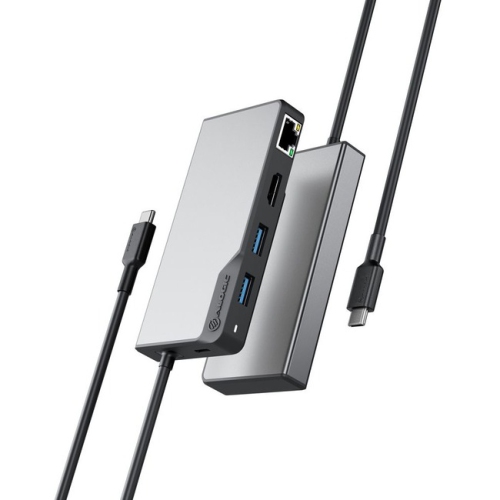
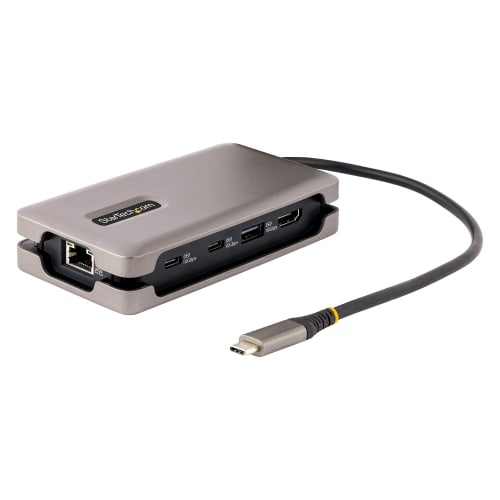
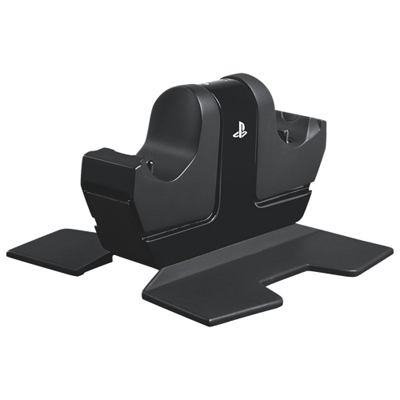


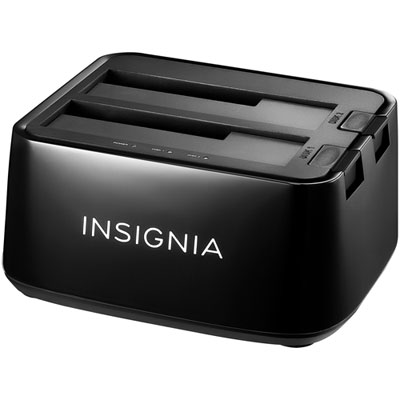

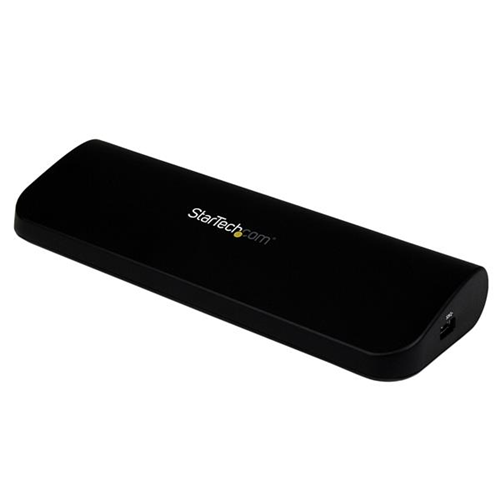
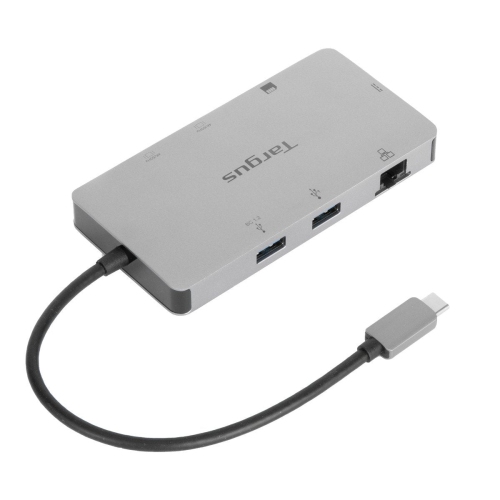
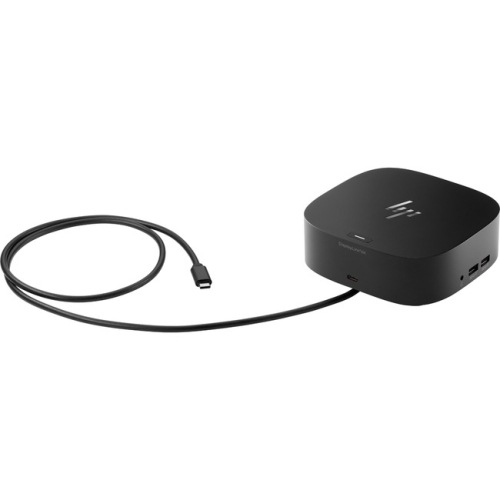
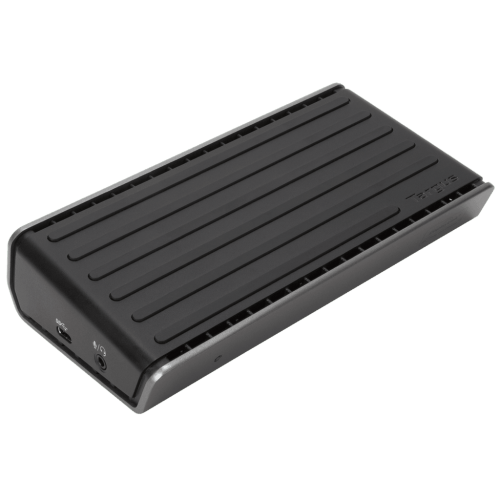
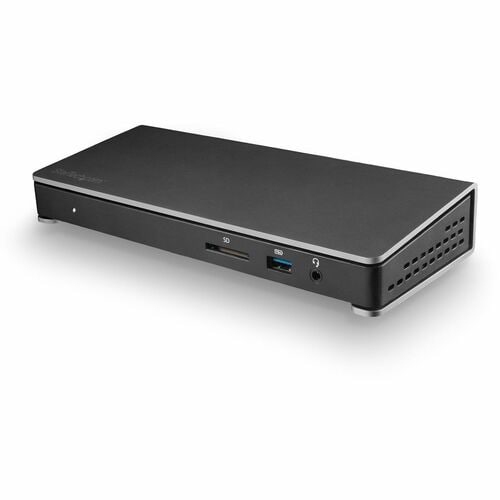
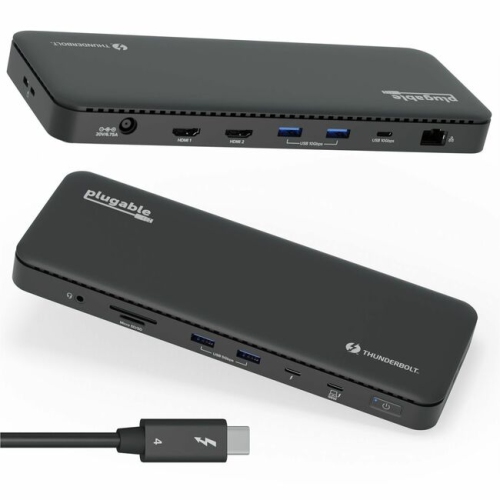
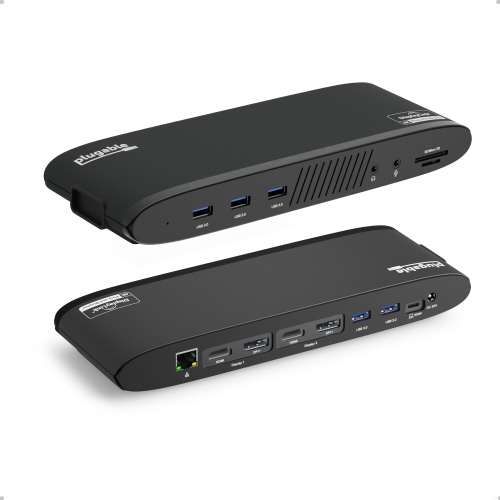
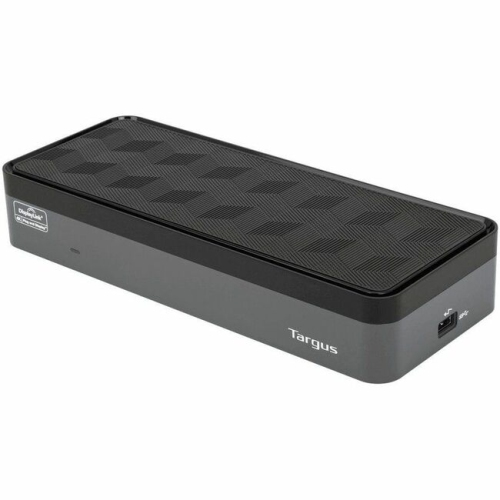
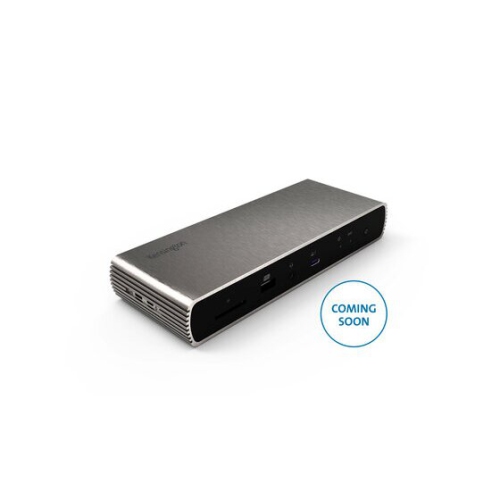
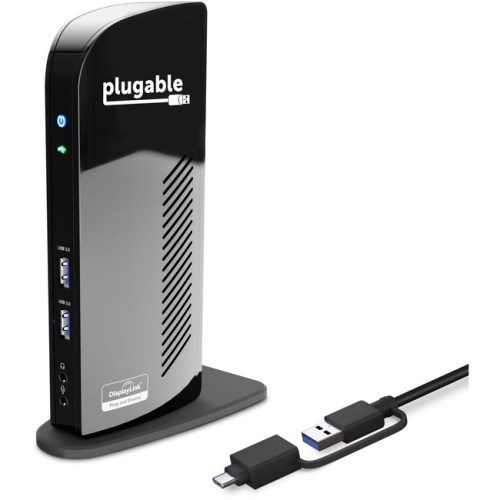
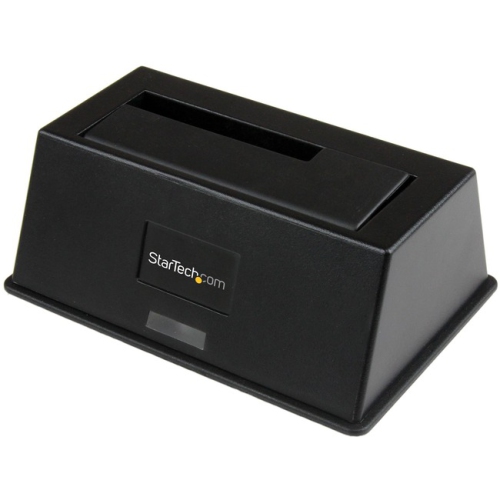
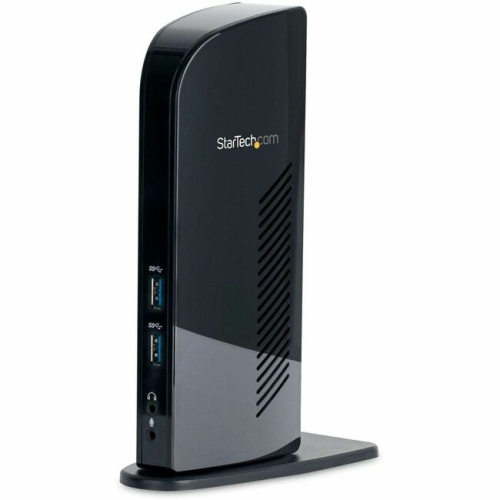
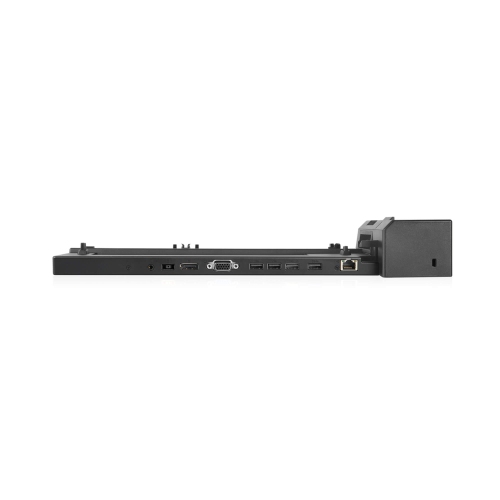
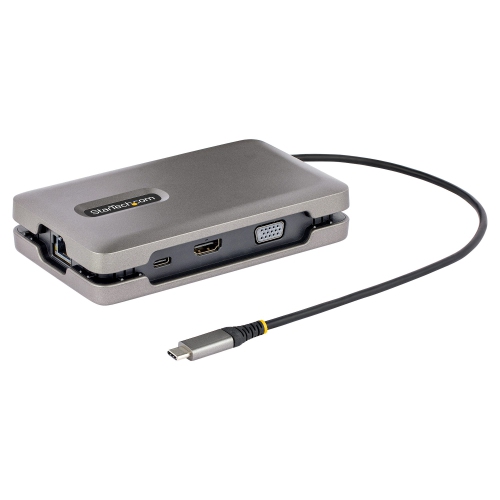
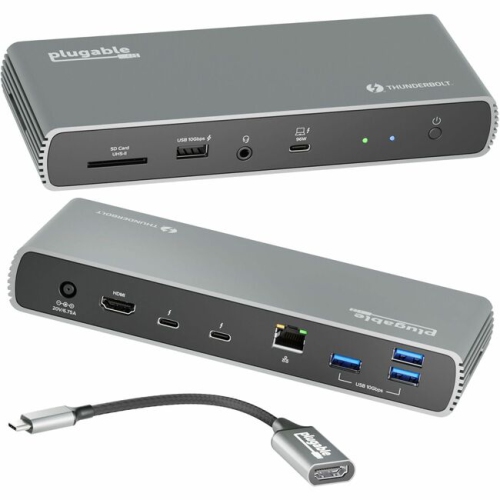
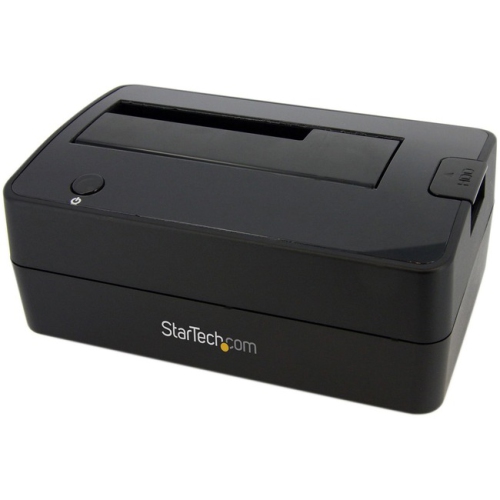
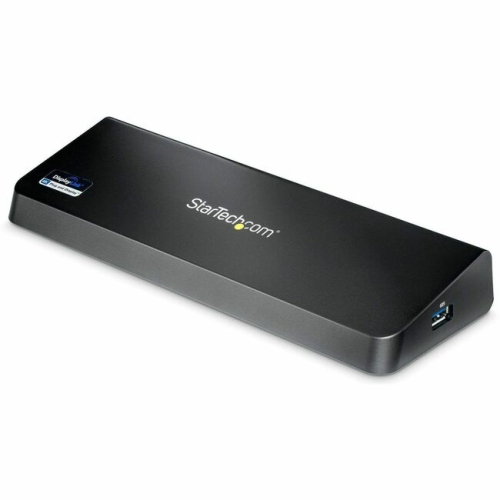
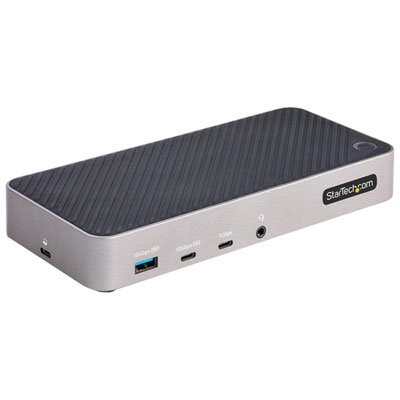
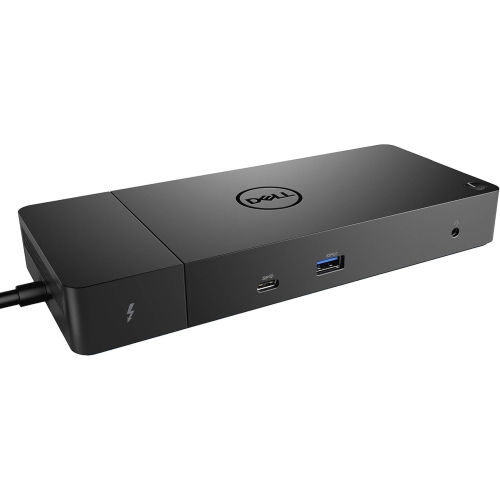
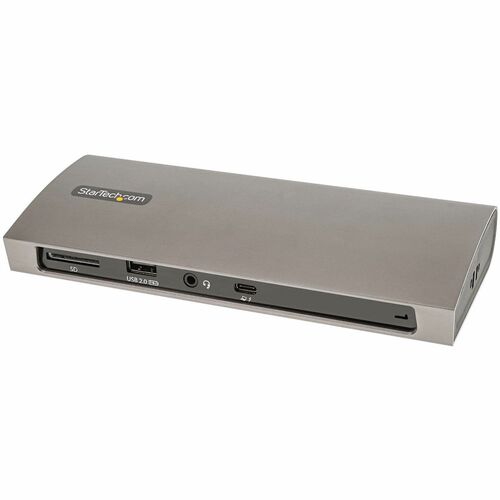
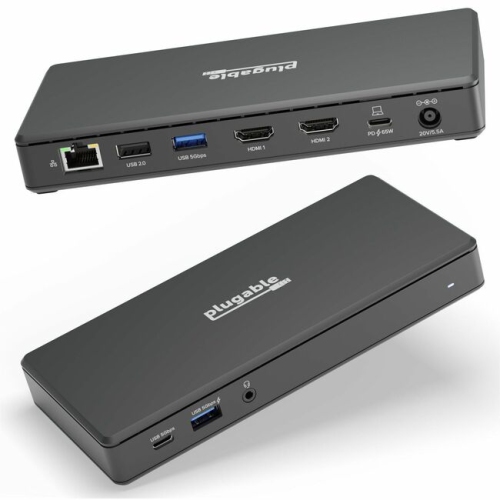
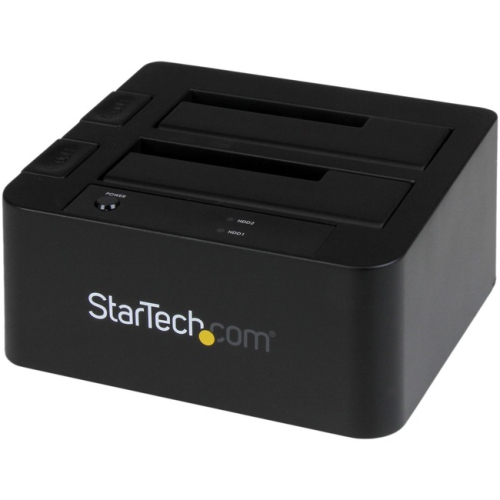


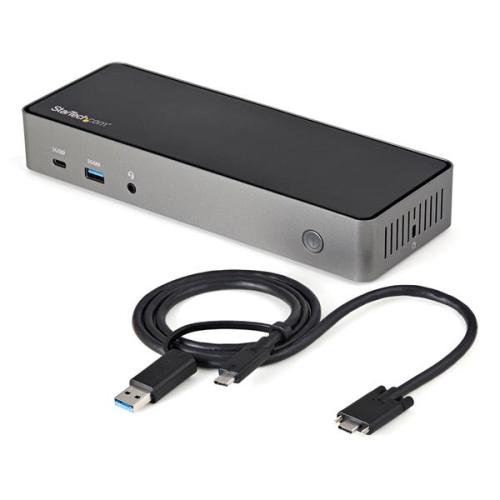
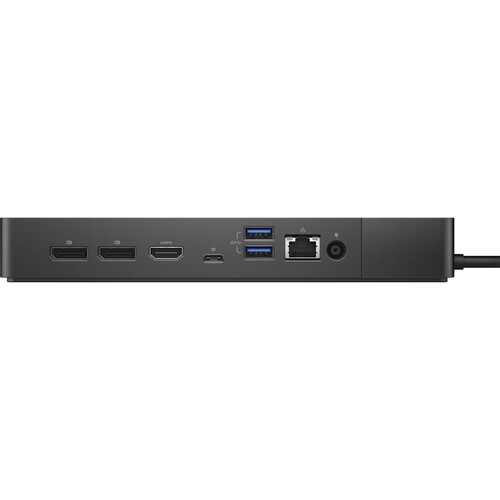
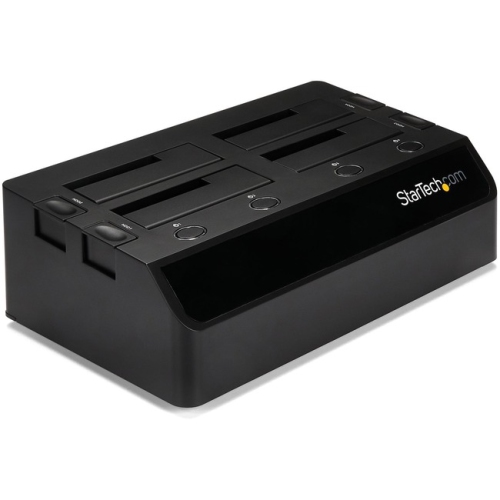

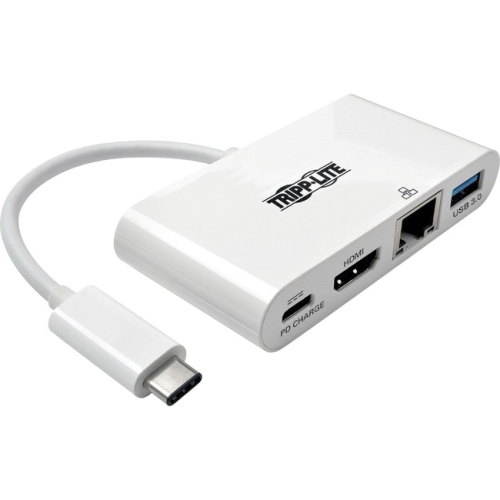
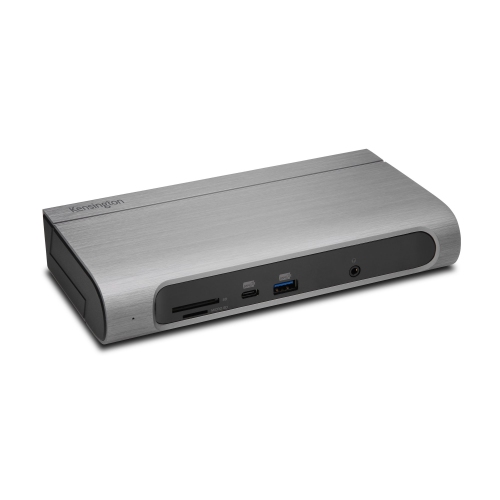
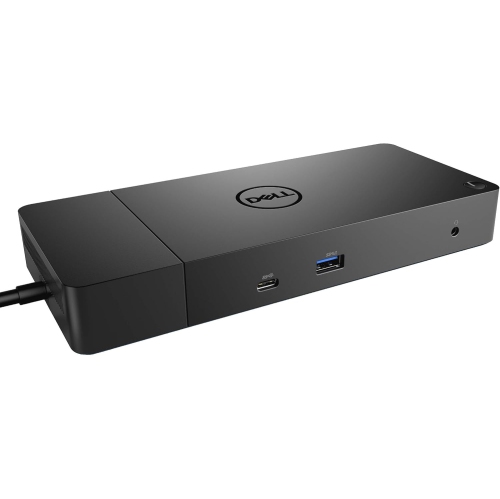
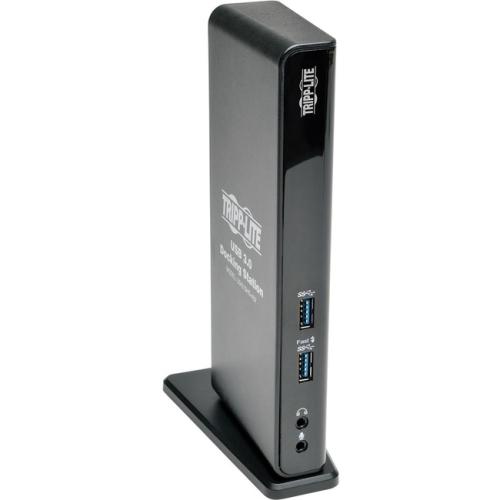
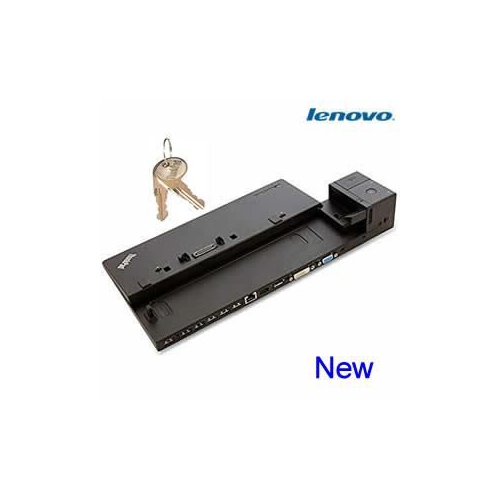
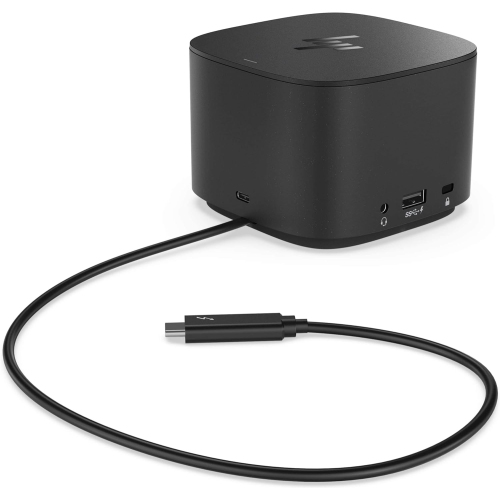
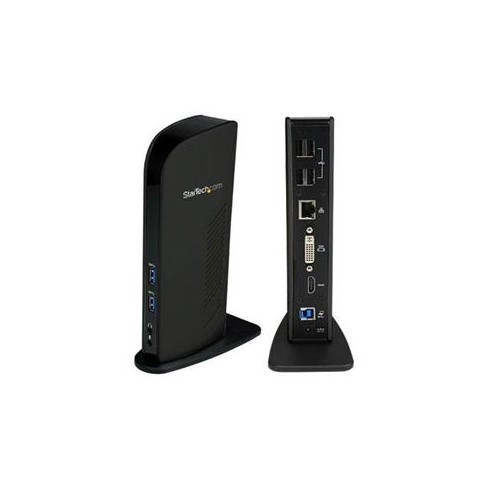
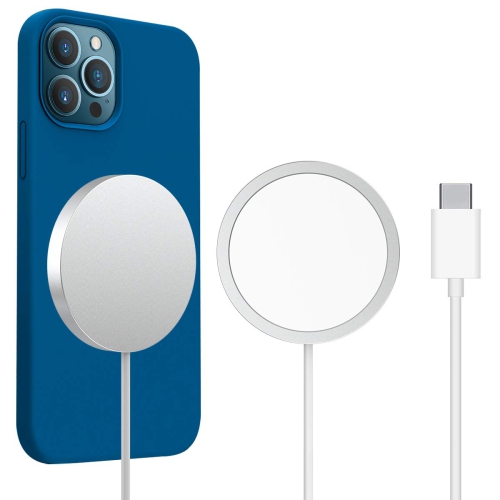
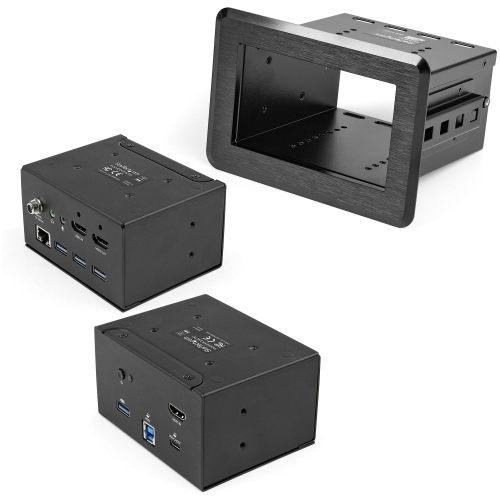

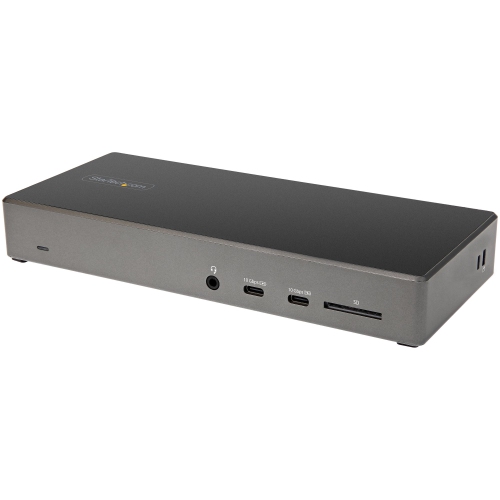
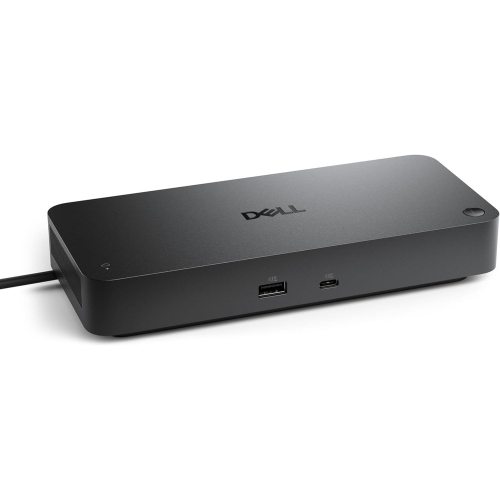
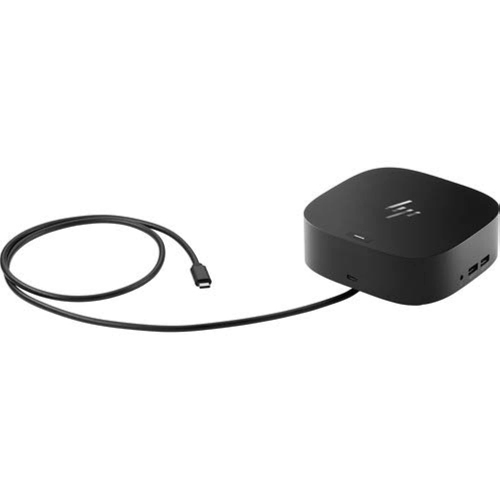
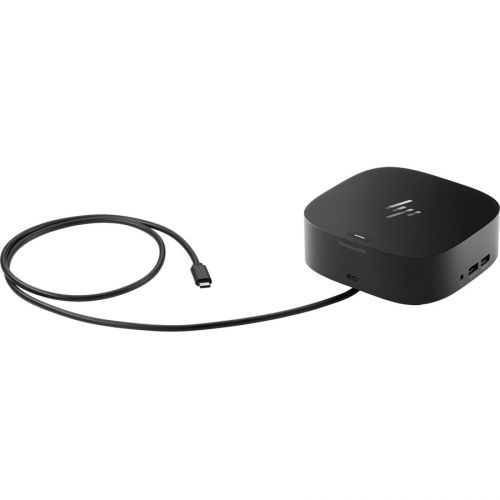
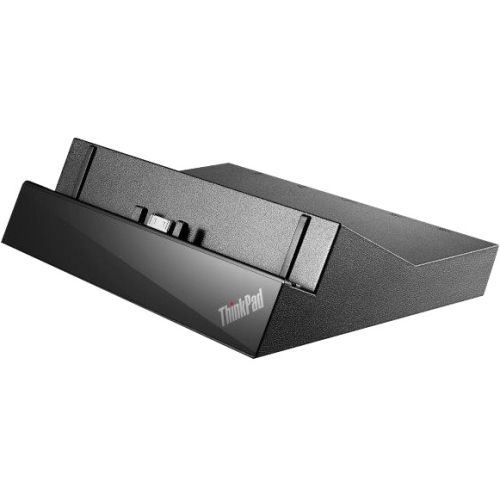
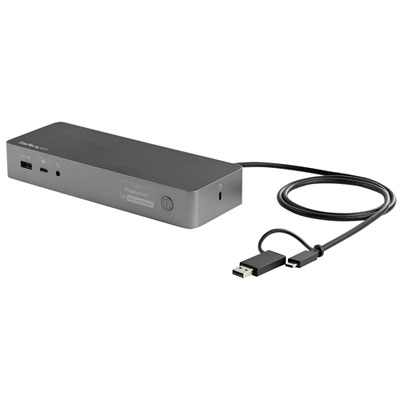
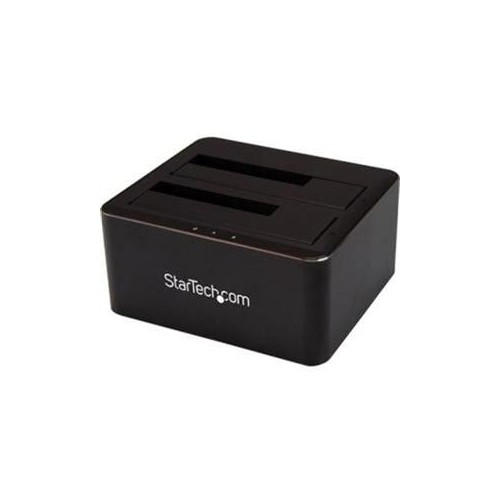
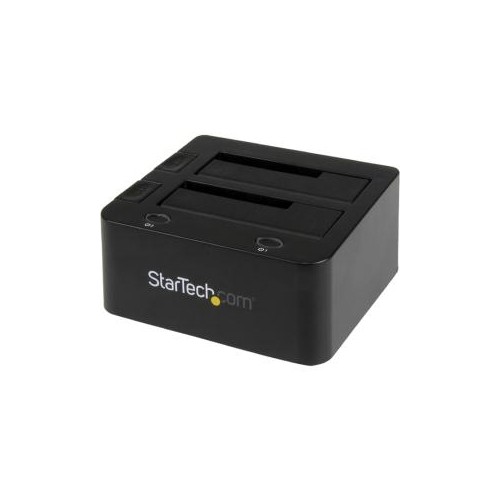
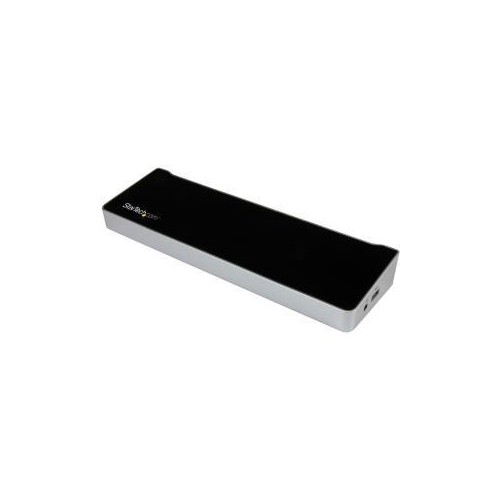
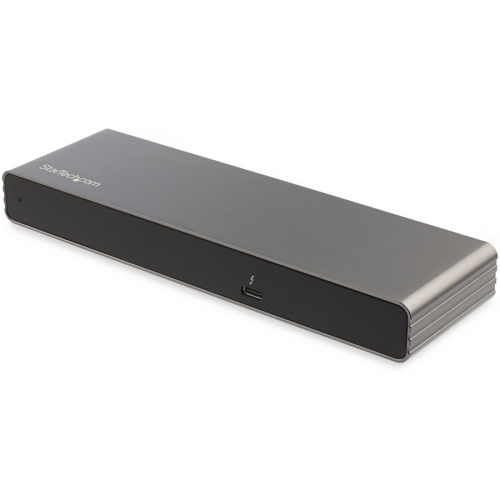
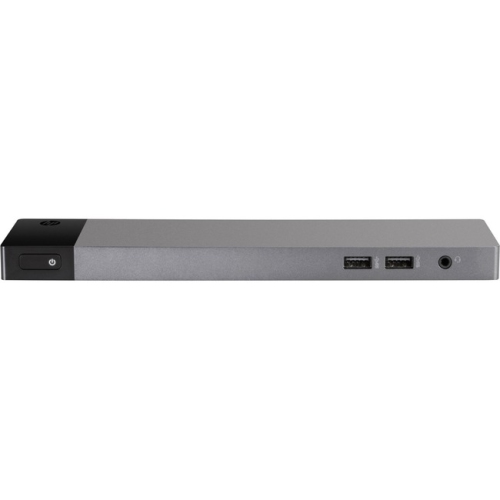
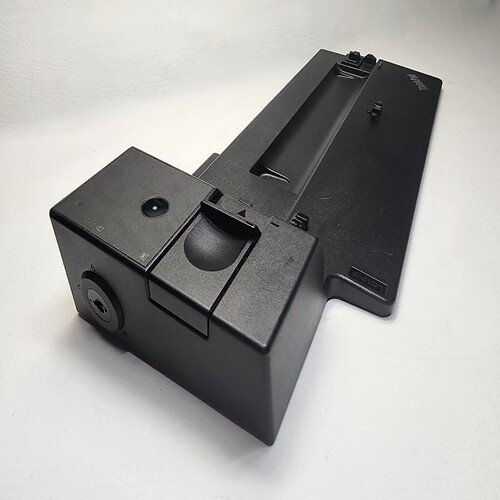
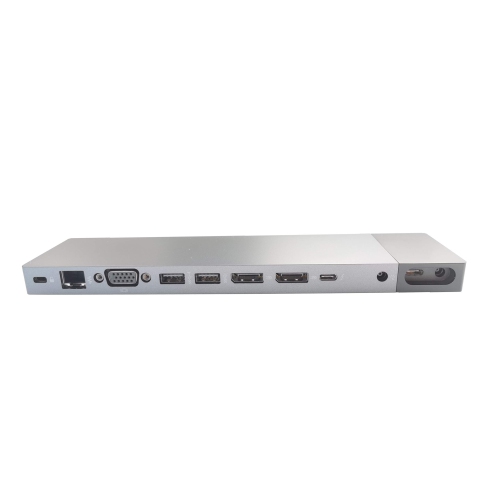
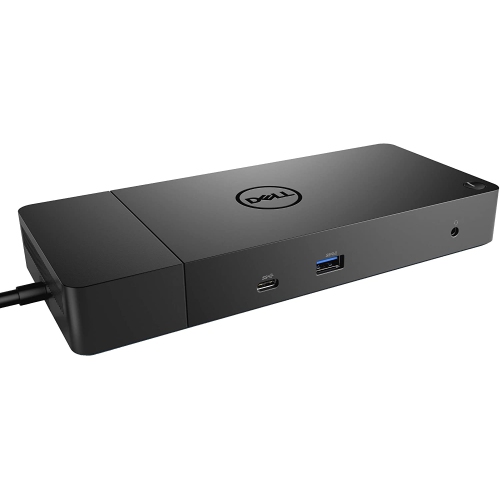
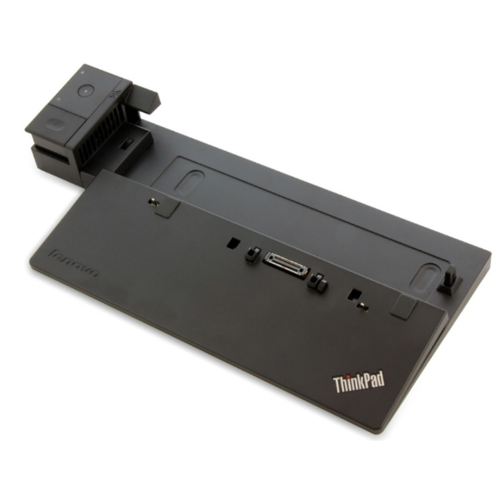
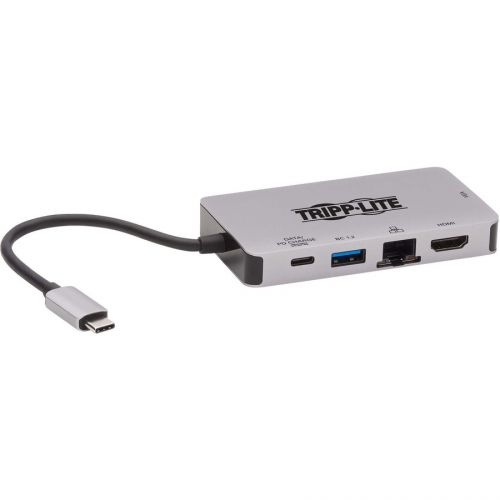
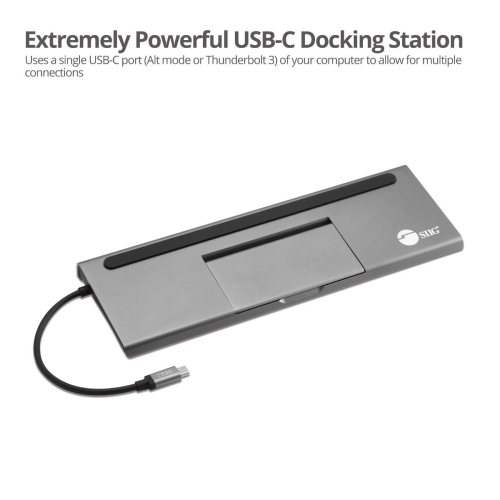
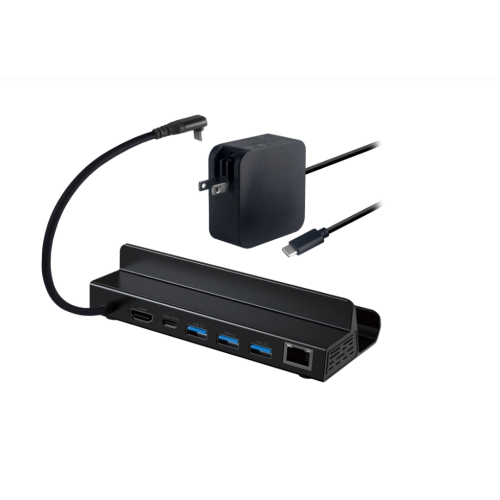
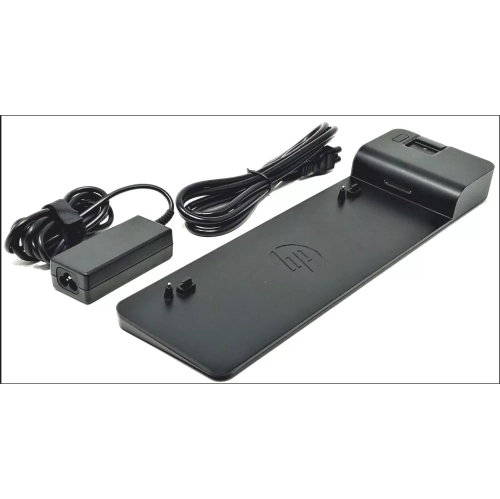

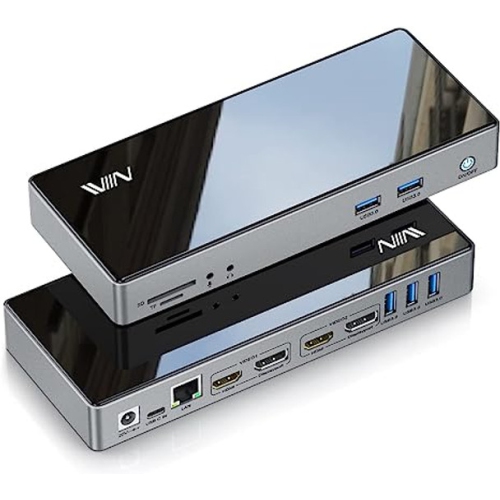
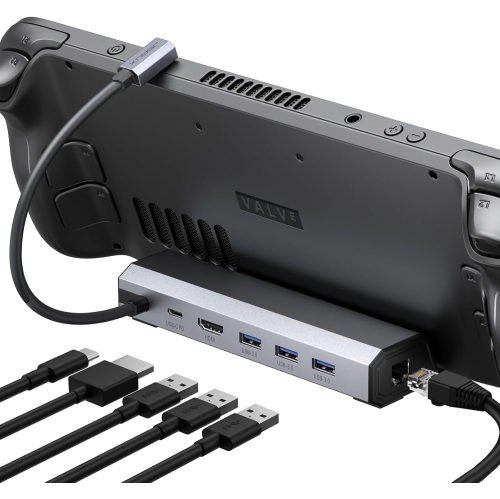
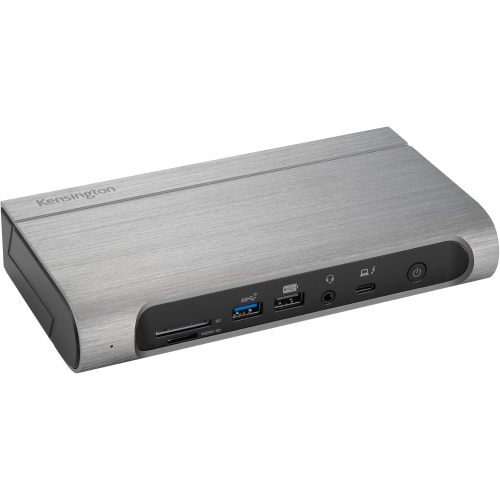
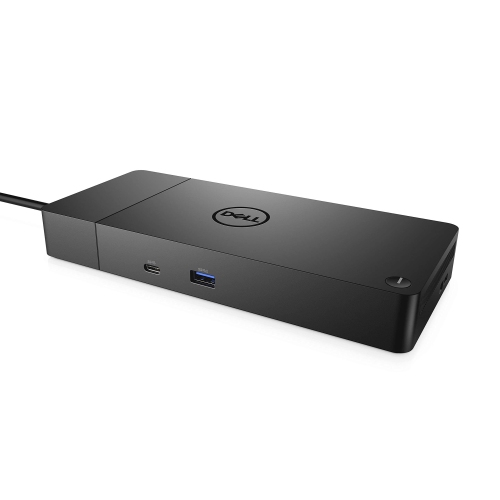

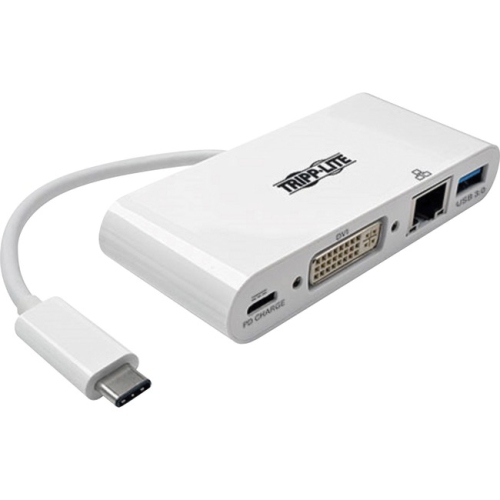
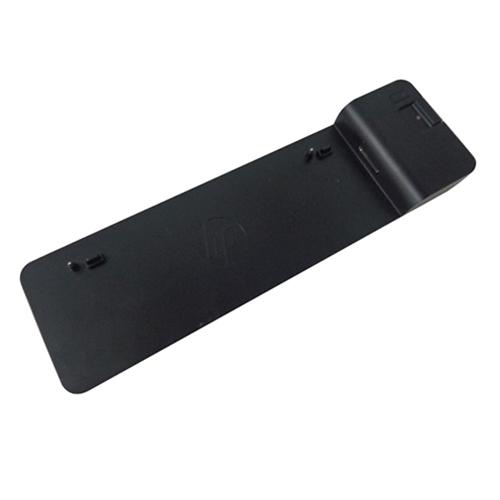
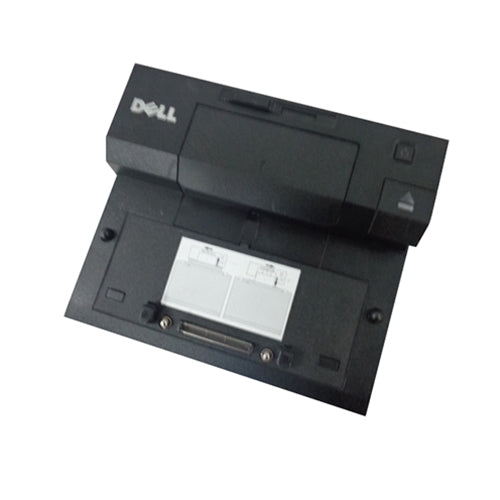
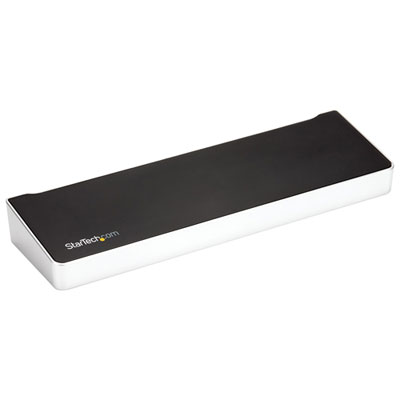


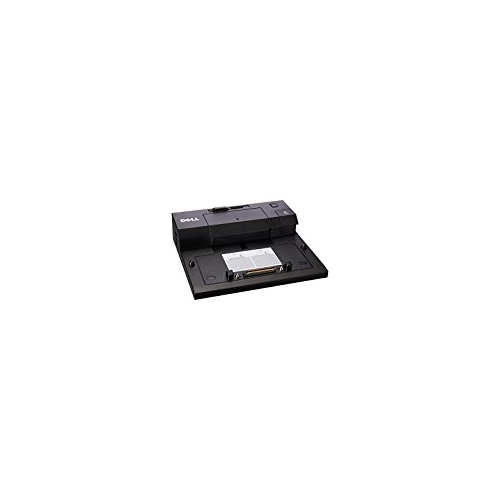
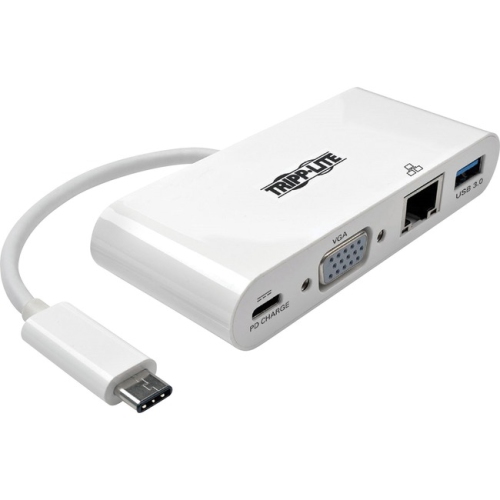

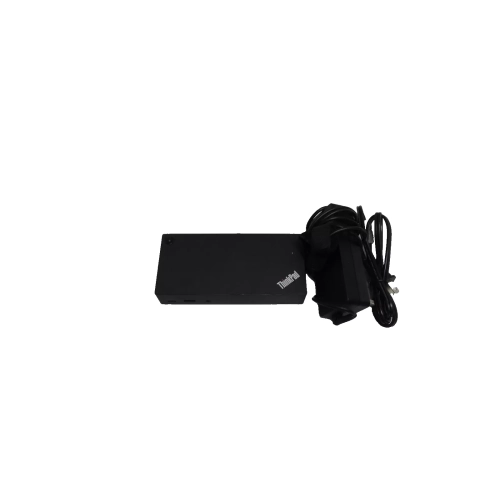




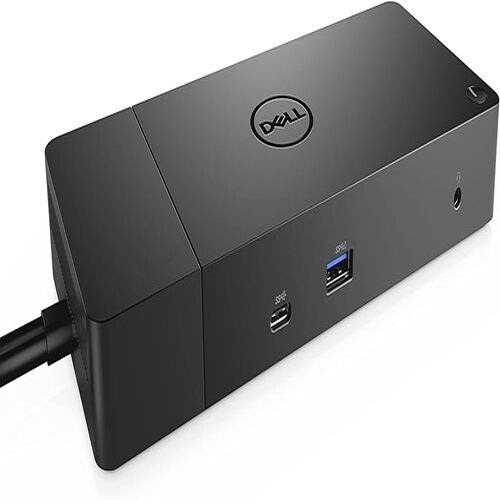
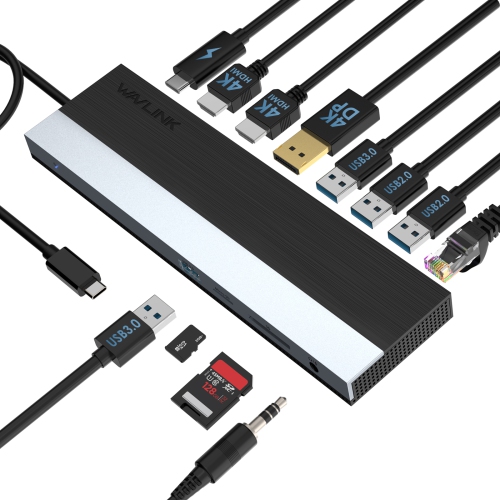
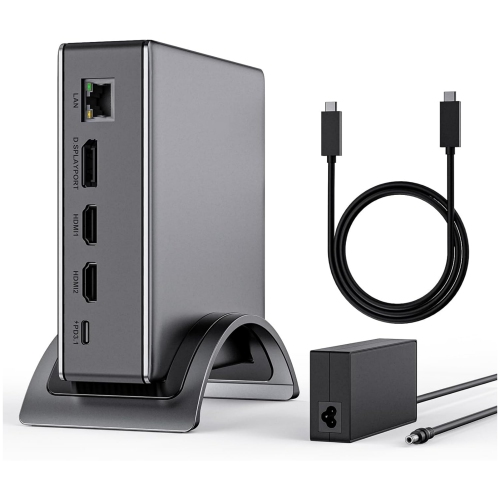
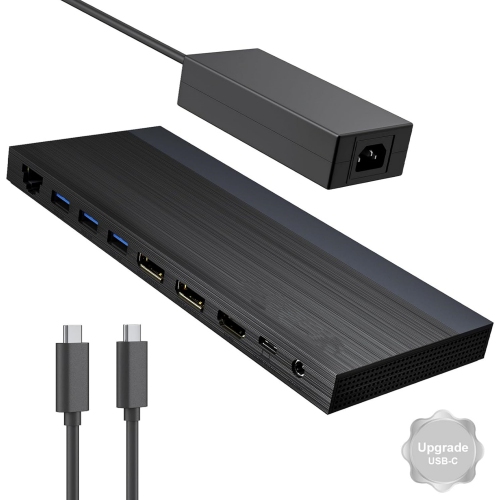
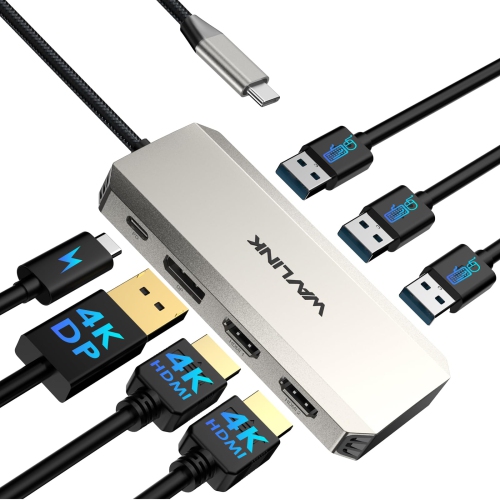
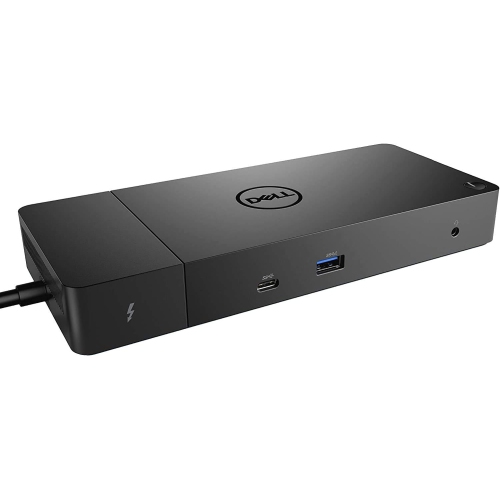
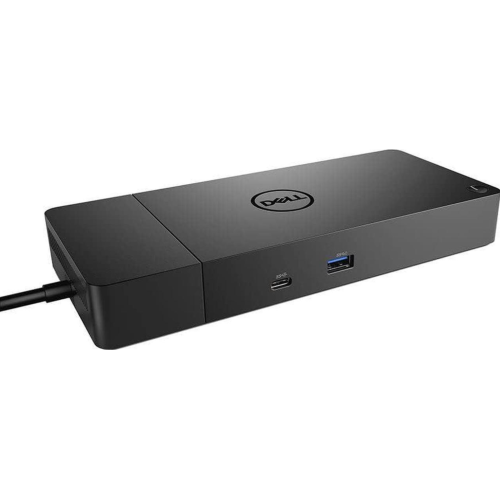
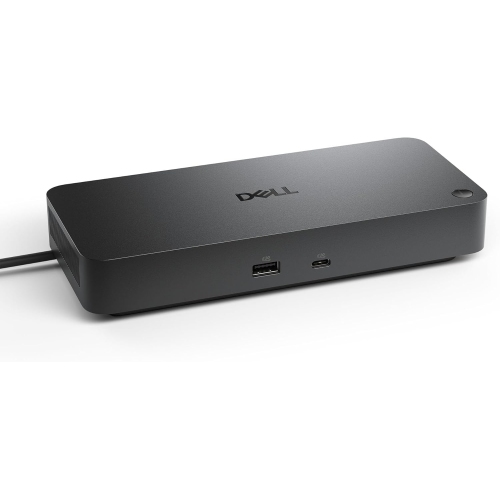
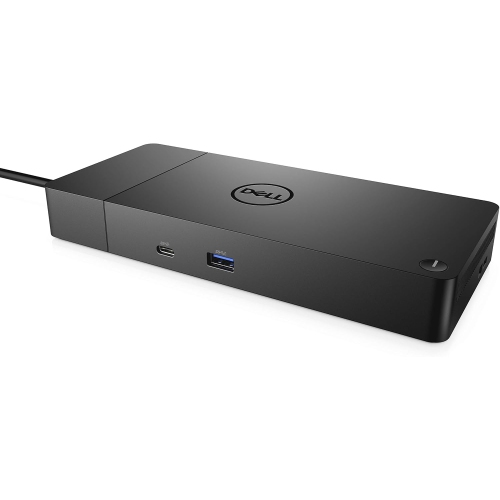
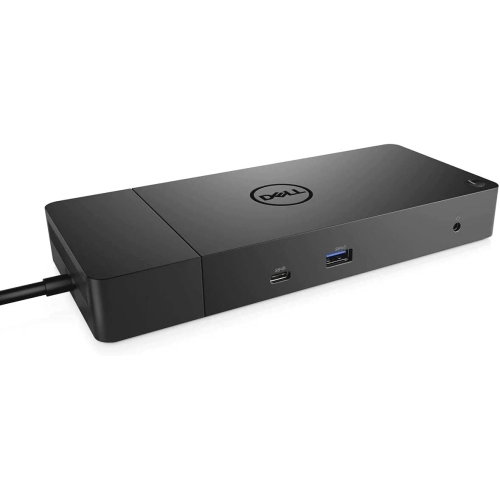
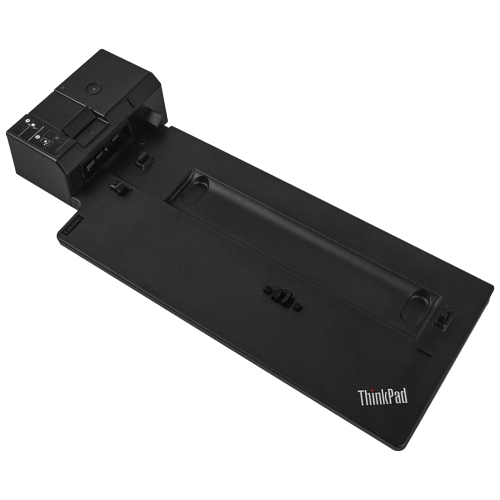

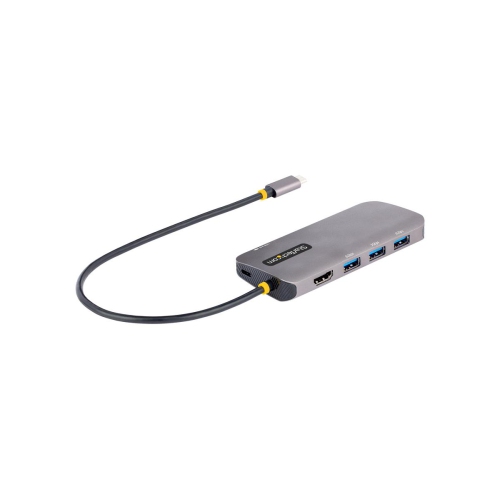
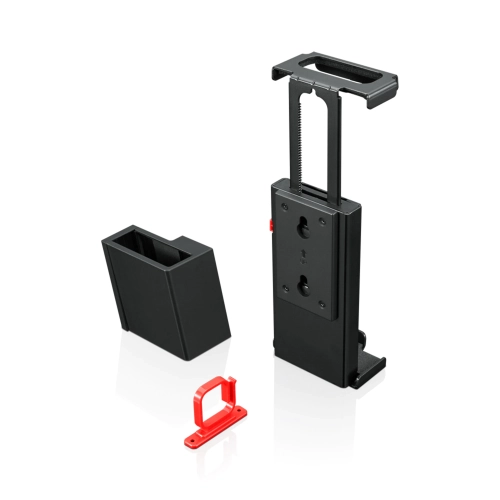

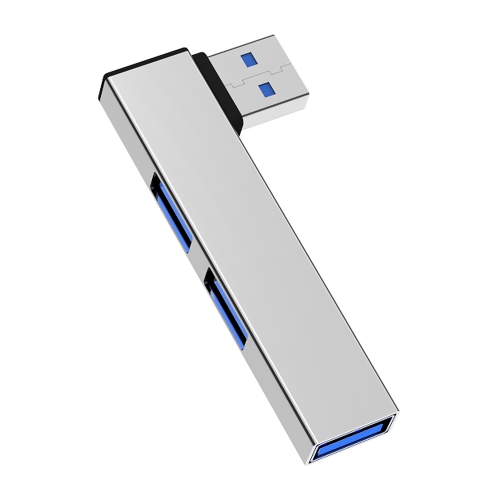
One cable for a more connected, productive workspace
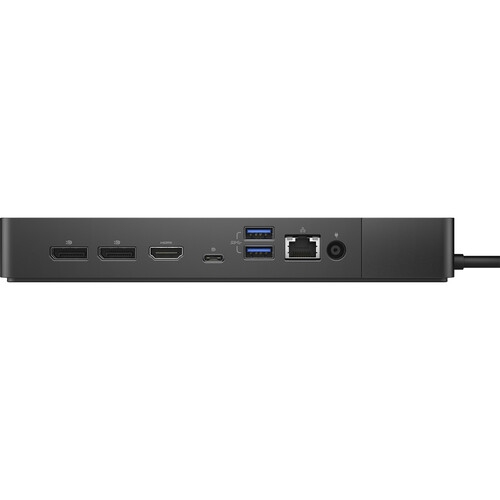
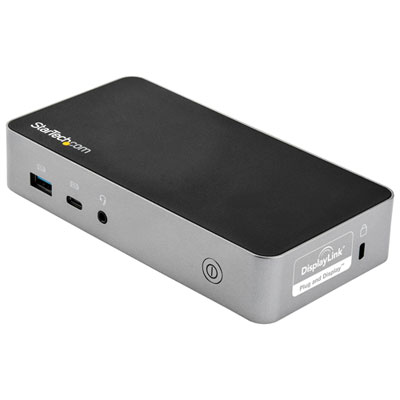
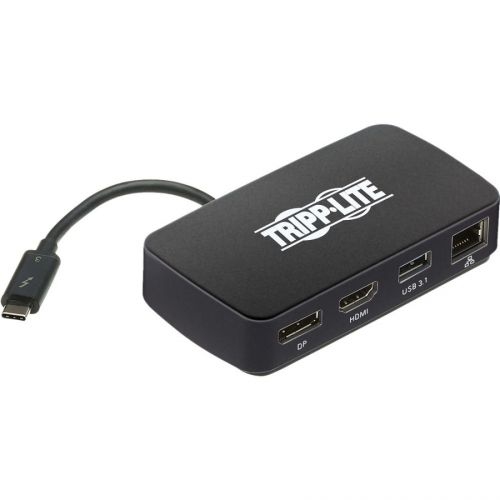
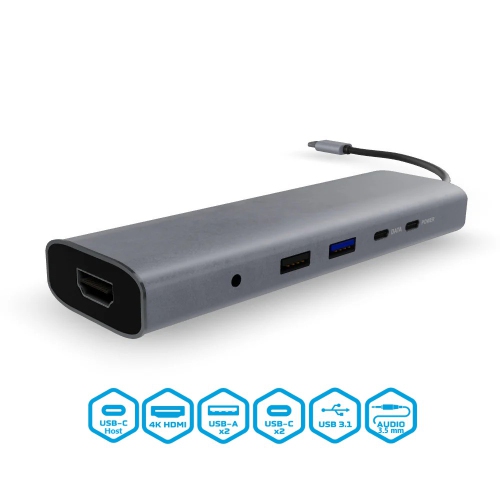
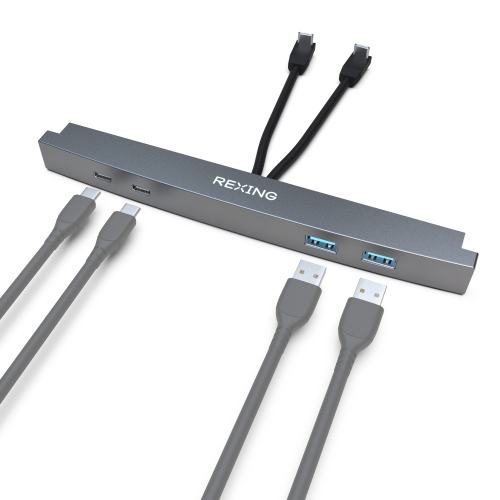
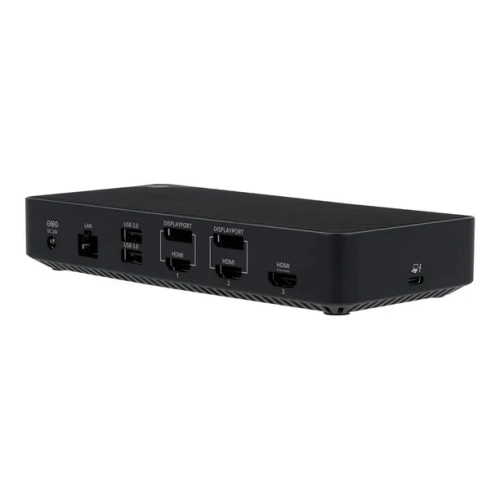
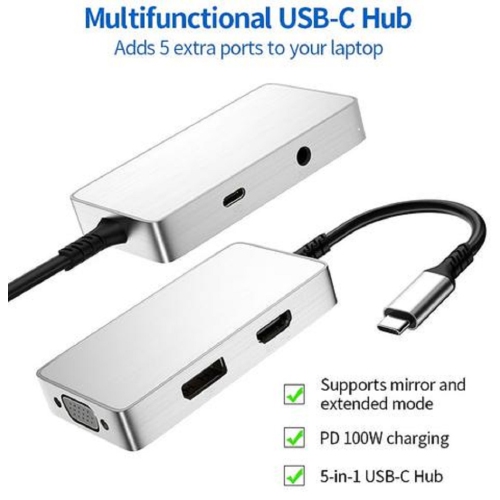
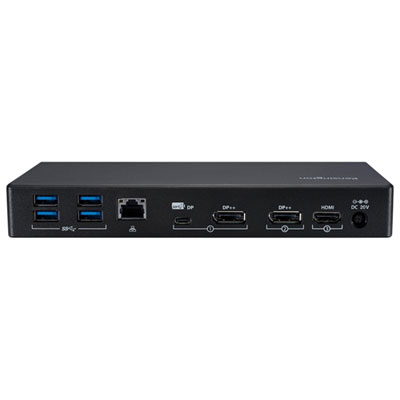
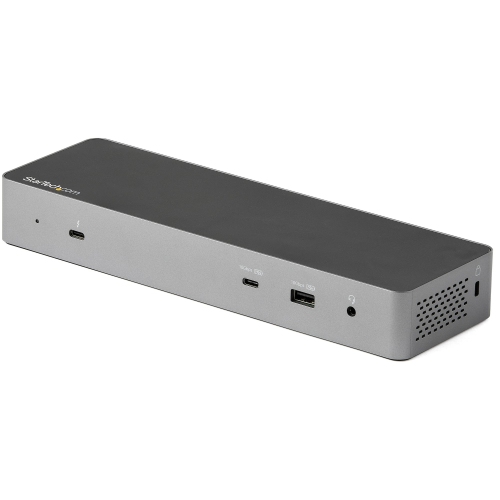
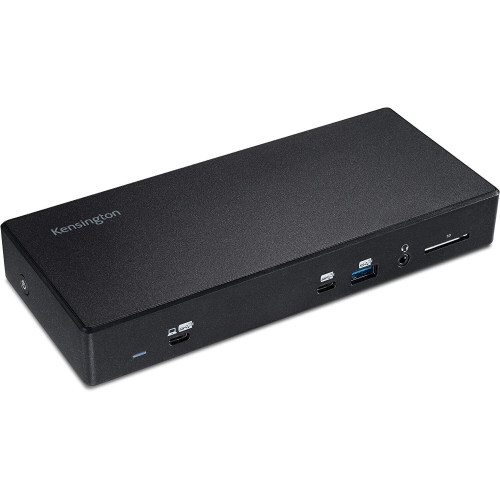
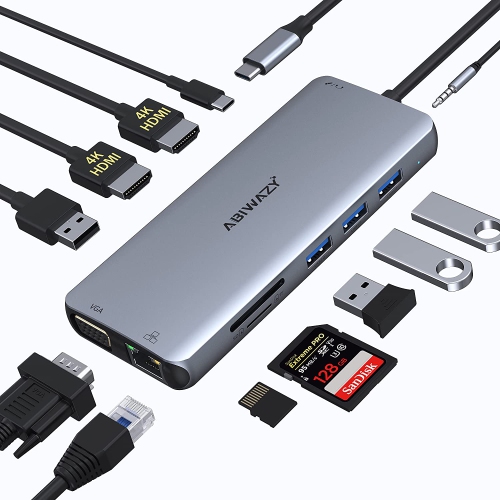
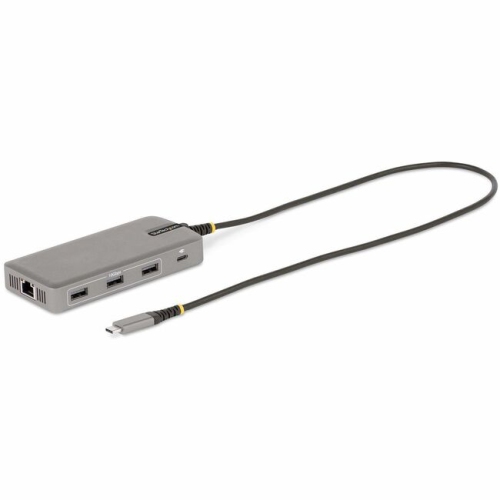
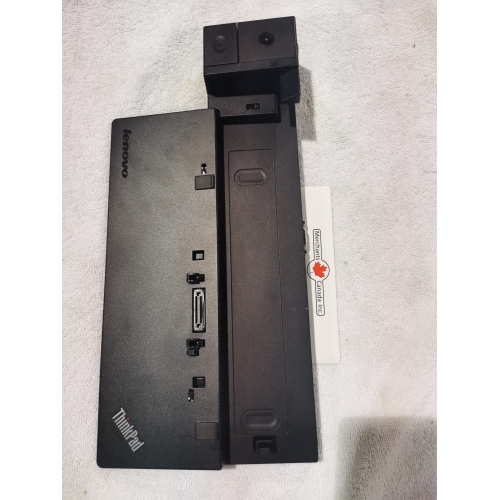
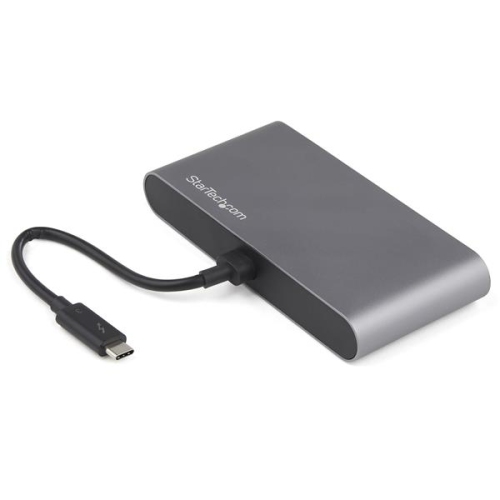
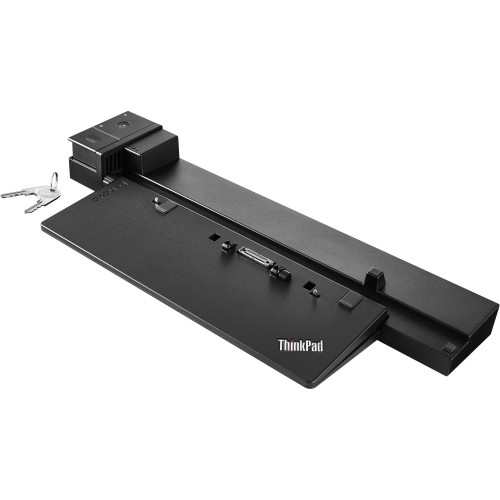
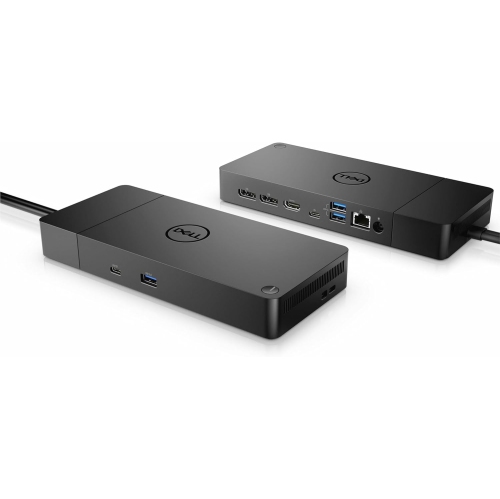
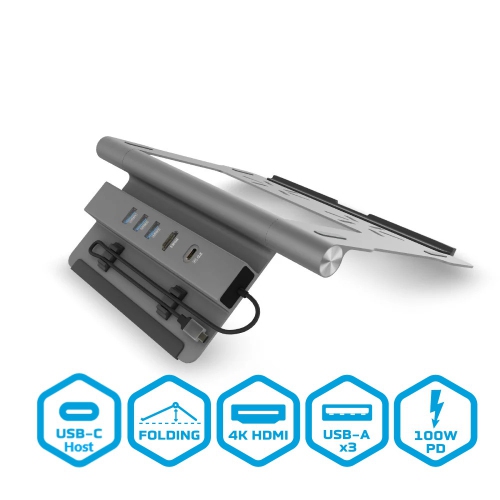
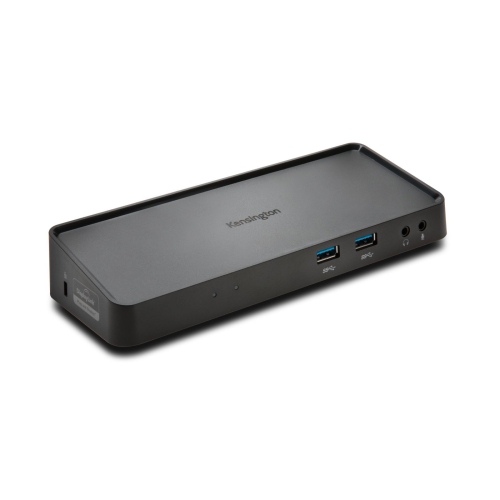
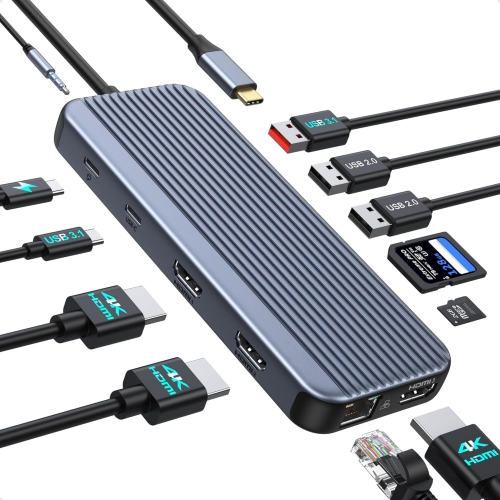
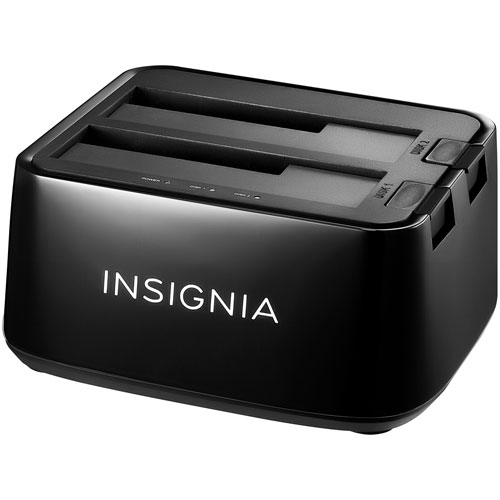
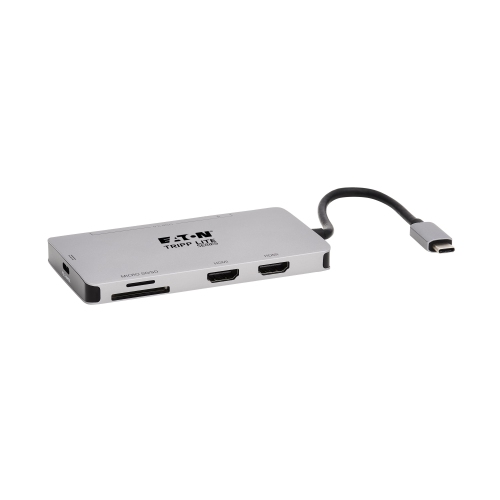
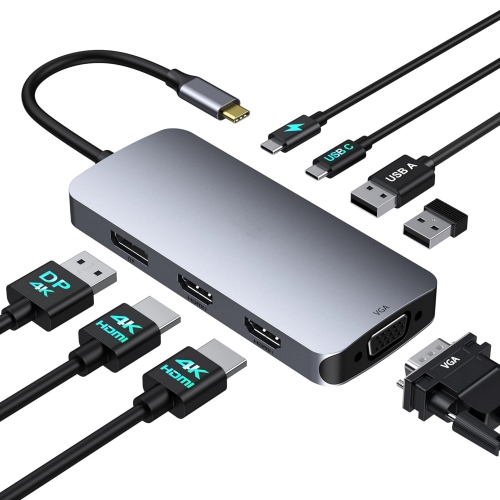
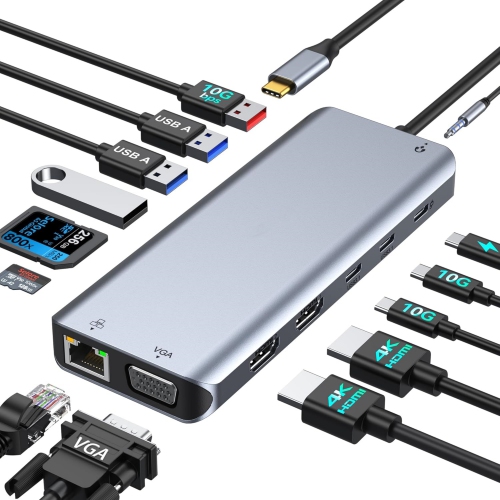
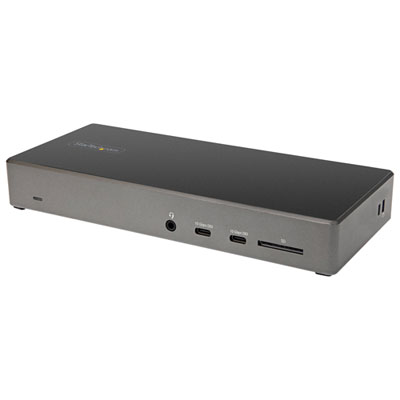
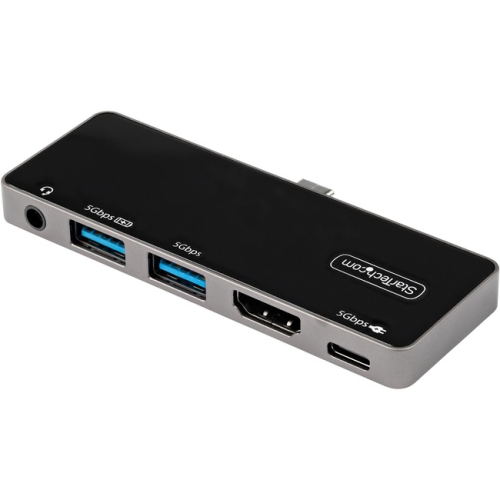
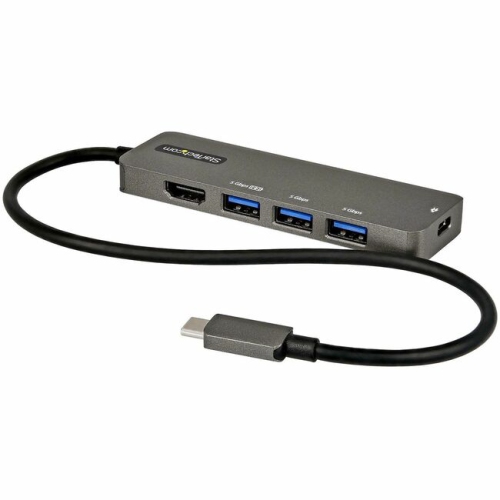
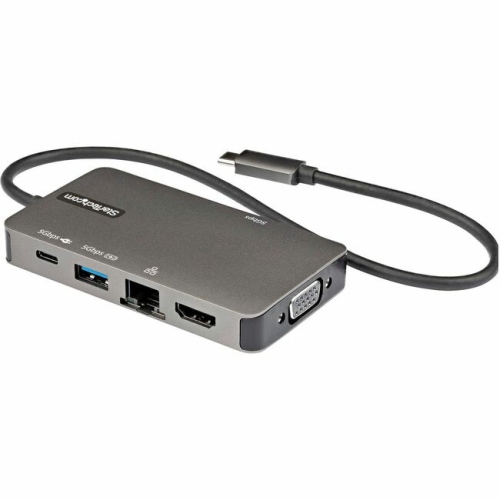
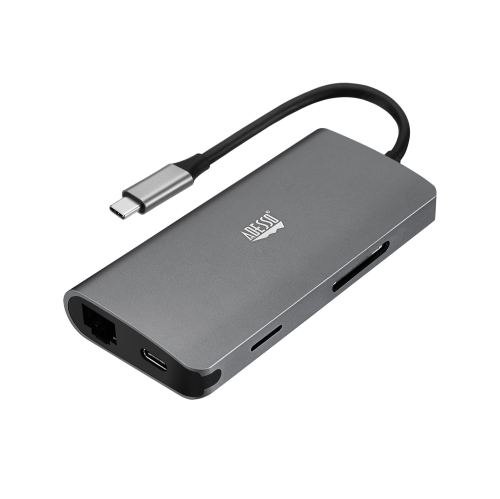
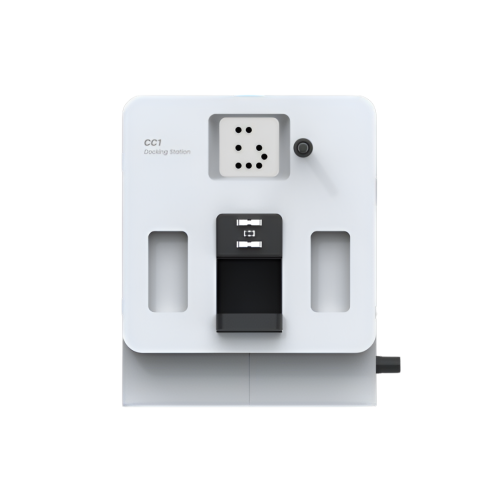
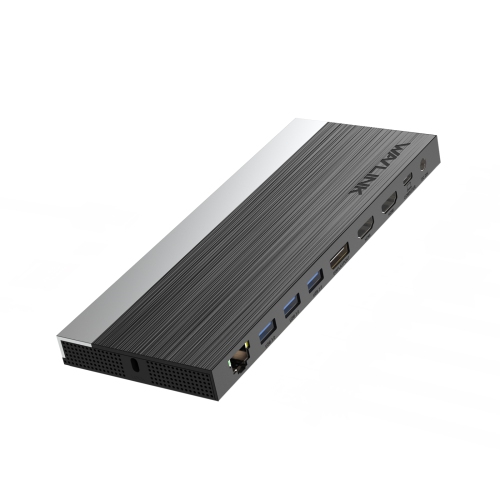
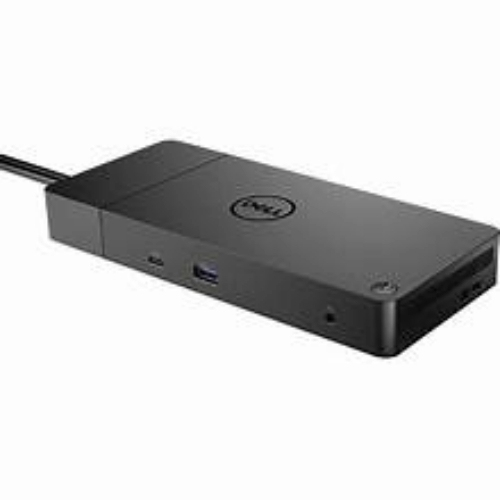
Docking stations have become an essential accessory for anyone looking to streamline their workspace and maximize productivity, whether at home, in the office, or on the go. As laptops continue to get thinner and more portable, the number of built-in ports has decreased, making it challenging to connect all your favourite peripherals at once. A docking station solves this by acting as a central hub, allowing you to plug in monitors, keyboards, mice, external storage devices, printers, and even a wired internet connection—all through a single cable, usually USB-C or Thunderbolt. This not only simplifies cable management but also creates a seamless transition between mobile and desktop work environments. For professionals who frequently move between meetings or workspaces, a docking station means you can set down your laptop and instantly connect to all your devices, saving time and reducing wear on your ports. Students heading back to campus after the summer break often find that a docking station makes life easier when switching between study spaces or connecting to shared monitors in dorm rooms or libraries. As the weather cools and routines shift indoors, having a reliable docking station can make your home office or study nook feel more like a dedicated workstation, ready for anything from video calls to creative projects.
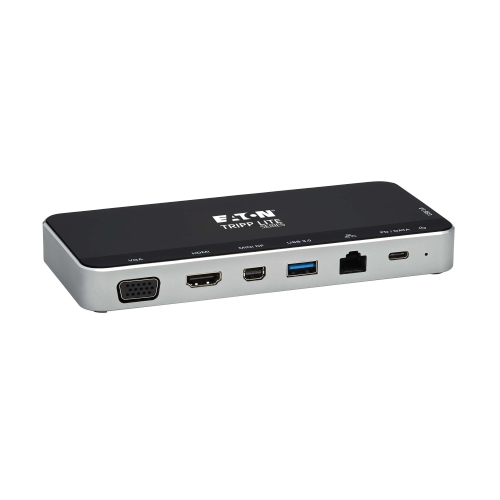
When considering which docking station is right for you, it’s important to think about your specific needs and the devices you use most. Compatibility is key—make sure the dock matches your laptop’s port type, whether that’s Thunderbolt 4, Thunderbolt 5, or USB-C, to ensure maximum speed and functionality. If you rely on multiple displays, look for docking stations that support dual or even triple monitors, with high resolutions like 4K or 6K for crisp, clear visuals. Power delivery is another major factor; many modern docks can charge your laptop, tablet, or phone while you work, with wattages ranging from 85W to 140W, so you stay powered up without juggling extra chargers. The selection of ports matters too: from USB-A and USB-C for accessories, to HDMI and DisplayPort for monitors, Ethernet for stable internet, and SD card readers for quick file transfers. These features are especially valuable for creative professionals, gamers, and anyone who juggles multiple devices throughout the day. Docking stations also make thoughtful gifts for students, remote workers, or anyone setting up a new workspace—offering an instant upgrade that keeps everything connected and organized. For a complete selection of options tailored to different needs and setups, explore the variety of Dock Stations for Computer available. Whether you’re outfitting a home office as the days get shorter or preparing for a busy fall term, the right docking station can make all the difference in how you work and stay connected.
When considering which docking station is right for you, it’s important to think about your specific needs and the devices you use most. Compatibility is key—make sure the dock matches your laptop’s port type, whether that’s Thunderbolt 4, Thunderbolt 5, or USB-C, to ensure maximum speed and functionality. If you rely on multiple displays, look for docking stations that support dual or even triple monitors, with high resolutions like 4K or 6K for crisp, clear visuals. Power delivery is another major factor; many modern docks can charge your laptop, tablet, or phone while you work, with wattages ranging from 85W to 140W, so you stay powered up without juggling extra chargers. The selection of ports matters too: from USB-A and USB-C for accessories, to HDMI and DisplayPort for monitors, Ethernet for stable internet, and SD card readers for quick file transfers. These features are especially valuable for creative professionals, gamers, and anyone who juggles multiple devices throughout the day. Docking stations also make thoughtful gifts for students, remote workers, or anyone setting up a new workspace—offering an instant upgrade that keeps everything connected and organized. For a complete selection of options tailored to different needs and setups, explore the variety of Dock Stations for Computer available. Whether you’re outfitting a home office as the days get shorter or preparing for a busy fall term, the right docking station can make all the difference in how you work and stay connected.
Top selling and popular products
-
 Your price for this item is $149.99
 -
 Your price for this item is $69.99
 -
 Your price for this item is $35
 -
 Your price for this item is $59.99
 -
 Your price for this item is $179.99
 -
 Your price for this item is $209.99
 -
 Your price for this item is $89.99
 -
 Your price for this item is $154.99
Discover more categories related to Docking Stations

Top Collections:
Pokemon Centers, Kindle Devices, Best Budget Office Chairs, Apple iPhones 16, Best Laptops for Writers, iPhone 15 Apple, Canon G7X Cameras, Refurbished Apple Laptops, Alarm Clock, Motorola Razr Phones
Some products may be subject to Environmental Handling Fees
(EHF) depending on your province.
Learn more about EHFs.