Docking Stations for Macbook Pro
Maximize your productivity and streamline your workspace with docking stations for MacBook Pro. Designed to simplify connectivity, these versatile solutions make it easy to connect multiple devices, expand your screen space, and keep your laptop charged—all in one convenient hub. Whether you’re setting up a home office or enhancing your workstation on the go, discover a range of docking stations for MacBook Pro that help you stay organized and efficient every day.
Sort

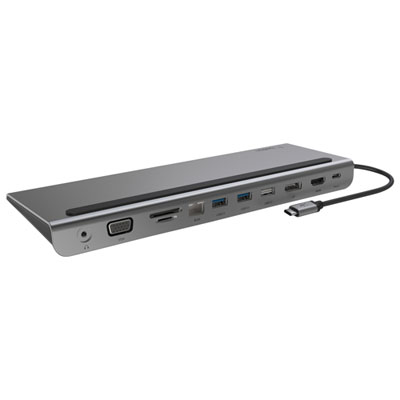
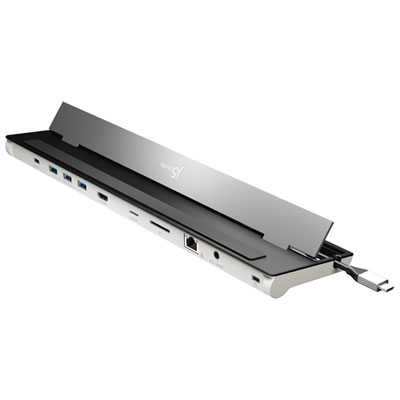
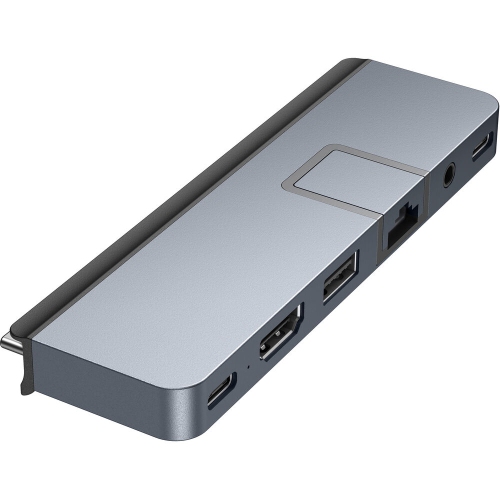
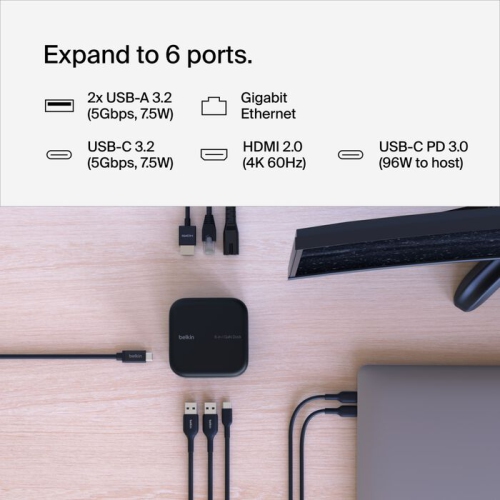
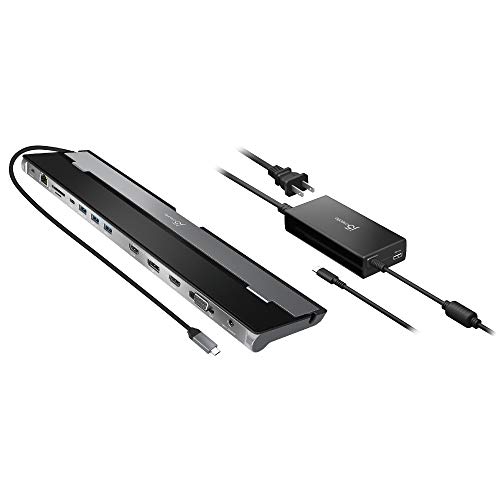
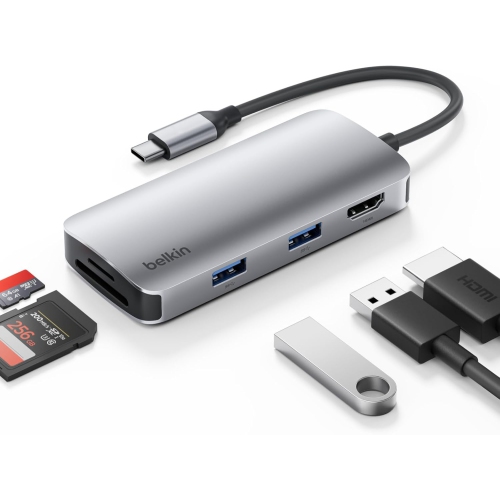
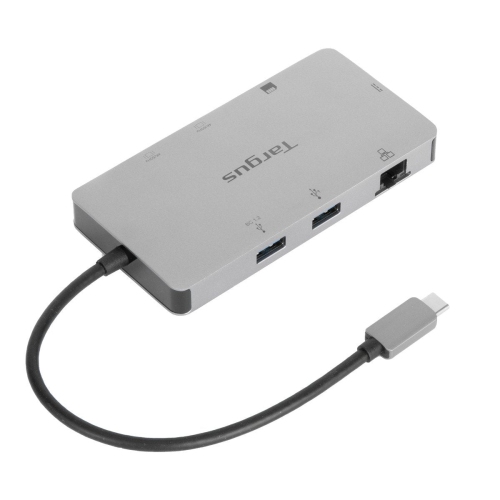
One cable turns your MacBook Pro into a desktop
Docking stations for MacBook Pro make it easier to turn a streamlined laptop into a complete desktop setup without connecting several individual accessories every time you sit down to work. A single dock can provide a central connection point for displays, keyboards, mice, storage drives, wired networks, memory cards, headphones and other everyday equipment. This can be especially useful for people who move between a home office, a shared workspace and a classroom, since one cable can help keep a workspace ready while the MacBook Pro remains easy to take on the go. When comparing options, start by considering the MacBook Pro model and the connections it supports, then look closely at the dock’s host connection, display support and power delivery. USB-C docks can offer a practical range of ports for everyday productivity, while Thunderbolt docks are designed for higher bandwidth and may be a better fit for demanding workflows involving multiple displays, fast external storage or large media files. Compatibility can vary by MacBook Pro generation, so check the dock’s specifications and the computer’s capabilities before choosing. A dock may support one, two or more external monitors, but the maximum resolution, refresh rate and number of active displays can depend on the MacBook Pro model, the operating system and the connection standard. If a crisp, spacious workspace matters, look for specifications that clearly identify support for resolutions such as 4K or 8K, along with the appropriate HDMI, DisplayPort or USB-C video connections. A short cable and compact design may suit a tidy desk, while a larger desktop dock with a wider port selection can be more convenient for a permanent workstation.
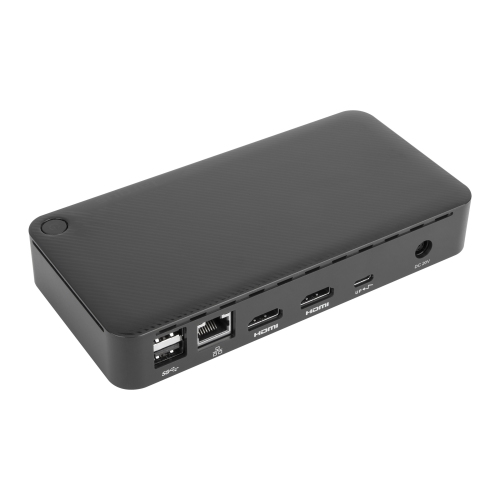
Port selection is one of the most important details when browsing Docking Stations for MacBook Pro. Count the equipment that you expect to connect today, then leave room for the accessories you may add later. USB-A ports remain useful for legacy keyboards, mice, printers and other familiar peripherals, while USB-C ports can connect newer accessories, storage devices and mobile equipment. Pay attention to whether USB-C ports are intended for data, charging, video output or a combination of these functions, as not every port offers the same capabilities. A built-in Ethernet port can provide a dependable wired connection for video calls, large downloads and online work when wireless performance is inconsistent. An SD or microSD card reader is helpful for photographers, videographers and anyone who regularly transfers files from cameras, recorders or other portable devices. Audio connections can make it simpler to use wired headphones, speakers or a microphone without reaching around the laptop. Power delivery is another key consideration. Many docks can charge a connected MacBook Pro while it is in use, helping reduce cable clutter and keeping the computer ready for long work sessions, but the charging output differs between models. Check the maximum wattage and remember that the dock’s included power adapter, if provided, also affects charging performance. A dock with enough power for a lightweight setup may not be ideal for a larger MacBook Pro being used with external drives, multiple accessories and bright monitors. It is also worth checking whether the dock supports wake-from-sleep functions, data transfer speeds and the operating system version used by the computer. These practical details can make the difference between a setup that feels effortless and one that requires frequent troubleshooting. For a wider look at available formats and features, browse Best Docking Stations for Laptops.
These docking stations can suit a broad range of MacBook Pro users. A student may use one to connect a laptop to a larger monitor, external keyboard and wired network while keeping the desk clear for notes and course materials. At home, a professional working with spreadsheets, documents or video calls may appreciate having a full-size display and dependable accessories ready at the touch of a cable. Creative users can benefit from fast connections to external storage, card readers and high-resolution monitors when managing photographs, video projects, design files or music libraries. A dock can also be a thoughtful gift for someone setting up a new home office, updating a study space or making a MacBook Pro more comfortable for extended use. Before adding one to a gift list, consider the recipient’s equipment and daily habits: a compact travel-friendly dock may be best for someone who works in different locations, while a full-size Thunderbolt dock may be more suitable for a dedicated desk with multiple displays and several connected devices. Physical design matters as well. A low-profile dock can fit beneath a monitor or beside a laptop stand, and a solid enclosure can help it stay in place as cables are connected and removed. Think about where the dock will sit, how far the monitor and accessories are from the computer and whether the included cable is long enough for the arrangement. During the cooler months, when more work, study and entertainment may take place indoors, a well-organised MacBook Pro workstation can make a room feel more functional without requiring a collection of separate adapters. Whether the goal is to simplify daily connections, expand display options or bring several devices together in one dependable hub, the right docking station should match the MacBook Pro model, the available desk space and the ports used most often.
Port selection is one of the most important details when browsing Docking Stations for MacBook Pro. Count the equipment that you expect to connect today, then leave room for the accessories you may add later. USB-A ports remain useful for legacy keyboards, mice, printers and other familiar peripherals, while USB-C ports can connect newer accessories, storage devices and mobile equipment. Pay attention to whether USB-C ports are intended for data, charging, video output or a combination of these functions, as not every port offers the same capabilities. A built-in Ethernet port can provide a dependable wired connection for video calls, large downloads and online work when wireless performance is inconsistent. An SD or microSD card reader is helpful for photographers, videographers and anyone who regularly transfers files from cameras, recorders or other portable devices. Audio connections can make it simpler to use wired headphones, speakers or a microphone without reaching around the laptop. Power delivery is another key consideration. Many docks can charge a connected MacBook Pro while it is in use, helping reduce cable clutter and keeping the computer ready for long work sessions, but the charging output differs between models. Check the maximum wattage and remember that the dock’s included power adapter, if provided, also affects charging performance. A dock with enough power for a lightweight setup may not be ideal for a larger MacBook Pro being used with external drives, multiple accessories and bright monitors. It is also worth checking whether the dock supports wake-from-sleep functions, data transfer speeds and the operating system version used by the computer. These practical details can make the difference between a setup that feels effortless and one that requires frequent troubleshooting. For a wider look at available formats and features, browse Best Docking Stations for Laptops.
These docking stations can suit a broad range of MacBook Pro users. A student may use one to connect a laptop to a larger monitor, external keyboard and wired network while keeping the desk clear for notes and course materials. At home, a professional working with spreadsheets, documents or video calls may appreciate having a full-size display and dependable accessories ready at the touch of a cable. Creative users can benefit from fast connections to external storage, card readers and high-resolution monitors when managing photographs, video projects, design files or music libraries. A dock can also be a thoughtful gift for someone setting up a new home office, updating a study space or making a MacBook Pro more comfortable for extended use. Before adding one to a gift list, consider the recipient’s equipment and daily habits: a compact travel-friendly dock may be best for someone who works in different locations, while a full-size Thunderbolt dock may be more suitable for a dedicated desk with multiple displays and several connected devices. Physical design matters as well. A low-profile dock can fit beneath a monitor or beside a laptop stand, and a solid enclosure can help it stay in place as cables are connected and removed. Think about where the dock will sit, how far the monitor and accessories are from the computer and whether the included cable is long enough for the arrangement. During the cooler months, when more work, study and entertainment may take place indoors, a well-organised MacBook Pro workstation can make a room feel more functional without requiring a collection of separate adapters. Whether the goal is to simplify daily connections, expand display options or bring several devices together in one dependable hub, the right docking station should match the MacBook Pro model, the available desk space and the ports used most often.
Top selling and popular products
-
 Your price for this item is $149.99
 -
 Your price for this item is $69.99
 -
 Your price for this item is $35
 -
 Your price for this item is $59.99
 -
 Your price for this item is $179.99
 -
 Your price for this item is $209.99
 -
 Your price for this item is $89.99
 -
 Your price for this item is $154.99
Discover more categories related to Docking Stations for Macbook Pro

Top Collections:
Pokemon Centers, Budget 4K TVs, Best Budget Office Chairs, Kindle Devices, Canon G7X Cameras, Apple iPhones 16, iPhone 15 Apple, Laptops for Business Work, Xiaomi Phones, Flip Phones
Some products may be subject to Environmental Handling Fees
(EHF) depending on your province.
Learn more about EHFs.