Drawing Pencils for Ipad
Whether you're a professional artist or simply enjoy doodling in your spare time, having the right tools can make all the difference. If you're an iPad user looking to explore your creativity digitally, drawing pencils specifically designed for iPads are a must-have accessory. These innovative tools allow you to effortlessly sketch, shade, and create stunning digital artwork with precision and ease. With a wide range of options available, finding the perfect drawing pencil for your iPad has never been easier. From ergonomic designs to pressure sensitivity features, our selection of drawing pencils for iPads offers something for every artist's unique style and needs.
Sort
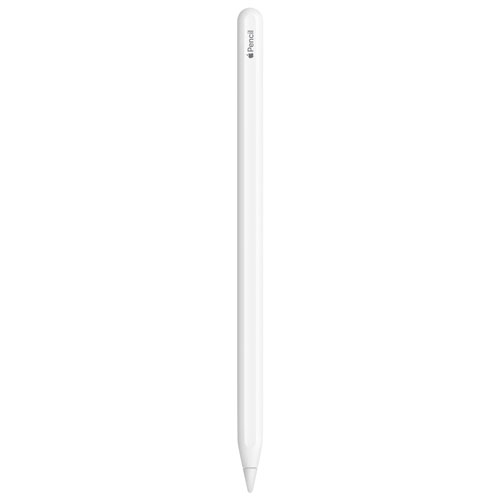
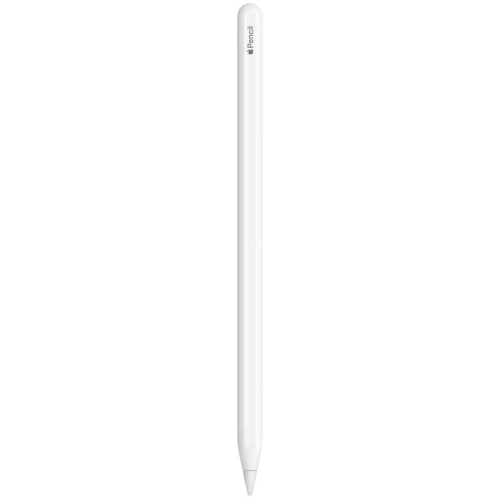
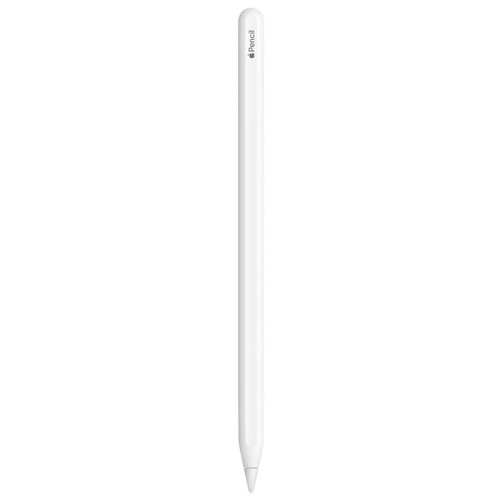
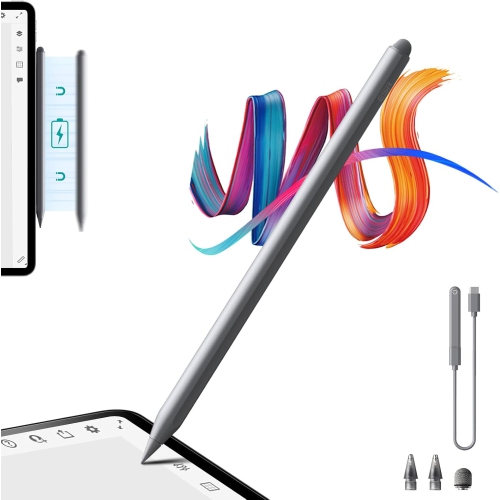
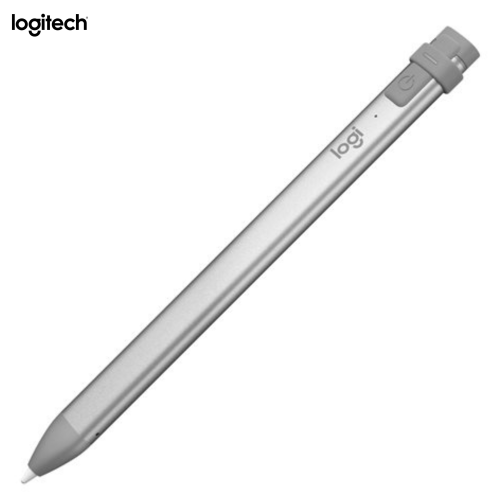
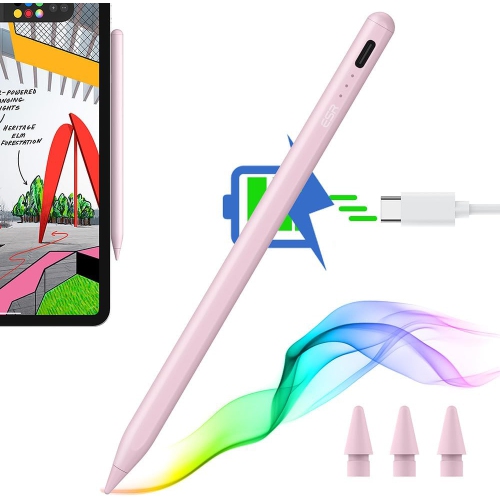

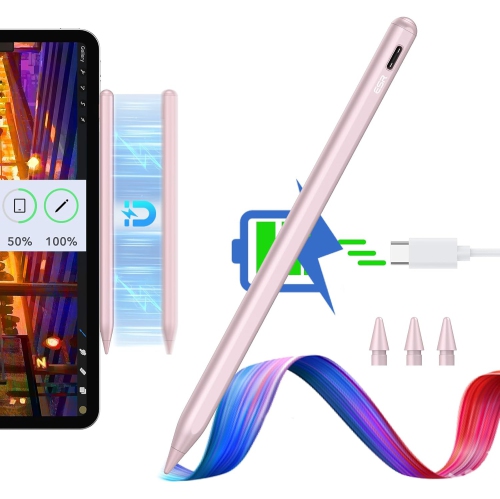
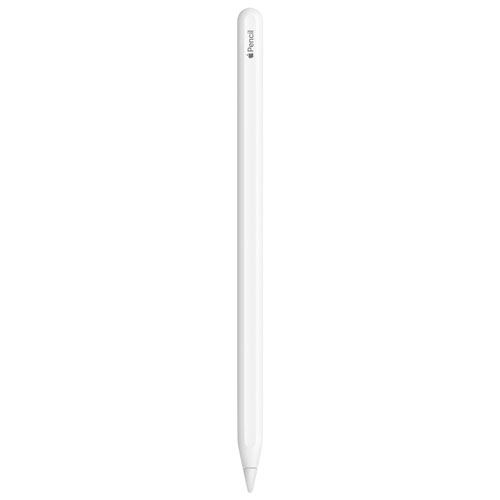


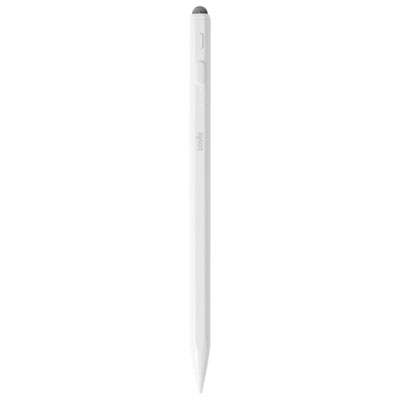
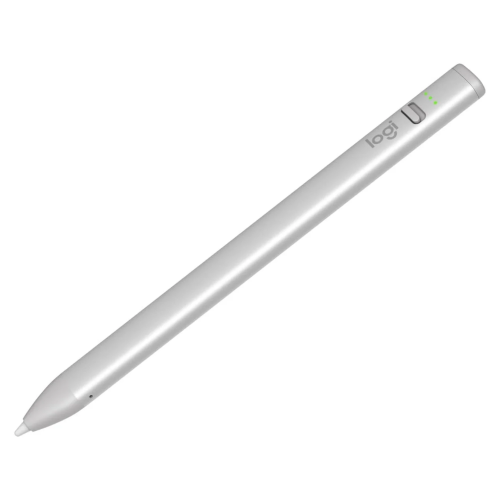
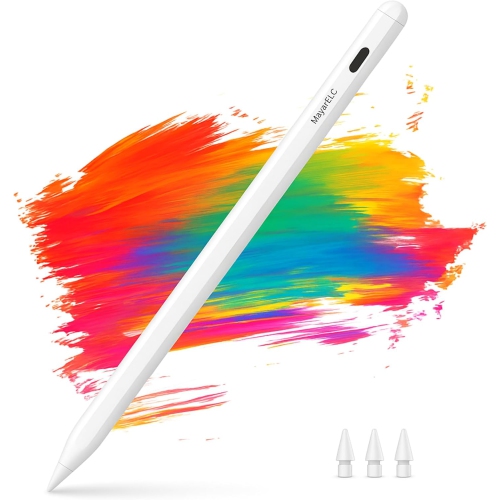
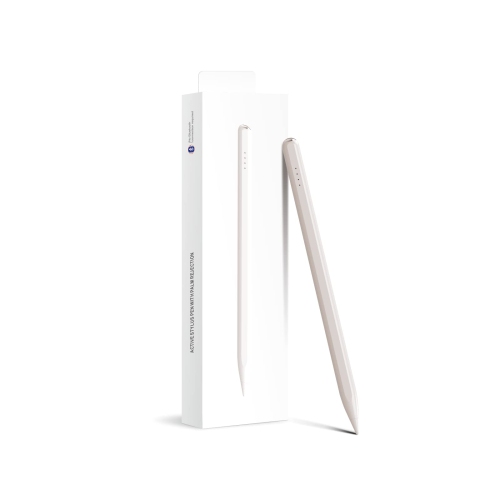
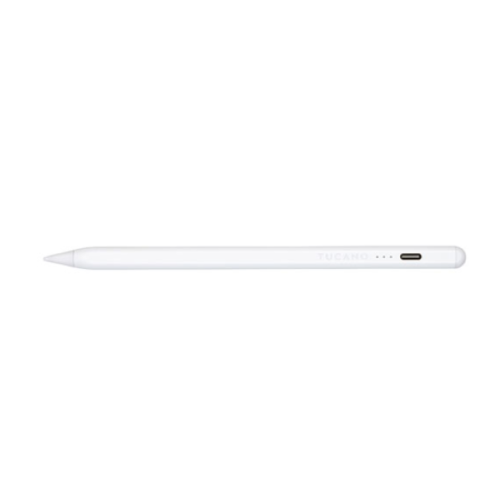
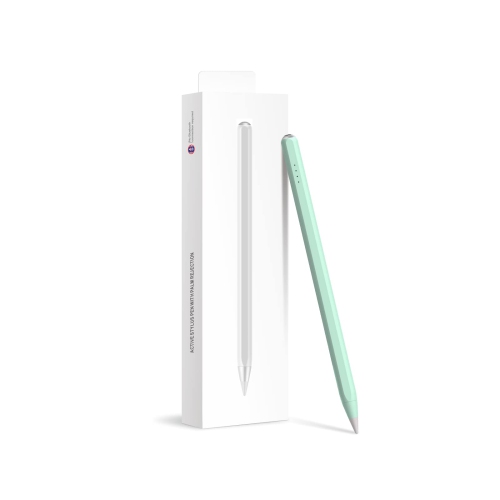
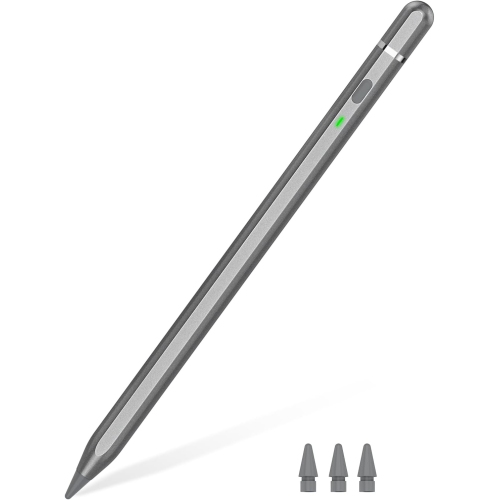

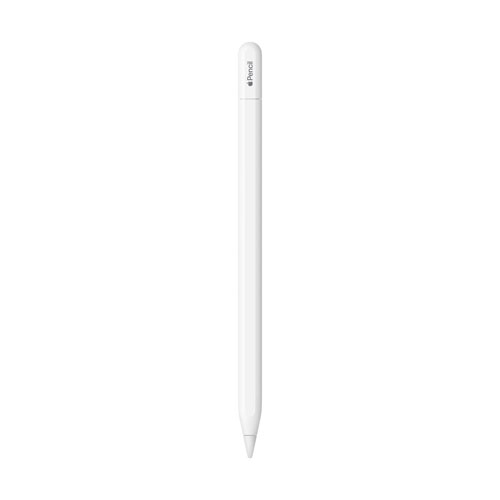
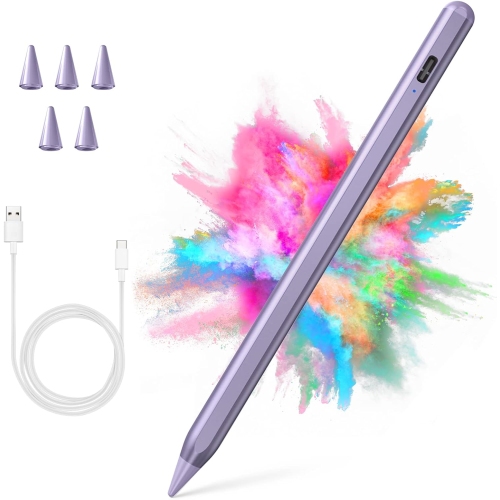
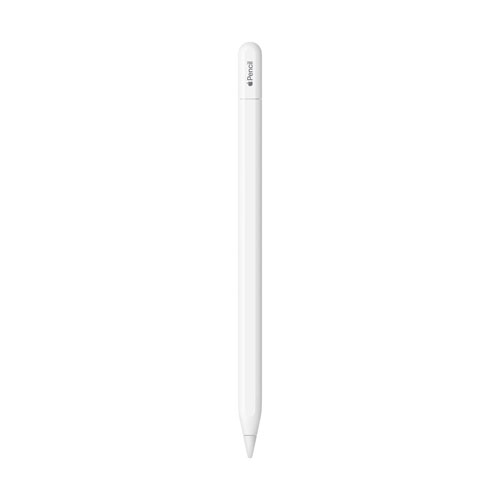
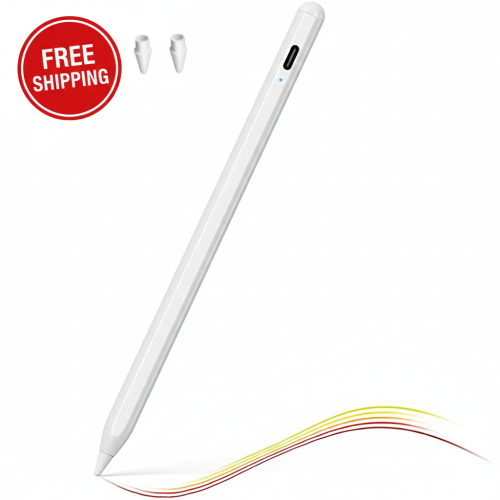
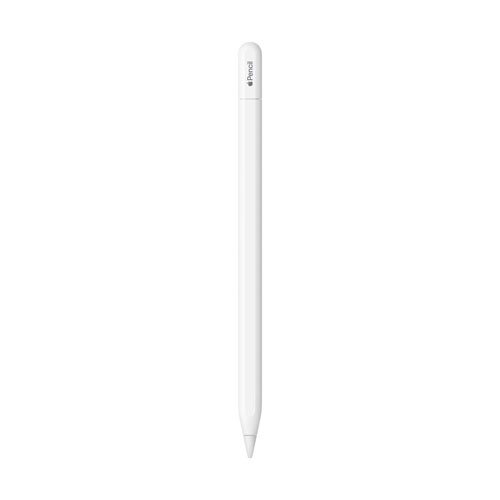
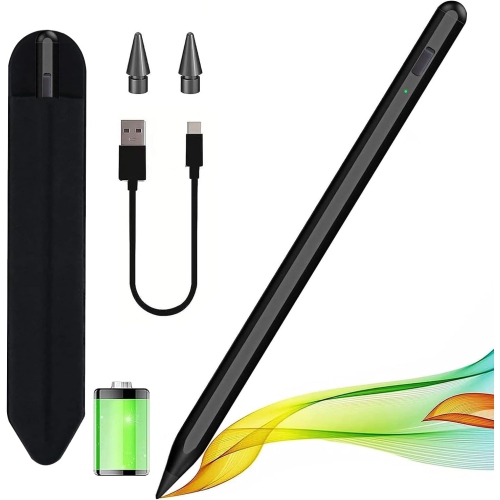

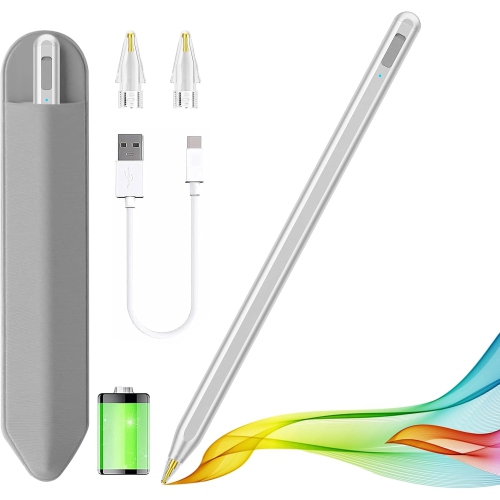
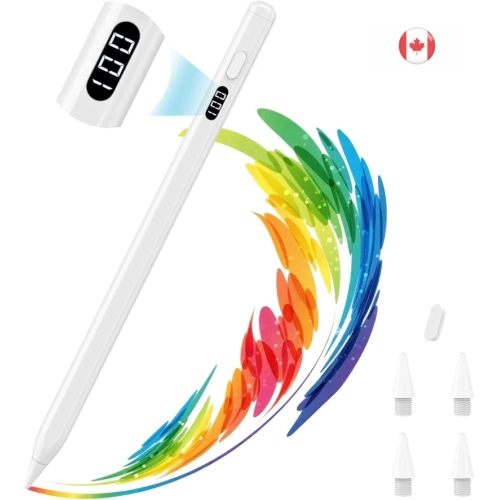
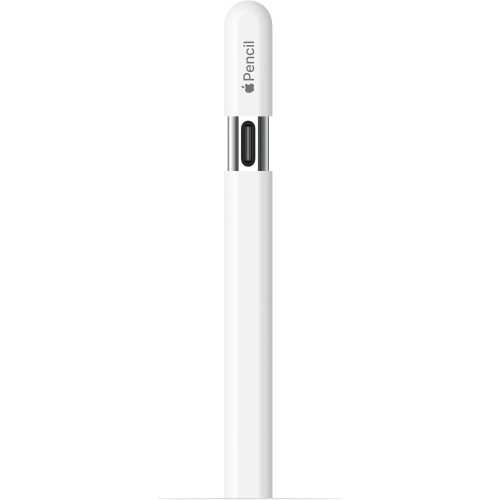
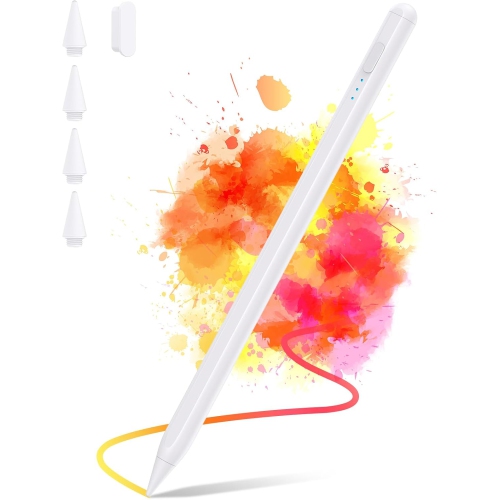
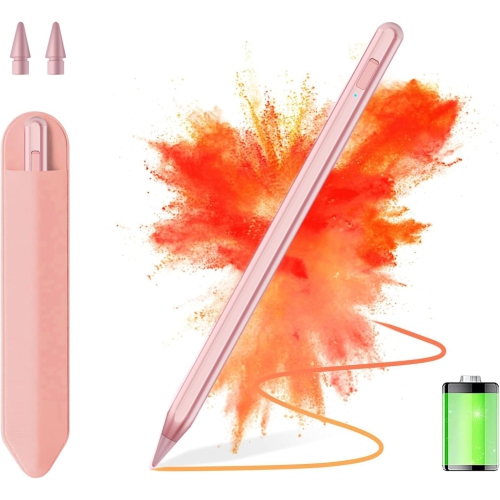
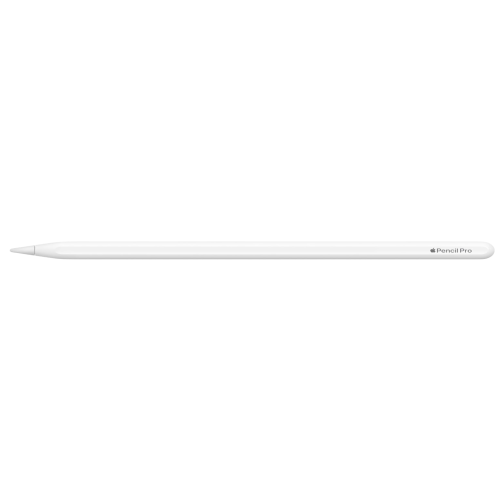
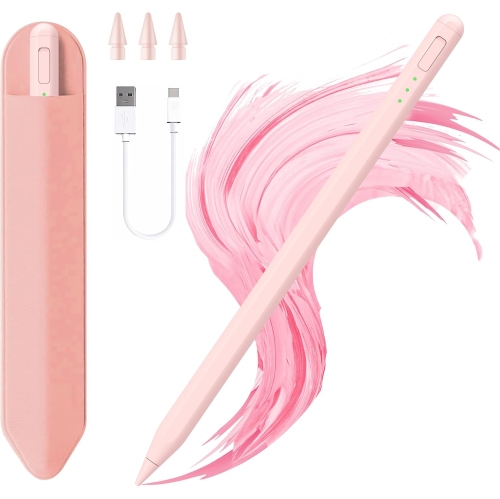
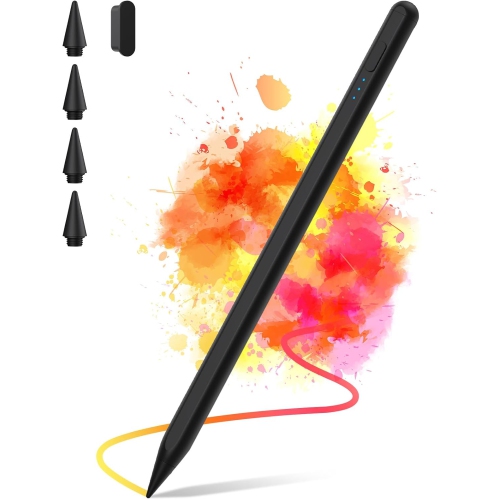
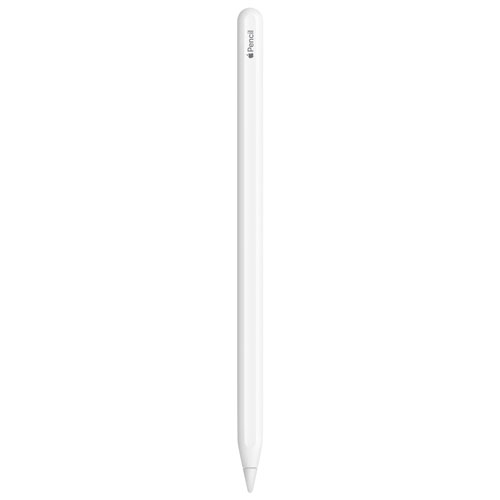
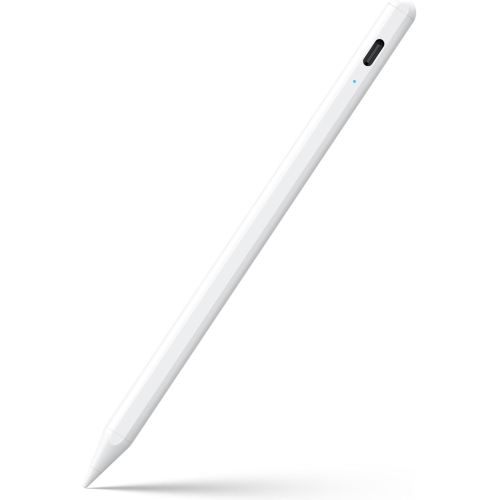
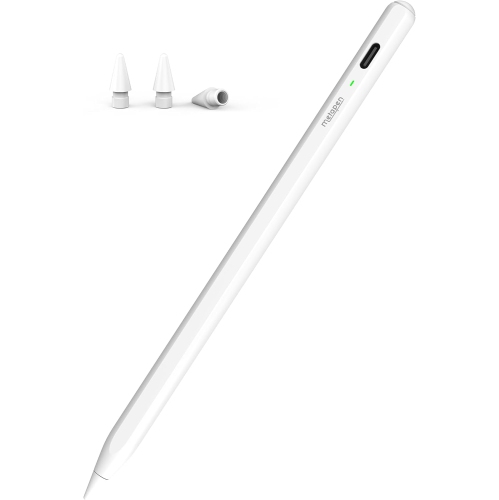
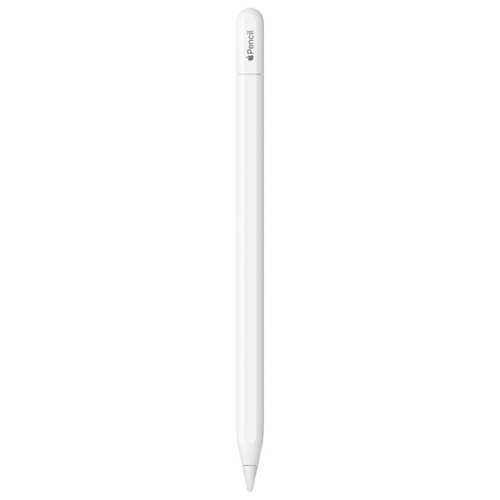
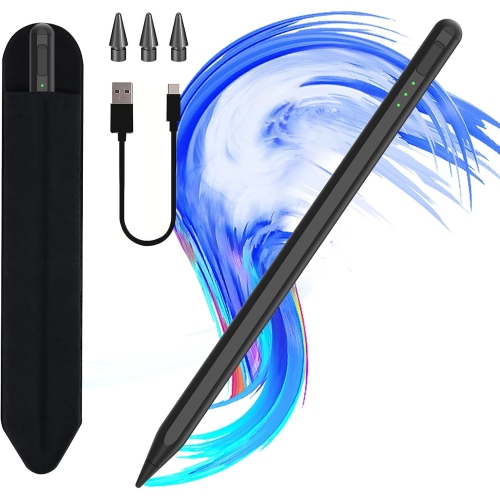
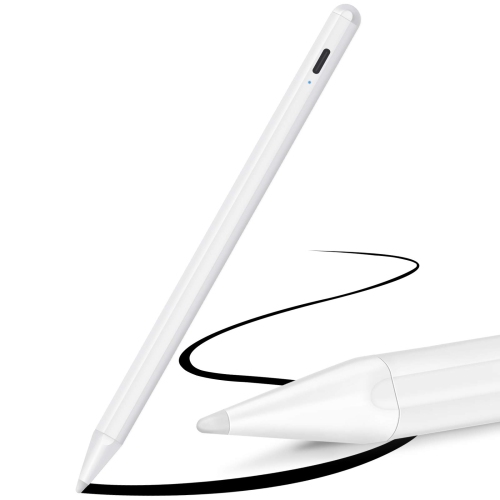
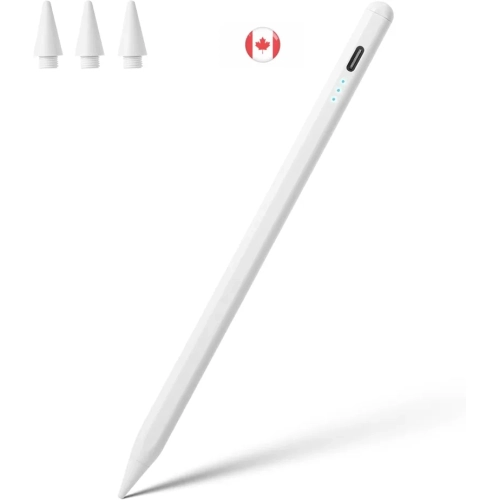
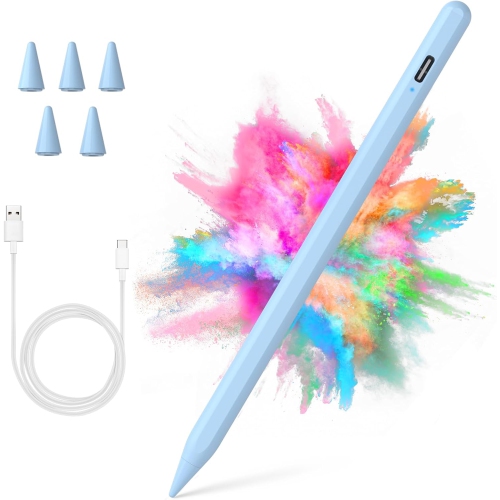
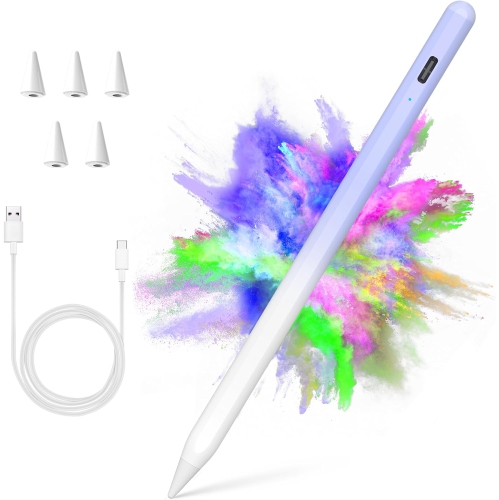
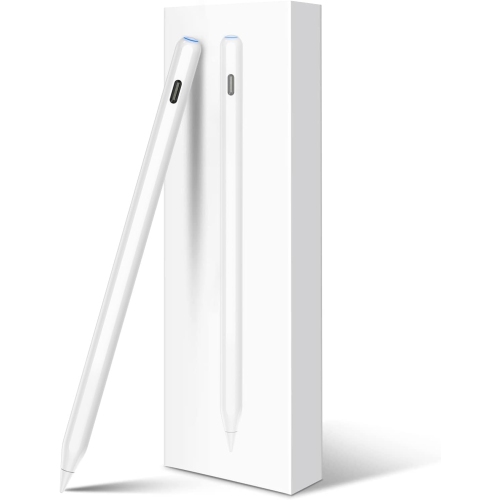
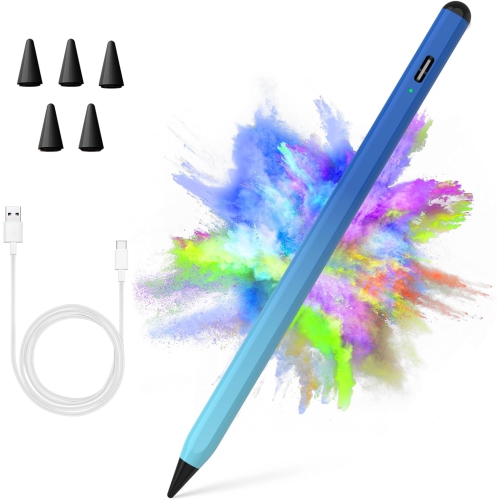
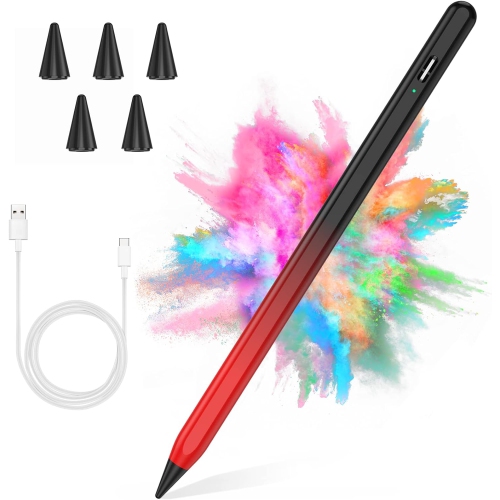
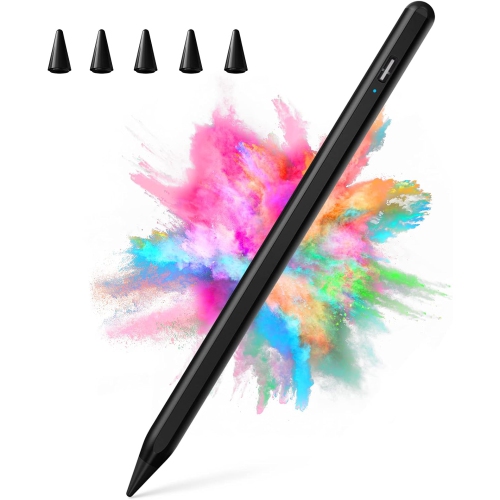
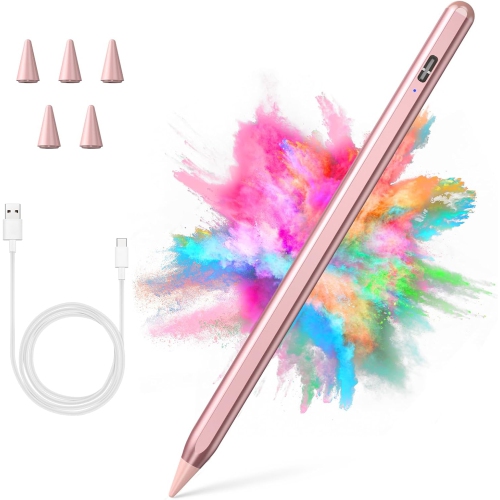
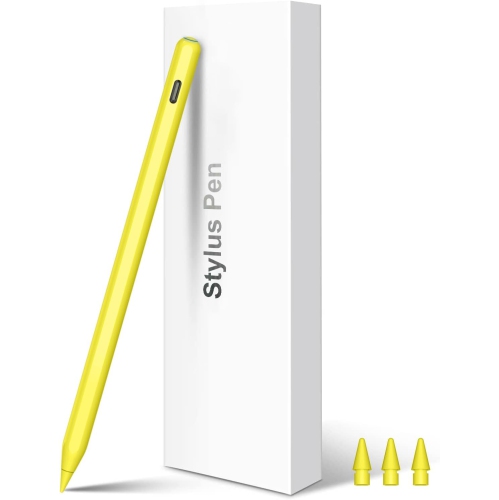
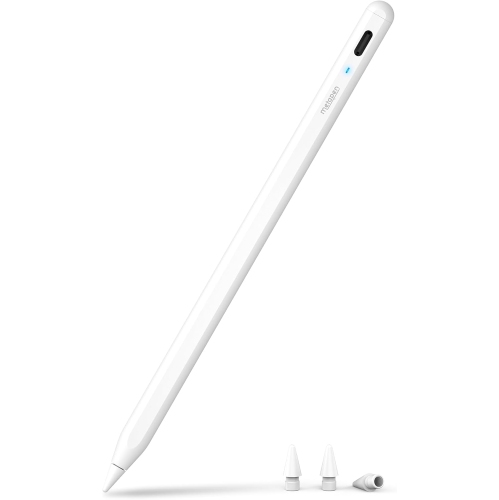
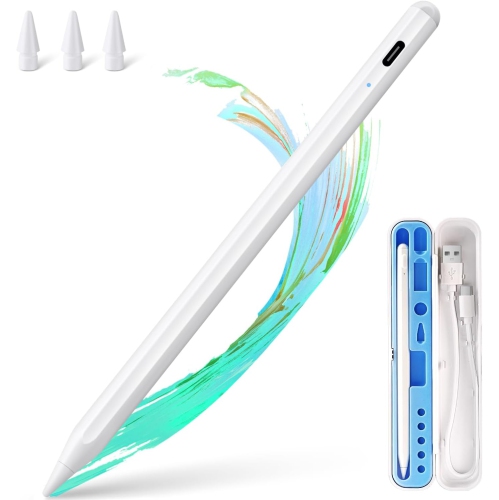
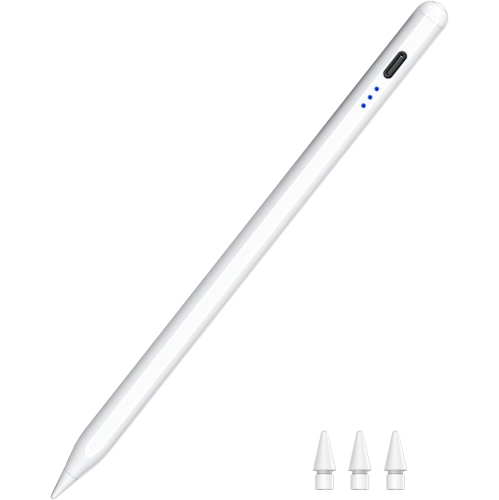
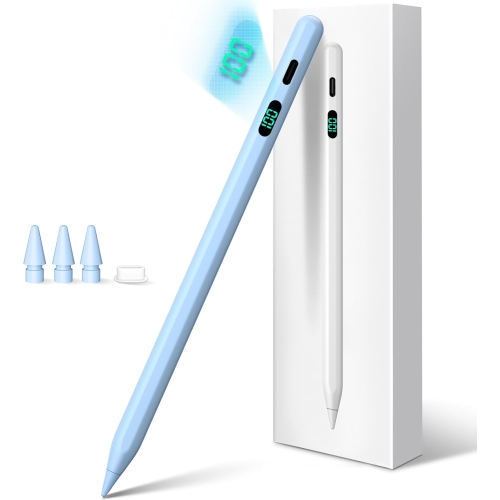
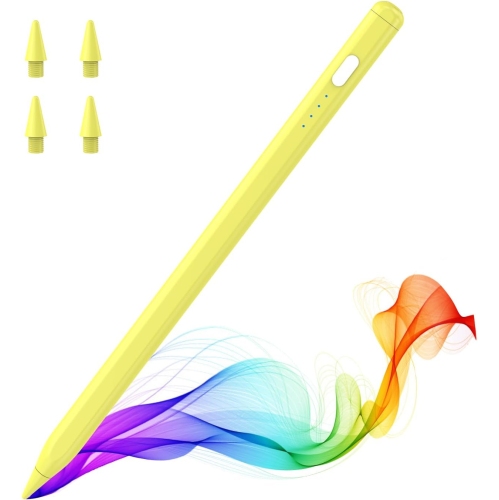
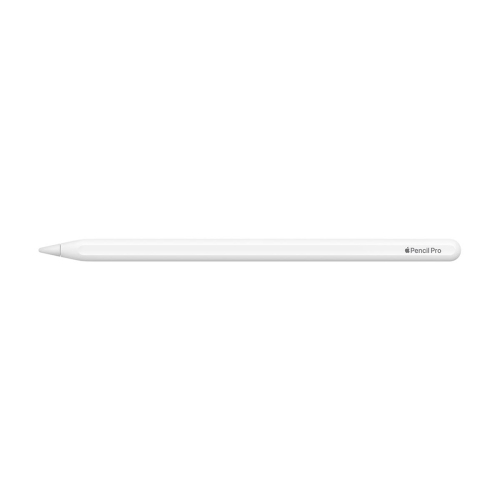
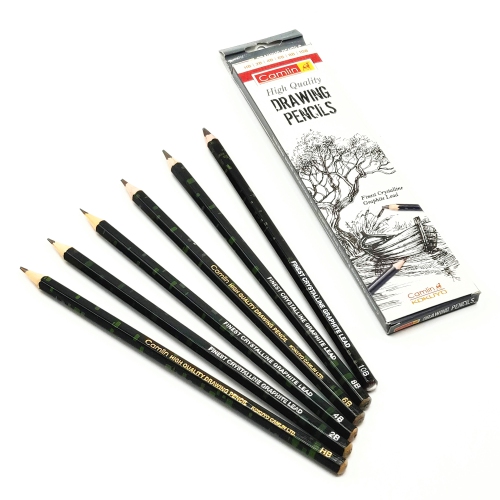
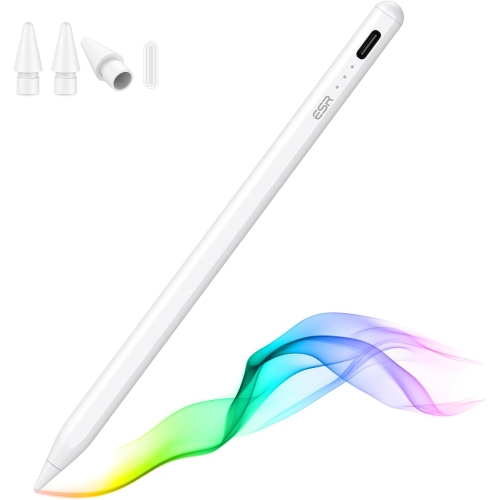
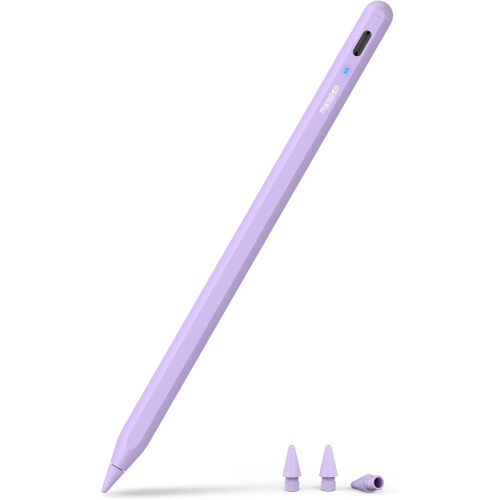
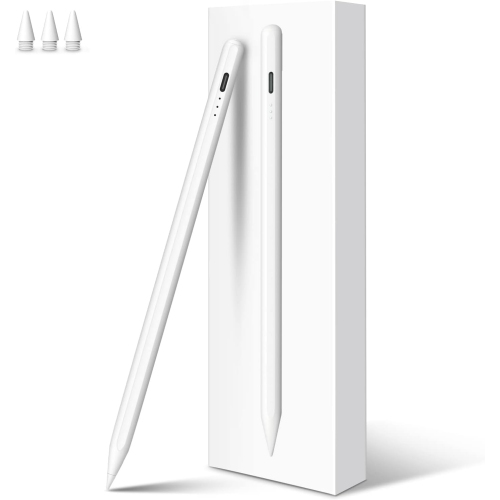
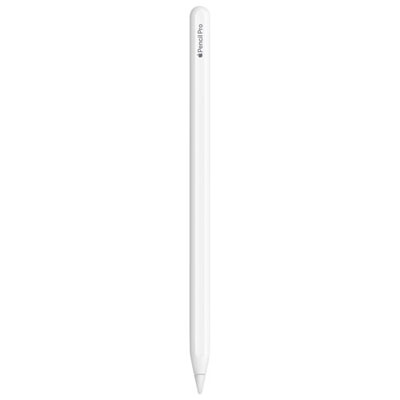
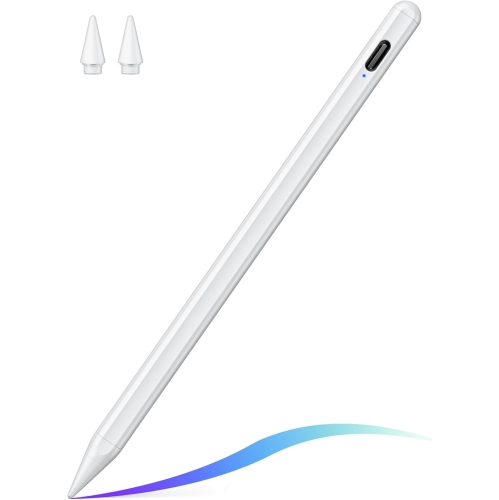
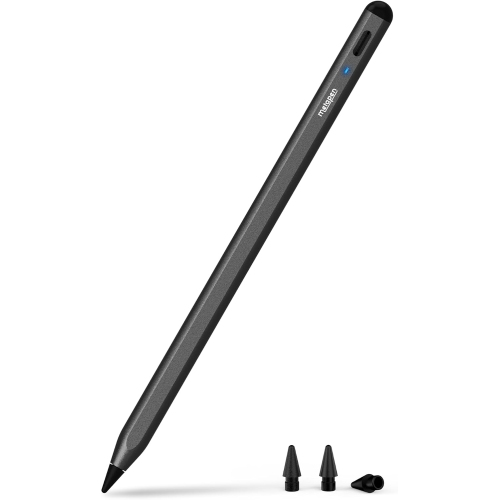
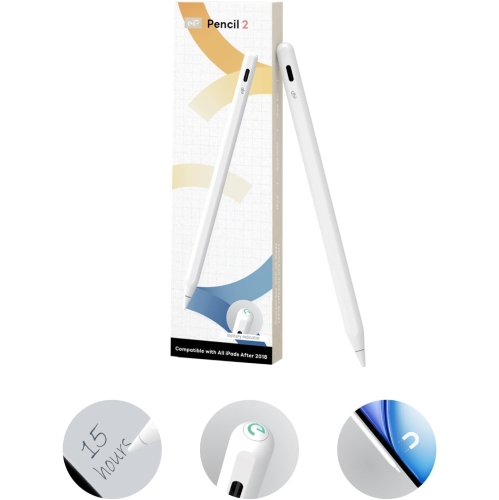
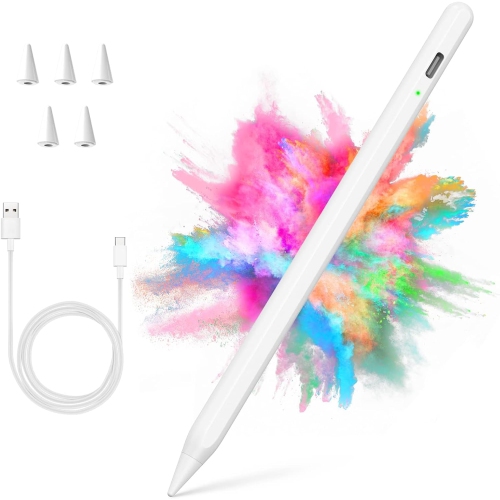
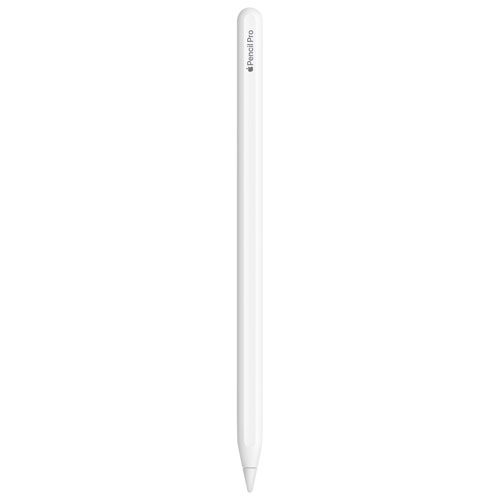
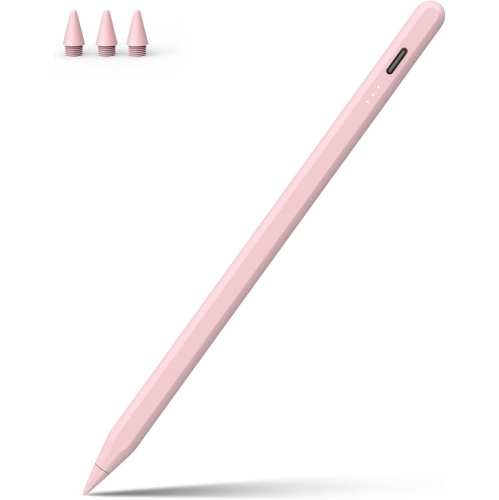
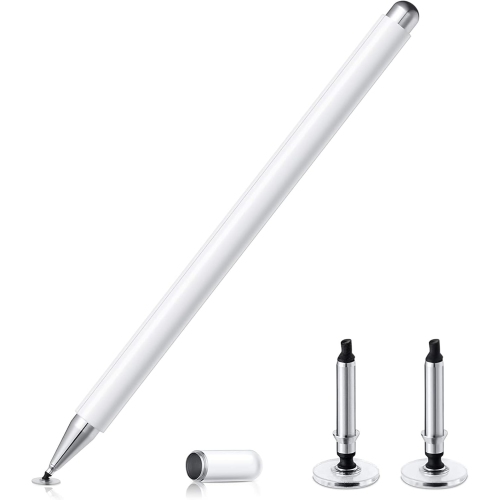
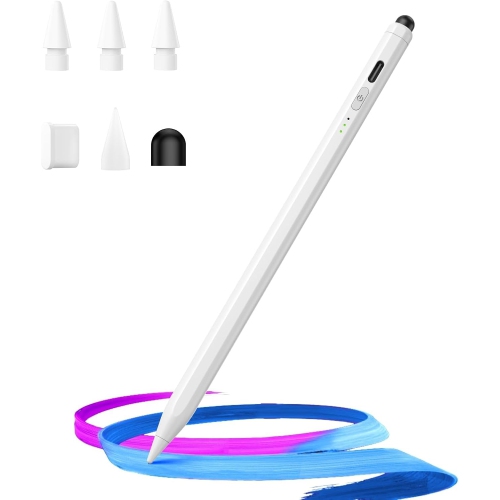

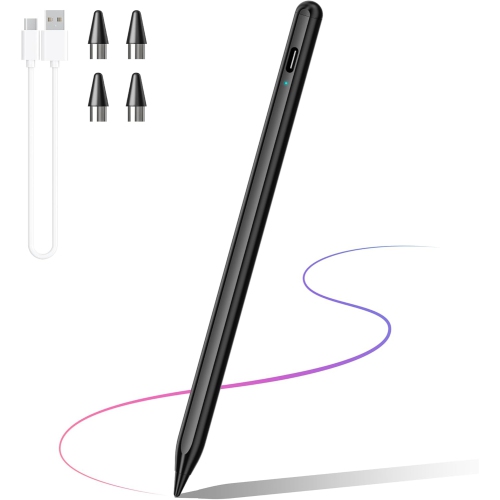
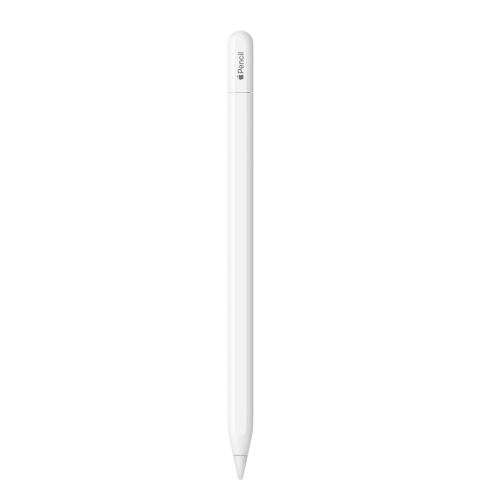
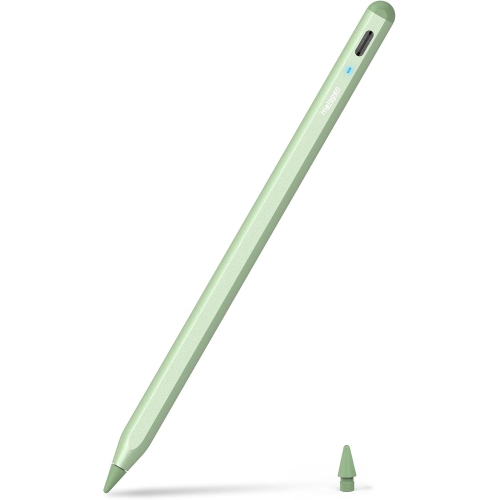
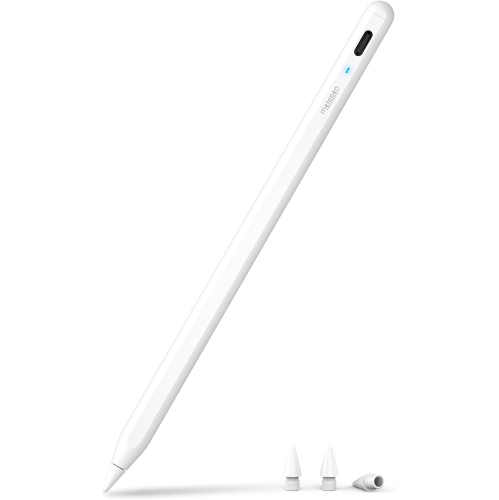
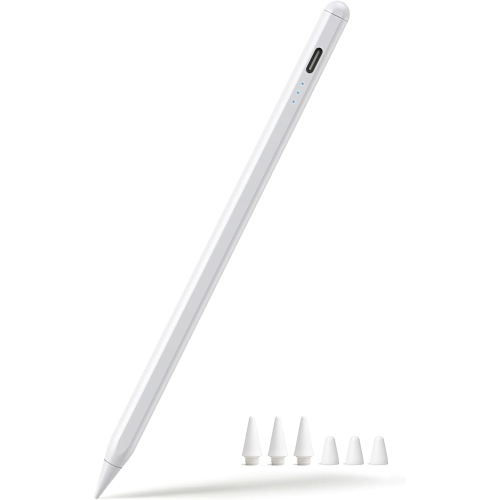
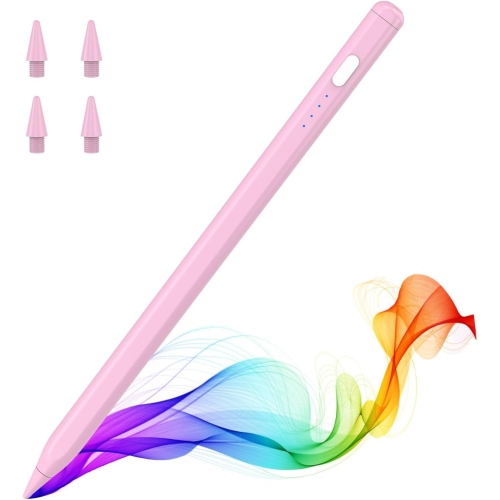
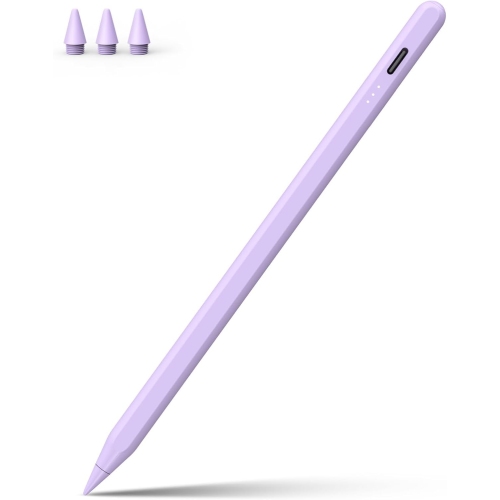
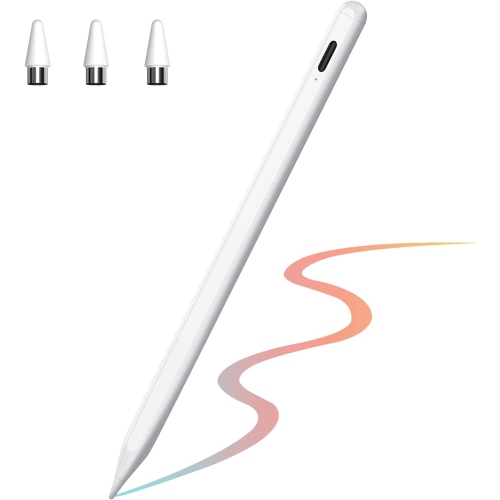
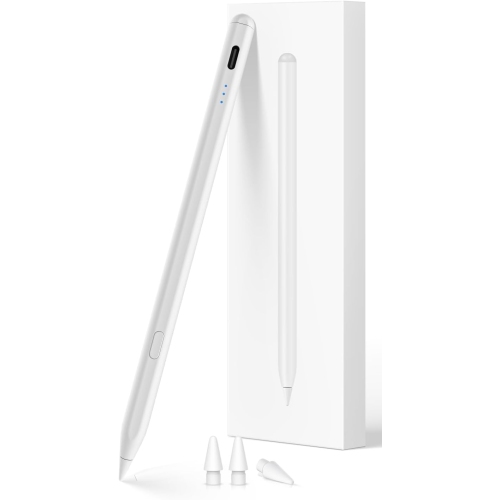
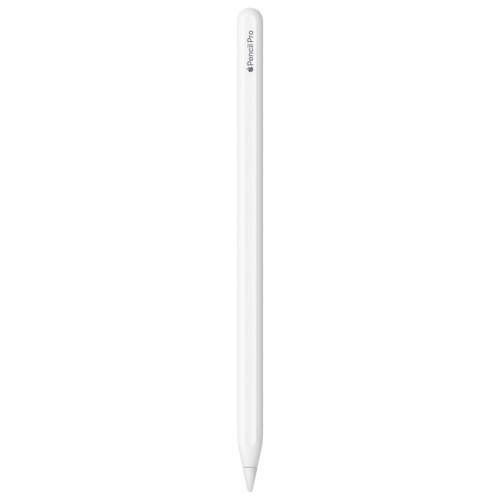
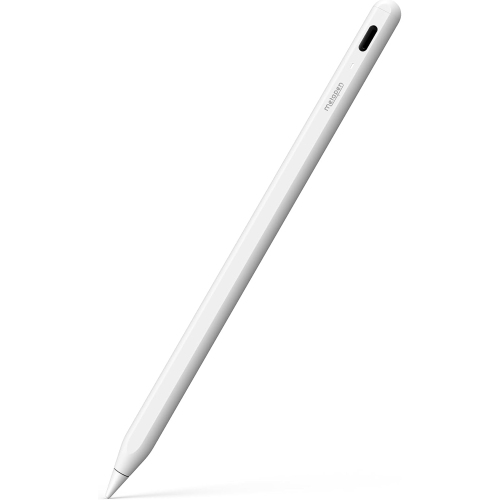
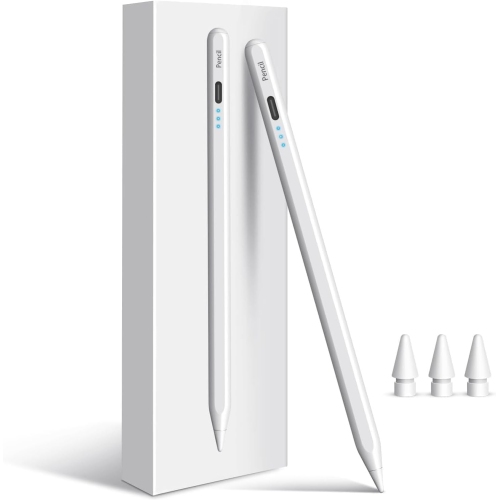
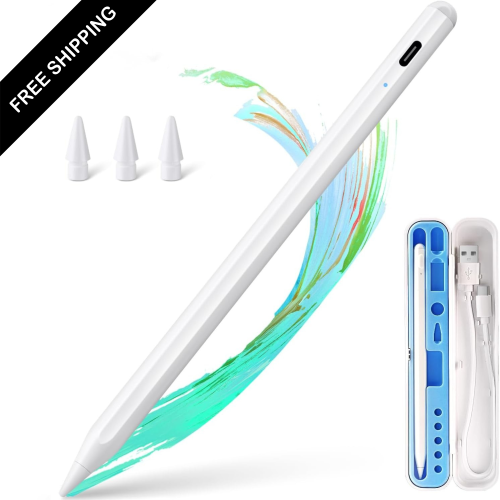
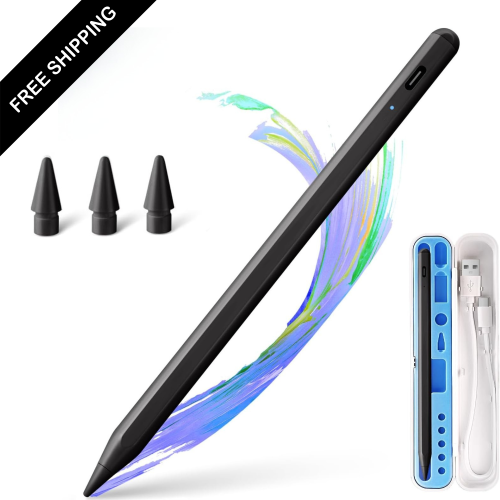
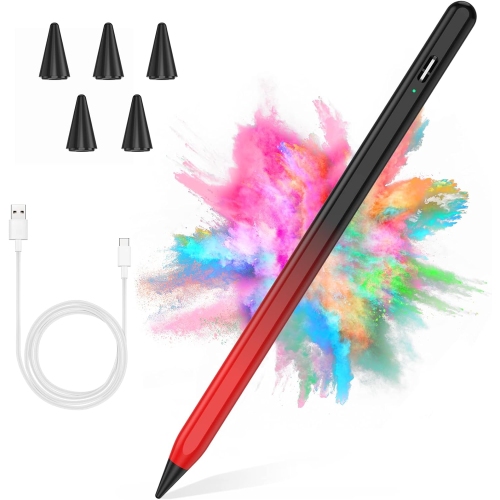
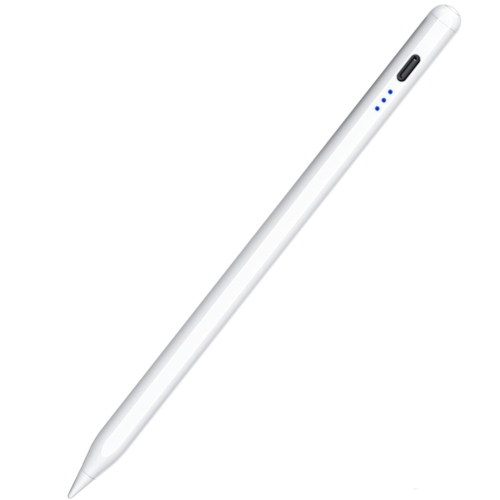
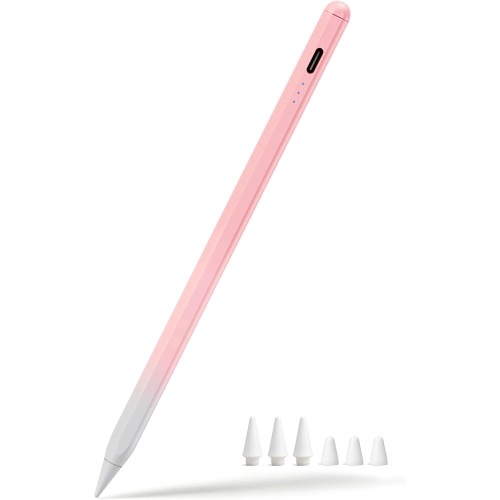
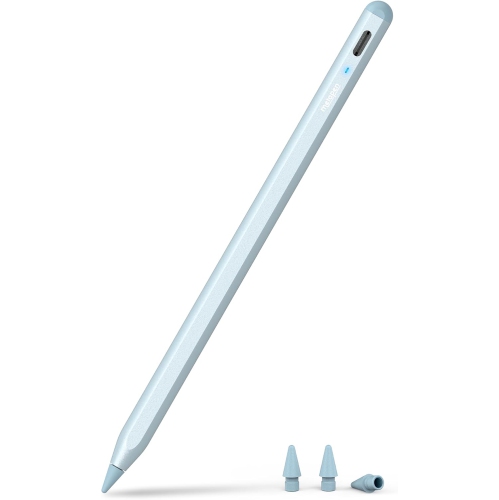
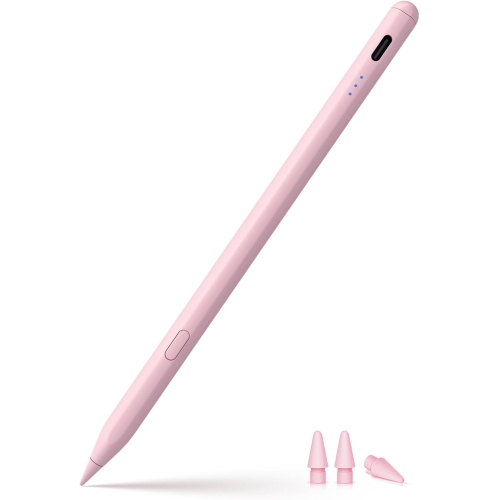
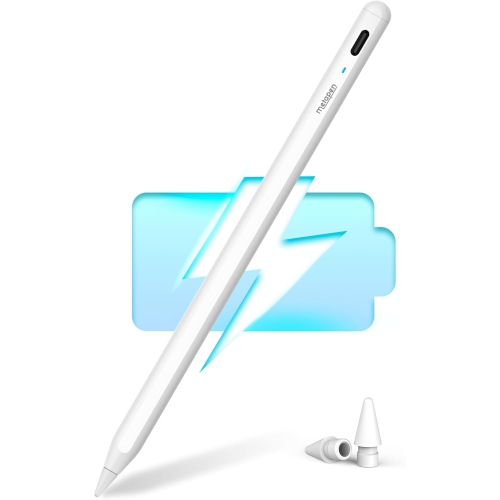
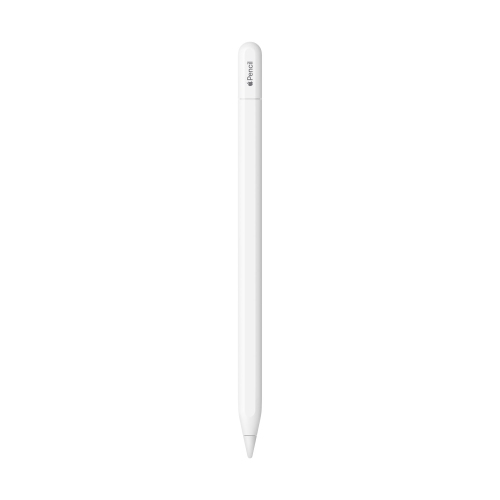
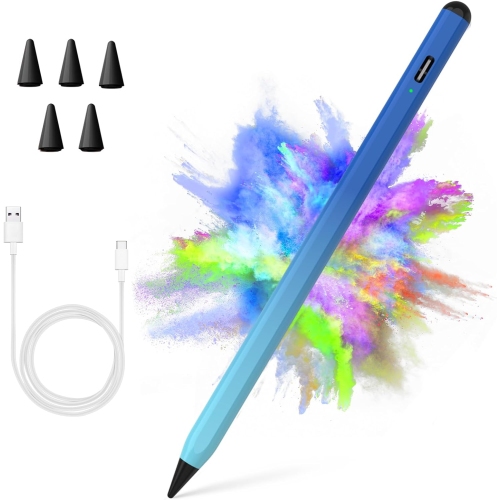
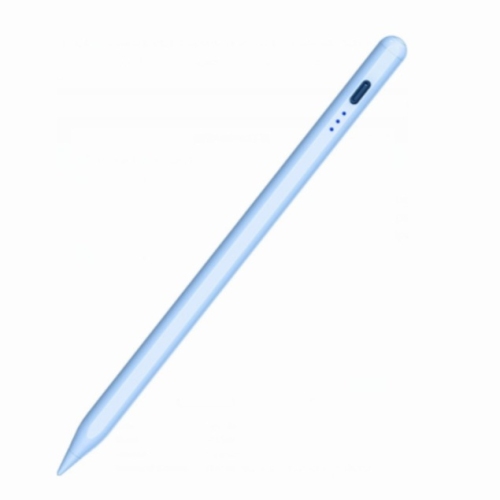
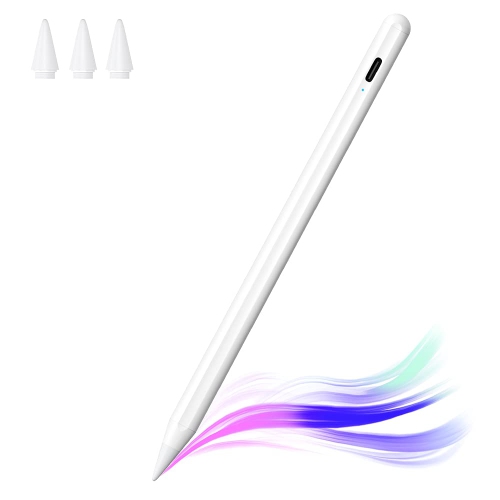
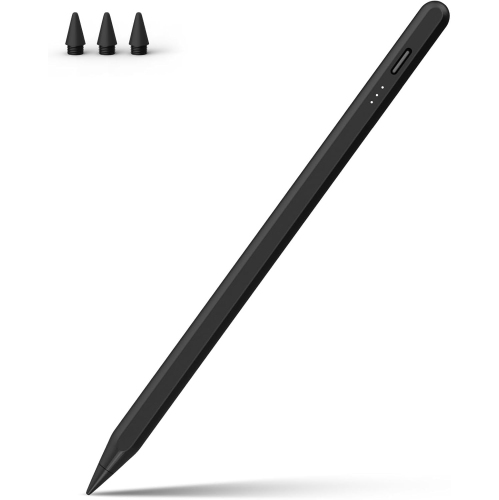
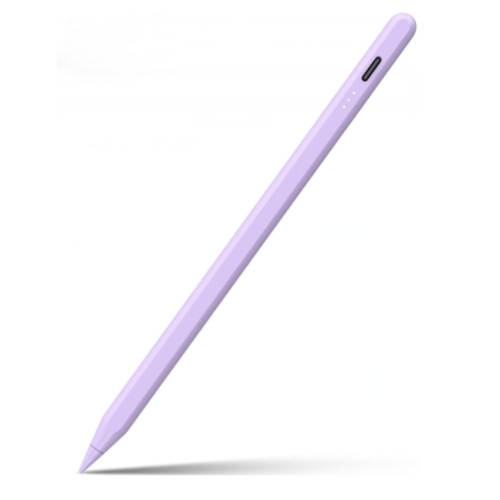
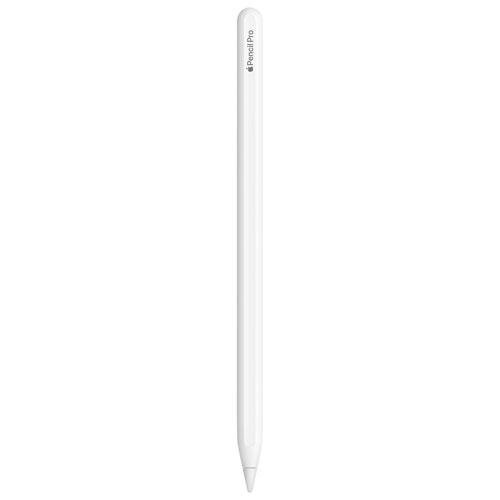
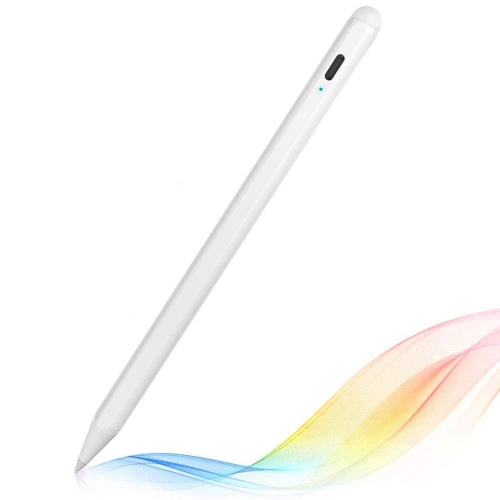
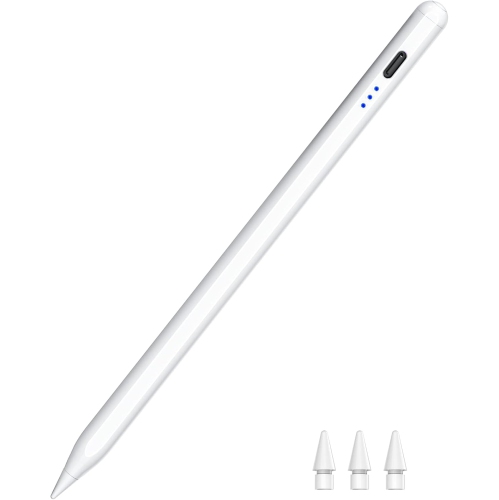
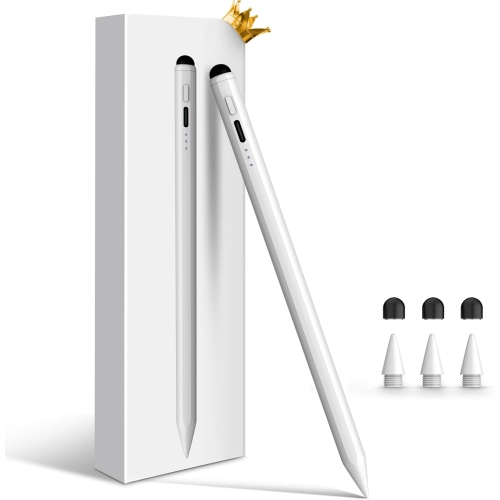
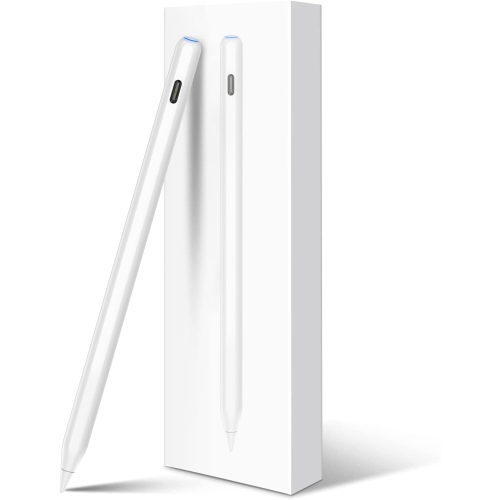
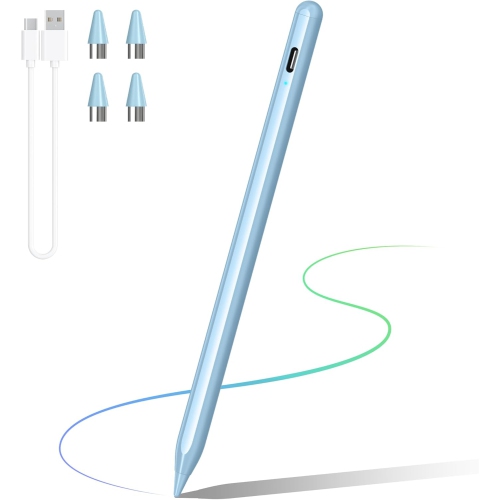

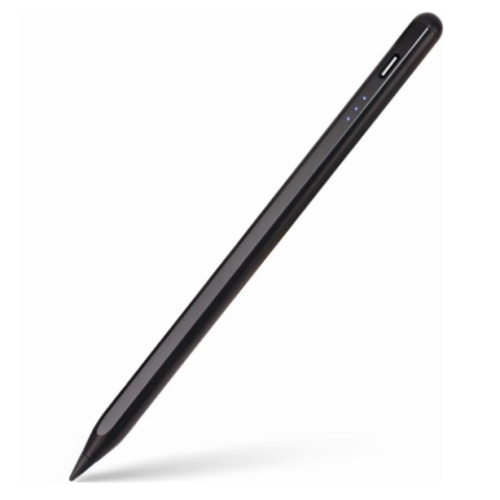
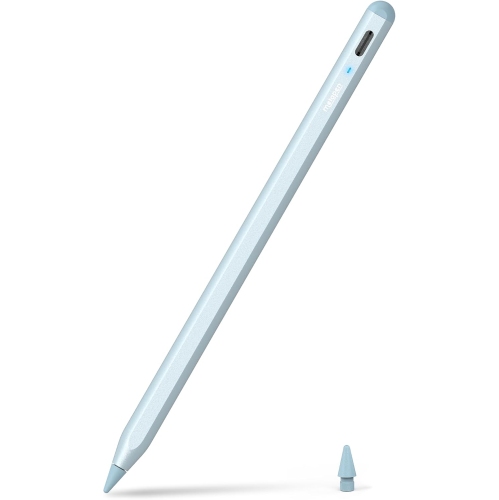
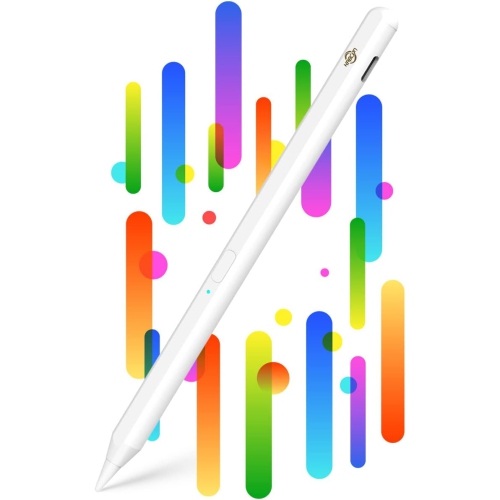
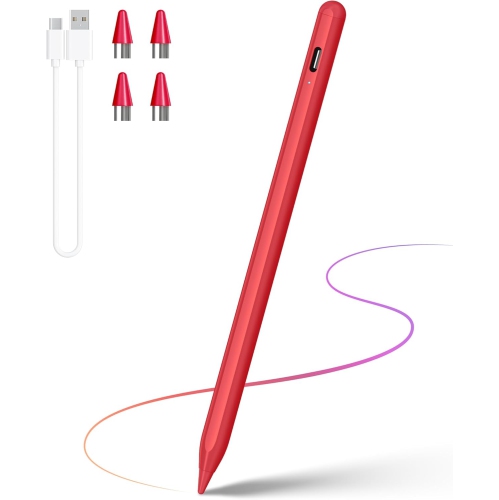
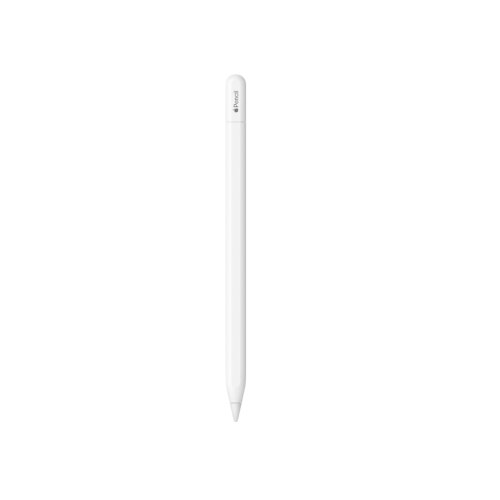
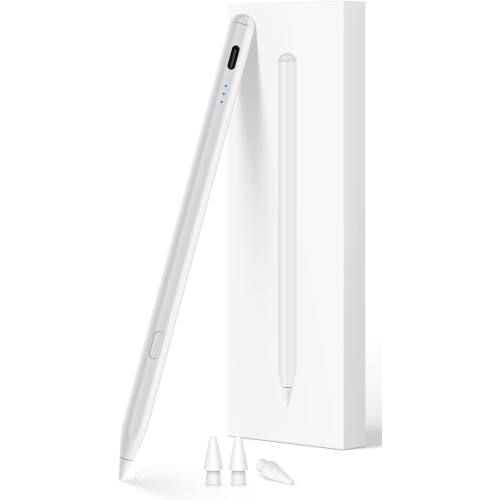
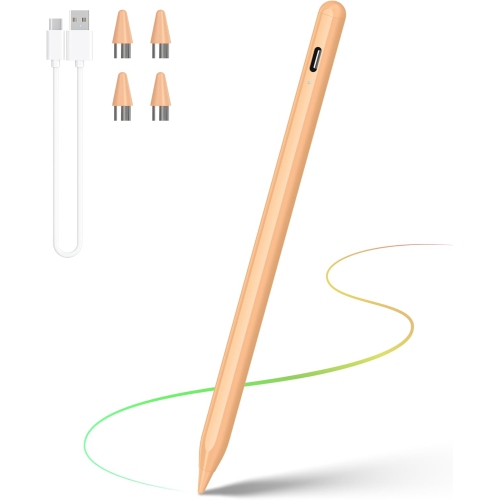
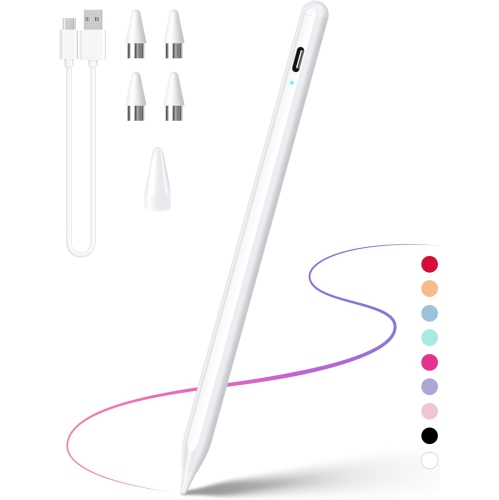
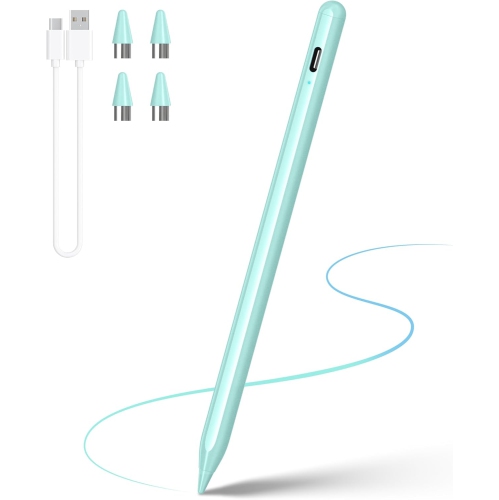
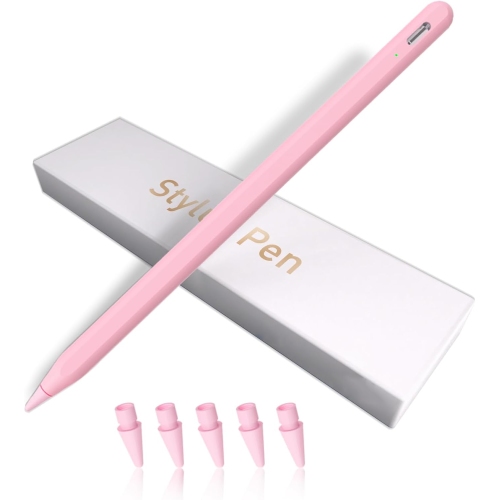
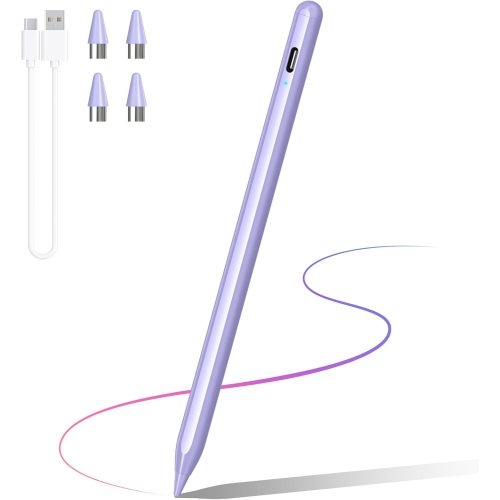
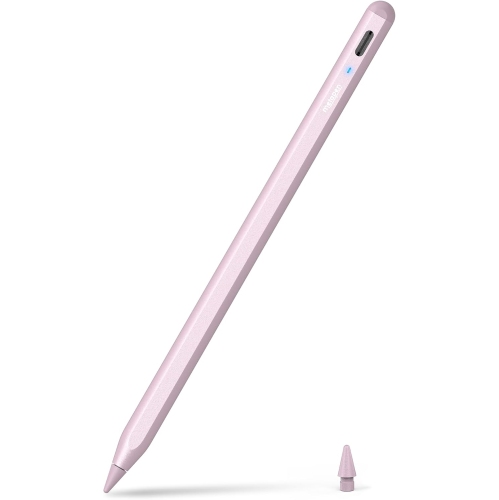
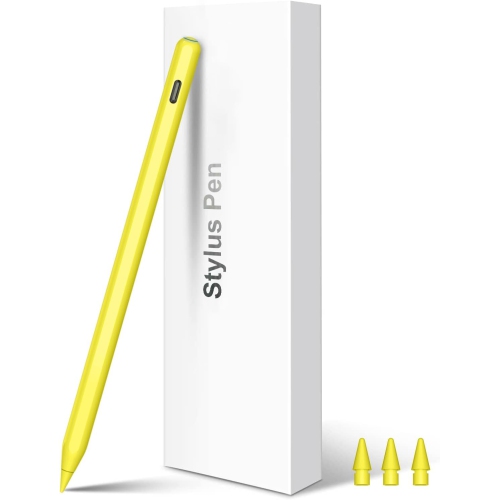
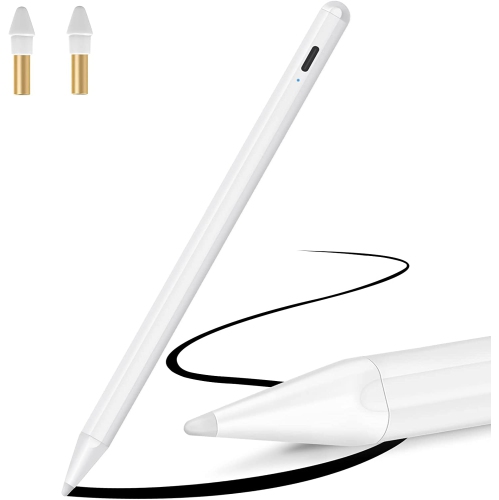
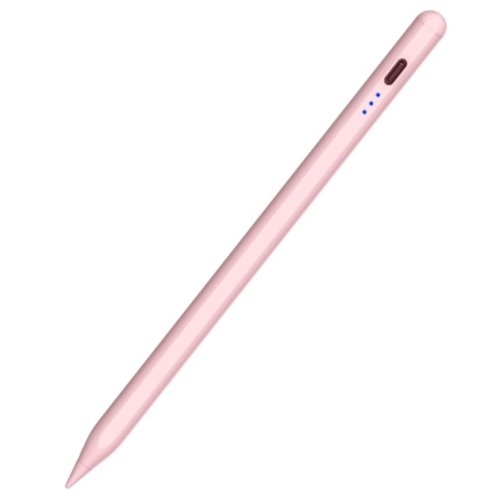
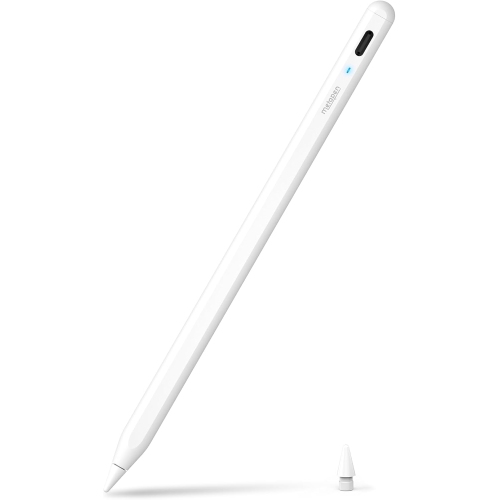
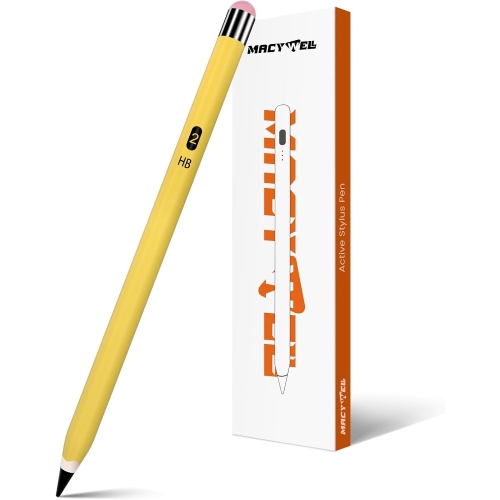
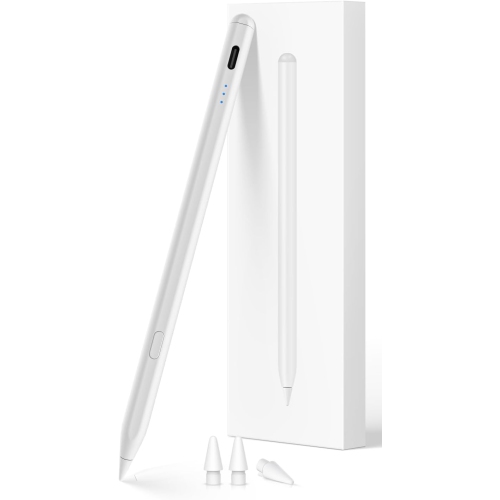
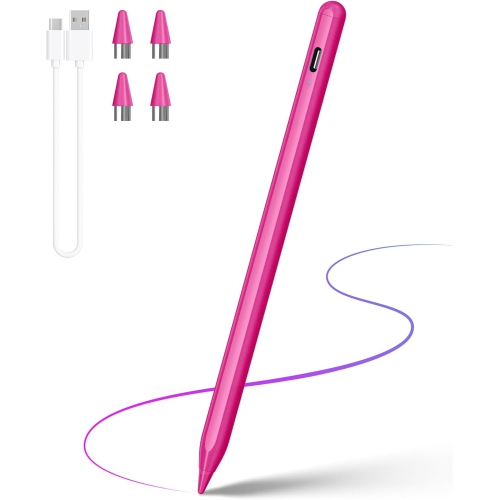
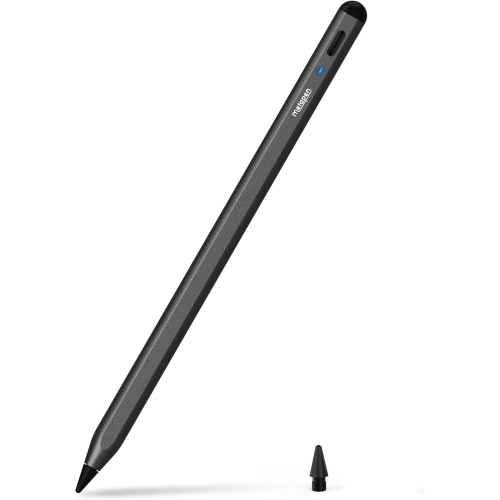
Pressure sensitivity and compatibility shape every creative session
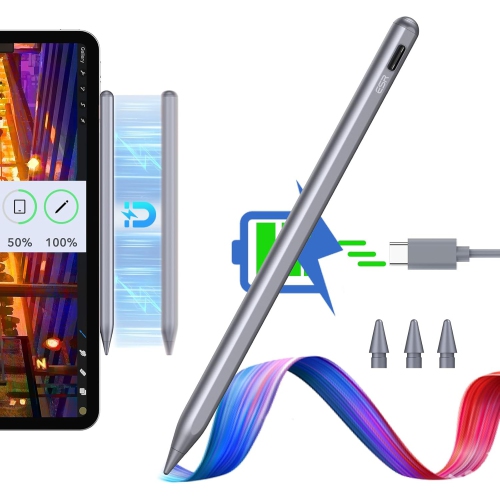
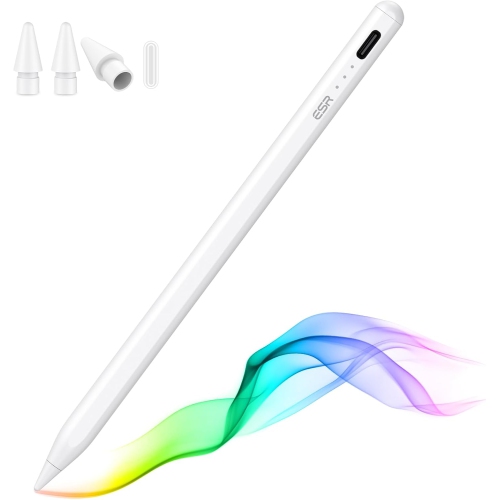
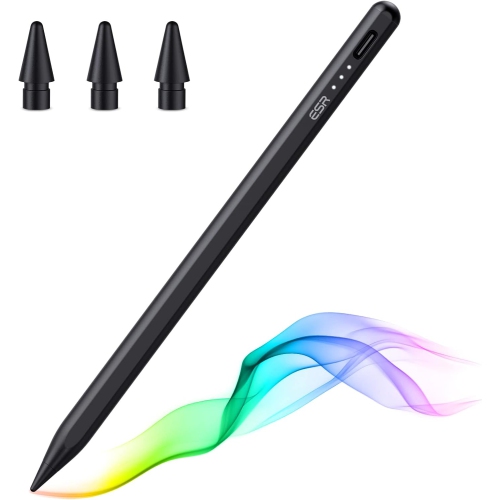
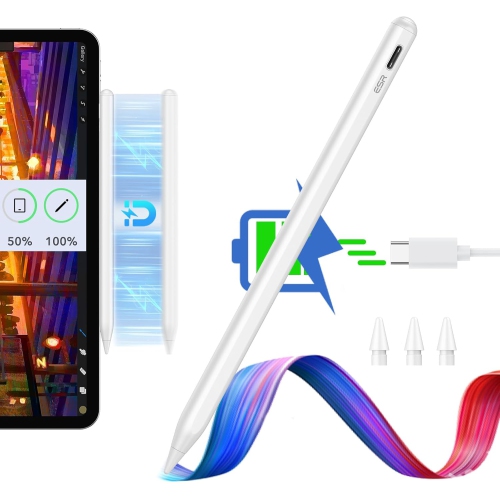
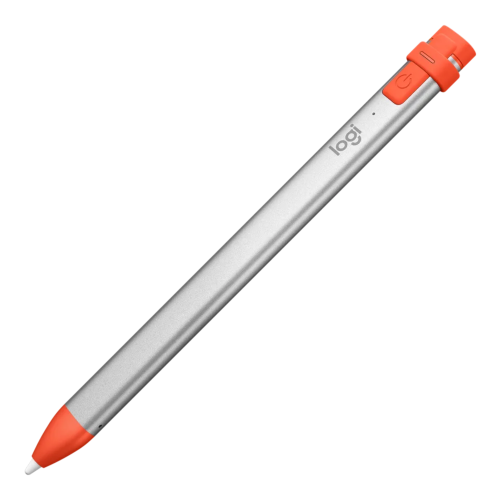
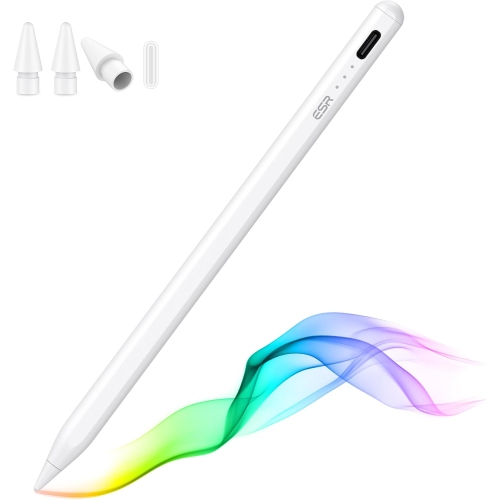
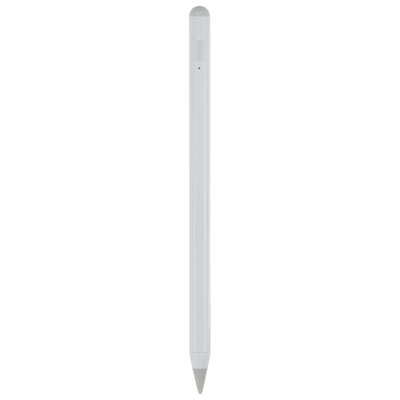
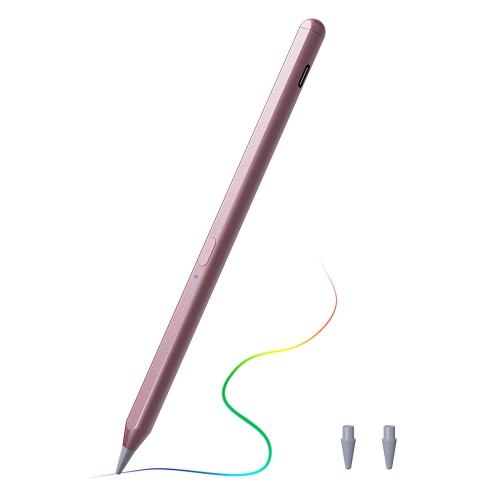
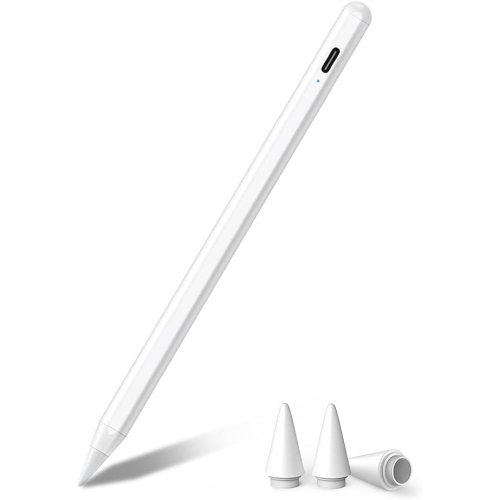
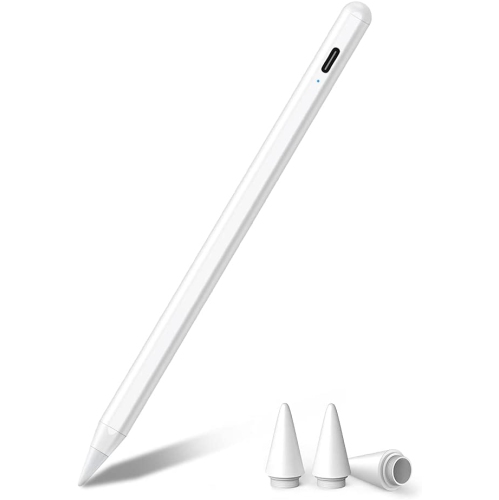
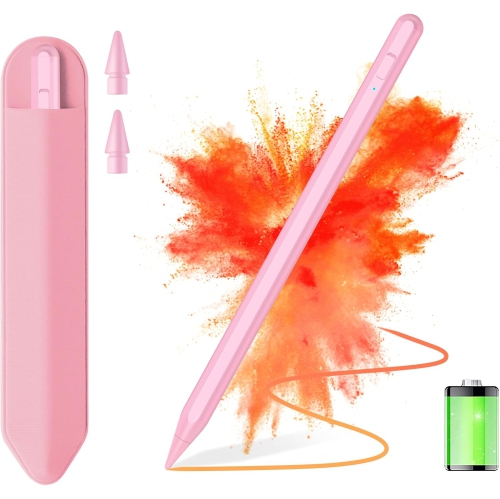
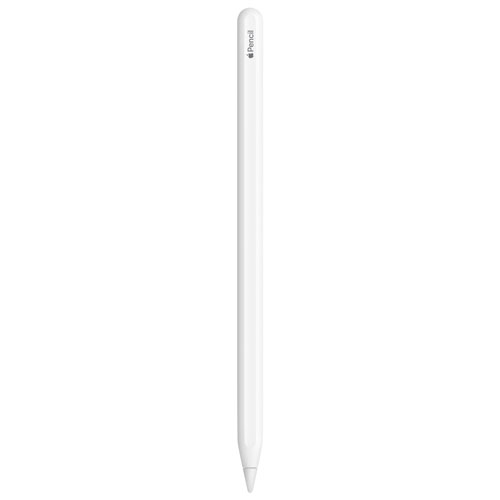
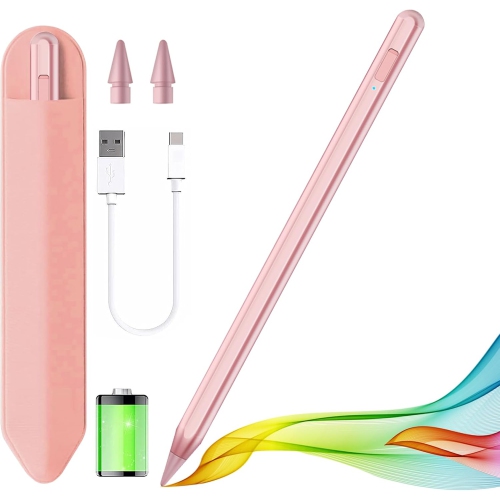
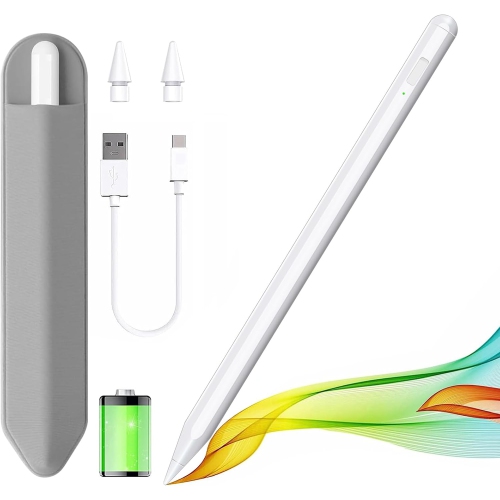
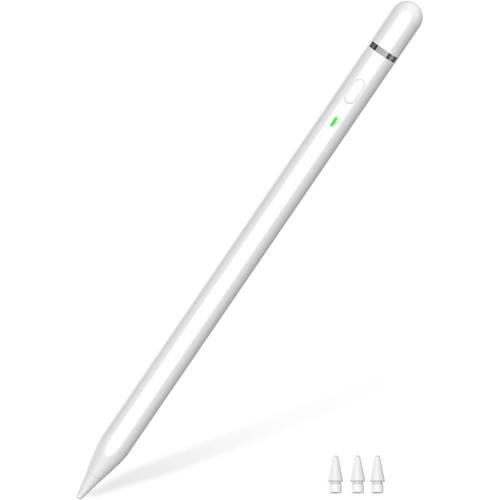
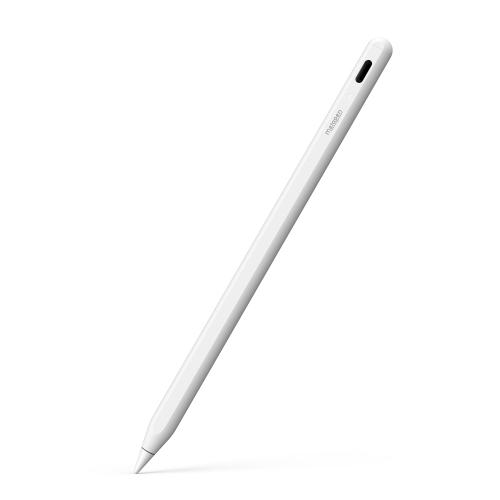
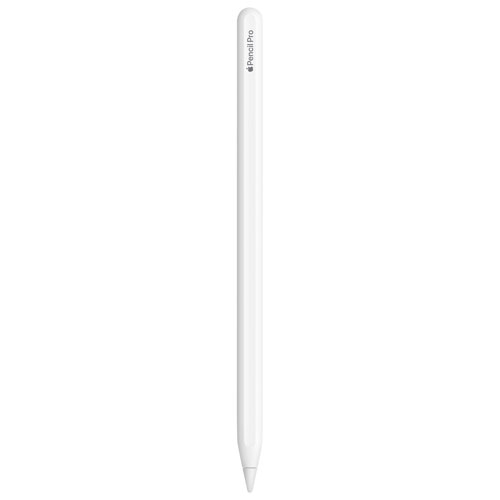
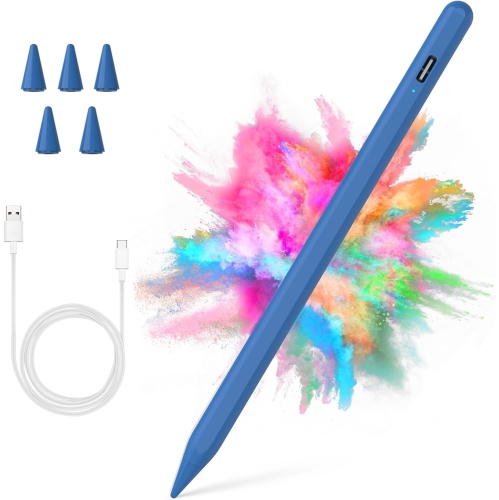
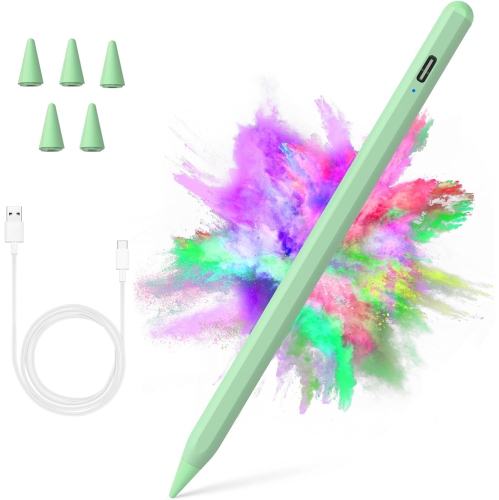
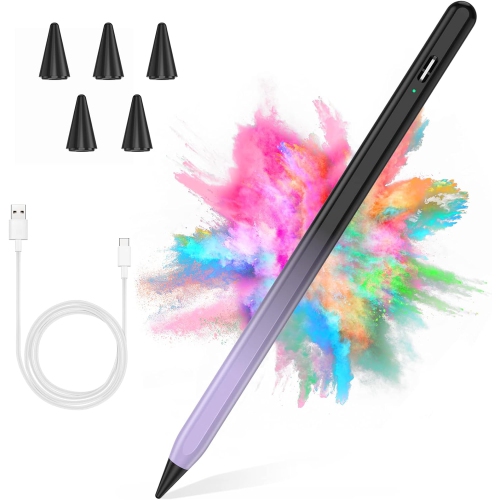
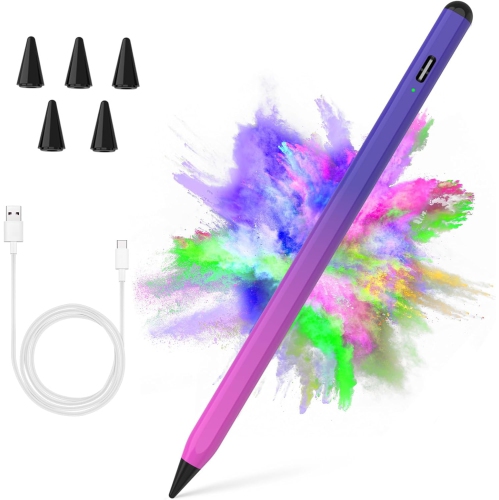
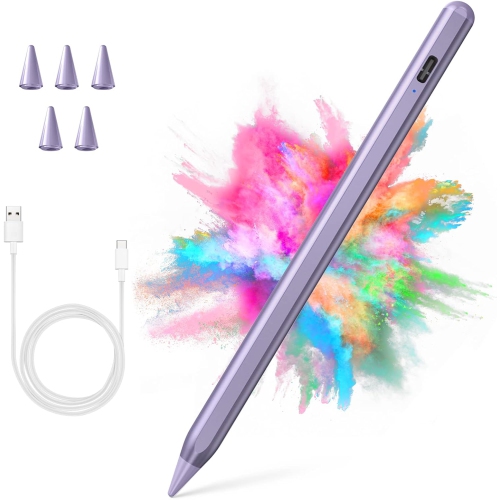
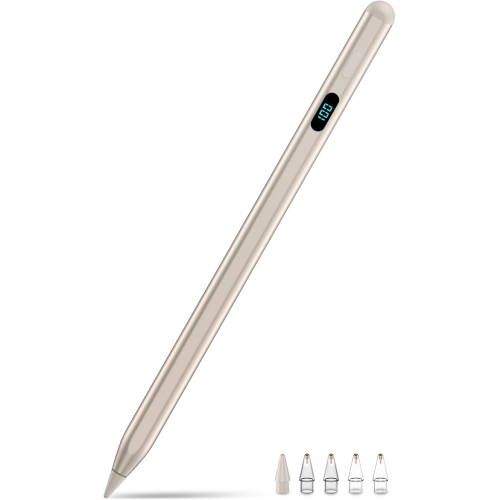
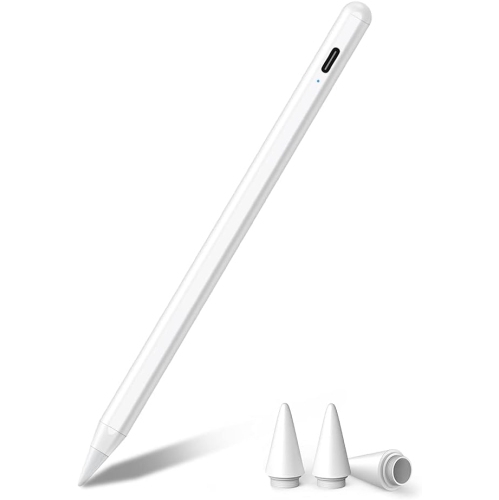
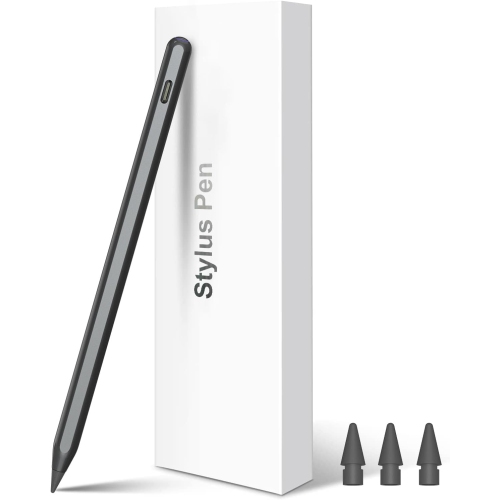
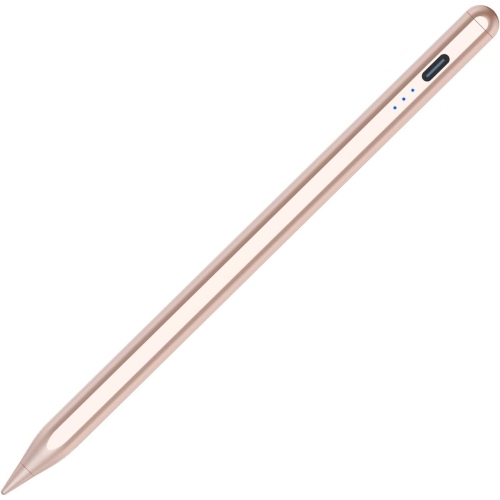
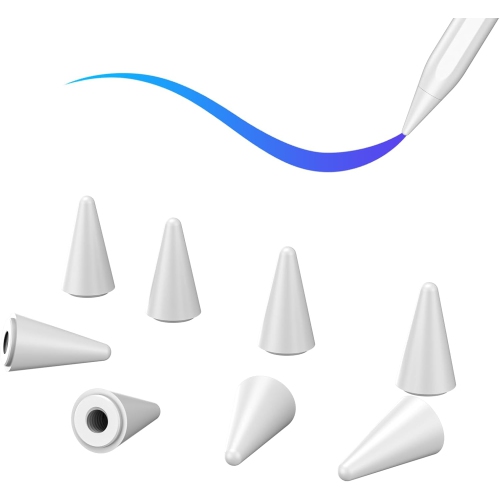
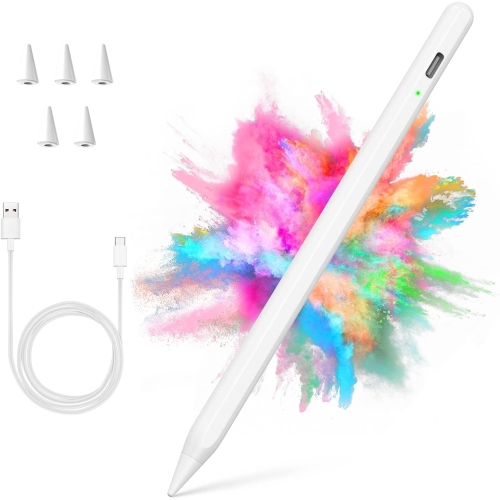
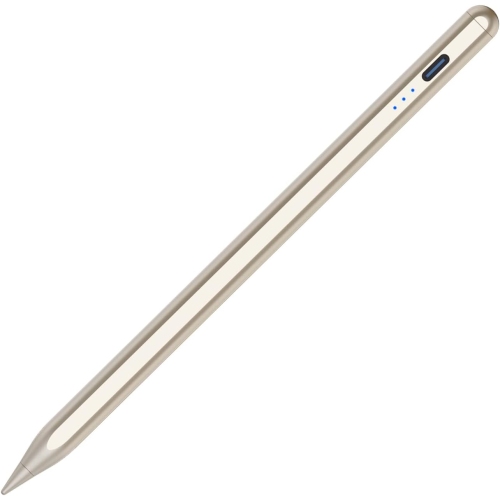
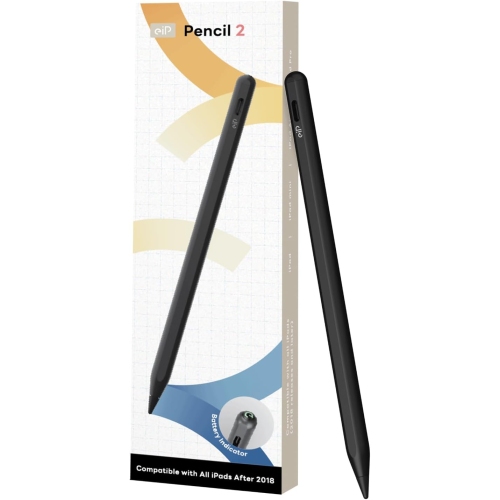
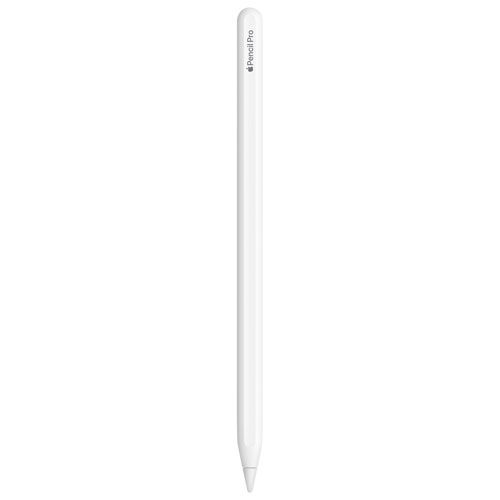
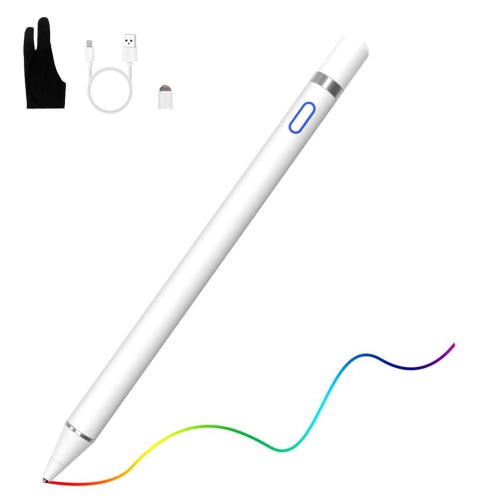
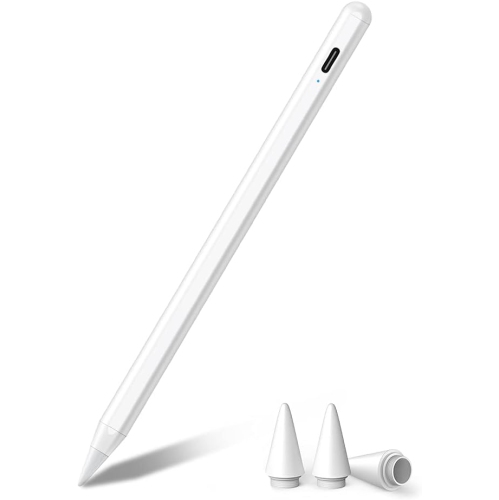
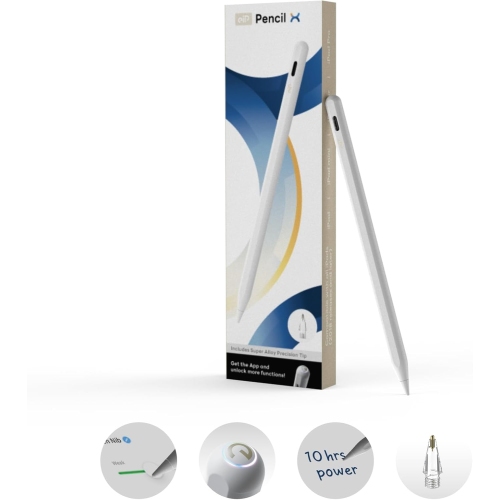
Drawing pencils for iPad are digital styluses designed to make sketching, illustrating, handwriting, colouring, and design work feel more natural on a tablet screen. Unlike an ordinary touchscreen finger tap, a compatible stylus gives you a precise point for controlled marks, clean details, and comfortable navigation through creative apps. Depending on the model, a digital pencil may respond to pressure, tilt, or changes in angle, allowing a light touch to create a fine line and a firmer touch to produce a heavier stroke. This can make a noticeable difference when shading a portrait, building up a textured landscape, lettering a card, or refining the small details in a technical drawing. Some people use these accessories for professional illustration and graphic design, while others keep one nearby for casual doodling, school projects, handwritten notes, photo markups, or planning layouts. They can also be a thoughtful gift for an artist, student, designer, teacher, or anyone who enjoys turning a blank digital canvas into something personal. A stylus takes up very little space in a laptop bag or art kit, and it can be used at a kitchen table, in a studio, or during a quiet afternoon of drawing at home. For additional inspiration and compatible tablet options, browse iPads for Drawing to see how the tablet and pencil work together as part of a complete creative setup.
Compatibility should be the first consideration when choosing a drawing pencil for an iPad. Different tablet generations and sizes may use different connection methods, charging systems, and supported features, so it is important to check the exact model number rather than relying only on the tablet’s general name. A stylus that works with one iPad may not pair with another, and some features may be limited even when basic writing or tapping is supported. Pressure sensitivity is especially important for digital artists who want expressive line control. With pressure response, a pencil can create varied line weight naturally, much like changing pressure with a traditional graphite pencil or brush. Tilt sensitivity can be useful for broad shading, angled strokes, and blending effects, while palm rejection helps the screen ignore your hand as it rests on the display. Low latency, or minimal delay between the movement of the pencil and the appearance of the mark, contributes to a more immediate drawing experience. Look for practical details as well, including whether the pencil pairs wirelessly, attaches magnetically, charges on the tablet, or requires a USB-C cable. Magnetic charging can be convenient when moving between classes, meetings, and creative sessions, while cable charging may suit someone who already keeps a charging cable at a desk. Battery life, replacement tips, grip comfort, button controls, and the overall shape also deserve attention. A flat-sided design may feel secure in the hand and resist rolling across a desk, while a rounded barrel may resemble the feel of a traditional drawing tool. The best choice depends on whether the priority is advanced artistic control, simple note-taking, broad compatibility, or a balance of features and price.
For professional artists and frequent creators, a pencil with pressure and tilt sensitivity can support more nuanced brushwork in illustration, animation, digital painting, and calligraphy apps. These controls allow the hand to remain expressive, helping marks feel less mechanical when building layers of colour or sketching with varied speed and pressure. A creator working on a detailed character study may appreciate accurate tip tracking and quick access to tool changes, while someone making architectural annotations may value a steady line and reliable palm rejection above advanced brush effects. Students can use a compatible stylus to write directly on lecture notes, solve equations, mark up documents, or practise diagrams without carrying a separate notebook for every subject. Families may find a basic digital pencil useful for drawing games, colouring apps, and creative activities during travel or the cooler months when more time is spent indoors. For gift giving, consider the recipient’s tablet model, favourite creative apps, and experience level. An aspiring artist may benefit from pressure-sensitive controls that can grow with their skills, while a casual user may prefer a straightforward pencil that is comfortable for handwriting and occasional sketches. It is also worth considering protective accessories, a spare replacement tip, and a case with a dedicated pencil holder so the stylus is easier to keep track of. Before completing a purchase, confirm the supported iPad generation, pairing requirements, charging method, included accessories, and whether the desired drawing apps support the pencil’s features. With the right match, a digital stylus can turn an iPad into a flexible workspace for quick ideas, polished artwork, handwritten lists, and everything in between.
Compatibility should be the first consideration when choosing a drawing pencil for an iPad. Different tablet generations and sizes may use different connection methods, charging systems, and supported features, so it is important to check the exact model number rather than relying only on the tablet’s general name. A stylus that works with one iPad may not pair with another, and some features may be limited even when basic writing or tapping is supported. Pressure sensitivity is especially important for digital artists who want expressive line control. With pressure response, a pencil can create varied line weight naturally, much like changing pressure with a traditional graphite pencil or brush. Tilt sensitivity can be useful for broad shading, angled strokes, and blending effects, while palm rejection helps the screen ignore your hand as it rests on the display. Low latency, or minimal delay between the movement of the pencil and the appearance of the mark, contributes to a more immediate drawing experience. Look for practical details as well, including whether the pencil pairs wirelessly, attaches magnetically, charges on the tablet, or requires a USB-C cable. Magnetic charging can be convenient when moving between classes, meetings, and creative sessions, while cable charging may suit someone who already keeps a charging cable at a desk. Battery life, replacement tips, grip comfort, button controls, and the overall shape also deserve attention. A flat-sided design may feel secure in the hand and resist rolling across a desk, while a rounded barrel may resemble the feel of a traditional drawing tool. The best choice depends on whether the priority is advanced artistic control, simple note-taking, broad compatibility, or a balance of features and price.
For professional artists and frequent creators, a pencil with pressure and tilt sensitivity can support more nuanced brushwork in illustration, animation, digital painting, and calligraphy apps. These controls allow the hand to remain expressive, helping marks feel less mechanical when building layers of colour or sketching with varied speed and pressure. A creator working on a detailed character study may appreciate accurate tip tracking and quick access to tool changes, while someone making architectural annotations may value a steady line and reliable palm rejection above advanced brush effects. Students can use a compatible stylus to write directly on lecture notes, solve equations, mark up documents, or practise diagrams without carrying a separate notebook for every subject. Families may find a basic digital pencil useful for drawing games, colouring apps, and creative activities during travel or the cooler months when more time is spent indoors. For gift giving, consider the recipient’s tablet model, favourite creative apps, and experience level. An aspiring artist may benefit from pressure-sensitive controls that can grow with their skills, while a casual user may prefer a straightforward pencil that is comfortable for handwriting and occasional sketches. It is also worth considering protective accessories, a spare replacement tip, and a case with a dedicated pencil holder so the stylus is easier to keep track of. Before completing a purchase, confirm the supported iPad generation, pairing requirements, charging method, included accessories, and whether the desired drawing apps support the pencil’s features. With the right match, a digital stylus can turn an iPad into a flexible workspace for quick ideas, polished artwork, handwritten lists, and everything in between.
Top selling and popular products
-
 Your price for this item is $175.68
 -
 Your price for this item is $169
 -
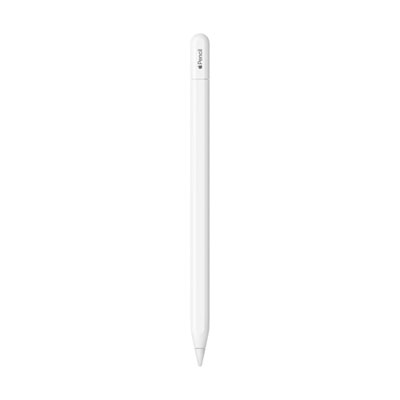 Your price for this item is $109
 -
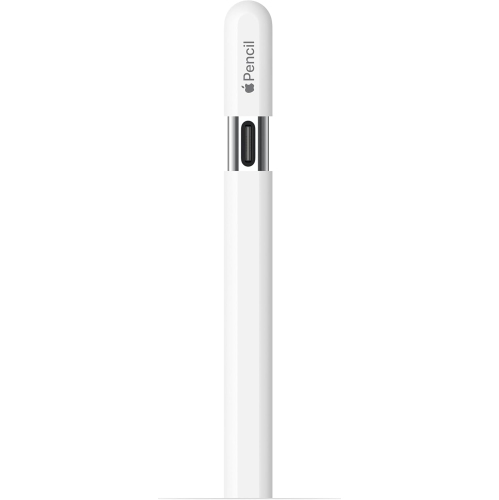 Your price for this item is $96.9
 -
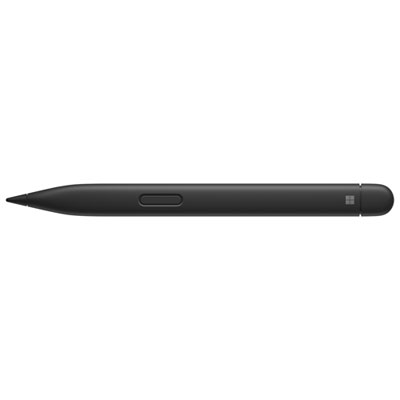 Your price for this item is $189.99
 -
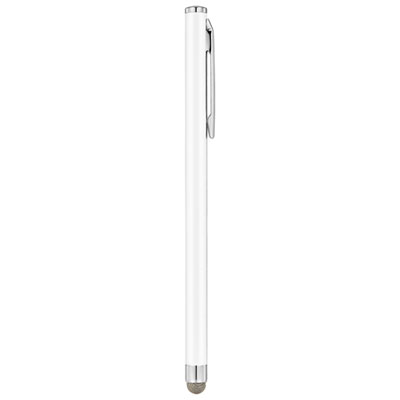 Your price for this item is $9.99
 -
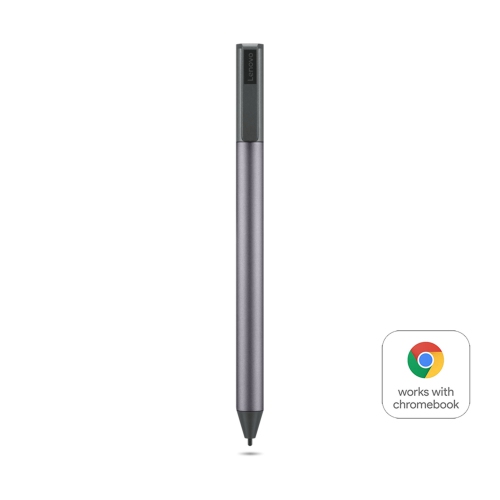 Your price for this item is $71.99
 -
 Your price for this item is $21.99
Discover more categories related to Drawing Pencils for Ipad

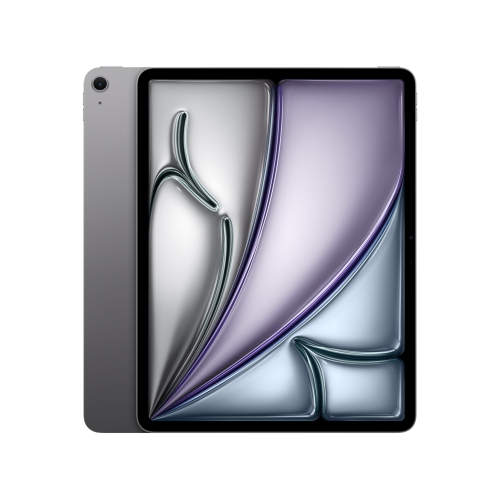

Top Collections:
Pokemon Centers, Kindle Devices, Best Cameras for Sports Photography, Pokémon 30th Celebration Cards, Apple iPhones 16, Canon G7X Cameras, iPhone 15 Apple, Flip Phones, Samsung Galaxy Phones, Alarm Clock
Some products may be subject to Environmental Handling Fees
(EHF) depending on your province.
Learn more about EHFs.