Pencils for iPad
Enhance your digital creativity with our selection of pencils designed specifically for iPad. Whether you're an artist, designer, student, or simply enjoy jotting down notes on your tablet, these innovative tools offer precision and control for a seamless drawing and writing experience. Explore a range of features such as pressure sensitivity, tilt recognition, and palm rejection to take your digital artwork to the next level. Upgrade your iPad experience with our collection of high-quality pencils that are sure to inspire your imagination.
Sort
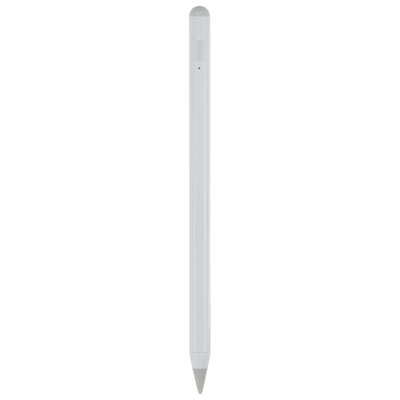
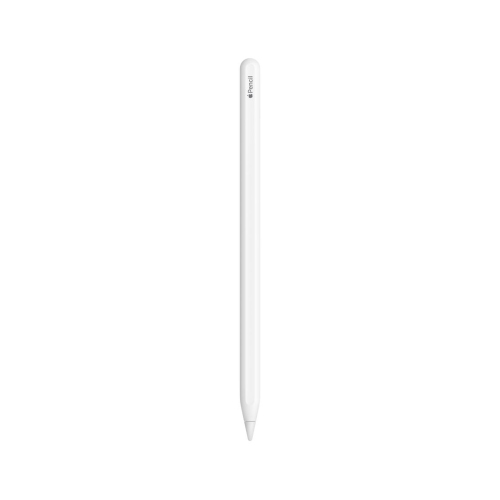
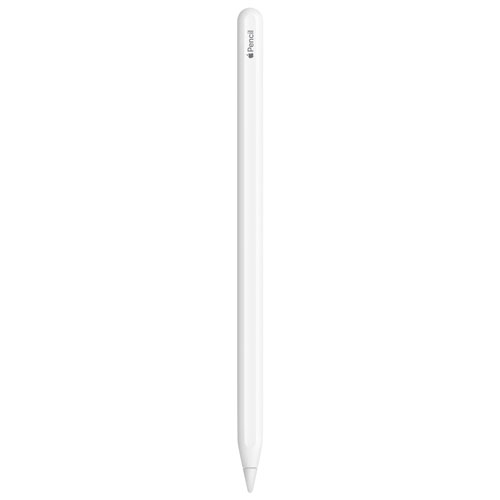
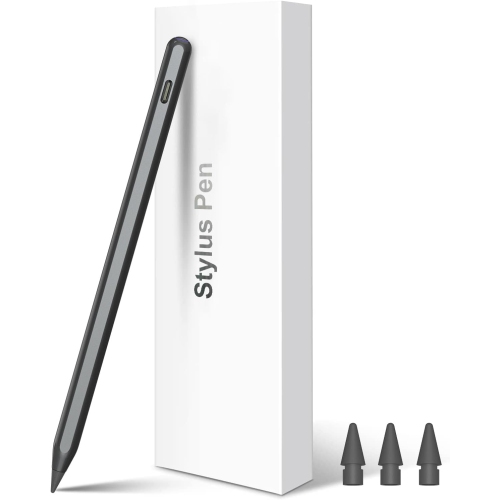
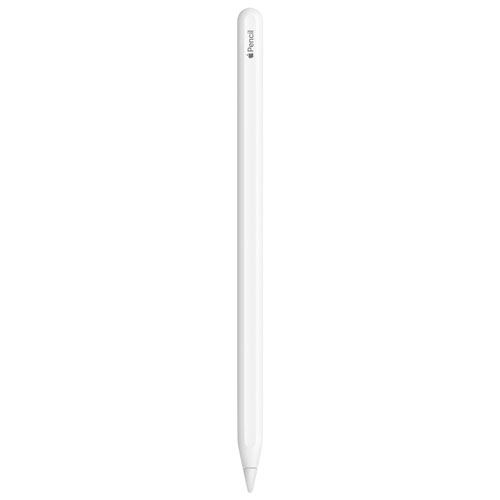
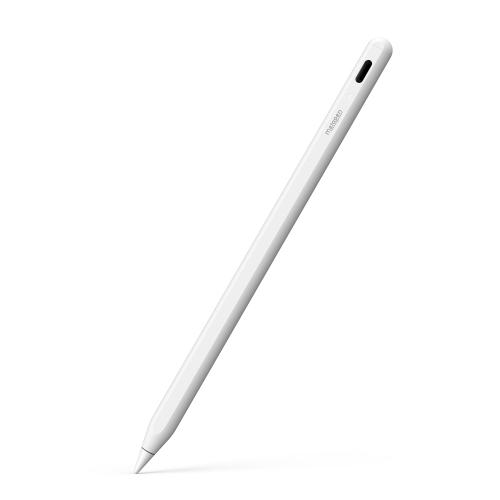
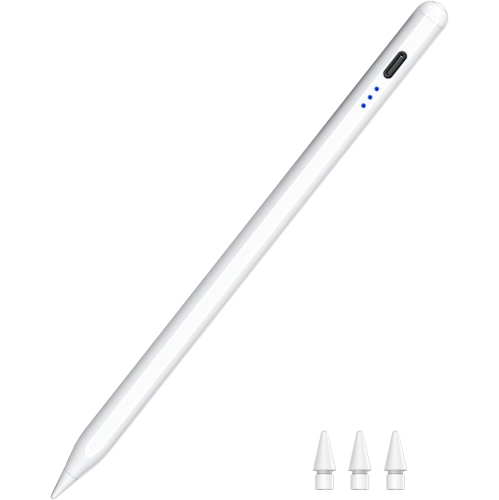
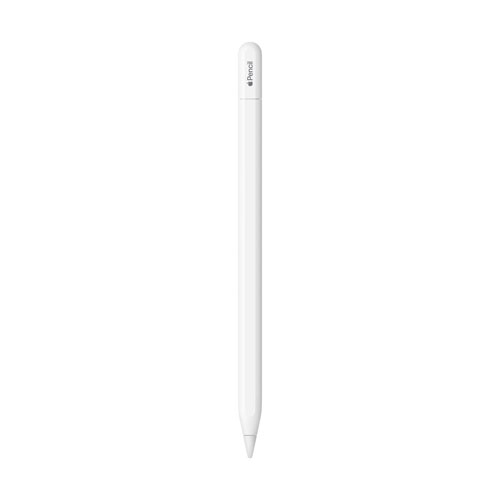
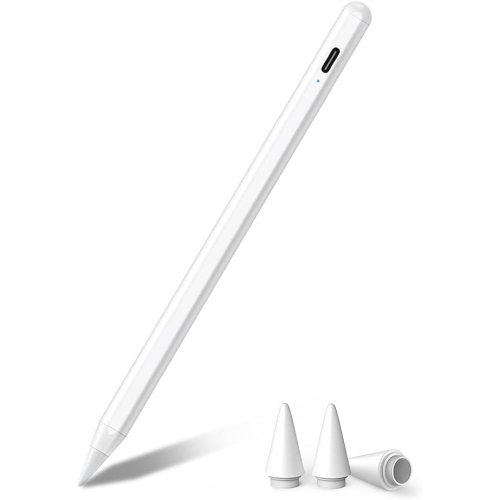

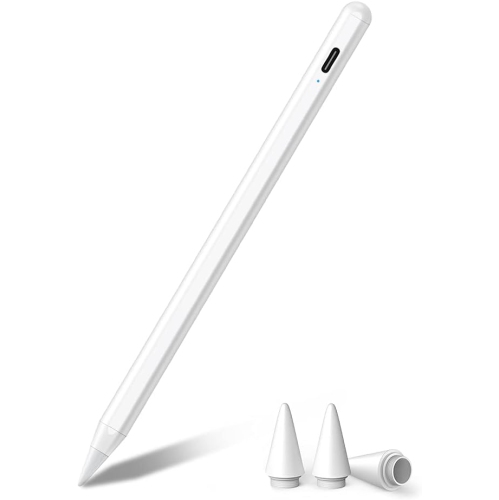
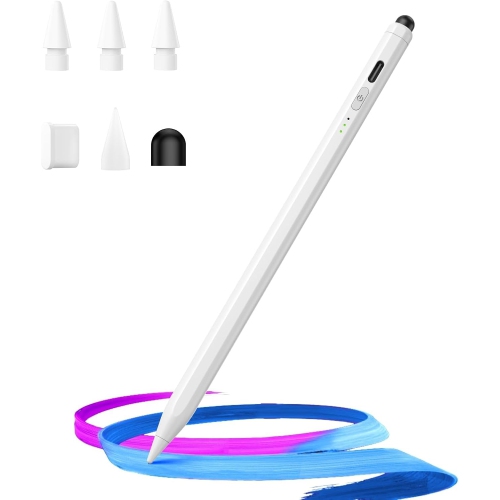
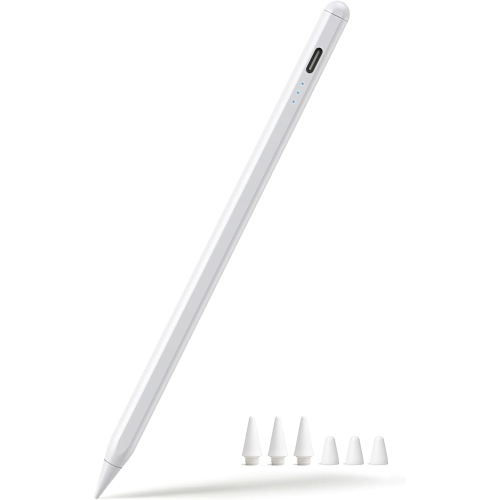
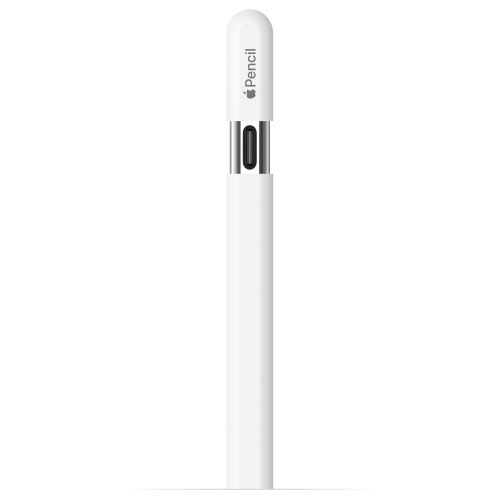

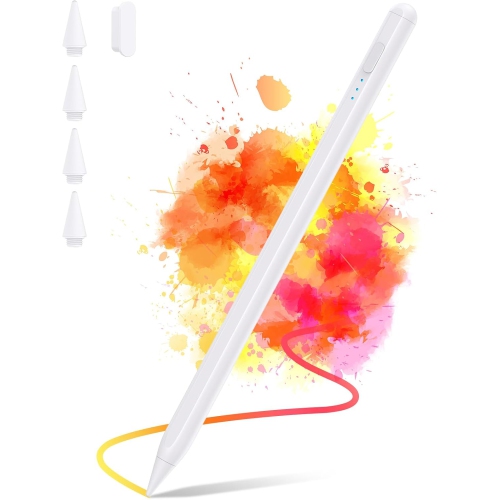
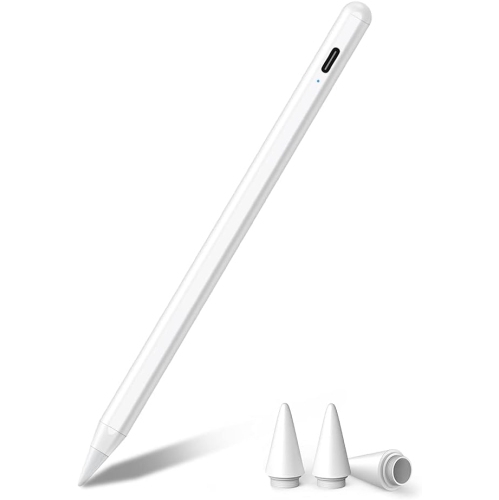
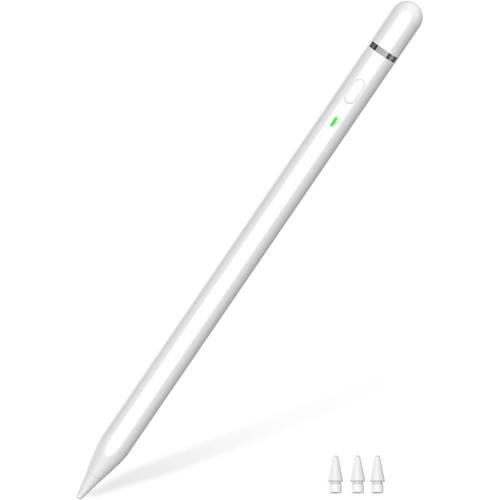
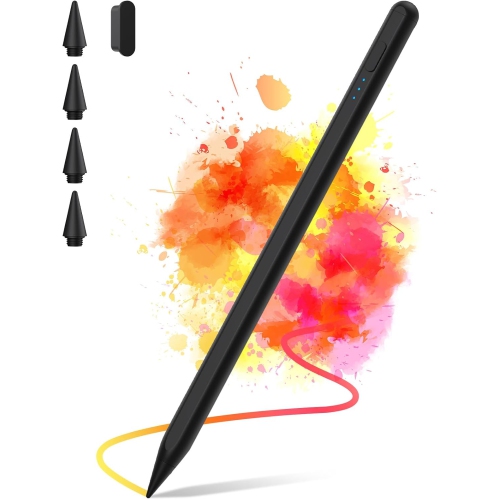
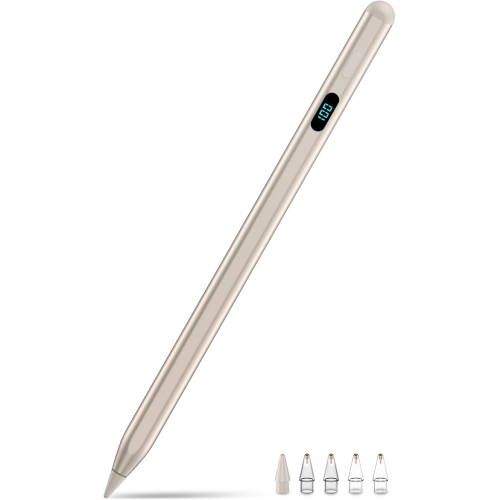
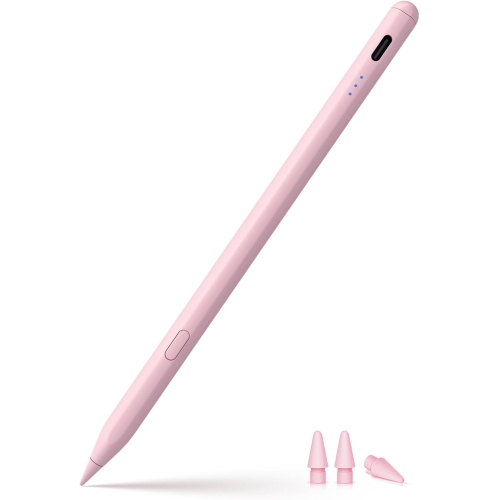
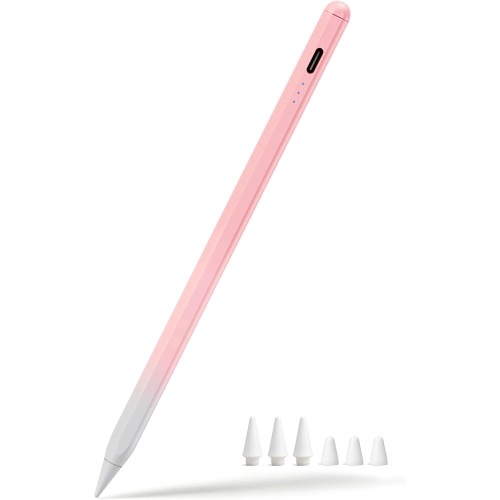
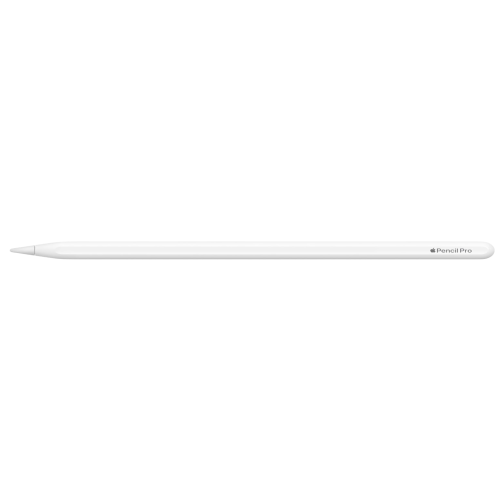
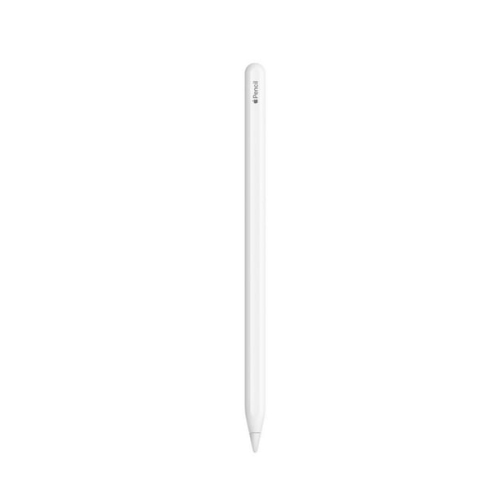
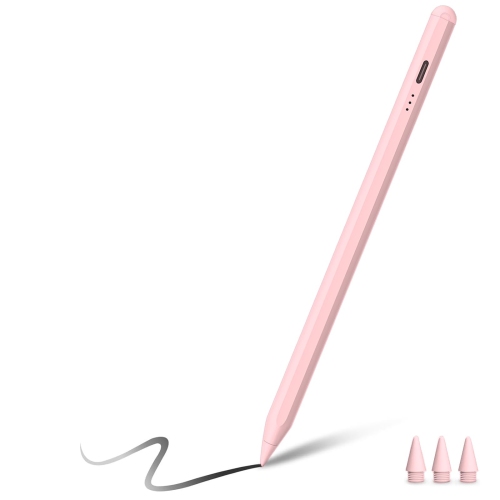
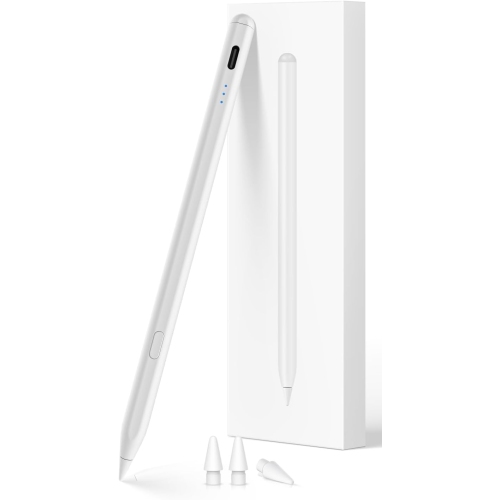
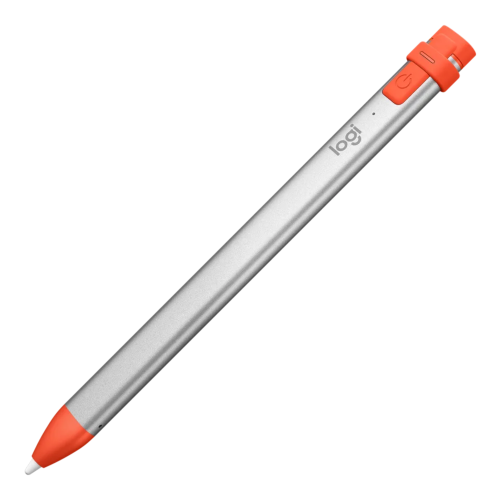
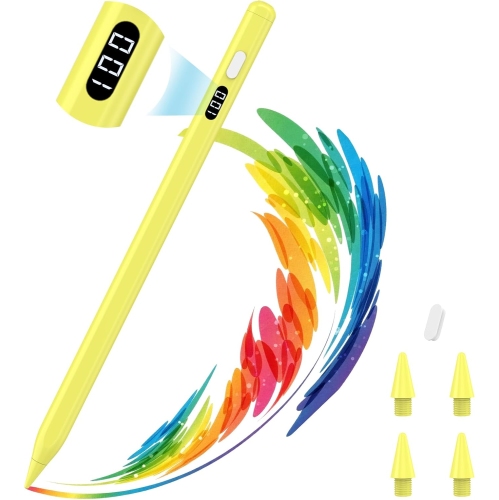
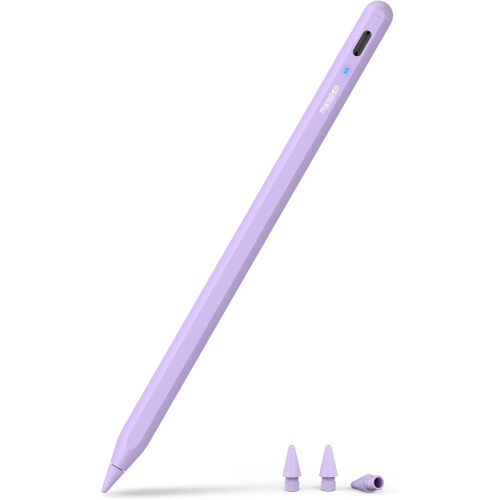
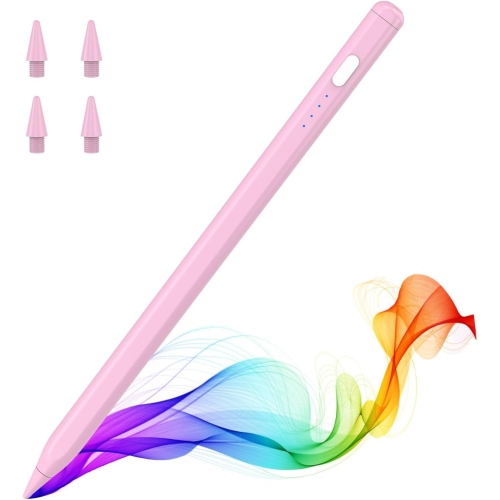
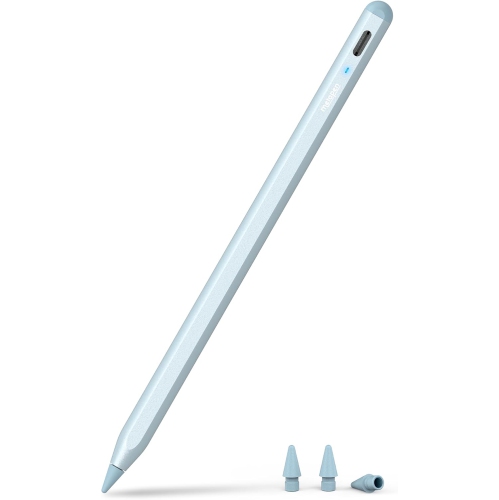
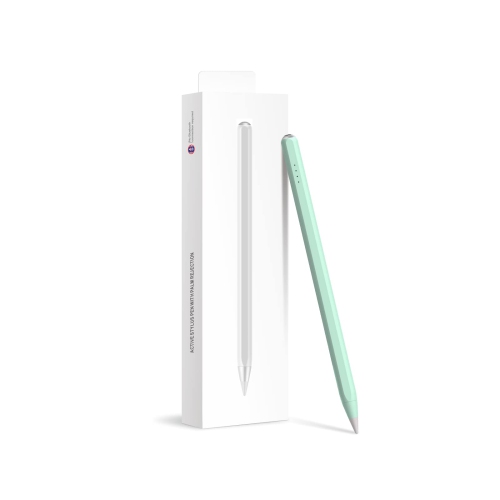
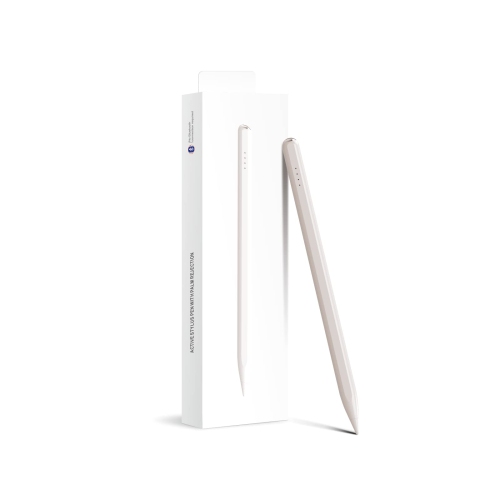
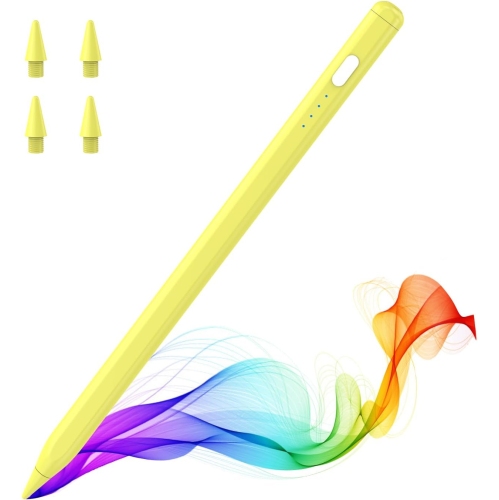
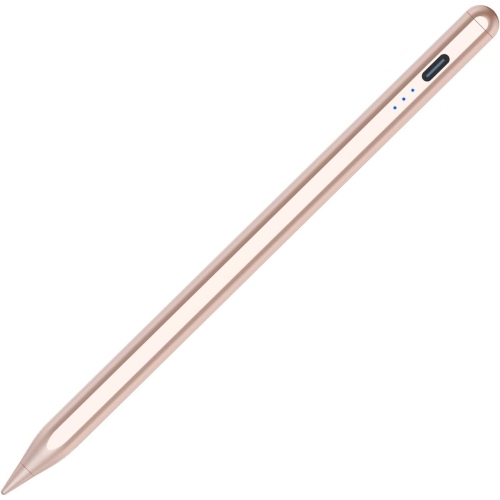
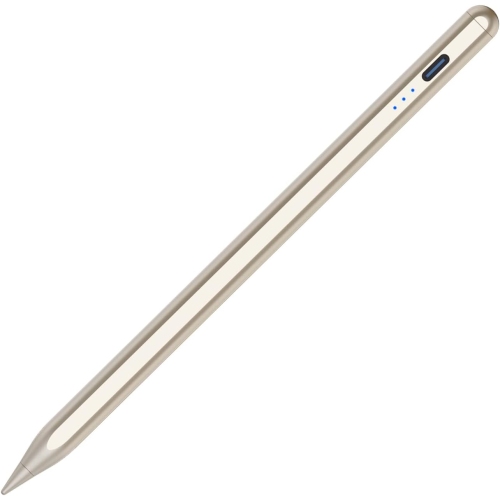
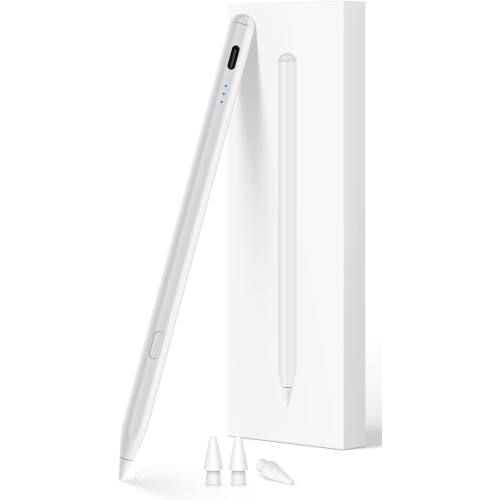

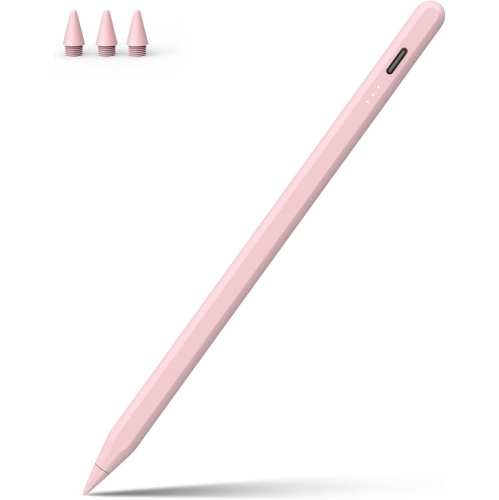

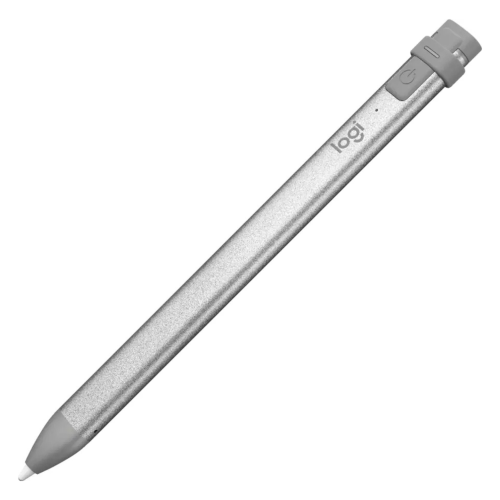
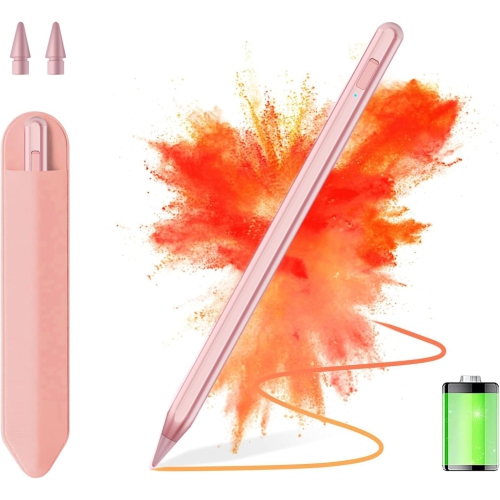
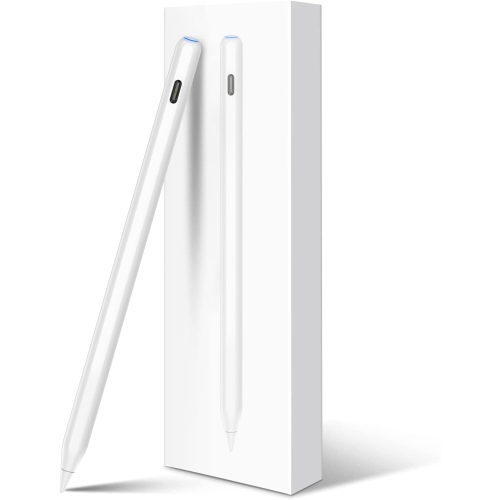

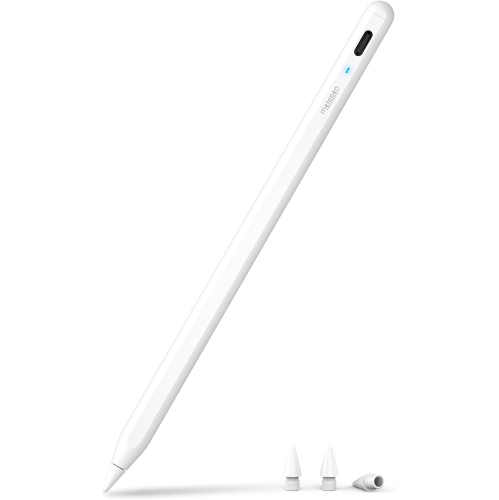
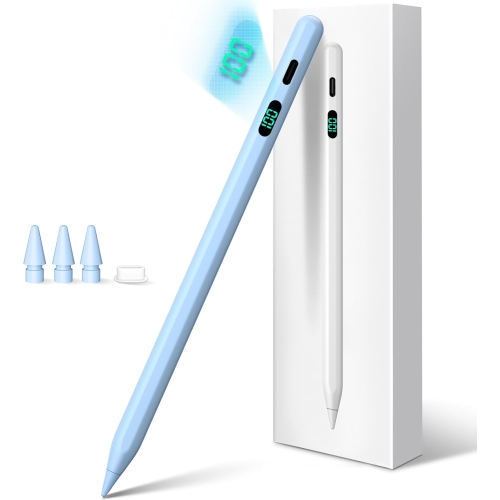
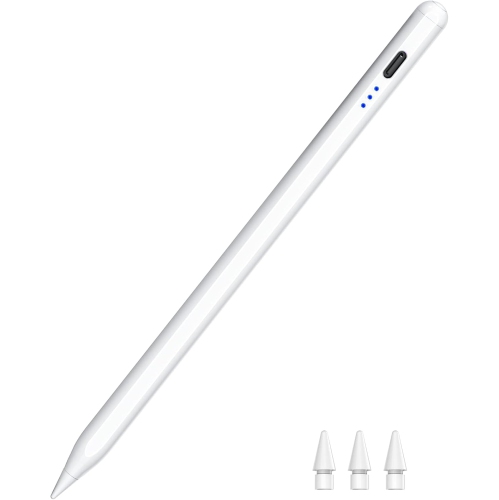
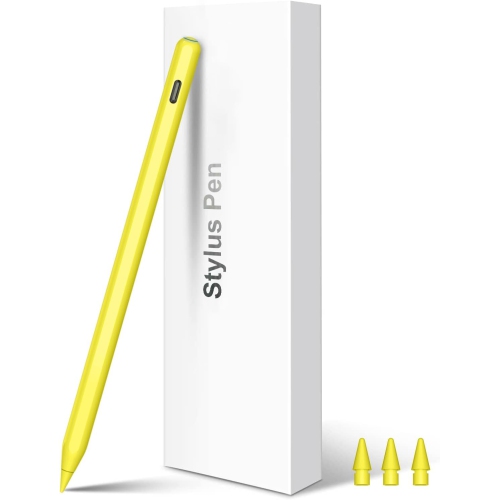
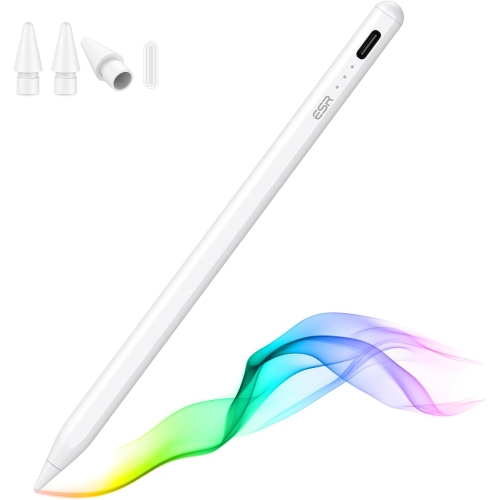
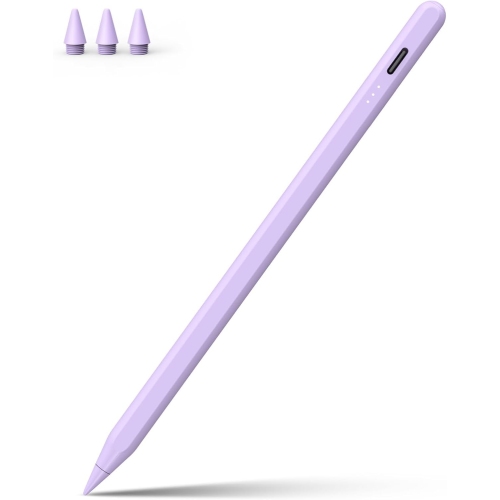

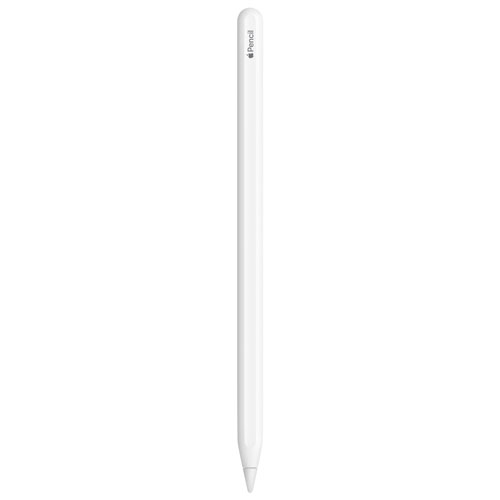
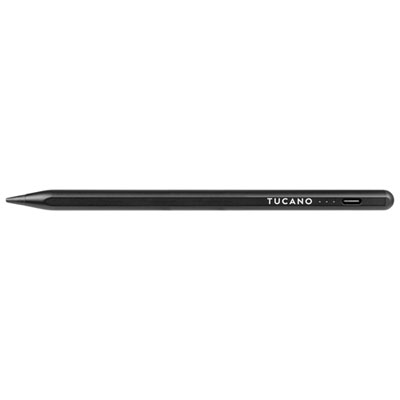
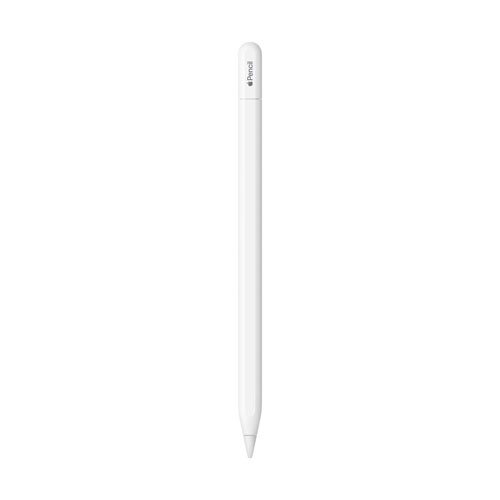

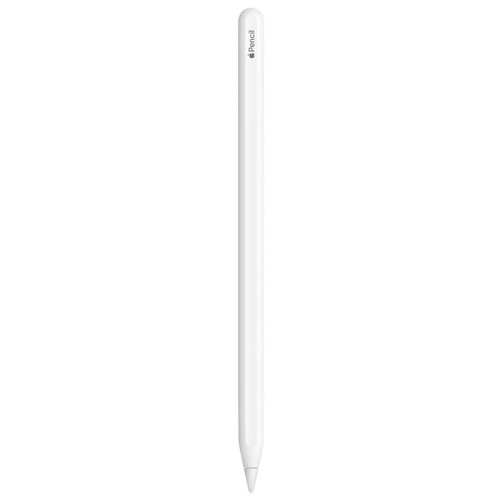
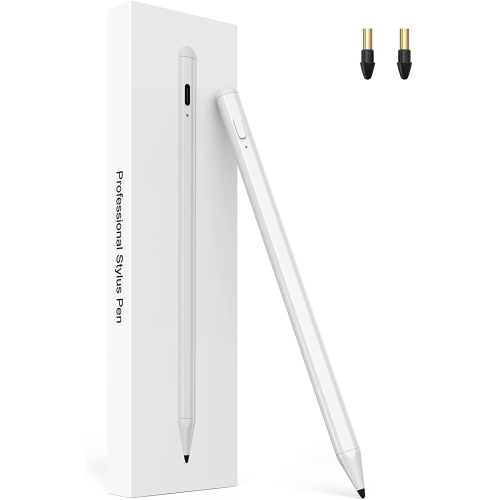
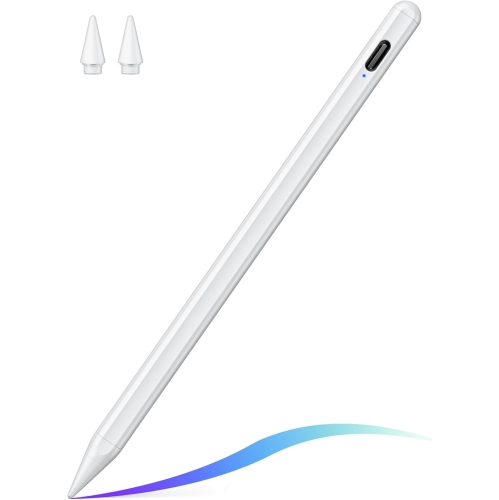
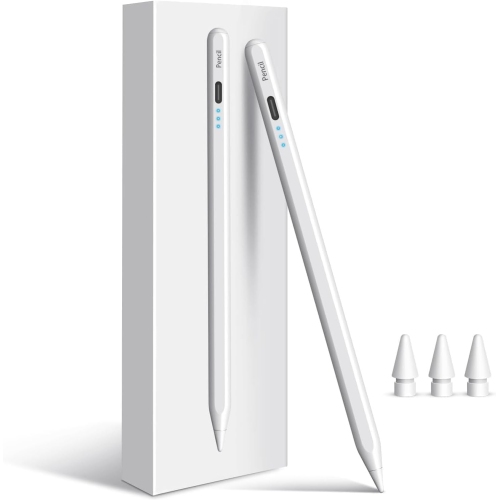
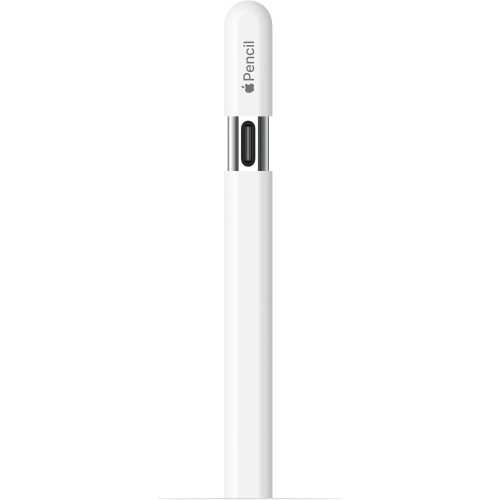
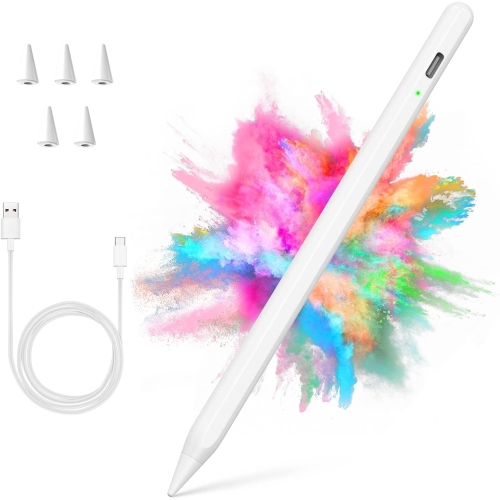
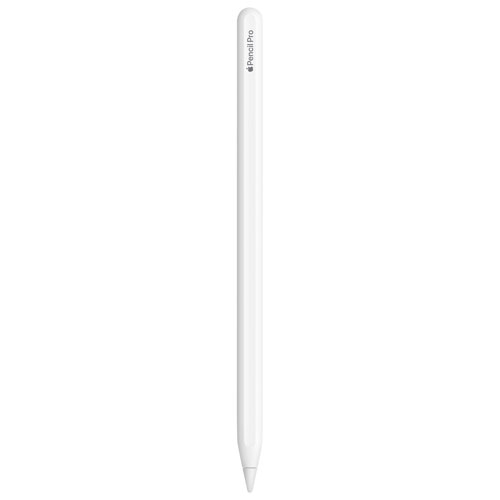
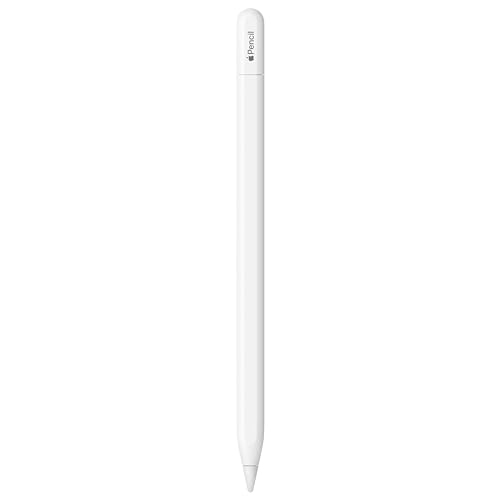
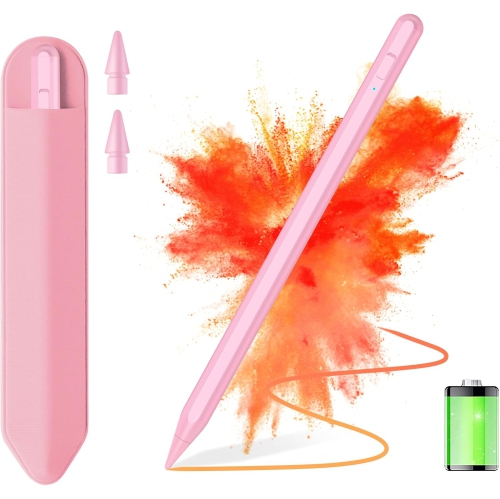
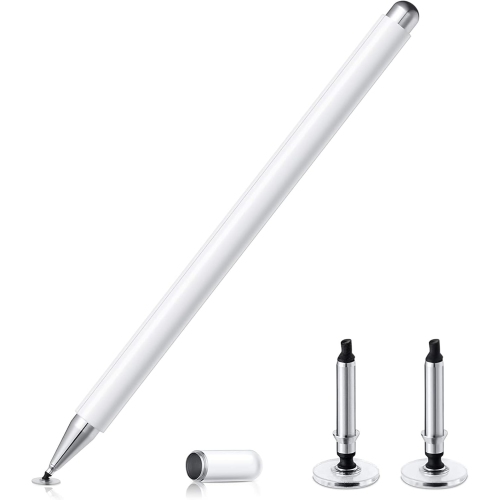
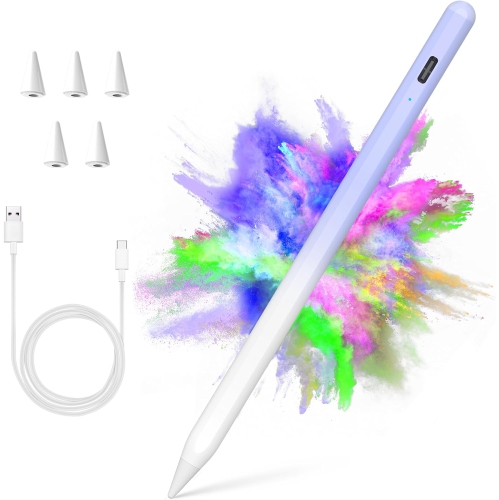
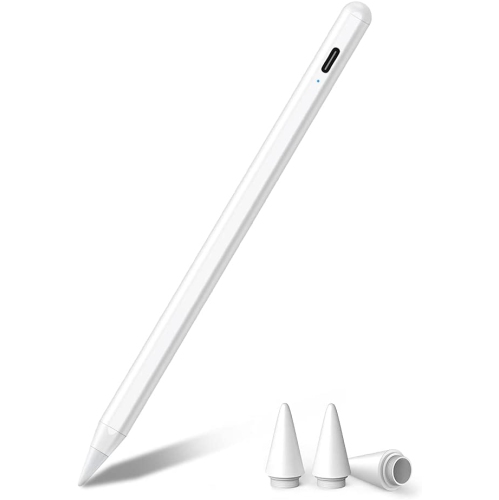
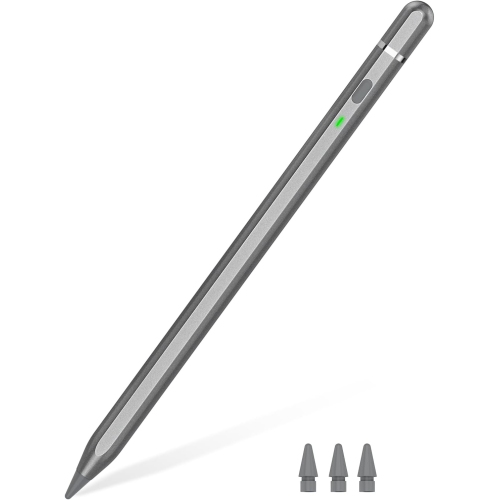
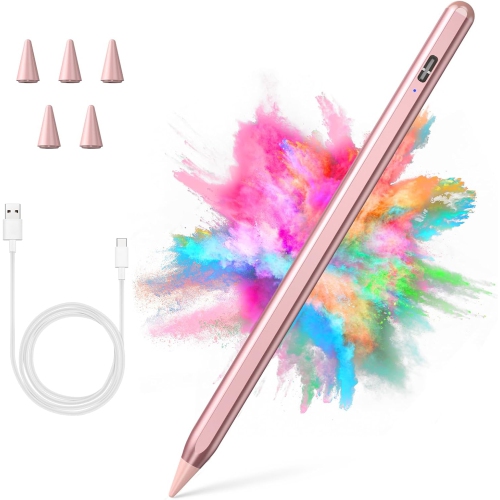
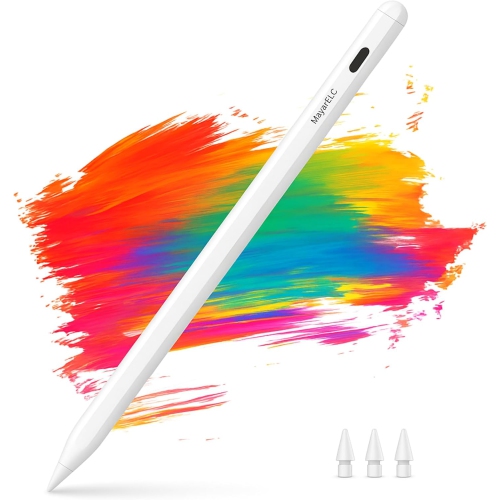
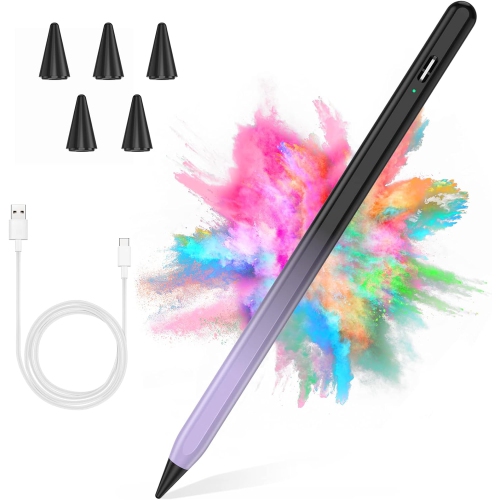
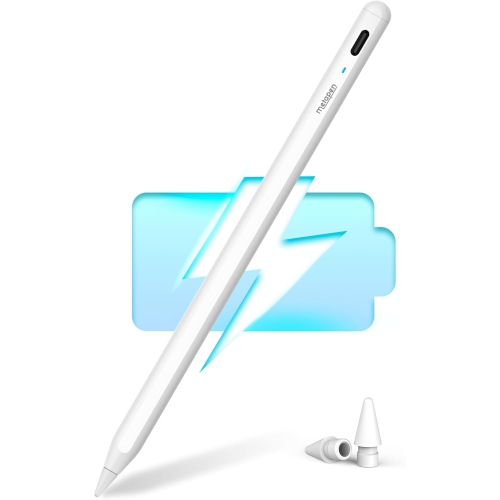
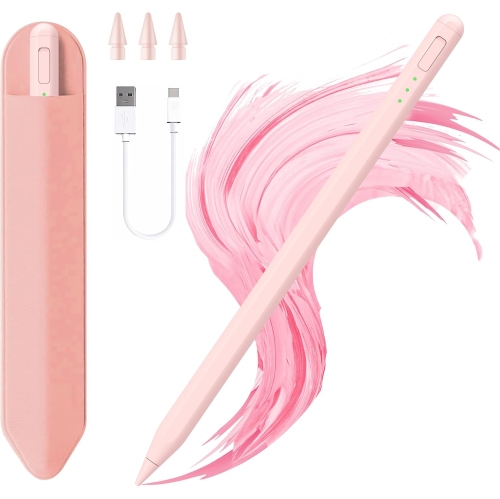
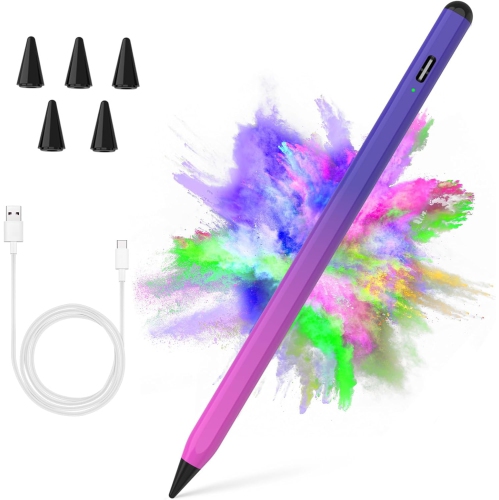
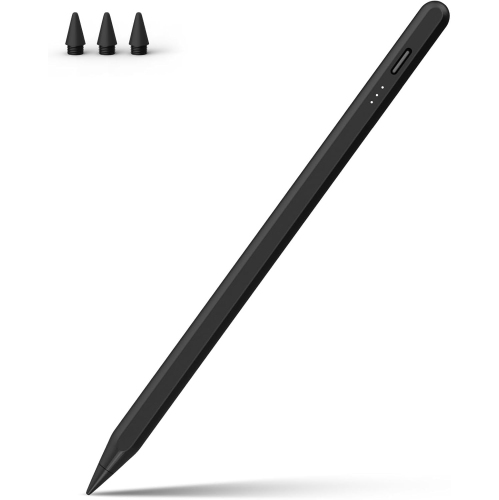
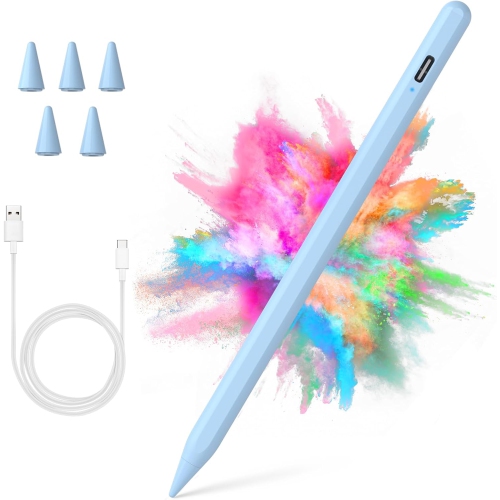
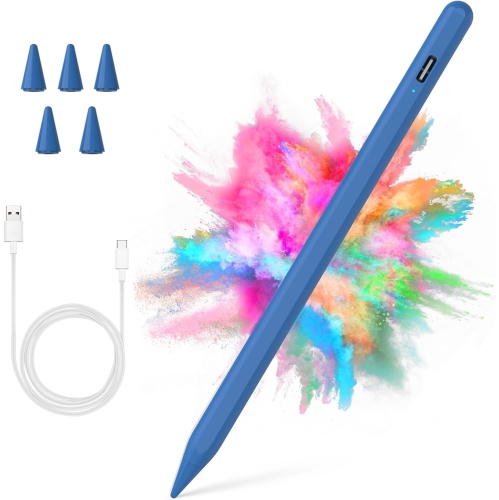
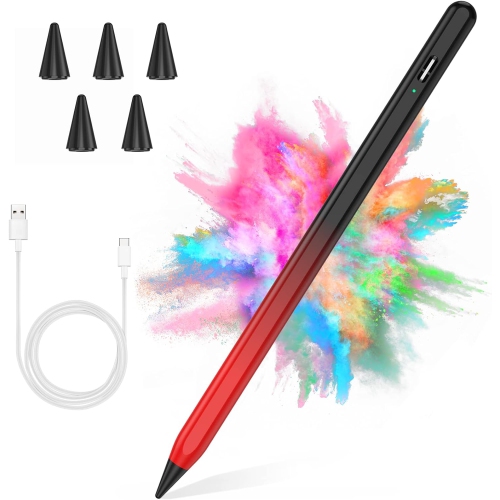
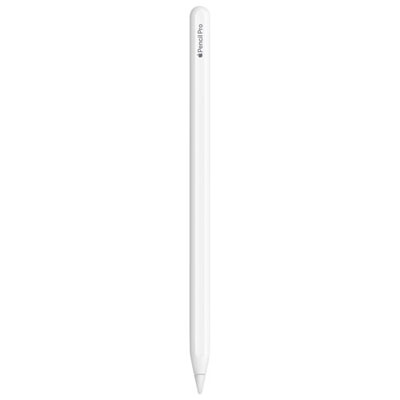
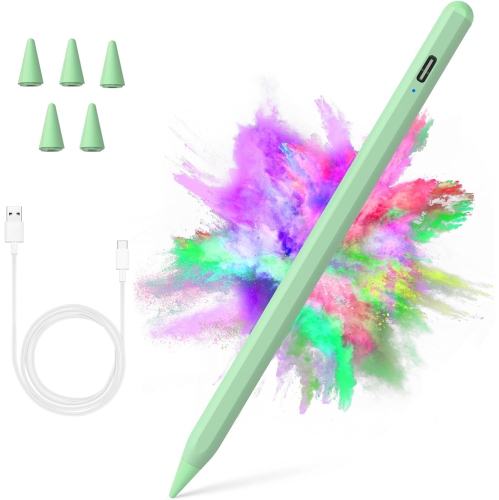
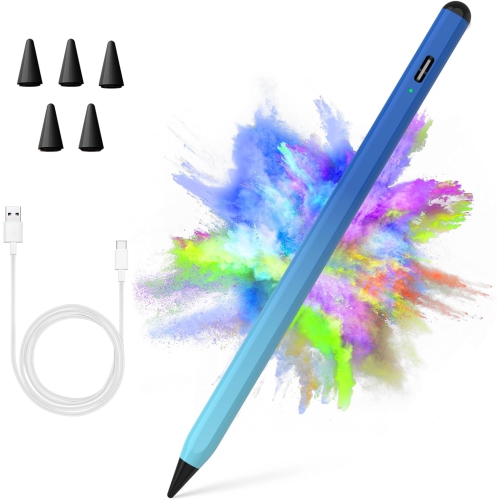
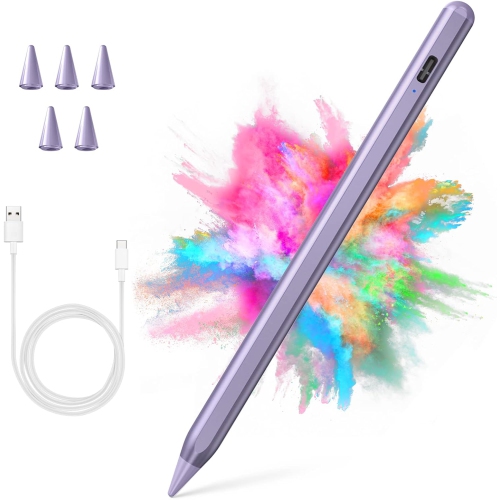
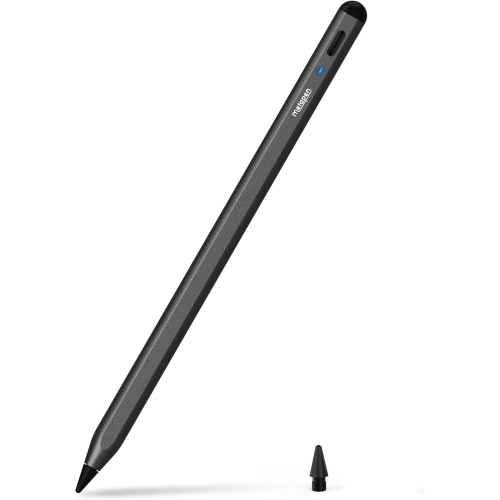
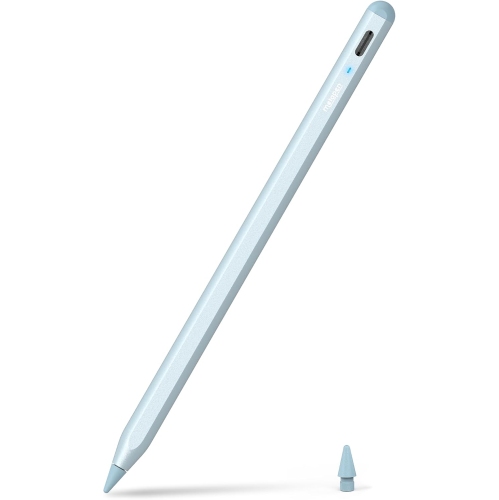
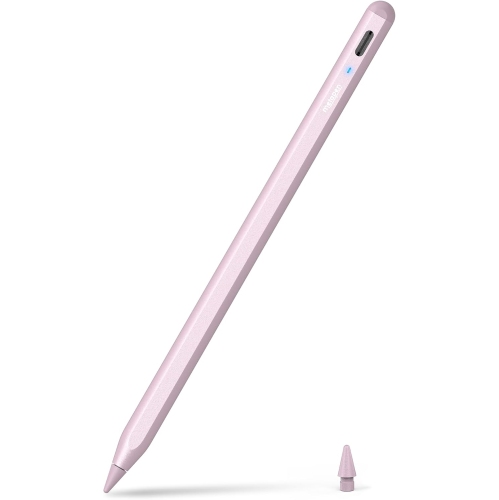
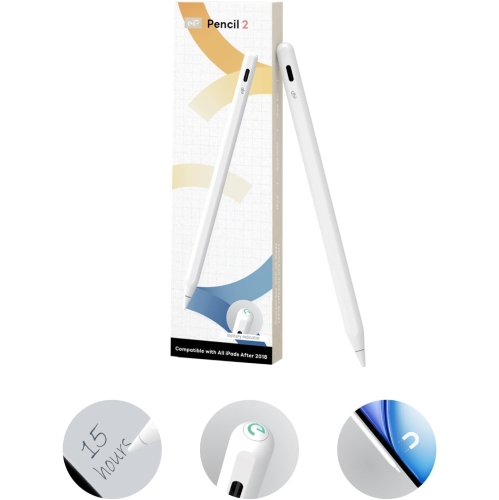
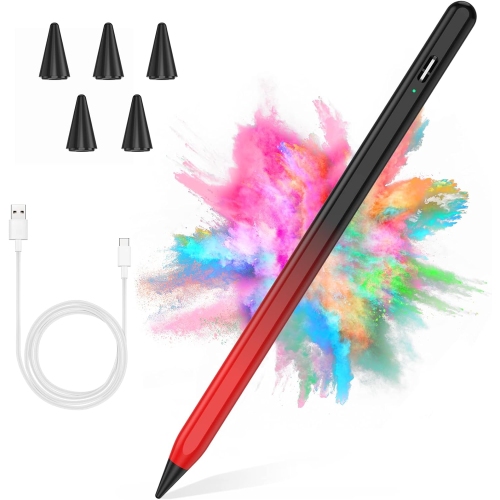
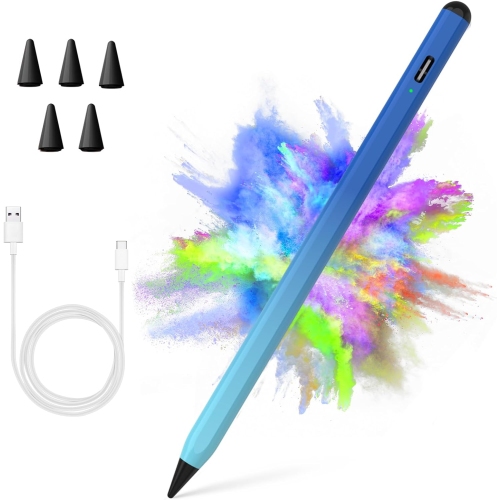
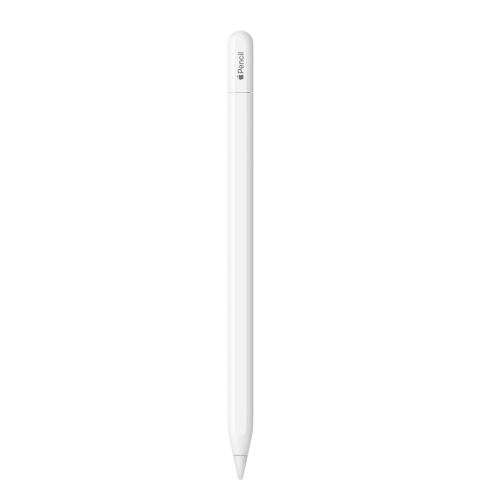
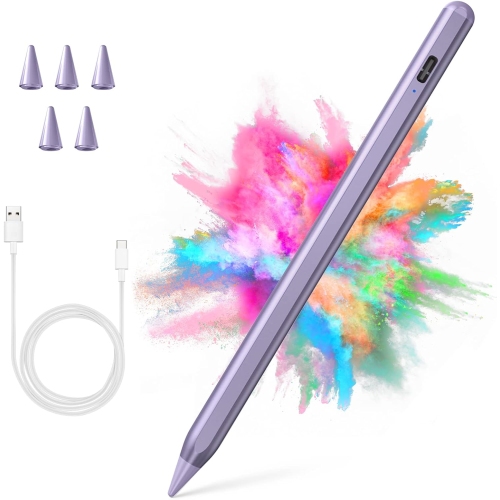
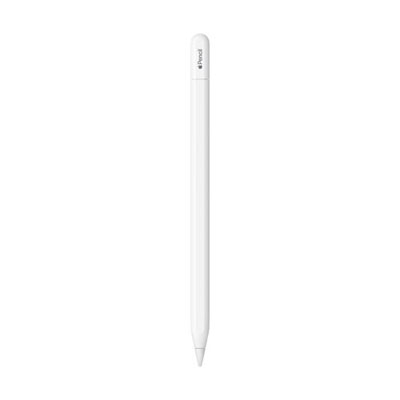
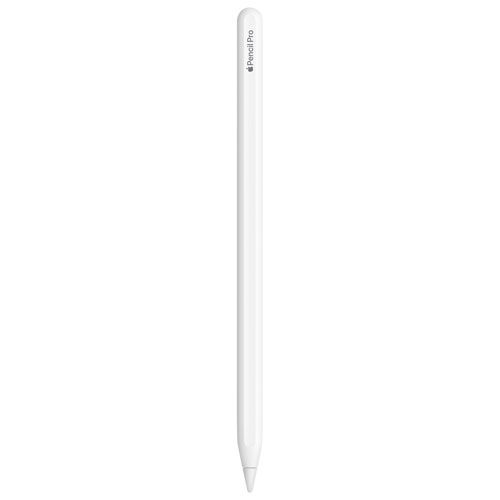
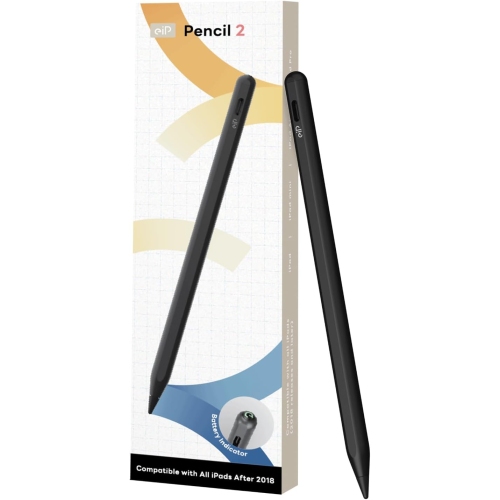
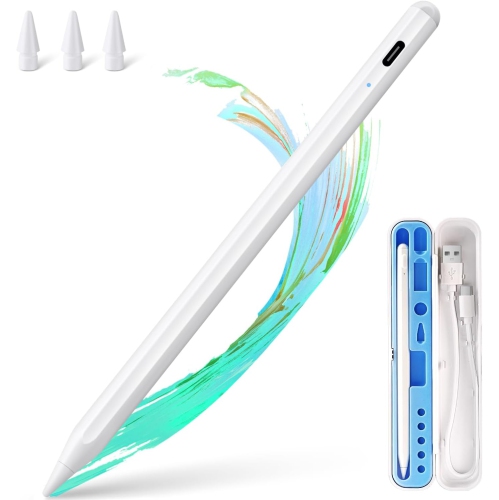
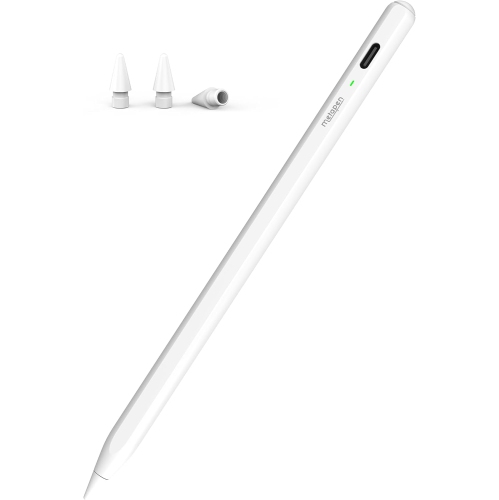
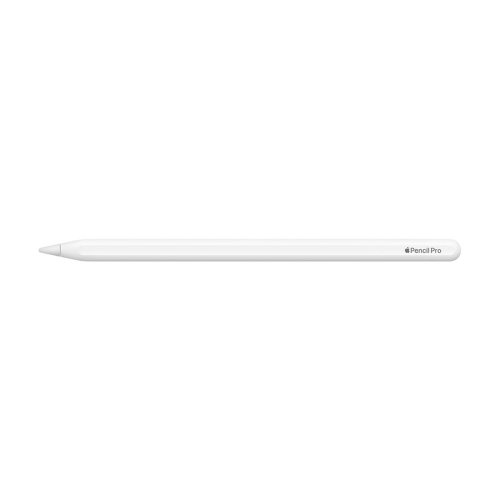
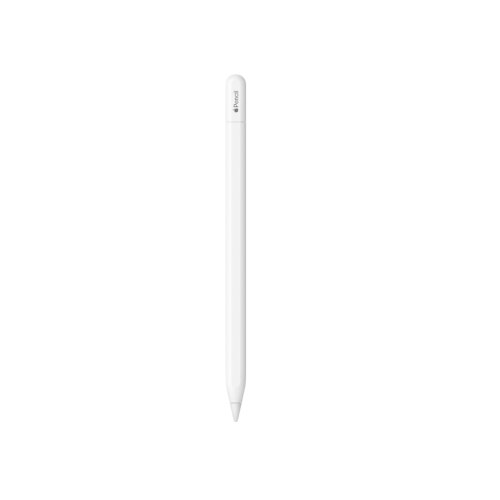
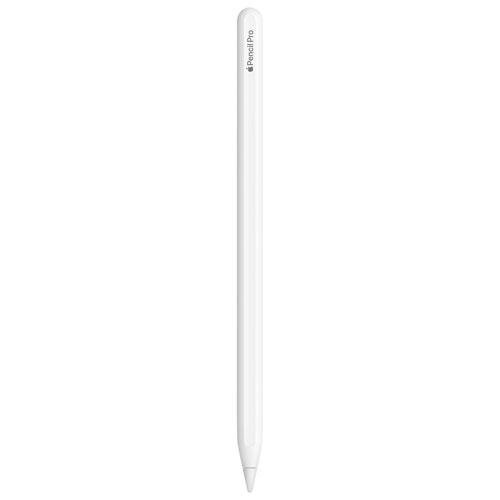
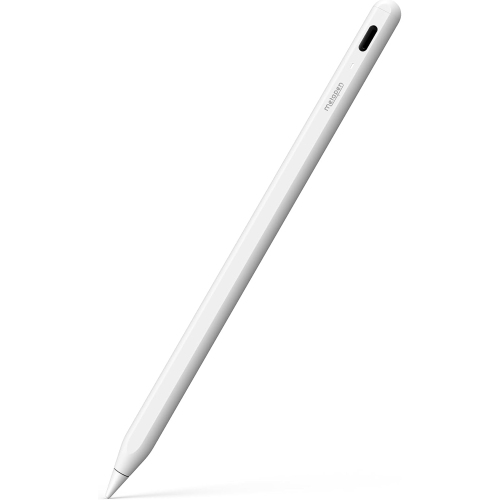
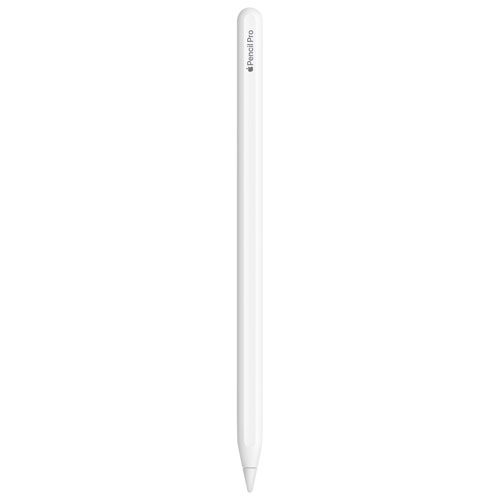
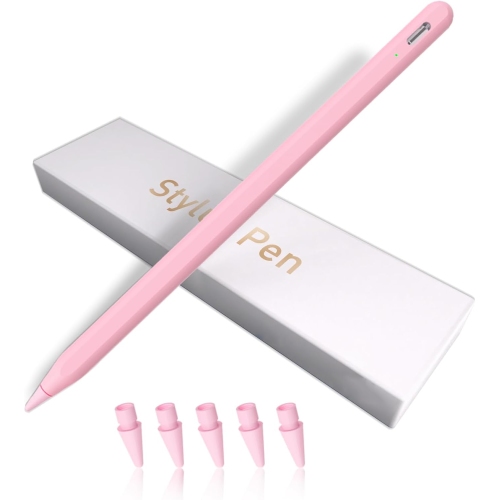
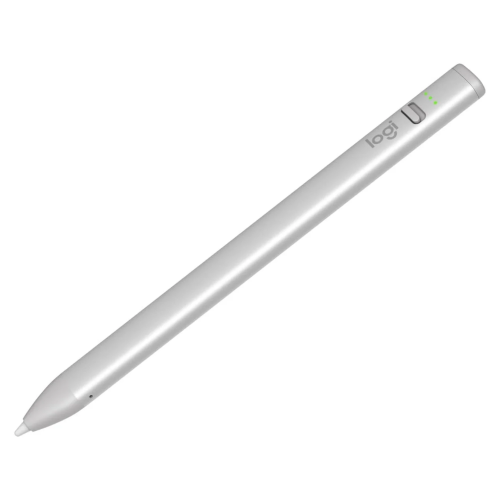
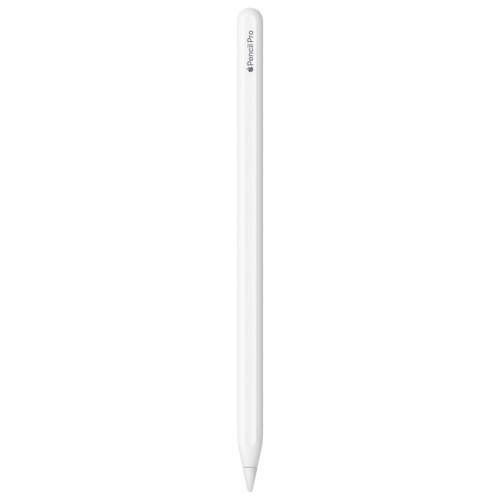
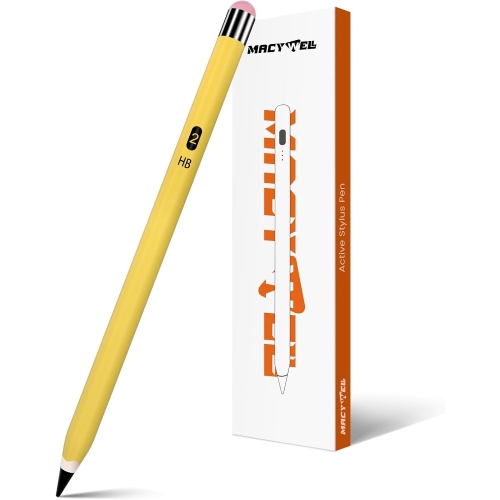
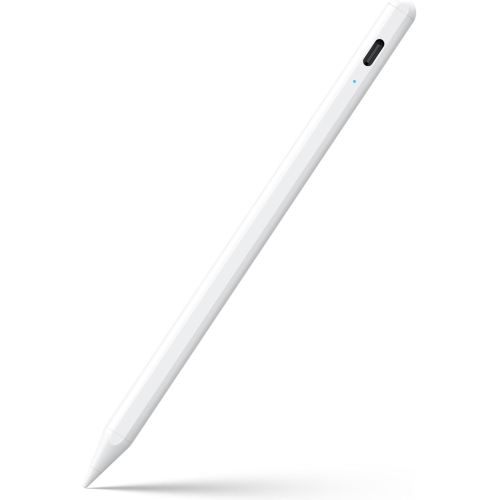
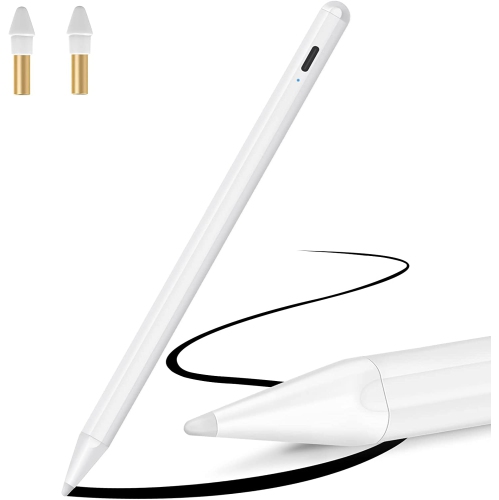
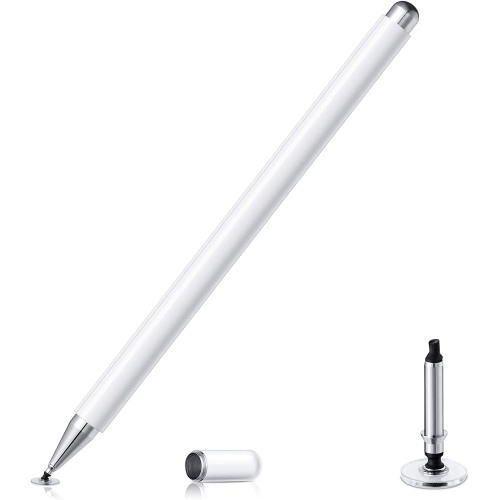
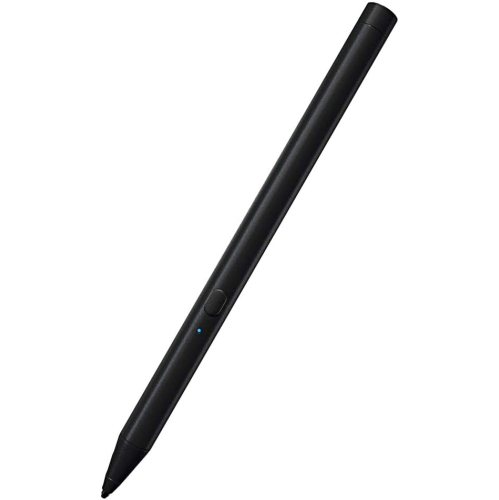
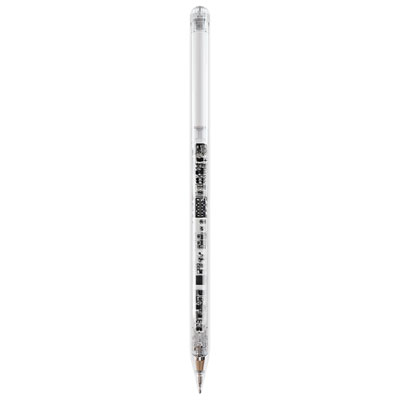

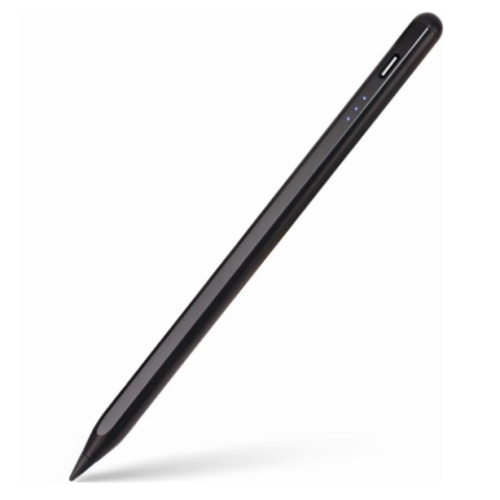
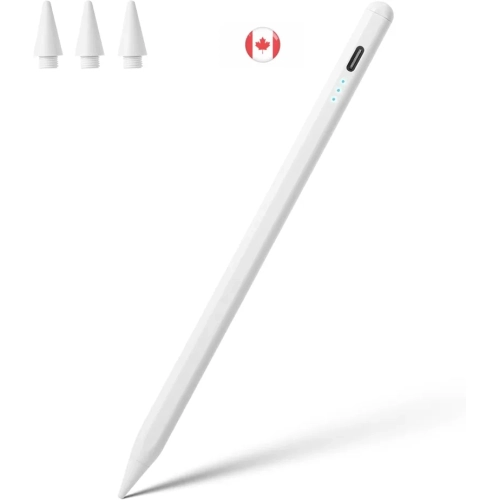
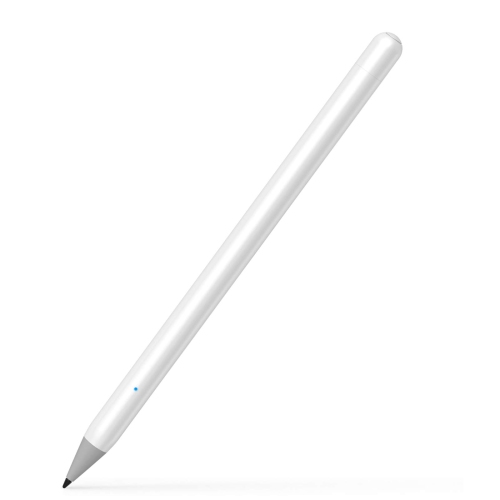
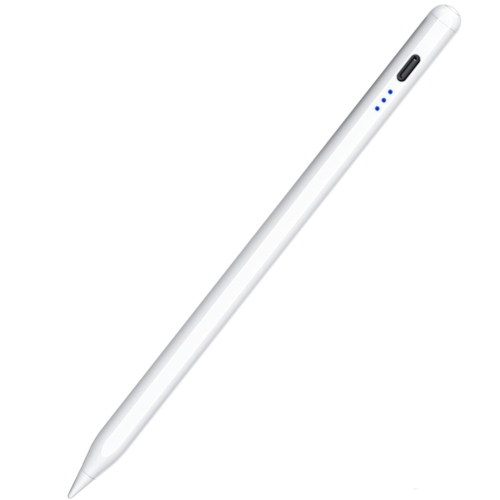
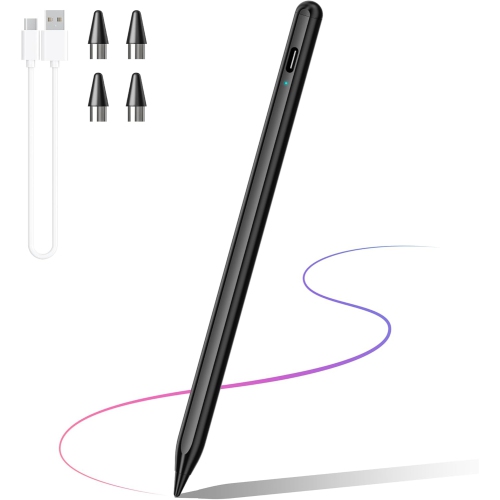
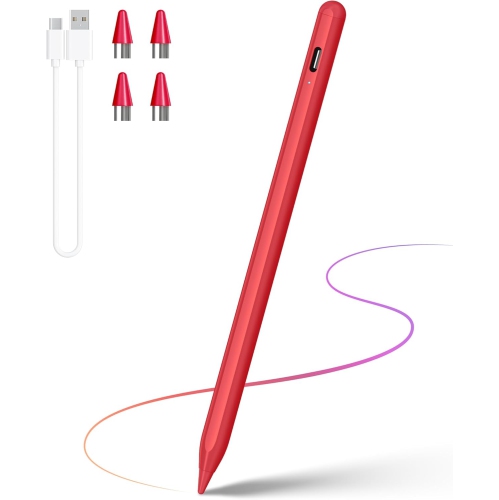
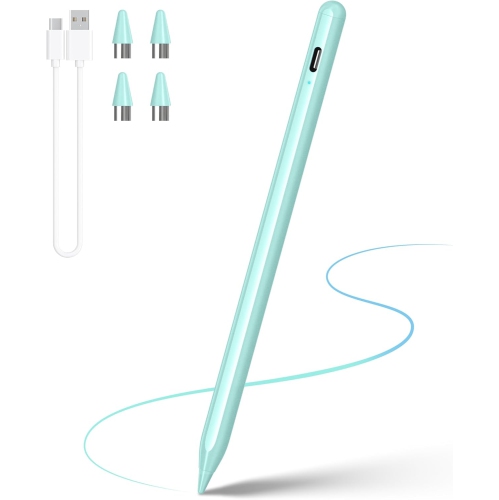
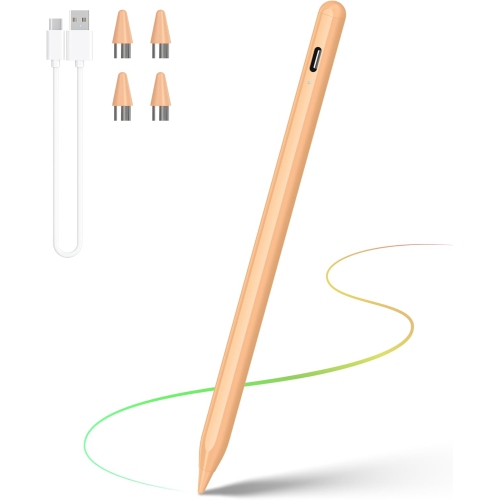
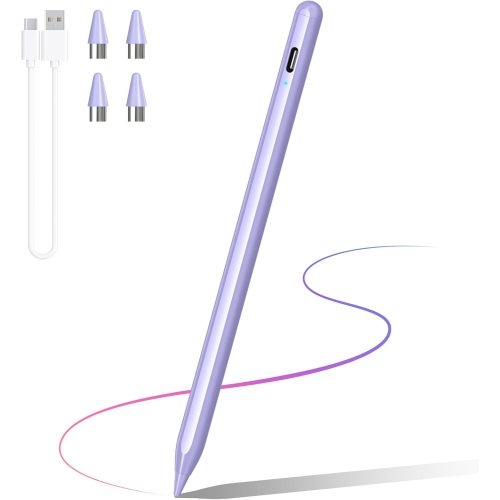
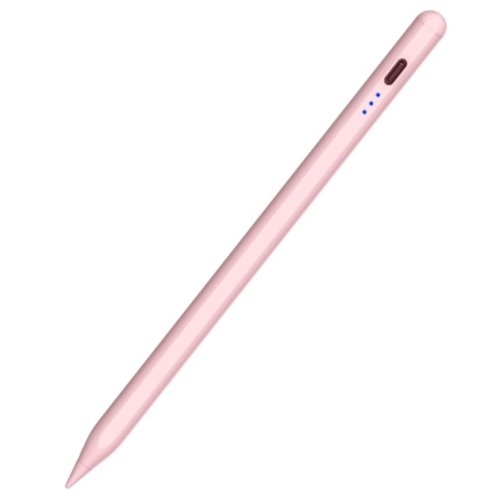
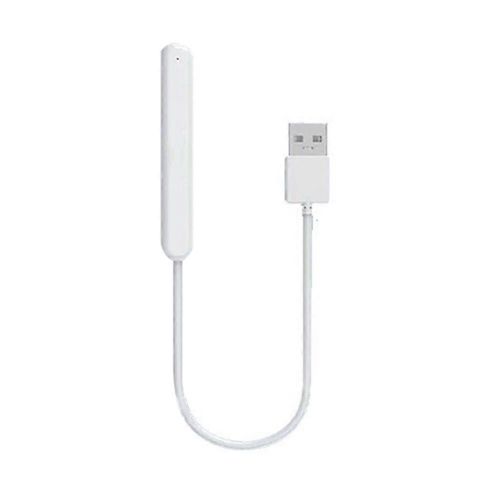
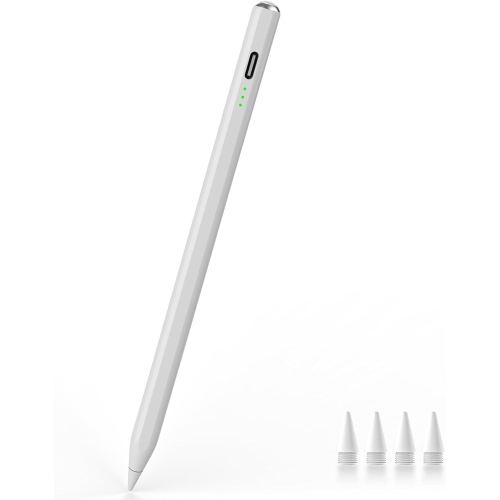
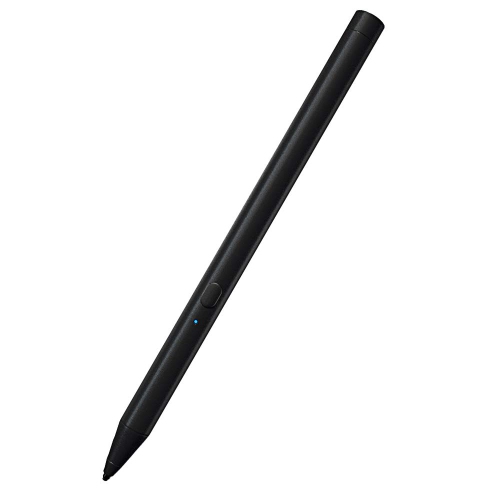
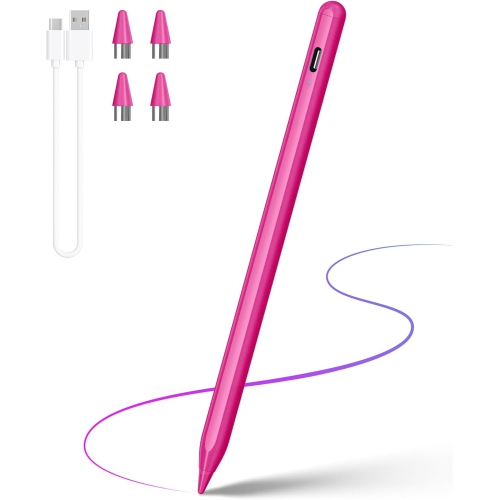
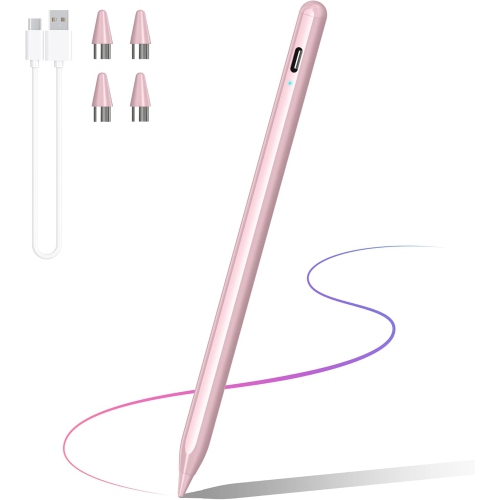
Compatibility and comfort shape every iPad writing experience
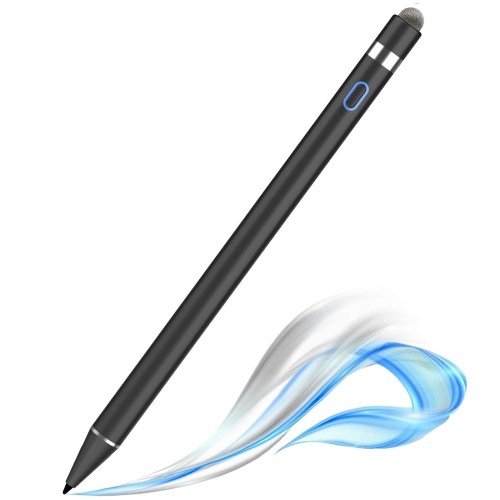
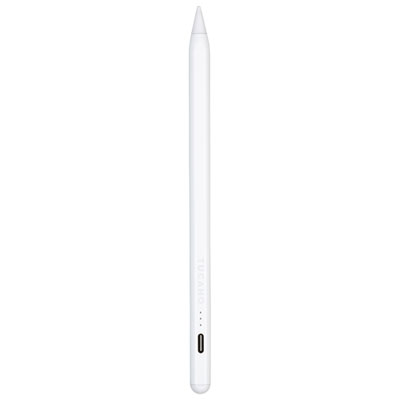
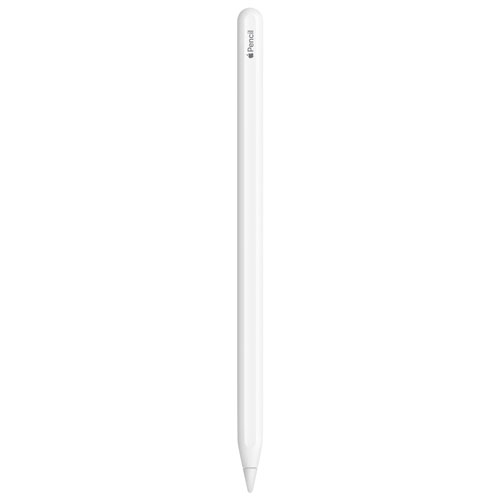
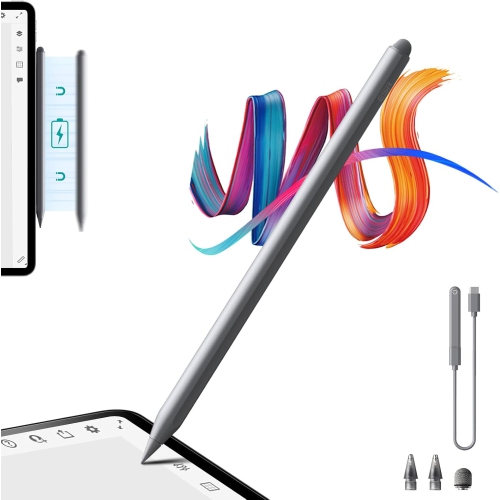
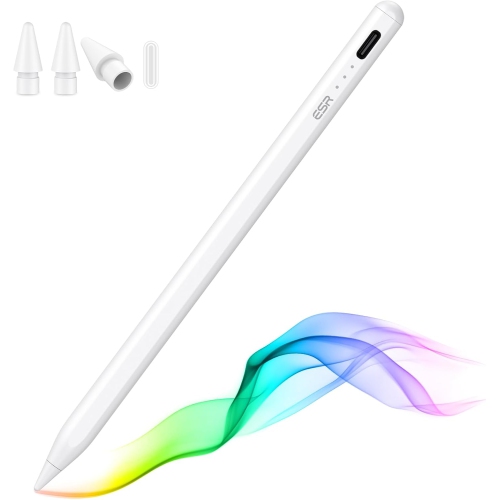
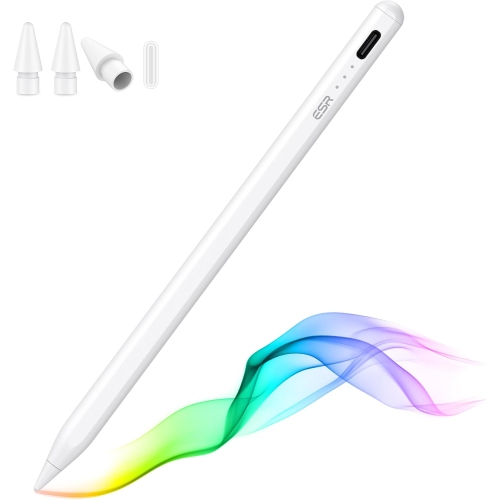
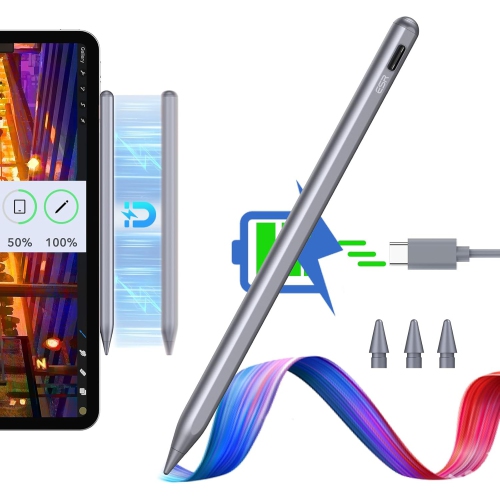
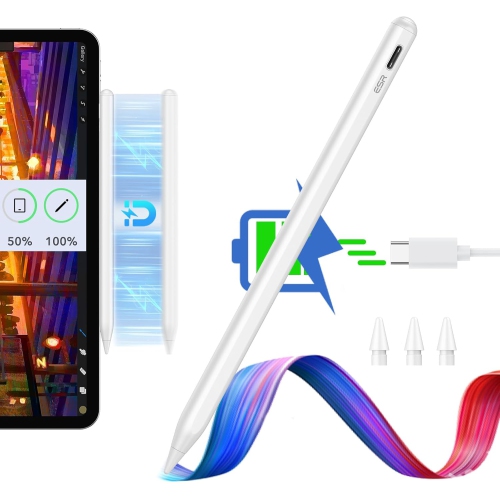
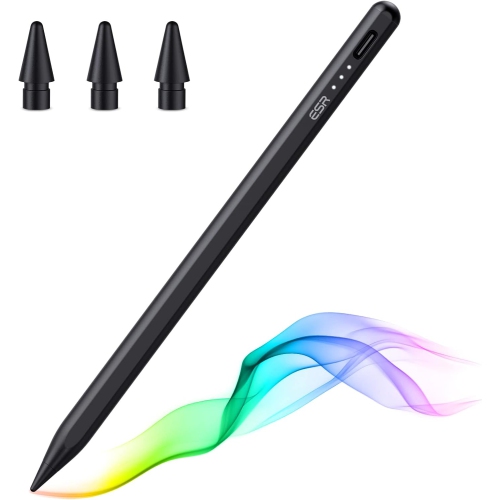
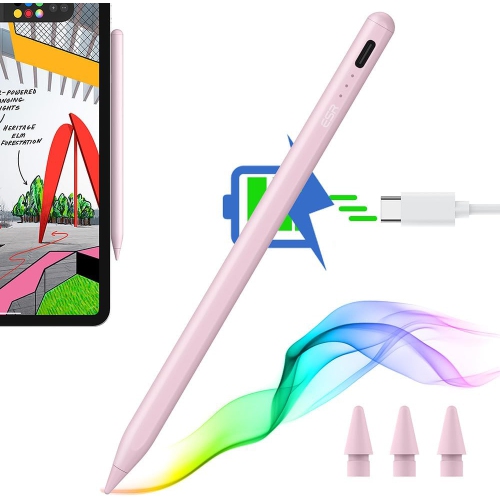
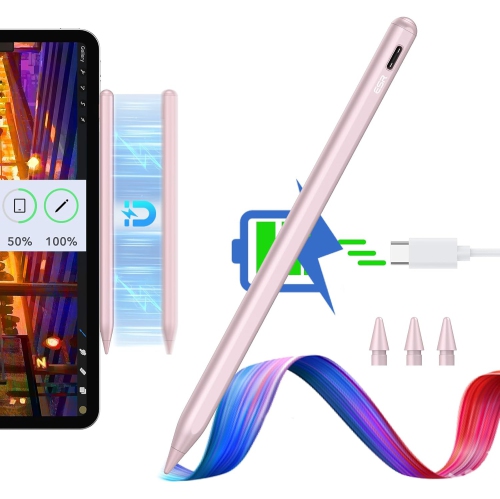
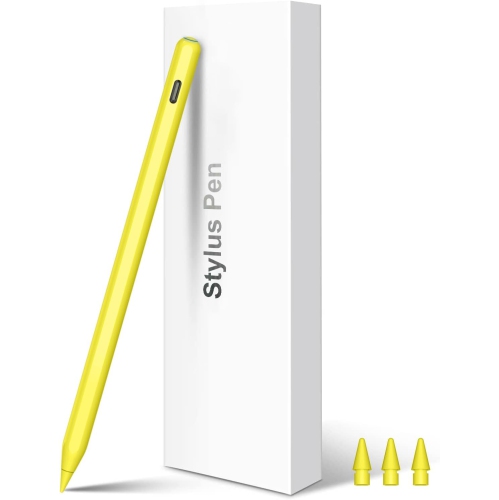
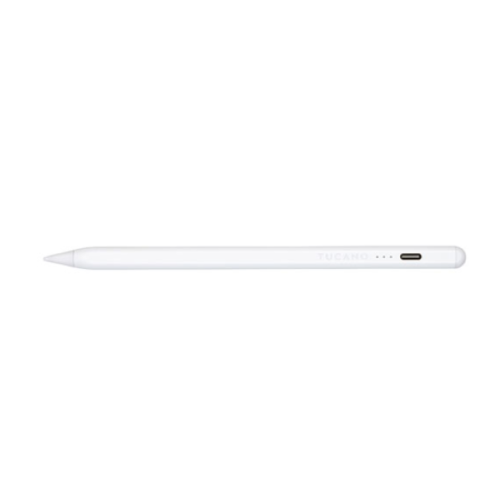
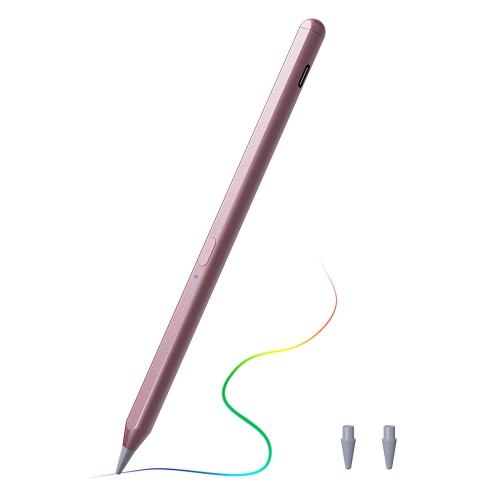
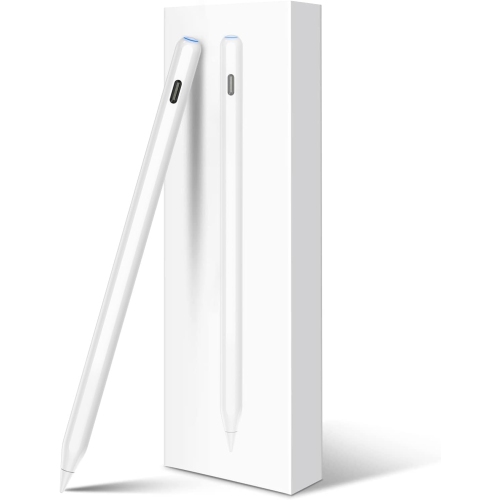
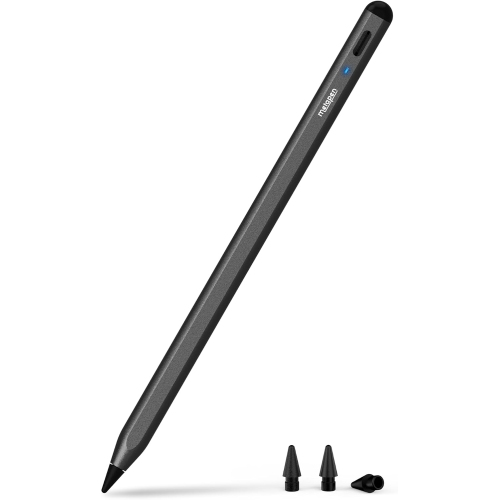
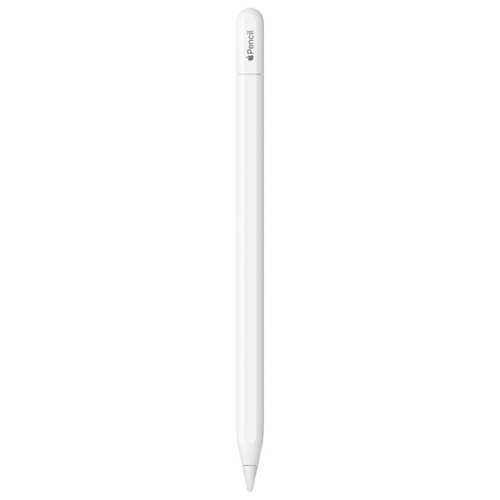
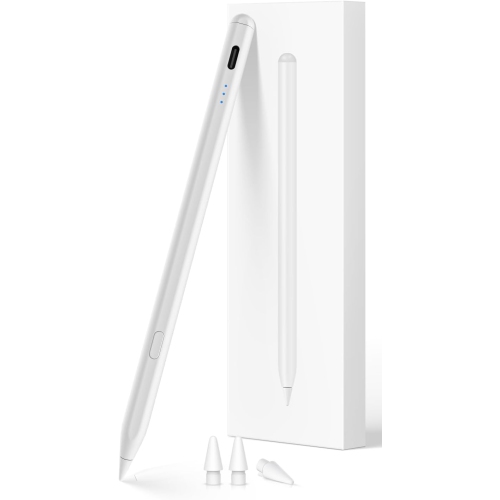
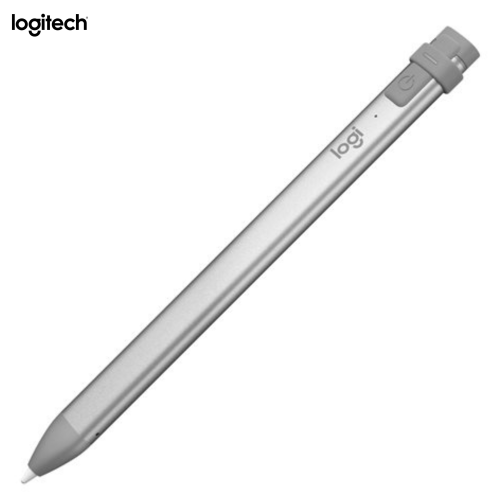
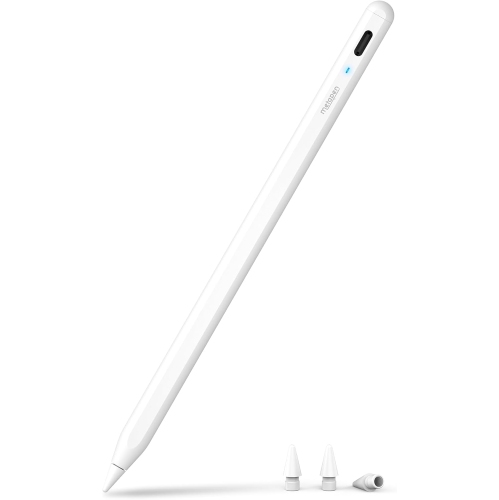
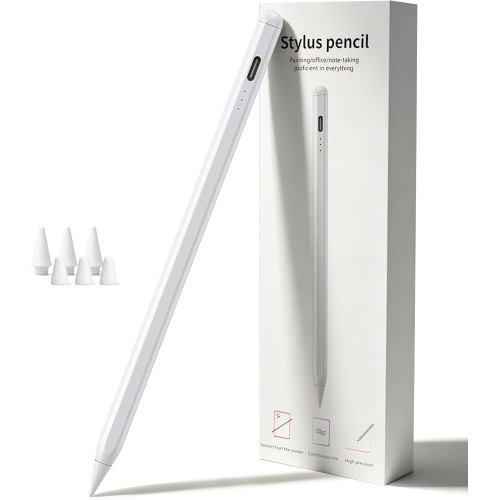
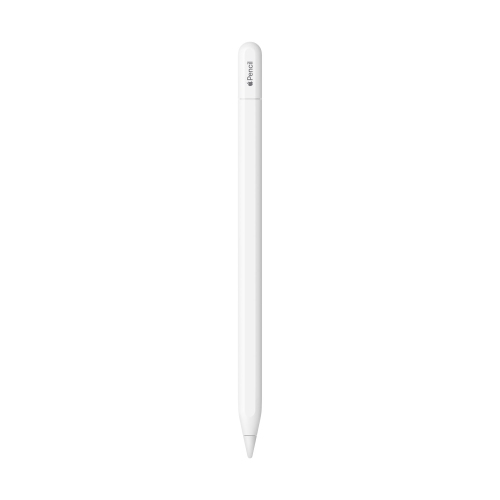
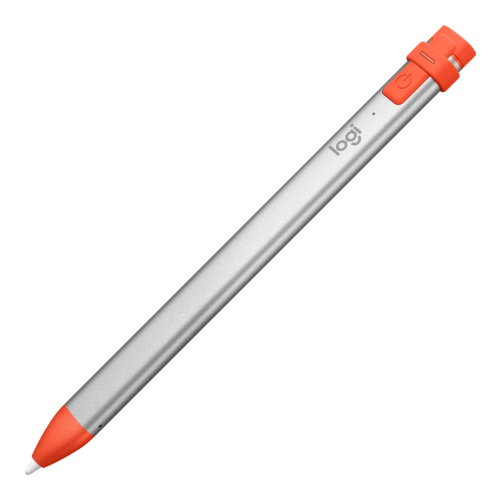
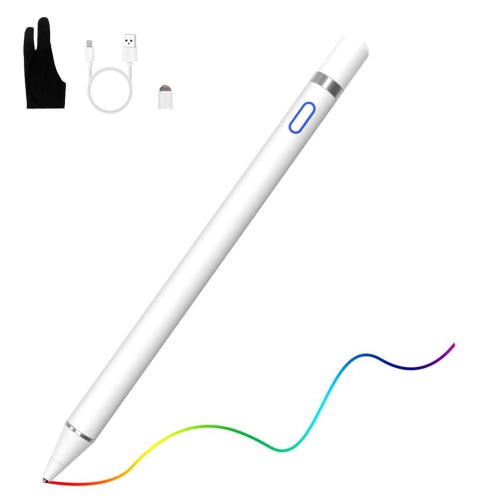
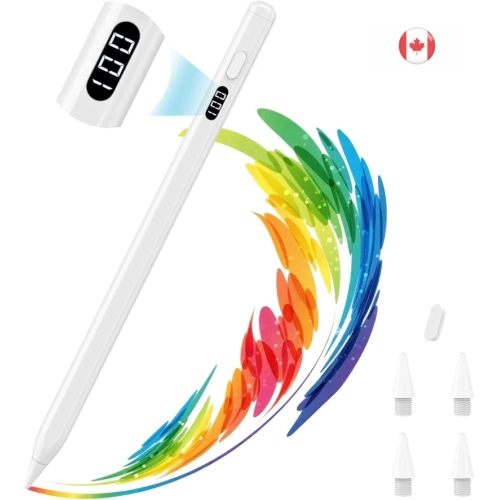
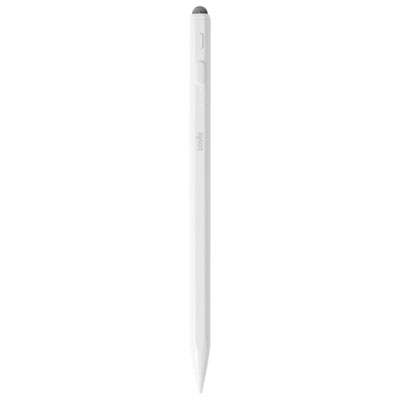
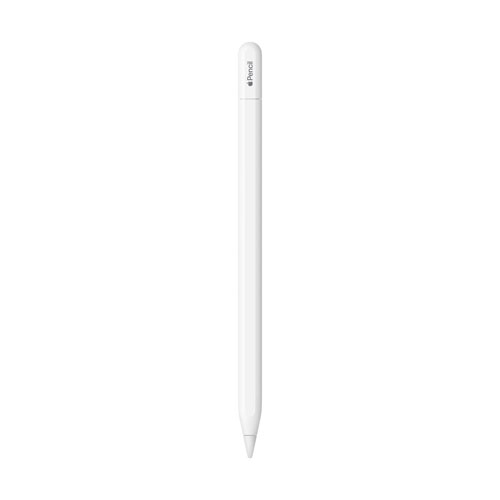
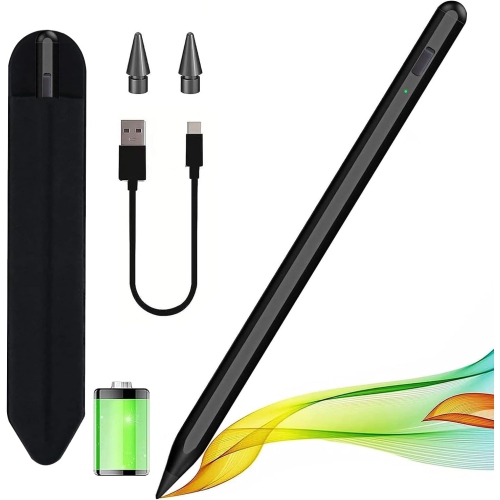
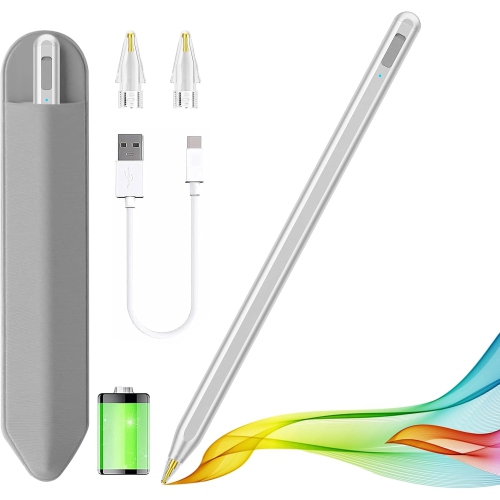
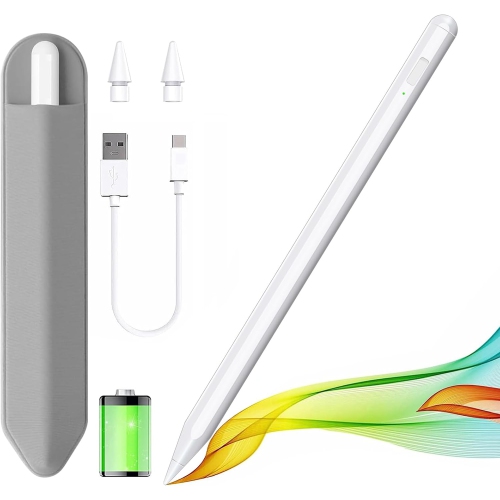
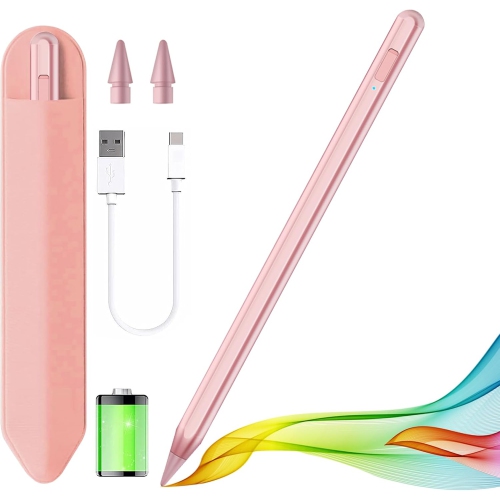
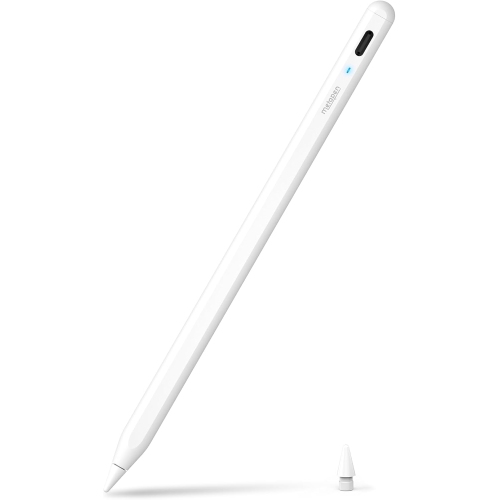
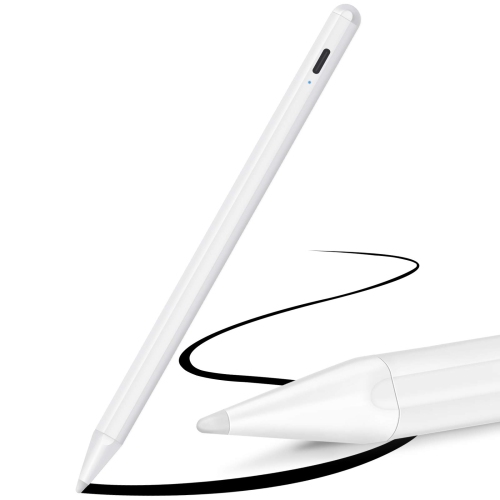
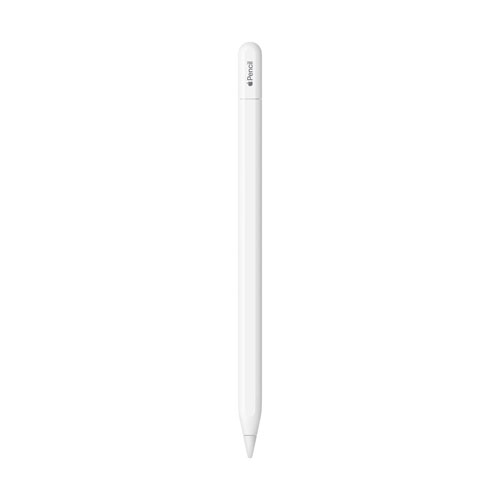
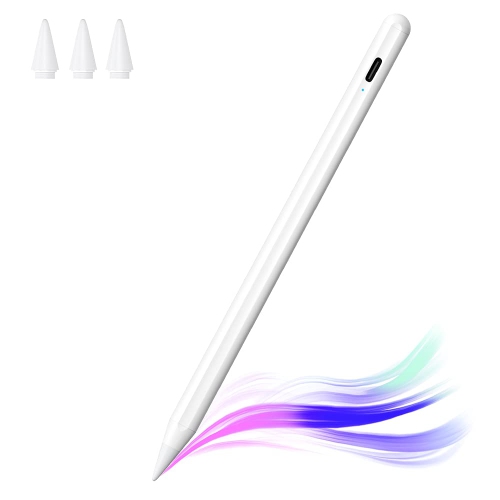
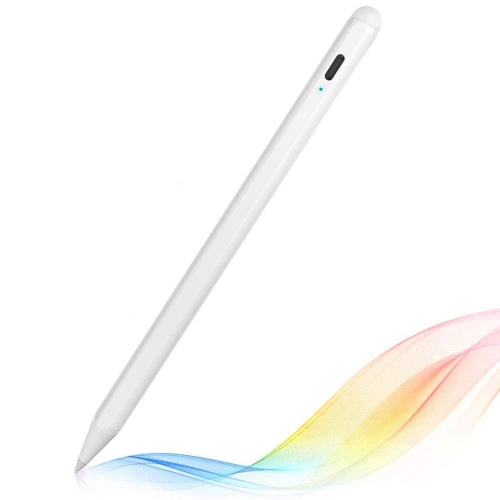
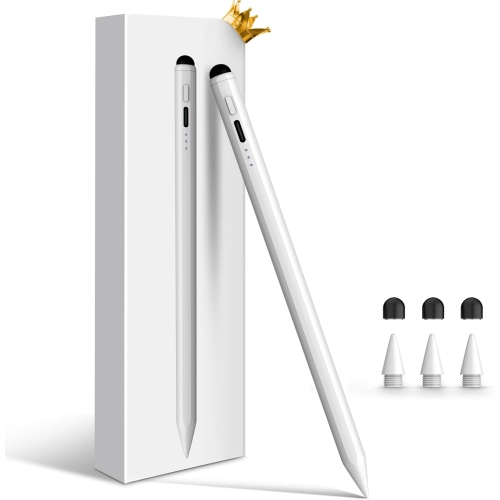
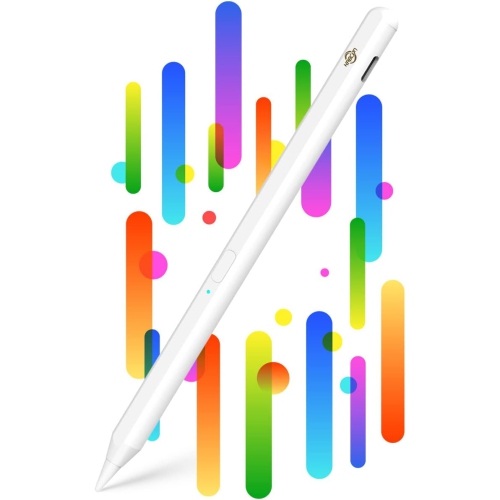
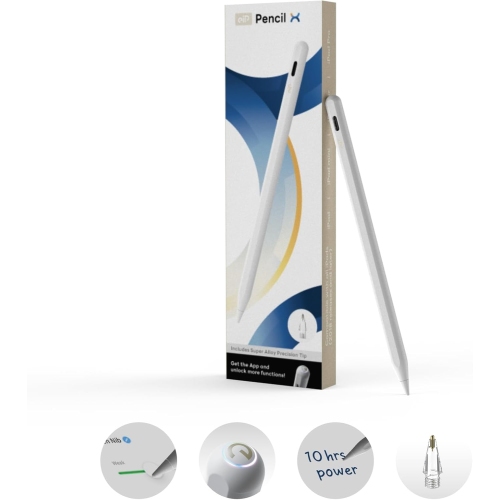
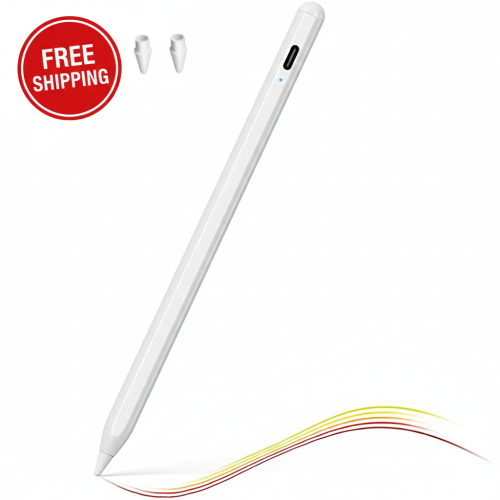
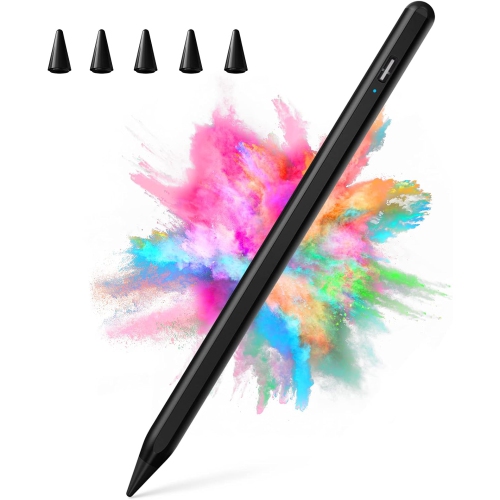
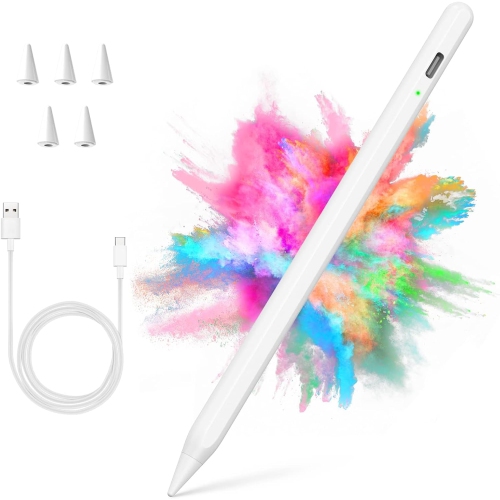
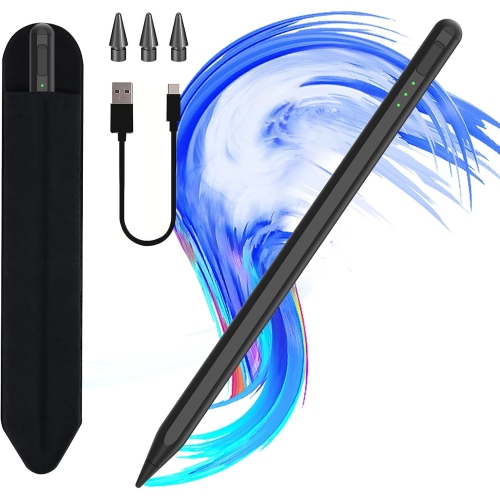
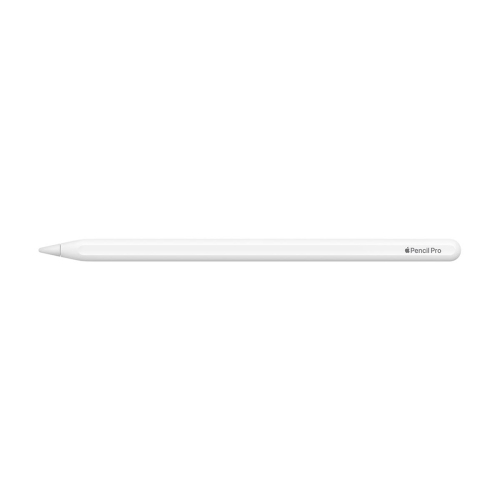
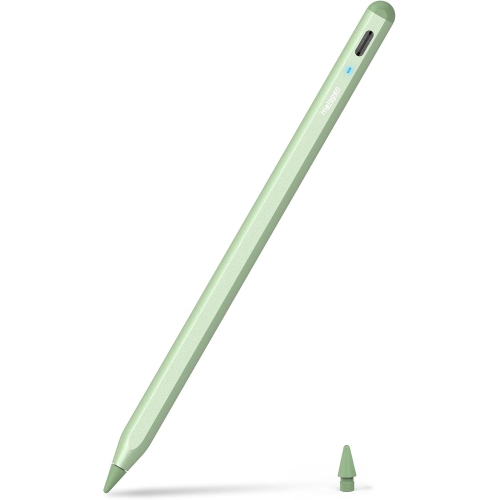
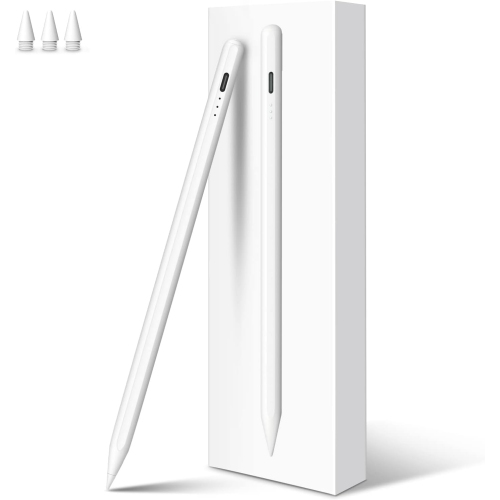
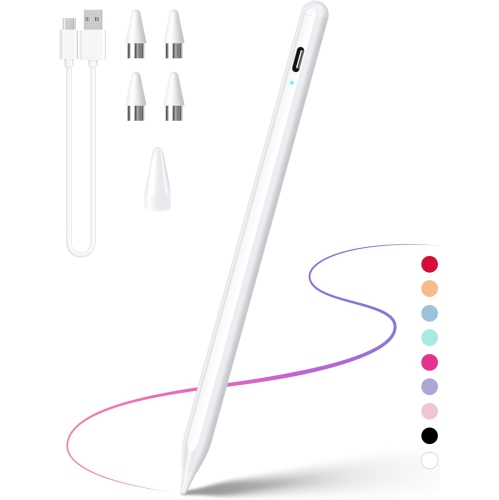
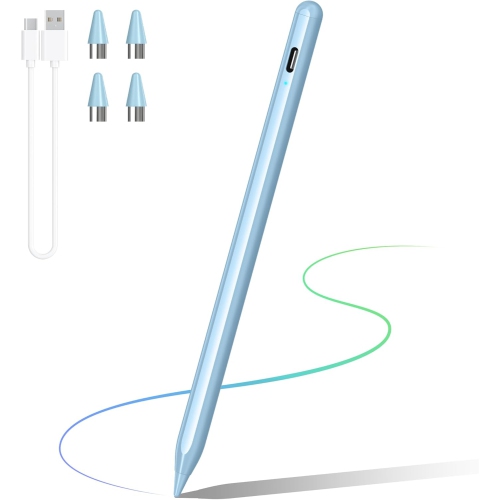
Choosing a pencil for iPad starts with confirming compatibility. iPad models use different connection methods, charging systems and feature sets, so a stylus that works with one generation may not pair with another. Before selecting a pencil, check the exact iPad model name and screen size in Settings, on the original packaging, or on the device itself, then compare that information with the stylus manufacturer’s compatibility list. Some pencils pair wirelessly and charge by attaching magnetically to the side of the tablet, while others connect through a charging port or USB cable. A compatible pencil may support pressure sensitivity, tilt recognition, palm rejection and low-latency writing, but these capabilities can vary by iPad and app. Pressure sensitivity is especially useful for artists who want a light touch to create a fine line and firmer pressure to create a heavier stroke. Tilt recognition can add shading or broaden a mark when the pencil is angled, making it helpful for sketching, colouring and handwritten annotations. Palm rejection allows you to rest your hand naturally on the screen without leaving stray marks, which is valuable when taking notes during a lecture, marking up a document or drawing for an extended session. Some models include shortcut buttons, double-tap controls, magnetic storage, location tracking or a flat-sided design that stays in place on a desk. Others focus on straightforward writing and may be a practical choice for casual users, children or anyone who mainly wants to jot down reminders. If your iPad has a USB-C port, a USB-C-compatible pencil can simplify charging, although not every USB-C stylus offers the same sensitivity or wireless features. Older iPads may require a pencil designed for an earlier connector or pairing method. Taking a few minutes to verify these details can prevent the frustration of receiving a pencil that cannot pair, charge or deliver the features you expected.
The right pencil depends on how the iPad fits into your routine. Students can use one to write lecture notes, solve equations, highlight digital textbooks and organize ideas with handwritten headings. In a busy classroom, palm rejection and a comfortable grip make it easier to keep pace with a lesson, while a durable body and replaceable tip can be reassuring when the pencil travels between a backpack, desk and library table. Professionals may use a stylus to sign forms, review presentations, mark up floor plans, annotate meeting notes or sketch quick diagrams while speaking with a client. For artists, illustrators and hobbyists, pressure sensitivity, tilt support, accurate tracking and a balanced shape are often more important than basic charging convenience. A pencil with precise control can make the difference between a smooth, expressive line and a stroke that feels disconnected from the movement of your hand. It can also be useful for photo editing, lettering, animation and design work, where small adjustments matter. Casual iPad users may prefer a simple stylus for browsing, tapping small controls, writing shopping lists and making occasional sketches, without paying for advanced creative controls they may not use. Families can find these accessories useful for shared tablets, particularly when children are learning to draw, practise printing or explore educational apps. A pencil can also make a thoughtful gift for a student, aspiring artist, teacher, remote worker or traveller who uses an iPad for more than watching videos. For a gift, compatibility is the most important detail to confirm, followed by charging style, grip comfort and the intended activities. Pairing the pencil with an iPad case that leaves the charging edge accessible can make everyday use more convenient. A spare tip, protective case or compact carrying pouch may also be useful for someone who takes their tablet between home, school and work.
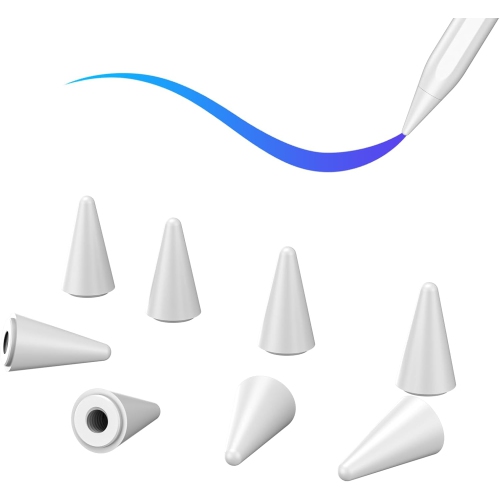
When comparing pencils for iPad, consider the small details that shape the experience over time. Battery life affects whether the pencil is ready for a full day of note-taking or needs frequent charging, while a fast-charging design can be helpful before a class, appointment or creative session. A magnetic attachment can keep the pencil close to the tablet, but it does not always mean that the pencil charges magnetically, so read the specifications carefully. Weight and diameter influence comfort, particularly for people who draw for hours or take lengthy handwritten notes. A matte or textured finish may feel more secure in the hand, while a smooth surface can be easier to clean. Look for a replaceable tip if you expect regular use, and check whether replacement parts are readily available. Low-latency performance helps digital ink appear close to the tip as you write, creating a more natural pen-on-paper sensation. Compatibility with common note-taking, drawing, document and education apps is also worth considering, since some functions depend on the app rather than the pencil alone. Artists who use an iPad as a primary creative tool may want advanced controls such as pressure response, tilt recognition, programmable shortcuts or rotation-aware input. For simple annotations, lists and signatures, reliable palm rejection and comfortable writing may matter more than a long feature list. A pencil can bring a more direct, tactile feel to an iPad, turning a smooth glass screen into a practical notebook, sketchpad or canvas. If drawing is the main purpose, exploring larger screens and compatible accessories alongside these pencils can help create a more comfortable setup; browse iPads for Drawing to compare tablets suited to creative work. The best choice is the one that matches your iPad exactly, feels natural in your hand and supports the way you expect to write, draw, learn or work.
The right pencil depends on how the iPad fits into your routine. Students can use one to write lecture notes, solve equations, highlight digital textbooks and organize ideas with handwritten headings. In a busy classroom, palm rejection and a comfortable grip make it easier to keep pace with a lesson, while a durable body and replaceable tip can be reassuring when the pencil travels between a backpack, desk and library table. Professionals may use a stylus to sign forms, review presentations, mark up floor plans, annotate meeting notes or sketch quick diagrams while speaking with a client. For artists, illustrators and hobbyists, pressure sensitivity, tilt support, accurate tracking and a balanced shape are often more important than basic charging convenience. A pencil with precise control can make the difference between a smooth, expressive line and a stroke that feels disconnected from the movement of your hand. It can also be useful for photo editing, lettering, animation and design work, where small adjustments matter. Casual iPad users may prefer a simple stylus for browsing, tapping small controls, writing shopping lists and making occasional sketches, without paying for advanced creative controls they may not use. Families can find these accessories useful for shared tablets, particularly when children are learning to draw, practise printing or explore educational apps. A pencil can also make a thoughtful gift for a student, aspiring artist, teacher, remote worker or traveller who uses an iPad for more than watching videos. For a gift, compatibility is the most important detail to confirm, followed by charging style, grip comfort and the intended activities. Pairing the pencil with an iPad case that leaves the charging edge accessible can make everyday use more convenient. A spare tip, protective case or compact carrying pouch may also be useful for someone who takes their tablet between home, school and work.
When comparing pencils for iPad, consider the small details that shape the experience over time. Battery life affects whether the pencil is ready for a full day of note-taking or needs frequent charging, while a fast-charging design can be helpful before a class, appointment or creative session. A magnetic attachment can keep the pencil close to the tablet, but it does not always mean that the pencil charges magnetically, so read the specifications carefully. Weight and diameter influence comfort, particularly for people who draw for hours or take lengthy handwritten notes. A matte or textured finish may feel more secure in the hand, while a smooth surface can be easier to clean. Look for a replaceable tip if you expect regular use, and check whether replacement parts are readily available. Low-latency performance helps digital ink appear close to the tip as you write, creating a more natural pen-on-paper sensation. Compatibility with common note-taking, drawing, document and education apps is also worth considering, since some functions depend on the app rather than the pencil alone. Artists who use an iPad as a primary creative tool may want advanced controls such as pressure response, tilt recognition, programmable shortcuts or rotation-aware input. For simple annotations, lists and signatures, reliable palm rejection and comfortable writing may matter more than a long feature list. A pencil can bring a more direct, tactile feel to an iPad, turning a smooth glass screen into a practical notebook, sketchpad or canvas. If drawing is the main purpose, exploring larger screens and compatible accessories alongside these pencils can help create a more comfortable setup; browse iPads for Drawing to compare tablets suited to creative work. The best choice is the one that matches your iPad exactly, feels natural in your hand and supports the way you expect to write, draw, learn or work.
Top selling and popular products
-
 Your price for this item is $175.68
 -
 Your price for this item is $169
 -
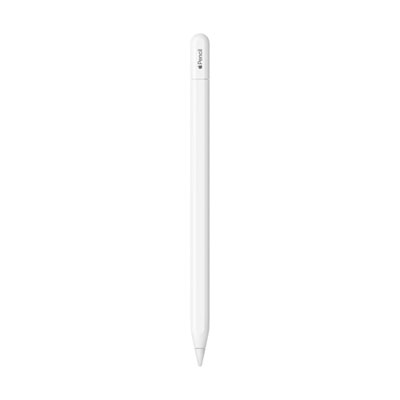 Your price for this item is $109
 -
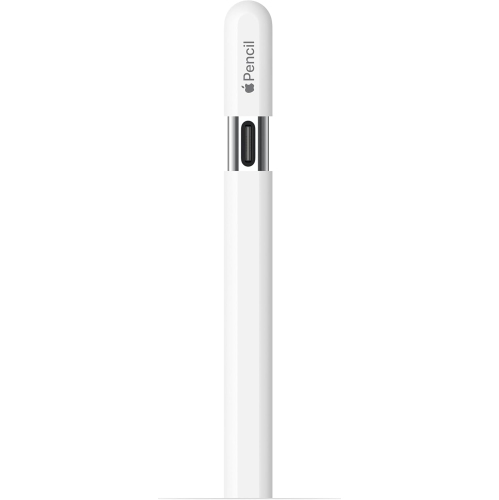 Your price for this item is $96.9
 -
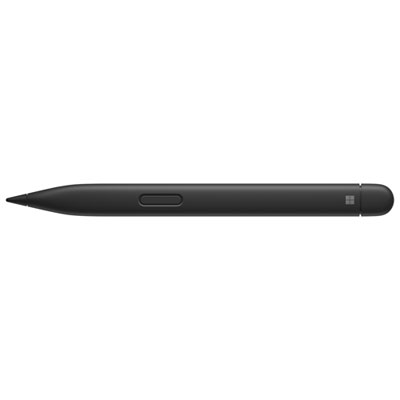 Your price for this item is $189.99
 -
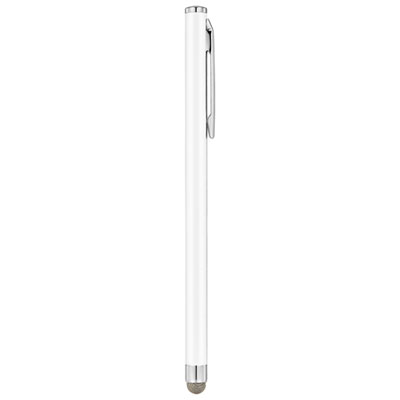 Your price for this item is $9.99
 -
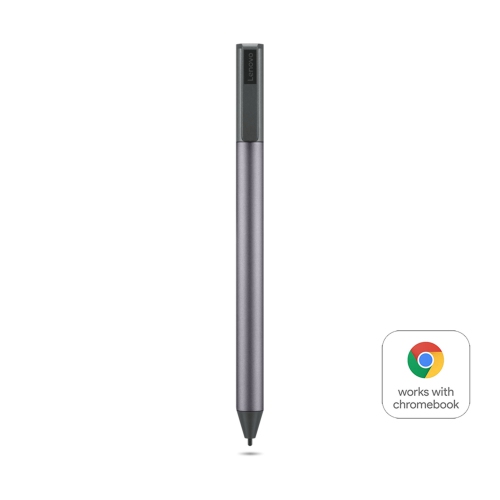 Your price for this item is $71.99
 -
 Your price for this item is $21.99
Discover more categories related to Pencils for iPad
Top Collections:
Pokemon Centers, Kindle Devices, Best Cameras for Sports Photography, Pokémon 30th Celebration Cards, Apple iPhones 16, Canon G7X Cameras, iPhone 15 Apple, Flip Phones, Samsung Galaxy Phones, Alarm Clock
Some products may be subject to Environmental Handling Fees
(EHF) depending on your province.
Learn more about EHFs.