Duplex Fiber Optic Patch Cables
Duplex fiber optic patch cables are essential components for high-speed data transmission in networking environments. Designed for seamless connectivity between devices, these cables support efficient communication across a variety of applications, from data centers to office networks. Explore a wide selection of duplex fiber optic patch cables to find the right fit for your setup, ensuring reliable connections and optimal performance for your network infrastructure.
Sort





What matters for reliable fibre network connections
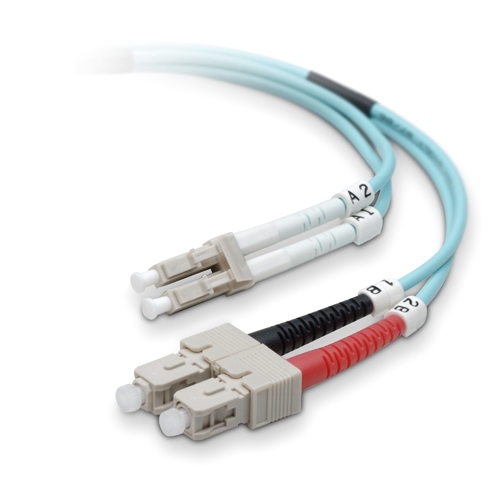
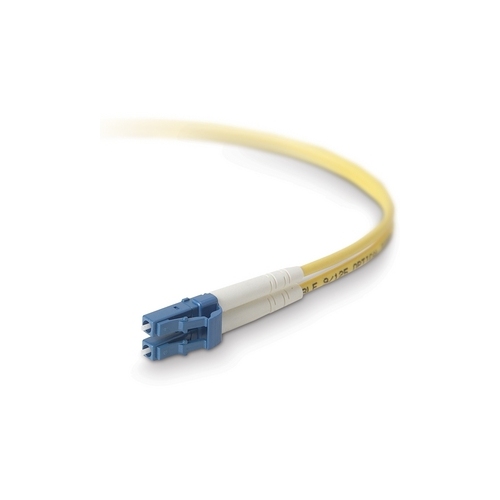
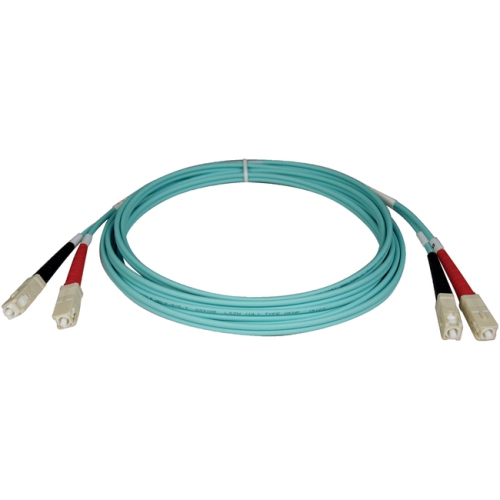
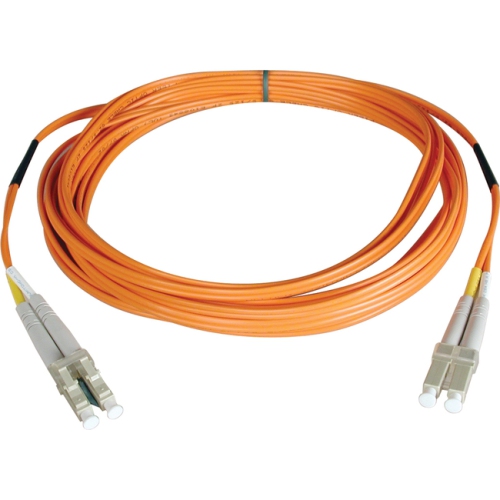
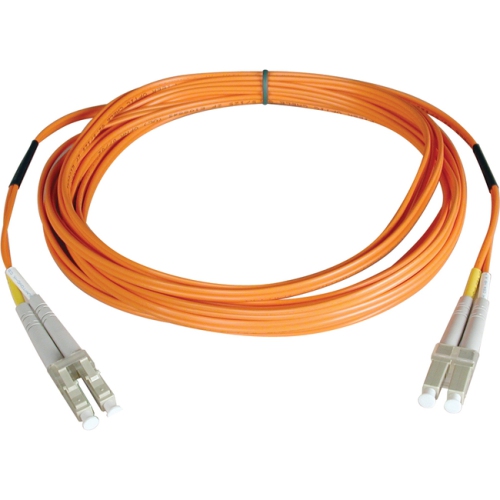
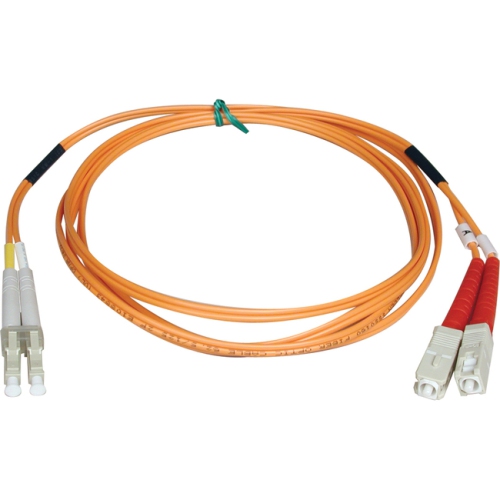
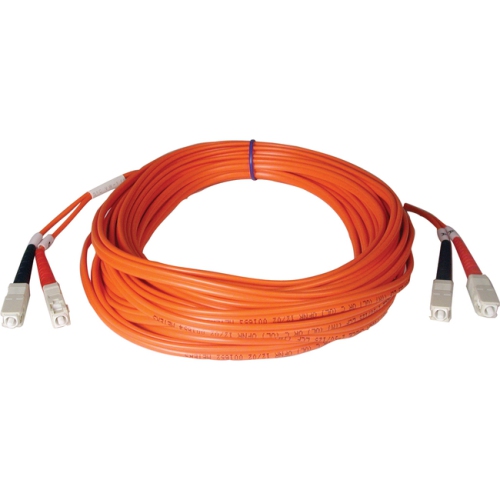
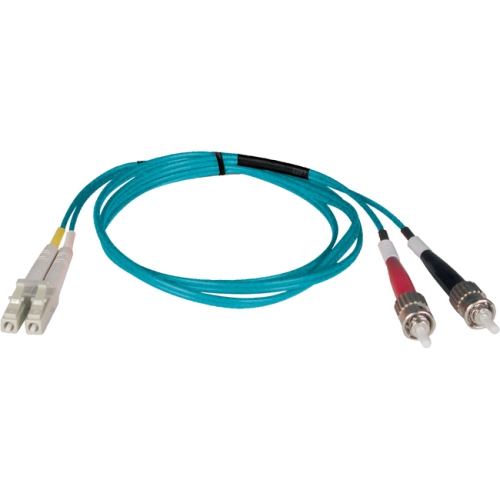
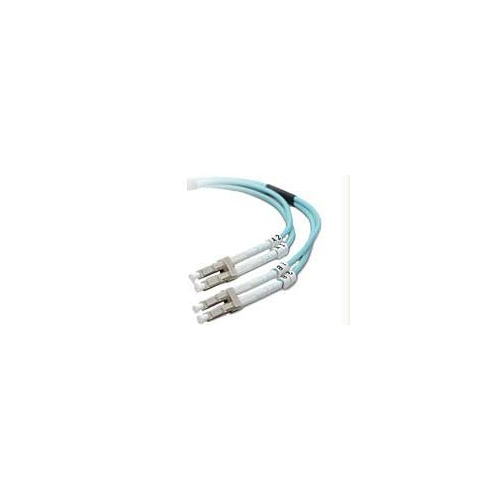
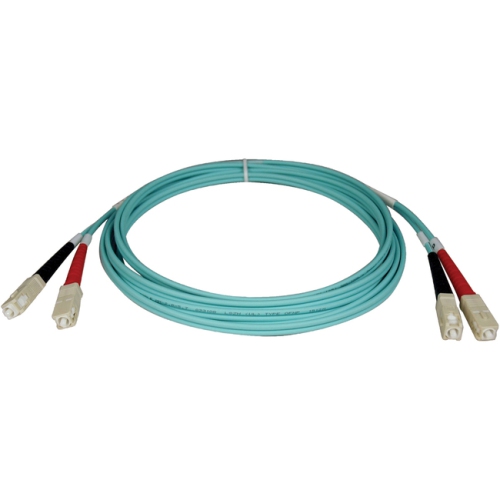
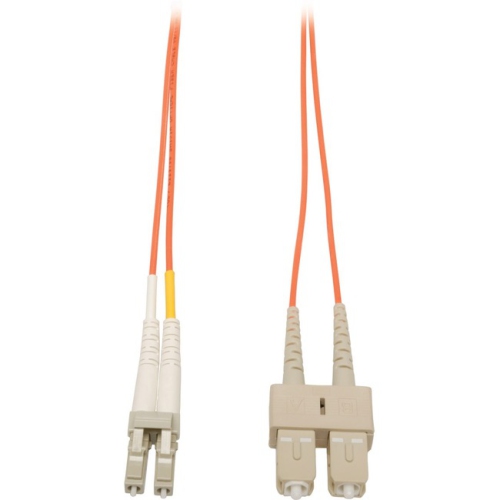
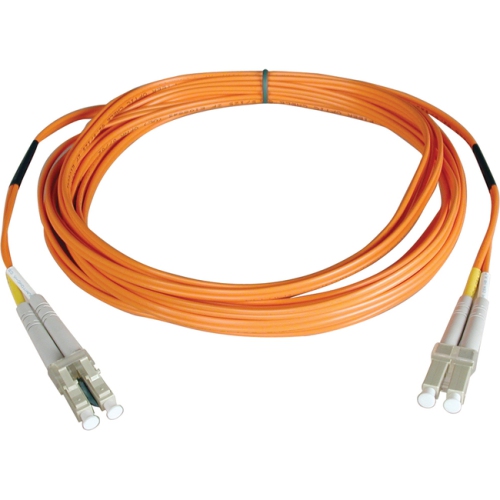
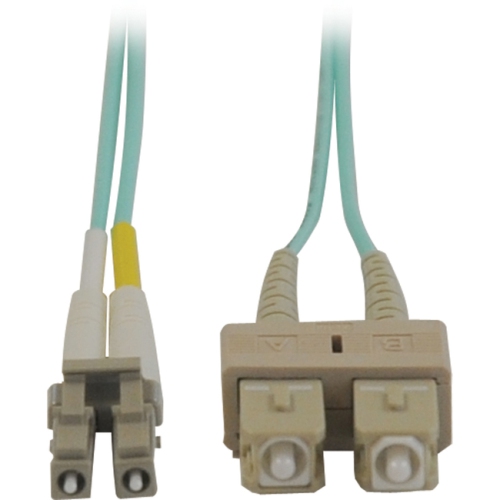
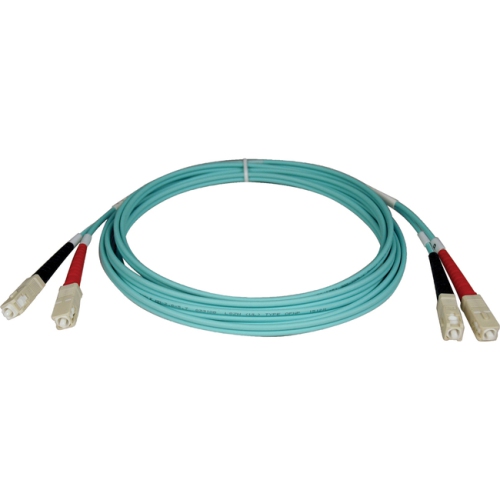
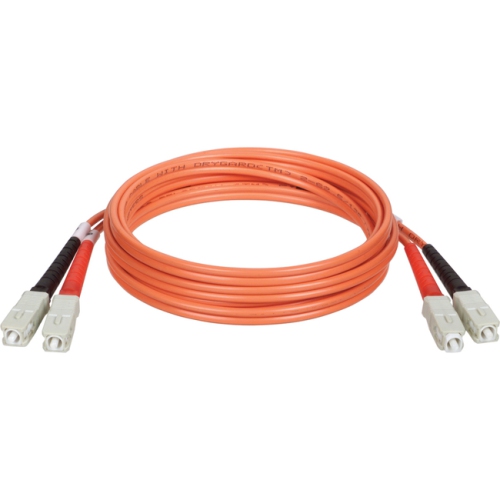
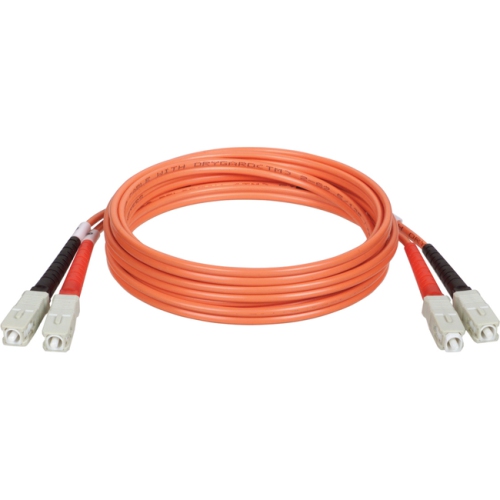
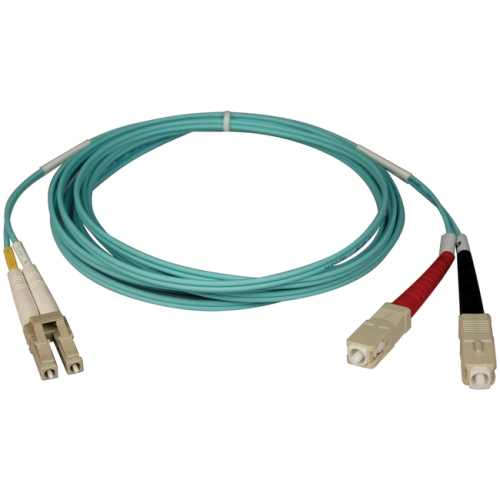
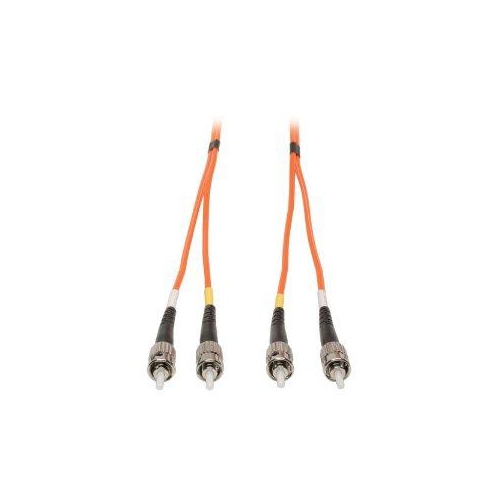
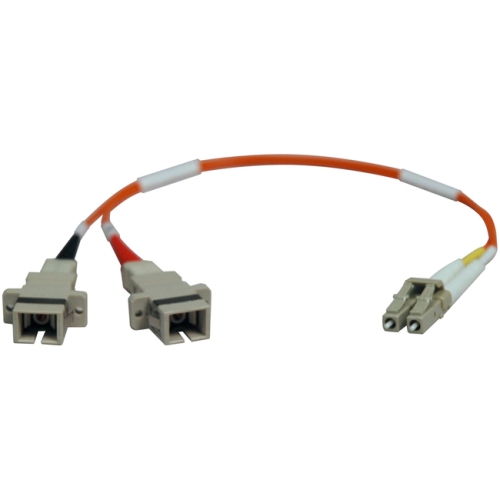
Duplex fiber optic patch cables provide a dependable way to connect network equipment where fast, stable data transfer is important. Each cable contains two separate optical fibres joined in a flexible zipcord-style jacket, with one fibre typically carrying outgoing signals and the other carrying incoming signals. This two-fibre arrangement supports simultaneous transmission and reception, making duplex cables a practical choice for links between network switches, transceivers, patch panels, servers, storage equipment, and other compatible hardware. They are often used in data centres, telecommunications rooms, business networks, campuses, security systems, and high-performance home labs where copper cabling may not meet distance, bandwidth, or interference requirements. Because optical fibre carries data using light rather than electrical current, these cables can help maintain signal quality over longer runs and in areas with substantial electrical equipment. They are also useful when a neat, organized installation matters: the paired fibres can be routed together through racks, cabinets, and cable-management channels, while the separate A and B markings help identify polarity. For anyone upgrading a network, expanding a communications cabinet, or replacing a damaged connection, a duplex fibre patch cable can be a small component with an important role in keeping the entire system connected.
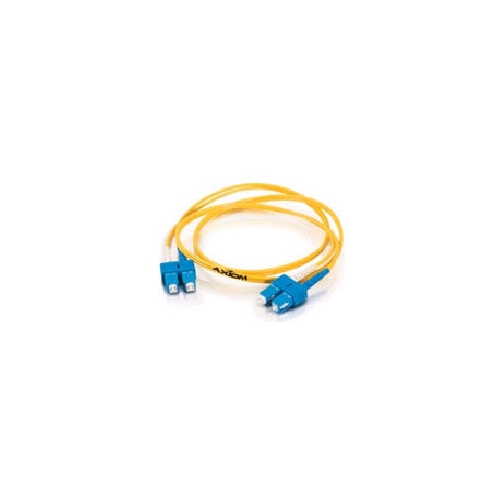
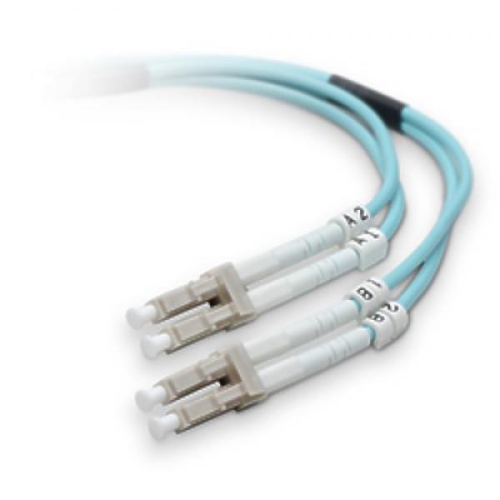
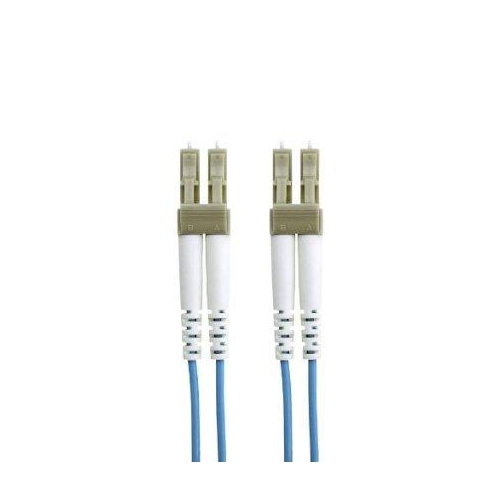
Choosing the right cable starts with matching the connectors to the ports on the equipment. LC connectors are compact and common in modern switches, servers, and transceivers, while SC connectors have a larger push-pull housing and are often found on patch panels and older installations. ST connectors use a bayonet-style coupling and may still appear in specialized networking, industrial, or communications equipment. Cable descriptions may identify combinations such as LC-to-LC, LC-to-SC, or SC-to-SC, so checking both ends before ordering can prevent an inconvenient mismatch. Fibre type is equally important. Single-mode, often identified as OS2, uses a narrow core and is designed for longer-distance links, making it suitable for telecommunications, campus connections, and extended runs between buildings or network rooms when the connected hardware supports it. Multimode options, including OM3, OM4, and OM5, use a wider core and are generally selected for shorter, high-speed connections within data centres and enterprise networks. Colour can offer a helpful visual clue, but it should not replace checking the specifications: multimode jackets are commonly aqua or another distinctive colour, while single-mode cables may use yellow, but conventions can vary. Compatibility with the transceiver, switch, patch panel, and network standard should always take priority over appearance.
Length deserves careful attention as well. A cable that is too short can place strain on connectors and make a rack difficult to service, while an unnecessarily long cable may create loops that obstruct airflow, complicate troubleshooting, or crowd a patching area. Measure the intended route through the rack or cabinet rather than relying only on the straight-line distance, and allow enough slack for equipment movement and future maintenance without leaving excessive cable coiled behind the panel. Bend-insensitive construction can be especially helpful around tight rack corners and dense patching areas, but every fibre cable still has a minimum bend radius that should be respected. Confirm the required data rate and the cable’s supported application before connecting it to a 10G, 40G, 100G, or faster network. Some higher-speed configurations use parallel-fibre arrangements or specialized transceiver connections, so a standard duplex cable may not be the correct choice for every link. It is also worth checking whether the system requires straight-through polarity, reversed polarity, or a specific A/B arrangement. If a new connection does not establish properly, verifying polarity, connector cleanliness, fibre type, and transceiver compatibility is often a sensible first step. Keep protective caps in place until installation, avoid touching the polished connector ends, and store spare cables in a dry, dust-free location with their bend limits maintained. For shorter runs in a compact office, entertainment area, or home networking cabinet, browsing Short Patch Cables can help when a full-length cable would leave unnecessary slack. Duplex fibre patch cables are most often purchased by IT professionals, network installers, small-business owners, students building technical labs, and home users managing advanced networking equipment; they can also be a thoughtful practical gift for someone setting up a server rack or pursuing hands-on networking projects. With the correct connector, fibre classification, length, polarity, and speed rating, they provide a tidy and capable connection for everyday network traffic as well as demanding data workloads.
Choosing the right cable starts with matching the connectors to the ports on the equipment. LC connectors are compact and common in modern switches, servers, and transceivers, while SC connectors have a larger push-pull housing and are often found on patch panels and older installations. ST connectors use a bayonet-style coupling and may still appear in specialized networking, industrial, or communications equipment. Cable descriptions may identify combinations such as LC-to-LC, LC-to-SC, or SC-to-SC, so checking both ends before ordering can prevent an inconvenient mismatch. Fibre type is equally important. Single-mode, often identified as OS2, uses a narrow core and is designed for longer-distance links, making it suitable for telecommunications, campus connections, and extended runs between buildings or network rooms when the connected hardware supports it. Multimode options, including OM3, OM4, and OM5, use a wider core and are generally selected for shorter, high-speed connections within data centres and enterprise networks. Colour can offer a helpful visual clue, but it should not replace checking the specifications: multimode jackets are commonly aqua or another distinctive colour, while single-mode cables may use yellow, but conventions can vary. Compatibility with the transceiver, switch, patch panel, and network standard should always take priority over appearance.
Length deserves careful attention as well. A cable that is too short can place strain on connectors and make a rack difficult to service, while an unnecessarily long cable may create loops that obstruct airflow, complicate troubleshooting, or crowd a patching area. Measure the intended route through the rack or cabinet rather than relying only on the straight-line distance, and allow enough slack for equipment movement and future maintenance without leaving excessive cable coiled behind the panel. Bend-insensitive construction can be especially helpful around tight rack corners and dense patching areas, but every fibre cable still has a minimum bend radius that should be respected. Confirm the required data rate and the cable’s supported application before connecting it to a 10G, 40G, 100G, or faster network. Some higher-speed configurations use parallel-fibre arrangements or specialized transceiver connections, so a standard duplex cable may not be the correct choice for every link. It is also worth checking whether the system requires straight-through polarity, reversed polarity, or a specific A/B arrangement. If a new connection does not establish properly, verifying polarity, connector cleanliness, fibre type, and transceiver compatibility is often a sensible first step. Keep protective caps in place until installation, avoid touching the polished connector ends, and store spare cables in a dry, dust-free location with their bend limits maintained. For shorter runs in a compact office, entertainment area, or home networking cabinet, browsing Short Patch Cables can help when a full-length cable would leave unnecessary slack. Duplex fibre patch cables are most often purchased by IT professionals, network installers, small-business owners, students building technical labs, and home users managing advanced networking equipment; they can also be a thoughtful practical gift for someone setting up a server rack or pursuing hands-on networking projects. With the correct connector, fibre classification, length, polarity, and speed rating, they provide a tidy and capable connection for everyday network traffic as well as demanding data workloads.
Top selling and popular products
-
 Your price for this item is $199.99
-
 Your price for this item is $45.37
-
 Your price for this item is $46
-
 Your price for this item is $282.68
-
 Your price for this item is $57.99
-
 Your price for this item is $11.97
-
 Your price for this item is $28.99
-
 Your price for this item is $77.68
Discover more categories related to Duplex Fiber Optic Patch Cables

Top Collections:
Pokemon Centers, Kindle Devices, Best Cameras for Sports Photography, Pokémon 30th Celebration Cards, Apple iPhones 16, Canon G7X Cameras, iPhone 15 Apple, Flip Phones, Samsung Galaxy Phones, Alarm Clock
Some products may be subject to Environmental Handling Fees
(EHF) depending on your province.
Learn more about EHFs.