DVI I Dual Link Cables
Looking to enhance your multimedia experience? Look no further than our selection of DVI-I dual-link cables. These versatile cables are designed to deliver the highest-quality audio and video signals from your computer to a monitor or projector. They are also compatible with a wide range of devices, including HDTVs, DVD players, and gaming consoles. Explore our selection of cables to find the right one for your needs.
Sort


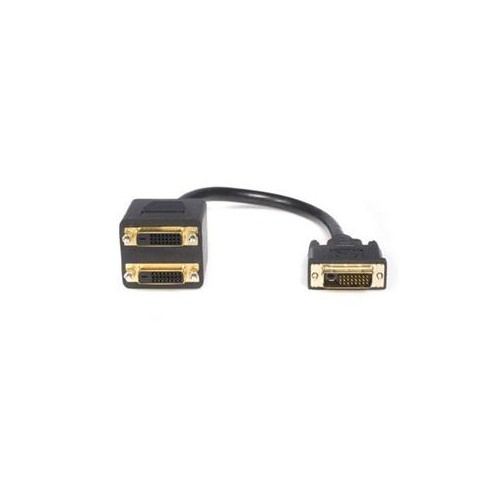
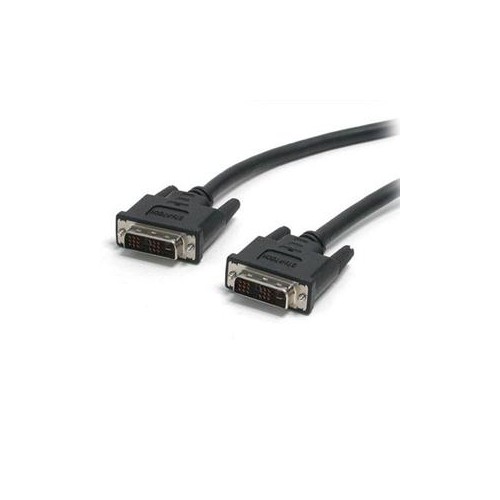
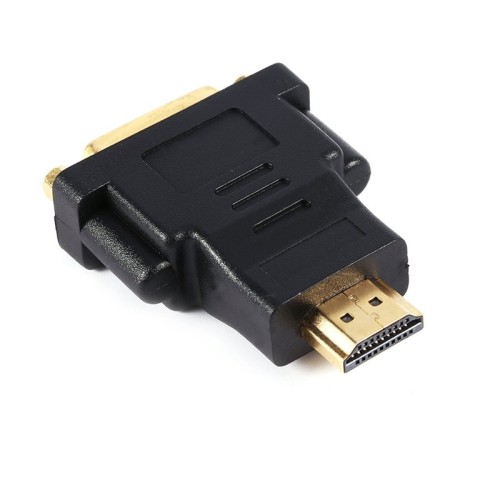
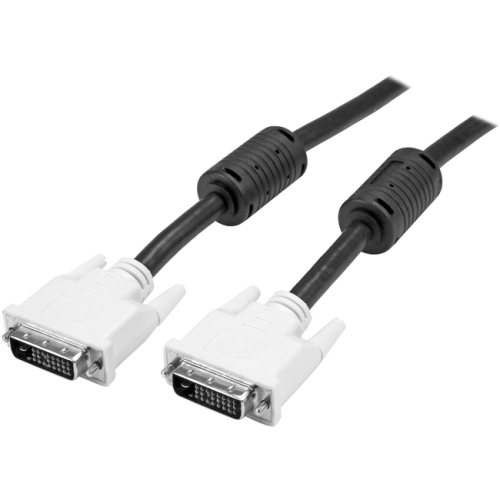


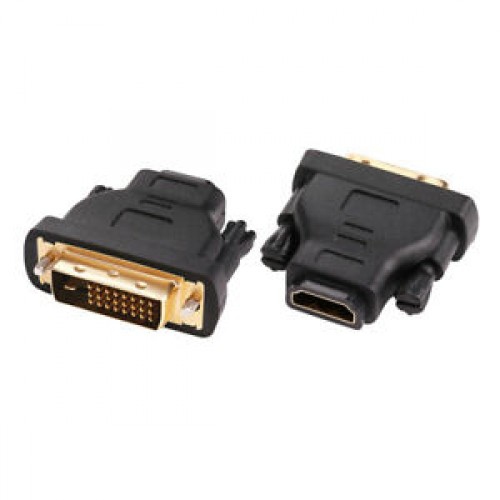
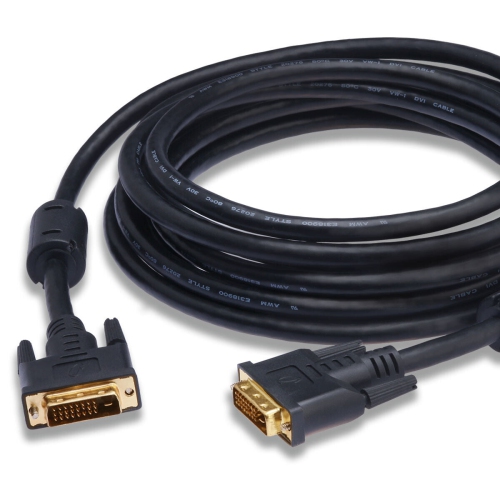
Understanding signal compatibility for higher-resolution legacy displays
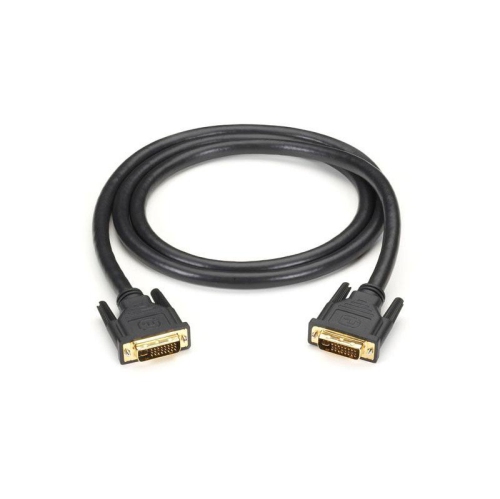
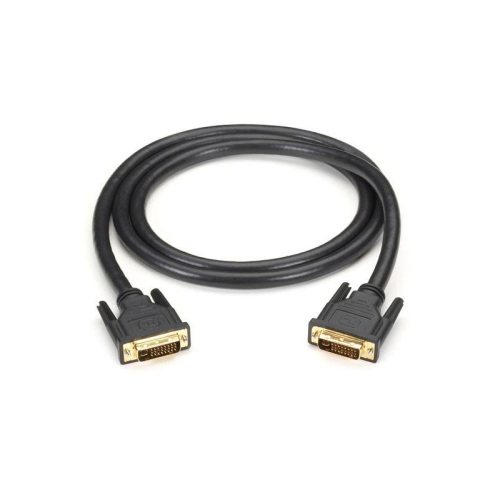
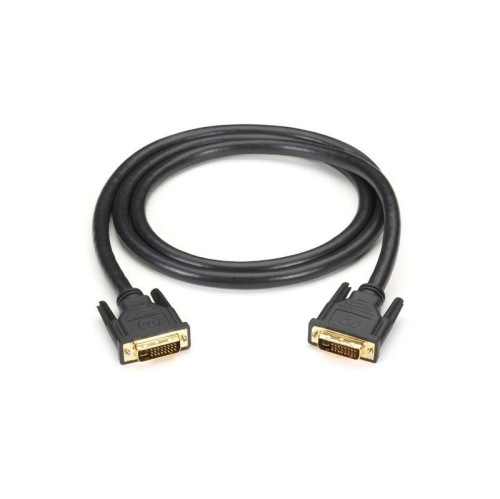
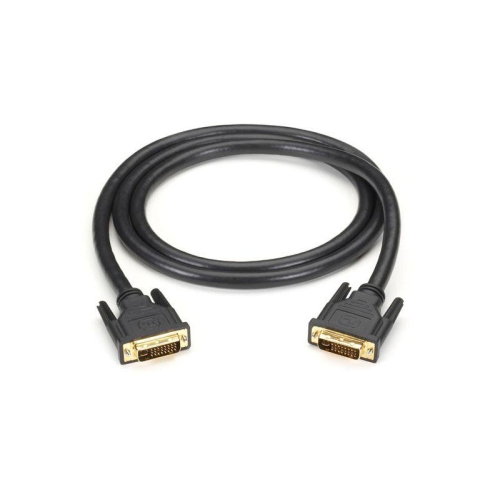
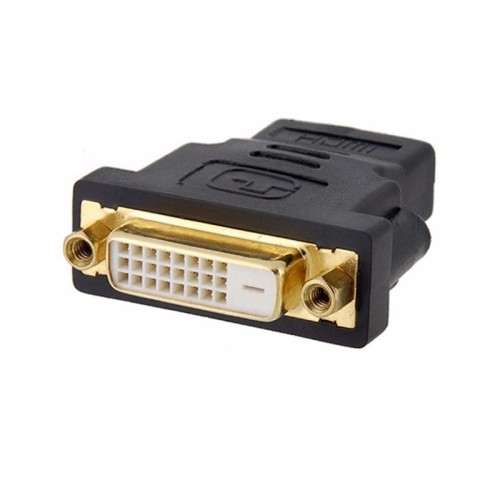
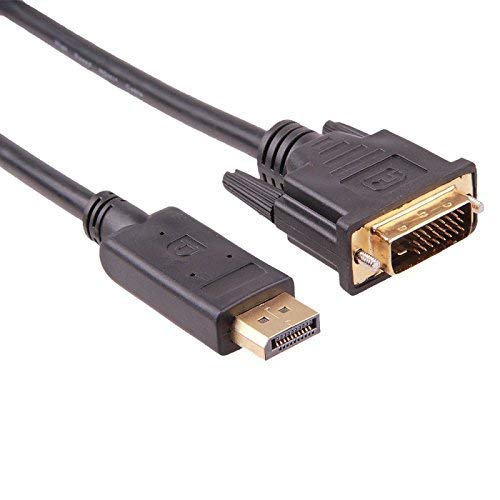
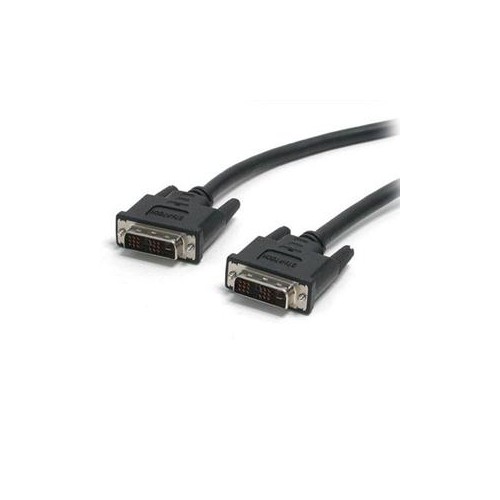
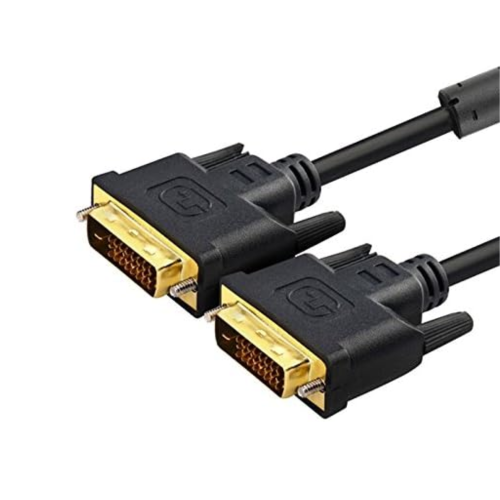
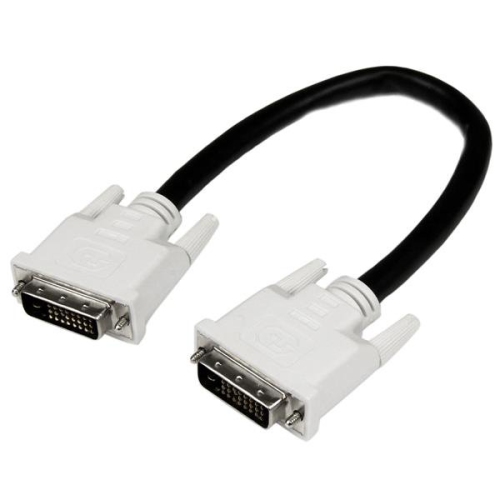
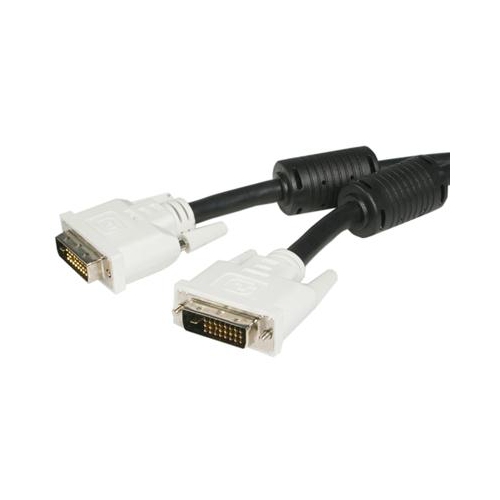
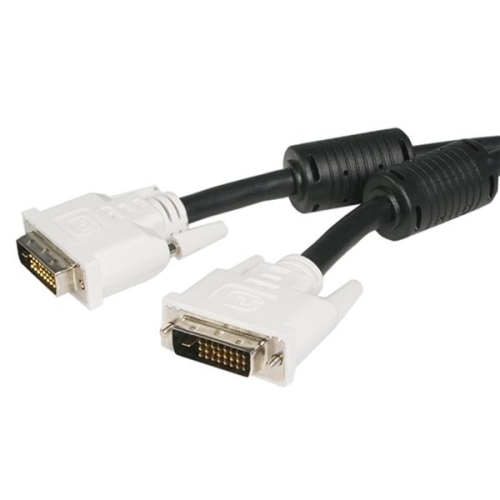
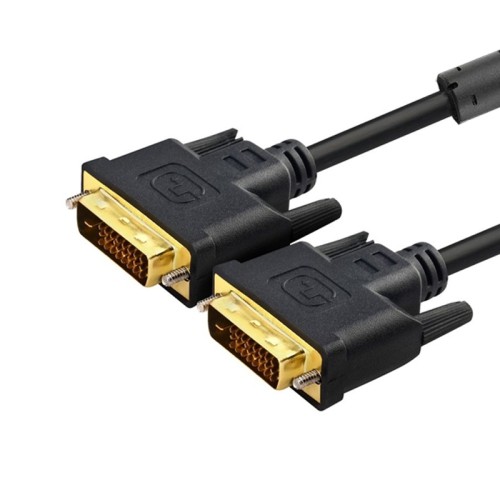
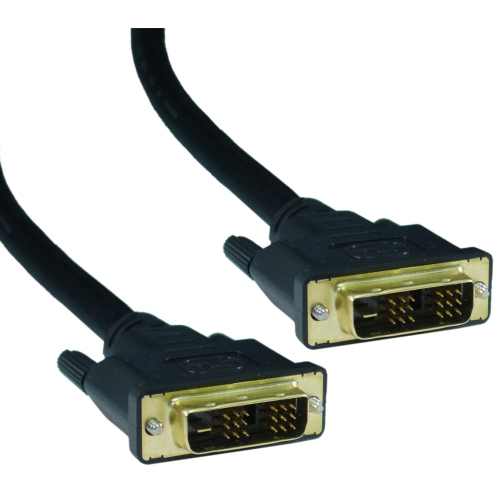
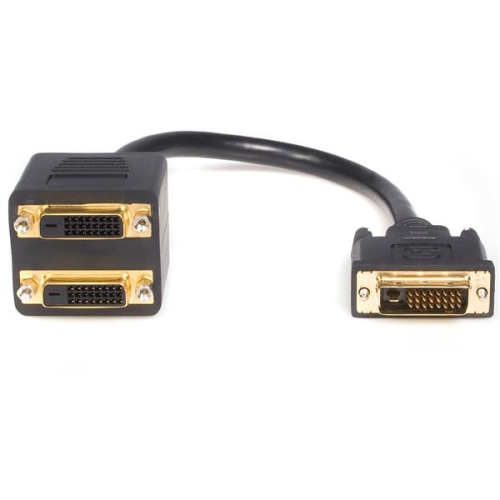
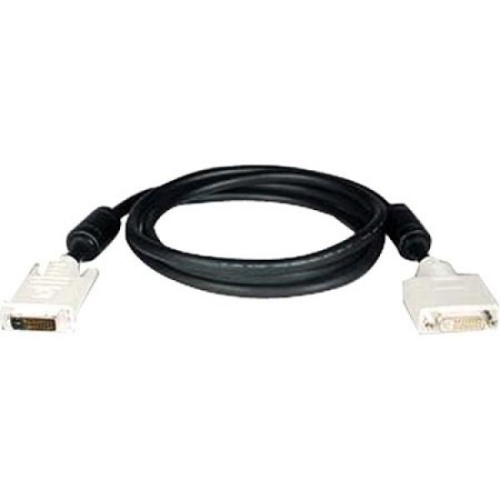
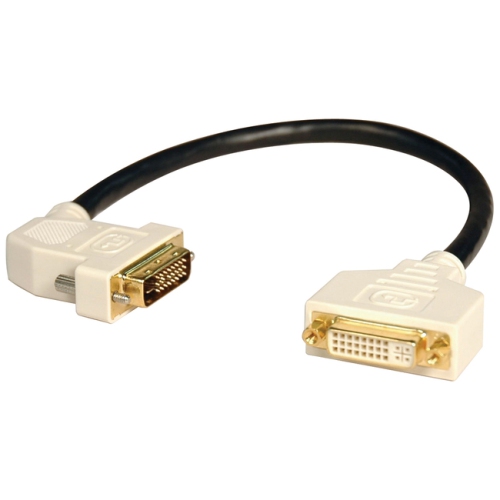
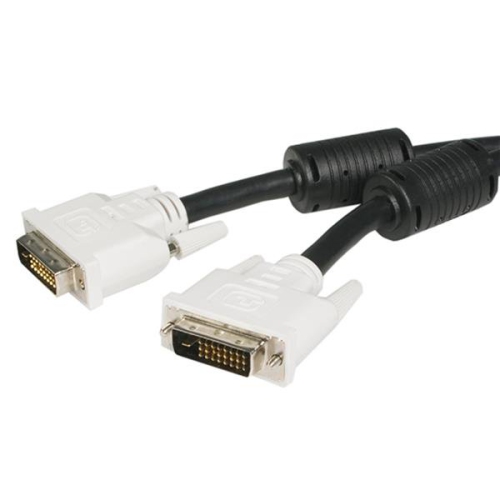
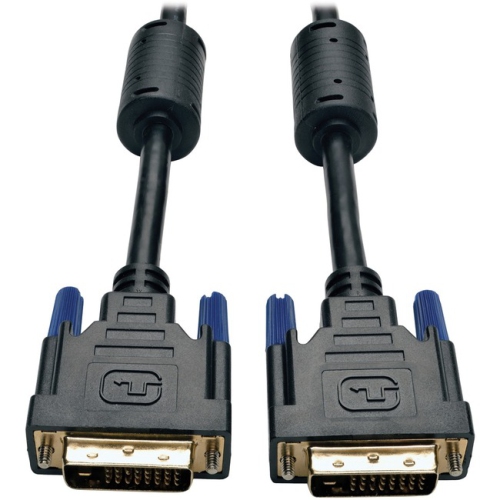
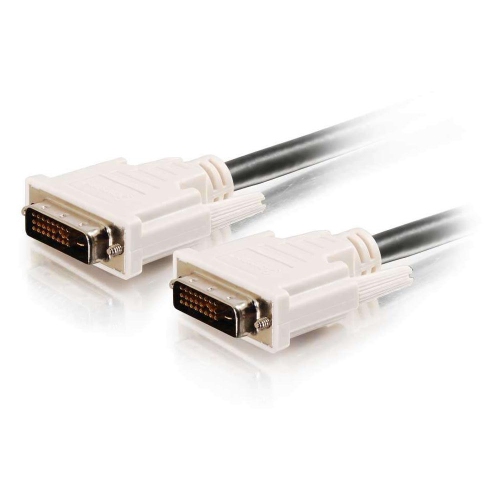
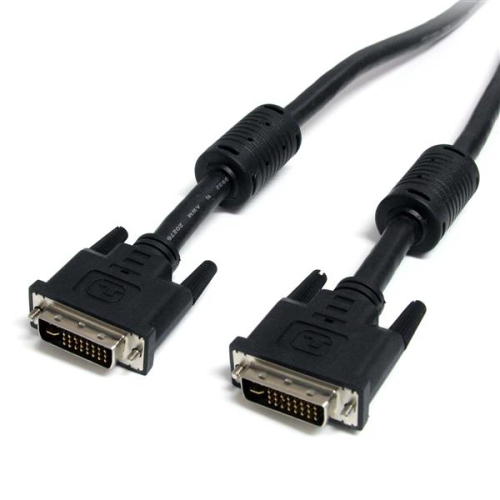
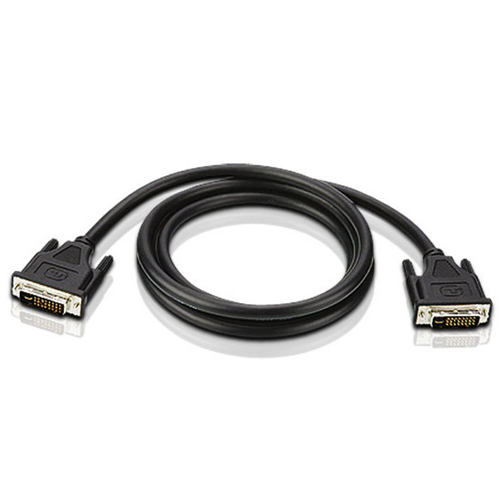
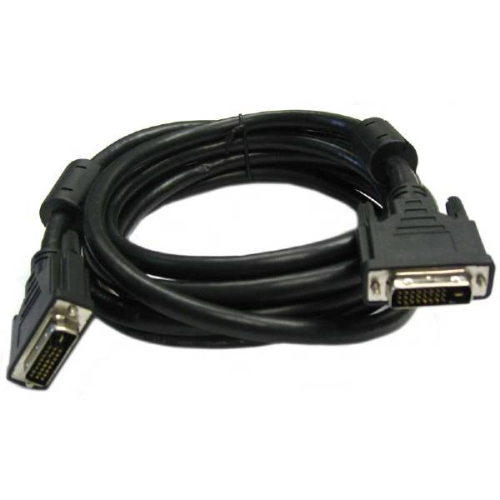
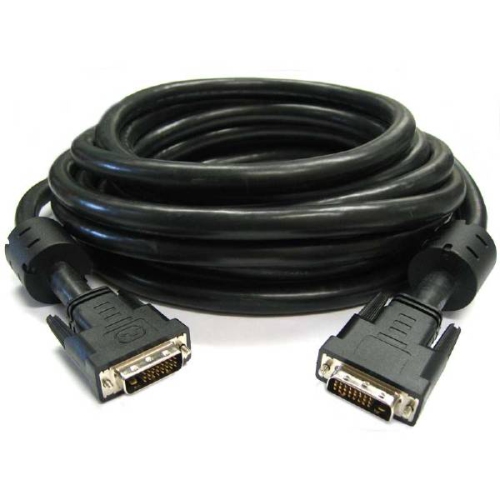
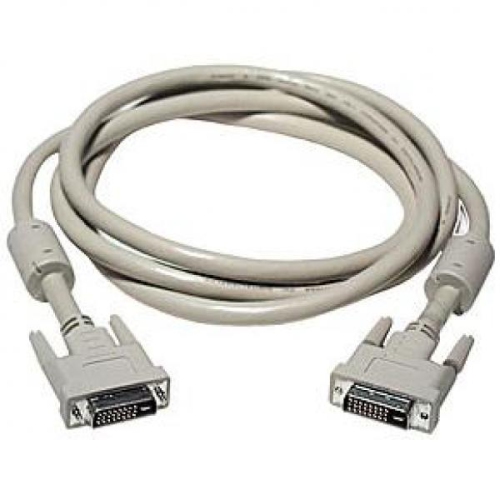
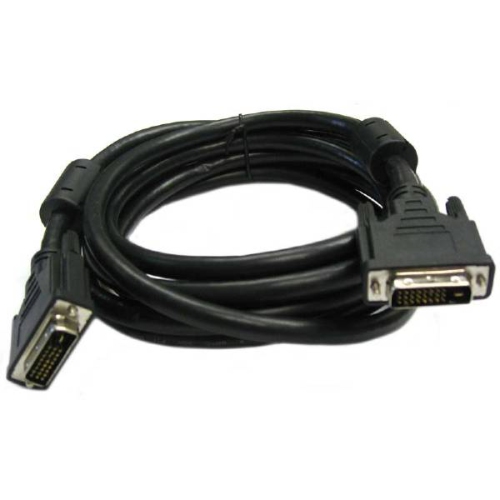
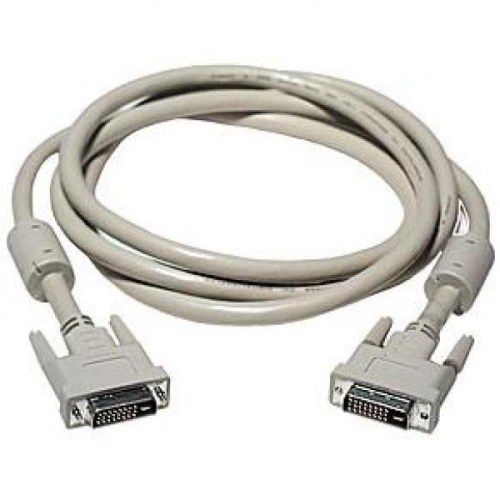
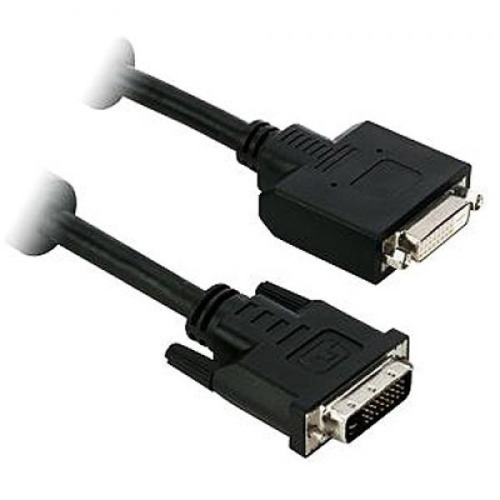
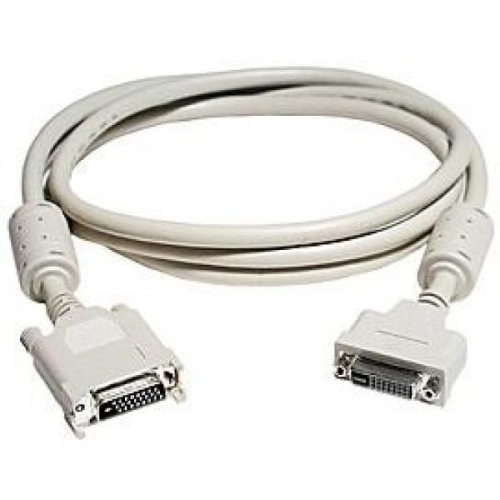
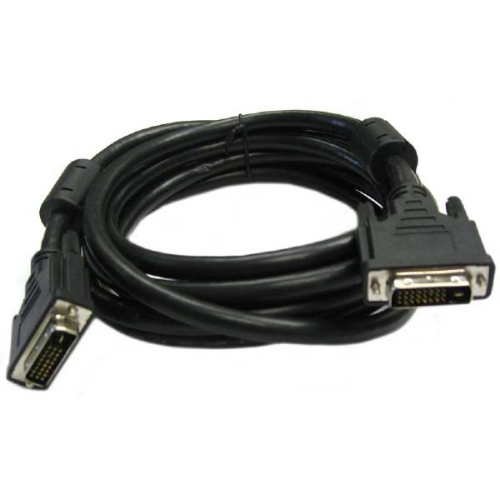
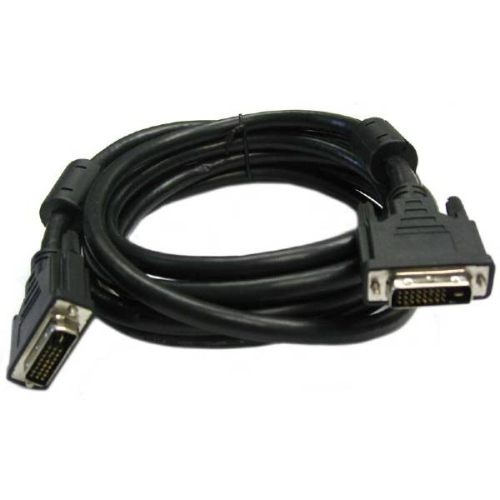
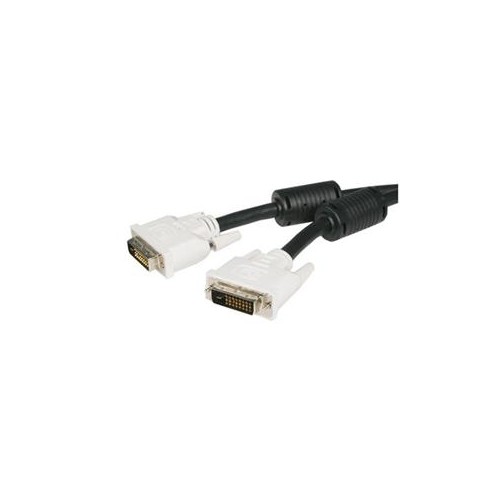
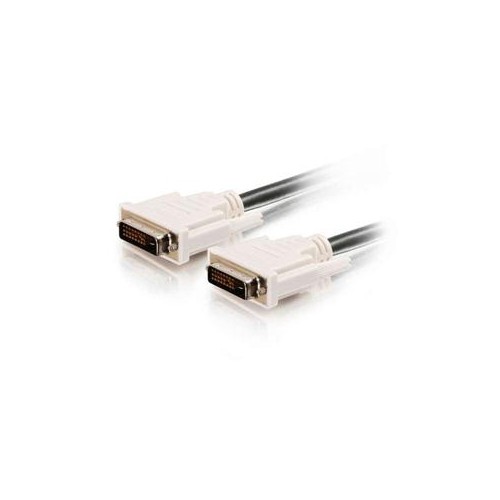
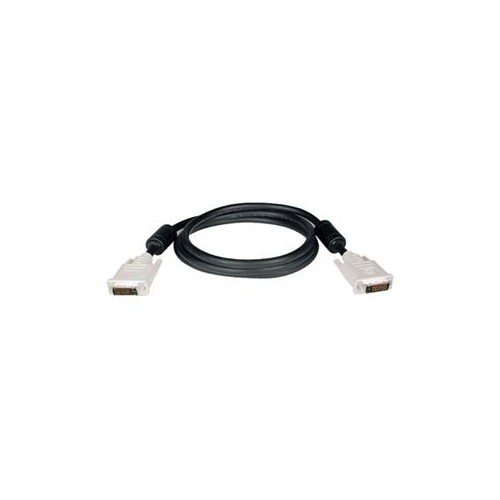
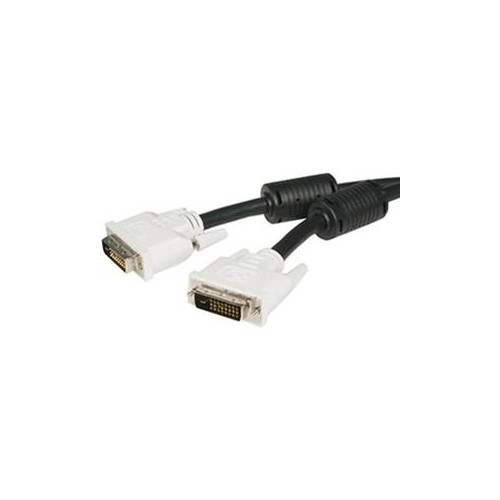
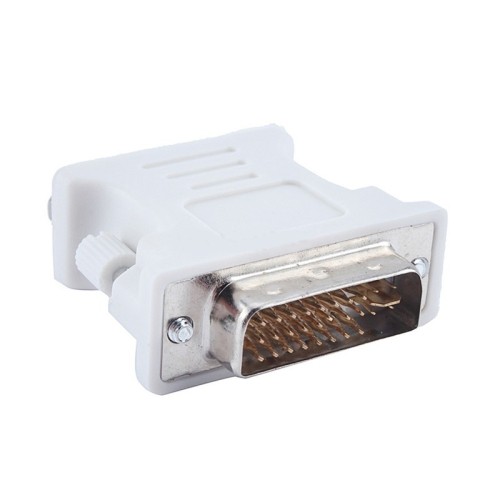
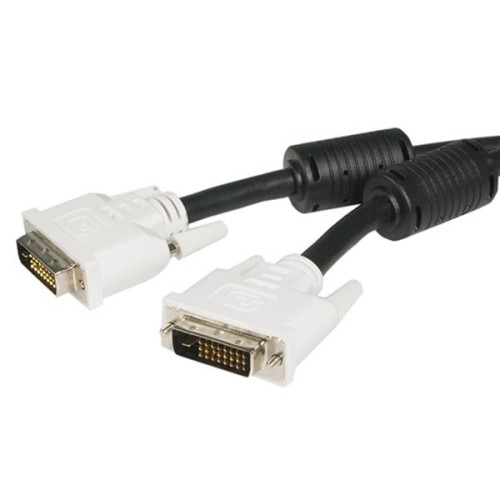
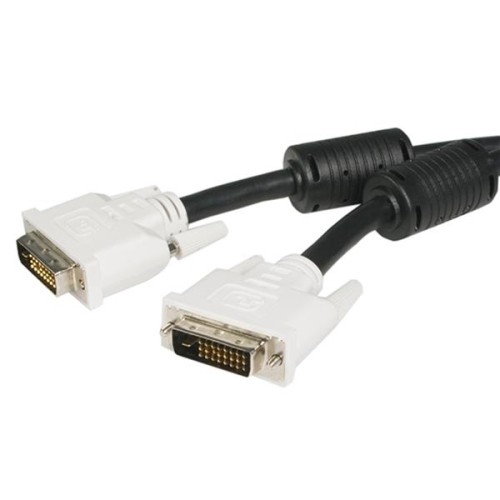
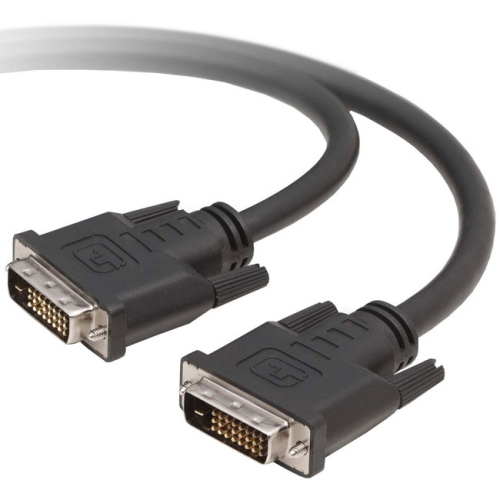
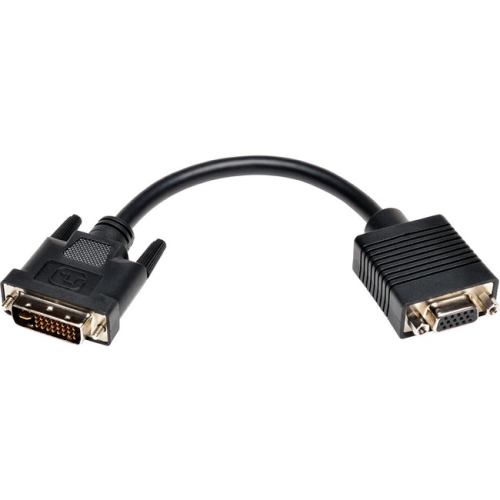
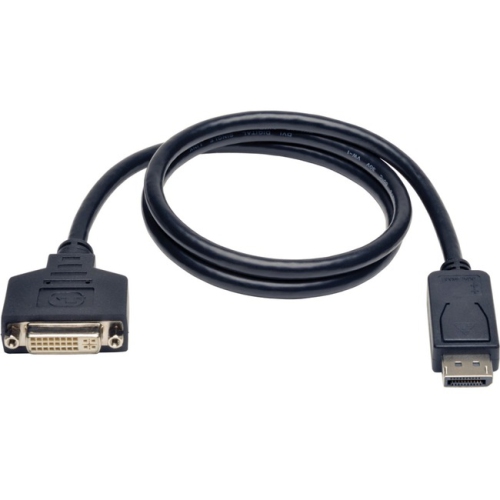
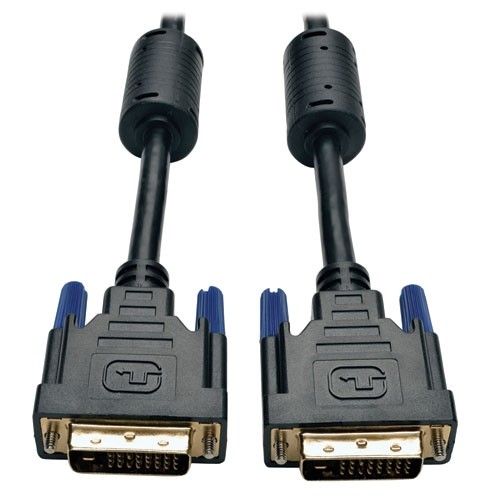
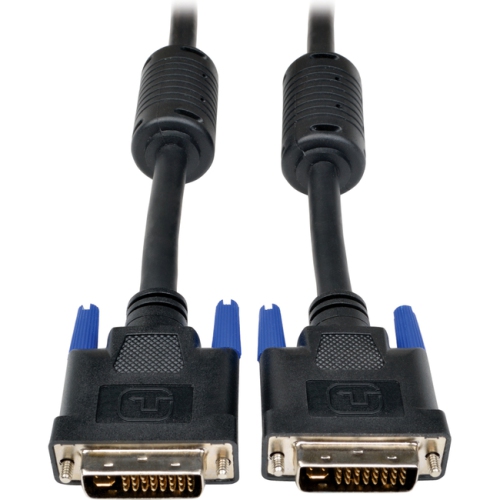
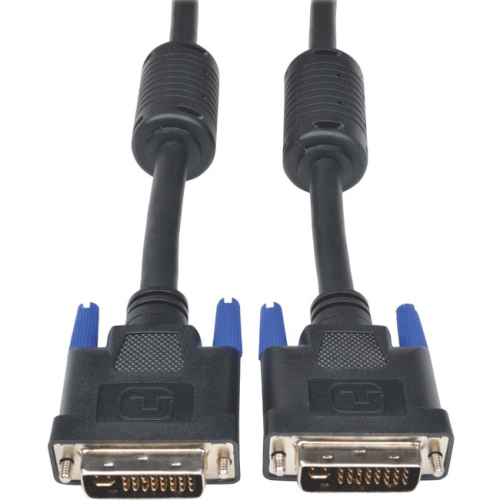
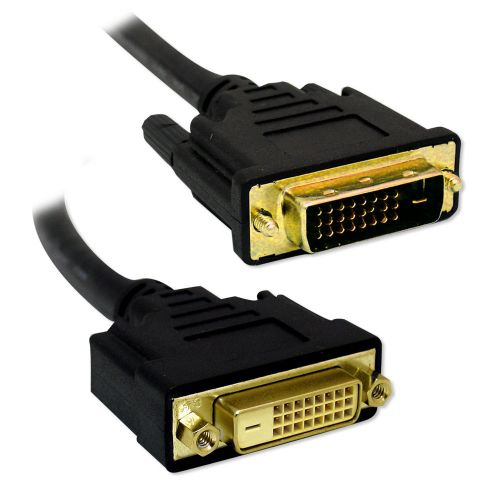
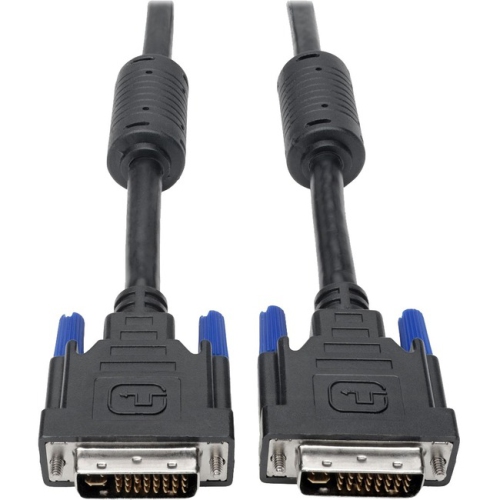
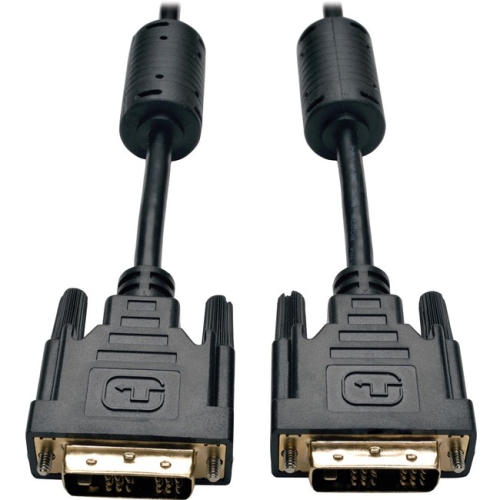
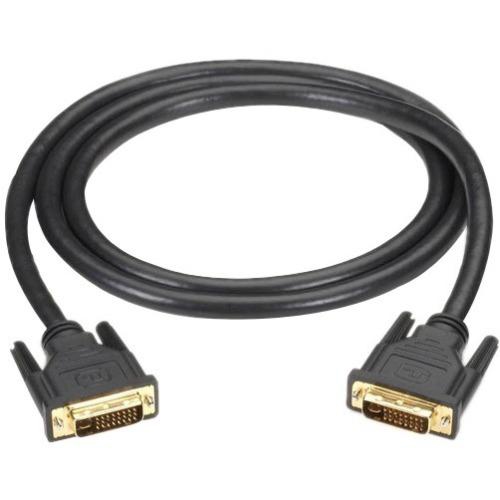
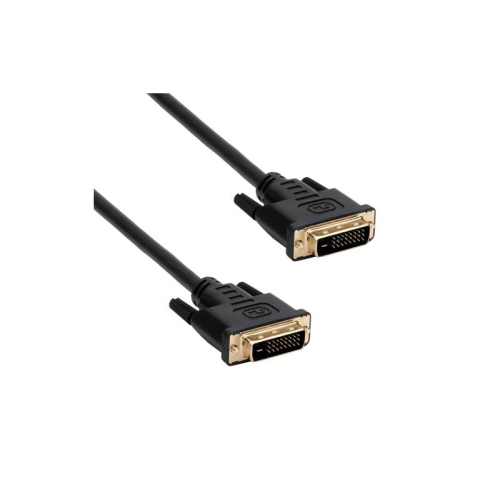
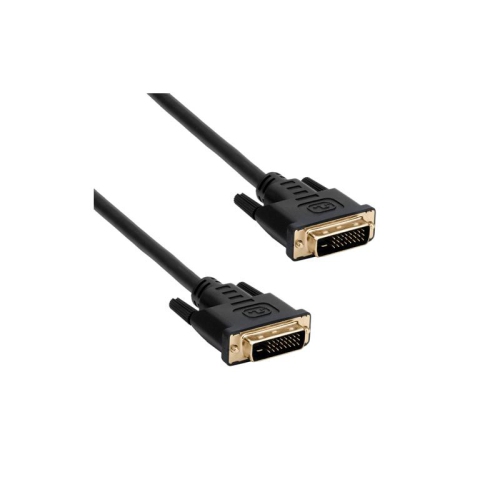
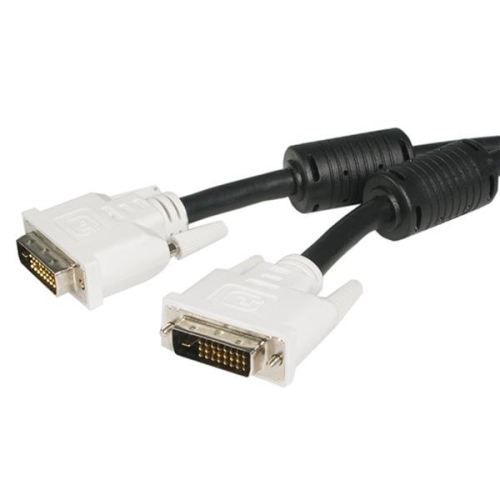
DVI-I Dual Link Cables are designed for connecting compatible computers, graphics cards, monitors, projectors, and other display equipment that use a DVI-I connection. The “I” indicates that the connector can carry both digital and analog video signals, while “Dual Link” refers to the additional digital data channels built into the connection for higher resolutions and greater bandwidth than a single-link DVI cable. A typical DVI-I Dual Link connector has 29 pins: a 24-pin digital grid, plus a wide flat blade and four surrounding pins for the analog signal. This configuration makes the cable useful in mixed-generation setups, such as an older desktop computer paired with a DVI monitor, or a DVI-equipped workstation connected to a projector used for presentations, training, or home entertainment. Under suitable conditions, a dual-link digital connection can support resolutions up to 2560 x 1600, although the actual result depends on the graphics hardware, display, refresh rate, operating system settings, and the quality and length of the connection. A cable does not increase the capabilities of equipment that cannot produce or accept a particular resolution, so it is helpful to check the specifications for both devices before choosing one. DVI-I Dual Link Cables can also be used with passive DVI-to-VGA adapters when the source device provides an analog DVI-I signal and the display accepts VGA. This can be especially practical when keeping an older monitor, projector, or spare computer in service. However, a DVI-I port on one device does not guarantee that every DVI cable or adapter will provide every type of signal. DVI-D cables carry digital video only, while DVI-A connections are intended for analog video, so the ports and signal requirements should be matched carefully. The key detail is the connector layout: a DVI-I port includes the four small analog-pin openings around the flat blade, whereas a DVI-D port does not. Before ordering, compare the port on the computer or graphics card with the port on the display and confirm whether a male-to-male cable, an adapter, or a different DVI format is required. For a broader selection of connection options, explore DVI Cables.
When selecting a DVI-I Dual Link Cable, consider the distance between the devices, the available space behind a desk, and how permanently the cable will be installed. A six-foot cable often works well for a standard desktop setup where the computer sits beside or beneath a monitor. A longer cable may be more suitable for a presentation room, a wall-mounted display, or a workstation where the computer is positioned farther away, but excessive length can make cable management more difficult and may increase the chance of signal issues in demanding high-resolution applications. Look for firm, properly aligned connectors and thumbscrews that can be tightened by hand to help prevent the cable from loosening when a monitor is adjusted or a desk is moved. The cable should be routed without sharp bends, pinching, or heavy pressure on the connector housing. People maintaining older gaming computers may choose a DVI-I Dual Link Cable to connect a compatible graphics card to a high-resolution monitor, particularly when the computer does not offer HDMI or DisplayPort. It can also be useful for office staff working with legacy equipment, technicians testing display hardware, students assembling a desktop workstation, or families setting up a spare computer in a home office during the cooler months. For a gift, it is a practical choice for someone who enjoys repairing computers, building a retro gaming setup, or keeping older peripherals working, provided the recipient’s devices have matching DVI ports. DVI connections generally carry video but not audio, so a separate audio cable or another audio connection may be needed for monitors with built-in speakers. Users should also remember that DVI does not provide modern features such as USB connectivity, HDR, or the latest adaptive-sync standards, and some newer displays may require an active converter rather than a simple passive adapter. If a computer has a DVI-I output but the monitor has HDMI, DisplayPort, or VGA, verify the direction and type of conversion required before purchasing. Checking the connector shape, pin arrangement, resolution target, cable length, and audio needs in advance can prevent an inconvenient return and make installation much smoother. With those details confirmed, a DVI-I Dual Link Cable can provide a straightforward connection for compatible legacy display equipment, whether it is being used at a compact desk, in a classroom, or as part of a carefully assembled home workstation.
When selecting a DVI-I Dual Link Cable, consider the distance between the devices, the available space behind a desk, and how permanently the cable will be installed. A six-foot cable often works well for a standard desktop setup where the computer sits beside or beneath a monitor. A longer cable may be more suitable for a presentation room, a wall-mounted display, or a workstation where the computer is positioned farther away, but excessive length can make cable management more difficult and may increase the chance of signal issues in demanding high-resolution applications. Look for firm, properly aligned connectors and thumbscrews that can be tightened by hand to help prevent the cable from loosening when a monitor is adjusted or a desk is moved. The cable should be routed without sharp bends, pinching, or heavy pressure on the connector housing. People maintaining older gaming computers may choose a DVI-I Dual Link Cable to connect a compatible graphics card to a high-resolution monitor, particularly when the computer does not offer HDMI or DisplayPort. It can also be useful for office staff working with legacy equipment, technicians testing display hardware, students assembling a desktop workstation, or families setting up a spare computer in a home office during the cooler months. For a gift, it is a practical choice for someone who enjoys repairing computers, building a retro gaming setup, or keeping older peripherals working, provided the recipient’s devices have matching DVI ports. DVI connections generally carry video but not audio, so a separate audio cable or another audio connection may be needed for monitors with built-in speakers. Users should also remember that DVI does not provide modern features such as USB connectivity, HDR, or the latest adaptive-sync standards, and some newer displays may require an active converter rather than a simple passive adapter. If a computer has a DVI-I output but the monitor has HDMI, DisplayPort, or VGA, verify the direction and type of conversion required before purchasing. Checking the connector shape, pin arrangement, resolution target, cable length, and audio needs in advance can prevent an inconvenient return and make installation much smoother. With those details confirmed, a DVI-I Dual Link Cable can provide a straightforward connection for compatible legacy display equipment, whether it is being used at a compact desk, in a classroom, or as part of a carefully assembled home workstation.
Top selling and popular products
-
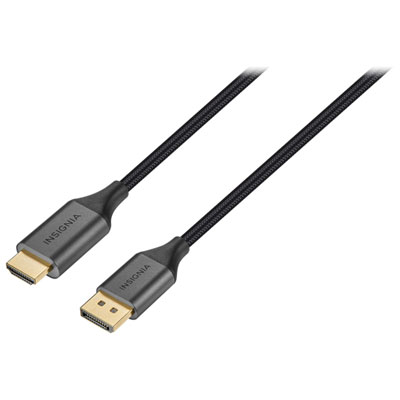 Your price for this item is $39.95
 -
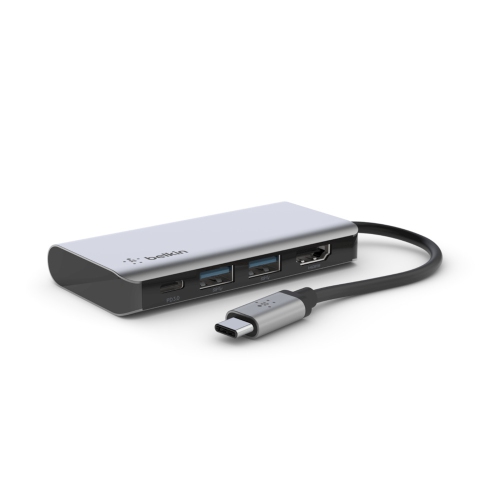 Your price for this item is $62.99
 -
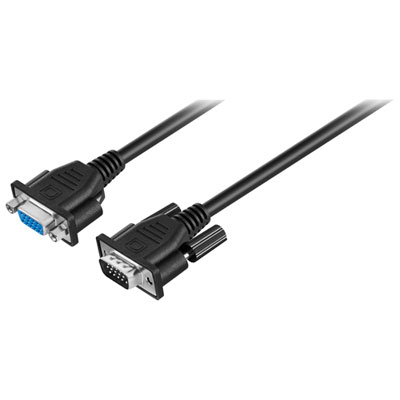 Your price for this item is $29.95
 -
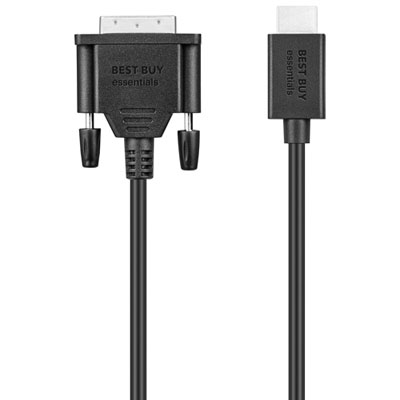 Your price for this item is $14.99
 -
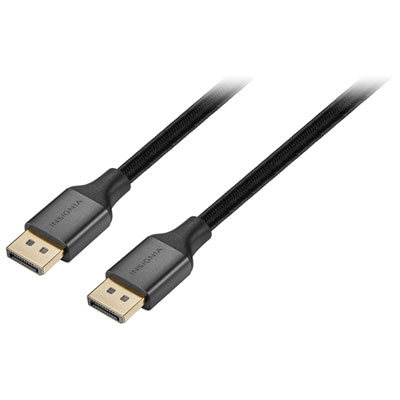 Your price for this item is $29.99
 -
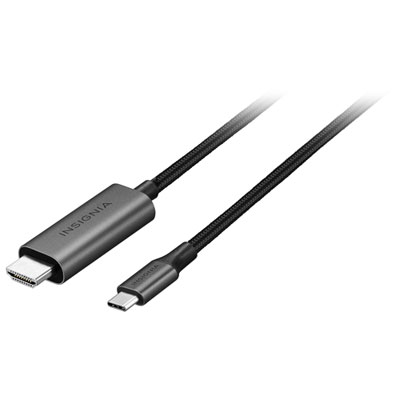 Your price for this item is $39.99
 -
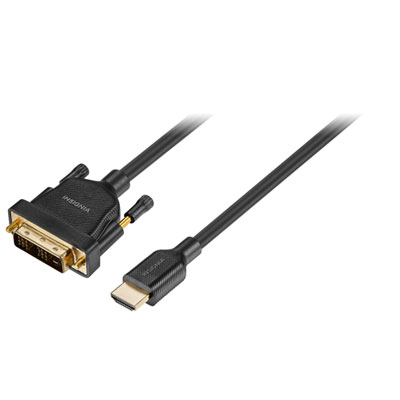 Your price for this item is $29.99
 -
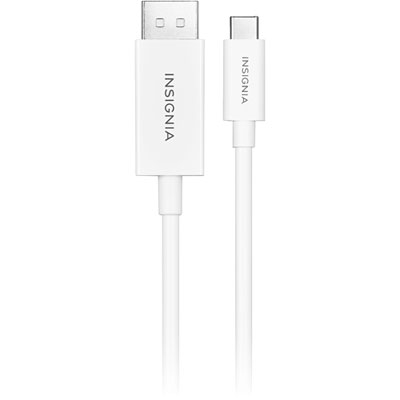 Your price for this item is $24.97
Discover more categories related to DVI I Dual Link Cables
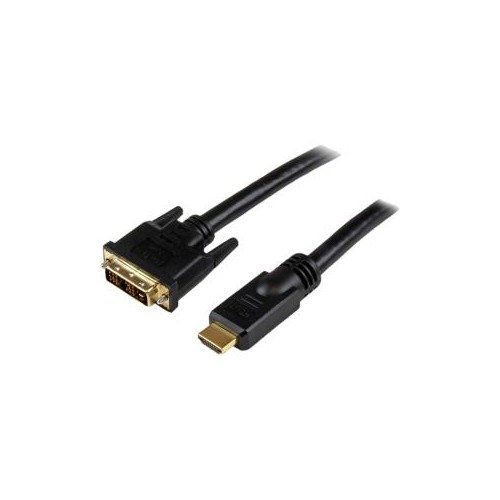
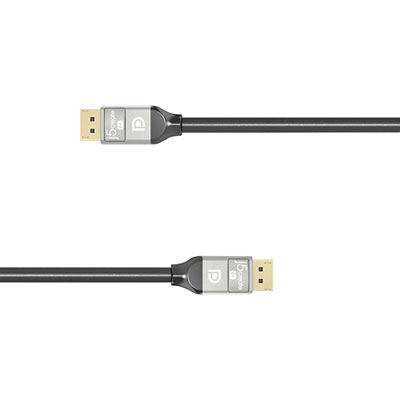
Top Collections:
Pokemon Centers, Kindle Devices, Best Budget Office Chairs, Apple iPhones 16, Best Laptops for Writers, iPhone 15 Apple, Canon G7X Cameras, Refurbished Apple Laptops, Alarm Clock, Motorola Razr Phones
Some products may be subject to Environmental Handling Fees
(EHF) depending on your province.
Learn more about EHFs.