Eaton UPS
Explore a world of reliable power solutions with our range of Eaton UPS systems, designed to keep your essential devices running smoothly and efficiently. Whether you're safeguarding your home office, maintaining the integrity of your business operations, or ensuring uninterrupted power for your entertainment systems, Eaton UPS units provide the peace of mind you need. With options that cater to various power capacities and backup durations, these systems are engineered to deliver consistent performance during unexpected outages or fluctuations. Discover how Eaton's innovative technology can help protect your electronics and maintain productivity in any situation.
Sort
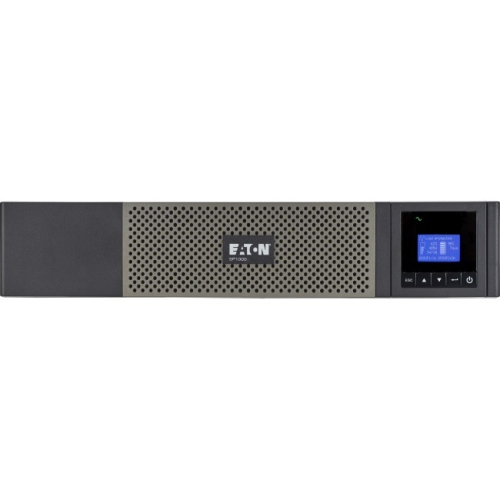
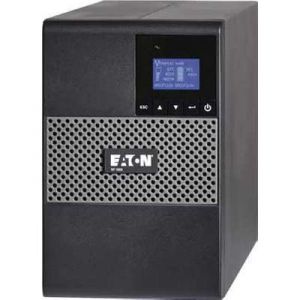
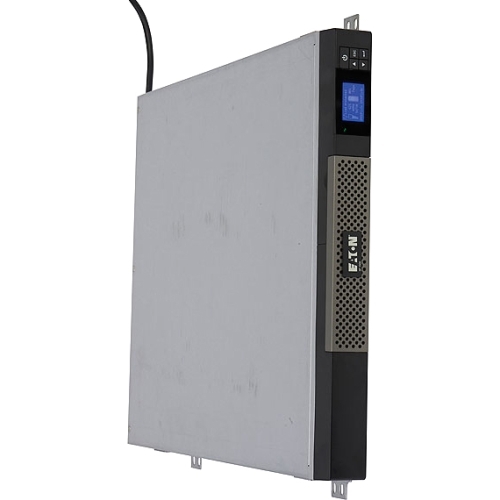
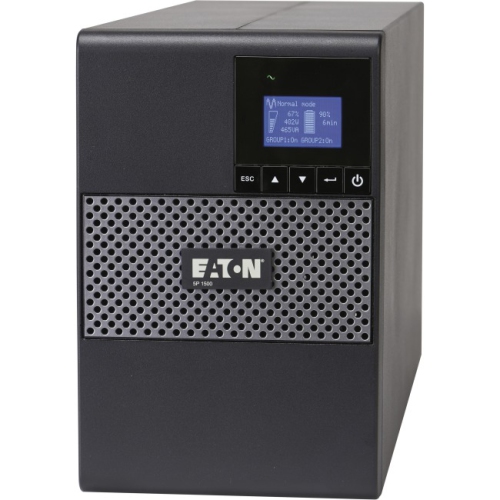

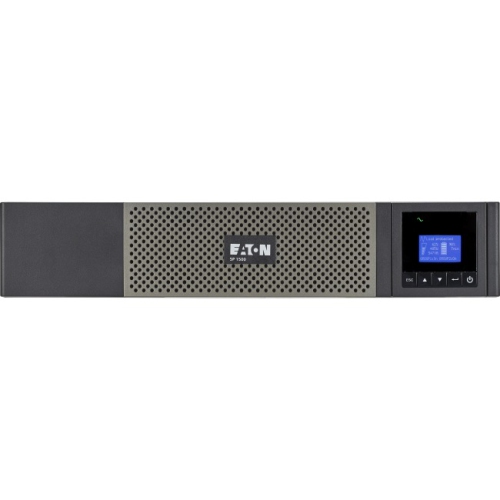
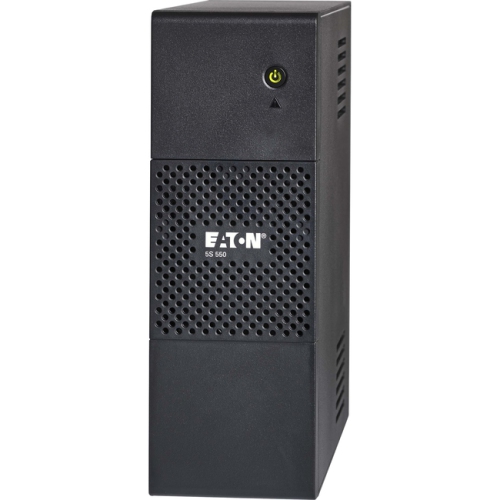
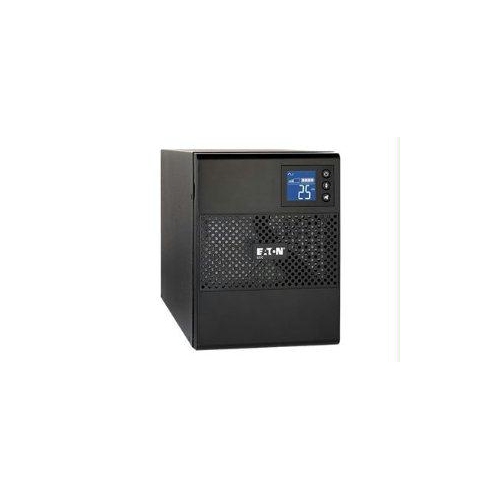
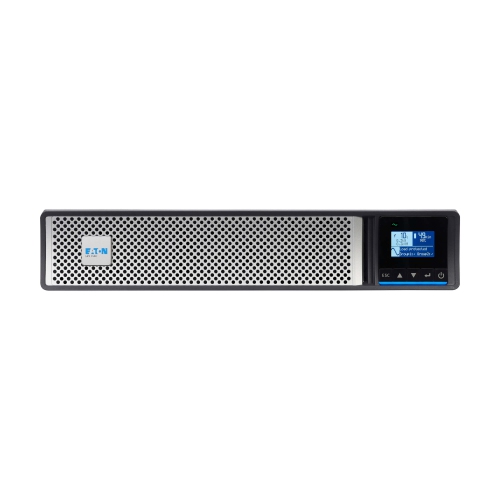
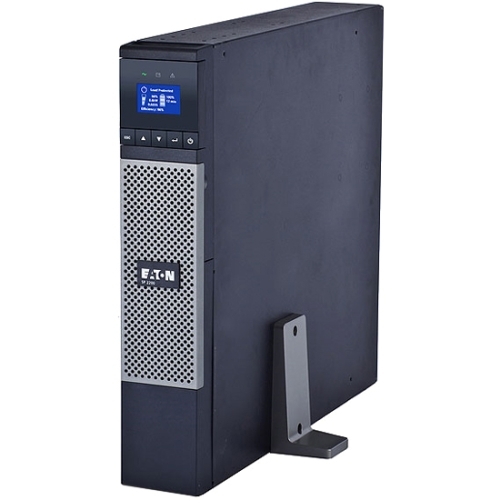
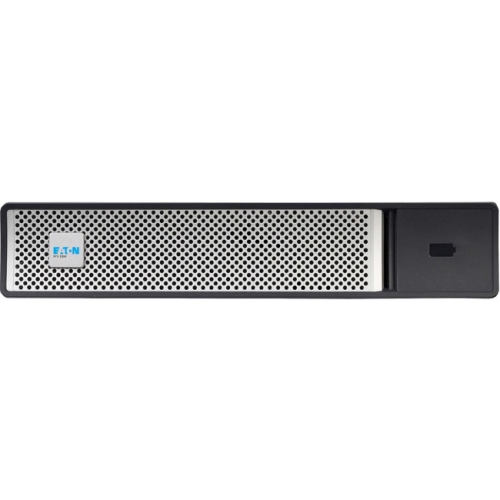

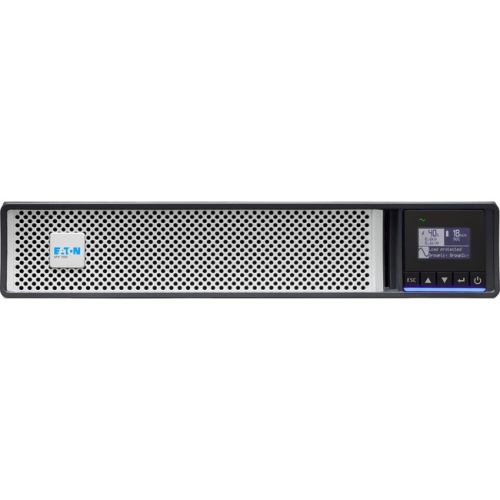
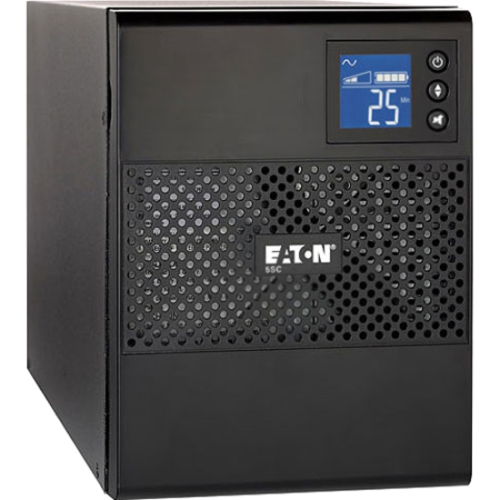
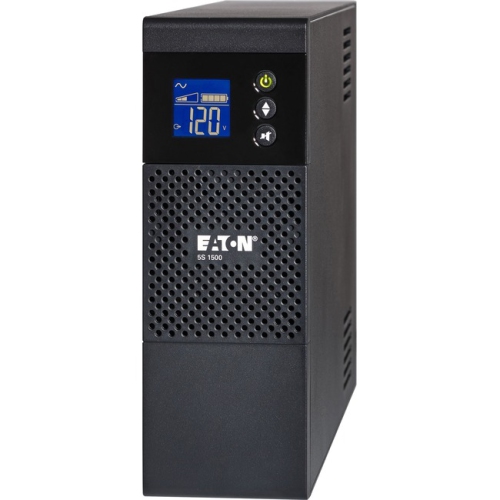
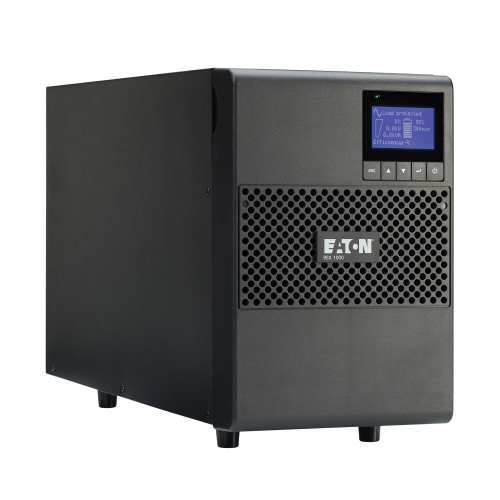
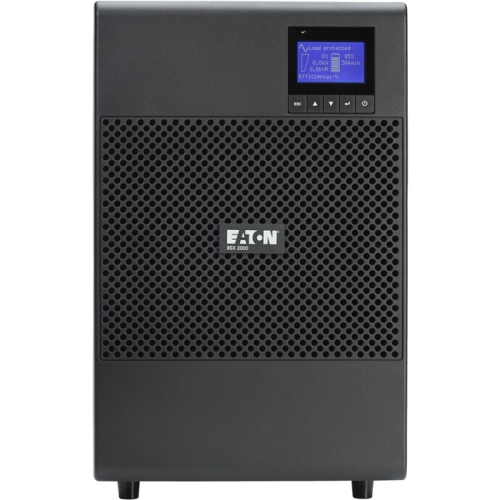
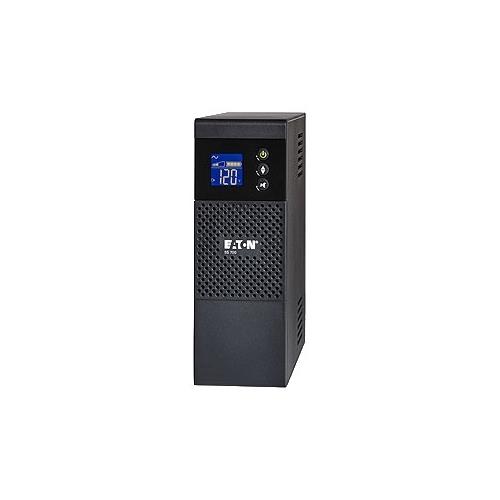
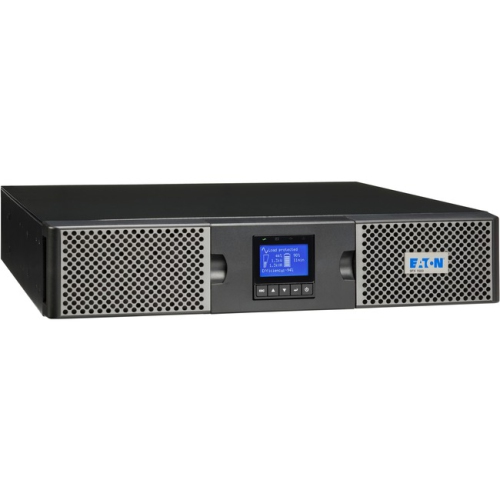
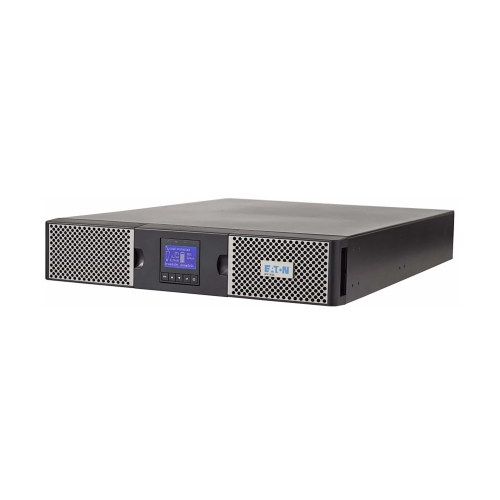
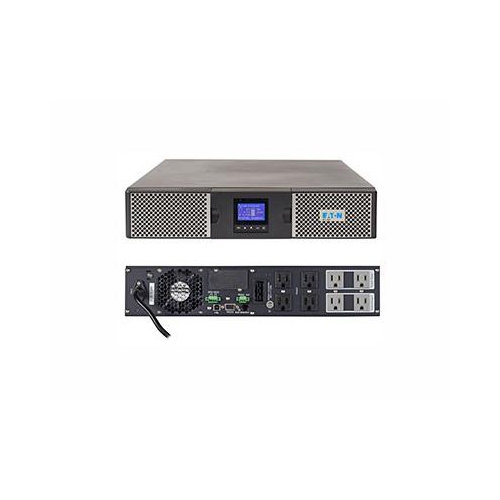
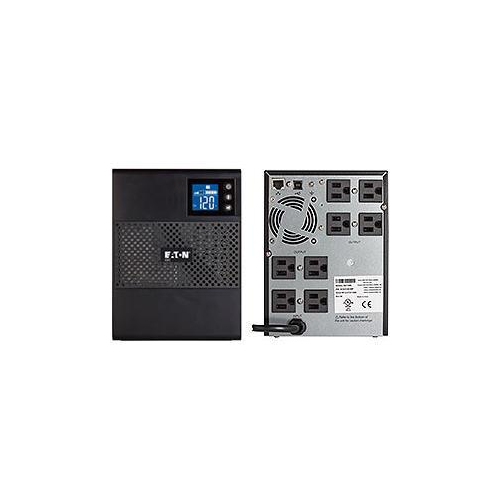
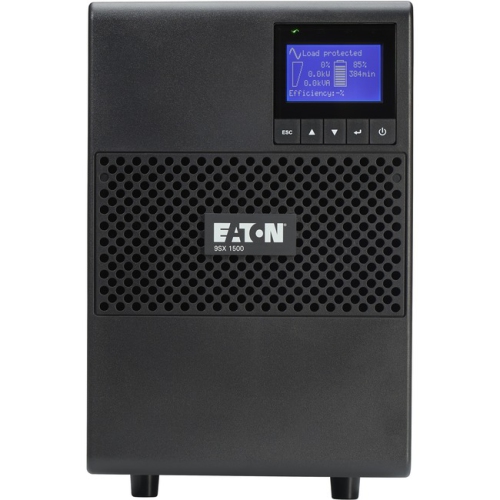
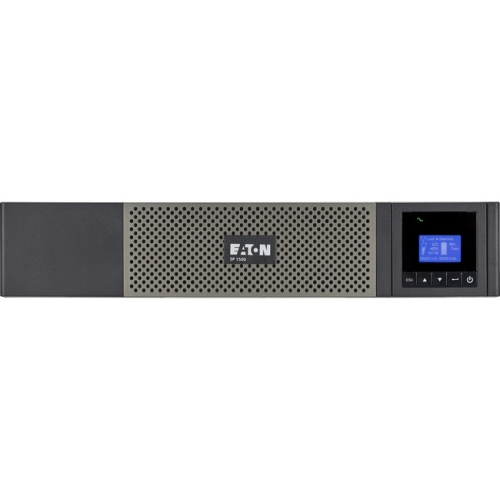
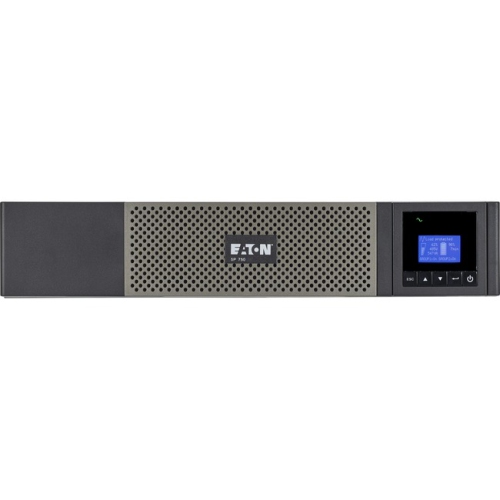
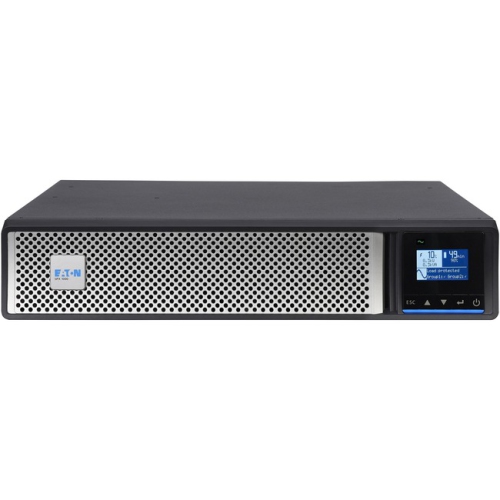
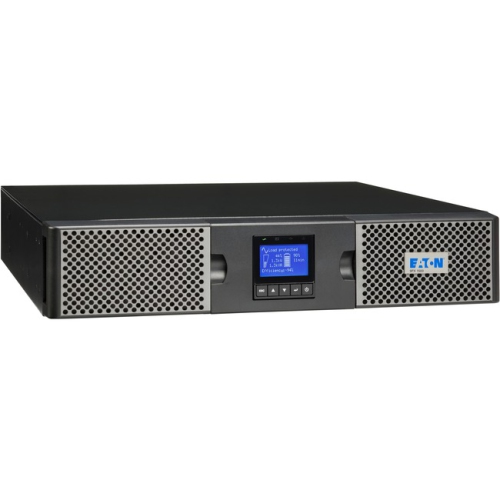
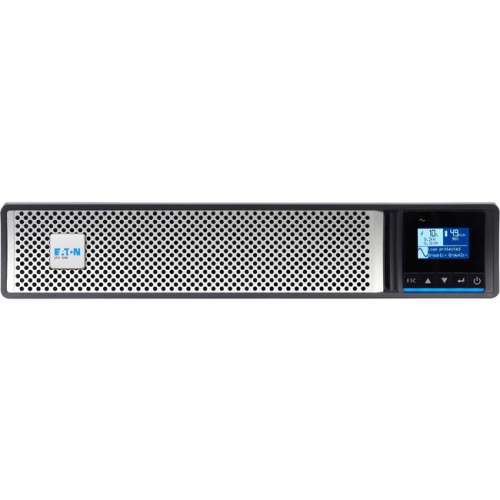

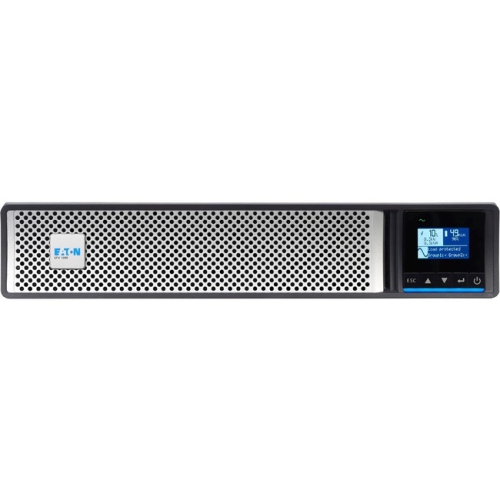
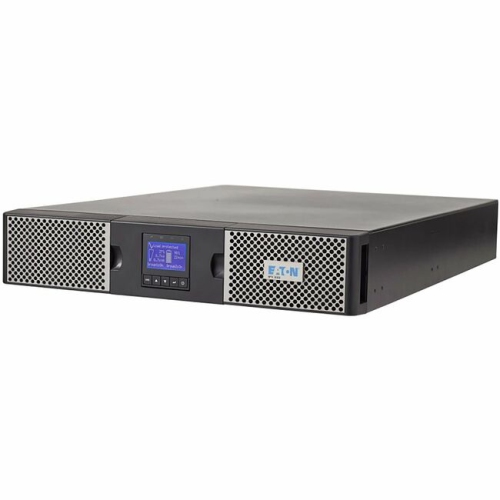
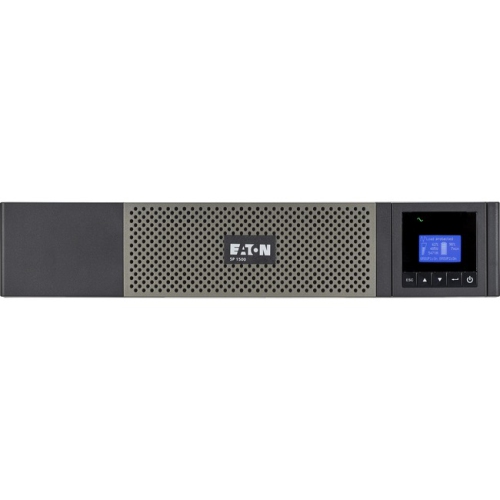
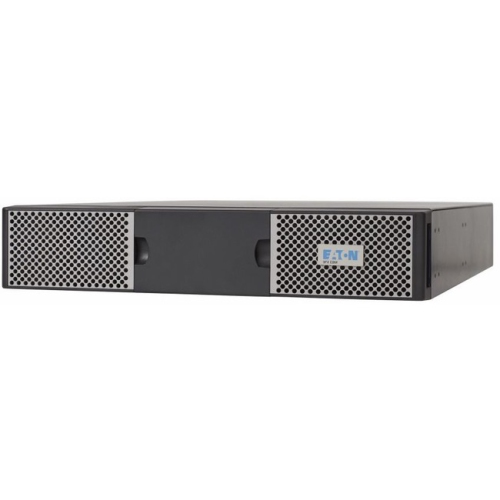
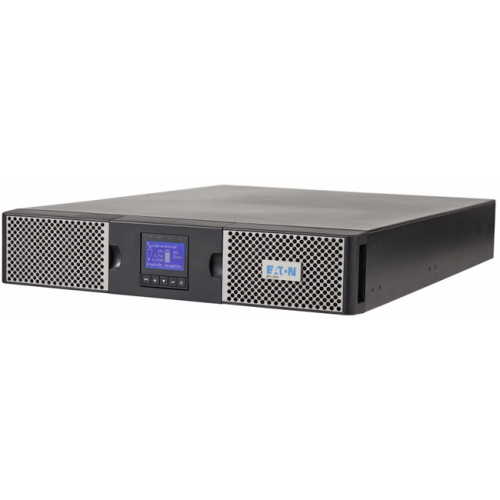
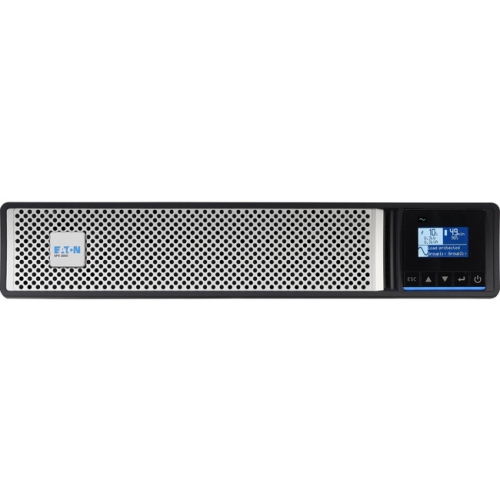
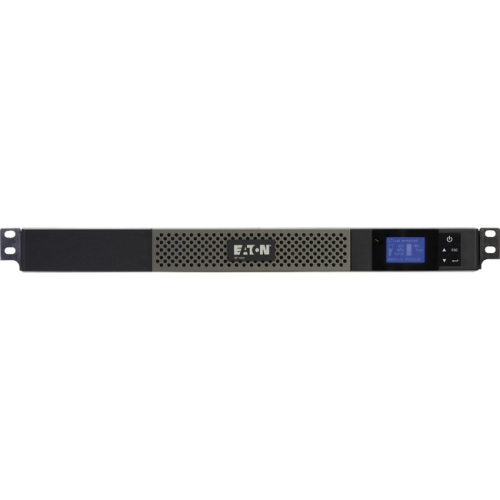
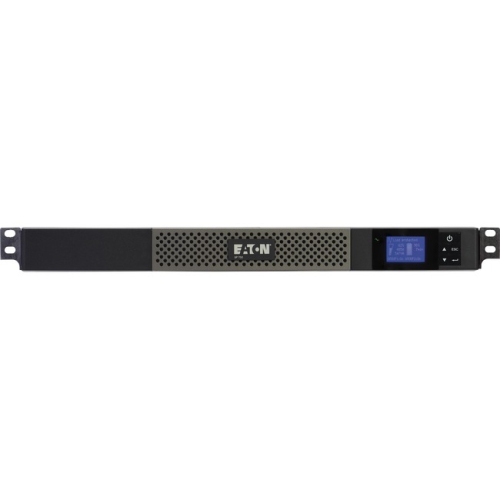
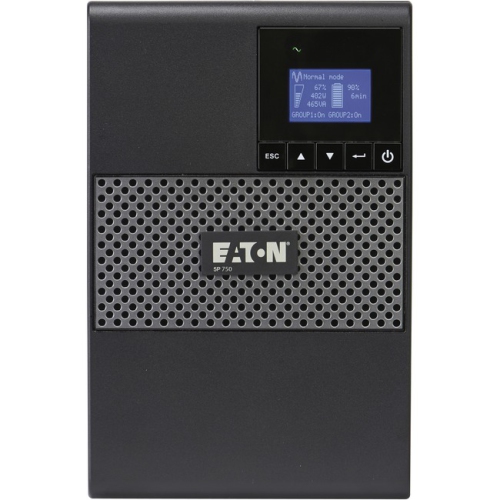
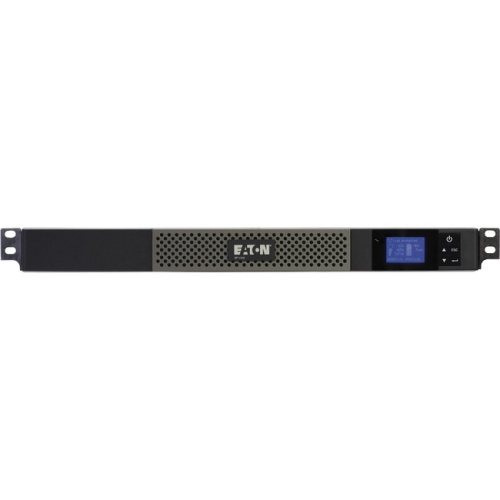
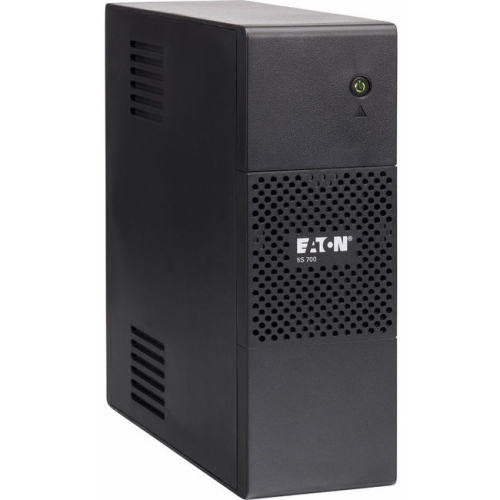
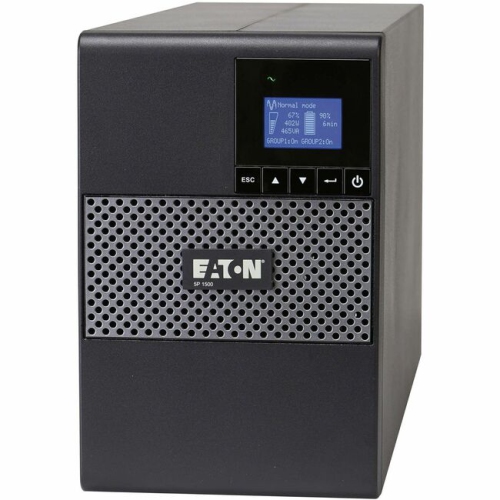
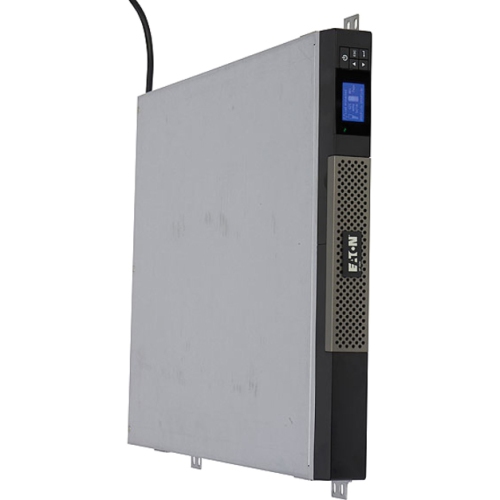
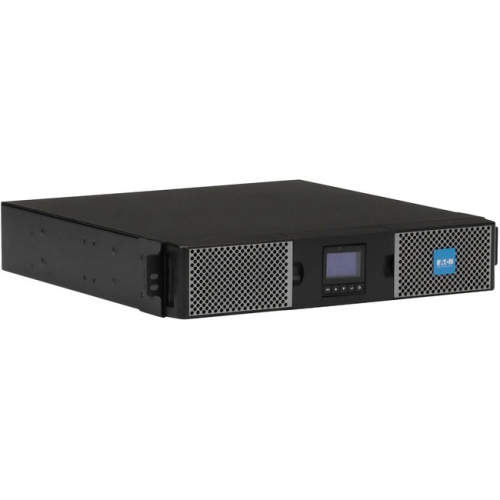
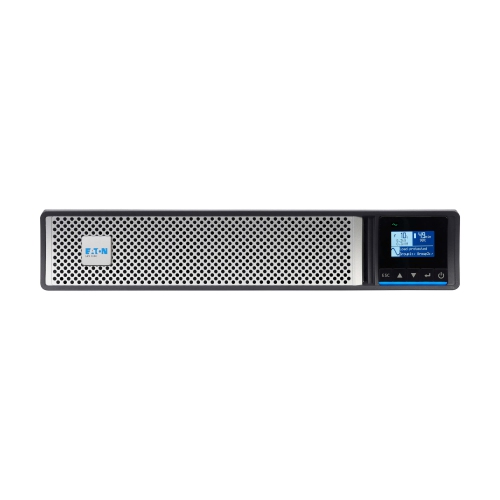
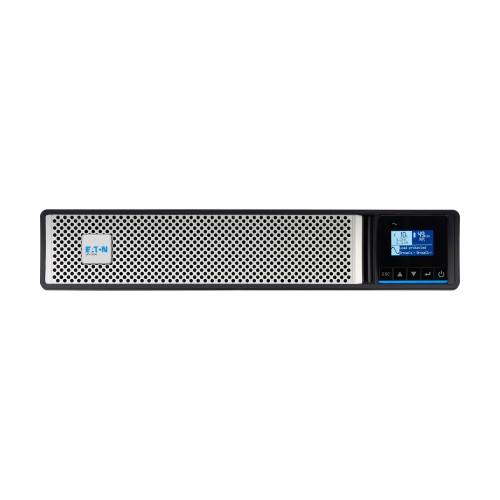
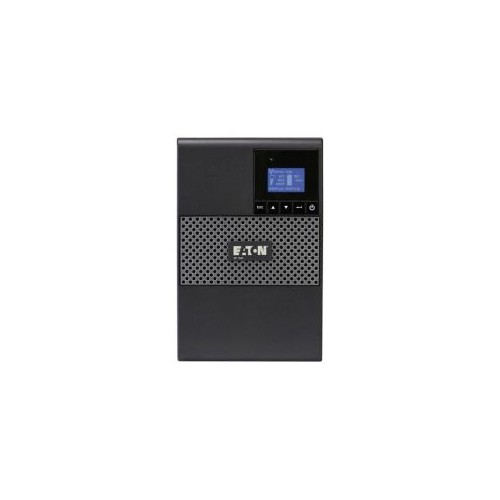
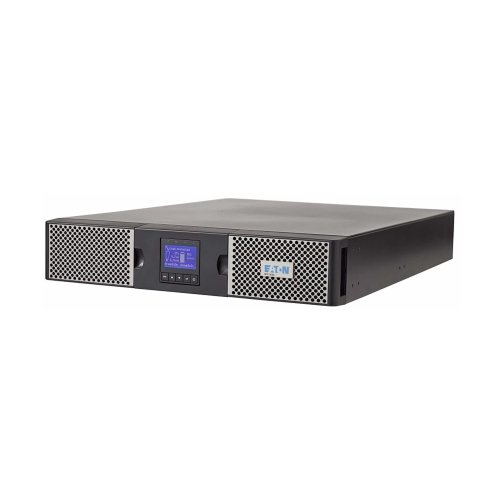
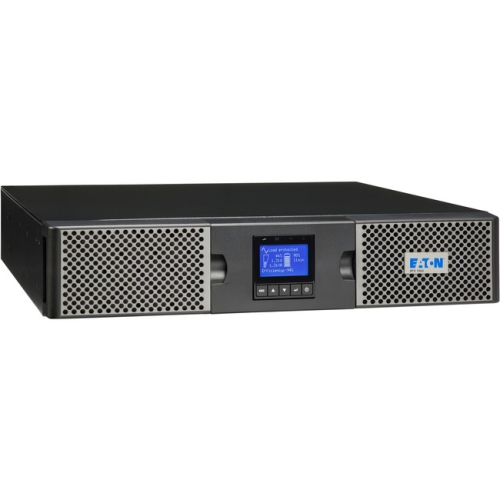
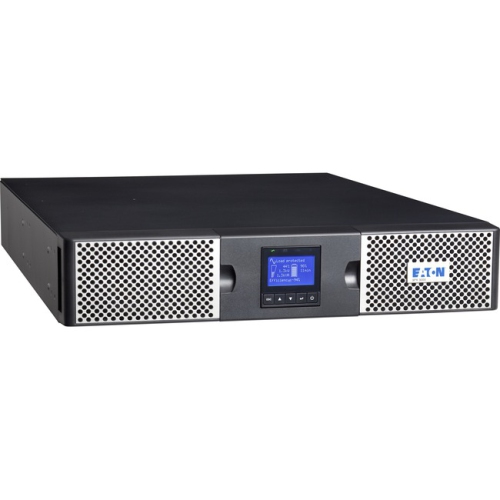
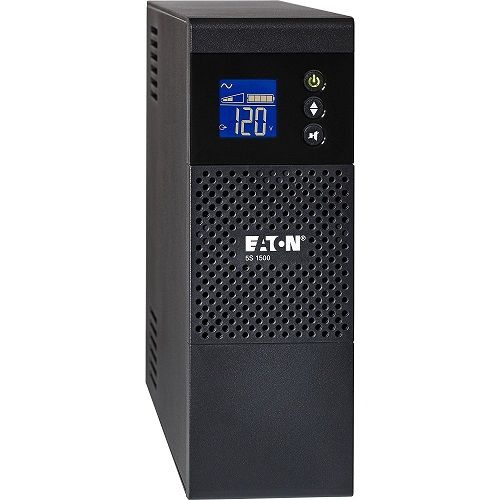
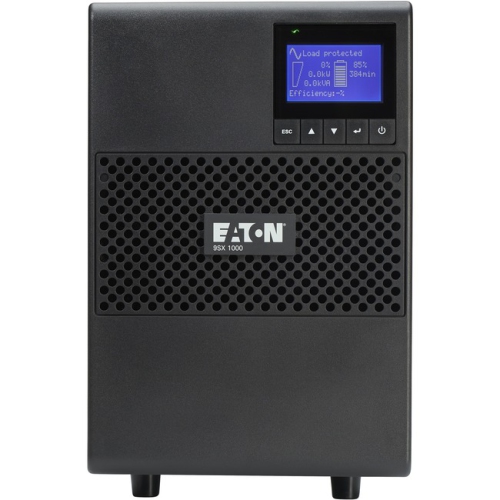
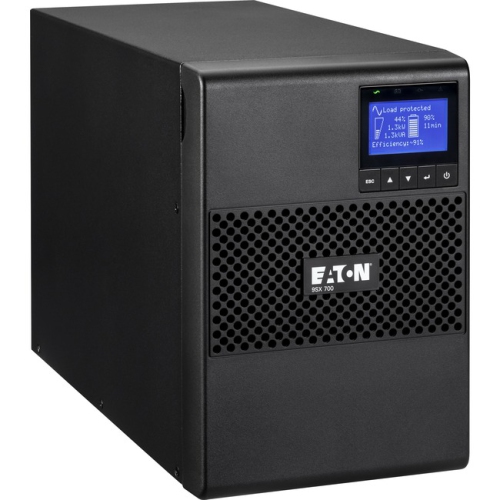
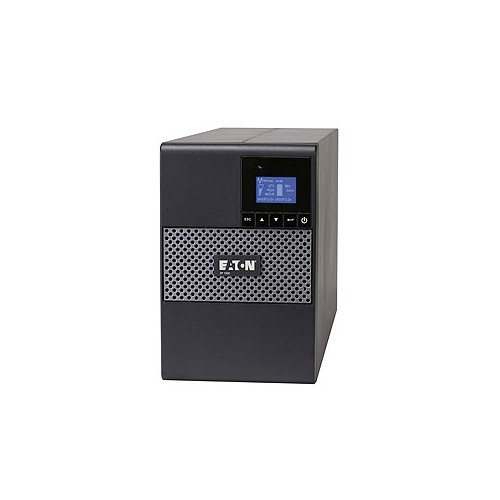
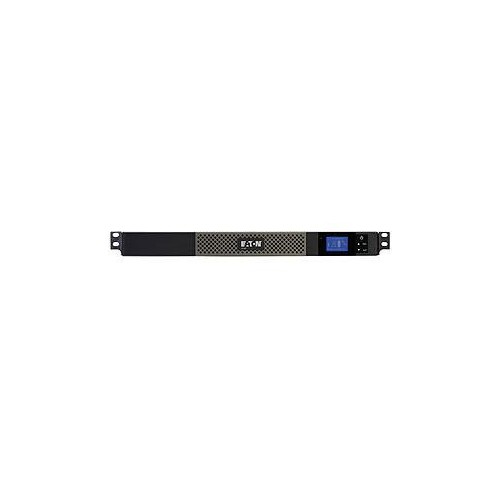
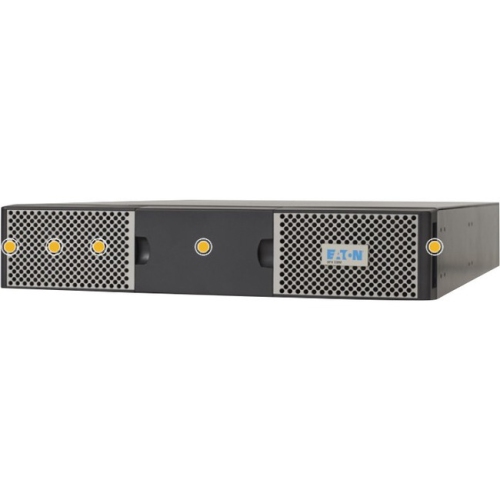
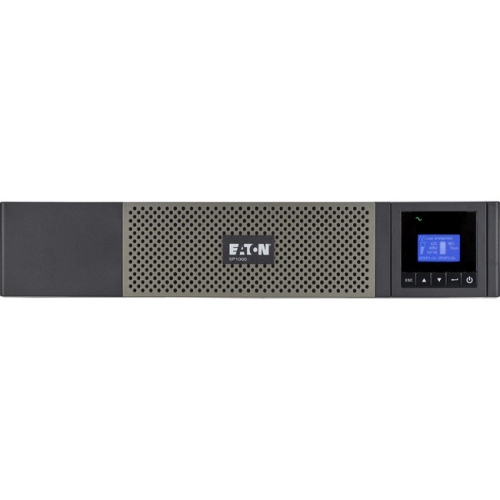
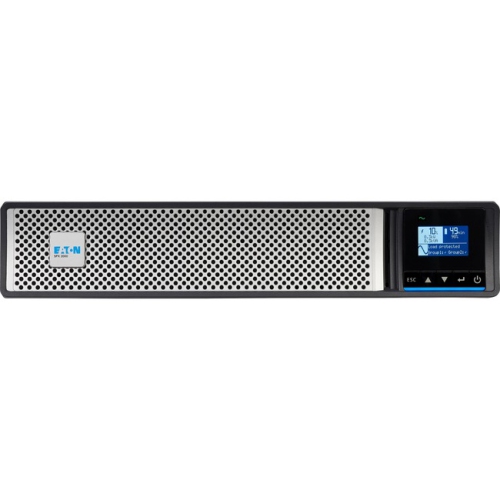
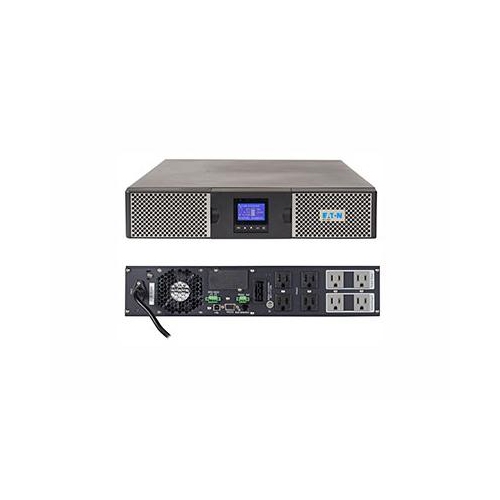
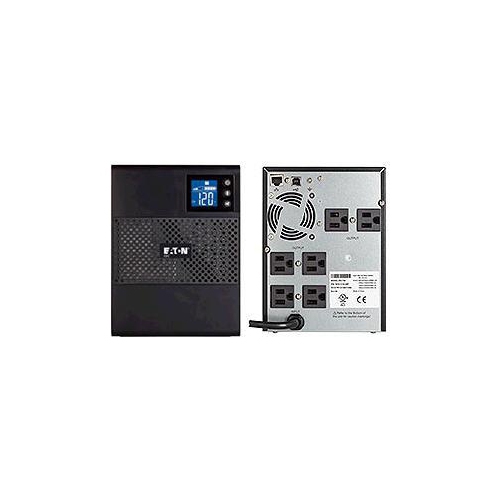
Backup power and protection for critical electronics
Eaton UPS systems provide dependable backup power and power conditioning for equipment that cannot simply be switched off when an outage occurs. A UPS, or uninterruptible power supply, keeps connected electronics running for a limited period after the main power supply is interrupted, giving you time to save work, shut equipment down properly, or allow essential systems to continue operating until power returns. Eaton UPS options can be useful in home offices, small businesses, server rooms, networking closets, retail environments, and larger IT installations where an unexpected shutdown could interrupt services or damage active work. They can also help protect computers, monitors, storage devices, routers, switches, point-of-sale equipment, security systems, and other sensitive electronics from surges, voltage fluctuations, brownouts, and electrical noise. During the cooler months, when storms, heavy rain, wind, or increased demand on the electrical grid can contribute to interruptions, having backup power in place can make a noticeable difference. It is especially reassuring when a workstation is handling an important video call, a family computer is completing a lengthy upload, or a small business is relying on network equipment to process orders and communicate with customers.
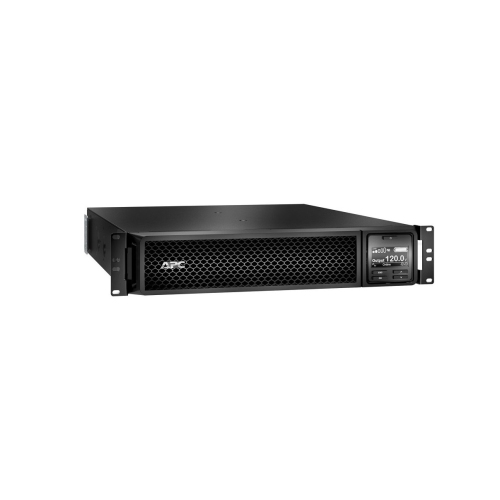
Choosing the right Eaton UPS starts with identifying what you need to keep powered and how much electricity those devices use. Look at the wattage requirements of each connected item, then choose a unit with enough capacity to support the total load while leaving room for normal fluctuations and future additions. VA, or volt-ampere, ratings are commonly used to describe UPS capacity, but the watt rating is equally important when confirming compatibility. A basic home or office setup may need backup for a desktop computer, display, modem, and router, while a professional environment may require support for several servers, network switches, storage systems, or rack-mounted equipment. Runtime is another important consideration. A UPS is generally intended to bridge a power interruption rather than provide hours of operation, so compare estimated runtime at the load you expect to connect. If you need longer operation, look for support for additional battery modules or an installation designed for extended runtime. Line-interactive UPS systems can regulate many common voltage changes without relying on battery power, while online double-conversion systems continuously recreate the outgoing power supply and are suited to equipment that requires especially consistent electrical protection. Rack or tower installation should also be considered: a tower design can fit beside a workstation or communications cabinet, whereas a rack-mounted format can be integrated into a standard equipment rack. For a broader selection of higher-capacity systems, explore High End UPS options.
Battery design, outlets, connectivity, and management features can shape the day-to-day experience just as much as capacity. Some UPS systems use traditional sealed lead-acid batteries, while others use lithium-ion technology that can offer a lighter design, longer service life, and different maintenance requirements. Advanced battery management can monitor battery health, perform automatic testing, and help extend usable service life by adjusting charging patterns. Check the number and type of outlets carefully, since some receptacles may provide battery backup while others offer surge protection only. It is often helpful to leave room for a power bar, network accessories, or a future device without overloading the unit. USB, serial, or network connectivity may allow the UPS to communicate with a computer or server, trigger an orderly automatic shutdown, report alarms, and provide information about load levels, battery condition, and estimated runtime. In a business or multi-room environment, monitoring software can make it easier to oversee several systems from one location, including UPS units supporting virtualized servers or distributed network equipment. Before installation, place the UPS in a dry, ventilated area with enough clearance around it, avoid connecting high-draw appliances that are not suited to the unit, and follow the manufacturer’s guidance for grounding, battery replacement, and load limits. An Eaton UPS can be a practical addition for a remote worker protecting a carefully configured desk, a family preserving access to home networking equipment, or an IT professional maintaining continuity for critical infrastructure. The right choice balances capacity, runtime, installation format, battery technology, connectivity, and the importance of the equipment being protected.
Choosing the right Eaton UPS starts with identifying what you need to keep powered and how much electricity those devices use. Look at the wattage requirements of each connected item, then choose a unit with enough capacity to support the total load while leaving room for normal fluctuations and future additions. VA, or volt-ampere, ratings are commonly used to describe UPS capacity, but the watt rating is equally important when confirming compatibility. A basic home or office setup may need backup for a desktop computer, display, modem, and router, while a professional environment may require support for several servers, network switches, storage systems, or rack-mounted equipment. Runtime is another important consideration. A UPS is generally intended to bridge a power interruption rather than provide hours of operation, so compare estimated runtime at the load you expect to connect. If you need longer operation, look for support for additional battery modules or an installation designed for extended runtime. Line-interactive UPS systems can regulate many common voltage changes without relying on battery power, while online double-conversion systems continuously recreate the outgoing power supply and are suited to equipment that requires especially consistent electrical protection. Rack or tower installation should also be considered: a tower design can fit beside a workstation or communications cabinet, whereas a rack-mounted format can be integrated into a standard equipment rack. For a broader selection of higher-capacity systems, explore High End UPS options.
Battery design, outlets, connectivity, and management features can shape the day-to-day experience just as much as capacity. Some UPS systems use traditional sealed lead-acid batteries, while others use lithium-ion technology that can offer a lighter design, longer service life, and different maintenance requirements. Advanced battery management can monitor battery health, perform automatic testing, and help extend usable service life by adjusting charging patterns. Check the number and type of outlets carefully, since some receptacles may provide battery backup while others offer surge protection only. It is often helpful to leave room for a power bar, network accessories, or a future device without overloading the unit. USB, serial, or network connectivity may allow the UPS to communicate with a computer or server, trigger an orderly automatic shutdown, report alarms, and provide information about load levels, battery condition, and estimated runtime. In a business or multi-room environment, monitoring software can make it easier to oversee several systems from one location, including UPS units supporting virtualized servers or distributed network equipment. Before installation, place the UPS in a dry, ventilated area with enough clearance around it, avoid connecting high-draw appliances that are not suited to the unit, and follow the manufacturer’s guidance for grounding, battery replacement, and load limits. An Eaton UPS can be a practical addition for a remote worker protecting a carefully configured desk, a family preserving access to home networking equipment, or an IT professional maintaining continuity for critical infrastructure. The right choice balances capacity, runtime, installation format, battery technology, connectivity, and the importance of the equipment being protected.
Top selling and popular products
-
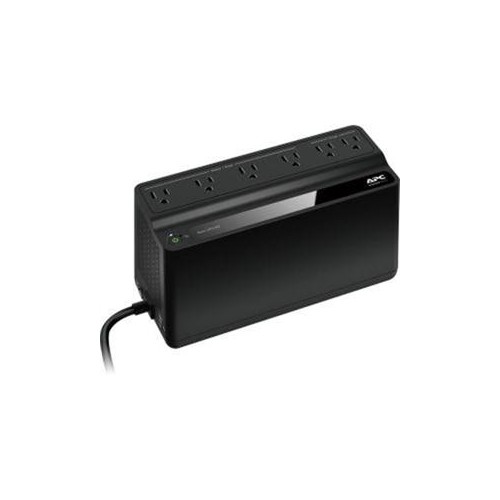 Your price for this item is $106.68
 -
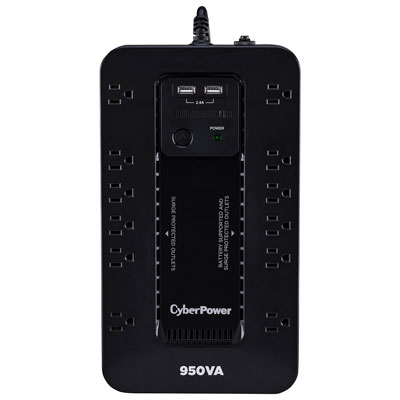 Your price for this item is $149.99
 -
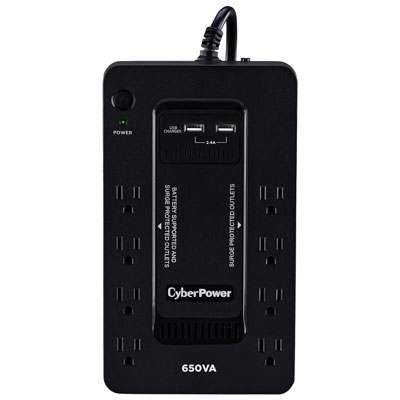 Your price for this item is $99.99
 -
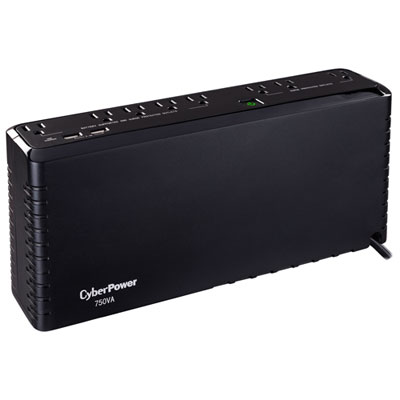 Your price for this item is $119.99
 -
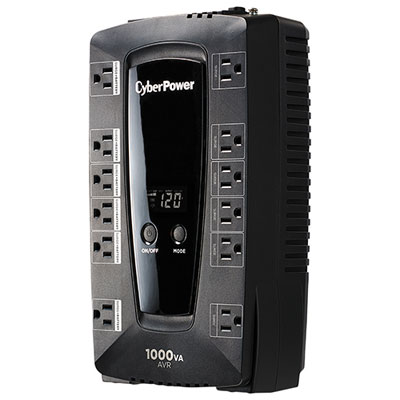 Your price for this item is $149.99
 -
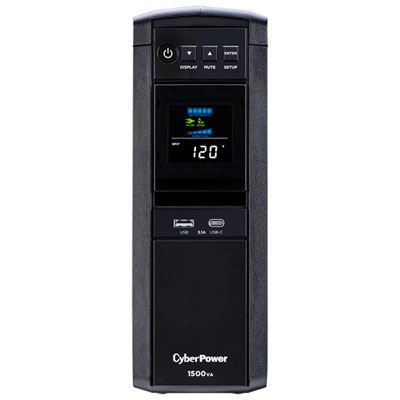 Your price for this item is $299.99
 -
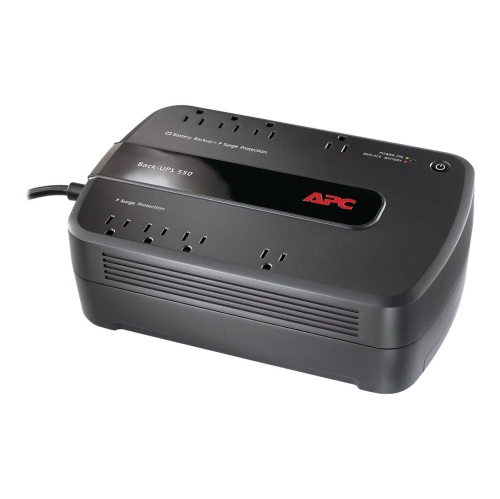 Your price for this item is $170.99
 -
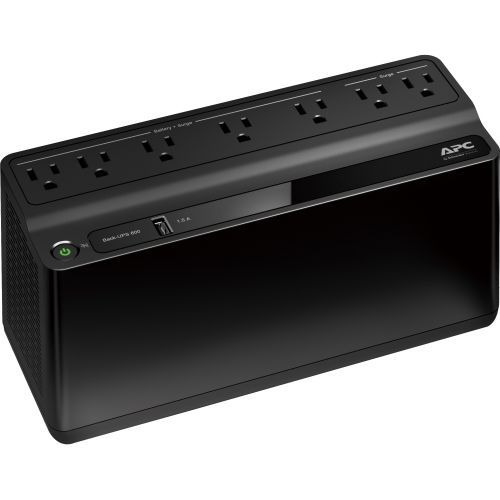 Your price for this item is $171.53
Discover more categories related to Eaton UPS

Top Collections:
Pokemon Centers, Kindle Devices, Best Budget Office Chairs, Apple iPhones 16, Best Laptops for Writers, iPhone 15 Apple, Canon G7X Cameras, Refurbished Apple Laptops, Alarm Clock, Motorola Razr Phones
Some products may be subject to Environmental Handling Fees
(EHF) depending on your province.
Learn more about EHFs.