Epson ETS 4800
Discover the Epson ET 4800, designed to streamline your printing tasks at home or in the office. Explore a range of options that make it easy to handle documents, photos, and more with confidence. Whether you’re managing everyday paperwork or tackling creative projects, the Epson ET 4800 offers reliable performance to help you stay productive. Find the right solution to support your workflow and enjoy seamless operation for all your printing needs.
Sort
How refillable ink tank printers handle everyday paperwork
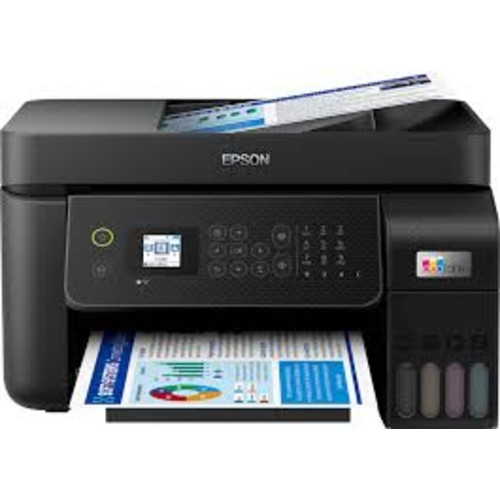
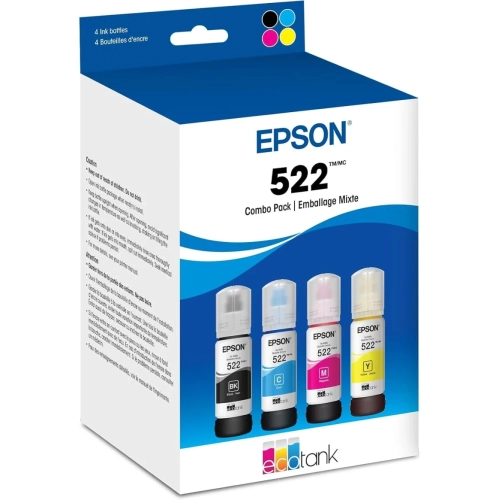
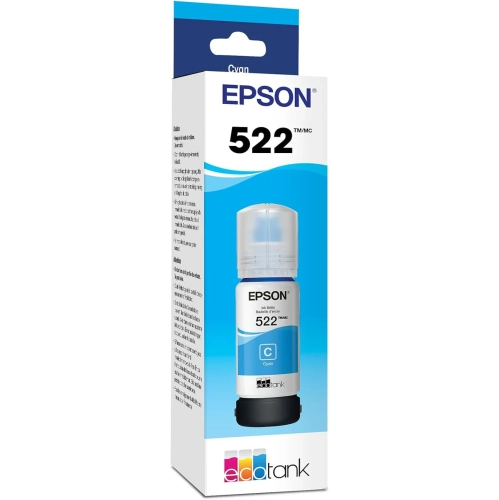
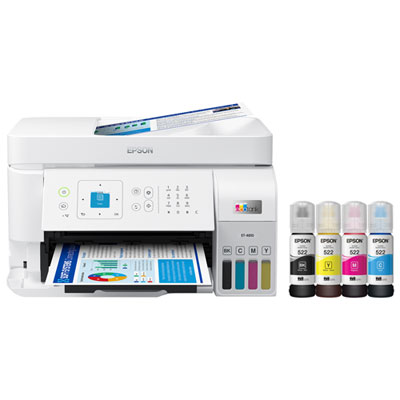
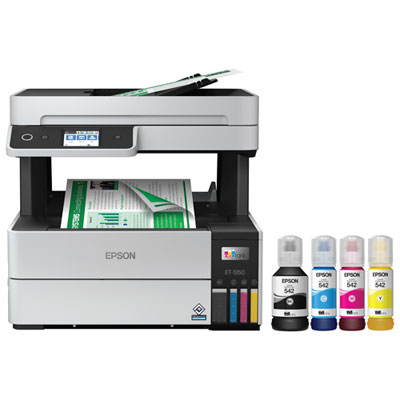
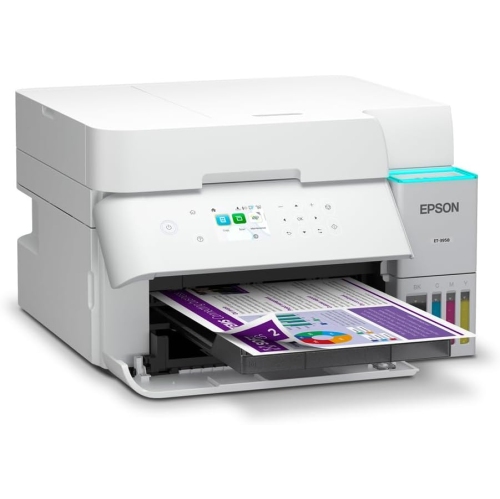
Refillable ink tank all-in-one printers bring everyday document printing, copying, and scanning into a single machine, making them a practical fit for home offices, shared household workspaces, and small businesses. Some configurations also include faxing for paperwork that still needs to move through that channel. Rather than relying on replaceable ink cartridges, these printers draw ink from built-in tanks that are replenished with compatible bottles. Separate black and colour tanks support a mix of text-heavy documents and colour pages, from shipping labels and invoices to school assignments, charts, and presentation handouts. Visible ink-level windows make it easier to monitor the tanks, while bottle and filling-port designs vary between printer families. Ink compatibility matters: bottles that look similar are not necessarily interchangeable, and the correct formulation supports reliable operation and the intended print quality. For households that print regularly, a high-capacity tank system can accommodate recurring paperwork without frequent cartridge changes. Page-yield estimates provide useful context, but actual results depend on page coverage, print settings, maintenance cycles, and the balance between black text and colour graphics. A lightly covered letter uses ink differently from a full-page illustration, so a stated yield is not a guarantee for every workload. Document quality also depends on the paper and settings. Standard office paper suits drafts and routine forms, while compatible inkjet presentation paper can give charts and graphics a more polished appearance. Photo printing requires suitable media and settings, and borderless printing support depends on the printer and paper size. These distinctions matter in a workspace where the same device might produce a child’s illustrated project in the morning and a neatly formatted client proposal later in the day. The appeal of this printer category lies in that flexibility: one machine can handle several familiar tasks without requiring separate equipment for each. It is particularly relevant to people who need colour documents regularly but do not need the speed or paper capacity of a larger office printer.
Paper handling shapes the experience of using an all-in-one printer just as much as its ink system. A flatbed scanner accommodates individual sheets and bound material that fits within its scanning area, while an automatic document feeder moves a stack of suitable loose pages through a copying or scanning job. A 30-sheet feeder, for example, can simplify processing a multi-page form or a small batch of business paperwork, although supported paper sizes, weights, and conditions still apply. Staples, curled corners, and damaged sheets can interrupt feeding, and photographs or delicate originals are generally better suited to the flatbed when permitted by the manufacturer. Input and output capacities serve different purposes. A configuration with a 100-sheet input tray and a 30-sheet output tray can hold more blank paper than finished pages, so a longer print run may require the output area to be cleared along the way. Automatic two-sided printing is a separate feature from an automatic document feeder, and neither guarantees automatic two-sided scanning. Where duplex printing is manual, sheets need to be turned and reloaded according to the printer’s directions; double-sided originals may likewise require separate scanning passes. These differences are especially noticeable with lengthy reports, application packages, and classroom handouts. Published print speeds also need context. A rating such as 10 ISO pages per minute in black and 5 ISO pages per minute in colour describes performance under standardized test conditions, not the completion time for every document. Detailed graphics, higher-quality settings, wireless transfer, and the preparation of the first page can all affect how long a job takes. Text-focused correspondence and occasional colour charts place different demands on a printer than batches of full-page images. Media support deserves similar attention: envelopes, labels, photo paper, and thicker sheets must fall within the stated specifications. A compact inkjet printer should not be assumed to handle heavy cardstock simply because that material fits into its paper opening.
Connections, physical fit, and routine care round out the differences between refillable ink tank printers. Wi-Fi can let several compatible household devices share a printer without a direct cable connection, while Ethernet, where included, provides a wired network option for a desk or office with suitable network access. USB offers a direct connection to a compatible computer. Mobile printing and scanning depend on supported devices, operating systems, apps, and network arrangements; wireless capability alone does not mean that every phone feature or remote-printing function is supported. For a household with a laptop at the kitchen table and another computer in a study, shared network printing can make a single machine more convenient. A dedicated workspace may instead favour a wired connection and a permanent position near the computer. Fax capability has its own connection requirements and should not be assumed to work through Wi-Fi alone. The printer’s closed dimensions tell only part of the story when judging fit. Paper supports, output trays, scanner lids, and access panels need room to open, and an automatic document feeder adds height above the scanning surface. A stable, level desk with clear access to the tanks and paper path makes refilling, loading, and clearing occasional jams less awkward. Lightweight plastic housings are common in compact office printers, but long-term performance depends more on appropriate use, supported media, and maintenance than on exterior appearance. Regular printing helps keep an inkjet device ready for routine work, while built-in nozzle checks and cleaning functions address certain print-quality issues according to the manufacturer’s instructions. Cleaning consumes ink, so repeated cleaning cycles are not a substitute for identifying the cause of missing lines or uneven colour. Paper stored flat and dry is less likely to curl or feed inconsistently, and scanner glass kept free of dust and fingerprints helps prevent marks on copies and scans. Related refillable ink tank printing options can also be explored on the Epson ETS 2720 page. Across this category, the most useful distinctions are practical ones: how often documents are printed, how many originals need scanning, which connections the household uses, and how comfortably the printer fits into the space where paperwork gets done.
Top selling and popular products
-
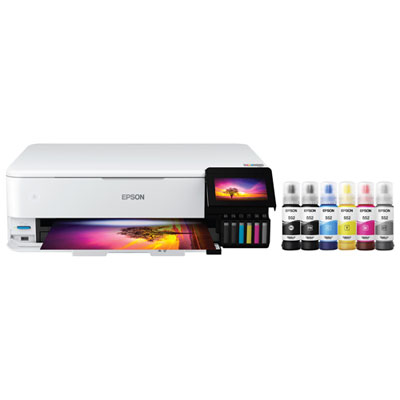 Your price for this item is $1099.99
-
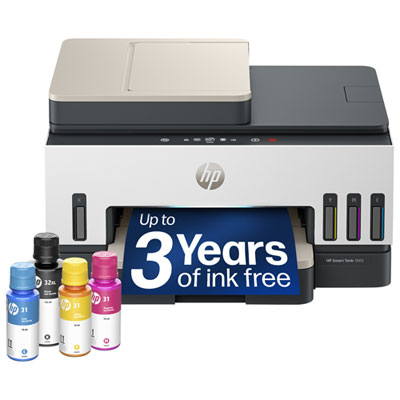 Your price for this item is $569.99
-
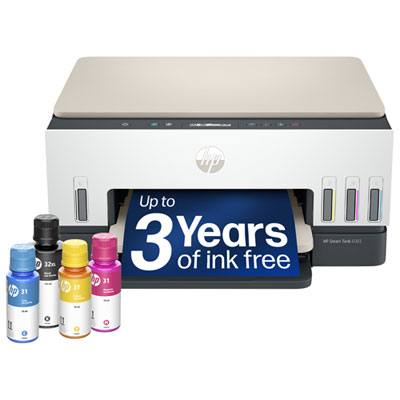 Your price for this item is $299.99
-
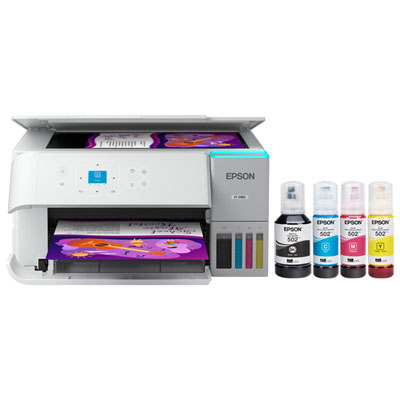 Your price for this item is $399.99
-
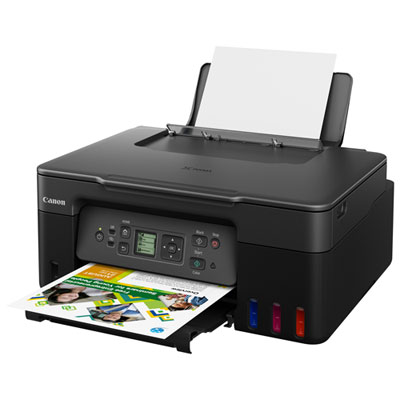 Your price for this item is $329.99
-
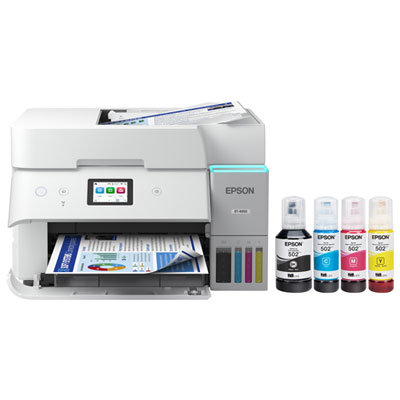 Your price for this item is $599.99
-
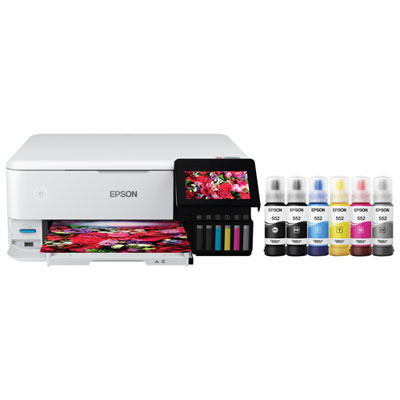 Your price for this item is $729.99
-
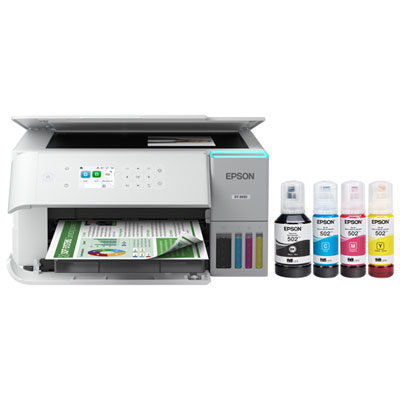 Your price for this item is $429.99
Discover more categories related to Epson ETS 4800

Top Collections:
Best Black Friday Deals This Year, Best Black Friday Deals On Electronics, Kindle Devices, Pokemon Centers, Best Black Friday Deals On Apple Products, Best Cameras for Sports Photography, Dyson Airwrap, Pokémon 30th Celebration Cards, Apple iPhone 17 Pro, Canon G7X Cameras
Some products may be subject to Environmental Handling Fees
(EHF) depending on your province.
Learn more about EHFs.