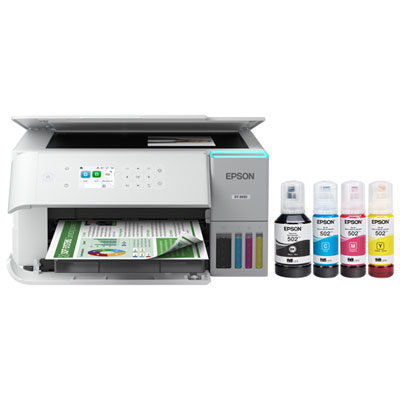
Epson ETS 2720
Discover how the Epson ET 2720 can transform your home or office printing experience. Designed to deliver reliable performance, this versatile printer is a smart addition to any workspace. Whether you're handling everyday documents, photos, or creative projects, the Epson ET 2720 offers convenience and quality you can count on. Explore a range of options and find the perfect match for your needs today.
Sort



How refillable ink printers handle everyday household paperwork
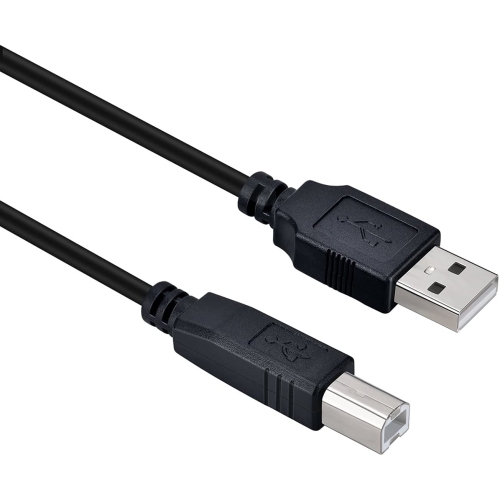
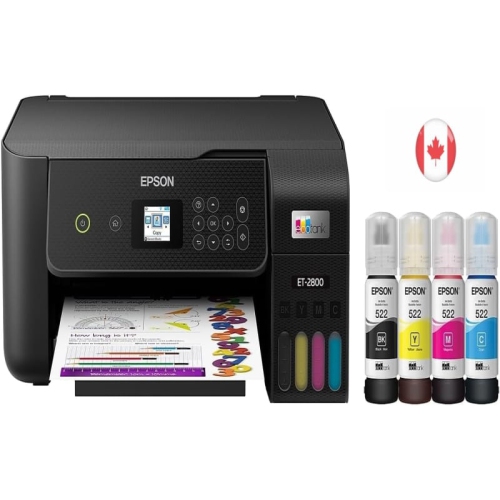
Refillable ink tank all-in-one printers combine everyday document printing, copying, and colour scanning in a single device. Instead of traditional replaceable cartridges, they draw ink from built-in reservoirs that are replenished with compatible bottles. This format suits households that print school assignments, return labels, recipes, and forms, as well as home offices handling correspondence and occasional presentation materials. A student may need clear black text for a reading package, while a small business owner may want colour charts and a scanned copy of a signed agreement without using separate machines. Wireless connectivity allows a compatible computer, phone, or tablet to send documents to the printer over a shared Wi-Fi network. Wi-Fi Direct, where supported, provides a way for a compatible device to connect without using the household router; it is different from Bluetooth. Mobile printing support depends on the printer, operating system, and app, so compatibility matters as much as the presence of wireless connectivity. A direct USB connection to a computer is another feature to distinguish from a USB port intended for printing from a flash drive, since the two are not interchangeable. A compact printer can fit comfortably into a study area or shared workspace, but its working footprint includes more than the closed housing. Rear paper supports, an extended output tray, the raised scanner lid, and access to the ink tanks all need clearance. On a narrow shelf, the space above and behind the printer can be just as important as its width. A level, stable surface supports reliable paper feeding and keeps the device steady during use. An accessible control panel or colour display also makes routine tasks easier when a computer is not nearby. Copying a permission slip or viewing a maintenance message should not require rearranging the desk.
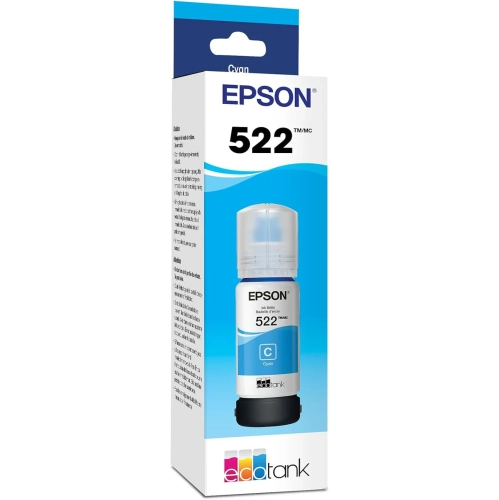
The appeal of a cartridge-free printer lies partly in how its ink system fits repeated, everyday printing. Separate reservoirs hold black and colour inks, with the compatible bottle series determined by the printer rather than by colour alone. Keyed bottle openings, where included, help match each bottle to the appropriate tank, while visible ink levels make it easier to see when replenishment is needed. Manufacturer page-yield estimates describe results under standardized test conditions, not a fixed number of pages for every household. A densely illustrated worksheet or full-page photograph uses ink differently from a short letter, and cleaning cycles also consume ink. Print speed figures need similar context: black text and colour documents have different rated speeds, while photographs, higher-quality settings, and wireless processing can extend the time before a finished page reaches the tray. For a few forms before an appointment, a compact inkjet may be a comfortable fit; frequent batches of lengthy reports place more emphasis on throughput and paper handling. A rear input tray provides a straightforward paper path, but supported sheet sizes, paper weights, and loading capacity vary. Plain paper suits routine documents, while compatible inkjet photo paper gives photographs and image-heavy projects a surface designed to receive ink. Glossy and matte finishes produce different looks, from reflective snapshots to less reflective presentation pages. Heavier craft paper, labels, and envelopes need explicit support from the printer and media manufacturer to feed reliably and avoid damage. Automatic two-sided printing is not universal in this category. A single-sided printer requires a supported manual duplex process, with pages reloaded in the correct orientation. That distinction becomes noticeable when printing a lengthy reading package rather than a single shipping label. Readable text, suitable paper, and the right print setting often matter more in daily use than the highest resolution figure on a specification sheet.
Flatbed scanning adds another useful role to a home printer, especially when paperwork needs to move between physical and digital formats. A document rests face down on the glass while the scanning mechanism captures its contents, making this design suitable for individual forms, photographs, receipts, and other supported originals. A signed application can become a digital file for submission, while a paper receipt can be saved alongside household records. Copying uses the same scanning surface to reproduce an original without first creating a separate file on a computer. The usable glass area determines which originals fit in one pass, and a flatbed does not automatically include an automatic document feeder. Multi-page scanning may therefore involve placing each sheet by hand and combining the results through compatible software. Searchable text also depends on optical character recognition software rather than on scanning alone. For larger paperwork projects, dedicated equipment found through Scanner Epson offers a related option, particularly when feeding multiple sheets is a priority. For everyday all-in-one use, keeping the scanner glass clean helps prevent marks from appearing across copies and digital files. A soft, lint-free cloth and the manufacturer’s cleaning method are appropriate for routine care; liquid should not be sprayed directly onto the device. The moulded housing, paper guides, tray extensions, and lid hinges benefit from careful handling, especially on a shared desk where supplies are frequently moved. Dry, flat paper helps reduce feeding problems, while occasional printing and manufacturer-approved maintenance support consistent ink flow. Repeated cleaning cycles are not a substitute for identifying the cause of a print-quality issue. A protected position away from spills and heavy objects also helps preserve moving parts. In a household study space, student workspace, or small home office, the most useful printer is one whose scanning method, paper handling, connection options, and regular workload fit the way documents are actually used.
Top selling and popular products
-
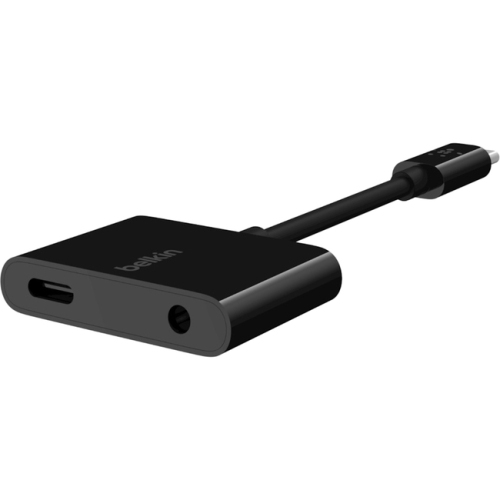 Your price for this item is $125.68
-
 Your price for this item is $111.68
-
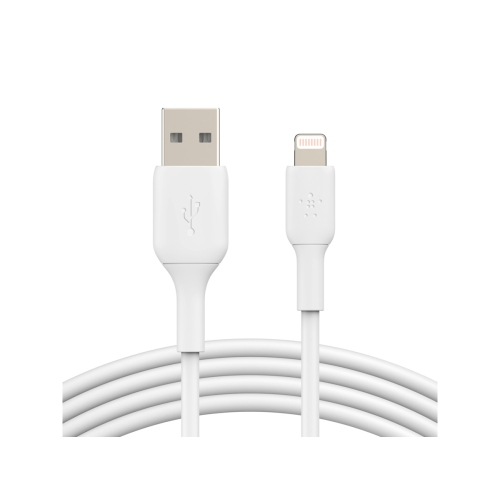 Your price for this item is $33.99
-
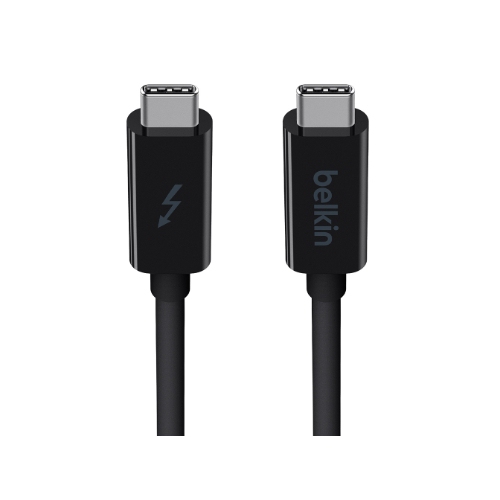 Your price for this item is $45.99
-
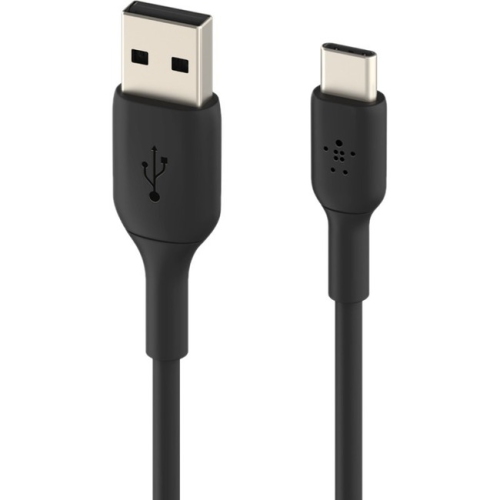 Your price for this item is $30.99
-
 Your price for this item is $105.68
-
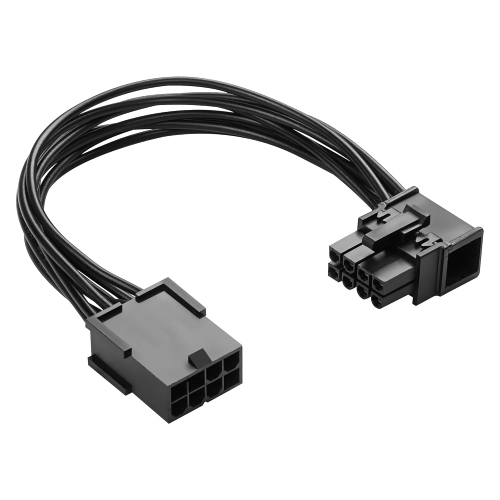 Your price for this item is $30
-
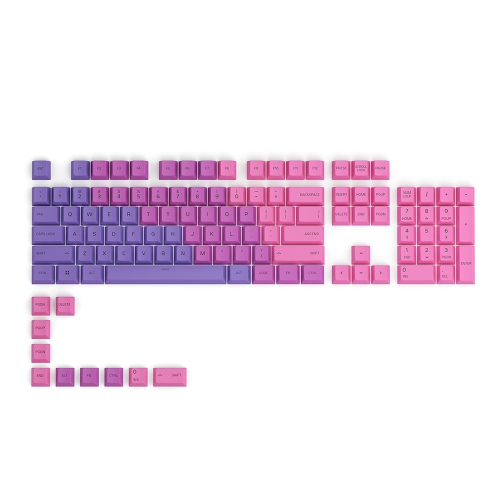 Your price for this item is $86.68
Discover more categories related to Epson ETS 2720
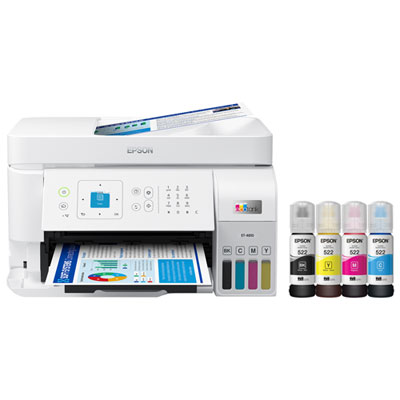
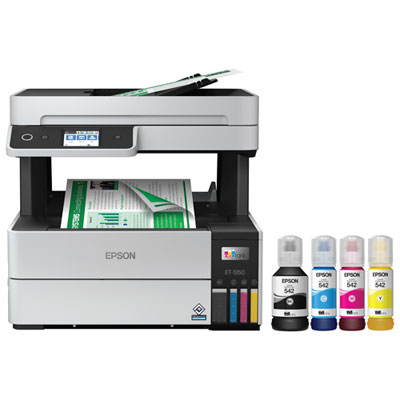

Top Collections:
Best Black Friday Deals This Year, Best Black Friday Deals On Electronics, Kindle Devices, Pokemon Centers, Best Black Friday Deals On Apple Products, Best Cameras for Sports Photography, Dyson Airwrap, Pokémon 30th Celebration Cards, Apple iPhone 17 Pro, Canon G7X Cameras
Some products may be subject to Environmental Handling Fees
(EHF) depending on your province.
Learn more about EHFs.