Ergonomic Mice for MacBook
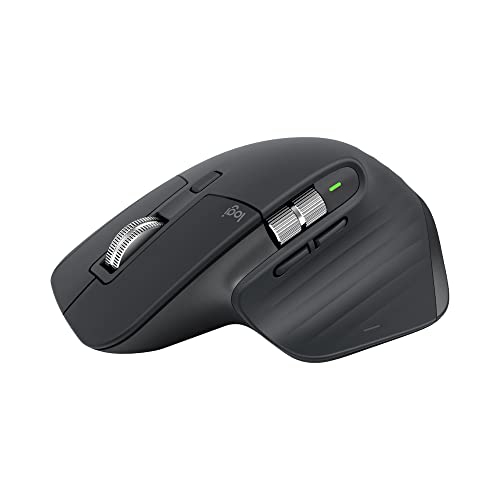
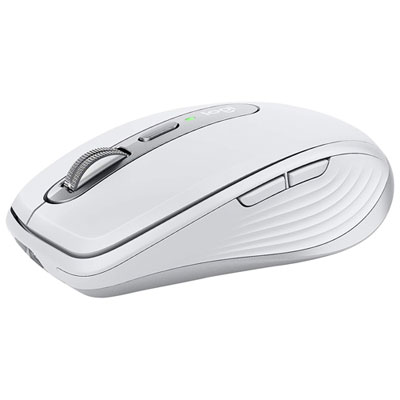
Ergonomic Mouse for MacBook options are designed to provide a comfortable and efficient experience for users who spend long hours at their computers. Whether you're working, studying, or creating, choosing the right ergonomic mouse can help enhance productivity and ease of use with your MacBook. Explore a range of styles and features tailored to fit seamlessly into your workflow and complement your MacBook setup. Find the perfect balance of comfort and performance with an ergonomic mouse built for your needs.
Sort
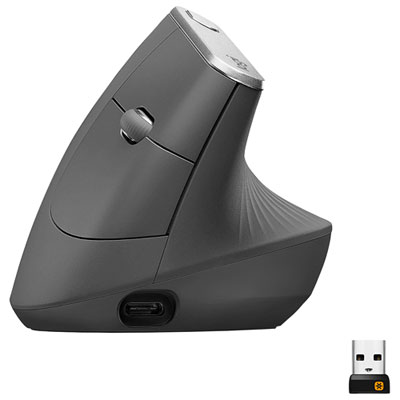

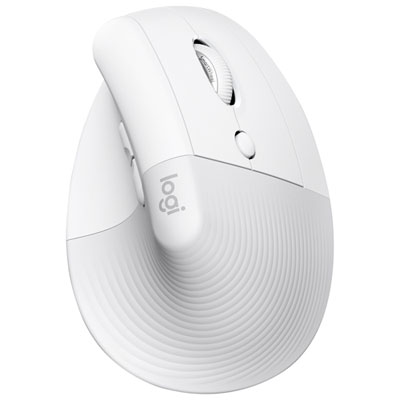
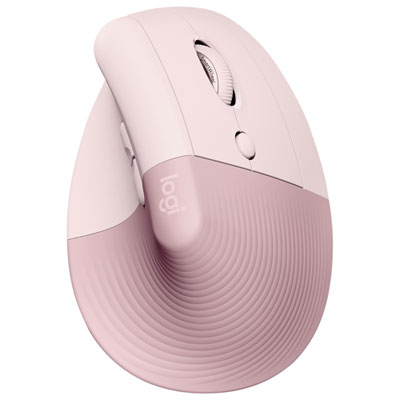
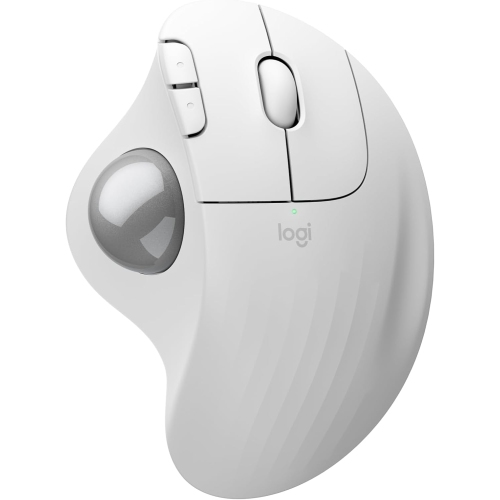
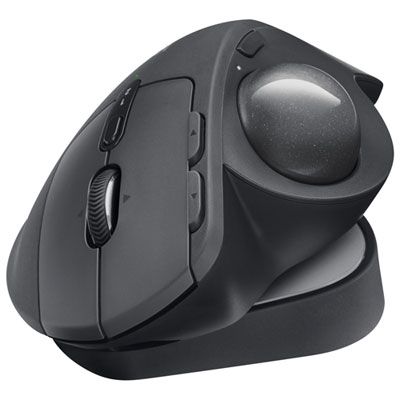
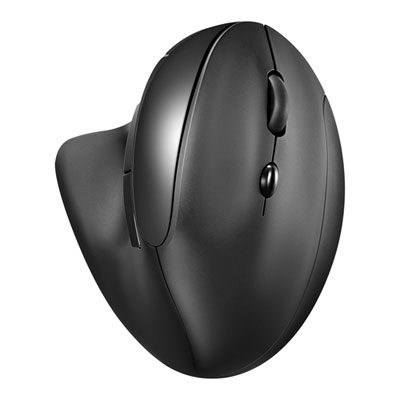
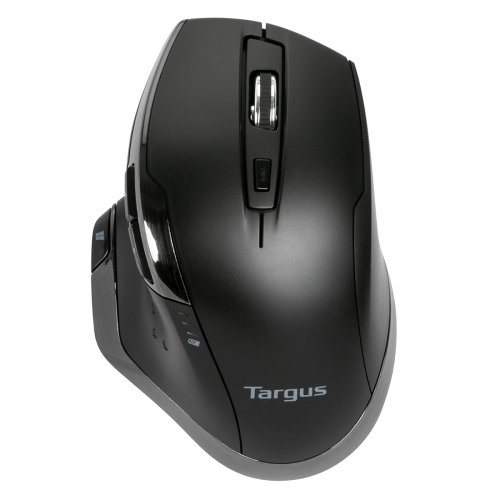

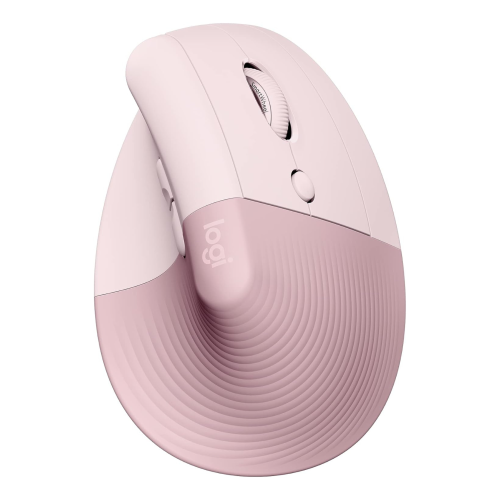

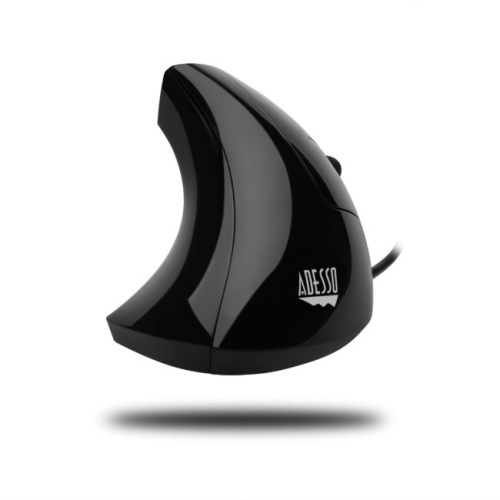
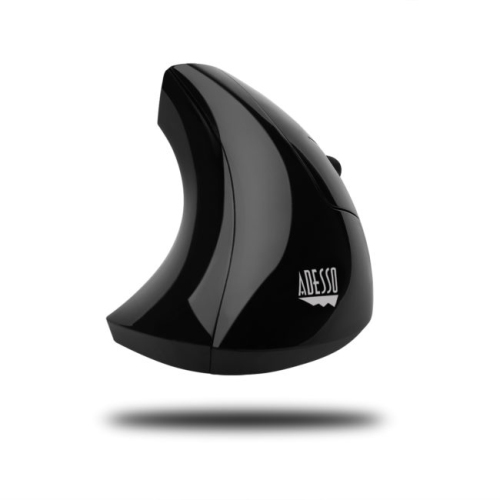
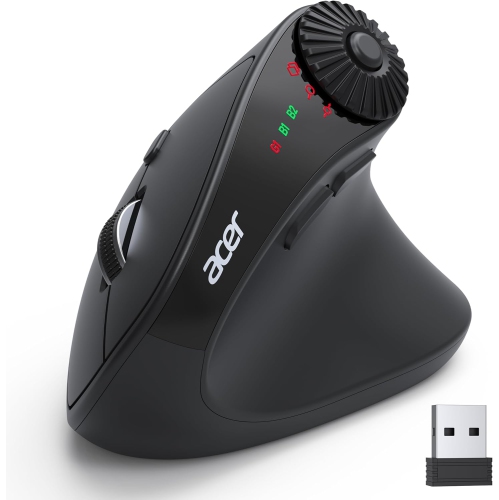
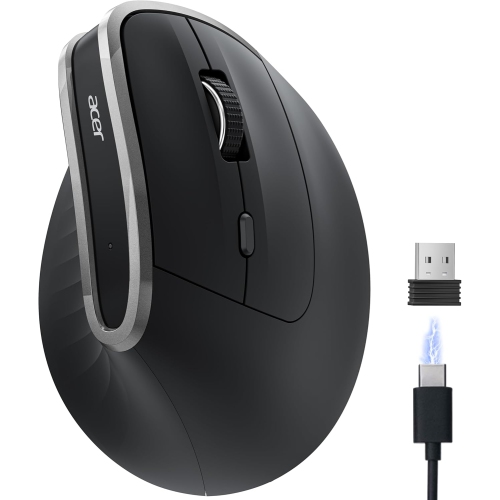
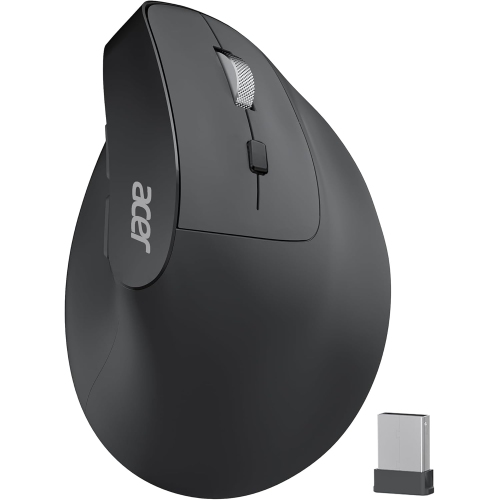
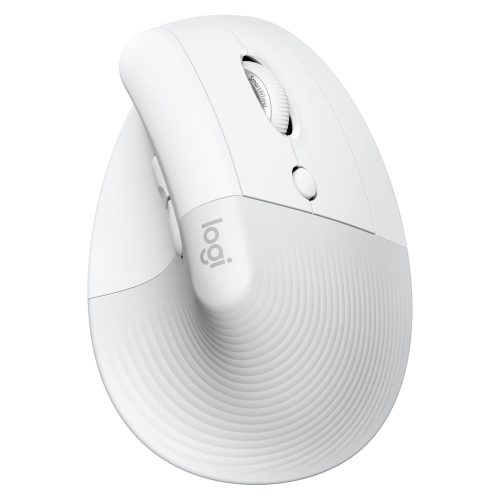
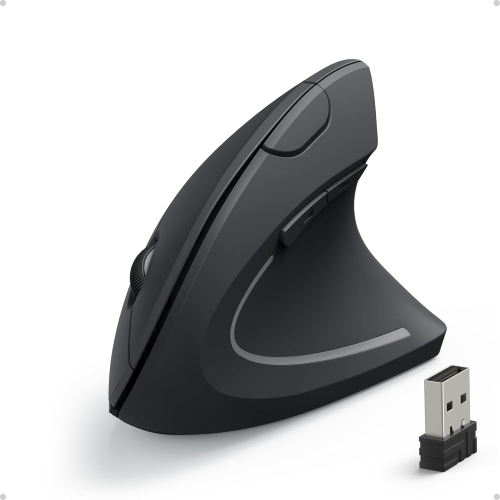
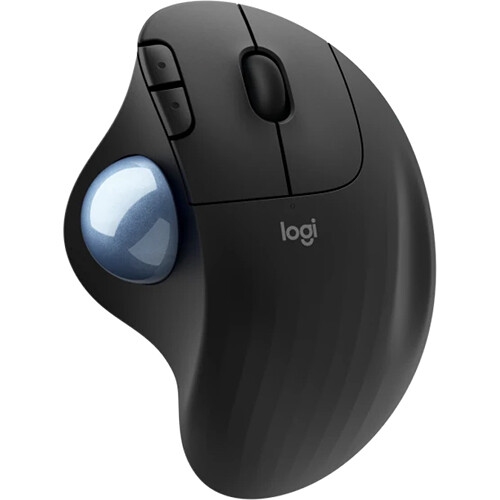
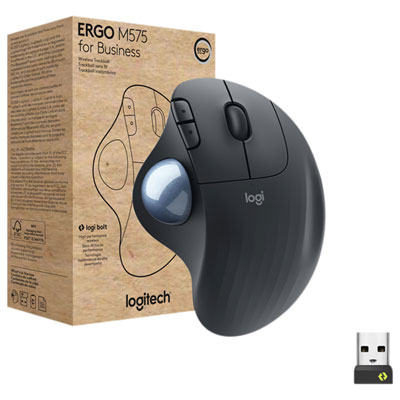
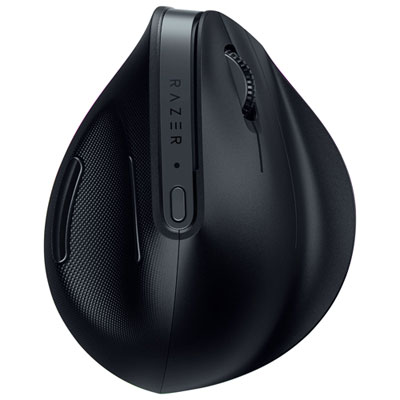
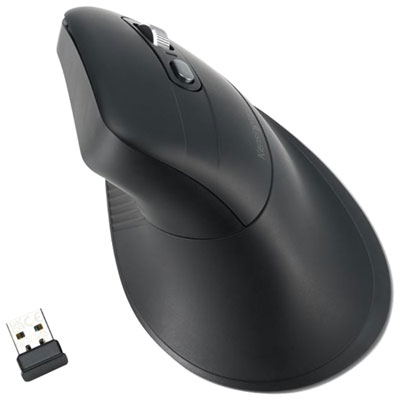

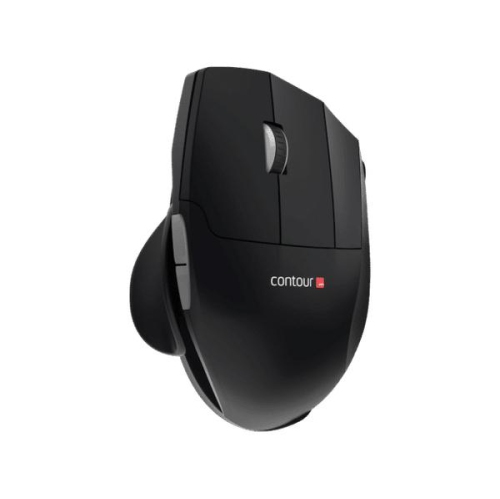
Comfort and precision for MacBook work anywhere
Whether you’re working from a bustling downtown office, a cozy home workspace, or you find yourself constantly on the move with your MacBook in tow, choosing the right ergonomic mouse can make a world of difference in your daily routine. In the midst of March, as the days gradually grow longer and the promise of spring lingers in the air, many Canadians take the opportunity to refresh their work setups and boost their productivity. An ergonomic mouse designed for MacBook users is more than just a tool—it’s an investment in comfort and efficiency. These mice are thoughtfully crafted to support the natural curve of your hand, helping to reduce strain during long editing sessions, marathon meetings, or creative projects that stretch well into the evening. For students tackling assignments, professionals managing spreadsheets, or graphic designers perfecting their latest masterpiece, the right mouse can transform hours of work into a more comfortable, enjoyable experience.
Ergonomic mice are especially appreciated by those who spend significant time at their computers, whether at home or on the go. They’re an ideal gift for anyone who’s recently started a new job, returned to school, or is simply looking to upgrade their tech essentials. With wireless options that pair seamlessly with MacBooks, you can say goodbye to tangled cords and enjoy the freedom to move around your workspace. Some models feature customizable buttons, advanced tracking sensors, and adjustable DPI settings, allowing you to tailor your experience to your unique workflow. Imagine gliding through documents with precision, editing photos with ease, or switching between tasks without missing a beat. For those who experience wrist discomfort or want to prevent fatigue, the gentle contours and supportive shapes of ergonomic mice can provide welcome relief, helping you stay focused and comfortable throughout the day.
When selecting an ergonomic mouse for your MacBook, consider factors such as hand size, grip style, and the types of tasks you most often perform. Some users prefer a compact, travel-friendly design that slips easily into a laptop bag, while others might opt for a full-sized mouse that offers additional palm support for extended use. Features like Bluetooth connectivity, rechargeable batteries, and Mac-specific shortcuts can further enhance your experience, ensuring compatibility and convenience no matter where you work. Whether you’re treating yourself to a workspace upgrade or searching for a thoughtful present for a friend, colleague, or family member, exploring the range of options available can help you find the perfect fit. For more inspiration and to discover top picks, visit the Best Ergonomic Mouse page and take the first step toward a more comfortable and productive setup.
Ergonomic mice are especially appreciated by those who spend significant time at their computers, whether at home or on the go. They’re an ideal gift for anyone who’s recently started a new job, returned to school, or is simply looking to upgrade their tech essentials. With wireless options that pair seamlessly with MacBooks, you can say goodbye to tangled cords and enjoy the freedom to move around your workspace. Some models feature customizable buttons, advanced tracking sensors, and adjustable DPI settings, allowing you to tailor your experience to your unique workflow. Imagine gliding through documents with precision, editing photos with ease, or switching between tasks without missing a beat. For those who experience wrist discomfort or want to prevent fatigue, the gentle contours and supportive shapes of ergonomic mice can provide welcome relief, helping you stay focused and comfortable throughout the day.
When selecting an ergonomic mouse for your MacBook, consider factors such as hand size, grip style, and the types of tasks you most often perform. Some users prefer a compact, travel-friendly design that slips easily into a laptop bag, while others might opt for a full-sized mouse that offers additional palm support for extended use. Features like Bluetooth connectivity, rechargeable batteries, and Mac-specific shortcuts can further enhance your experience, ensuring compatibility and convenience no matter where you work. Whether you’re treating yourself to a workspace upgrade or searching for a thoughtful present for a friend, colleague, or family member, exploring the range of options available can help you find the perfect fit. For more inspiration and to discover top picks, visit the Best Ergonomic Mouse page and take the first step toward a more comfortable and productive setup.
Top selling and popular products
-
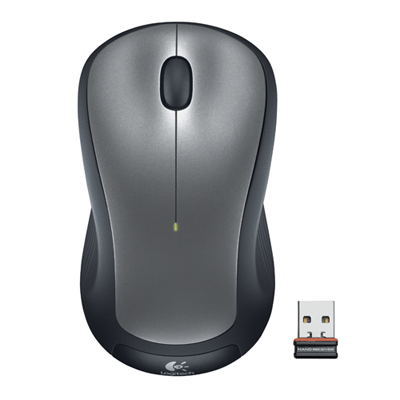 Your price for this item is $29.99
 -
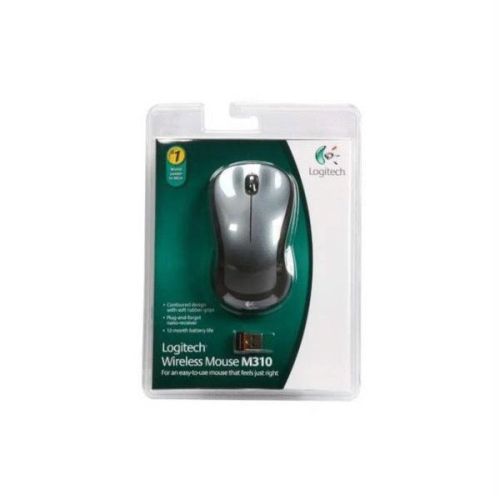 Your price for this item is $50.44
 -
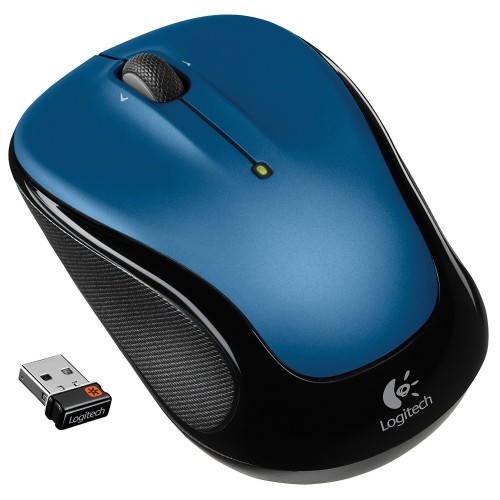 Your price for this item is $39.99
 -
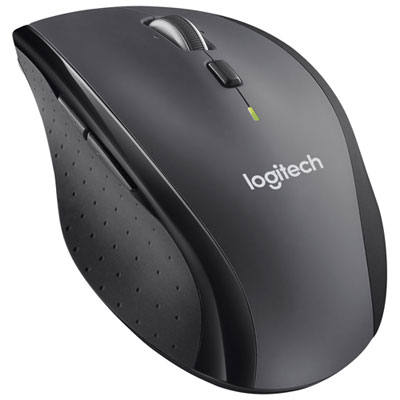 Your price for this item is $49.99
 -
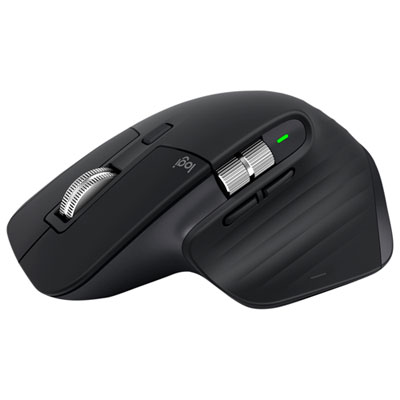 Your price for this item is $159.95
 -
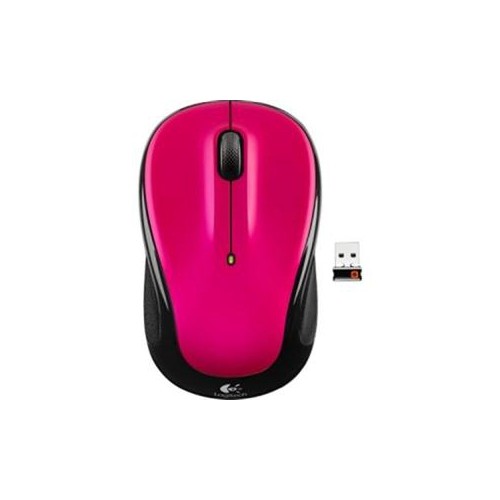 Your price for this item is $44.68
 -
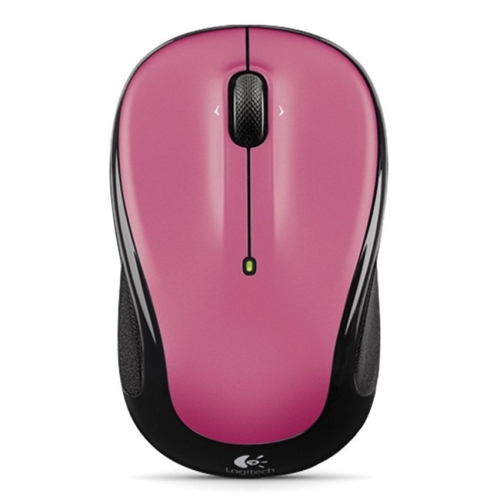 Your price for this item is $44.68
 -
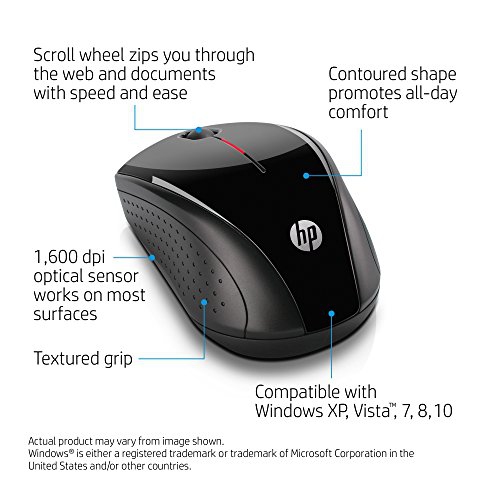 Your price for this item is $31
Discover more categories related to Ergonomic Mice for MacBook
Top Collections:
Pokemon Centers, Kindle Devices, Best Budget Office Chairs, Apple iPhones 16, Best Laptops for Writers, iPhone 15 Apple, Canon G7X Cameras, Refurbished Apple Laptops, Alarm Clock, Motorola Razr Phones
Some products may be subject to Environmental Handling Fees
(EHF) depending on your province.
Learn more about EHFs.