Fastest External Storage
Looking to turbocharge your storage capacity? Look no further than our collection of lightning-fast external storage solutions. Whether you need to store massive amounts of data, transfer files in the blink of an eye, or simply want to keep your digital life organized and accessible, our selection of high-speed external storage devices has got you covered. With cutting-edge technology and impressive read/write speeds, these devices are designed to handle even the most demanding tasks with ease. Upgrade your storage game today and experience the power of speed with our fastest external storage options.
Sort
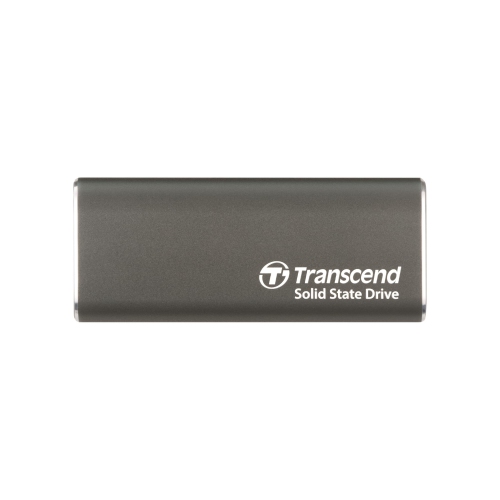
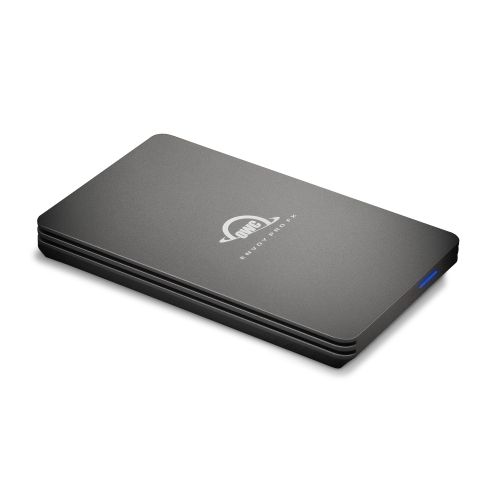
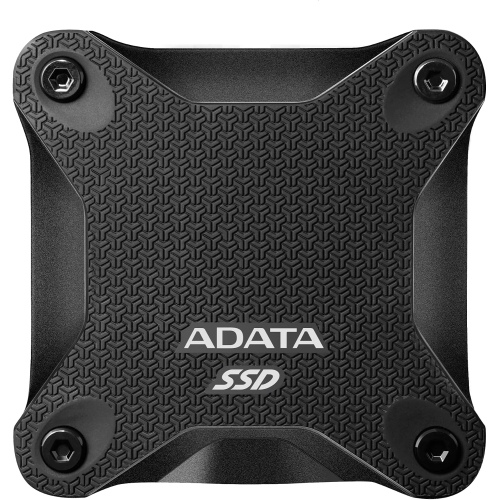
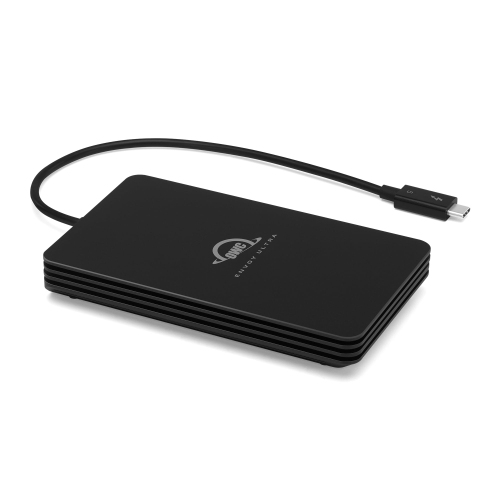
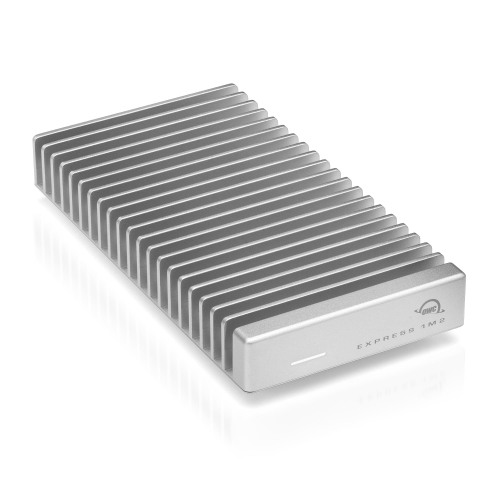
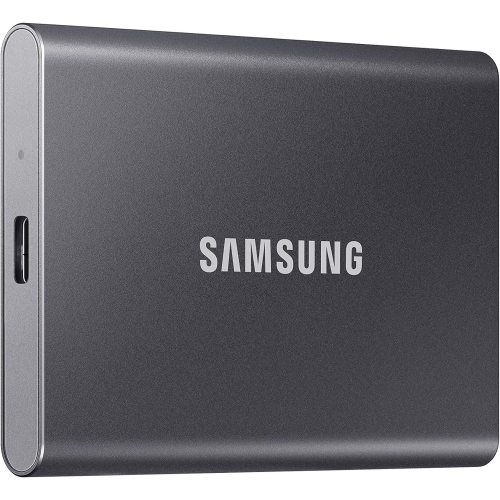
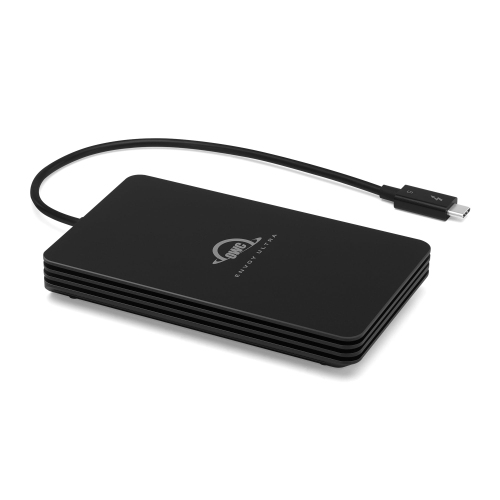

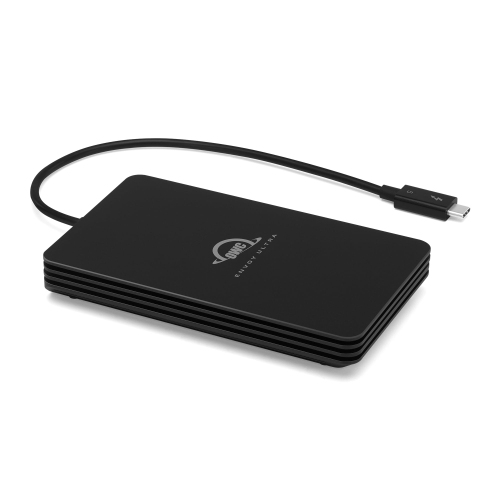
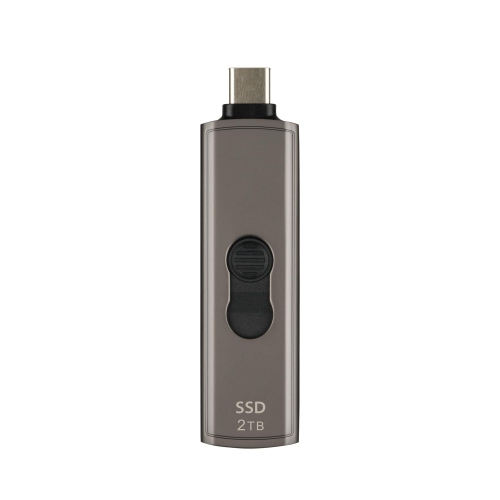
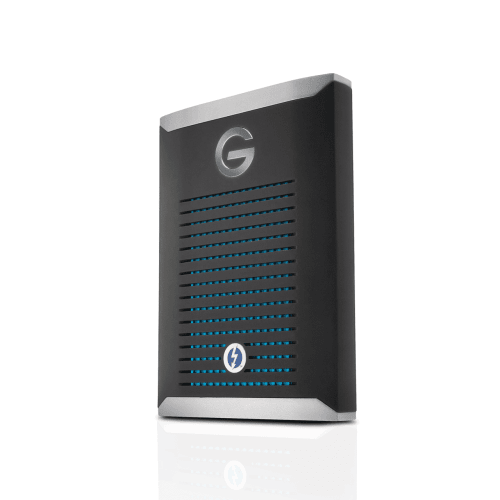
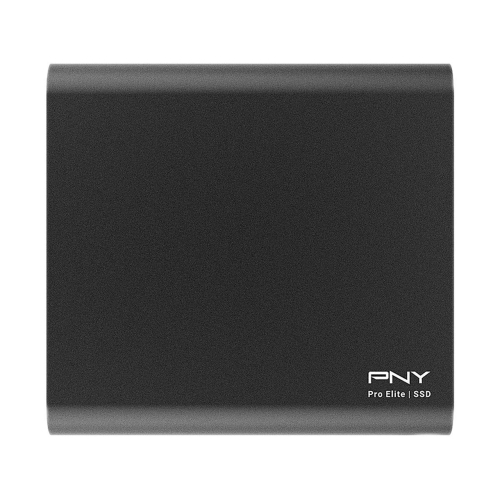

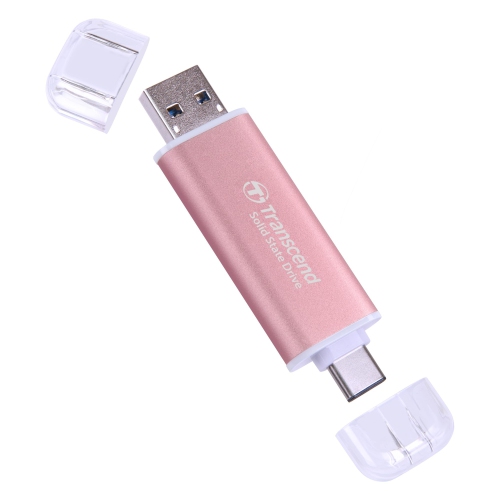
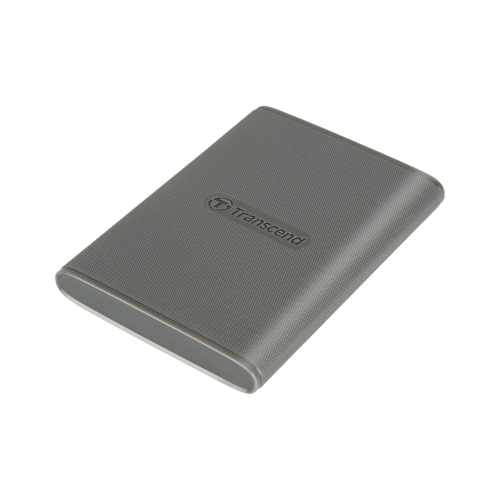
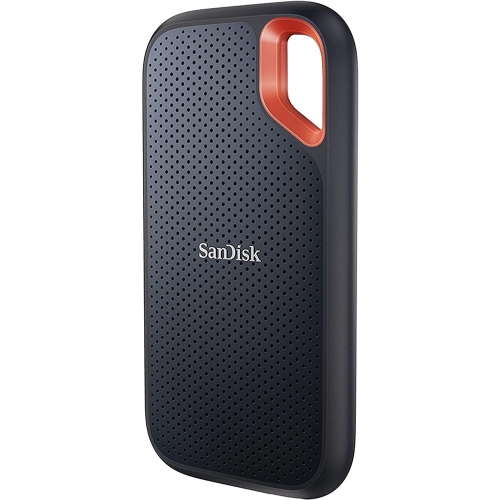
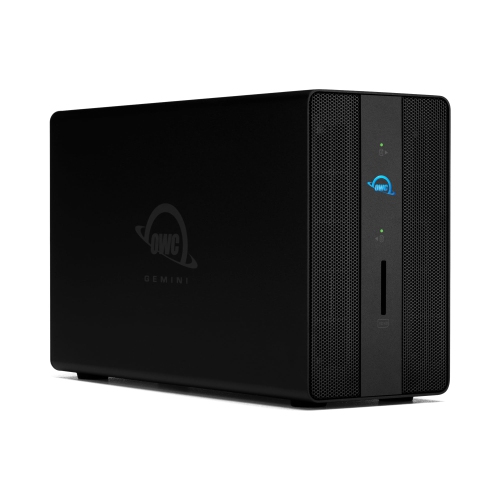


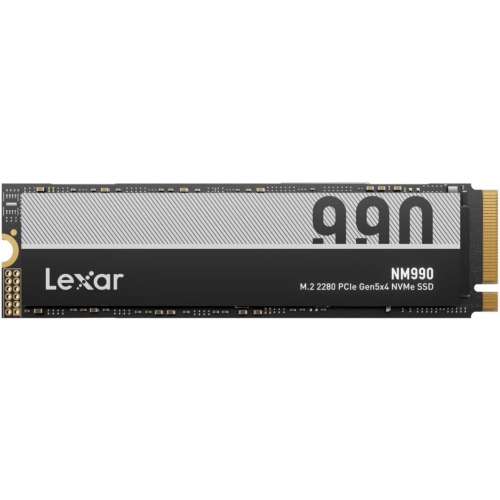
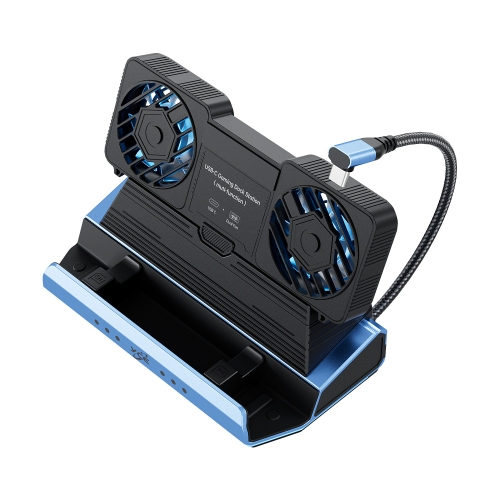
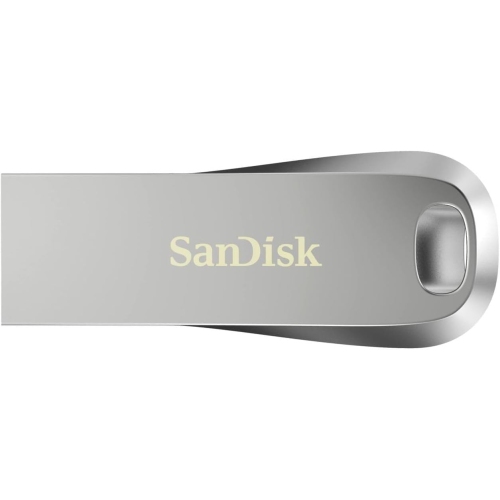
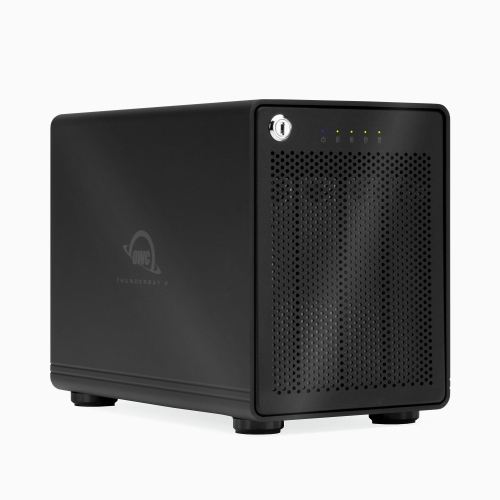

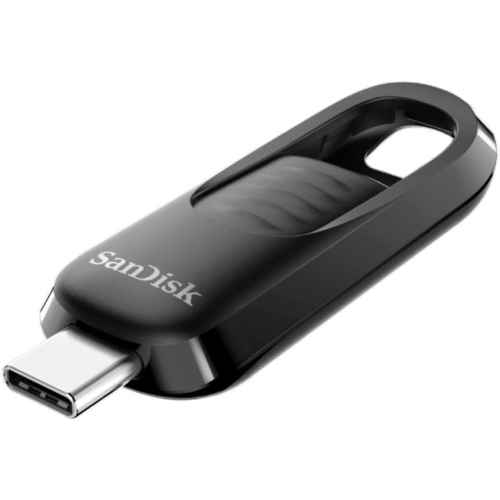
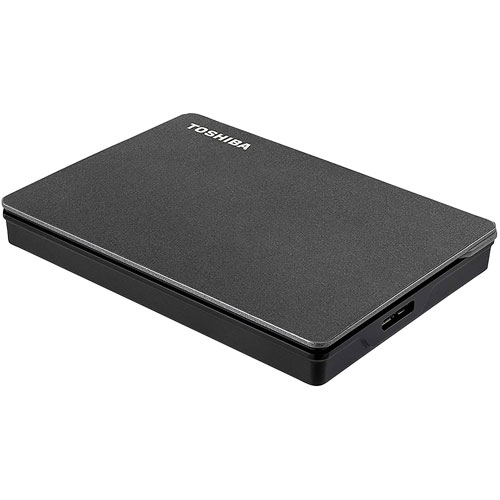
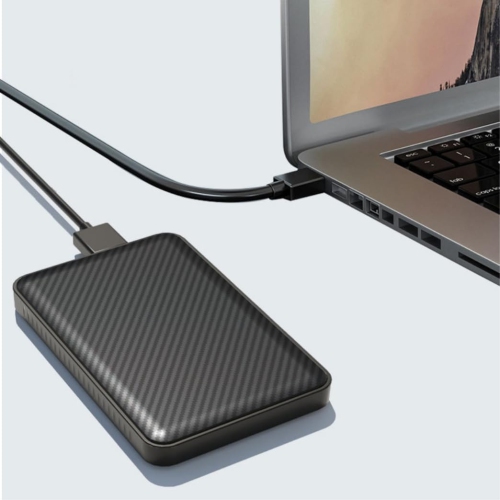

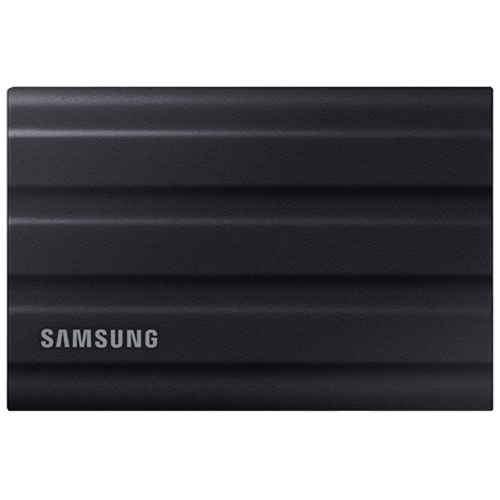






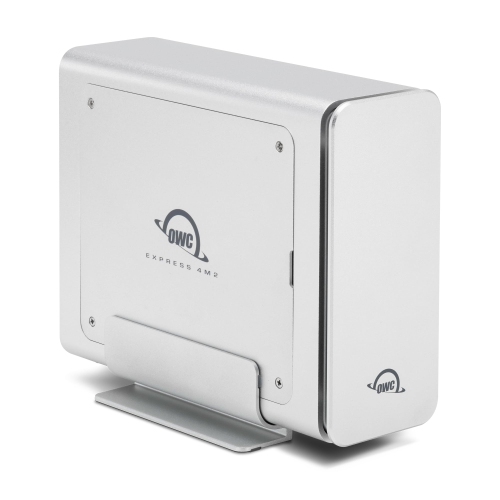
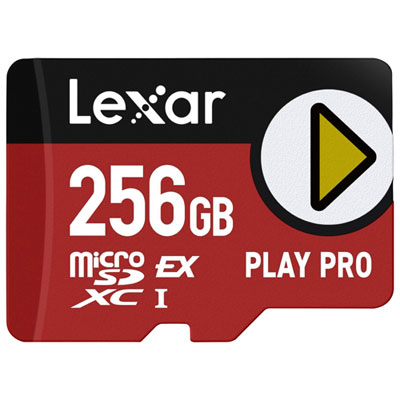
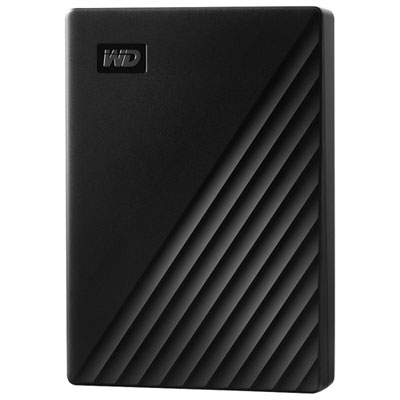
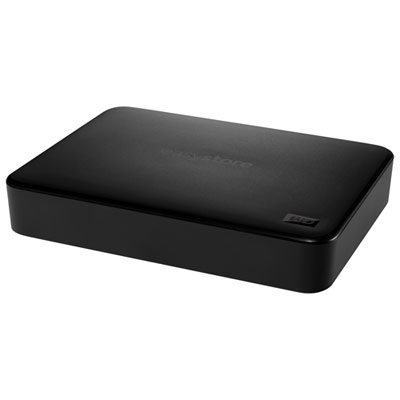


Why external SSD speed depends on your whole setup
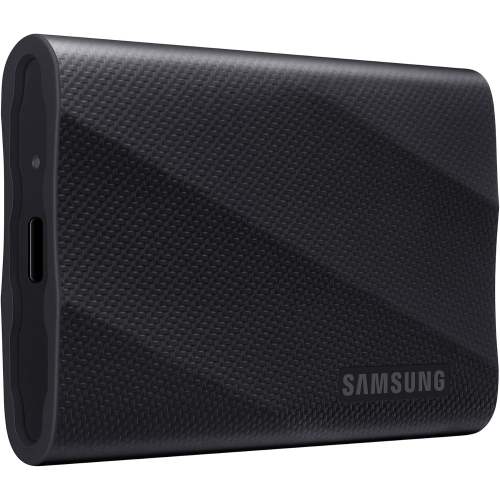
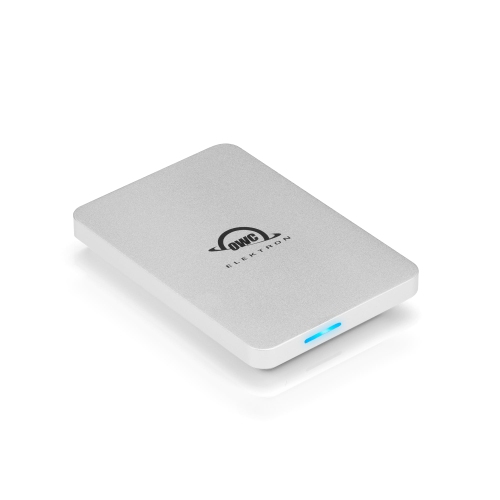
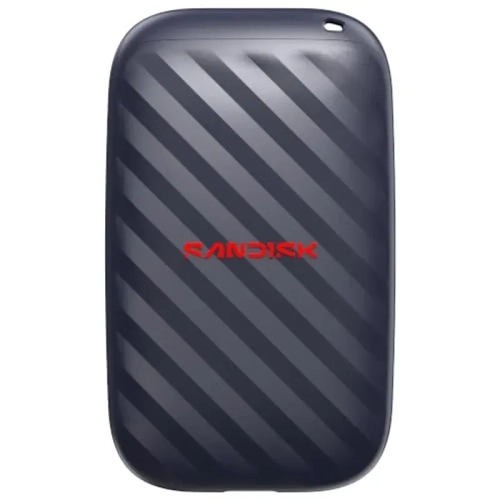
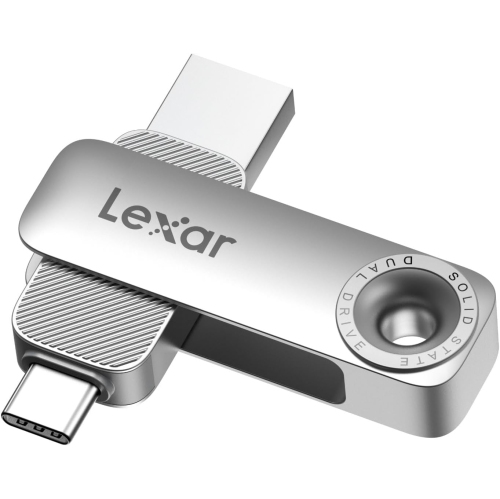
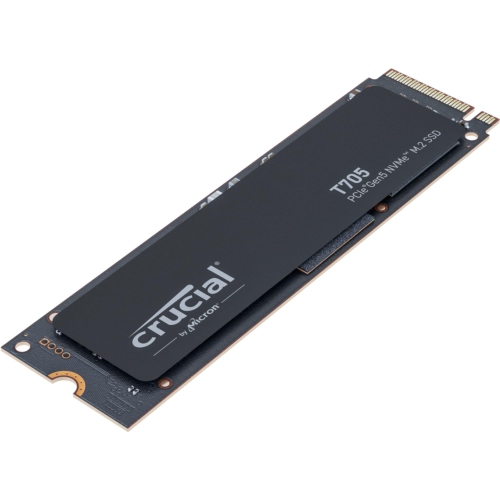
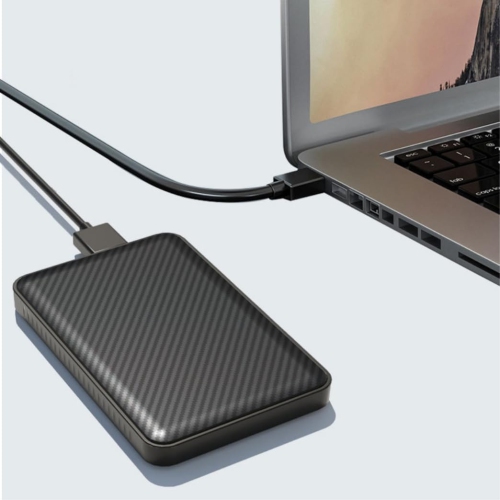
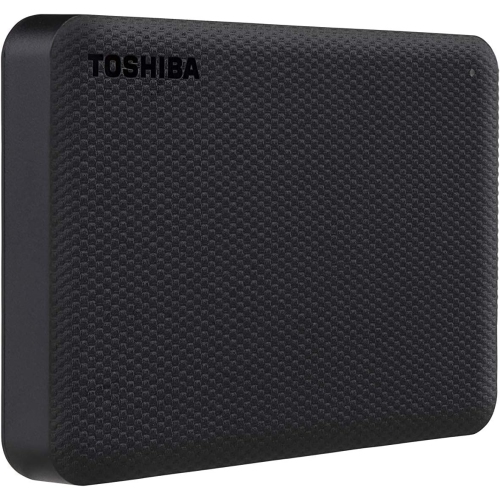
The fastest external storage typically combines an NVMe solid-state drive (SSD) with a high-bandwidth connection such as Thunderbolt 5 or USB4 at 80Gbps. High-end configurations can achieve sequential read speeds above 6,000 MB/s under suitable conditions, making them well suited to moving large video projects, working with high-resolution photo libraries, and transferring substantial folders between workstations. That headline figure describes a particular kind of performance, however, rather than the speed of every task. Actual results depend on the drive, computer, cable, connection, and files being transferred. A fast external SSD connected to a slower port will operate within that port’s limits, even when the plug fits perfectly. USB-C describes the connector’s shape, not its data-transfer capability: two identical-looking sockets can support very different speeds. Thunderbolt 5 and 80Gbps USB4 connections provide more bandwidth than 40Gbps connections, while USB 3.2 Gen 2 and Gen 2x2 offer lower maximum transfer rates. Support for each standard matters at both ends of the cable, and compatibility with one connection type does not guarantee every intermediate speed on another. A suitably rated cable is just as important as the drive itself; a charging cable with limited data capability can hold back an otherwise capable setup. Direct connections also remove potential bottlenecks introduced by hubs or docks, particularly when several devices share the same connection. When comparing Fastest Hard Drives with external SSDs, the underlying storage technology is an important distinction. Mechanical hard drives use spinning platters and moving read heads, whereas SSDs access flash memory without those moving parts. For demanding external storage tasks, SSDs generally offer much higher throughput, quicker access to scattered files, and greater resistance to knocks during transport. Mechanical storage can still suit large archives, but it does not provide the same responsiveness for active projects. The most useful performance match is therefore not simply the largest advertised number, but a drive and connection that complement the computer and the work being done.
Large-file transfers make speed differences easy to notice. Copying a folder of camera footage involves a different workload from opening thousands of small documents, launching applications, or browsing a photo catalogue. Sequential read and write figures describe transfers involving large, continuous blocks of data; small-file performance also depends on latency and how efficiently the drive handles many separate requests. Read speed matters when accessing footage or loading assets, while write speed becomes especially important when importing media, exporting projects, or creating backups. A video editor working directly from an external drive needs dependable performance throughout a session, not just a quick burst at the beginning of a copy. Sustained write speed is particularly relevant here. Many SSDs use a fast cache that absorbs incoming data before moving it into longer-term storage. Once that cache fills, write speeds can fall, sometimes substantially, depending on the drive’s design and remaining free space. Transferring several hundred gigabytes at once can therefore reveal differences that a short benchmark misses. Heat management matters for the same reason. Aluminum enclosures, internal heat spreaders, and carefully designed ventilation help move heat away from the controller and flash memory. Some designs use passive cooling for quiet operation, while others add a fan to support extended workloads. An enclosure that feels warm is not automatically malfunctioning, but covering it with papers or leaving it inside a padded pouch during a long transfer can restrict heat dissipation. Capacity deserves equal attention: working files, previews, temporary exports, and duplicate project versions can occupy far more space than the original source material. Keeping some room free helps accommodate that growth and can support more consistent performance. For photographers, designers, audio producers, and developers, a well-matched external SSD can function as an active workspace rather than merely a place to put completed files. For everyday backups and document storage, a less demanding connection may already provide a comfortable experience without requiring the highest possible transfer rate.
Portable external storage also needs to suit the way it will be carried, connected, and protected. A compact drive with a short, secure cable fits easily beside a laptop on a shared desk, while a larger enclosure may be more practical for a workstation that stays in one place. Metal housings can help distribute heat, and rubberized surrounds can improve grip and cushion minor impacts. Drop resistance and water resistance are separate features, so any protective rating should be considered according to its stated test conditions rather than treated as permission for rough handling. Connector quality matters too: repeated sideways pressure from a taut cable can strain both the drive and the computer’s port. A protective case is useful during transport, provided the drive is removed when necessary for proper cooling during use. File-system compatibility affects daily convenience just as much as physical design. A drive moving between different computer operating systems may benefit from a shared format such as exFAT, while a platform-specific format may be better suited to particular backup tools or workflows. Formatting can erase existing contents, making a separate copy essential before changing the setup. Game storage has its own compatibility requirements: some consoles can store newer games externally but require those games to be moved to supported internal storage before play. A fast connection alone does not remove that restriction. For confidential work or personal records, supported encryption and a reliable recovery-key process add protection if a portable drive is misplaced. Important files still need another independent copy, because even a durable SSD can fail, be lost, or be accidentally erased. As a gift for a student, photographer, gamer, or frequent traveller, external storage is most useful when its connection, capacity, and software requirements suit the recipient’s equipment. The best fit brings together responsive file access, dependable long-transfer performance, manageable size, and straightforward compatibility, making demanding storage tasks feel less disruptive throughout an ordinary working day.
Top selling and popular products
-
 Your price for this item is $374.99
-
 Your price for this item is $669.99
-
 Your price for this item is $347.91
-
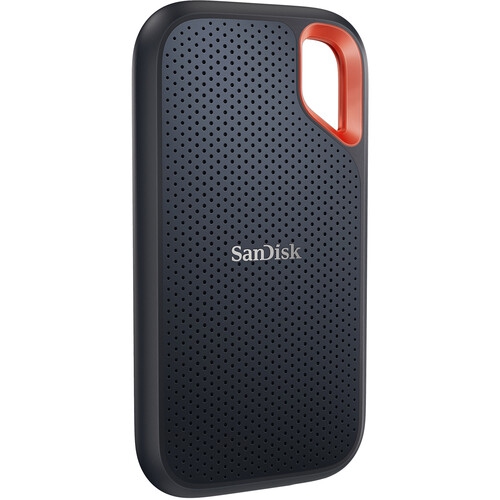 Your price for this item is $508.91
-
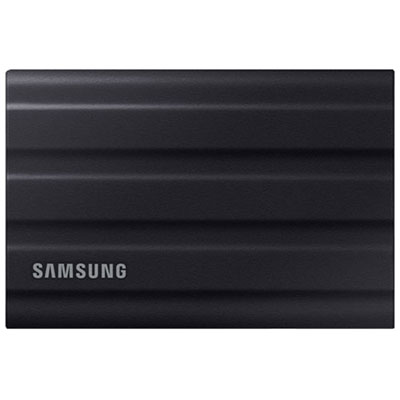 Your price for this item is $1559.95
-
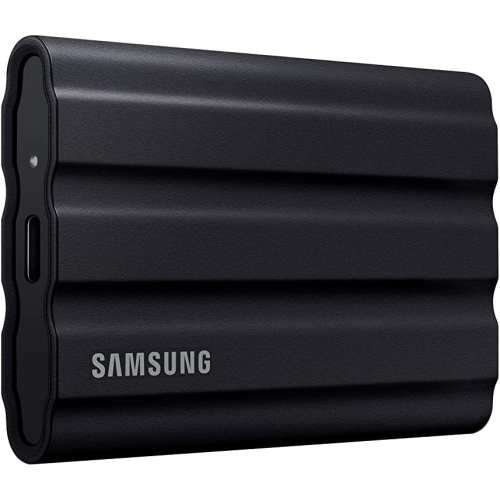 Your price for this item is $1499
-
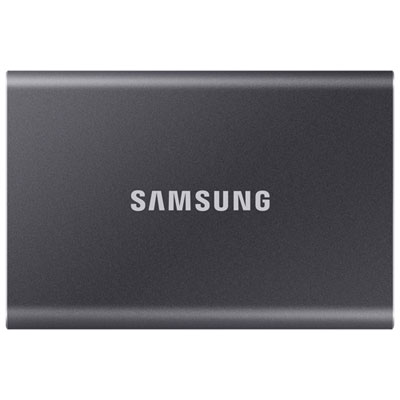 Your price for this item is $1489.97
-
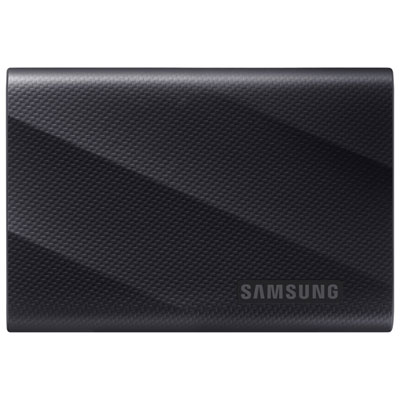 Your price for this item is $389.99
Discover more categories related to Fastest External Storage
Top Collections:
Best Black Friday Deals This Year, Best Black Friday Deals On Electronics, Kindle Devices, Pokemon Centers, Best Black Friday Deals On Apple Products, Best Cameras for Sports Photography, Dyson Airwrap, Pokémon 30th Celebration Cards, Apple iPhone 17 Pro, Canon G7X Cameras
Some products may be subject to Environmental Handling Fees
(EHF) depending on your province.
Learn more about EHFs.