Fingerprint Reader Laptops
If you're looking for the latest in laptop security technology, look no further than this selection of fingerprint reader laptops. Say goodbye to traditional passwords and hello to quick and secure access with just a touch of your finger. These cutting-edge laptops offer an added layer of protection to keep your personal information safe and give you peace of mind while on the go. Browse this collection today and experience the convenience and security of fingerprint recognition technology at your fingertips.
Sort
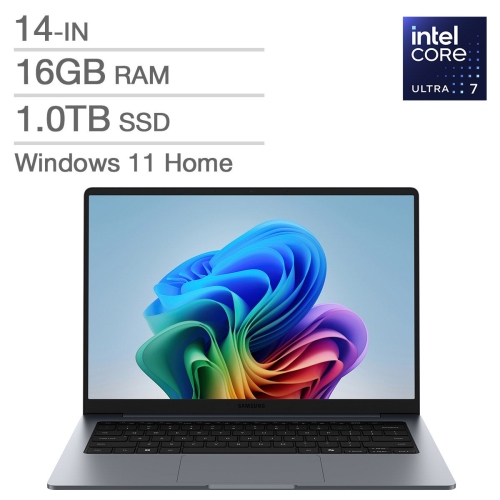
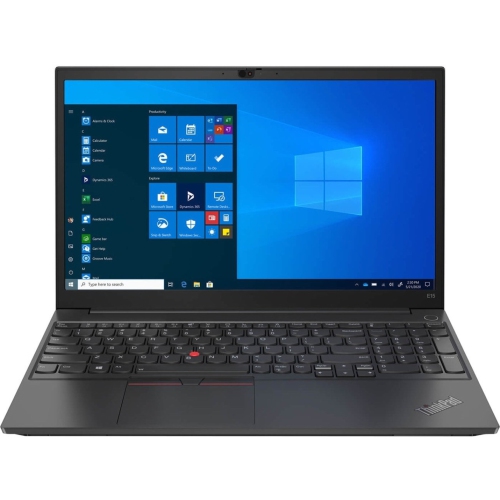
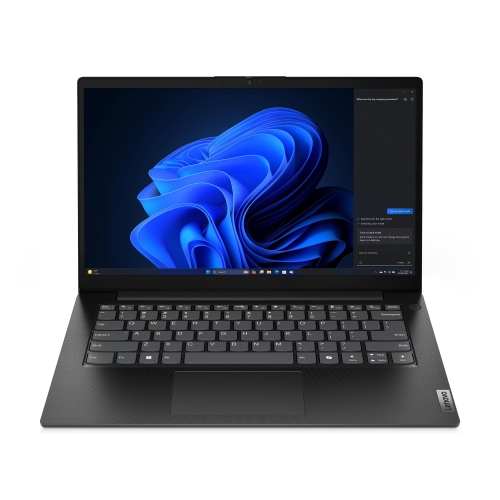
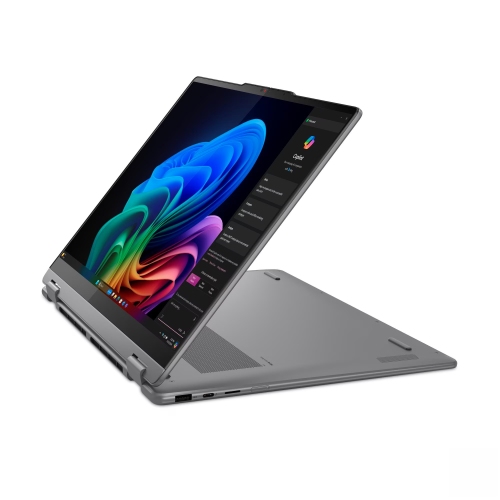
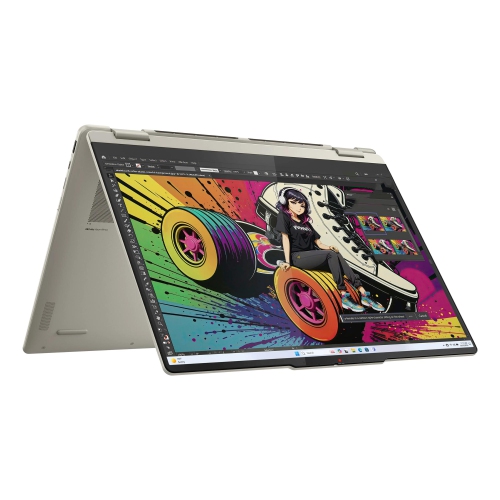
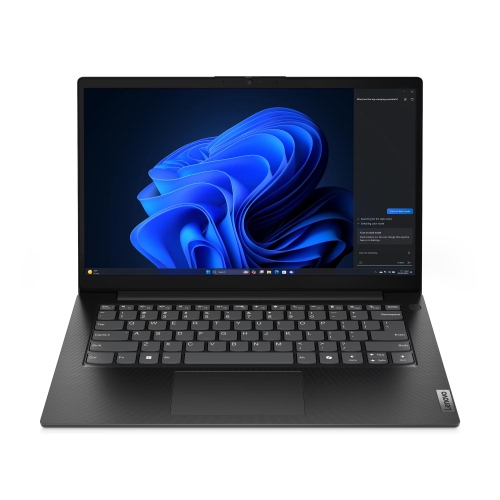
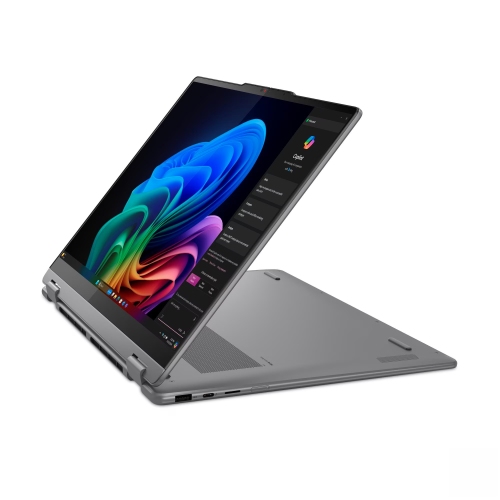
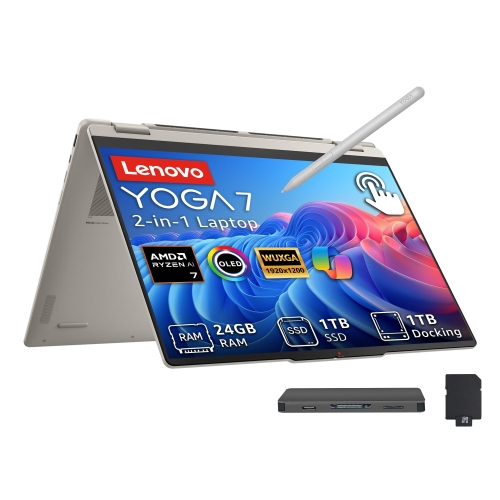
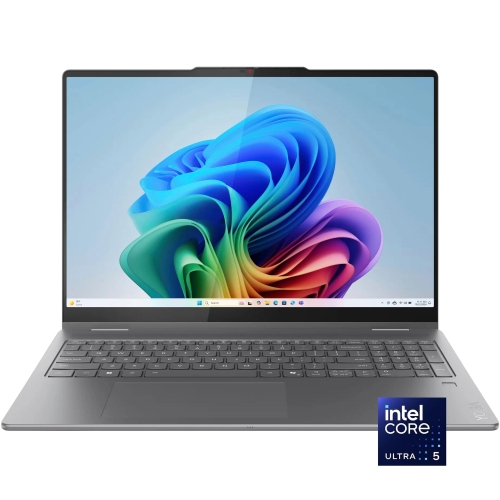
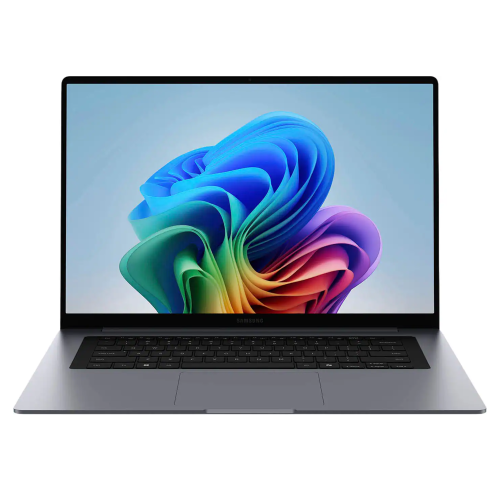
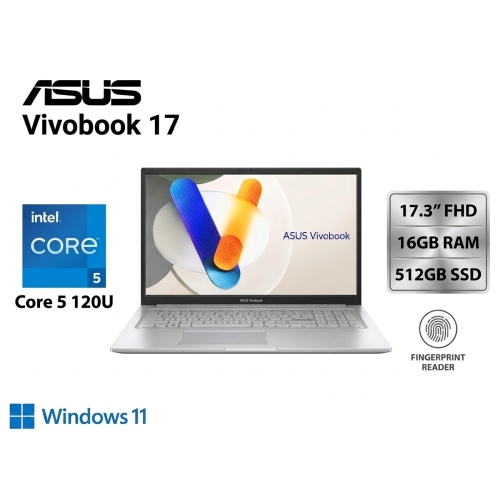
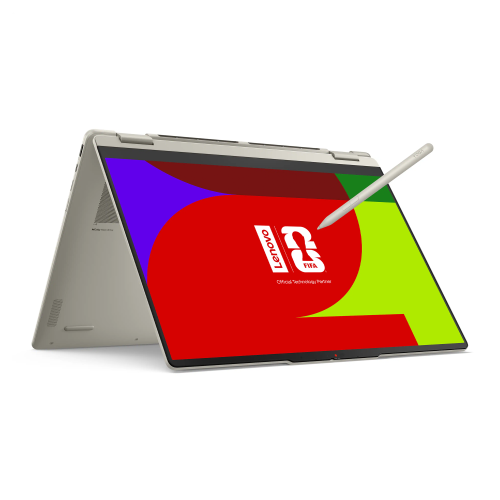
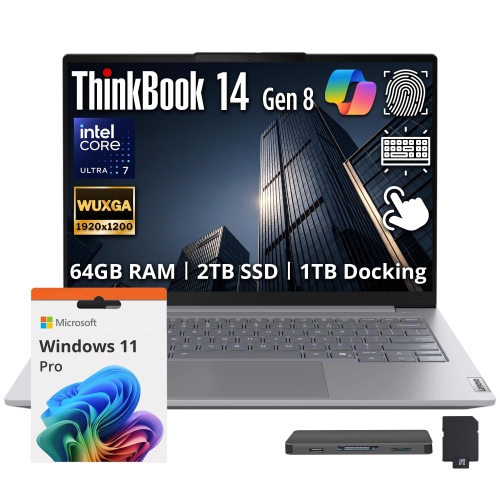
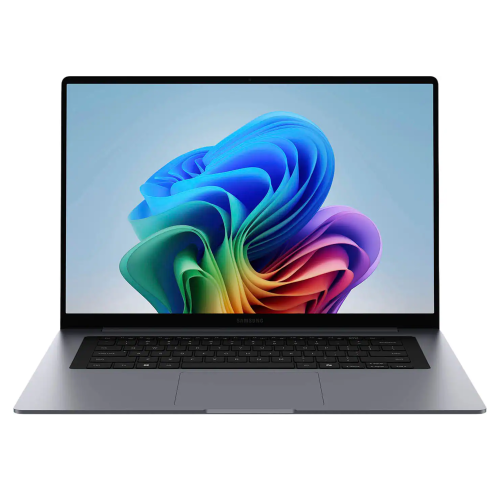
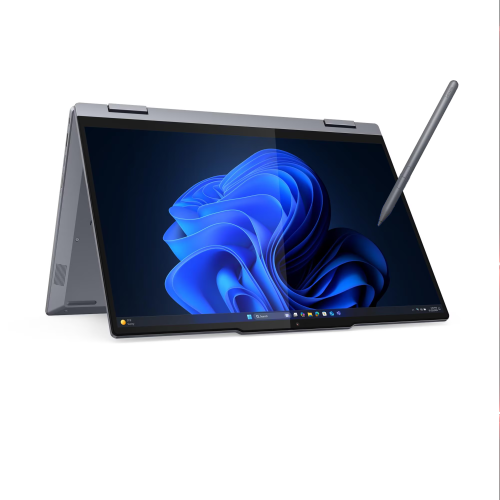
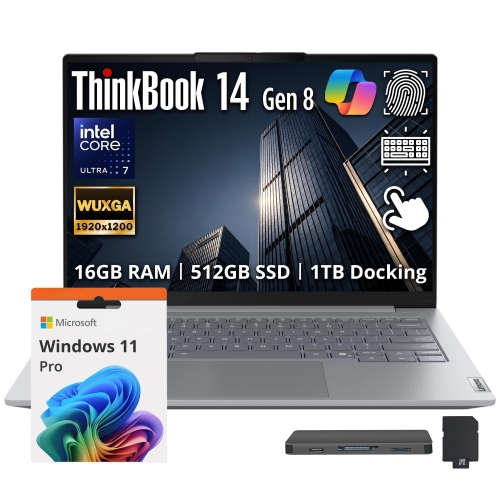
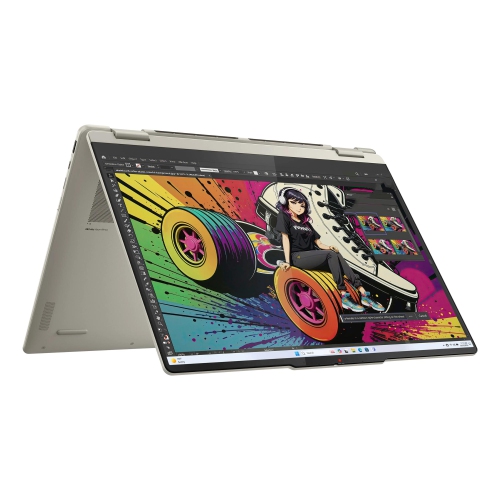
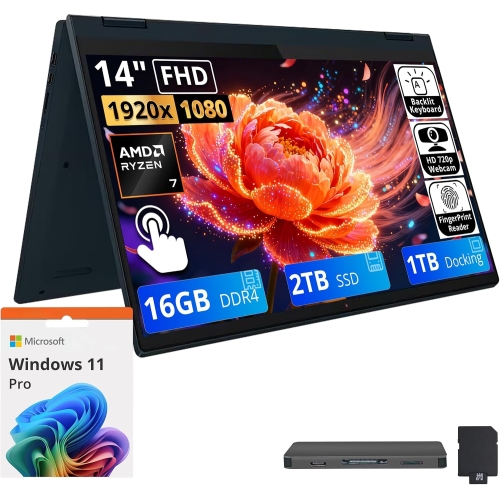
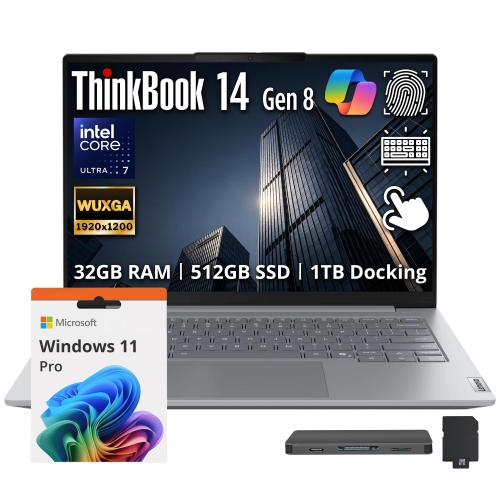
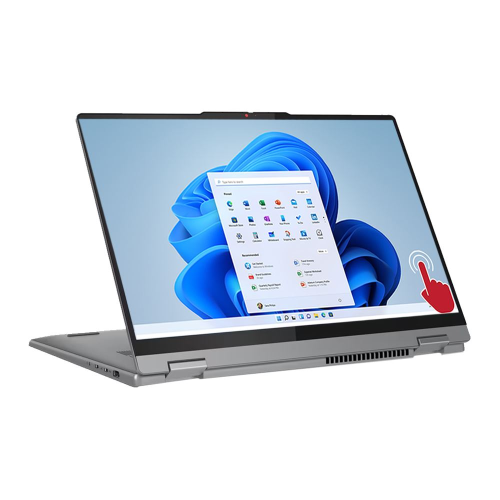
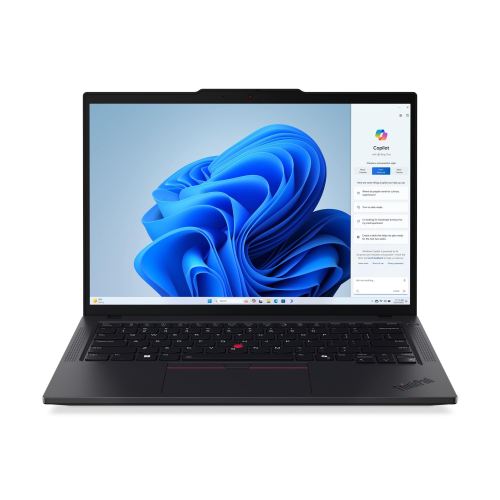
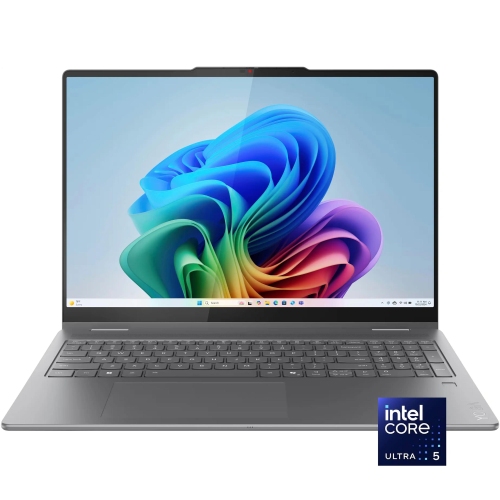
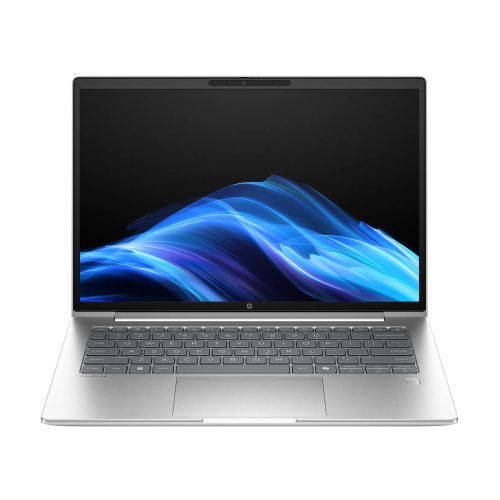
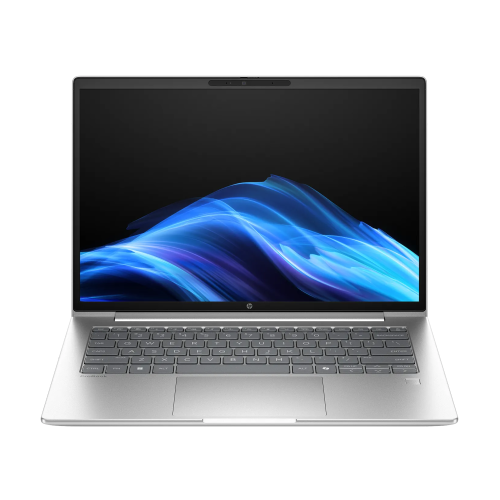
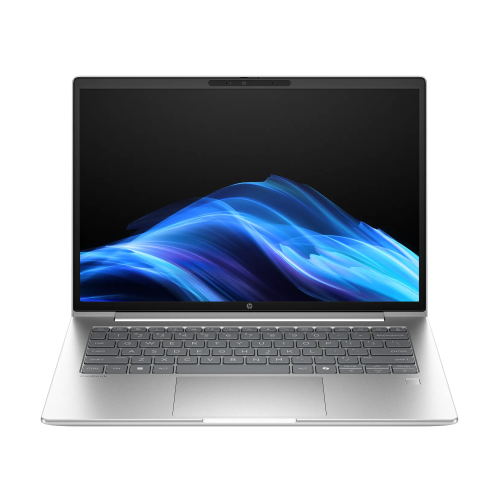
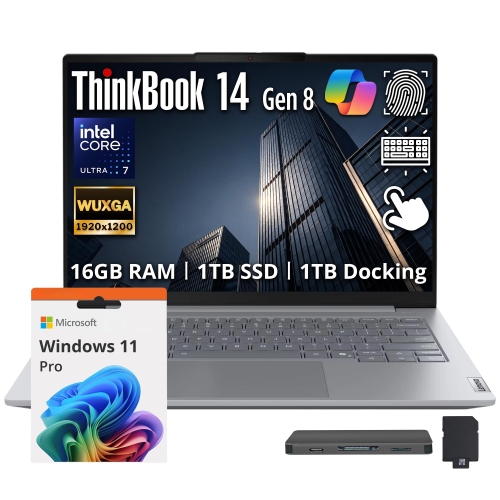
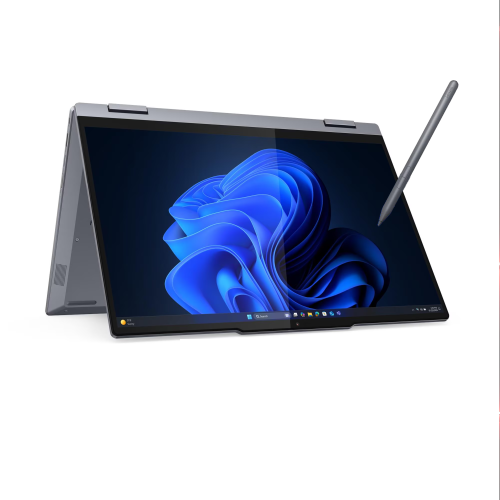
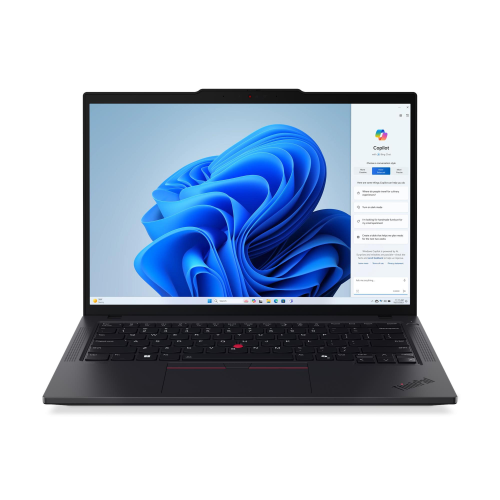
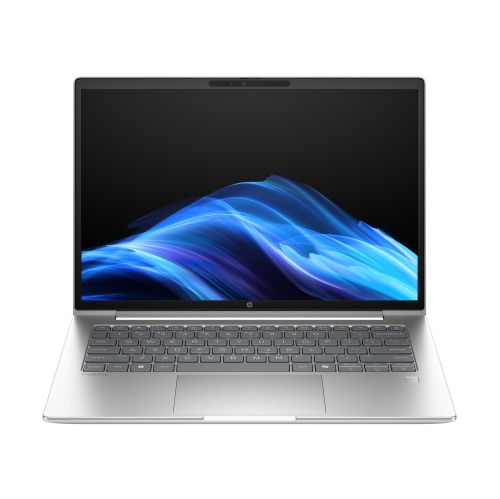
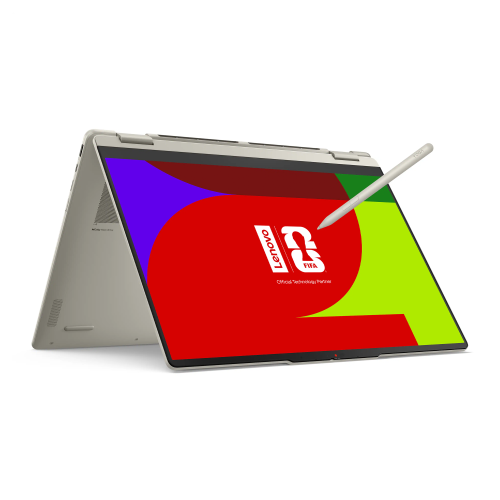
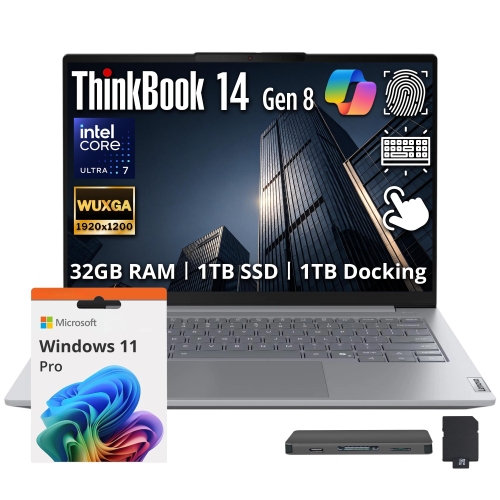
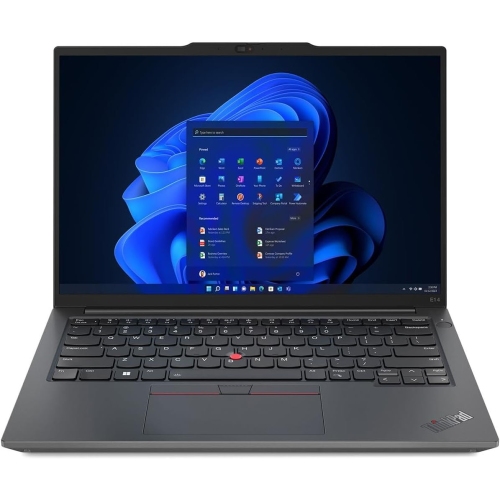
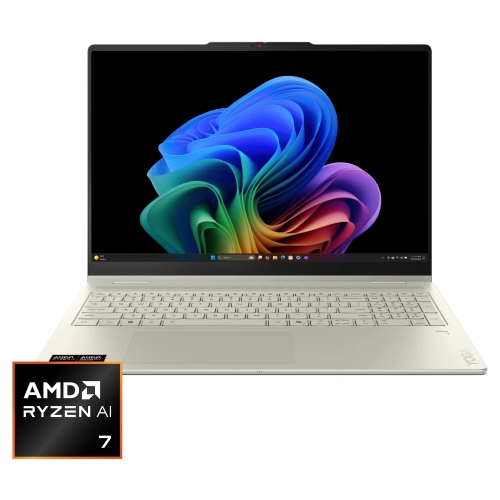
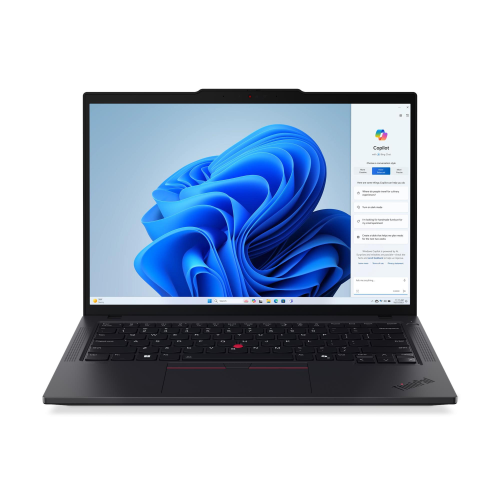
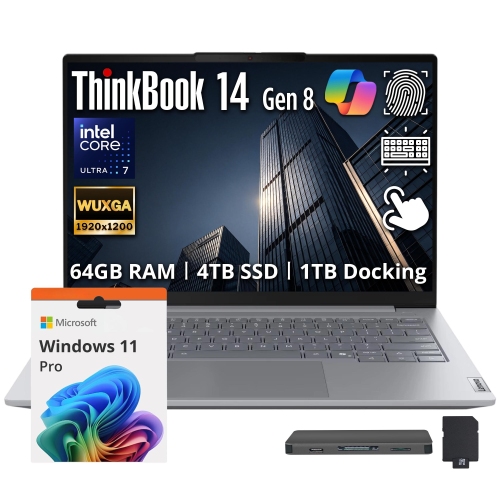
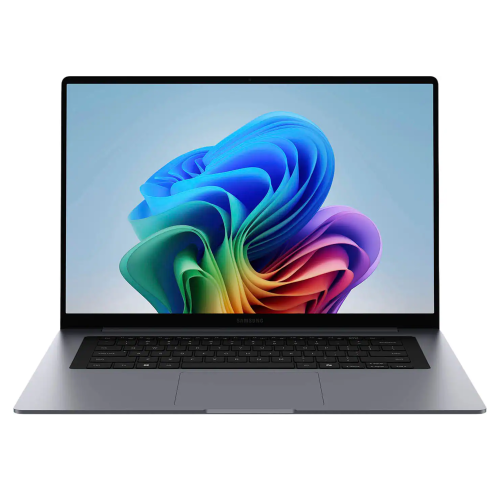
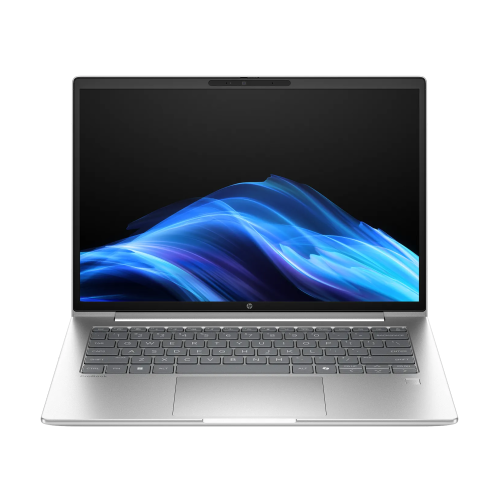
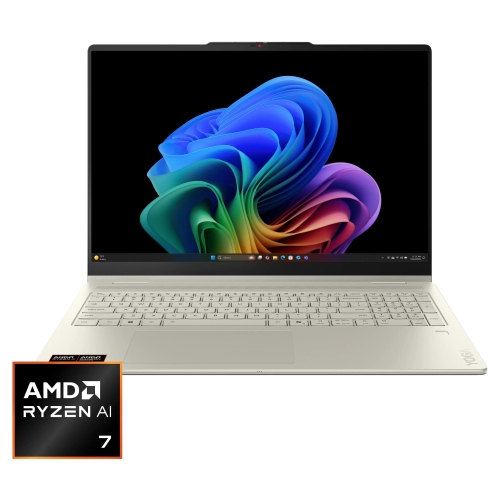
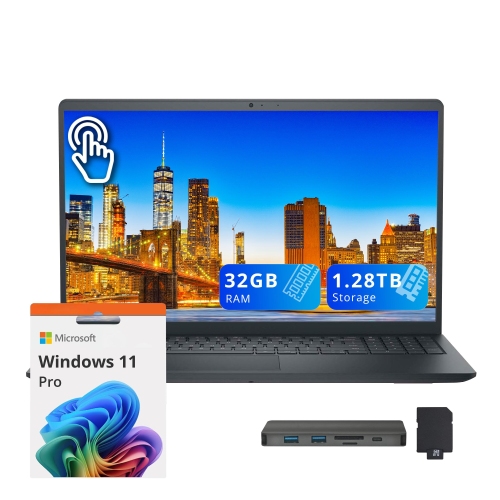
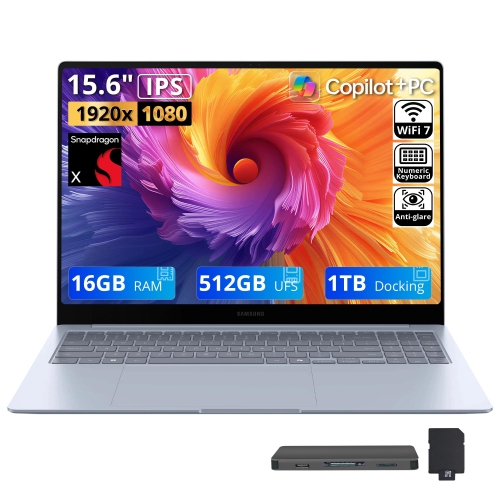
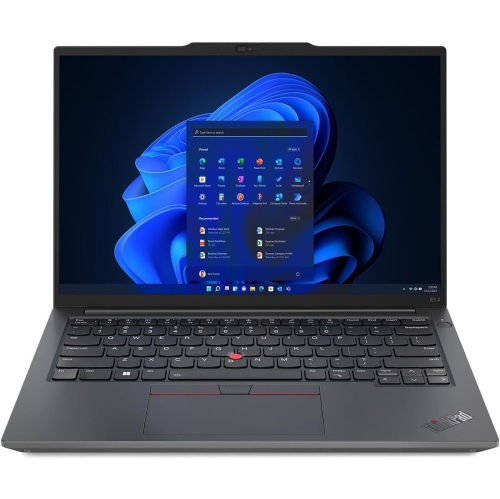
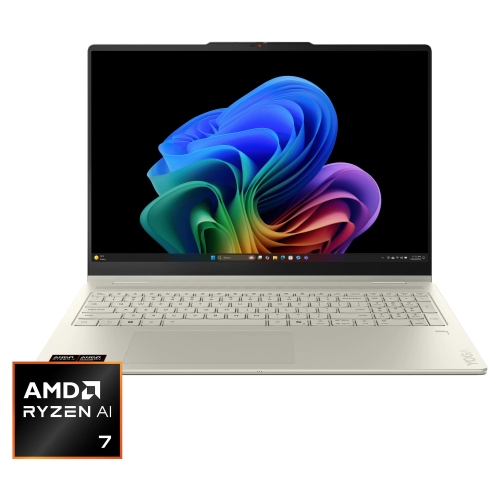
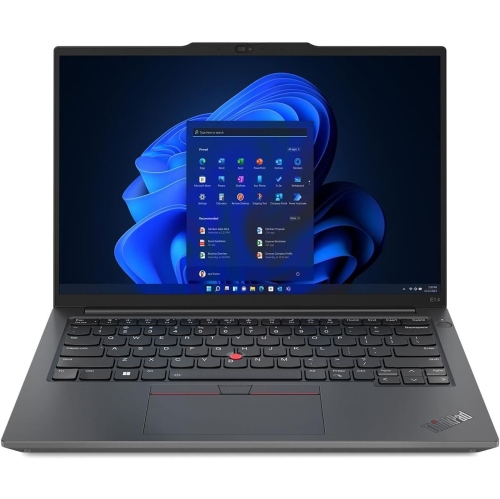
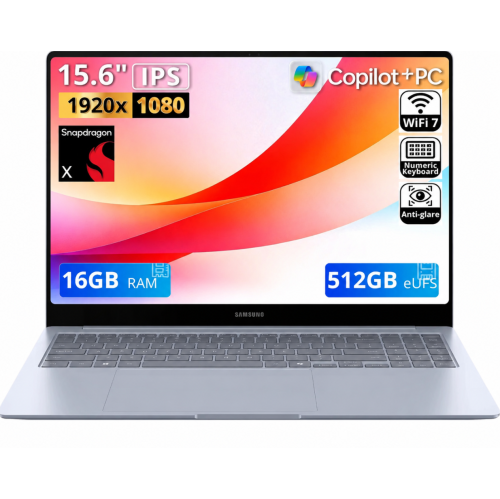
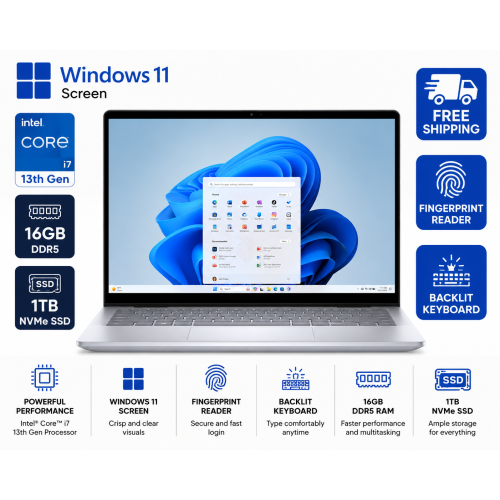
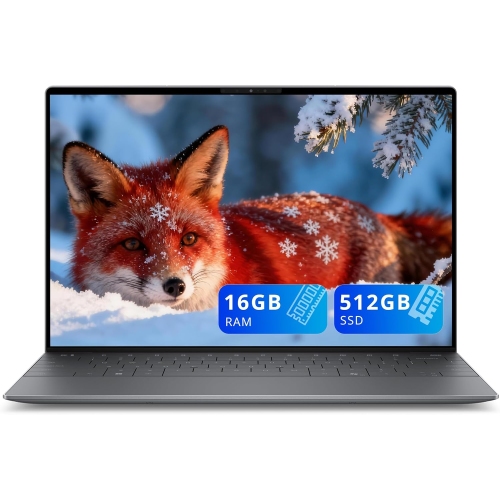
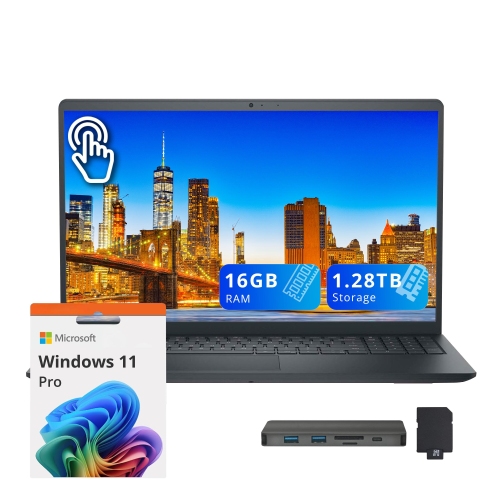
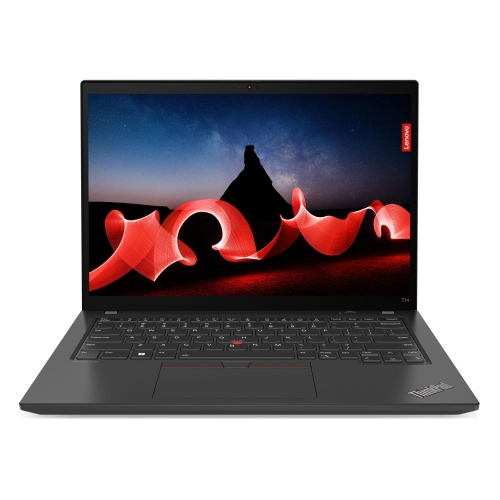
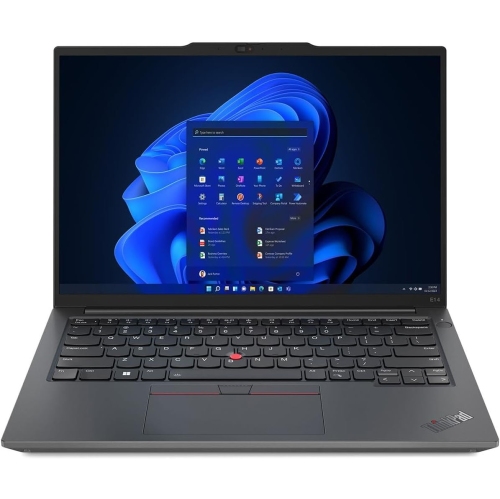
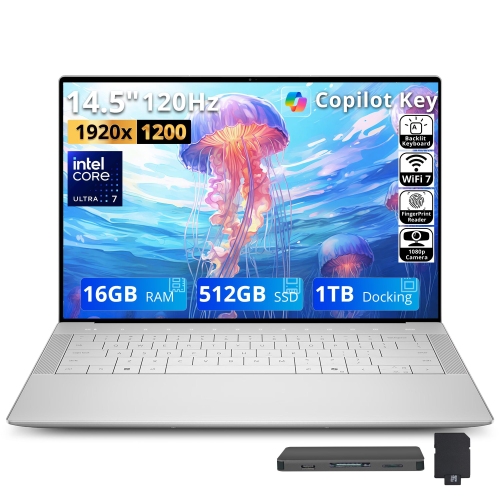
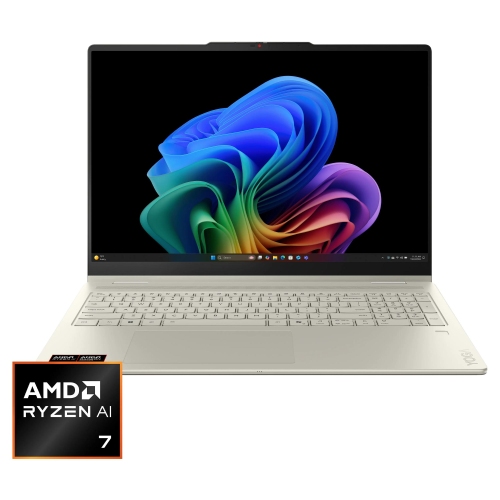
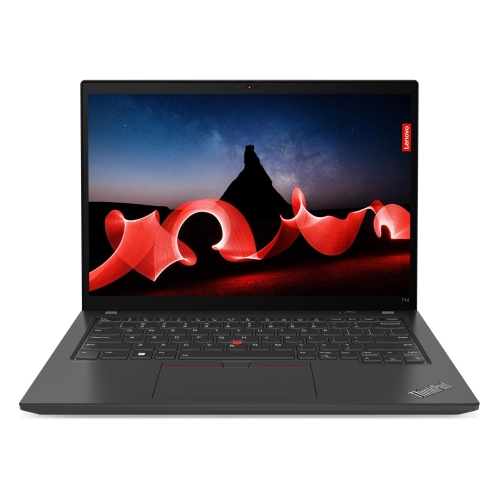
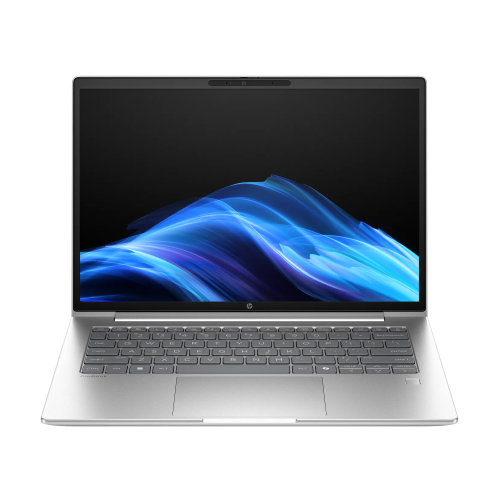
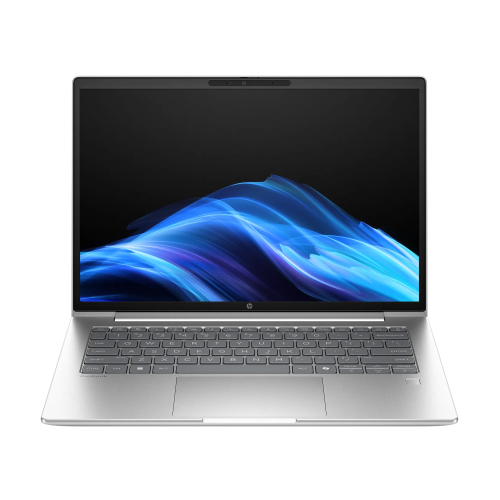
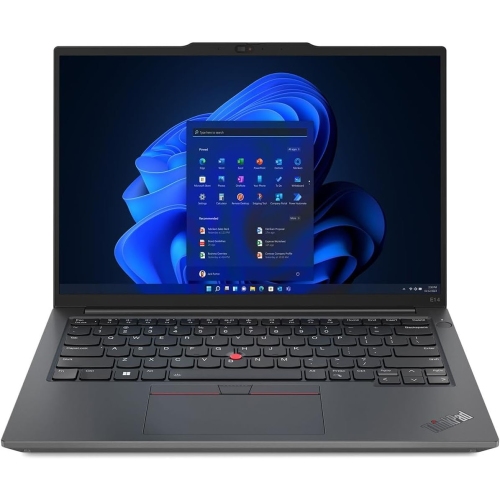
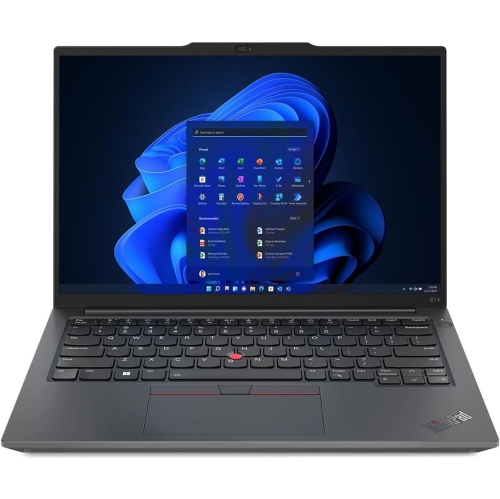
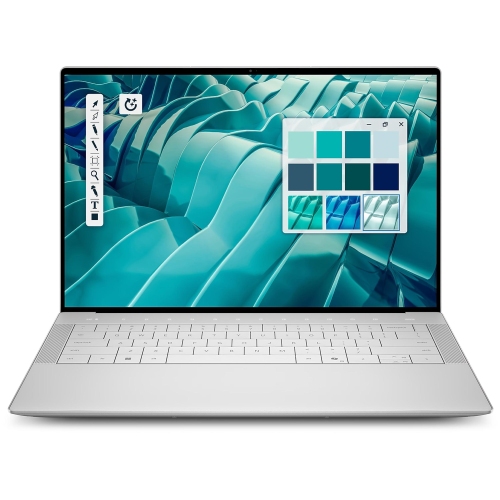
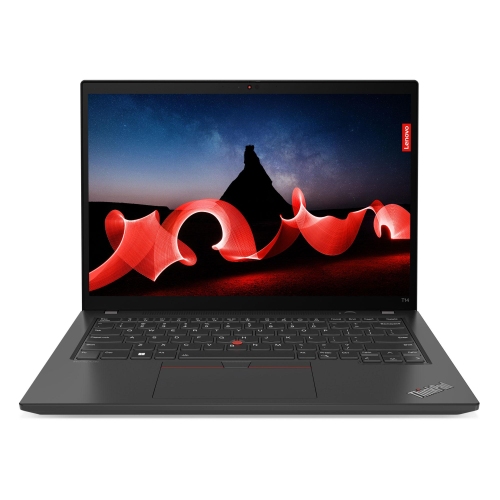
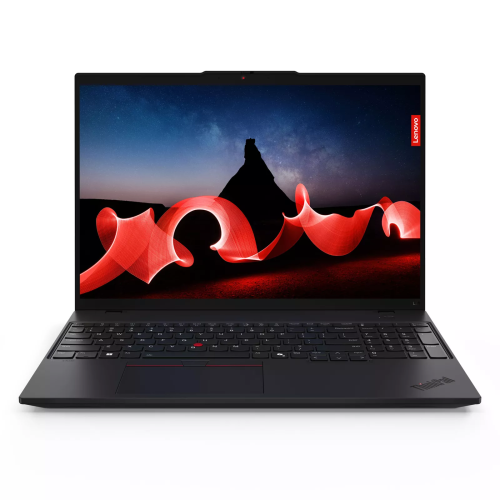
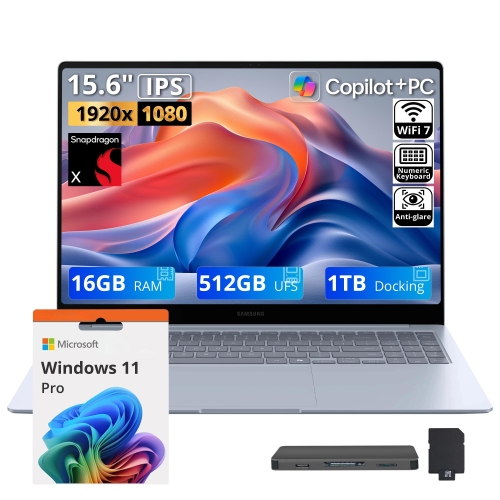
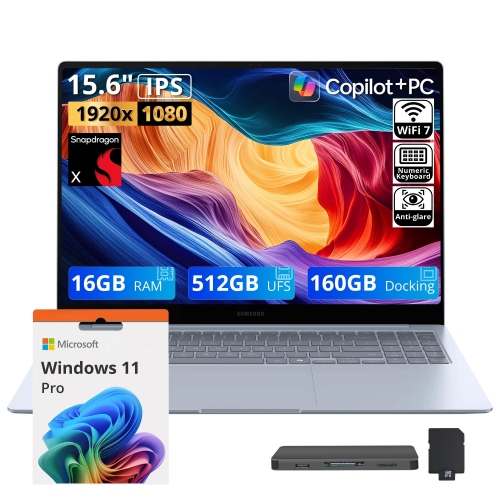
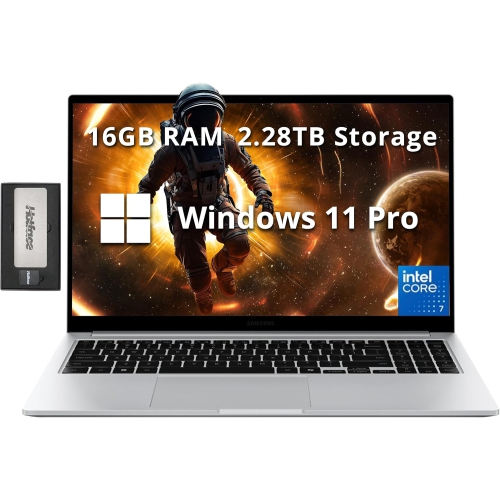
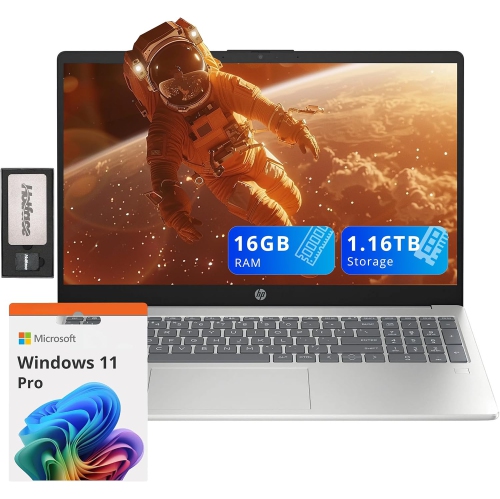
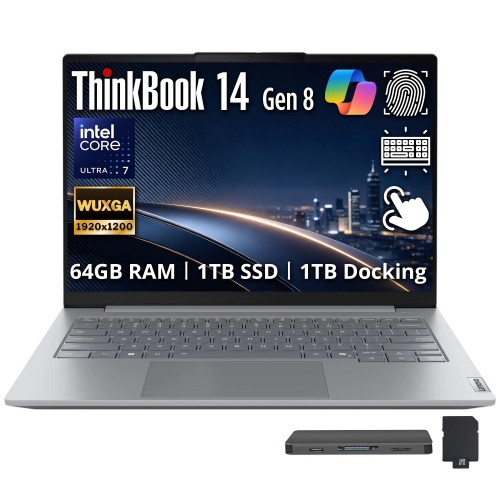
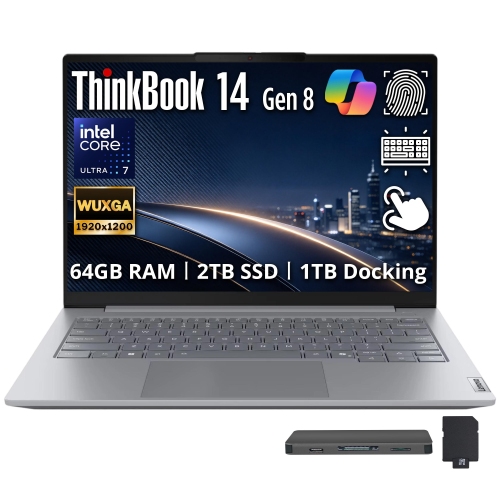
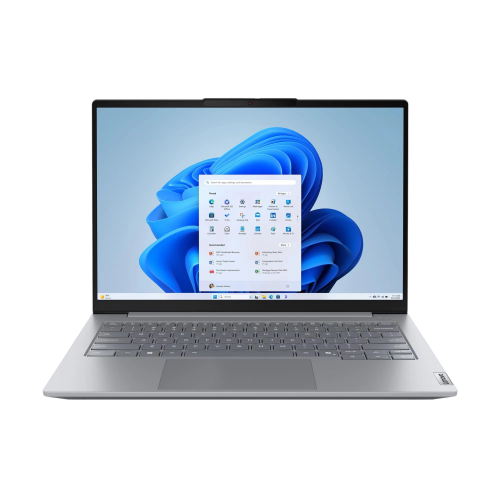
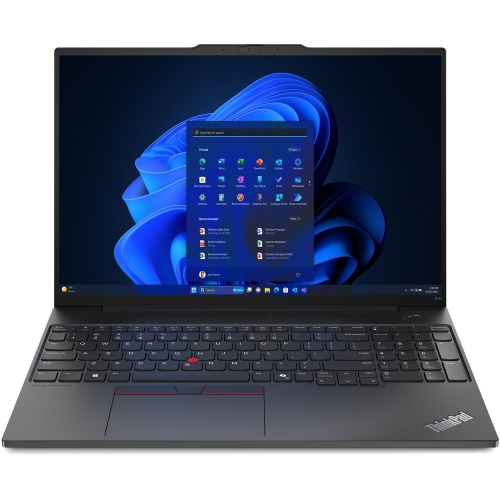
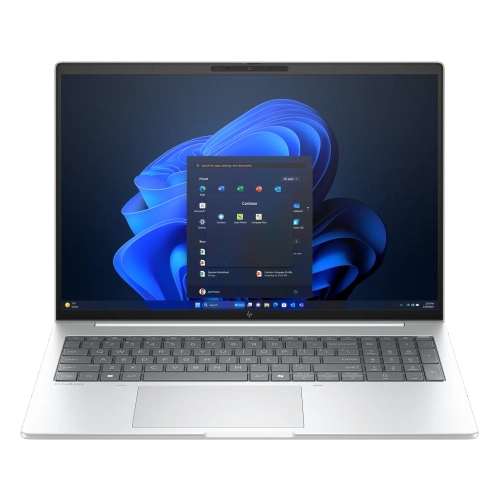
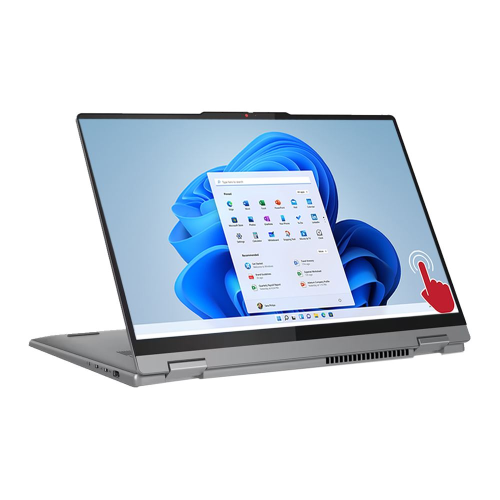
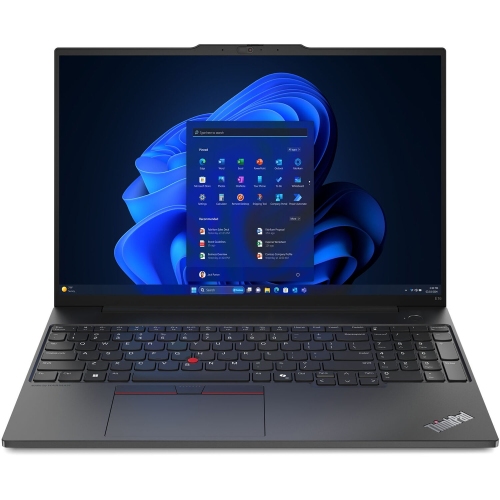
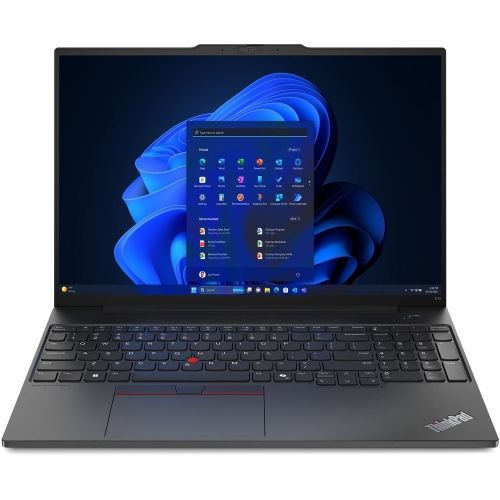
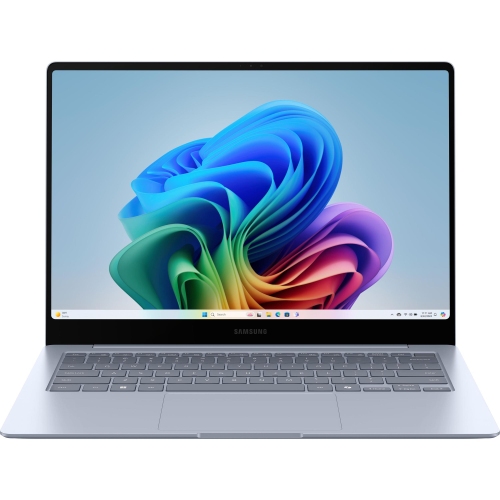
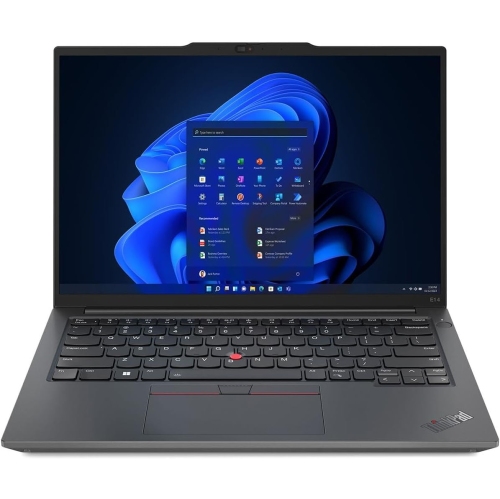
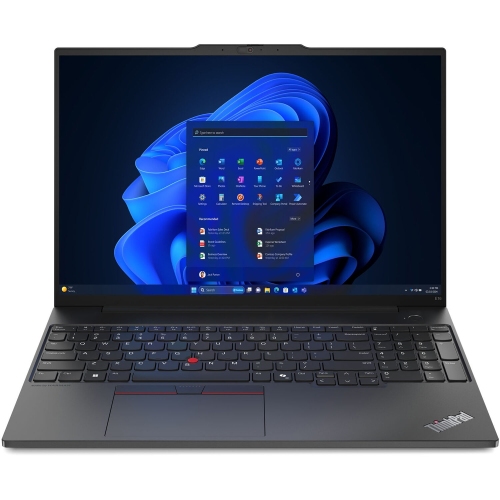
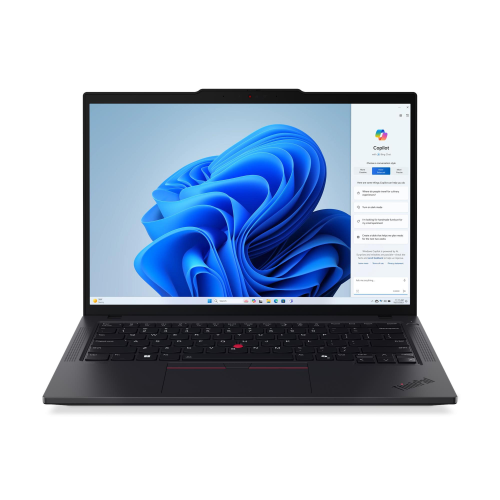
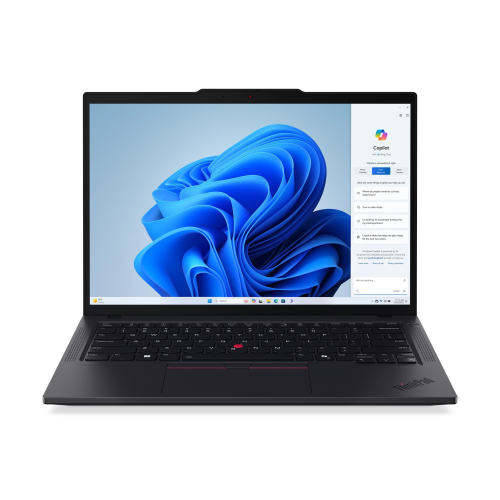
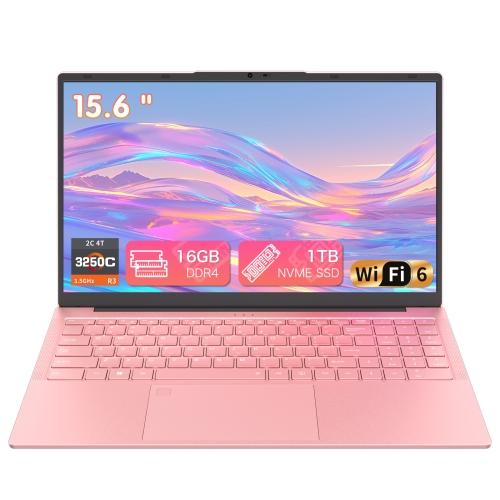
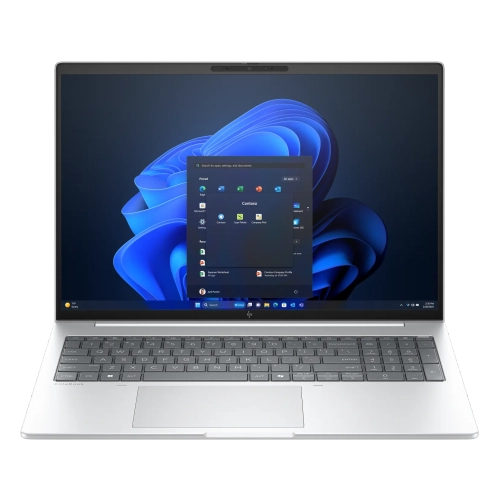
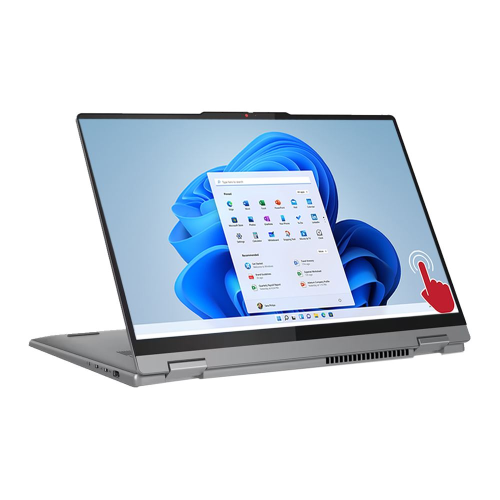
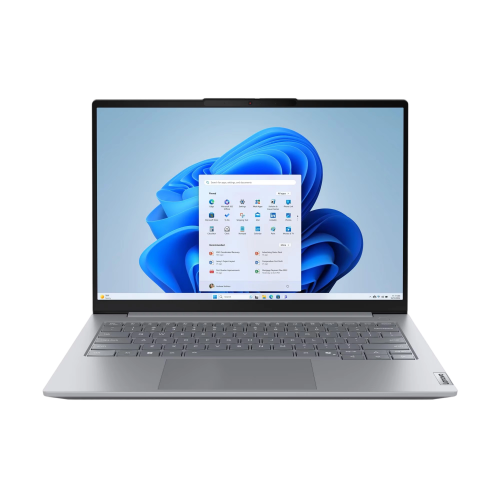
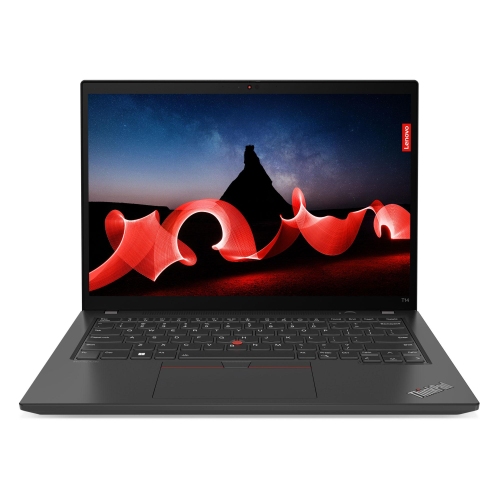
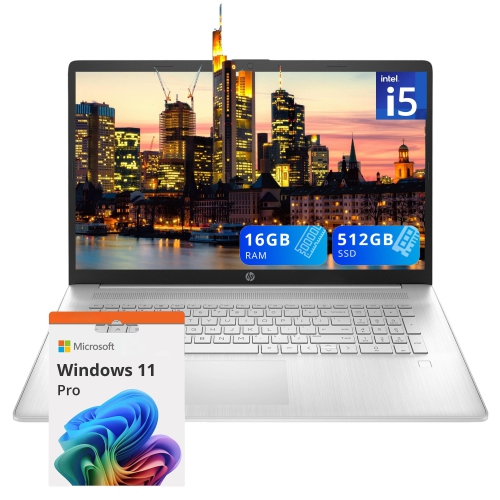
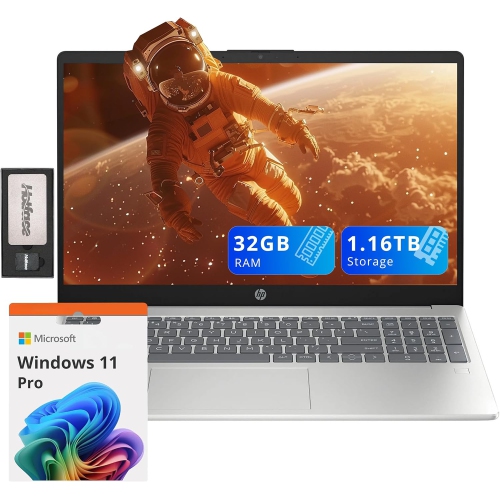
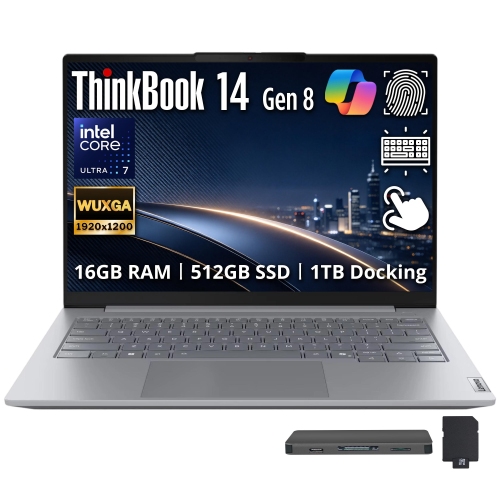
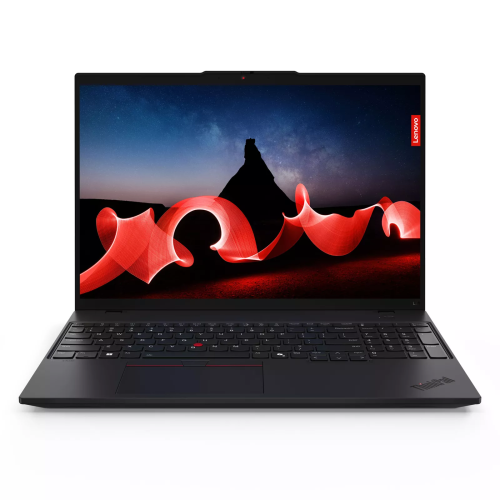
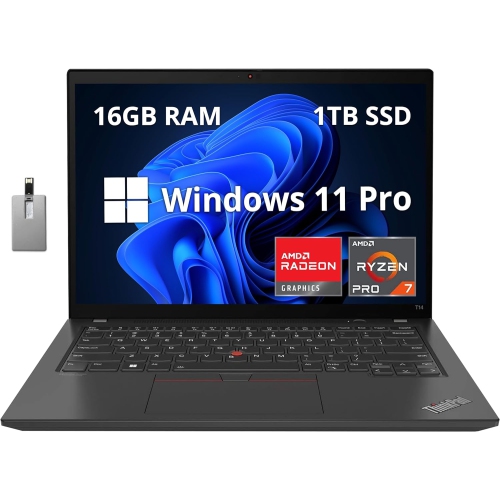
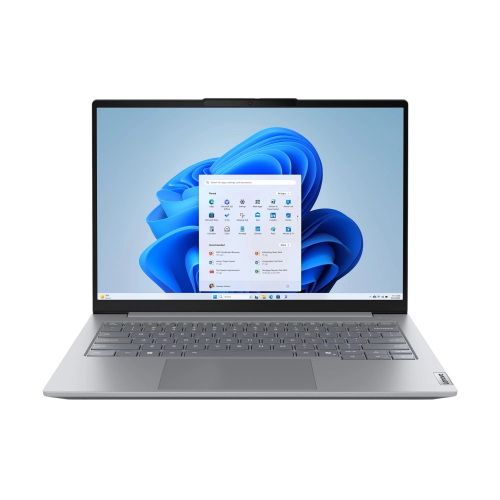
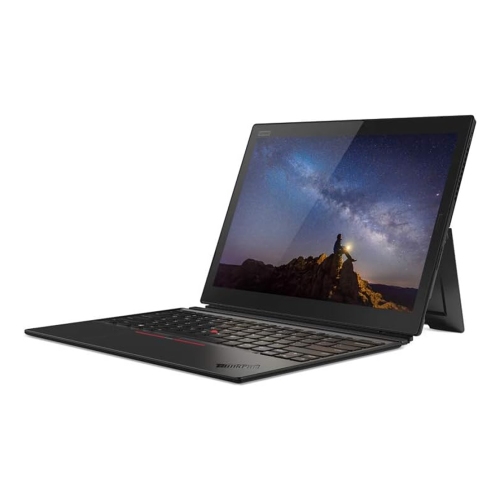
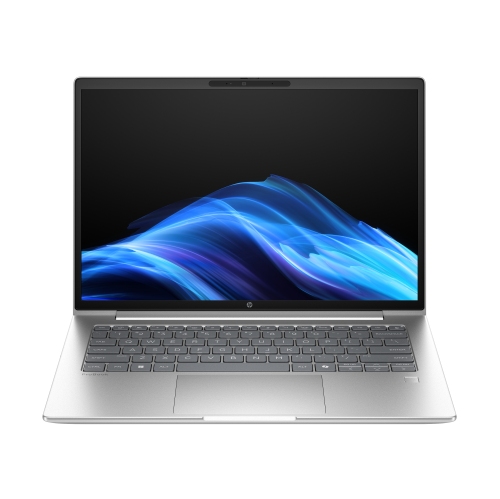
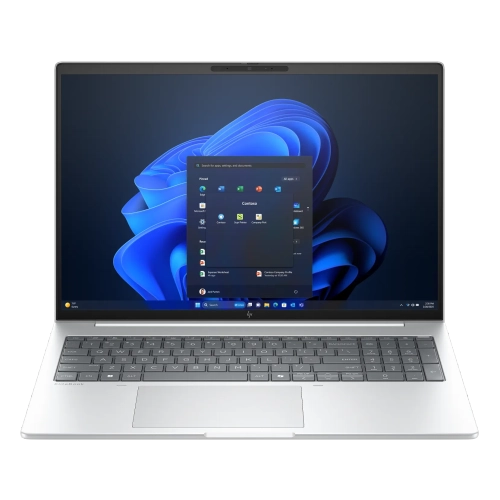
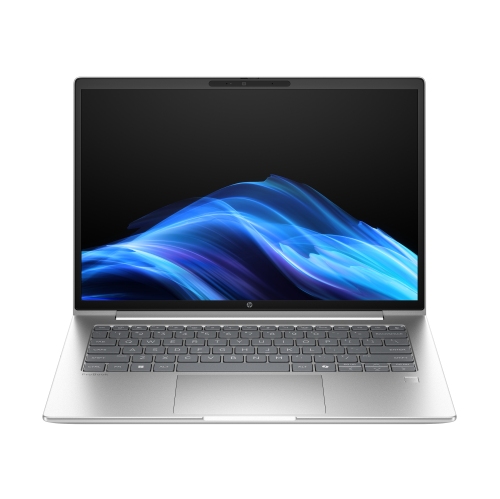
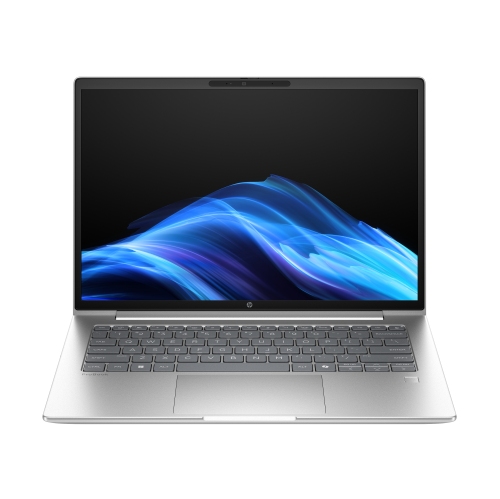
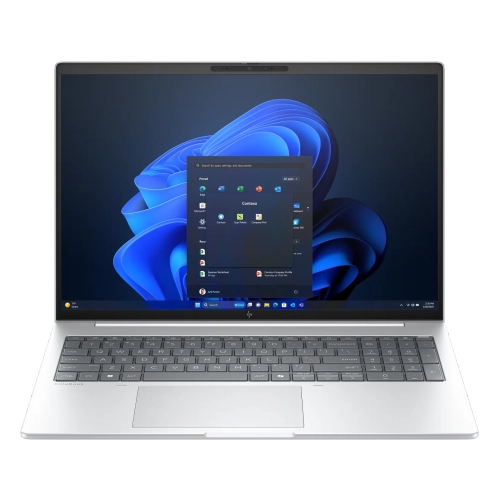
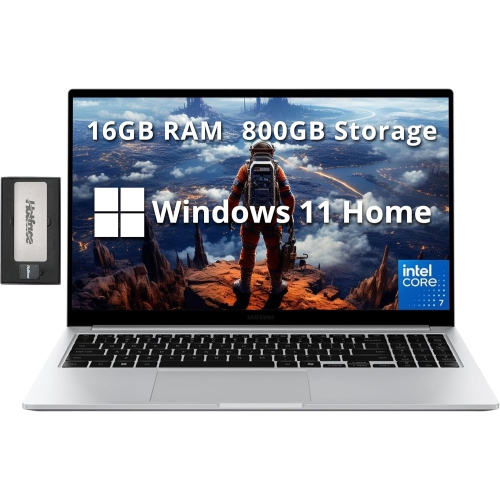
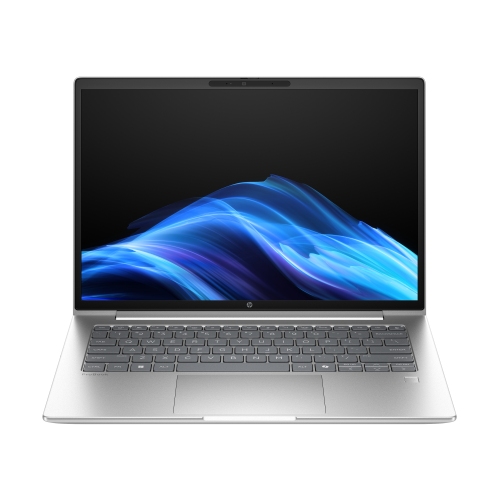

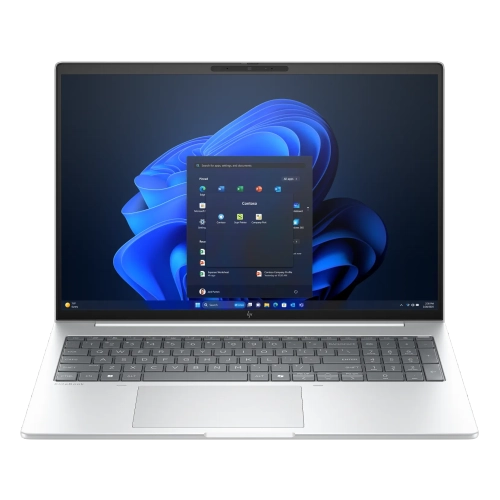
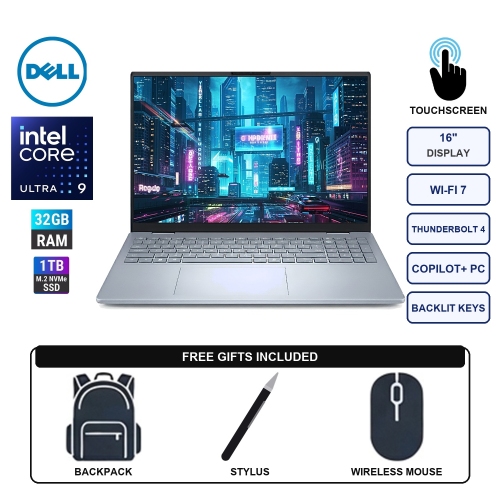
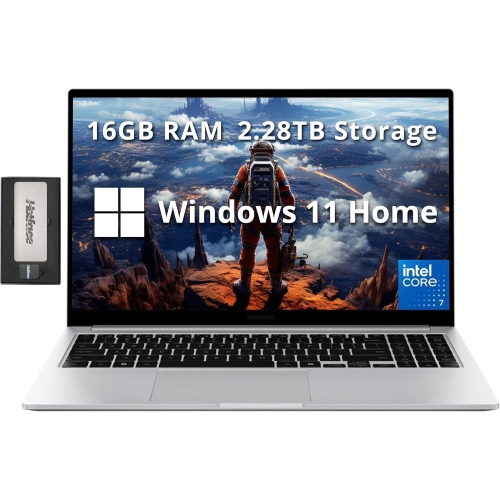
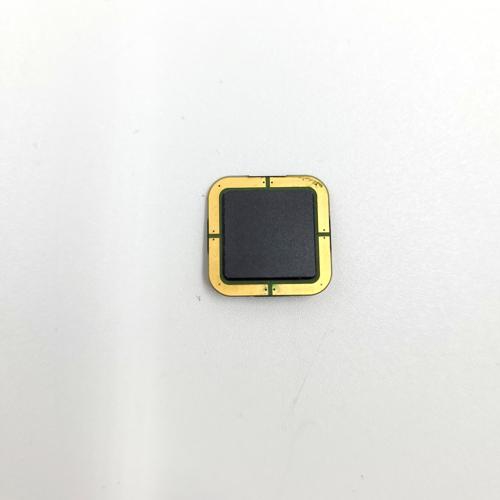
A personal touch for smoother everyday laptop access
Fingerprint reader laptops combine the everyday capabilities of a portable computer with a built-in biometric sensor for convenient sign-in. Instead of typing a password each time a supported sign-in screen appears, a registered user can place a finger on the reader to verify their identity. Depending on the laptop and its software, fingerprint authentication may also work with compatible apps, password managers, and other protected functions. The sensor compares the fingerprint presented with a previously enrolled biometric template; it does not simply respond to any touch. This makes the feature useful for someone who regularly locks their screen between meetings, steps away from a desk, or opens a laptop several times throughout the day. A quick touch can make returning to a spreadsheet, lecture notes, or a personal project feel less interruptive, particularly when the alternative is entering a long password. Reader placement affects that everyday experience. Some designs integrate the sensor into the power button, while others place it beside the keyboard or on the palm rest. A power-button reader keeps the control in a familiar position, although powering on and signing in are not necessarily completed in the same touch on every system. A separate reader may be easier to reach when the laptop is open on a desk. Fingerprint sign-in depends on compatible hardware, operating system support, and proper setup, so a sensor’s presence alone does not establish which apps or actions it can authenticate. A password or PIN remains important as a backup when a fingerprint is not accepted or the system requires another verification method. For shared household laptops, supported systems may allow each person to enrol fingerprints within their own user account, keeping sign-in tied to individual profiles rather than a shared password. The result is a category suited to people who want familiar laptop functionality with an additional, practical way to access their own workspace.
The best fit within this category depends on what happens after sign-in. For school assignments, email, video calls, and web browsing, a comfortable keyboard, readable display, and responsive everyday performance matter just as much as the fingerprint reader. Someone working with large spreadsheets, software development tools, detailed photographs, or video projects may need a more capable processor, additional memory, and enough storage for substantial files. A solid-state drive helps with application loading and file access, while storage capacity determines how much can stay on the laptop without relying on external drives or online storage. Memory affects how comfortably a system handles multiple applications at once, such as a video meeting alongside a browser full of research tabs and an open presentation. Screen size also changes how the laptop fits into a routine. A compact 13-inch or 14-inch design can be easier to carry between classrooms or appointments, while a larger display gives documents, timelines, and side-by-side windows more room. Resolution, brightness, glare handling, and colour accuracy deserve attention according to the work involved; a fingerprint reader does not indicate anything about display quality. Touchscreens and convertible hinges can be useful for handwritten notes or presentations, but they are separate features rather than standard parts of a biometric laptop. Battery life varies with screen brightness, applications, wireless activity, and power settings, making published estimates different from a guarantee of time away from an outlet. Ports are equally practical considerations. Connections for an external display, a headset, storage, or a docking station can help a laptop move between a mobile setup and a full desk arrangement. Wi-Fi capability, webcam quality, microphone performance, and keyboard layout round out the experience for remote work and study. For someone who enters numbers frequently, a dedicated numeric keypad may be more useful than a thinner chassis. For someone commuting with a laptop, overall weight and charger size may have a greater effect on daily comfort. Fingerprint access adds convenience to these routines, but the underlying computer still needs to match the workload, carrying habits, and workspace of its user.
Materials, construction, and care influence how a fingerprint reader laptop holds up to regular handling. Metal and plastic chassis can both serve everyday use, with hinge stability, keyboard feel, palm-rest rigidity, and overall assembly contributing to the impression of durability. A protective sleeve helps limit scuffs during transport, while a well-fitting bag keeps the laptop from shifting against chargers, keys, and other hard objects. Neither a metal body nor a fingerprint sensor makes a laptop spill-resistant or resistant to drops; those capabilities require separate specifications. The reader itself works best with a clean, dry finger placed as directed during setup. Moisture, dirt, hand cream, or changes to the skin can interfere with a successful scan, and gloves generally prevent ordinary fingerprint authentication. Where supported, enrolling another finger provides a convenient alternative if the usual one is difficult to scan. Cleaning should follow the manufacturer’s instructions, typically using an appropriate soft cloth without spraying liquid directly onto the sensor or surrounding controls. Security also extends beyond the reader. Fingerprint authentication does not automatically encrypt stored files, protect an unattended unlocked screen, or replace software updates and strong account credentials. On supported systems, biometric templates are protected on the device, and compatible services can request authentication without receiving the fingerprint itself; implementation details depend on the hardware and software. Automatic screen locking and a secure backup sign-in method remain useful companions to biometric access. These laptops can suit students, professionals, freelancers, and family members who appreciate a straightforward return to their own account. As a gift for someone beginning a course or setting up a home office, the most useful choice reflects their software requirements and preferred size rather than the sensor alone. For a separate application of touch-based entry, Fingerprints Locks brings the same general authentication concept to compatible door hardware, although those devices operate independently of laptop sign-in. Across these uses, the appeal is a familiar action that reduces repeated typing while keeping access tied to an enrolled user.
Top selling and popular products
-
 Your price for this item is $449
-
 Your price for this item is $3099
-
 Your price for this item is $1800.68
-
 Your price for this item is $664.05
-
 Your price for this item is $869.99
-
 Your price for this item is $2960.48
-
 Your price for this item is $499.68
-
 Your price for this item is $1951.79
Discover more categories related to Fingerprint Reader Laptops
Top Collections:
Best Black Friday Deals This Year, Best Black Friday Deals On Electronics, Kindle Devices, Pokemon Centers, Best Black Friday Deals On Apple Products, Best Cameras for Sports Photography, Dyson Airwrap, Pokémon 30th Celebration Cards, Apple iPhone 17 Pro, Canon G7X Cameras
Some products may be subject to Environmental Handling Fees
(EHF) depending on your province.
Learn more about EHFs.