iMac Cables
Upgrade your workspace with the right imac cables to ensure seamless connectivity and optimal performance for your devices. Whether you're setting up a new system or looking to replace existing cables, finding compatible options is essential for efficient data transfer and reliable power delivery. Explore a variety of imac cables designed to support your needs, from connecting external displays to syncing important files. Discover the ideal solutions to keep your setup organized and running smoothly.
Sort


Cable compatibility goes beyond a matching connector
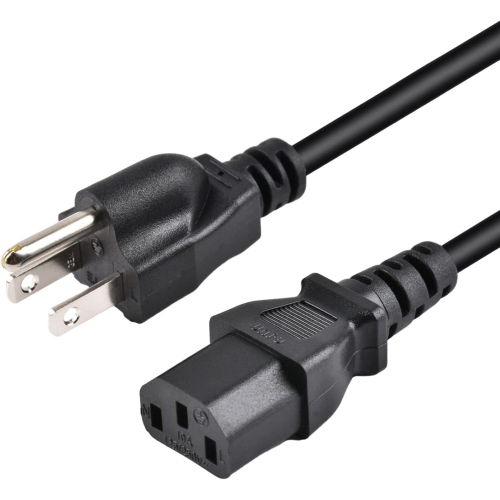
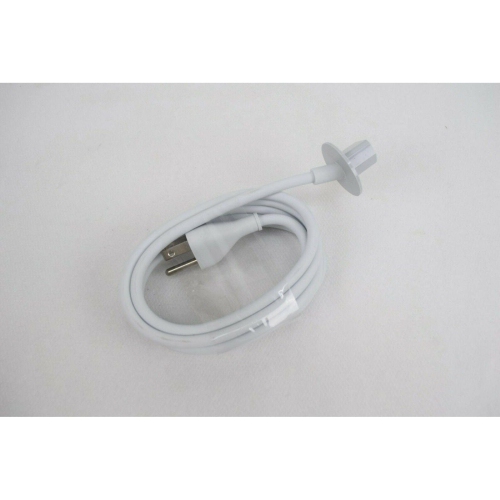
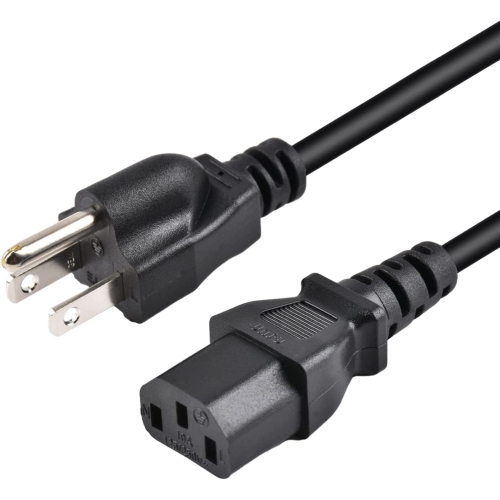
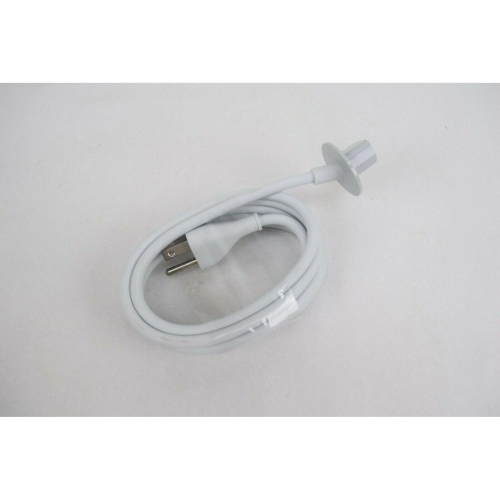
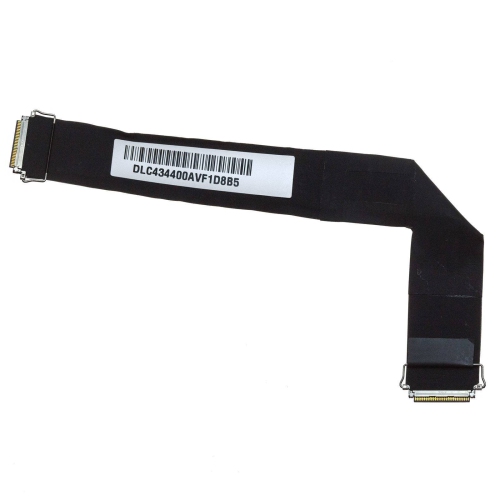
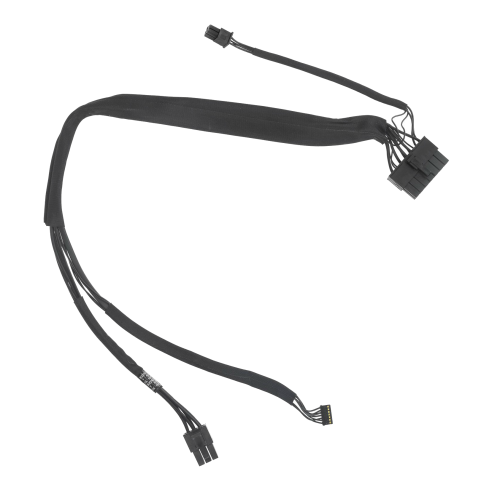
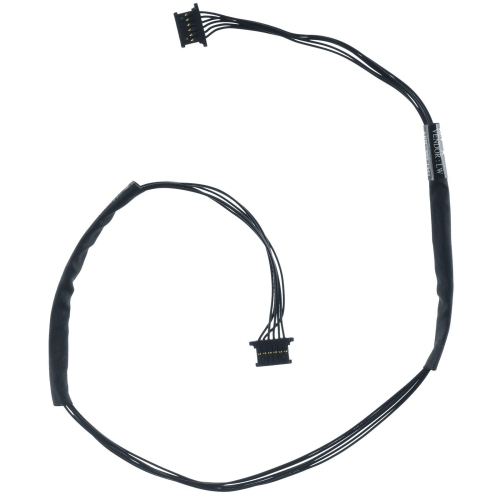
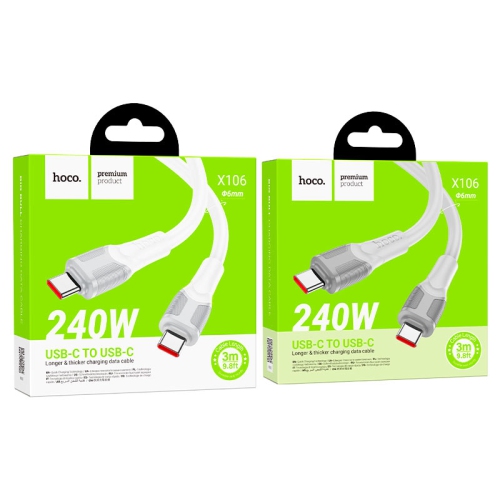
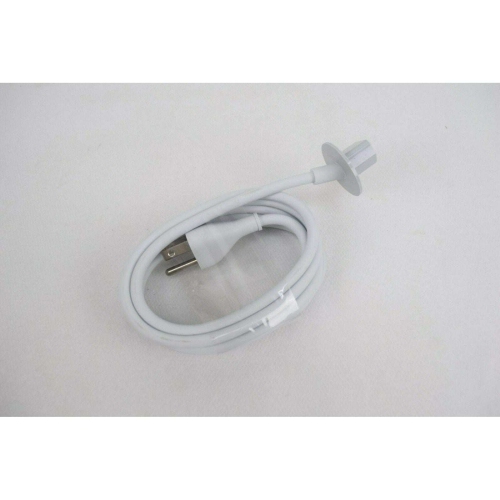
iMac cables include power cords, display cables and data cables, with compatibility determined by the computer’s model year, its ports and the equipment being connected. A replacement power cable is not interchangeable across every iMac generation, even when two computers have the same screen size. The 24-inch iMac models introduced from 2021 onward use a magnetic power connection on the back of the computer and a separate external power adapter. The magnetic cable connection is different from USB-C, and a USB-C charging cable cannot replace it. The cord between the wall outlet and the power adapter is also a separate part of that power arrangement. Many earlier iMac models connect to wall power through an AC cord that plugs directly into the computer, so the connector shape, grounding and fit within the recessed power socket matter. Screen size alone is not enough to identify a suitable replacement, particularly when comparing computers released several years apart. The model year and the computer’s original power requirements provide a more useful starting point than the colour or appearance of a cord. A physically similar connector does not establish electrical compatibility, and a cable should never need force to seat properly. Where an external adapter is required, its compatibility matters just as much as the cable attached to it. Some newer iMac power adapters also incorporate an Ethernet port; replacing a cable alone does not add that feature to an adapter without it. For a desk positioned away from an outlet, cord length affects whether the power connection can follow a tidy route behind furniture without stretching across a walkway. Enough slack to reposition the computer is useful, but a long coil gathered beneath the desk can make cleaning and cable organization more awkward. A well-matched power connection should sit securely, leave room for normal adjustment and meet the electrical requirements of the computer and the Canadian wall connection.
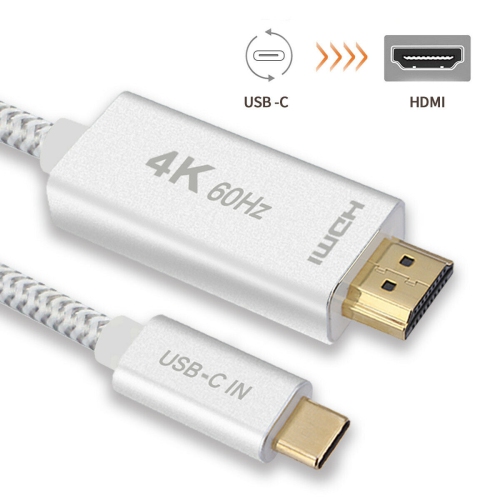
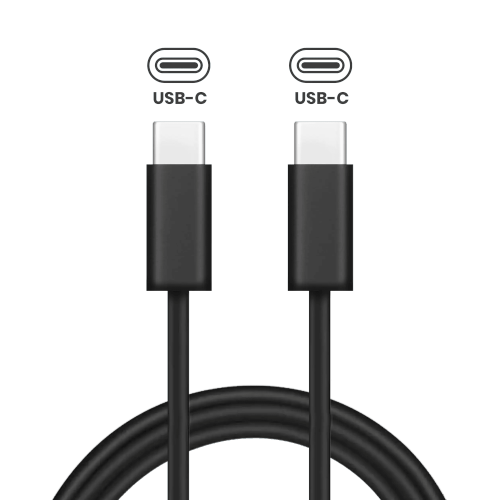
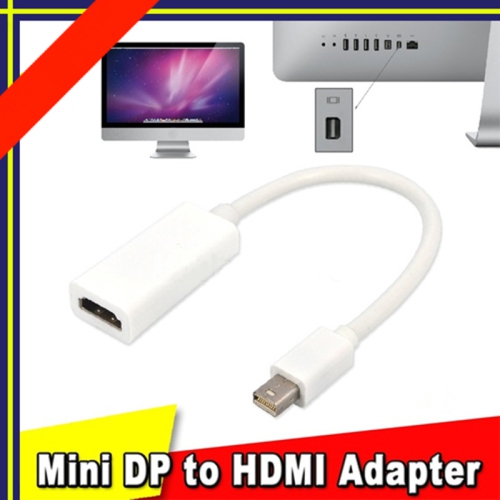
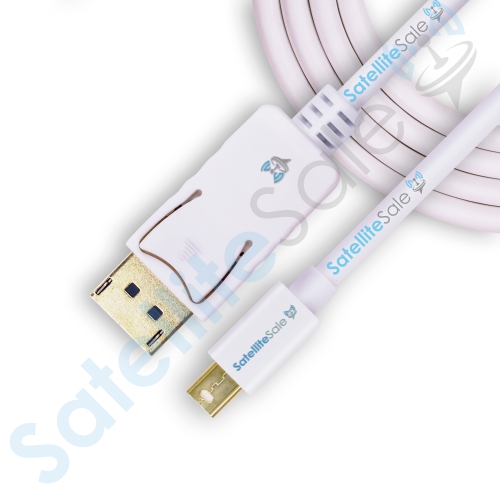
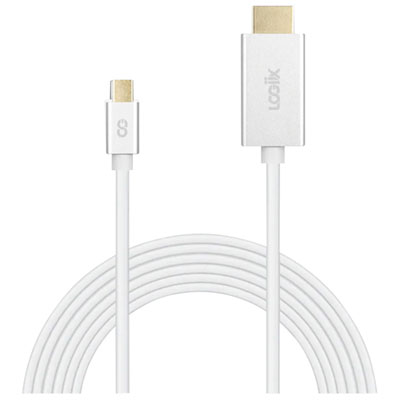
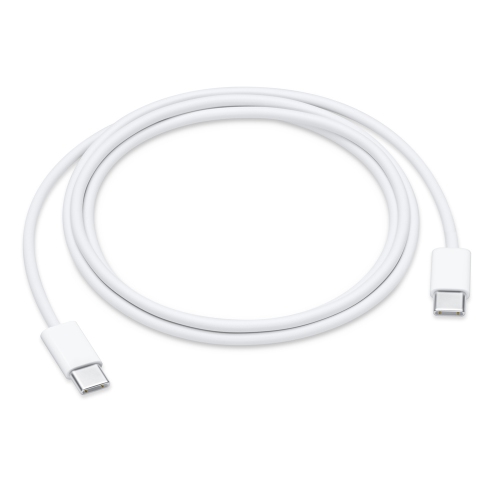
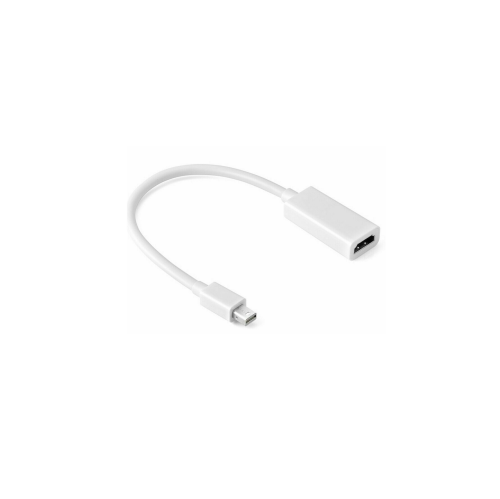
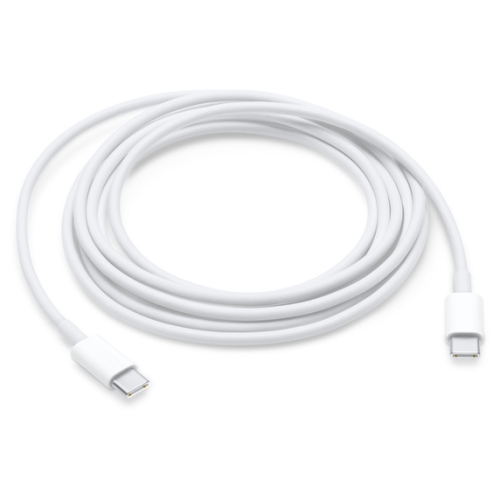
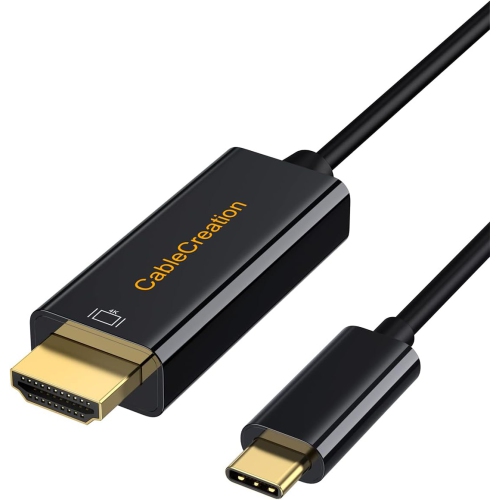
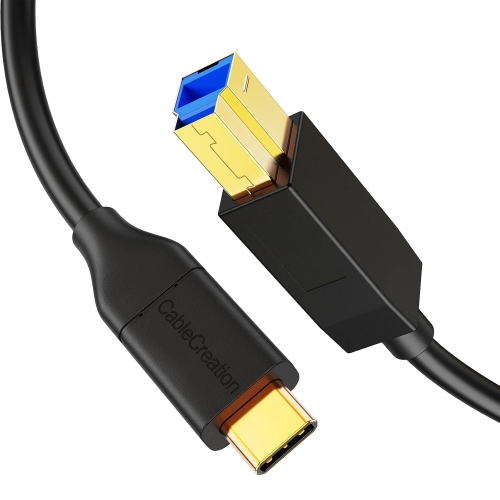
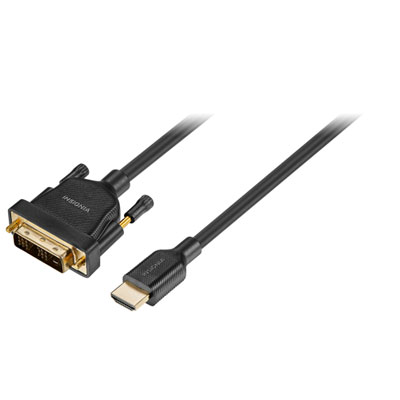
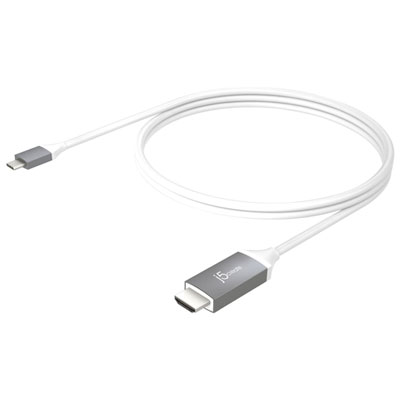
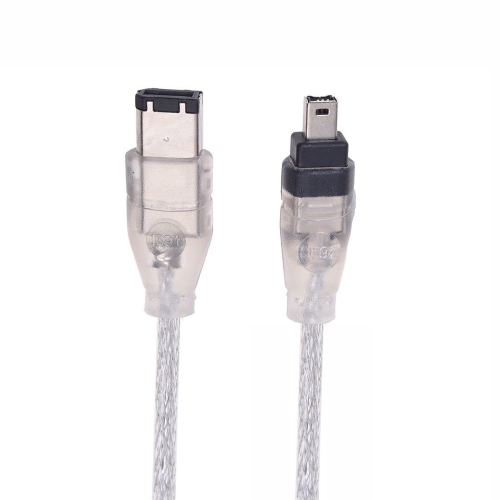
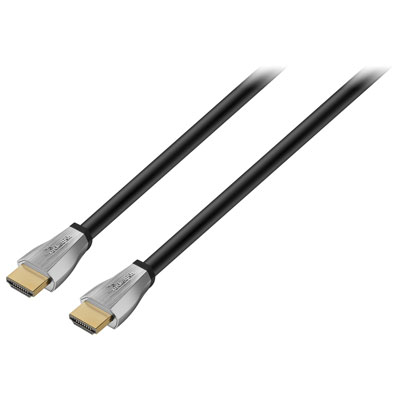
For peripherals and external displays, iMac cable compatibility depends on more than matching the shape of the plug. USB-C describes a connector, while the supported data speed, display capability and power rating can differ between cables that look nearly identical. Thunderbolt connections on newer iMac generations use the USB-C connector shape, but not every USB-C cable supports Thunderbolt or carries a video signal. A cable intended mainly for charging a small device may not provide the performance needed for an external drive or high-resolution monitor. Earlier iMac generations may have rectangular USB ports, Thunderbolt ports with a Mini DisplayPort-shaped connector, dedicated Mini DisplayPort connections or FireWire ports. Those differences are especially relevant when keeping a reliable older workstation connected to existing equipment. The FireWire Cables for iMac category relates to legacy connections used by compatible external drives, audio interfaces and other peripherals. FireWire 400 and FireWire 800 use different connectors, and a passive cable does not simply convert FireWire equipment into a USB device. Any adapter arrangement also depends on support from the computer, operating system and connected hardware. For an external monitor, the cable or adapter needs to match both the iMac’s video output and the display’s input, with support for the intended resolution and refresh rate. Some video connections are directional, making the source and display ends important even when both ends appear familiar. Connecting another computer to an iMac does not automatically turn the iMac into a monitor. At a music desk, reliable data connections help keep an audio interface and external storage connected without unnecessary adapters. At a shared family computer, the priorities may be simpler: a printer connection that reaches comfortably, a phone cable with the right data capability and an external drive cable suited to regular backups. In each case, the complete connection matters, not just the connector visible at one end.
Cable construction makes a noticeable difference in how an iMac setup feels and holds up to everyday use. Flexible outer jackets are easier to route around a monitor stand or along the back edge of a desktop, while braided coverings can provide added resistance to surface wear. Neither a thick jacket nor a braided finish guarantees faster data transfer or a higher electrical rating; those capabilities come from the cable’s stated specifications and internal design. Reinforcement where the cable meets the connector helps reduce strain at a common bending point, particularly when a drive is moved frequently or a peripheral is unplugged at the end of the day. Connector housings also need enough clearance to fit beside neighbouring plugs, especially when several ports are occupied. A bulky housing can crowd an otherwise suitable connection, while a cable pulled sharply sideways can place unnecessary stress on the port. Shorter cables suit equipment kept beside the computer and reduce loose loops on the work surface. Longer cables offer more freedom for a printer on a nearby cabinet or a display positioned farther away, although the supported distance varies by connection standard and performance requirements. Gentle curves and a little slack are preferable to tight bends, especially around desk edges. Reusable cable ties can organize separate runs without crushing them, and keeping power adapters clear of fabric or clutter helps maintain ventilation. Routine care is straightforward: disconnect by holding the plug rather than pulling the cable, keep connectors dry and inspect frequently handled sections for fraying, exposed wiring or damaged housings. Damaged power cords should be taken out of use rather than patched. For students, remote workers, photographers and households sharing an iMac, the most useful cable is one that suits a real task and fits the space comfortably. As a practical gift or a replacement for a worn connection, confirmed compatibility is more valuable than an assortment of unfamiliar plugs.
Top selling and popular products
-
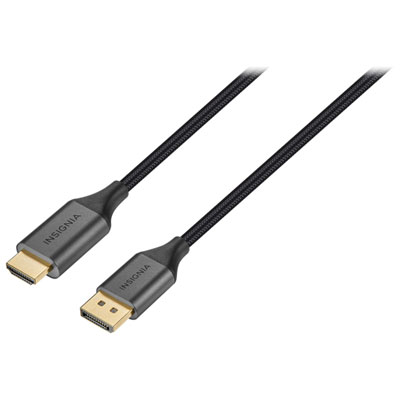 Your price for this item is $39.95
-
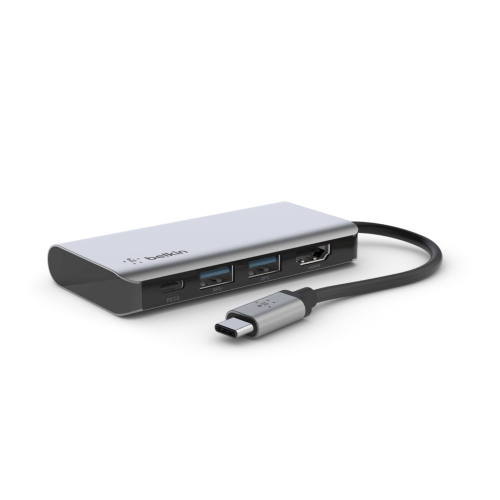 Your price for this item is $63.99
-
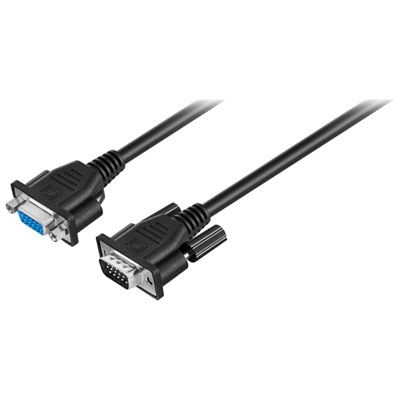 Your price for this item is $29.95
-
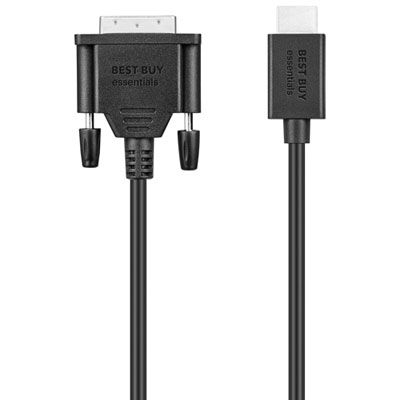 Your price for this item is $14.99
-
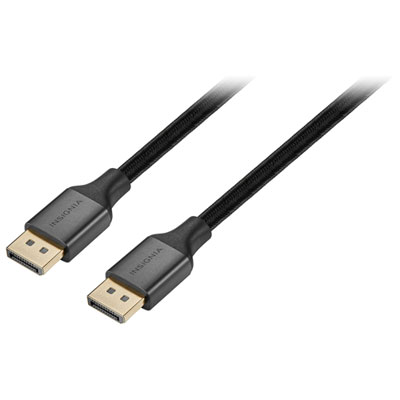 Your price for this item is $29.99
-
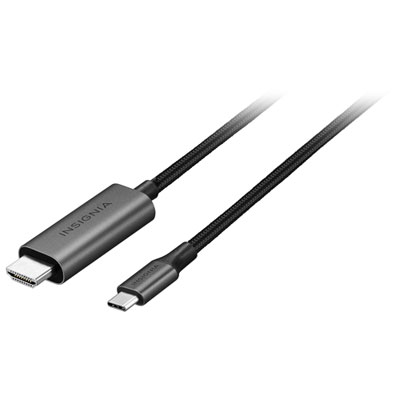 Your price for this item is $39.99
-
 Your price for this item is $29.99
-
 Your price for this item is $29.99
Discover more categories related to iMac Cables

Top Collections:
Best Black Friday Deals This Year, Best Black Friday Deals On Electronics, Kindle Devices, Pokemon Centers, Best Black Friday Deals On Apple Products, Best Cameras for Sports Photography, Dyson Airwrap, Pokémon 30th Celebration Cards, Apple iPhone 17 Pro, Canon G7X Cameras
Some products may be subject to Environmental Handling Fees
(EHF) depending on your province.
Learn more about EHFs.