Gaming Keycaps
Elevate your gaming experience with a fresh set of gaming keycaps, designed to enhance both the aesthetics and functionality of your keyboard. Whether you're a casual gamer or a competitive eSports enthusiast, the right keycaps can make all the difference in your gameplay. Explore a variety of styles, colors, and materials that cater to your unique preferences and needs. From tactile feedback to visual appeal, discover how upgrading your keycaps can transform your setup into a true gaming powerhouse. Dive into our selection and find the perfect match to take your gaming to the next level.
Sort


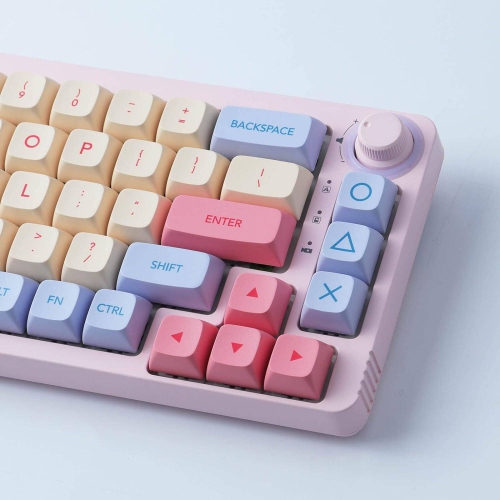
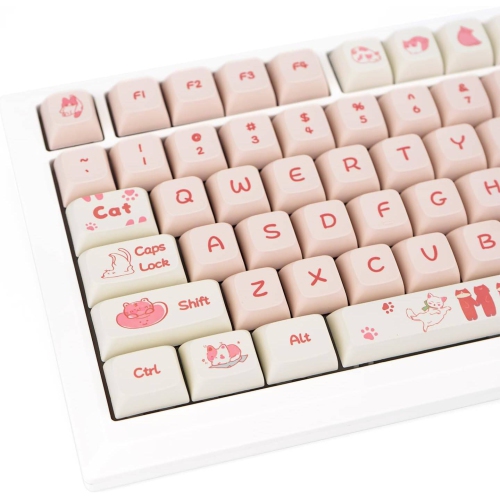
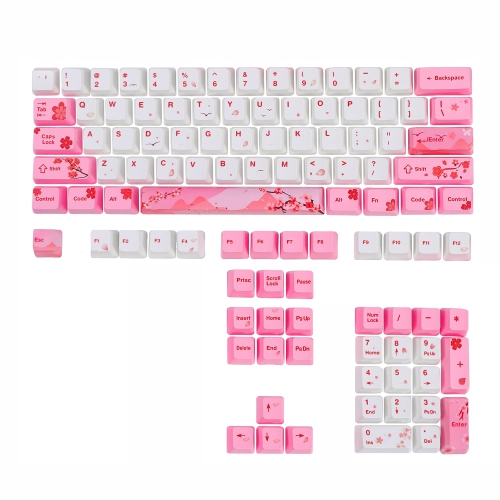
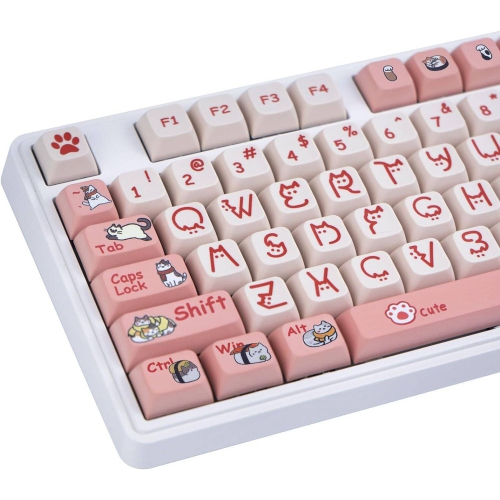
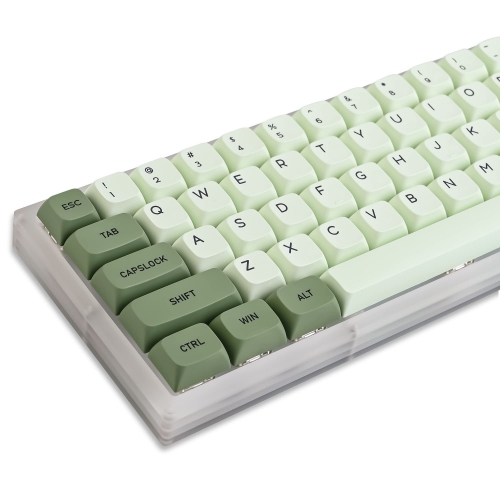
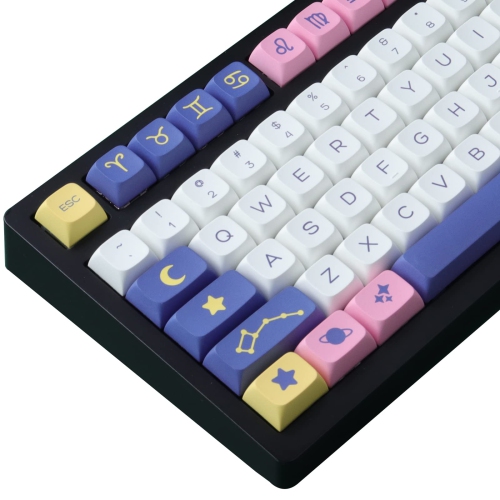
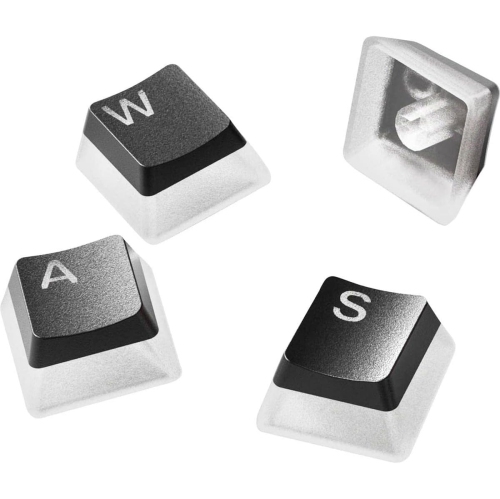
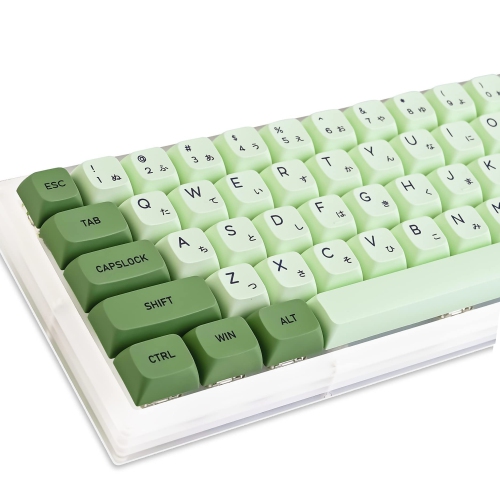



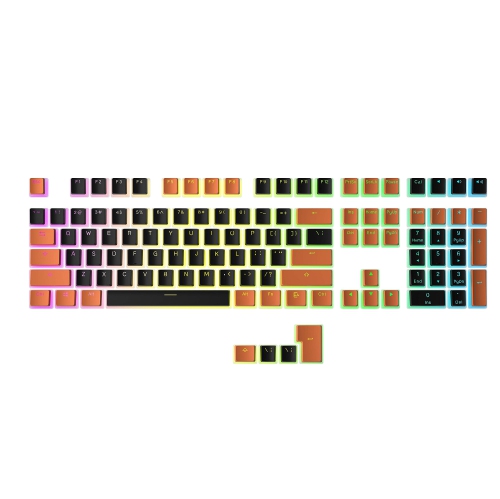
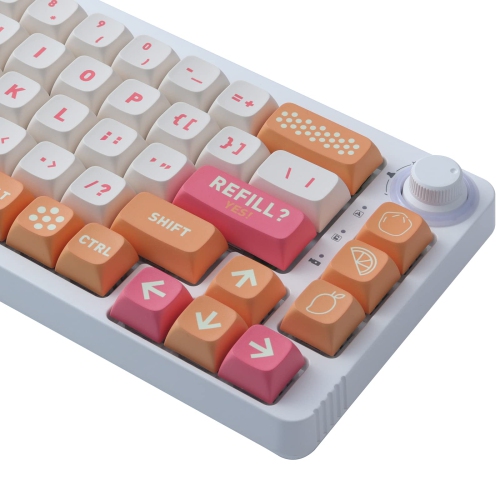
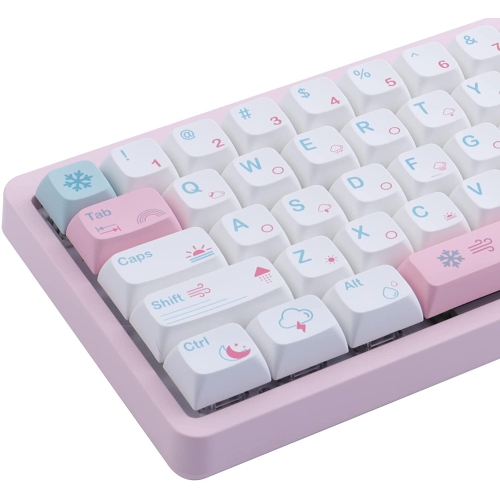
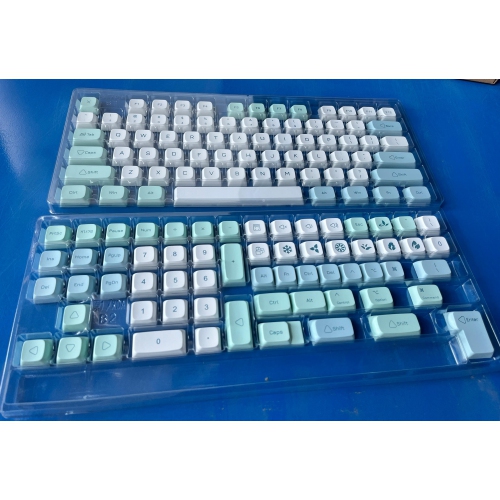

How keycap materials shape feel, fit, and lighting
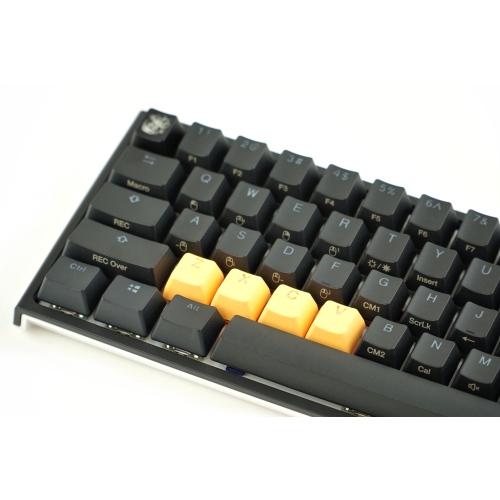
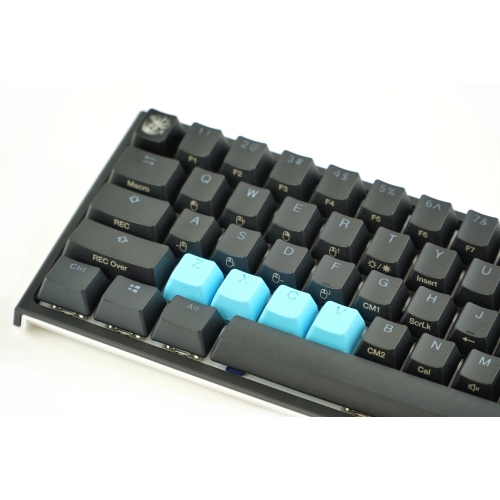
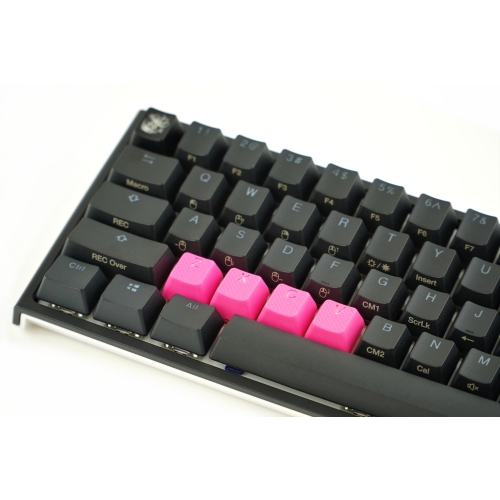
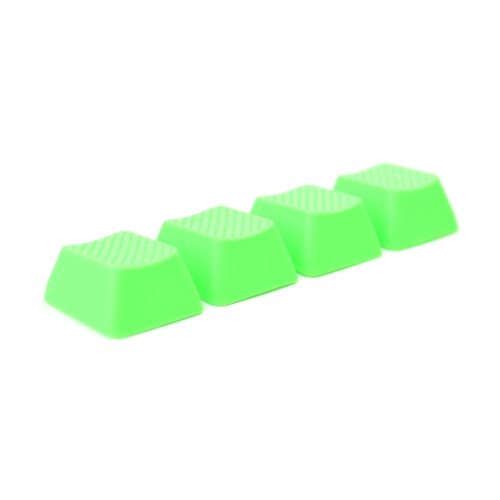
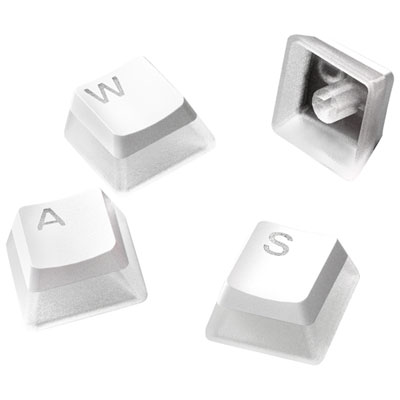
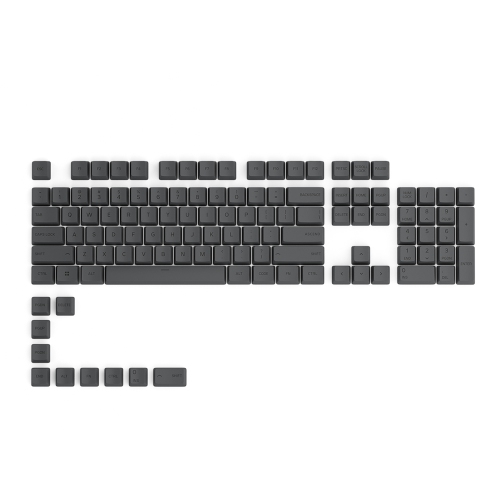
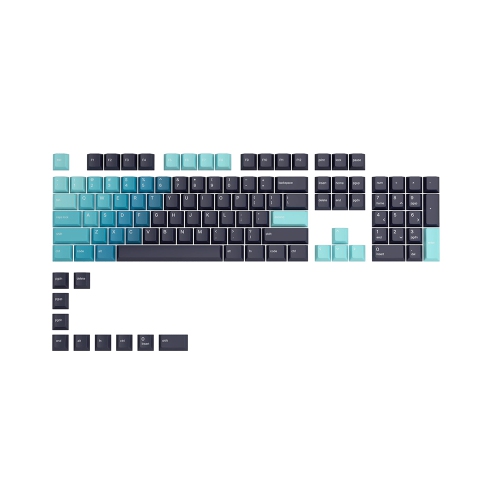
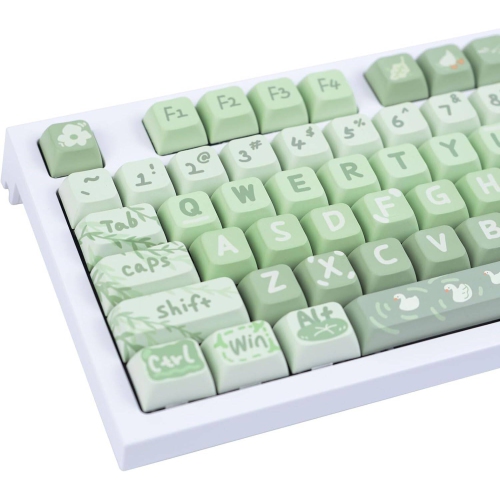
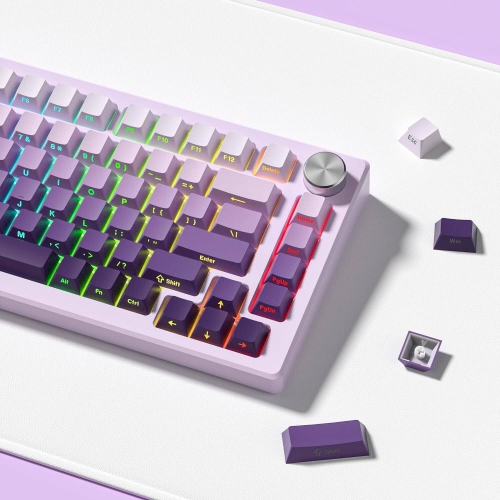
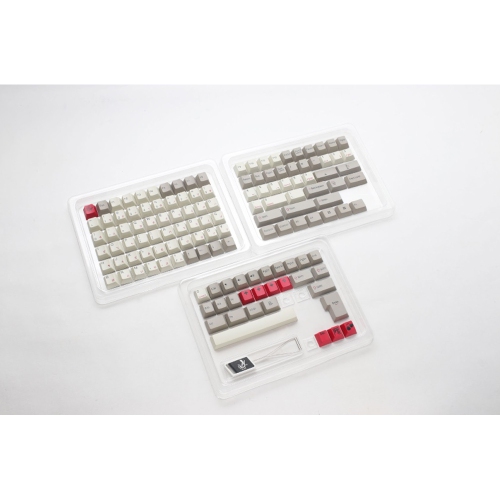
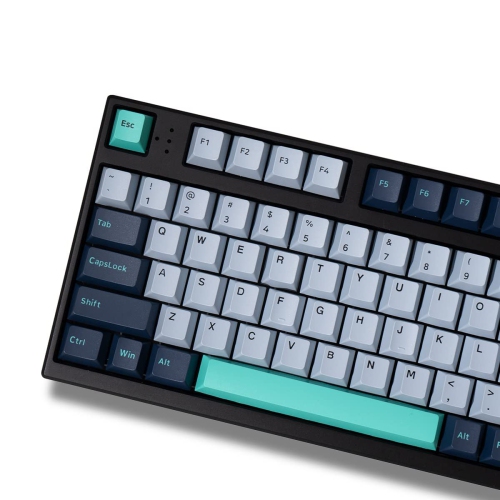
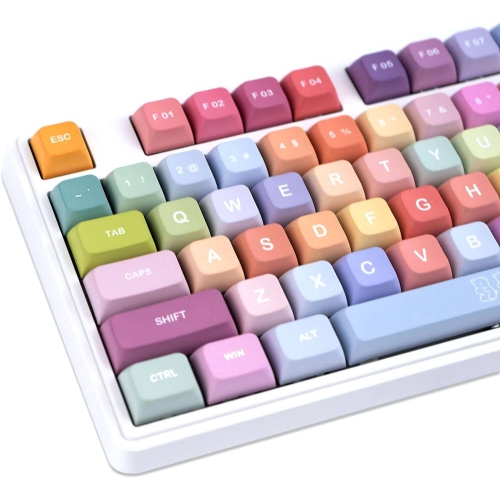
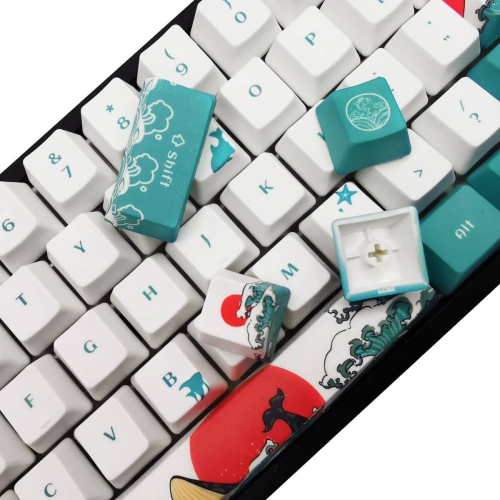
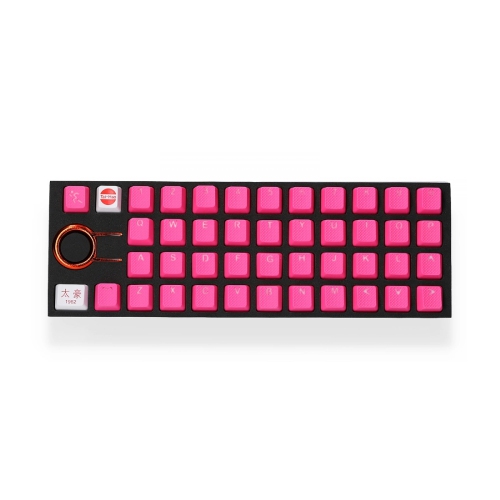
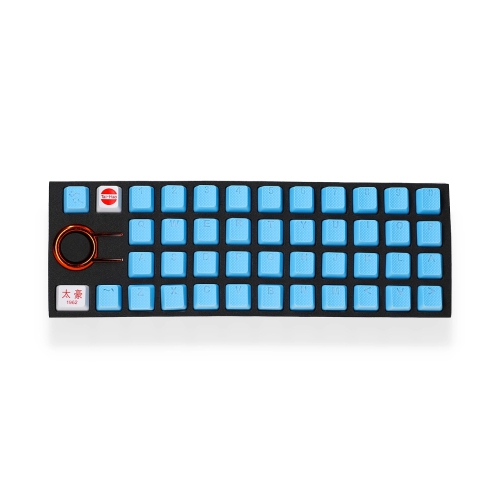
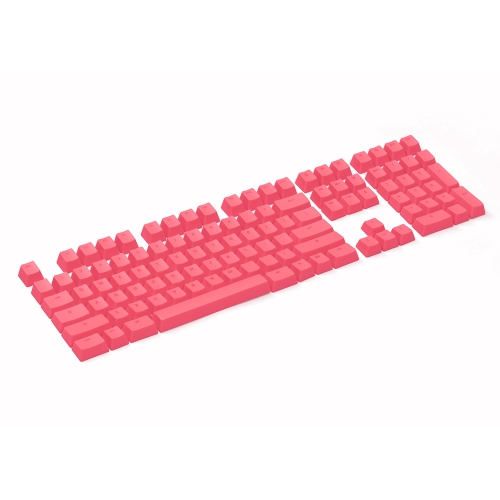
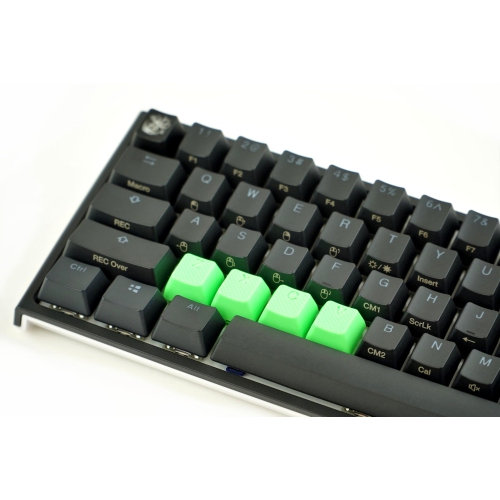
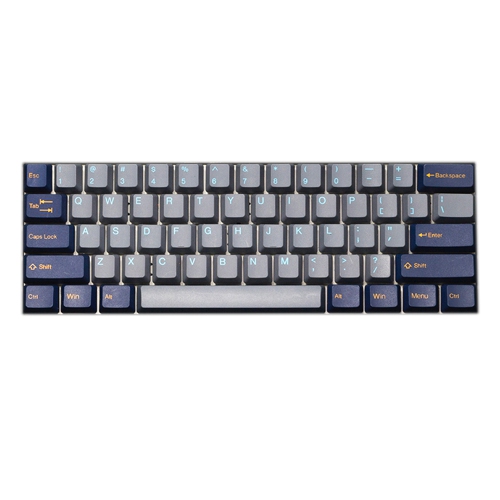
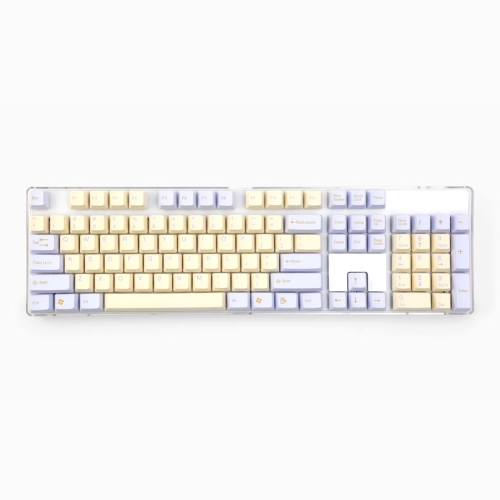
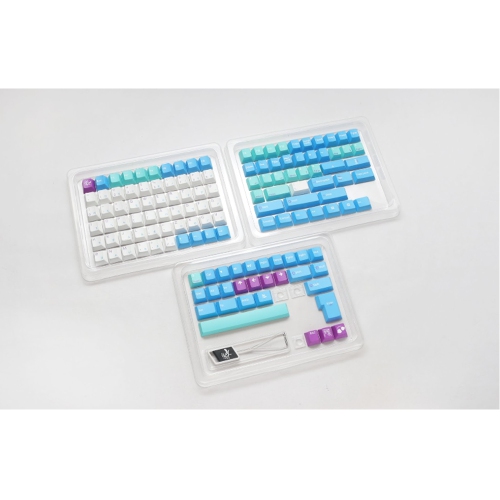
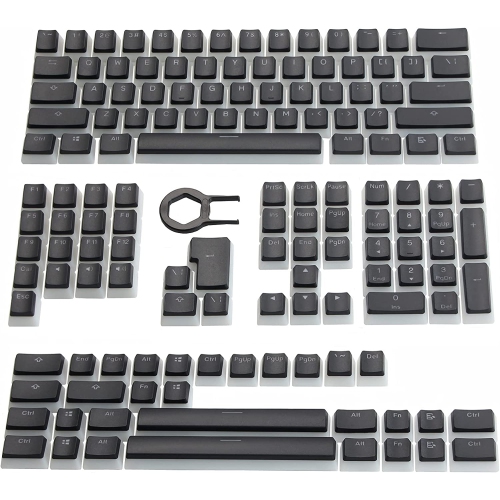
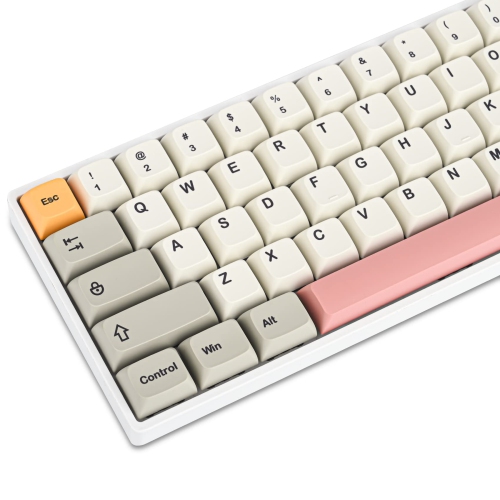
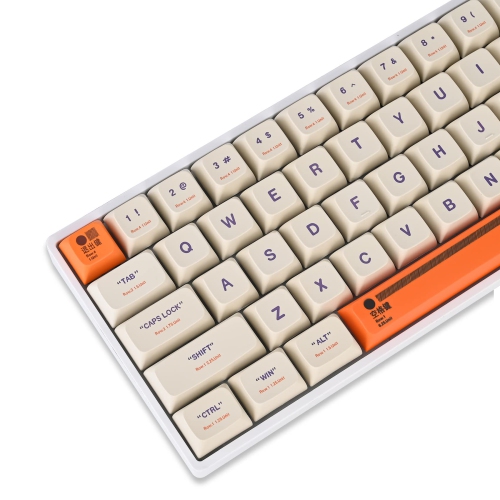
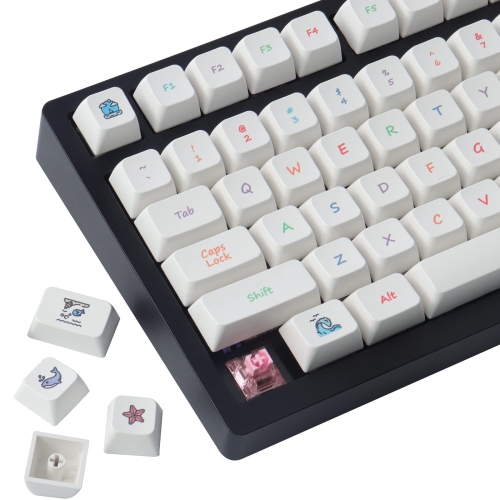
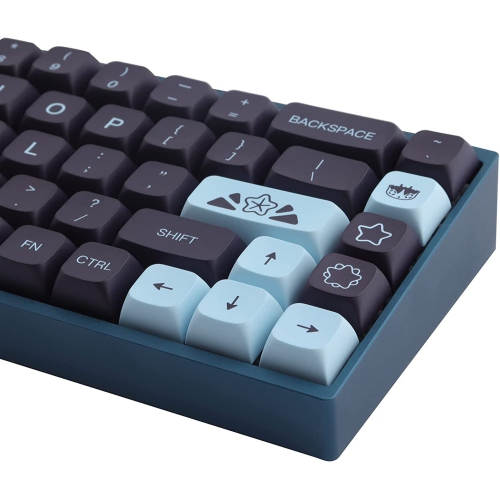
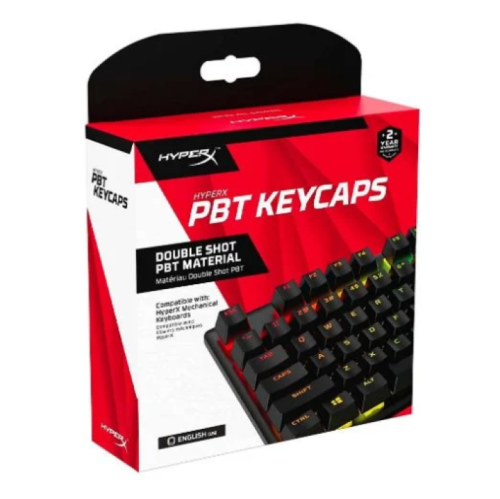
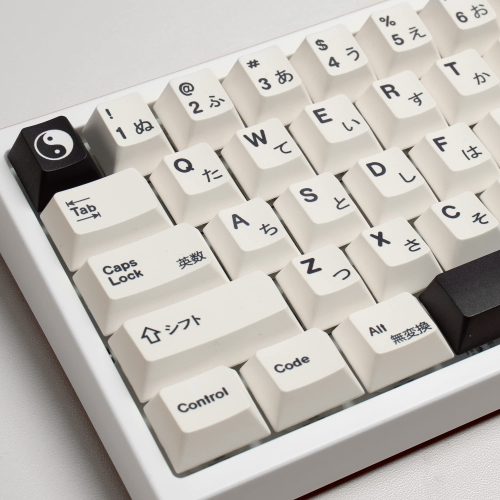
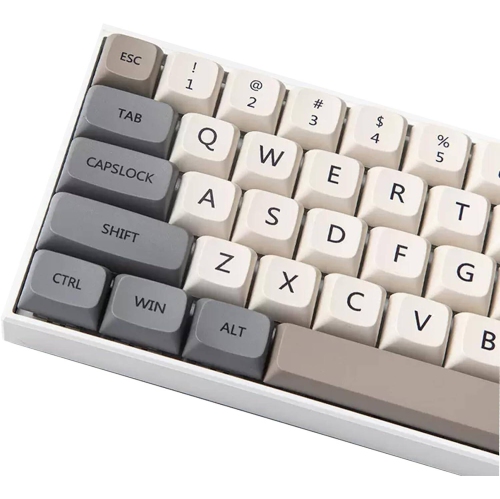
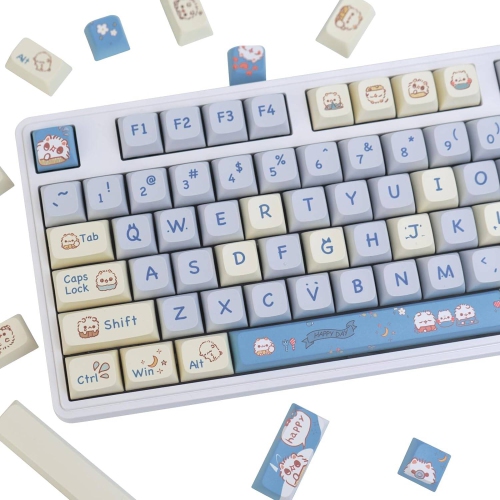
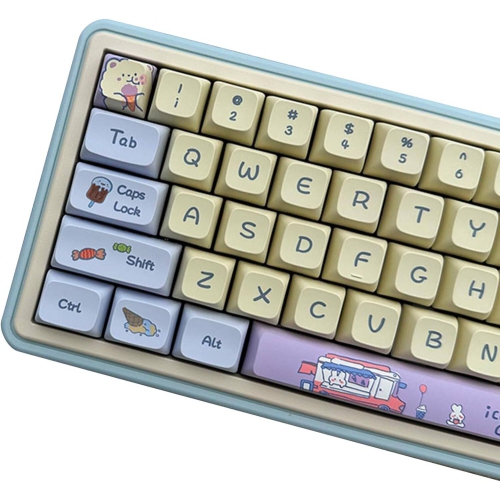
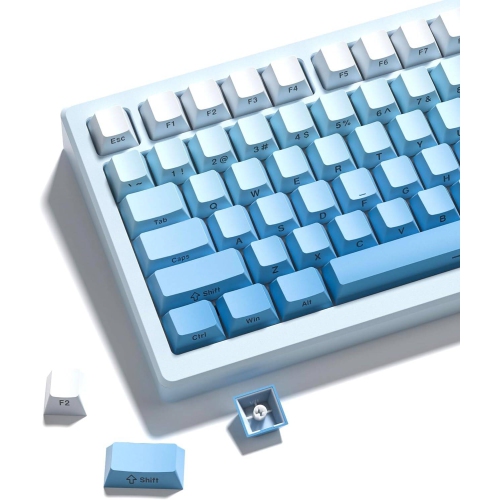
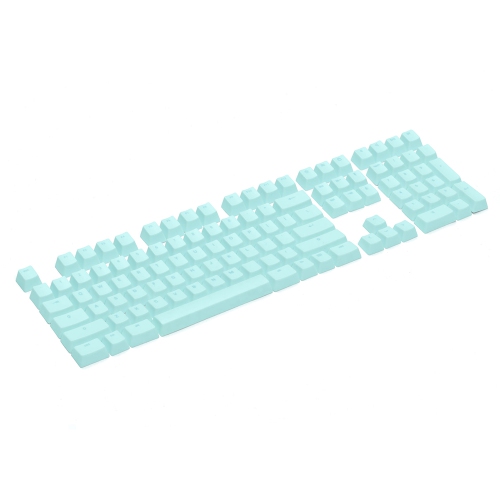
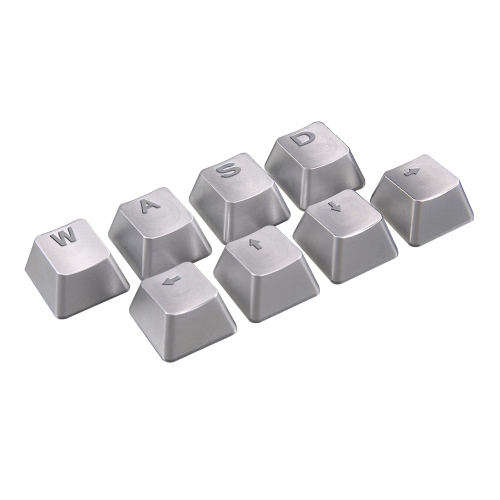
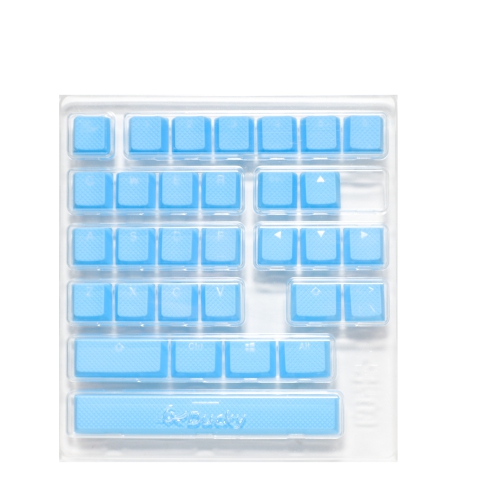
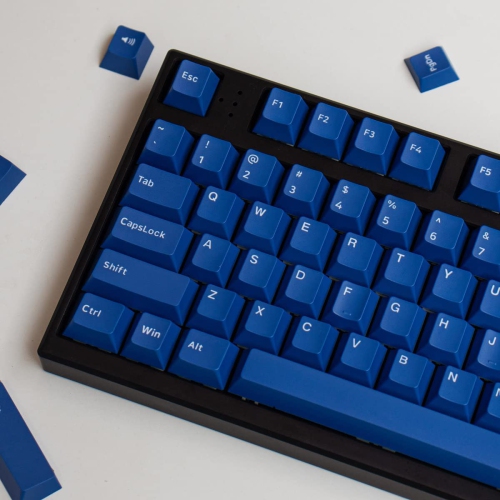
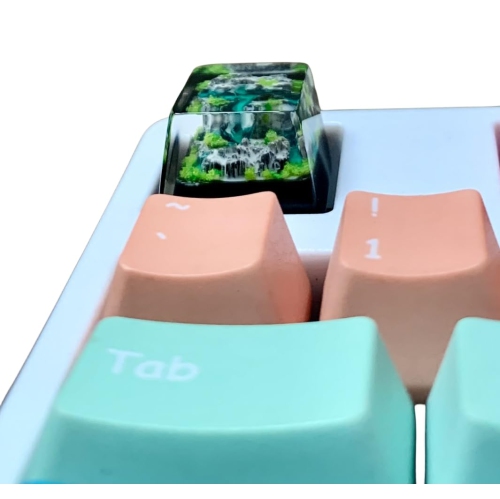
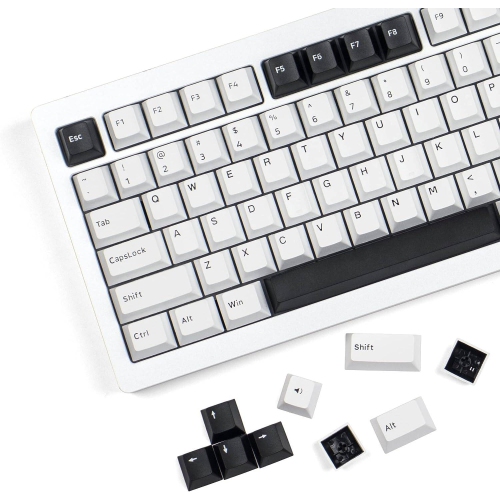
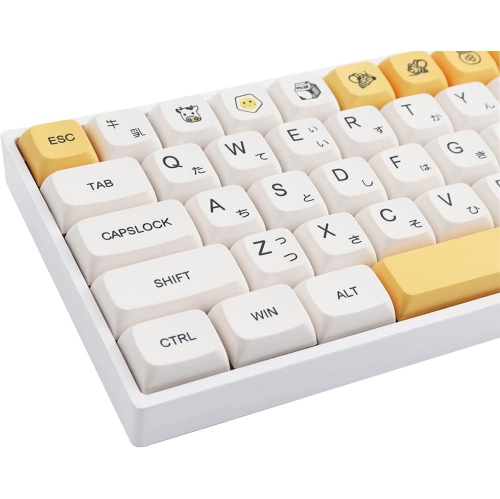
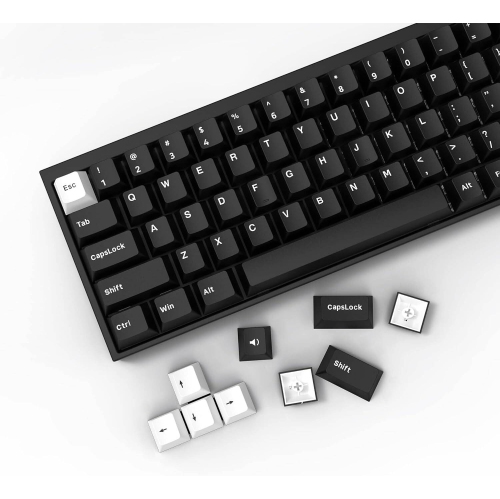
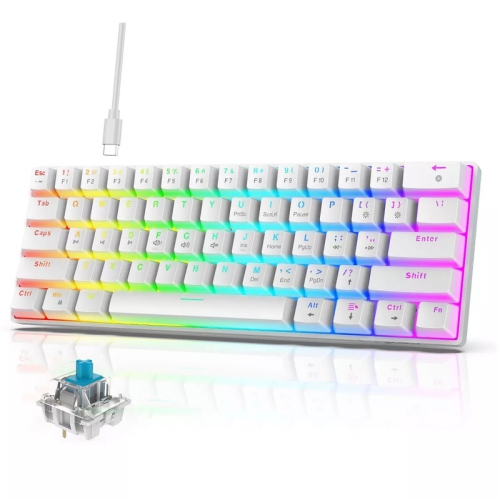
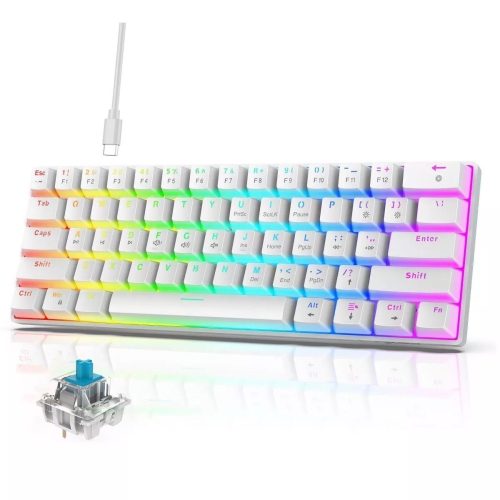
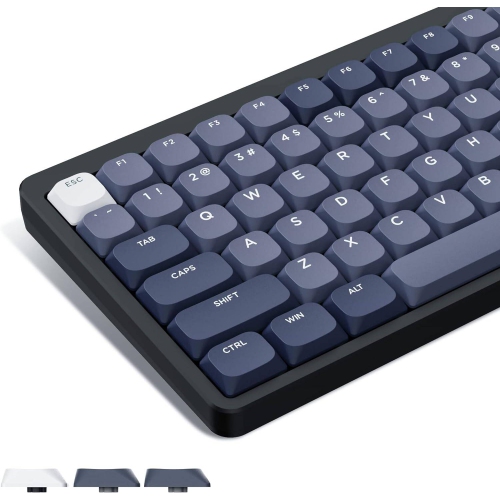
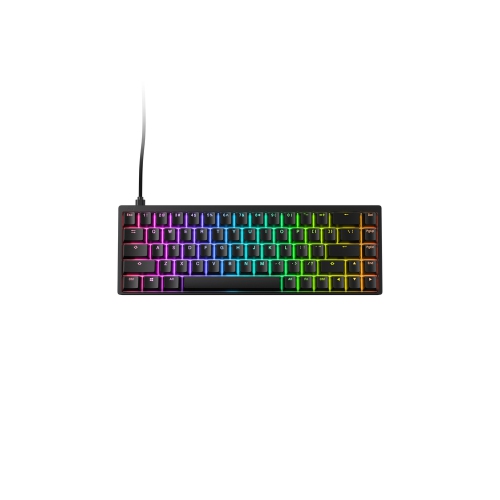
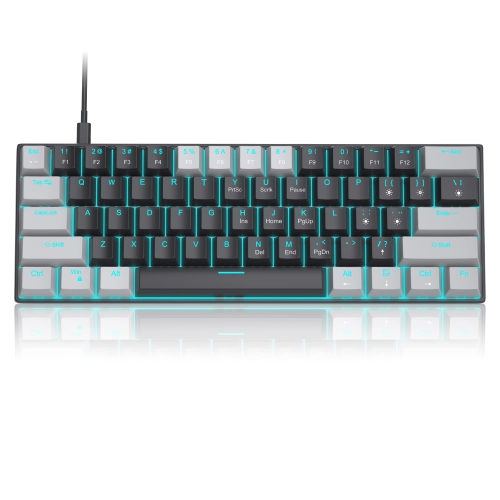
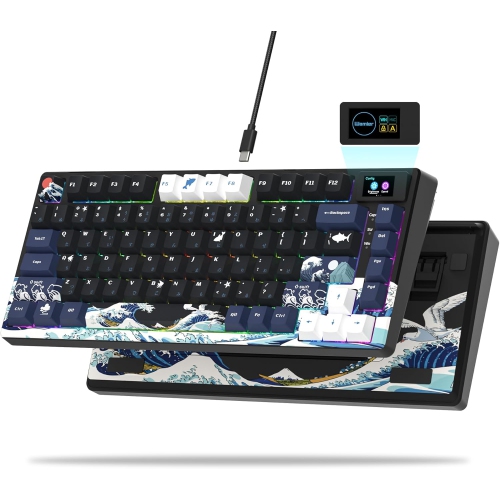
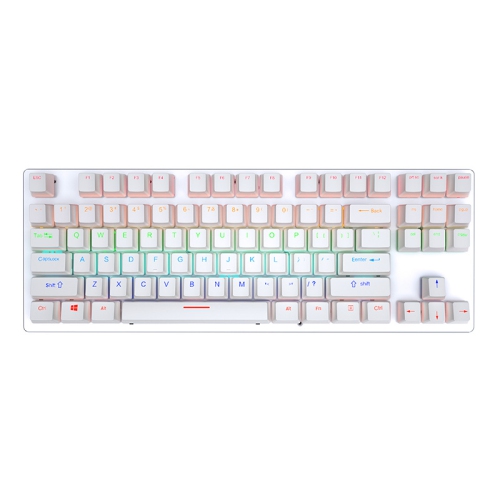
Gaming keycaps are a simple way to change the feel, appearance, and everyday performance of a gaming keyboard without replacing the entire board. They sit directly beneath your fingertips, so small differences in texture, shape, and material can be noticeable during a long session. Smooth ABS keycaps can offer vivid colours and a comfortable feel when new, while PBT keycaps have a firmer, more textured surface that tends to resist the polished, oily shine that can develop with frequent use. Rubber keycaps are often chosen for movement keys such as W, A, S, and D because their grippy finish can help fingers stay centred during fast, repeated inputs. Some sets are designed for a few high-use keys, while others include a full collection for a consistent look across the keyboard. A full set can be a particularly effective choice when refreshing a well-used board, adding a coordinated colour scheme to a gaming setup, or matching the lighting and accessories on a desk. For a broader selection of styles, materials, colours, and layouts, explore Keyboard Keycaps.
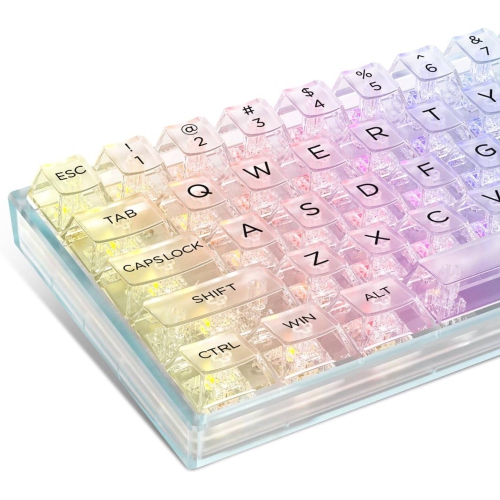
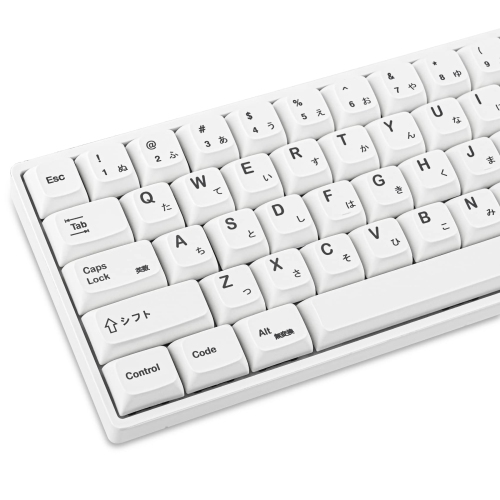
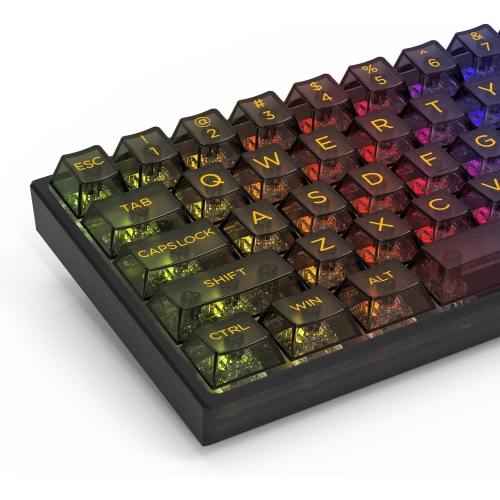
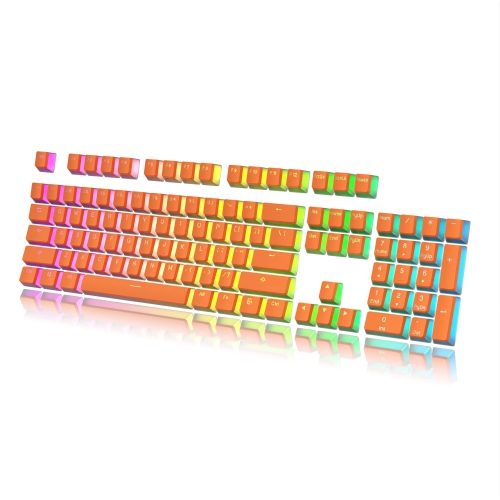
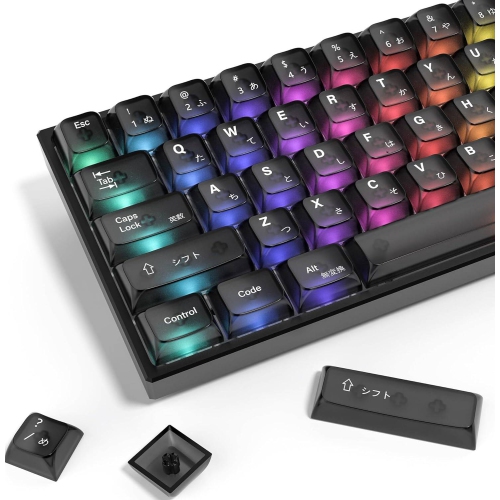
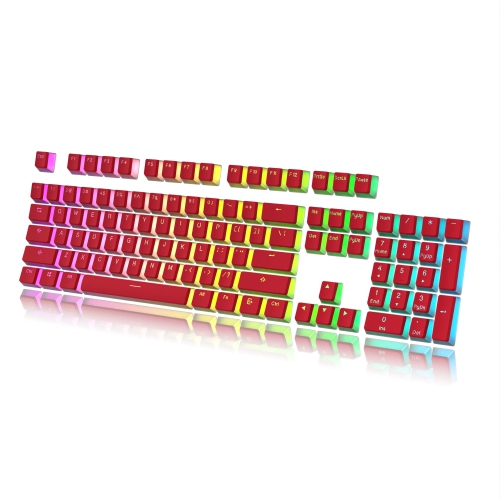
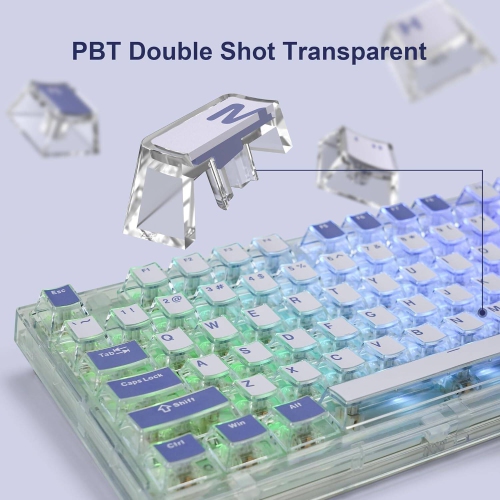
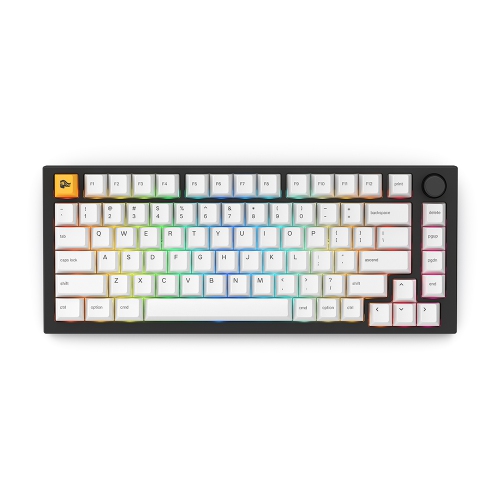
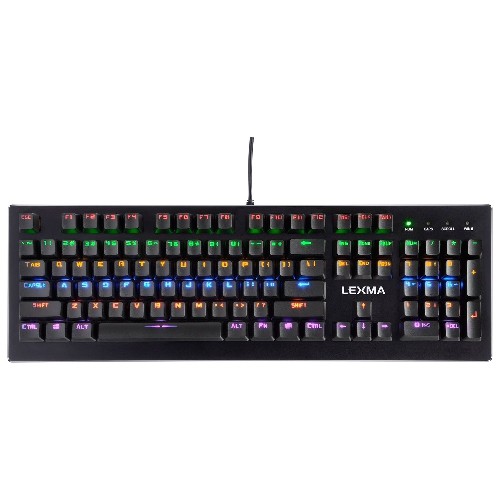
Compatibility is the most important detail to check before choosing gaming keycaps. Many mechanical and gaming keyboards use MX-style stems, which are the small cross-shaped mounts beneath the keycaps, but not every keyboard follows the same standard. Check the keyboard’s model, layout, and included key sizes before ordering, particularly if it has a compact format, dedicated macro keys, an unusual bottom row, or non-standard stabilizers. Full-size, tenkeyless, 75%, 65%, and 60% keyboards can all arrange keys differently, and a set that fits the letter keys may still lack the correct sizes for the space bar, Shift, Enter, Backspace, or modifier keys. Keycap profiles also affect the way a keyboard feels. A uniform profile can make rearranging keys easier, while sculpted profiles shape each row differently for a more familiar hand position. Height and contour can influence how quickly fingers move between keys, which is worth considering for competitive games, typing, and general computer use. Shine-through and pudding-style keycaps have translucent areas that allow RGB lighting to glow through the legends or around the sides, creating a brighter effect in a dim room. Opaque keycaps provide a more subdued appearance and can suit a minimalist desk, while brightly coloured legends or accent keys can make frequently used controls easier to locate at a glance. Double-shot construction is another useful feature: the legends are formed from a second layer of plastic rather than simply printed on top, helping the markings remain clear through regular use.
The right set can suit a wide range of players, from someone building a first gaming station to an experienced enthusiast fine-tuning the details of a familiar keyboard. A player who spends evenings moving through competitive matches may prefer textured or rubberized keys on the main controls for added grip, while someone who uses the same keyboard for school, work, and gaming may value durable PBT material and a comfortable profile across the entire board. Custom keycaps can also be a thoughtful gift for a gamer, especially when the recipient already has a keyboard they enjoy and wants to personalize it without changing its switches or electronics. During the warmer season and through the cooler months, a refreshed keyboard can add colour and character to a desk used for gaming, streaming, creative projects, or late-night browsing. Before installing a new set, take a photo of the original layout, remove each cap gently with a keycap puller, and compare the replacement sizes with the keyboard’s rows and stabilizer positions. Cleaning dust and hair from the switches while the caps are removed can also make the finished setup feel noticeably fresher. Whether the goal is stronger grip, more durable surfaces, brighter RGB illumination, or a new visual theme, gaming keycaps make it possible to personalize the part of the computer touched most often.
Compatibility is the most important detail to check before choosing gaming keycaps. Many mechanical and gaming keyboards use MX-style stems, which are the small cross-shaped mounts beneath the keycaps, but not every keyboard follows the same standard. Check the keyboard’s model, layout, and included key sizes before ordering, particularly if it has a compact format, dedicated macro keys, an unusual bottom row, or non-standard stabilizers. Full-size, tenkeyless, 75%, 65%, and 60% keyboards can all arrange keys differently, and a set that fits the letter keys may still lack the correct sizes for the space bar, Shift, Enter, Backspace, or modifier keys. Keycap profiles also affect the way a keyboard feels. A uniform profile can make rearranging keys easier, while sculpted profiles shape each row differently for a more familiar hand position. Height and contour can influence how quickly fingers move between keys, which is worth considering for competitive games, typing, and general computer use. Shine-through and pudding-style keycaps have translucent areas that allow RGB lighting to glow through the legends or around the sides, creating a brighter effect in a dim room. Opaque keycaps provide a more subdued appearance and can suit a minimalist desk, while brightly coloured legends or accent keys can make frequently used controls easier to locate at a glance. Double-shot construction is another useful feature: the legends are formed from a second layer of plastic rather than simply printed on top, helping the markings remain clear through regular use.
The right set can suit a wide range of players, from someone building a first gaming station to an experienced enthusiast fine-tuning the details of a familiar keyboard. A player who spends evenings moving through competitive matches may prefer textured or rubberized keys on the main controls for added grip, while someone who uses the same keyboard for school, work, and gaming may value durable PBT material and a comfortable profile across the entire board. Custom keycaps can also be a thoughtful gift for a gamer, especially when the recipient already has a keyboard they enjoy and wants to personalize it without changing its switches or electronics. During the warmer season and through the cooler months, a refreshed keyboard can add colour and character to a desk used for gaming, streaming, creative projects, or late-night browsing. Before installing a new set, take a photo of the original layout, remove each cap gently with a keycap puller, and compare the replacement sizes with the keyboard’s rows and stabilizer positions. Cleaning dust and hair from the switches while the caps are removed can also make the finished setup feel noticeably fresher. Whether the goal is stronger grip, more durable surfaces, brighter RGB illumination, or a new visual theme, gaming keycaps make it possible to personalize the part of the computer touched most often.
Top selling and popular products
-
 Your price for this item is $39.99
 -
 Your price for this item is $76.98
 -
 Your price for this item is $94.99
 -
 Your price for this item is $319.99
 -
 Your price for this item is $364.99
 -
 Your price for this item is $119.99
 -
 Your price for this item is $124
 -
 Your price for this item is $94.99
Discover more categories related to Gaming Keycaps
Top Collections:
Pokemon Centers, Budget 4K TVs, Kindle Devices, Canon G7X Cameras, Apple iPhones 16, iPhone 15 Apple, Laptops for Business Work, Flip Phones, Xiaomi Phones, Refurbished Apple Laptops
Some products may be subject to Environmental Handling Fees
(EHF) depending on your province.
Learn more about EHFs.