Heavy Duty Monitor Mounts
If you're looking to elevate your workspace, look no further than these heavy-duty monitor mounts. These sturdy and versatile accessories are designed to securely hold your monitors in place, providing you with a comfortable and ergonomic viewing experience. Whether you're a gamer, a content creator, or simply looking to maximize your productivity, these heavy-duty monitor mounts offer a range of options to suit your needs. From adjustable arms to wall mounts, we have the perfect solution to help you create a clutter-free and organized workstation.
Sort
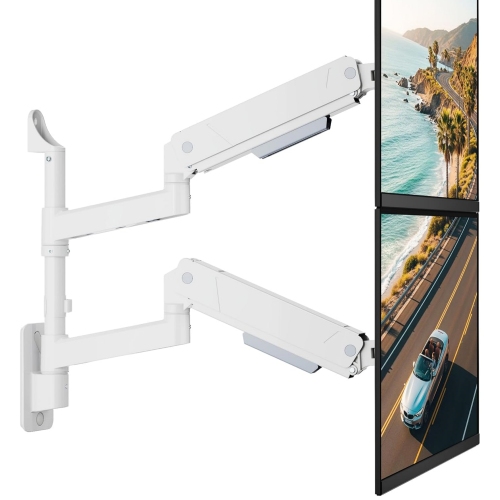
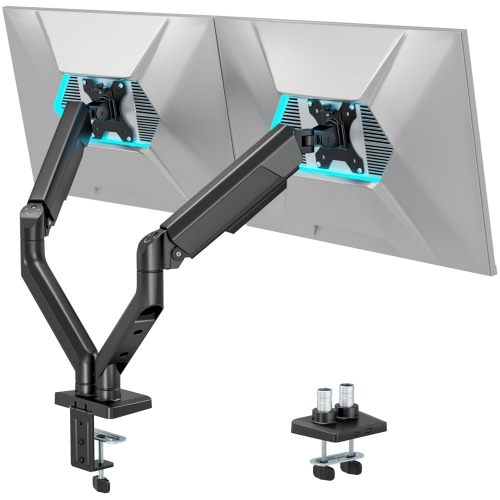
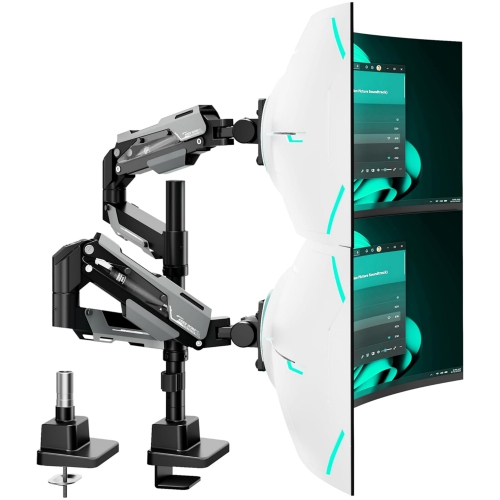
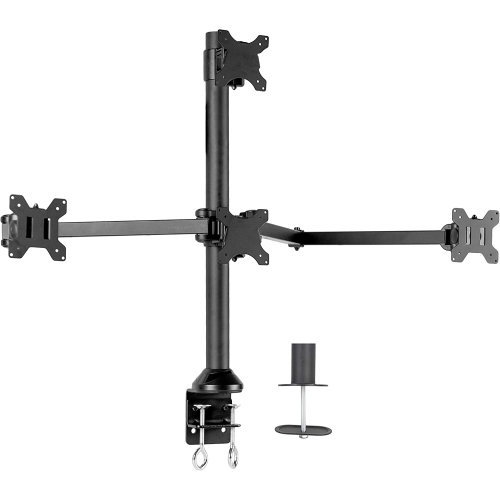



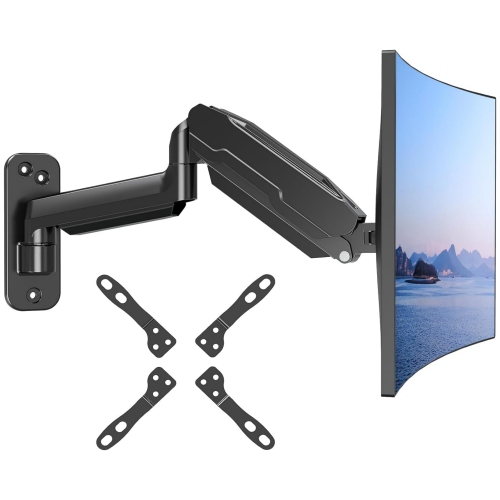
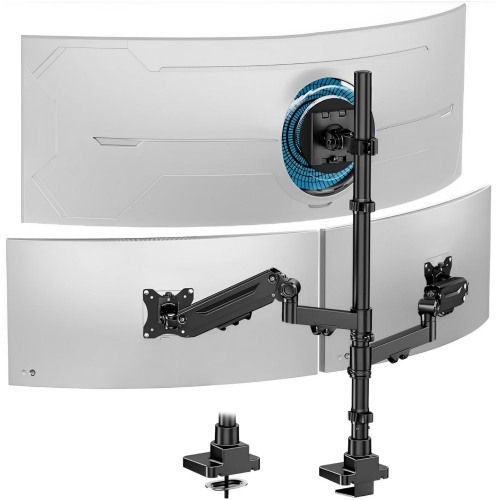
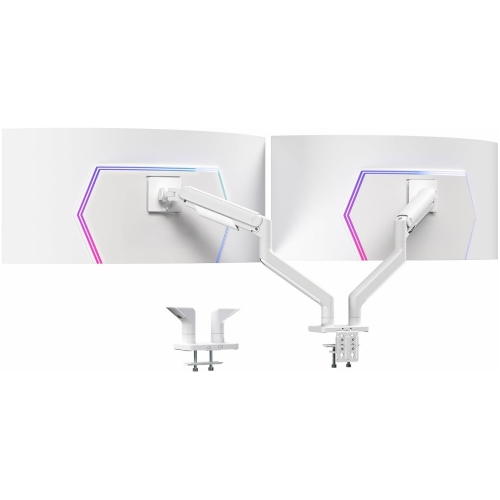
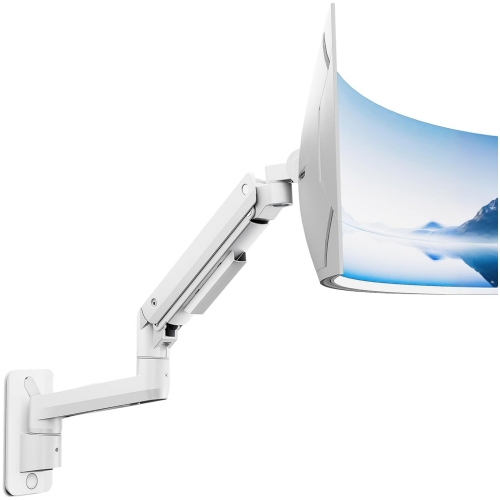

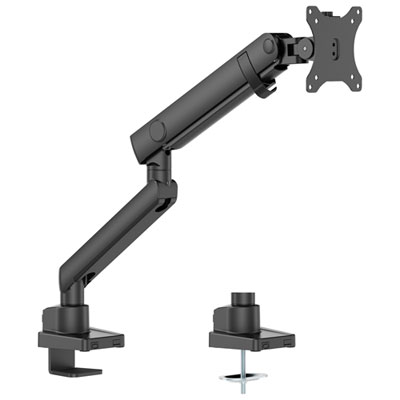
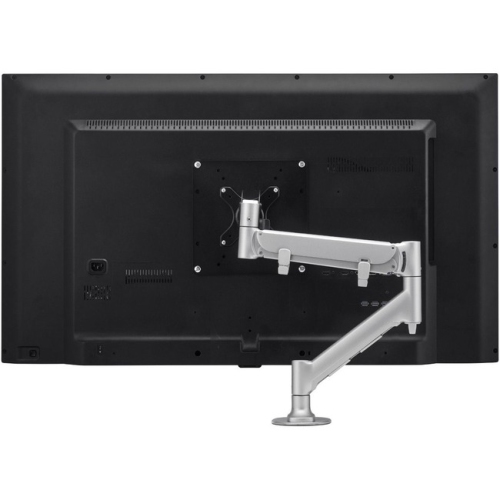
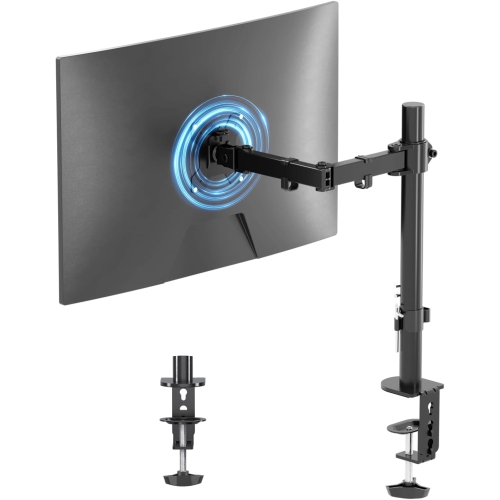
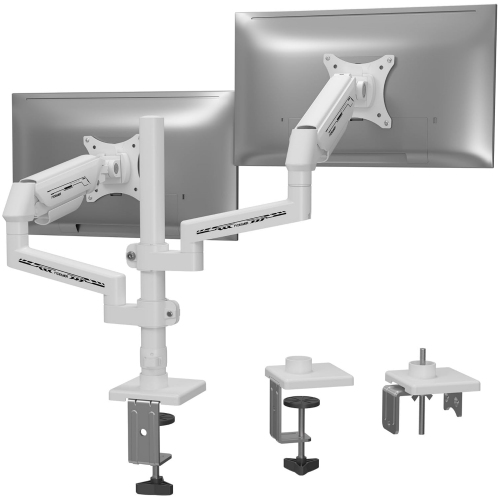
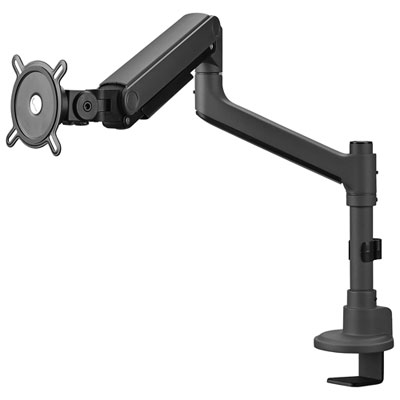

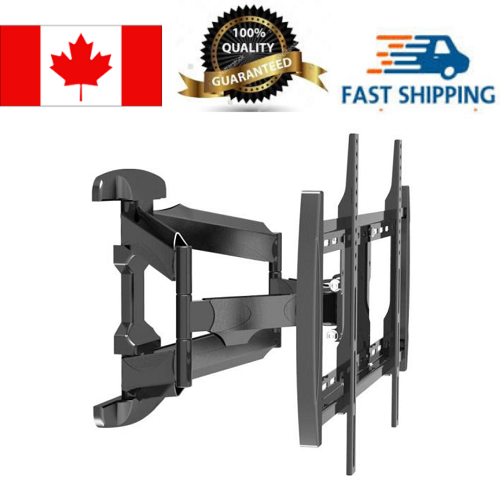
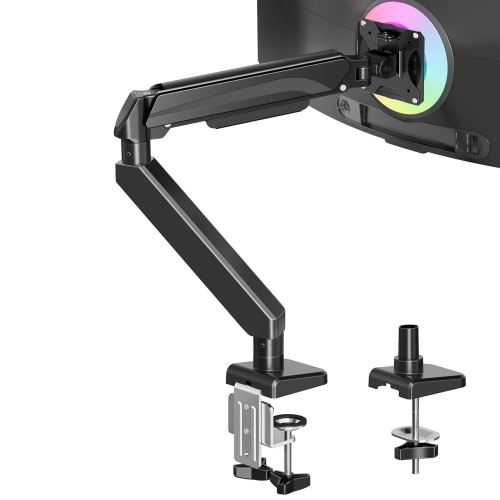
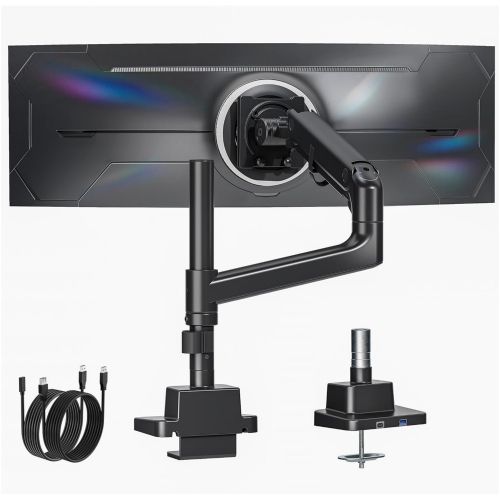
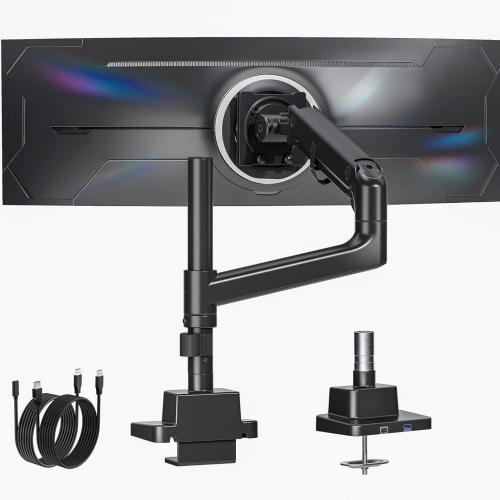
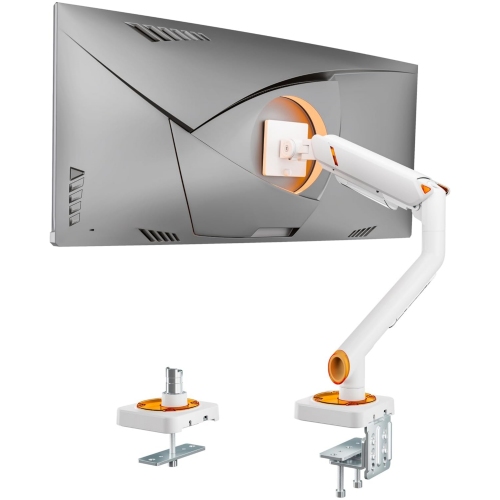
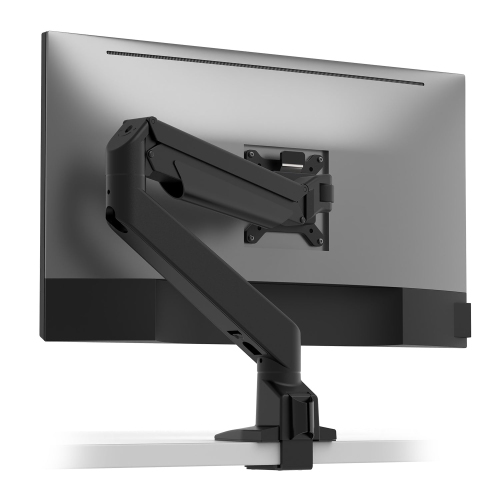
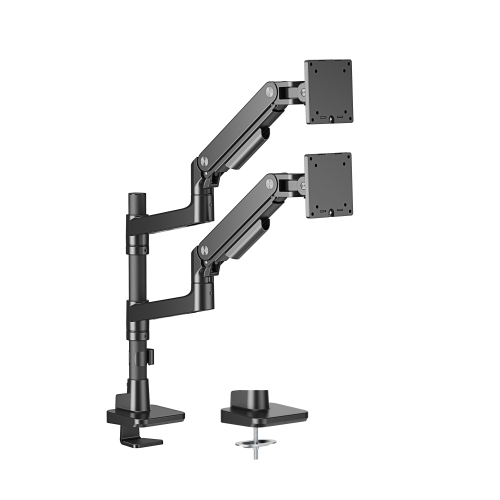
Bigger screens need more than a matching VESA pattern
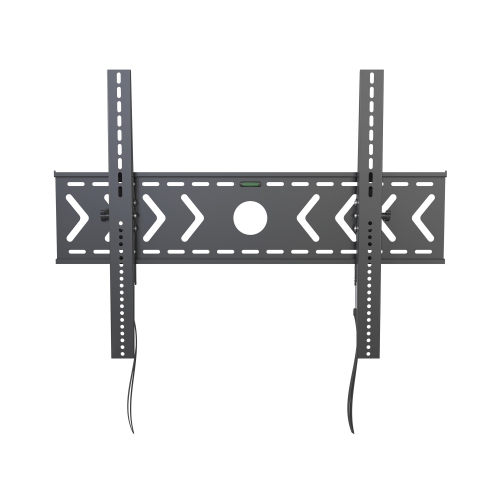
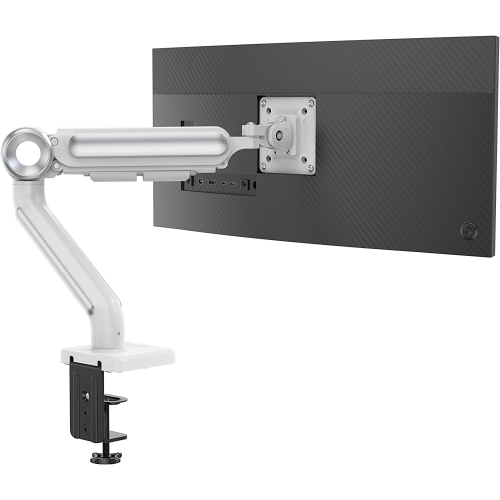
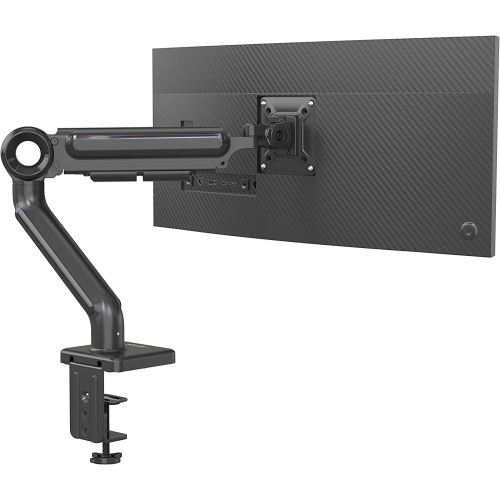
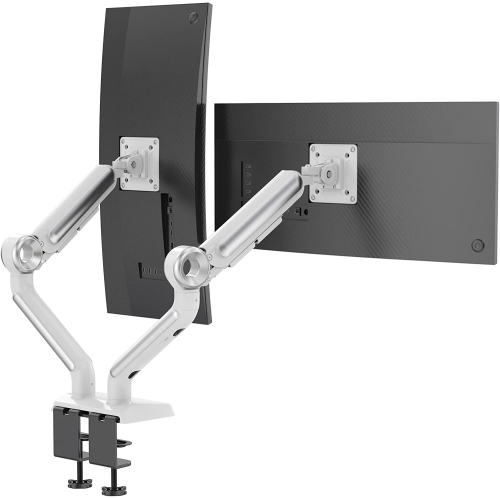
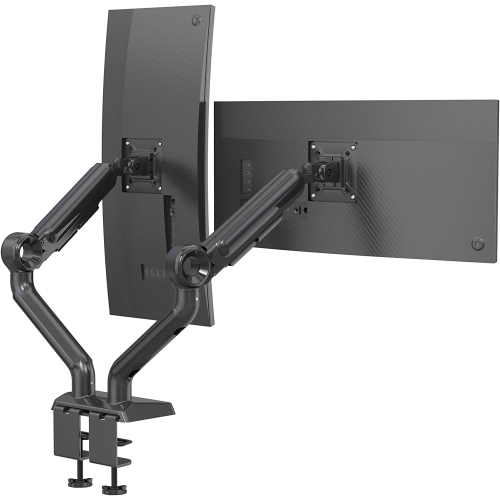
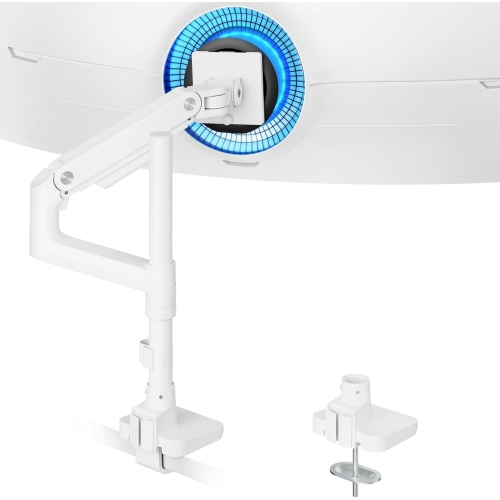
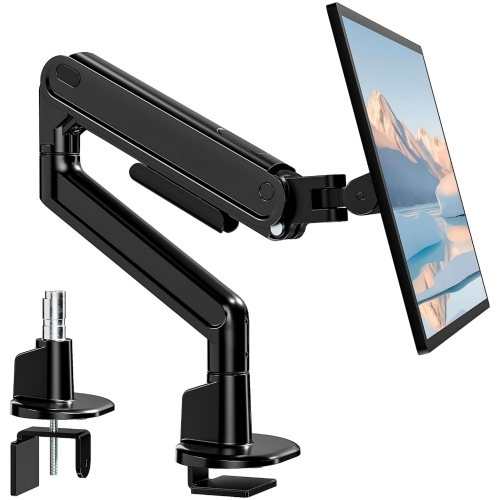
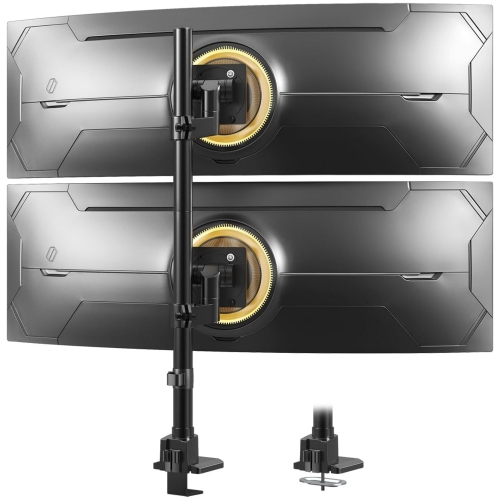
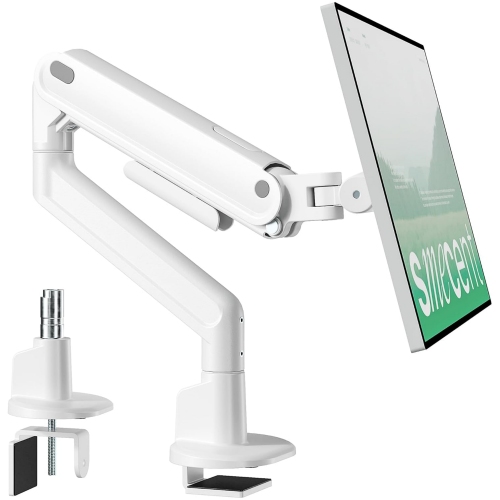
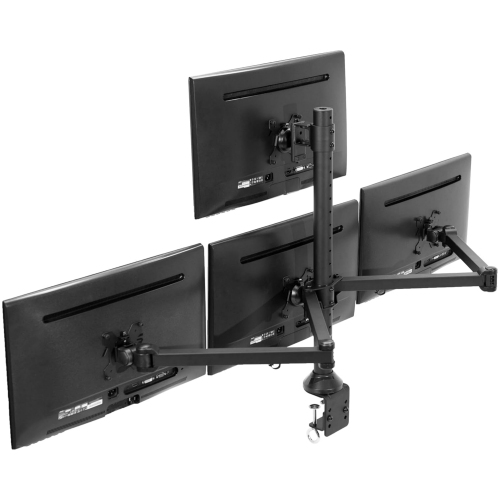
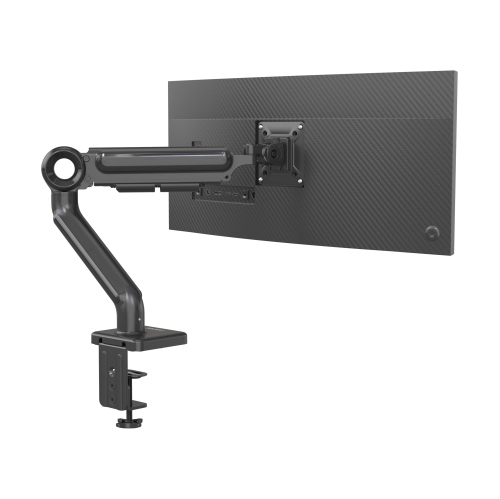
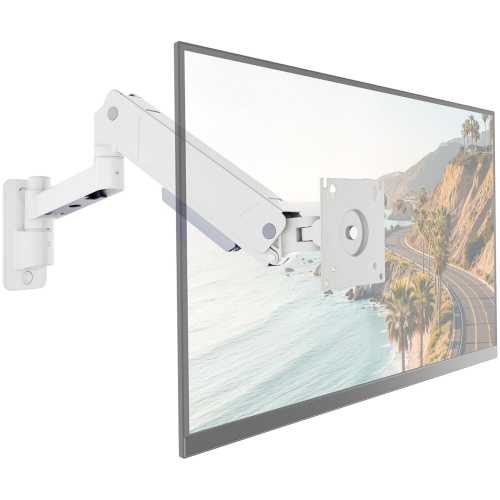
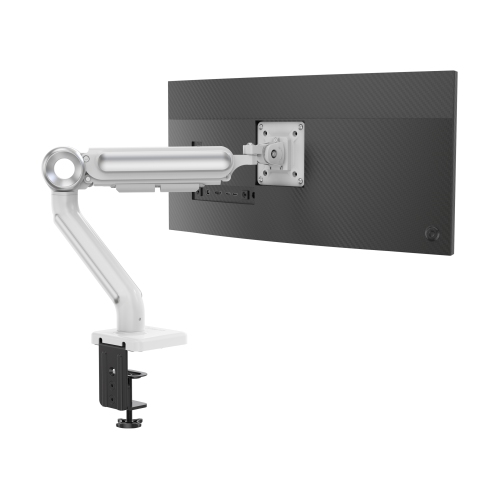
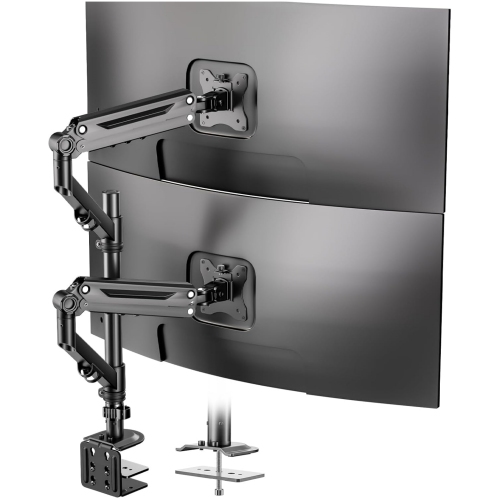
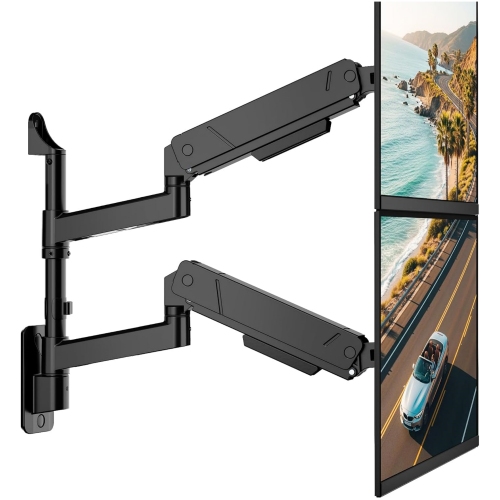
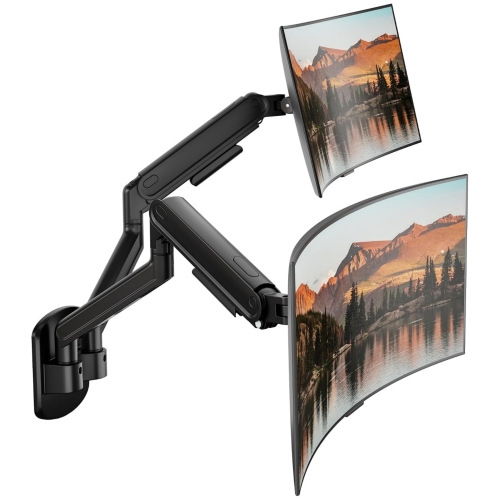
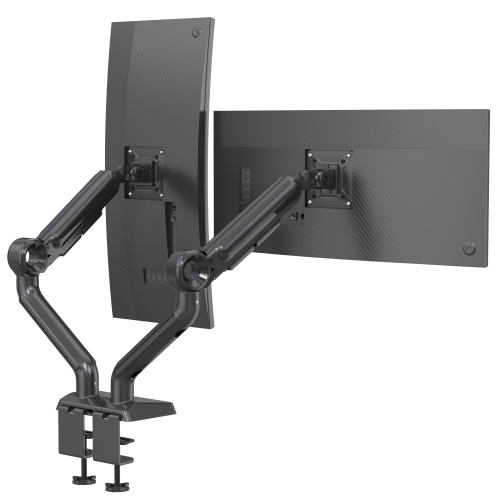
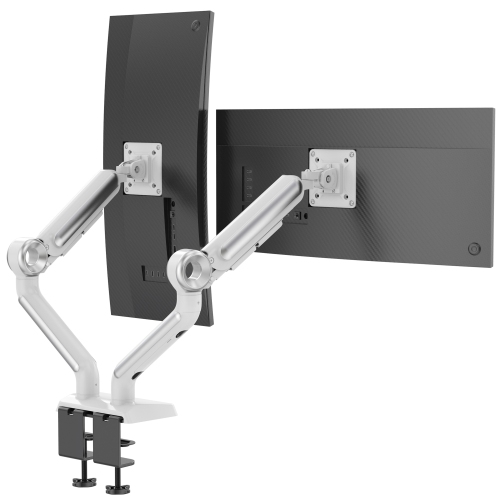
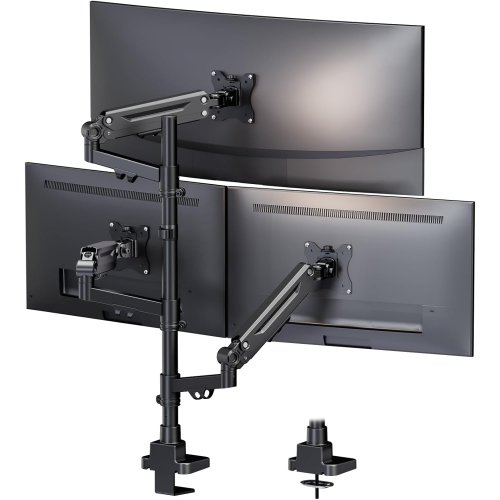
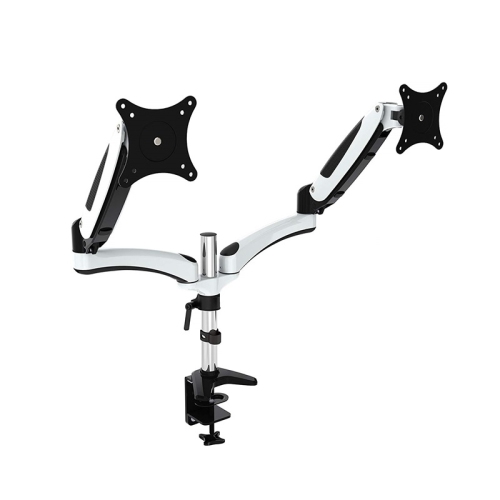
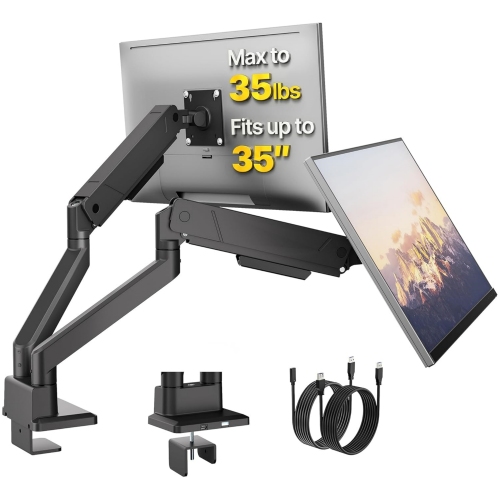
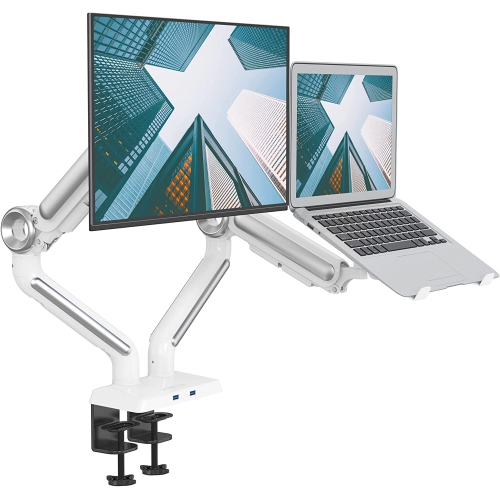
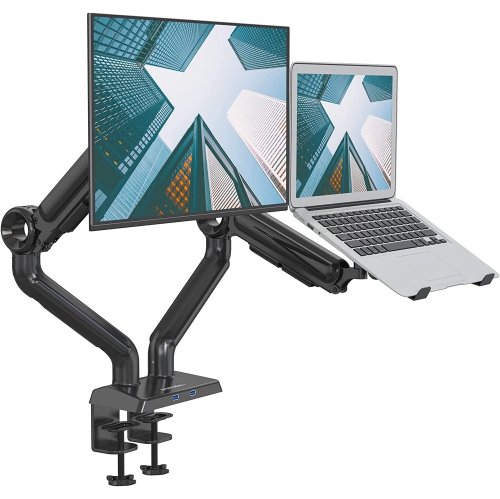
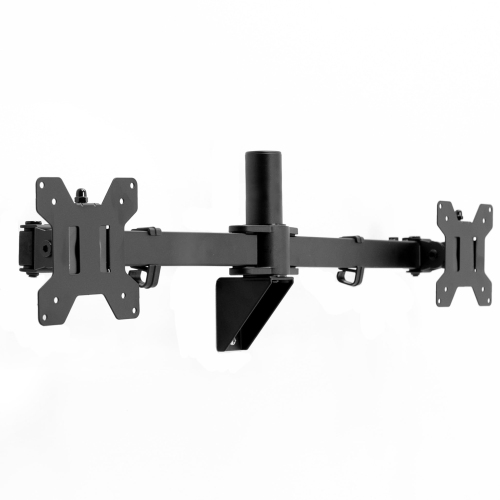
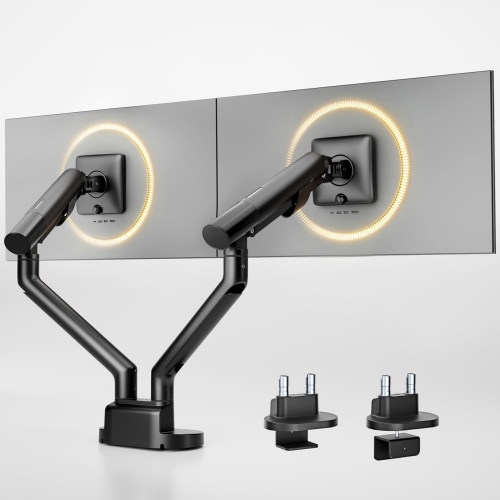
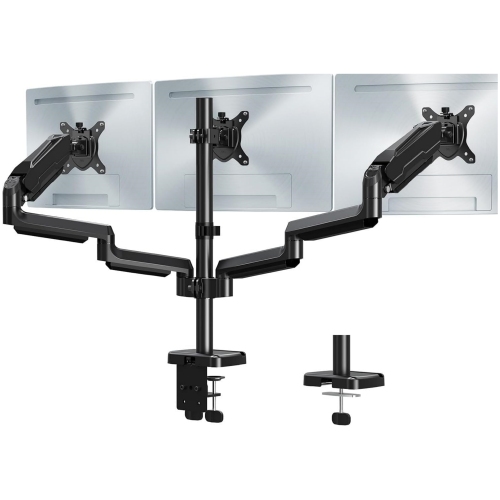
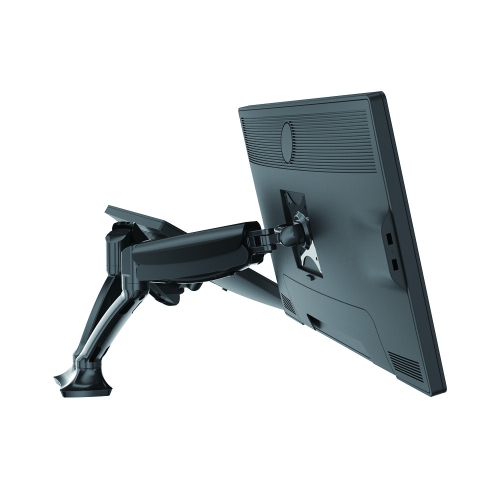
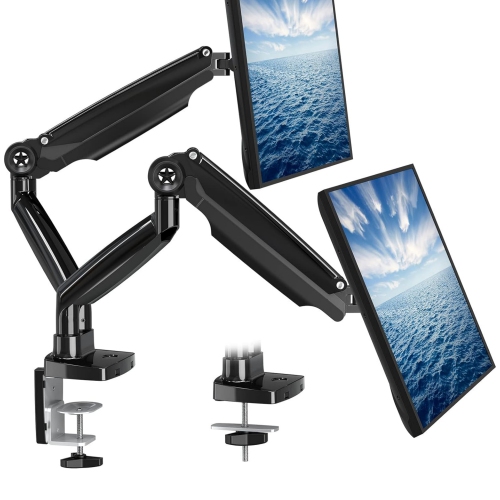
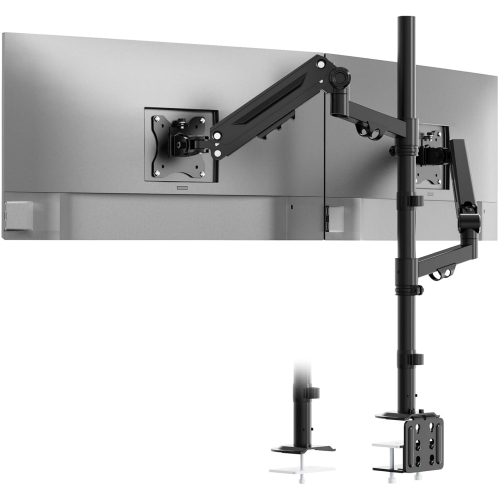
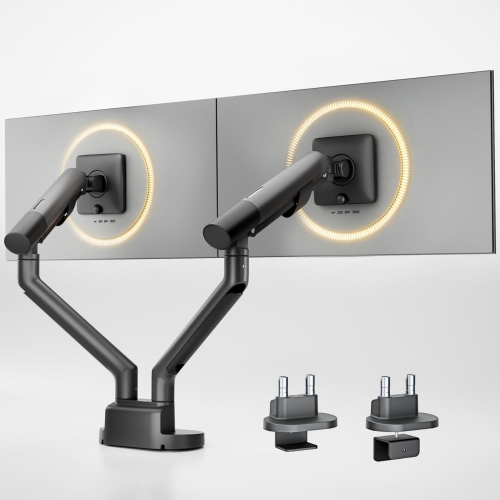
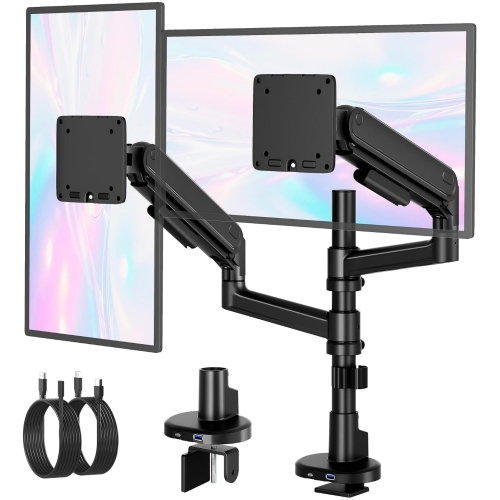
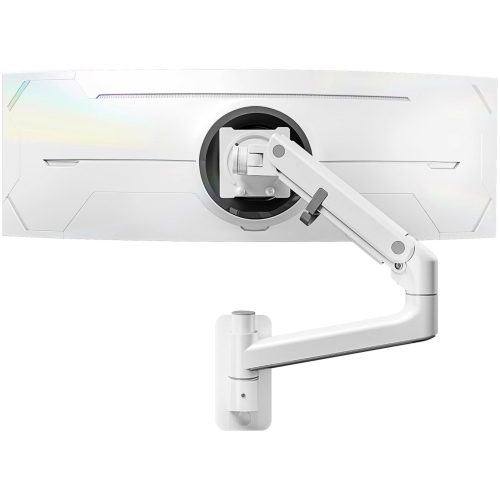
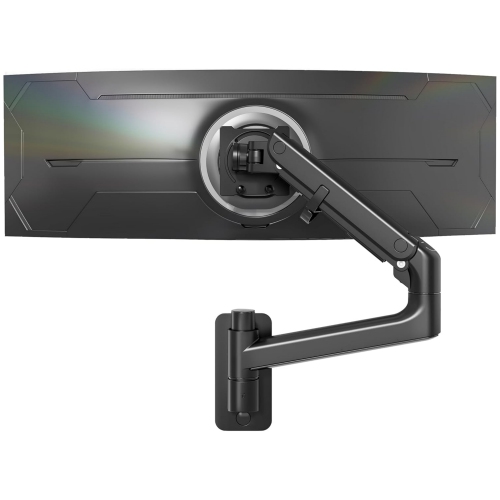
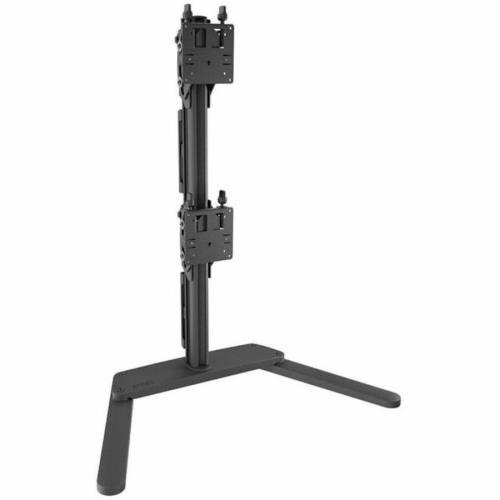
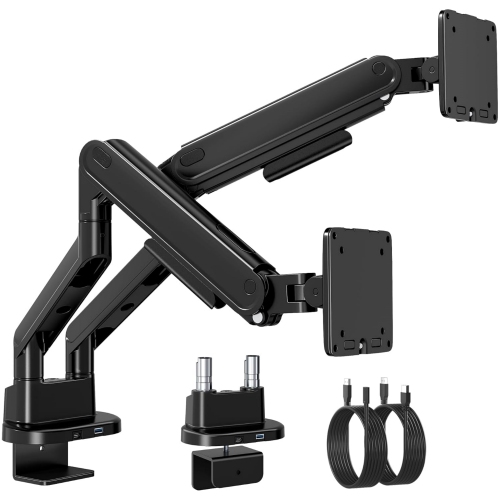
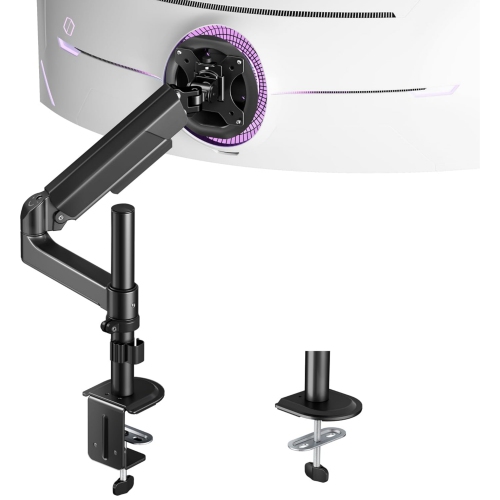
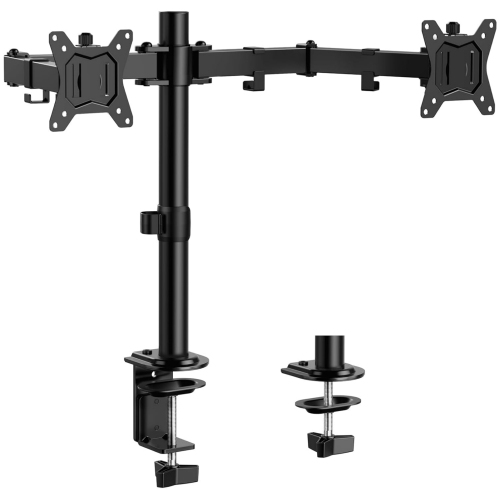
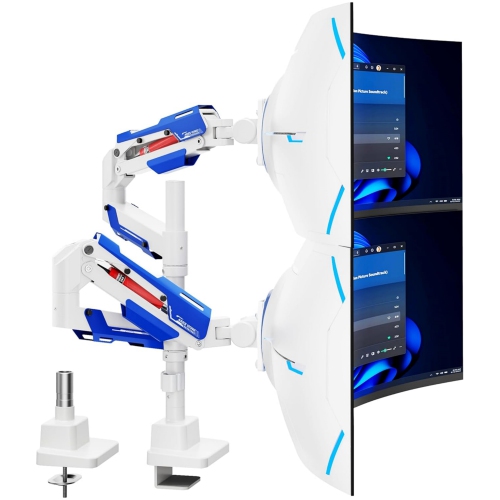
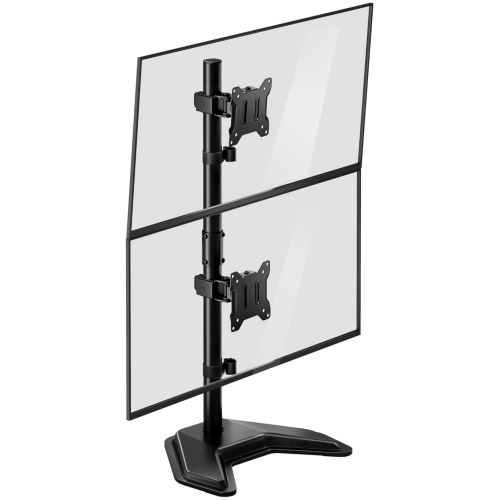
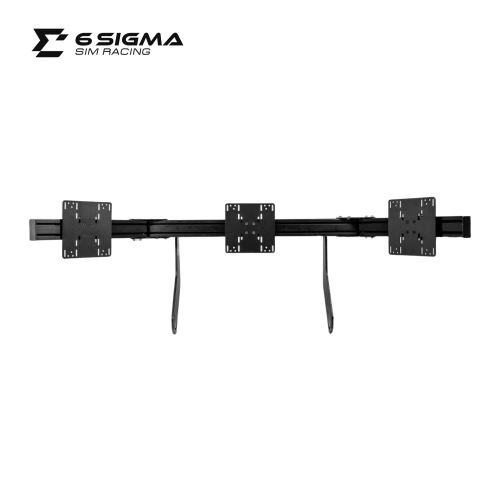
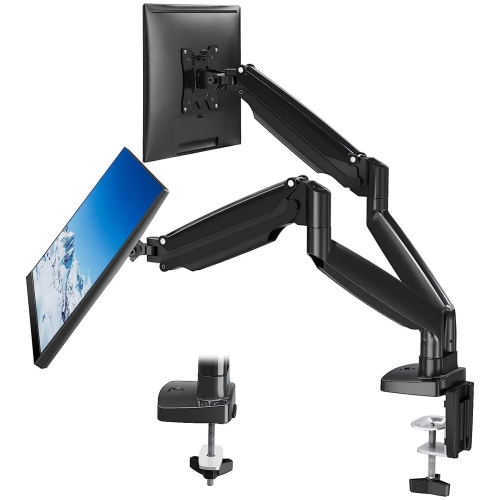
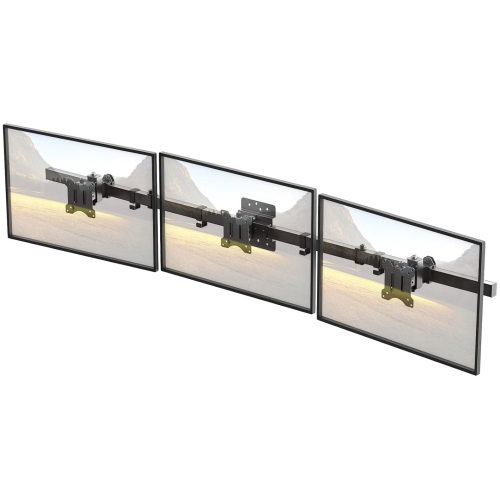
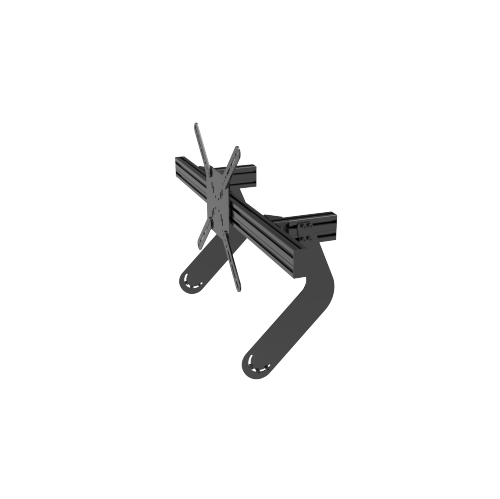
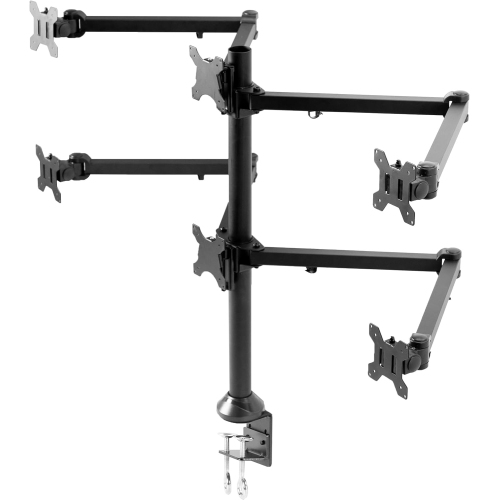
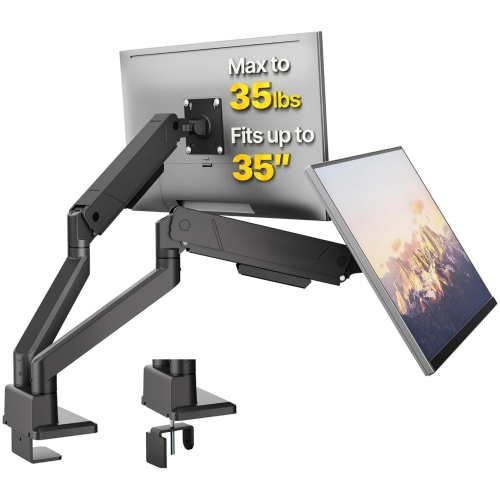
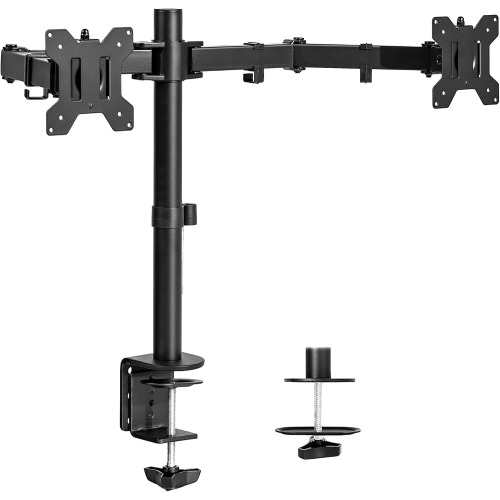
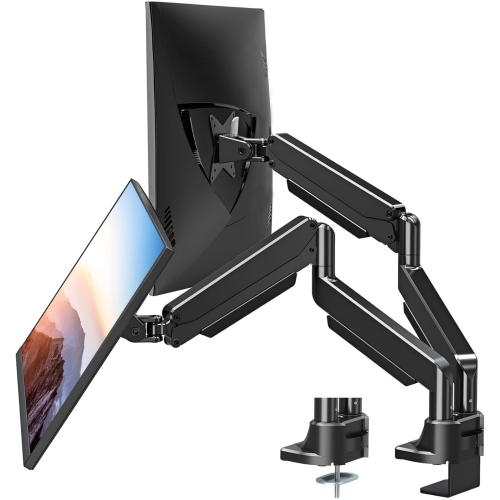
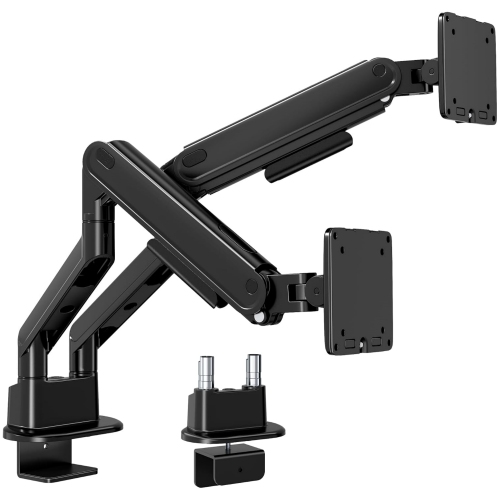
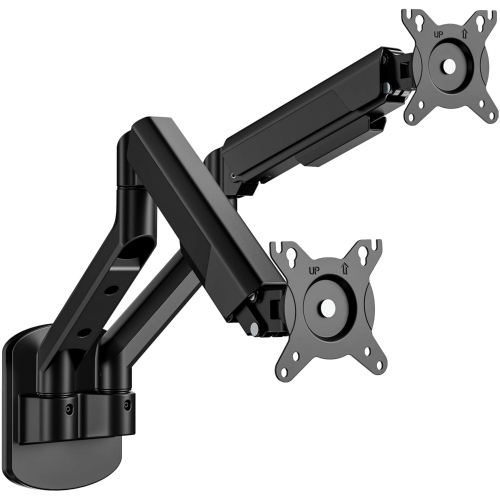
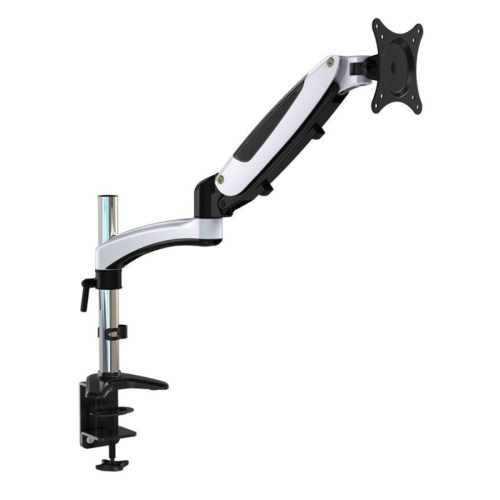
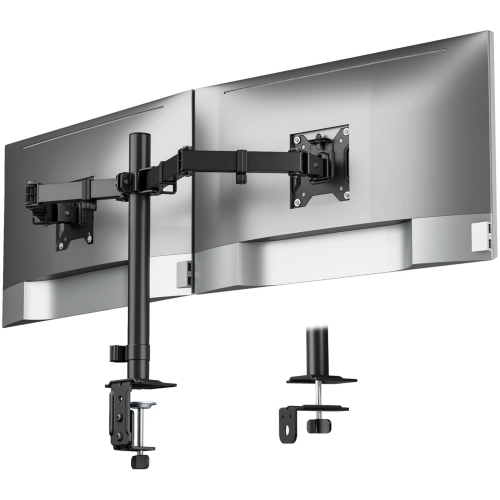
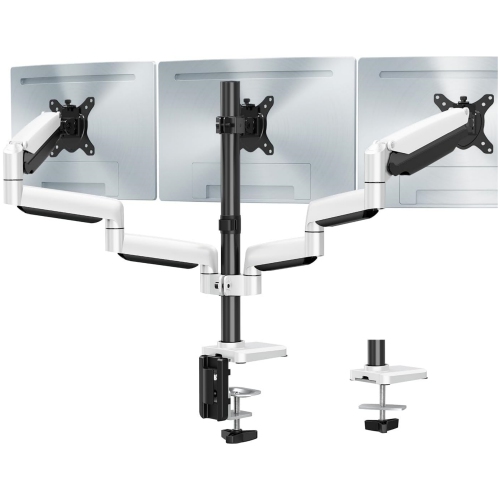
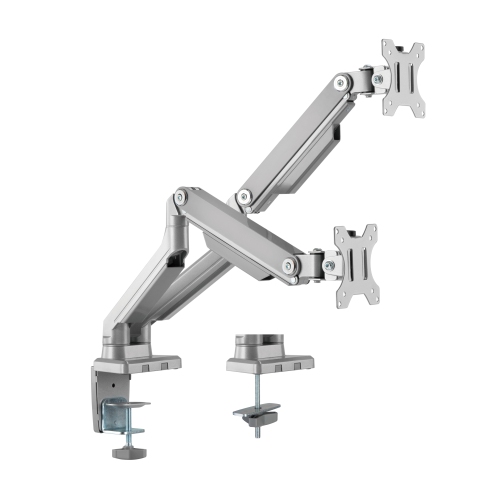
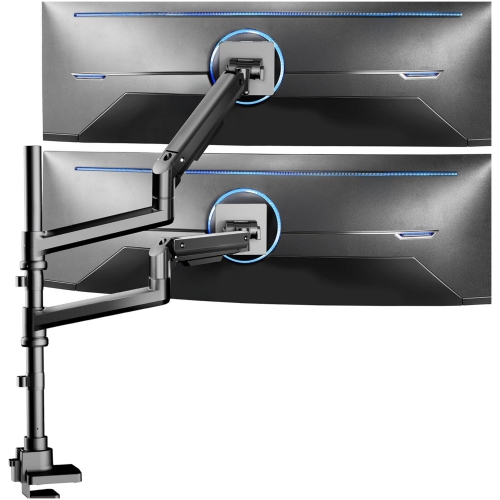
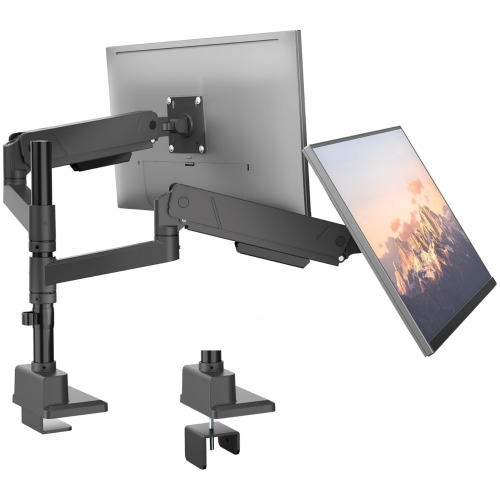
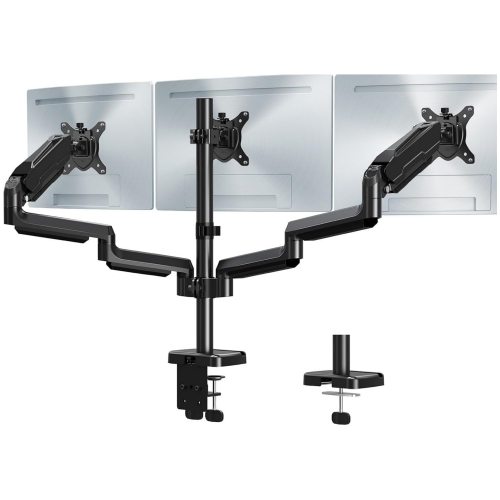
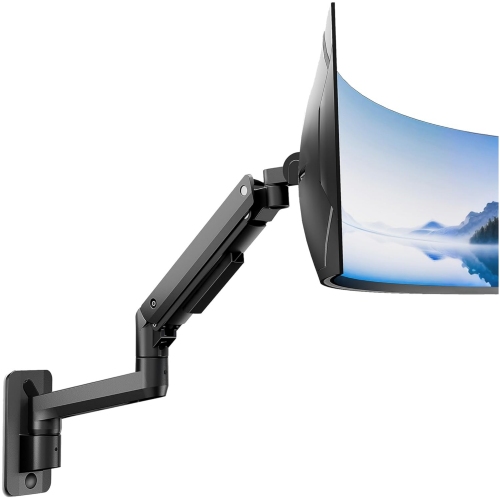
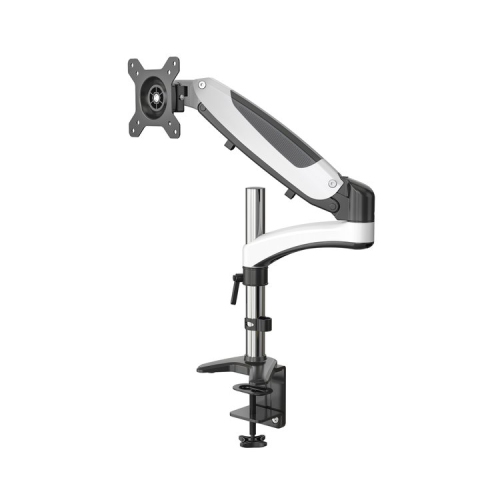
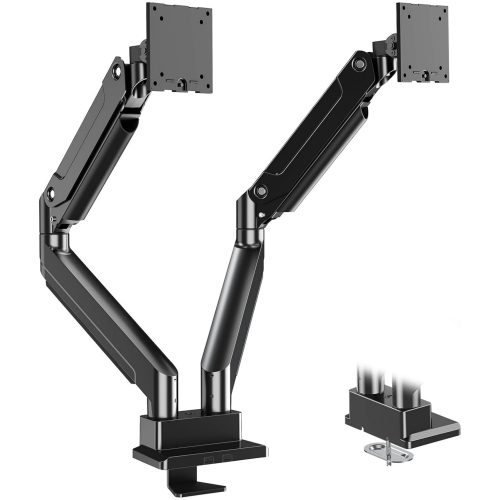
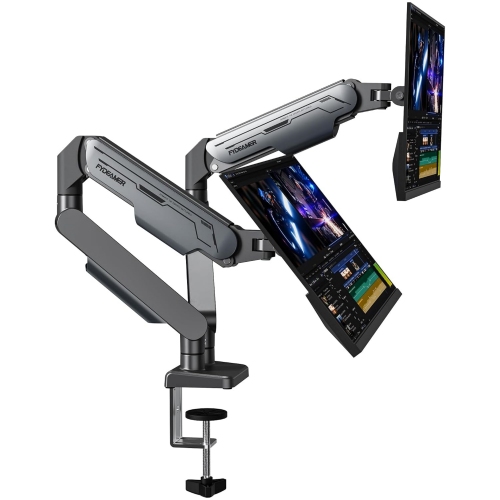
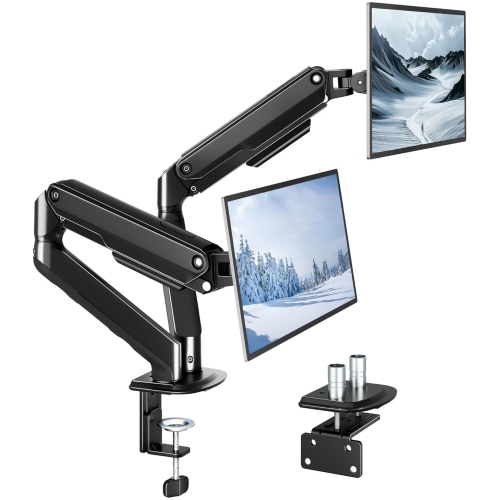
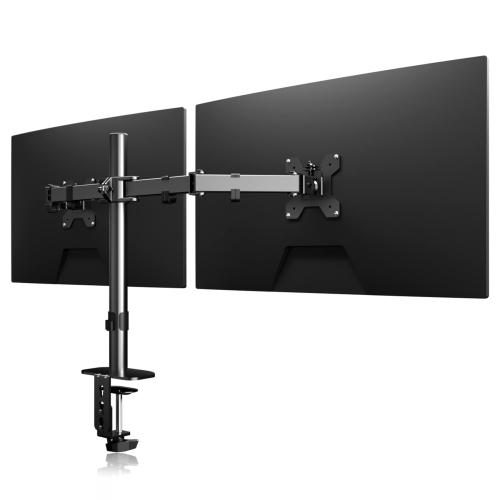
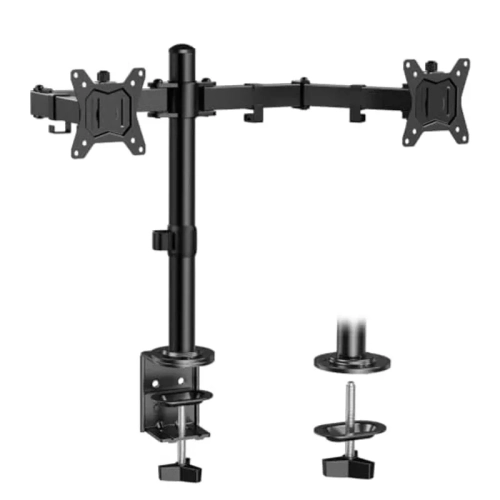
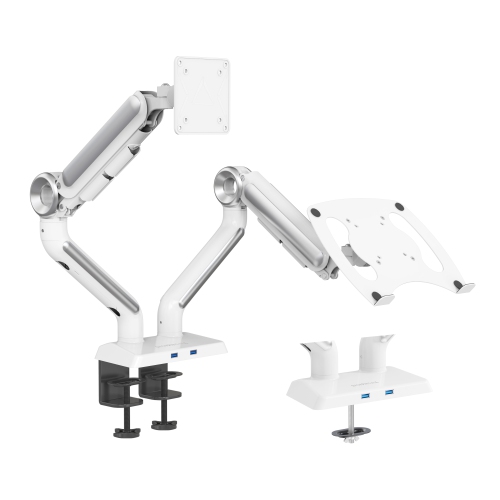
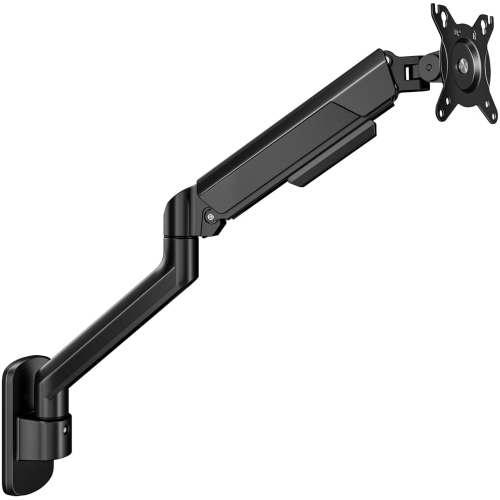
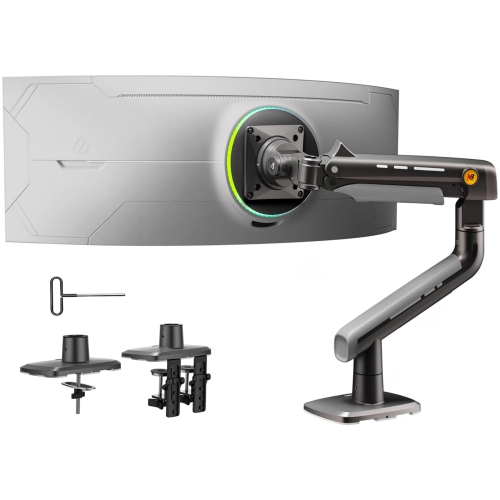
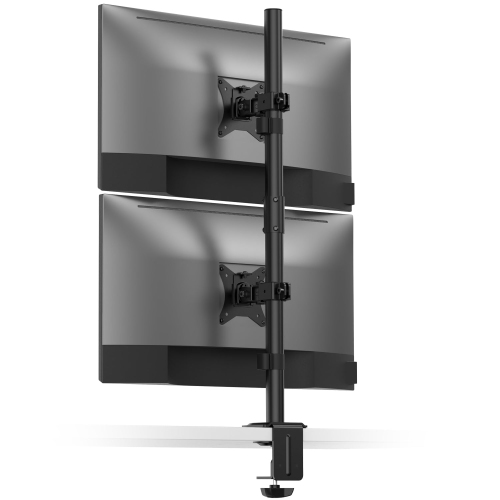
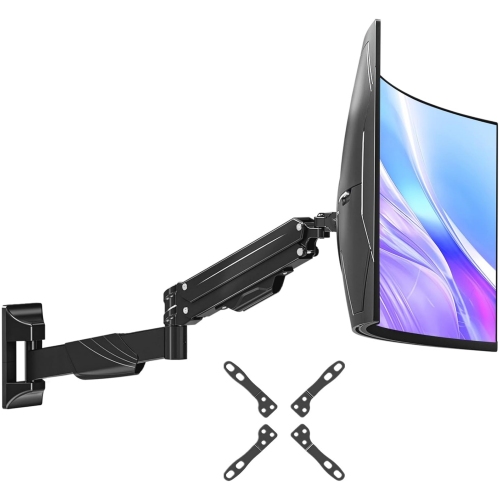
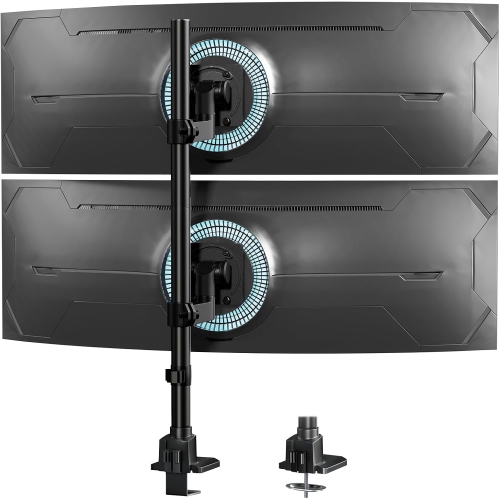
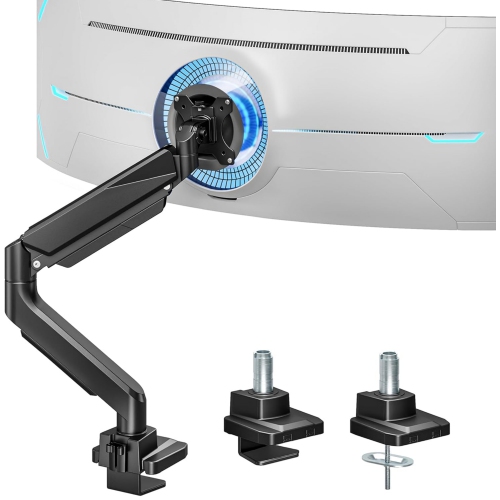
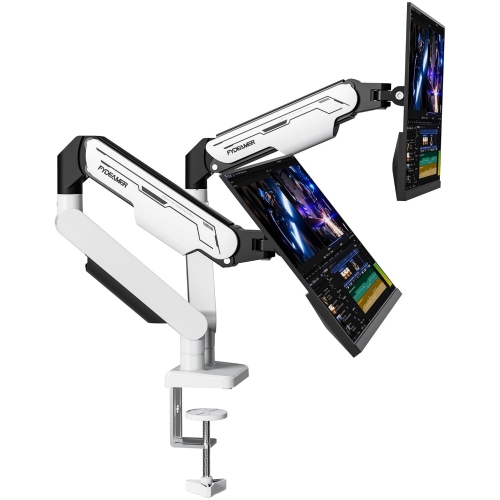
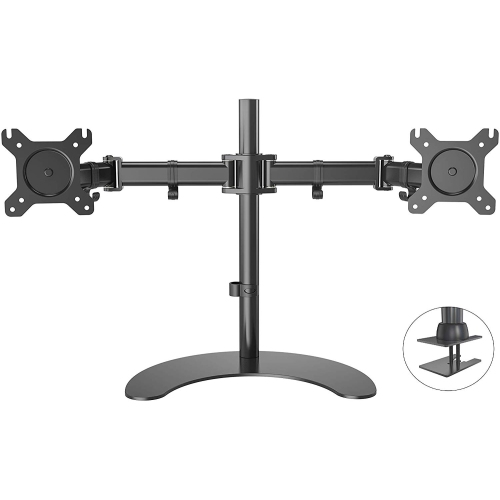
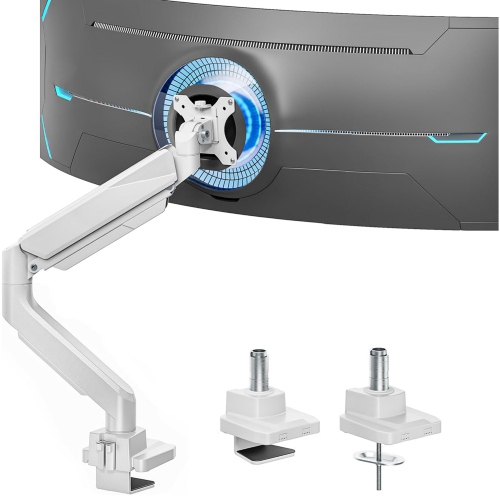
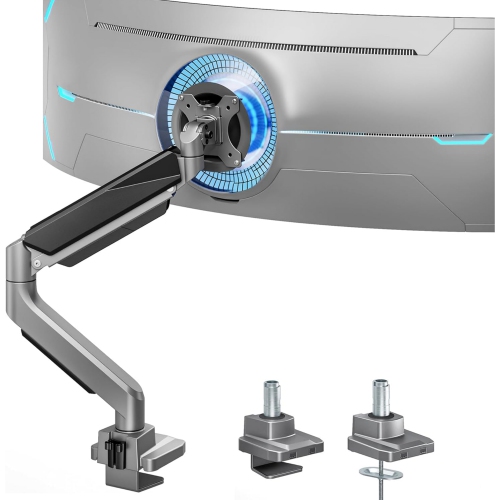
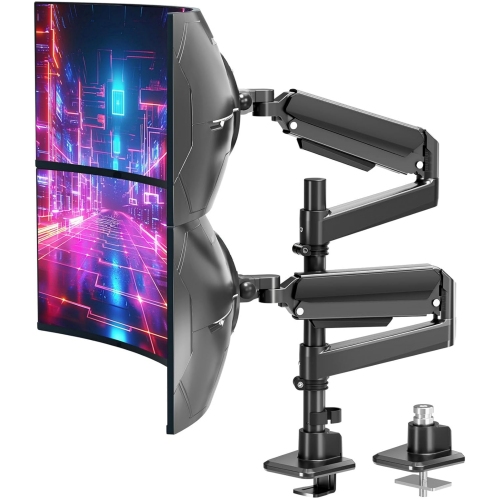
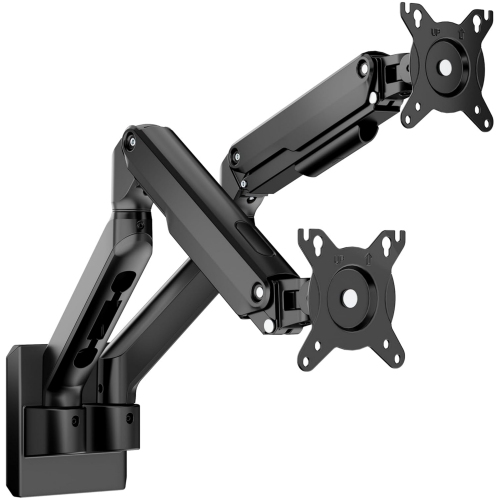
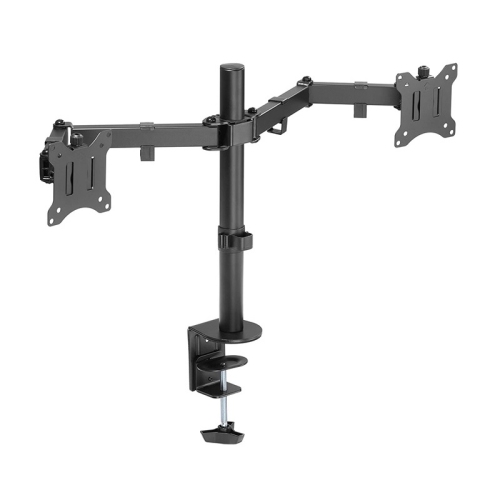
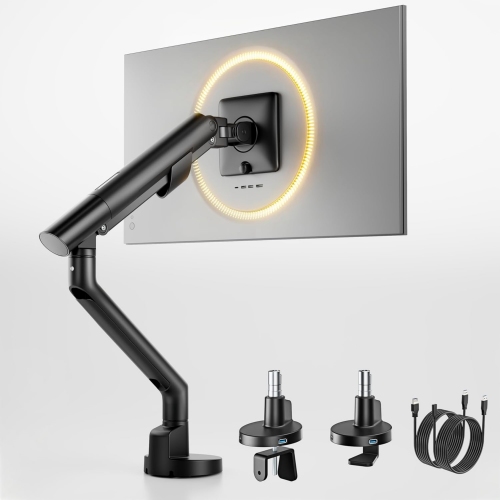
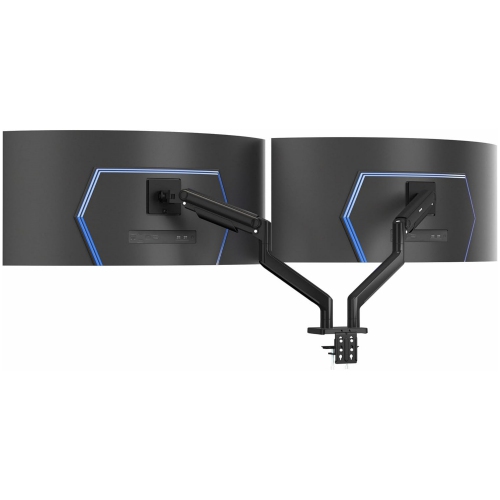
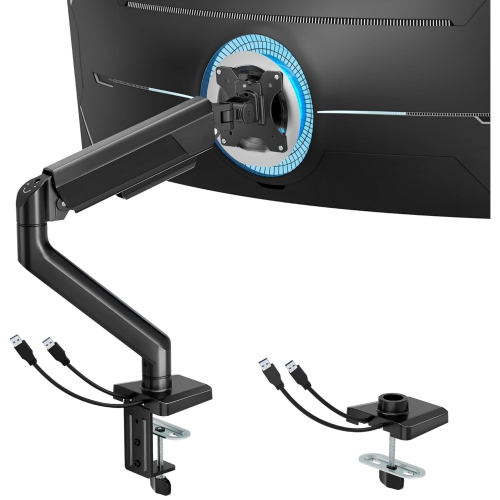
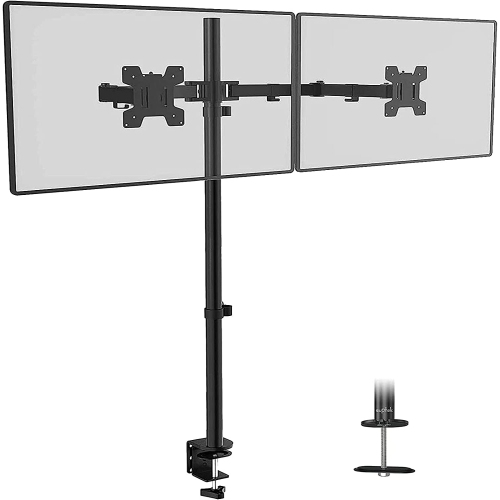
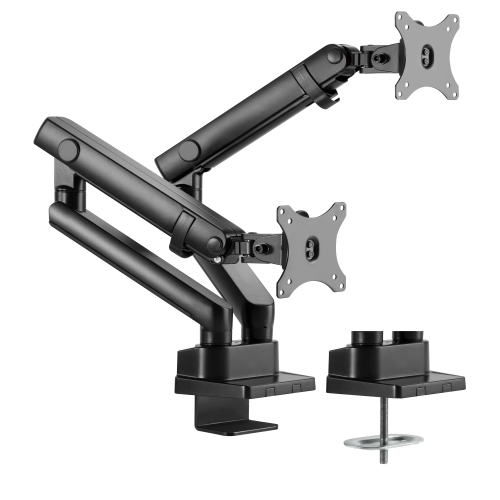
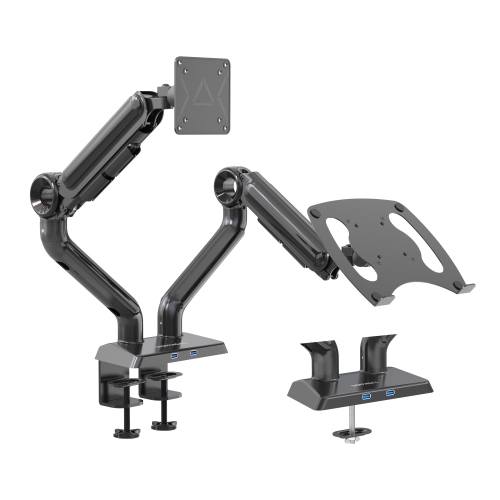
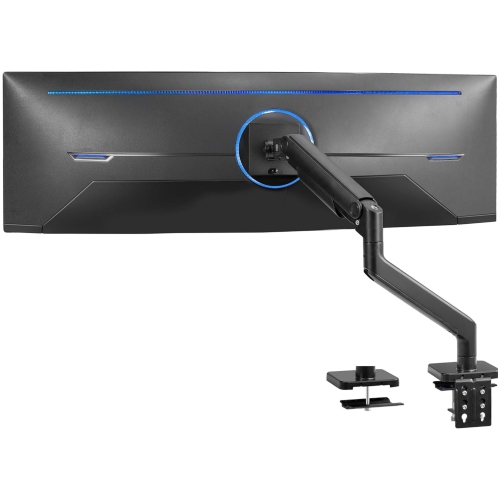
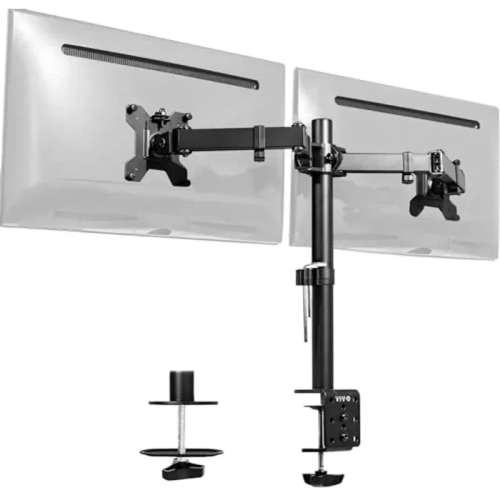
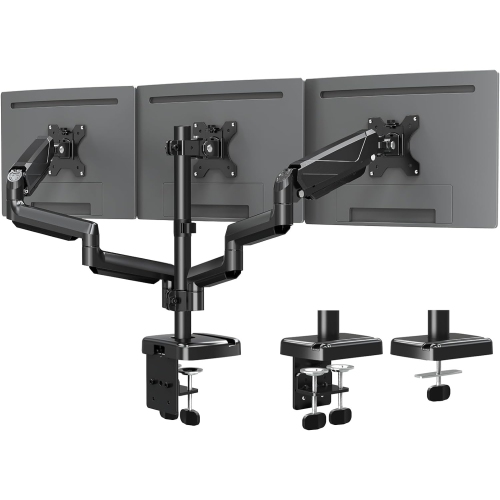
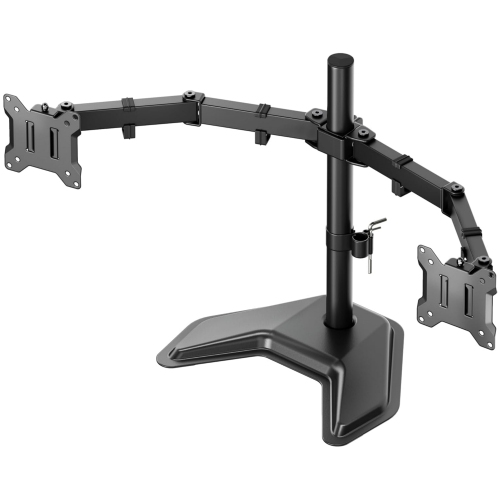
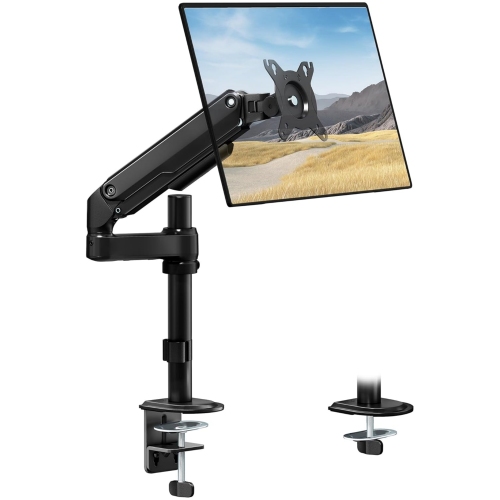
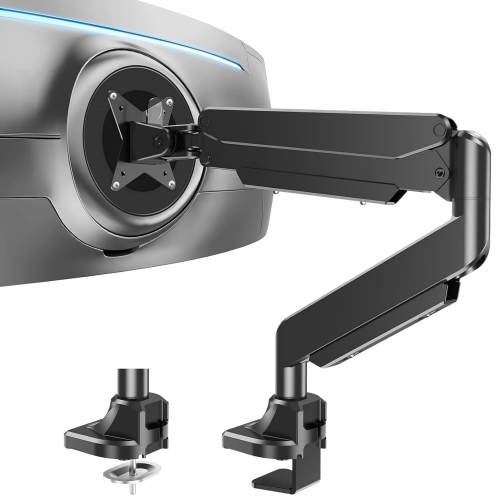
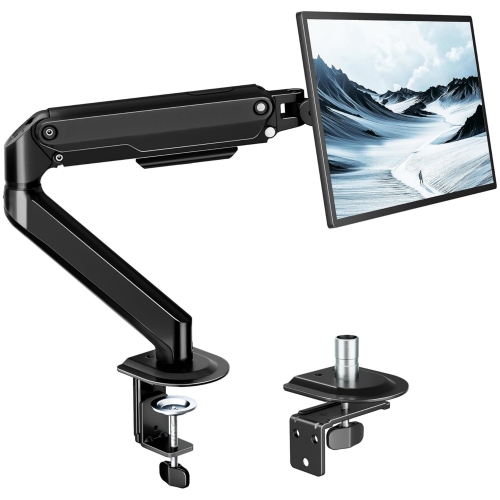
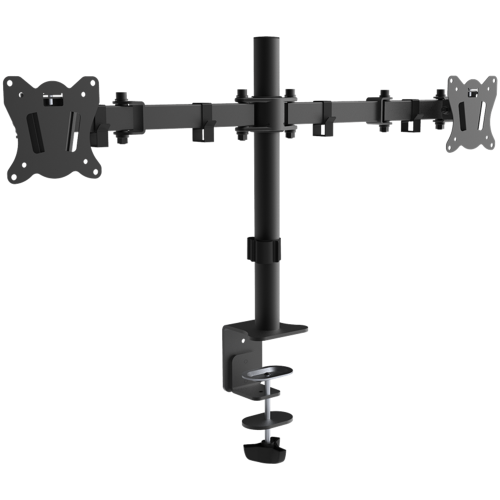
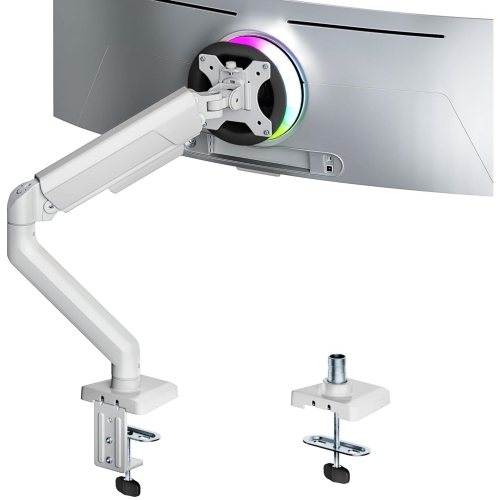
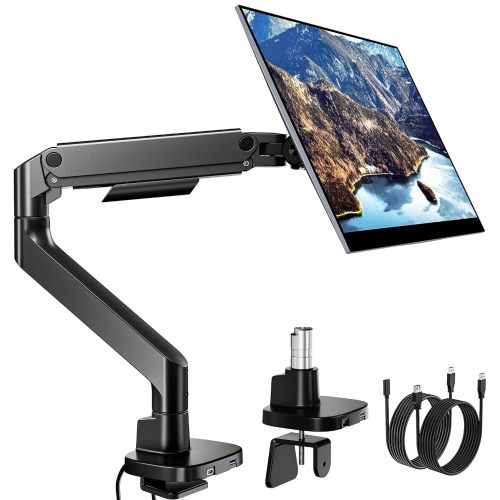
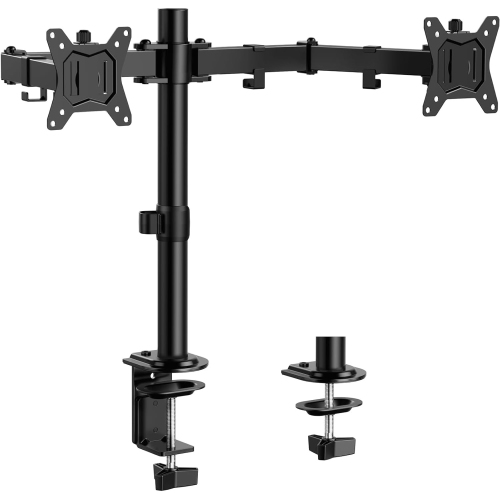
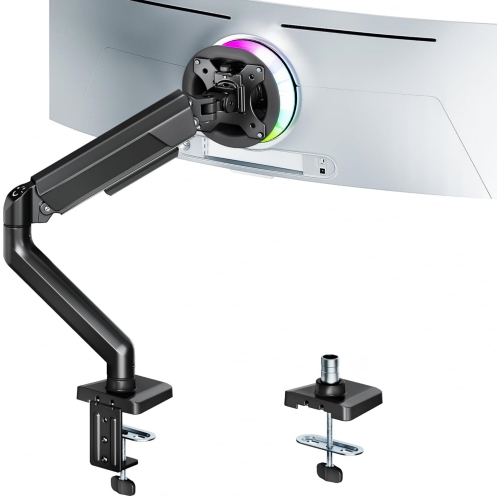
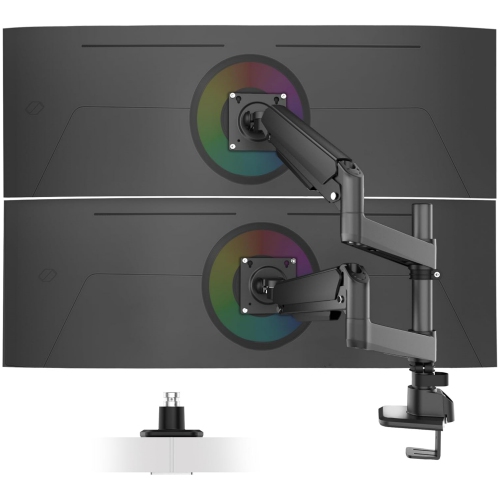
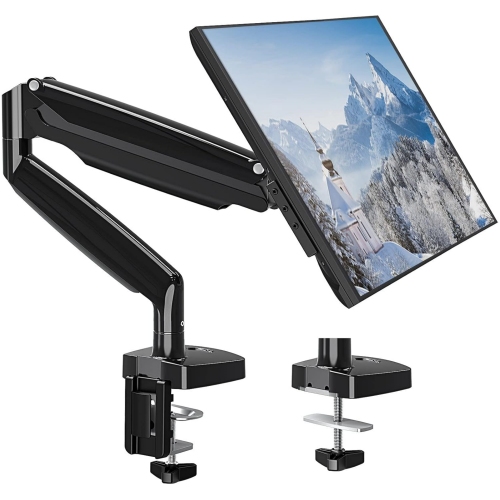
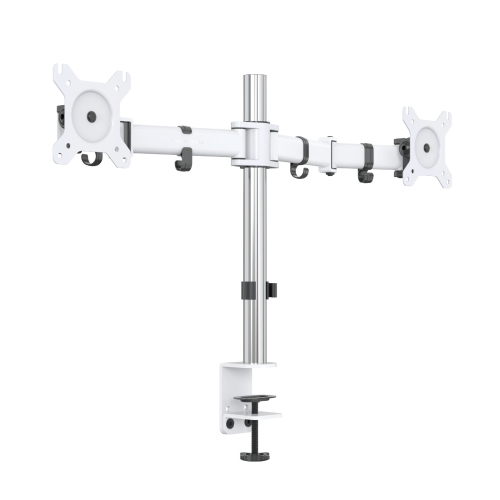
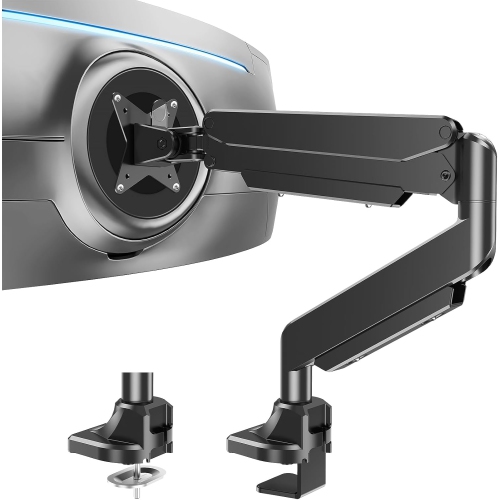
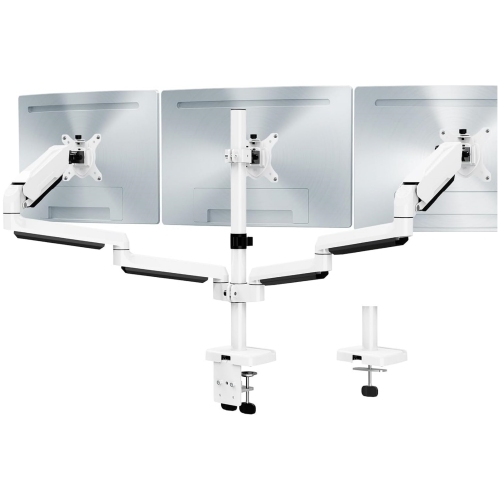
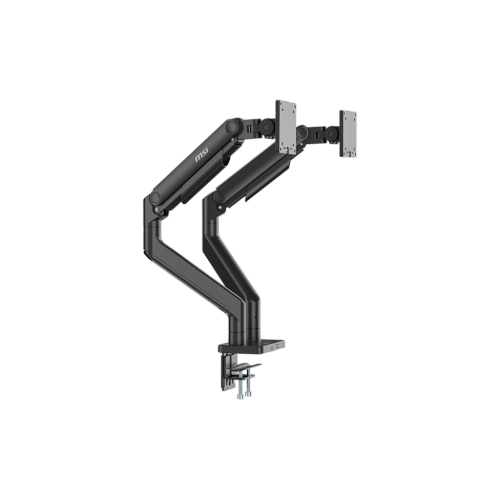
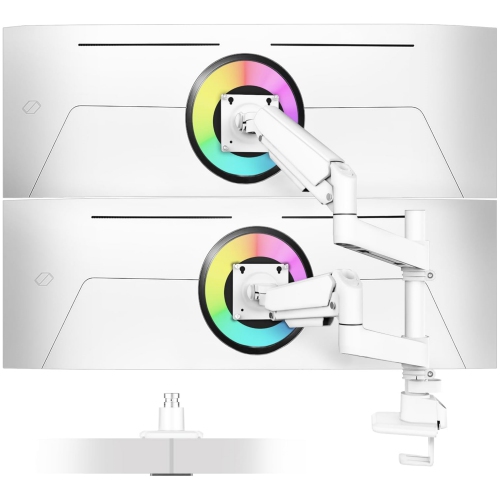
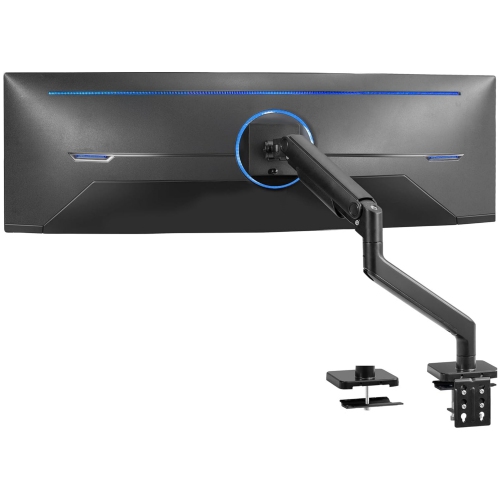
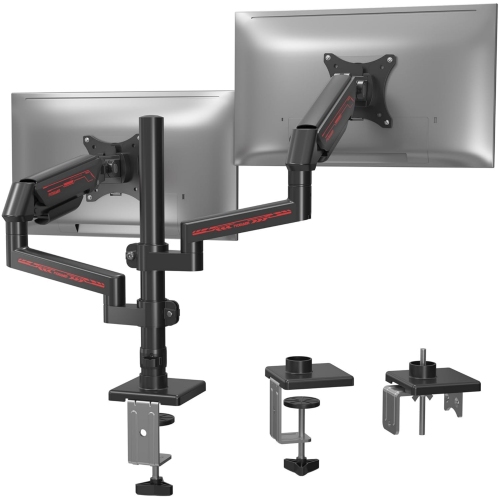
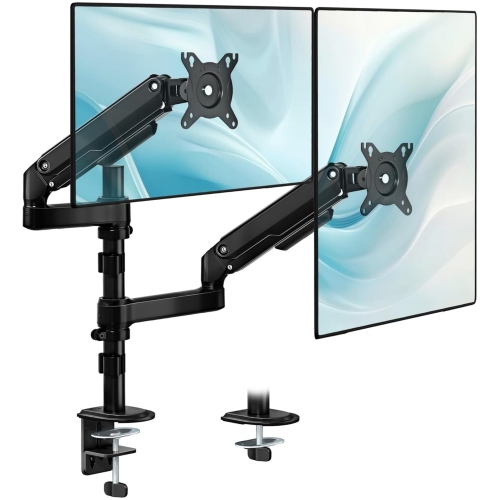
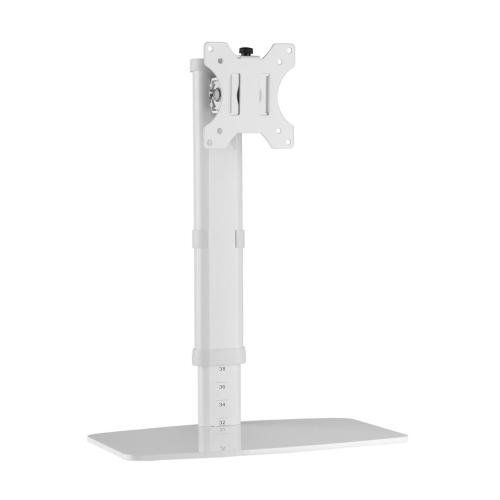
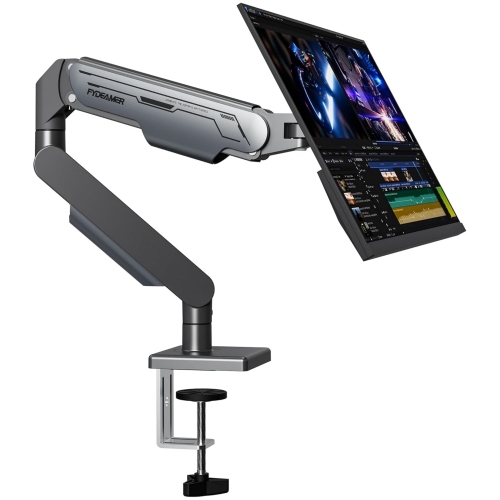
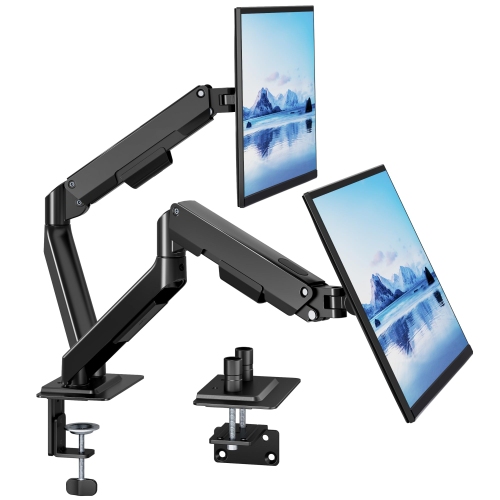
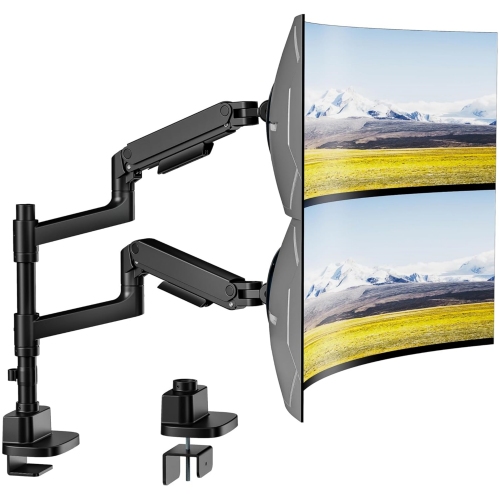
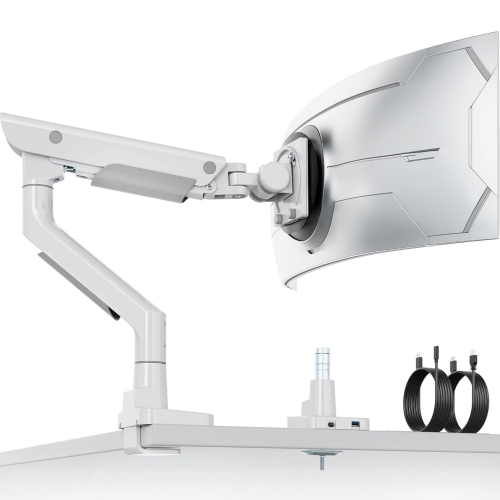
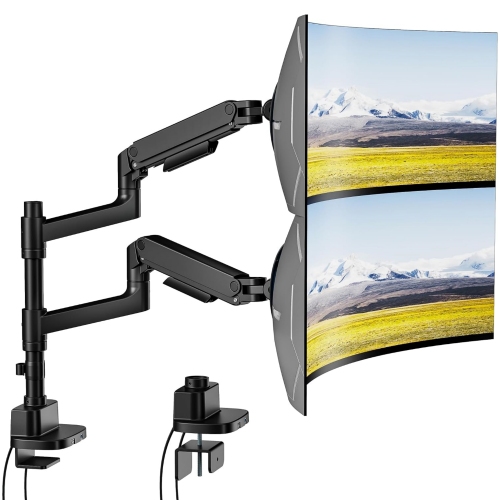
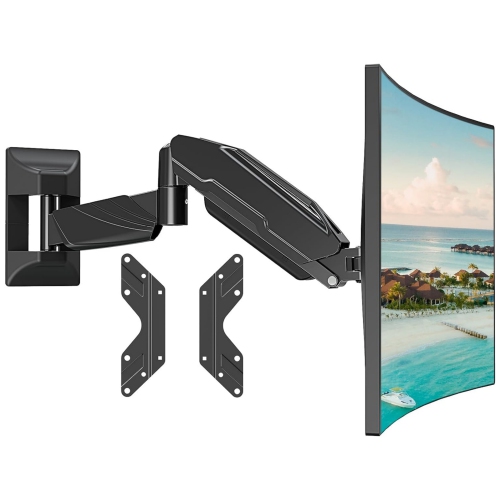
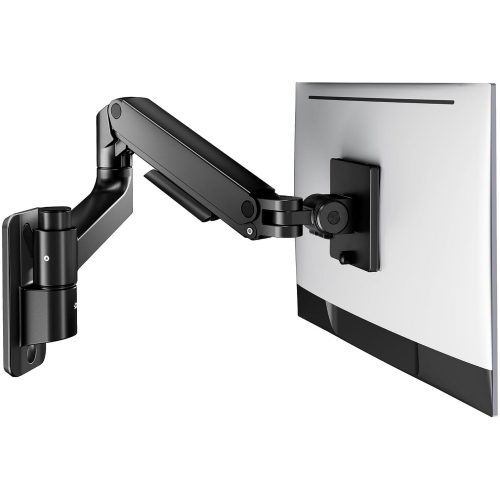
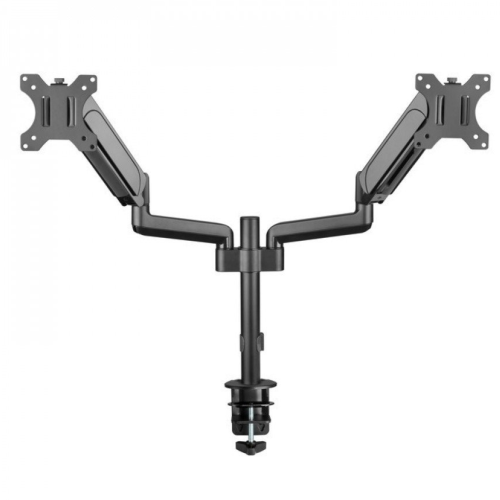
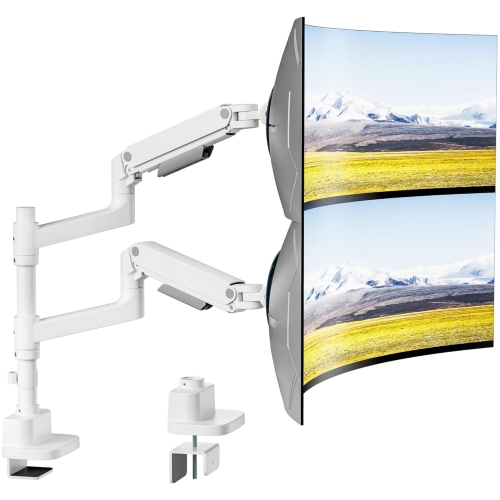
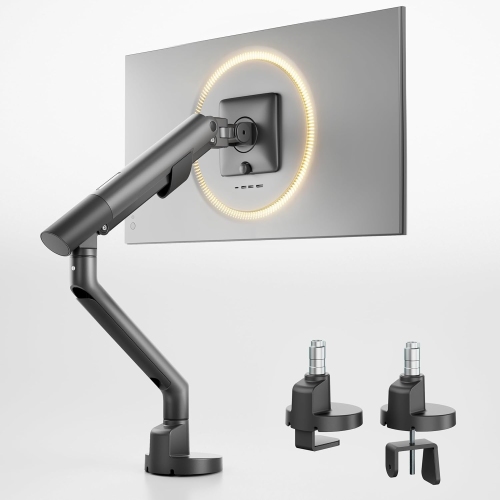
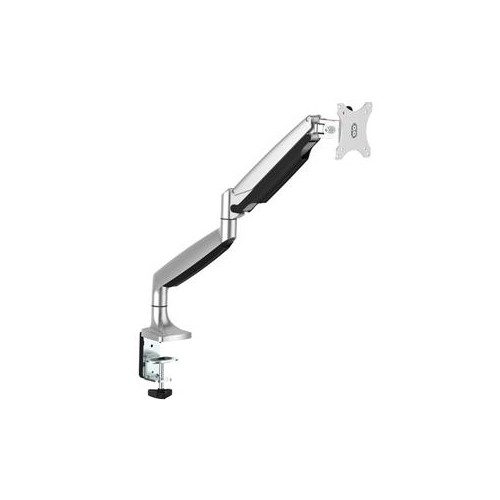
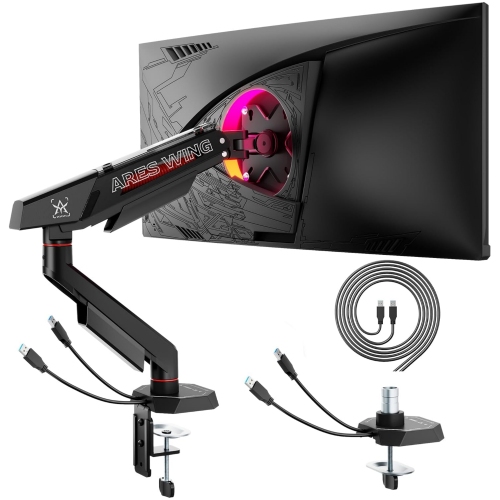
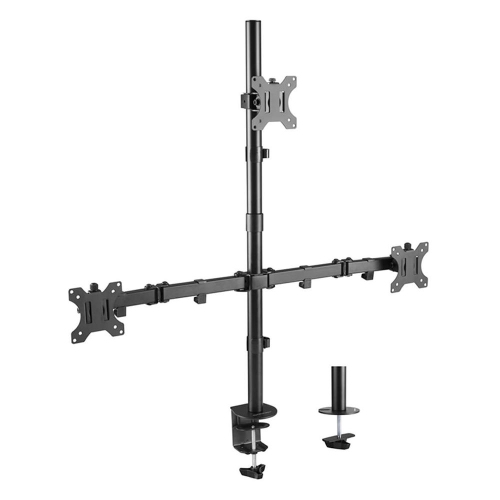
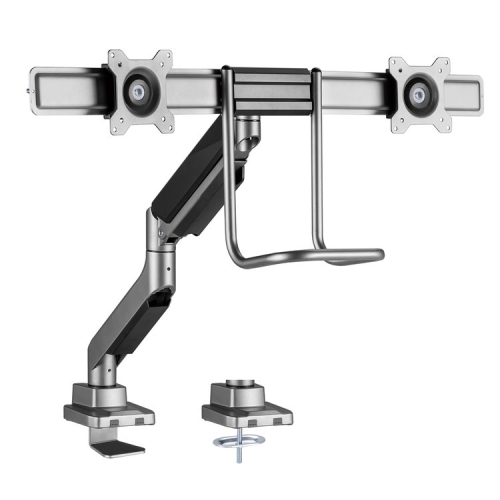
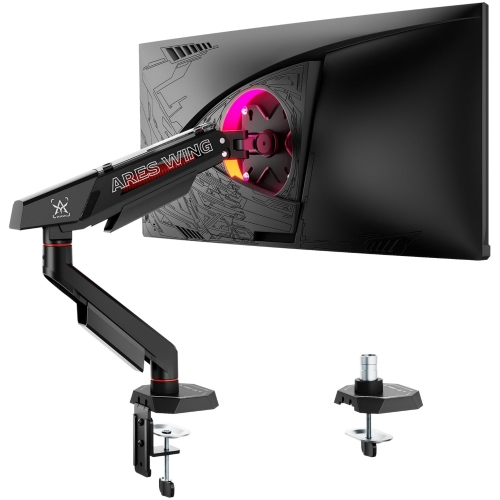
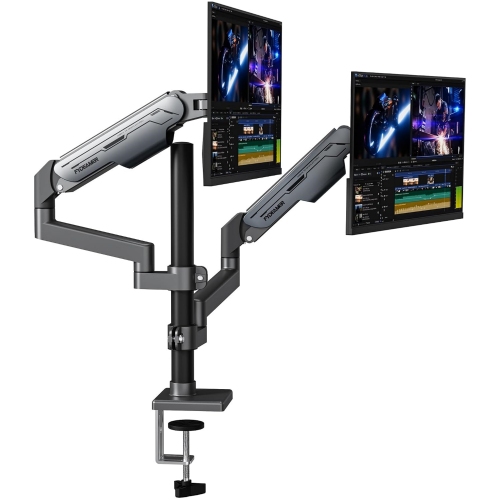
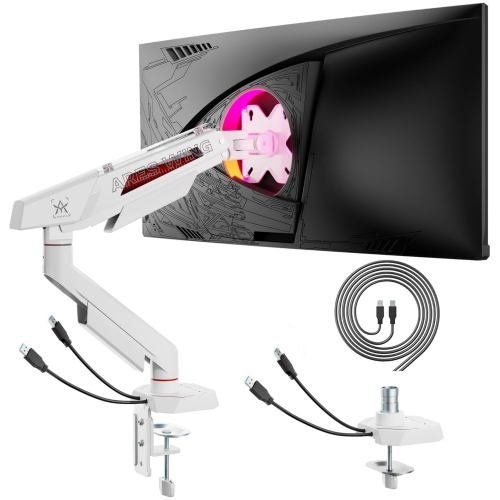
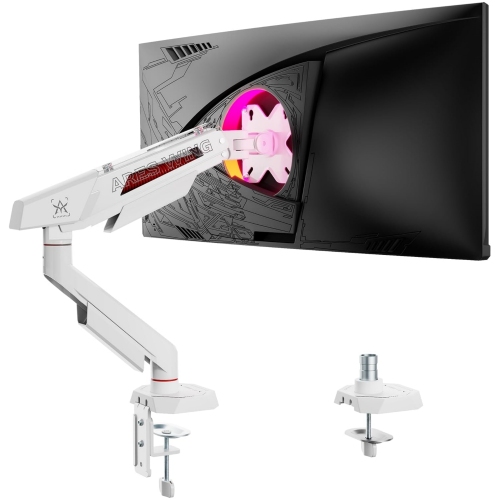
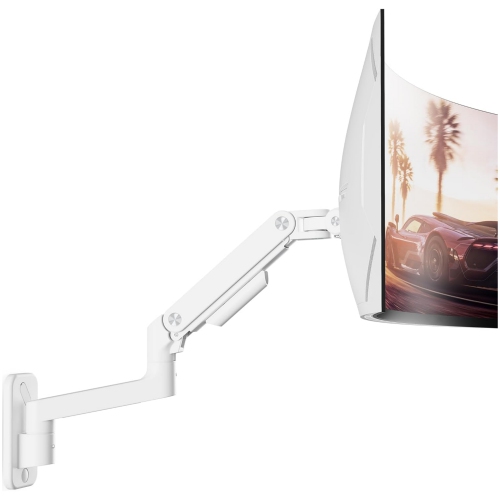
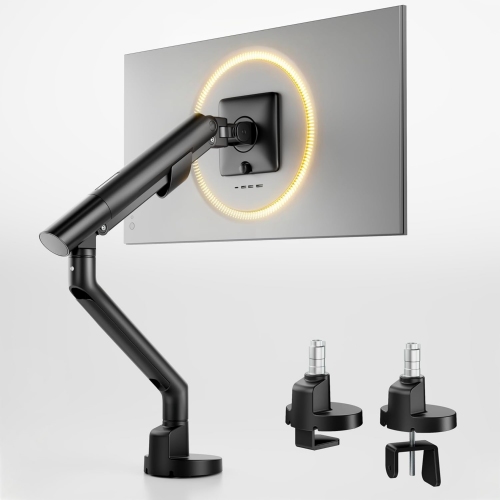
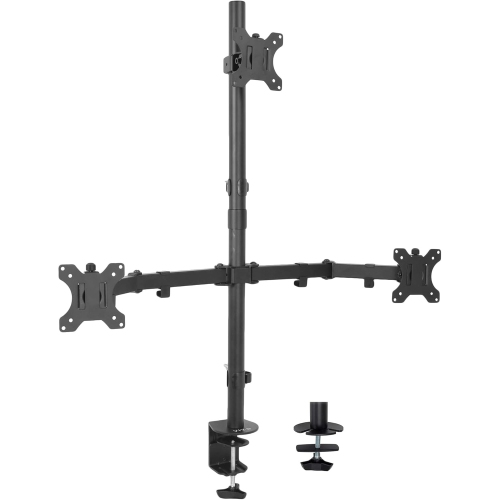
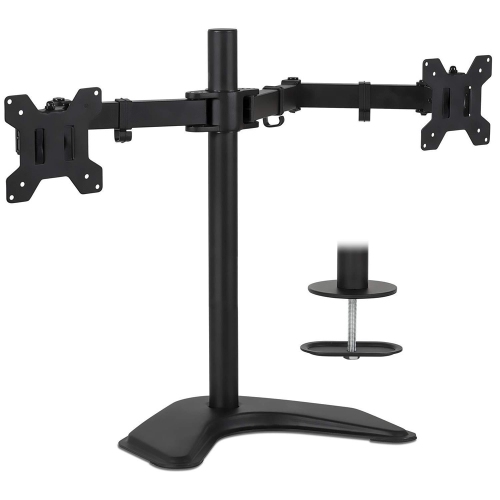
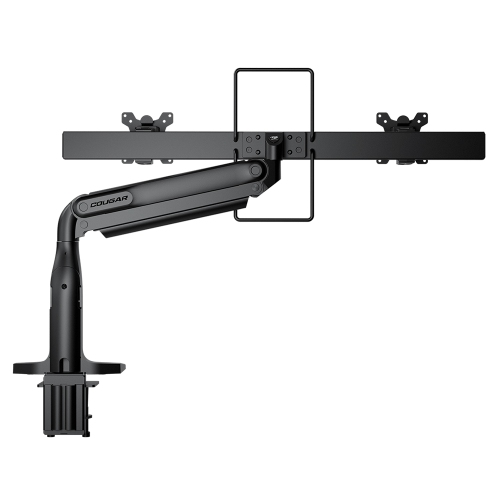
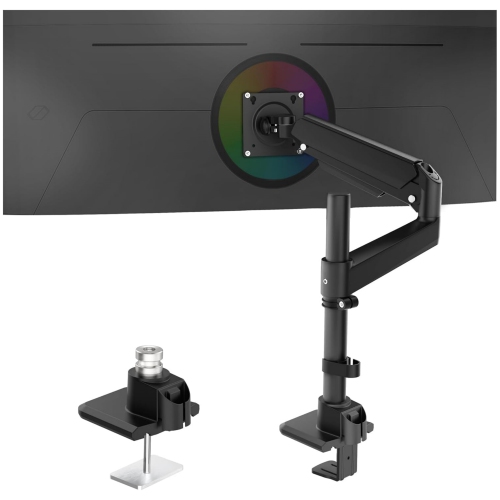
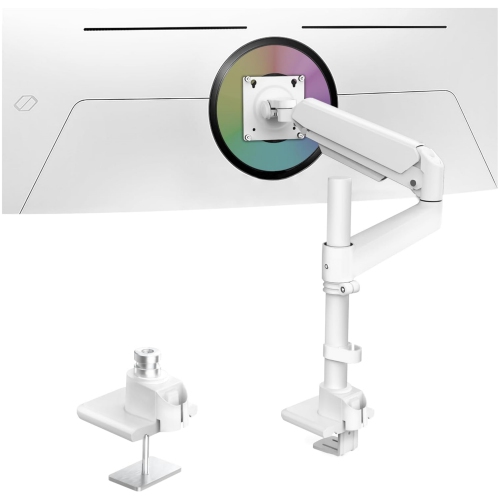
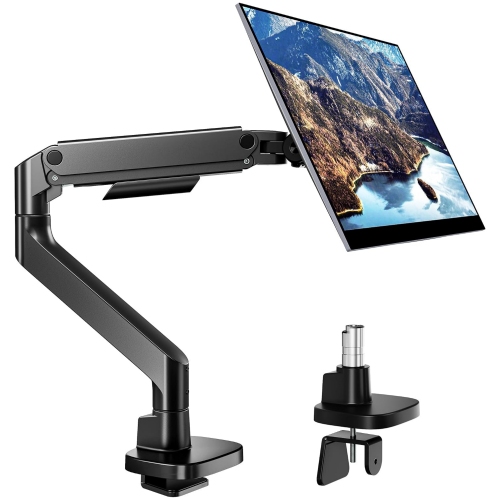
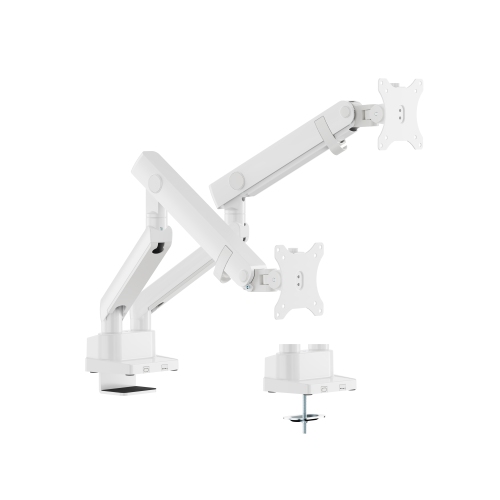
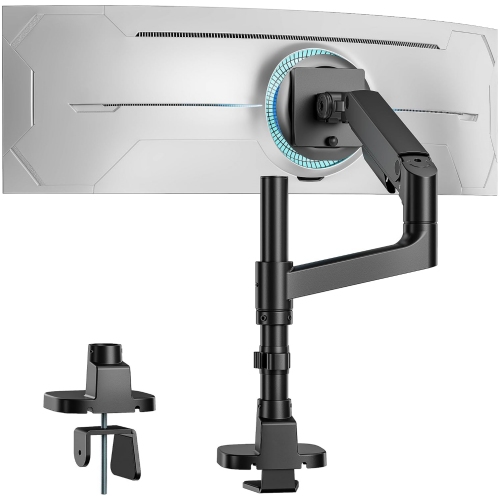
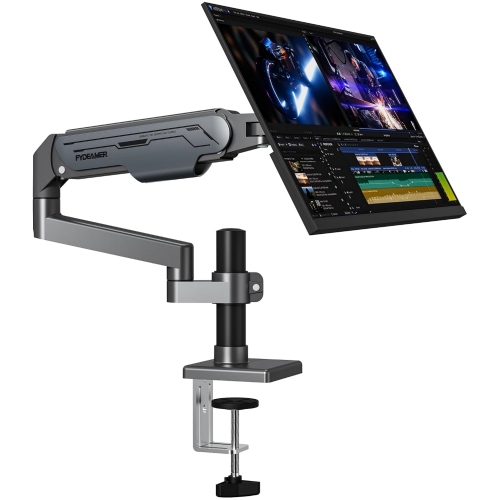
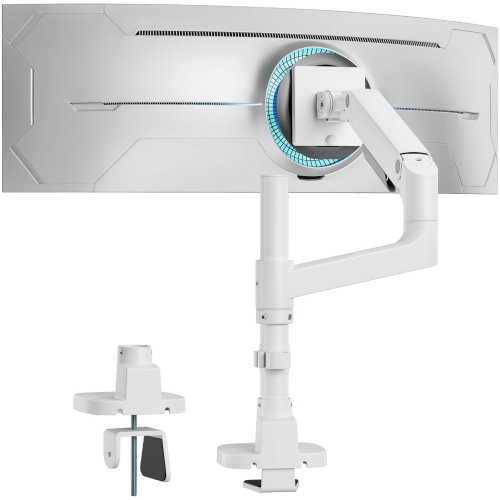
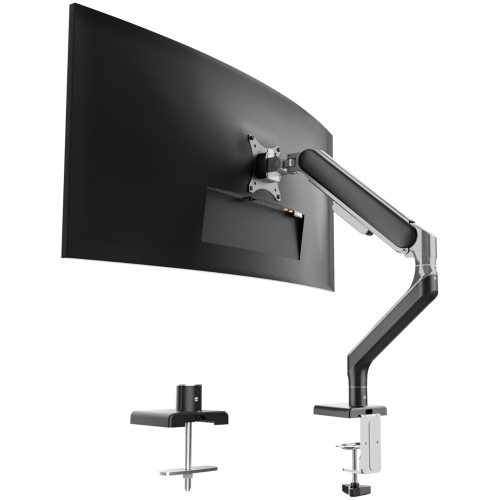
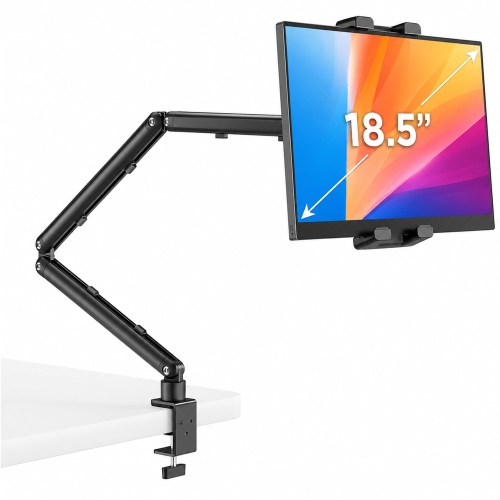
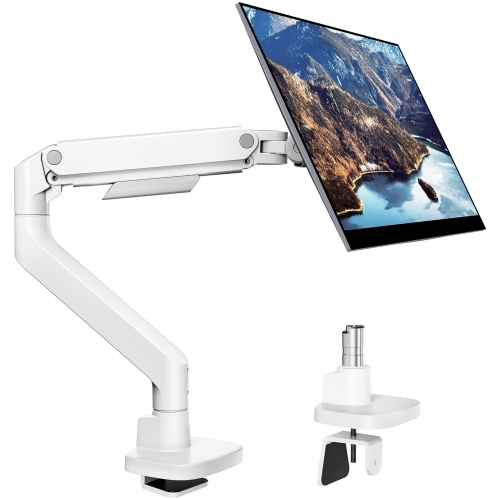
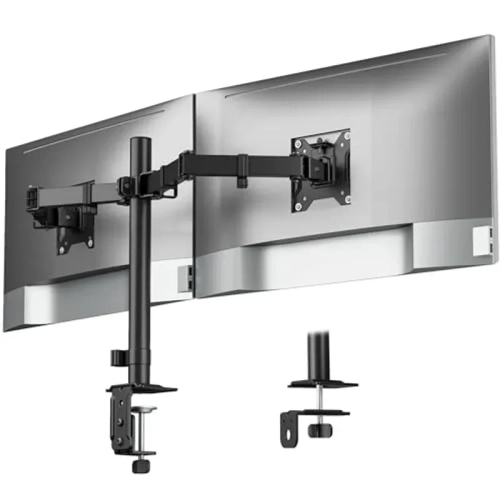
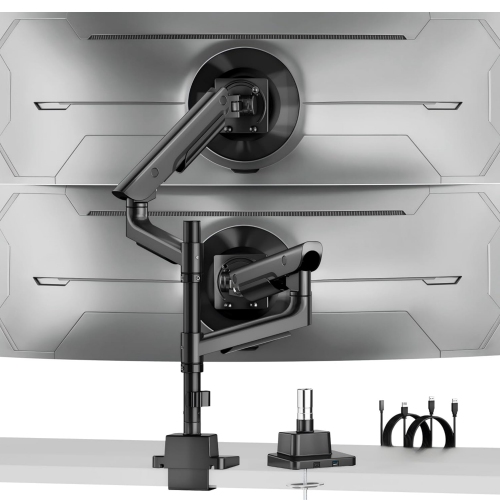
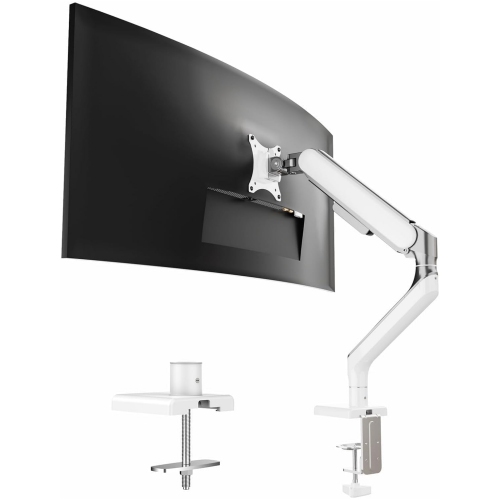
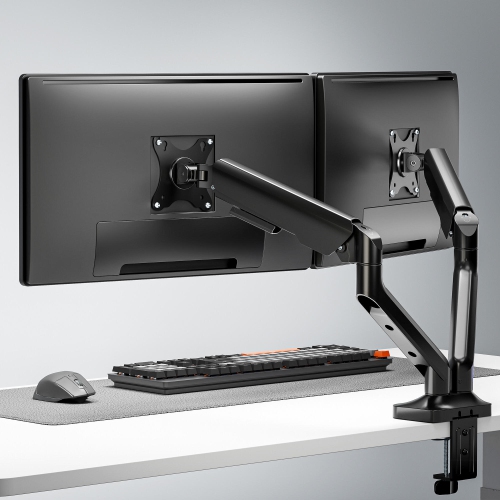
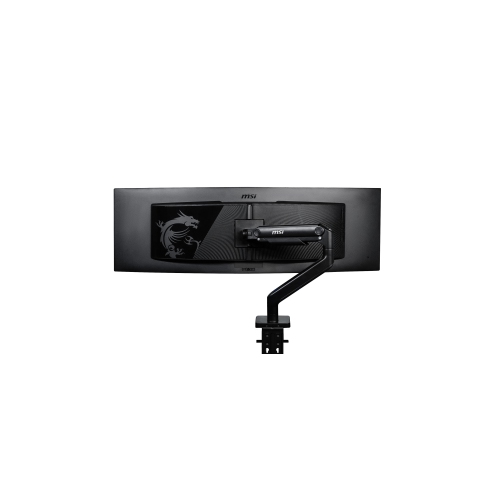
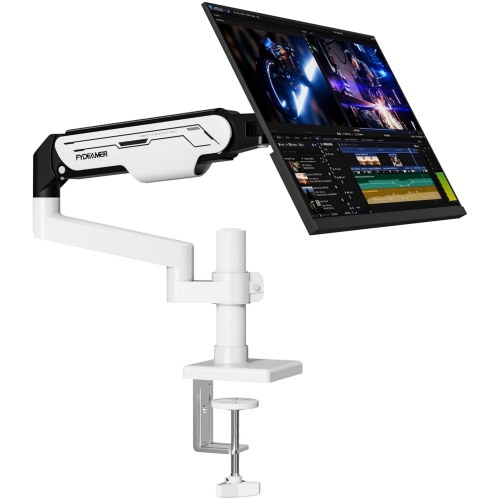
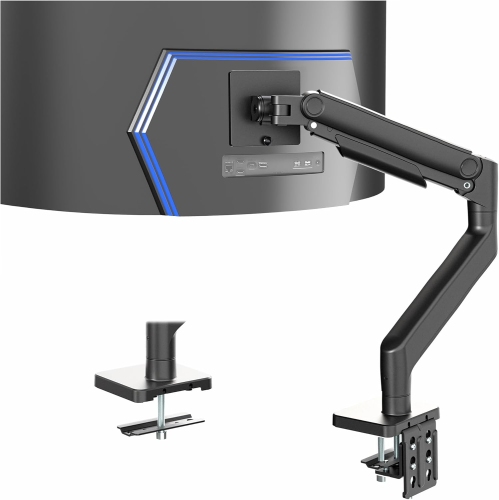
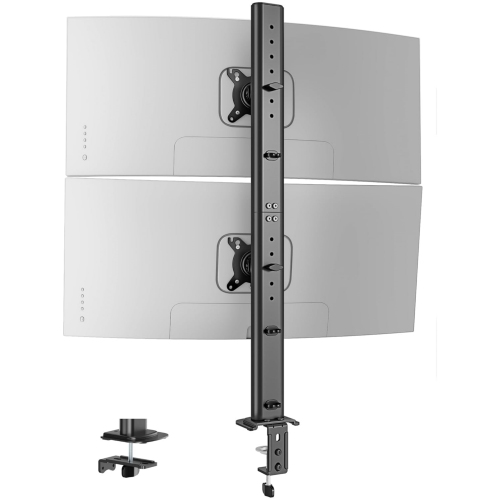
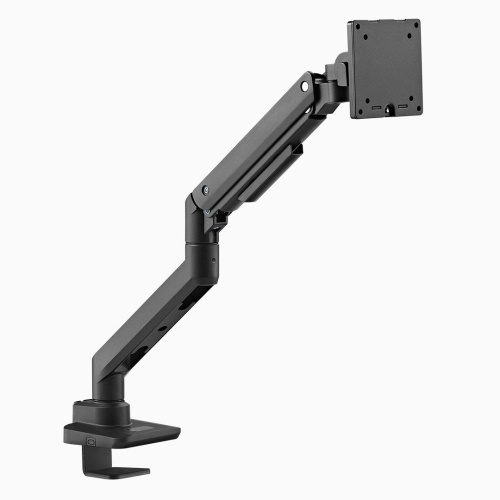
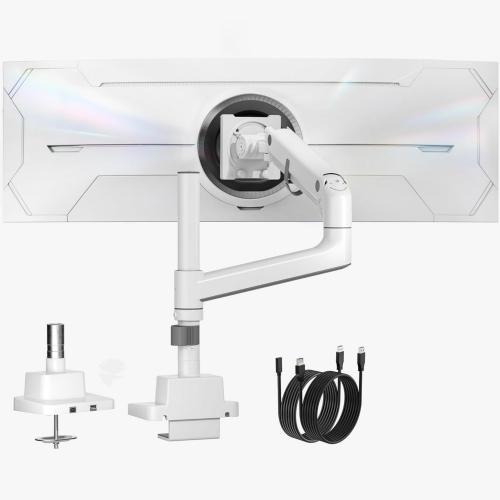
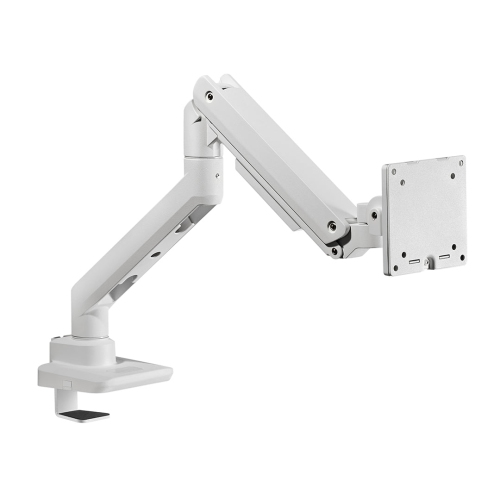
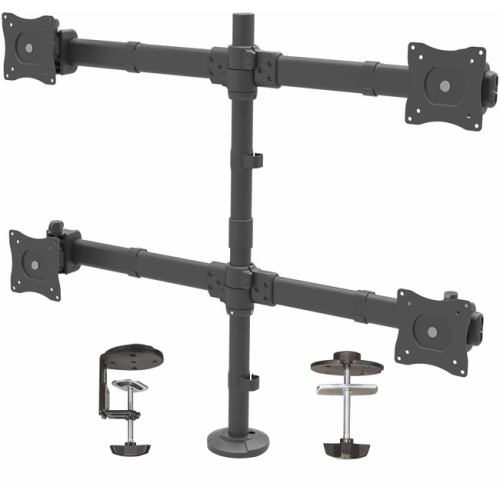
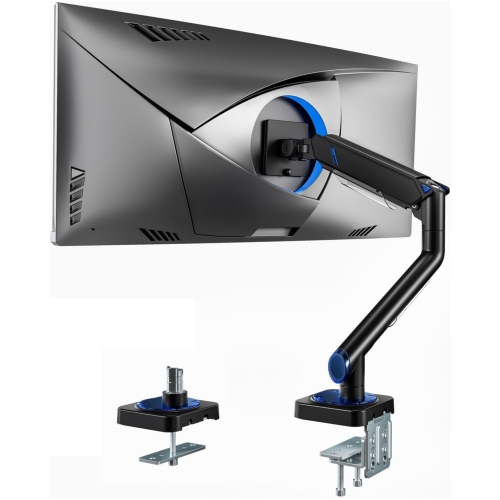
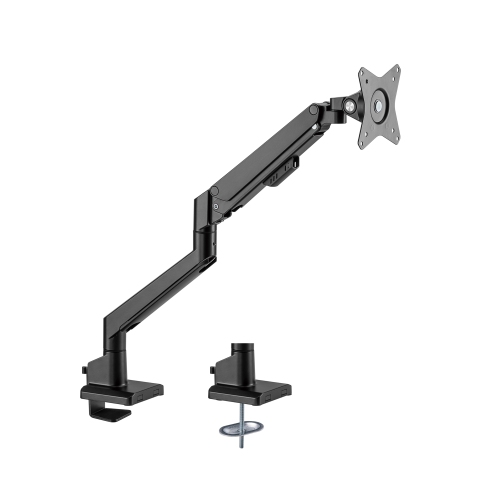
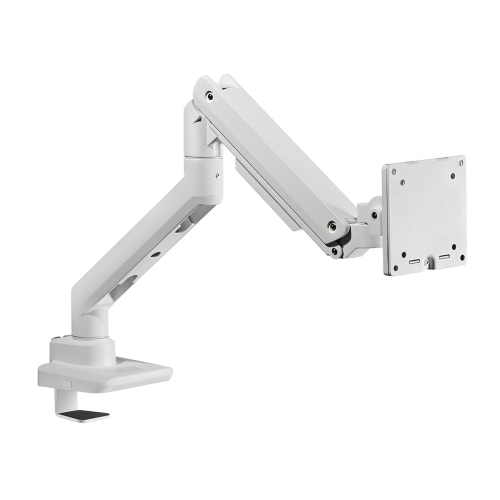
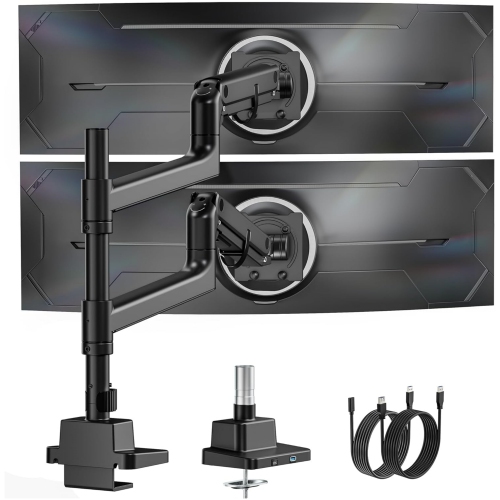
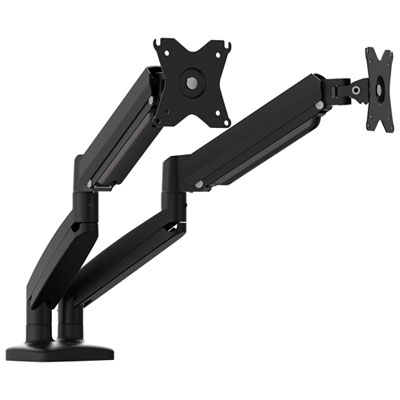
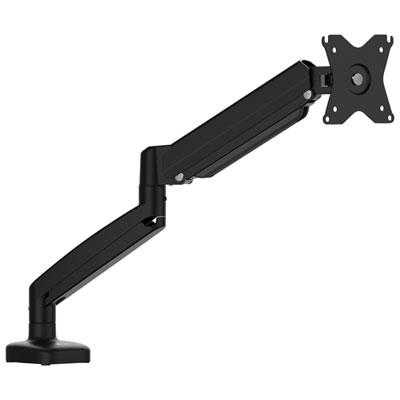
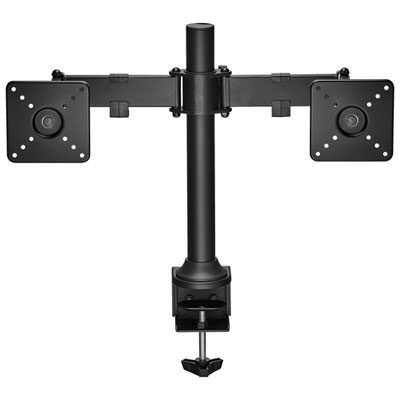
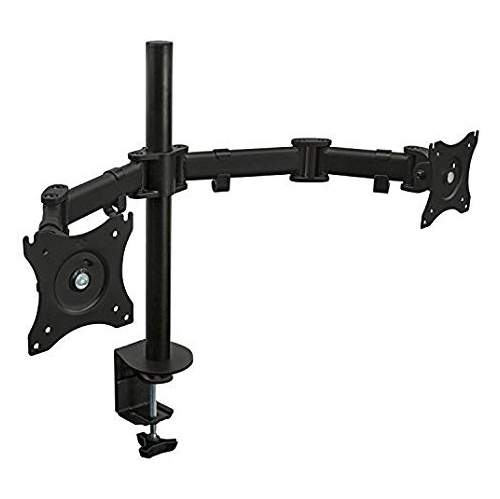
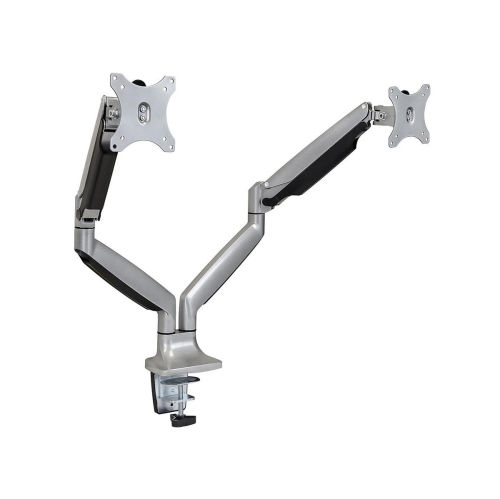
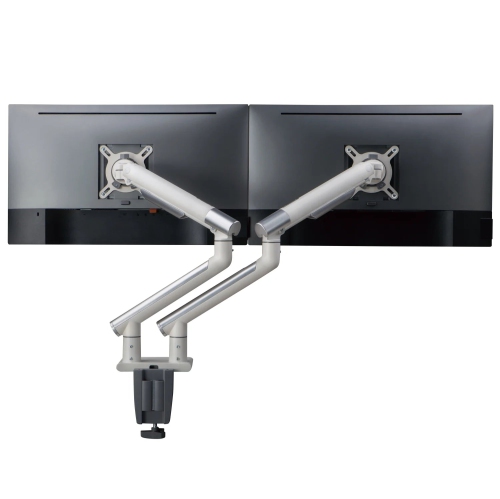
Heavy-duty monitor mounts are designed to support larger or heavier displays while keeping the screen stable and freeing desk space beneath it. They suit workstations built around an ultrawide monitor, a large curved display, or multiple screens used for gaming, design, spreadsheets, and everyday multitasking. Compared with a basic monitor arm, a heavy-duty mount generally has a stronger support structure, more substantial joints, and a mounting connection designed for higher loads. The term “heavy-duty” does not describe one universal weight capacity, so compatibility depends on the mount’s stated specifications rather than its appearance or name. The most important details are the monitor’s weight without its original stand, its screen dimensions, and its rear mounting pattern. Any accessories attached to the display also count towards the supported load. Many monitors use a 75 x 75 mm or 100 x 100 mm VESA mounting pattern, measured between the centres of the mounting holes, although larger displays may use different patterns or require a compatible adapter. A matching hole pattern alone does not guarantee a suitable fit: recessed mounting points, the shape of the monitor housing, and the required screw length also matter. Curved and ultrawide screens deserve particular attention because their depth and forward weight distribution can place greater leverage on the tilt mechanism. A mount should be explicitly rated for that type of display, not simply for a similar screen diagonal. Gas-spring and mechanical-spring arms also have a minimum supported weight as well as a maximum. A screen that is too light may rise instead of staying at the selected height, while one that exceeds the rating may sag or overload the assembly. For dual-monitor and stacked arrangements, the capacity per arm or mounting head matters alongside any total capacity specified for the complete support.
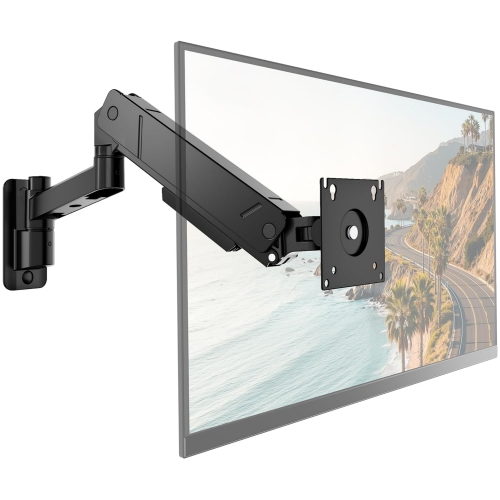
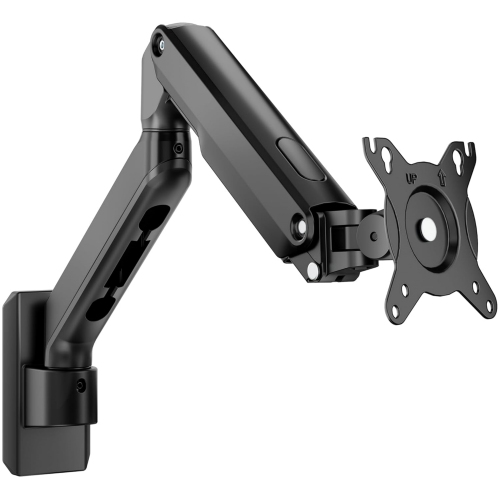
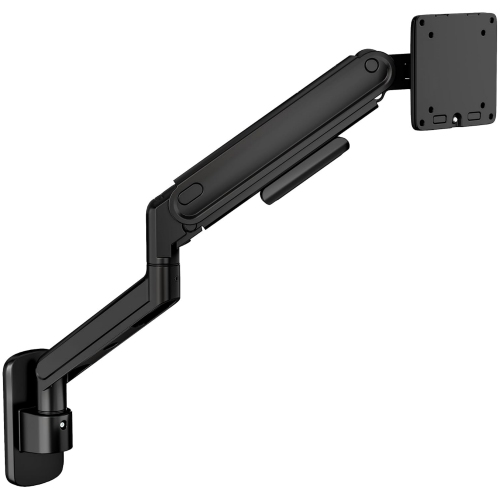
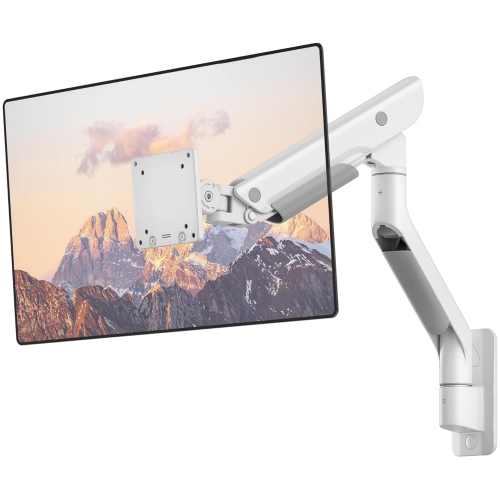
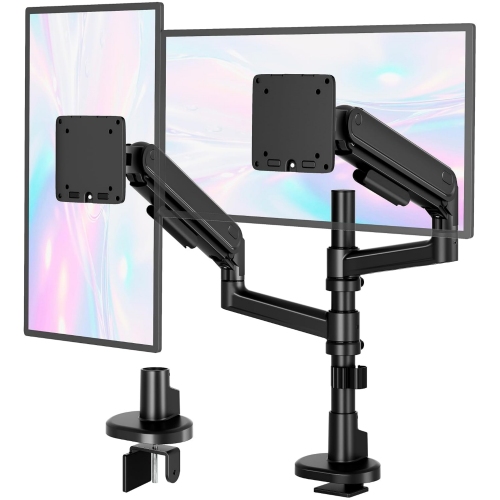
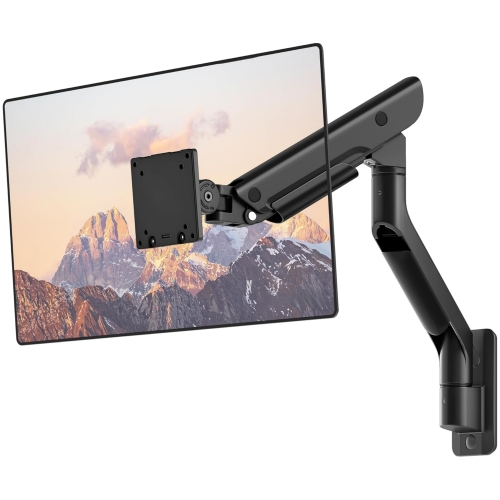
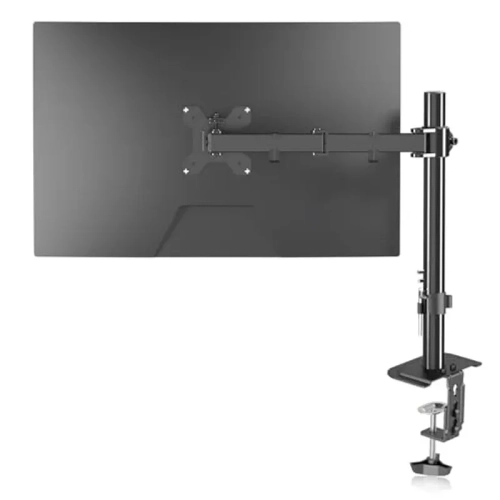
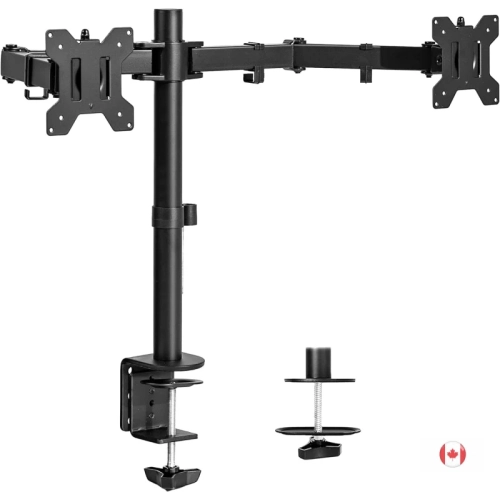
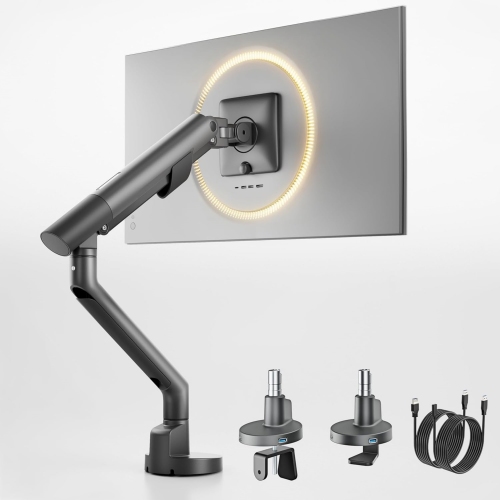
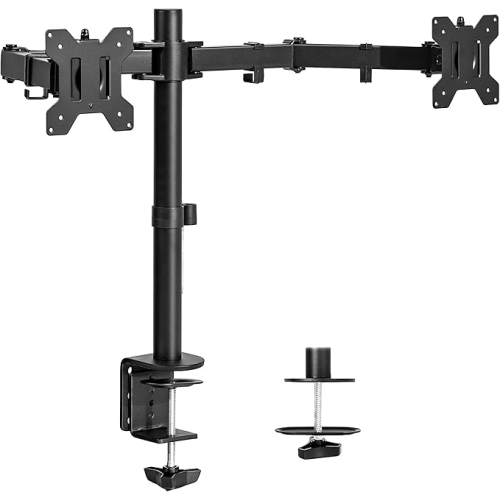
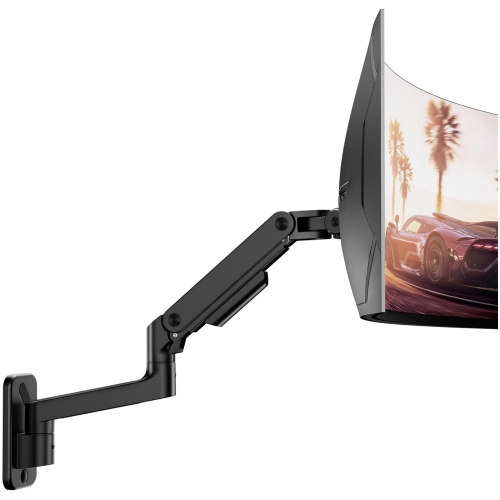
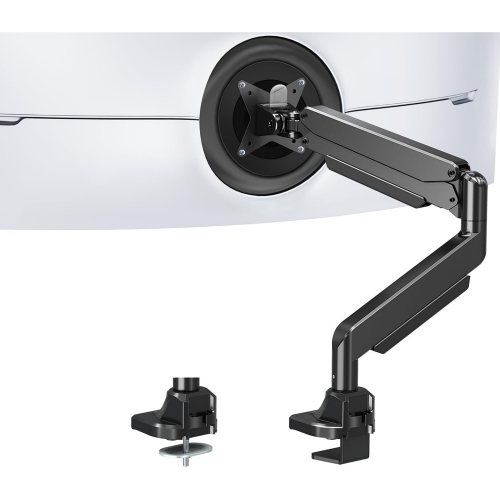
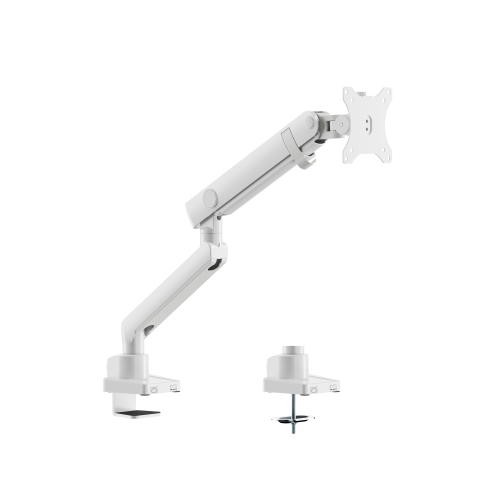
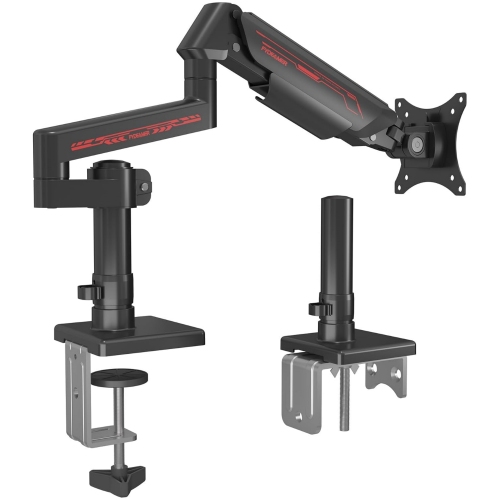
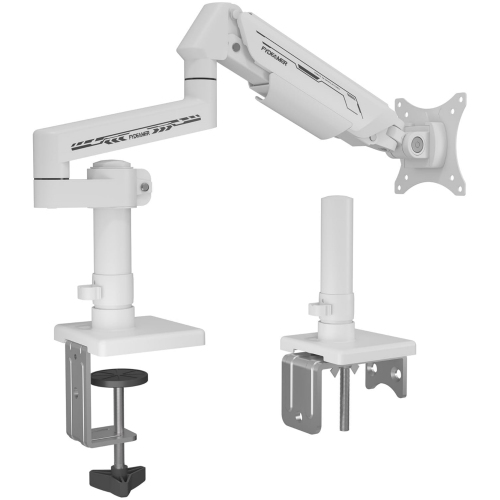
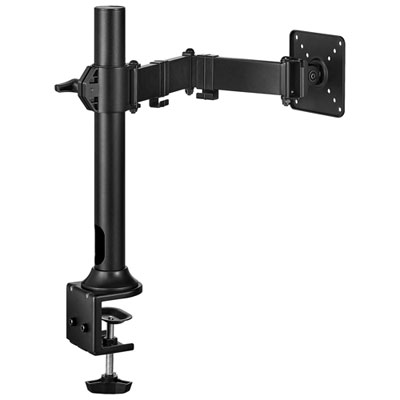
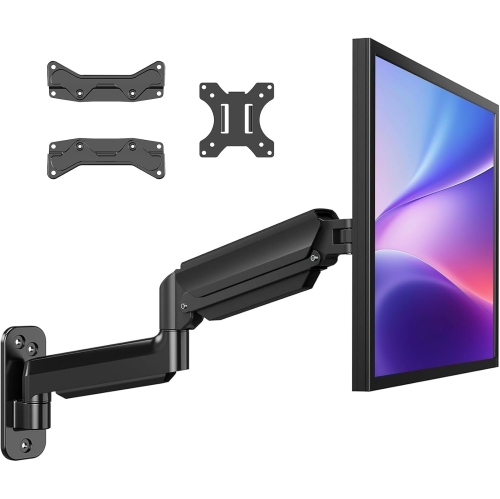
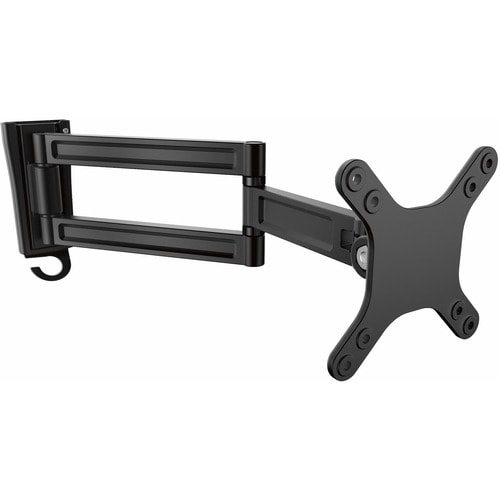
The mounting surface is just as important as the arm itself. Desk-mounted designs commonly use either a C-clamp secured around the desk edge or a grommet fitting that passes through a suitable hole in the desktop. A C-clamp can keep the installation close to the back edge, but it needs enough clearance above and below the surface, without an apron, drawer, cable tray, or frame blocking the hardware. Grommet mounting can offer more flexibility in positioning when the desk has an appropriate opening, provided the desktop and fitting are compatible. Desk thickness must fall within the mount’s specified range, and the desktop needs to withstand the concentrated pressure and leverage created by a heavy display. Glass, hollow-core, damaged, or unusually thin surfaces should not be assumed suitable; approval from the desk and mount manufacturers is important. A reinforcement plate may spread pressure over a wider area when permitted, but it does not make an unsuitable desktop safe. Wall-mounted options remove the load from the desk, although they require suitable structural anchoring and hardware matched to the wall construction. Steel and aluminium are common materials for heavy-duty monitor supports, offering different combinations of rigidity, weight, and finish. Durability also depends on the quality of the pivot joints, fasteners, clamp, and tilt assembly, especially when a large screen is repositioned frequently. Powder-coated and painted finishes can help withstand everyday handling, while neatly finished edges and accessible adjustment points make the support easier to live with. Installation space matters, too: a substantial arm may need room behind the desk for its elbow to fold, and a wide display needs clearance from nearby shelving or walls. For larger screens, installation may require two people to hold the monitor securely while the mounting plate is attached. Quick-release plates can simplify attachment, but their locking mechanism still needs to be fully engaged according to the manufacturer’s directions.
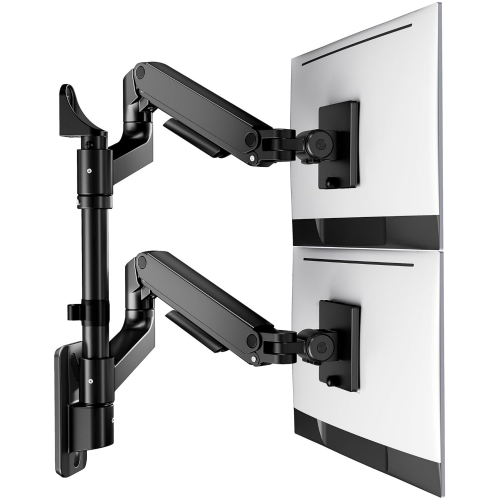
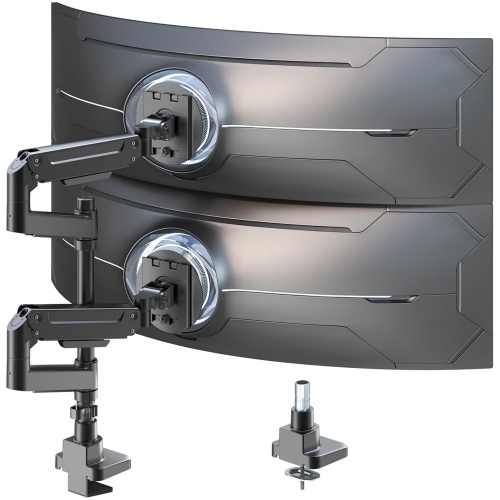
The right range of movement makes a heavy-duty monitor mount useful beyond simply holding a screen upright. Height adjustment, tilt, swivel, and arm extension help position a display for different seats, tasks, and desk layouts. Someone editing a detailed timeline may want a wide screen centred directly ahead, while a person working with reference documents may prefer two displays angled inward. A stacked arrangement can preserve desk width, but the upper screen should remain comfortable to view rather than requiring a prolonged upward gaze. Portrait rotation is useful for long documents and coding when both the monitor and mount support it, with enough clearance to turn the screen without striking the desktop. At a sit-stand desk, sufficient height range and cable length help the setup move between working positions without pulling on connections. A stable keyboard area, an appropriate viewing distance, and a screen position that allows a relaxed posture all contribute to a more comfortable workspace; the arm provides adjustment rather than a guaranteed ergonomic result. Cable management channels or clips can keep power and display leads close to the support, leaving the surface clearer for a keyboard, drawing tablet, notebook, or audio equipment. Cables still need slack at each moving joint, particularly when an arm extends towards the front of the desk or swivels to share a screen. Spring tension and tilt resistance should be adjusted for the attached monitor as directed, with the display supported during adjustments. Routine care is usually straightforward: wipe accessible surfaces with a soft cloth, use only cleaning methods permitted for the finish, and periodically check for loose fasteners, unexpected movement, or cable wear. Adding accessories or changing displays calls for another compatibility check and, where applicable, tension adjustment. In rooms that combine desktop displays with a projection setup, Heavy Duty Projector Mounts address a different mounting need, with their own load ratings and attachment requirements. For a monitor workstation, a well-matched heavy-duty support brings the display, desk structure, and everyday working habits together without relying on the screen’s original stand.
Top selling and popular products
-
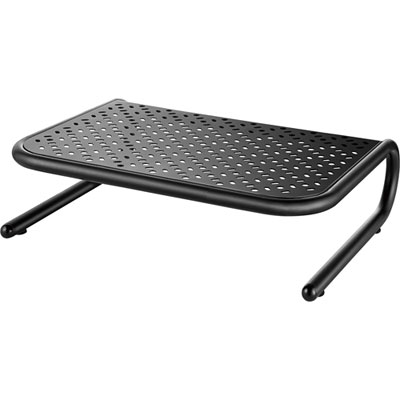 Your price for this item is $34.95
-
 Your price for this item is $149.99
-
 Your price for this item is $79.99
-
 Your price for this item is $69.99
-
 Your price for this item is $71.99
-
 Your price for this item is $79.99
-
 Your price for this item is $99.99
-
 Your price for this item is $238.99
Discover more categories related to Heavy Duty Monitor Mounts

Top Collections:
Best Black Friday Deals This Year, Best Black Friday Deals On Electronics, Kindle Devices, Pokemon Centers, Best Black Friday Deals On Apple Products, Best Cameras for Sports Photography, Dyson Airwrap, Pokémon 30th Celebration Cards, Apple iPhone 17 Pro, Canon G7X Cameras
Some products may be subject to Environmental Handling Fees
(EHF) depending on your province.
Learn more about EHFs.