HP Curved Monitors
If you're looking for a monitor that will make your games look better, you'll want to check out the curved models. Curved monitors are designed to wrap around your field of vision, making games feel more immersive and realistic. Here are some of the best HP options on the market.
Sort
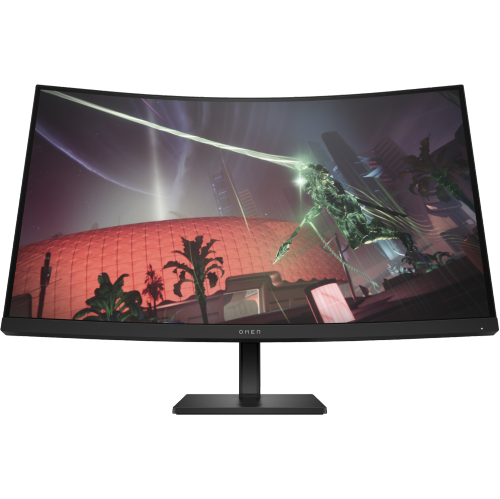
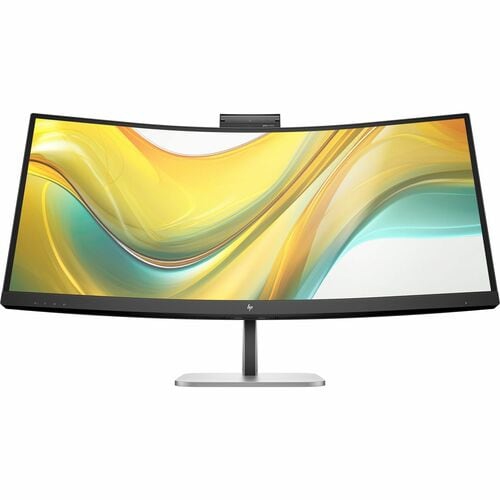
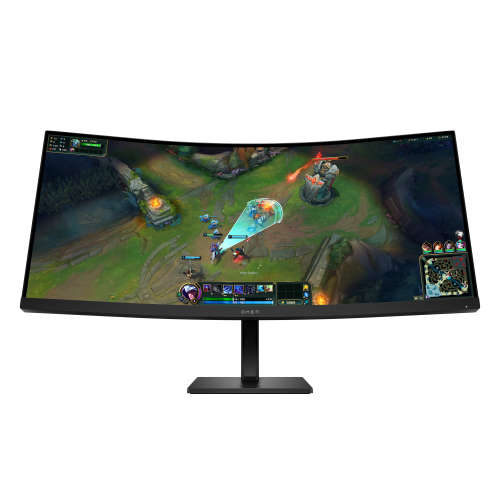
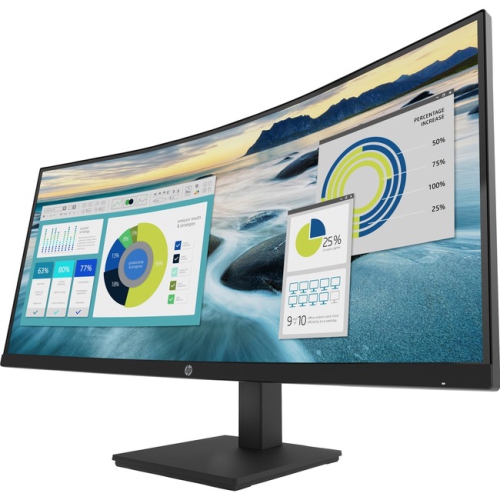
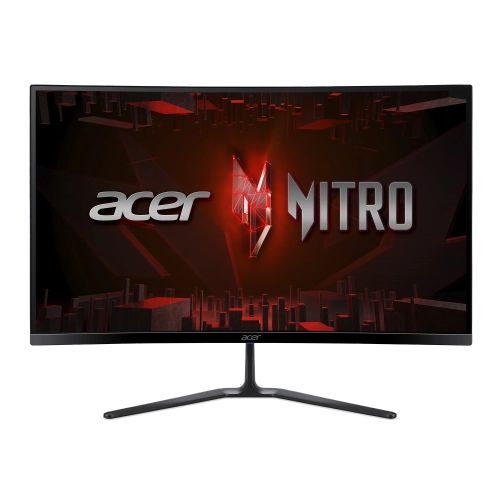
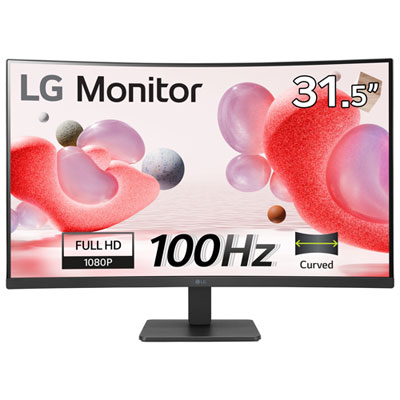
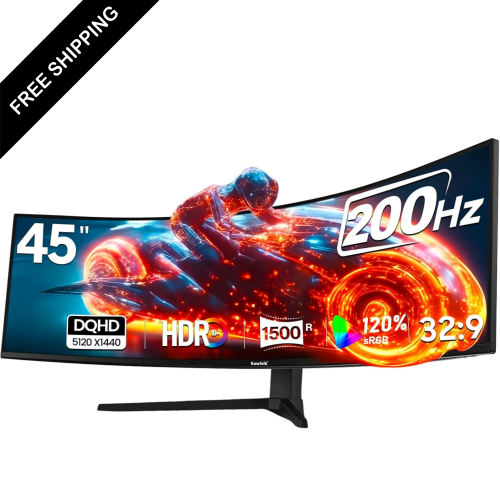
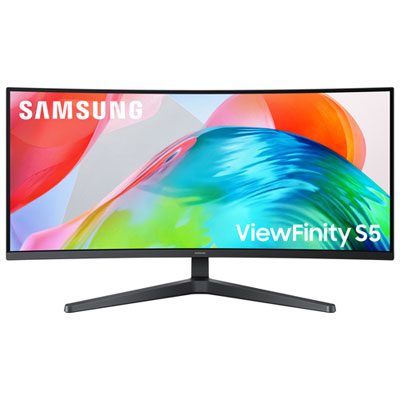

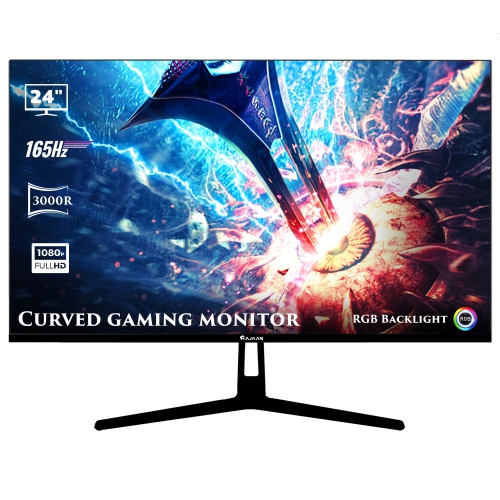
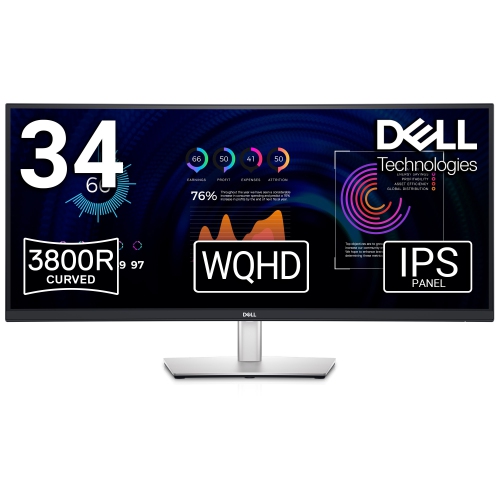
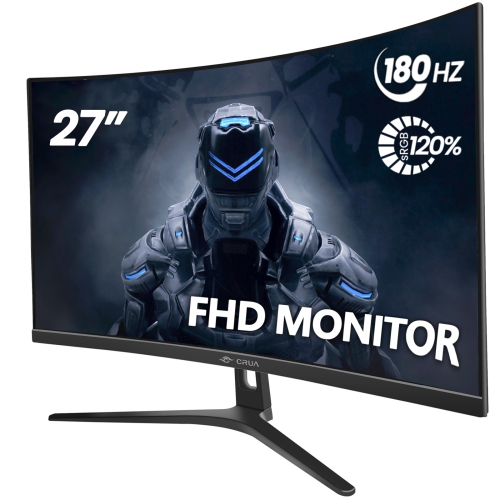
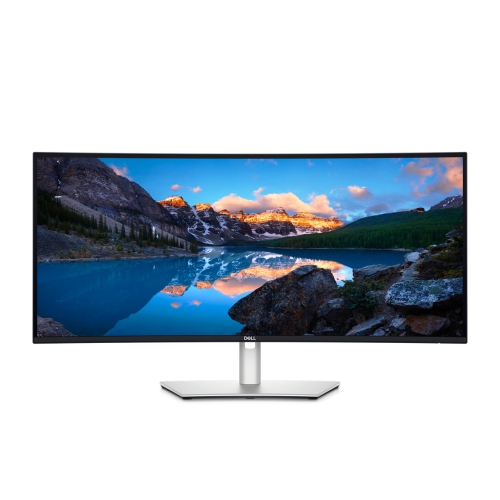
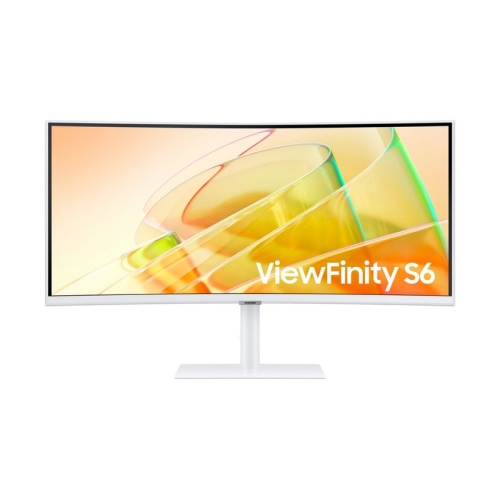


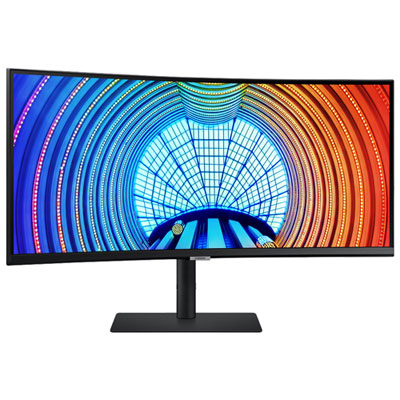
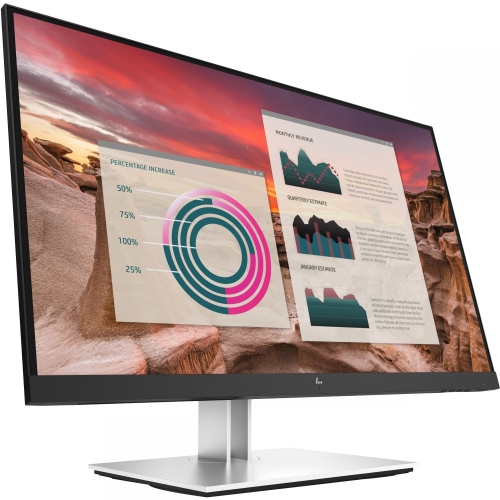

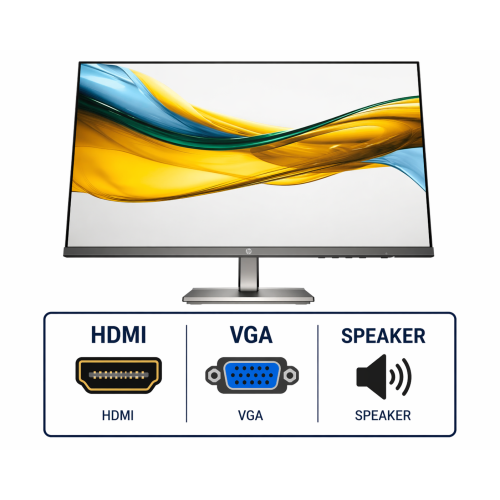

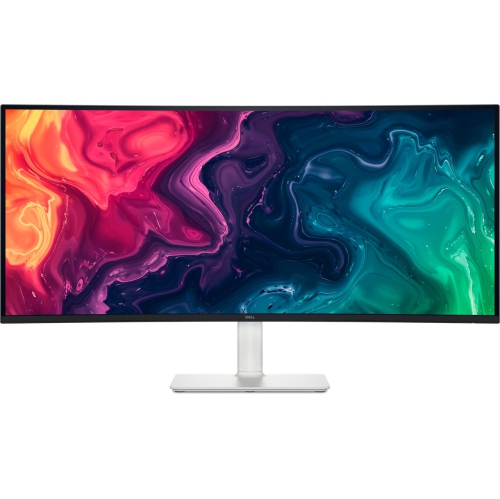
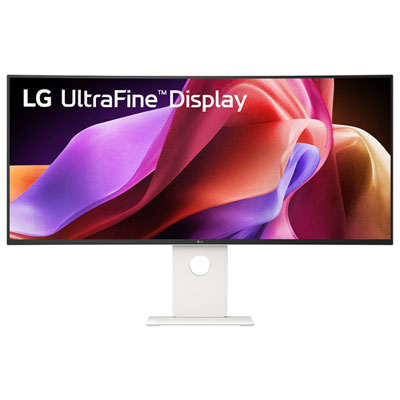
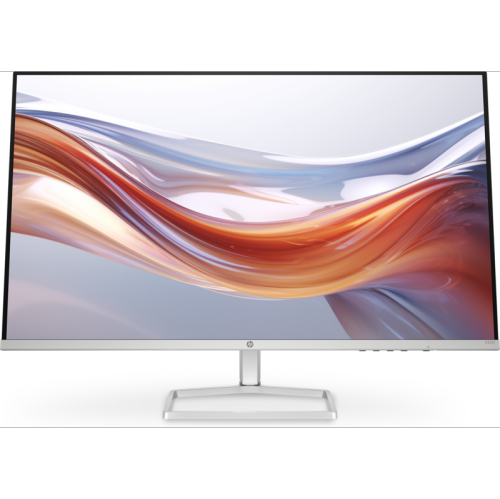
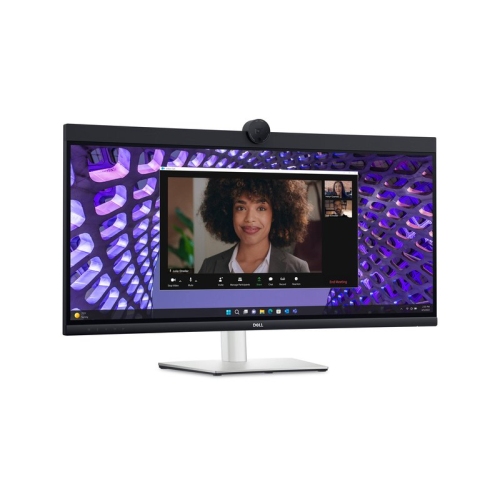

Why screen shape is only part of the picture
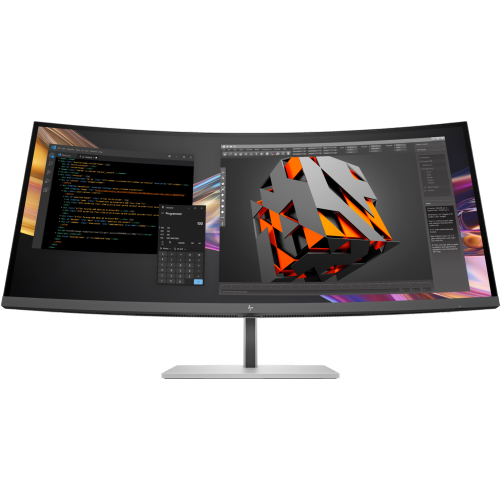
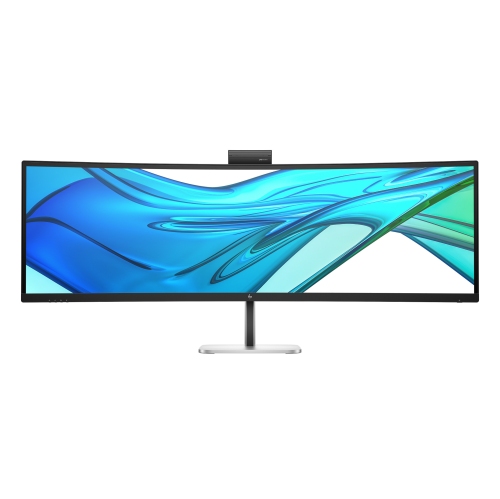
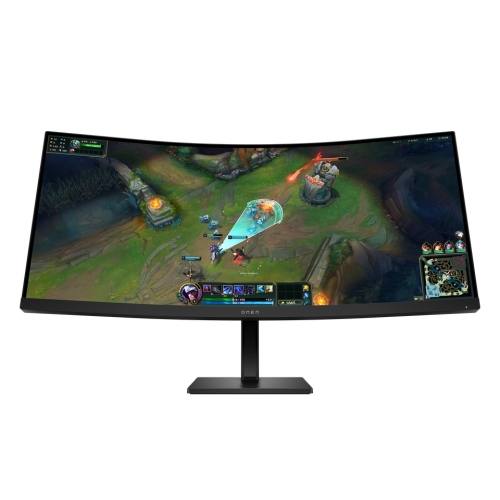
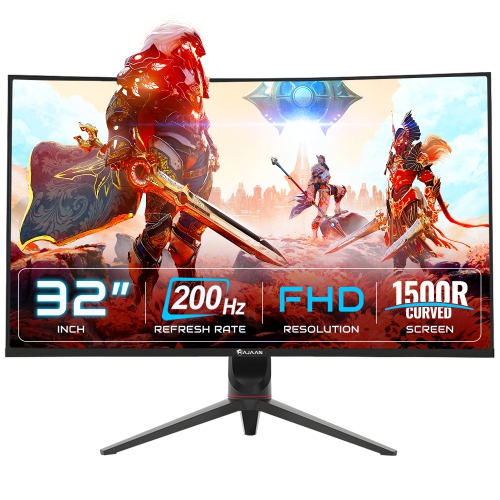
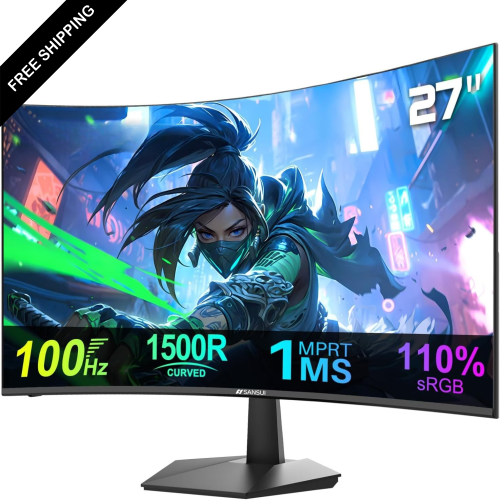
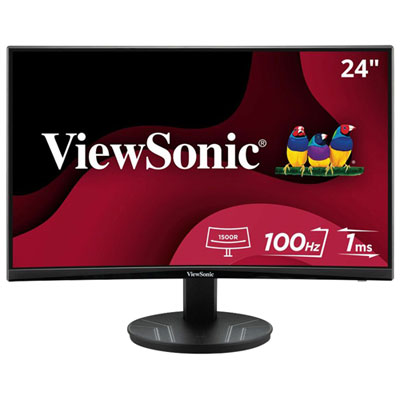
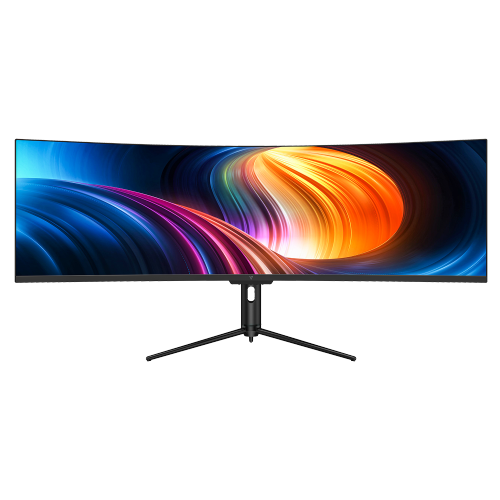
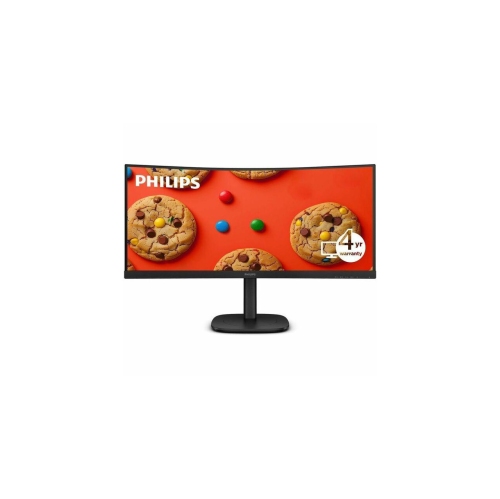
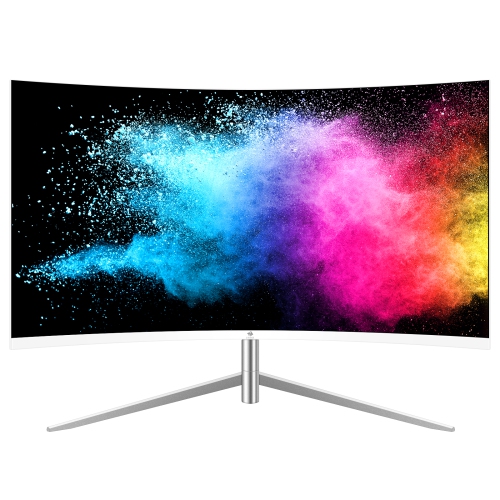
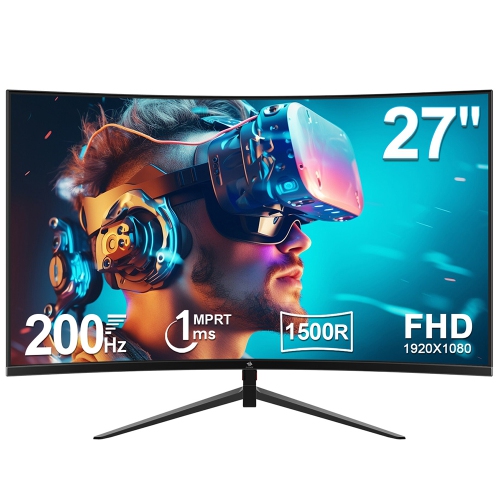
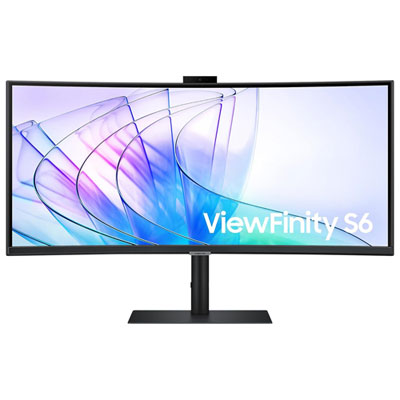
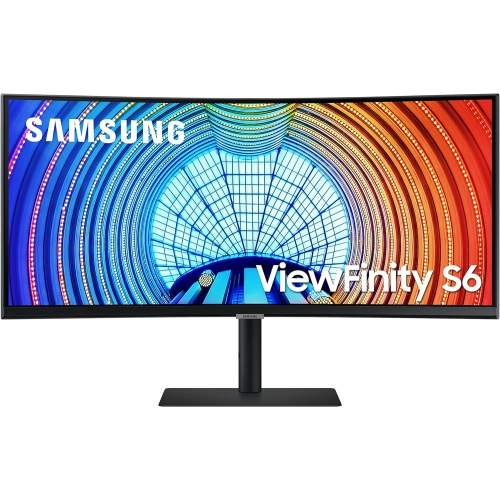
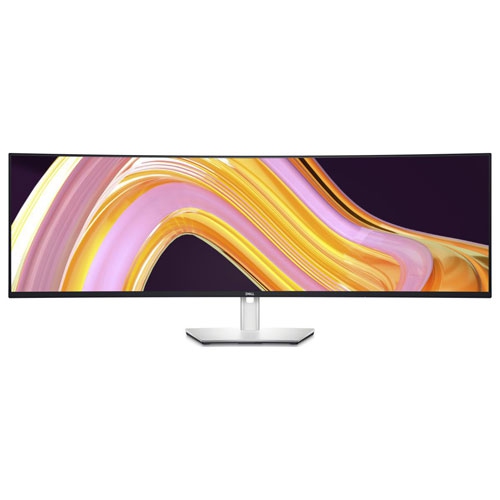
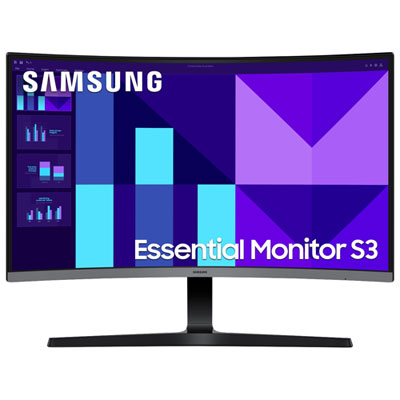
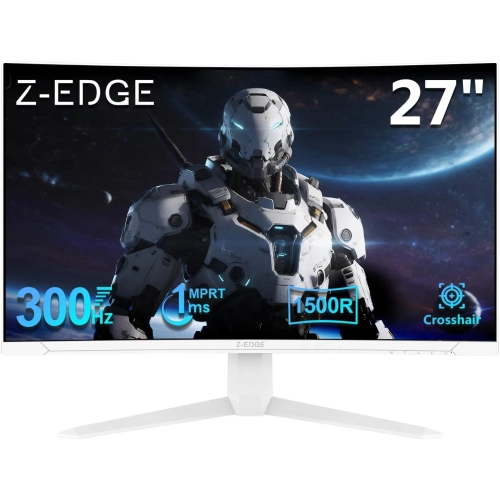
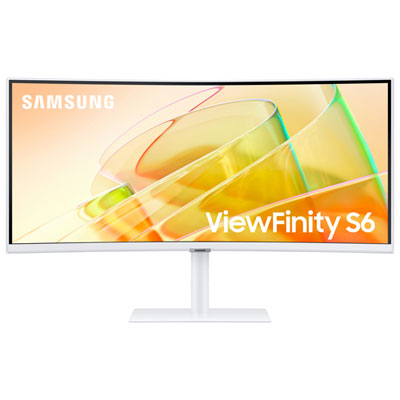
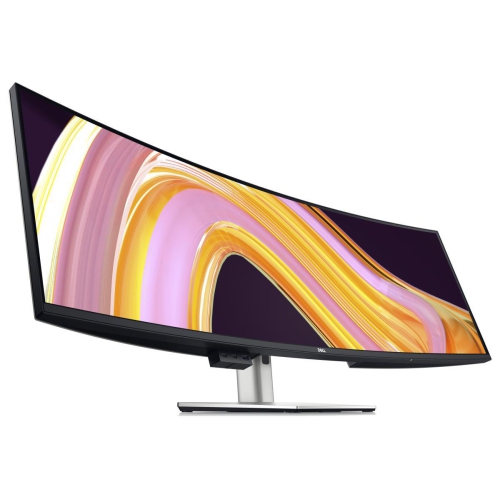
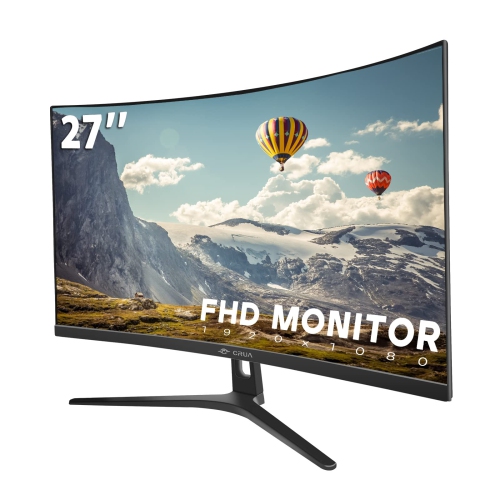
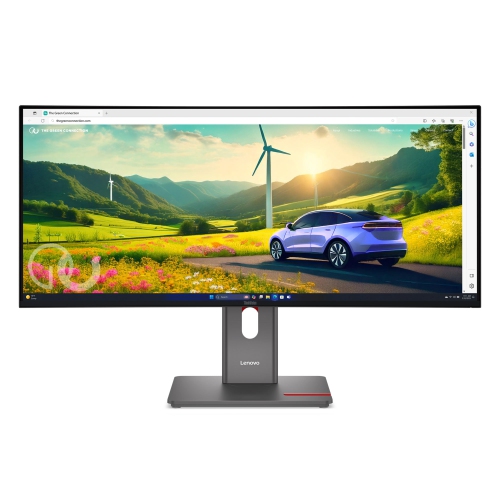
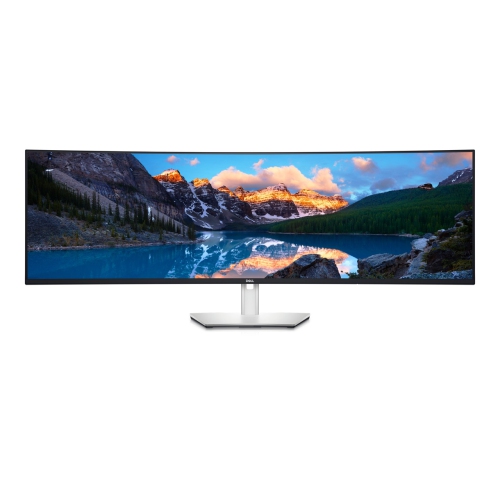
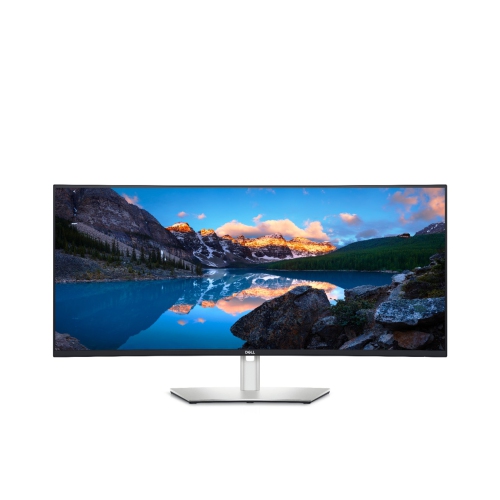
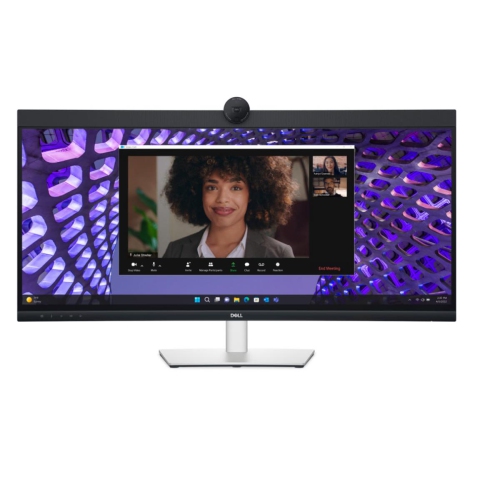
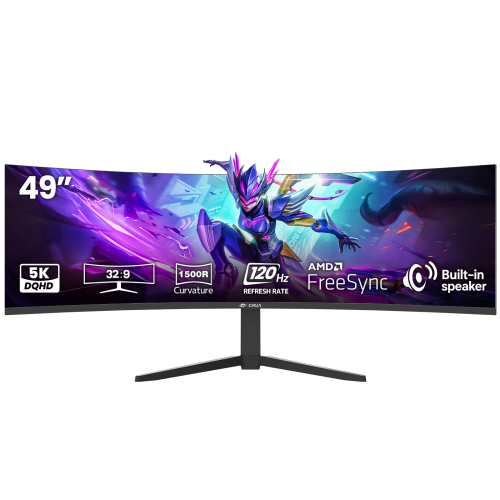
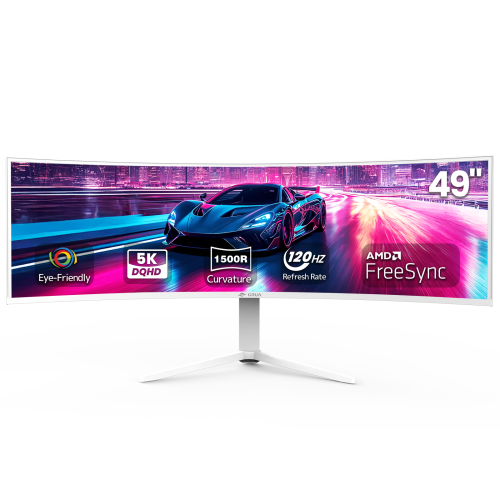
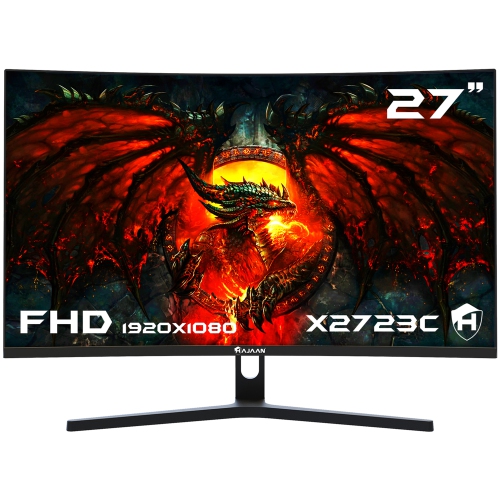
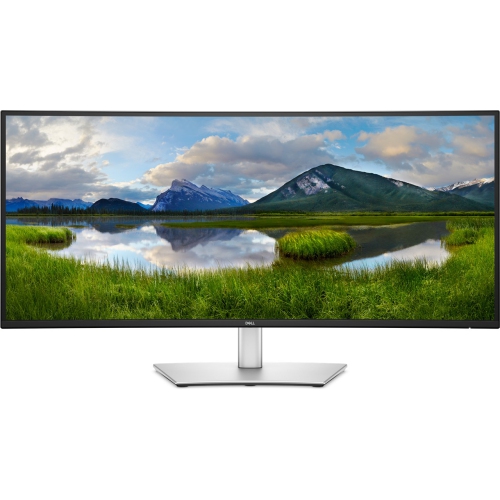
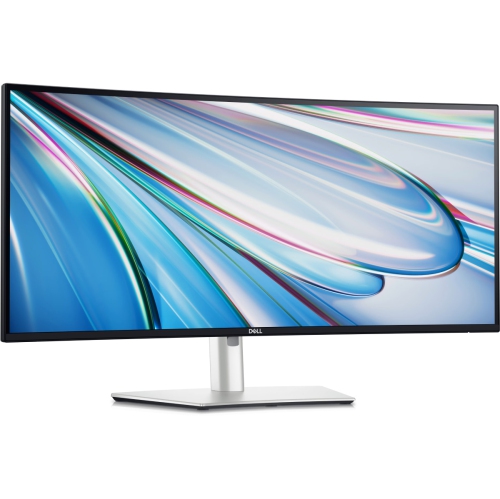
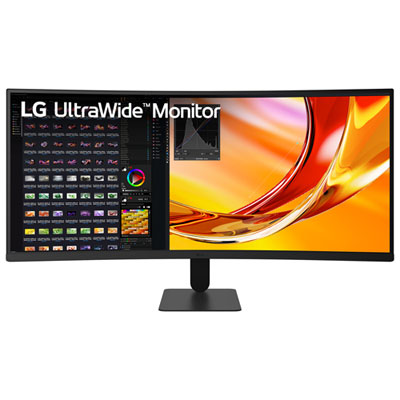
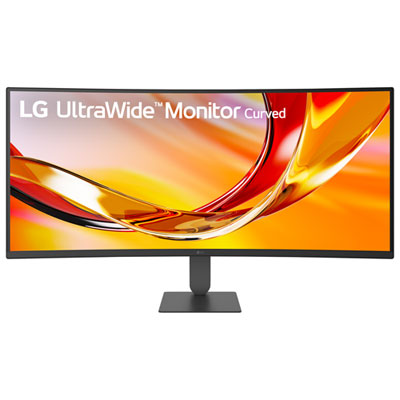
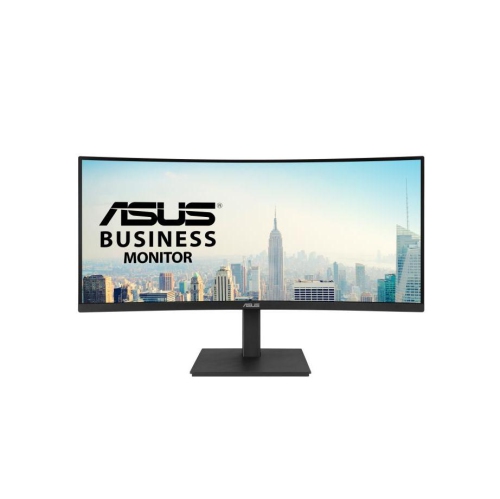
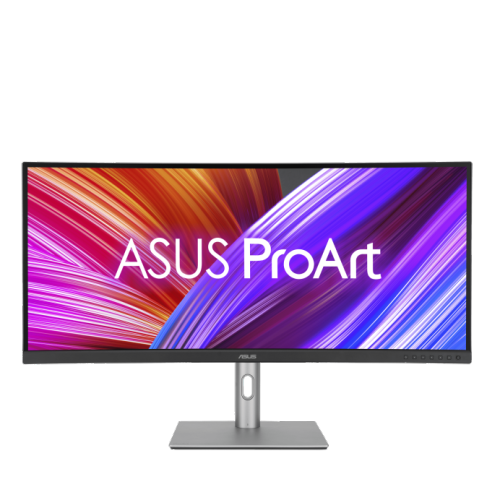
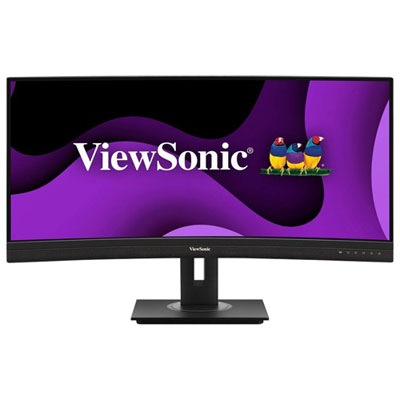
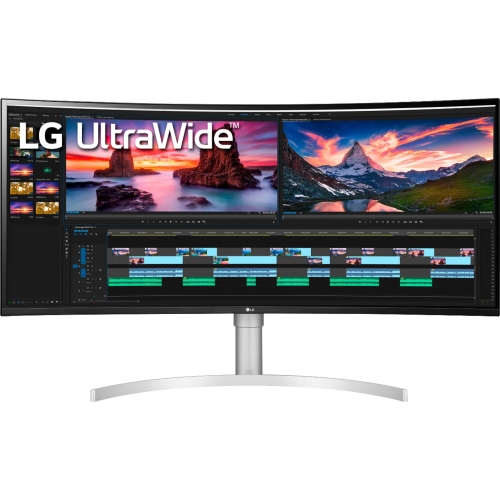
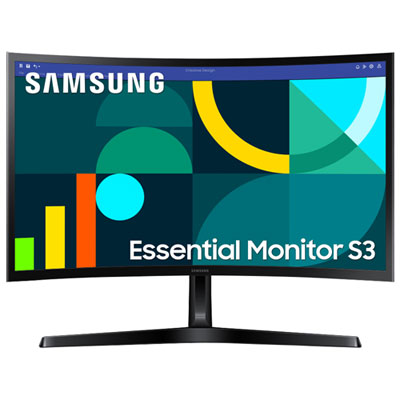
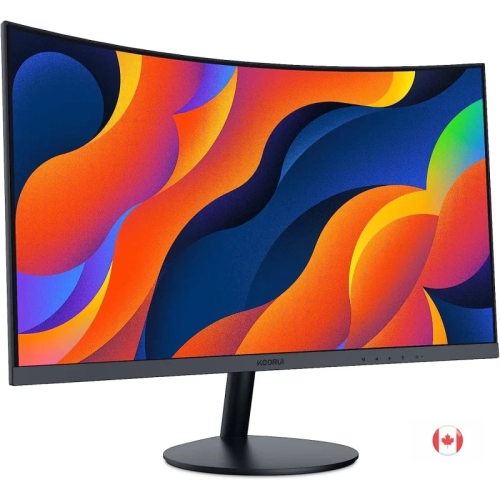
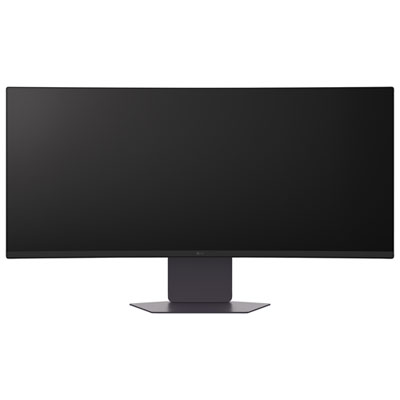
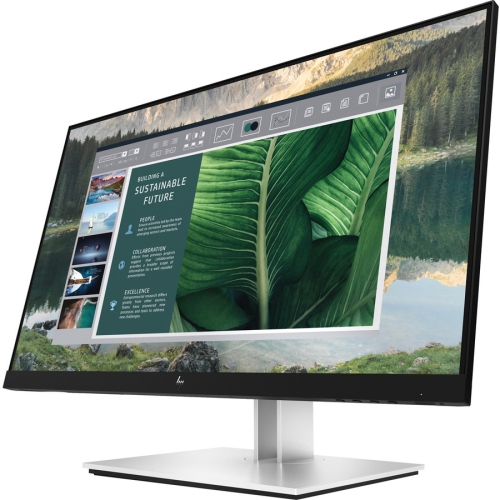
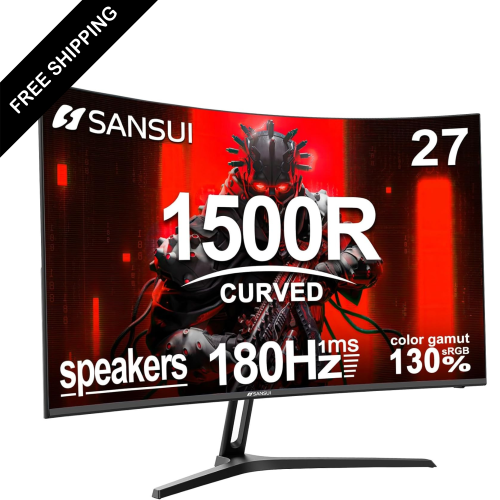
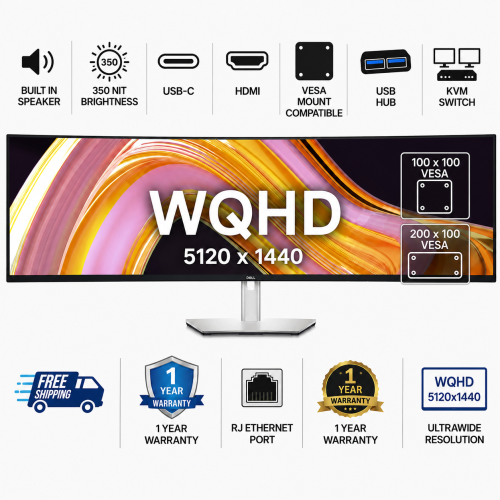
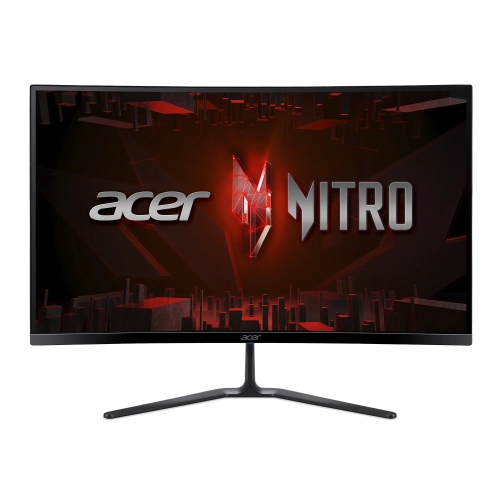
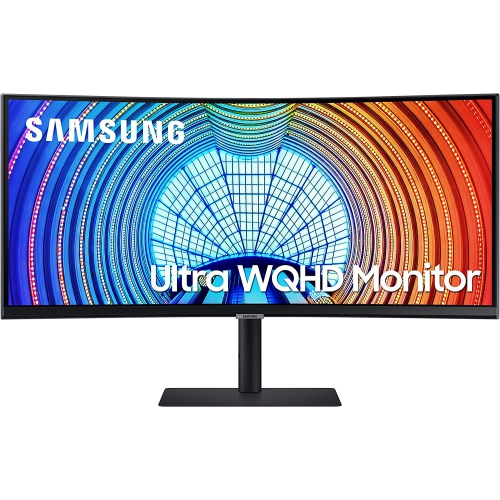
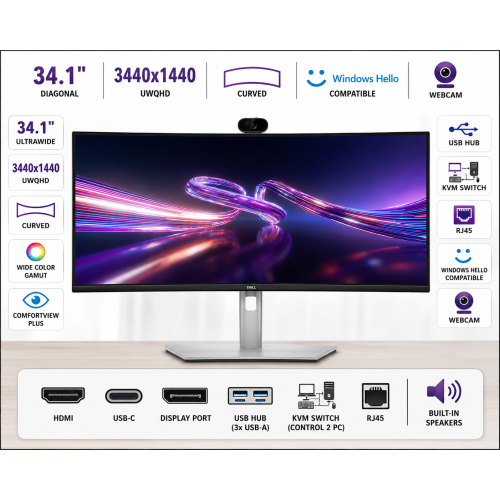
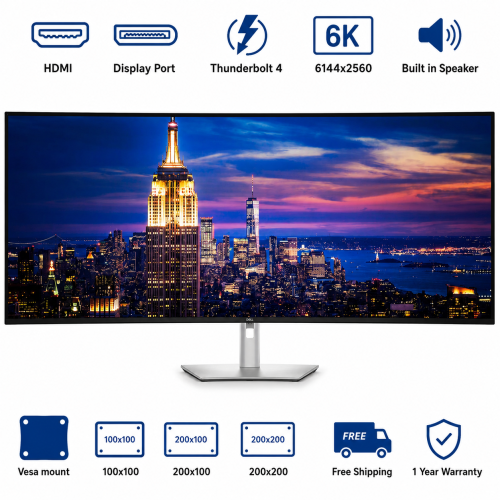
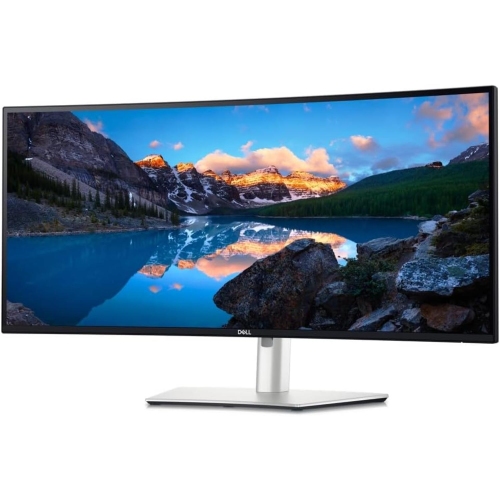
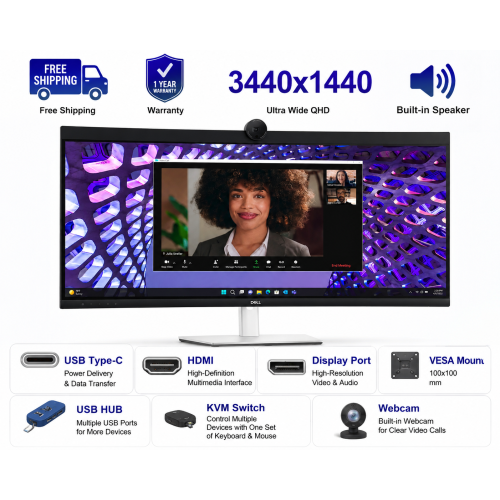
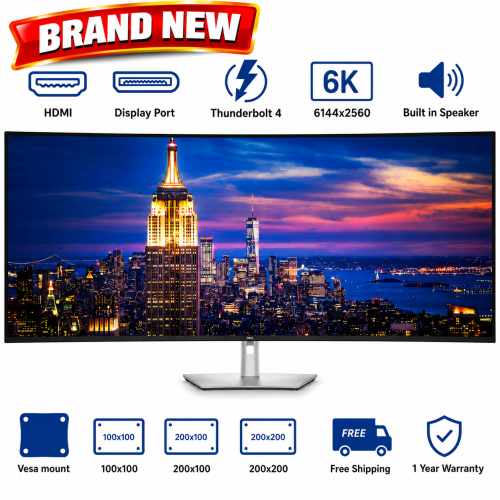
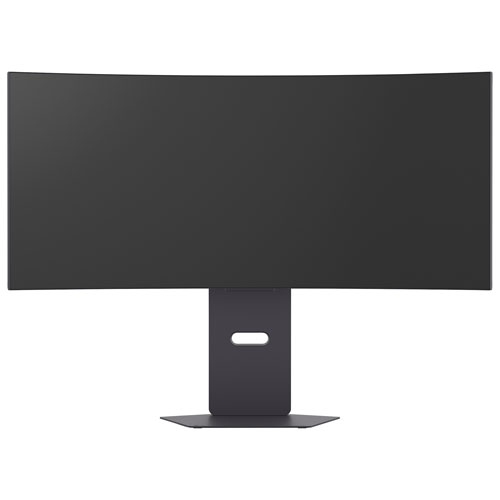
Curved monitors bring a gently wrapped screen to everyday computing, with widescreen and ultrawide formats suited to work, entertainment and gaming. The curve turns the outer edges toward a person seated near the centre, which can make a wide display feel more cohesive when scanning across documents, timelines or game scenes. Screen shape and screen proportions are separate features: a curved monitor may have a familiar 16:9 aspect ratio or a wider 21:9 layout that provides more horizontal space. For someone working with a spreadsheet beside an email window, an ultrawide display can reduce the need to switch between applications. Video editors may appreciate room for a longer timeline, while students can keep research notes beside an assignment. Resolution determines how much detail that space can show. QHD, often called WQHD, typically refers to 2560 × 1440 pixels, while ultrawide QHD commonly uses 3440 × 1440 pixels. A larger screen does not automatically produce sharper text; resolution, screen size and operating-system scaling all influence how crisp and comfortably sized letters appear. The curve itself is often described with a radius rating such as 1500R or 1800R. A smaller number indicates a tighter curve, although the most comfortable shape also depends on viewing distance and personal preference. A pronounced curve can feel engaging for a centred gaming setup, while a gentler curve may appeal to someone dividing time between documents and video. Physical fit matters as much as the diagonal measurement. The full width, stand depth and space behind the display determine whether it sits comfortably on a desk without pushing the keyboard too close to the edge. A wide monitor may also extend beyond the usable area of a narrow monitor riser, even when the stand itself fits. Checking the complete dimensions helps preserve room for speakers, a notebook and the everyday essentials that share a work surface.
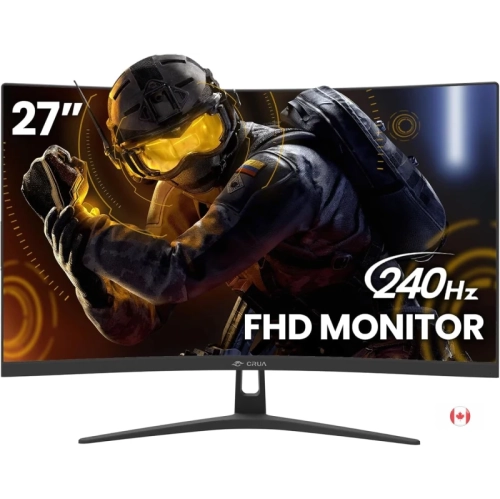
For gaming and fast-moving video, refresh rate and response time describe different aspects of performance. Refresh rate, measured in hertz, indicates how often the display can update its image; higher rates can make motion and scrolling look smoother when the connected computer can deliver enough frames. Response time concerns how quickly pixels change, and slower transitions may leave visible trails behind moving objects. Published response-time figures are not always measured in the same way, so they are best considered alongside the panel’s overall motion performance rather than treated as a complete picture. Adaptive sync, where supported by both the monitor and graphics hardware, can help reduce screen tearing as frame rates change. Higher resolutions also place greater demands on a graphics processor, especially in detailed games, so a balanced pairing matters more than choosing the highest specification in isolation. Ultrawide support varies between games and applications, and some videos or console output may appear with bars at the sides rather than filling the entire screen. Image quality also depends on contrast, brightness, colour reproduction and viewing angles. Deep contrast can help distinguish shadow detail in films, while consistent colour is useful when adjusting photographs or preparing visual presentations. A curved screen does not, by itself, guarantee colour accuracy, and colour-sensitive work may call for calibration. HDR support also varies in its capabilities; the label alone does not establish how bright highlights will appear or how well darker areas will retain detail. Connections deserve equal attention. HDMI and DisplayPort support depend on the specifications of both devices and the cable being used. USB-C can simplify a compatible laptop setup, but video input, charging and USB data are separate capabilities that need to be confirmed. Built-in speakers, USB hubs and switching features can reduce desktop clutter when included, though their presence should never be assumed. For video calls, a separate webcam may still be needed, along with a stable place to position it.
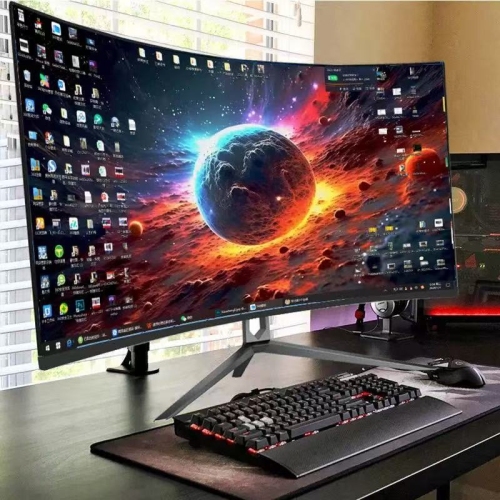
A comfortable curved-monitor setup leaves enough distance to take in the full screen without repeatedly turning the head or leaning forward to read small text. Height adjustment, tilt and swivel can help position the display for different users, while a compatible monitor arm can free up work-surface space. Mounting compatibility depends on the attachment pattern, monitor weight and the arm’s load limits, so a matching mounting pattern alone is not enough. The desk or mounting surface also needs to support the arrangement securely. Typical monitor construction combines a delicate display panel with a plastic housing and a metal or reinforced stand; a stable base and secure connections matter more in daily use than a decorative finish. Keep pressure off the curved panel when moving the display, and follow the manufacturer’s handling directions rather than lifting it by the screen edges. For cleaning, turn the monitor off and use a clean, soft microfibre cloth, applying only light pressure. Any cleaning solution should be approved for the display and applied to the cloth rather than sprayed directly onto the screen. Household glass cleaners and abrasive materials can damage surface coatings. Positioning the screen away from direct reflections can improve visibility without relying on maximum brightness, and leaving ventilation openings clear helps avoid heat buildup. These practical details are especially useful in shared home offices, study spaces and gaming areas where equipment is frequently moved or adjusted. A curved monitor can also make a thoughtful gift for a student, remote worker or gaming enthusiast, provided its size and connections suit the recipient’s computer and desk. The Best Curved Monitors page provides a broader point of comparison for display sizes and features. The strongest fit is a screen that makes everyday tasks easier to see and organize, whether that means keeping two documents open, following a detailed project timeline or settling into a game with the display comfortably centred ahead.
Top selling and popular products
-
 Your price for this item is $2237.68
-
 Your price for this item is $320.68
-
 Your price for this item is $469
-
 Your price for this item is $149.99
-
 Your price for this item is $265.99
-
 Your price for this item is $229.99
-
 Your price for this item is $1138.68
-
 Your price for this item is $355.68
Discover more categories related to HP Curved Monitors
Top Collections:
Best Black Friday Deals This Year, Best Black Friday Deals On Electronics, Kindle Devices, Pokemon Centers, Best Black Friday Deals On Apple Products, Best Cameras for Sports Photography, Dyson Airwrap, Pokémon 30th Celebration Cards, Apple iPhone 17 Pro, Canon G7X Cameras
Some products may be subject to Environmental Handling Fees
(EHF) depending on your province.
Learn more about EHFs.