White Curved Monitors
If you're looking for a monitor that's big on style and small on bulk, consider a curved monitor. Curved monitors are designed to wrap around your field of vision, providing a panoramic view that makes you feel like you're sitting in the center of the action.
Sort
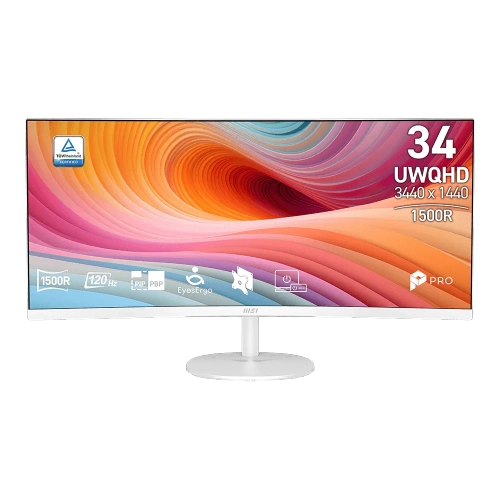
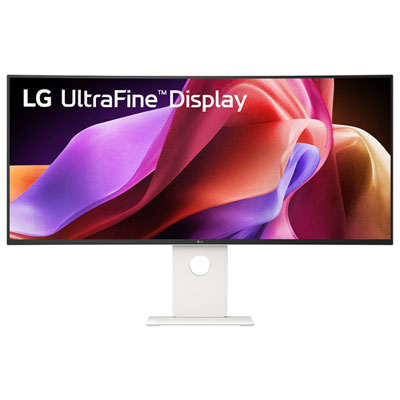
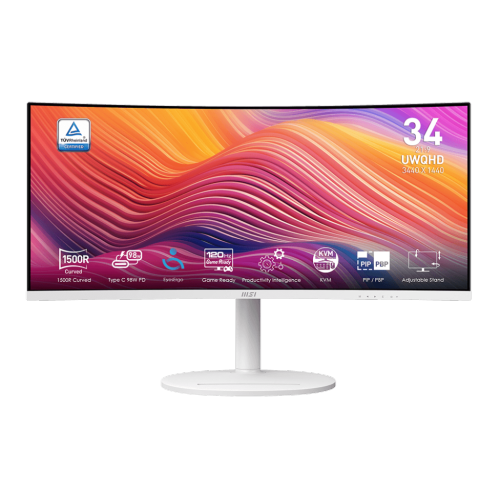

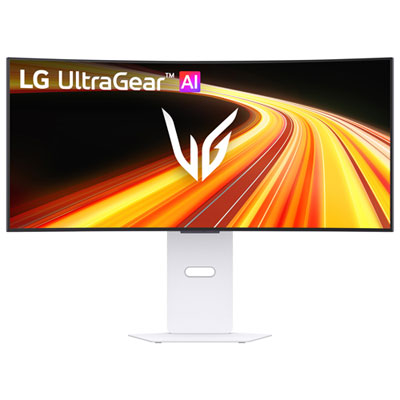
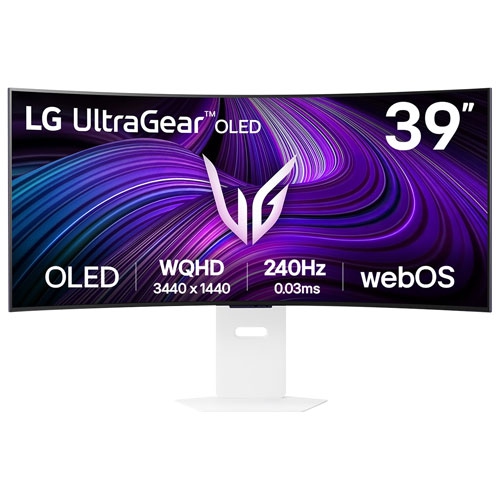
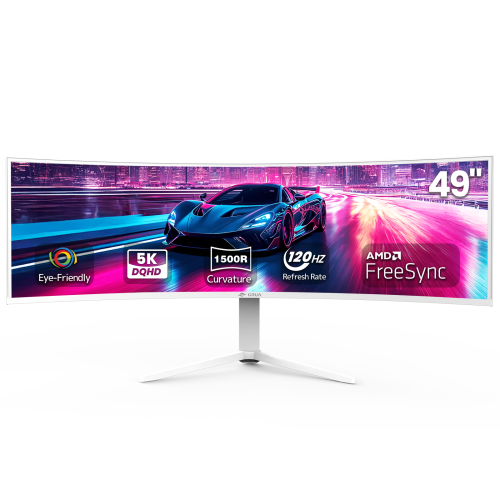
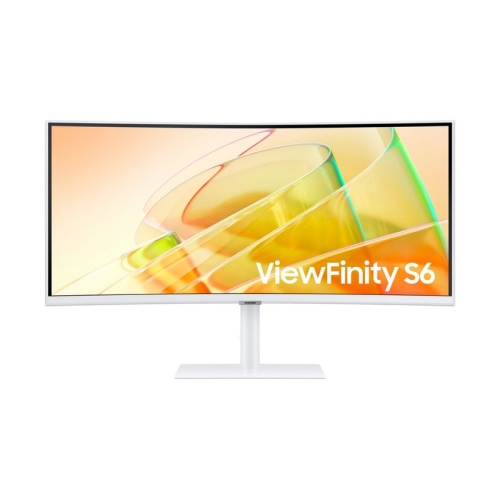
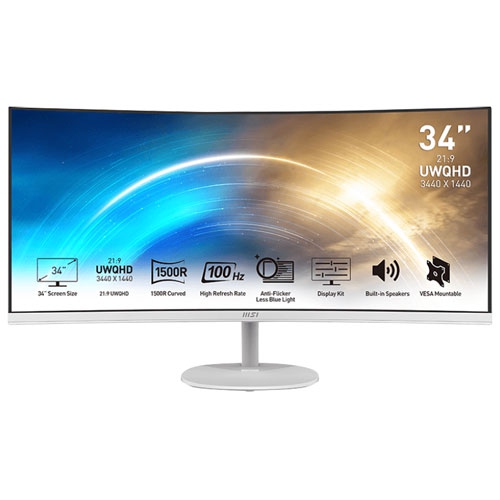
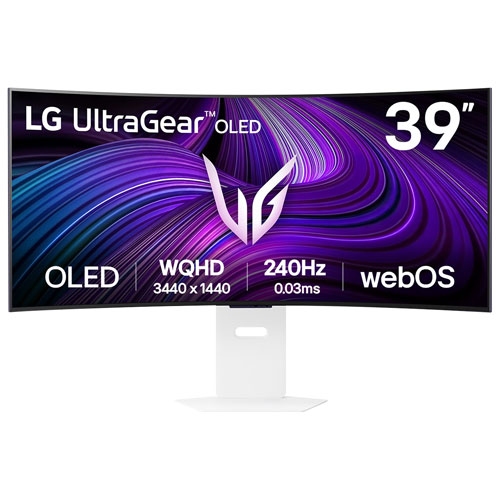
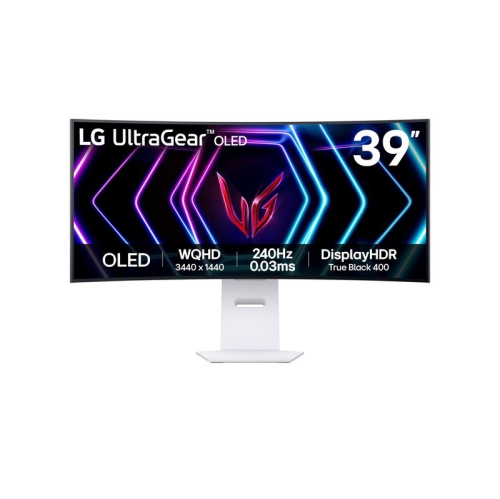
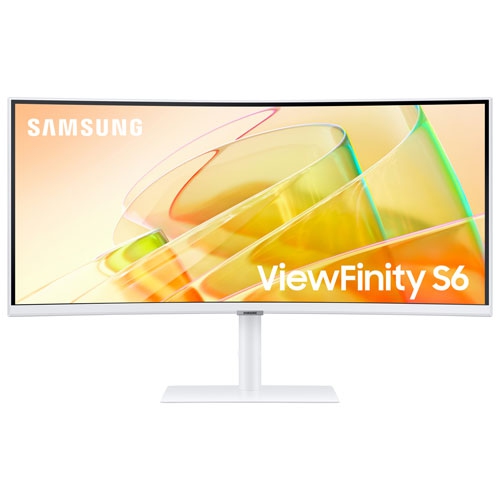
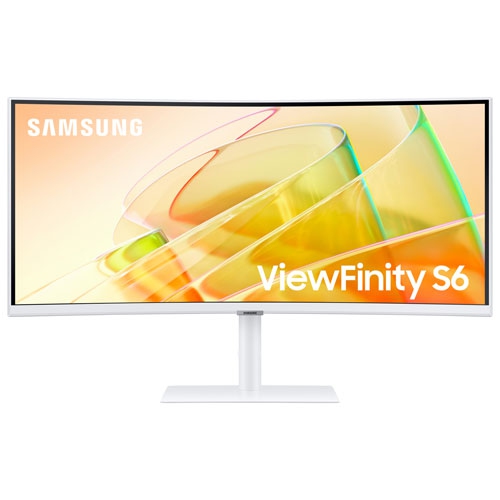
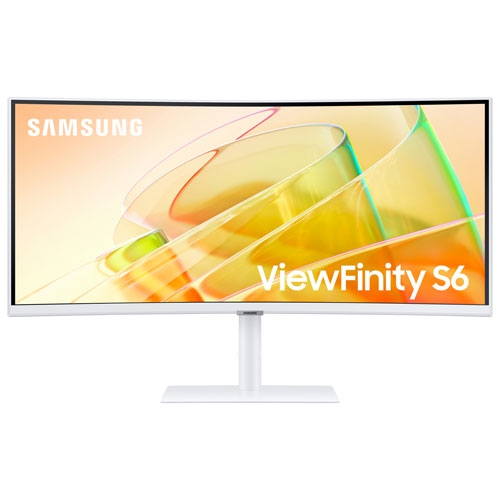

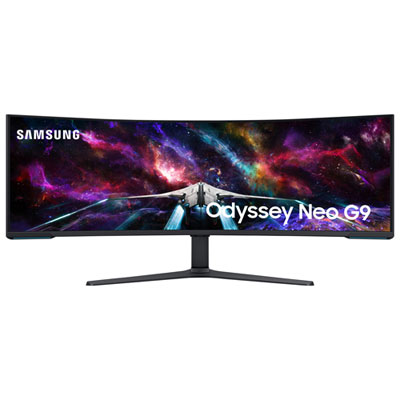
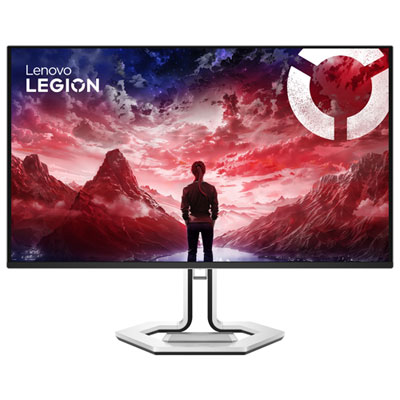
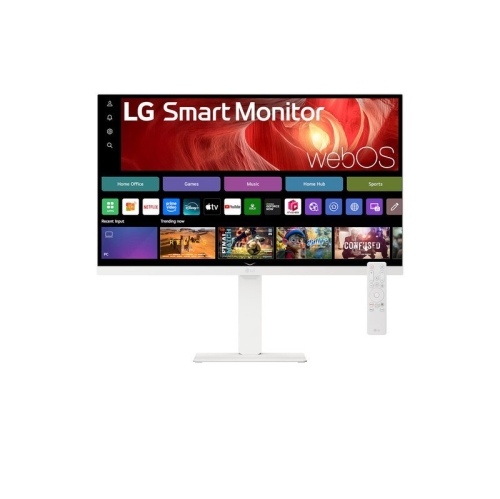
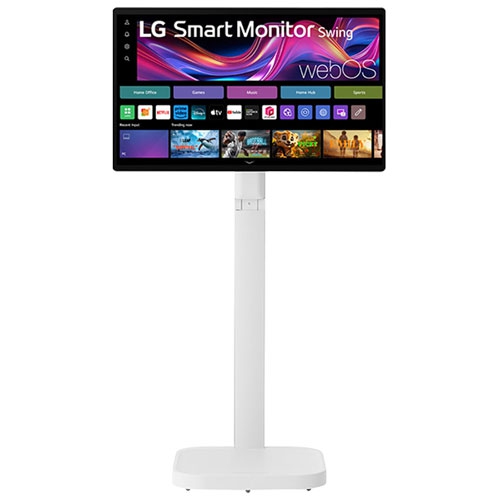
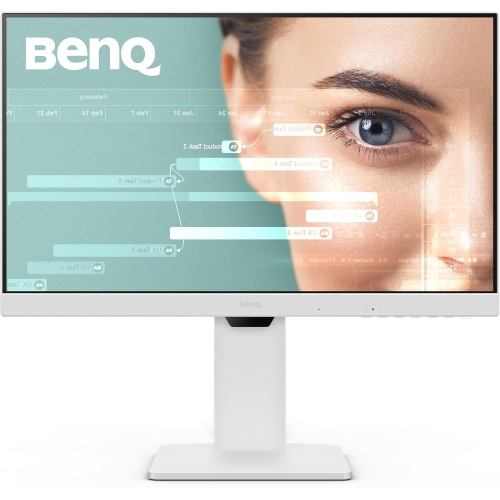
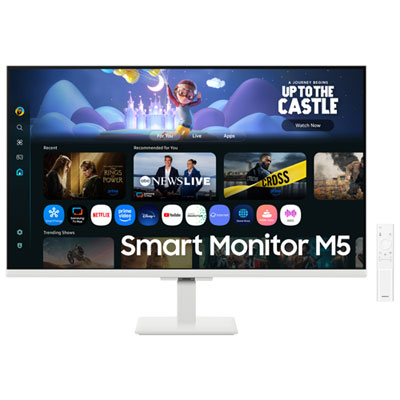
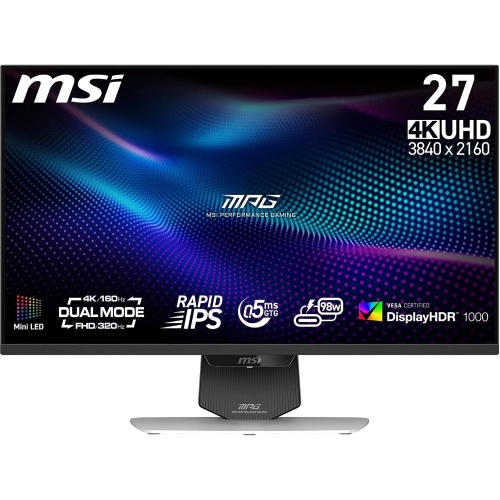
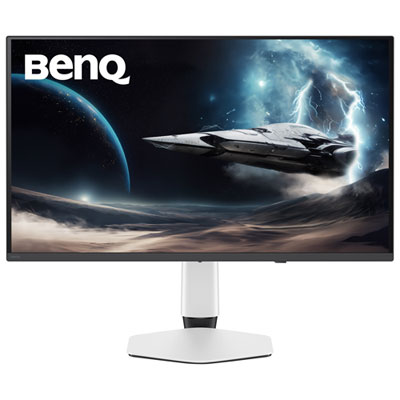
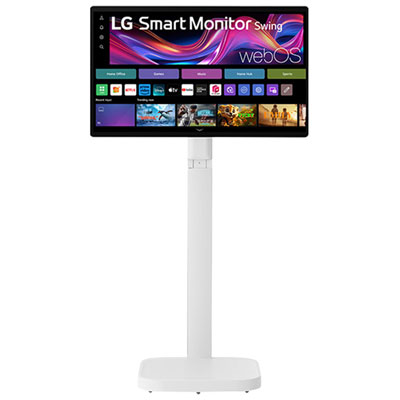
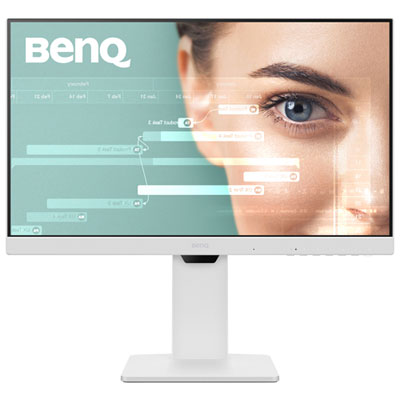
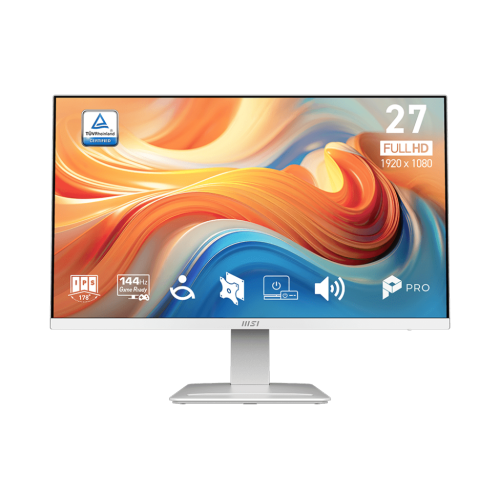
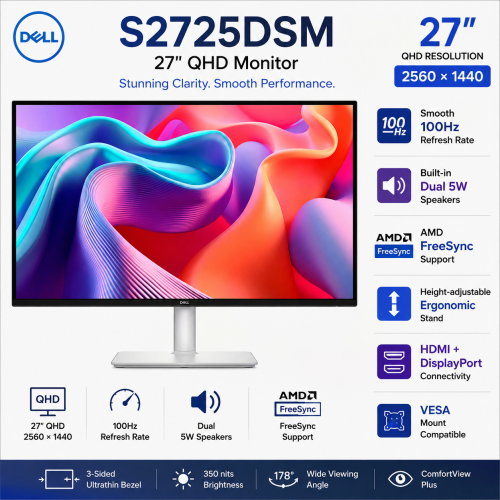
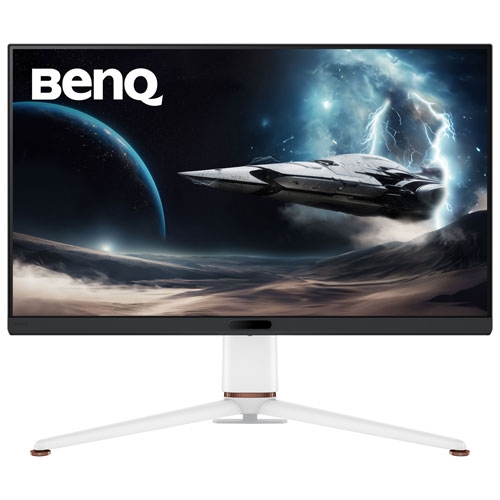
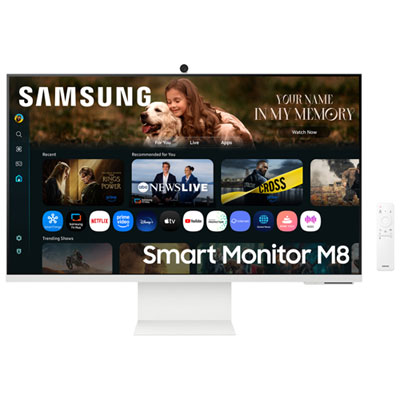
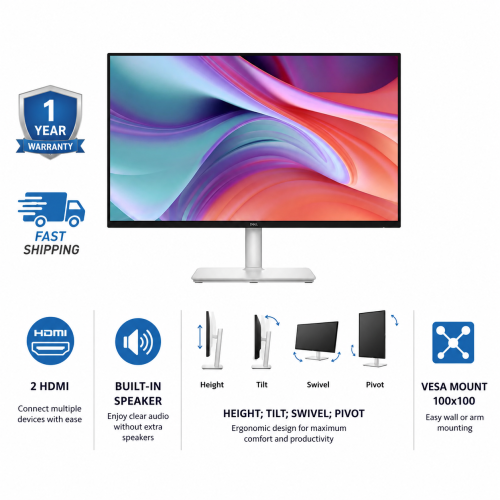
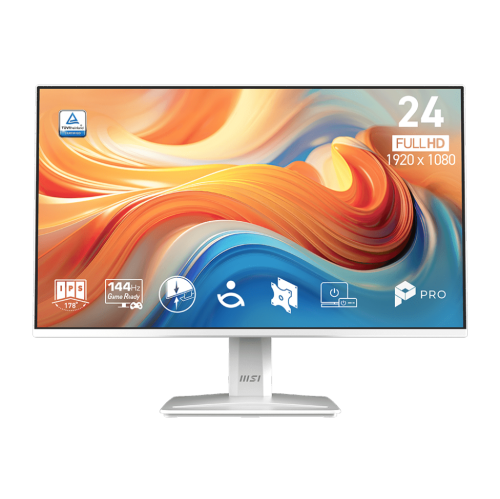
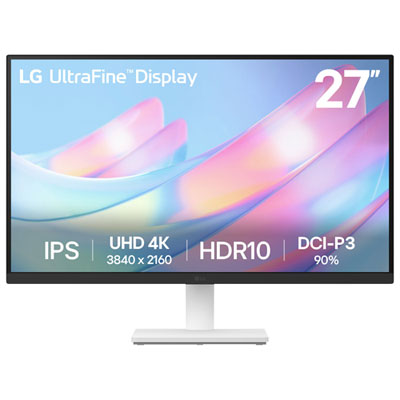
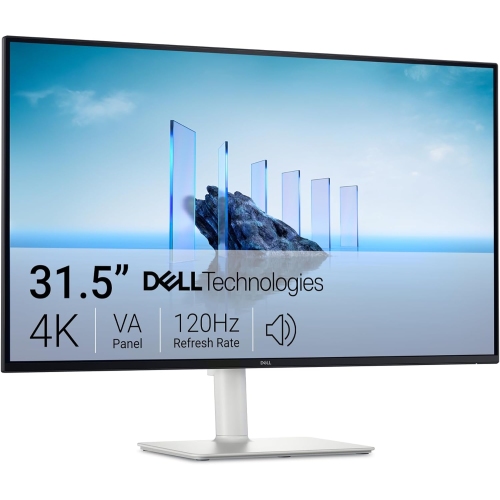
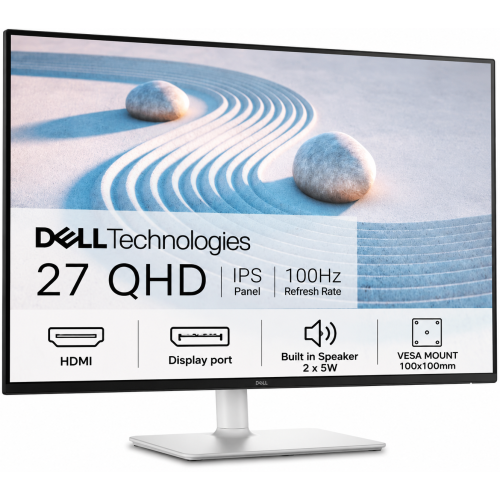
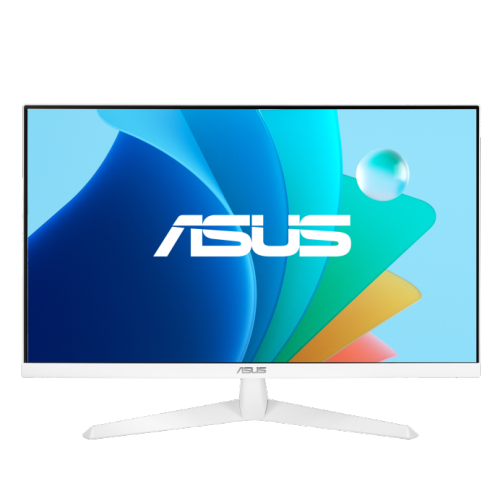
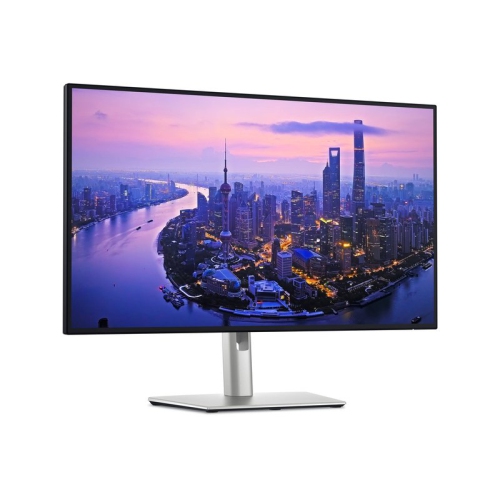
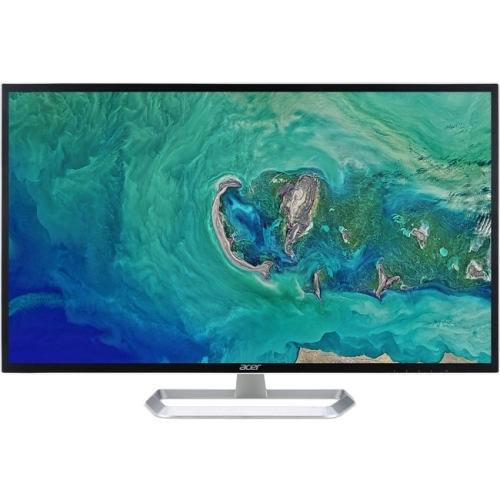

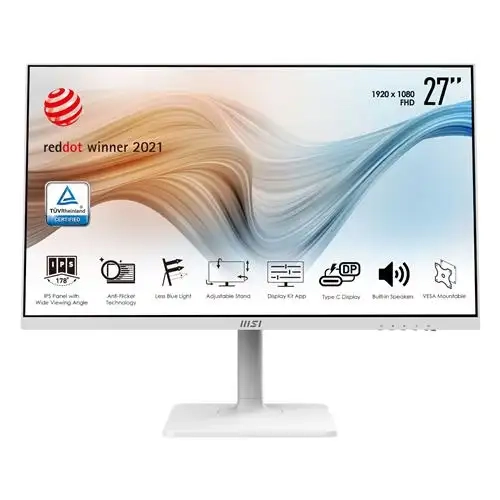
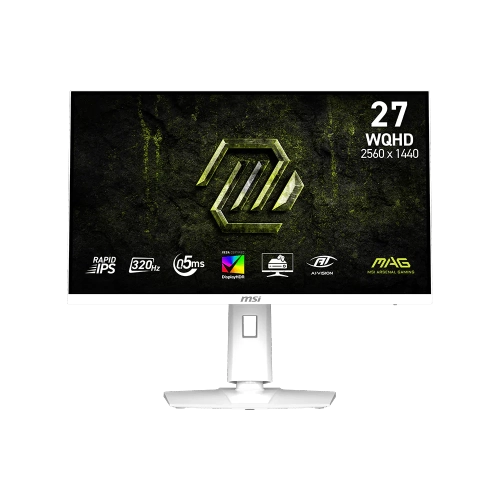
A white finish is only part of the picture
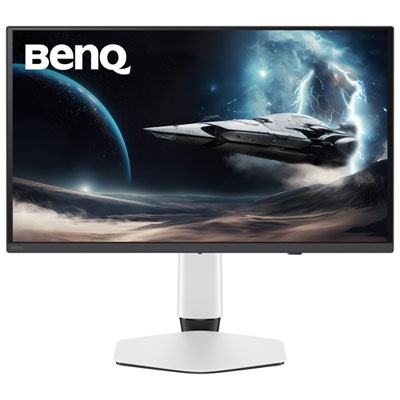
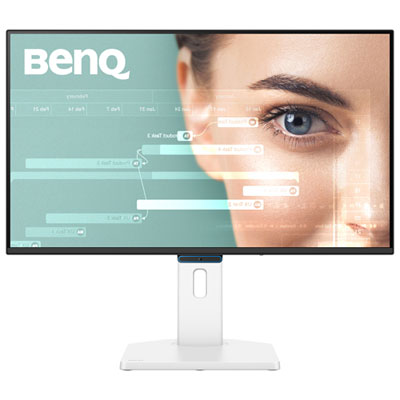
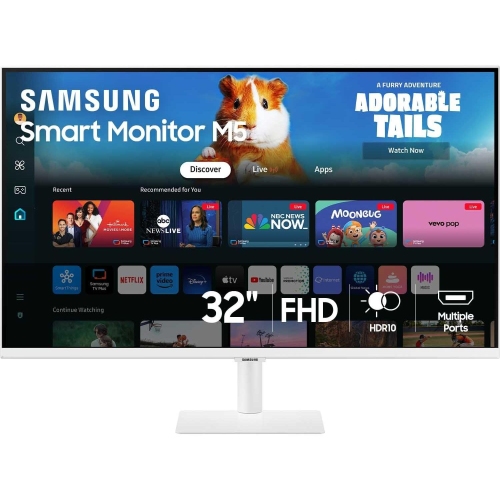
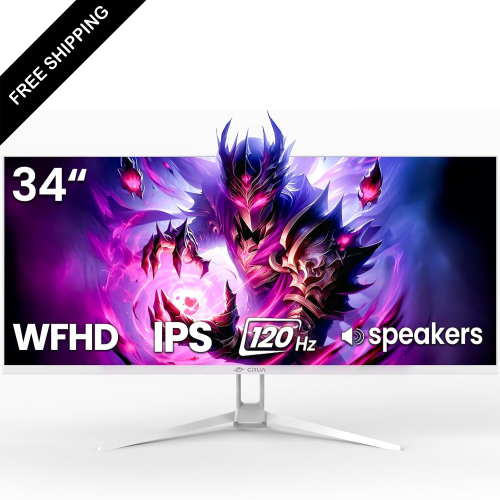
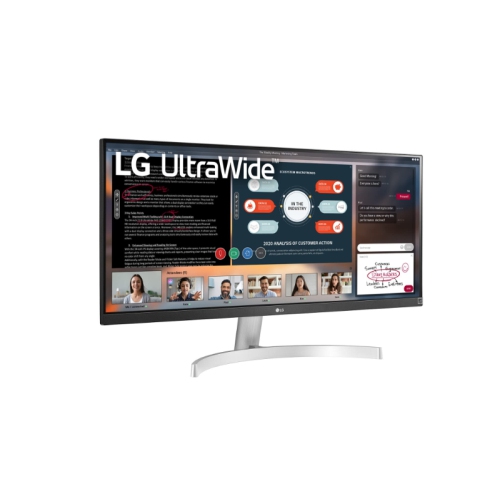
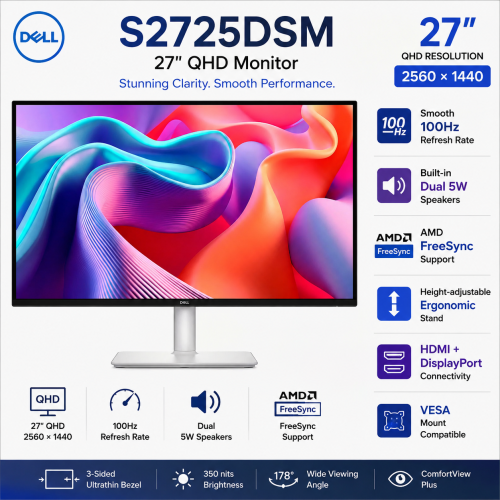
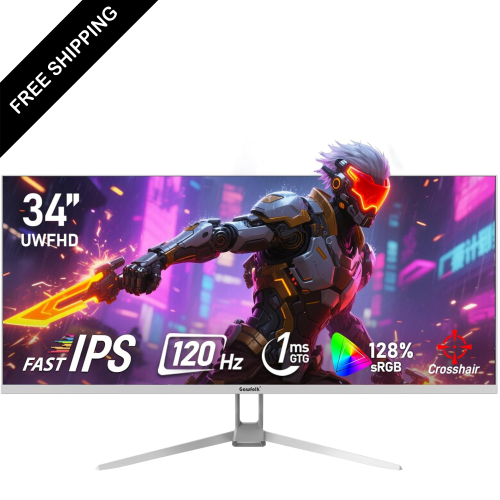
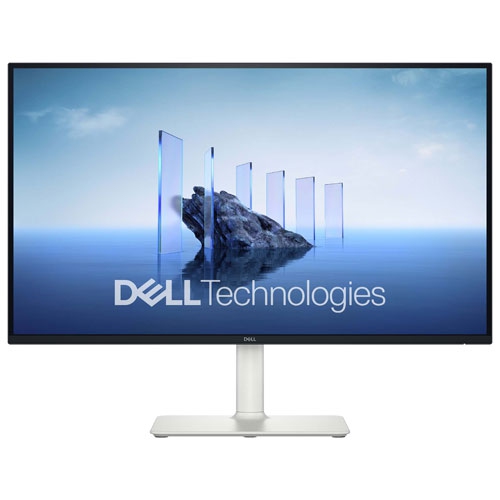
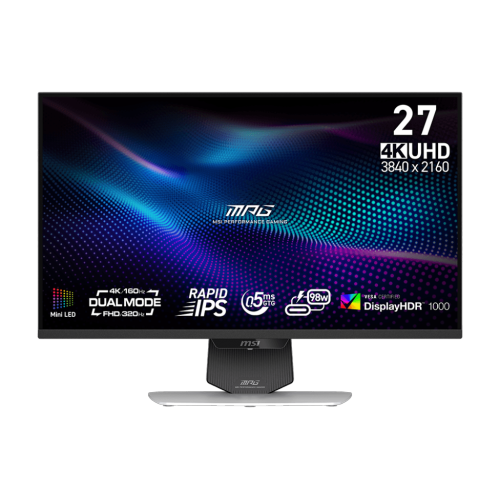
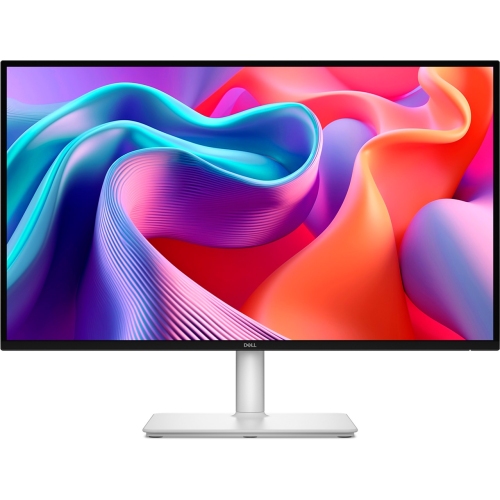
White curved monitors combine a gently arched display with a light-coloured housing, bringing a distinctive look to a workspace or gaming setup without changing how the screen produces an image. The white finish usually applies to the rear casing, stand, or outer trim rather than the display surface, and the front bezel may still be black. That distinction matters on a desk where the monitor’s back faces into a room or where matching a white keyboard, speakers, and desk accessories is part of the appeal. Finishes can range from bright white to warmer shades, with matte and glossy surfaces reflecting light differently. Beyond appearance, the curve is designed to bring the sides of a wide screen closer to the viewer’s position, which can make a large desktop feel more cohesive when viewed from the centre. Curvature ratings such as 1000R, 1500R, and 1800R describe the radius of the screen’s arc in millimetres; a lower number indicates a tighter curve. These figures describe shape, not a mandatory sitting distance. The experience also depends on screen width, seating position, and how much of the display fills the viewer’s field of vision. A 27-inch curved monitor suits a different desk layout from a 34-inch ultrawide, and diagonal measurements alone do not reveal the footprint. Stand depth, overall width, and room for a keyboard and mouse all influence the fit. On a shallow desk, a large screen may feel too close even when its stand technically fits. Height adjustment, tilt, and a stable base help position the display comfortably, while a compatible monitor arm can free up surface space. For people who regularly share their screen with someone seated beside them, viewing angles deserve attention too: a curved display is generally best experienced from a central position rather than far off to one side.
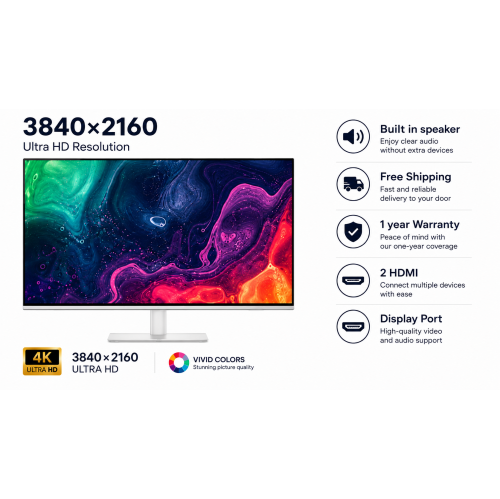
Resolution and aspect ratio determine how much working space a white curved monitor provides and how sharply text, photographs, and games appear. Full HD generally means 1920 × 1080 pixels, while QHD typically refers to 2560 × 1440 pixels on a 16:9 screen. An ultrawide display with 3440 × 1440 resolution adds horizontal room, making it possible to keep a document, reference material, and a messaging window visible together. It is not the same resolution as standard QHD, even though both have 1440 vertical pixels. Similarly, 4K UHD generally refers to 3840 × 2160 pixels, with finer detail that may call for interface scaling to keep text comfortably readable. Screen size matters alongside resolution: spreading the same number of pixels across a larger panel makes individual pixels more noticeable at the same viewing distance. For office work and study, clear text, useful screen space, and comfortable positioning often matter more than the highest refresh rate. For gaming, refresh rates such as 120Hz or 144Hz can show motion more fluidly than 60Hz, provided the connected computer or console can deliver suitable frame rates. Adaptive sync can help reduce screen tearing when supported by both the display and source device. Response-time claims describe a different aspect of performance and do not, by themselves, guarantee clean motion; dark transitions and trailing can vary with panel technology and settings. VA panels are known for strong contrast, although some can show visible smearing in darker scenes. Colour accuracy, brightness, and viewing angles also deserve consideration for photo editing, illustration, and video work. A curved screen can feel engaging for games and films, but people doing precise drafting may prefer the geometry of a flat display. Connections complete the picture: HDMI and DisplayPort capabilities affect supported resolution and refresh rate, while a USB-C port does not automatically include laptop charging or video input. Charging wattage, cable requirements, and device compatibility need to match the intended setup, particularly when one cable is expected to handle both a laptop’s picture and power.
The practical details of a white curved monitor become especially noticeable after it becomes part of a daily routine. A student might use the extra width to compare lecture notes with an assignment, while someone working from home could keep a spreadsheet open beside a video meeting without constantly switching windows. A gamer may value an uninterrupted ultrawide view, although game support varies and some titles or video formats leave unused space at the sides. Built-in speakers can be convenient for calls and casual listening, but their presence and sound quality vary; a headphone connection or separate speakers may better suit a shared room. Cable routing through the stand can keep the desk organized, particularly when pale furniture makes loose dark cables stand out. Materials and construction matter as much as appearance. Plastic housings are common, while stand components may include metal for support, and the steadiness of the base affects how much the screen moves when typing or adjusting its position. For an arm-mounted setup, VESA mounting dimensions, monitor weight, and the arm’s size limits must align. White surfaces can show dust, fingerprints, and marks differently from darker finishes, so easy access around the stand and rear casing makes routine care simpler. Cleaning should follow the manufacturer’s directions, using a clean, soft microfibre cloth and avoiding abrasive materials, excess moisture, or pressure on the panel. Spraying cleaner directly onto the screen can allow liquid to reach edges and openings. Positioning the display away from direct glare also helps preserve a clear view without relying on maximum brightness. As a gift for a student, home-office user, or gaming enthusiast, a white curved monitor is most useful when its dimensions and connections suit the recipient’s existing equipment. For a broader comparison of display sizes and features, explore Best Curved Monitors. The strongest fit combines the desired white finish with readable detail, comfortable placement, and the right capabilities for everyday tasks.
Top selling and popular products
-
 Your price for this item is $2237.68
-
 Your price for this item is $320.68
-
 Your price for this item is $469
-
 Your price for this item is $149.99
-
 Your price for this item is $265.99
-
 Your price for this item is $229.99
-
 Your price for this item is $1138.68
-
 Your price for this item is $355.68
Discover more categories related to White Curved Monitors
Top Collections:
Best Black Friday Deals This Year, Best Black Friday Deals On Electronics, Kindle Devices, Pokemon Centers, Best Black Friday Deals On Apple Products, Best Cameras for Sports Photography, Dyson Airwrap, Pokémon 30th Celebration Cards, Apple iPhone 17 Pro, Canon G7X Cameras
Some products may be subject to Environmental Handling Fees
(EHF) depending on your province.
Learn more about EHFs.