LG 34 Curved Monitors
Elevate your workspace or gaming setup with the LG 34 Curved Monitor, designed to deliver an immersive viewing experience. Perfect for multitasking, entertainment, and creative projects, this monitor brings a modern touch to any desk. Explore a range of options to find the ideal LG 34 Curved Monitor that fits your needs and enhances your daily computing.
Sort
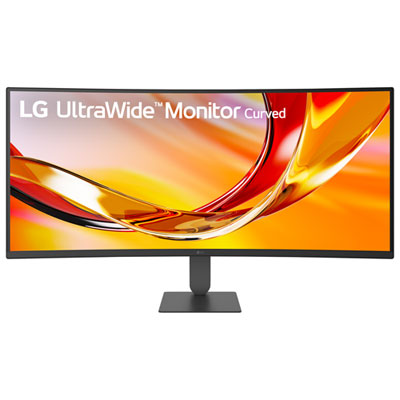
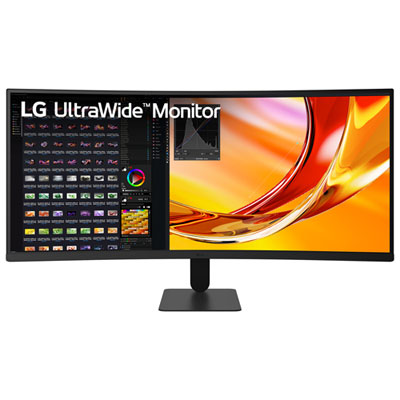
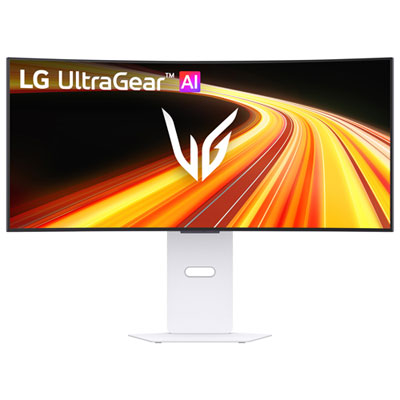
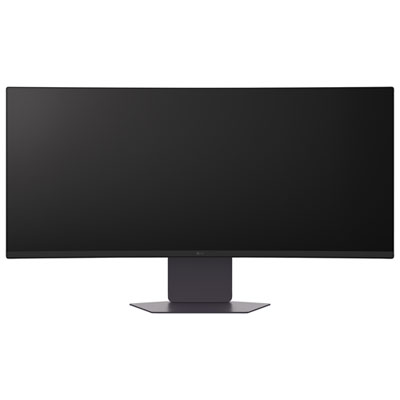
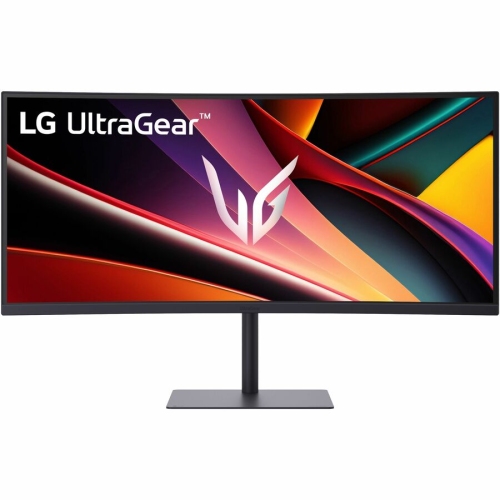
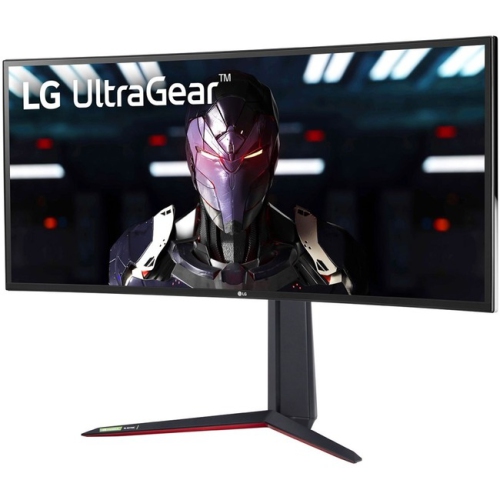
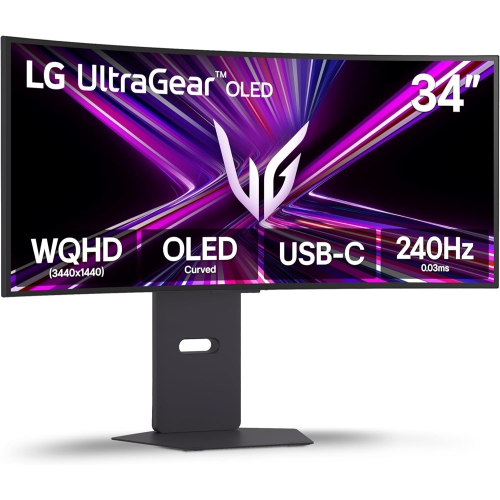

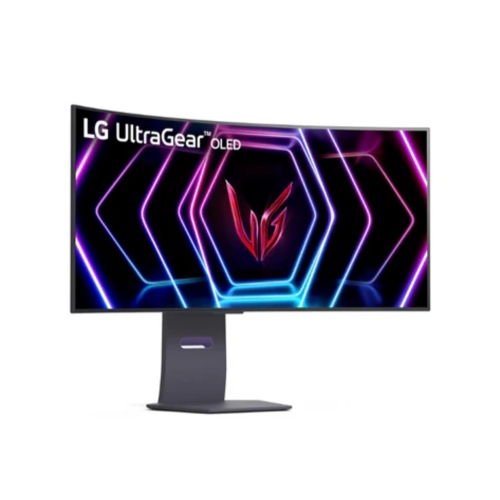
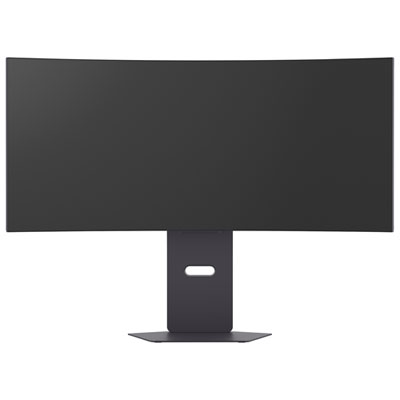
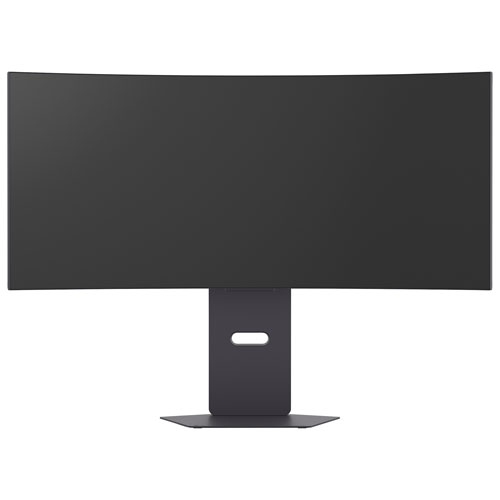
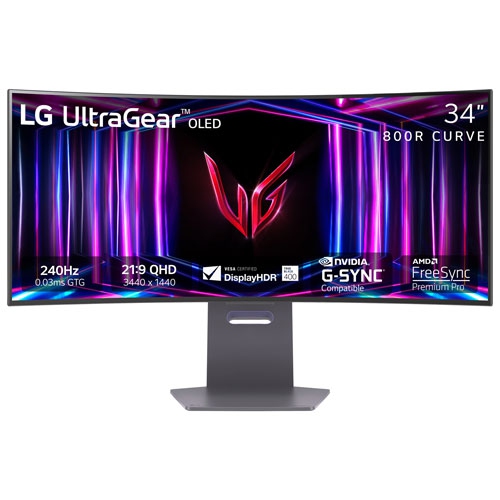
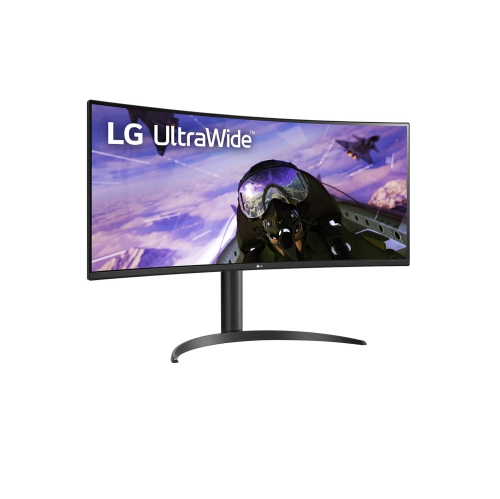
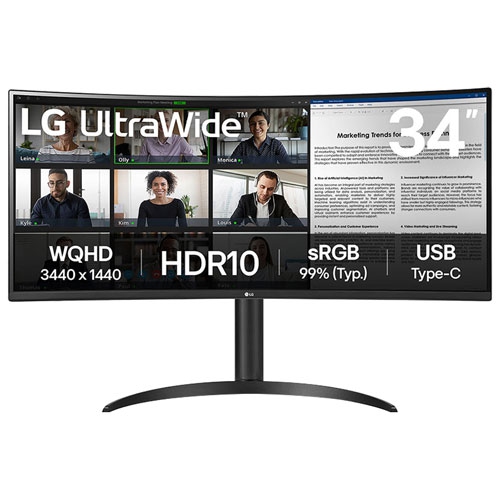
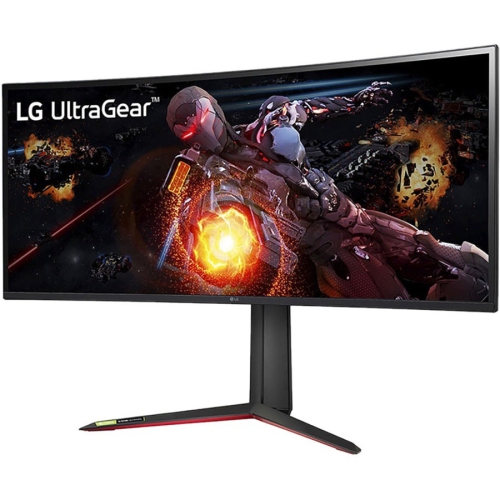
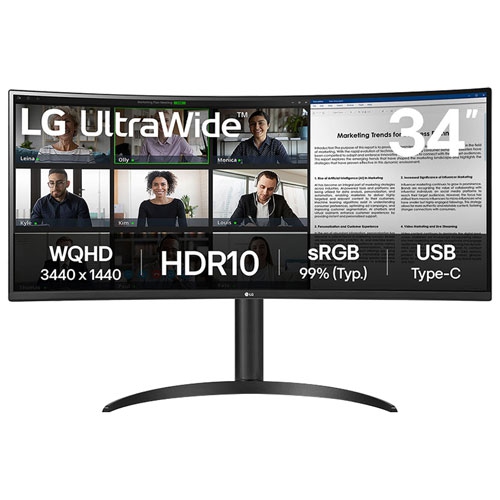
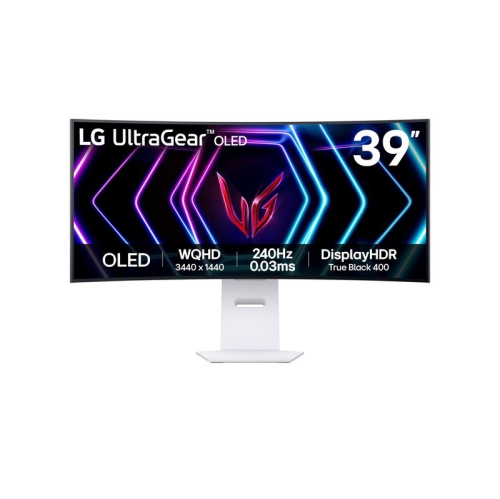
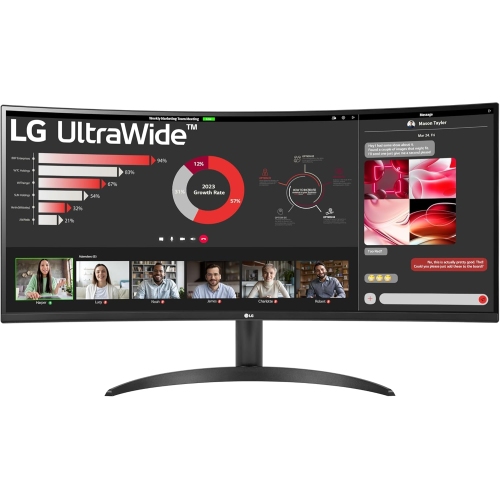

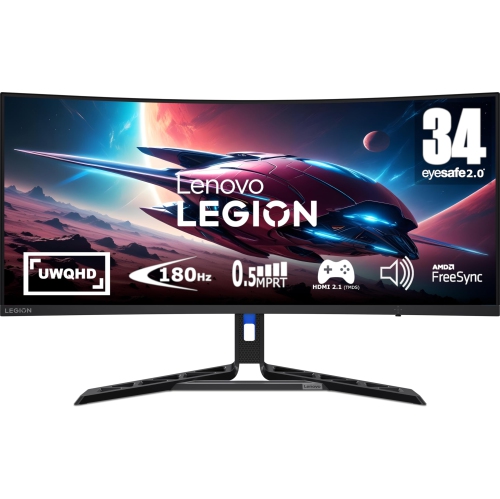
A wider workspace without the gap between screens
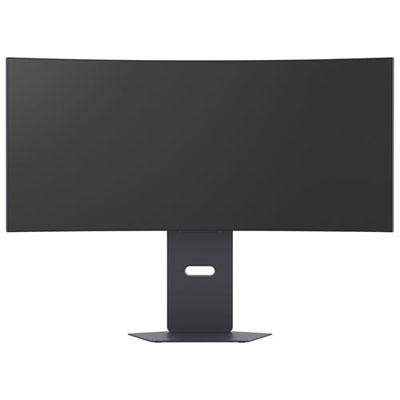
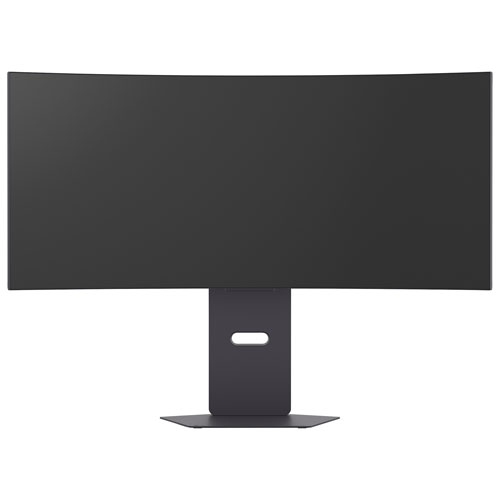
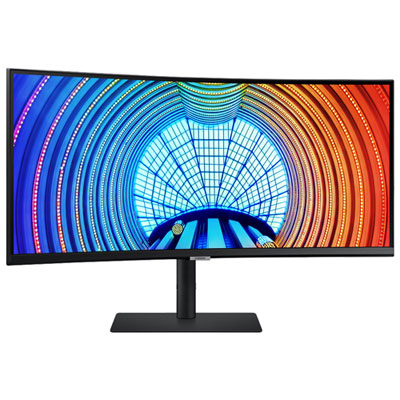
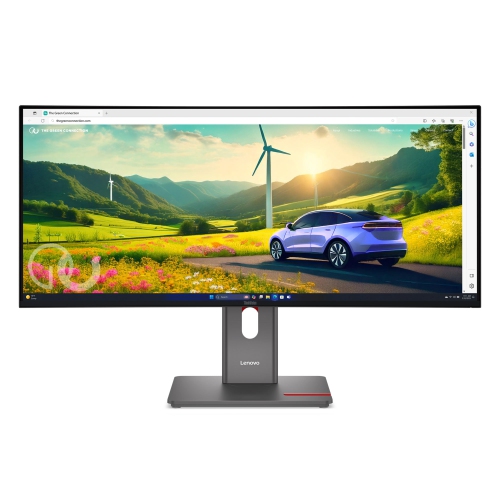
A 34-inch curved monitor brings a wide, continuous workspace to a desk, with the edges of the screen angled gently towards the viewer. Many displays in this category combine a 21:9 ultrawide aspect ratio with a 3440 x 1440 resolution, providing more horizontal room than a standard 16:9 QHD screen. Specifications vary, so screen size alone does not establish resolution, refresh rate, or connection options. For everyday work, the appeal is easy to picture: a spreadsheet open beside an email window, a reference document next to a report, or a video meeting with notes still visible alongside it. The uninterrupted panel removes the central bezel found between two separate monitors and can simplify cable routing, although it does not necessarily provide as much workspace as two full-size displays. A 34-inch measurement describes the screen diagonally, not its width, and the ultrawide shape is generally wider rather than substantially taller than a conventional desktop monitor. That extra width also suits video timelines, music production sessions, and design applications with several tool panels. Text size and clarity depend on native resolution, viewing distance, and operating system scaling; a larger diagonal measurement does not automatically make small lettering easier to read. The curve changes how the display sits within the viewer’s field of vision rather than adding pixels or increasing sharpness. Curvature is often expressed with a rating such as 1500R or 1800R, with a smaller number indicating a tighter curve. A gentler curve may feel familiar for office tasks, while a more pronounced curve creates a stronger wraparound effect from a centred seating position. Neither shape is automatically better for every activity. For someone moving from a flat screen, desk depth and the ability to sit near the centre of the panel matter as much as the curve itself. Window-arrangement tools can help keep frequently used applications in predictable positions without constantly resizing them.
Picture quality depends on the panel and its supporting features, not simply the ultrawide format. VA panels are often associated with strong native contrast, which can give dark scenes more depth, while IPS panels are generally valued for consistent colour and viewing angles. Actual performance varies between displays, particularly in shadow detail, motion clarity, and colour accuracy. Someone editing photographs may place greater importance on colour coverage and calibration, whereas a player following fast-moving action may prioritize refresh rate, pixel response, and adaptive sync compatibility. A higher refresh rate allows the display to show more updates each second, but smooth gameplay also depends on the computer’s graphics hardware and the demands of the game. Rendering at 3440 x 1440 requires more graphics processing than standard 2560 x 1440, so the monitor and computer need to be considered together. Ultrawide support also varies by game and application. Some titles use the extra width effectively, while others retain a narrower image with bars at the sides; many game consoles output a 16:9 picture rather than filling a 21:9 screen. Films, streamed video, and shared presentations can likewise appear with unused space depending on their original proportions. HDR support deserves a closer look at brightness, contrast, and dimming capabilities, since accepting an HDR signal does not by itself establish how dramatic the result will look. Connections influence everyday convenience just as much. HDMI and DisplayPort capabilities vary, and the available resolution and refresh rate depend on the source device, monitor input, and cable working together. A USB-C connection may support video, data, and laptop charging through one cable, but those functions and the charging wattage must be confirmed individually. Built-in USB hubs, speakers, picture-by-picture modes, or switching features are useful additions when included, rather than standard features of every curved display. A home office shared between a work laptop and a personal computer has different connection needs from a dedicated gaming desk, even when both use the same screen size.
Physical fit is especially important with a wide display. The screen may fit across a desktop while its stand leaves too little room for a keyboard, writing pad, or comfortable mouse movement. Overall width, stand depth, and clearance beneath shelves are more useful measurements than the diagonal size alone. Height adjustment helps position the screen comfortably, while tilt and swivel make it easier to account for seating position or nearby light. An adjustable monitor arm can free up desk space, provided the display supports the required VESA mounting pattern and the arm is rated for its weight and dimensions. The desk must also be suitable for the mount’s clamp or attachment method. Curved monitors are usually best viewed from near the centre, so a setup used by two people sitting side by side may call for different priorities than a single-person workstation. Matte screen finishes can reduce distracting reflections, but positioning the display away from direct glare remains useful. Materials and construction also affect daily handling: plastic rear housings keep weight manageable, while stands may incorporate metal components for support. A stable base, secure mounting points, and neatly routed cables help reduce accidental movement or strain on connections. For cleaning, follow the display’s care directions, switch it off, and use a clean, soft microfibre cloth; avoid spraying liquid directly onto the panel or pressing firmly against the screen. When moving it, support the chassis rather than lifting by the curved edges, and retain the protective packaging if future transport is likely. For a student, remote worker, creative hobbyist, or PC gamer, a 34-inch curved monitor can be a thoughtful gift when it matches the recipient’s desk, computer outputs, and main activities. Related categories such as Samsung 34 Monitors provide another point of comparison for screen shape, connections, and stand adjustments. The most useful combination is one that makes familiar tasks easier without demanding compromises in seating, workspace, or device compatibility.
Top selling and popular products
-
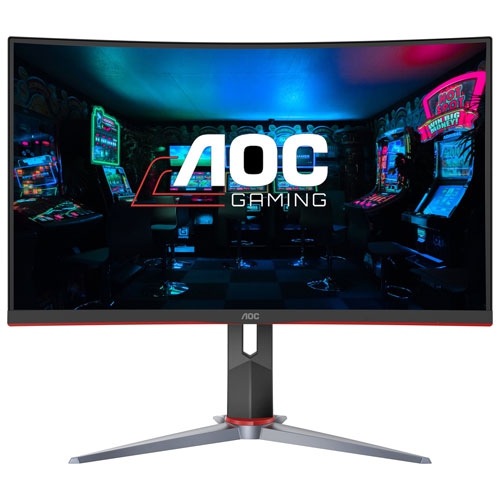 Your price for this item is $275
-
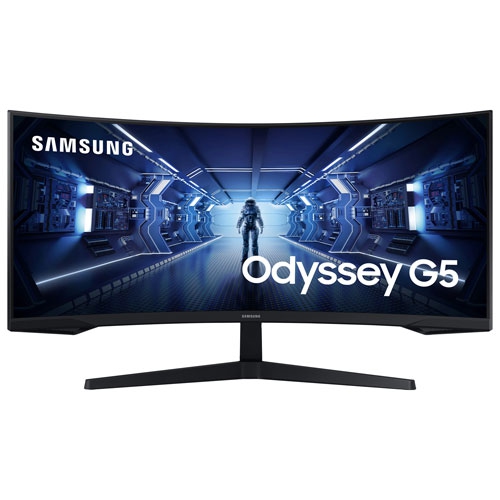 Your price for this item is $559.68
-
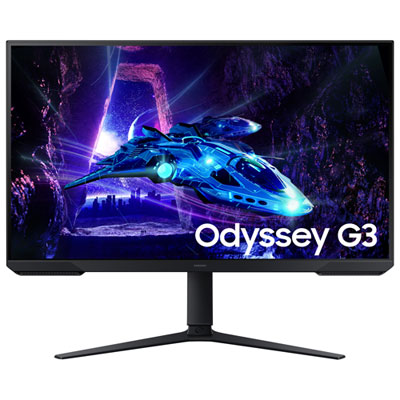 Your price for this item is $209.95
-
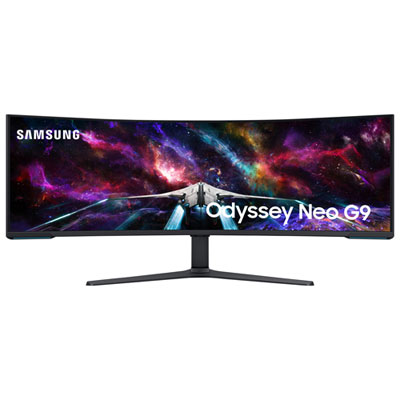 Your price for this item is $3299.99
-
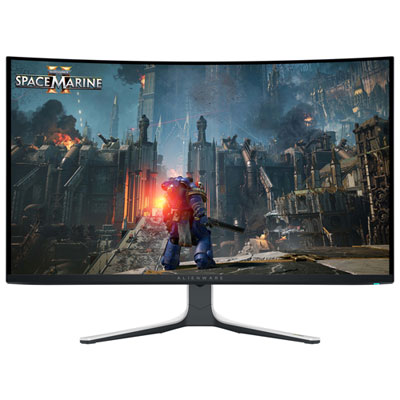 Your price for this item is $1349.99
-
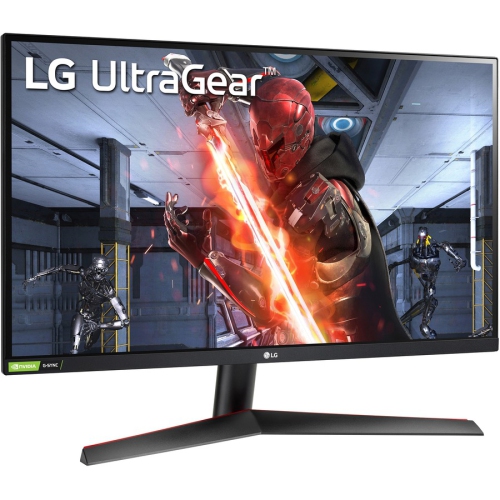 Your price for this item is $554.68
-
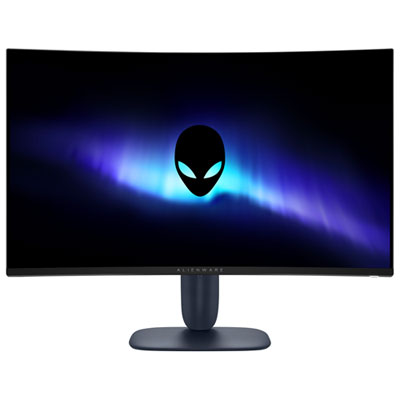 Your price for this item is $339.95
-
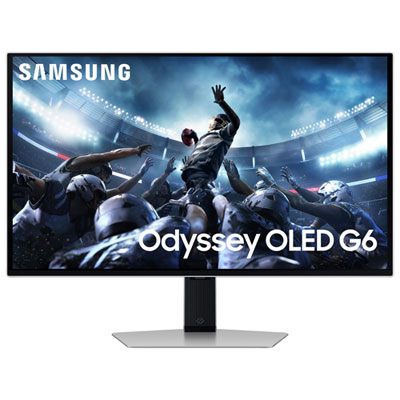 Your price for this item is $1199.99
Discover more categories related to LG 34 Curved Monitors
Top Collections:
Best Black Friday Deals This Year, Best Black Friday Deals On Electronics, Kindle Devices, Pokemon Centers, Best Black Friday Deals On Apple Products, Best Cameras for Sports Photography, Dyson Airwrap, Pokémon 30th Celebration Cards, Apple iPhone 17 Pro, Canon G7X Cameras
Some products may be subject to Environmental Handling Fees
(EHF) depending on your province.
Learn more about EHFs.