HP ProDesk 600 G1 Desktops
Discover reliable performance and versatile functionality with the HP ProDesk 600 G1 Desktop. Designed to meet a variety of computing needs, this desktop is an excellent choice for both home and office environments. Whether you’re tackling daily tasks, managing files, or staying connected, the HP ProDesk 600 G1 Desktop delivers a dependable solution to keep you productive. Explore options that suit your workspace and experience smooth operation with a desktop built for efficiency.
Sort
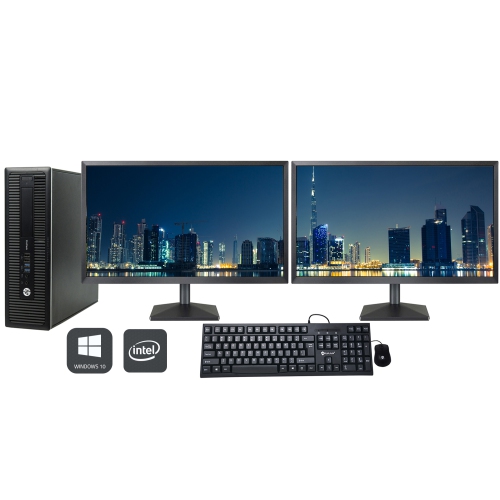
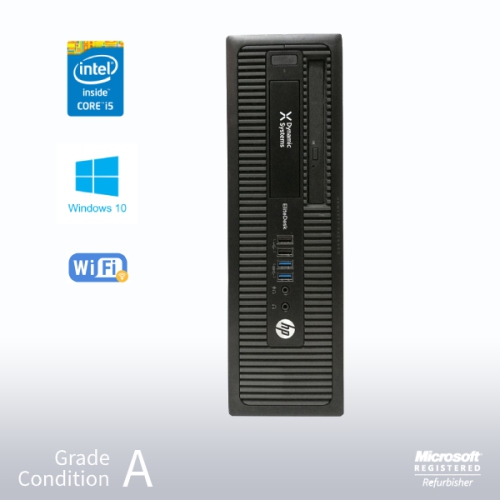
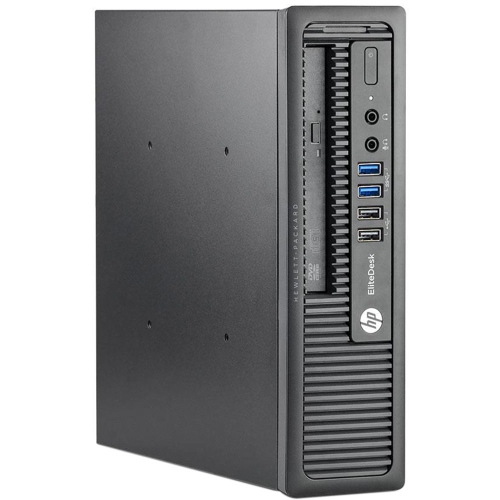
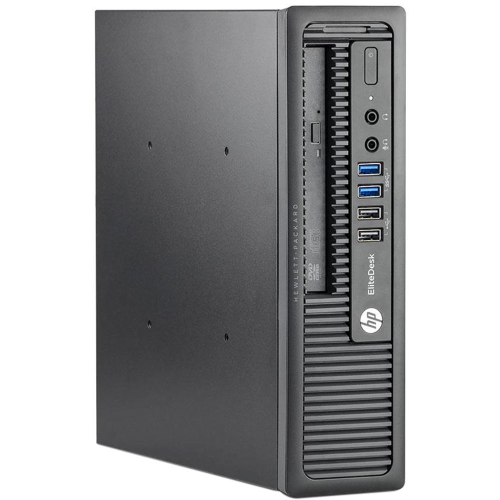
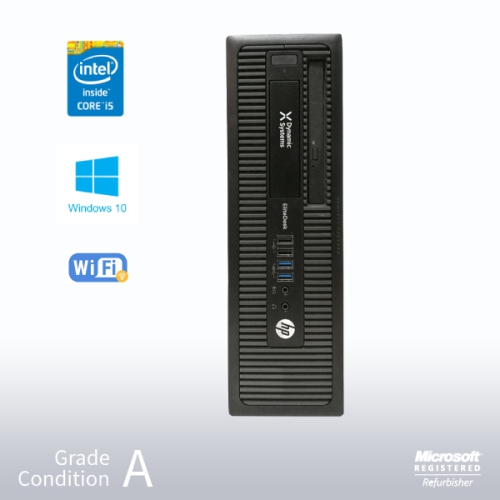
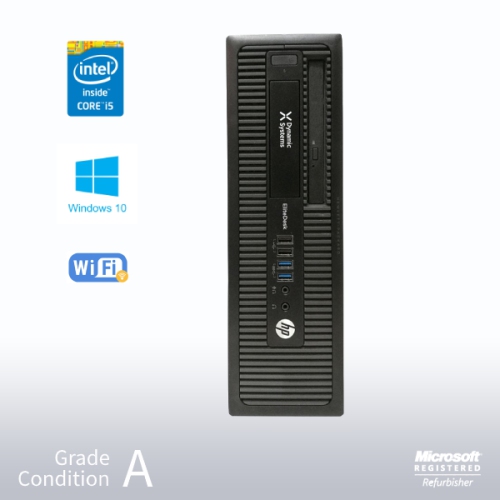
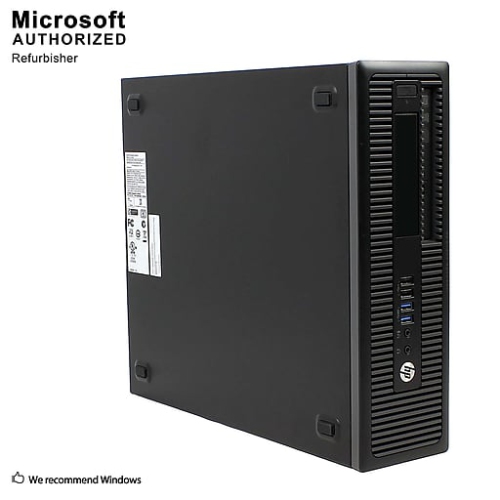
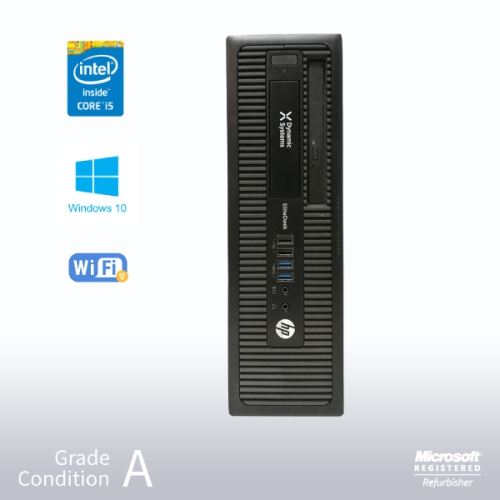
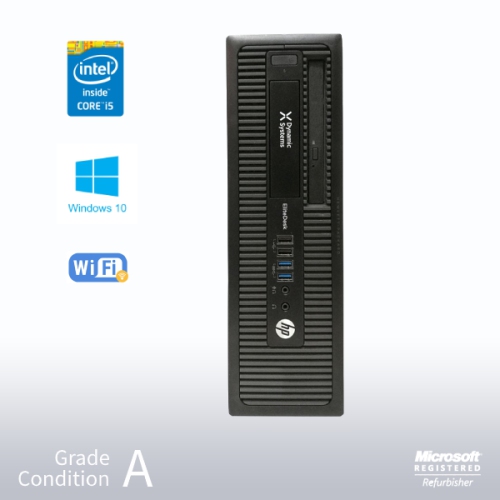
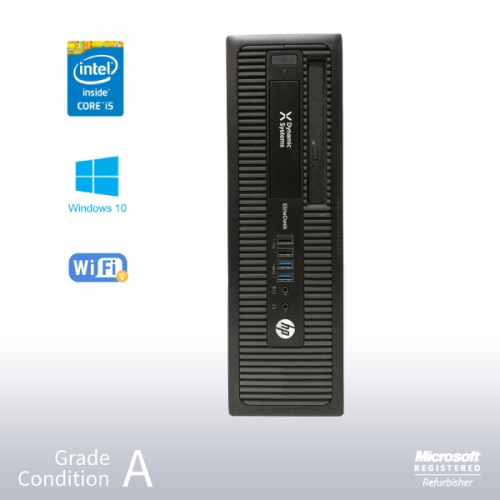
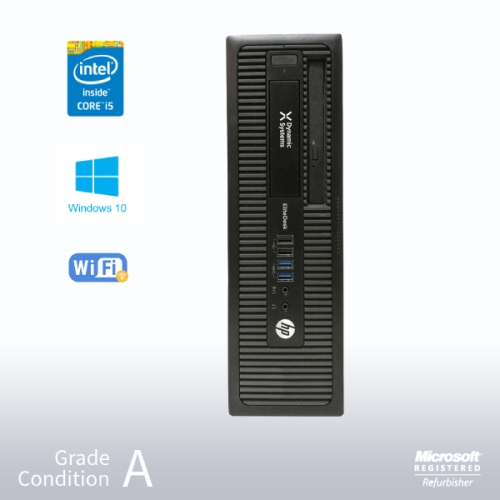
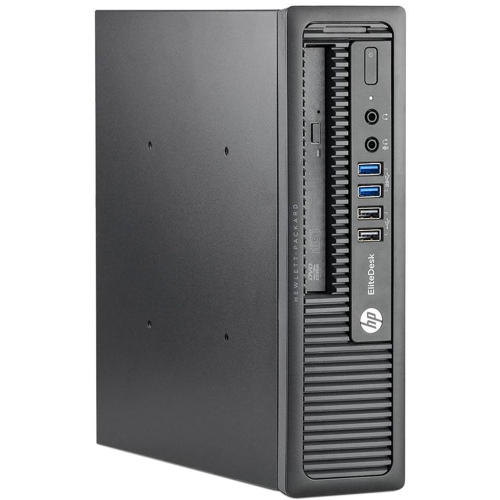
Practical refurbished desktops for work, study, and everyday tasks
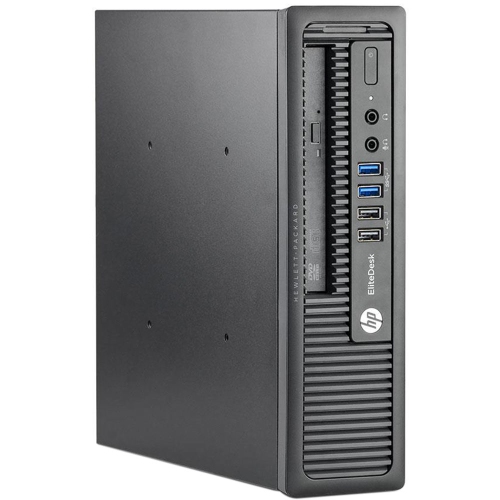
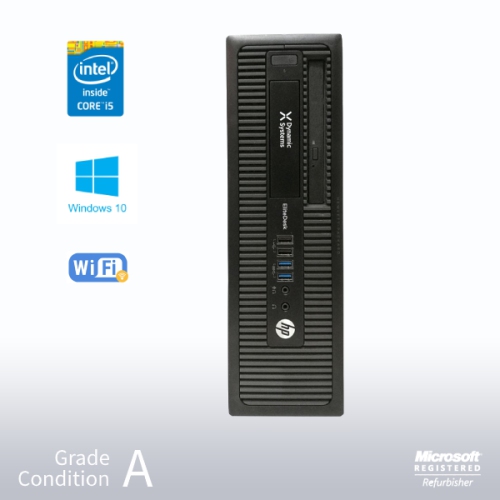
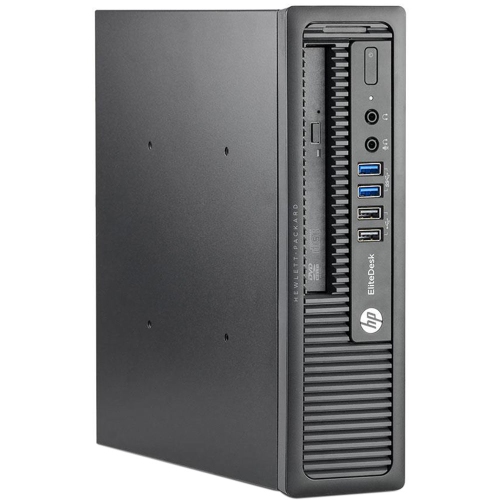
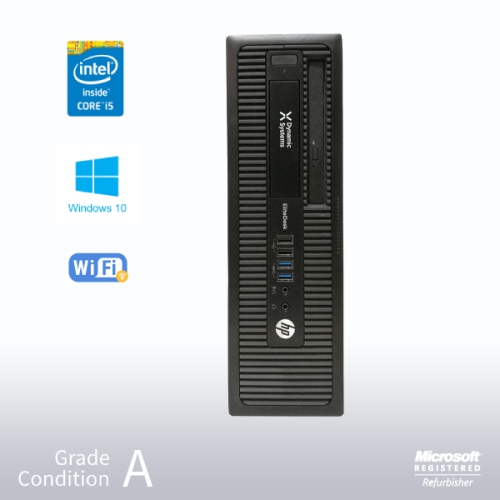
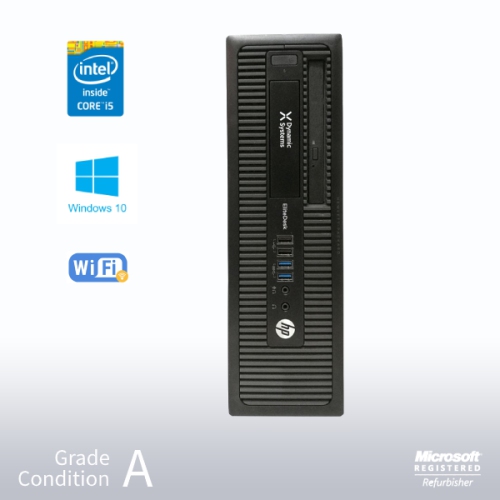
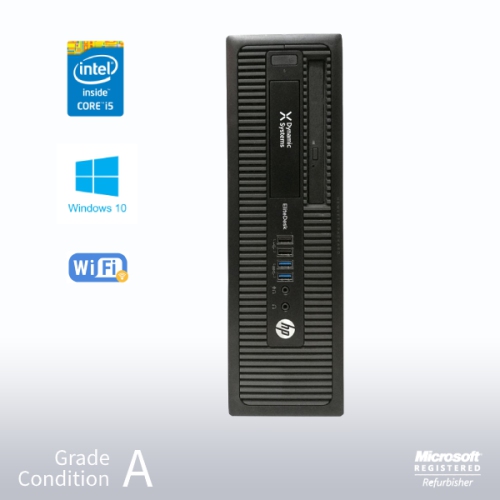
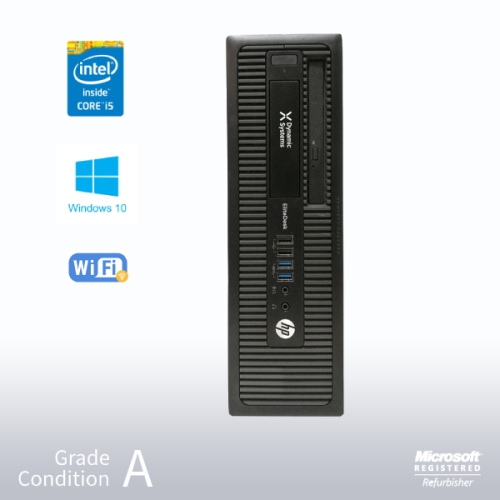
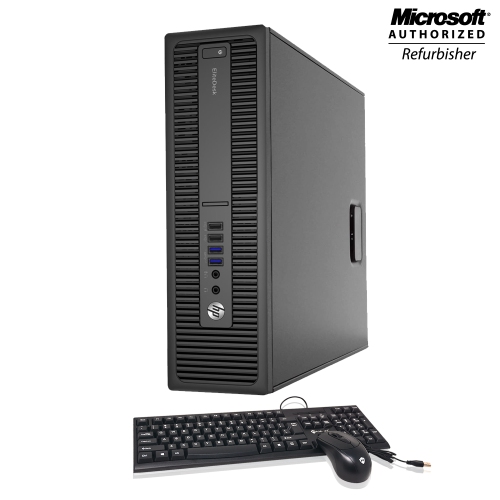
HP ProDesk 600 G1 Desktops remain a practical choice for shoppers who want a capable Windows computer for everyday tasks without moving into the cost of a new high-performance system. Built for business use, these desktops are well suited to word processing, spreadsheets, email, online research, video calls, schoolwork, appointment scheduling, invoicing, and other routine applications. Many refurbished configurations use a fourth-generation Intel Core processor, including the Intel Core i5-4570, which runs at 3.2 GHz and can reach up to 3.6 GHz with Turbo Boost when additional processing power is needed. That combination provides responsive performance for common office and home activities, particularly when paired with a solid-state drive. Memory typically ranges from 8 GB to 16 GB of DDR3 RAM, giving users enough capacity for several browser tabs, document windows, music playback, and communication tools at the same time. Storage can vary considerably, with configurations ranging from a 128 GB SSD to a larger hard disk drive of up to 1 TB, as well as hybrid combinations. An SSD generally helps the computer start more quickly and makes frequently used programs feel more responsive, while a larger hard drive can provide extra room for photos, school files, downloaded media, and archived documents. Operating systems may include Windows 10 Pro or Windows 11 Pro, depending on the refurbished configuration, so shoppers should review the listing carefully to confirm the installed version, included recovery options, and any licensing details before completing a purchase.
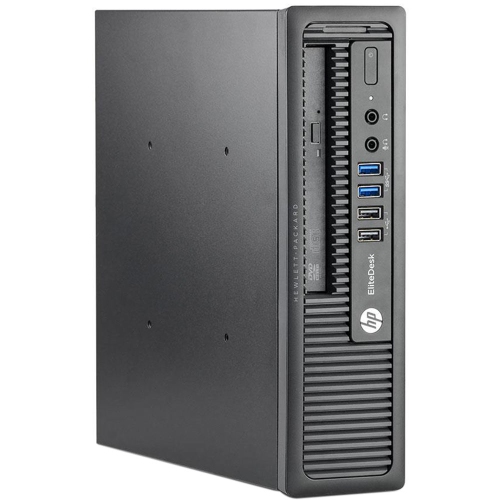
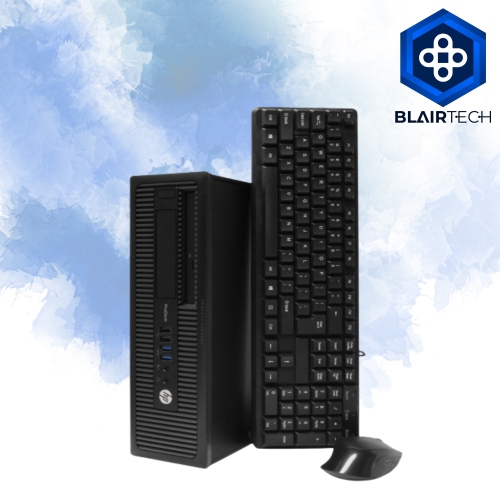
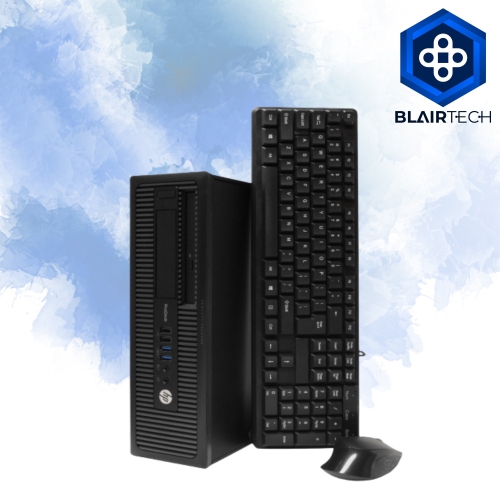
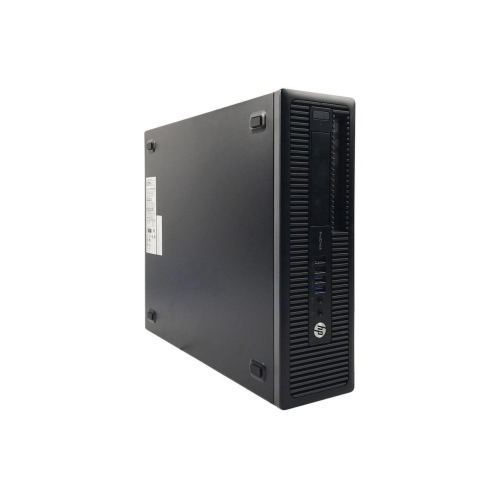
These desktops can suit a home office, a small business workstation, a student study area, or a shared family computer in a quiet corner of the house. A refurbished unit can also be useful for setting up a reception desk, a point-of-sale station, a community workspace, or a secondary computer for bookkeeping and records. For a work-from-home setup, consider whether the desktop includes Wi-Fi or requires a wired network connection, and check whether a monitor, keyboard, mouse, speakers, or webcam are included. Complete bundles can simplify installation because the essential components arrive together, while a standalone desktop may be a better fit for someone who already owns a display and peripherals. The physical design matters as well. A full tower-style chassis generally provides more room for additional drives, expansion cards, and internal upgrades, although it may take up more space beneath or beside a desk. Small Form Factor models are easier to place in compact work areas, on a shelf, or behind a monitor, but they usually offer less room for extra drives and may require low-profile expansion hardware. Before choosing a configuration, measure the available space and note the orientation of the computer, the location of the power button, and the clearance needed for ventilation. It is also worth checking the rear panel for the connections required by your equipment, such as USB ports, DisplayPort, VGA, Ethernet, audio connections, and any adapters needed for a particular monitor. If your workspace needs a newer display connection, multiple monitors, or wireless accessories, confirm compatibility before ordering rather than assuming every configuration includes the same ports or built-in features.
The HP ProDesk 600 G1 can handle light media streaming and everyday productivity, but it is best matched with realistic expectations. It may work well for web video, music, document creation, remote learning, and basic photo organization, while demanding modern games, advanced video editing, three-dimensional design, and other graphics-heavy applications may require a newer processor, more memory, a dedicated graphics card, or a different class of computer. Refurbished systems can differ by seller and configuration, so compare the processor, RAM, storage type and capacity, operating system, optical drive, wireless capability, and included accessories rather than relying on the model name alone. Look for clear information about cosmetic condition, testing, warranty coverage, return terms, and whether the power cord is supplied. A computer intended for children’s homework or a first home office may benefit from a larger monitor and simple wired peripherals, while someone building a compact study station may prefer a smaller chassis with a basic display. During the cooler months, a reliable desktop can become the centre of a practical indoor workspace for classes, budgeting, creative hobbies, and staying connected with family. Shoppers comparing similar business computers may also wish to review the HP ProDesk 600 G3 to see how processor generation, memory, storage, and available connections differ. By matching the desktop’s specifications to the tasks it will perform, the space available, and the accessories already on hand, it becomes easier to choose a dependable setup for work, study, communication, and everyday home use.
These desktops can suit a home office, a small business workstation, a student study area, or a shared family computer in a quiet corner of the house. A refurbished unit can also be useful for setting up a reception desk, a point-of-sale station, a community workspace, or a secondary computer for bookkeeping and records. For a work-from-home setup, consider whether the desktop includes Wi-Fi or requires a wired network connection, and check whether a monitor, keyboard, mouse, speakers, or webcam are included. Complete bundles can simplify installation because the essential components arrive together, while a standalone desktop may be a better fit for someone who already owns a display and peripherals. The physical design matters as well. A full tower-style chassis generally provides more room for additional drives, expansion cards, and internal upgrades, although it may take up more space beneath or beside a desk. Small Form Factor models are easier to place in compact work areas, on a shelf, or behind a monitor, but they usually offer less room for extra drives and may require low-profile expansion hardware. Before choosing a configuration, measure the available space and note the orientation of the computer, the location of the power button, and the clearance needed for ventilation. It is also worth checking the rear panel for the connections required by your equipment, such as USB ports, DisplayPort, VGA, Ethernet, audio connections, and any adapters needed for a particular monitor. If your workspace needs a newer display connection, multiple monitors, or wireless accessories, confirm compatibility before ordering rather than assuming every configuration includes the same ports or built-in features.
The HP ProDesk 600 G1 can handle light media streaming and everyday productivity, but it is best matched with realistic expectations. It may work well for web video, music, document creation, remote learning, and basic photo organization, while demanding modern games, advanced video editing, three-dimensional design, and other graphics-heavy applications may require a newer processor, more memory, a dedicated graphics card, or a different class of computer. Refurbished systems can differ by seller and configuration, so compare the processor, RAM, storage type and capacity, operating system, optical drive, wireless capability, and included accessories rather than relying on the model name alone. Look for clear information about cosmetic condition, testing, warranty coverage, return terms, and whether the power cord is supplied. A computer intended for children’s homework or a first home office may benefit from a larger monitor and simple wired peripherals, while someone building a compact study station may prefer a smaller chassis with a basic display. During the cooler months, a reliable desktop can become the centre of a practical indoor workspace for classes, budgeting, creative hobbies, and staying connected with family. Shoppers comparing similar business computers may also wish to review the HP ProDesk 600 G3 to see how processor generation, memory, storage, and available connections differ. By matching the desktop’s specifications to the tasks it will perform, the space available, and the accessories already on hand, it becomes easier to choose a dependable setup for work, study, communication, and everyday home use.
Top selling and popular products
-
 Your price for this item is $1599
 -
 Your price for this item is $1299.99
 -
 Your price for this item is $1629.79
 -
 Your price for this item is $1459.79
 -
 Your price for this item is $929
 -
 Your price for this item is $2299.99
 -
 Your price for this item is $1076.55
 -
 Your price for this item is $1839
Discover more categories related to HP ProDesk 600 G1 Desktops
Top Collections:
Pokemon Centers, Kindle Devices, Best Budget Office Chairs, Canon G7X Cameras, Apple iPhones 16, Samsung Galaxy Phones, Refurbished Apple Laptops, Laptops for Students, iPhone 15 Apple, Budget Smartphones
Some products may be subject to Environmental Handling Fees
(EHF) depending on your province.
Learn more about EHFs.