Huawei Mediapads
Discover the versatility and convenience of the Huawei MediaPad, designed to enhance your digital lifestyle. Whether you’re looking for a reliable companion for work, study, or entertainment, these tablets offer a sleek solution for staying connected and productive on the go. Explore a range of options to find the perfect Huawei MediaPad that fits your needs and enjoy seamless performance wherever life takes you.
Sort








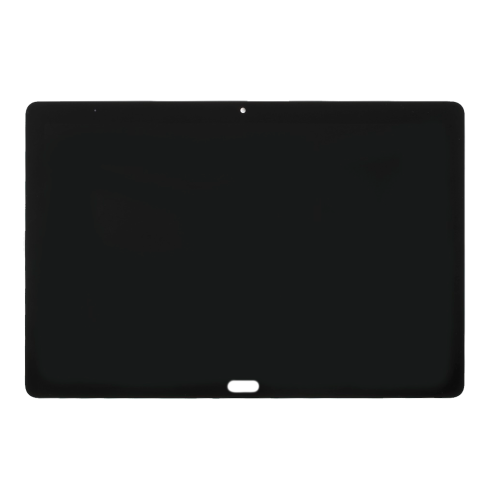
Why tablet screen size is only the starting point
Compact and mid-size tablets with 7-inch to 10.1-inch screens offer a practical middle ground between a phone and a laptop. Their touchscreens provide room for reading, watching videos, browsing websites, and using everyday apps without the bulk of a full computer. A smaller tablet is easy to hold while reading a novel on the sofa or checking directions before leaving home, while a larger screen gives subtitles, recipes, and illustrated textbooks more space. Display resolution matters alongside screen size: sharper text can make longer reading sessions more comfortable, and a wider viewing angle helps when two people are watching the same screen. Brightness settings and reflections also affect how clearly a display can be seen near a window or beneath overhead lighting. For video calls, the position of the front-facing camera influences the viewing angle when the tablet rests horizontally in a stand. Built-in speakers are convenient for casual listening, while headphone connections depend on the device’s ports and wireless capabilities. Tablets can suit students reviewing course material, adults catching up on news, and family members who want a straightforward screen for photos and entertainment. They can also serve as a secondary device beside a computer, keeping reference material or a recipe visible without interrupting another task. A tablet on a kitchen stand, for example, leaves a countertop clearer than an open laptop would, though it still needs protection from splashes and heat. Touch controls are well suited to tapping, scrolling, and enlarging images, but extensive typing or specialized desktop work may call for a keyboard or a different type of device. Screen proportions matter, too: a wider display suits video, while other shapes may feel more natural for documents held upright. The most useful size is therefore not always the largest; it is the one that fits the intended activity, carrying bag, and preferred way of holding the screen.
Everyday performance depends on the processor, working memory, operating system, and the demands of the apps being used. Reading downloaded books or playing stored music generally places fewer demands on a tablet than switching between several apps, joining a video call, or running a graphics-heavy game. Working memory helps apps remain responsive during multitasking, whereas internal storage holds apps, photos, downloads, and other files. Those two specifications describe different capabilities, even when both are measured in gigabytes. A memory card slot can add space for supported files, but expandable storage does not necessarily allow every app to be moved off the internal drive. The supported card format and capacity also vary by device. Downloaded films, scanned schoolwork, and large photo collections can occupy substantial space, making storage particularly relevant for shared family use or travel. Software compatibility deserves equal attention, especially with older tablets. An app may require a newer operating system than the device can run, and access to an app store does not guarantee support for every streaming, banking, learning, or workplace service. The date of the latest security update is also relevant when a tablet will handle personal accounts or sensitive information. For connected use, Wi-Fi capabilities influence access to home, school, and public networks; mobile network access requires separate cellular hardware and compatible service. A memory card slot should not be confused with a slot for a mobile network card. Bluetooth can support headphones, speakers, and some keyboards, although accessory compatibility depends on the device and software. A charging connector may also support file transfers, but video output and other functions should not be assumed from its shape alone. Battery life varies with screen brightness, wireless activity, app workload, and battery condition. A tablet that lasts comfortably through reading sessions may need charging sooner during continuous video calls. These differences help explain why screen size alone says relatively little about how well a tablet will suit a particular routine.
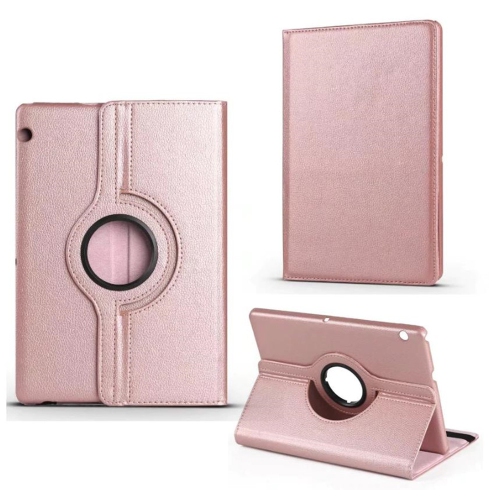
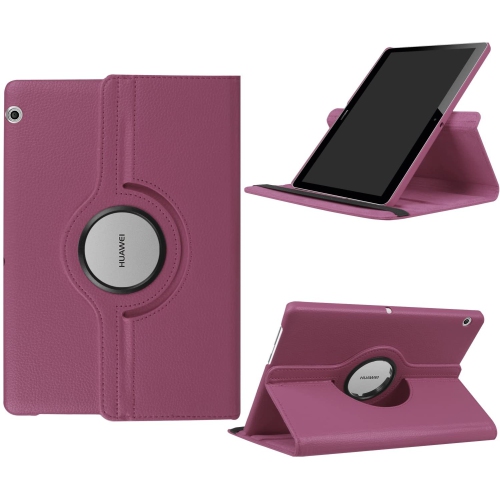
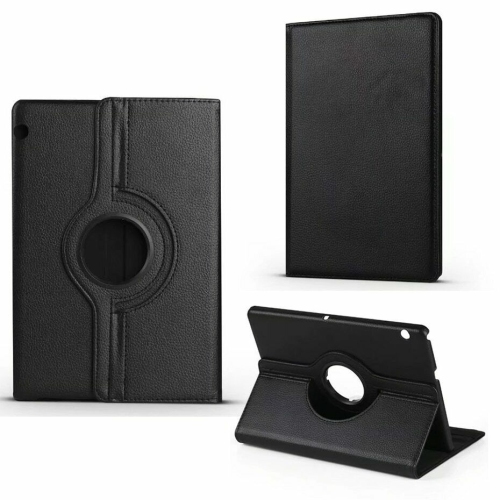
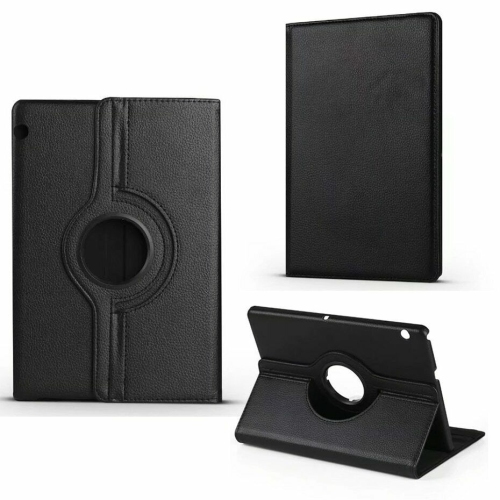
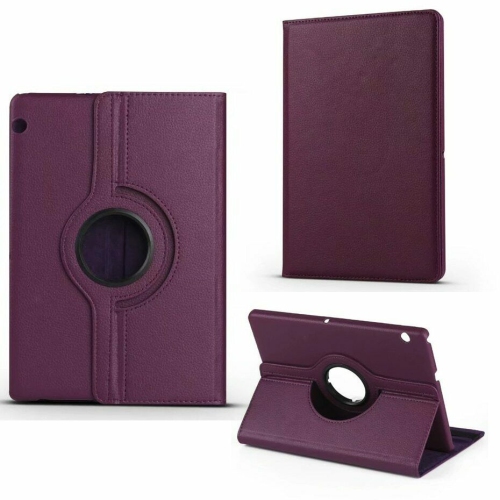
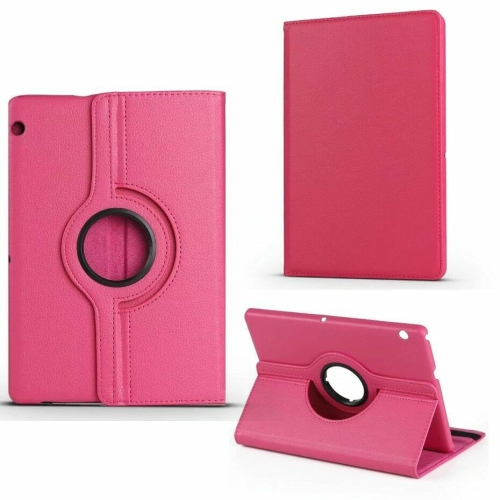
Materials, weight, and accessory fit shape how comfortable a tablet feels over time. Metal-backed designs can feel solid and smooth in the hand, while textured finishes or fitted cases may provide a more secure grip. A thin body slips easily into a bag, but a protective cover can add useful cushioning around corners and keep the screen away from keys or other hard objects. Cases need to match the tablet’s exact dimensions, camera placement, buttons, and charging port; matching the screen measurement alone is not enough. The same applies to screen protectors, which need correctly positioned openings and a suitable fit around the edges. A folding cover or adjustable stand can support hands-free viewing and reduce the need to hold the device during a long call. Ordinary capacitive styluses can work for basic tapping on many touchscreens, but precise handwriting, pressure sensitivity, and palm rejection require specific hardware support. Routine care is straightforward: a soft, lint-free cloth helps remove fingerprints, and cleaning liquid should not be sprayed directly onto the screen or into openings. Abrasive cleaners, pressure against the display, and moisture around ports can cause damage. Water resistance should never be assumed, and a protective case does not automatically make a tablet waterproof. For children, a sturdy case, age-appropriate account settings, and supervised app access can make a shared device easier to manage. For a recipient who enjoys reading, family photos, or video conversations, comfortable handling and familiar controls may matter more than advanced features. A tablet can make a thoughtful gift when its software supports the recipient’s favourite activities and its controls suit their needs. Someone interested in wrist-worn notifications or activity tracking may also want to explore Huawei Smartwatches, with smartphone and app compatibility considered separately from tablet features. Whether used at a desk, carried between classes, or shared at home, a tablet is most useful when its screen, software, connections, and physical design fit naturally into daily life.
Top selling and popular products
-
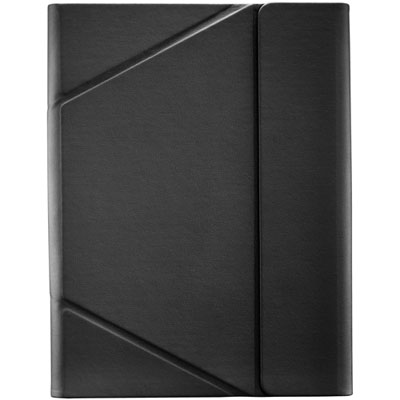 Your price for this item is $44.99
-
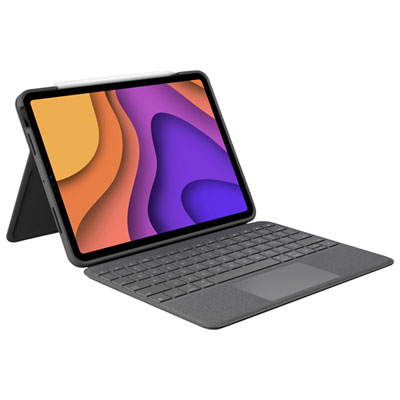 Your price for this item is $229.99
-
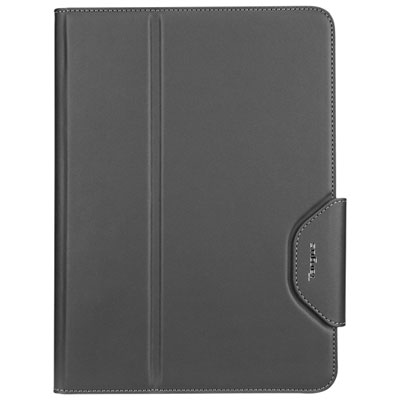 Your price for this item is $62.99
-
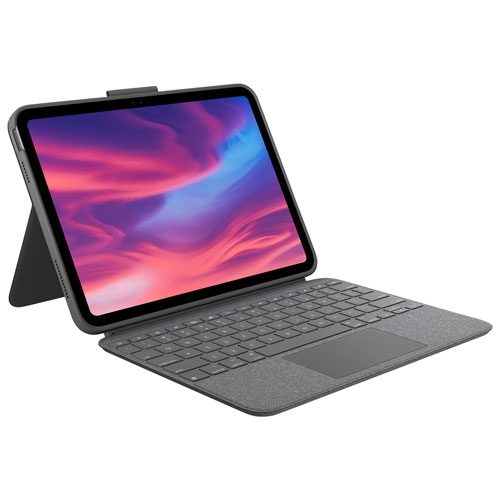 Your price for this item is $179.99
-
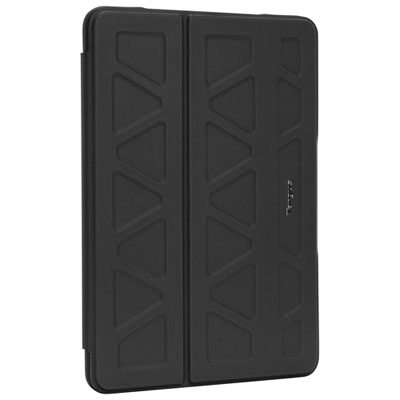 Your price for this item is $41.98
-
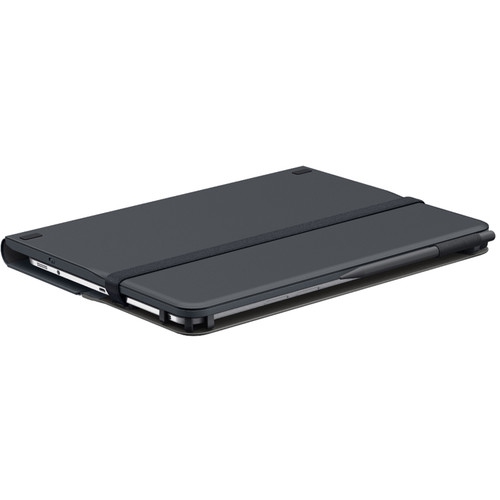 Your price for this item is $115.68
-
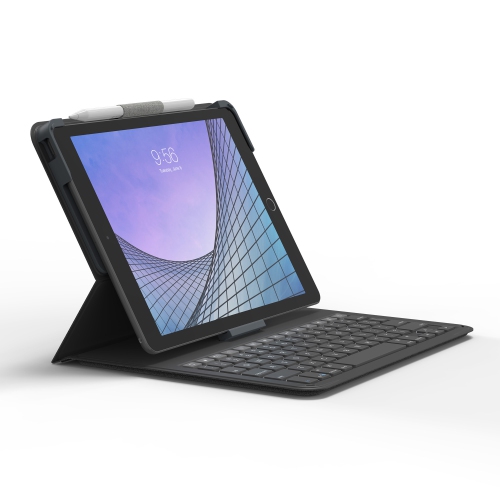 Your price for this item is $69.99
-
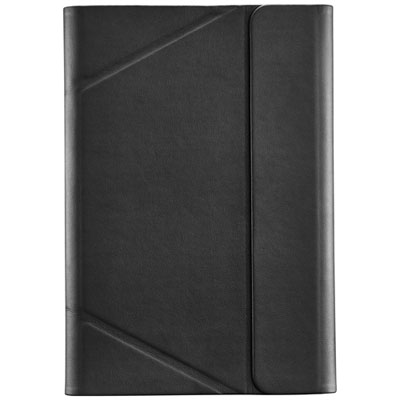 Your price for this item is $39.99
Discover more categories related to Huawei Mediapads

Top Collections:
Best Black Friday Deals This Year, Best Black Friday Deals On Electronics, Kindle Devices, Best Black Friday Deals On Apple Products, Best Budget Office Chairs, Best Cameras for Sports Photography, Dyson Airwrap, Canon G7X Cameras, Best Laptops for Writers, Samsung Galaxy Phones
Some products may be subject to Environmental Handling Fees
(EHF) depending on your province.
Learn more about EHFs.