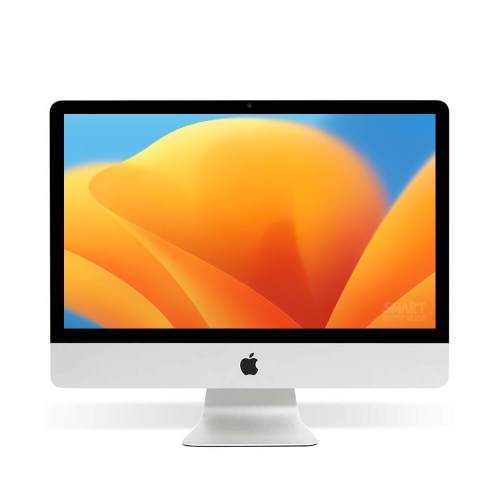
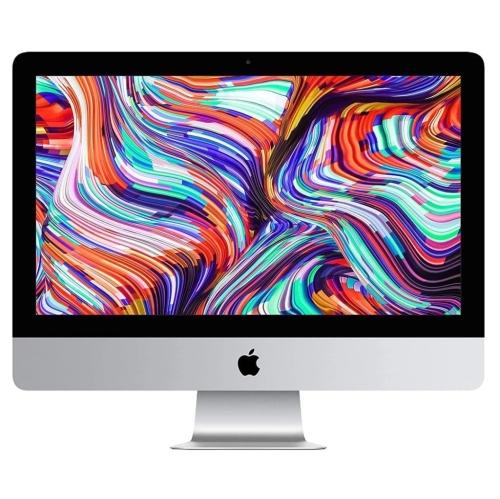
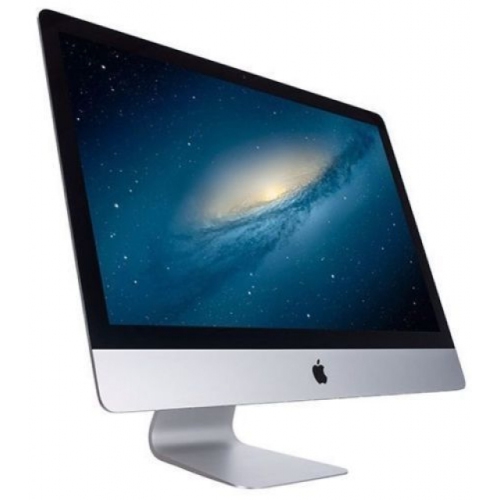
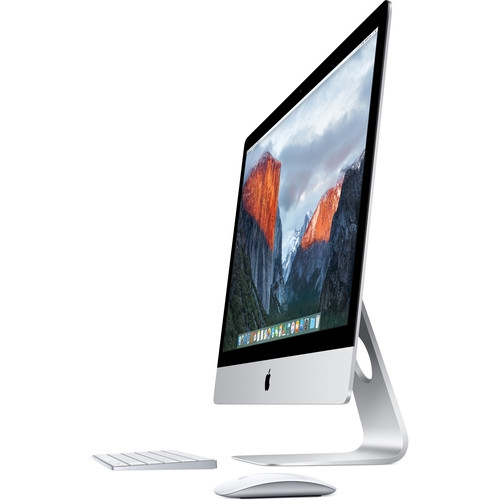
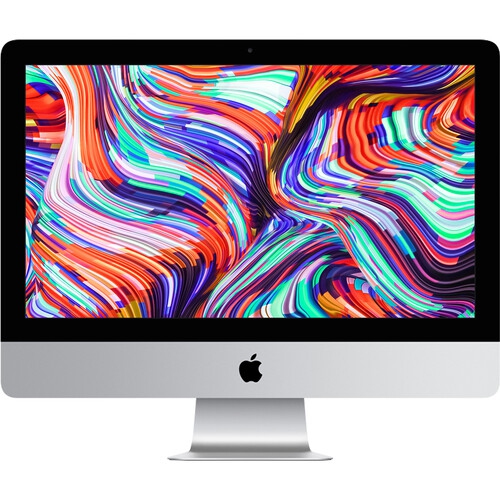
iMac 21.5 Inch
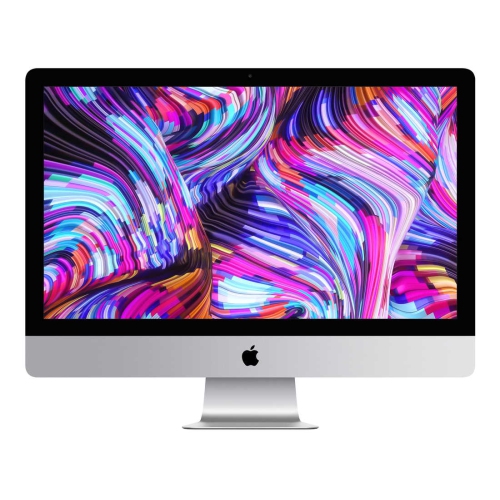
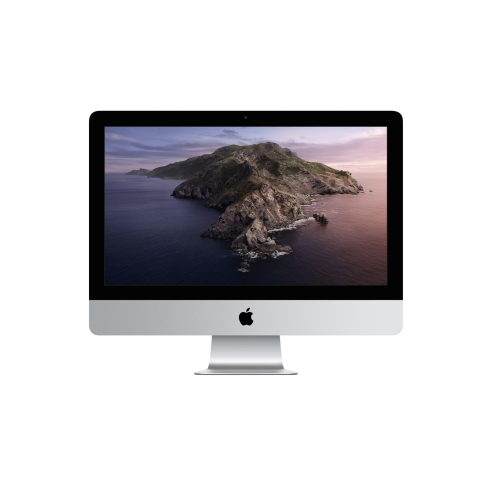
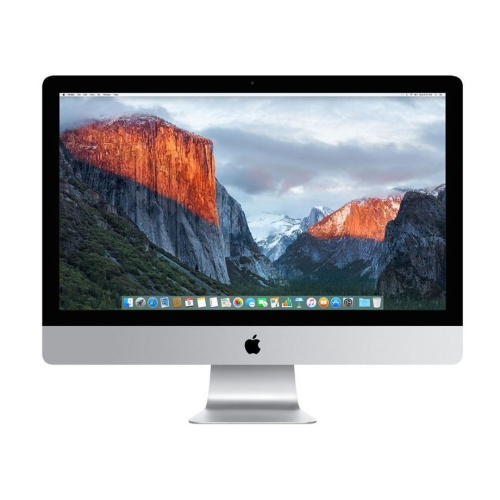
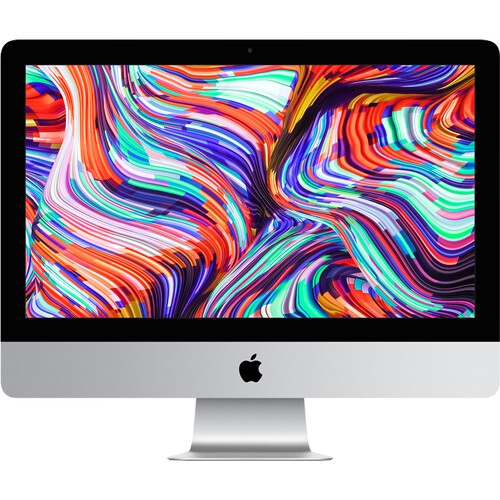
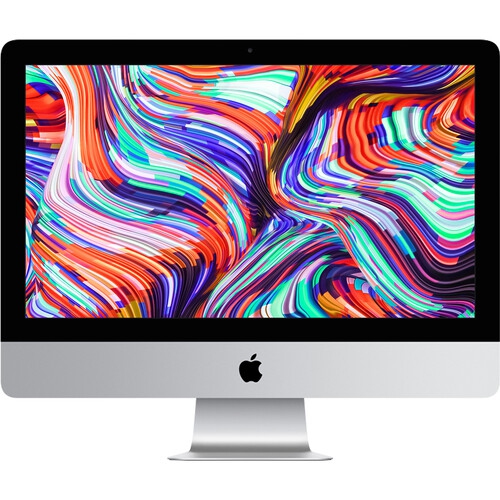
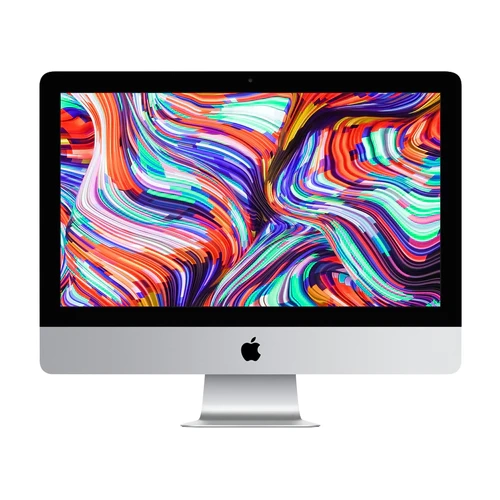
Upgrade your computing experience with the powerful and sleek iMac 21.5 Inch. Designed to deliver exceptional performance and stunning visuals, this all-in-one desktop computer is perfect for both work and play. With its impressive processing power, vibrant display, and user-friendly interface, the iMac 21.5 Inch offers a seamless and immersive computing experience like no other. Whether you're a creative professional, a multitasking enthusiast, or simply looking for a reliable home computer, the iMac 21.5 Inch is sure to exceed your expectations. Explore our selection of iMac 21.5 Inch models today and discover the perfect fit for your needs. Also check out our Best MacBook Laptops for even more great options!
How display and performance shape everyday desktop use
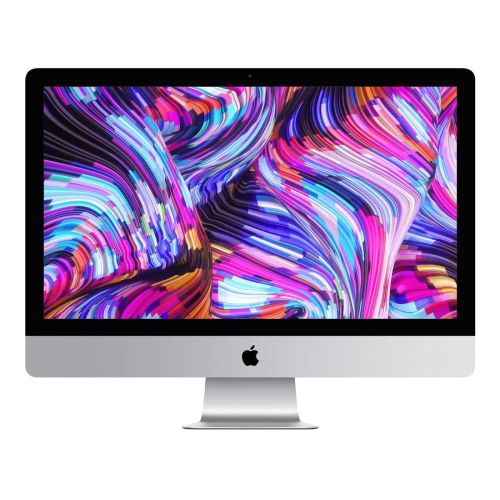
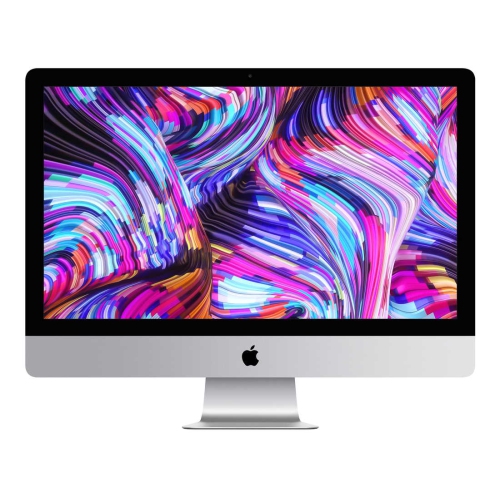
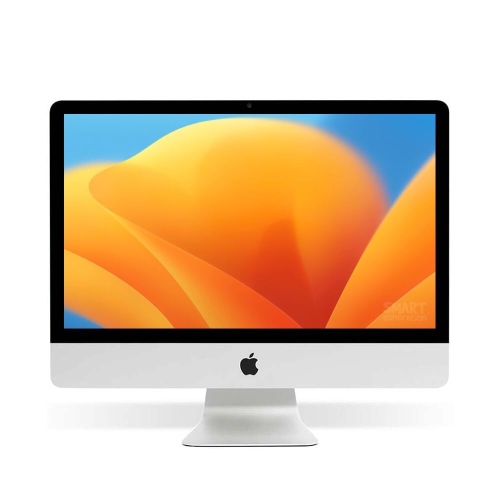
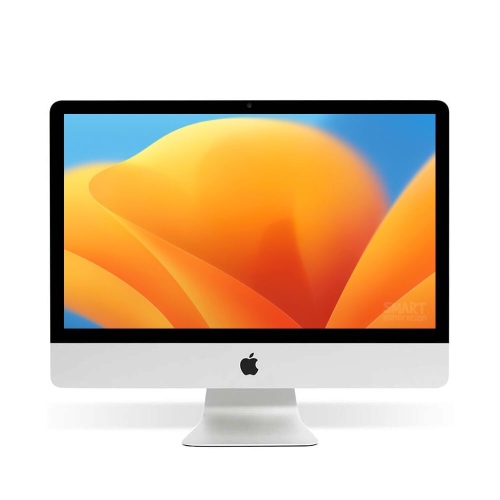
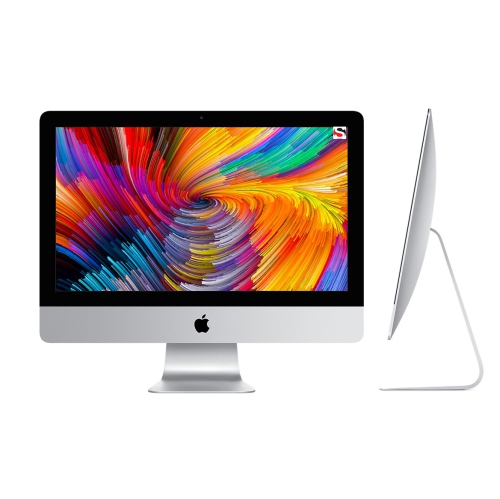
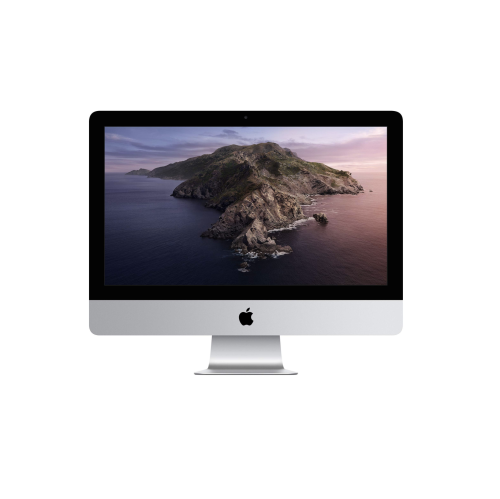
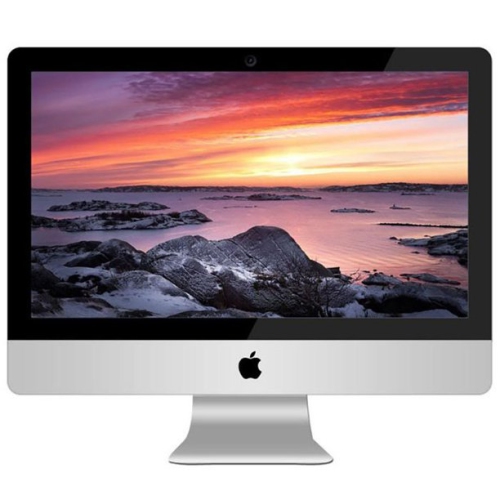
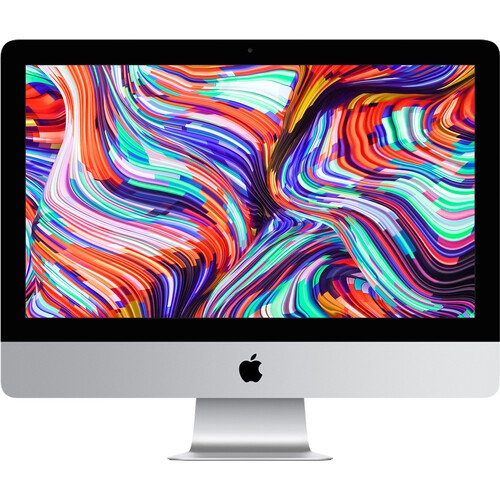
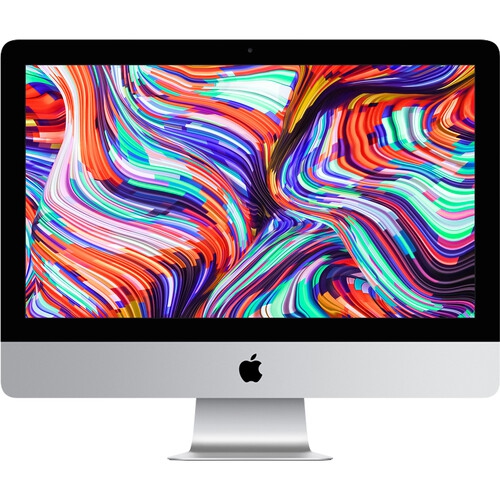
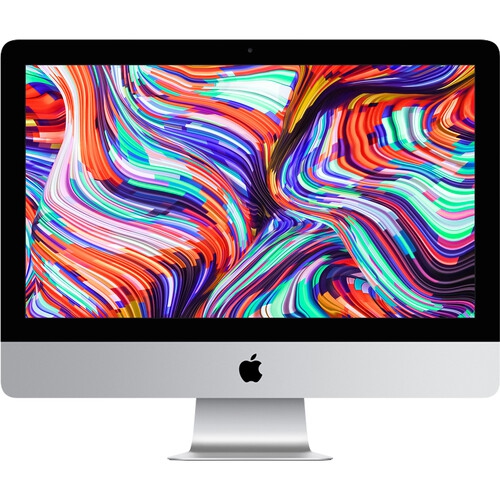
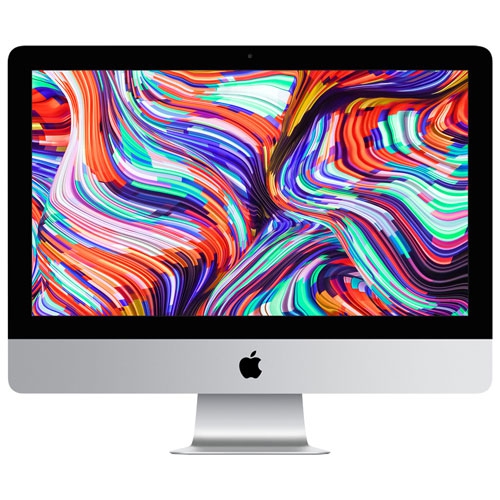
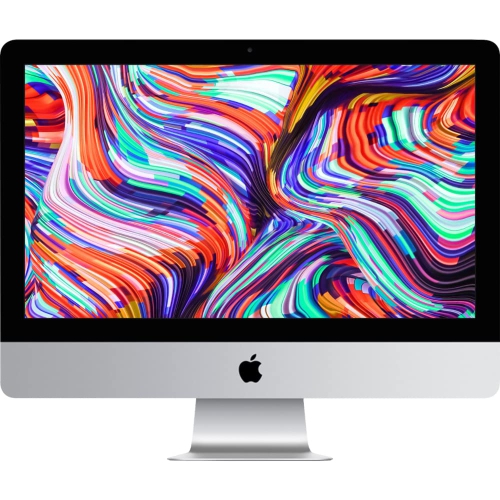
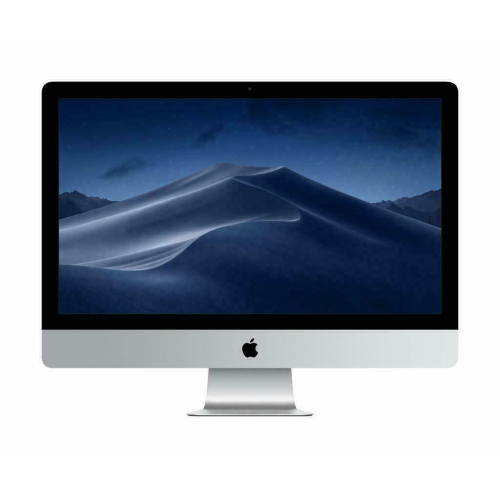
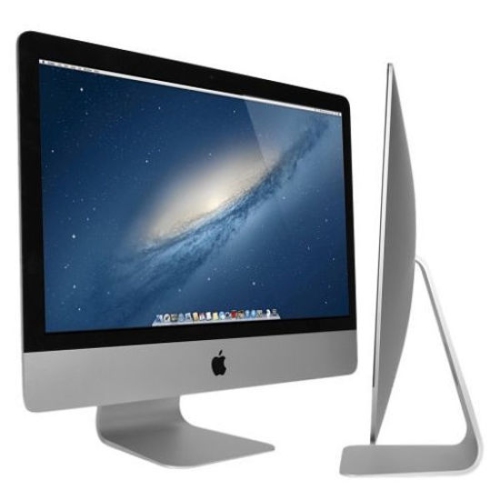
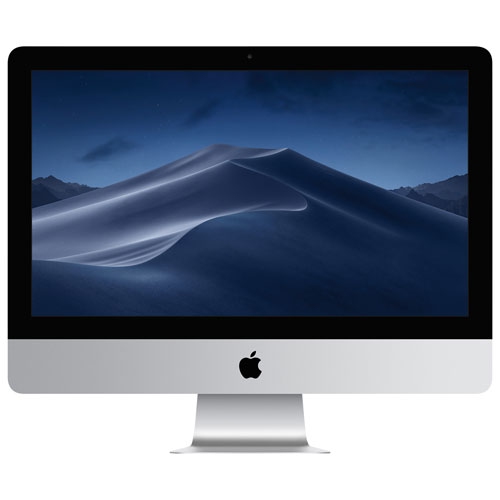
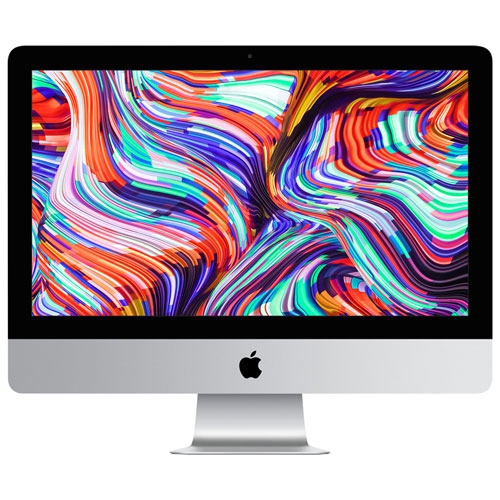
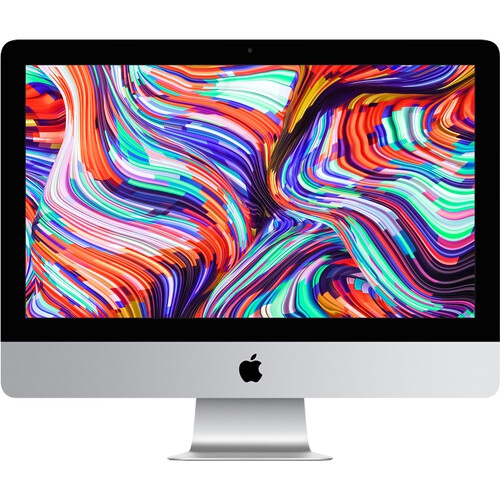
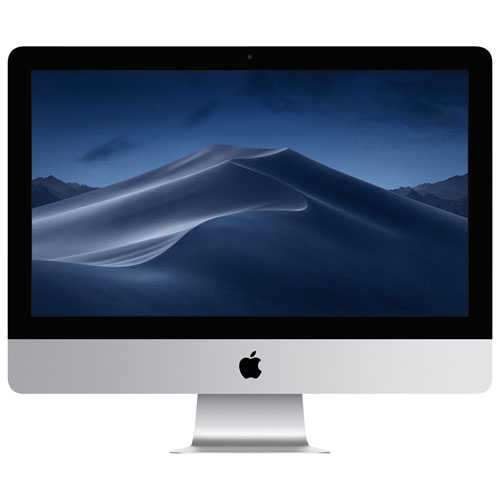
Processing power and memory have a noticeable effect on how an iMac 21.5-inch computer feels during day-to-day use. Available configurations may include Intel Core i3, i5, or i7 processors, with higher-tier processors generally offering more headroom for multitasking, larger spreadsheets, photo management, and demanding creative applications. Models with 8GB of RAM can handle common home, school, and office activities, including browsing with multiple tabs, video conferencing, document creation, and media playback. Configurations with 16GB of RAM may be a better match for users who regularly work with several programs at the same time or keep large photo libraries and project files open. Storage is another important consideration. Traditional hard drives can provide generous capacity for documents, downloads, and media, while Fusion Drive configurations combine different storage technologies. Solid state drives, commonly called SSDs, are designed to provide faster startup and loading times, which can make a computer feel more responsive when opening applications or moving between tasks. Think about the way files are handled in real life: a student may need space for presentations, research, and recorded lectures; a remote worker may store spreadsheets, client documents, and video-call software; and a family computer may hold photos, downloaded movies, recipes, and schoolwork for several people. Checking the storage capacity and drive type can help prevent the frustration of running out of space or waiting longer than expected for programs to open. Because many 21.5-inch configurations come from different release years, reviewing the exact specifications is essential, particularly when a computer will be used with newer software, accessories, or peripherals.
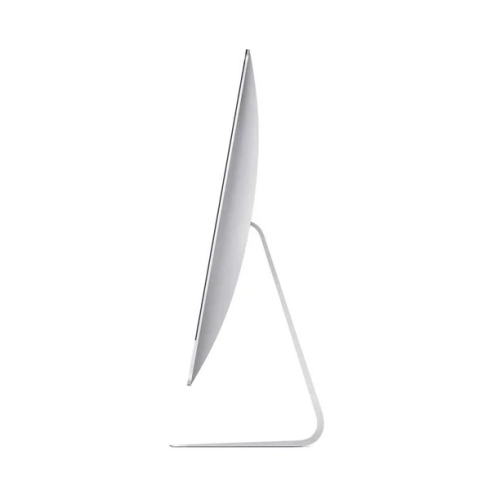
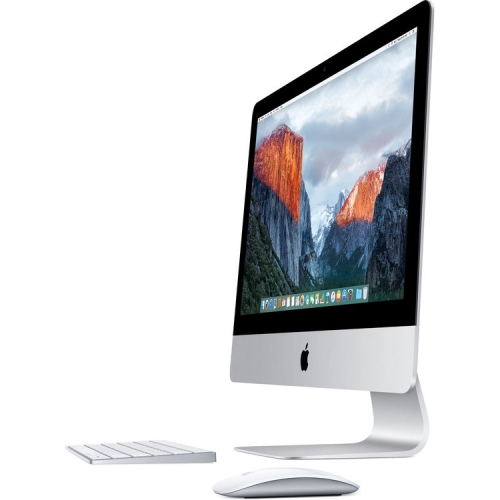
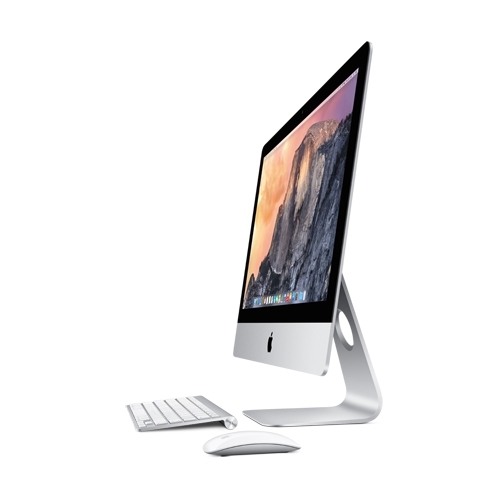
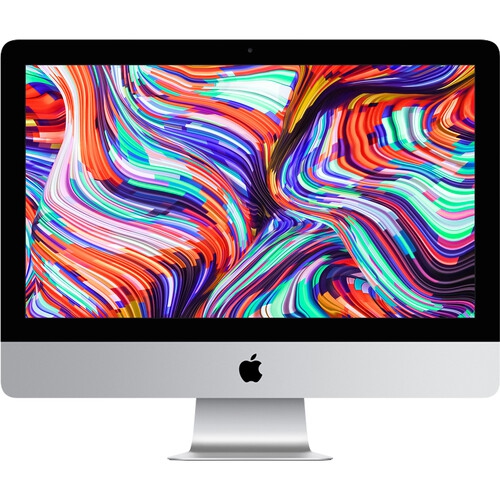
Connectivity can also shape how well an iMac 21.5-inch computer fits into a particular room or routine. Depending on the configuration, available connections may include USB-A ports for familiar accessories, Thunderbolt 3 ports using USB-C for compatible displays and high-speed devices, an SDXC card slot for transferring photos, and Gigabit Ethernet for a wired internet connection. These ports can be useful for connecting an external drive, printer, camera, wired network, headphones, or other desktop equipment without relying on a collection of adapters. A photographer might appreciate an SDXC card slot for moving images from a camera, while someone working from home may prefer a wired Ethernet connection for a steady network link during large downloads or video meetings. The built-in display and all-in-one design also make it a practical choice for someone who wants a ready-made workspace without separately matching a monitor, computer tower, speakers, and cables. It can be a thoughtful gift for a student setting up a study area, a family member who needs a dependable computer for communication and organization, or a creative hobbyist who wants a larger canvas for photos and projects. During the cooler months, when more time may be spent indoors, a dedicated desktop can support online classes, personal budgeting, recipe browsing, digital photo sorting, and relaxed entertainment from one comfortable location. Before choosing, confirm the condition, release year, processor generation, memory, storage, operating system support, ports, included keyboard and mouse, and return or warranty details where applicable. Shoppers comparing older configurations with newer desktop options can also browse Apple New iMac to consider how current features and connectivity may differ. With the right balance of display quality, performance, storage, and connections, an iMac 21.5-inch computer can serve as an uncluttered centre for work, learning, creativity, and everyday digital tasks.
Top selling and popular products
-
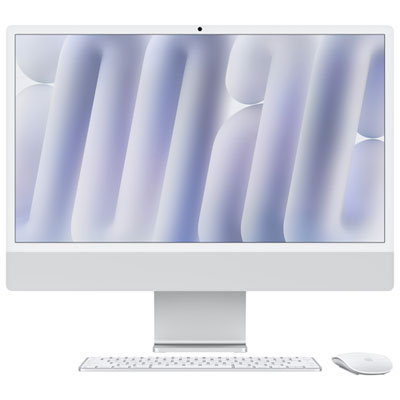 Your price for this item is $2099.99
 -
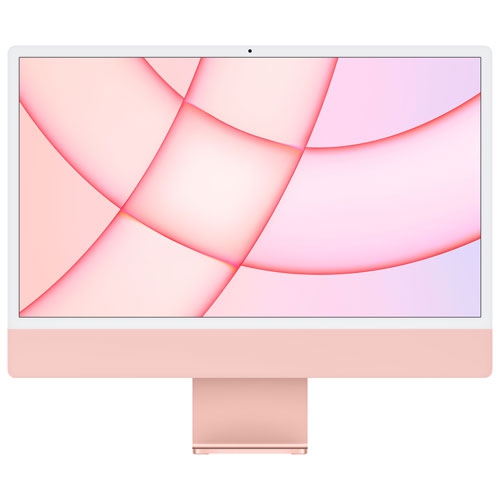 Your price for this item is $1529.97
 -
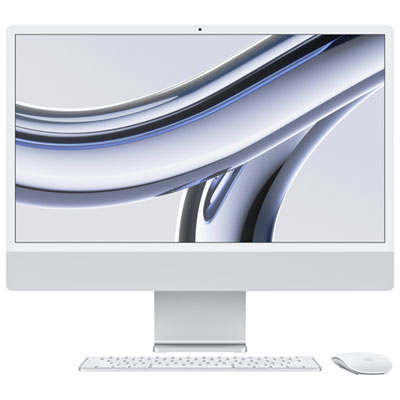 Your price for this item is $1799.99
 -
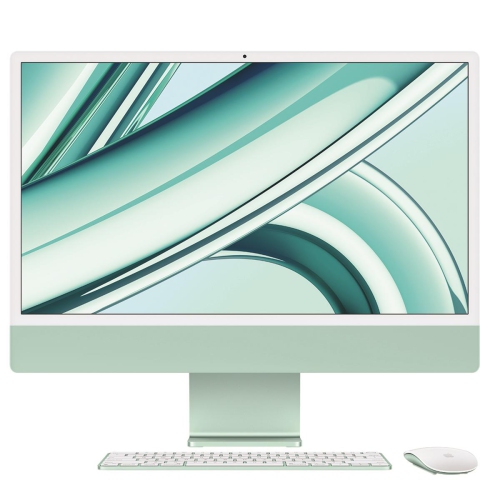 Your price for this item is $1804.05
 -
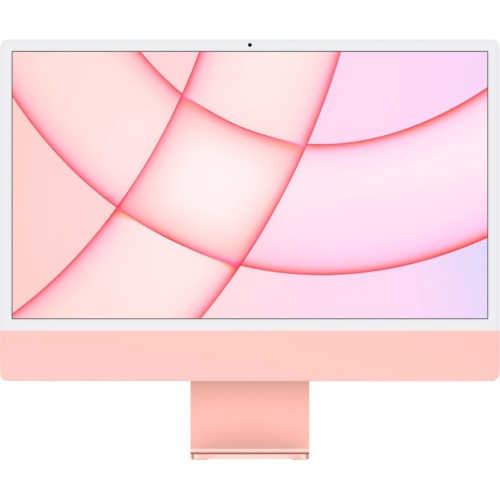 Your price for this item is $1299
 -
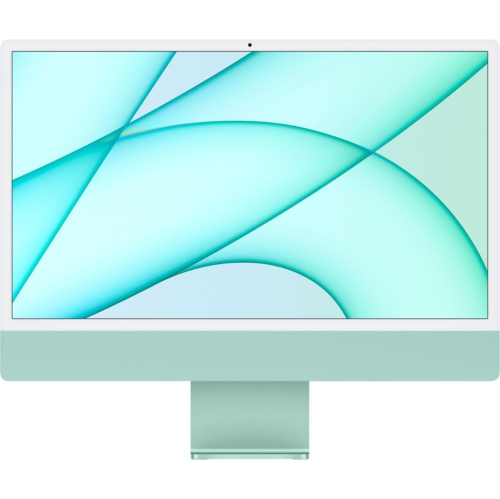 Your price for this item is $1499
 -
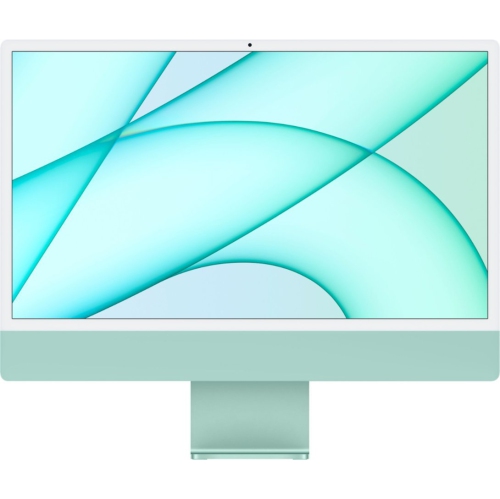 Your price for this item is $1199
 -
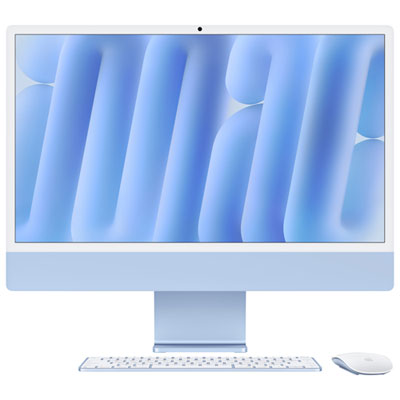 Your price for this item is $2299.99